AI model selection screen examples
AI model selection screen design examples from SaaS apps. Browse examples from Magnific, Flora, Elevenlabs.
Explore the examples
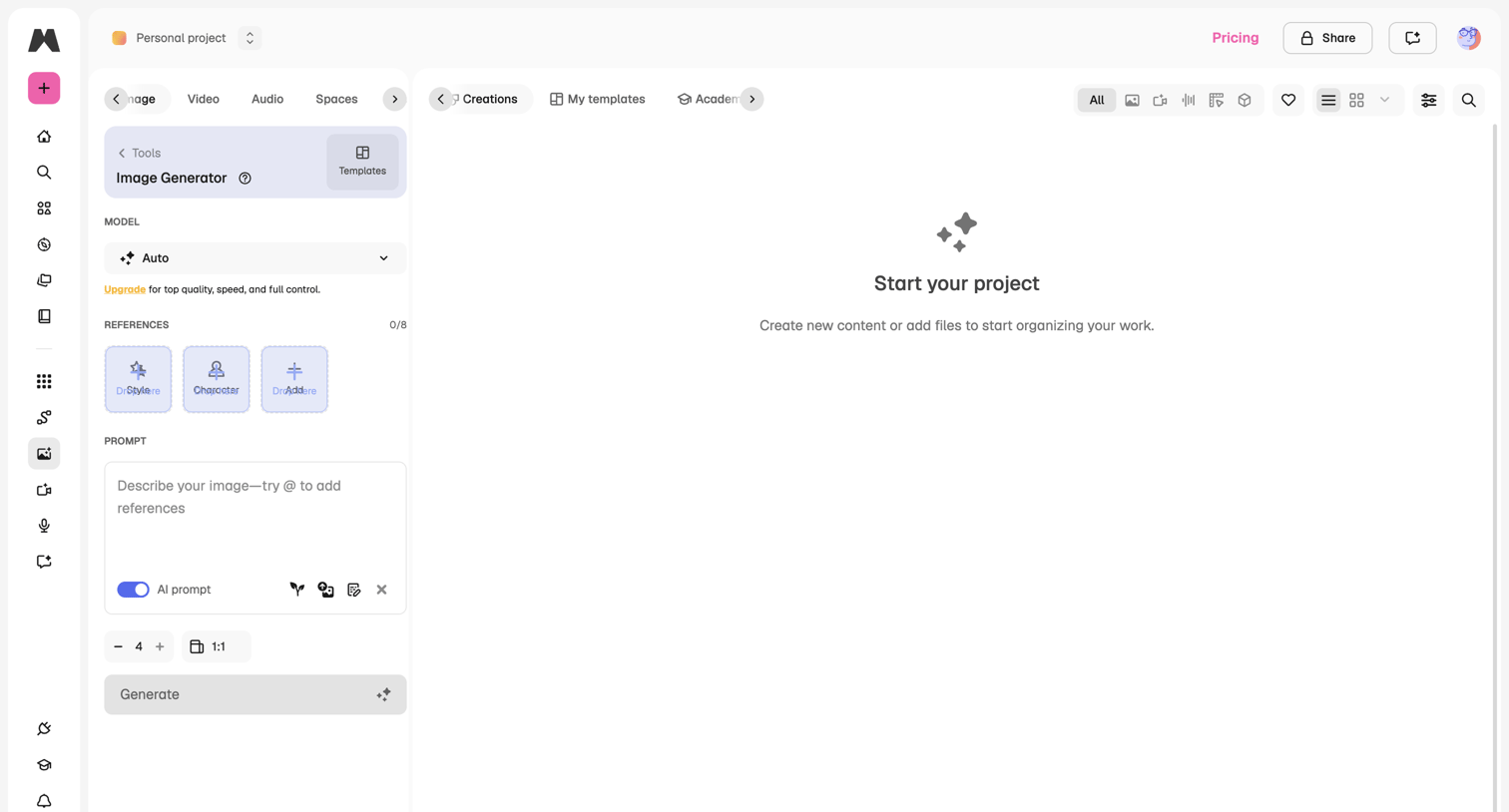

AI image generation workspace where the user configures a prompt, selects a model, and uploads references to start a new project.
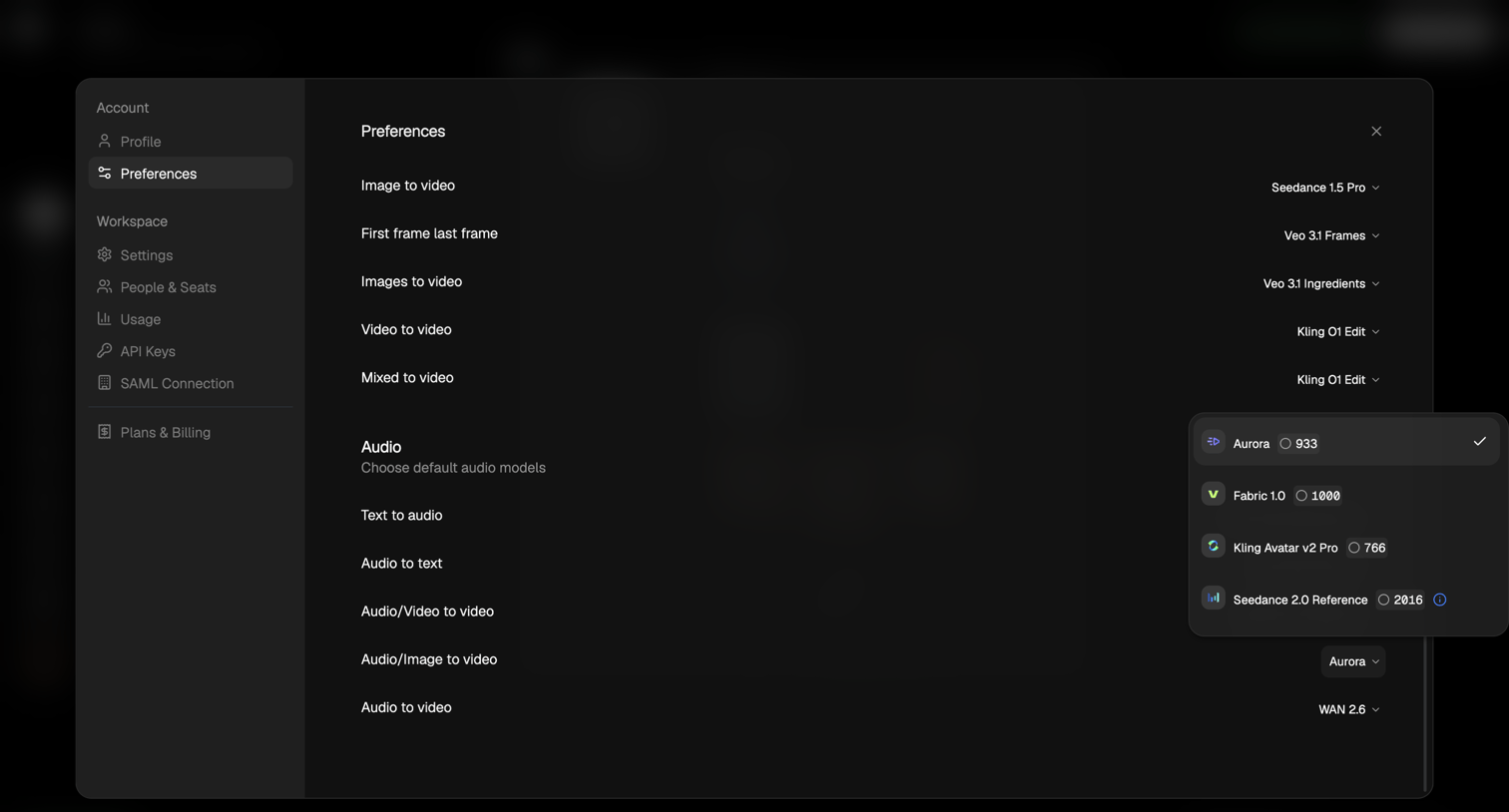

Settings modal where the user configures default AI models for various video and audio generation tasks.
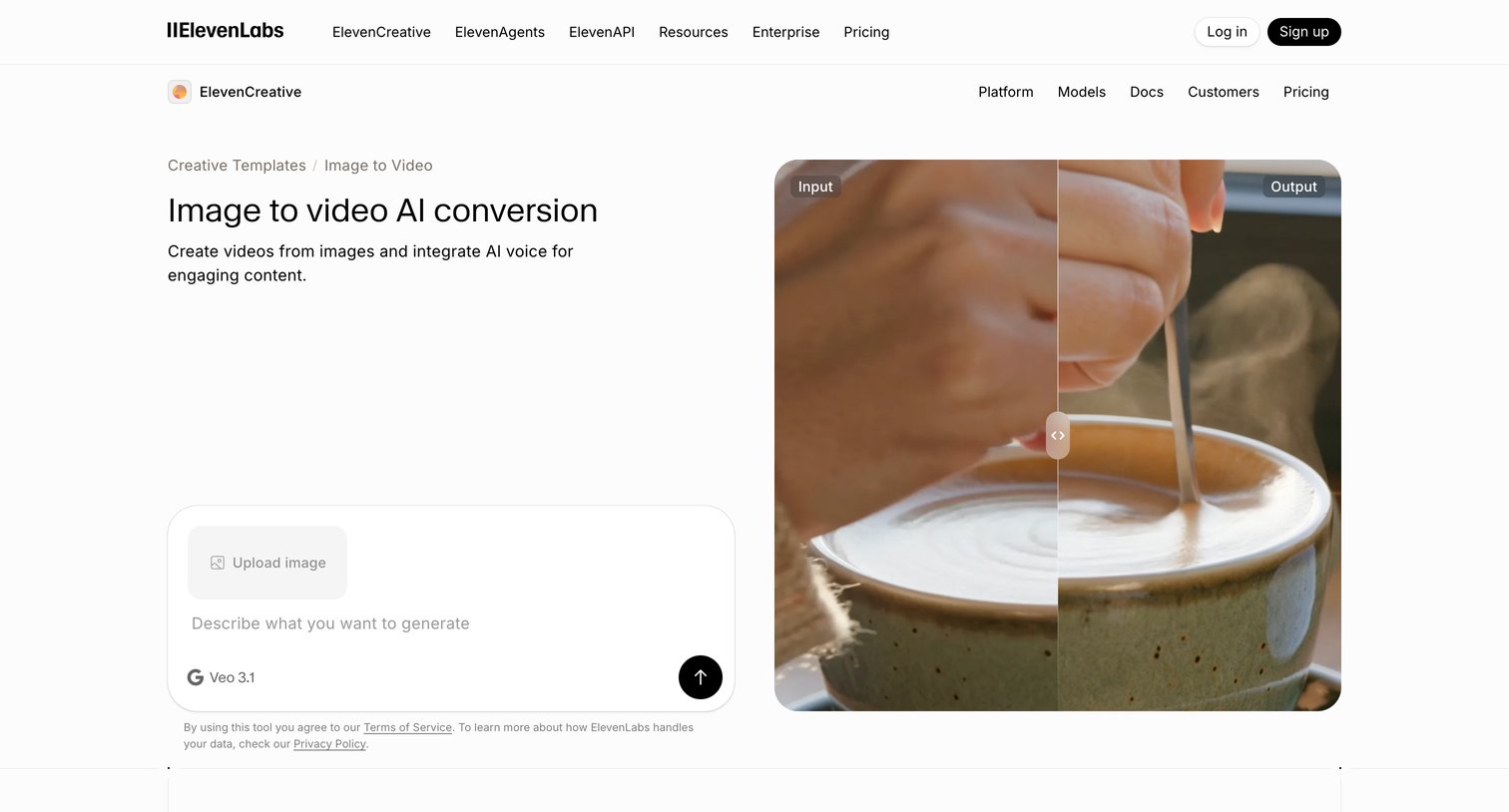

Feature page explaining the image to video AI conversion tool, showcasing user creations, explaining the generation steps, and providing an interactive prompt input to start generating.
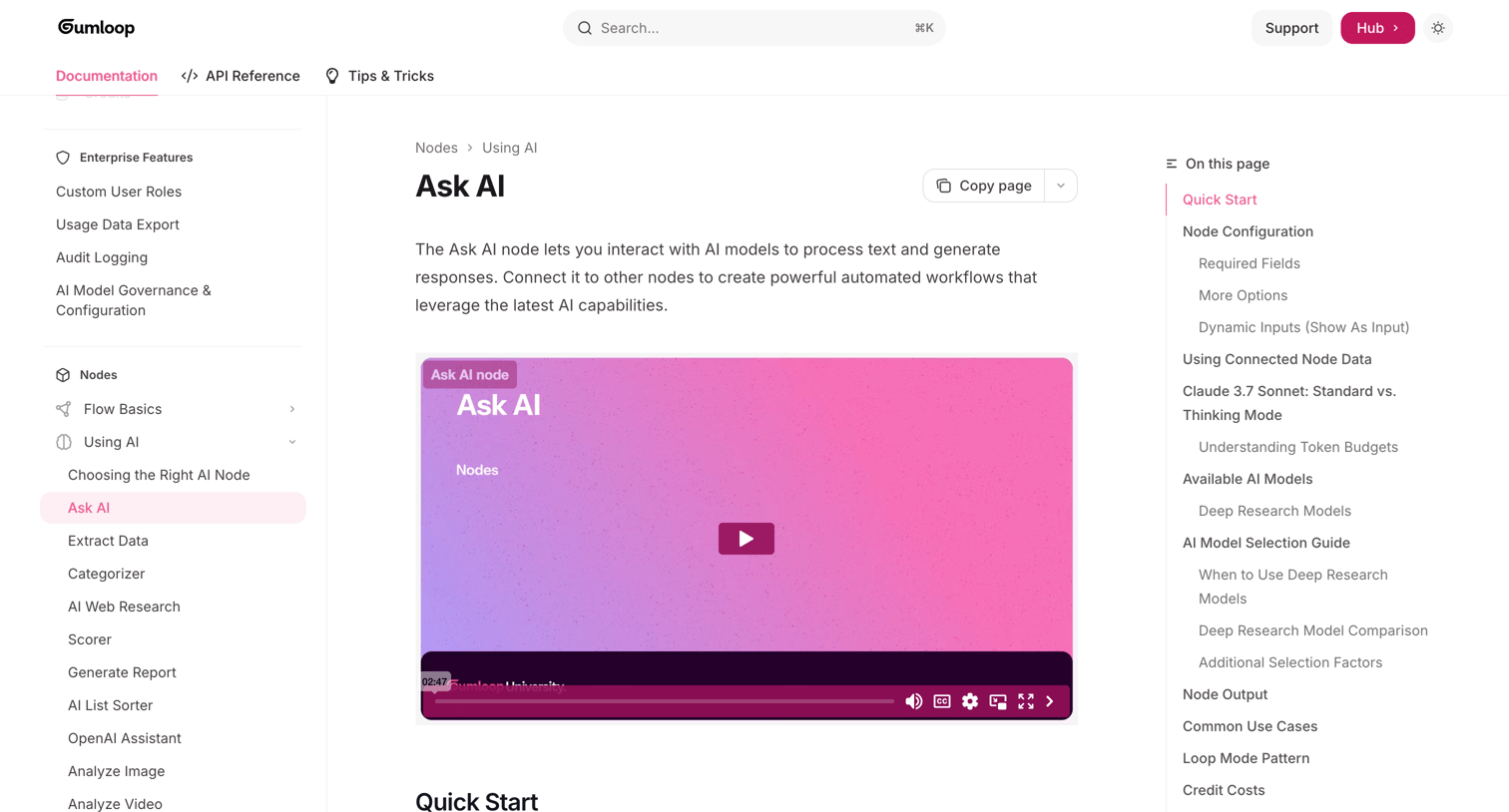

Documentation article explaining how to configure and use the Ask AI node, including model selection, token budgets, and dynamic inputs.
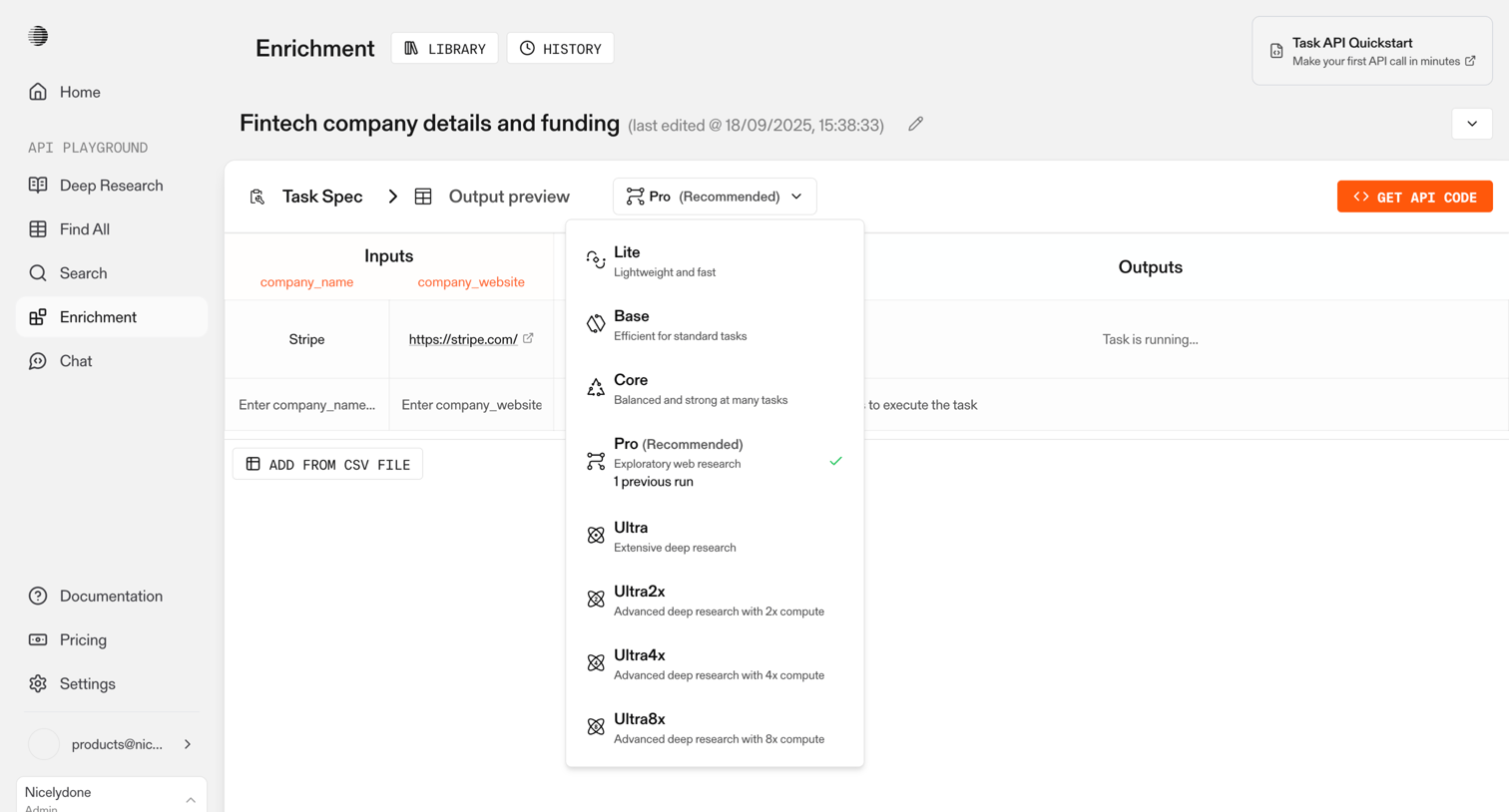

Detail page where the user configures inputs for a fintech enrichment task, selects an AI model tier, and waits for the output to generate.
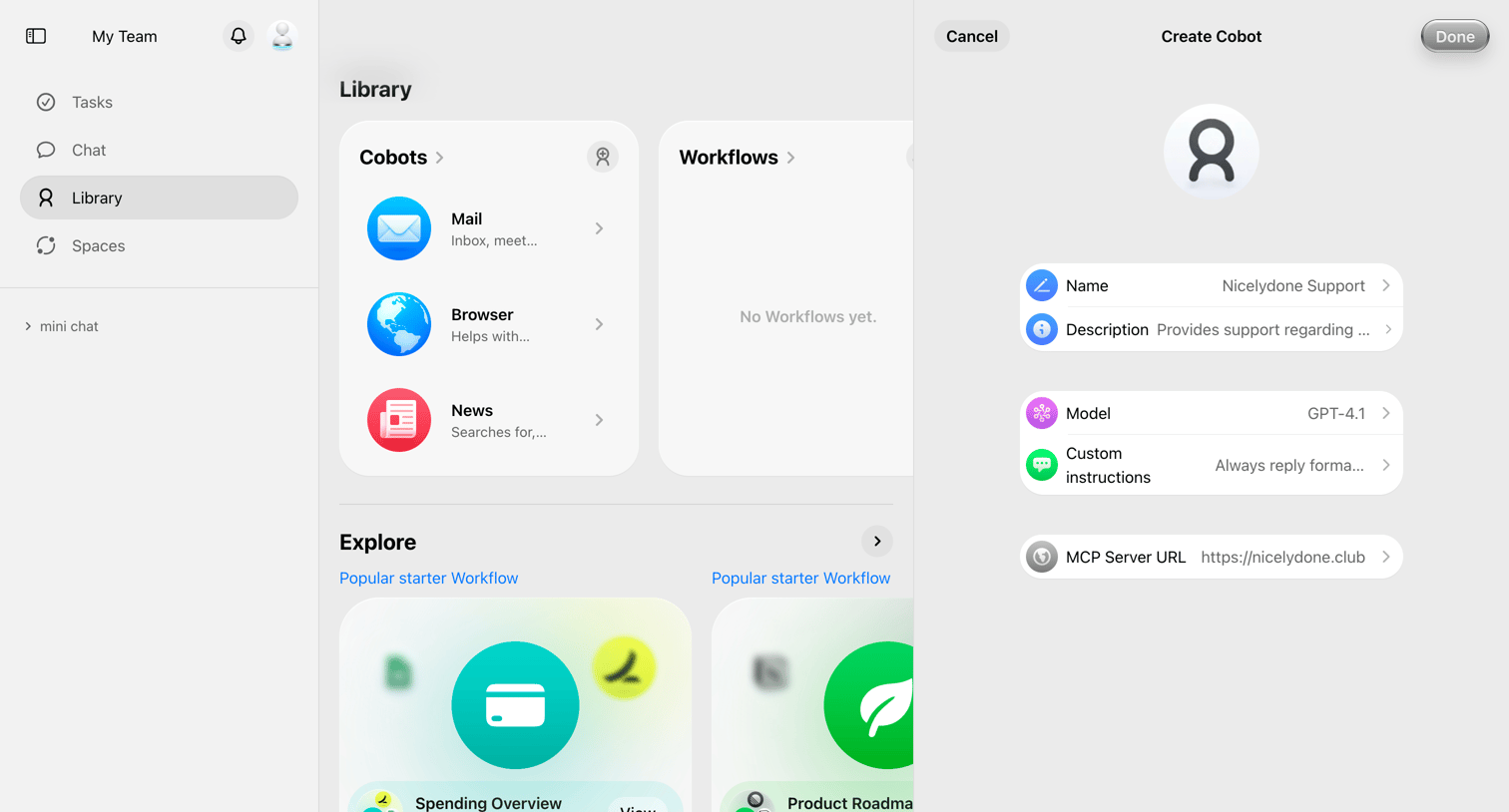

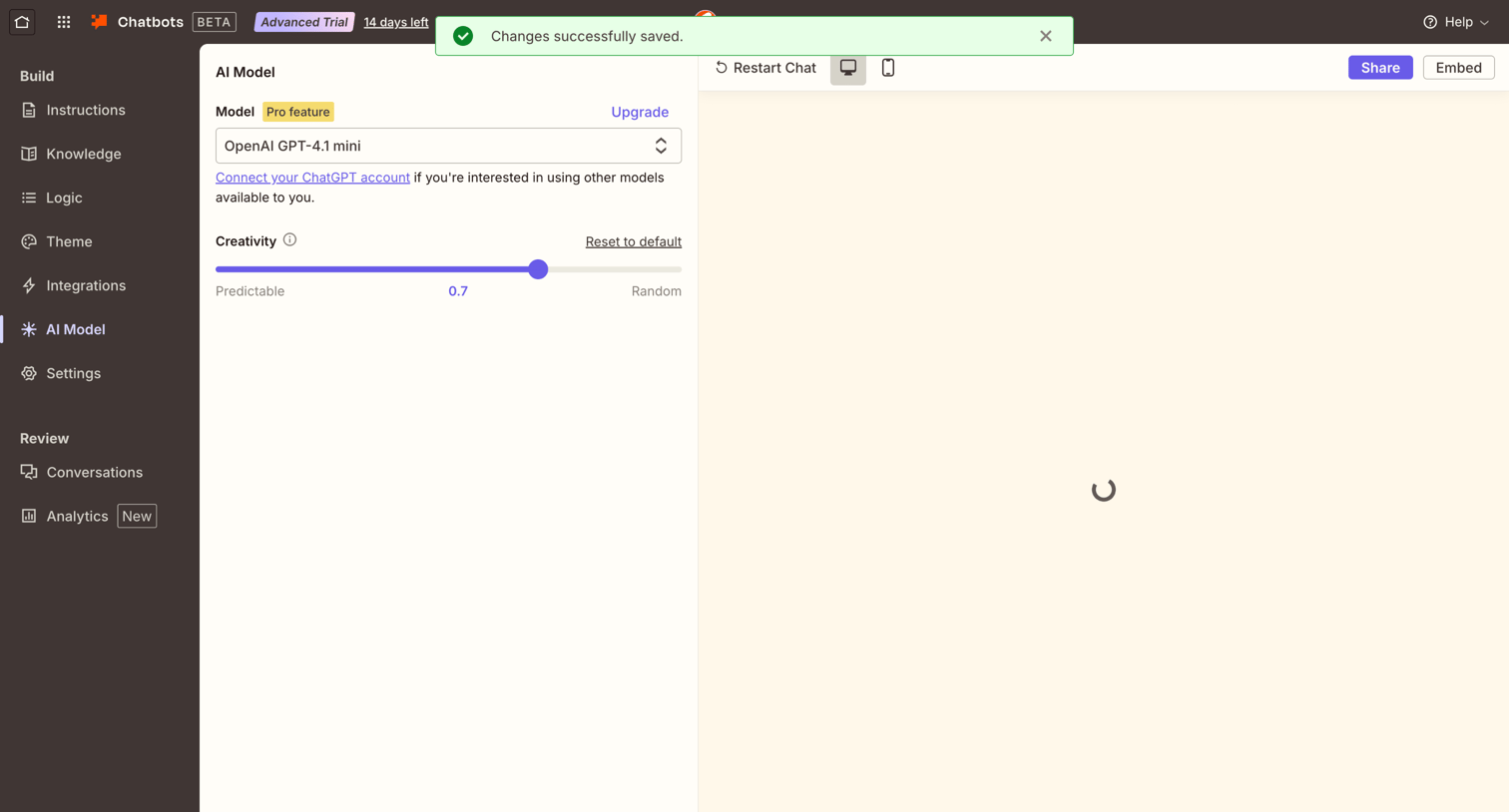

Settings page where the user configures the AI model and creativity level for their chatbot, alongside a live preview.
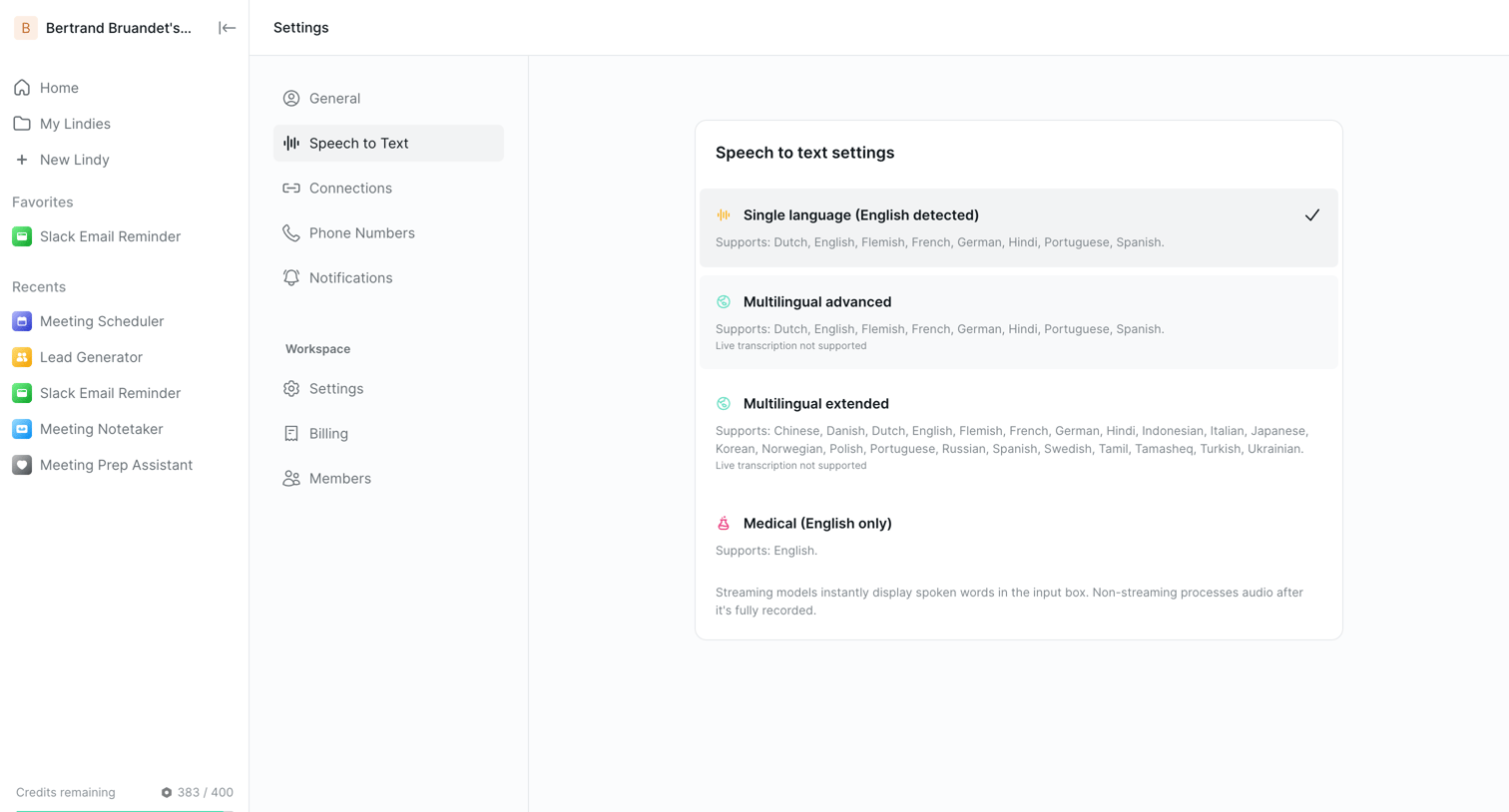

Settings page where the user configures the speech-to-text model, choosing between single language, multilingual, and medical options.
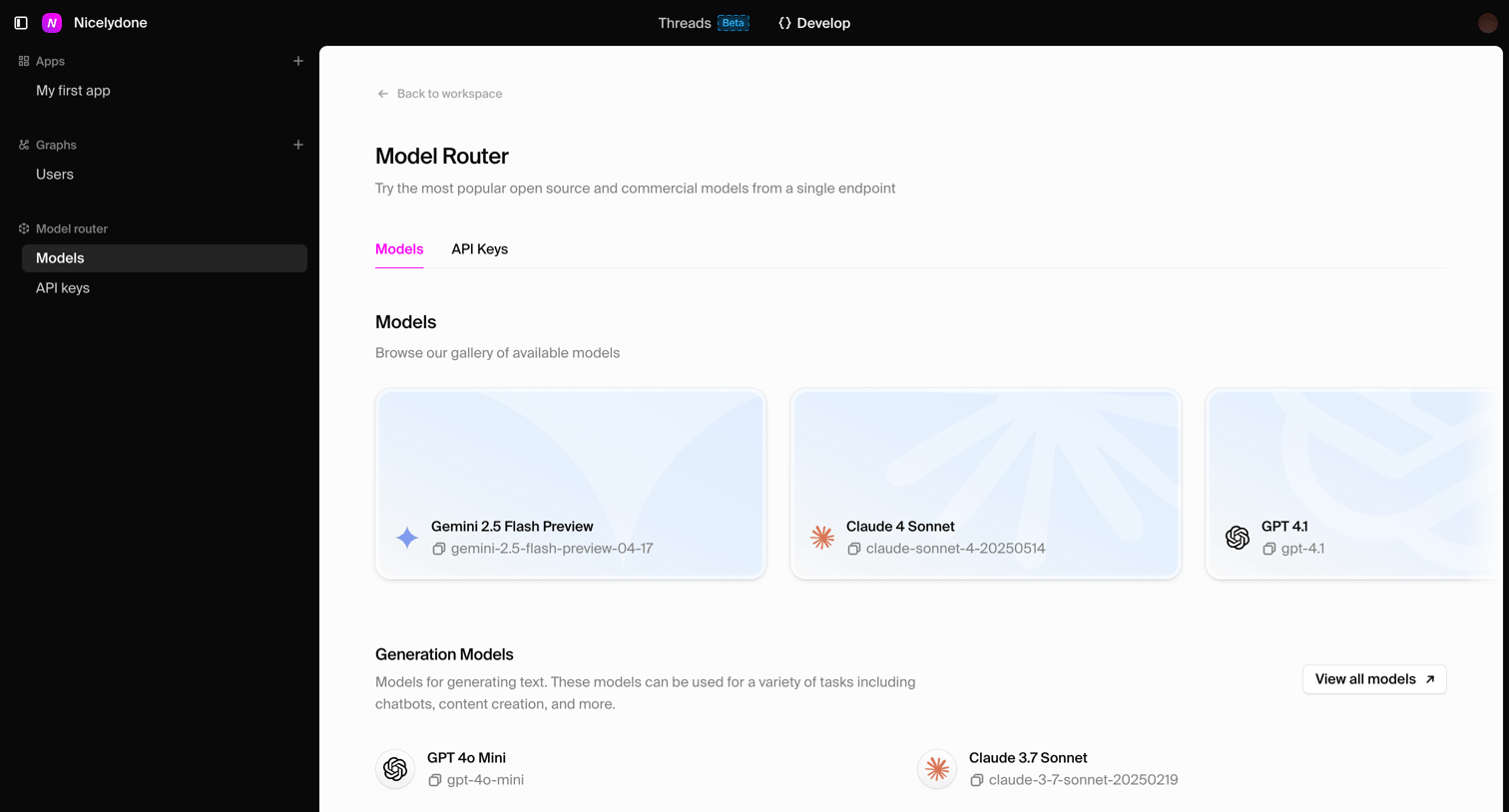

List view where the user browses and selects from a gallery of available AI models like Gemini, Claude, and GPT.
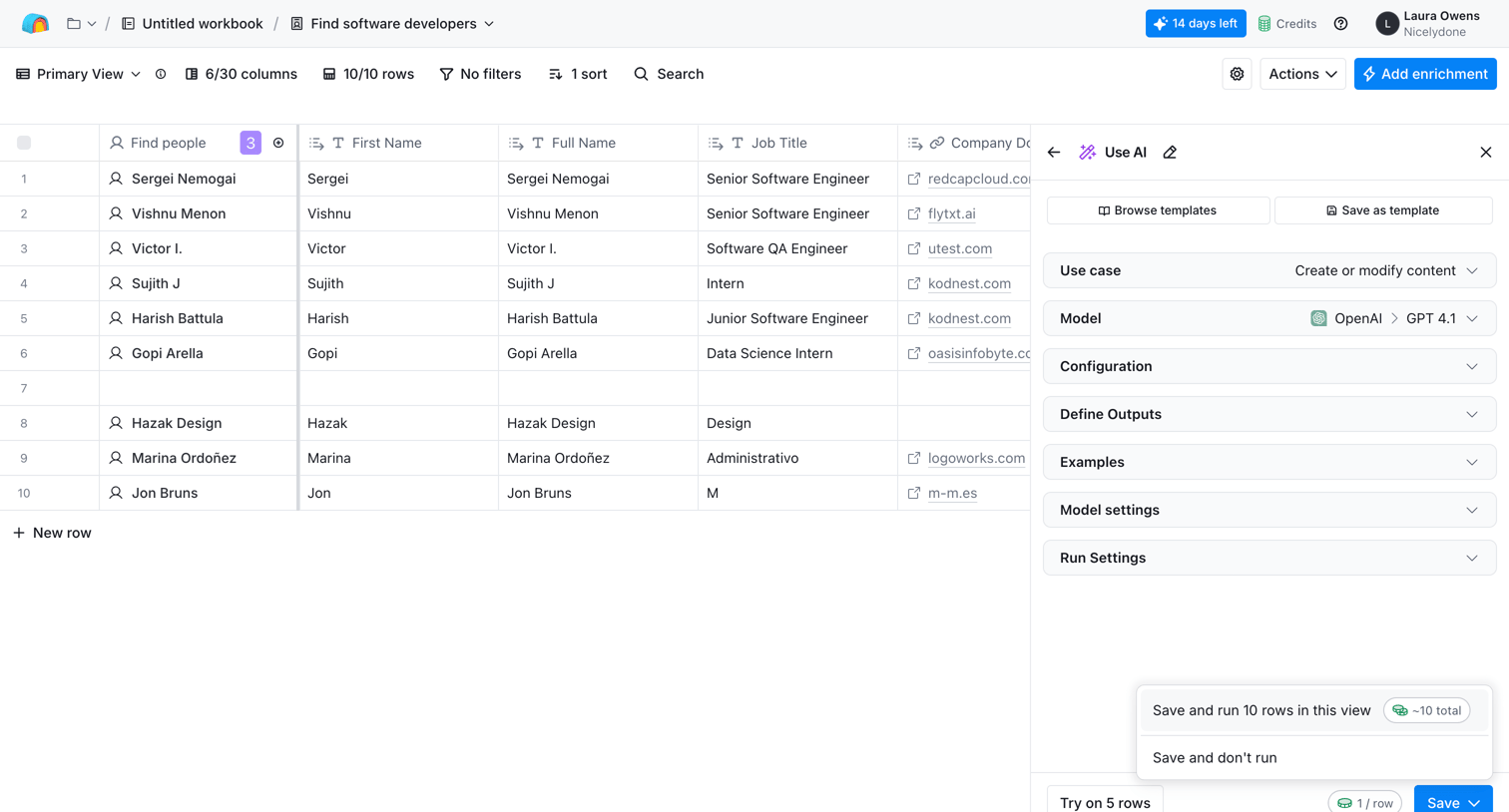

List view where the user configures an AI model to enrich a data table of software developers with new columns.
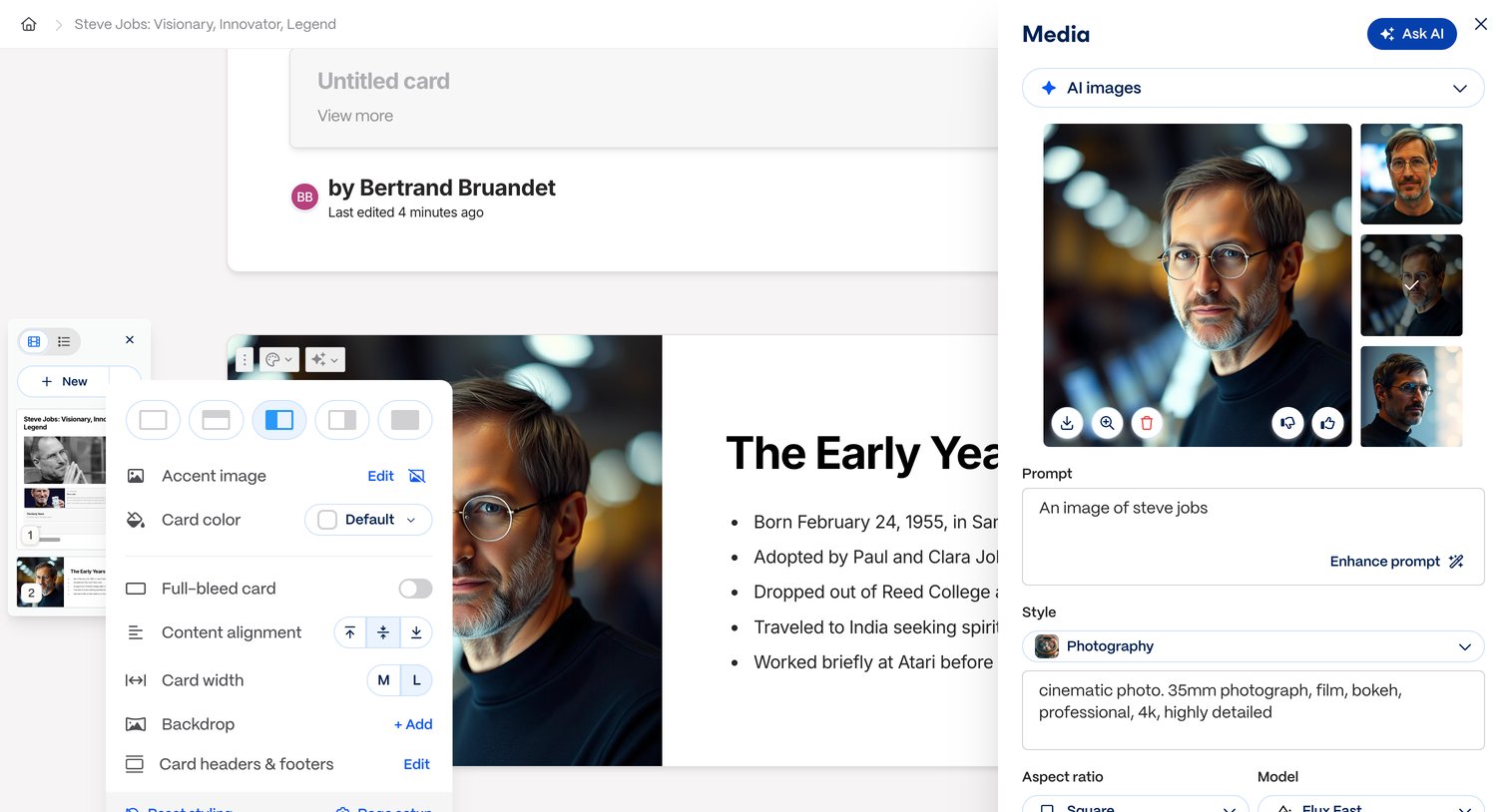

Design editor where the user configures card layout options via a styling popover and generates AI images using a dedicated media sidebar.
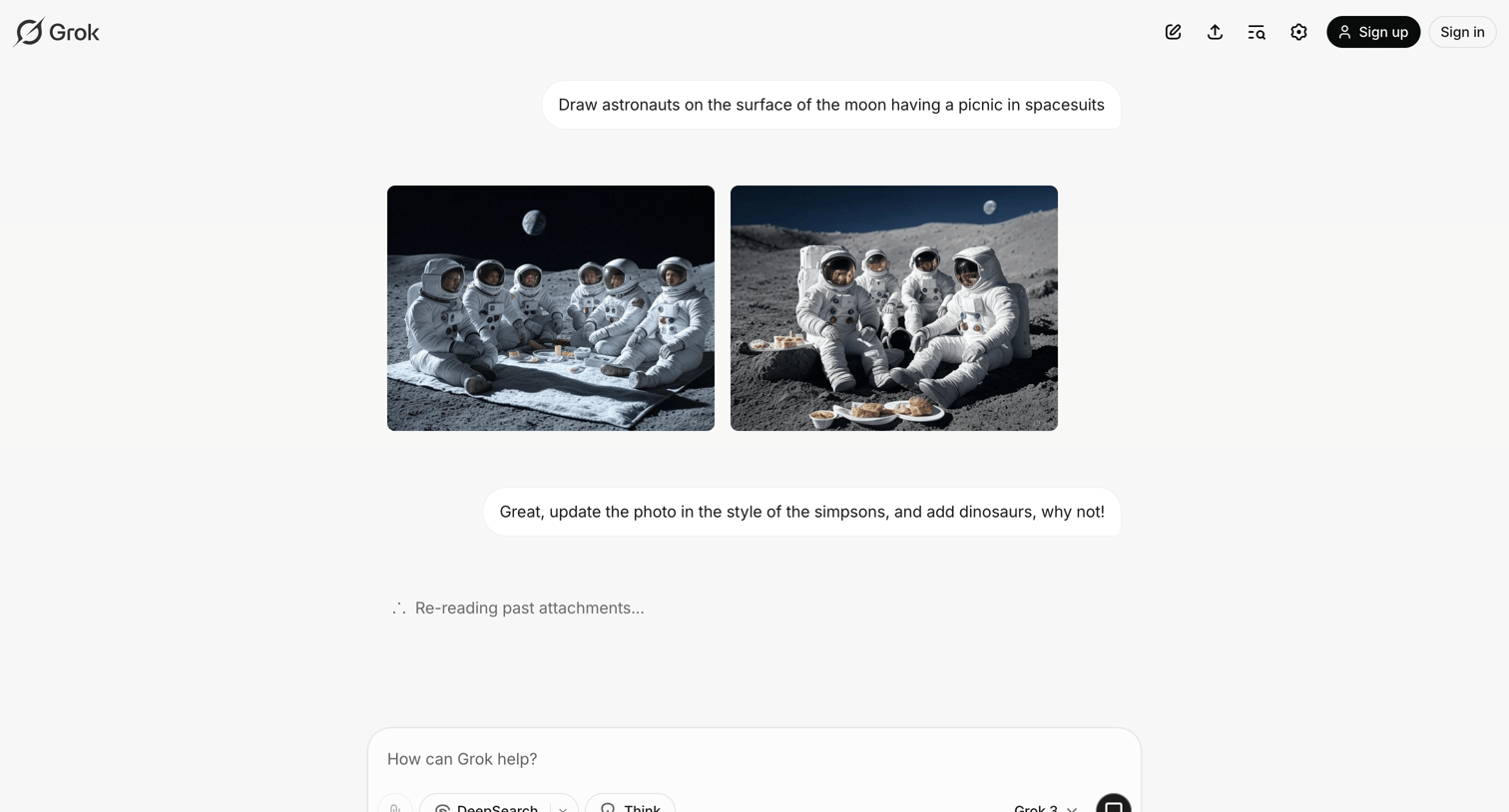

AI chat interface where the user prompts Grok to generate and iterate on images of astronauts having a picnic on the moon.
Explore the full SaaS screen library
Upgrade to unlock the full library.
Trusted by the best teams







