Ai chat screen examples
Ai chat screen design examples from SaaS apps. See how apps structure conversations with AI. Browse layouts for message history, prompt entry, and responses, with attention to how people continue a…
Explore the examples
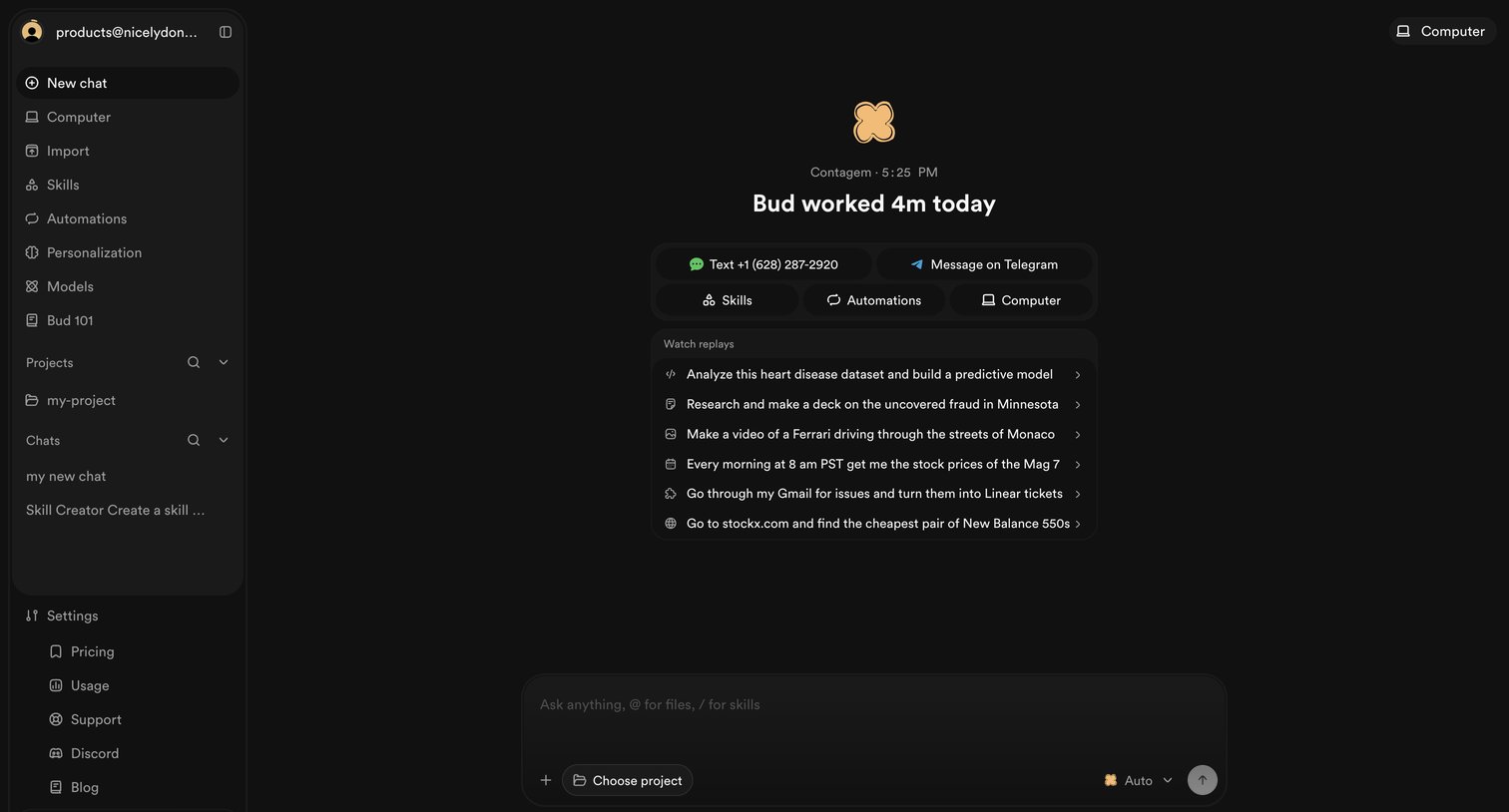

AI chat start screen where the user can pick a project, view recent agent replays, or start a new conversation.
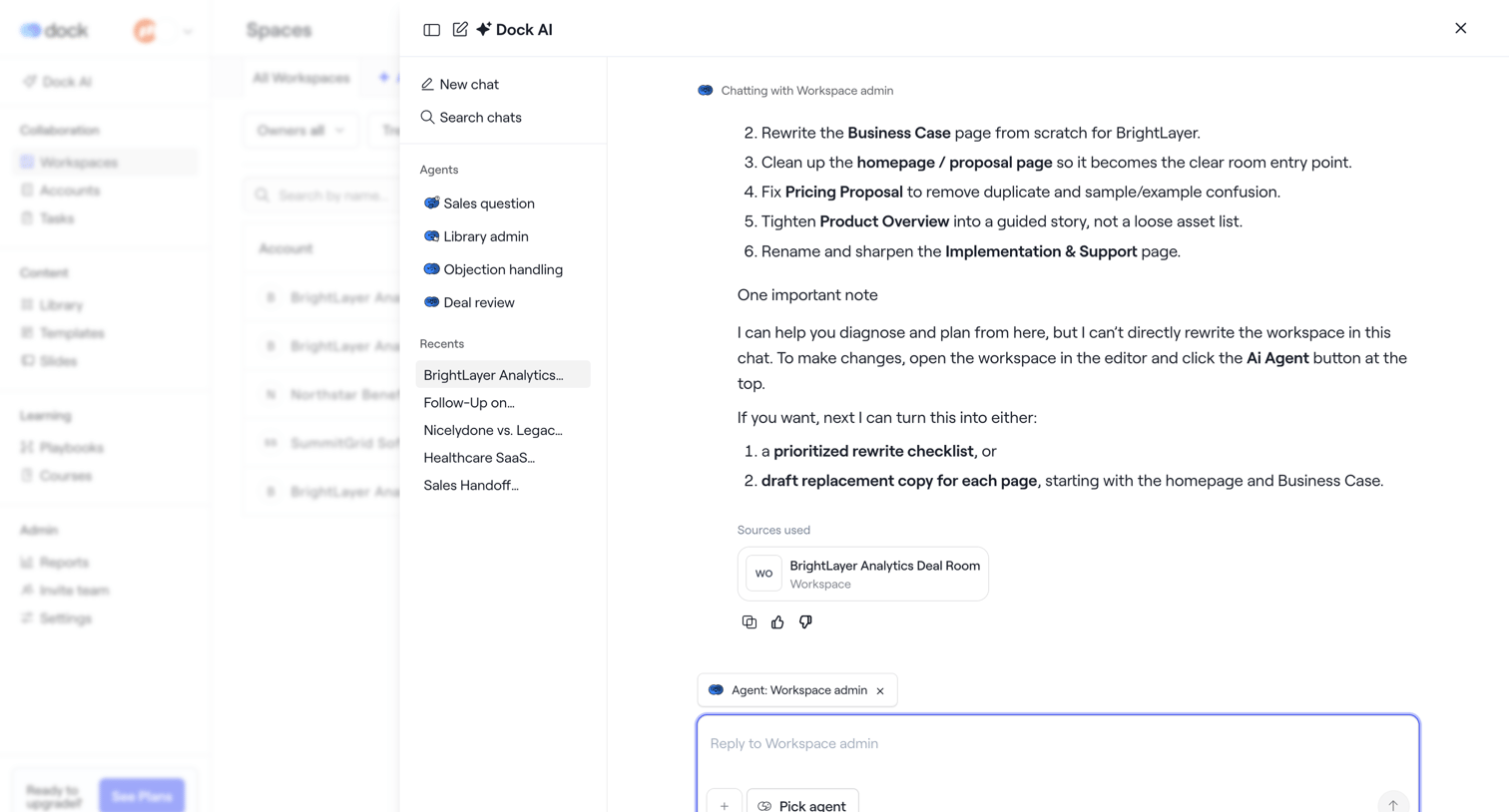

AI chat drawer where the user interacts with a workspace agent to rewrite documents and plan deal room content.
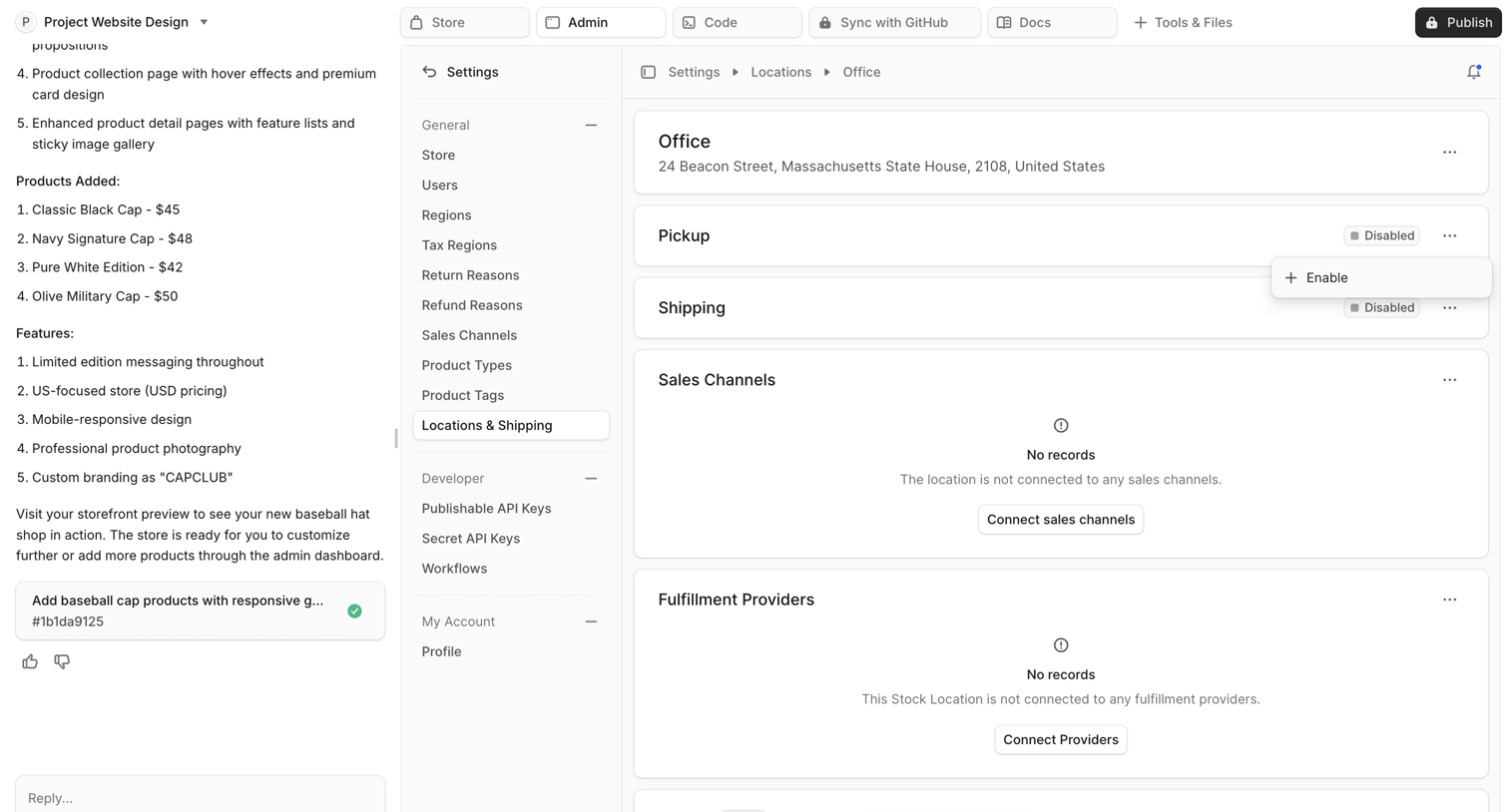

AI chat interface where the user reviews a generated store settings page for locations and shipping.
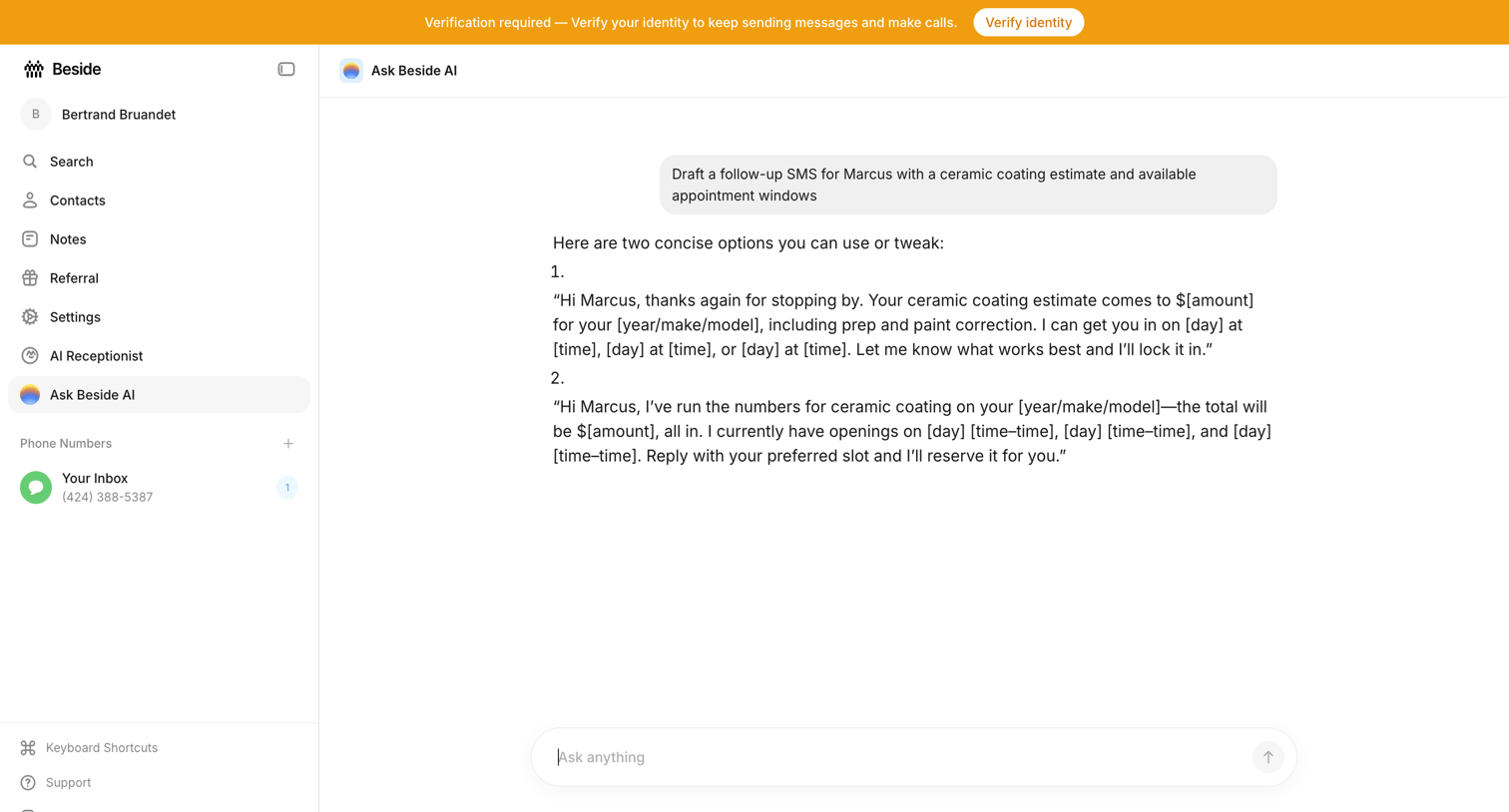

AI chat interface where the user asks the assistant to draft a follow-up SMS with a ceramic coating estimate.
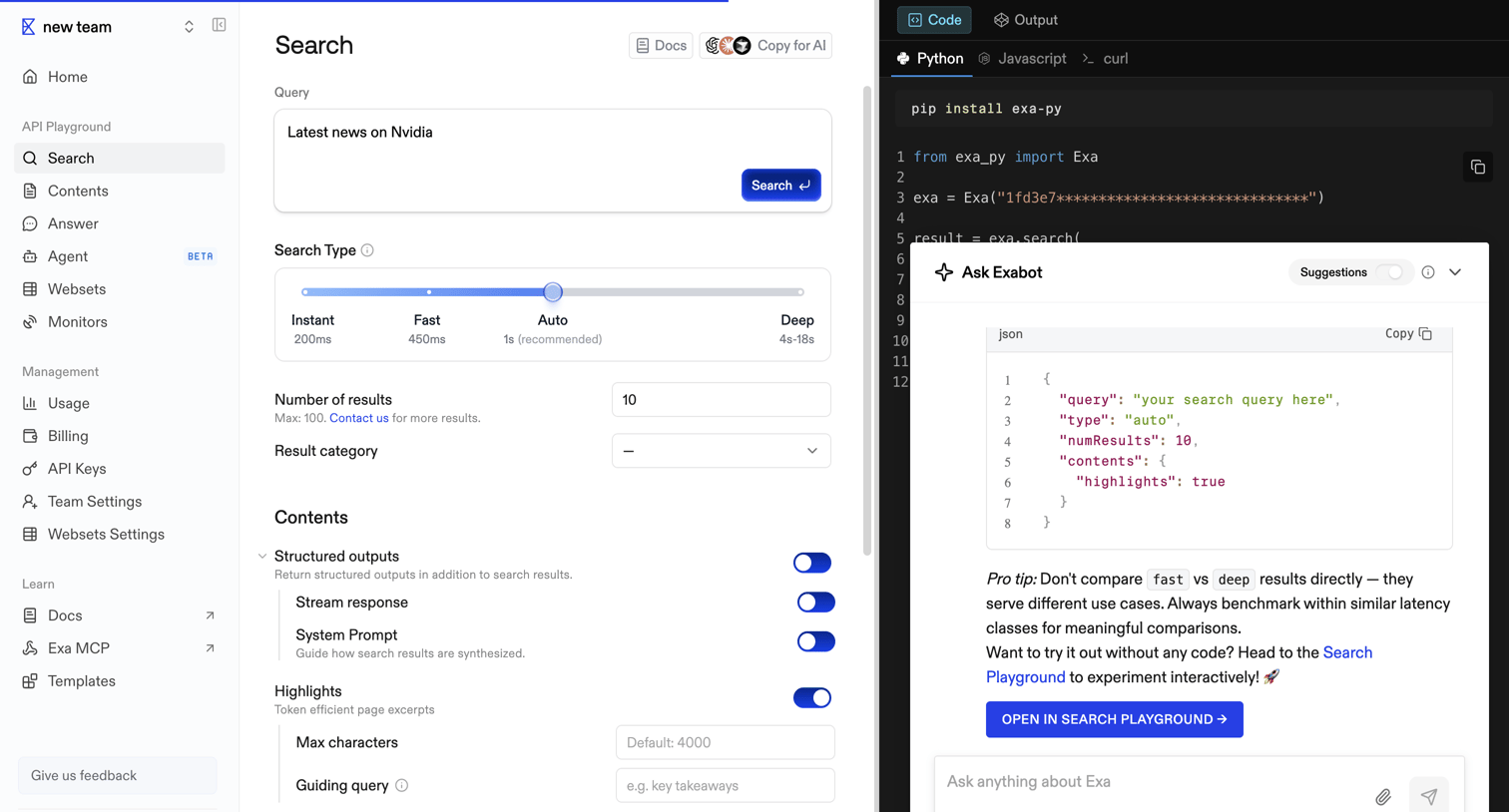

API playground where the user configures a search query with parameters like search type, number of results, and structured outputs, while viewing the corresponding Python code and interacting with an AI assistant.
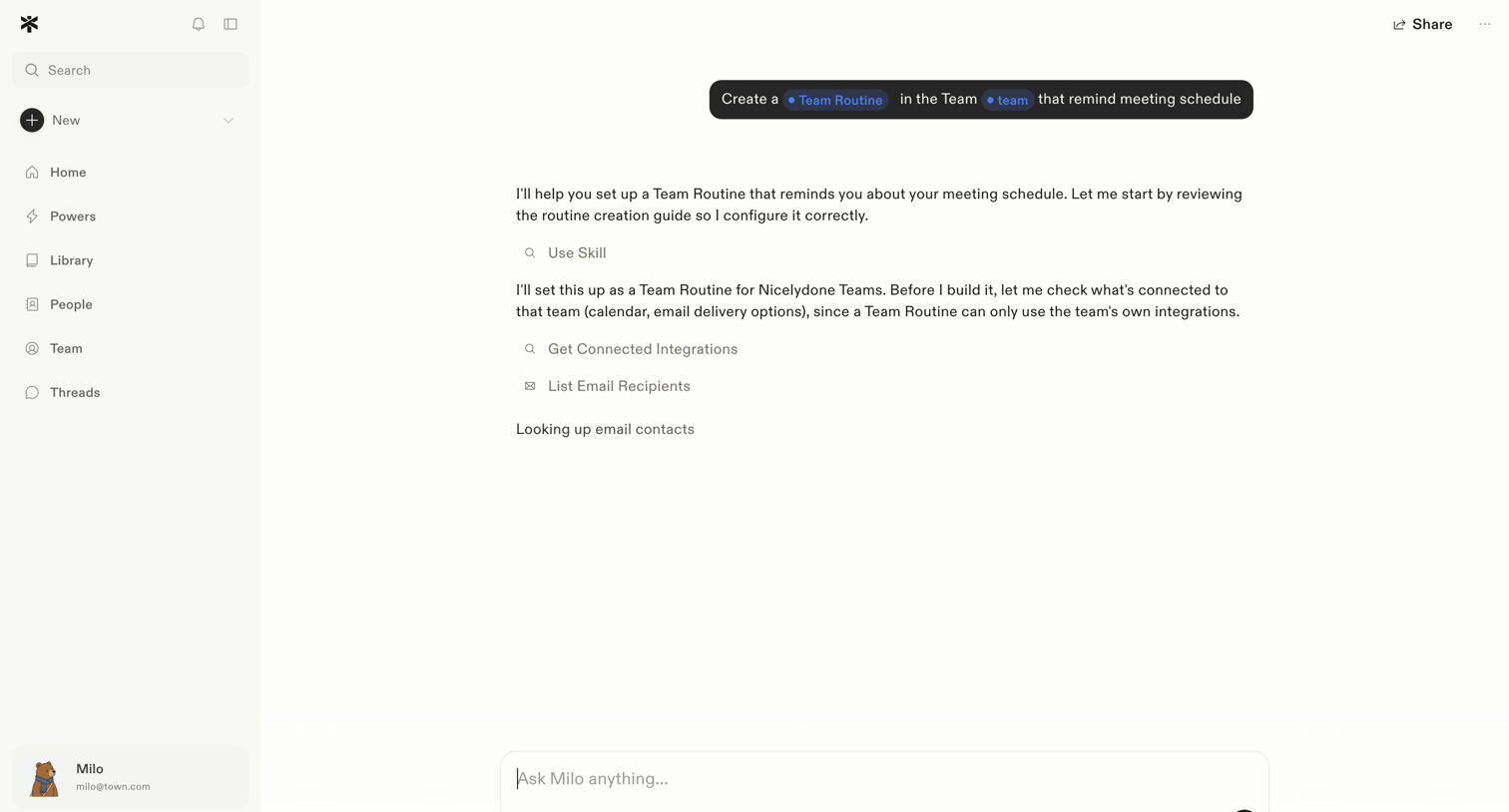

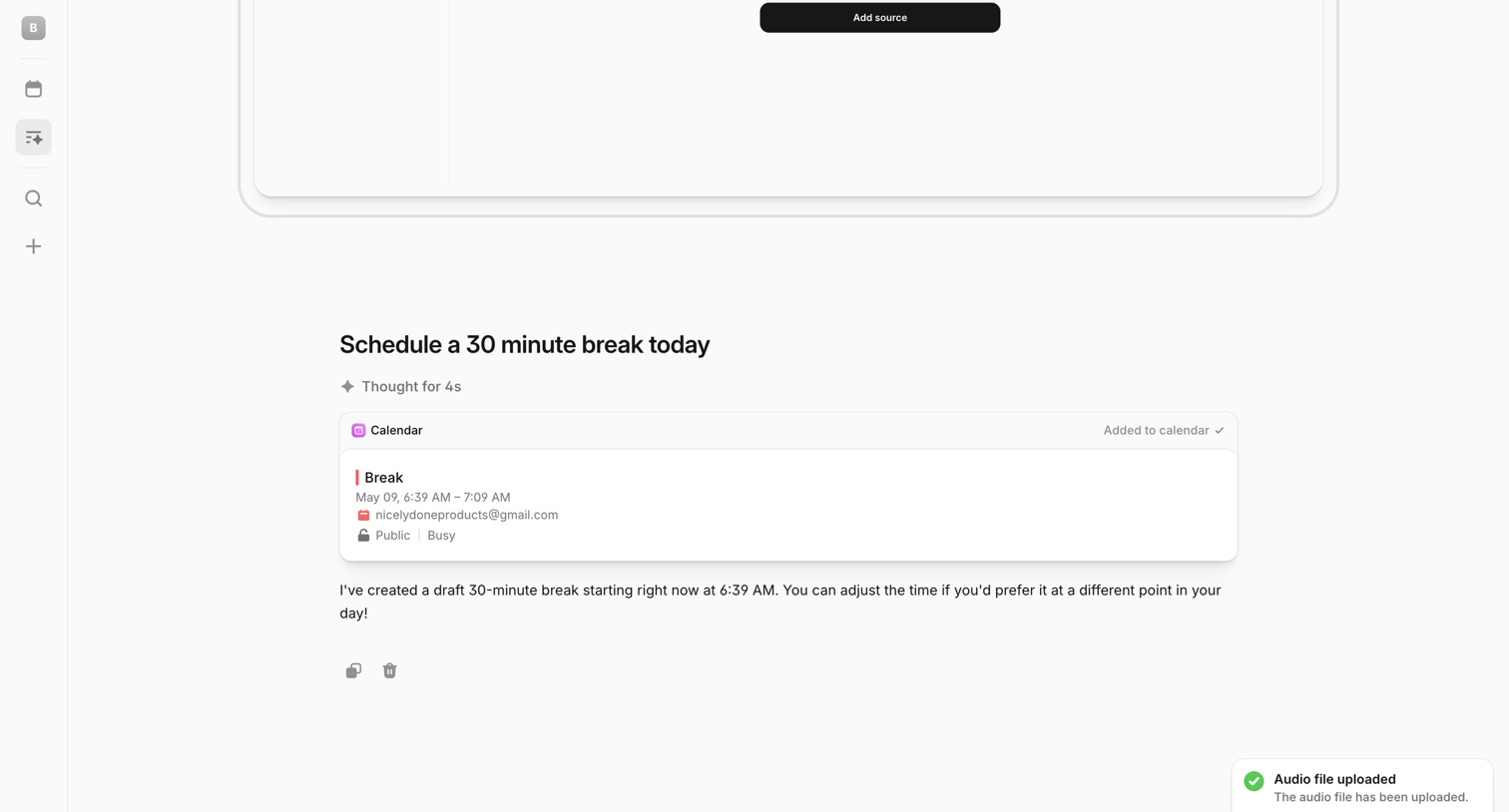

AI chat interface where the user has requested to schedule a break, showing the AI's drafted calendar event card, a reasoning indicator, and a bottom composer with a success toast notification.
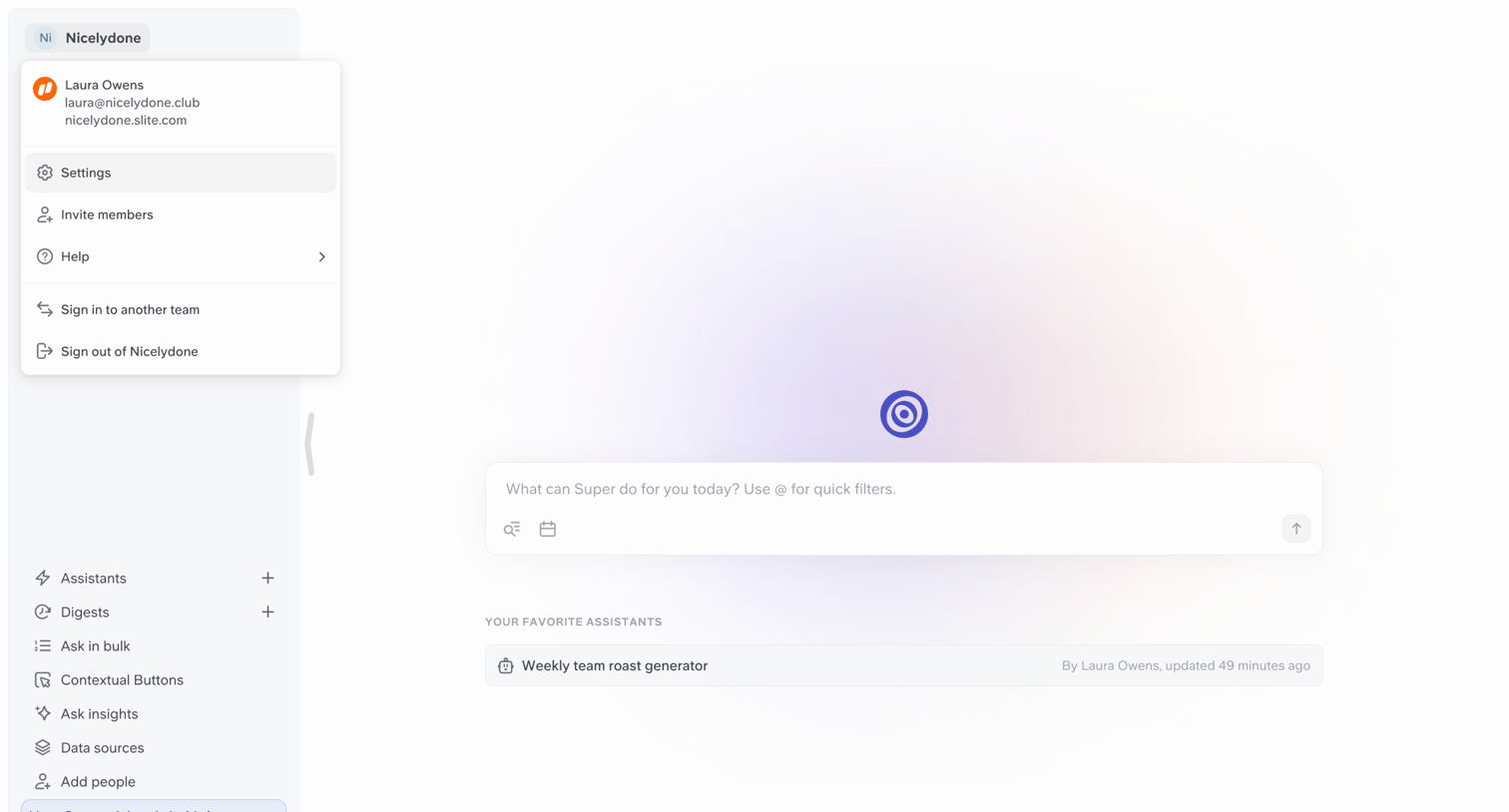

AI assistant home screen where the user can enter a prompt or select a favorite assistant like the weekly team roast generator.
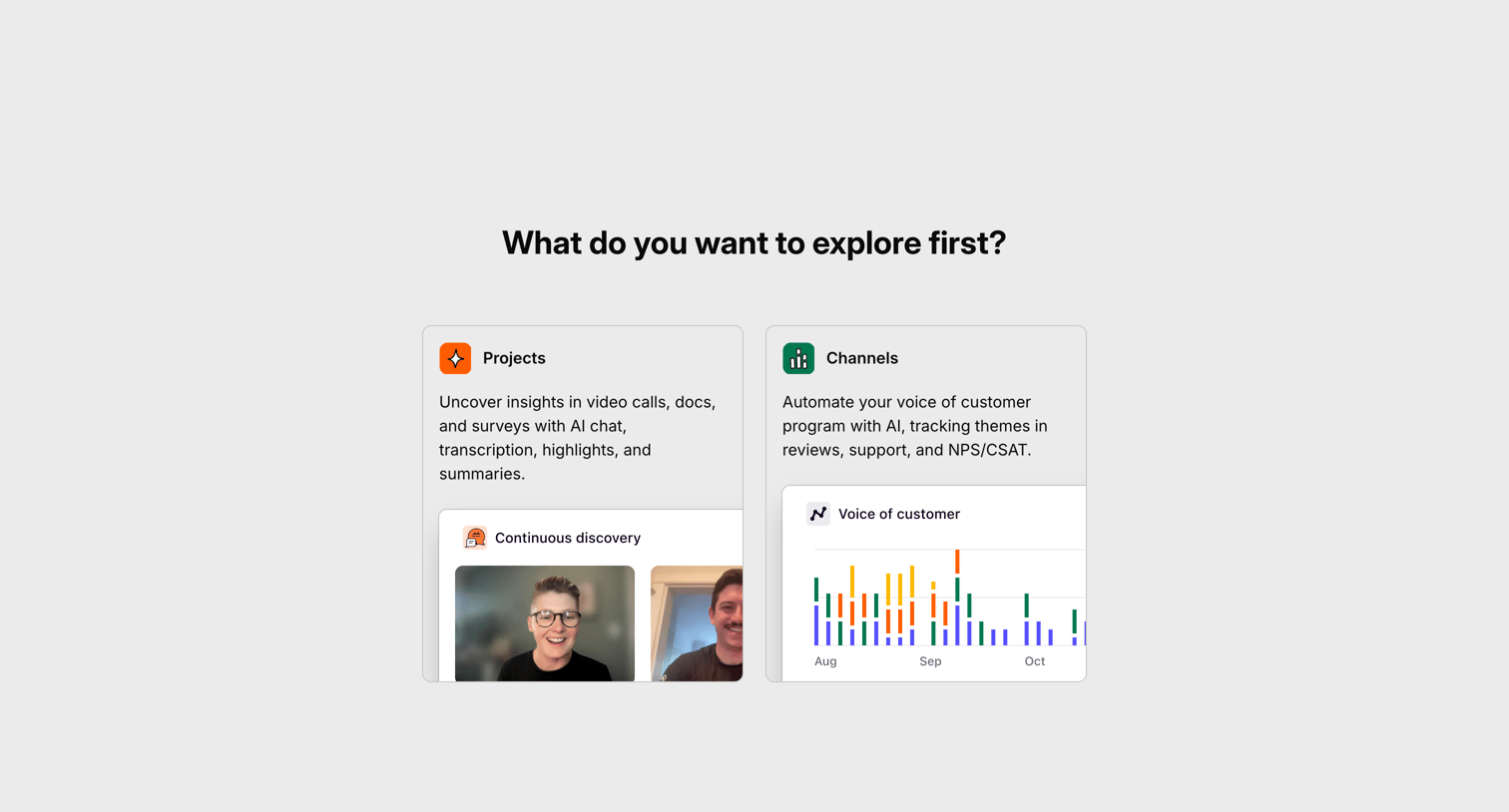

Onboarding step where the user selects whether they want to explore Projects or Channels first to tailor their initial experience.
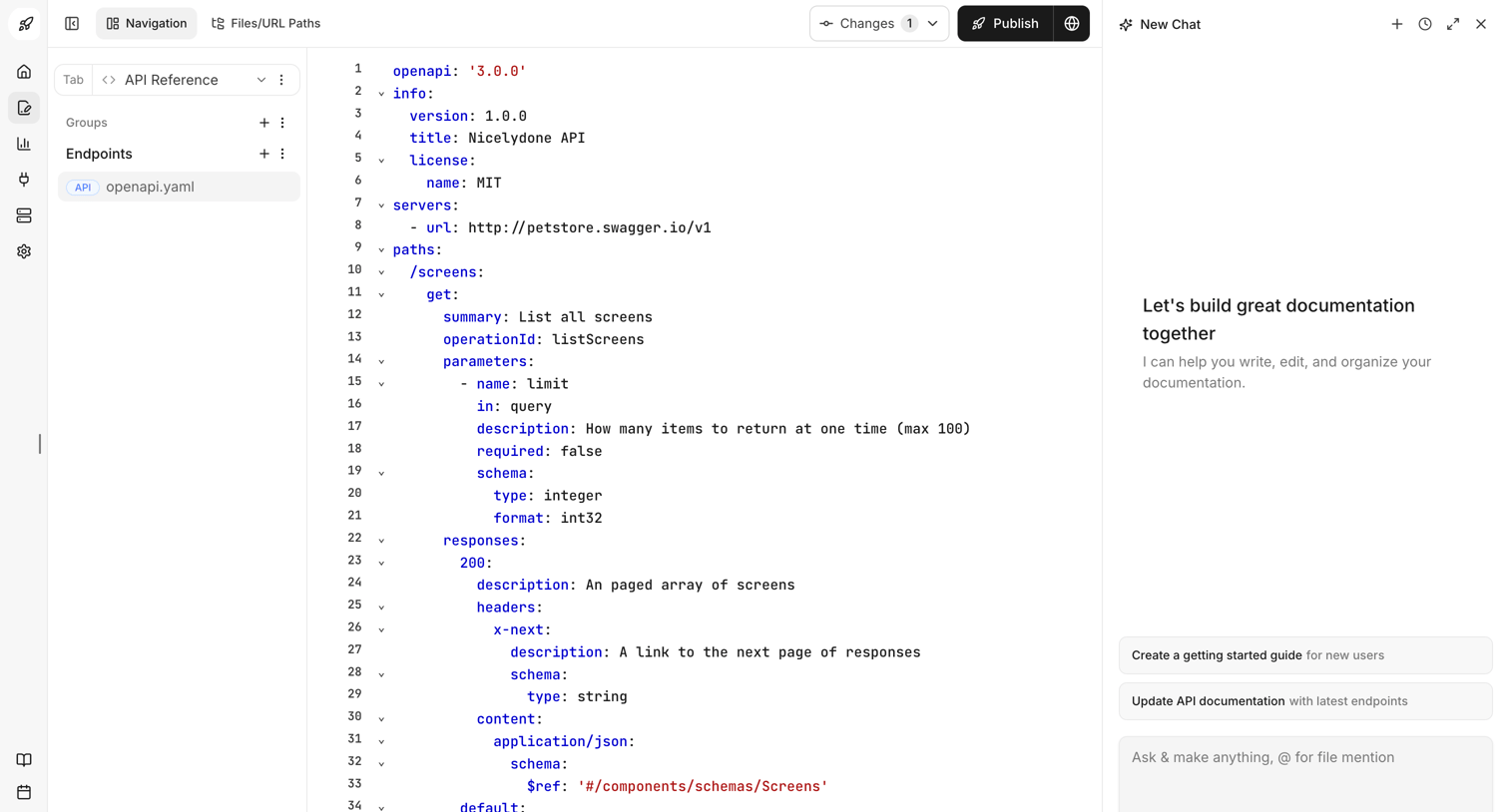

Code editor where the user edits an OpenAPI YAML specification with an AI assistant panel for writing and organizing documentation.
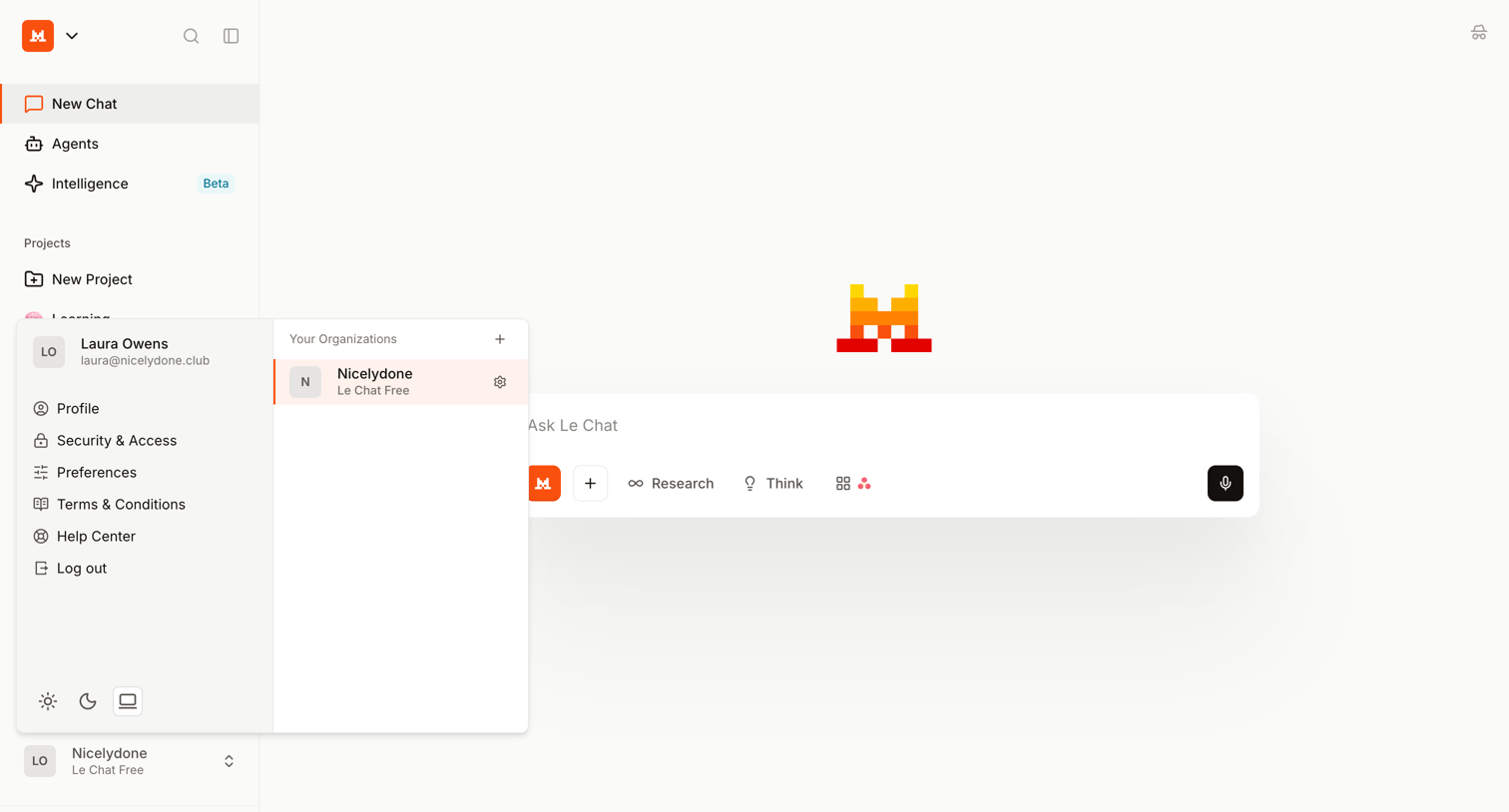

AI chat interface where the user has opened the account menu to access profile settings and switch organizations.
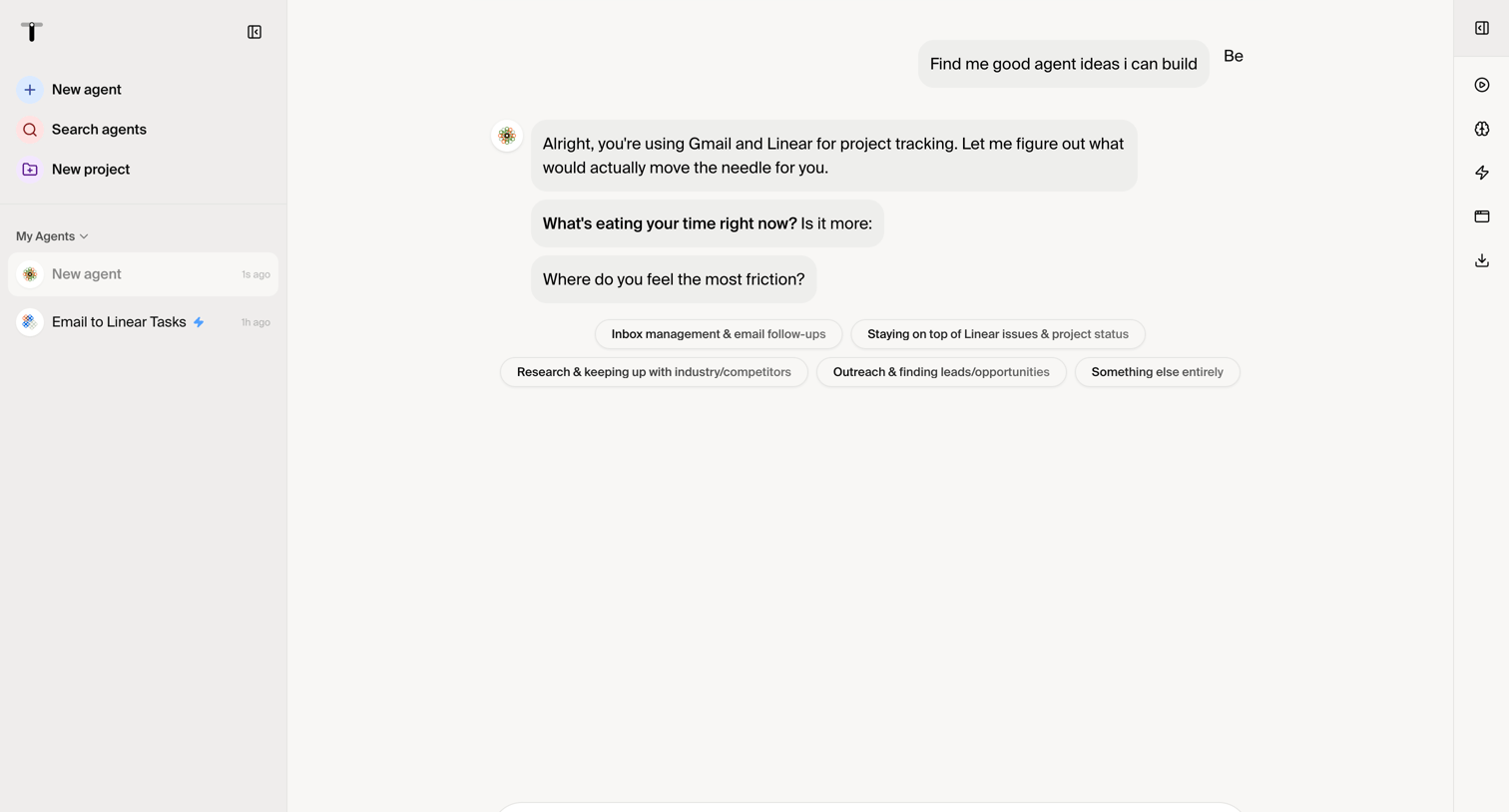

Explore the full SaaS screen library
Upgrade to unlock the full library.
Trusted by the best teams








About Ai chat
See how apps structure conversations with AI. Browse layouts for message history, prompt entry, and responses, with attention to how people continue a conversation or change their request.