Access controls screen examples
Access controls screen design examples from SaaS apps. Browse examples from Navattic, Okta, Glide.
Explore the examples
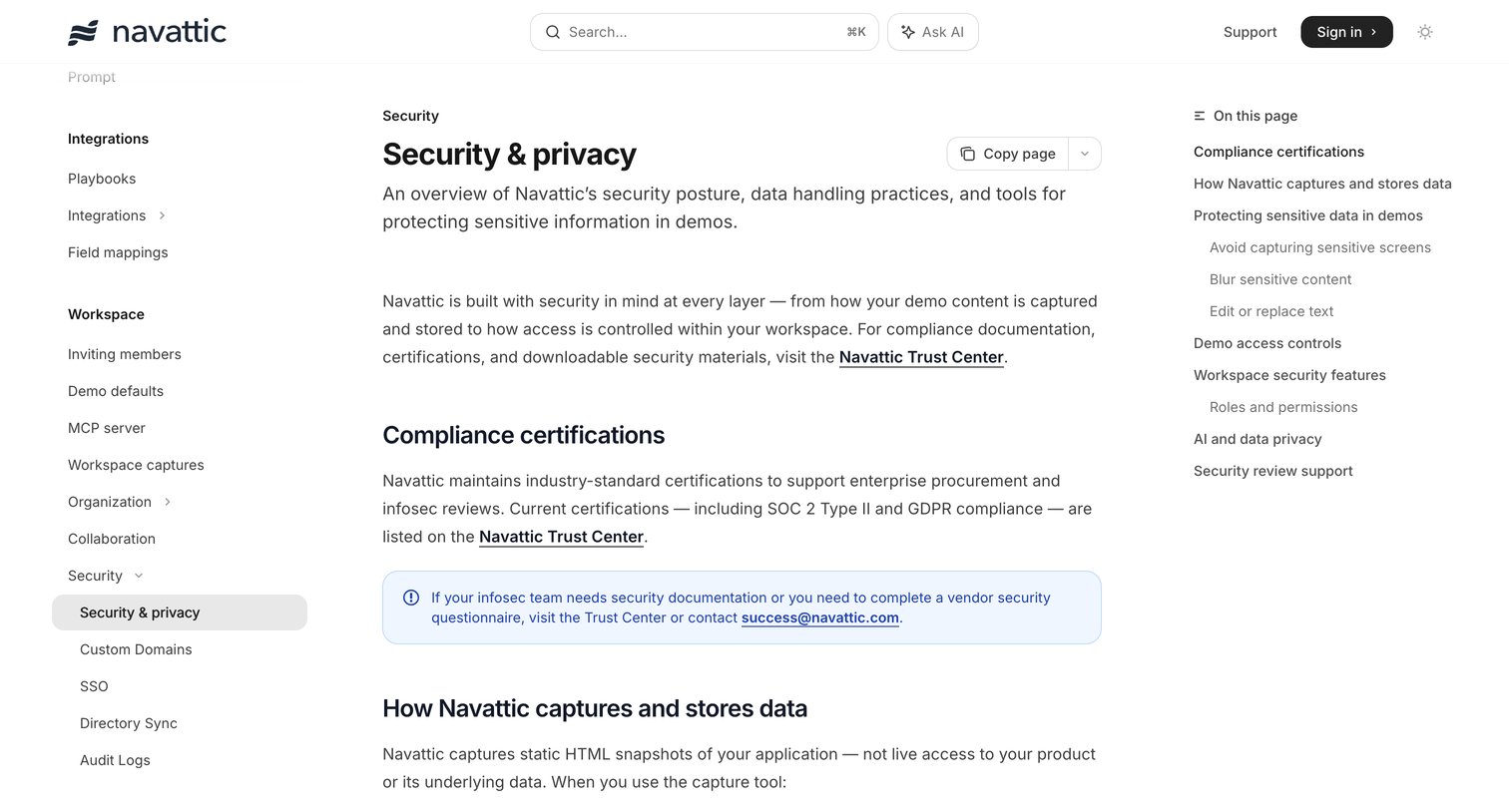

Documentation article detailing the platform's security posture, compliance certifications, data handling practices, and workspace security features like SSO and audit logs.
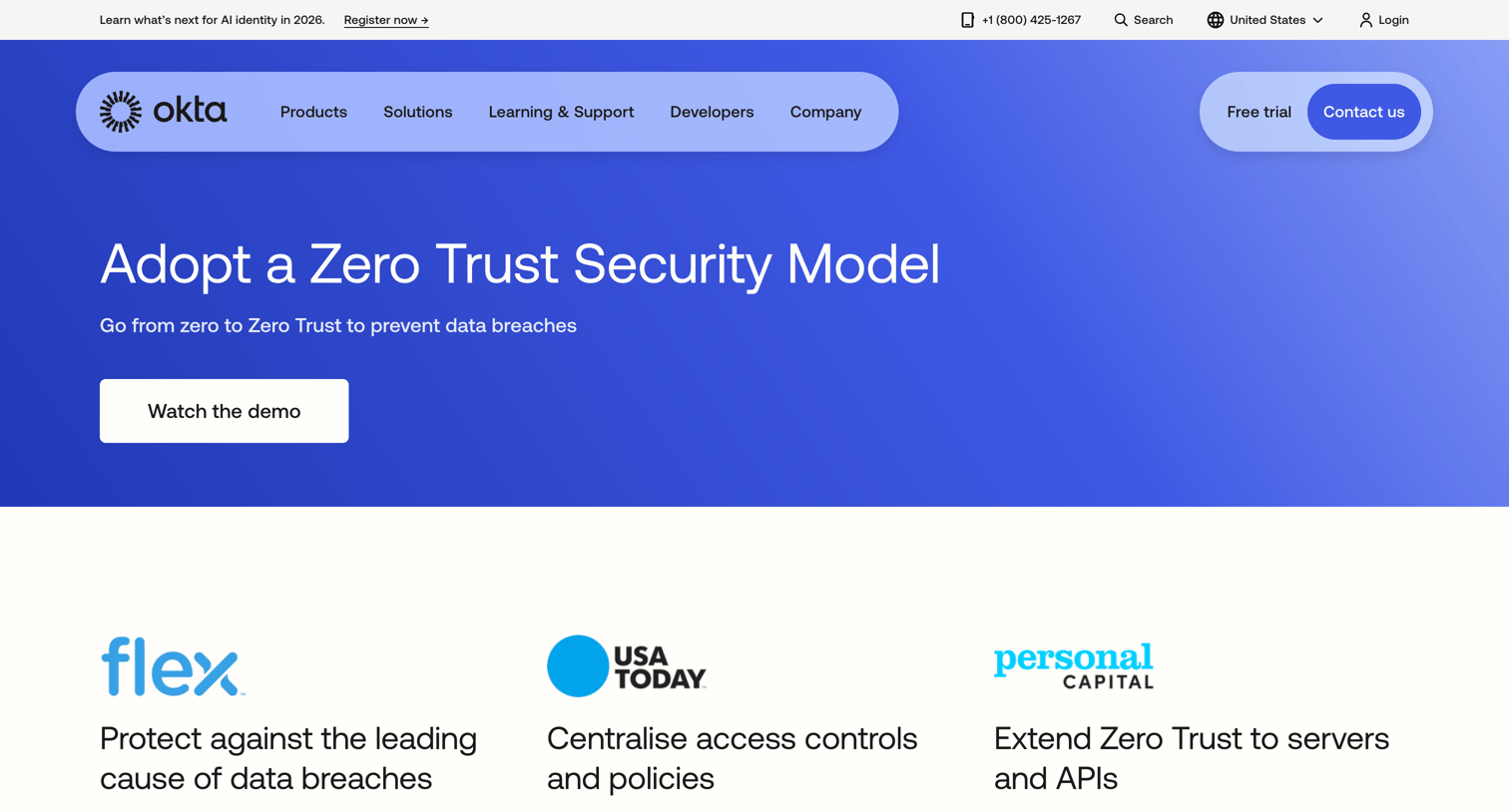

Use case page explaining the benefits of a Zero Trust security model, featuring customer case studies, related Okta products like Single Sign-On and Lifecycle Management, and integration partners.
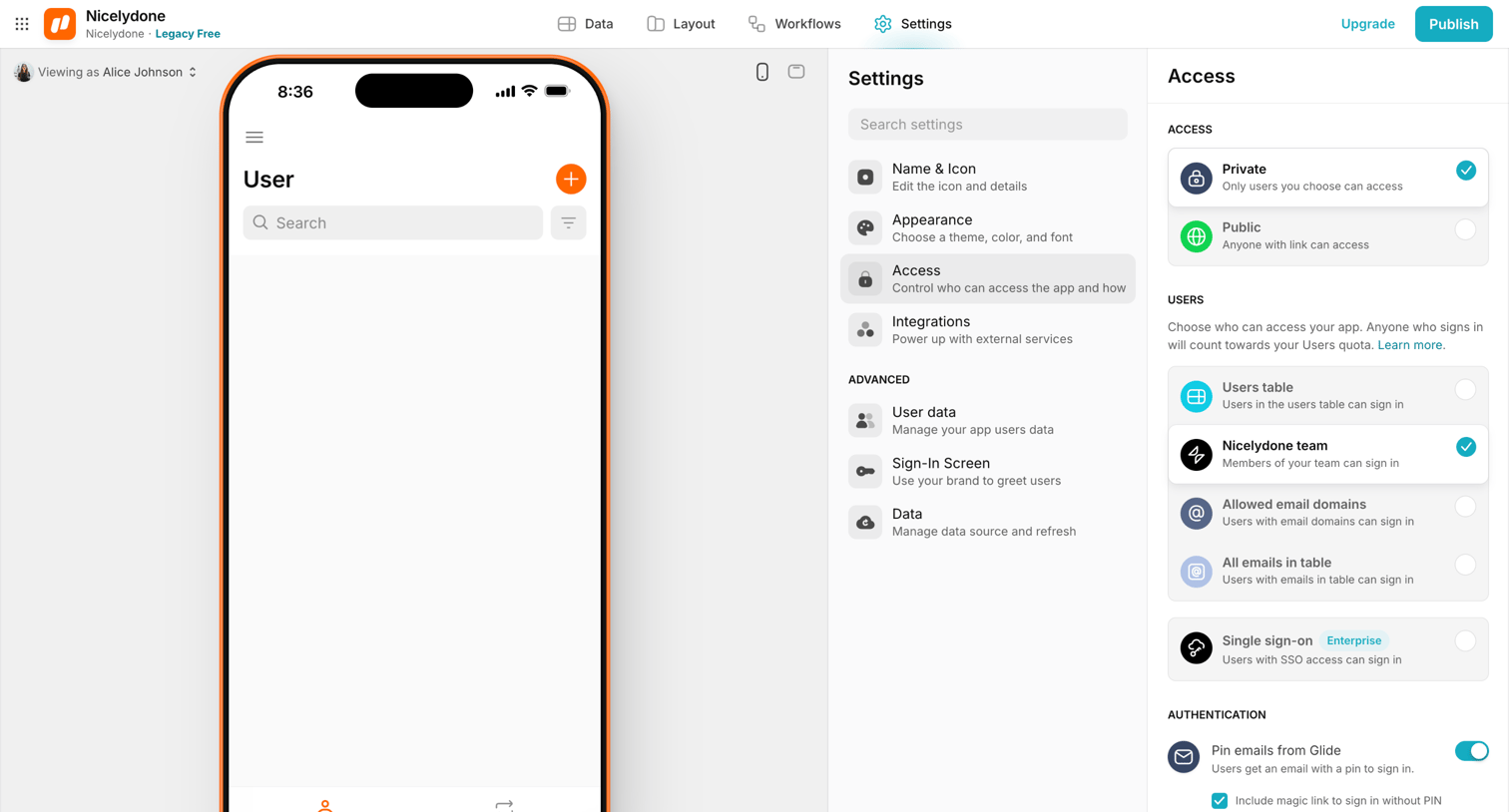

Settings page where the user configures privacy and access controls for their app, including public or private visibility and allowed sign-in methods.
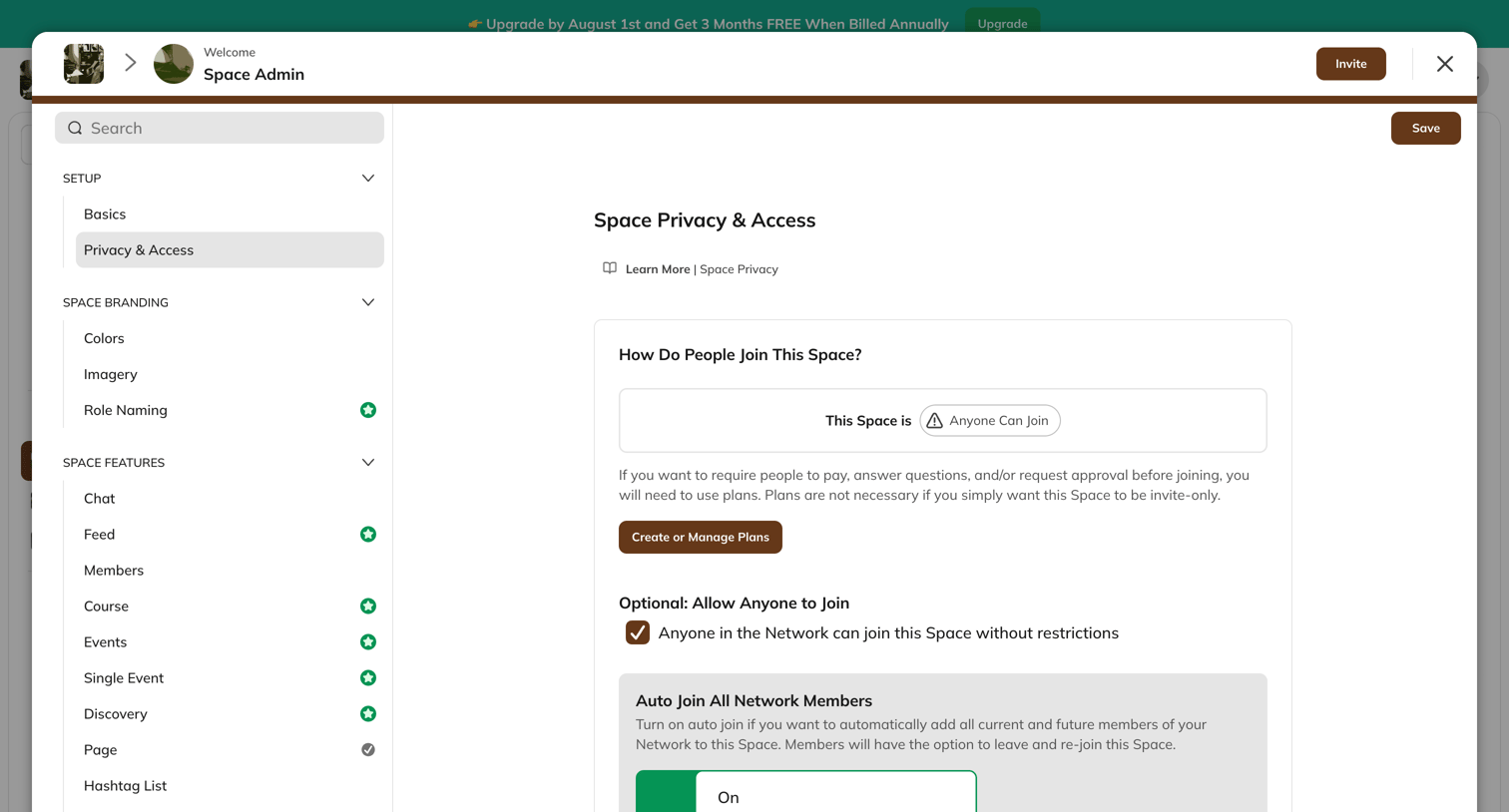

Settings modal where the space admin configures privacy and access rules, including auto-join settings and plan requirements.
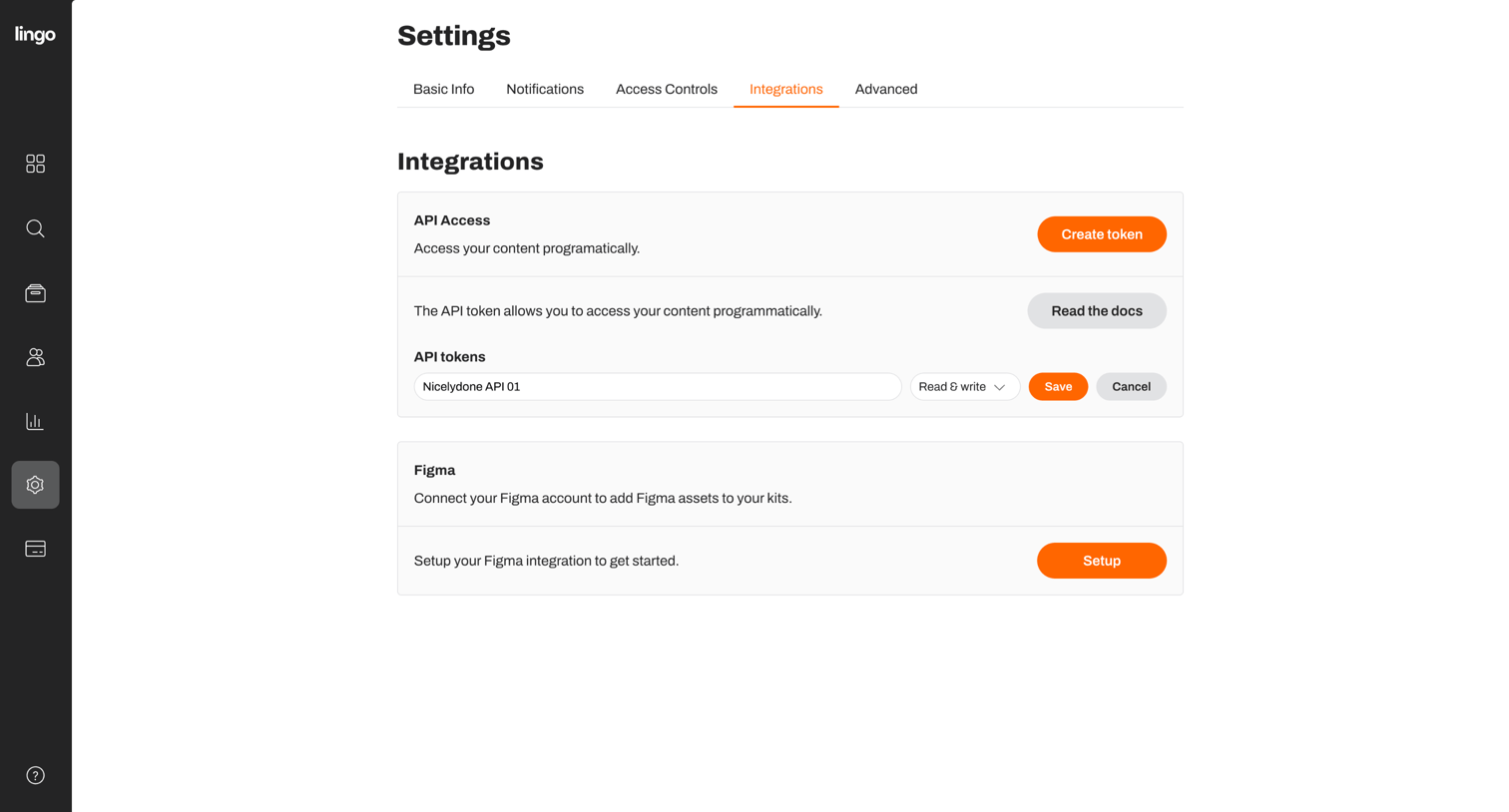

Settings page where the user manages API access tokens and sets up a Figma integration.
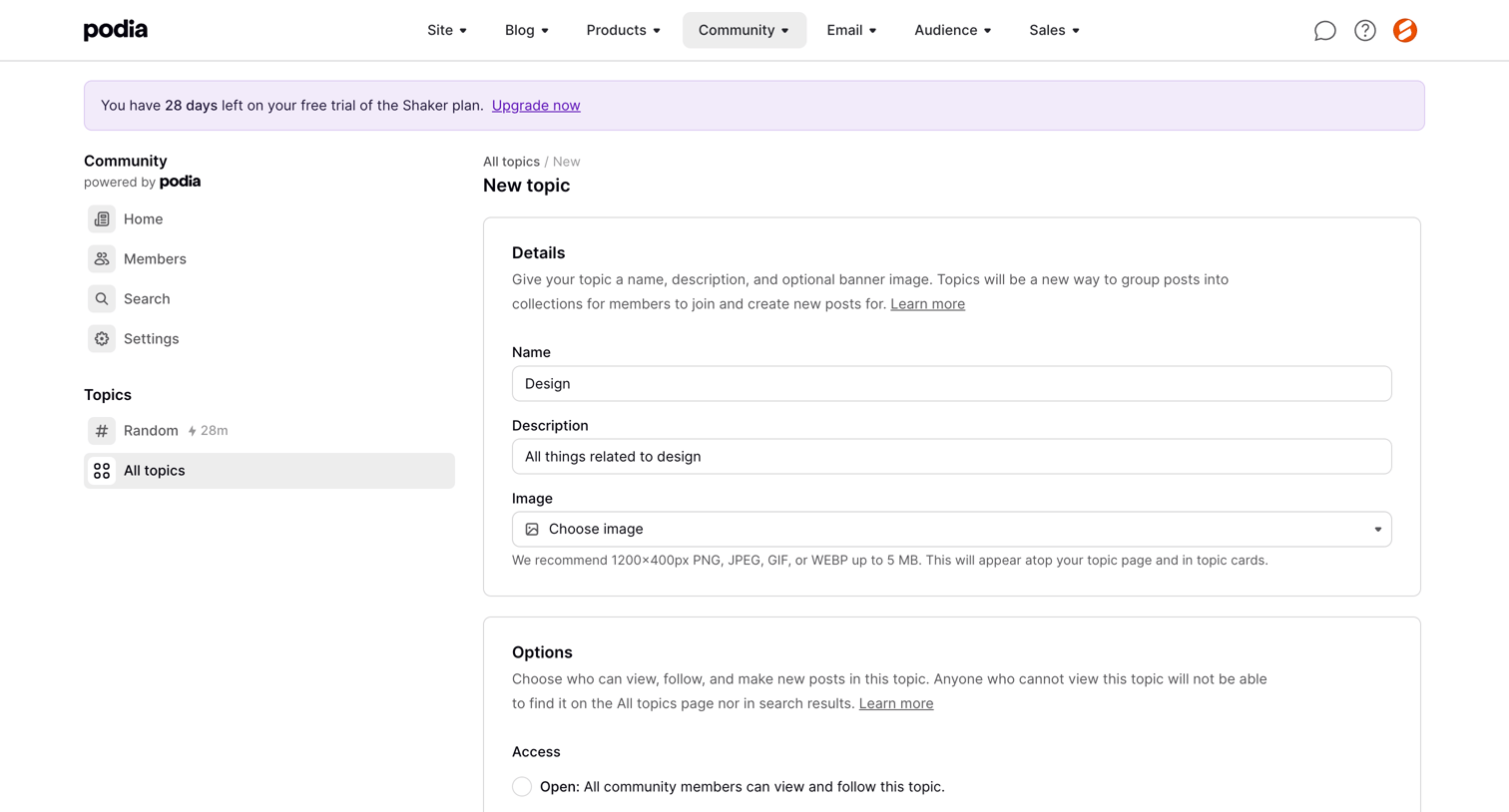

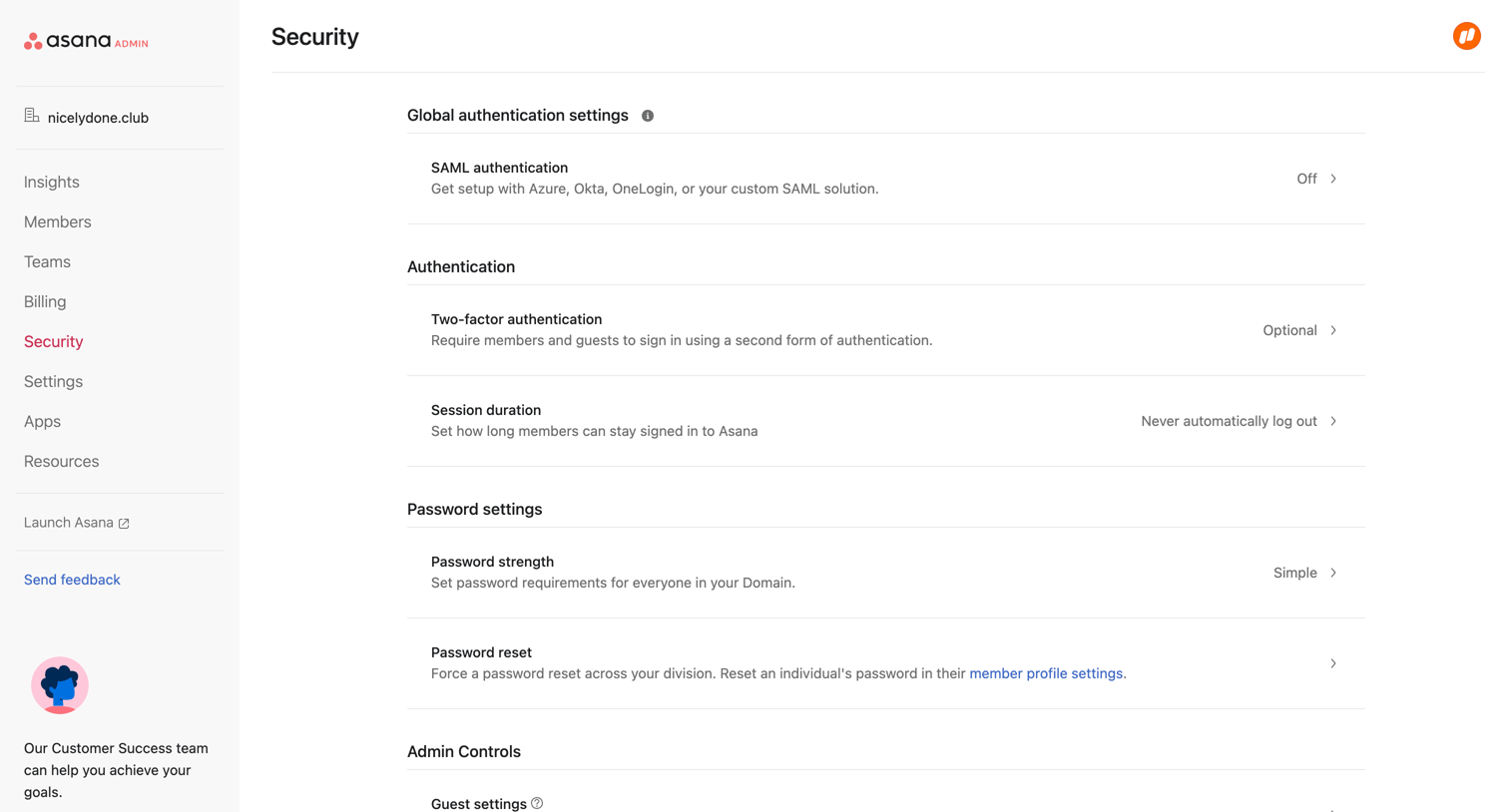

Settings page where an admin configures global authentication, password requirements, admin controls, and mobile app permissions for their organization.
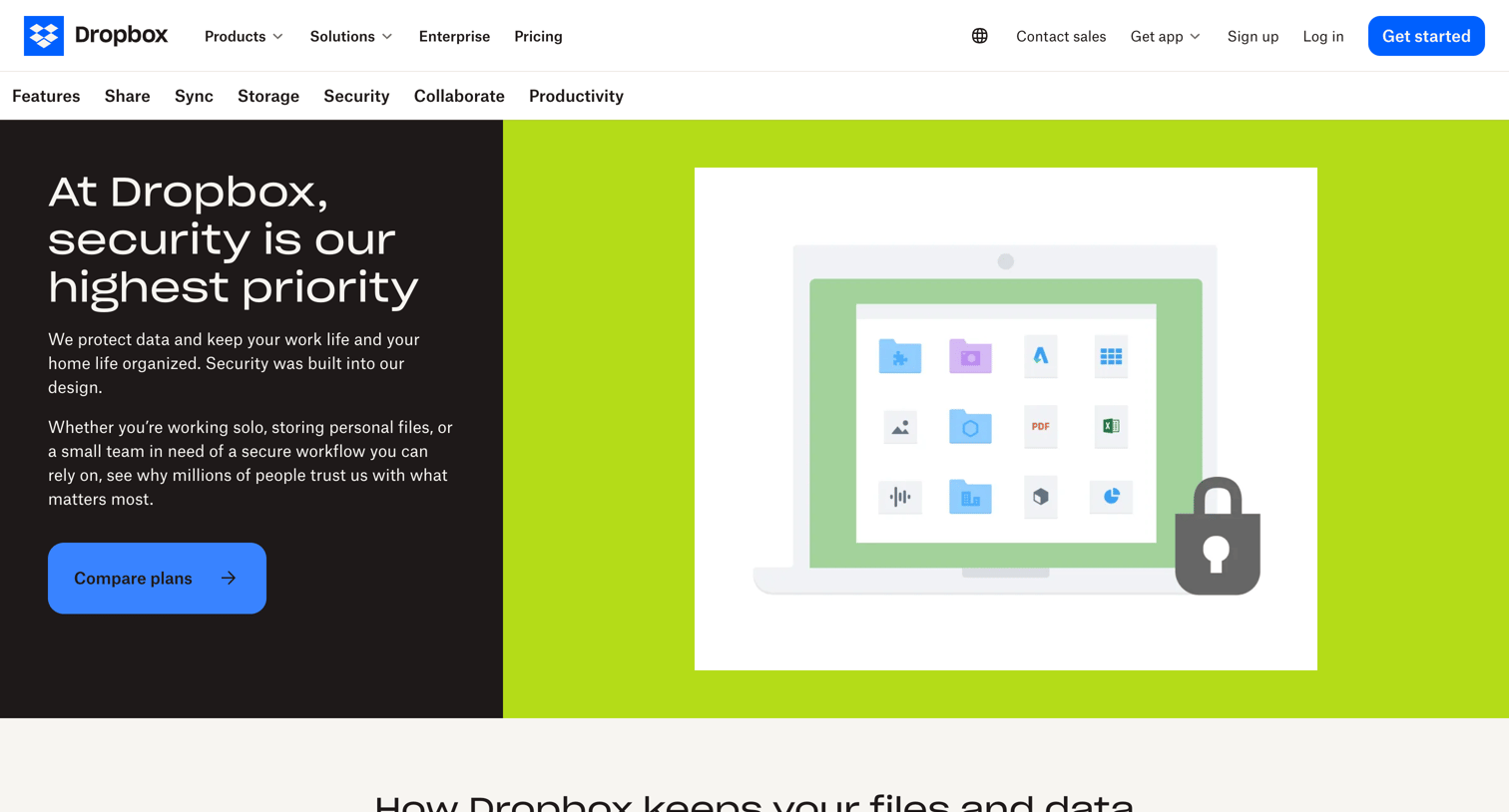

Feature page detailing Dropbox's security capabilities like account security, encryption, file recovery, and compliance, ending with an FAQ and a call to action to compare plans.
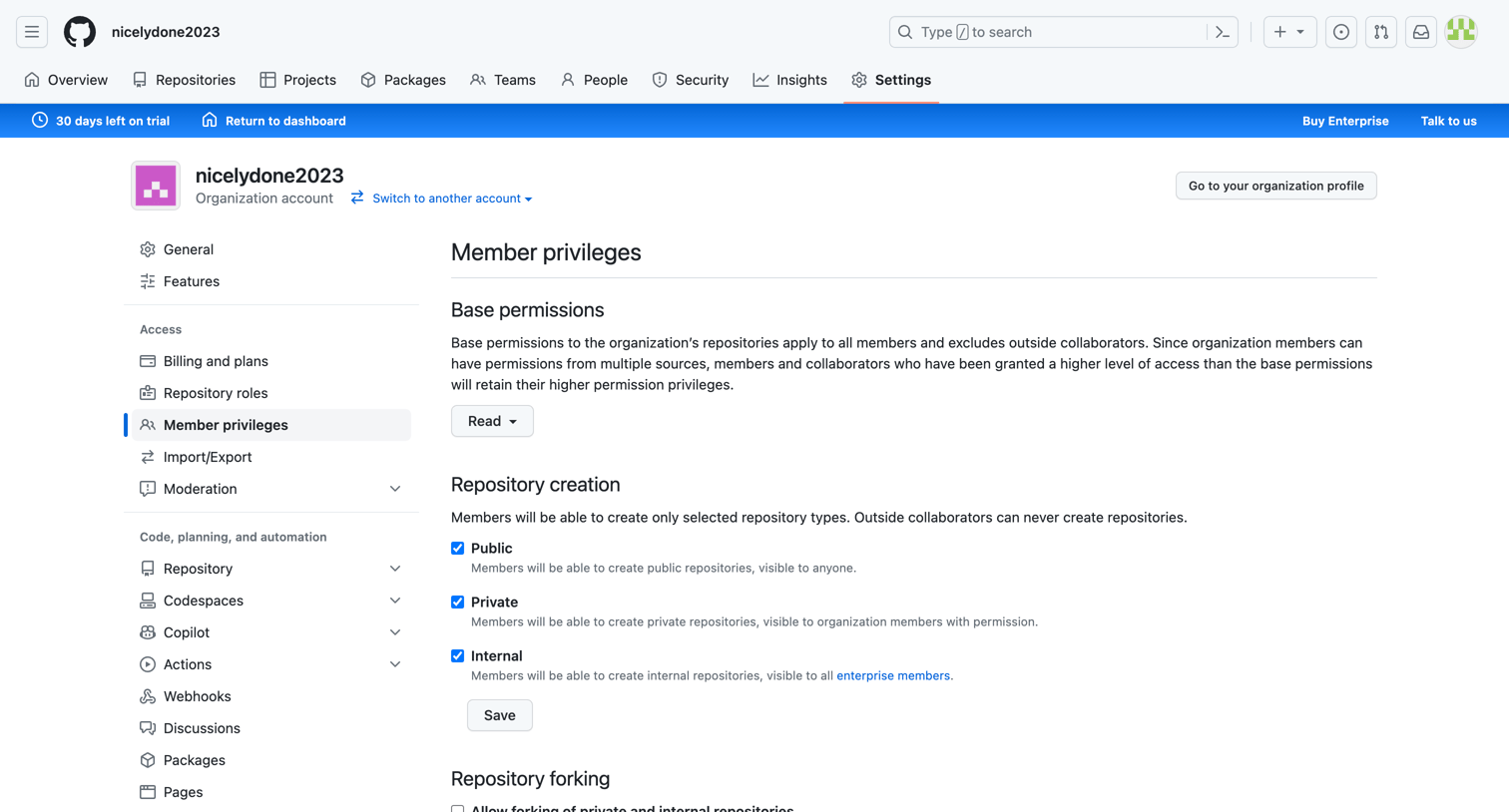

Settings page where the user configures organization-wide member privileges, including repository creation, forking, and team creation rules.
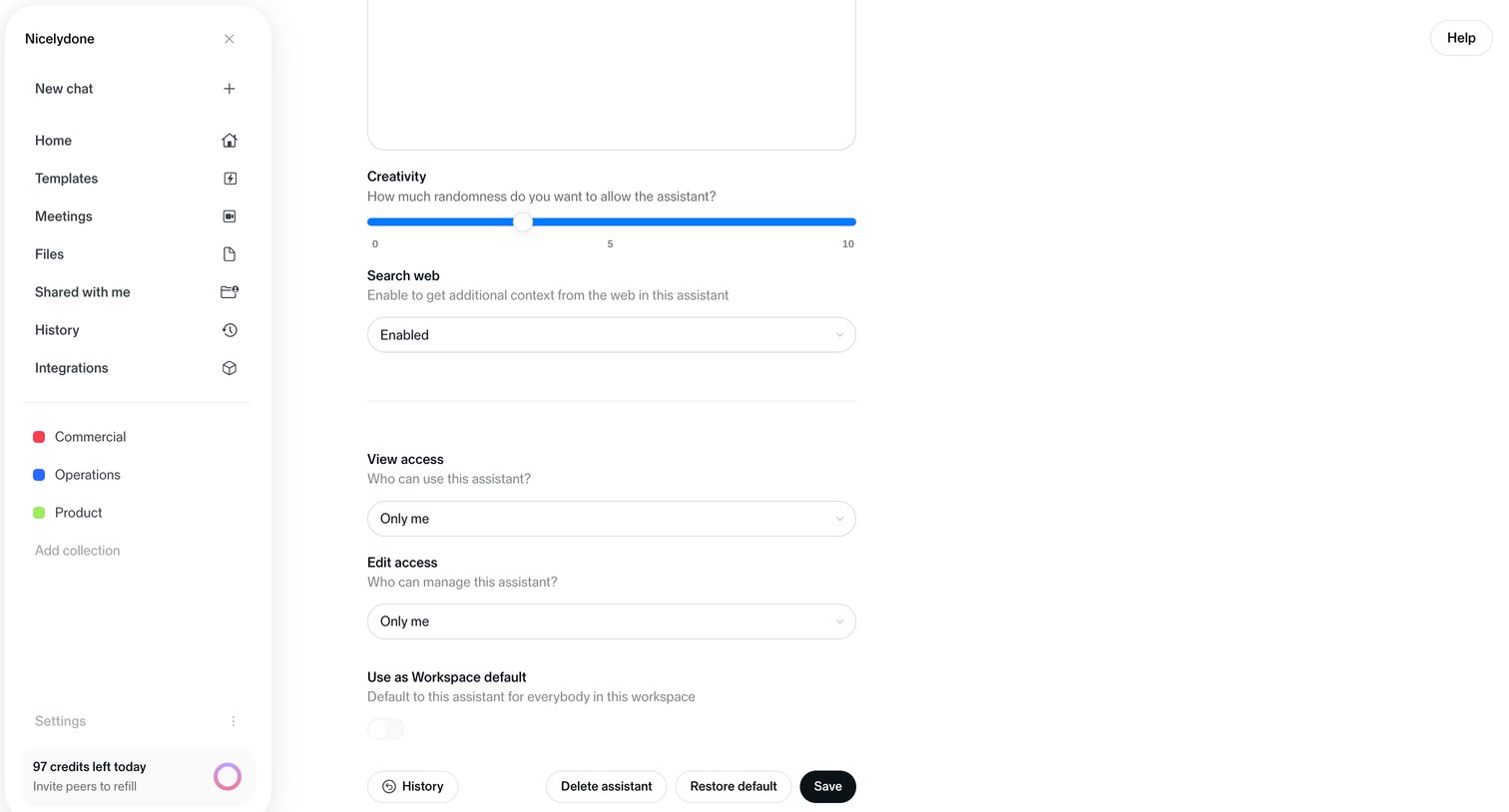
Settings page where the user configures an AI assistant's creativity level, web search capability, and access permissions.
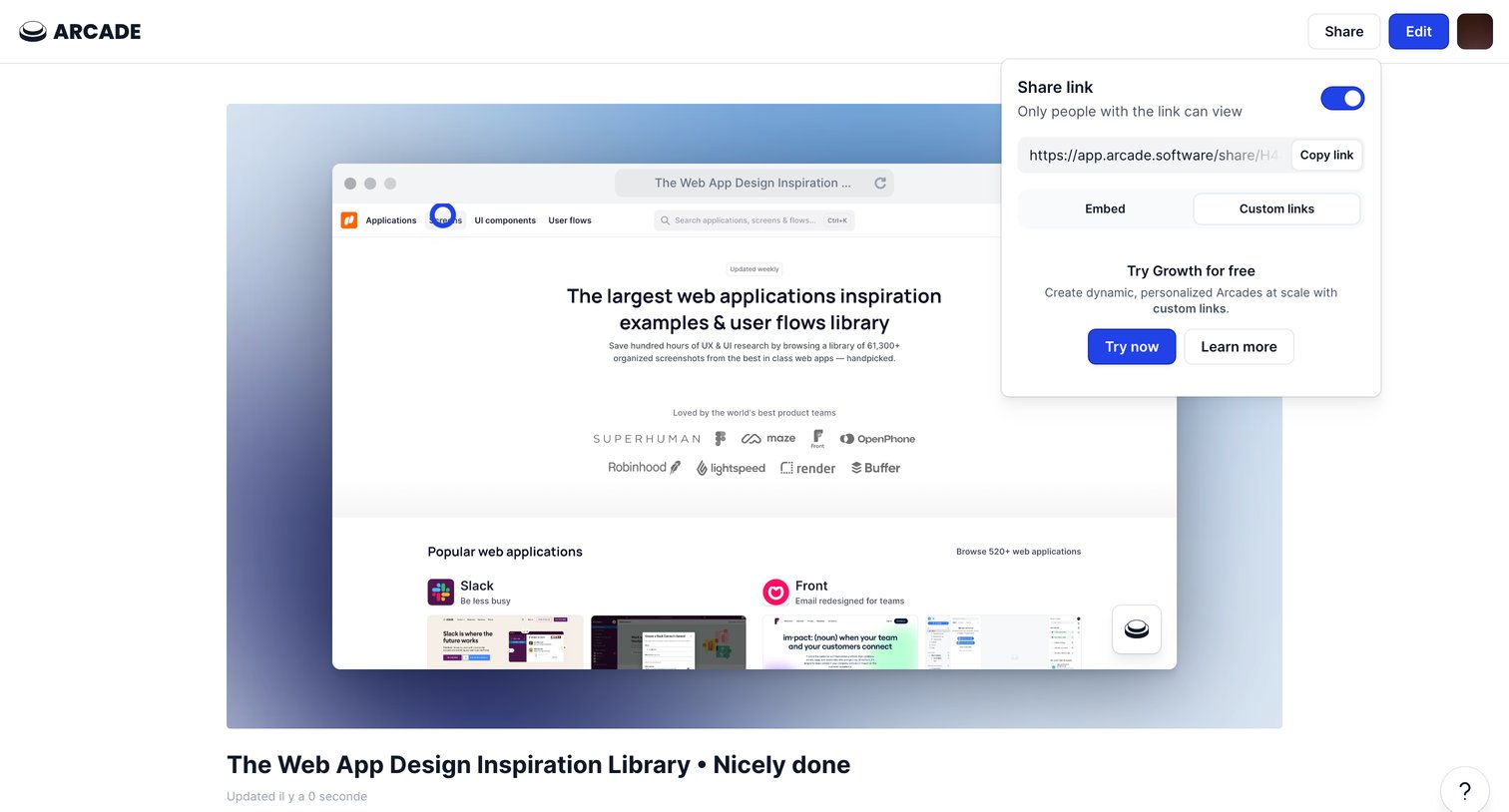
Detail page where the user previews an interactive demo and opens a popover to copy the share link or upgrade to custom links.
Explore the full SaaS screen library
Upgrade to unlock the full library.
Trusted by the best teams







