Sana design examples
Explore Sana UI design examples. Your AI assistant for work
Product screens
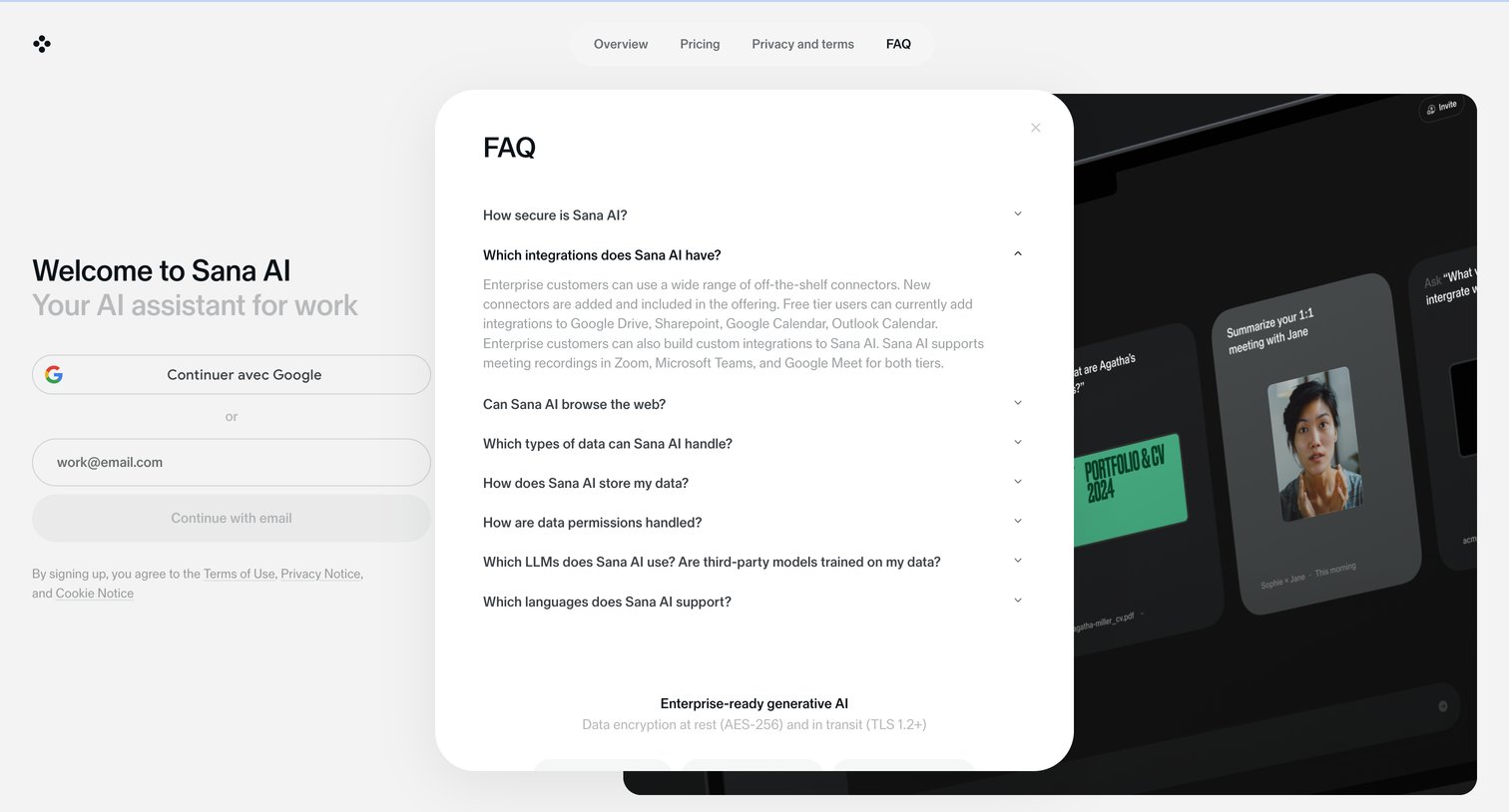

Landing page where the user can sign up with Google or email, featuring an open FAQ modal detailing integrations and security.
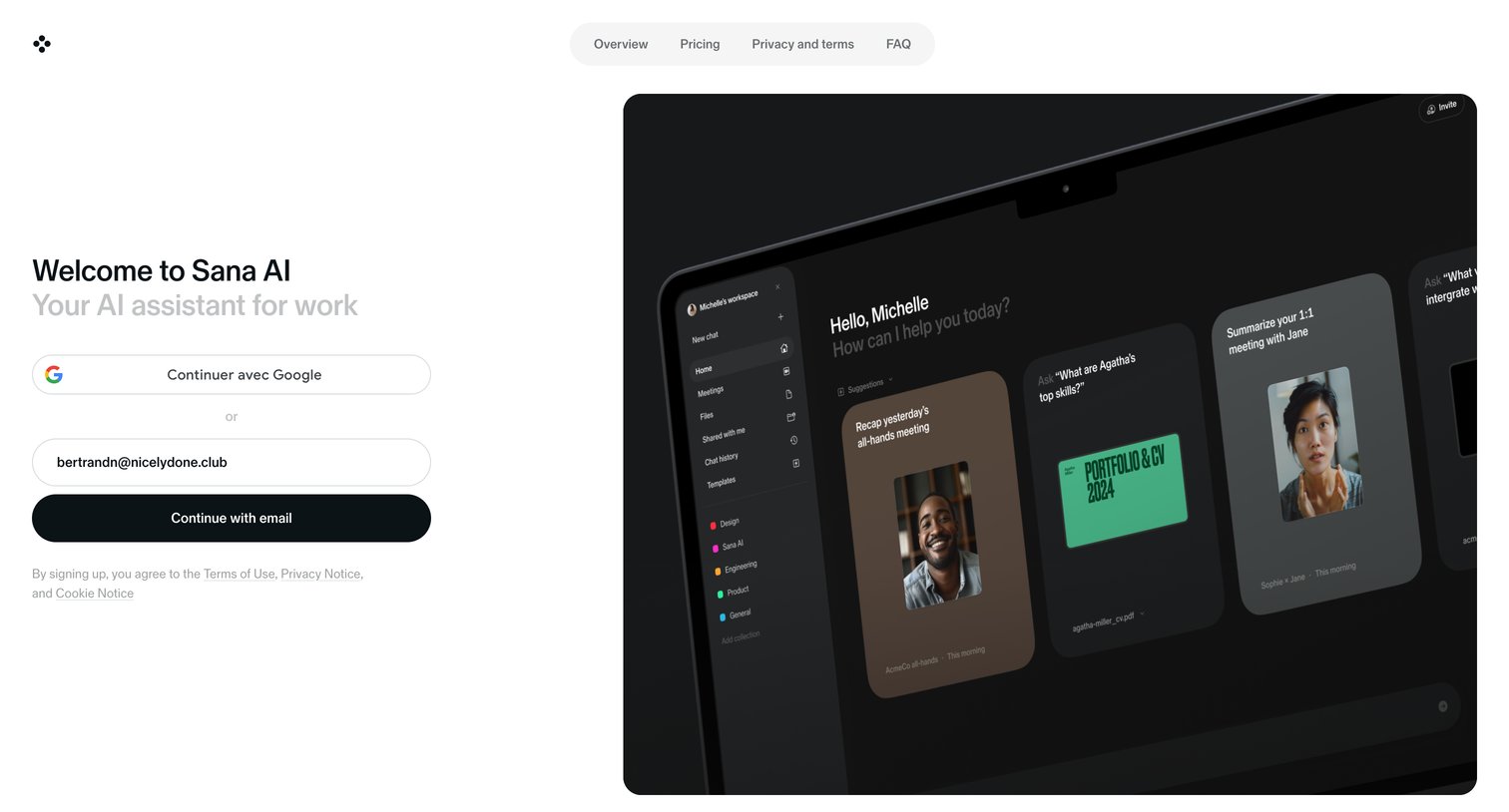
Signup page where the user can authenticate with Google or enter their email, featuring a prominent product preview mockup on the right.
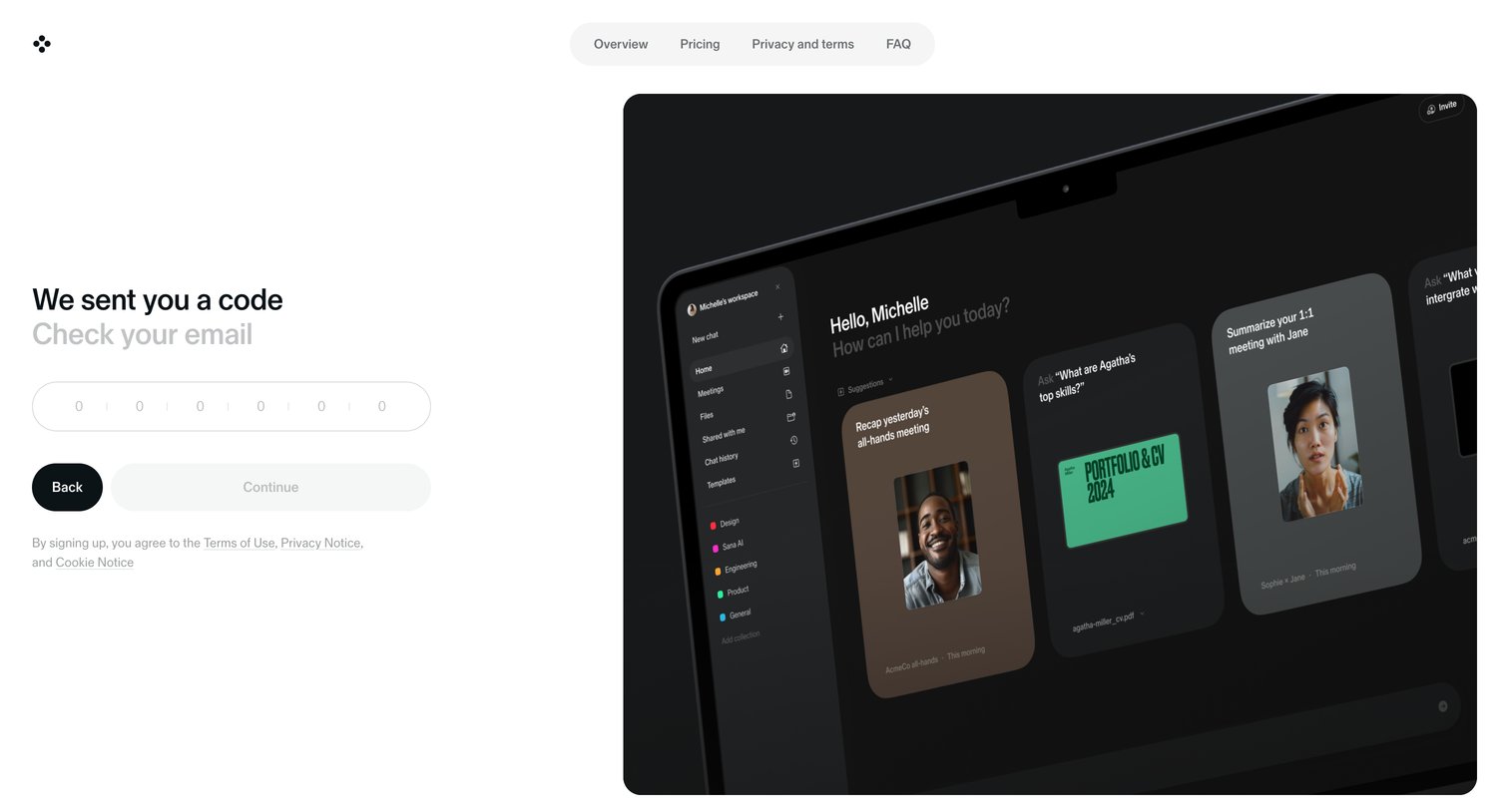
Verification screen where the user enters a 6-digit code sent to their email to continue the signup process.
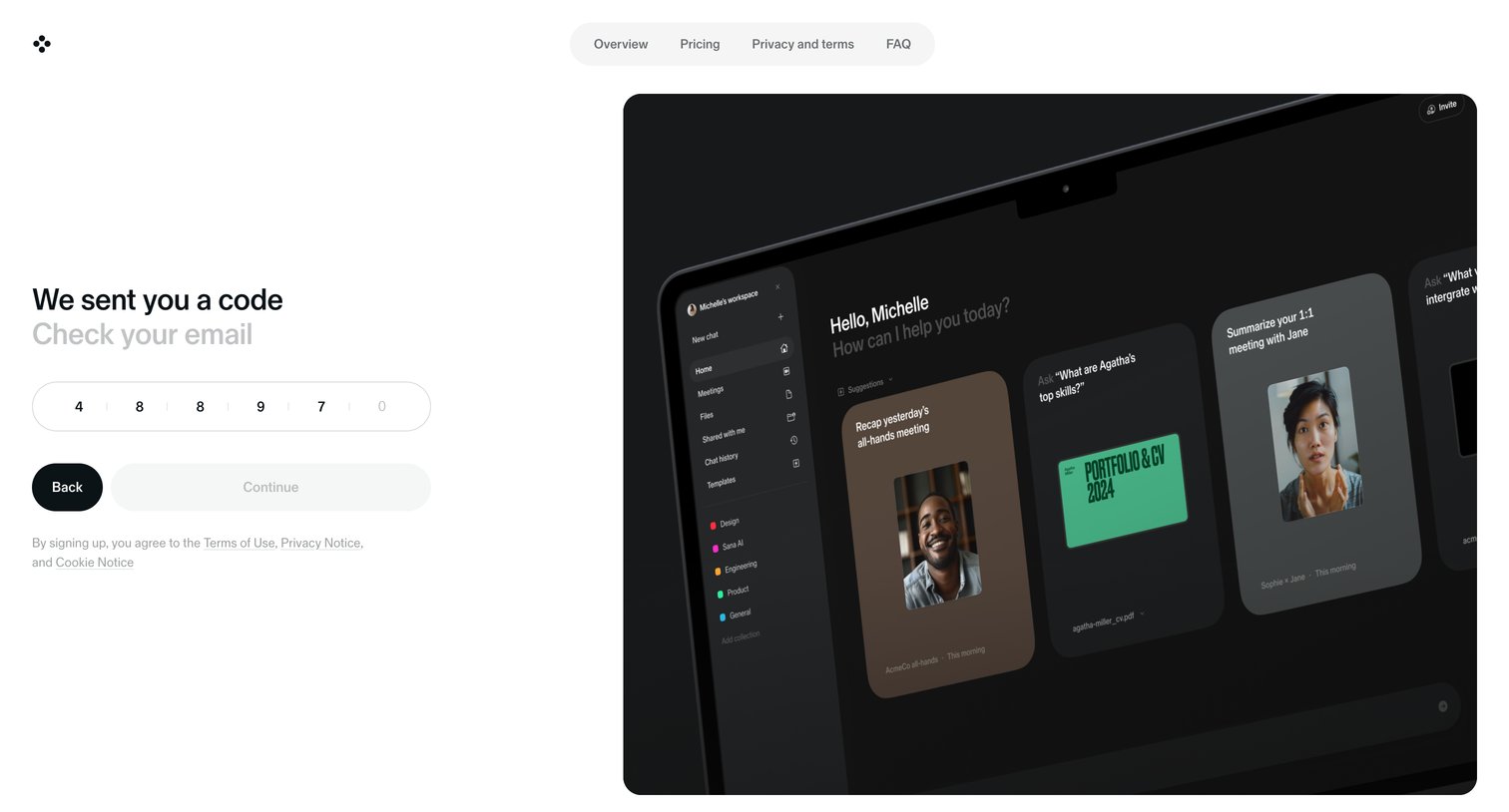
Verification screen where the user enters a 6-digit code sent to their email to proceed with signup, alongside a product preview.
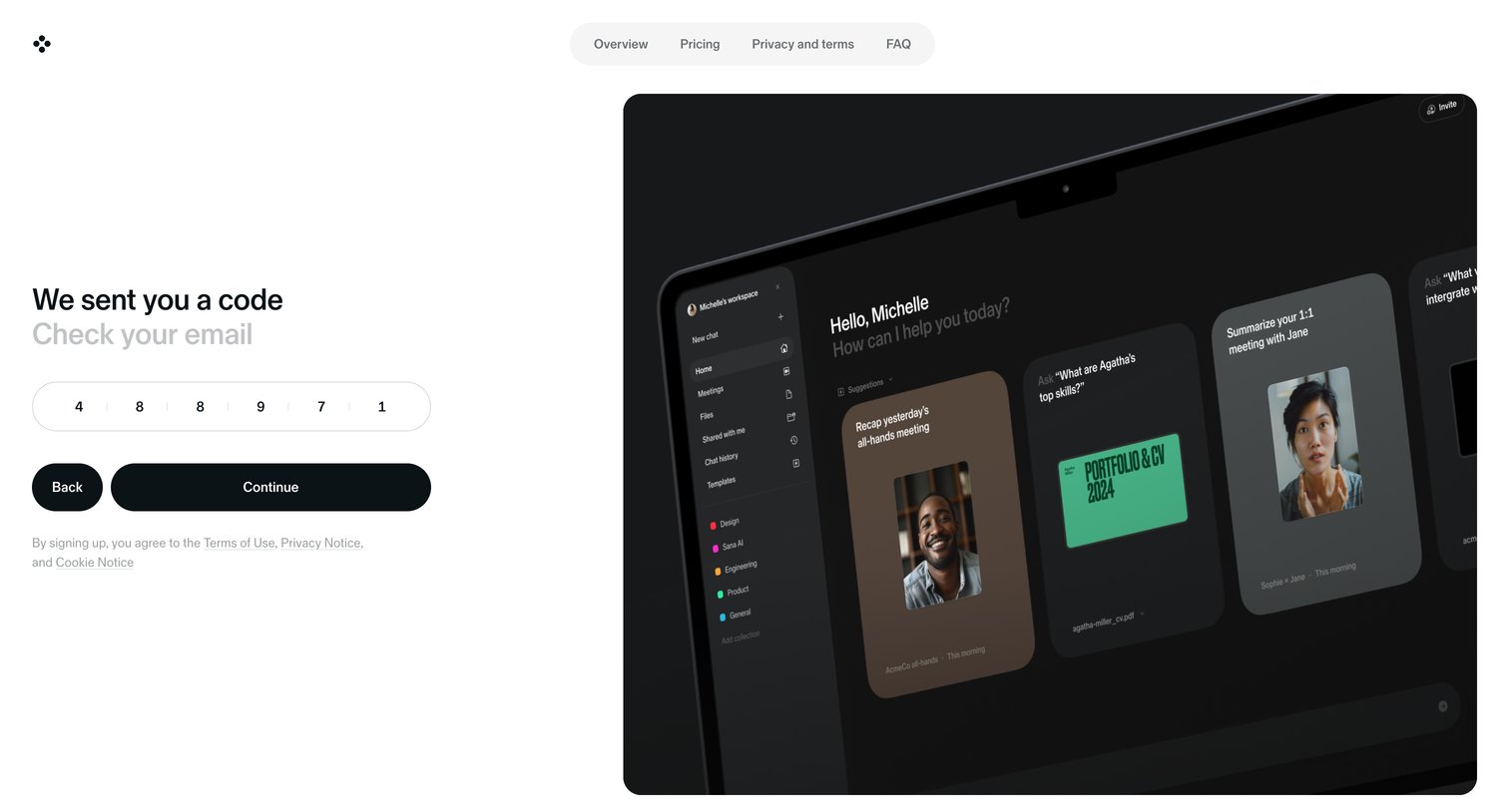
Verification screen where the user enters a 6-digit code sent to their email to continue the signup process, featuring a large product preview graphic on the right.

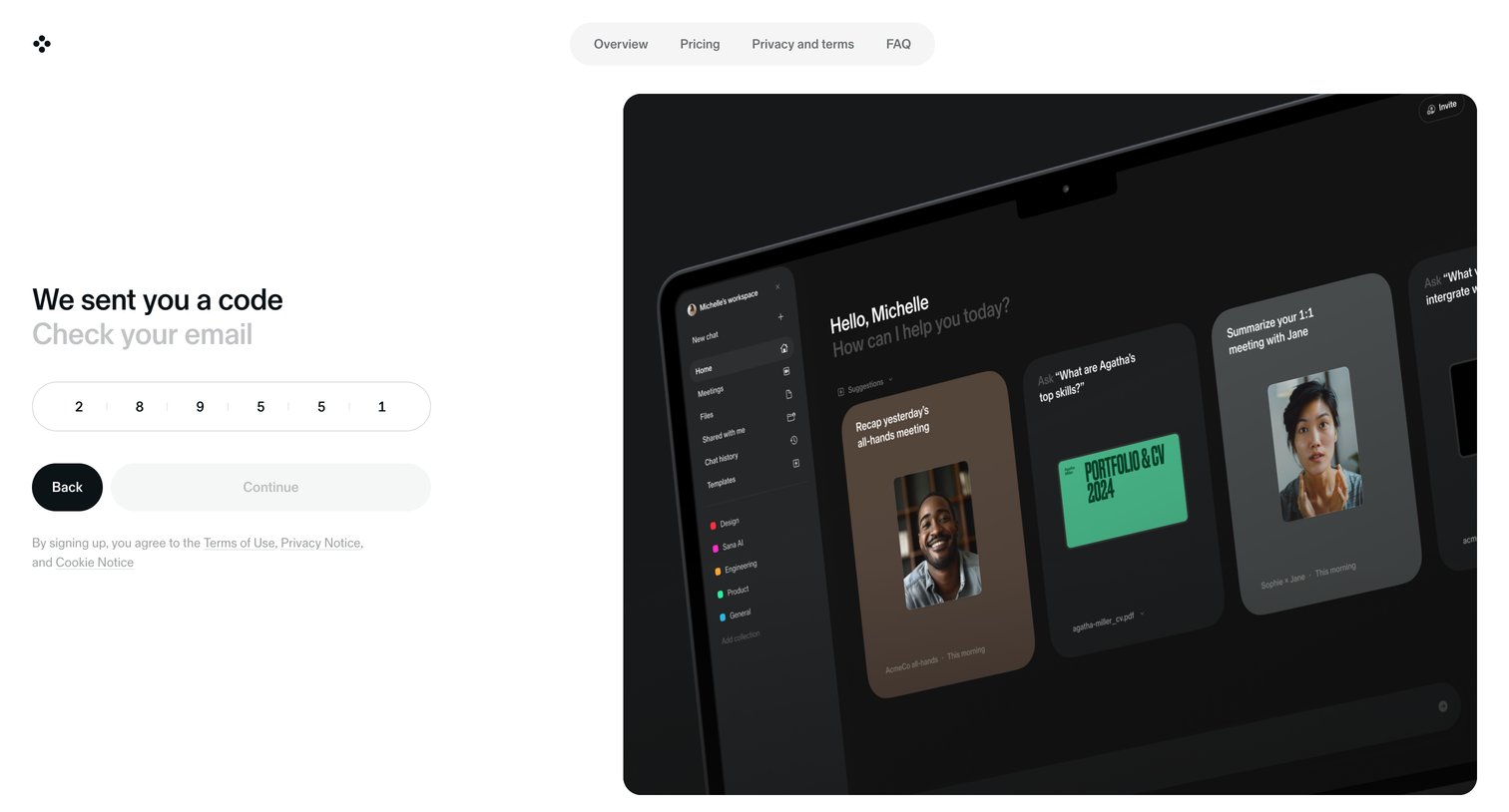
Verification screen where the user enters a 6-digit code sent to their email to continue the signup process.
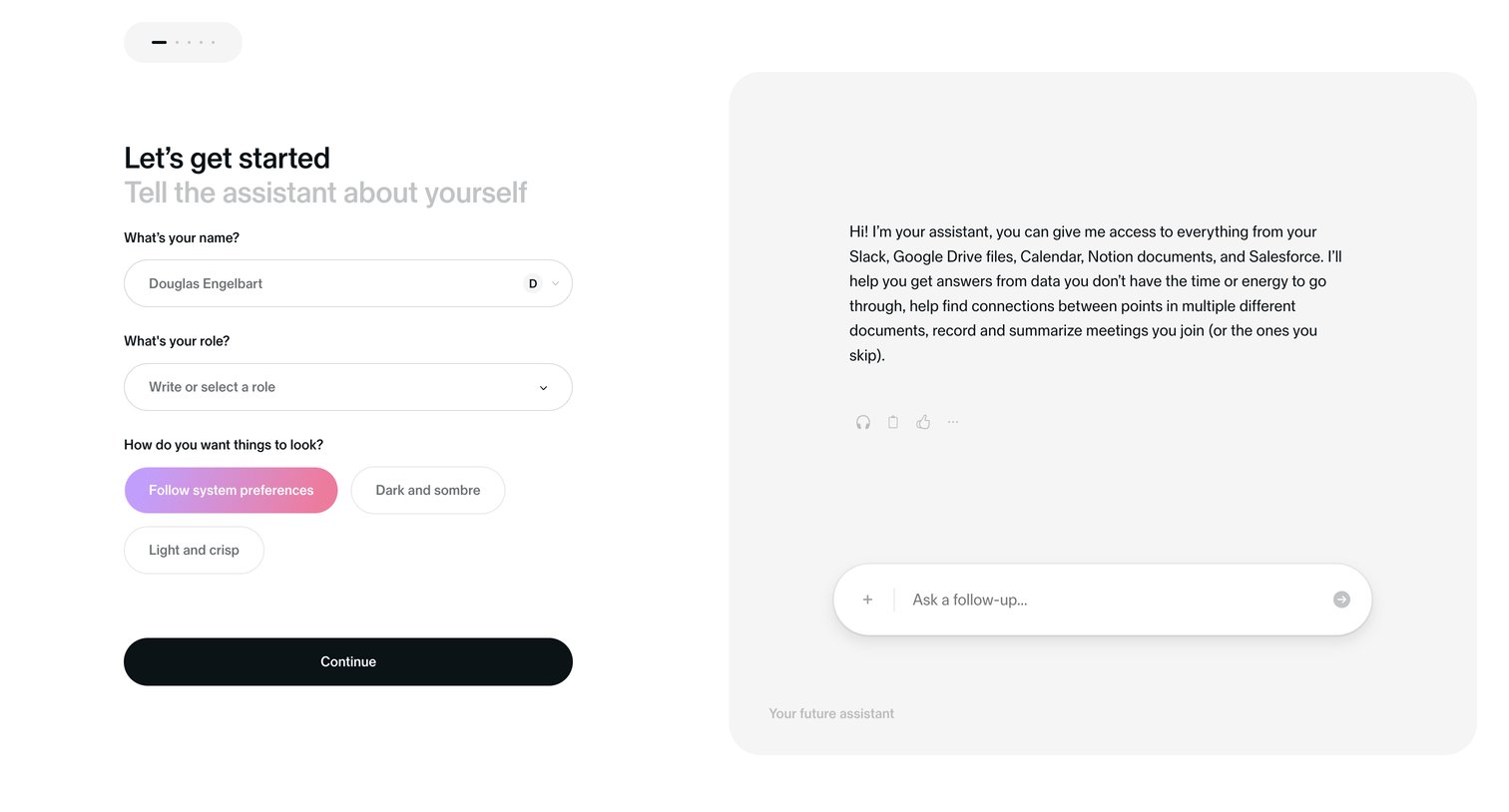
Onboarding step where the user enters their name and role, and selects an appearance theme, alongside a preview of their future AI assistant.
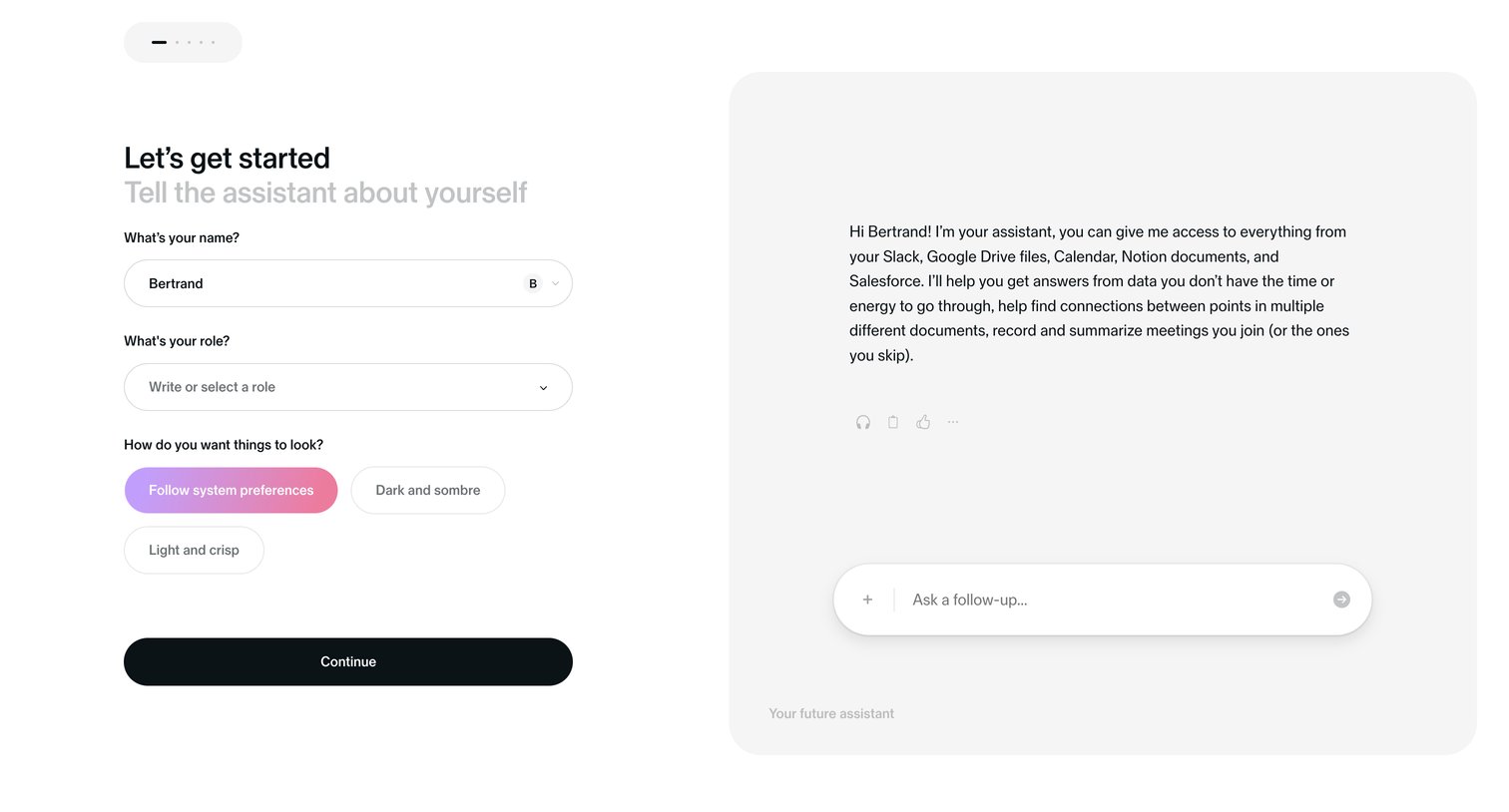
Onboarding step where the user configures their profile by providing their name, role, and preferred visual theme, while an AI assistant introduces its capabilities.
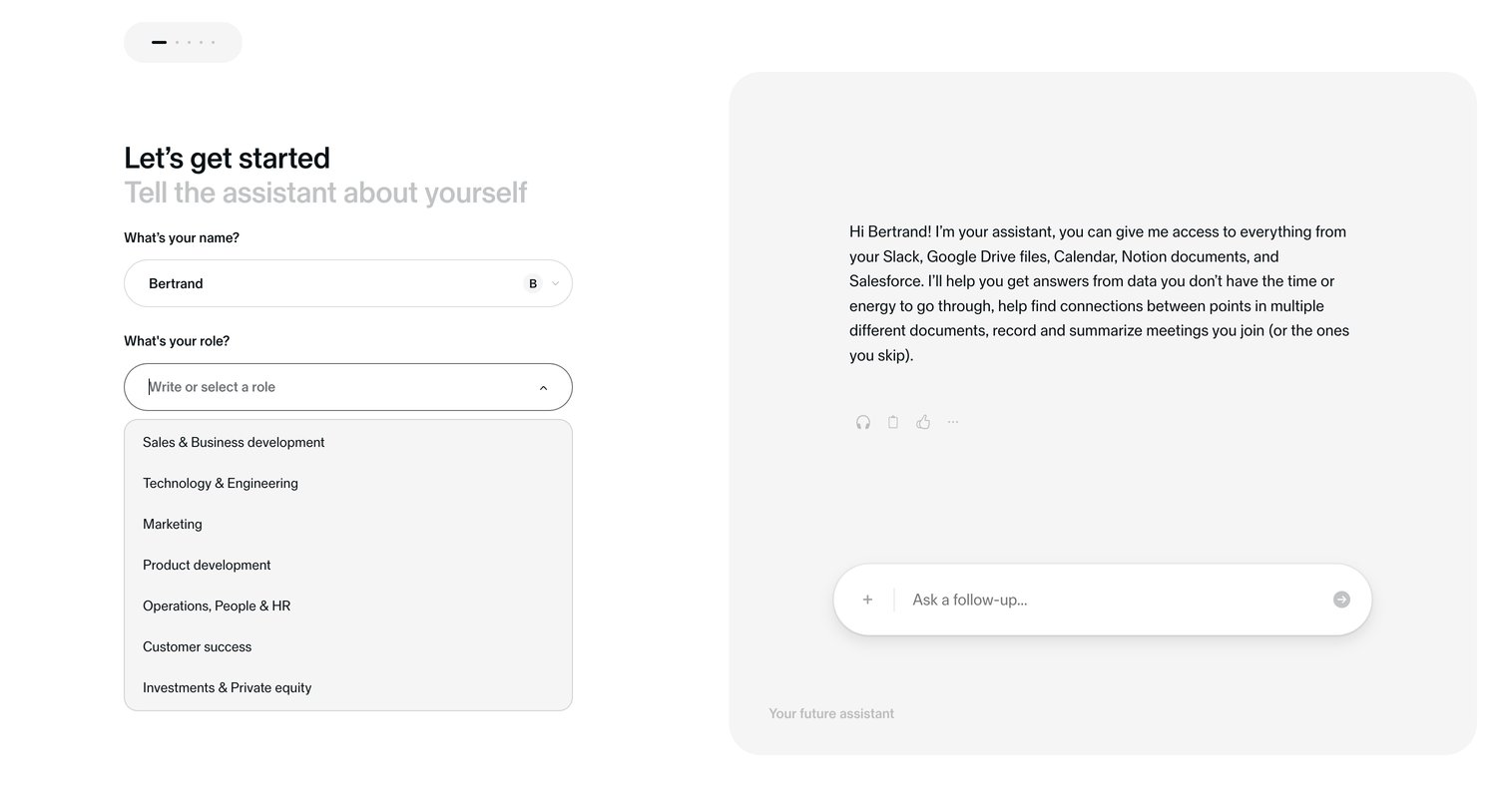
Onboarding step where the user enters their name and selects their role while a preview of their future AI assistant introduces itself.
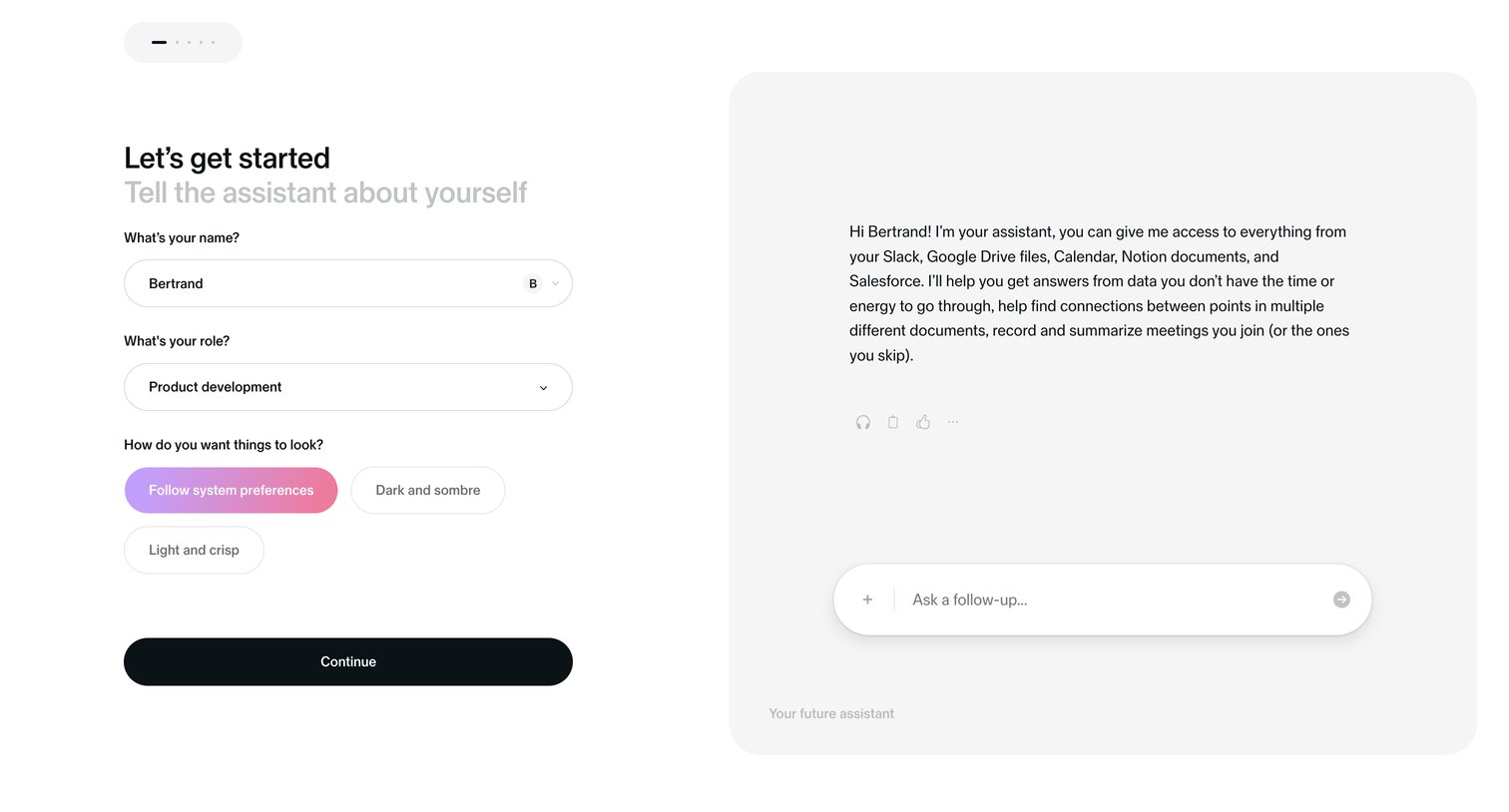
Onboarding step where the user provides their name, role, and appearance preferences while an AI assistant introduces itself in a preview panel.
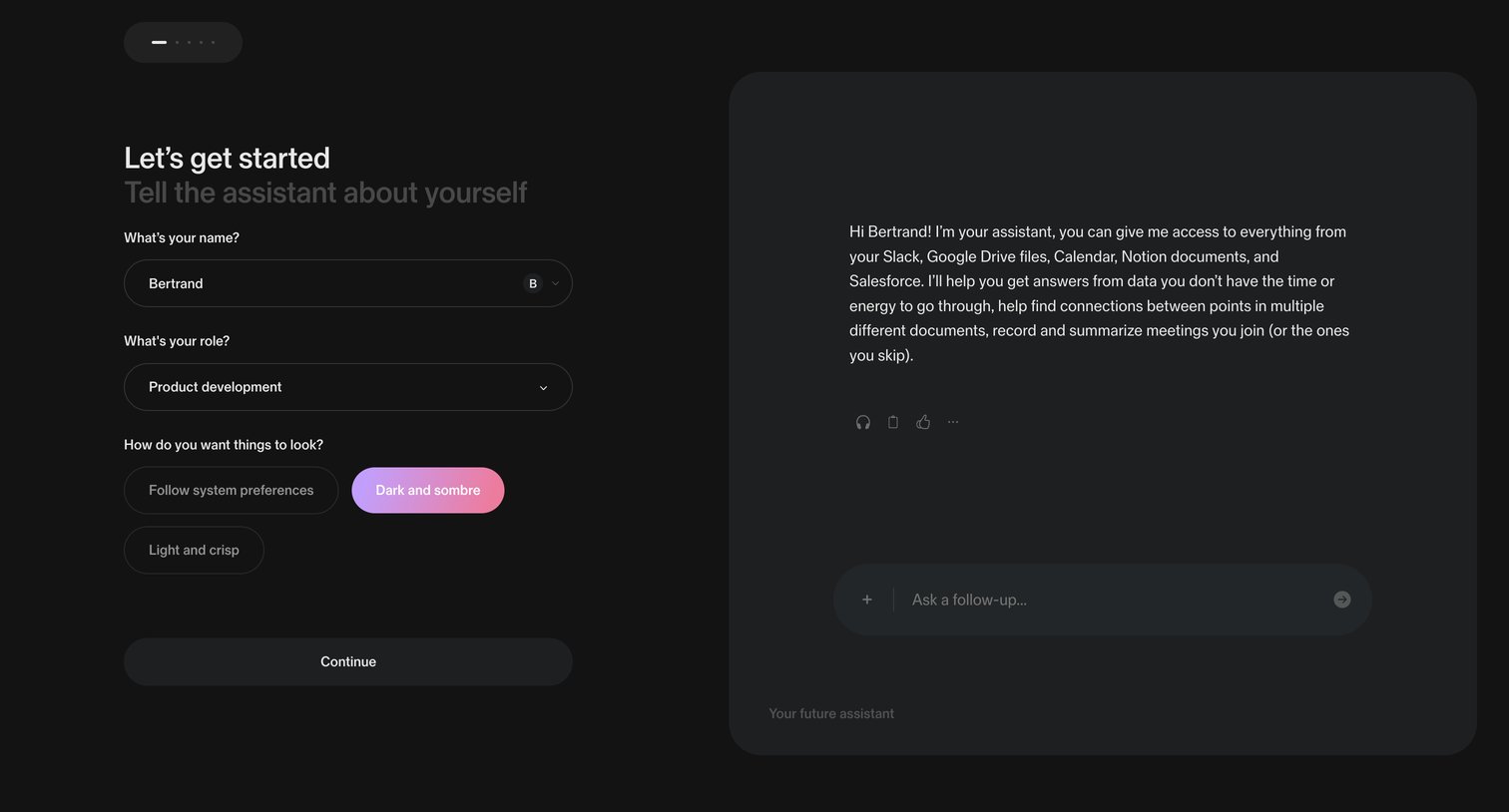
Onboarding step where the user sets their name, role, and theme preference alongside an interactive AI assistant preview.
Browse the full SaaS app library
Explore real SaaS apps with their product screens, marketing screens, flows, and components.
Trusted by the best teams







