Sana marketing pages examples
Explore Sana website design examples. Preview marketing pages and browse related SaaS page designs. Your AI assistant for work
Explore the examples


Signup page where the user can create an account using Google SSO or an email address, featuring a large product preview on the right.
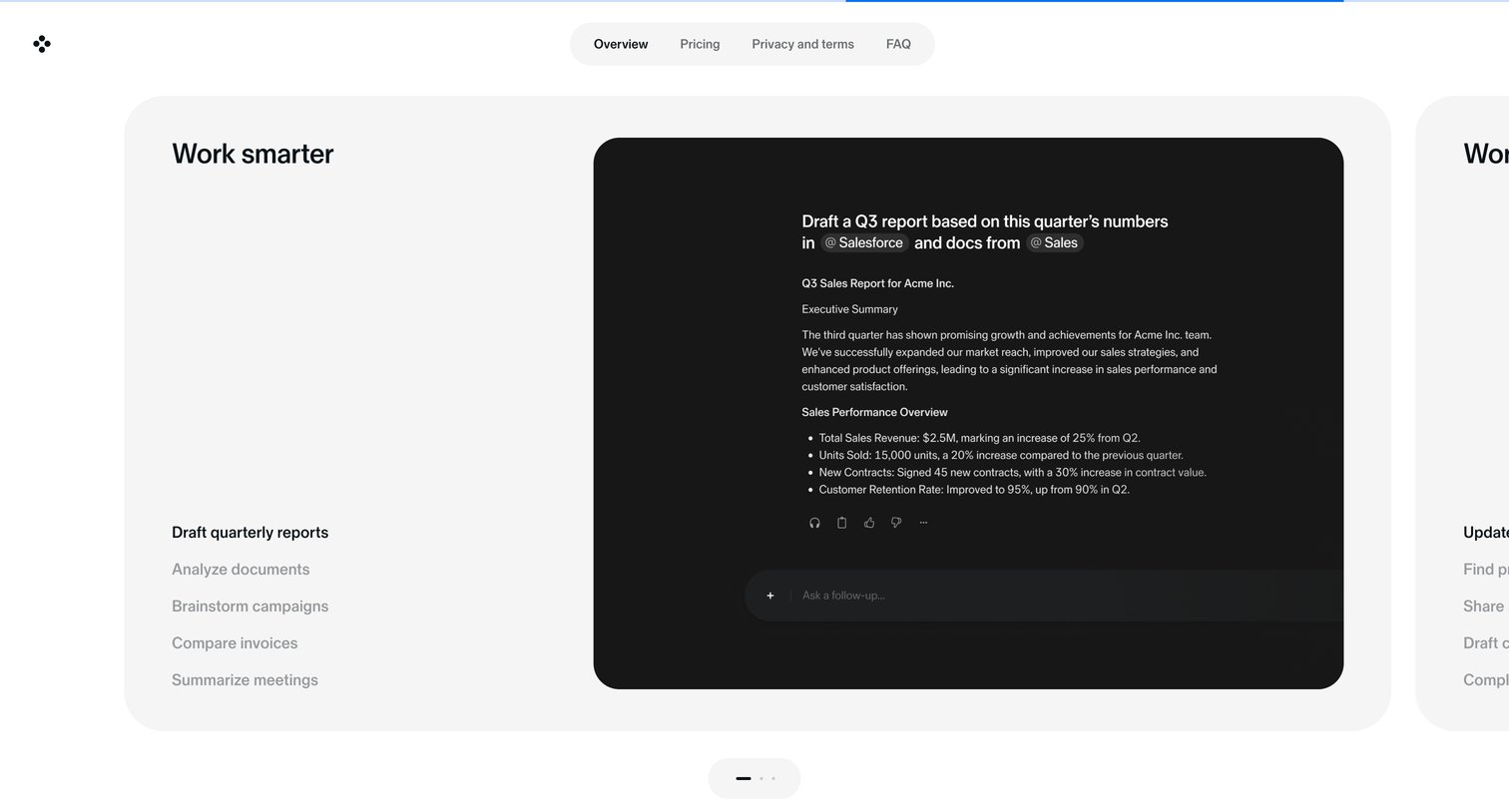
Landing page section where the user browses different AI capabilities, like drafting reports and analyzing documents, via an interactive vertical-tabbed carousel.
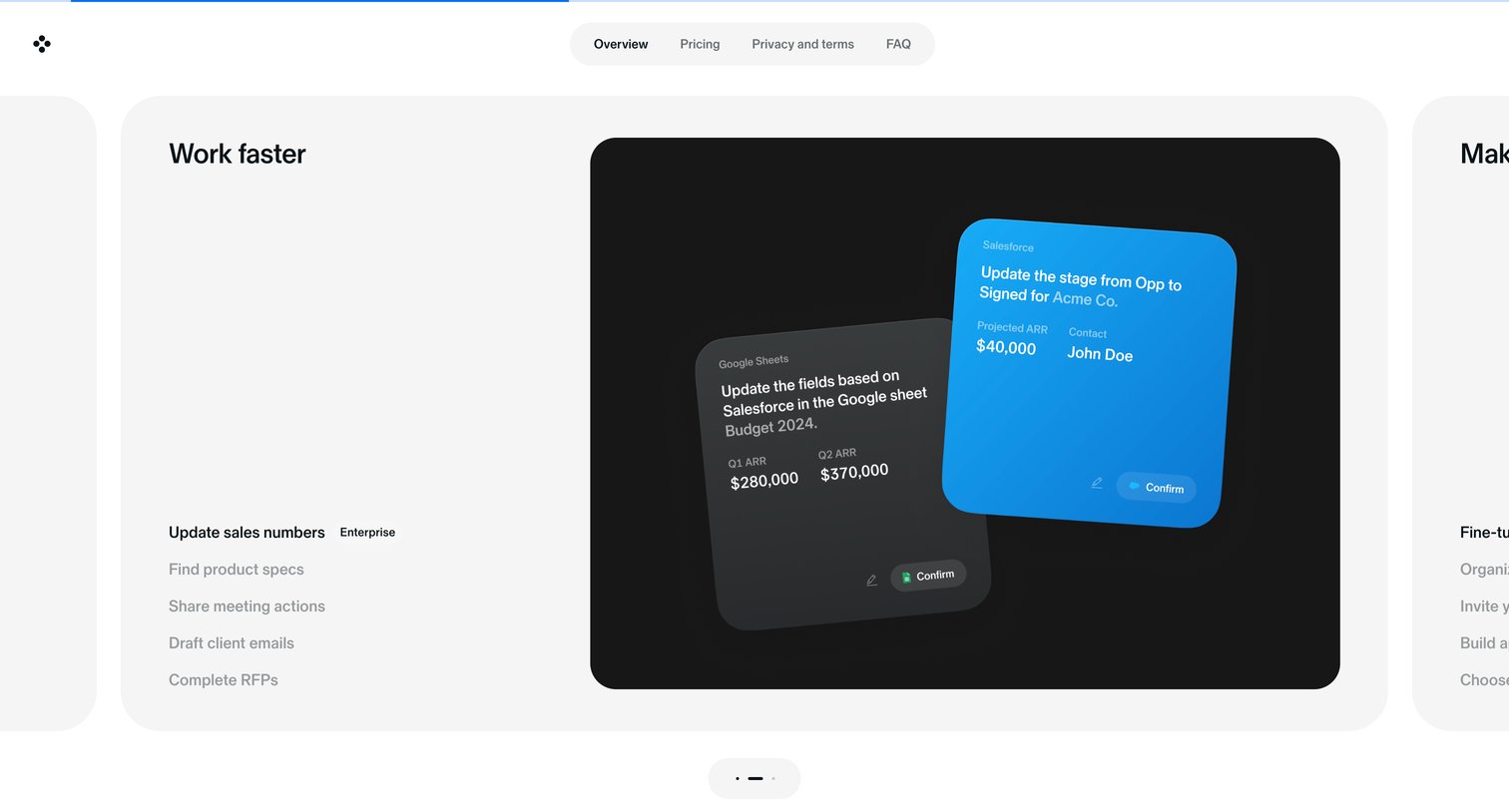
Product page where the user browses a carousel of use cases like updating sales numbers and finding product specs, accompanied by interactive UI mockups.
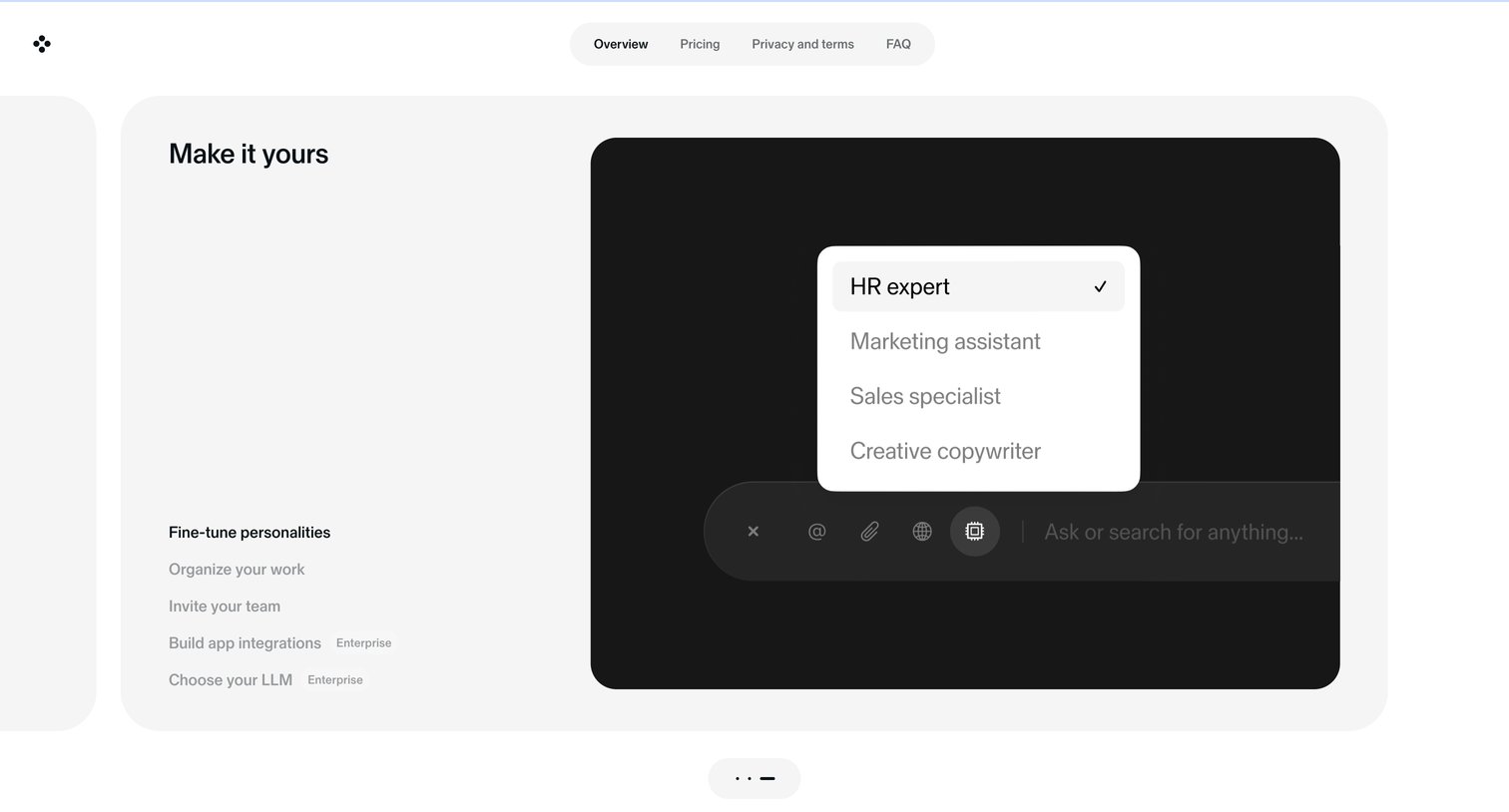
Landing page section highlighting the ability to fine-tune AI personalities, featuring an interactive preview of a persona selector above a chat input.
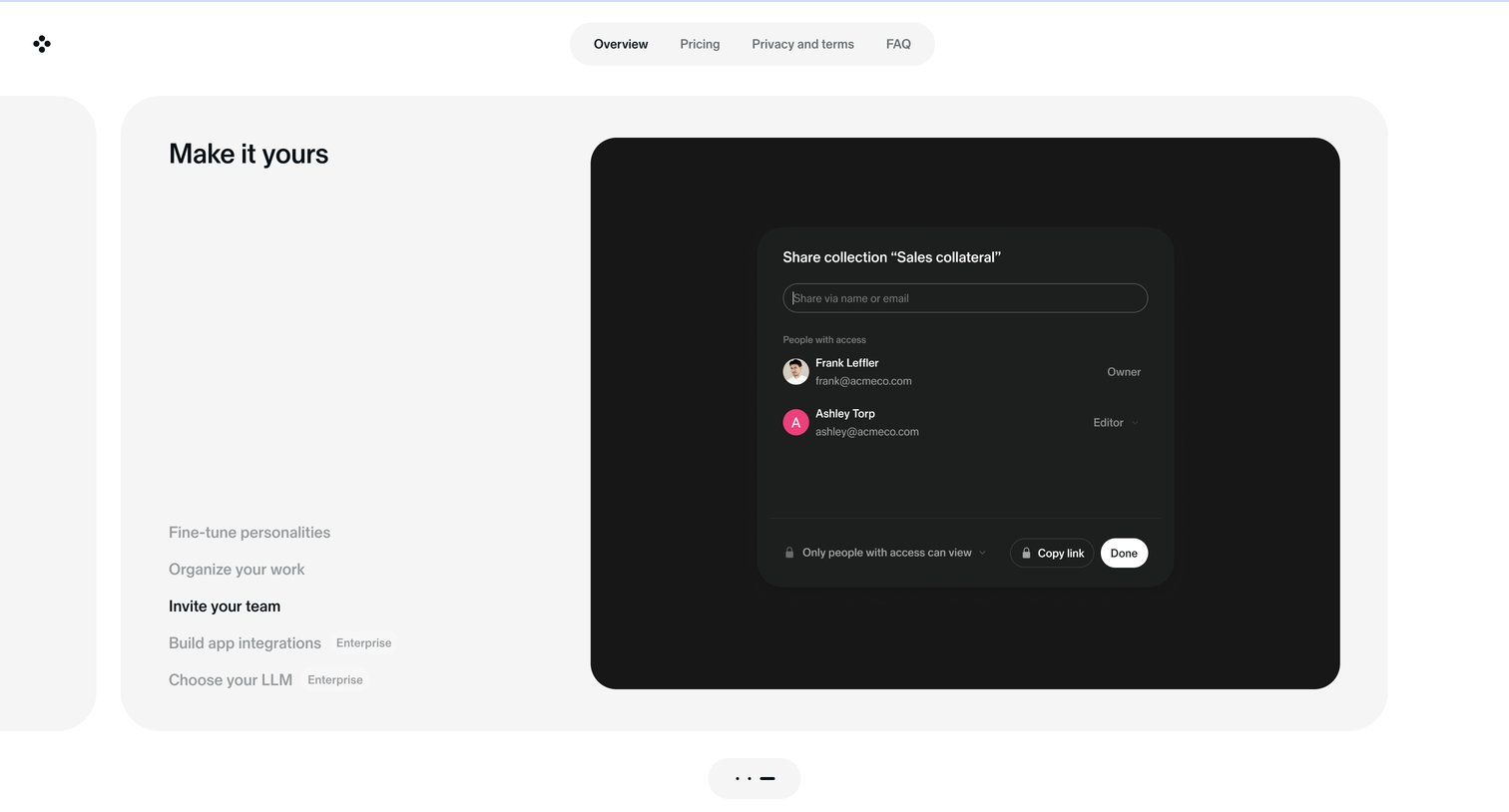
Landing page section highlighting customization and team features using a vertical tab list alongside a mockup of a share dialog.
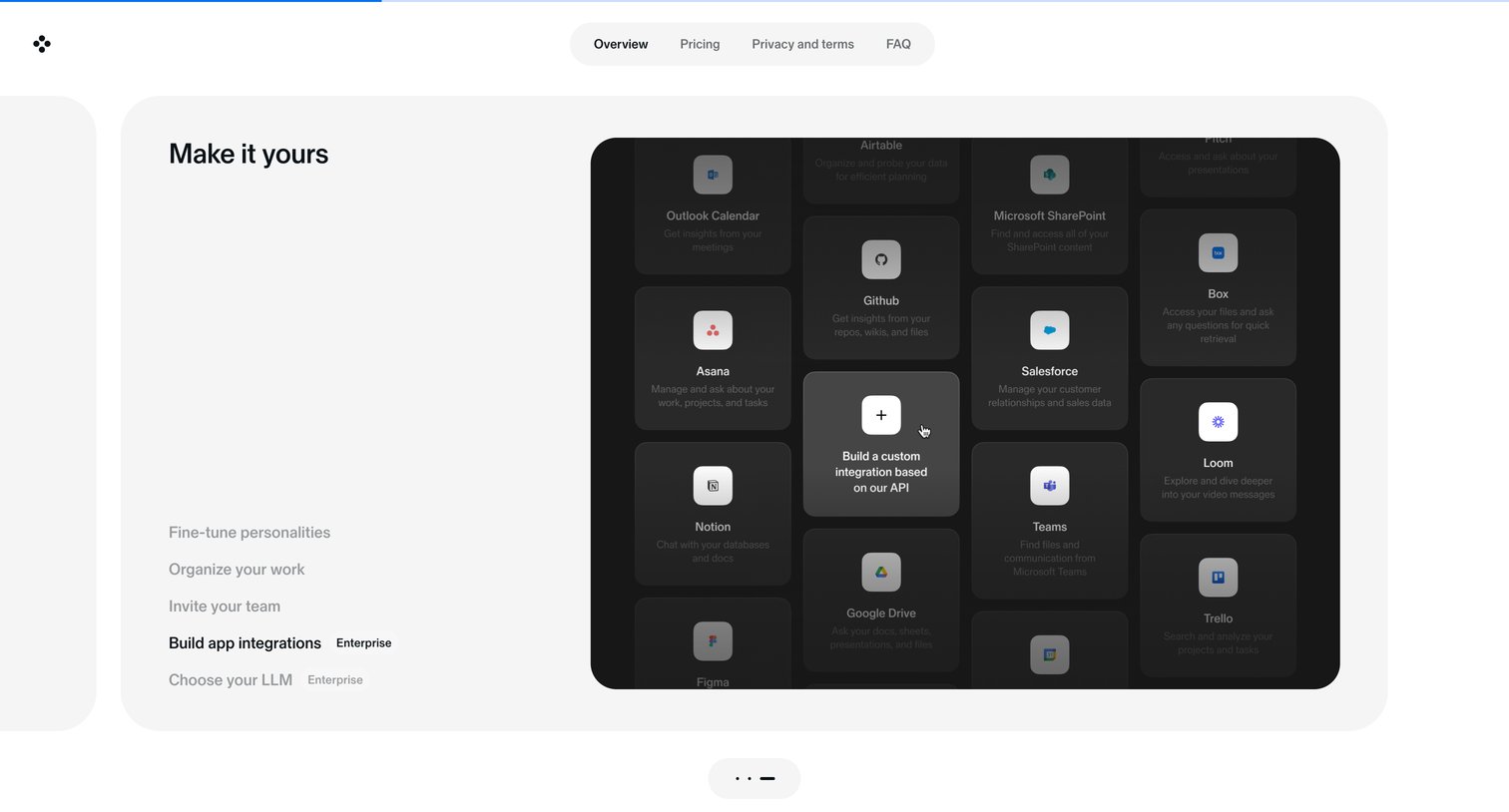
Landing page section highlighting enterprise integration capabilities, featuring a vertical list of features and a dark-themed grid of supported apps like Salesforce, Notion, and Google Drive.
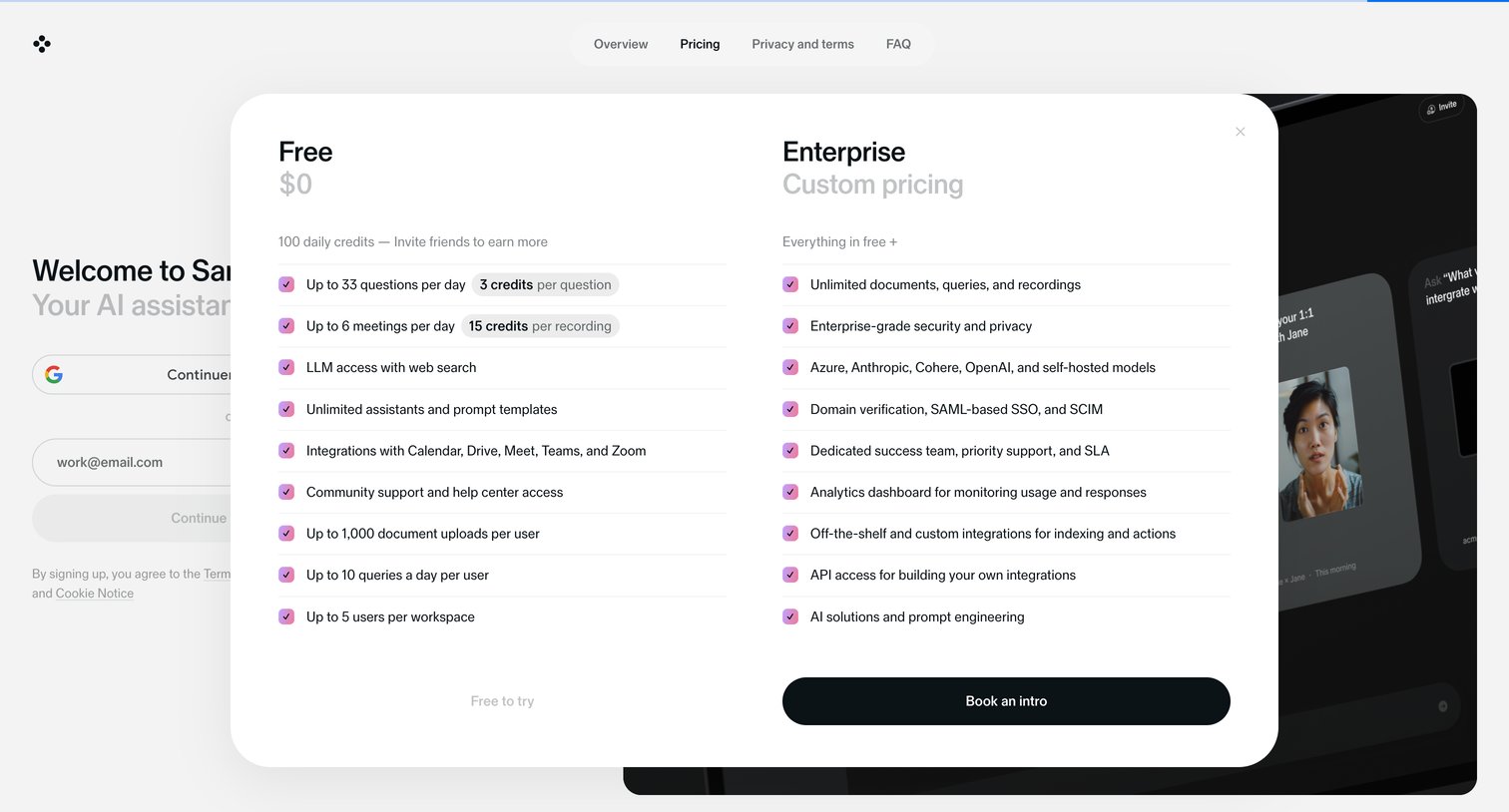
Pricing overlay presenting a free tier with daily credit limits and an enterprise plan offering unlimited usage and custom pricing.
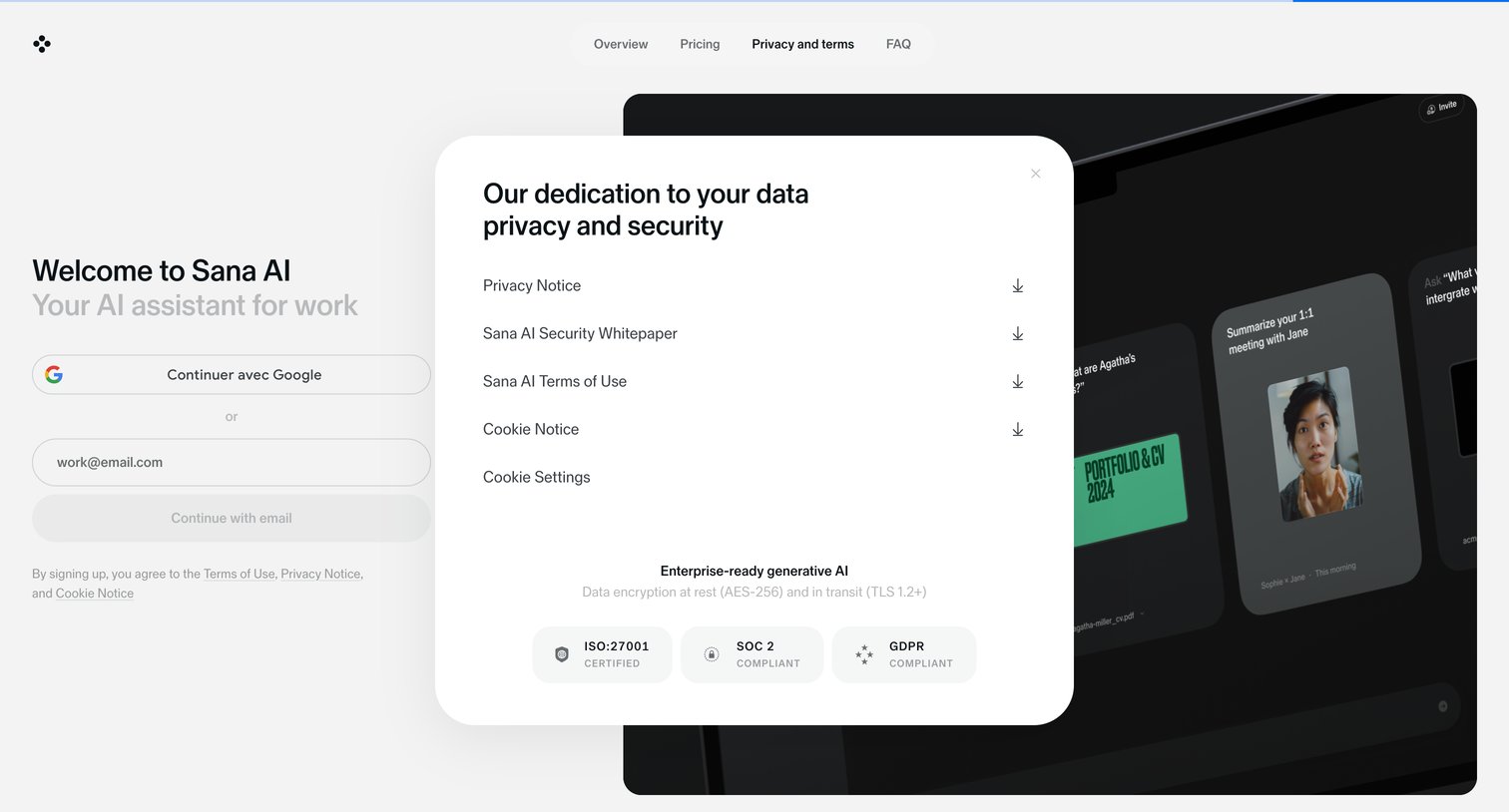
Landing page where a central modal details data privacy commitments, offering downloadable security whitepapers and displaying compliance certifications above a split-screen signup flow.
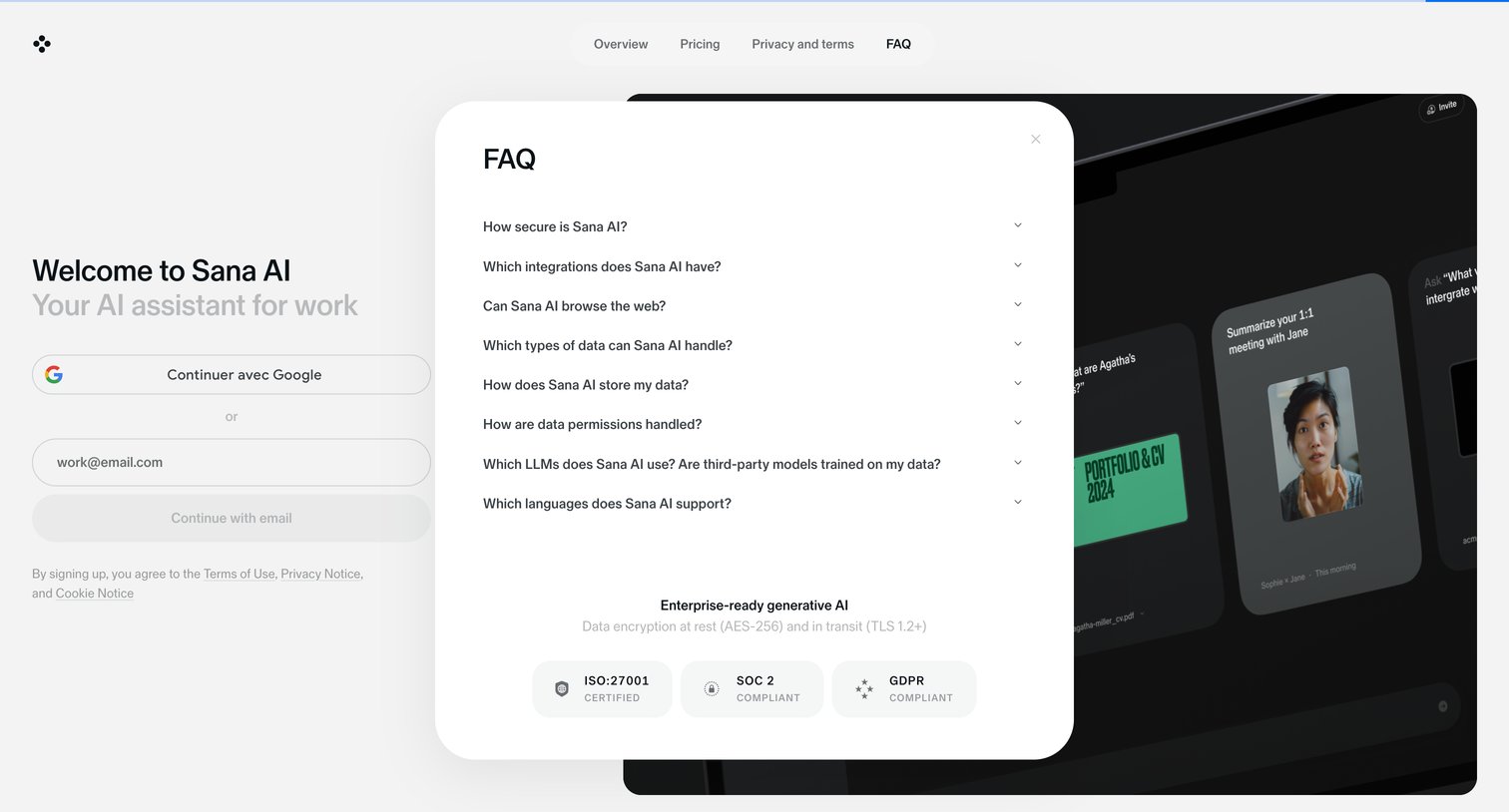
Landing page where the user views frequently asked questions about security, integrations, and data handling inside a large modal overlay.
Explore the full SaaS screen library
Upgrade to unlock the full library.
Trusted by the best teams







