Skip to content

Airtable design examples

Explore Airtable UI design examples. Create, your way

Product screens
Airtable - Apps by Airtable | Airtable screen
Airtable logo
Airtable

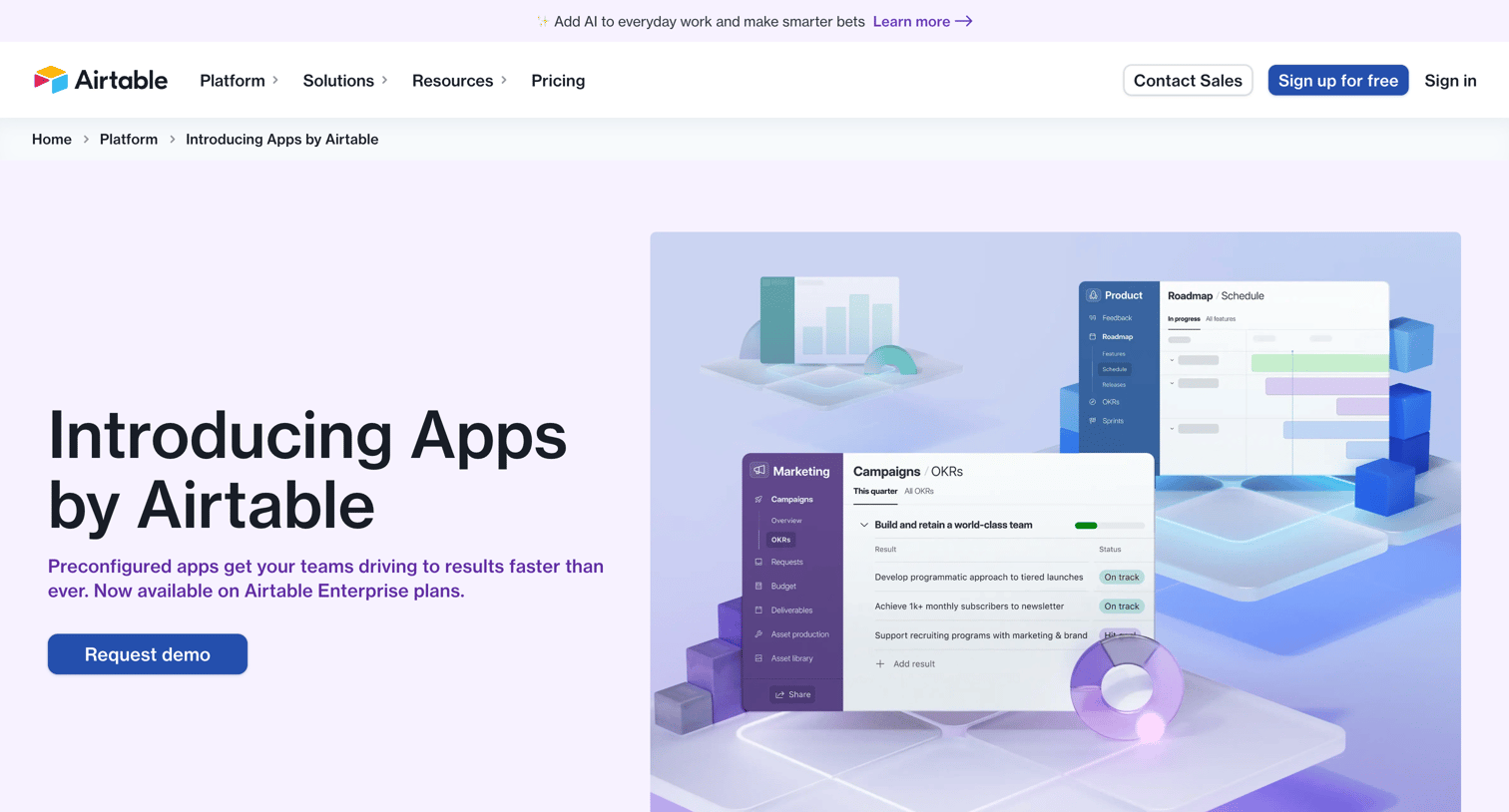
Feature page introducing preconfigured apps for marketing and product teams, highlighting use cases like campaign optimization and product innovation with accordion-style feature explorers.
Airtable - Apps - Airtable Marketplace screen
Airtable logo
Airtable

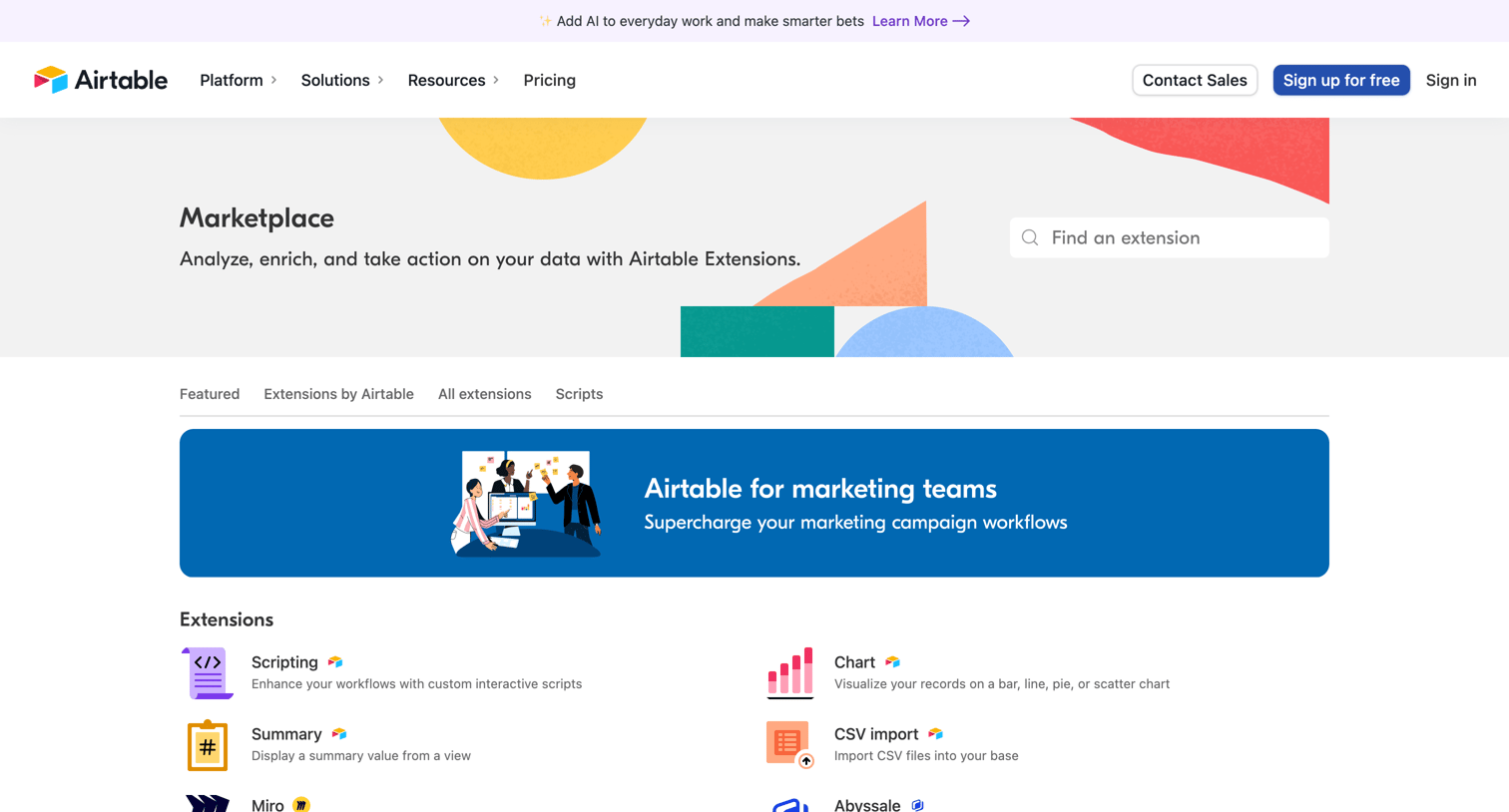
Marketing marketplace page where the user browses and searches for extensions, automations, and syncs like Scripting, Miro, and Slack to connect with their workspace.

Airtable - Finance Solutions | Finance Management Tools  Airtable screen
Airtable logo
Airtable

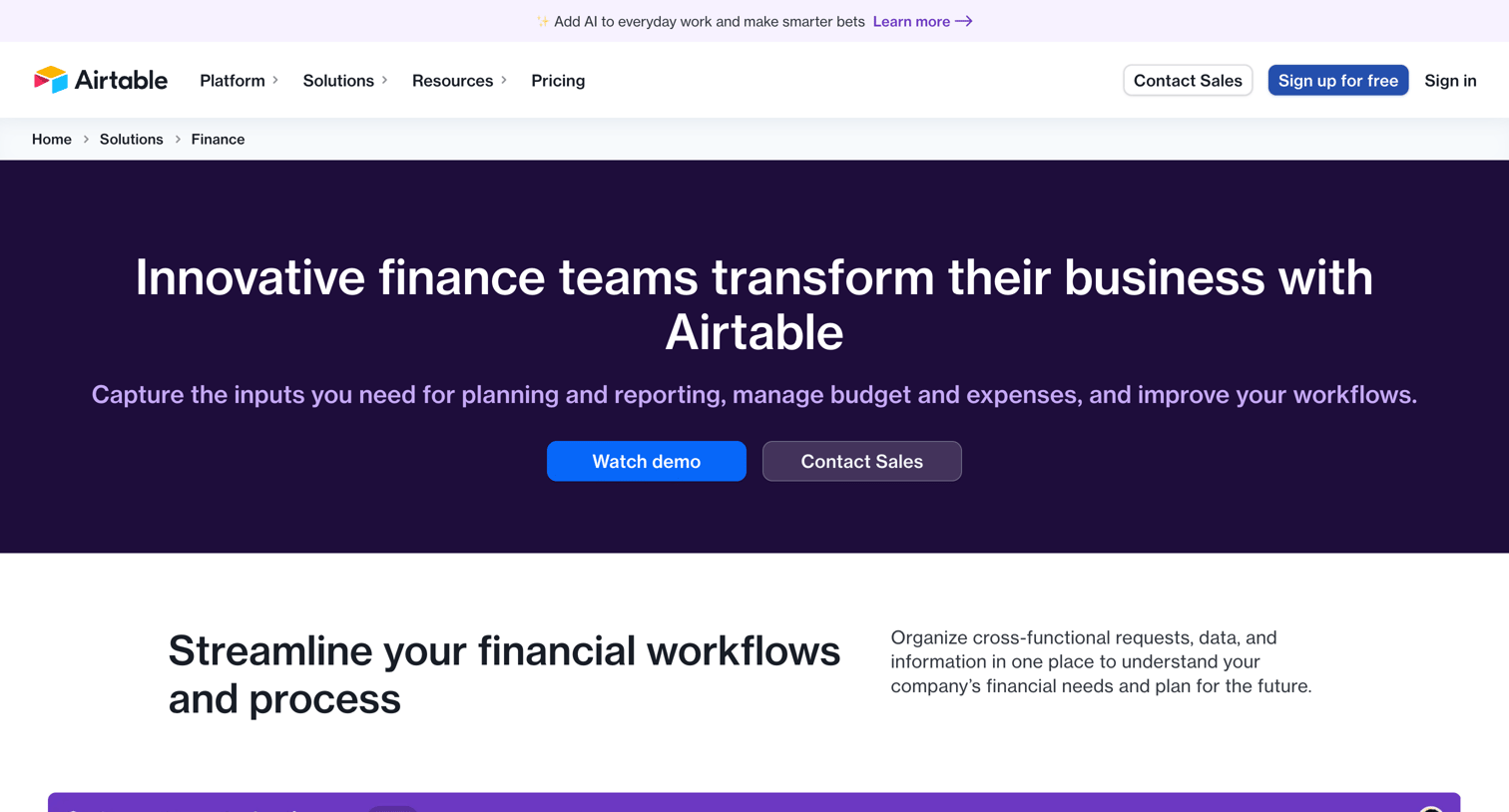
Marketing use case page explaining how finance teams can use the platform for budgeting, expense tracking, and automated reporting.

Airtable - Airtable Fundamentals Workshop screen
Airtable logo
Airtable

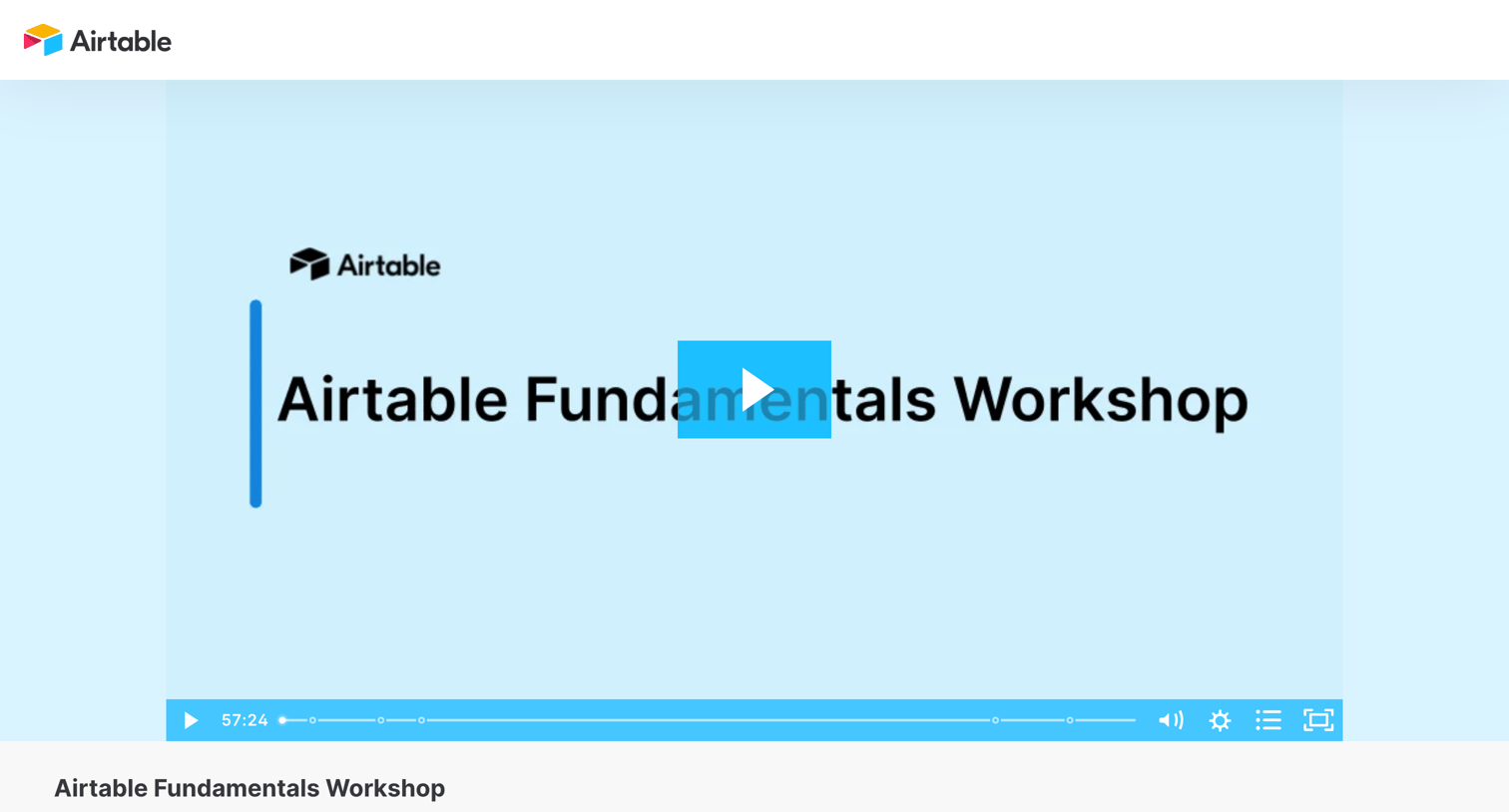
Webinar page where the user can watch a 60-minute Airtable Fundamentals Workshop video and access a list of related resources like demo bases and templates.
Airtable - Sign in - Airtable screen
Airtable logo
Airtable

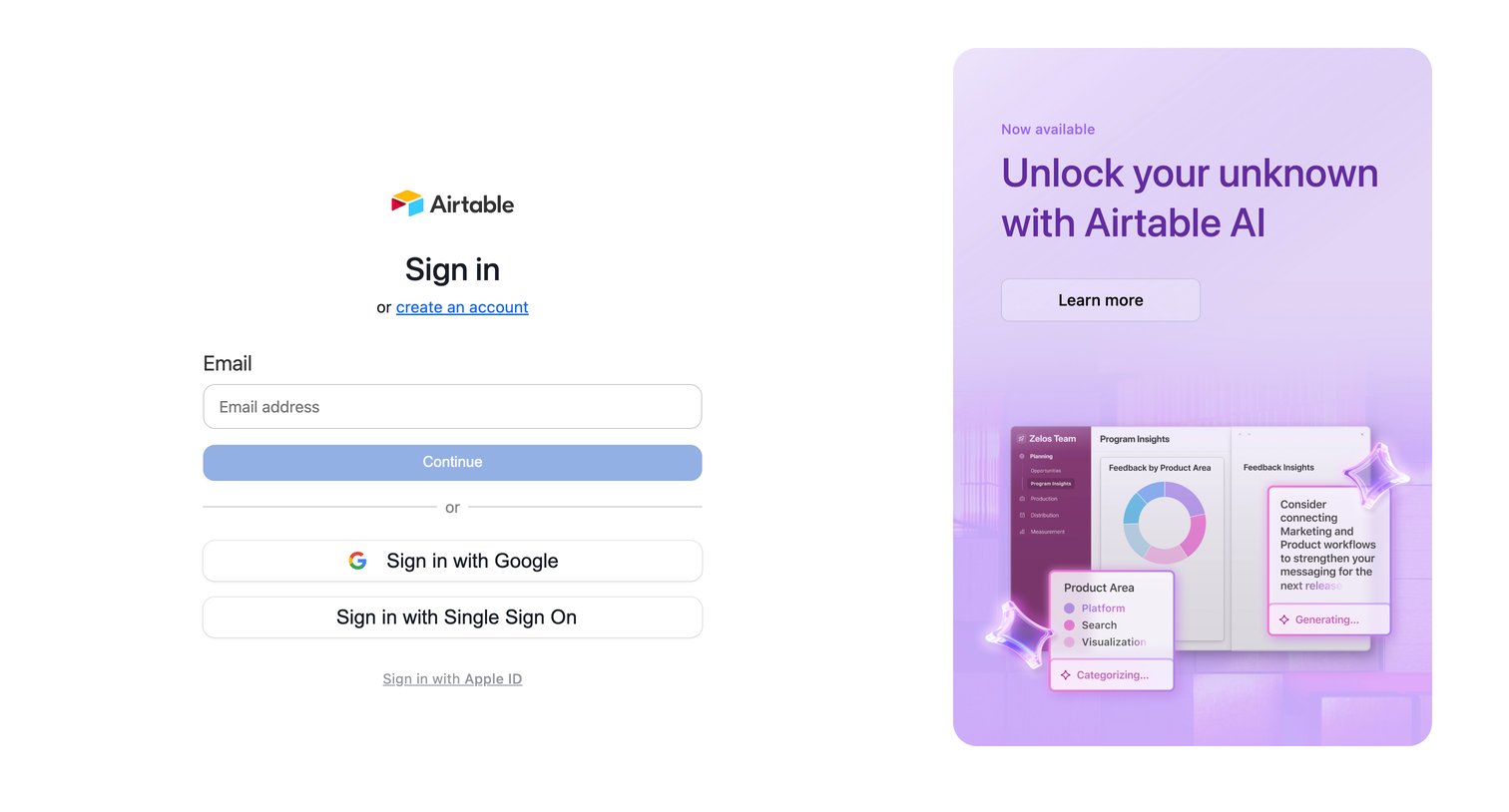
Sign-in screen where the user authenticates with email, Google, Single Sign On, or Apple ID, alongside a promotional panel for Airtable AI.

Airtable - Sign in - Airtable screen
Airtable logo
Airtable

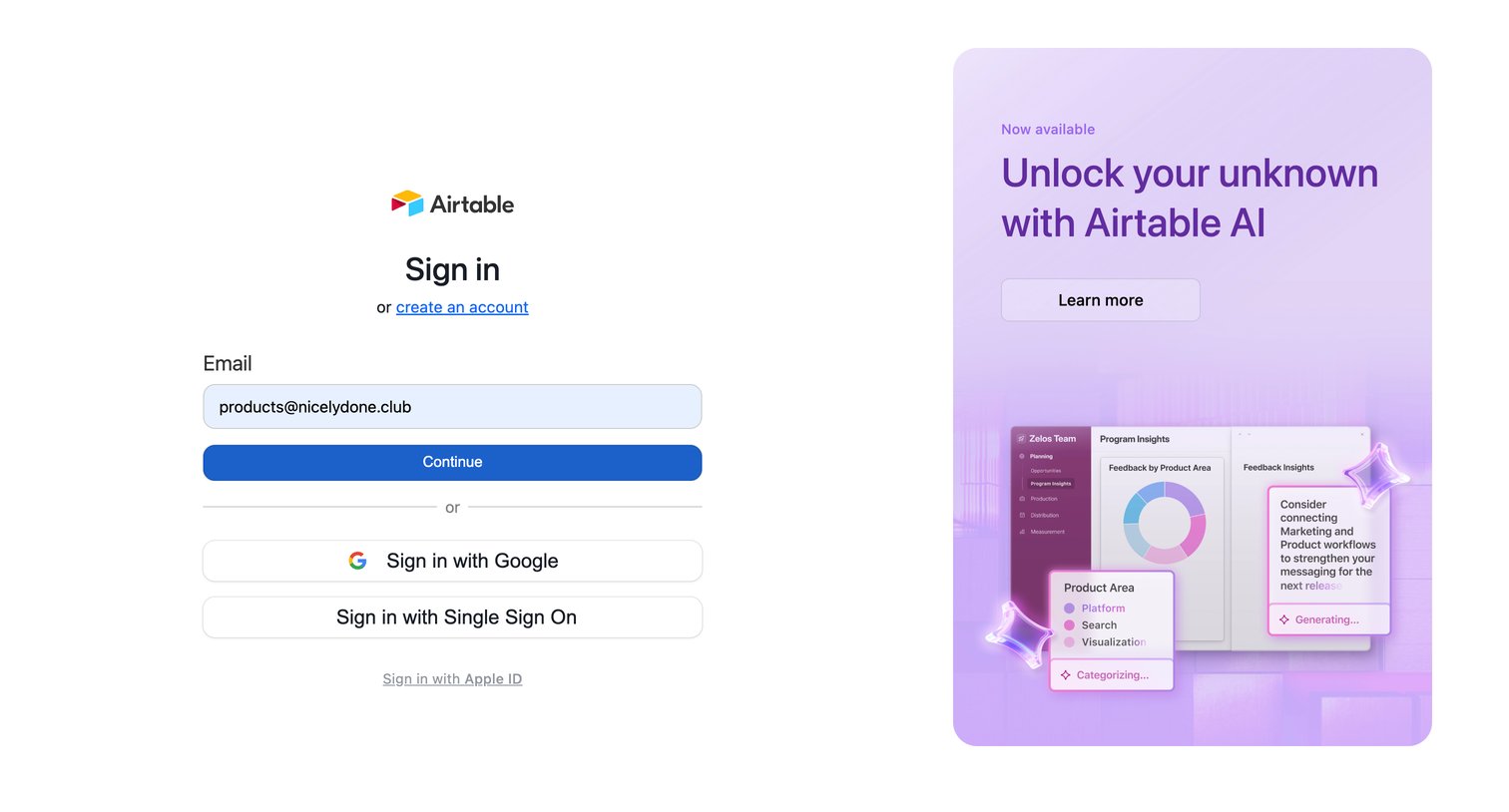
Sign-in screen where the user authenticates via email, Google, SSO, or Apple ID, alongside a promotional panel for Airtable AI.

Airtable - Sign in - Airtable screen
Airtable logo
Airtable

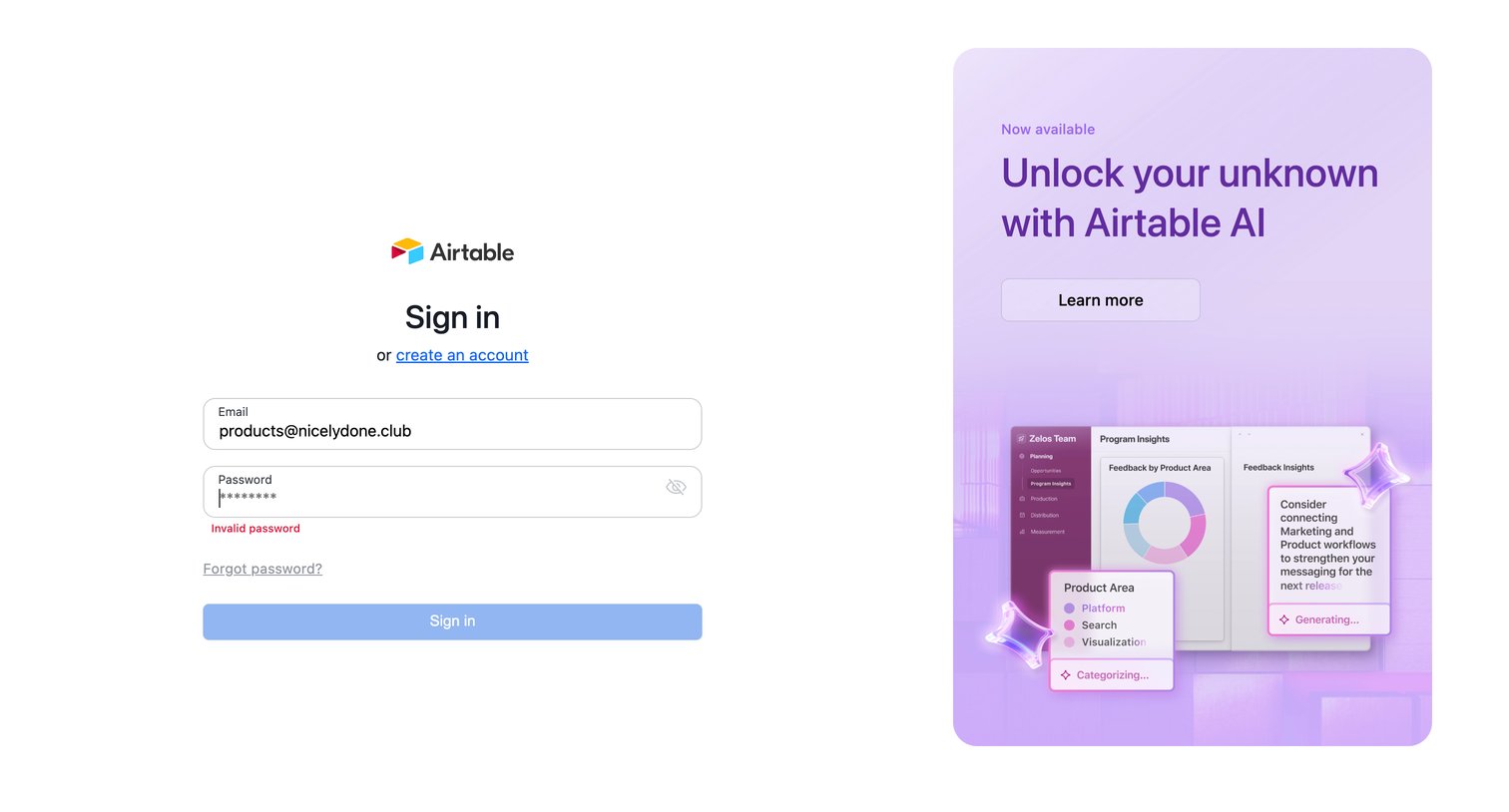
Sign-in screen where the user is blocked by an invalid password error while a promotional panel advertises Airtable AI.

Airtable - Forgot password - Airtable screen
Airtable logo
Airtable

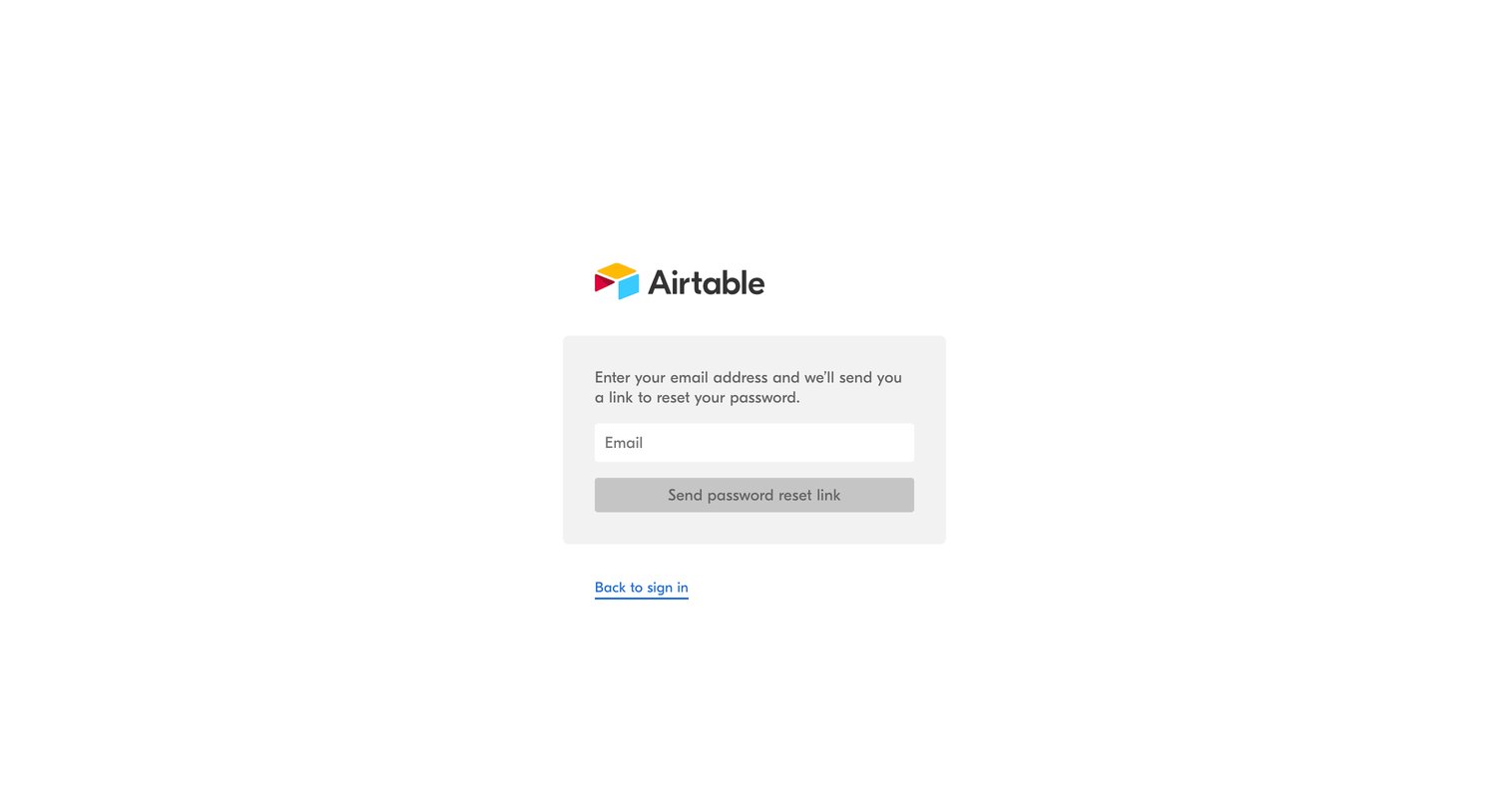
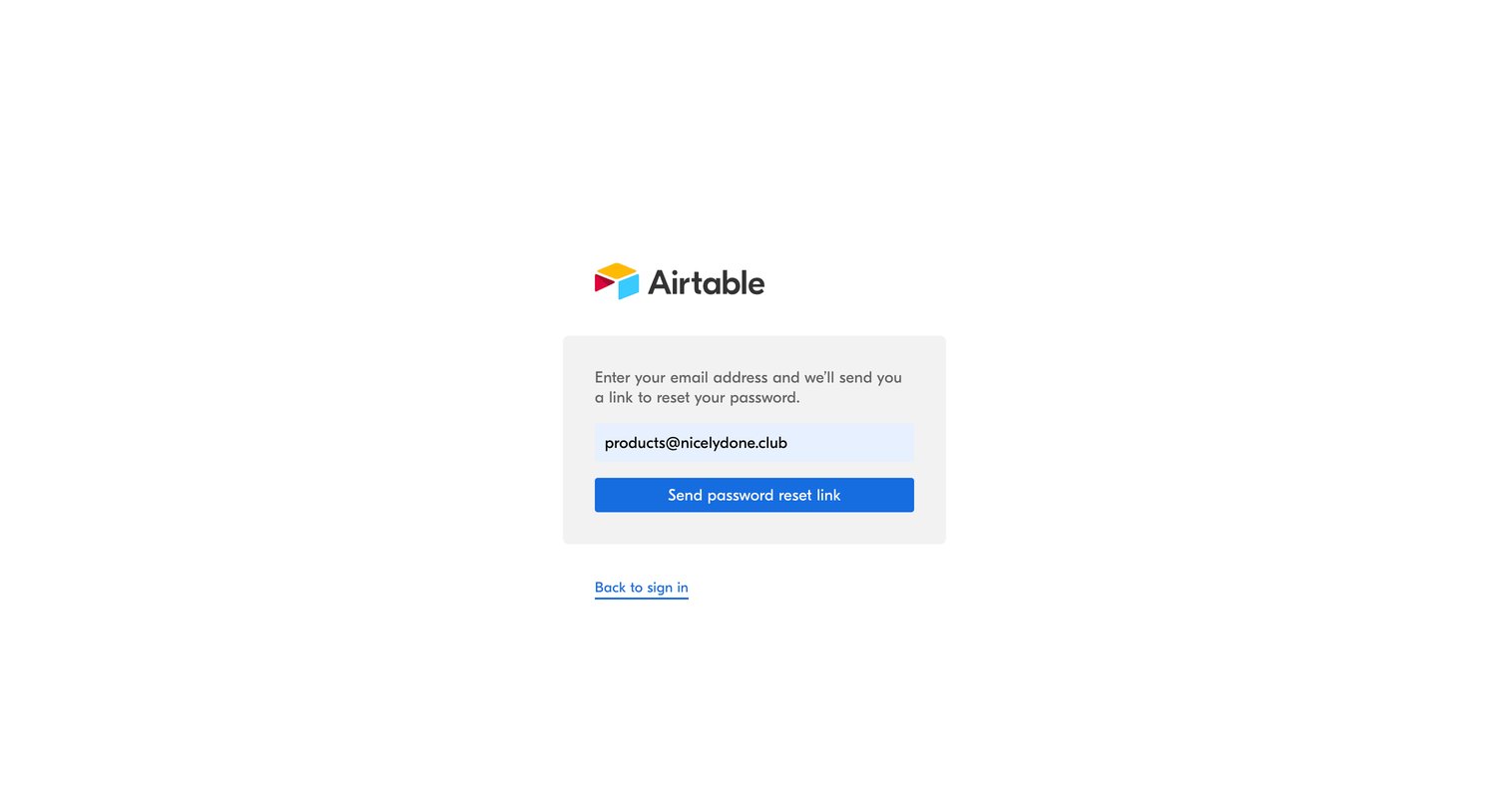
Password recovery screen where the user enters their email address to receive a reset link.
Airtable - Forgot password - Airtable screen
Airtable logo
Airtable

Password recovery screen where the user enters their email address to receive a reset link.
Airtable - Password reset - Airtable screen
Airtable logo
Airtable

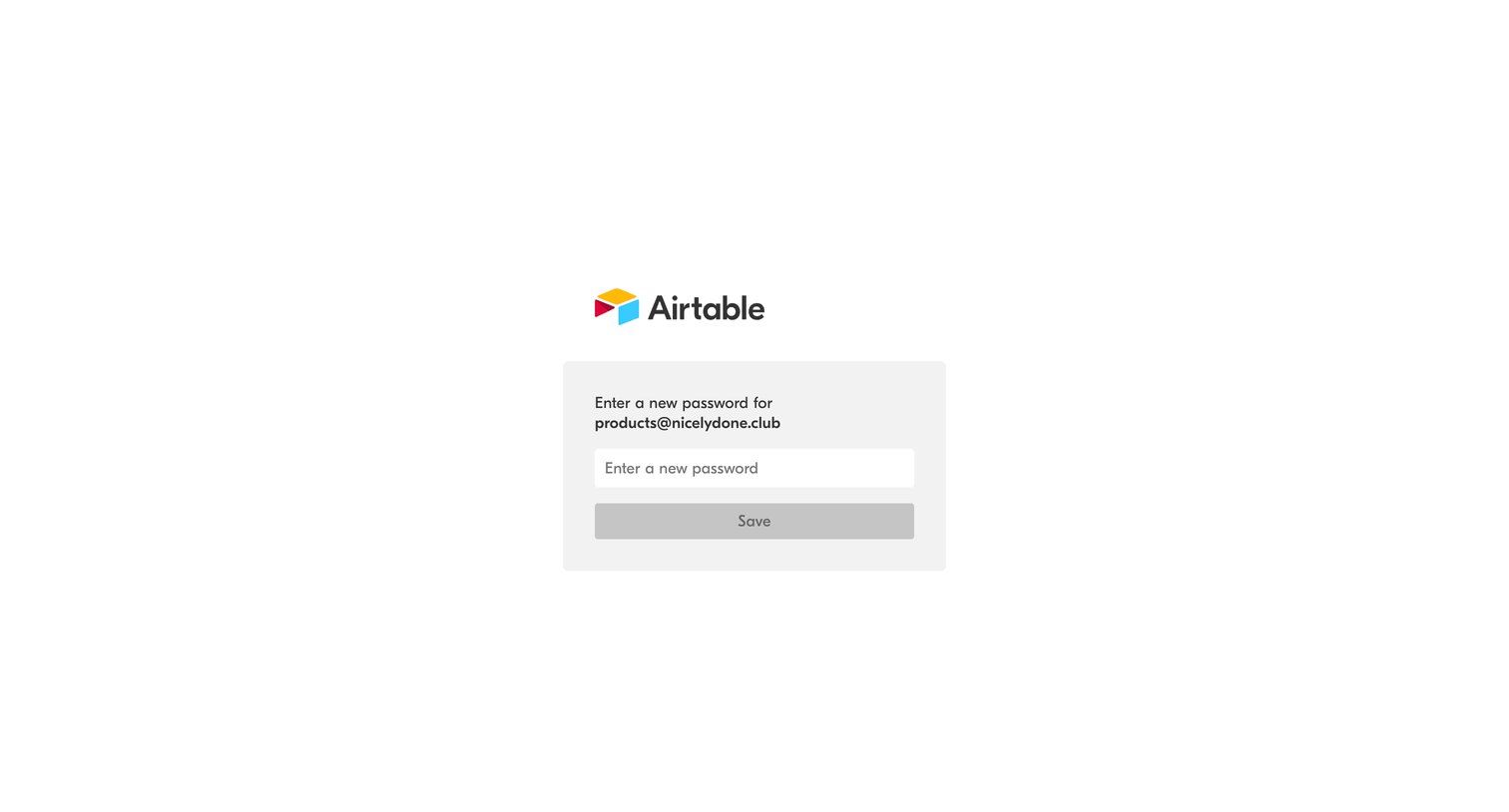
Password recovery screen where the user enters a new password to complete the reset process for their email address.
Airtable - Password reset - Airtable screen
Airtable logo
Airtable

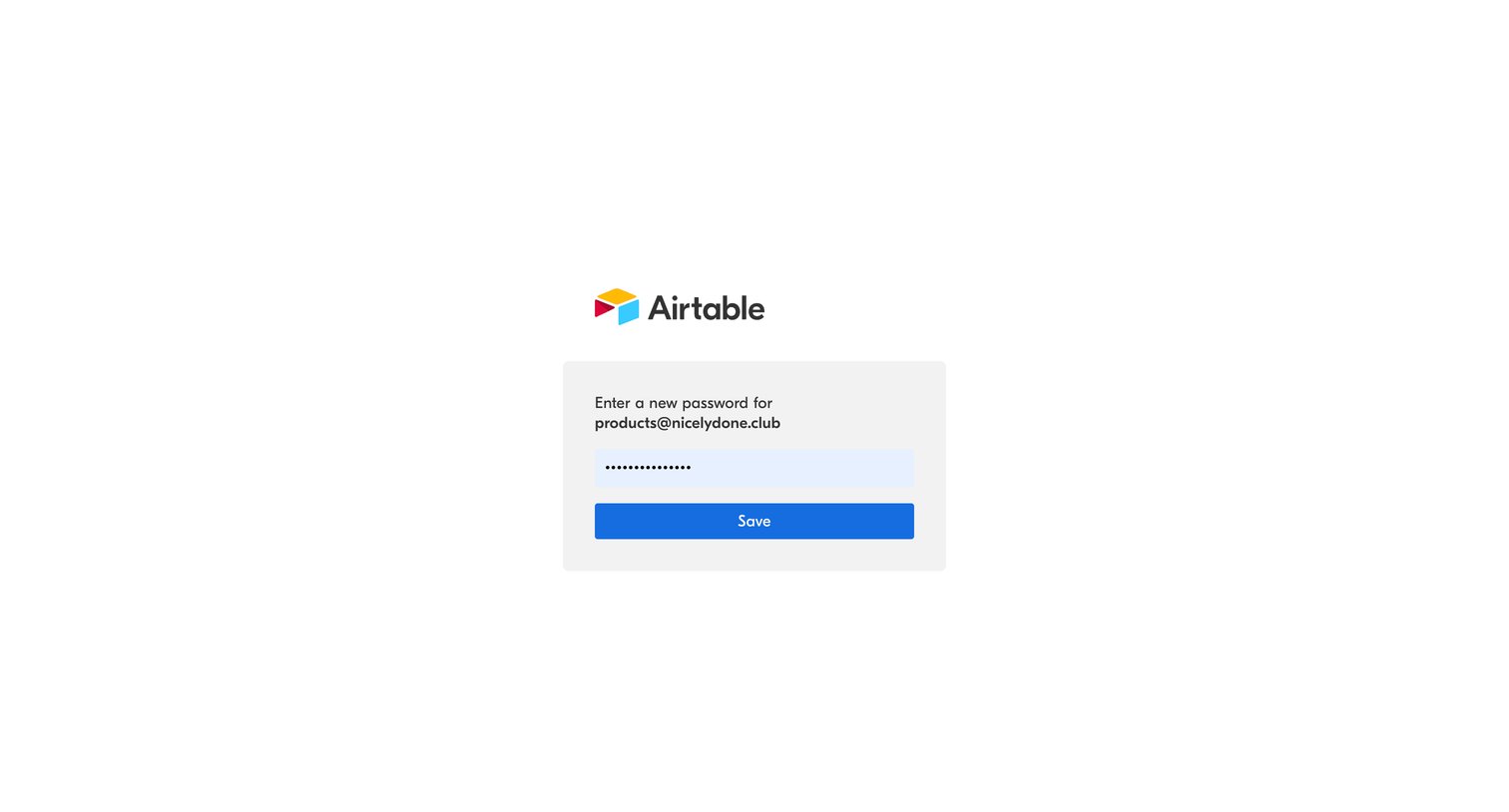
Password recovery screen where the user enters and saves a new password for their account.
Airtable - Password has been reset - Airtable screen
Airtable logo
Airtable

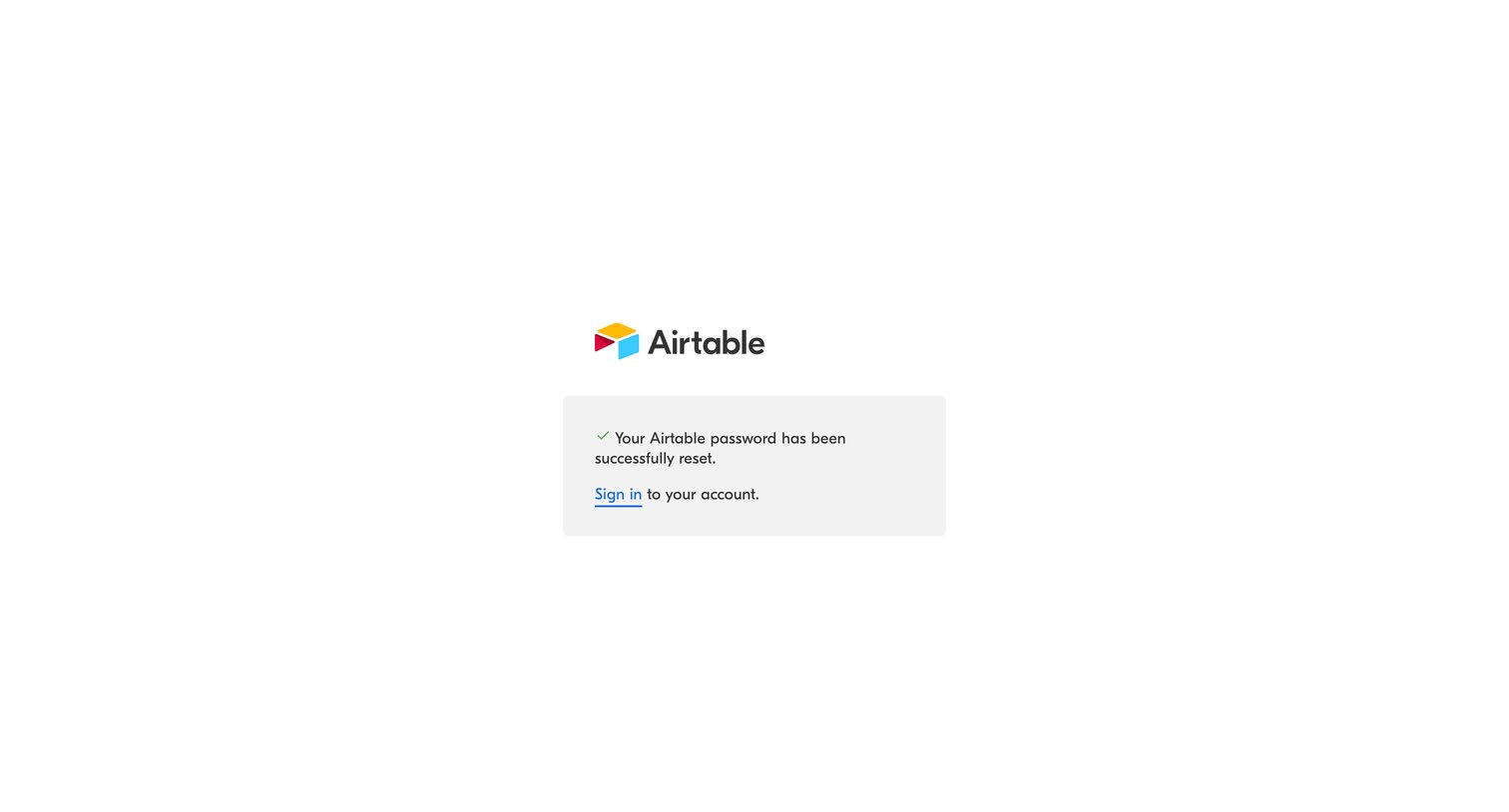
Password recovery success screen confirming the reset and providing a link to sign in to the account.

Browse the full SaaS app library

Explore real SaaS apps with their product screens, marketing screens, flows, and components.

Trusted by the best teams