Airtable marketing pages examples
Explore Airtable website design examples. Preview marketing pages and browse related SaaS page designs. Create, your way
Explore the examples


Landing page for Airtable showcasing app building capabilities, workflow automation, AI features, and customer success stories.
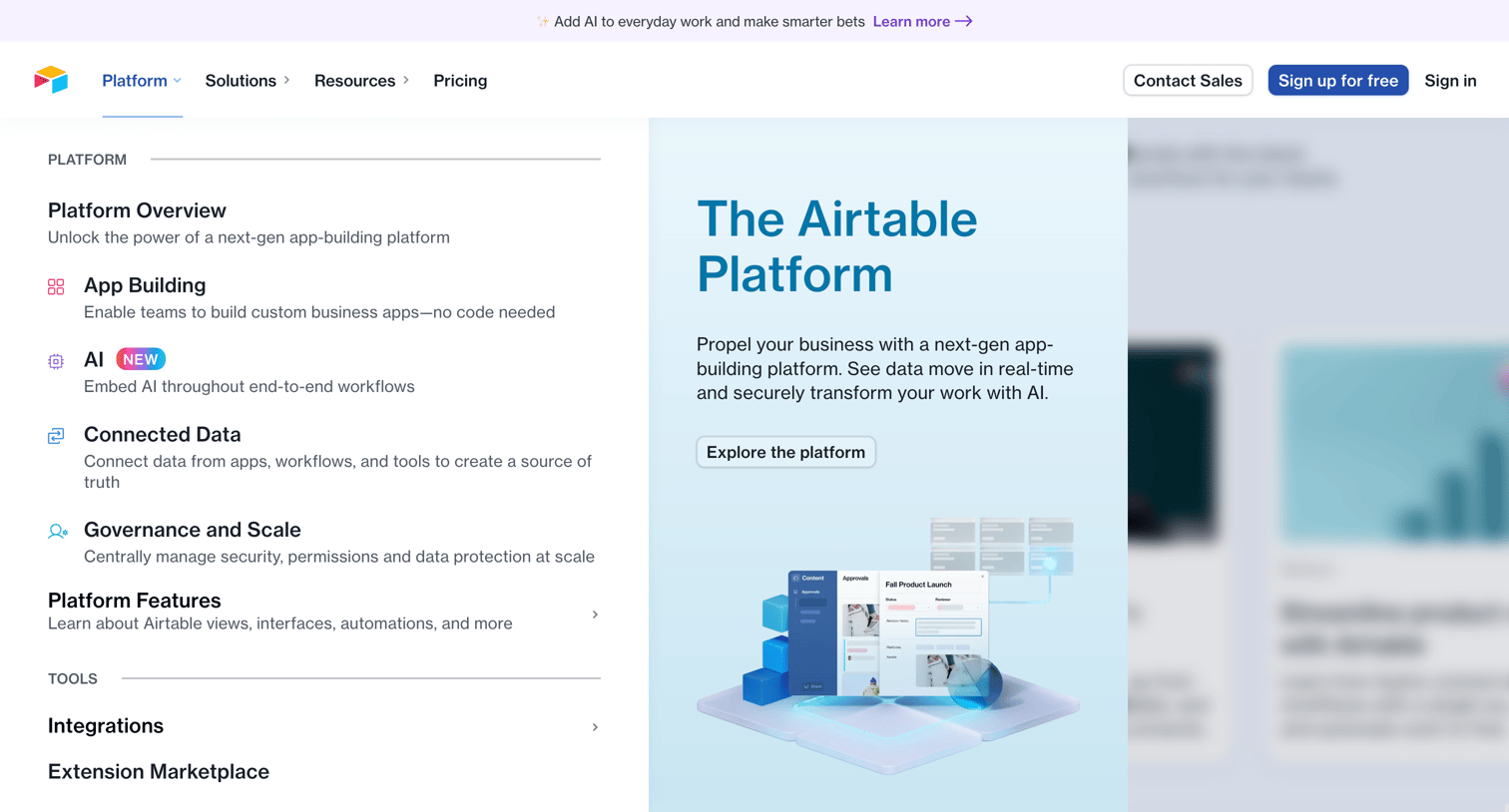
Landing page where the user opens the platform mega menu to explore features like app building, AI, and integrations.
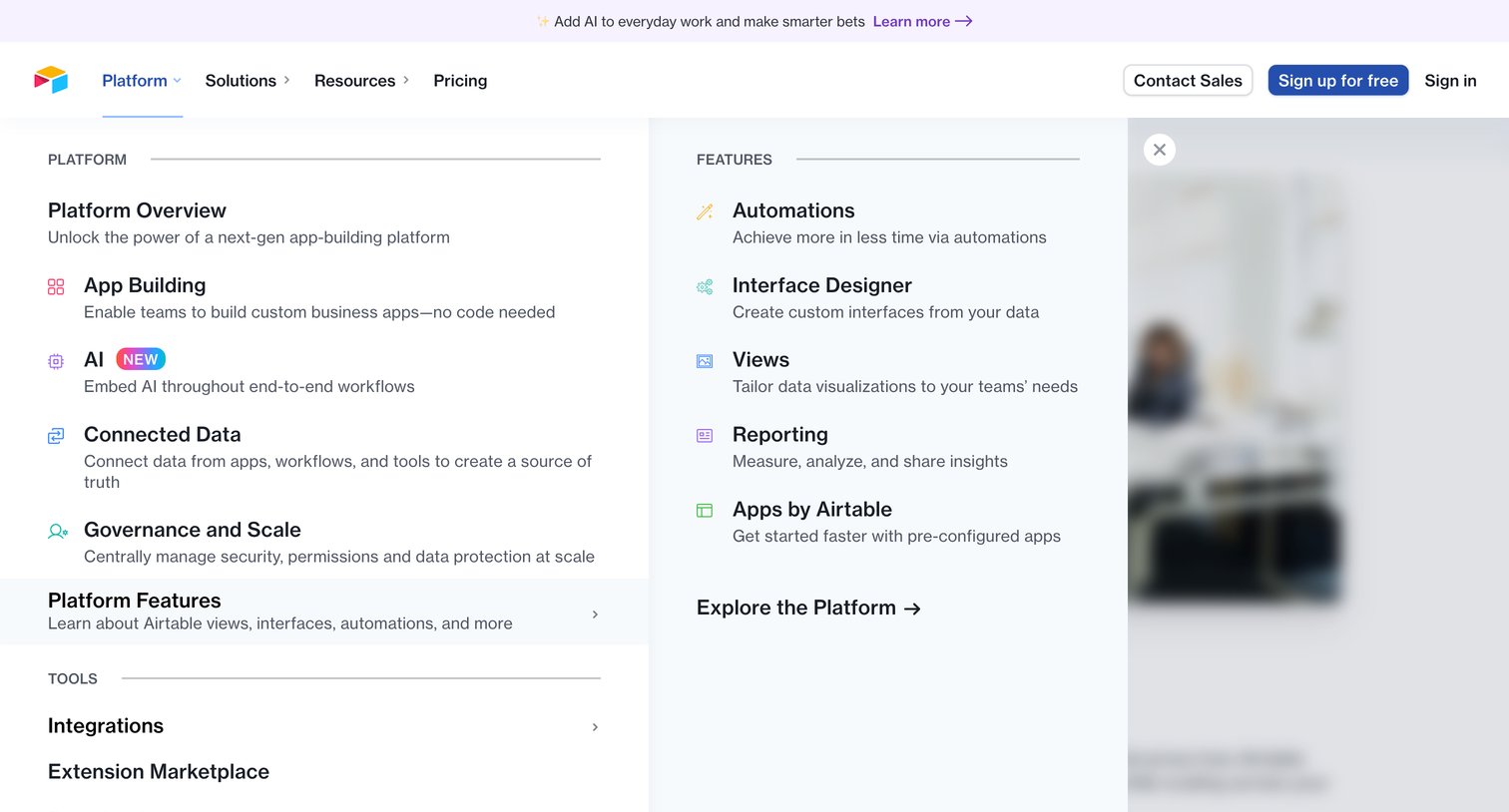
Marketing header with an open mega menu displaying platform capabilities, features like automations and interface designer, and a promotional media card.
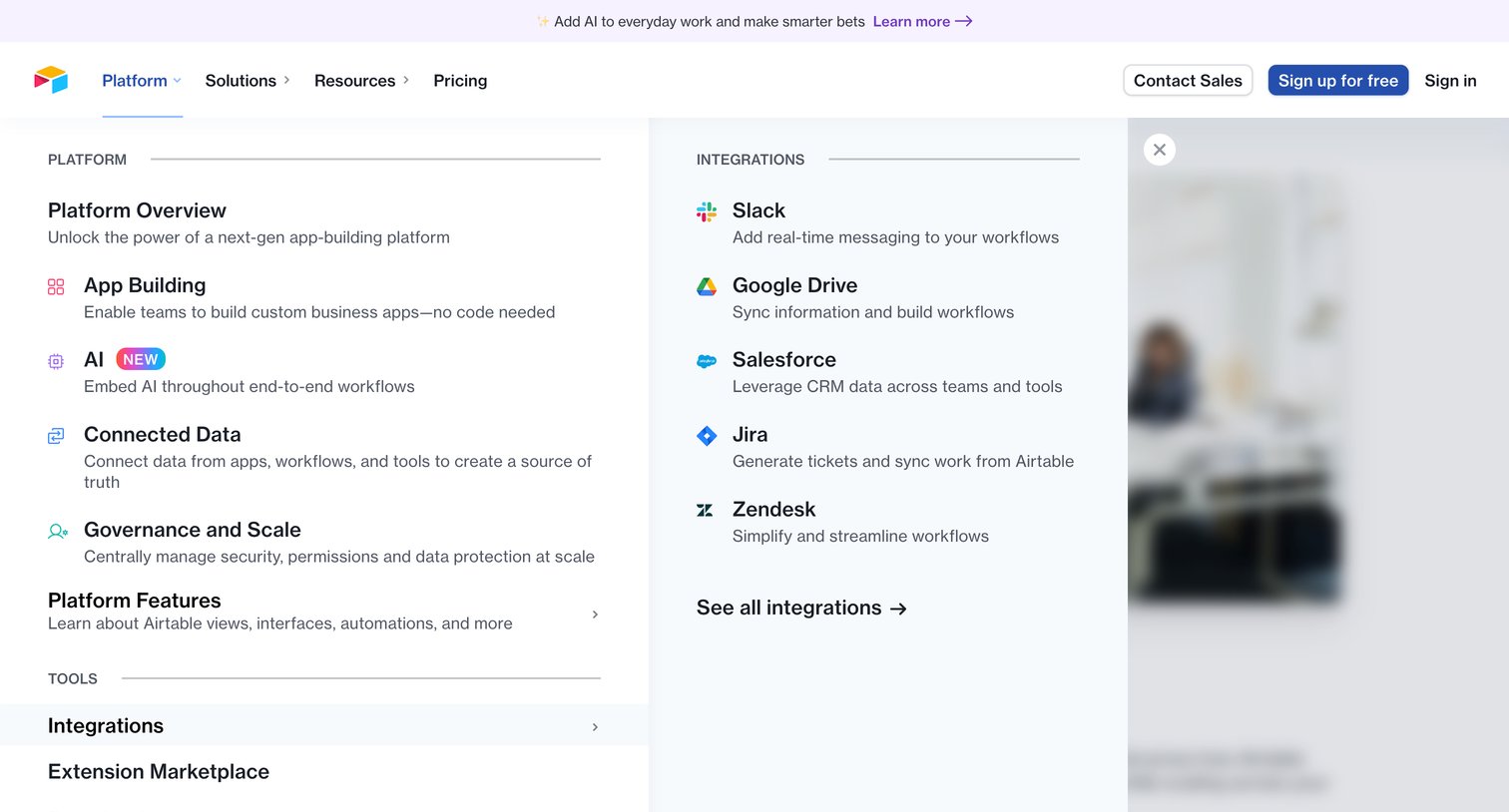
Marketing site navigation where the user explores platform features, tools, and integrations via a large dropdown menu.
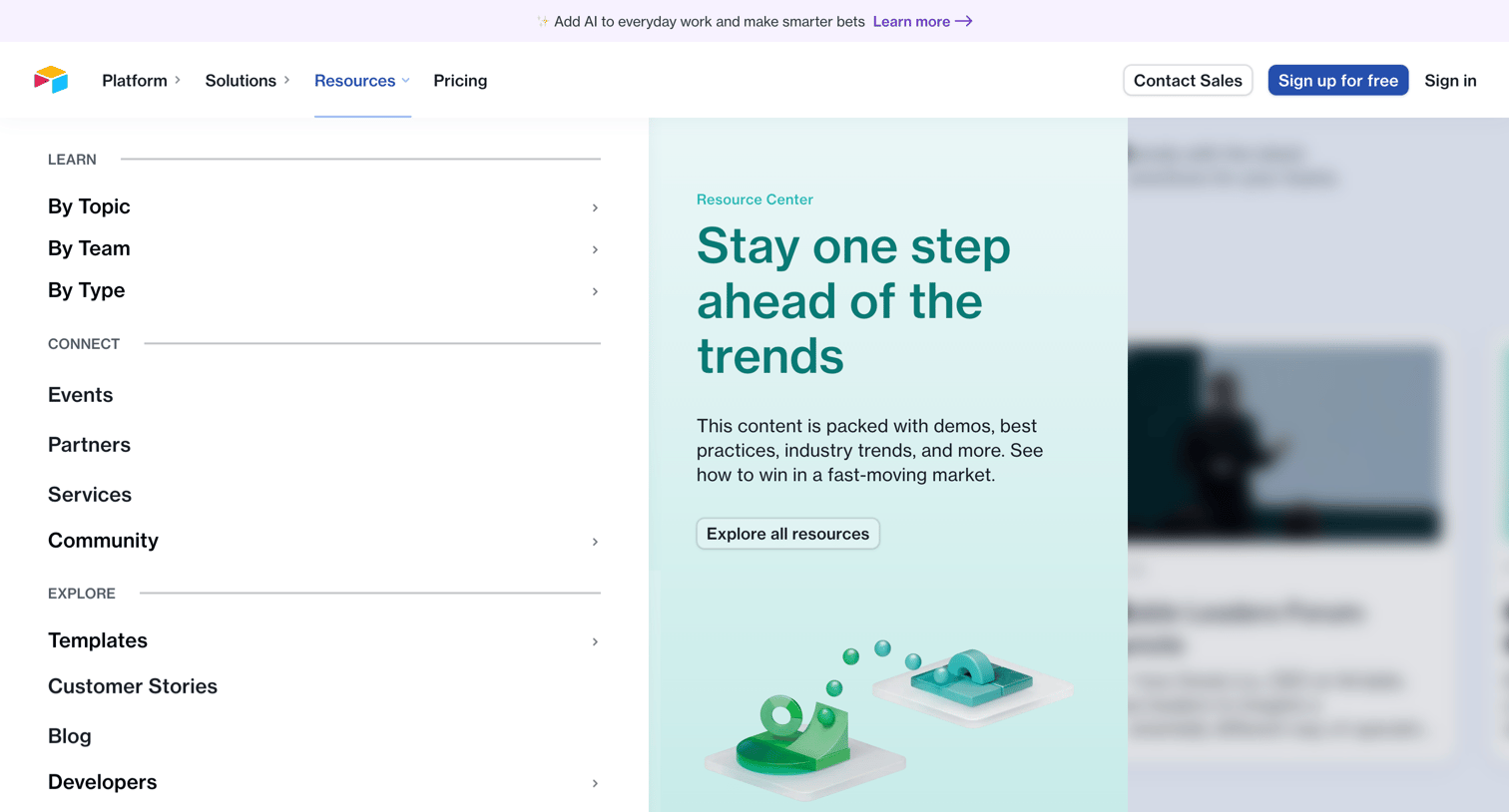
Marketing site navigation where the user opens the Resources mega-menu to discover content by topic, team, or type, alongside featured trends and articles.
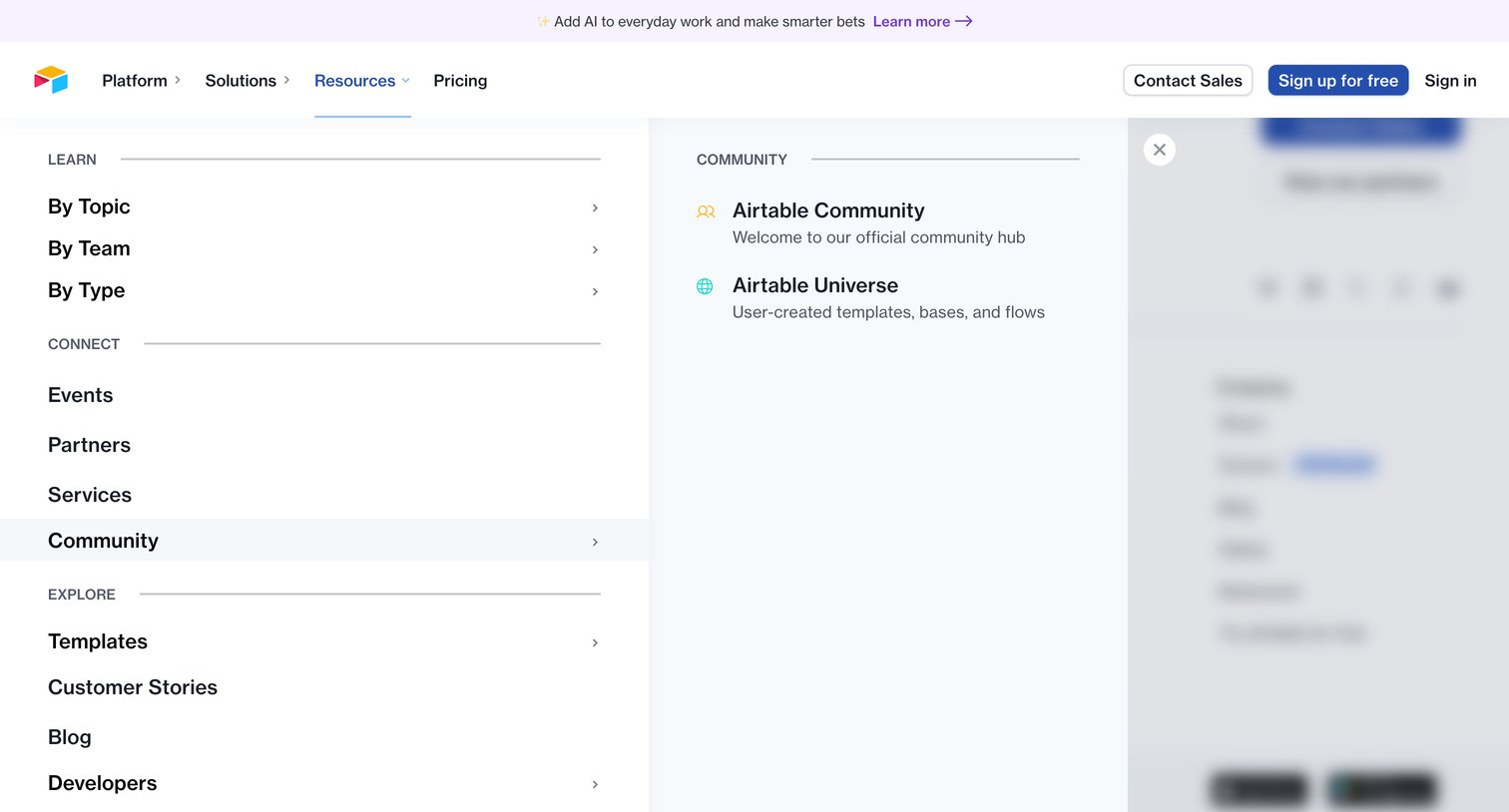
Marketing header with an open mega-menu displaying resources categorized by learning, connecting, and exploring, alongside community links.
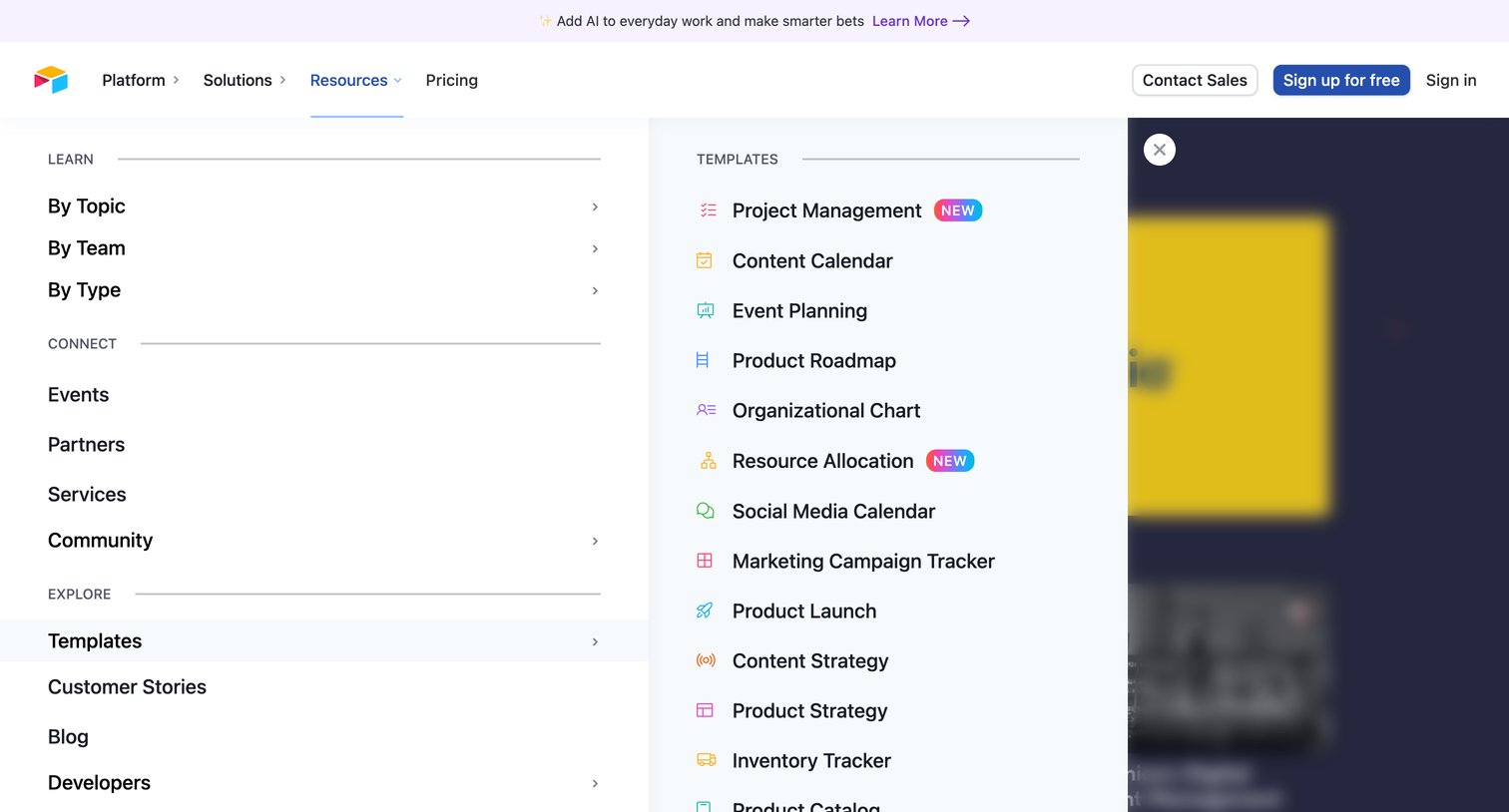
Marketing site header with an open mega-menu displaying resource categories like templates, customer stories, and events.
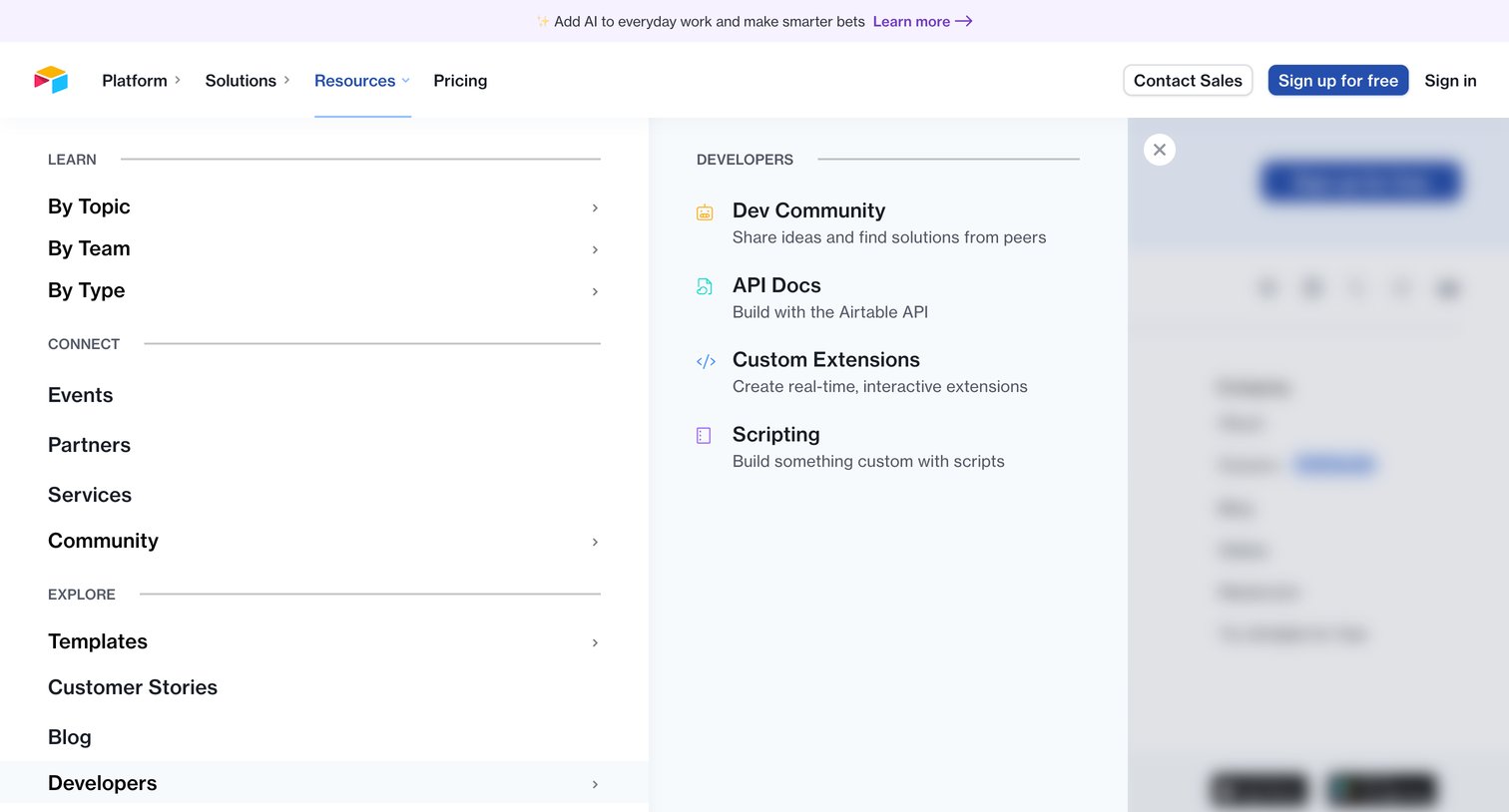
Marketing site header with the resources mega-menu open, revealing categorized links to learning materials, community, and developer documentation.
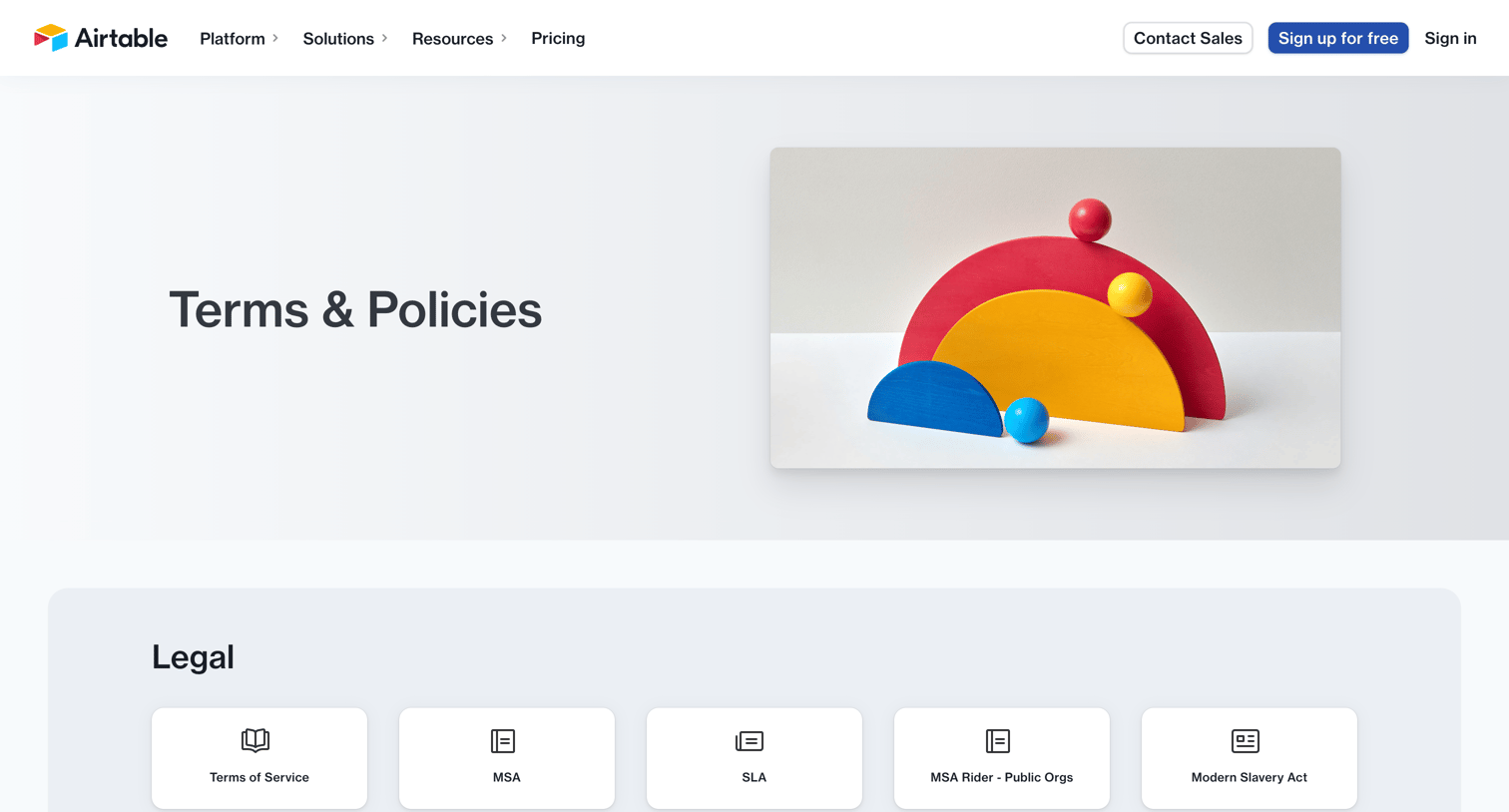
Legal hub page where the user can navigate to various terms of service, privacy policies, and intellectual property guidelines via categorized cards.
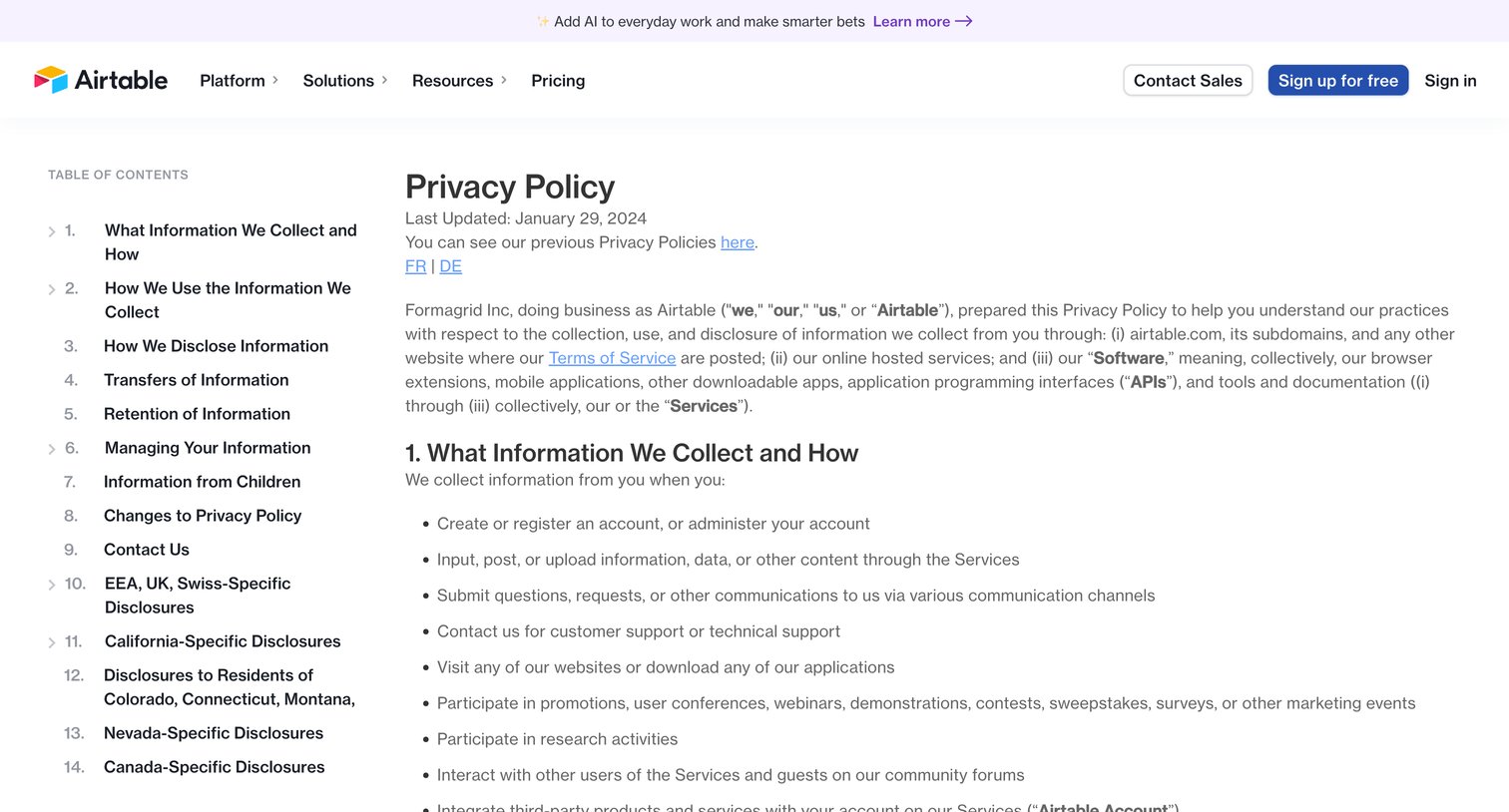
Privacy policy page detailing what information Airtable collects, how it is used, and user rights, featuring a sticky table of contents for easy navigation through the legal sections.
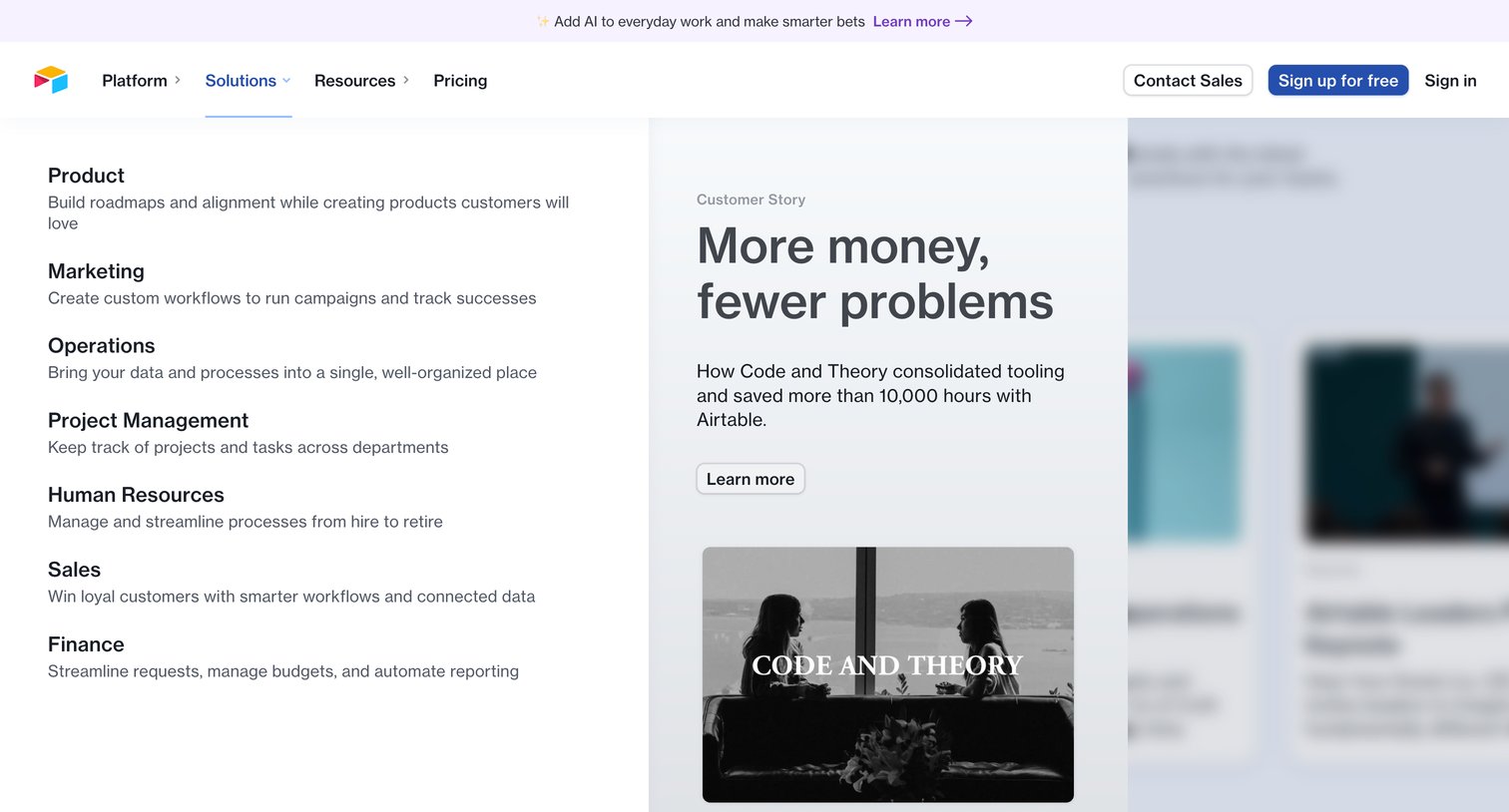
Marketing landing page where the user opens the solutions navigation menu to browse use cases and read a featured customer story.
Explore the full SaaS screen library
Upgrade to unlock the full library.
Trusted by the best teams







