Airtable user flows examples
Explore Airtable user flow examples. Preview the opening screens and steps for each task. Create, your way
Preview these flows


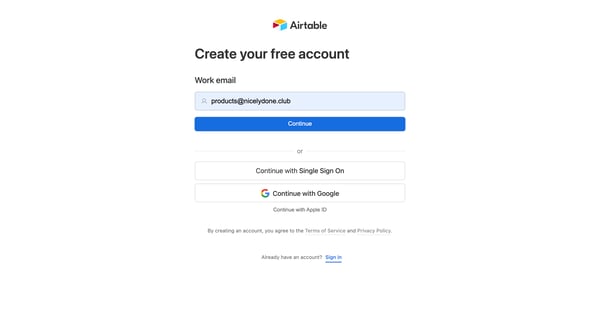

The user flow facilitates users in creating a new account on Airtable by following a series of guided steps.
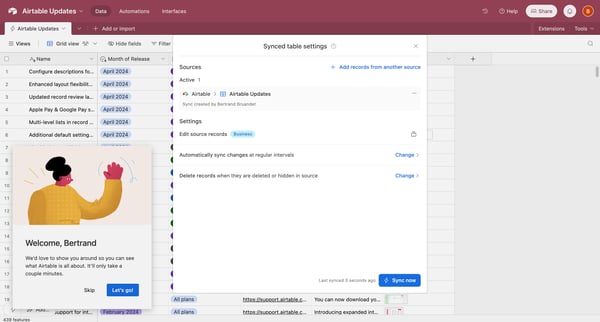
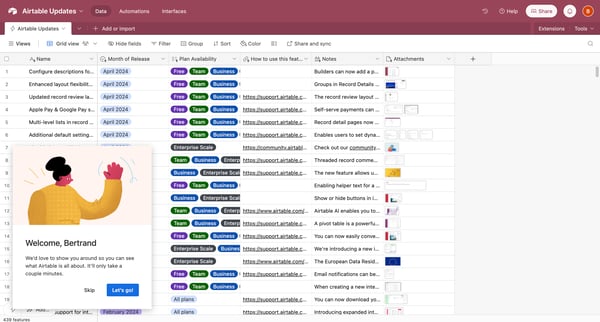
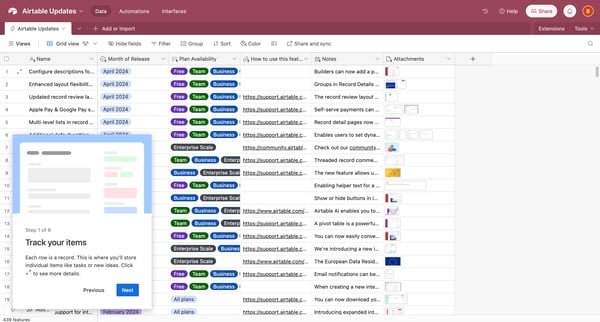
This flow guides users through an introductory product tour of Airtable, demonstrating key functionalities and features to help them get started and become familiar with the platform.
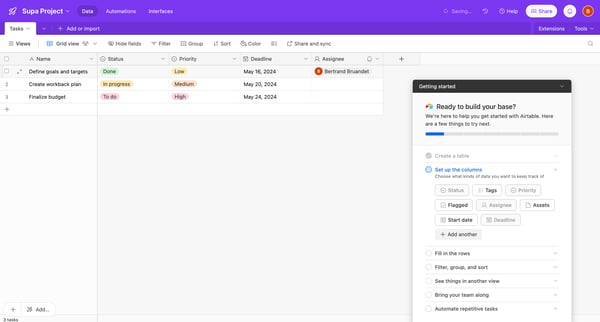
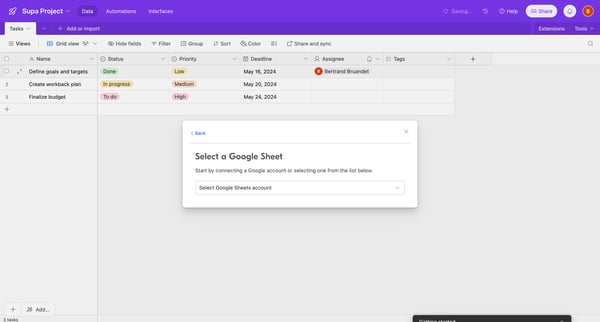
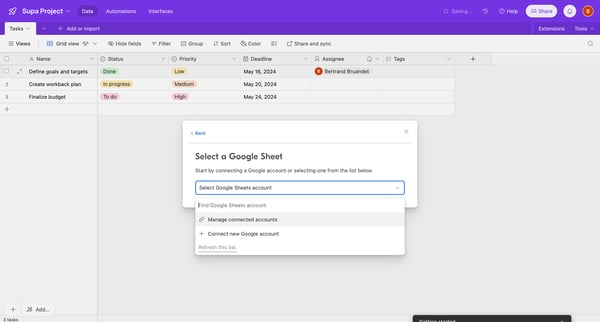
This flow guides the user through the process of importing data from Airtable.
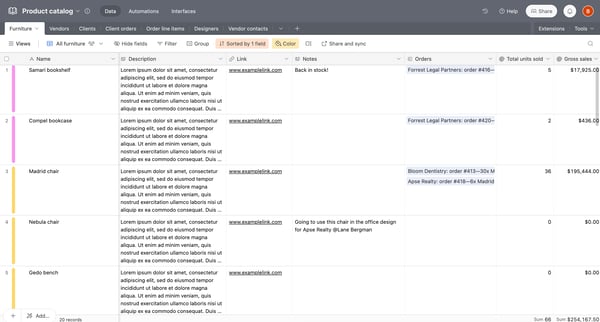
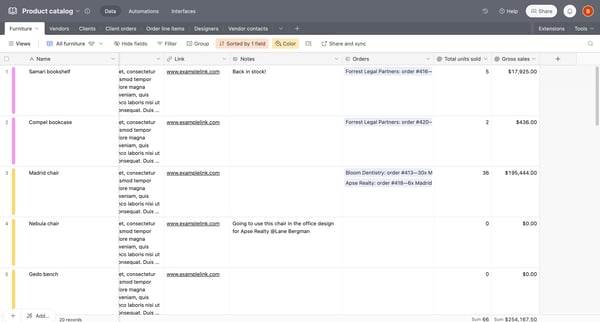
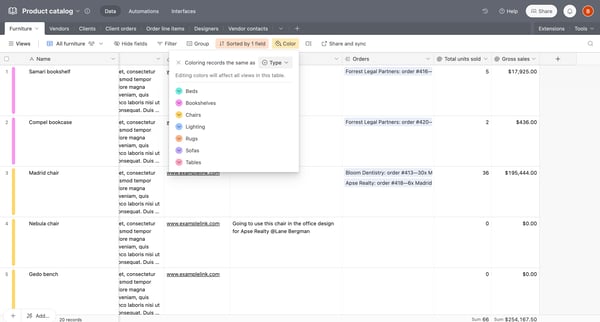
This flow enables users to efficiently filter and sort entries within an Airtable product catalog, organizing and viewing data tailored to their specific needs.
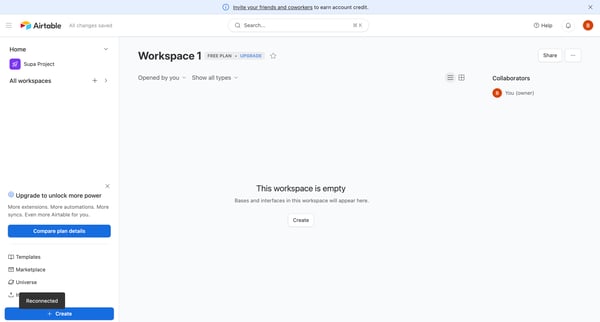
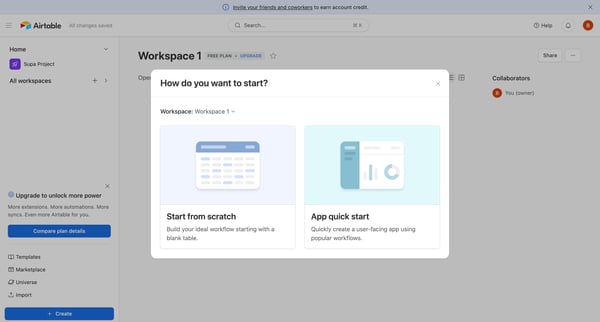
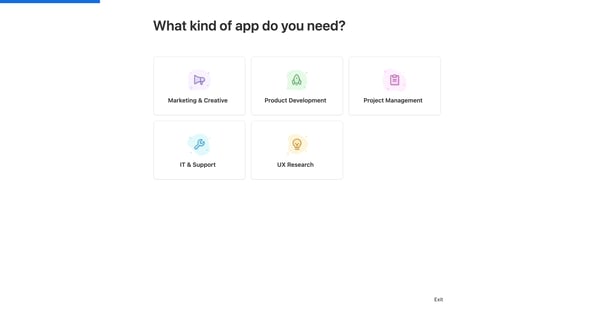
Guides users through setting up and customizing a new workspace in Airtable.
Explore the full SaaS flow library
Browse the full SaaS flow library.
Trusted by the best teams







