Airtable UI components examples
Browse Airtable UI component design examples. Preview individual interface elements and explore related component categories. Create, your way
Explore the examples
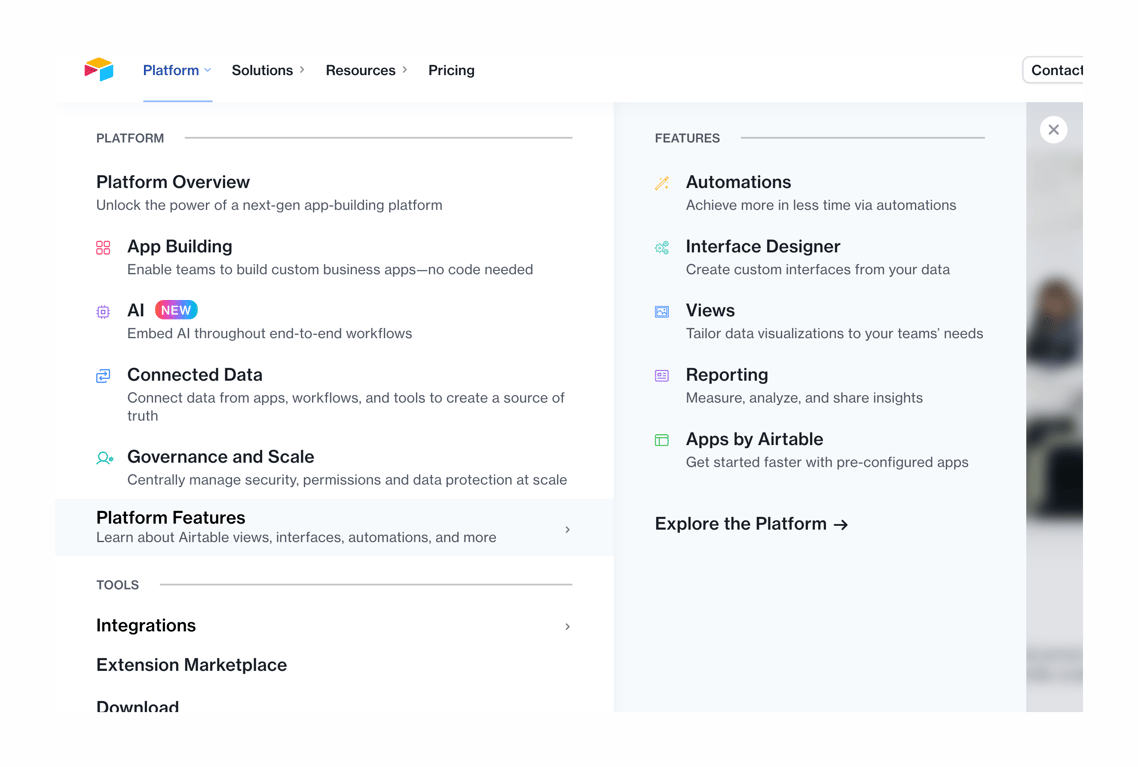

A large dropdown menu displaying platform capabilities, features, and tools, organized into columns with icons and descriptions.
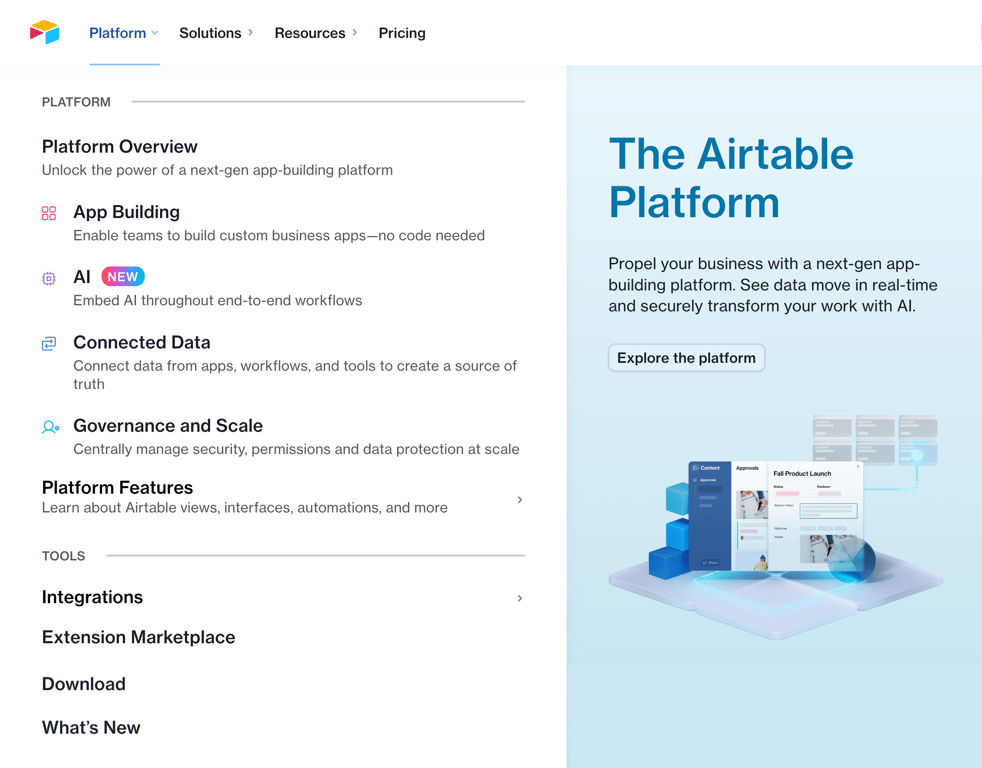
A large dropdown menu that appears when hovering over a top-level navigation item. It features a two-column layout: the left column contains categorized links with icons and descriptions, while the right column highlights a specific feature or call to action with an image and…
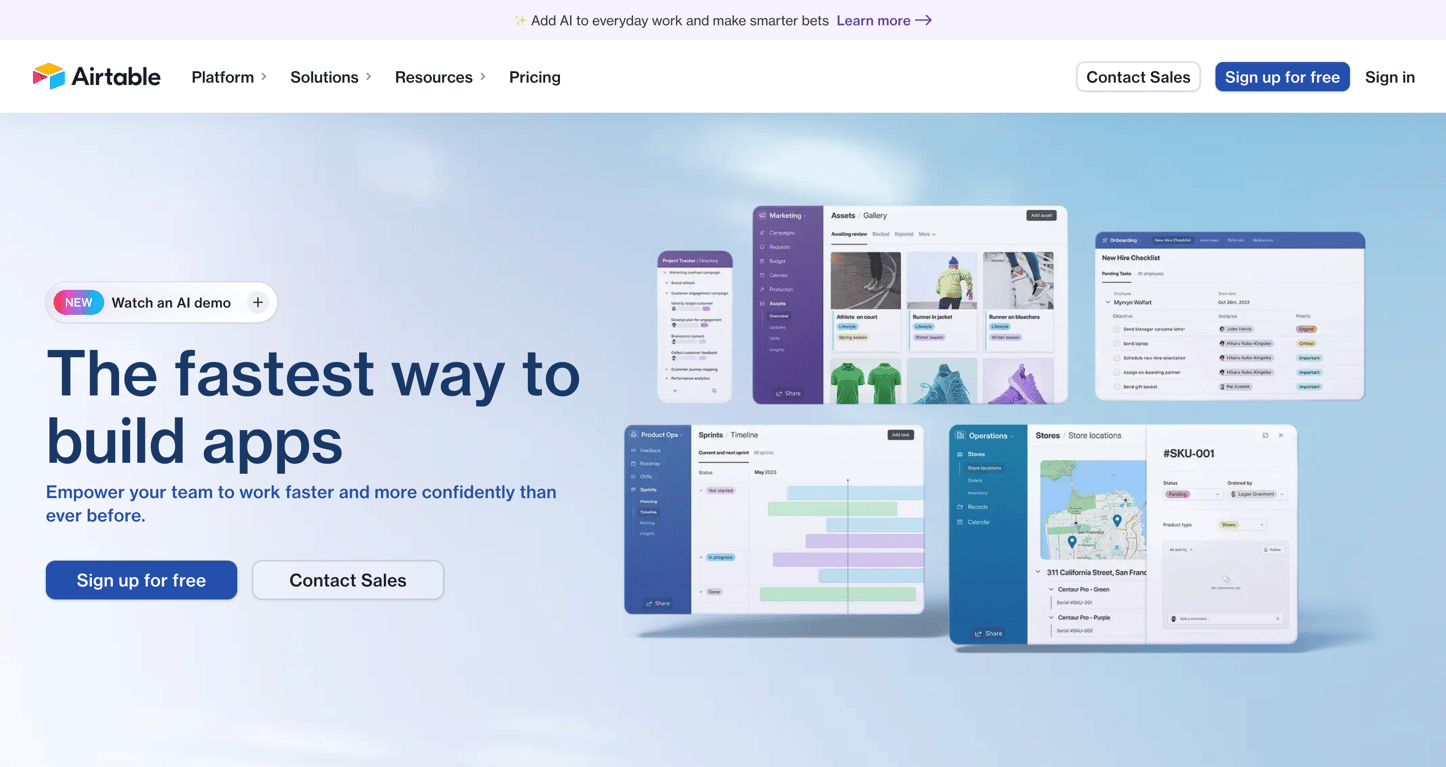
A hero section featuring a headline, subheadline, call-to-action buttons, and a collage of product UI screenshots. It includes a top banner and a main navigation bar with a logo, links, and secondary actions.
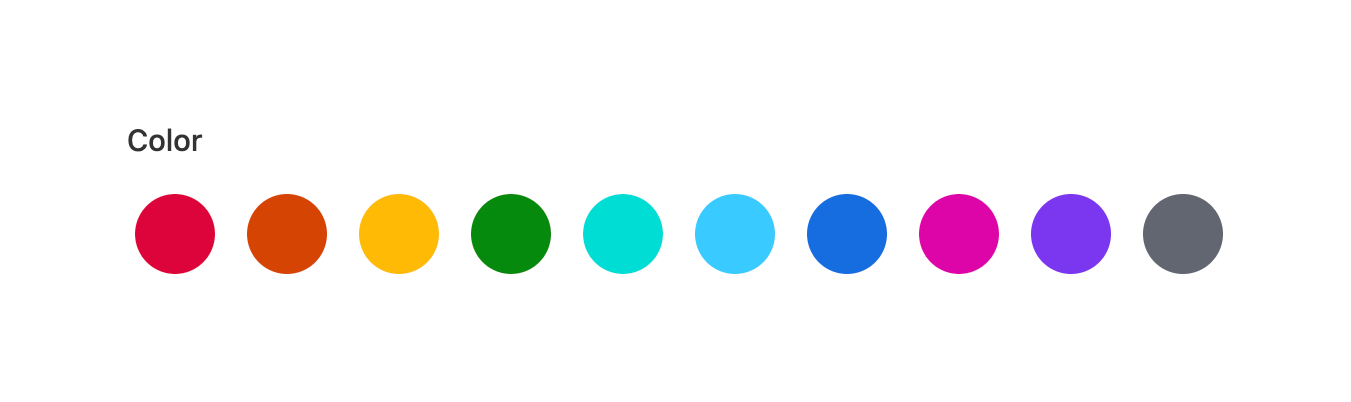
A horizontal row of circular color swatches allowing the user to select a color theme.
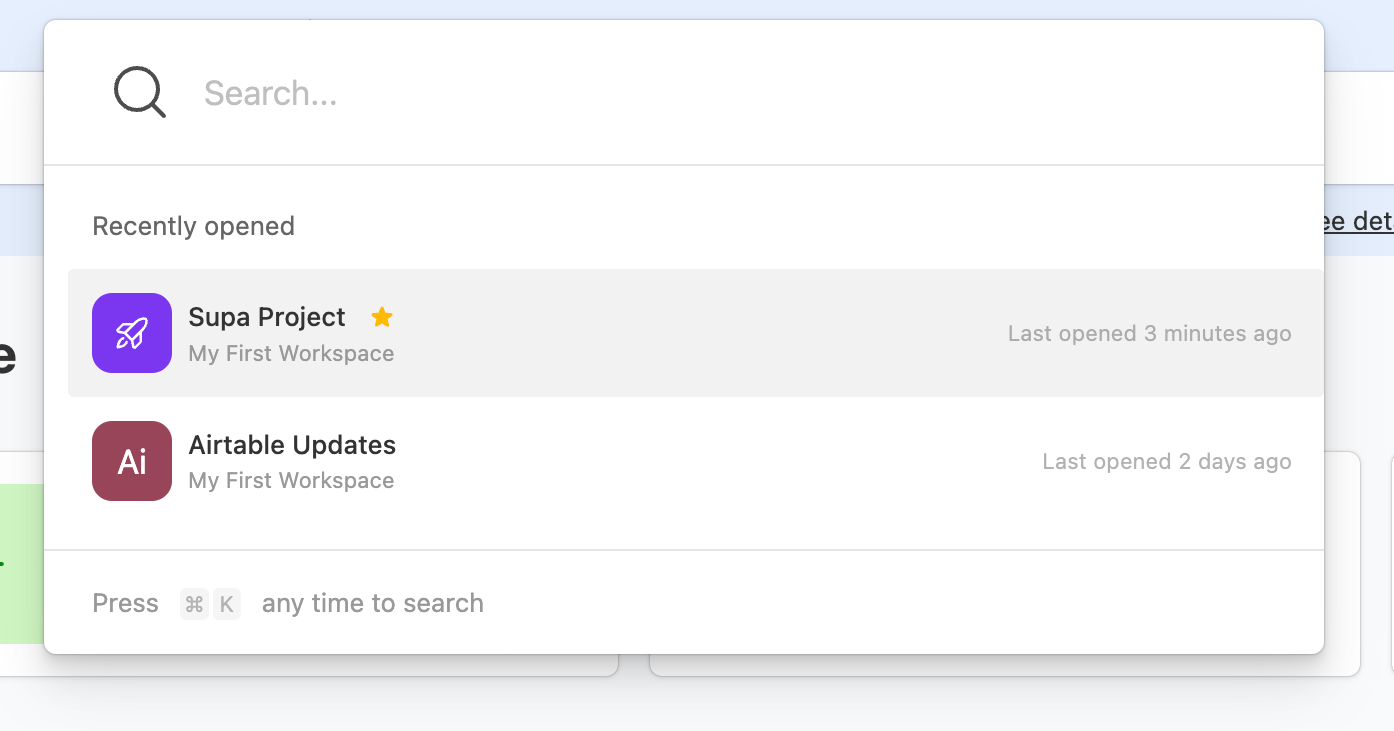
A global search overlay featuring a large search input at the top, followed by a list of recently opened projects, and a keyboard shortcut hint at the bottom.

A dark toast notification confirming an action with an inline undo button.
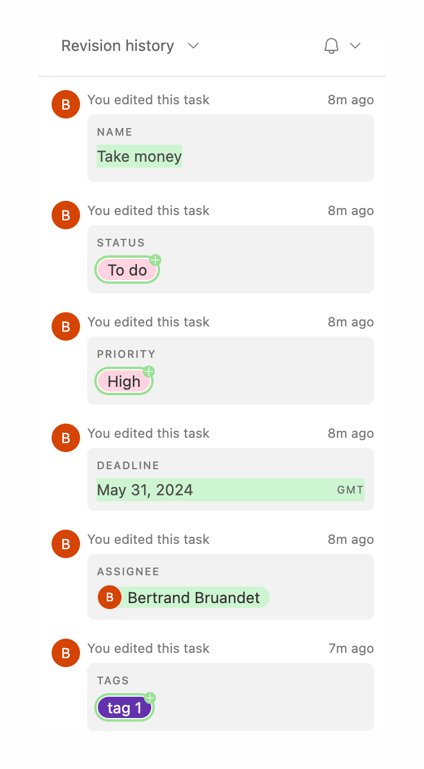
A vertical list showing a history of edits made to a task. Each item displays an avatar, a description of the edit, a relative timestamp, and a card detailing the specific field changed and its new value.
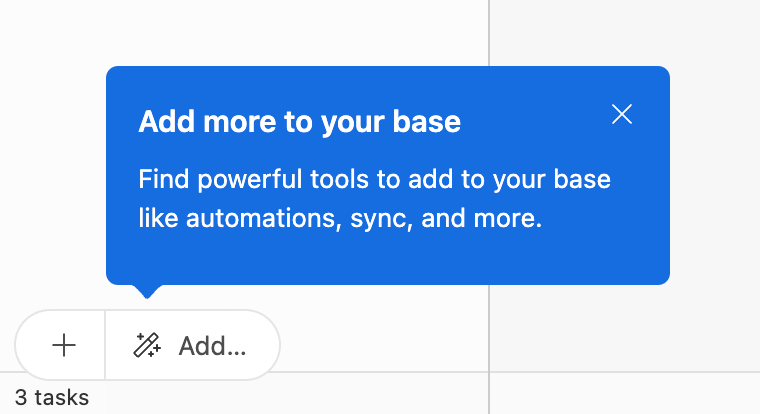
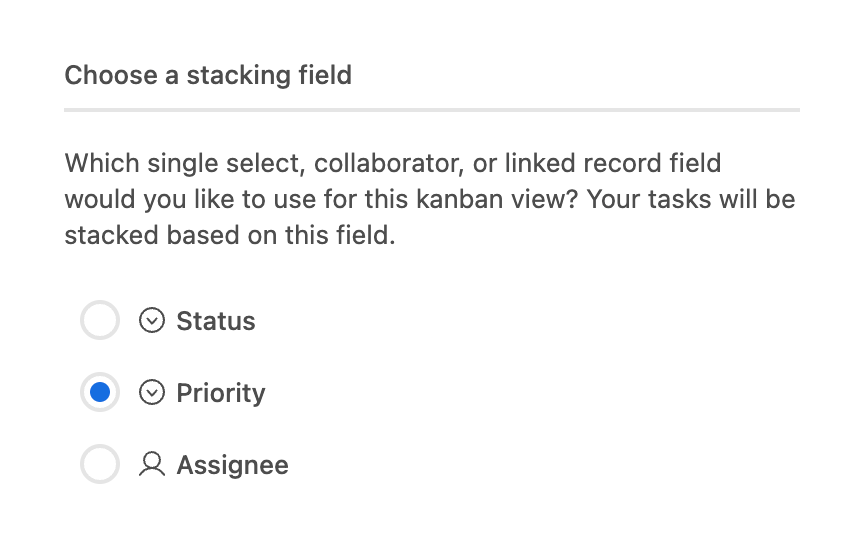
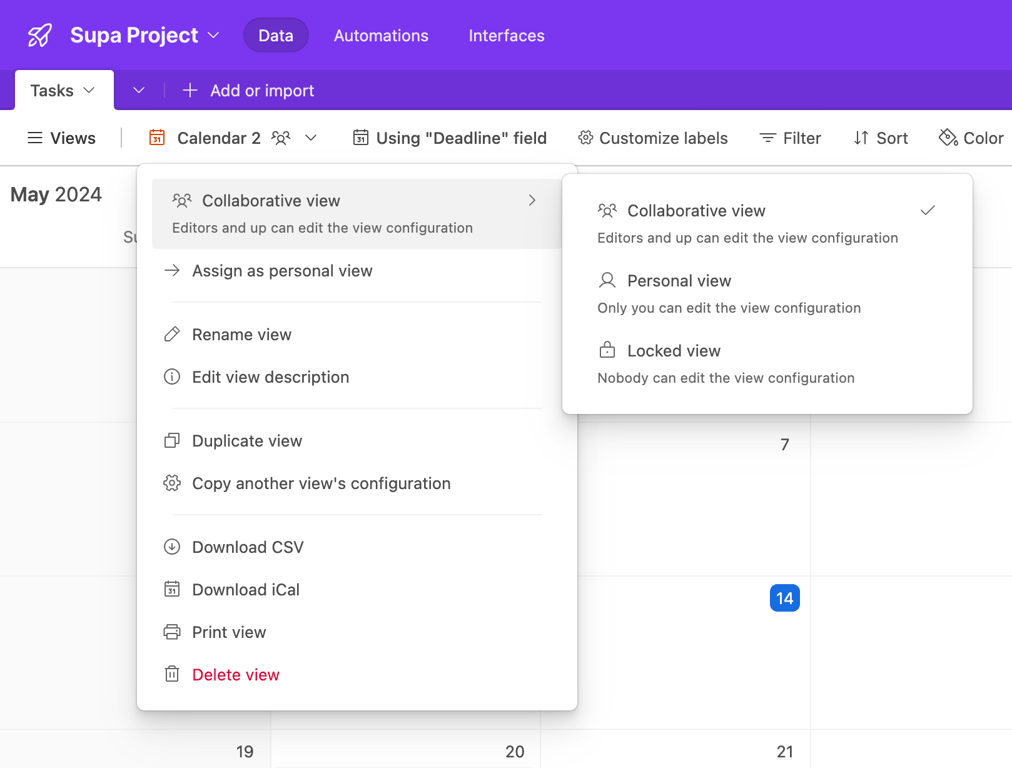
A dropdown menu for view settings with a nested submenu open for configuring collaboration permissions.
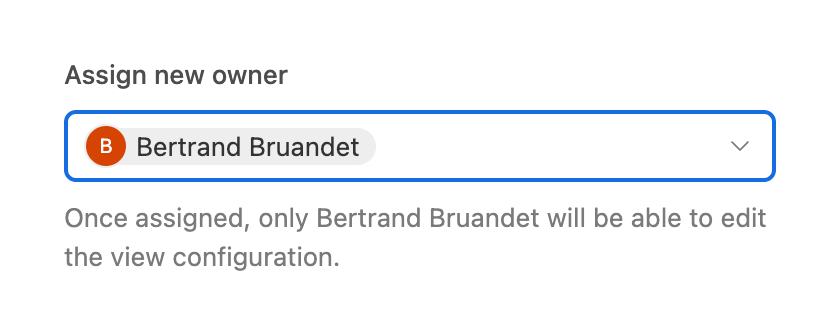
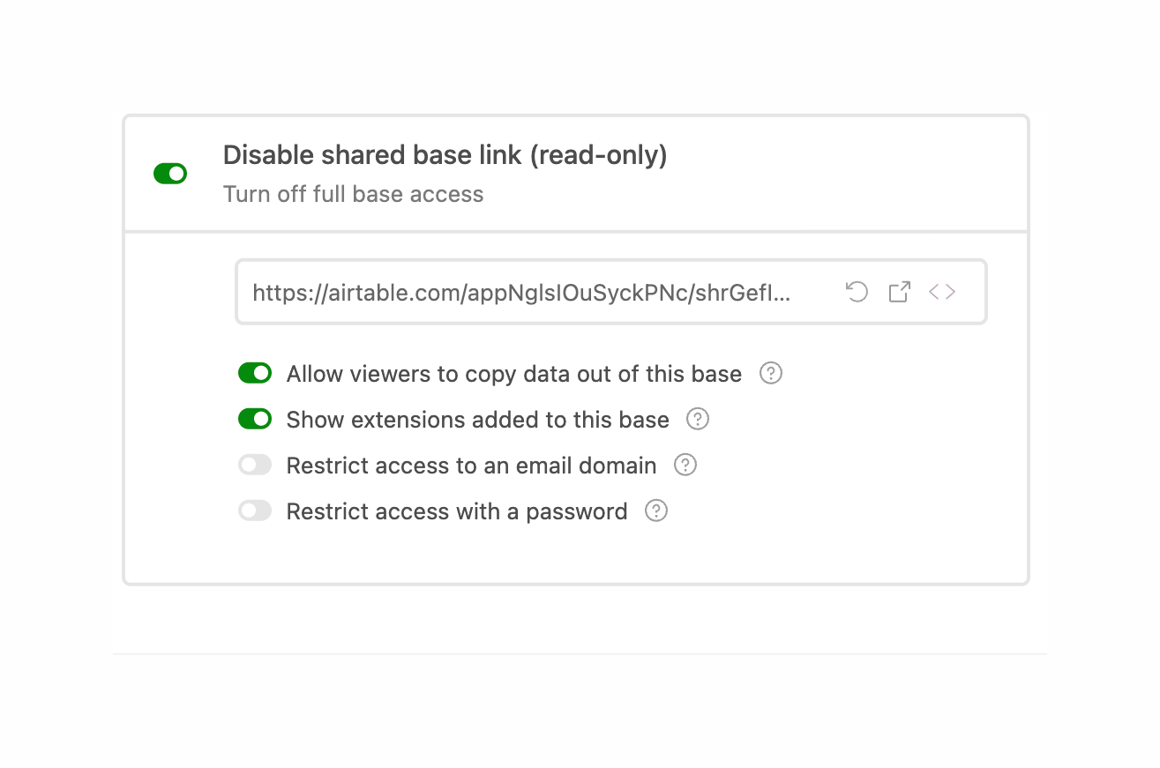
A configuration panel for managing a shared base link. It includes a master toggle to disable the link, a read-only input displaying the URL with copy/open actions, and a list of specific permission toggles.
Browse the full component library
Browse the full UI component library.
Trusted by the best teams







