Two cards design examples
Explore Two cards UI design examples. Your invoicing made easy
Product screens
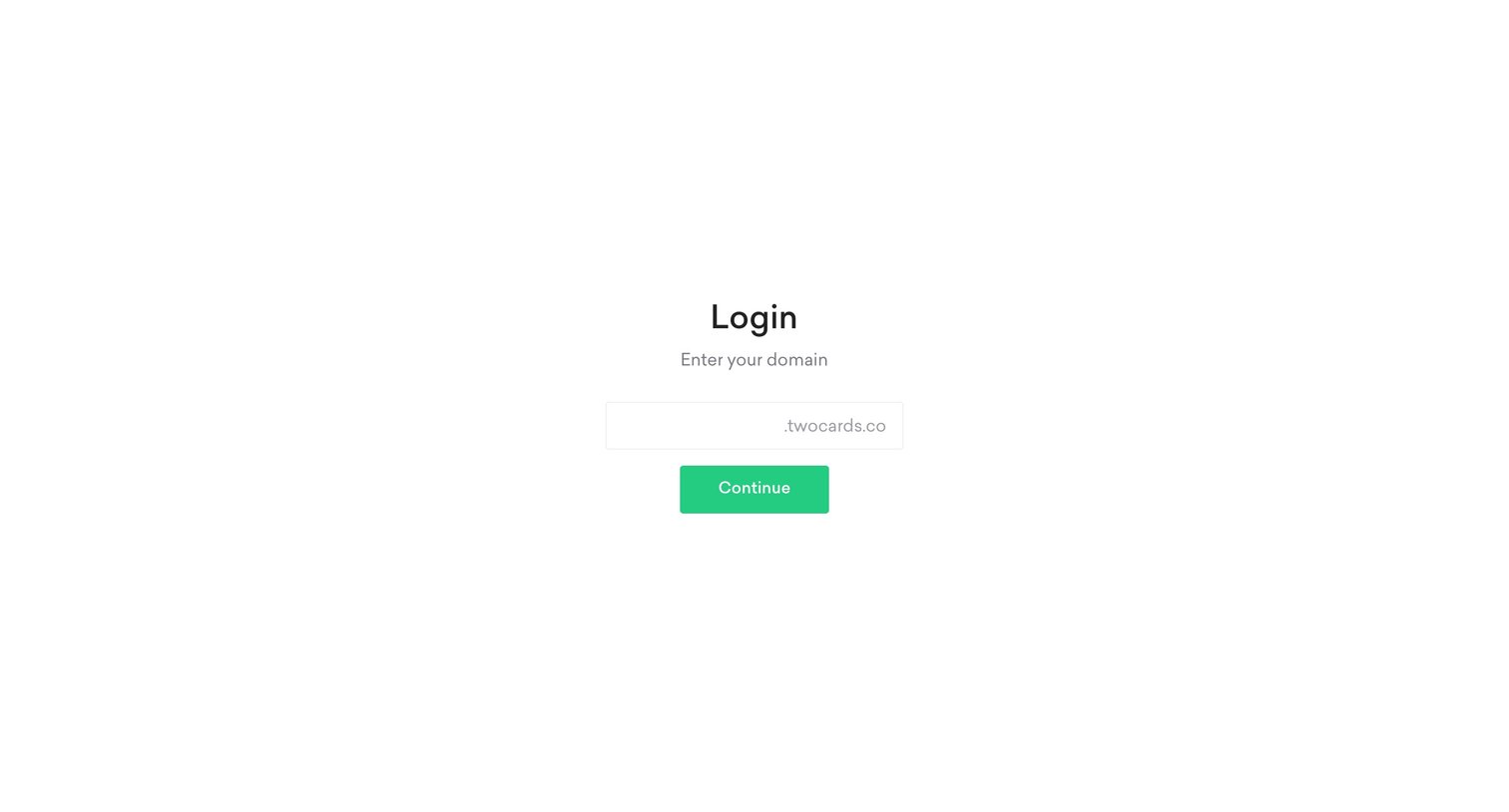
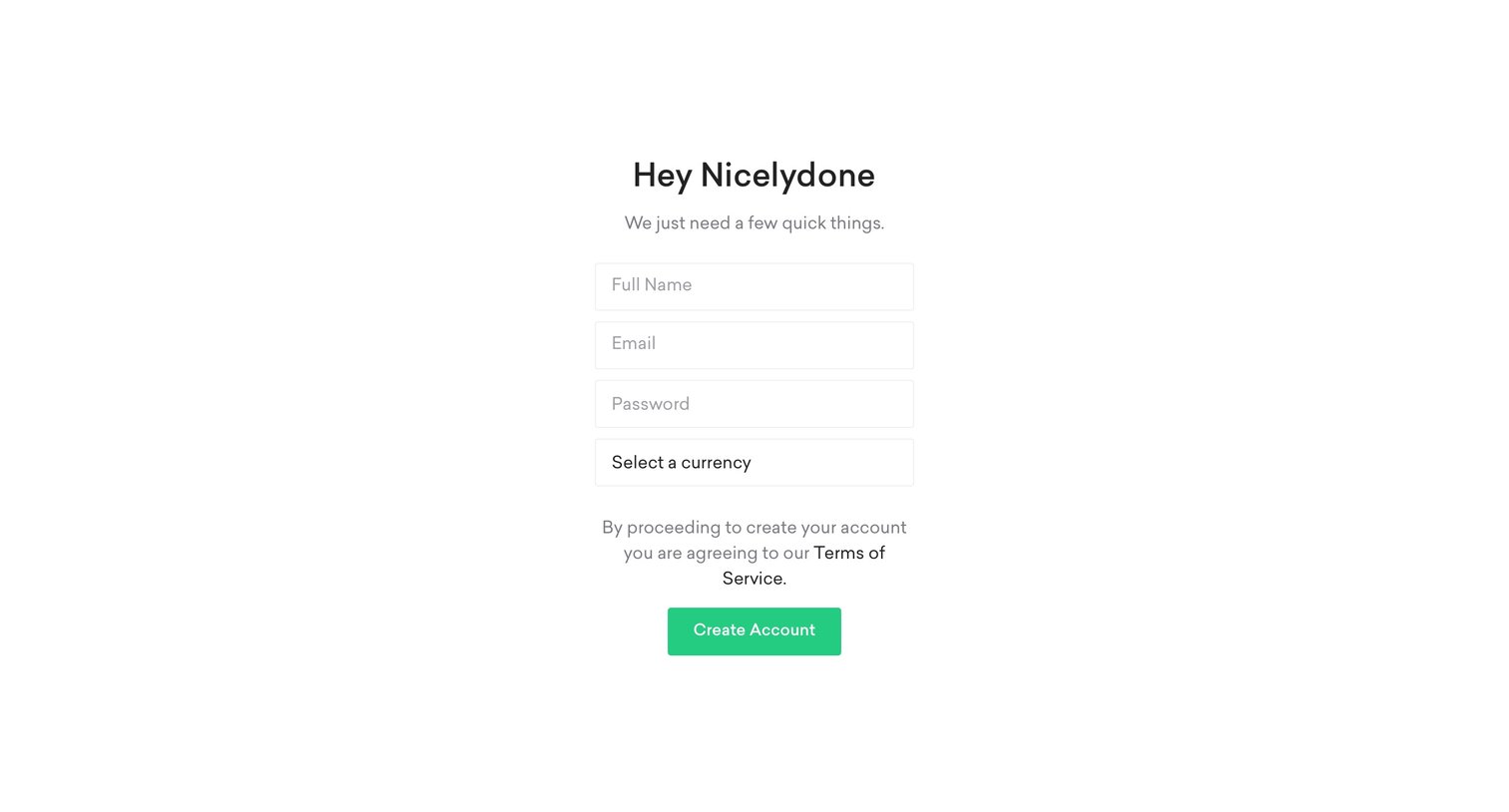
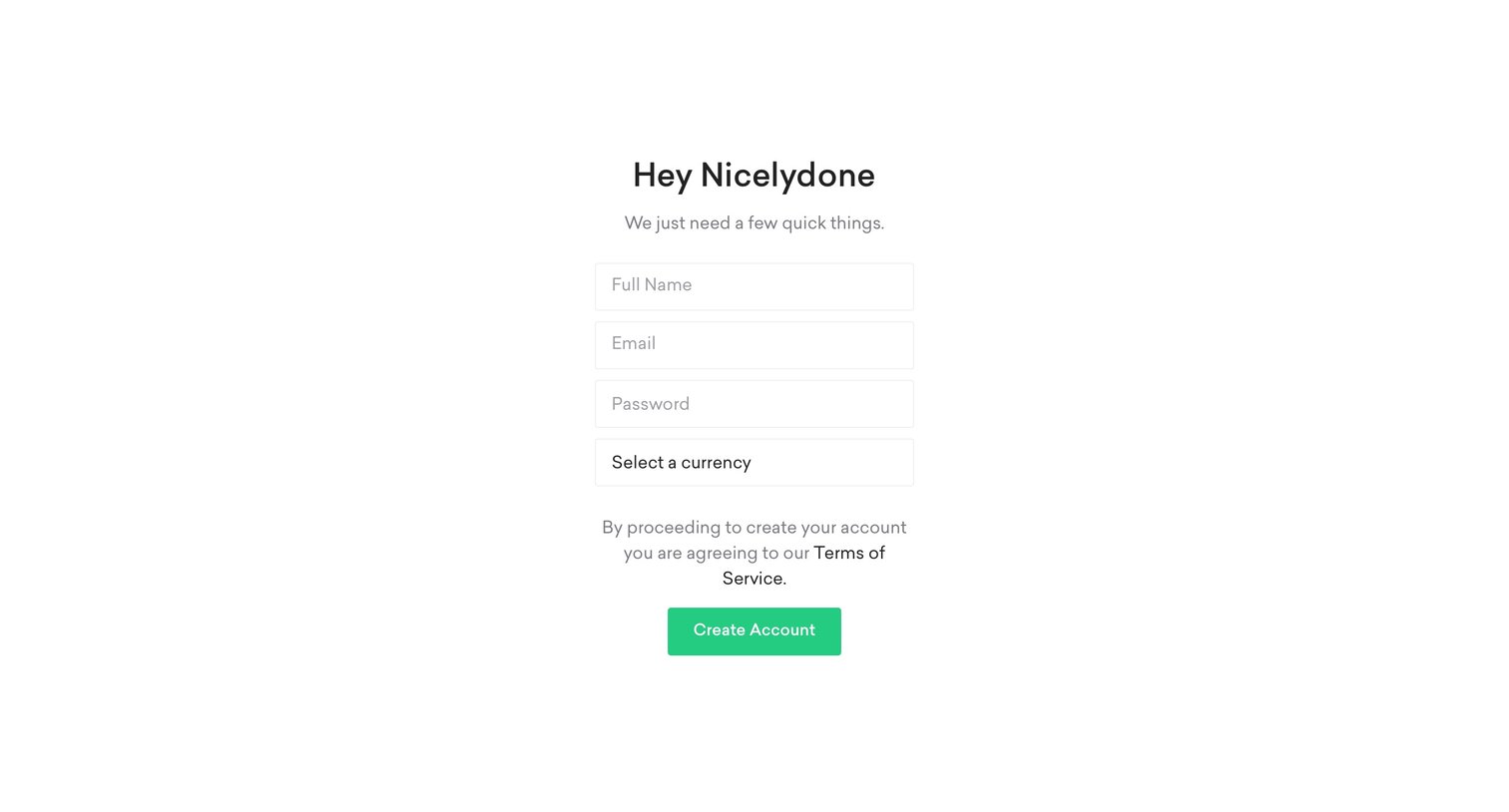
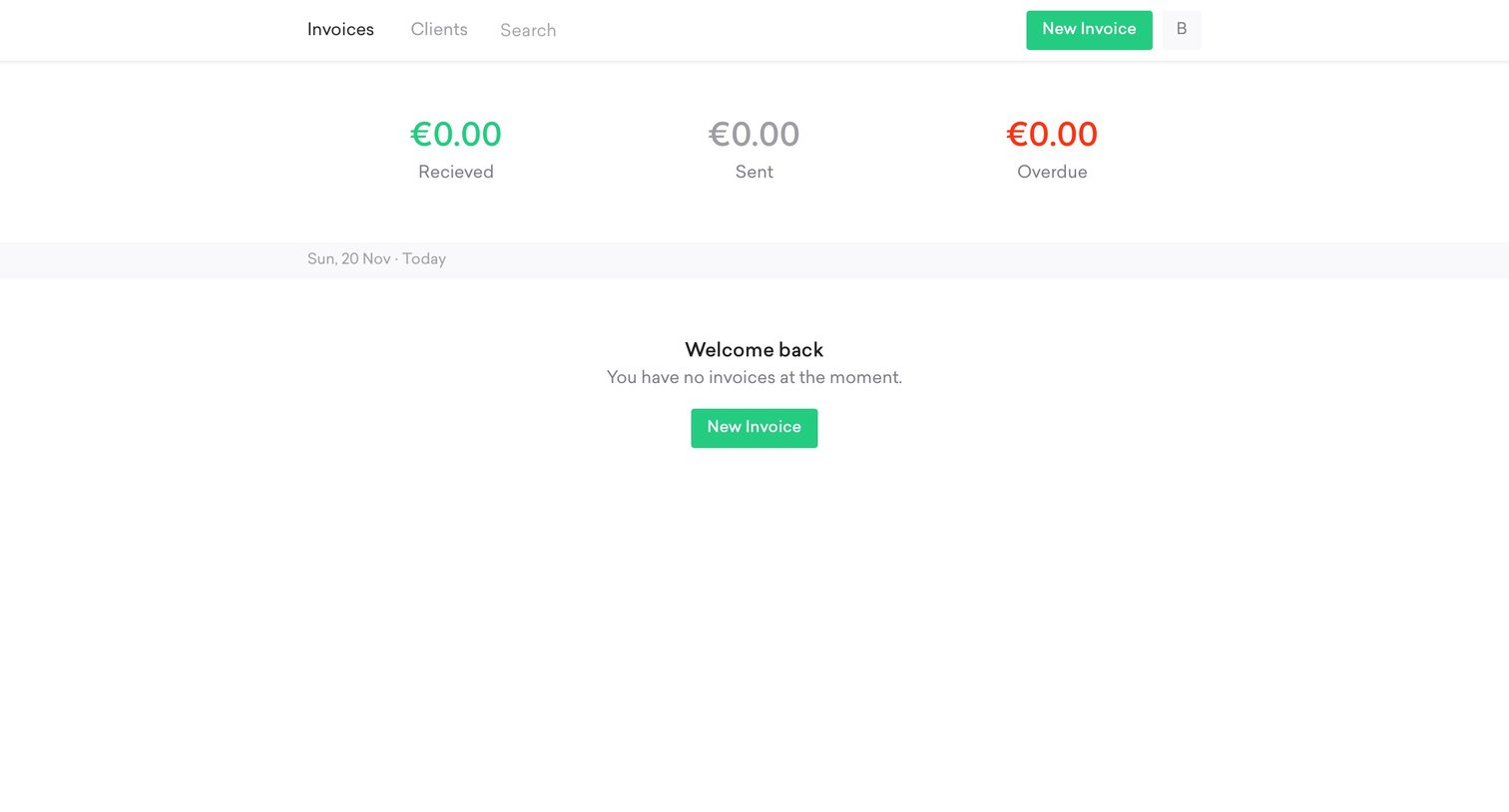

List view for invoices showing zero balances across received, sent, and overdue categories, with a prompt to create a new invoice.
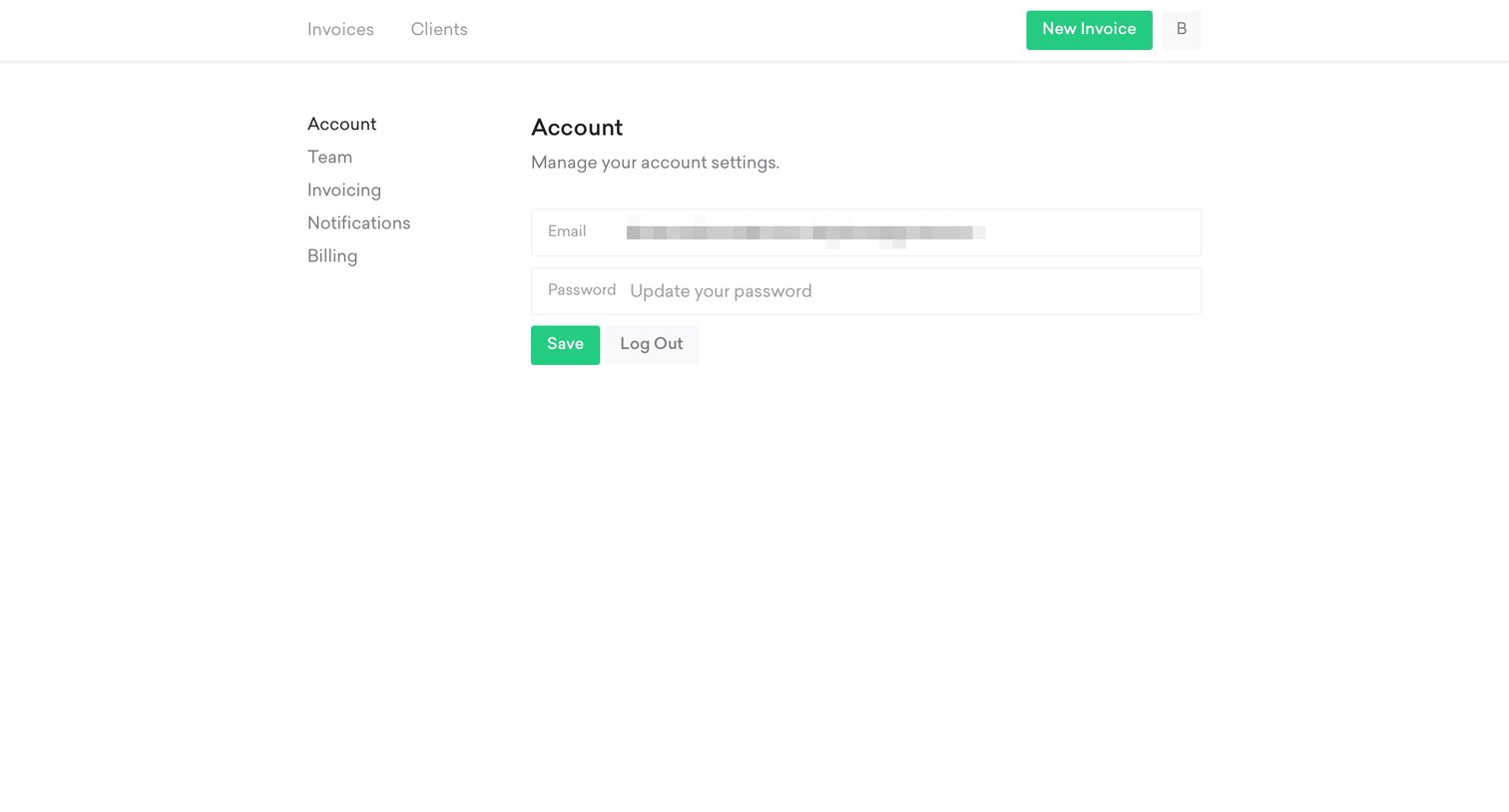
Settings page where the user can update their account email and password or log out of the application.
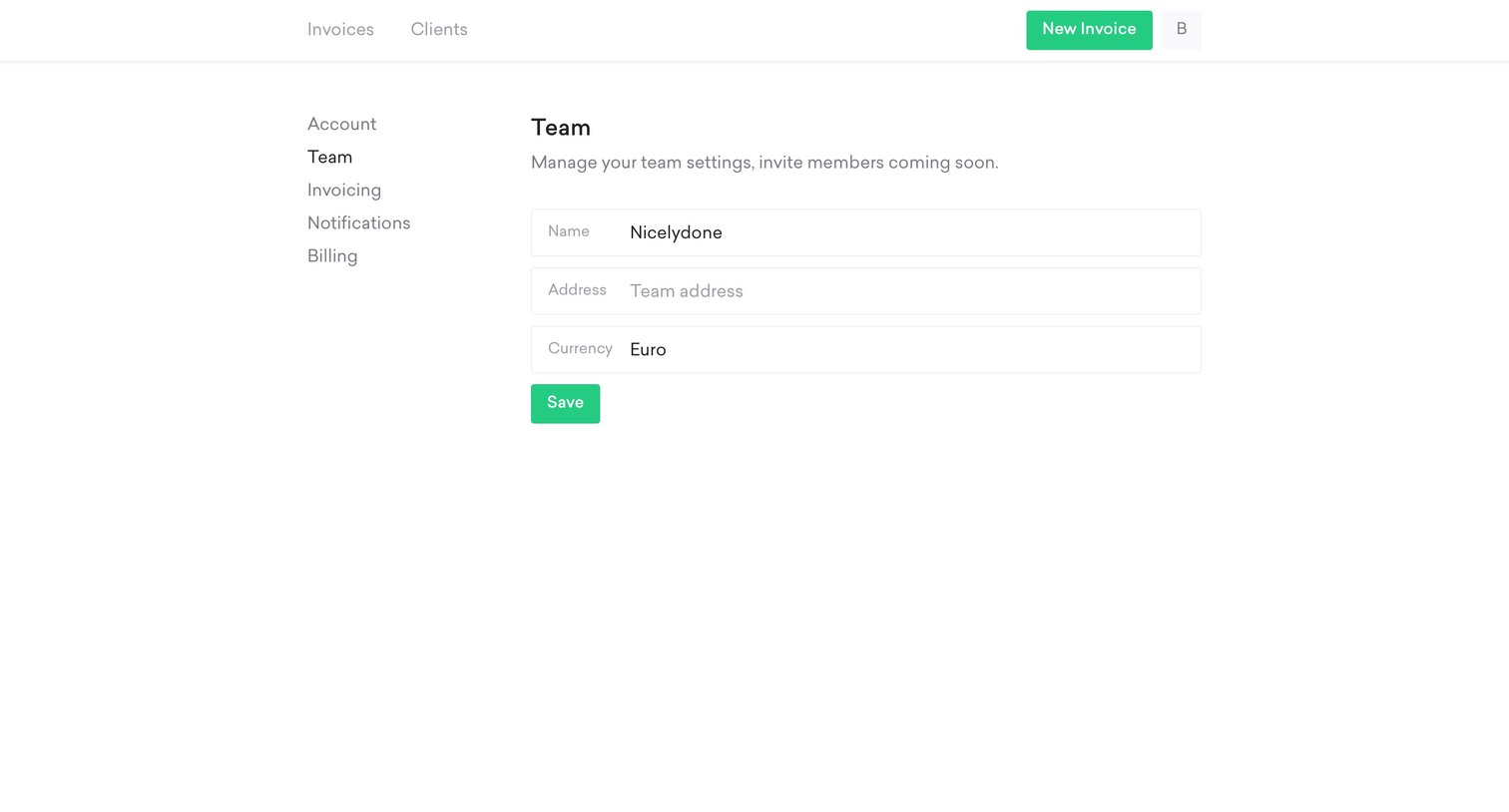
Settings page where the user configures their team name, address, and default currency.
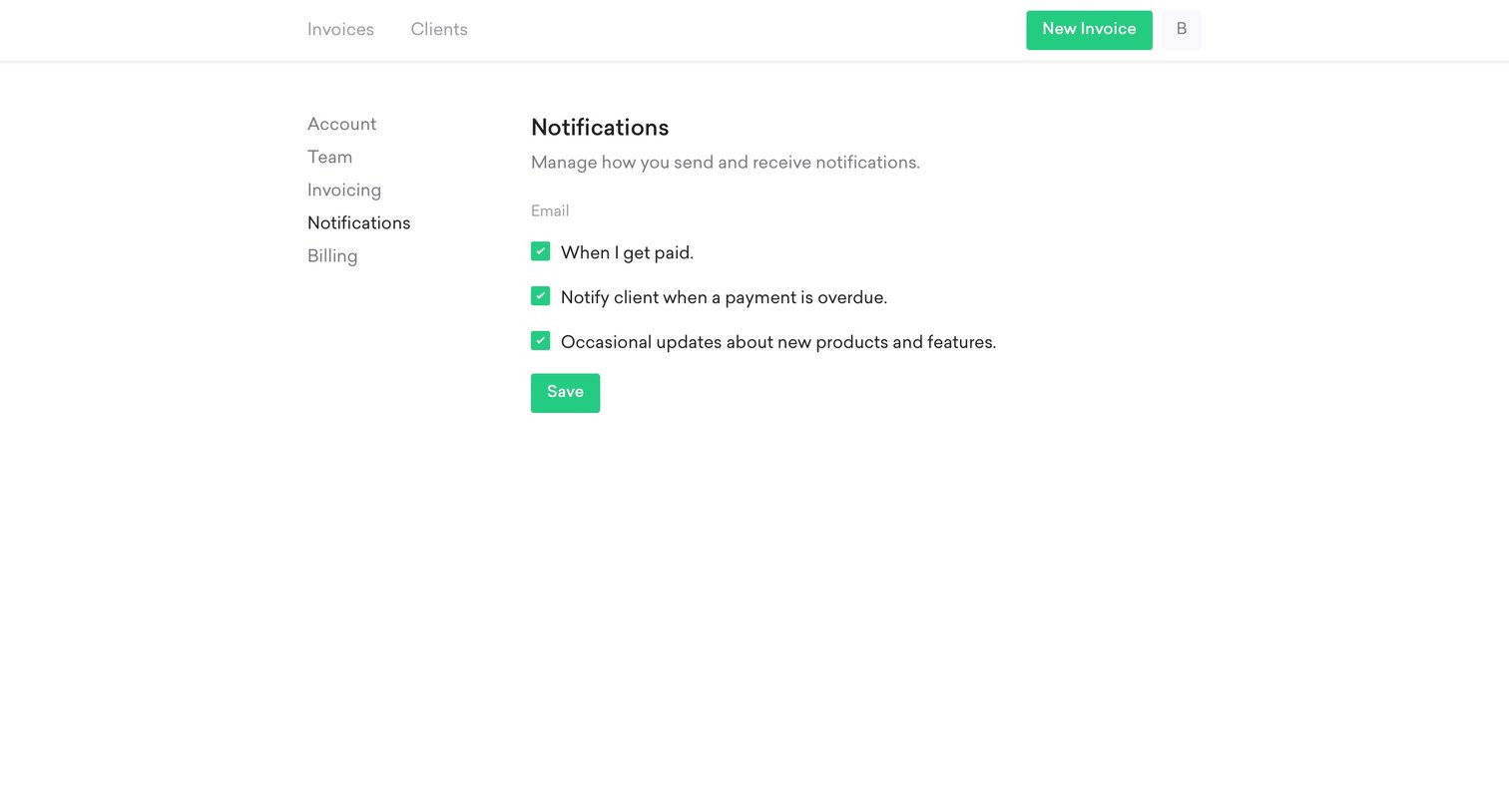
Settings page where the user configures email notification preferences for payments, overdue clients, and product updates.
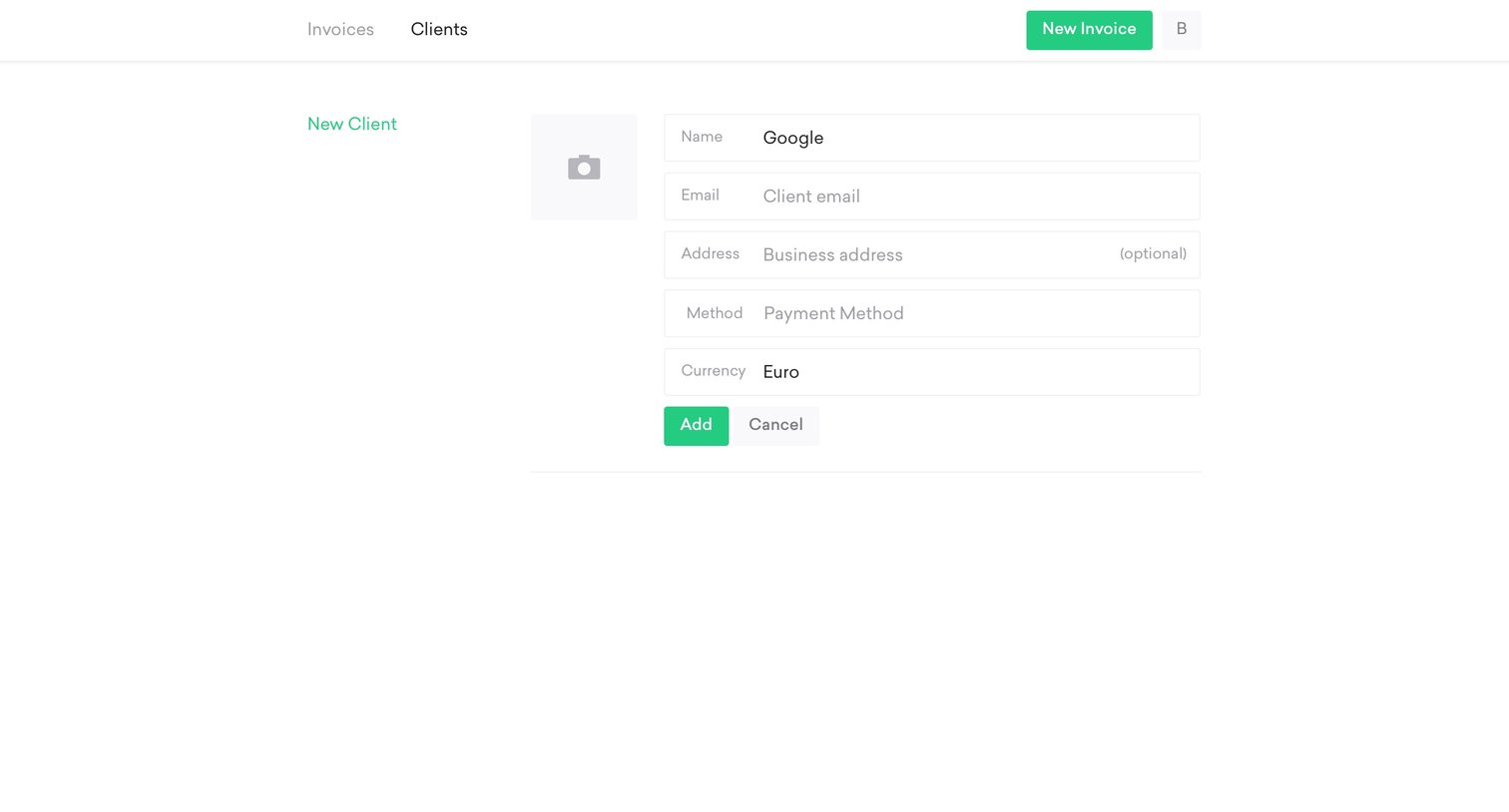
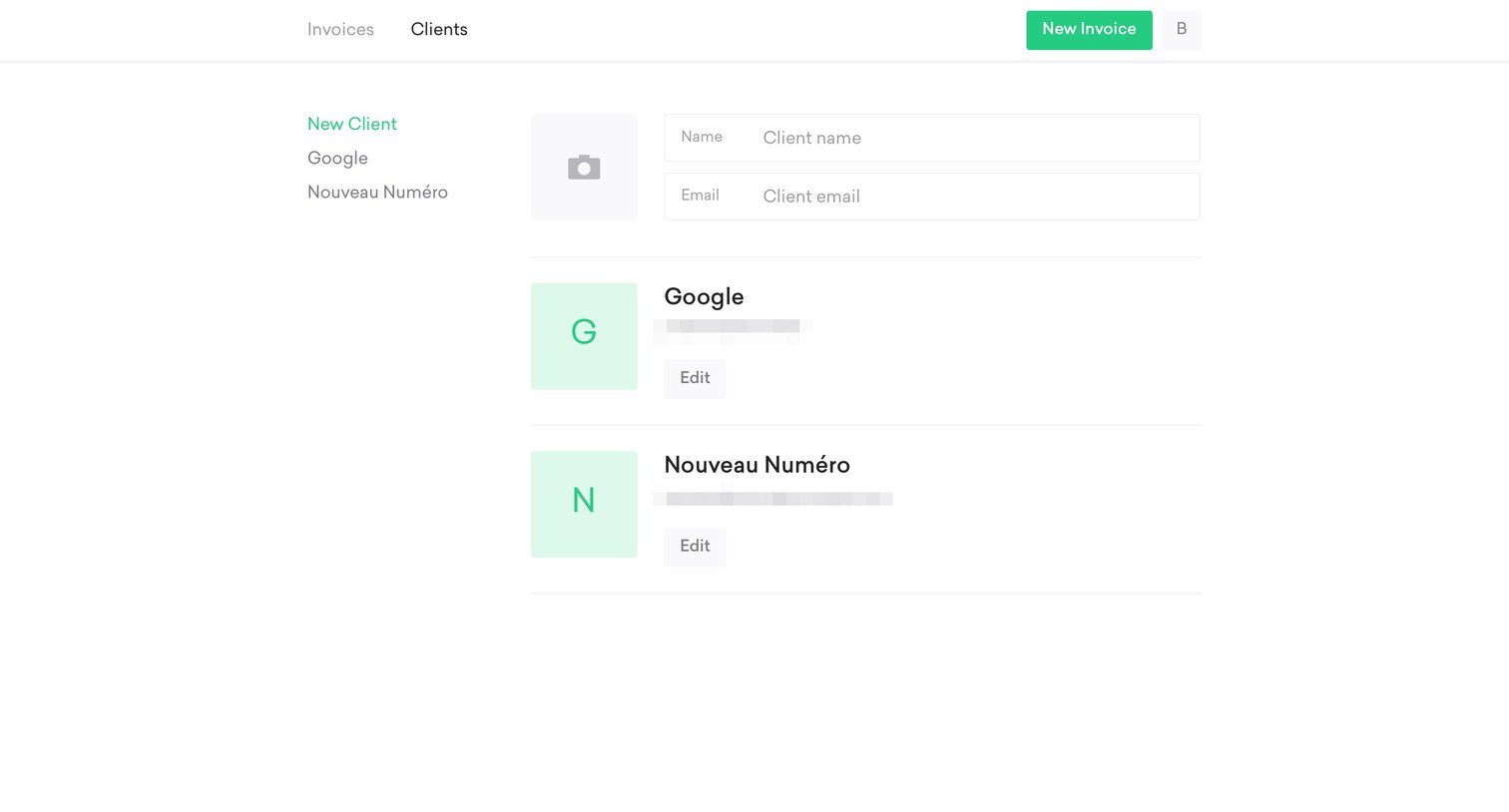
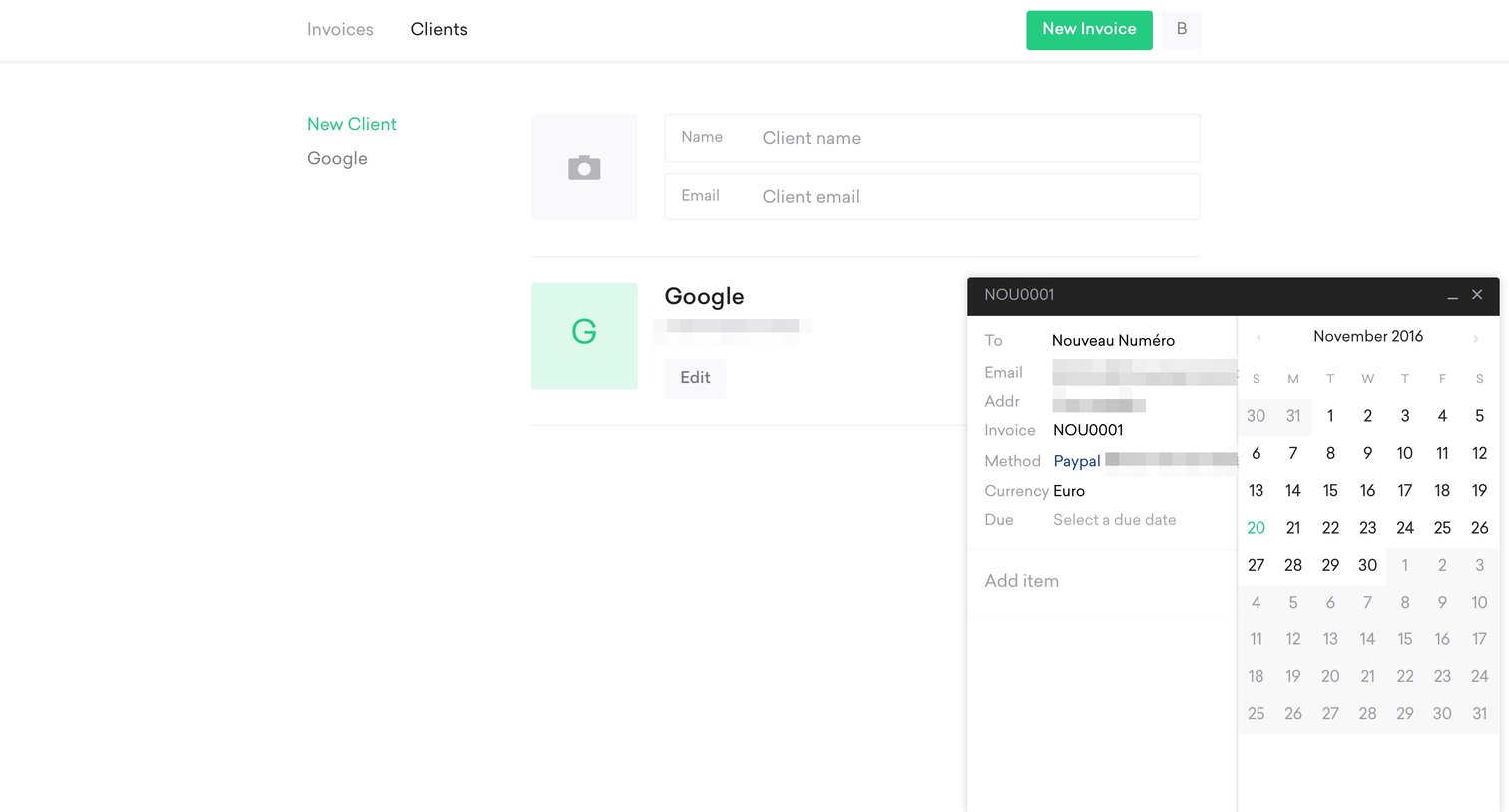
Create page where the user adds a new client by filling in details like name, email, address, payment method, and currency.
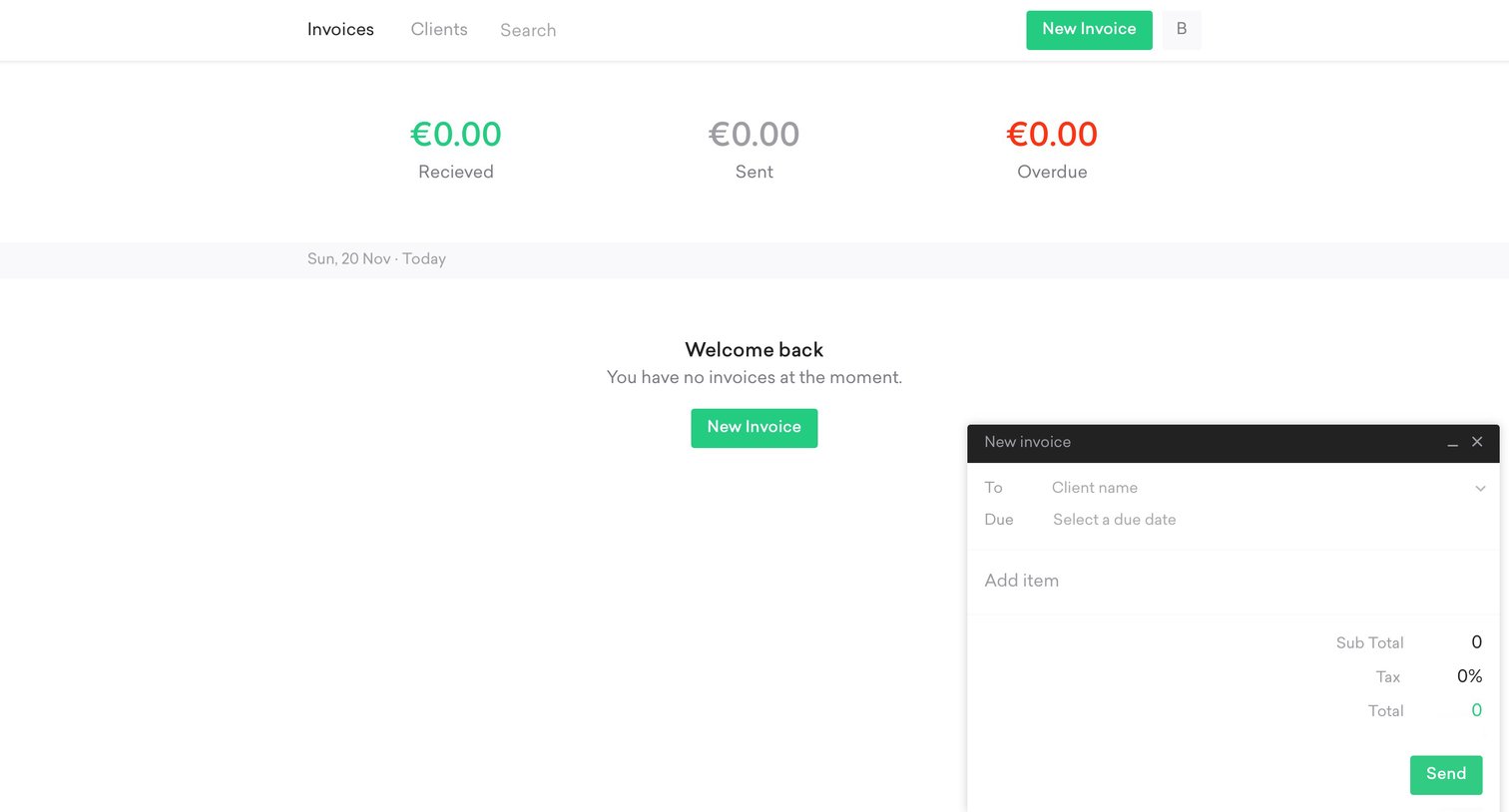
List view showing zero current invoices with a summary of received, sent, and overdue amounts, alongside an open floating form to create a new invoice.
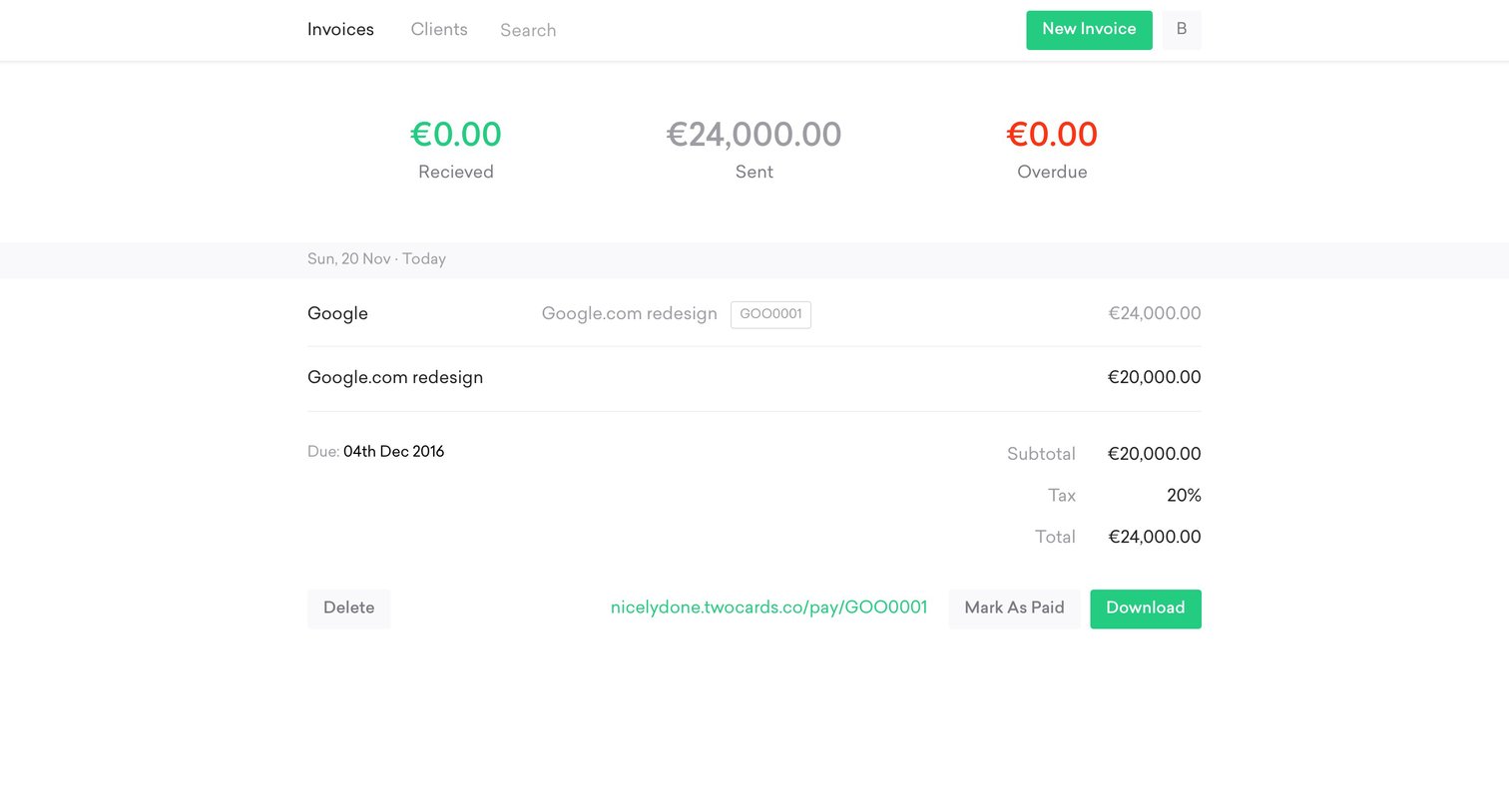
Invoice management page where the user views a list of sent and overdue invoices, with one row expanded to reveal subtotal, tax, and actions to mark as paid or download.
Browse the full SaaS app library
Explore real SaaS apps with their product screens, marketing screens, flows, and components.
Trusted by the best teams







