Skip to content

Two cards product screens examples

Browse Two cards screen design examples. Preview the interface screenshots and explore related UI patterns. Your invoicing made easy

Explore the examples
Two cards - Sign in screen
Two cards logo
Two cards

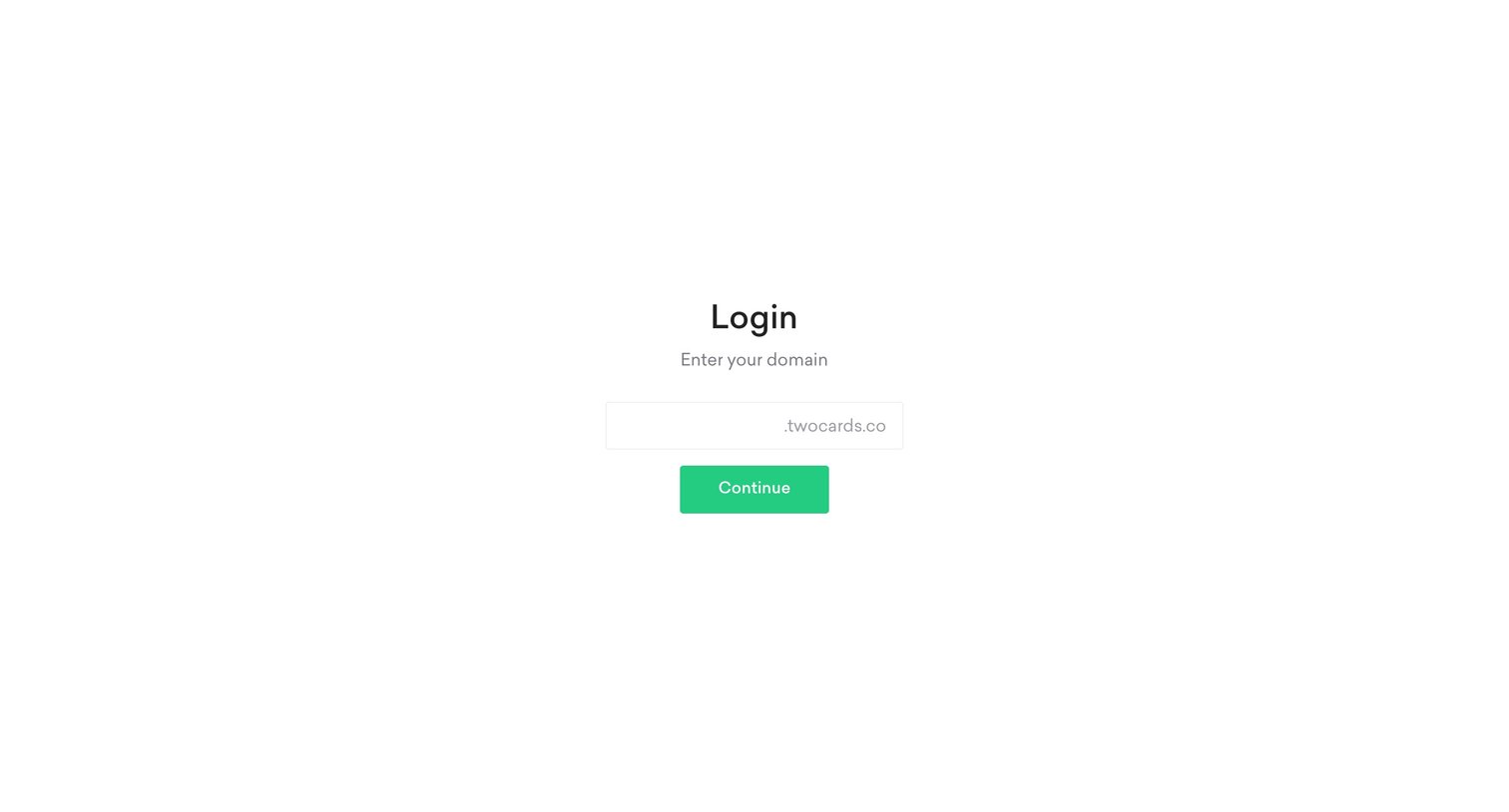
Sign-in screen where the user enters their specific workspace domain to proceed with authentication.

Two cards - Sign in screen
Two cards logo
Two cards

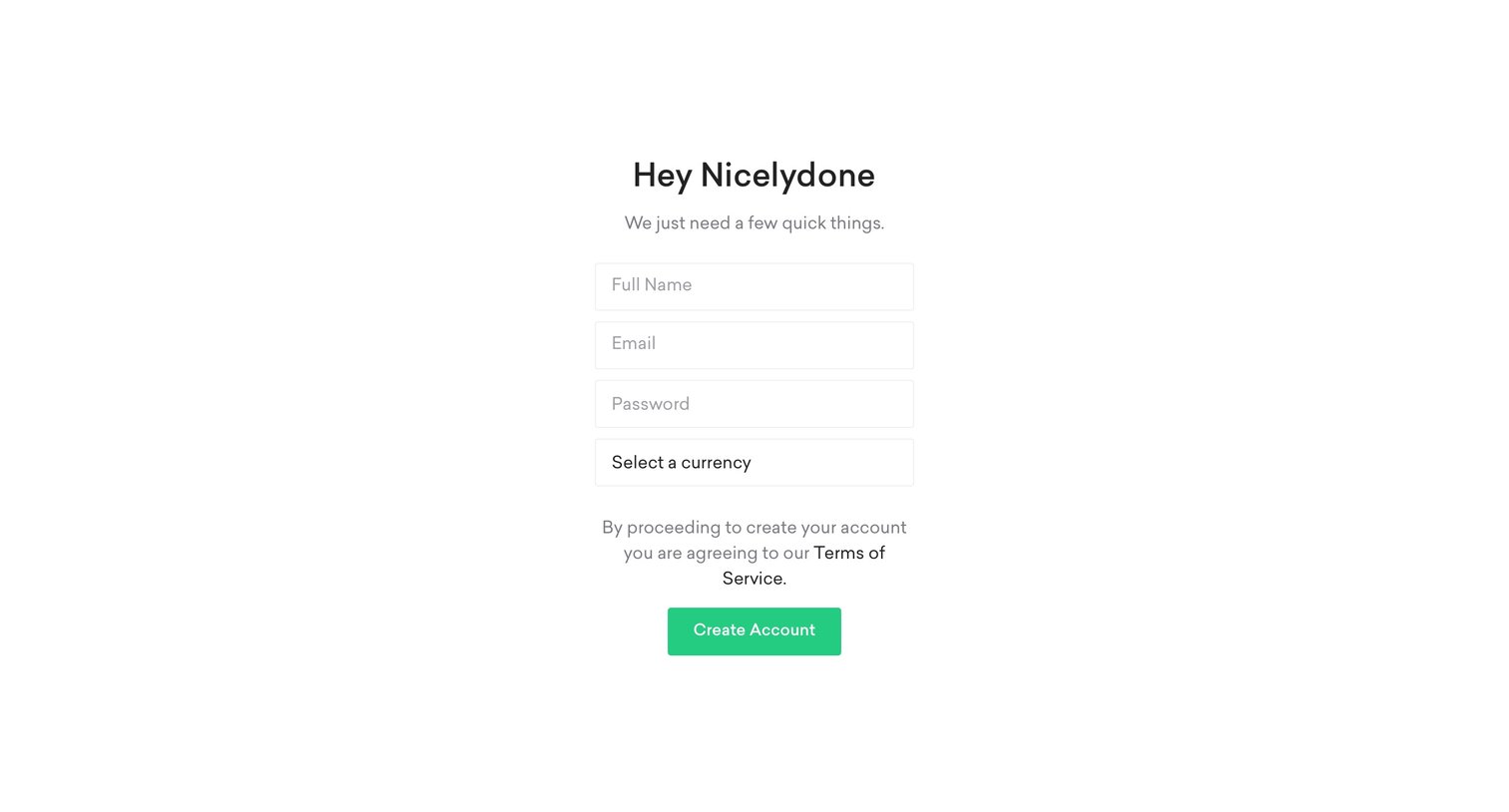
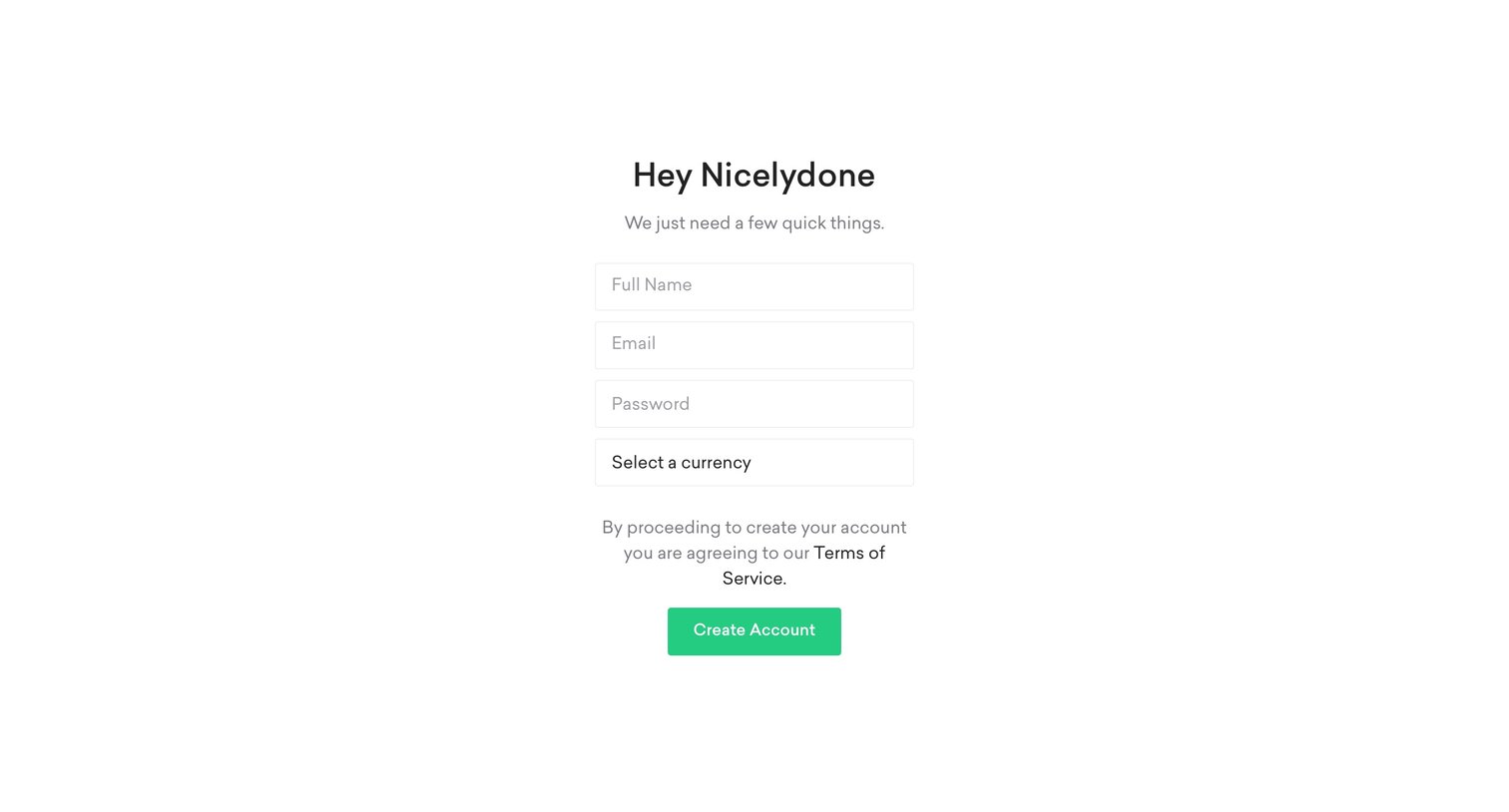
Signup screen where the user provides their name, email, password, and preferred currency to create a new account.

Two cards - Sign up screen
Two cards logo
Two cards

Signup screen where the user provides their name, email, password, and preferred currency to create a new account.

Two cards - Home screen
Two cards logo
Two cards

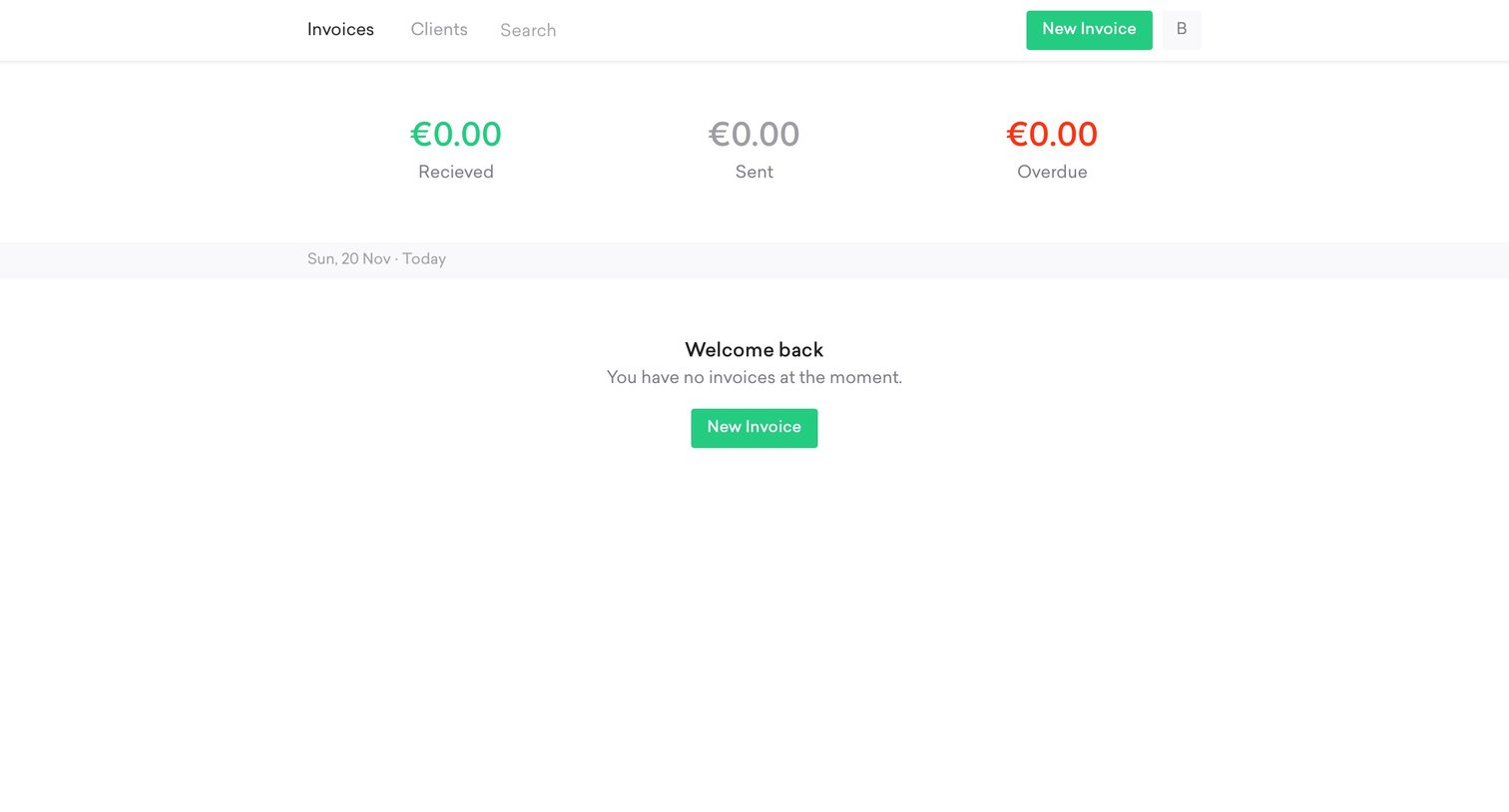
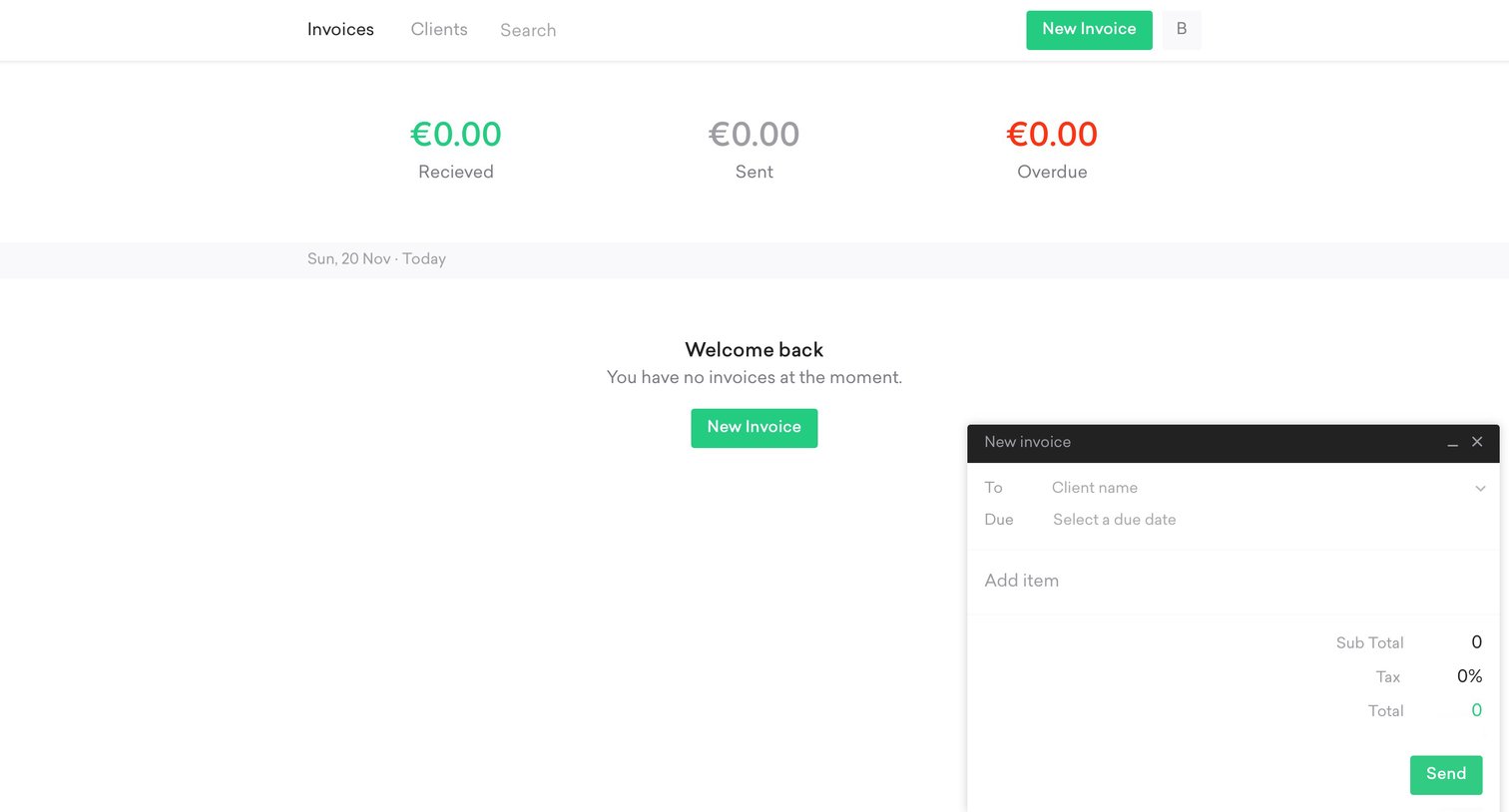
List view for invoices showing zero balances across received, sent, and overdue categories, with a prompt to create a new invoice.
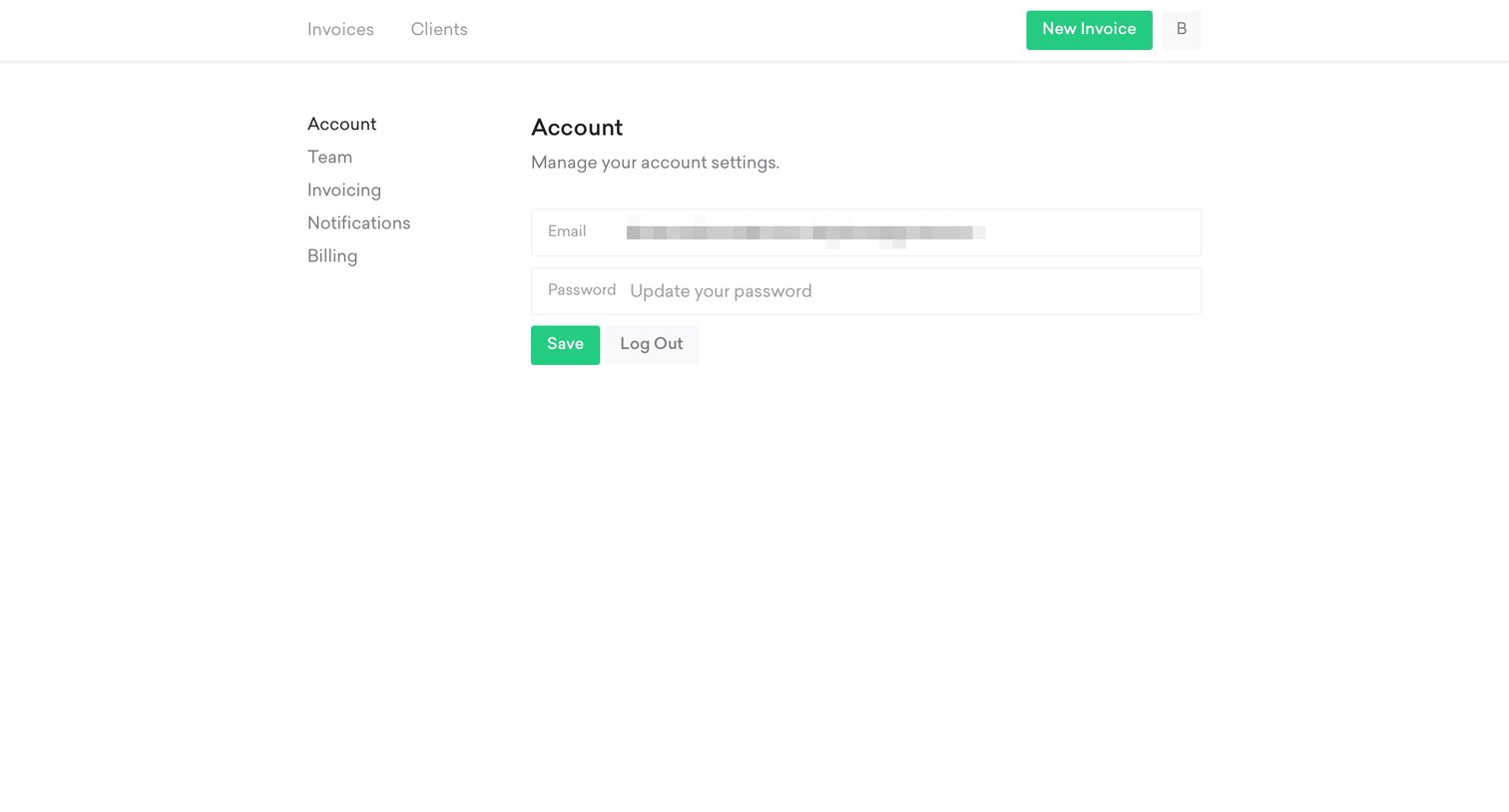
Two cards - Settings screen
Two cards logo
Two cards

Settings page where the user can update their account email and password or log out of the application.
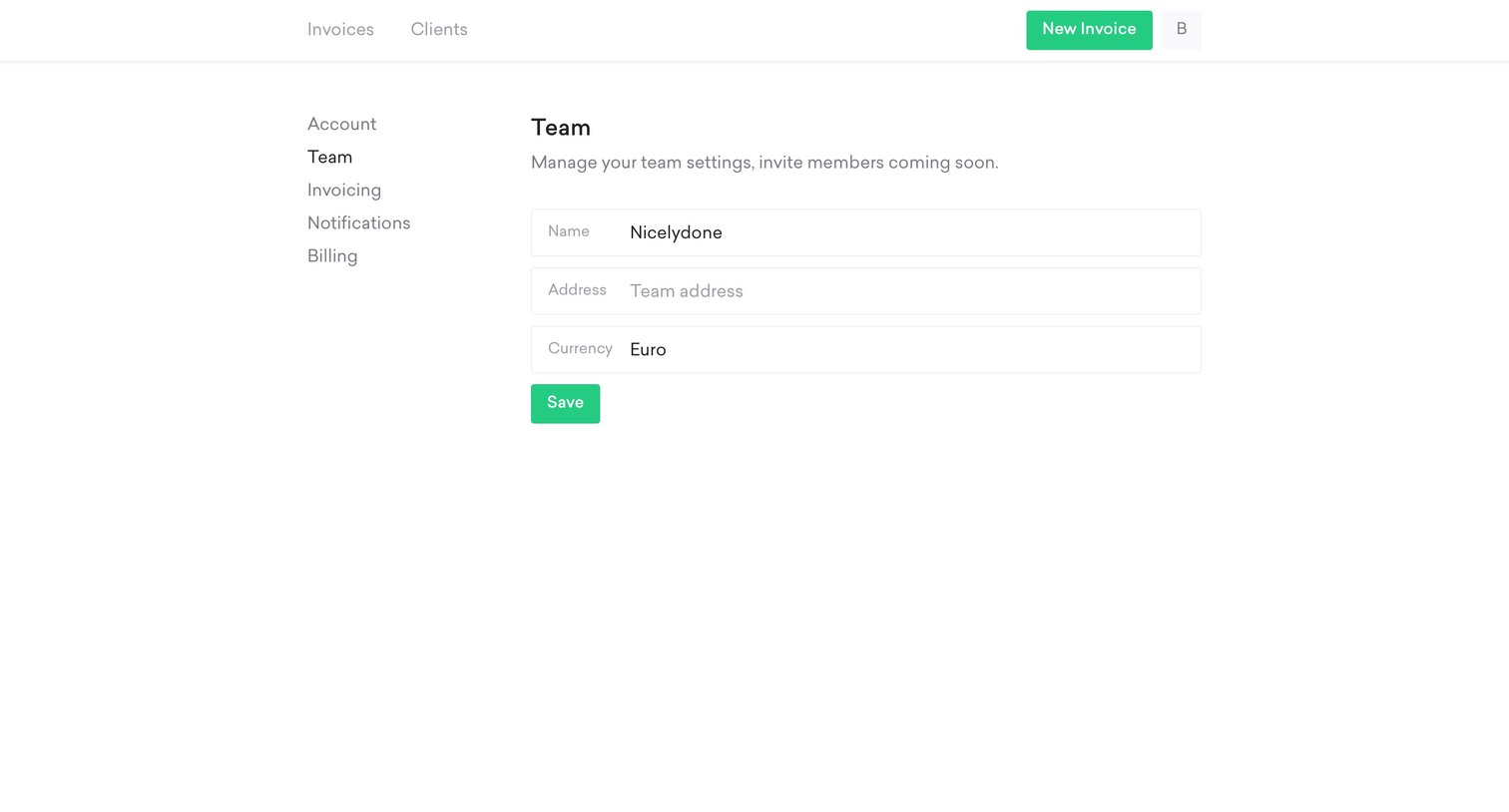
Two cards - Team settings screen
Two cards logo
Two cards

Settings page where the user configures their team name, address, and default currency.
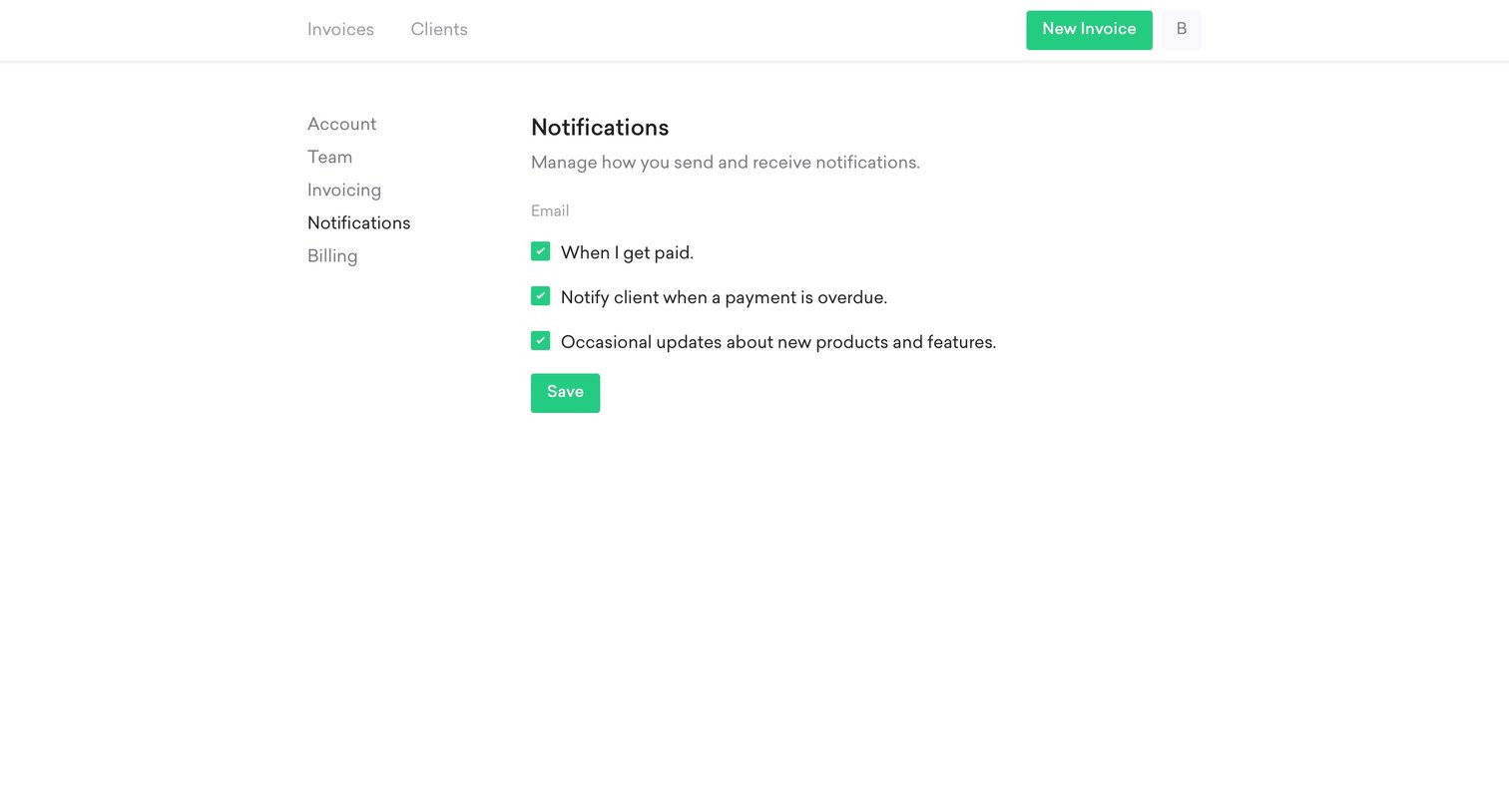
Two cards - Notification settings screen
Two cards logo
Two cards

Settings page where the user configures email notification preferences for payments, overdue clients, and product updates.
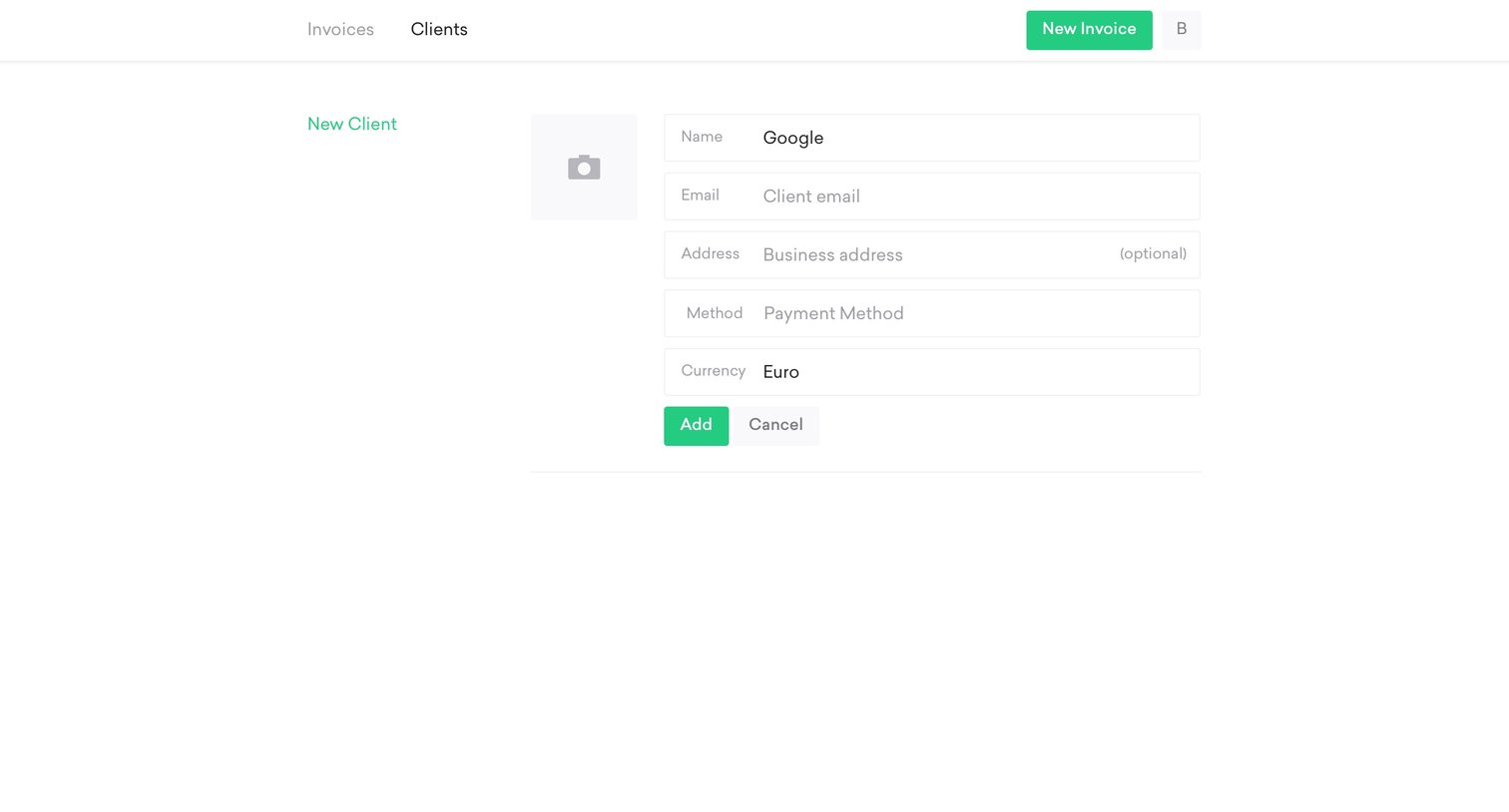
Two cards - Create client screen
Two cards logo
Two cards

Create page where the user adds a new client by filling in details like name, email, address, payment method, and currency.
Two cards - Client list screen
Two cards logo
Two cards

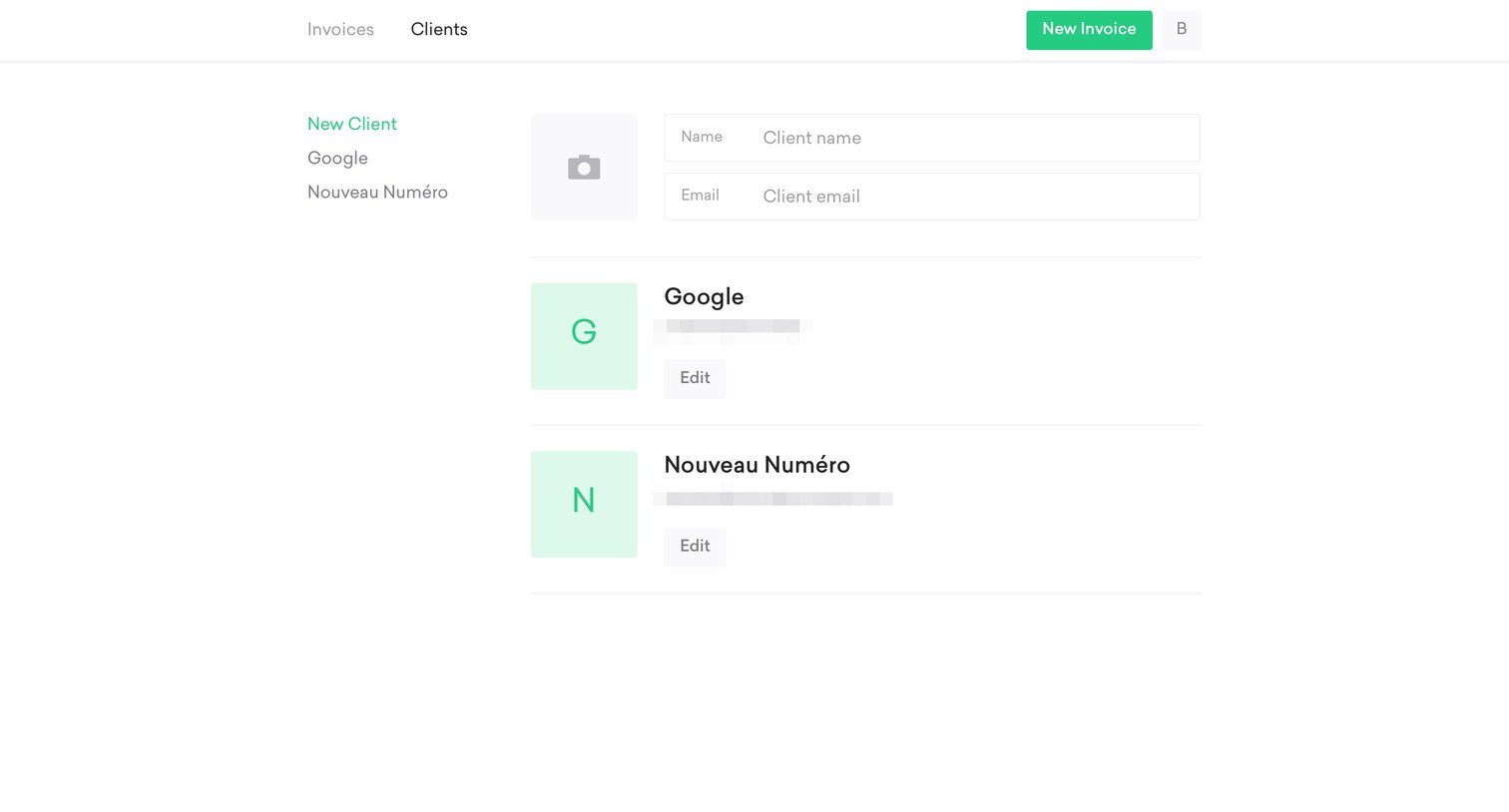
List view where the user manages clients, featuring an inline form to add a new client and cards to edit existing ones like Google.

Two cards - Create invoice screen
Two cards logo
Two cards

List view showing zero current invoices with a summary of received, sent, and overdue amounts, alongside an open floating form to create a new invoice.
Two cards - Calendar screen
Two cards logo
Two cards

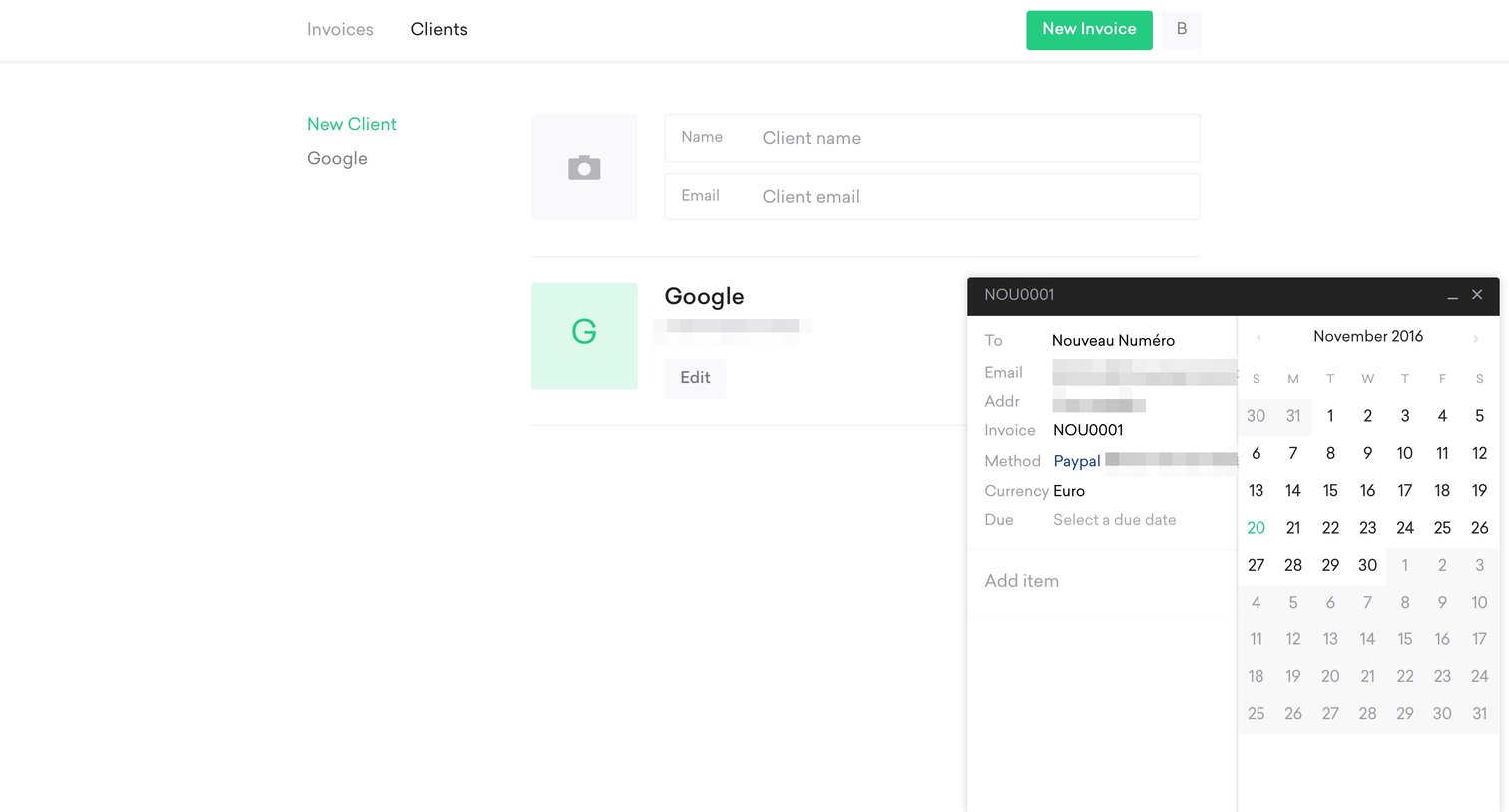
Client management list view where the user is creating a new invoice via a floating modal and selecting a due date.

Two cards - Single screen
Two cards logo
Two cards

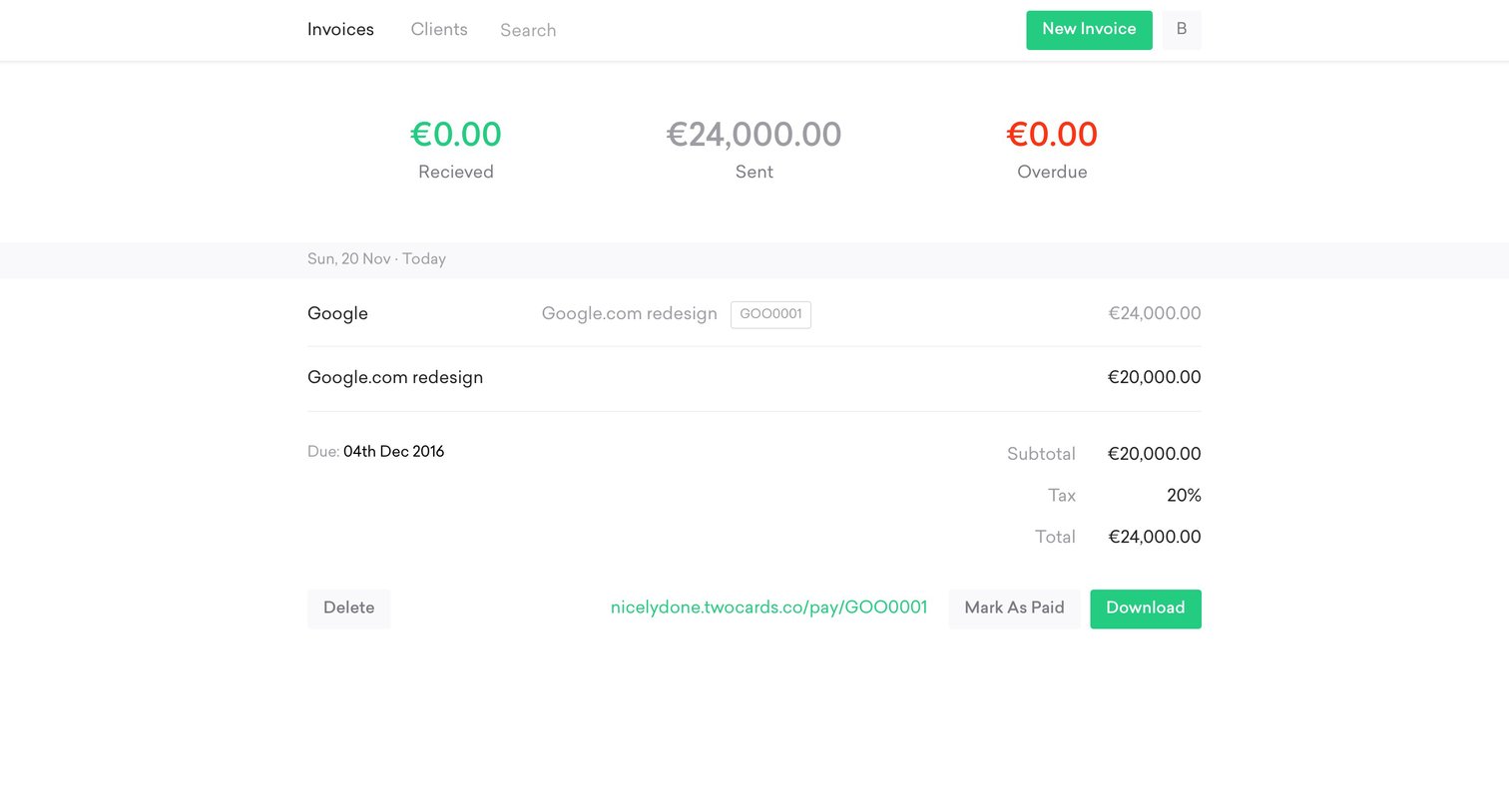
Invoice management page where the user views a list of sent and overdue invoices, with one row expanded to reveal subtotal, tax, and actions to mark as paid or download.

Explore the full SaaS screen library

Upgrade to unlock the full library.

Trusted by the best teams