Skip to content

Tracklib product screens examples

Browse Tracklib screen design examples. Preview the interface screenshots and explore related UI patterns. The record store for sampling

Explore the examples

Tracklib - Tracklib - the record store for sampling screen
Tracklib logo
Tracklib

Sign-in screen where the user authenticates with email and password or via Facebook, presented as a modal over the marketing homepage.

Tracklib - Tracklib - the record store for sampling screen
Tracklib logo
Tracklib

Password recovery overlay where the user enters their email address to request a reset link, displayed over a music sampling landing page.

Tracklib - Sign up now and get 7 free tracks | Tracklib screen
Tracklib logo
Tracklib

Signup page where the user creates an account using Facebook or by entering their email, password, username, and country to start a free trial with 7 free tracks.

Tracklib - Choose your plan | Tracklib screen
Tracklib logo
Tracklib

Pricing page where the user chooses between Essential, Standard, and Professional subscription plans with a monthly or yearly billing toggle.

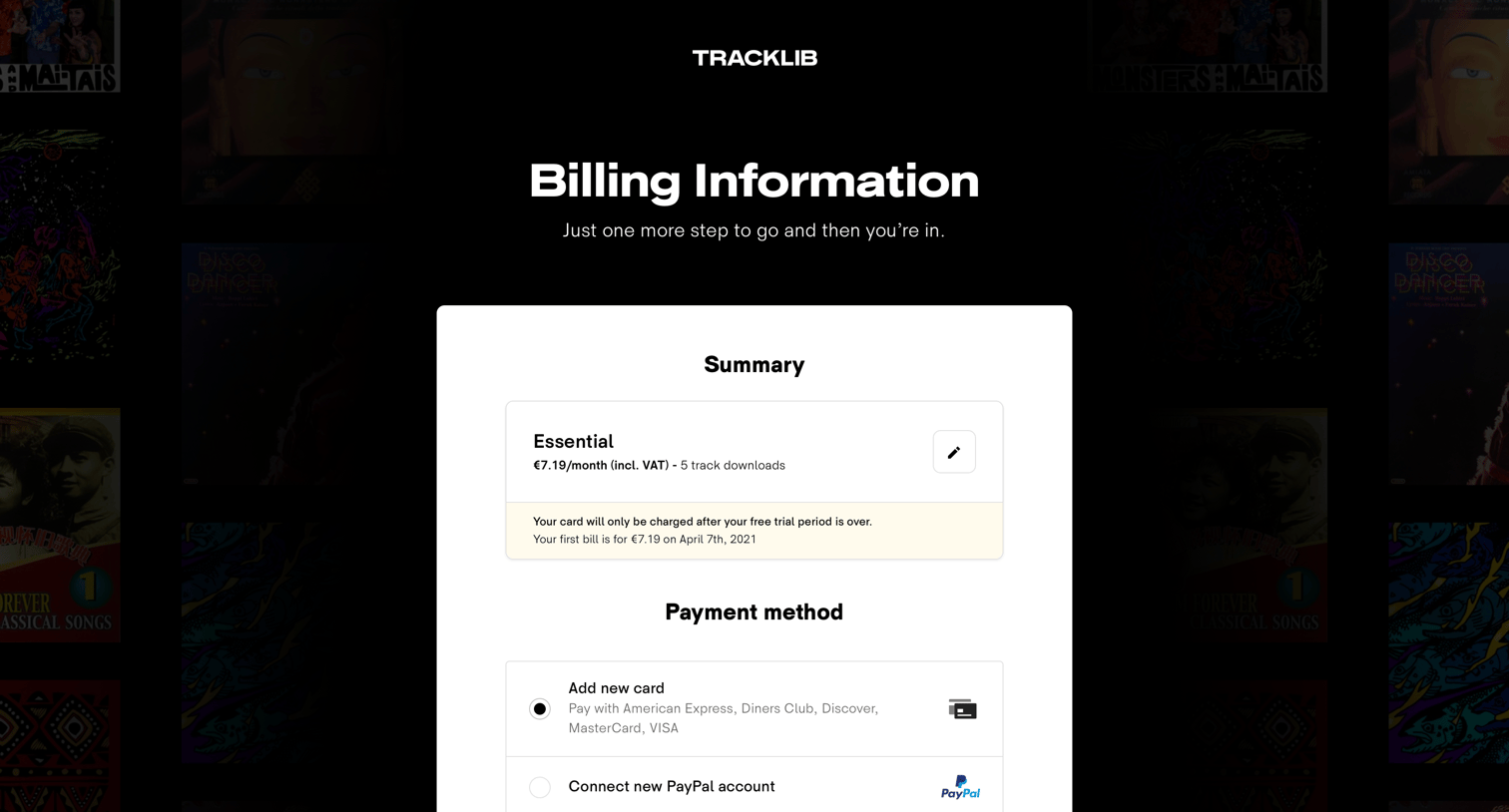
Tracklib - Billing Information | Tracklib screen
Tracklib logo
Tracklib

Checkout page where the user enters their billing information and selects a payment method to start a free trial for the Essential plan.
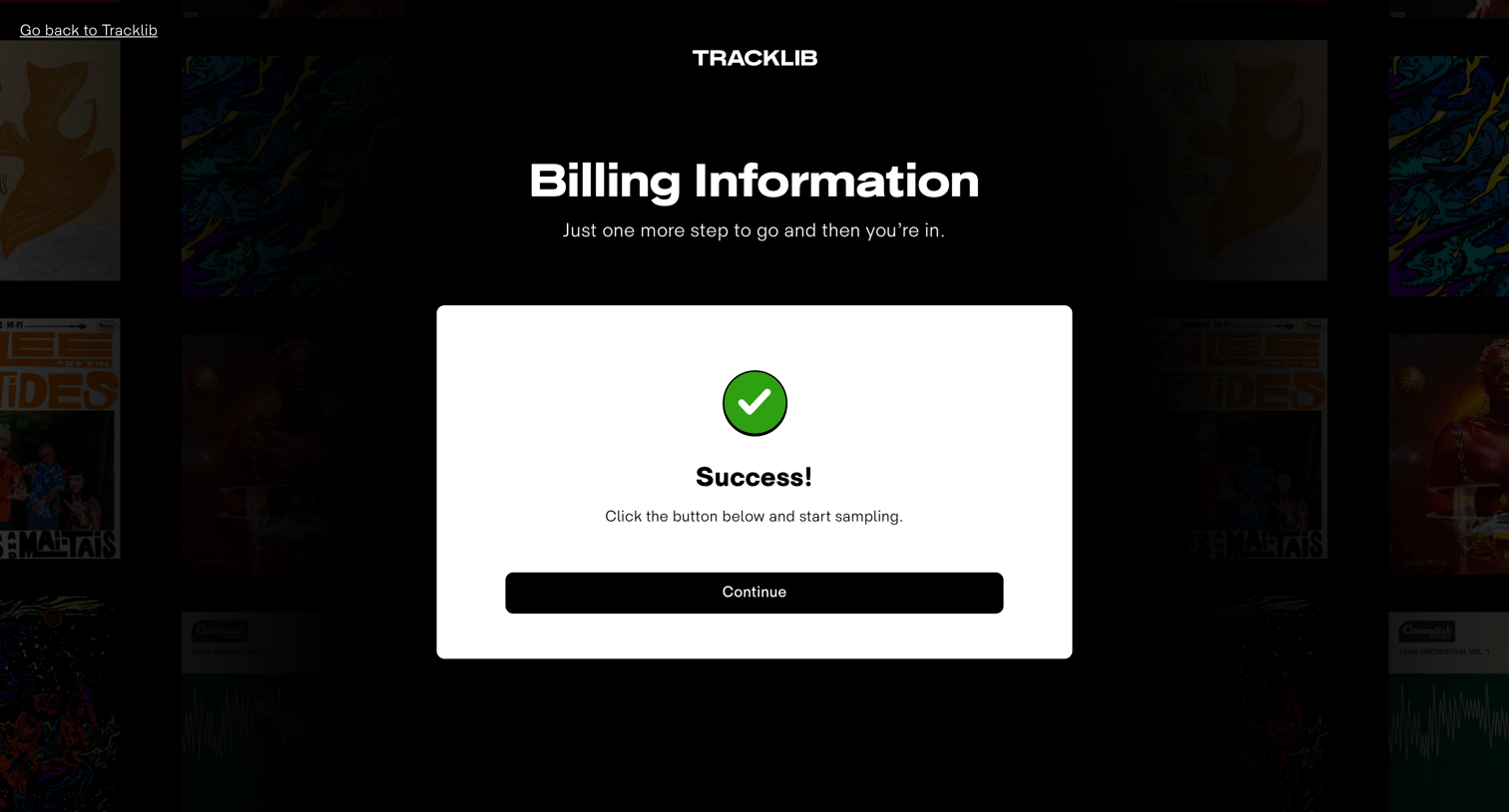
Tracklib - Billing Information | Tracklib screen
Tracklib logo
Tracklib

Checkout success modal confirming the user's billing information was processed and prompting them to continue to the application.

Tracklib - Welcome to Tracklib screen
Tracklib logo
Tracklib

Onboarding modal welcoming the user to their newly started trial and prompting them to play their first track from a grid of album covers.

Tracklib - Welcome to Tracklib screen
Tracklib logo
Tracklib

Onboarding step where a product tour highlights the loop function on a playable list of music tracks.

Tracklib - Welcome to Tracklib screen
Tracklib logo
Tracklib

Onboarding modal introducing the loop feature, displaying a list of tracks with interactive audio waveforms and metadata alongside a continue prompt.

Tracklib - Welcome to Tracklib screen
Tracklib logo
Tracklib

Onboarding step where a modal instructs the user to favorite their first track to continue, highlighting the audio player controls and waveform.

Tracklib - Welcome to Tracklib screen
Tracklib logo
Tracklib

Onboarding modal introducing the music catalog with a prompt to start browsing and a grid of example content, while a success toast confirms an item was added to favorites.

Tracklib - Inspiration | Tracklib screen
Tracklib logo
Tracklib

Home page where a success modal confirms the user's email address is verified, overlaid on a music discovery catalog featuring carousels and lists of tracks.

Explore the full SaaS screen library

Upgrade to unlock the full library.

Trusted by the best teams