Skip to content

Swell product screens examples

Browse Swell screen design examples. Preview the interface screenshots and explore related UI patterns. Next-level ecommerce for everyone

Explore the examples
Swell screen
Swell logo
Swell

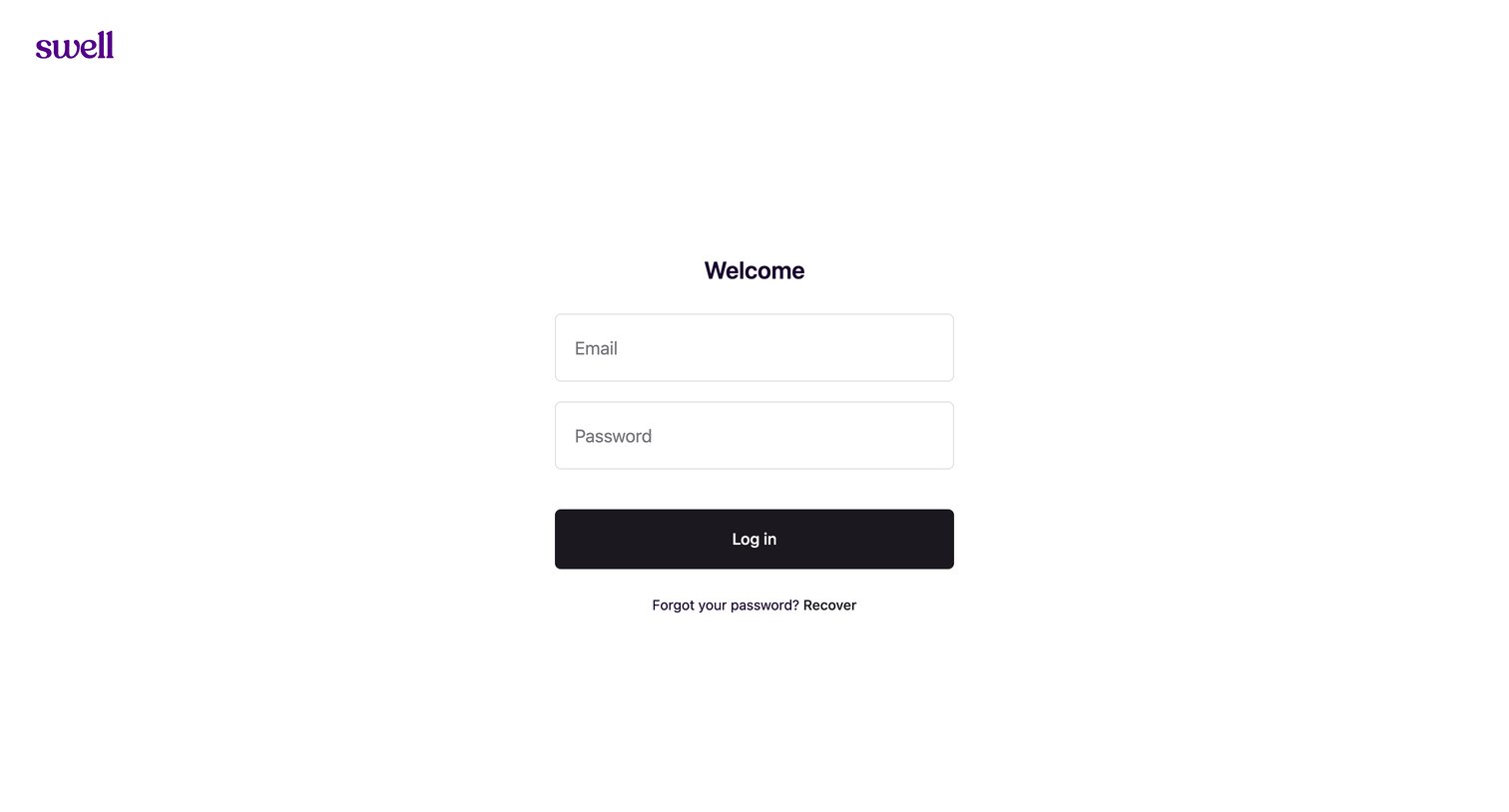
Sign-in screen where the user authenticates with their email and password to access their store.
Swell screen
Swell logo
Swell

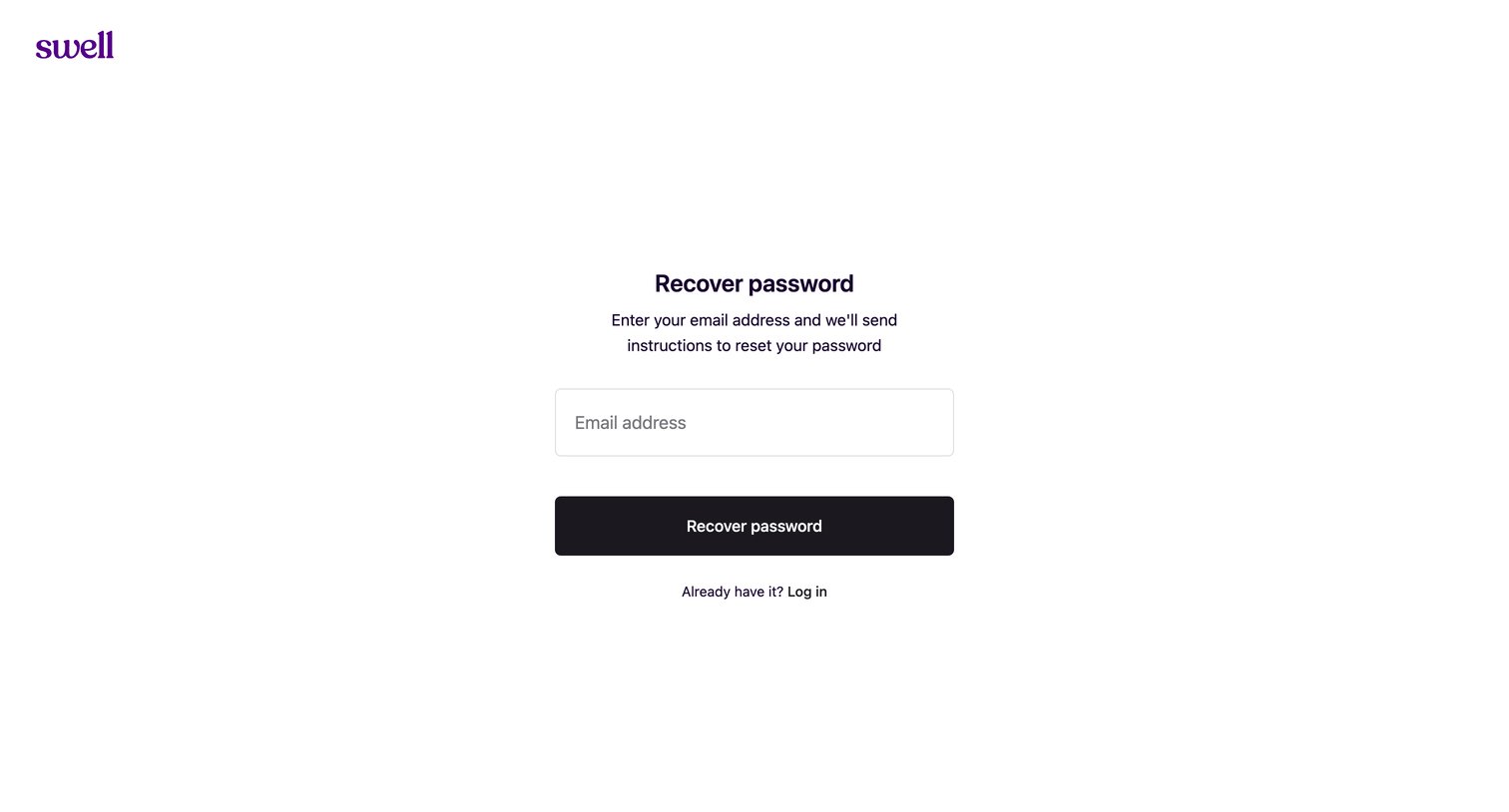
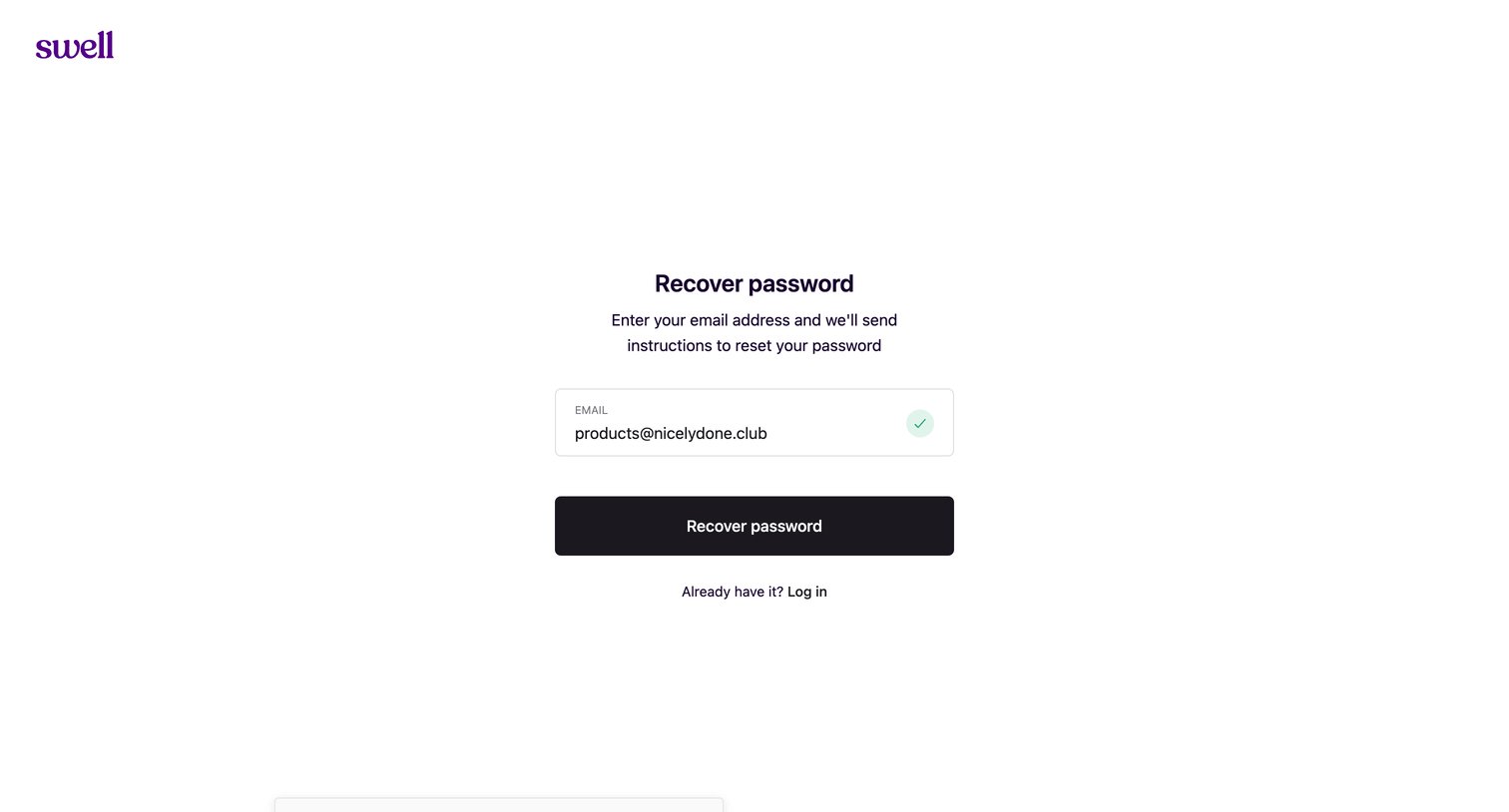
Password recovery screen where the user enters their email address to receive reset instructions.
Swell screen
Swell logo
Swell

Password recovery screen where the user receives confirmation via a toast notification that reset instructions have been sent to their email.
Swell - Start your free trial | Swell screen
Swell logo
Swell

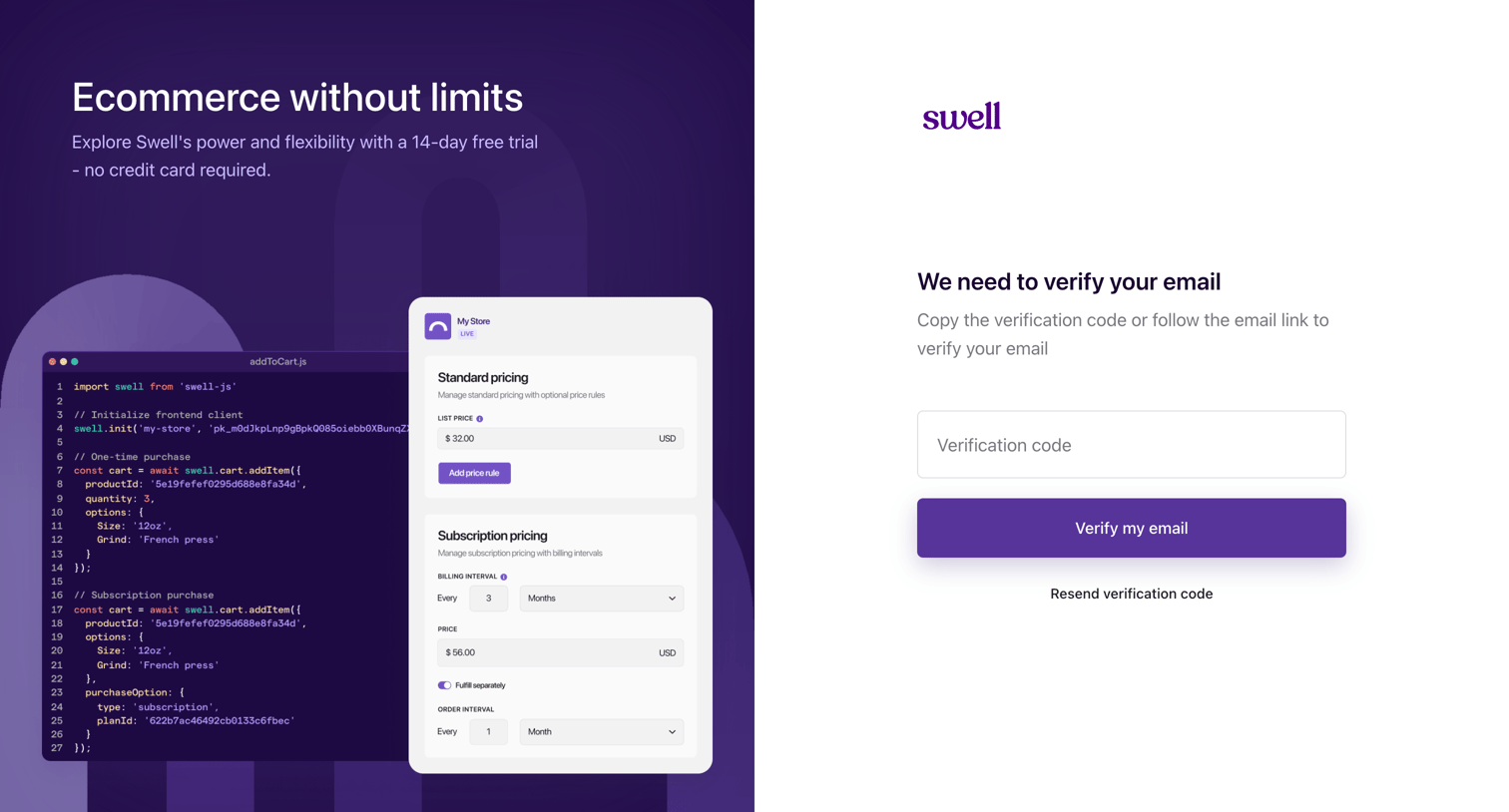
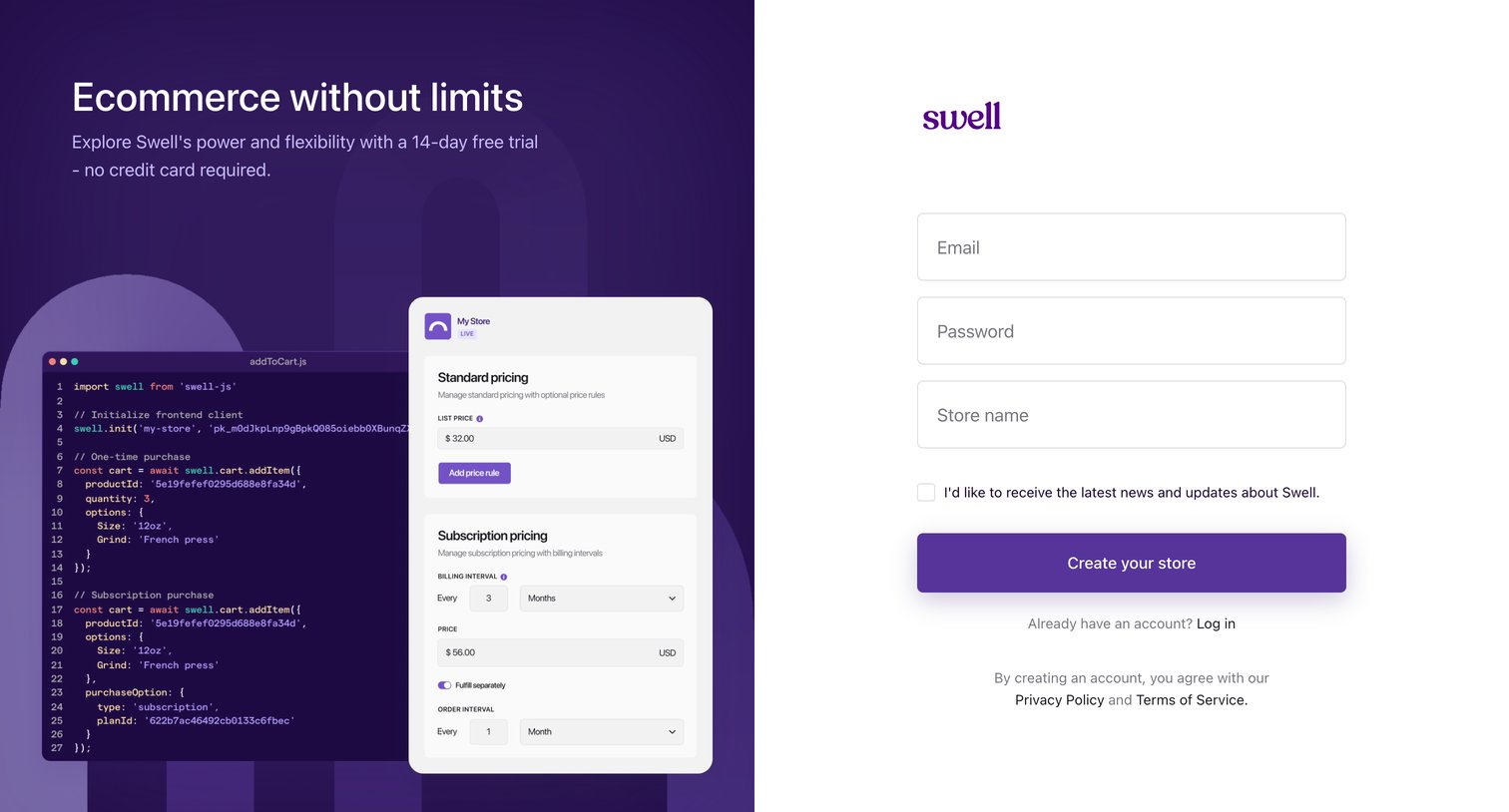
Signup screen where the user creates a new ecommerce store by entering their email, password, and store name, alongside a marketing panel promoting a 14-day free trial.

Swell - Start your free trial | Swell screen
Swell logo
Swell

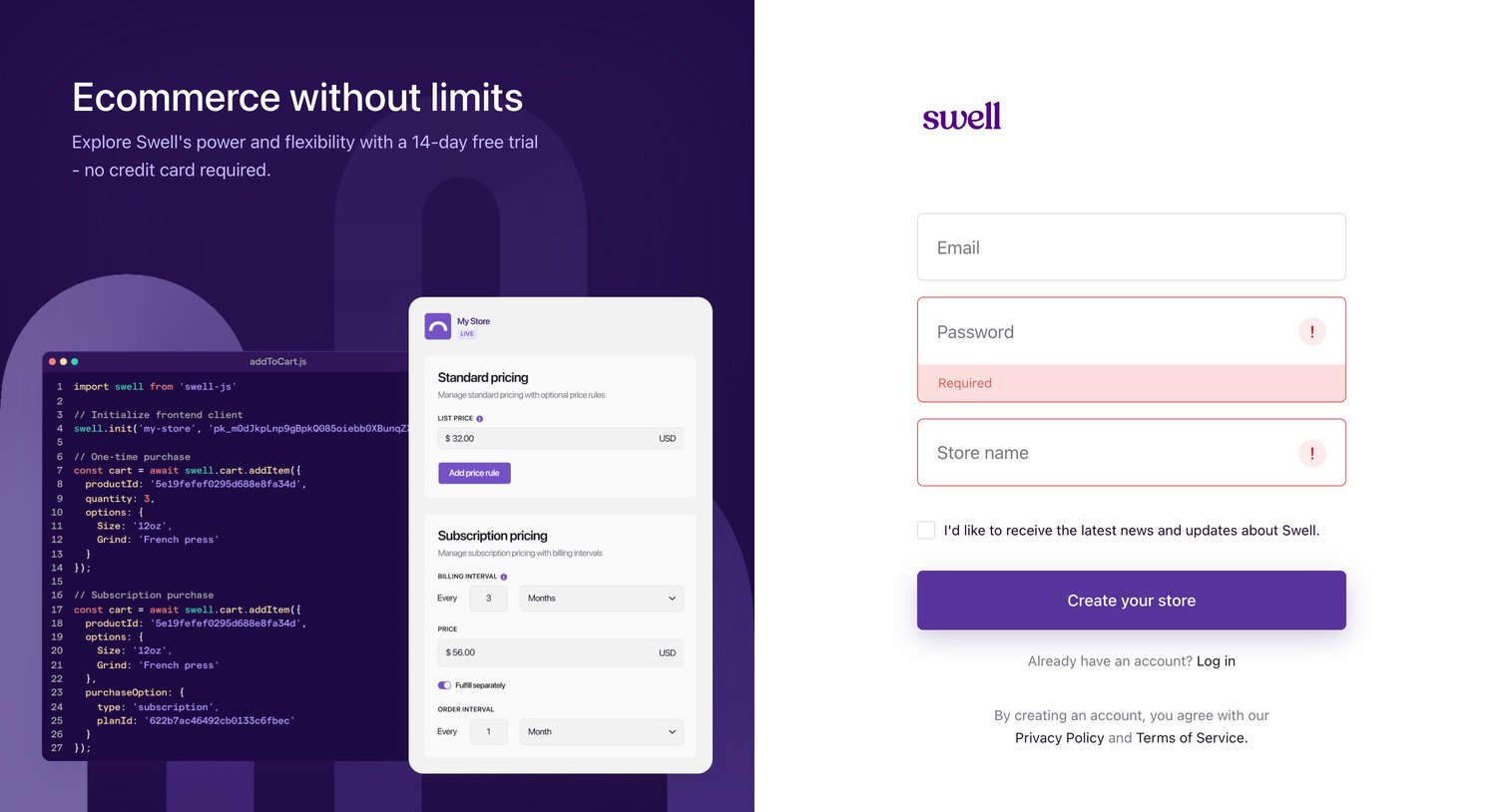
Signup screen where the user creates a new store account with email and password, currently showing validation errors on the required fields.

Swell - Verify your email | Swell screen
Swell logo
Swell

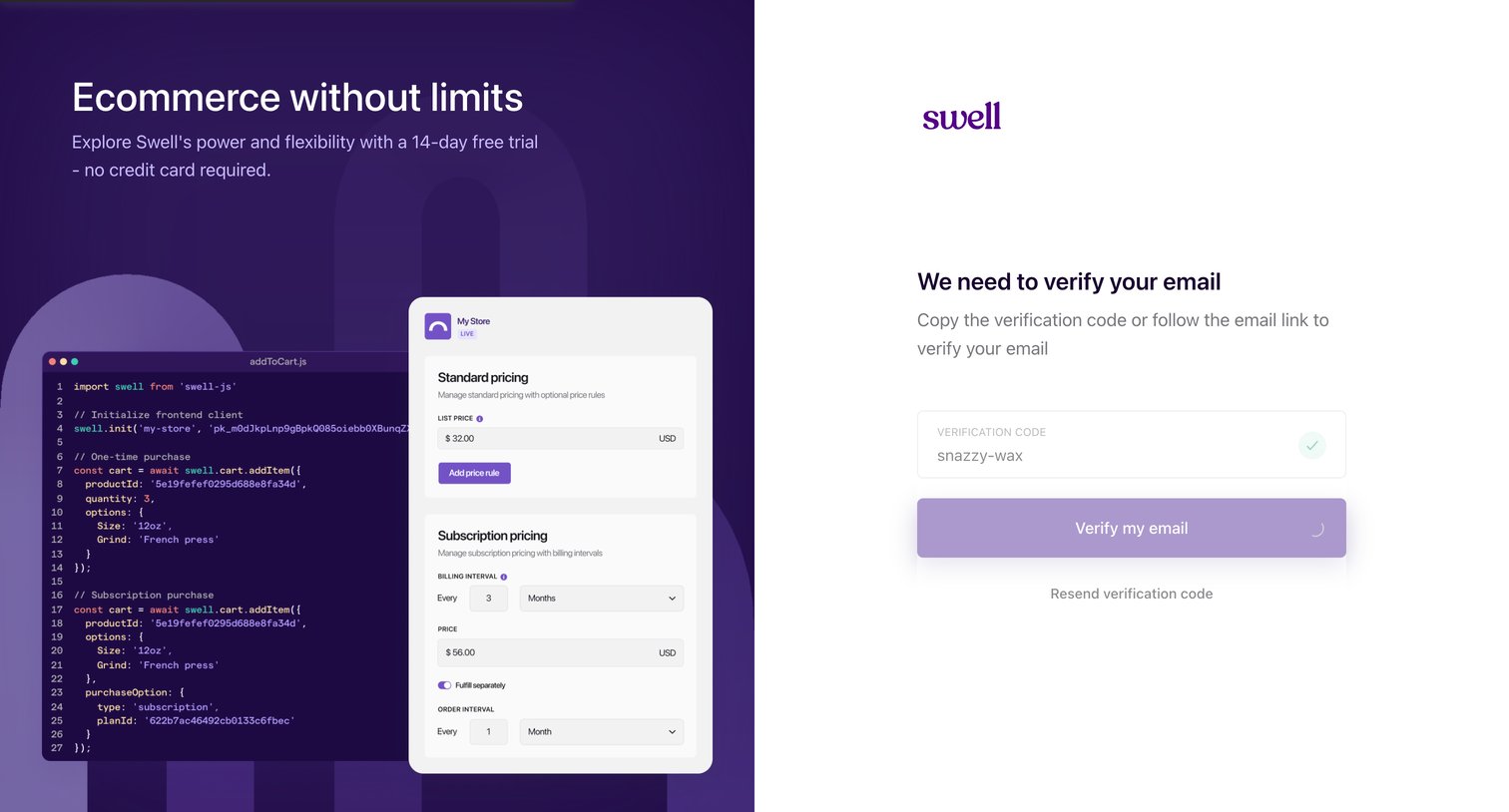
Verification screen where the user enters a code sent to their email to complete the signup process.
Swell - nicelydone+v1 screen
Swell logo
Swell

Verification screen where the user enters a code to confirm their email address during the Swell signup process.
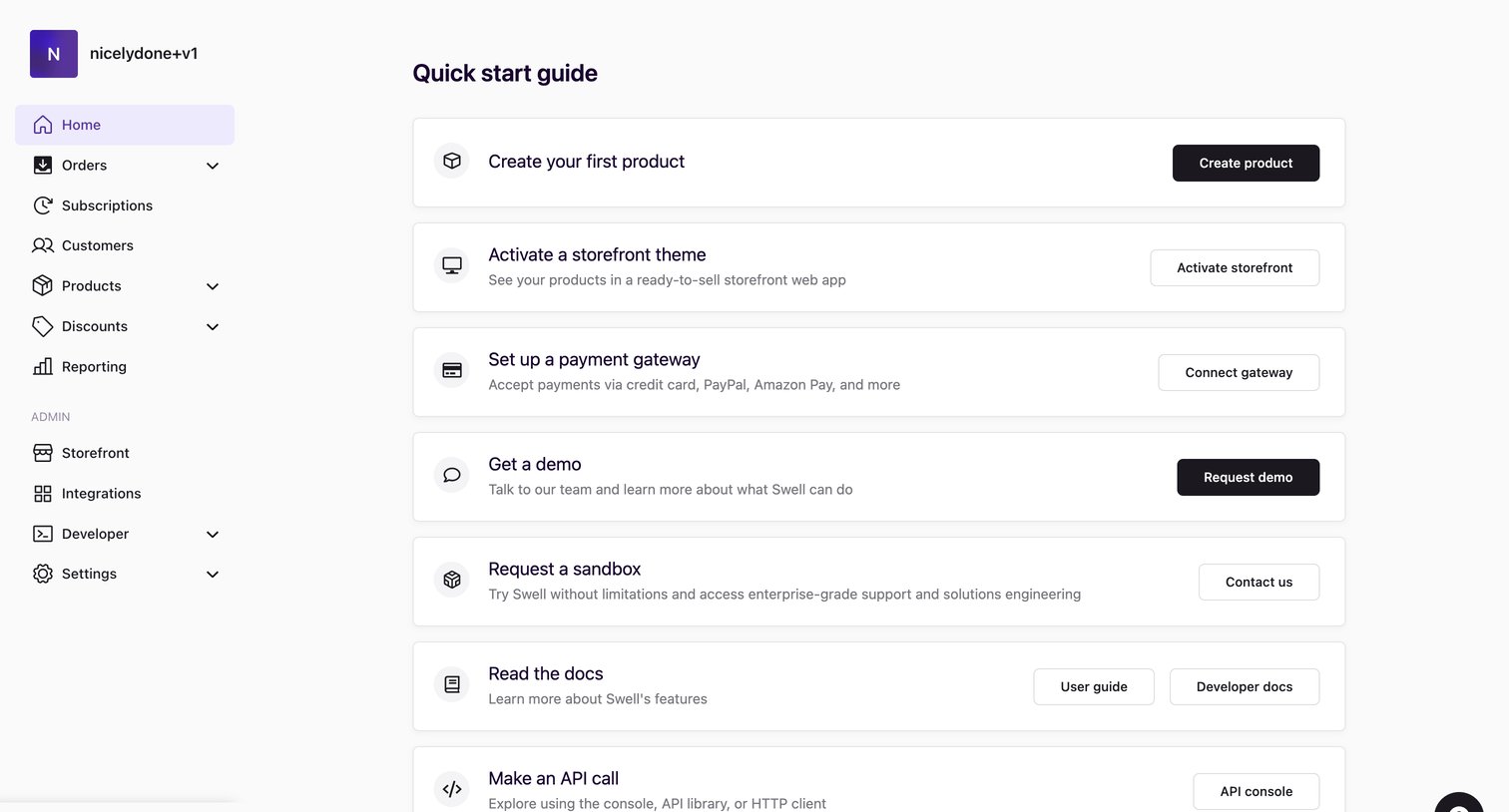
Swell - Home | nicelydone+v1 screen
Swell logo
Swell

Home screen for a new storefront featuring a quick start guide with tasks like creating a product, activating a theme, and setting up a payment gateway.
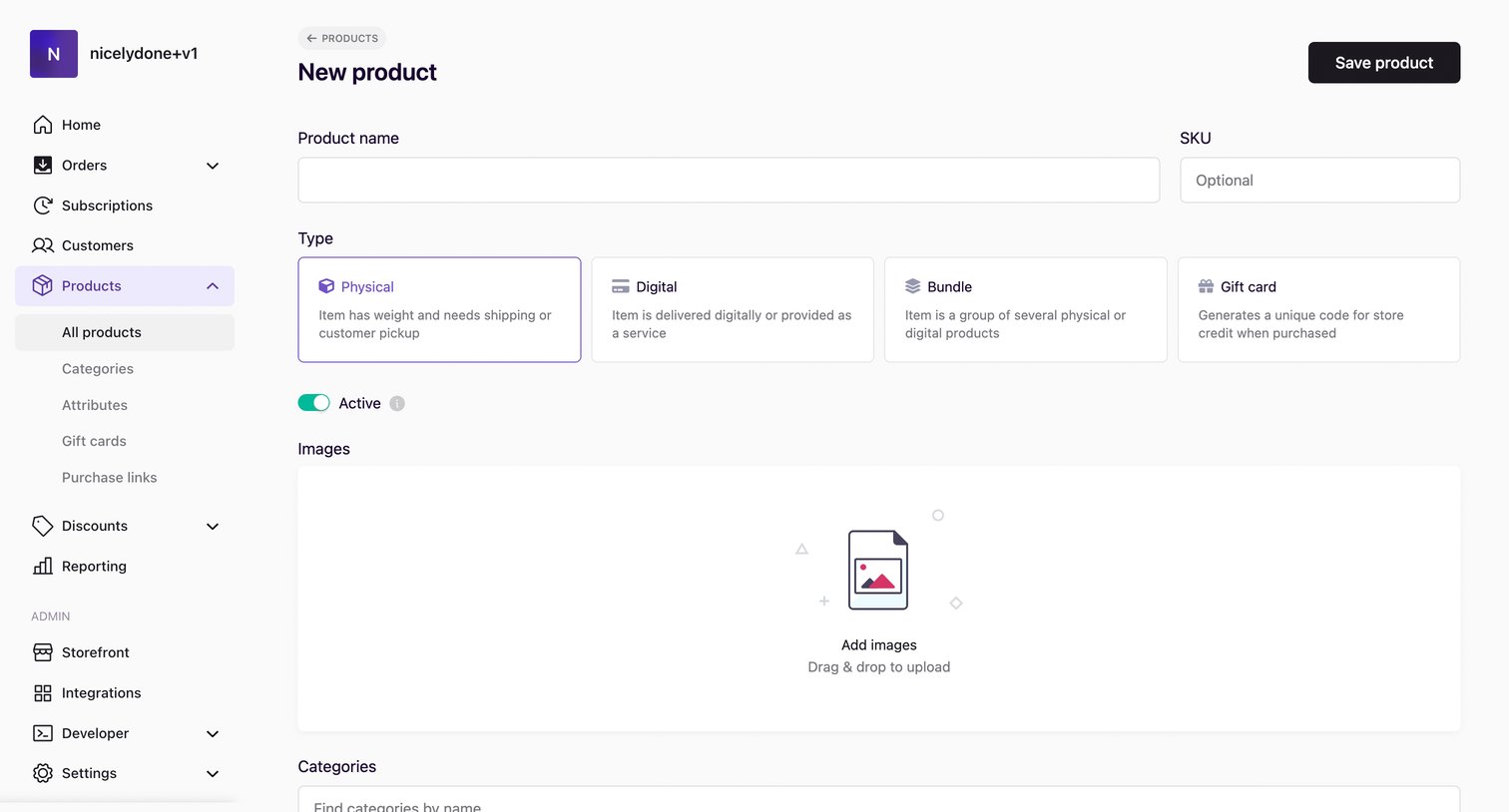
Swell - Products | nicelydone+v1 screen
Swell logo
Swell

Create page where the user adds a new product to their store by defining its type, uploading images, configuring pricing options, and writing a rich-text description.
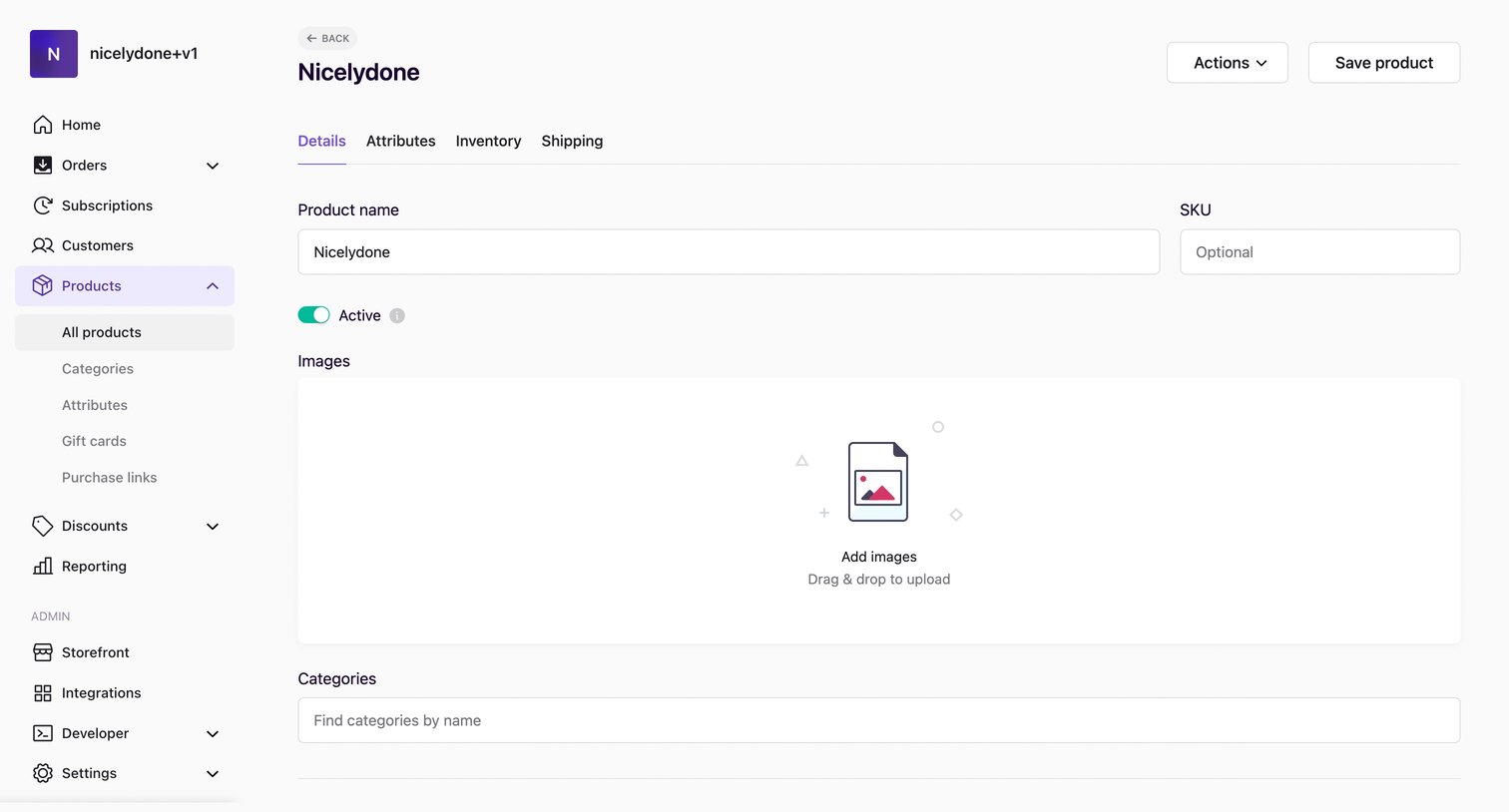
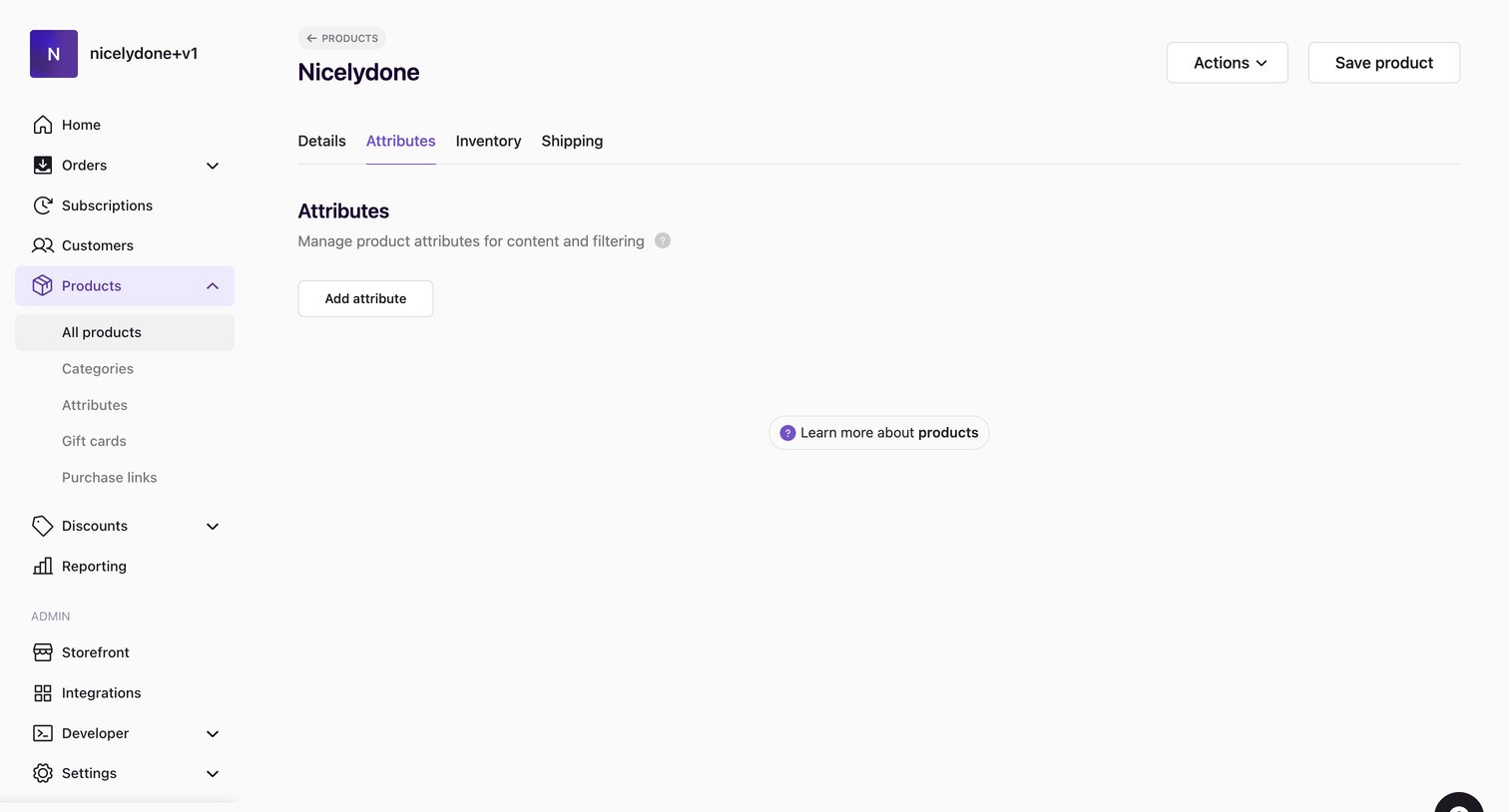
Swell - Products | nicelydone+v1 screen
Swell logo
Swell

Detail page where the user edits a product's name, pricing, categories, and description.

Swell - Products | nicelydone+v1 screen
Swell logo
Swell

Product detail page where the user manages custom attributes for content and filtering.

Swell - Products | nicelydone+v1 screen
Swell logo
Swell

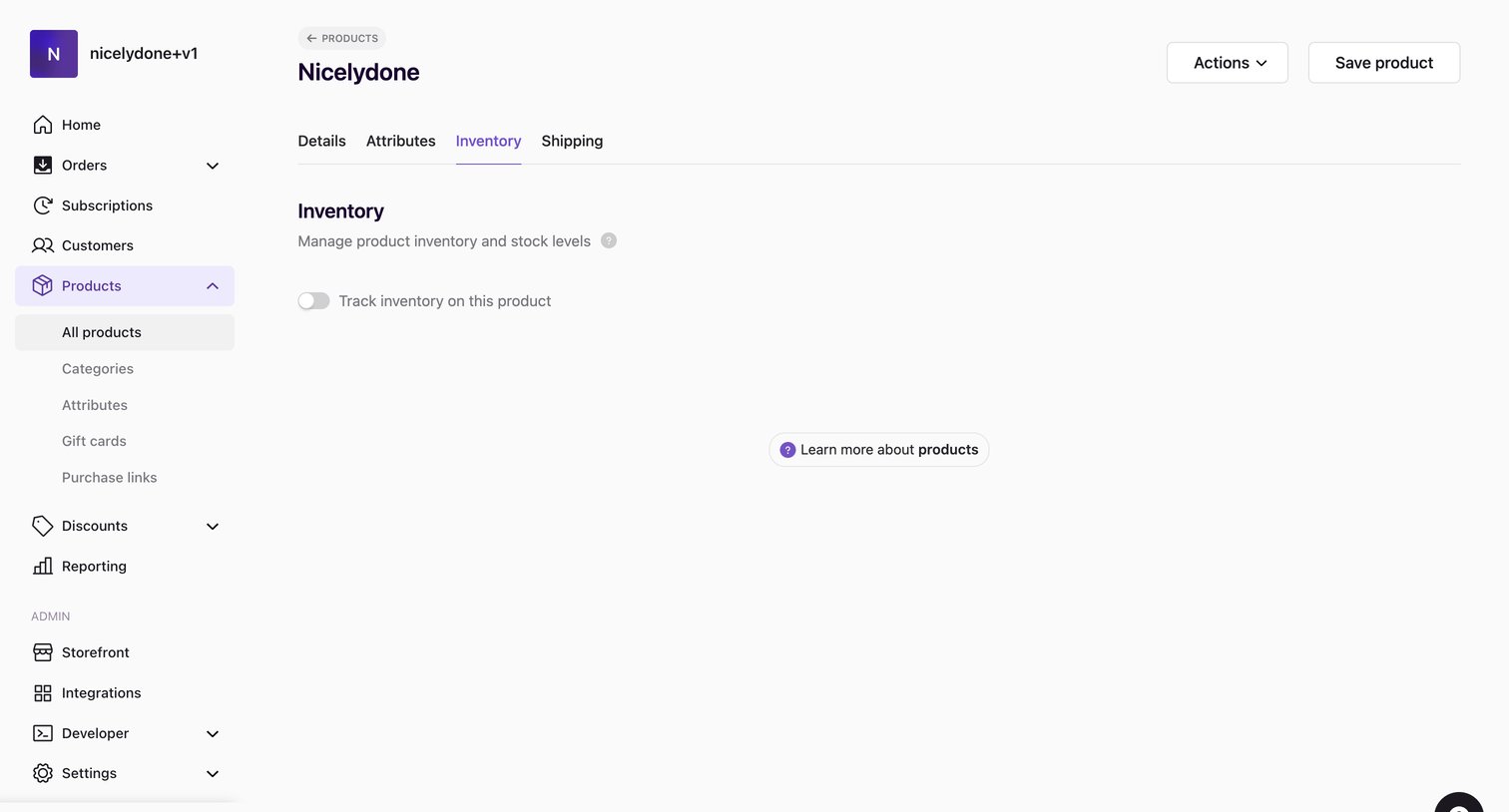
Product detail page where the user configures inventory tracking for a specific item.

Explore the full SaaS screen library

Upgrade to unlock the full library.

Trusted by the best teams