15Five design examples
Explore 15Five UI design examples. Continuous performance management software
Product screens
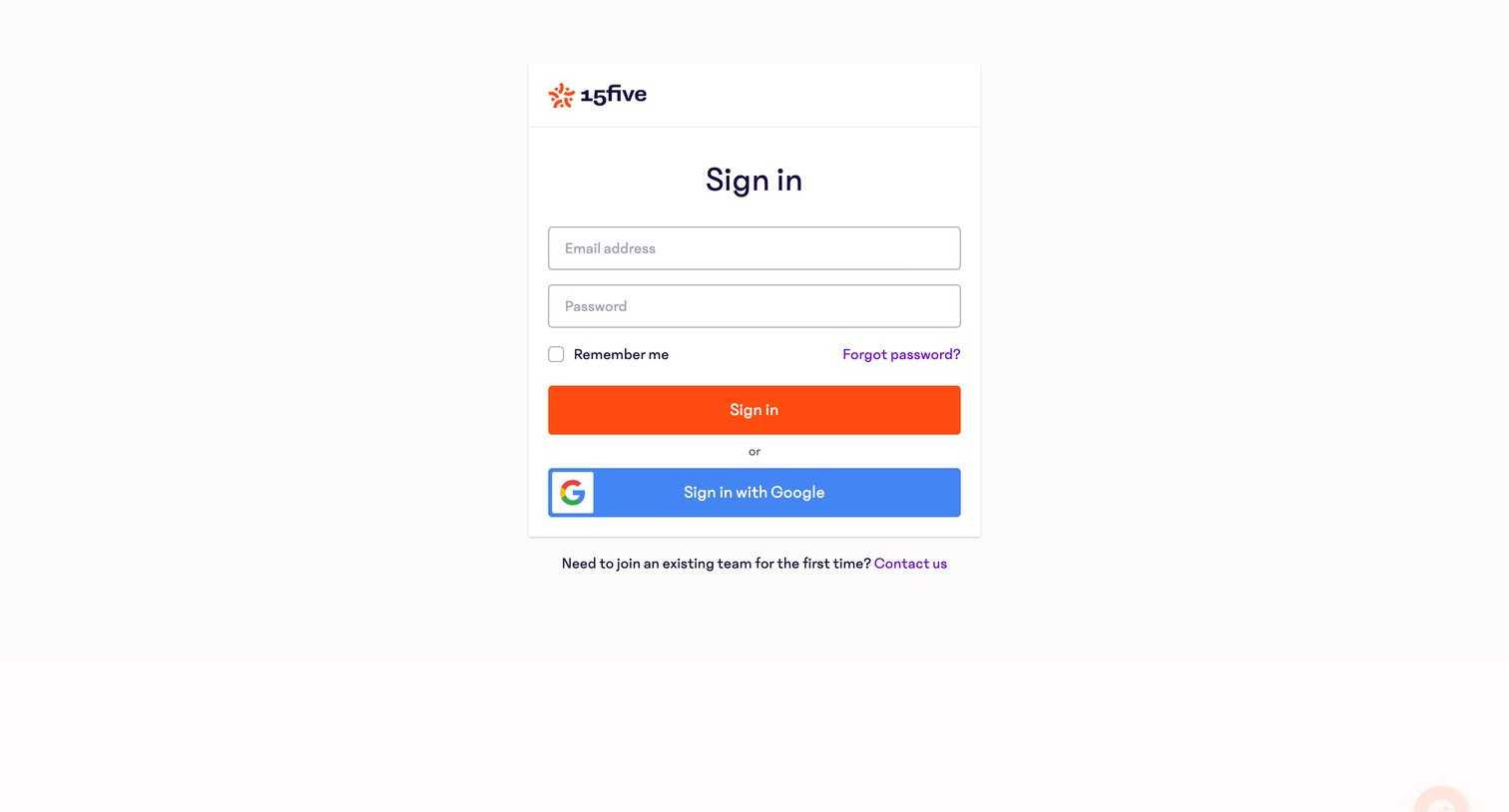
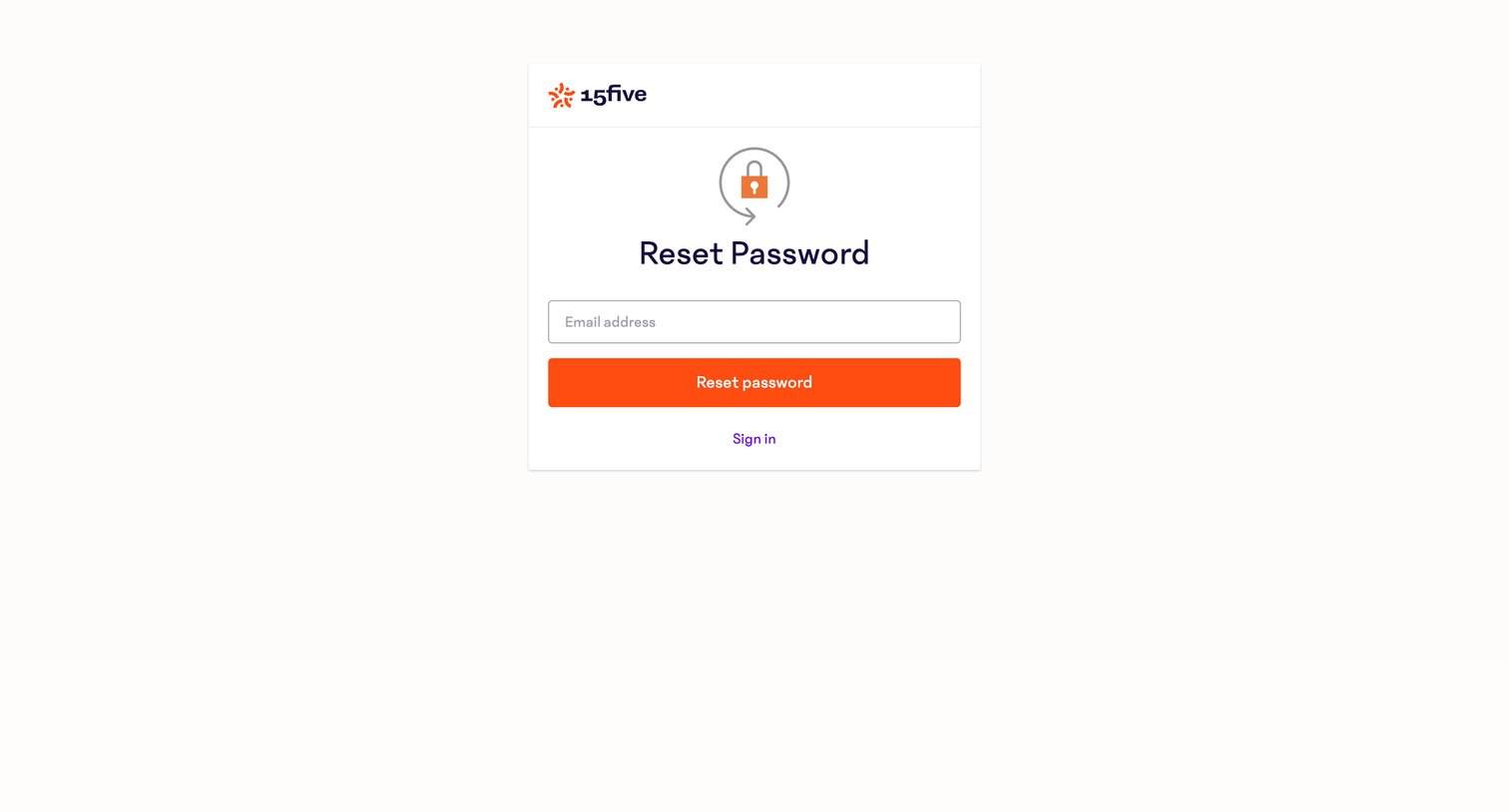

Password recovery screen where the user enters their email address to receive a reset link, with an option to return to the sign-in page.
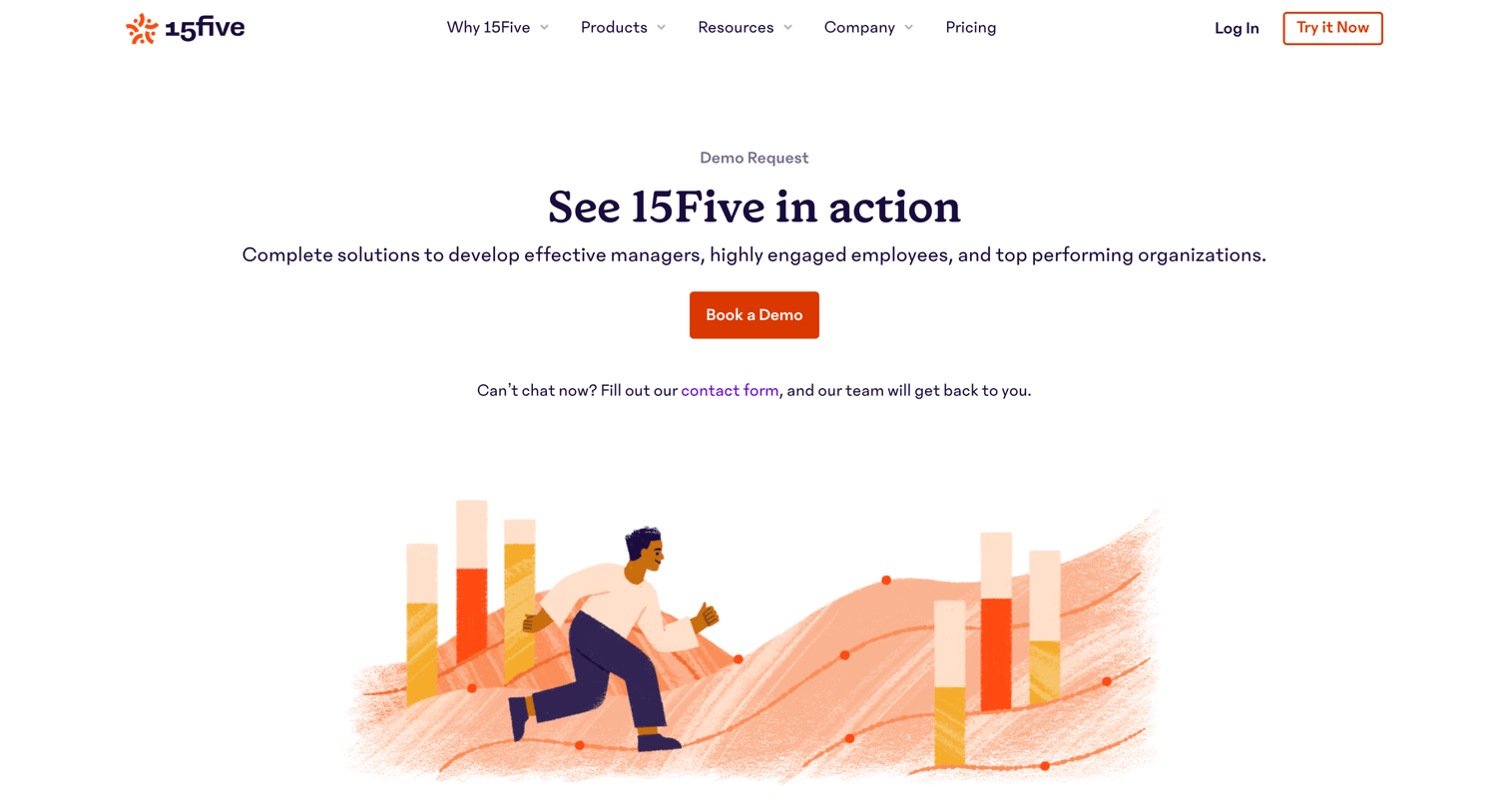
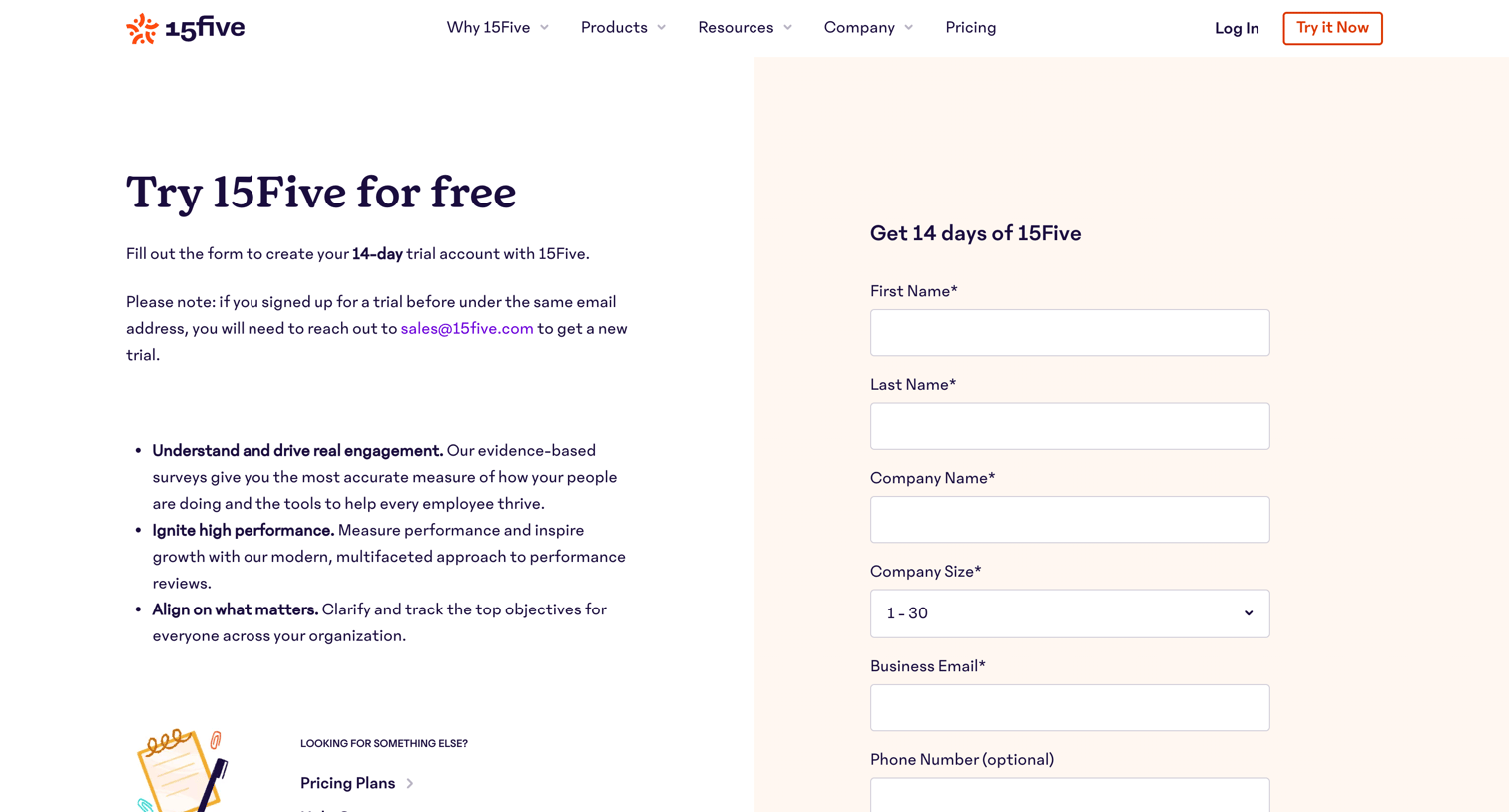
Marketing page where prospective customers can request a demo by filling out a lead capture form, supported by product benefits and industry awards.
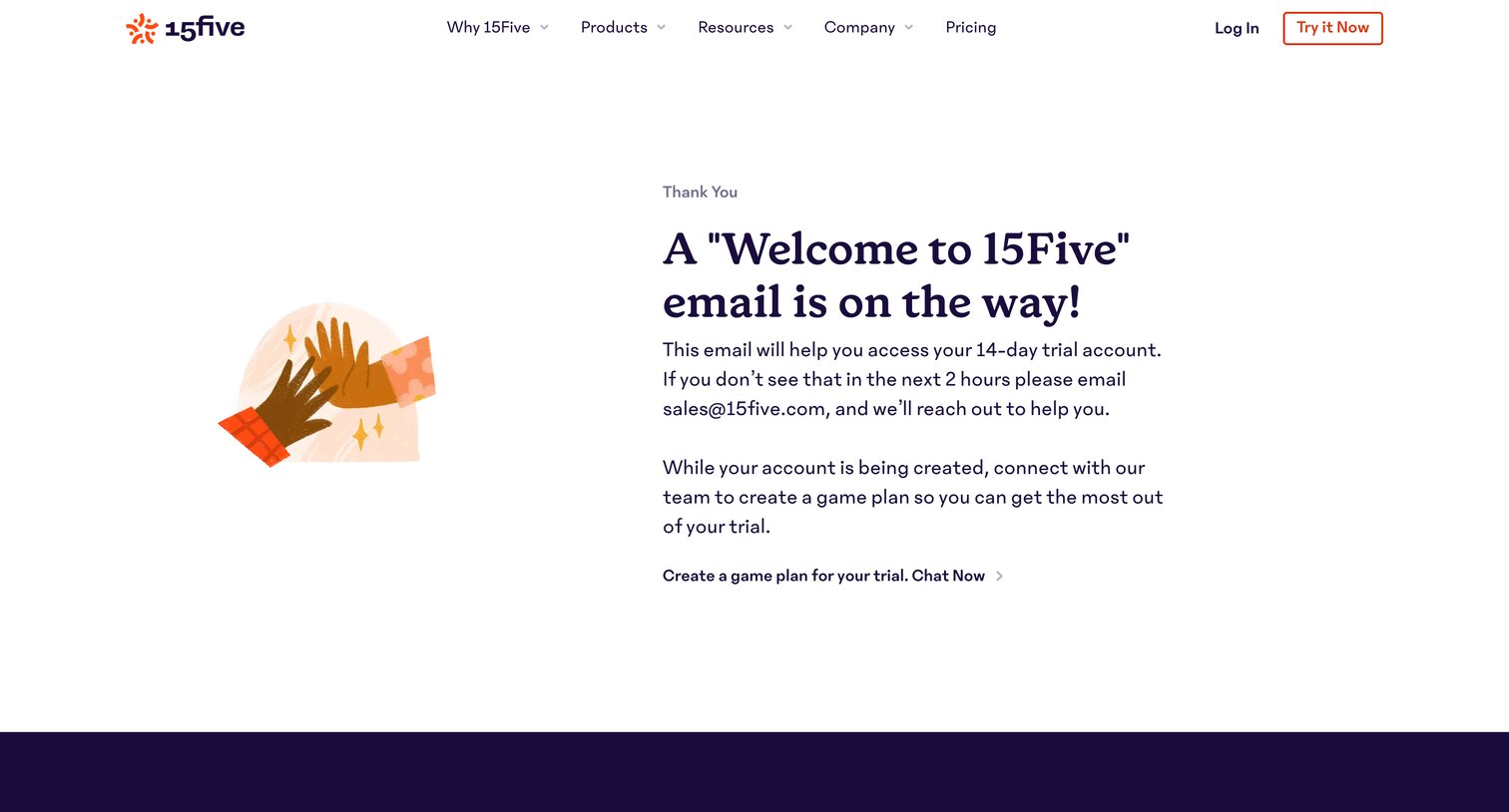

Onboarding step where the user is welcomed and introduced to the Check-in feature via a mock product preview.
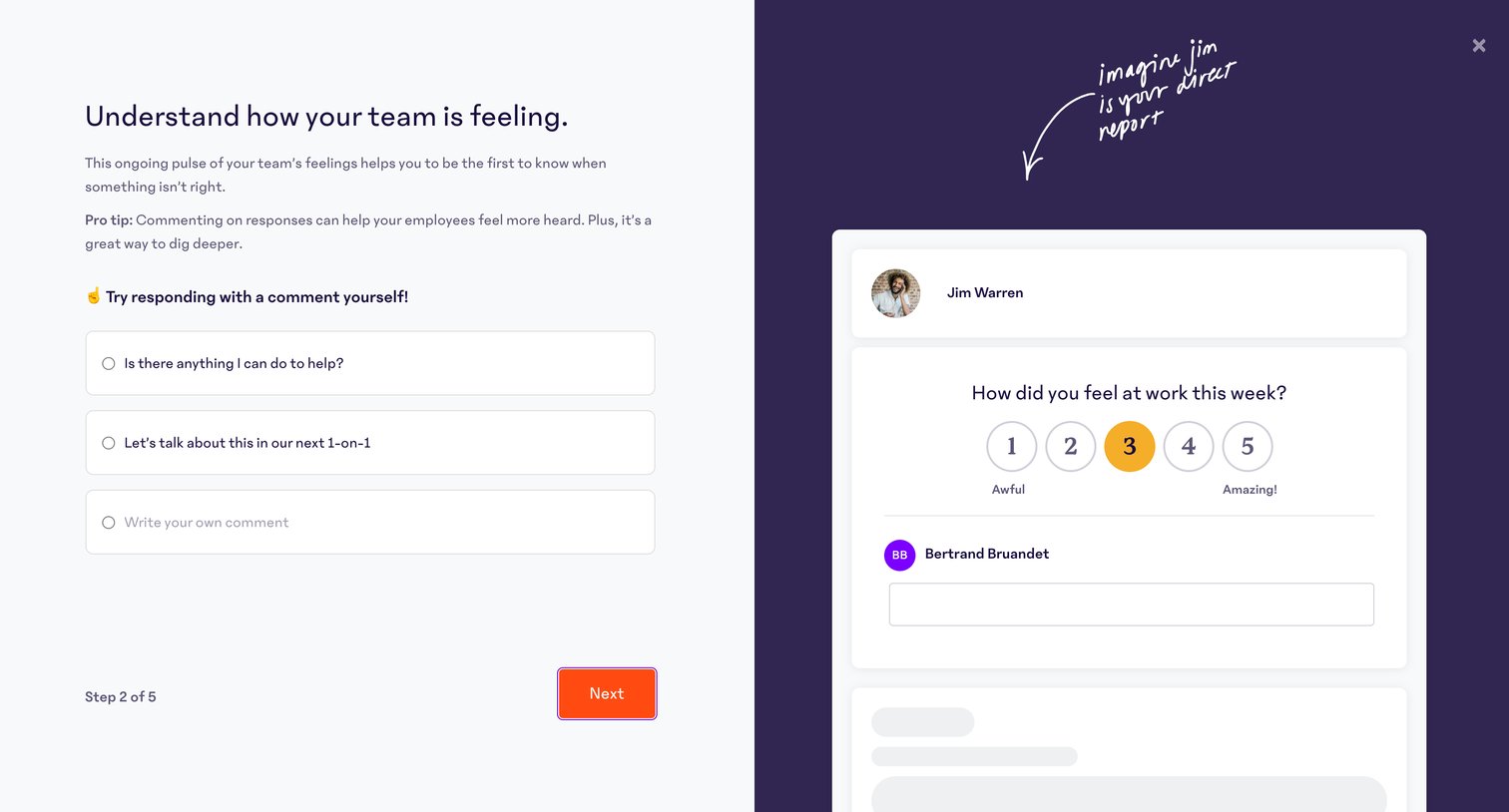
Onboarding step where the user learns how to respond to team feedback by selecting a suggested comment or writing their own in a simulated interface.
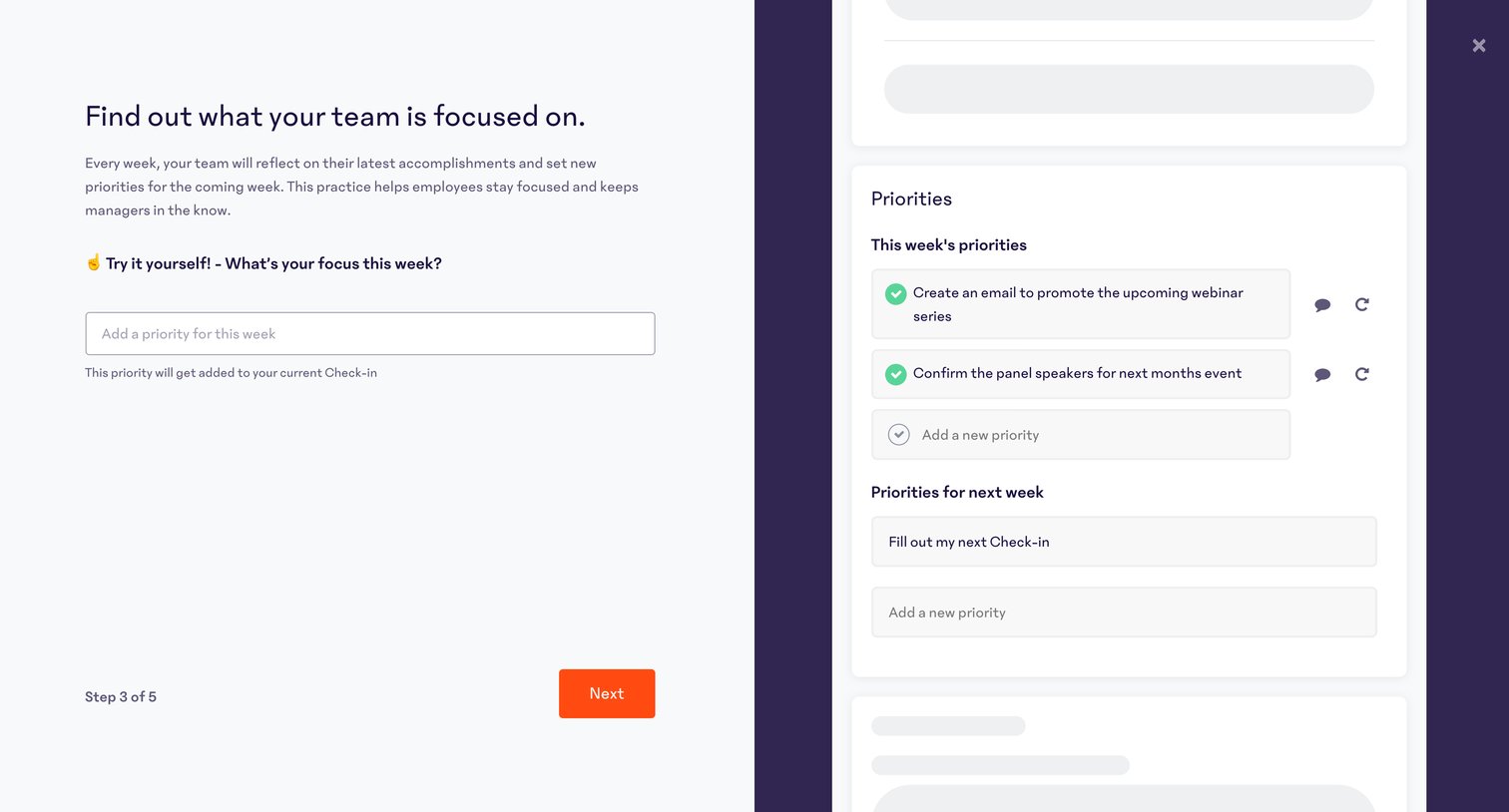
Onboarding step where the user learns about team priorities and is prompted to add their own focus for the week alongside an interactive preview.
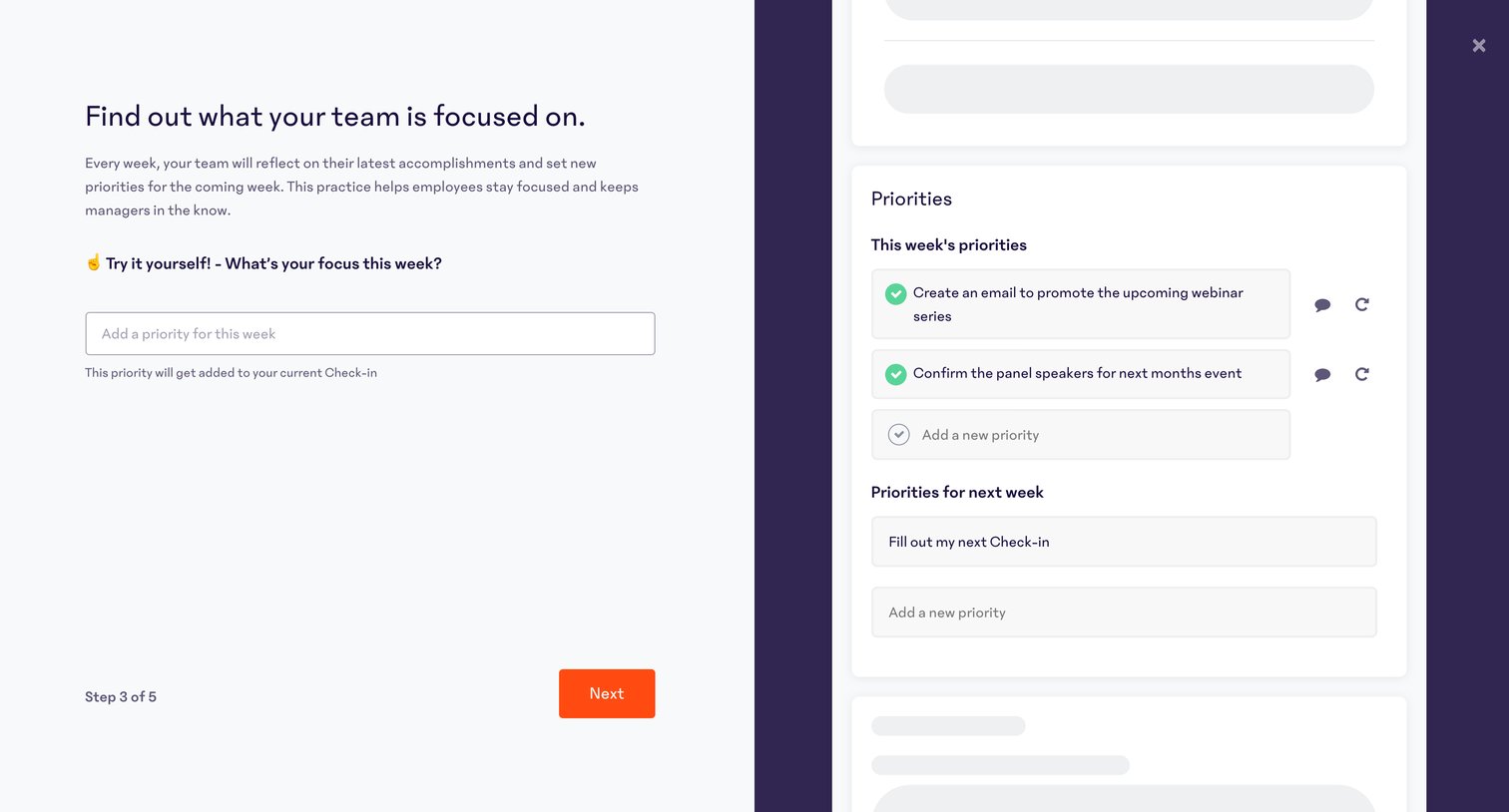
Onboarding step where the user learns about team priorities and is prompted to add their own focus for the week, featuring an interactive preview card on the right.
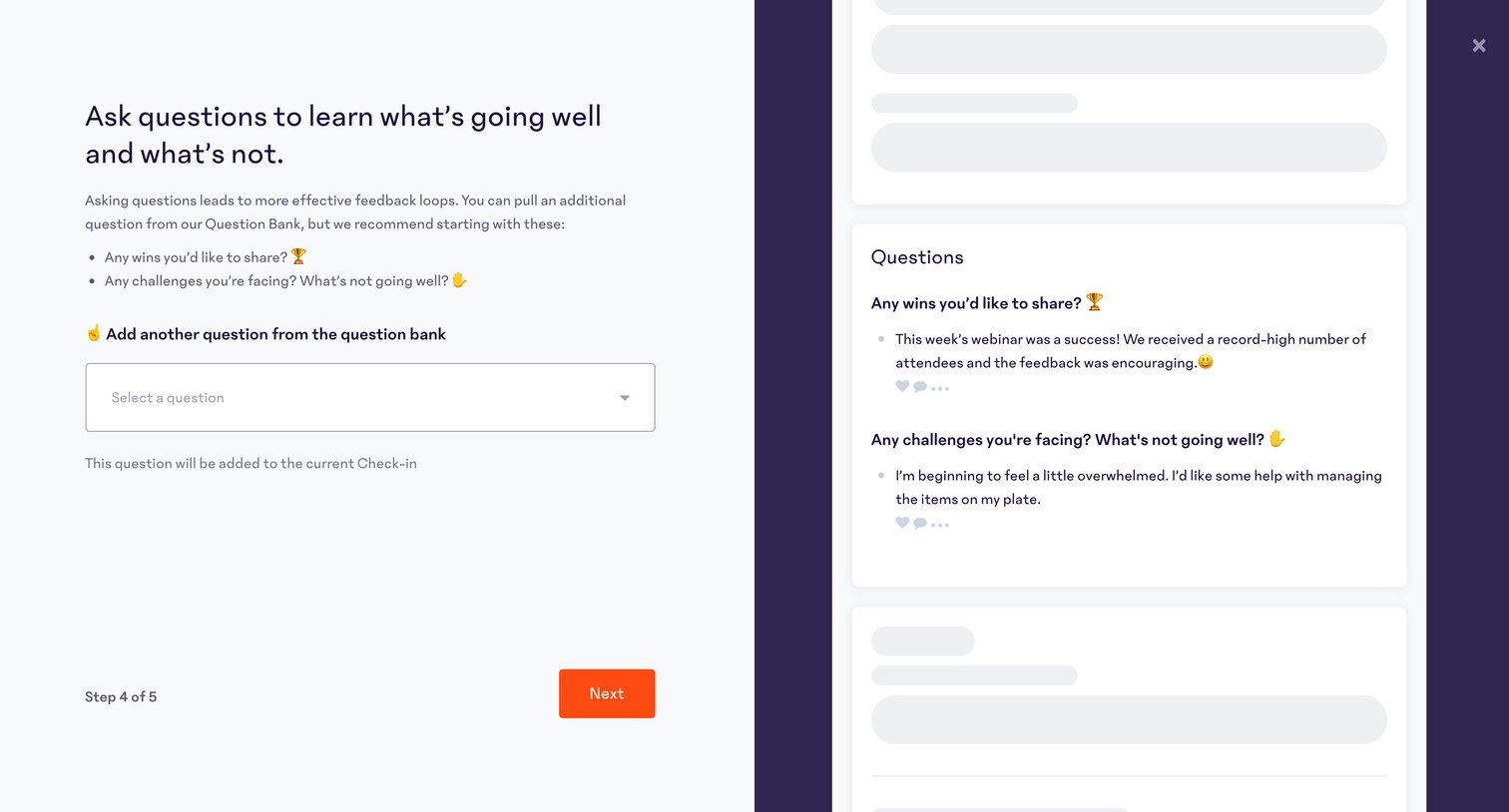
Onboarding step where the user selects check-in questions from a bank and previews how they will appear to employees.
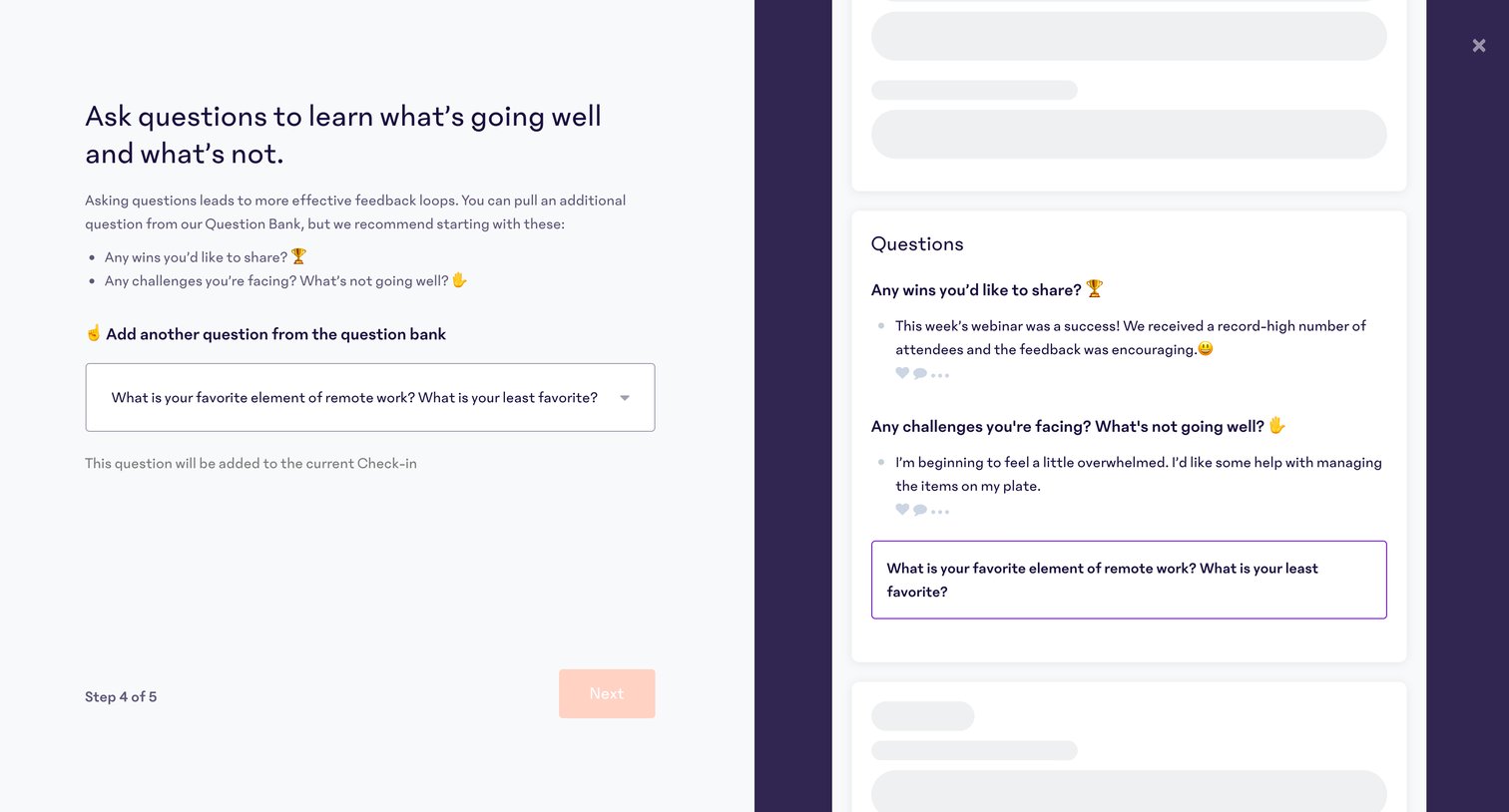
Onboarding step where the user customizes their team check-in by adding questions from a bank, with a live preview of the resulting form shown alongside.
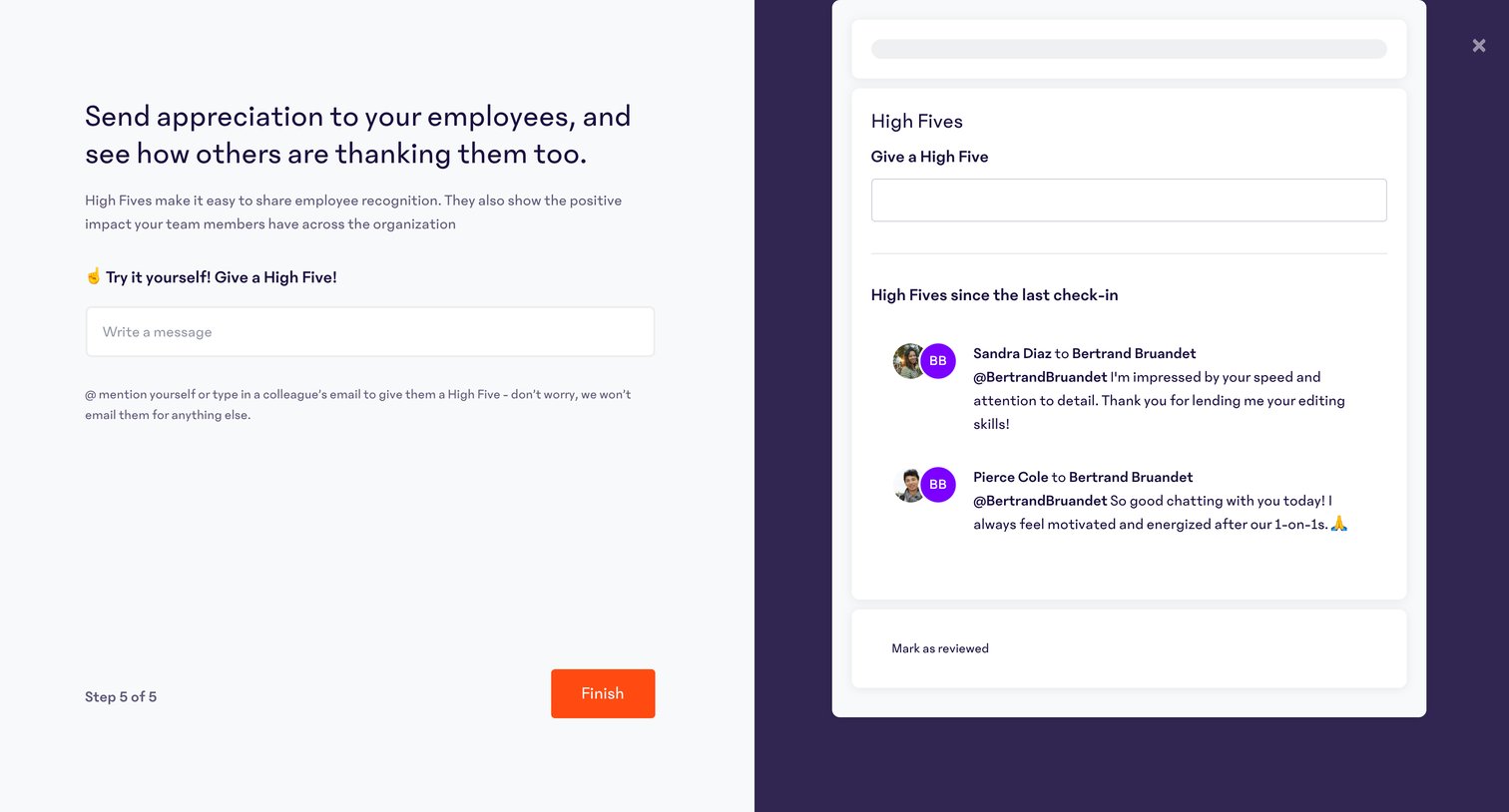
Onboarding step where the user is prompted to try sending a recognition message while viewing a live preview of the feed.
Browse the full SaaS app library
Explore real SaaS apps with their product screens, marketing screens, flows, and components.
Trusted by the best teams







