Style customization screen examples
Style customization screen design examples from SaaS apps. Browse examples from Glide, Lingo, Midjourney.
Explore the examples
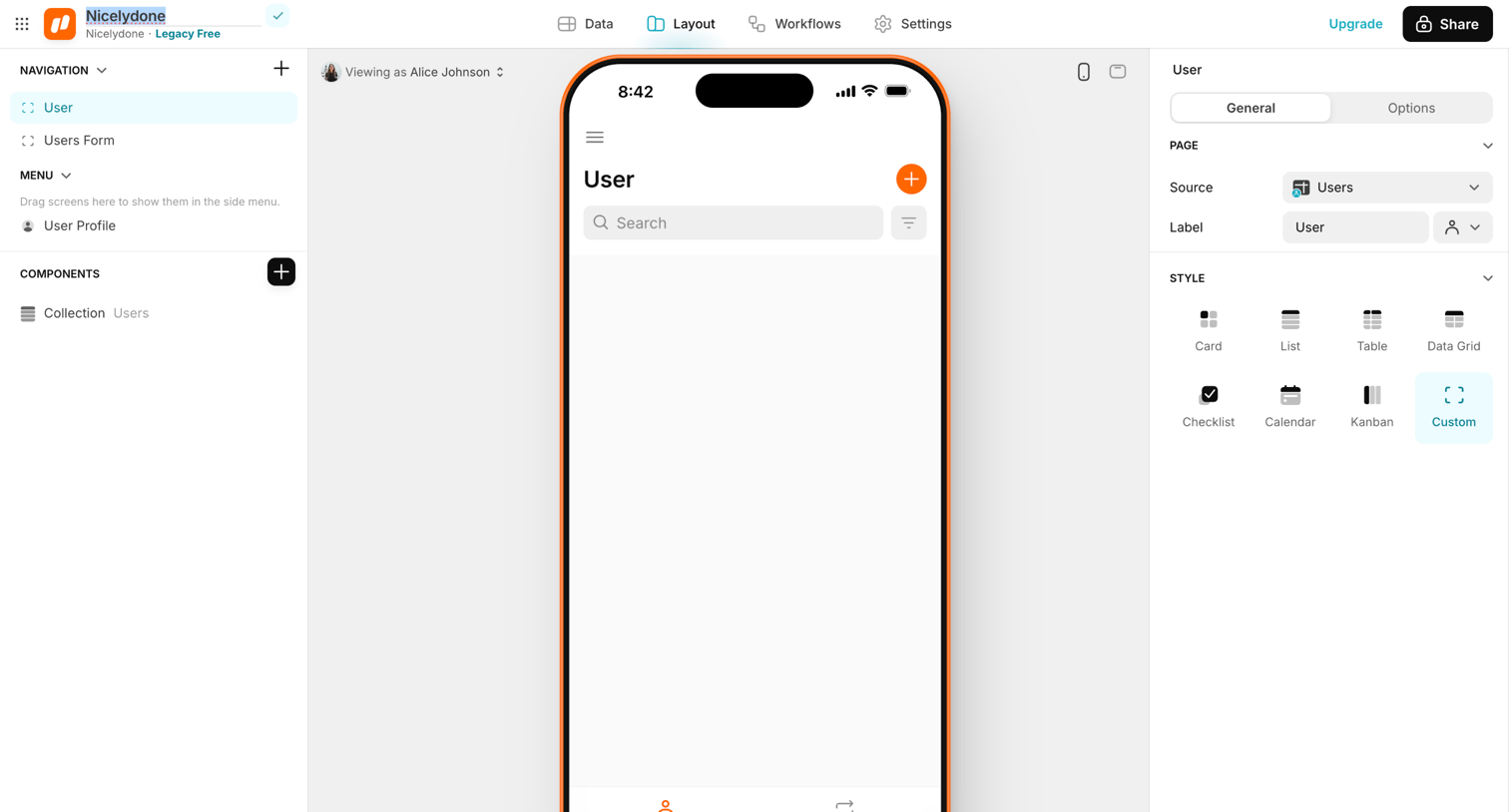

Design editor where the user configures the layout and style of a mobile app screen, selecting data sources and component types in the inspector panel.
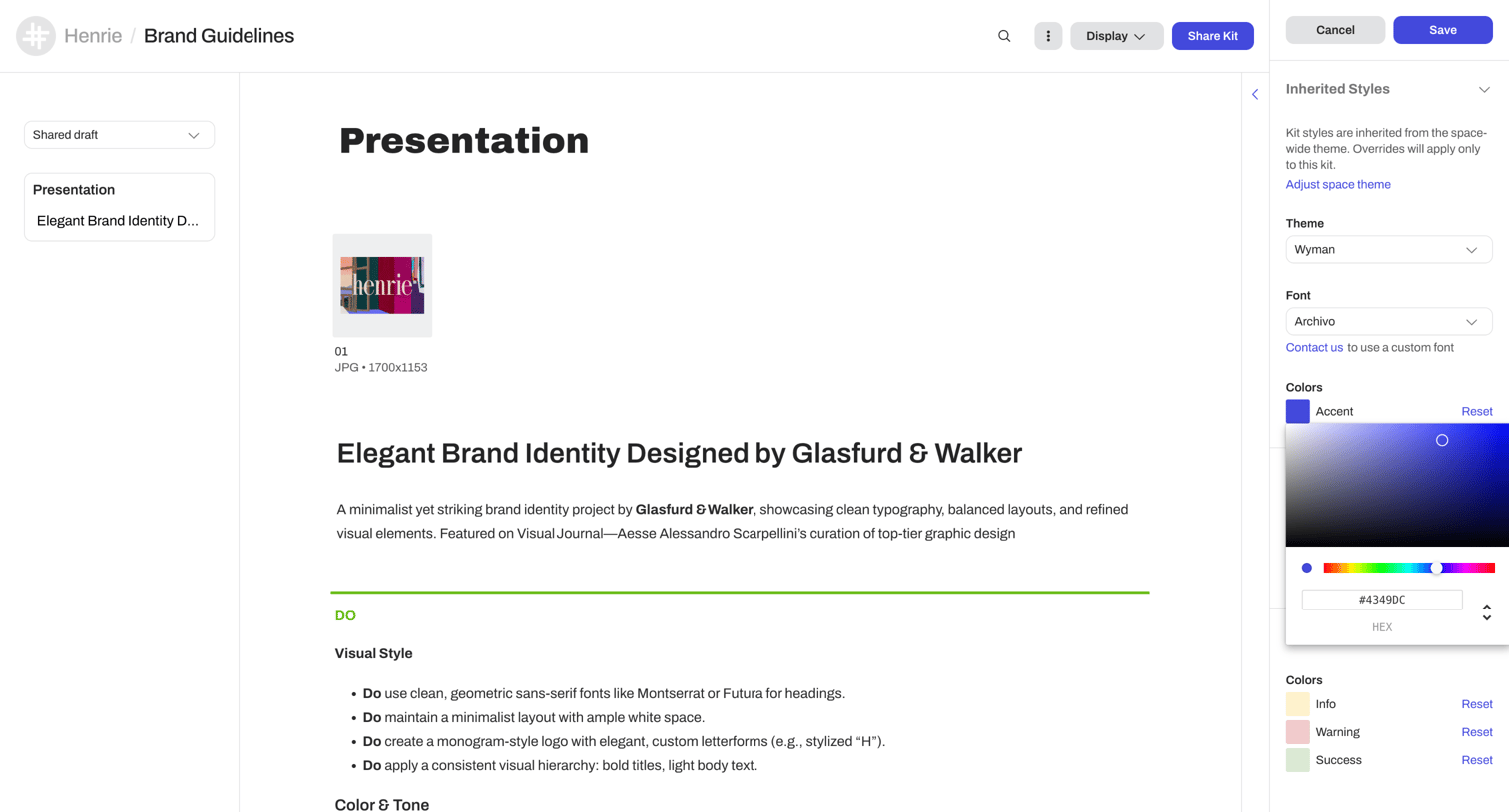

Content editor where the user configures inherited styles, themes, and colors for a brand guidelines presentation via a right-hand settings panel.
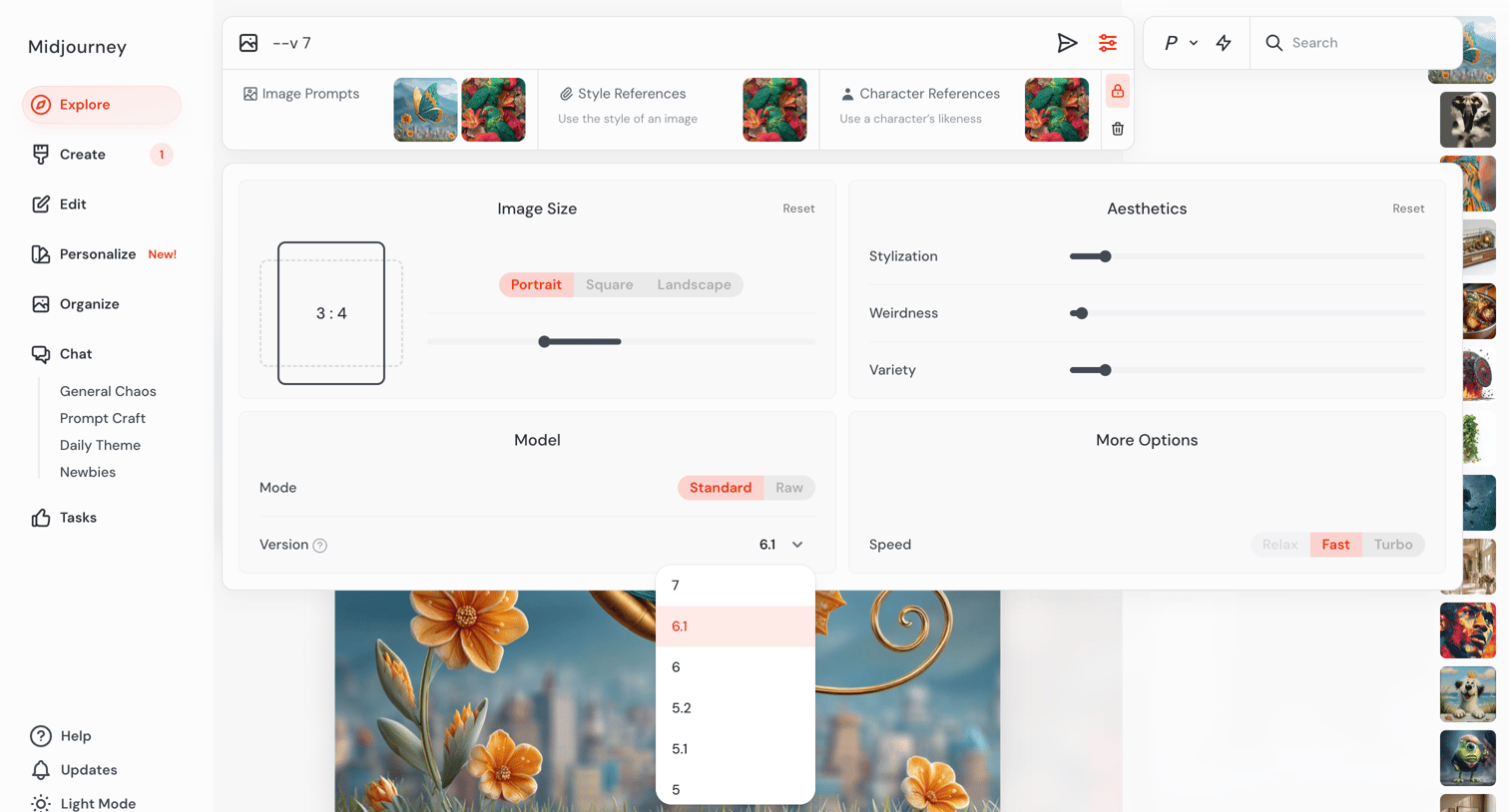
AI image generation interface where the user configures prompt settings like aspect ratio, aesthetics, and model version via an open dropdown.
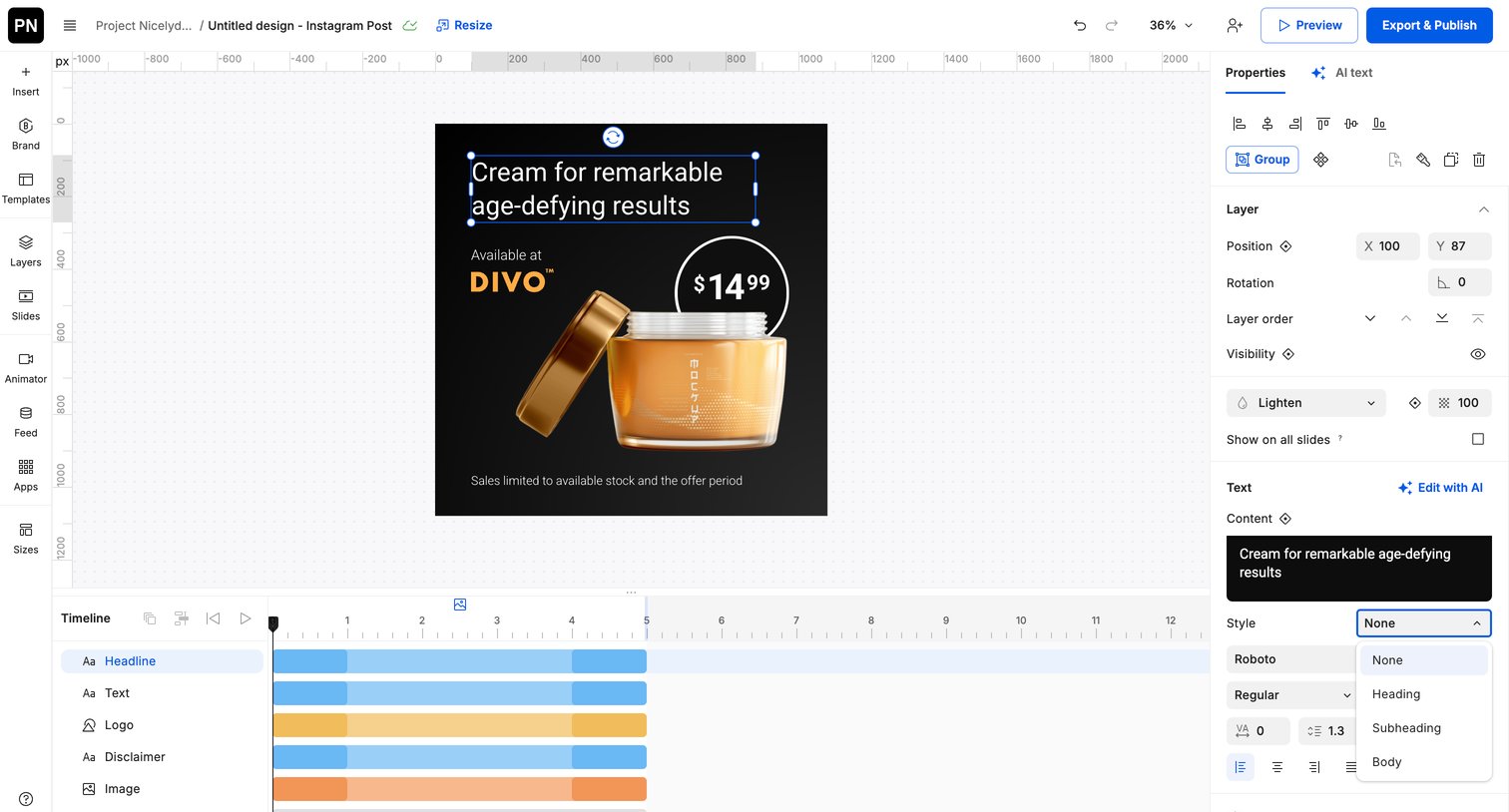
Design editor where the user is customizing a social media ad for a skincare product, adjusting text properties in the inspector and managing layer durations in the timeline.
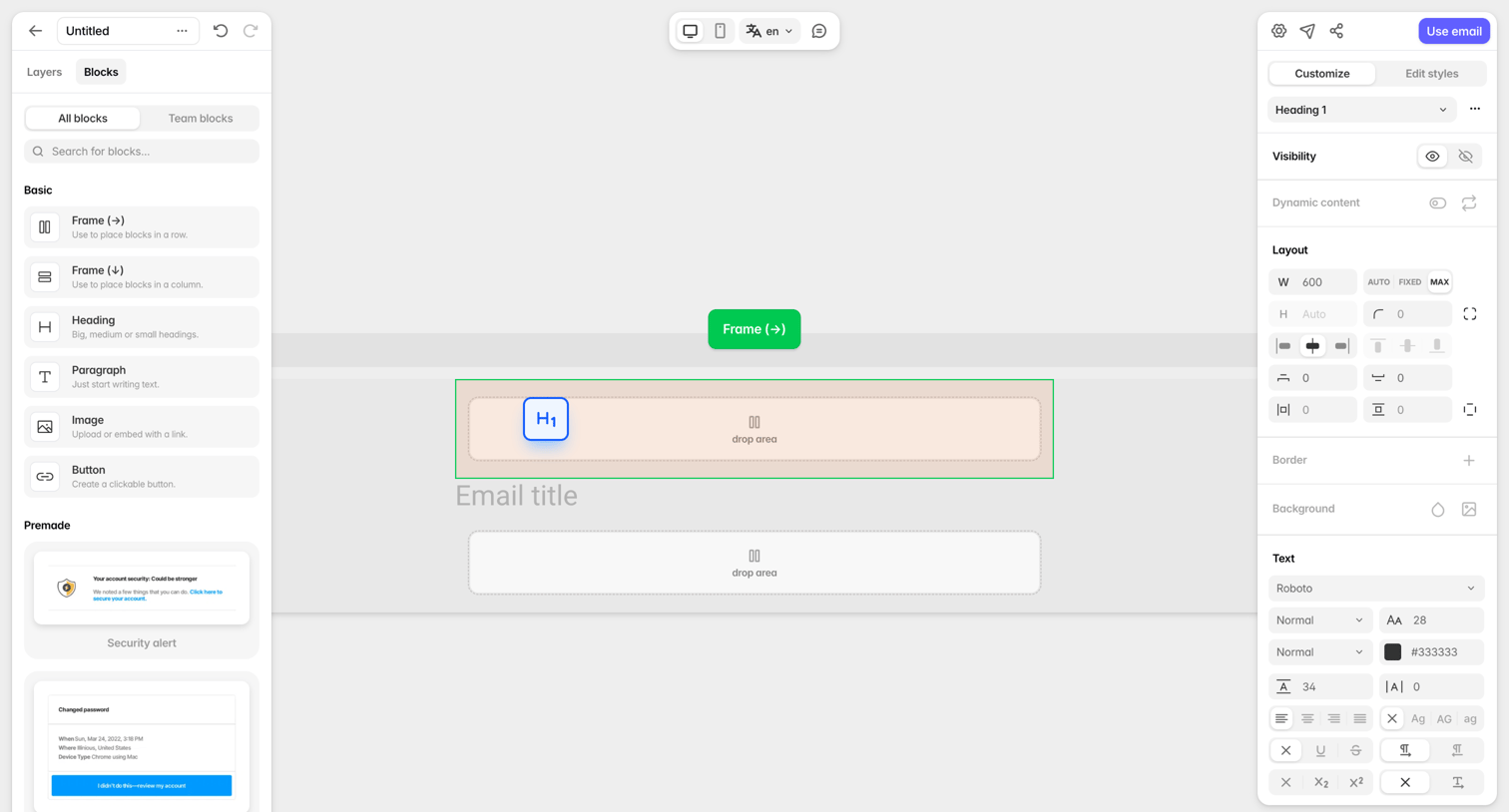

Design editor where the user builds an email by dragging layout blocks and premade components onto a canvas and styling them via an inspector panel.
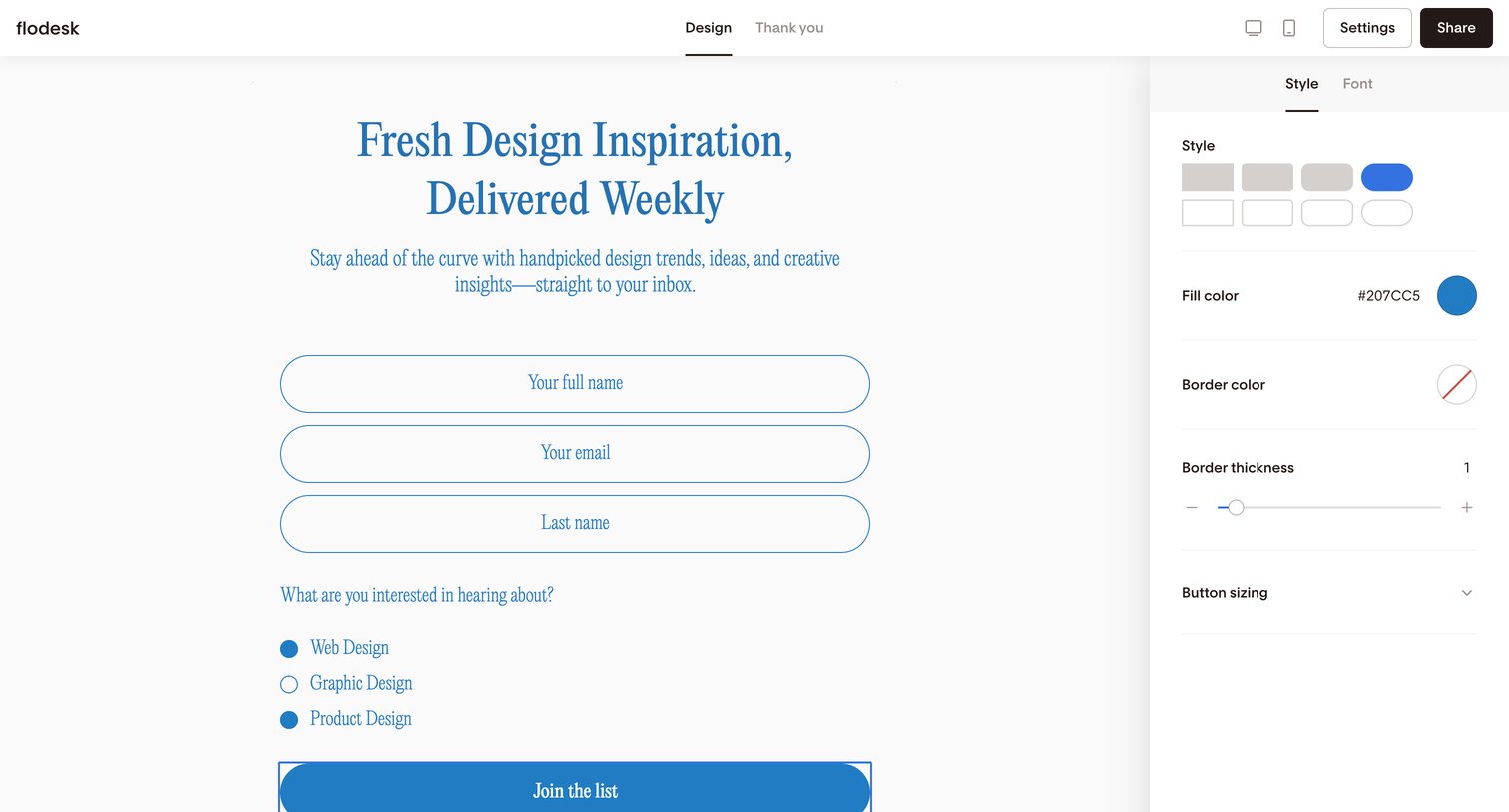

Design editor where the user customizes a newsletter signup form by adjusting input styles, fill colors, and border thickness in a right-hand properties panel.
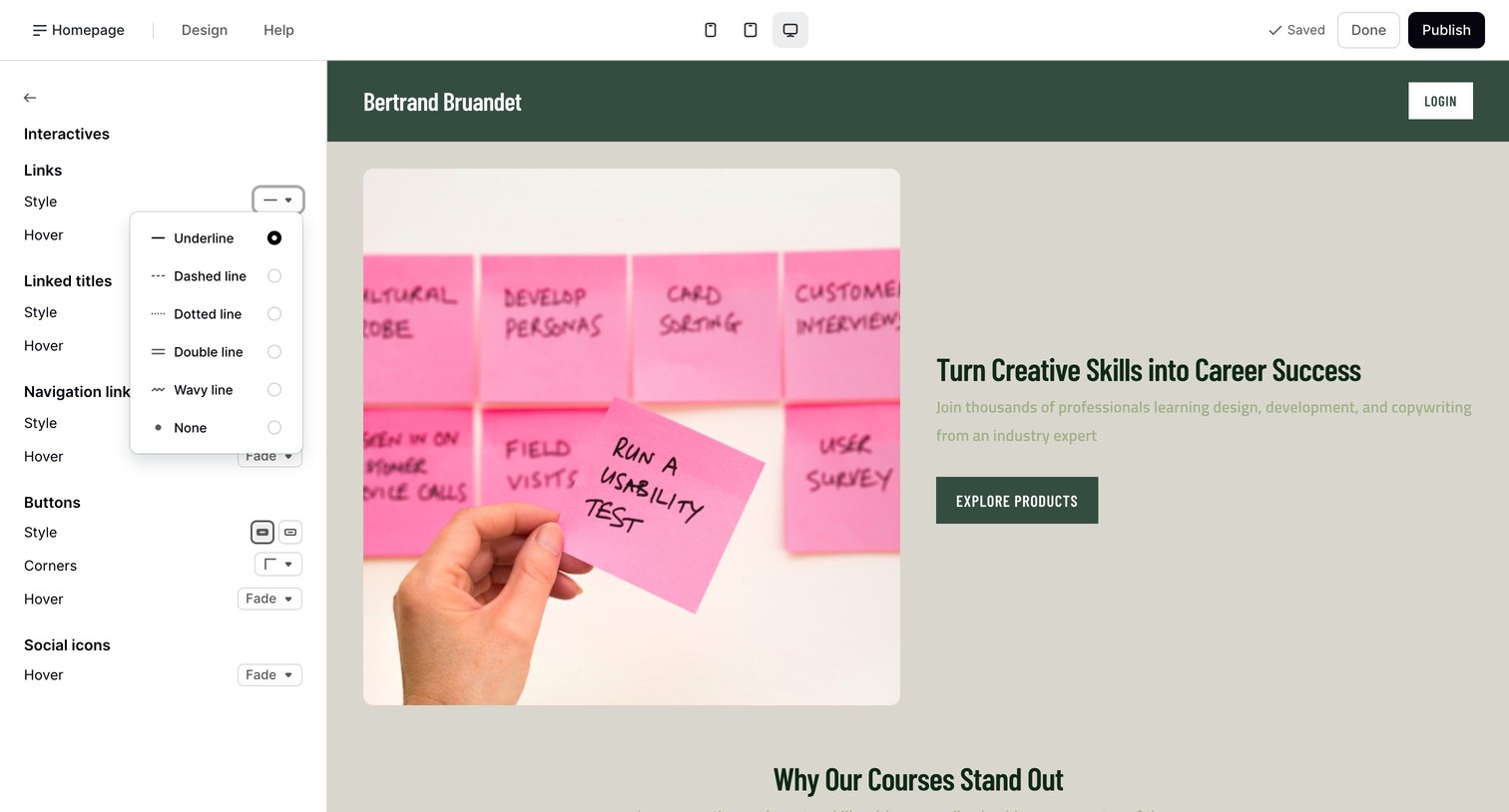

Design editor where the user customizes the visual style of links, buttons, and social icons for a landing page.
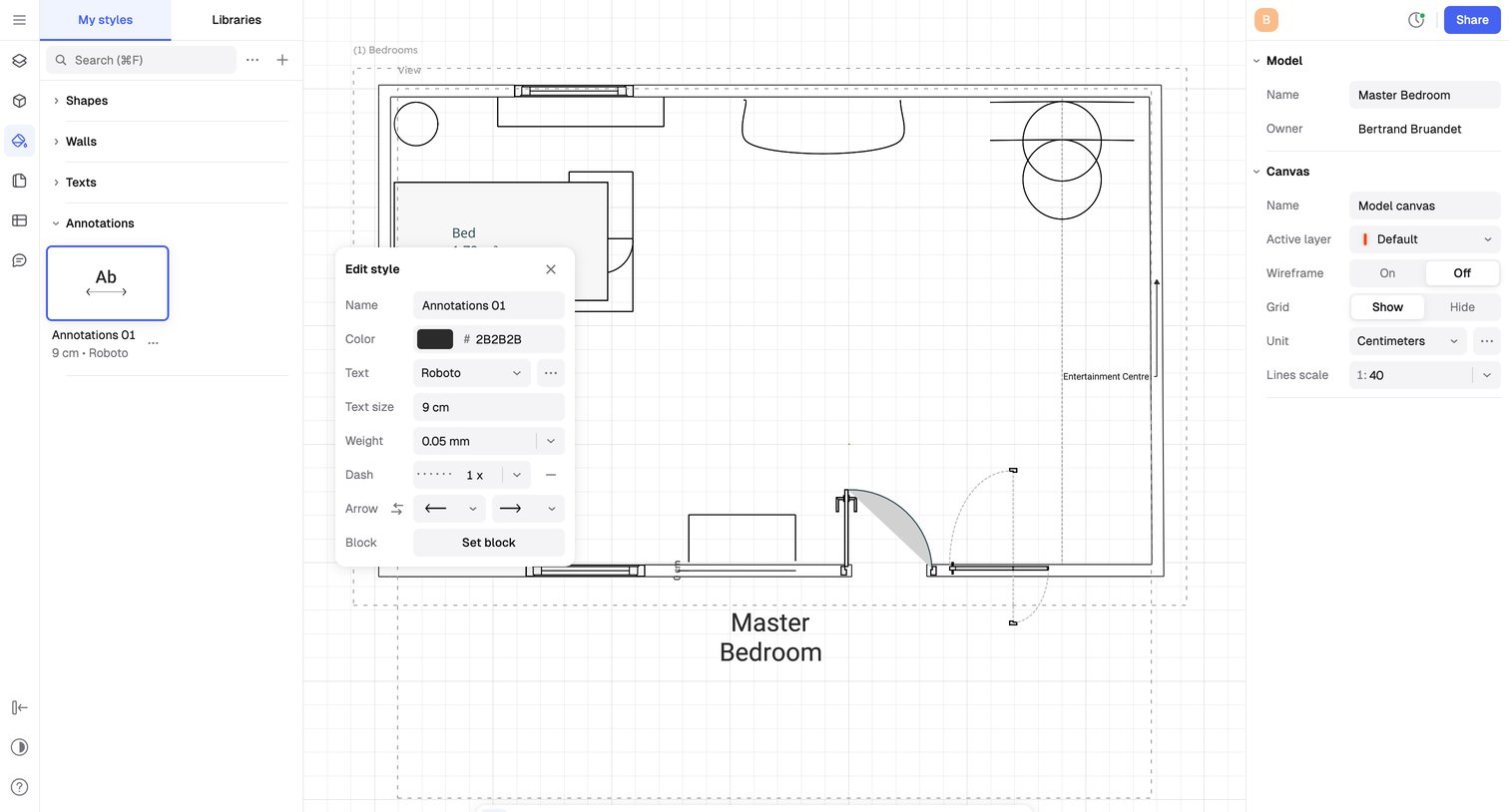

Design editor where the user creates and styles a 2D floor plan using floating toolbars and a properties inspector.
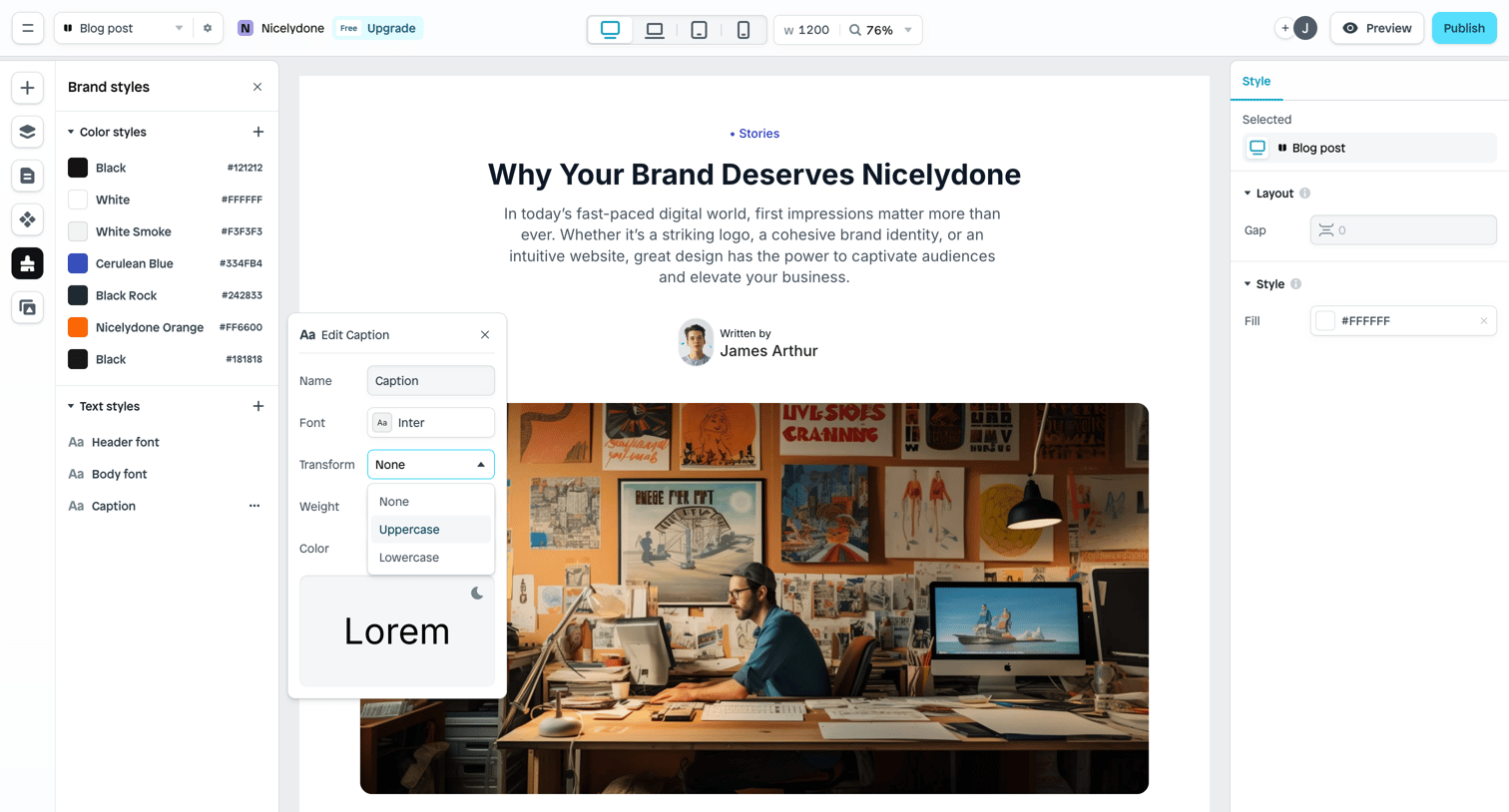

Page builder where the user is editing the typography properties of a caption element via a floating inspector panel.
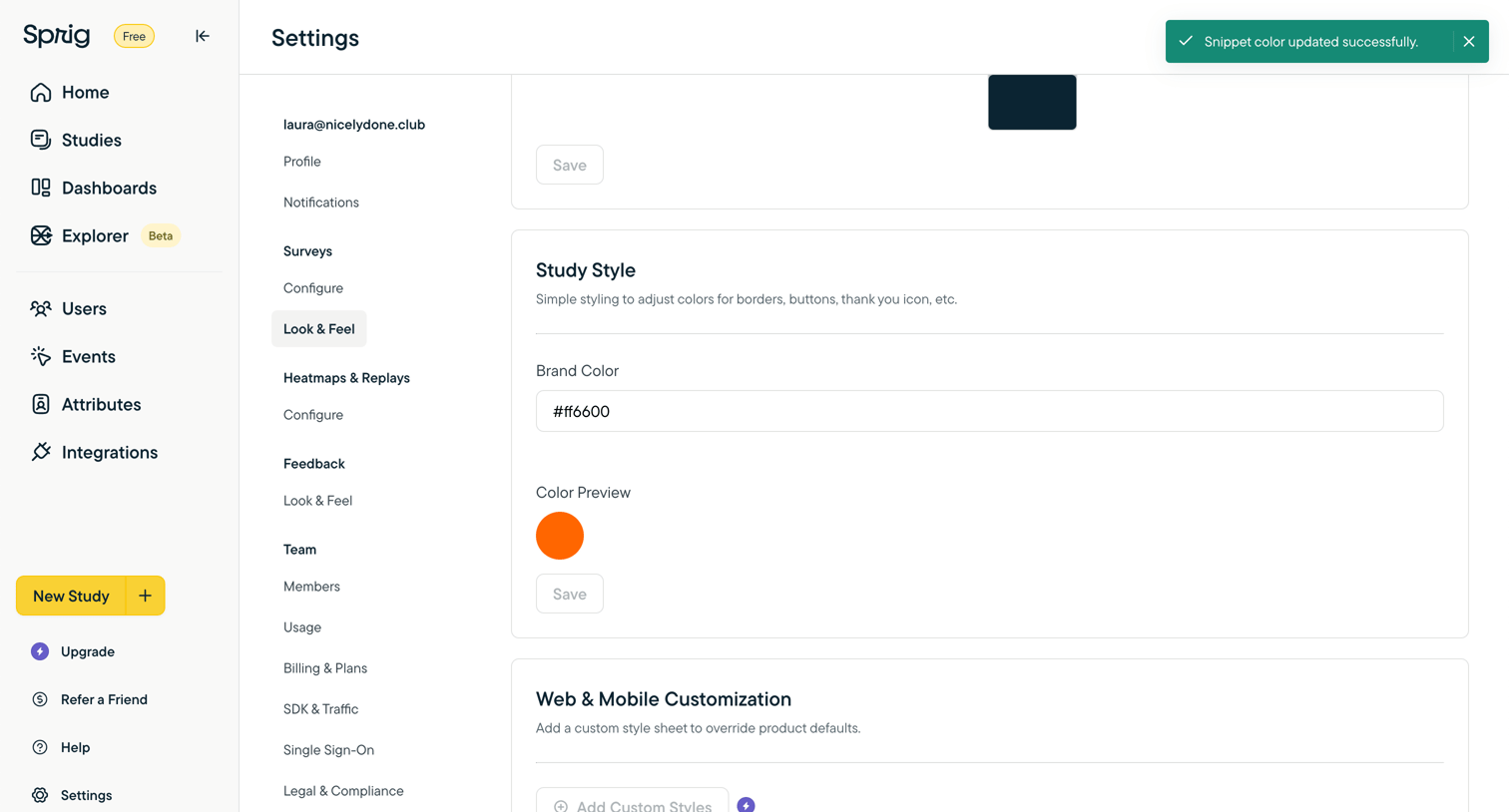

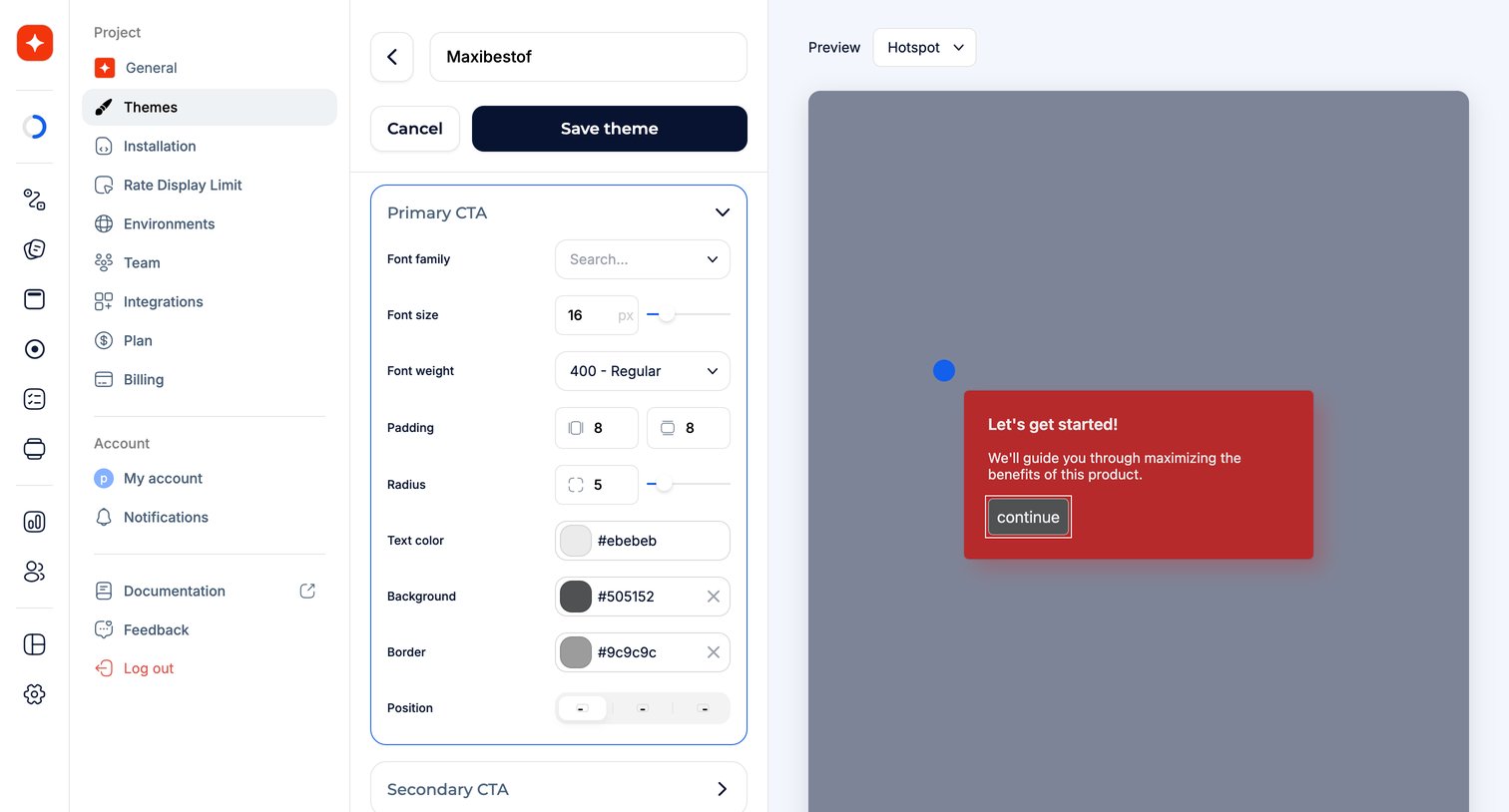
Settings page where the user configures the brand color and custom styles for their surveys and web elements.

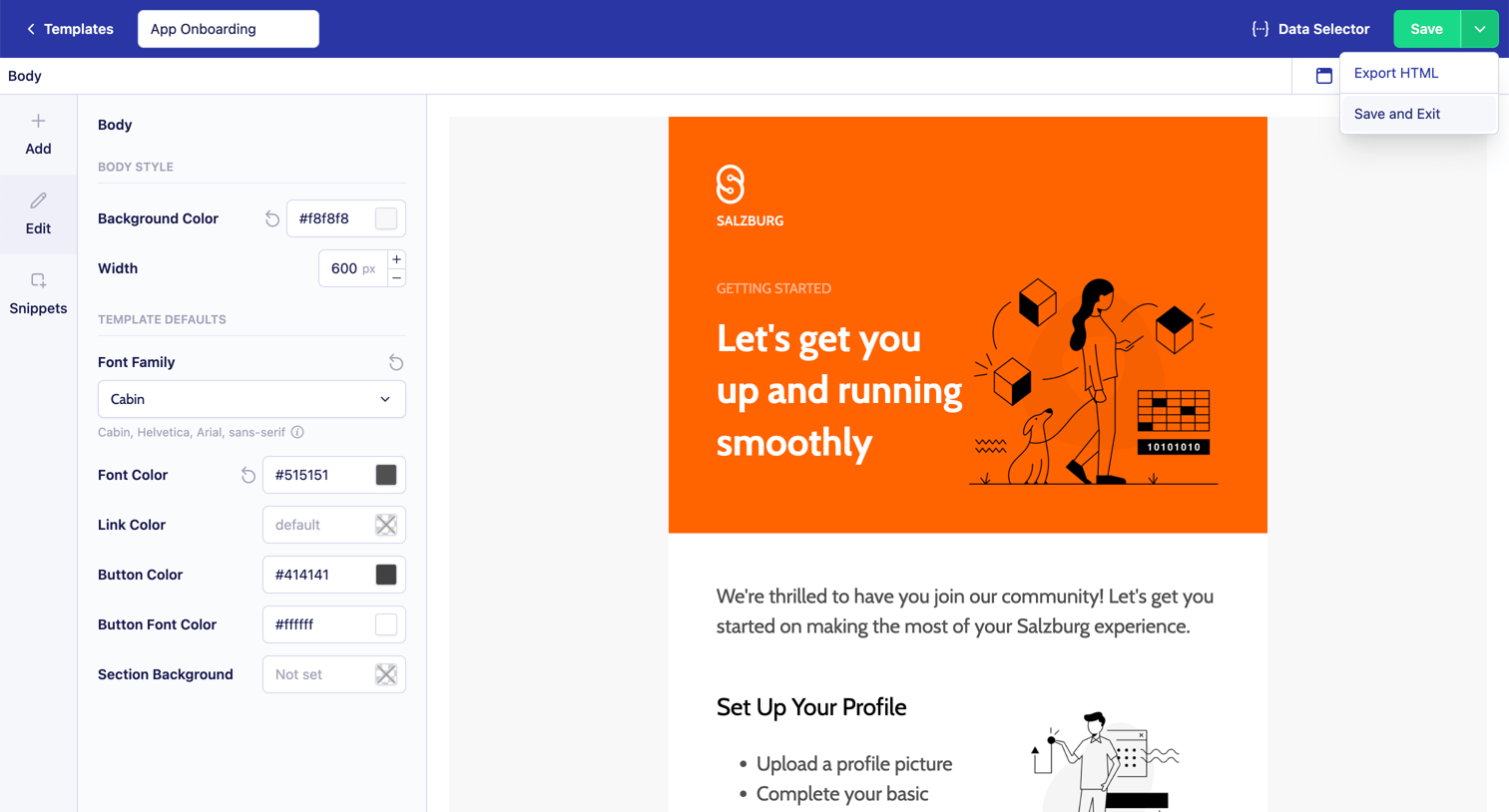

Design editor where the user customizes the body style, width, and typography of an app onboarding email template.
Explore the full SaaS screen library
Upgrade to unlock the full library.
Trusted by the best teams







