
Todoist design examples
Explore Todoist UI design examples. The to do list to organize work & life
Product screens
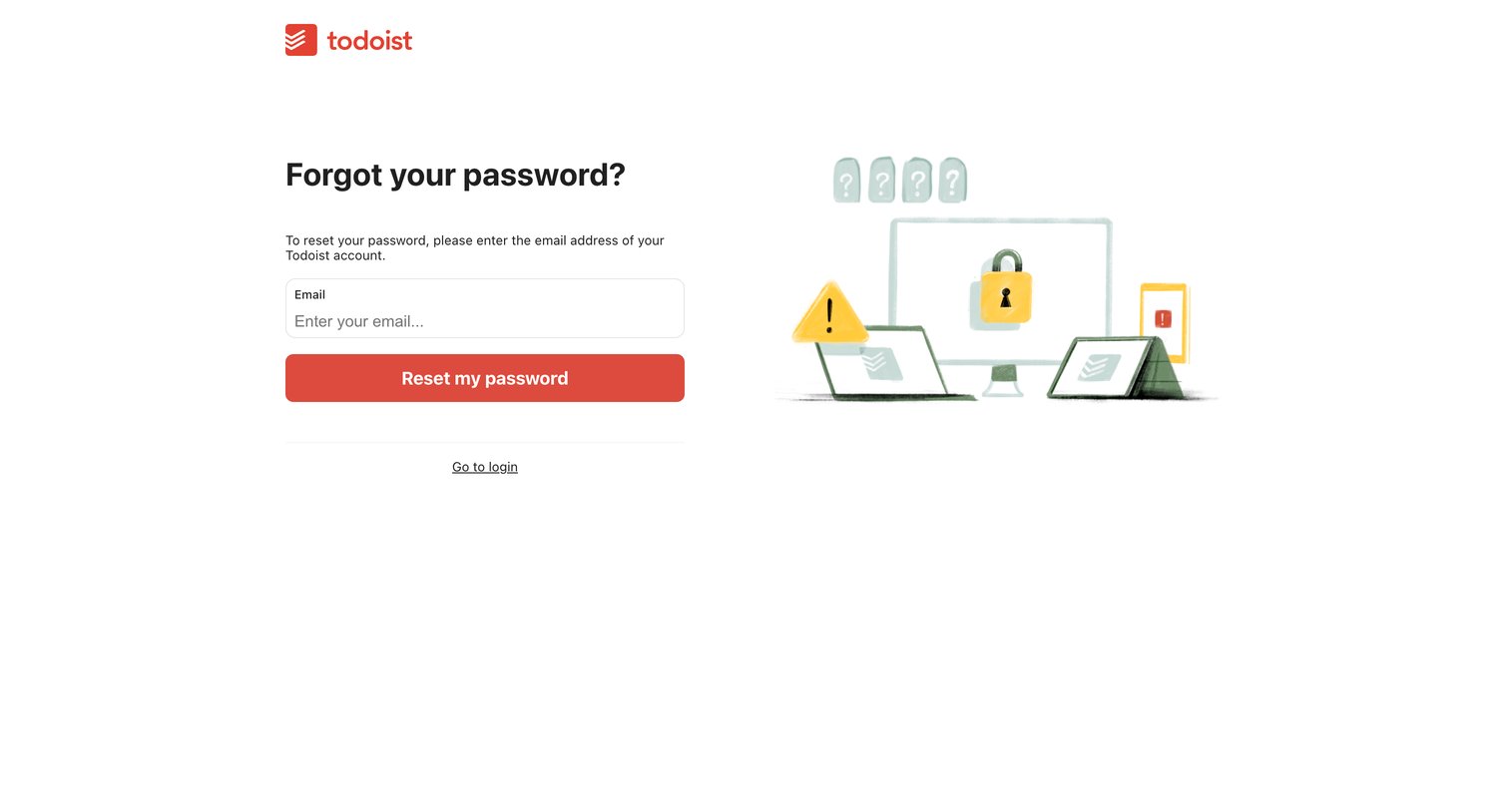
Password recovery screen where the user enters their email address to receive a reset link.
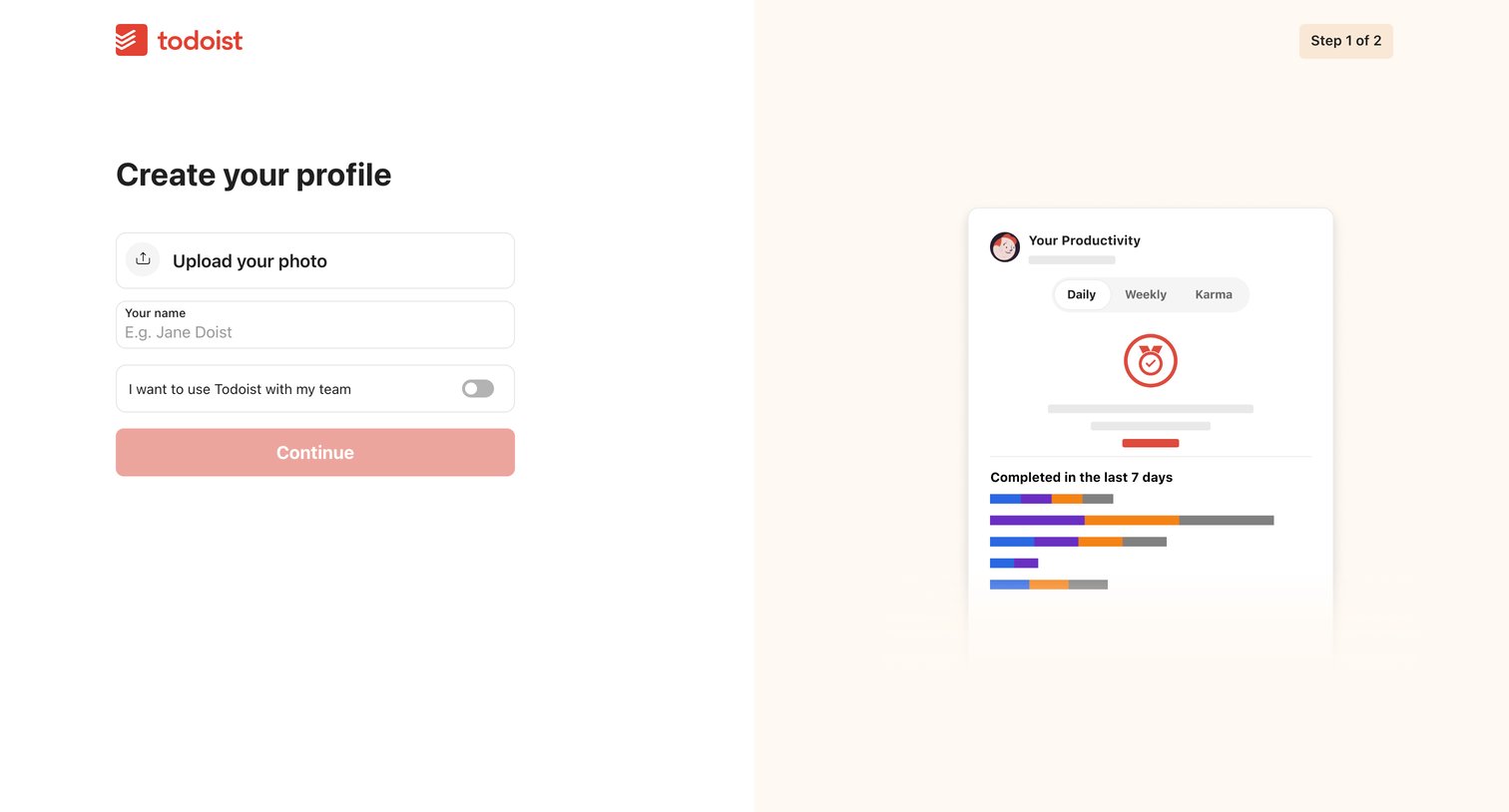
Onboarding step where the user uploads a profile photo, enters their name, and toggles team usage before continuing.
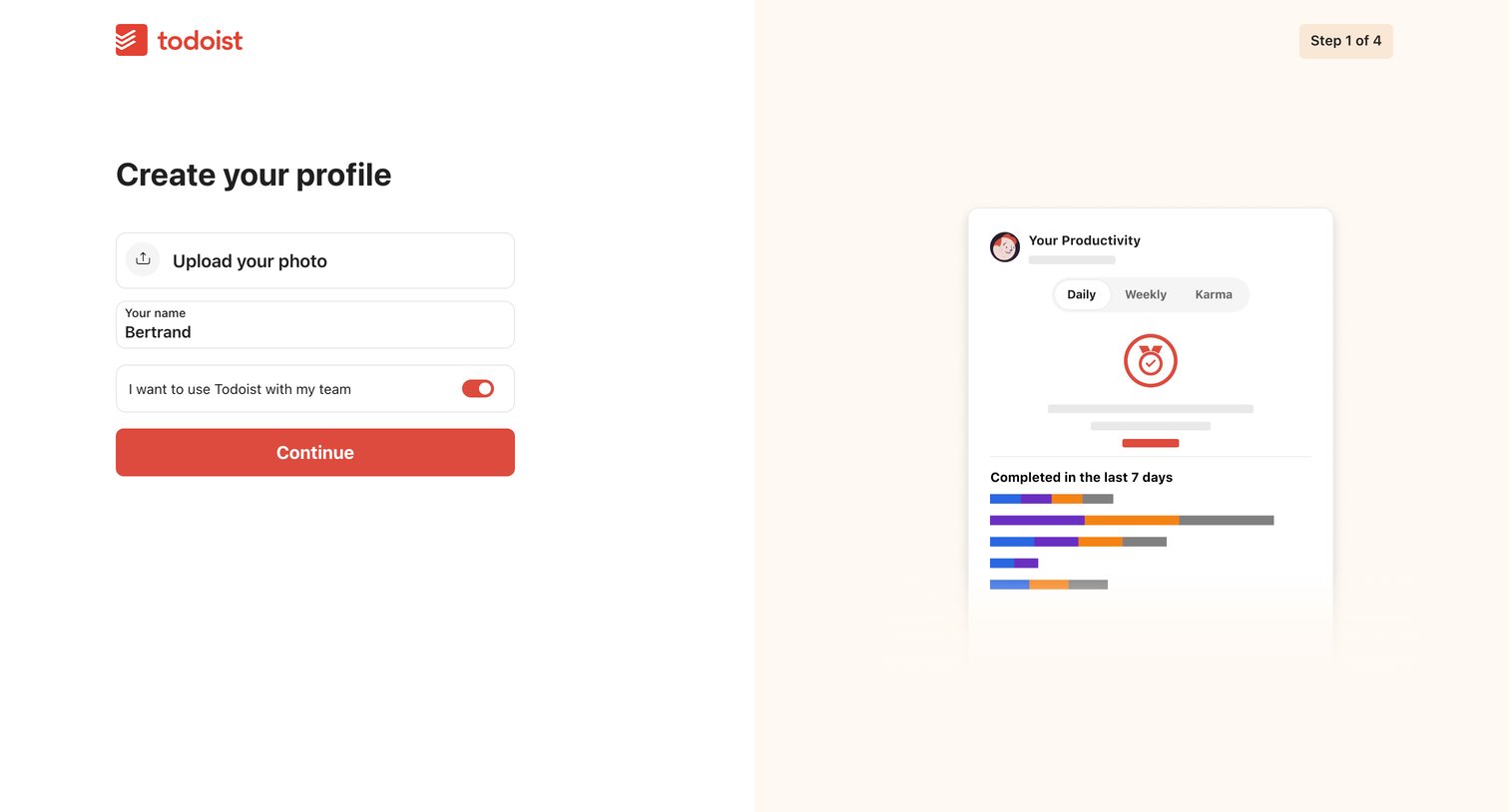
Onboarding step where the user enters their name, uploads a photo, and chooses whether to use the app with a team.
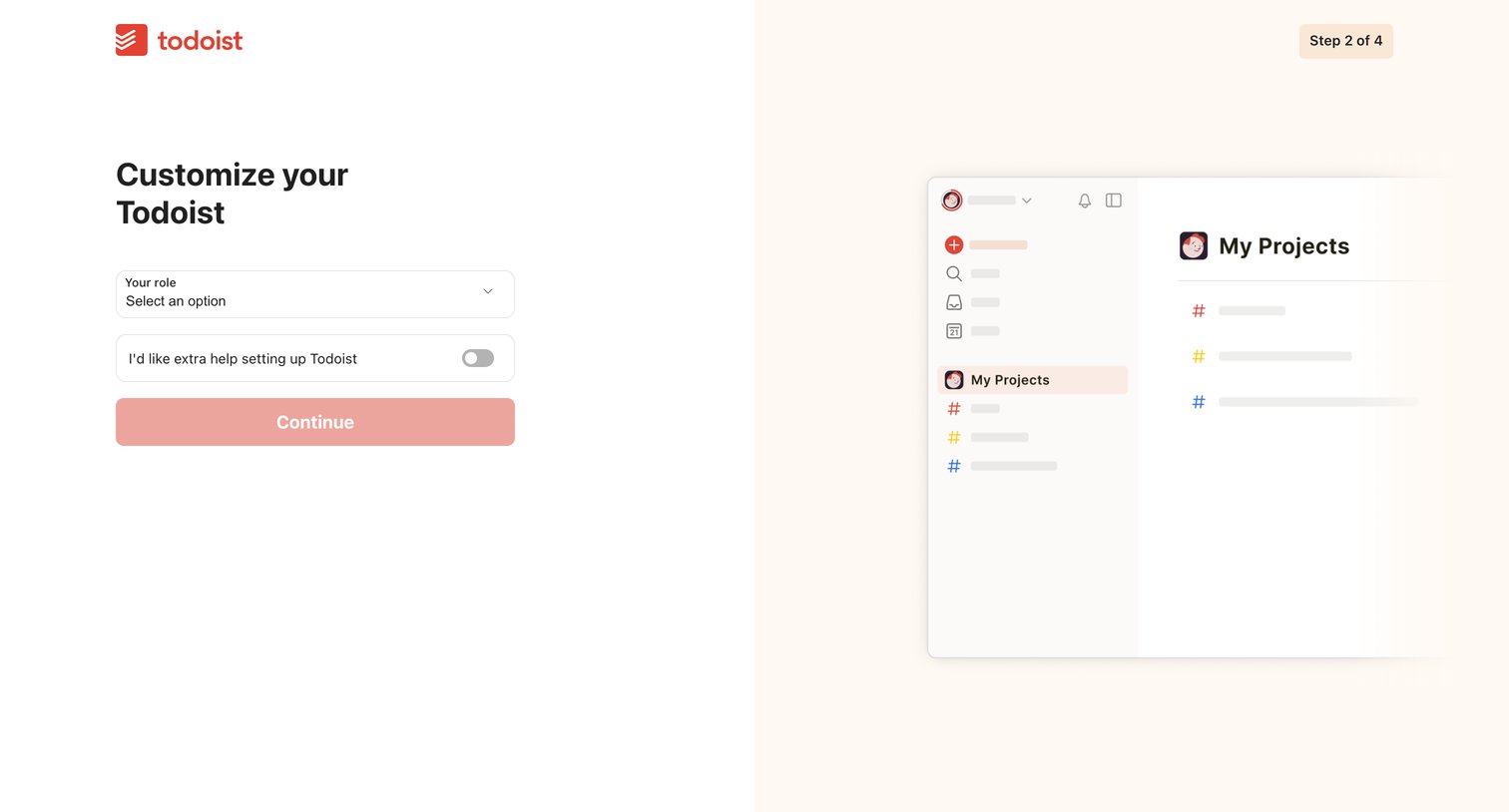
Onboarding step where the user selects their role and opts into extra help while viewing a preview of their workspace.
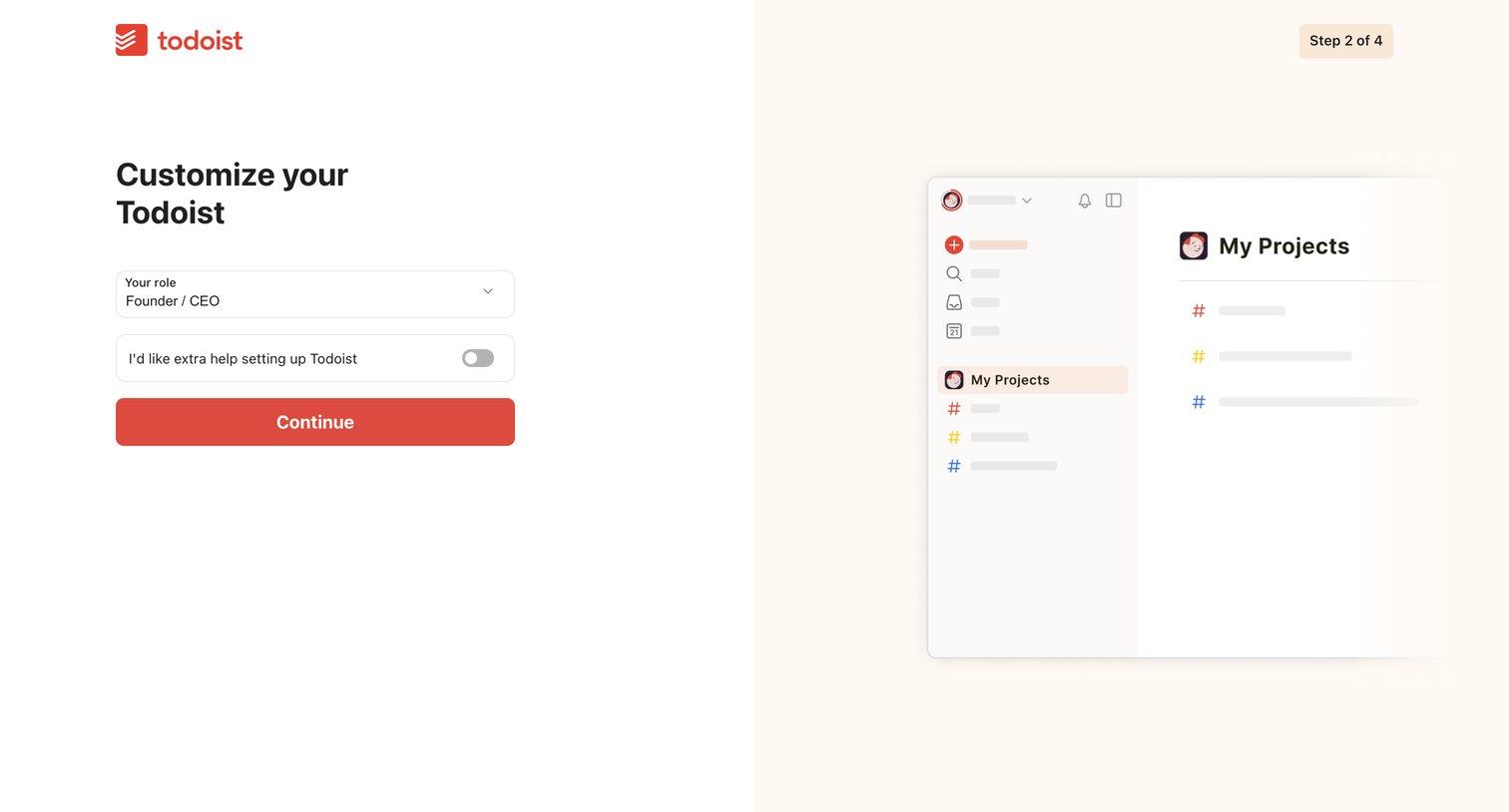
Onboarding step where the user selects their role and opts into extra help setting up the app.
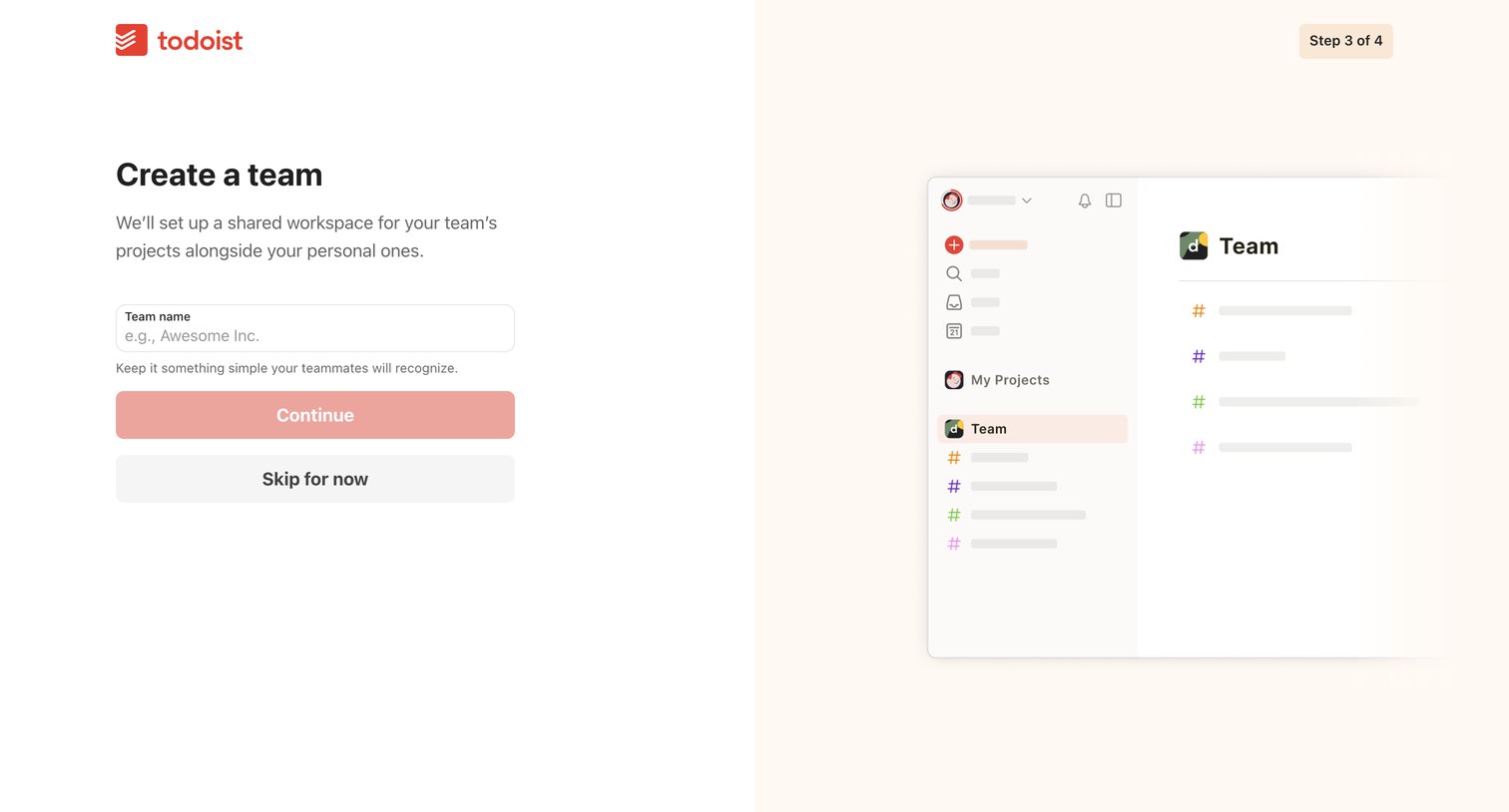
Onboarding step where the user names their new team workspace, accompanied by an illustration showing how team projects appear alongside personal ones.
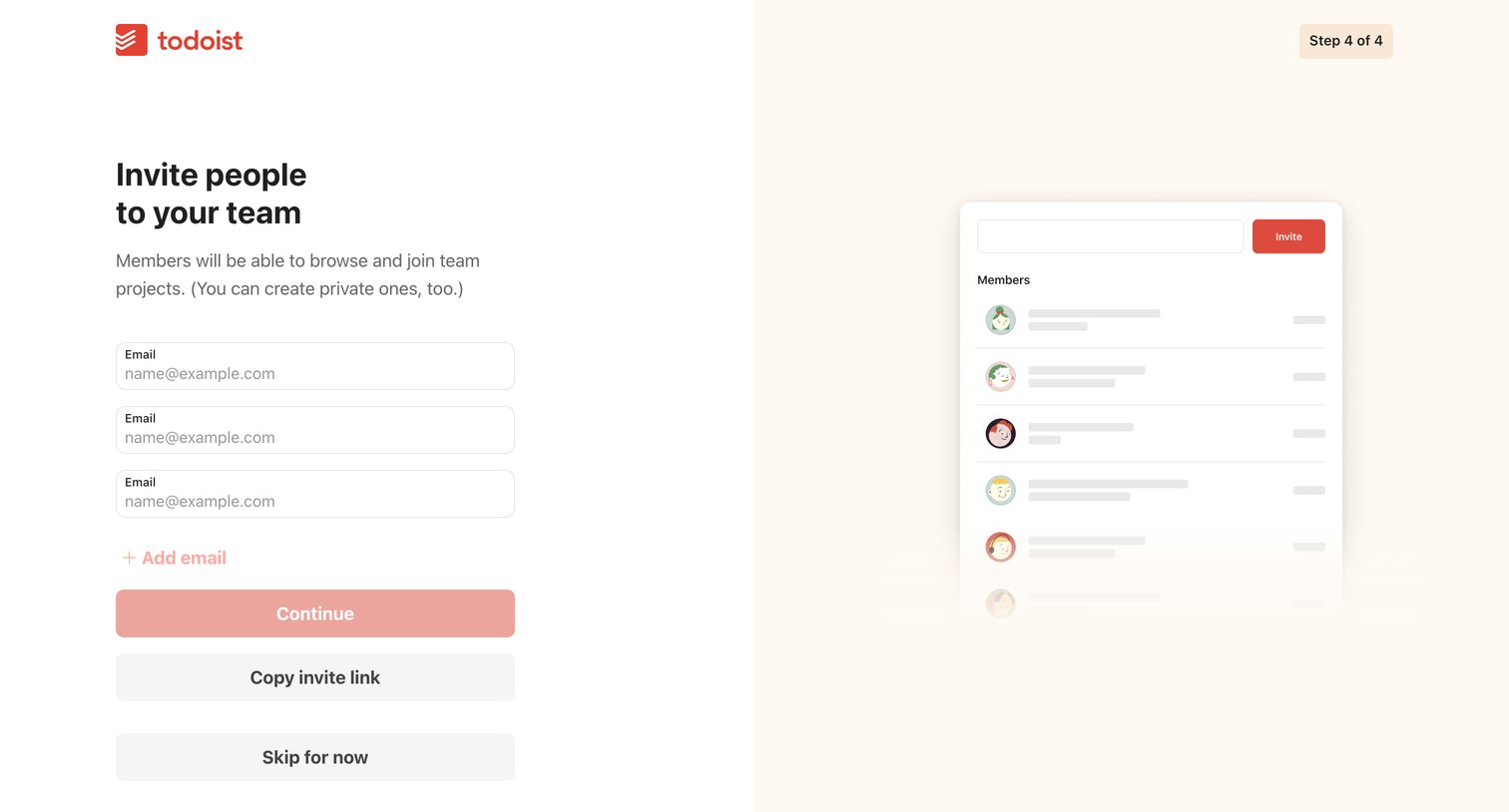
Onboarding step where the user invites teammates by entering their email addresses, copying an invite link, or skipping for now.
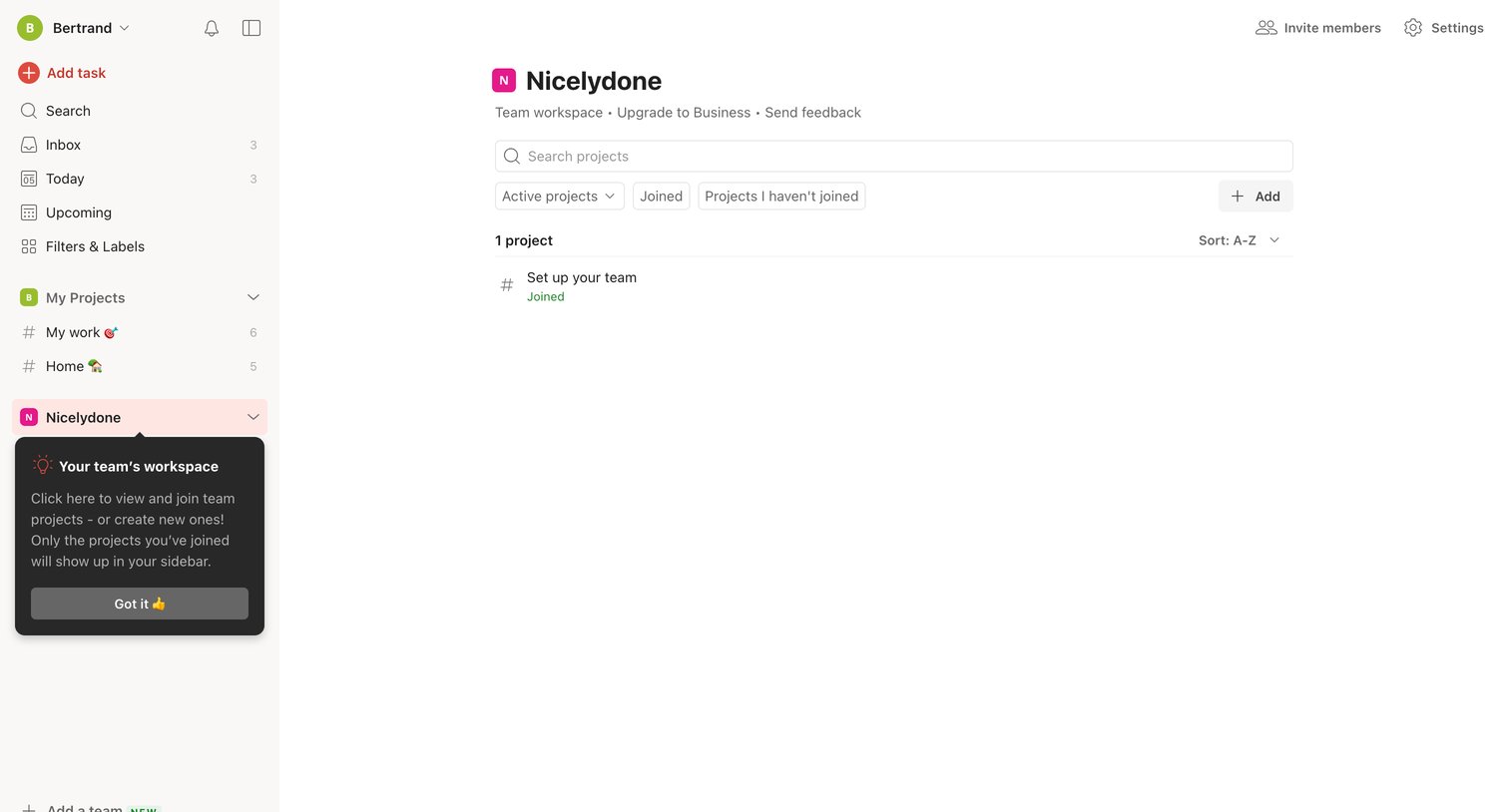
List view where the user manages active projects within a team workspace, featuring a search bar, filters, and an onboarding popover explaining the workspace concept.
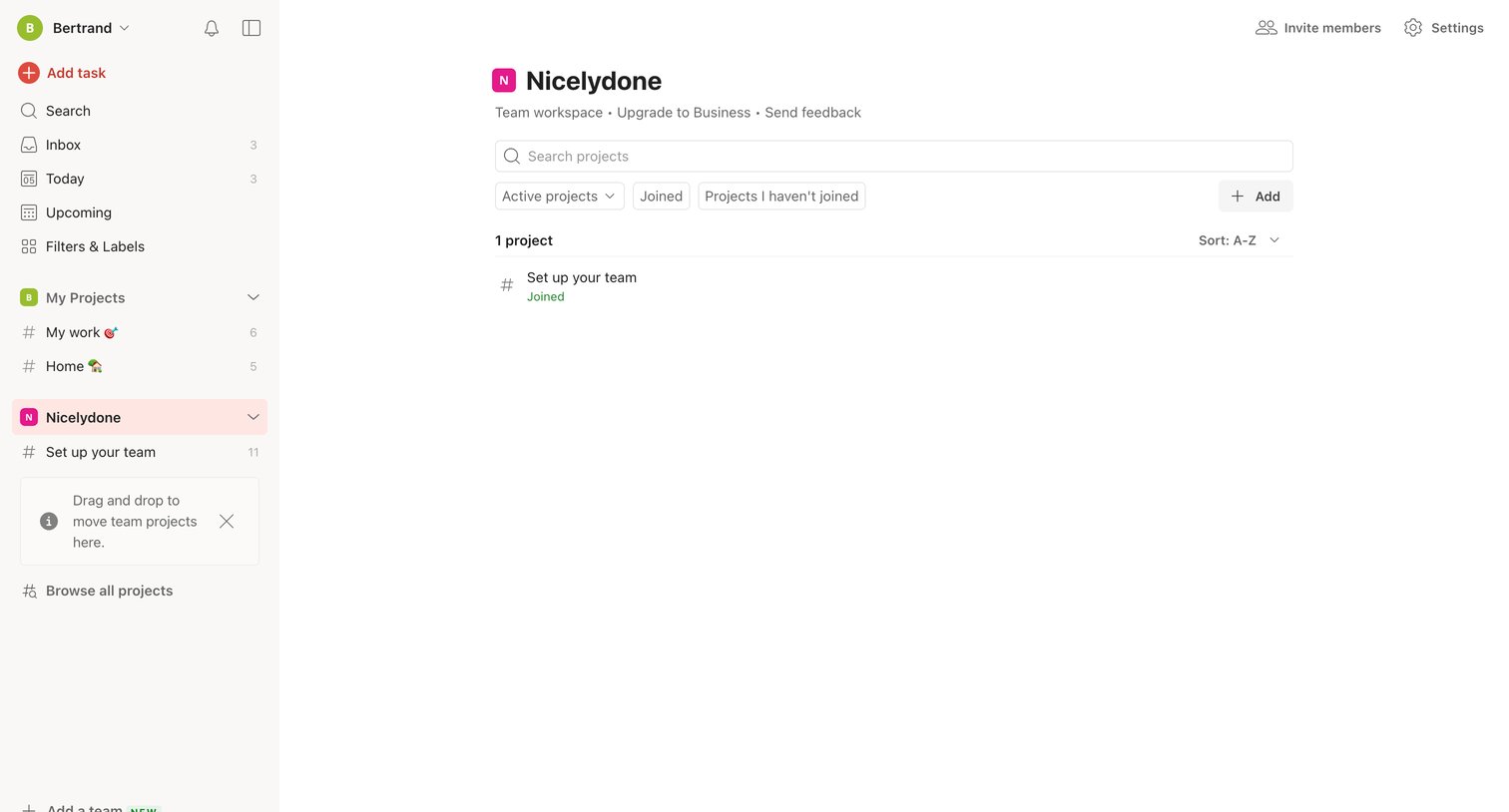
List view where the user can browse, search, and filter active projects within a specific team workspace.
Browse the full SaaS app library
Explore real SaaS apps with their product screens, marketing screens, flows, and components.
Trusted by the best teams







