Todoist marketing pages examples
Explore Todoist website design examples. Preview marketing pages and browse related SaaS page designs. The to do list to organize work & life
Explore the examples


Landing page for a task manager where the user learns about core features like natural language input, project organization, and progressive complexity, with prompts to start a free trial.
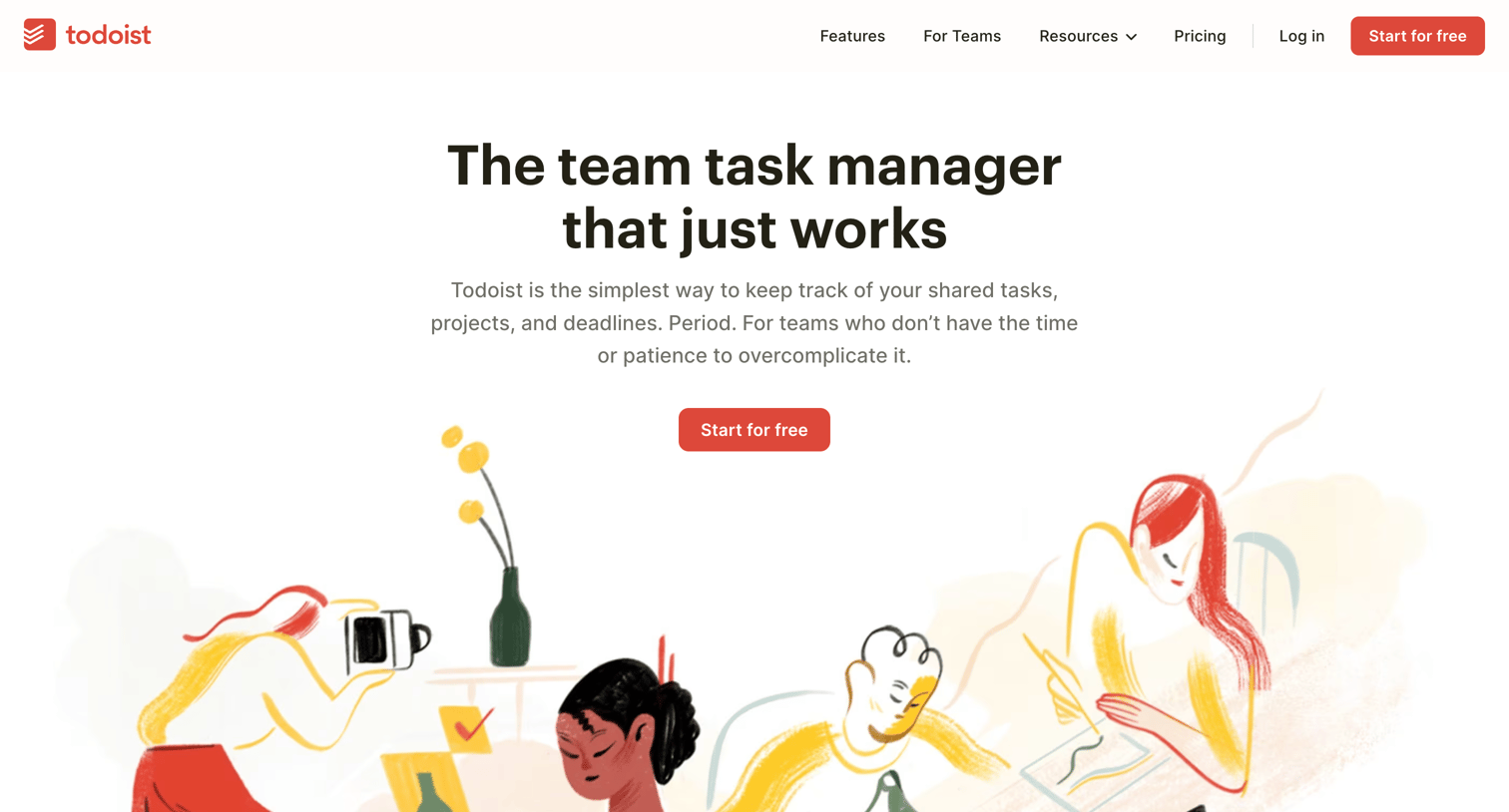
Use case page pitching Todoist to teams, highlighting shared projects, team collaboration, and centralized admin features.
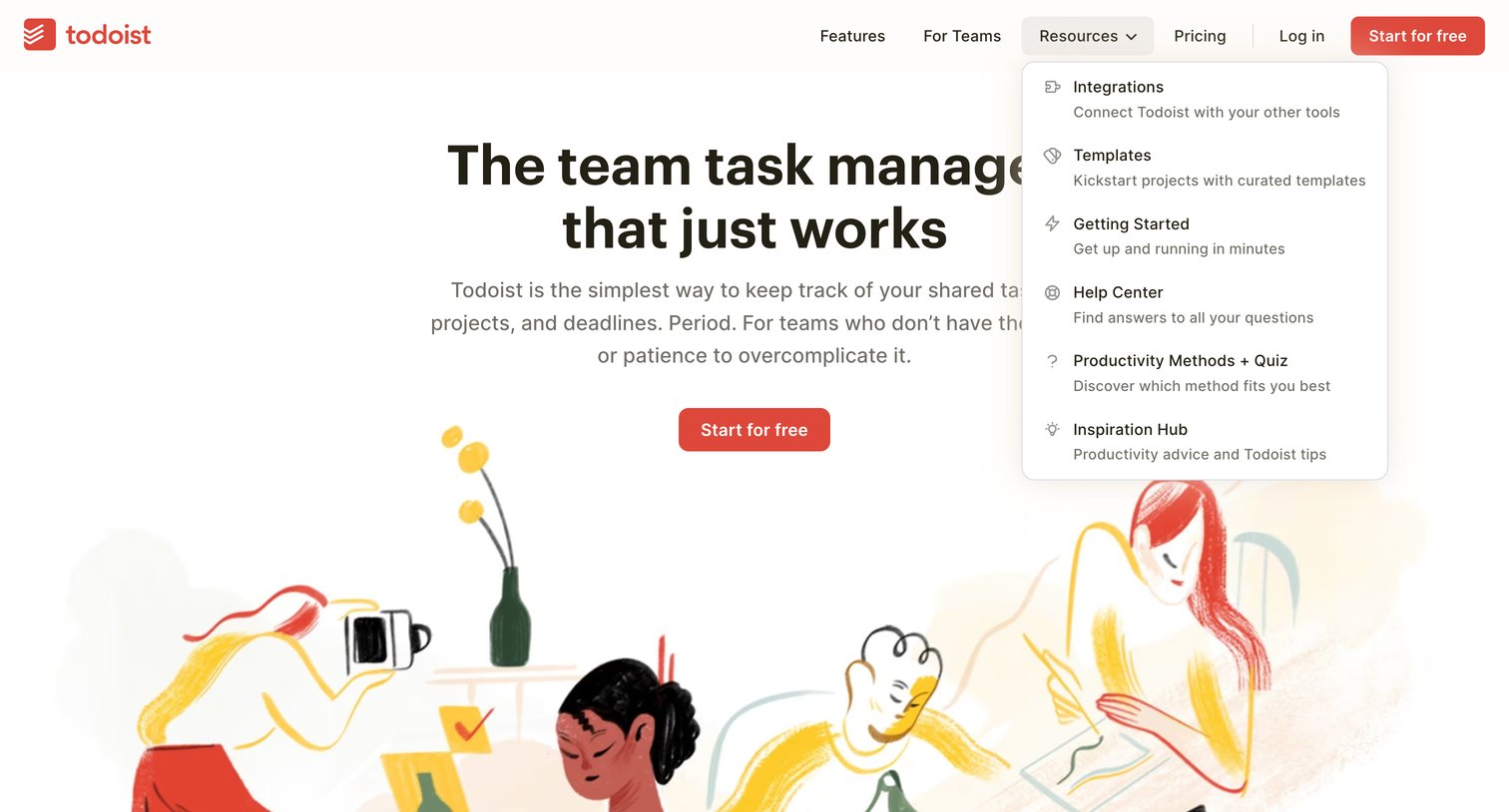
Marketing use case page for teams featuring a hero section with an illustration and an open resources dropdown menu in the navigation.
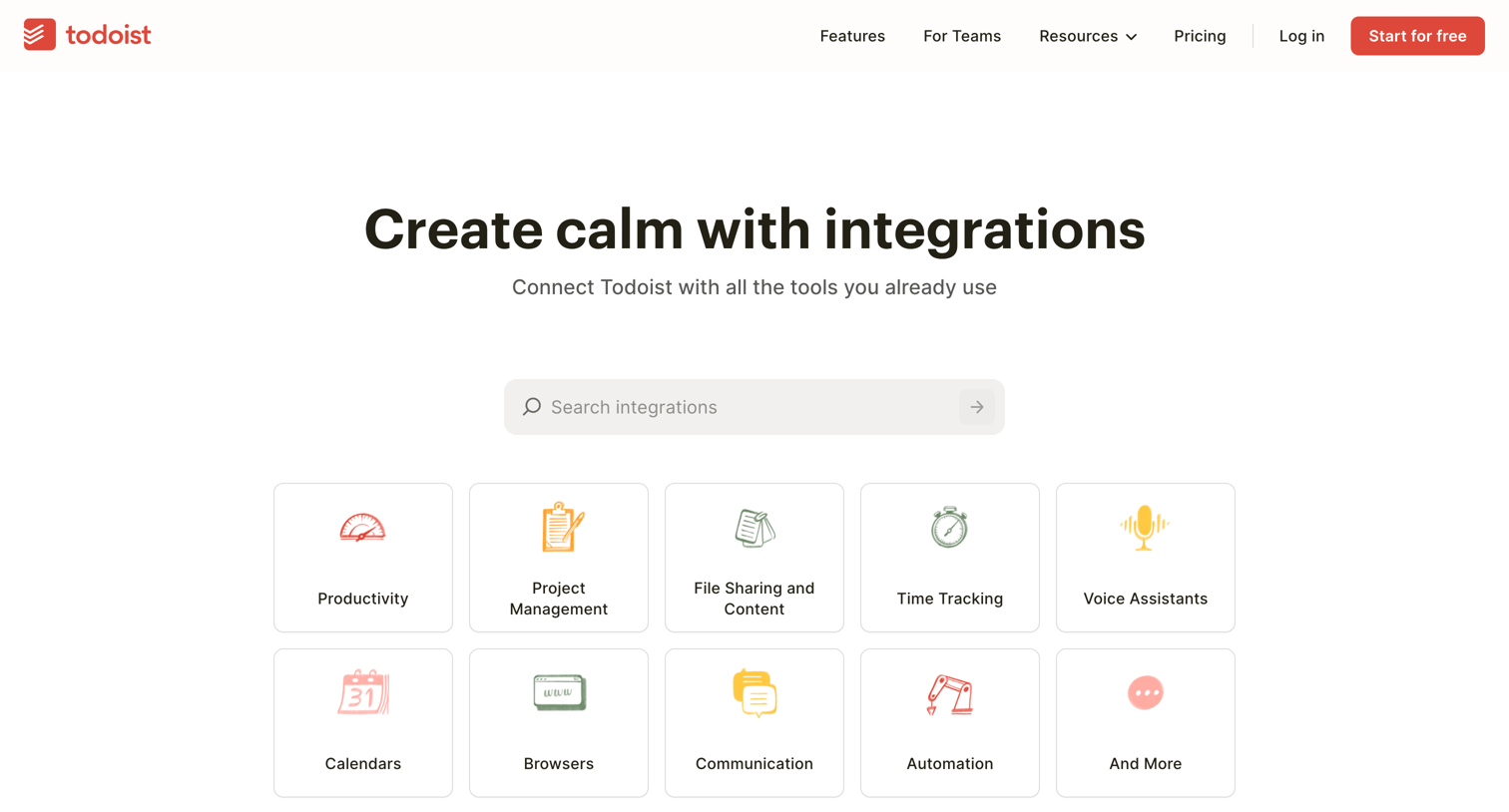
Integrations directory where the user can search for apps, browse categories like Productivity and Calendars, and explore curated app collections.
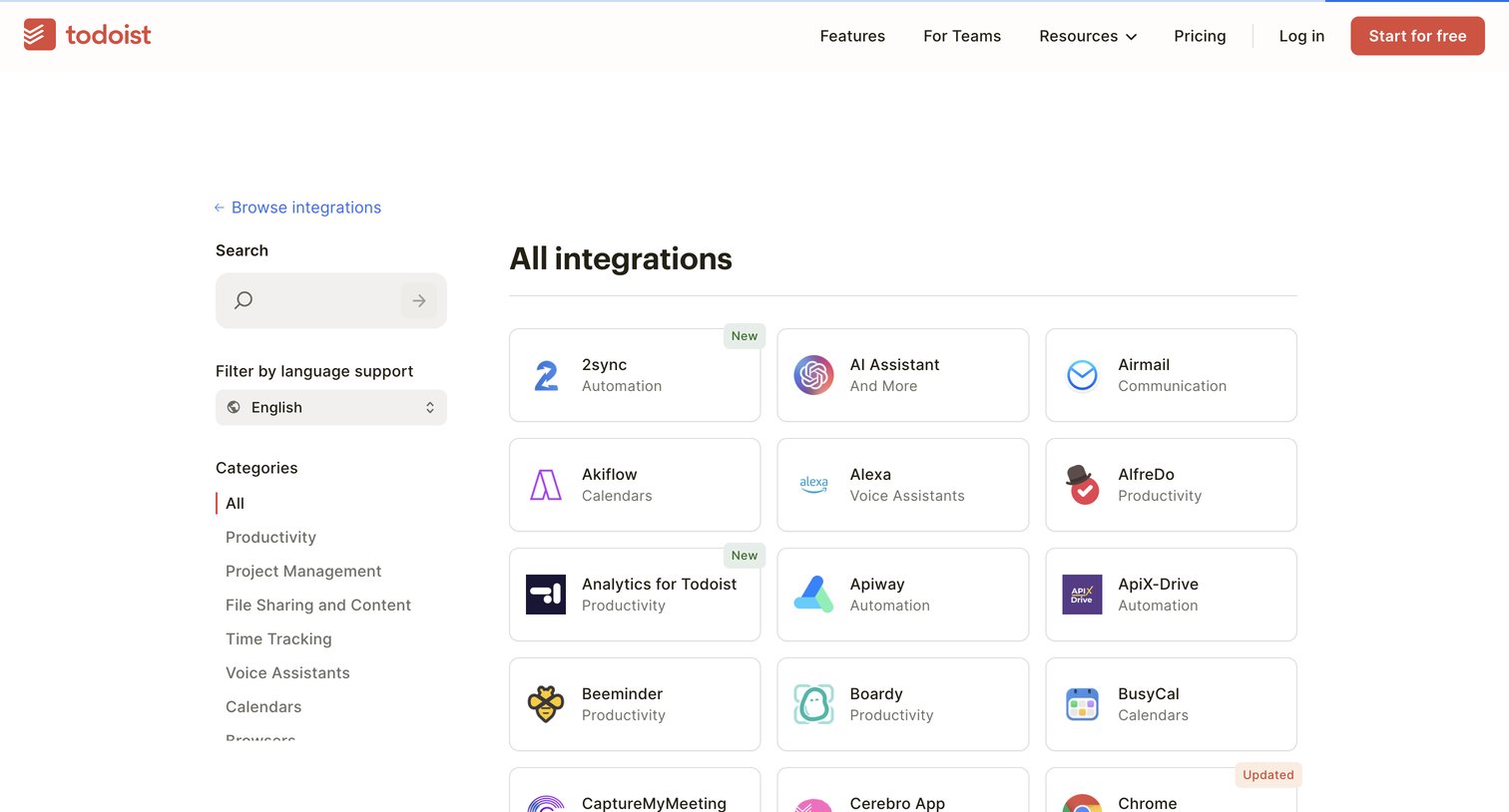
Marketing page where the user browses a directory of third-party app connections, filterable by language support and category.
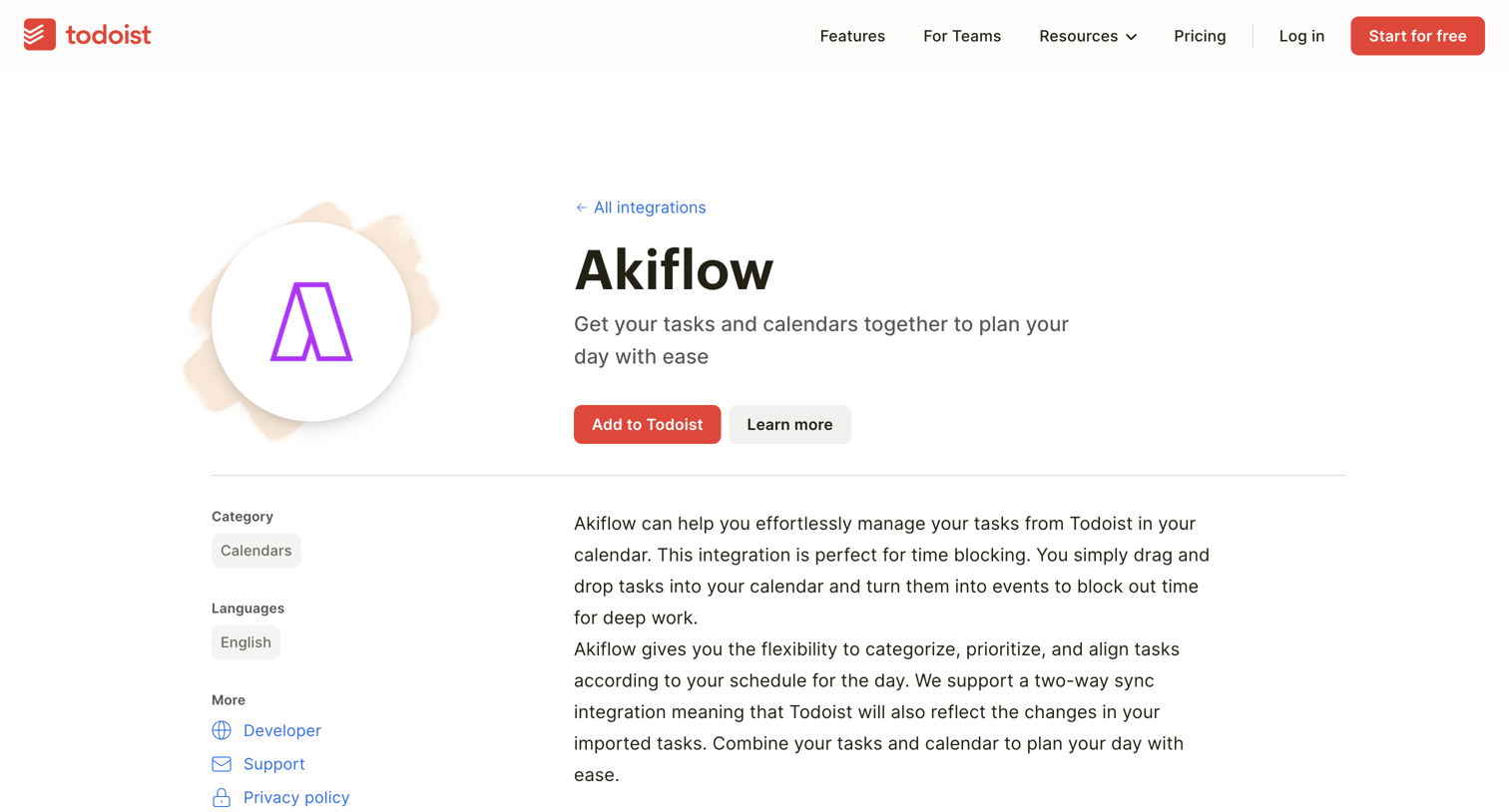
Integration detail page where the user learns how Akiflow connects with Todoist to manage tasks and calendars, with options to add the integration or learn more.
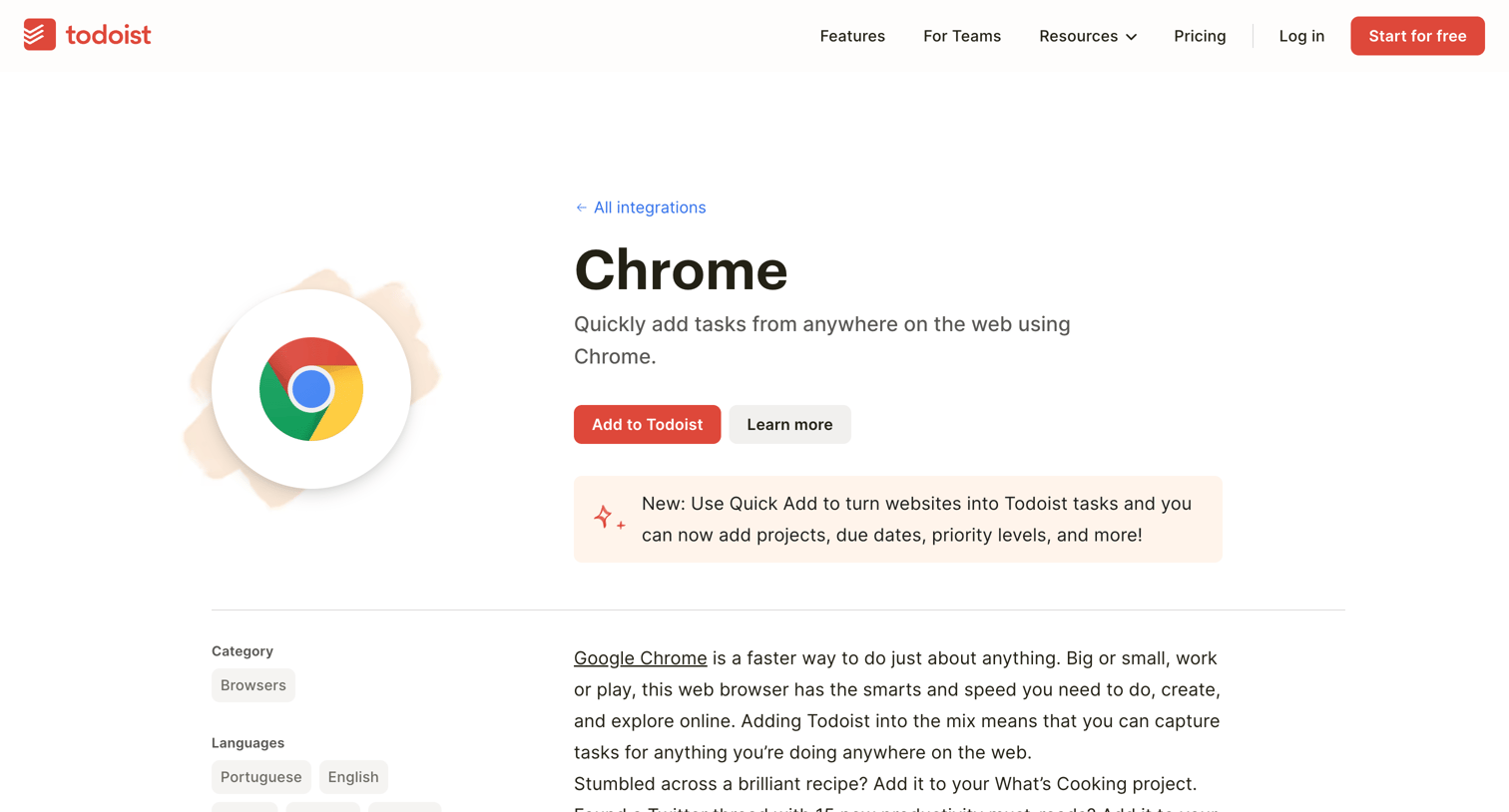
Integration detail page where the user learns about the Chrome extension for Todoist, views its features, and can add it to their account.
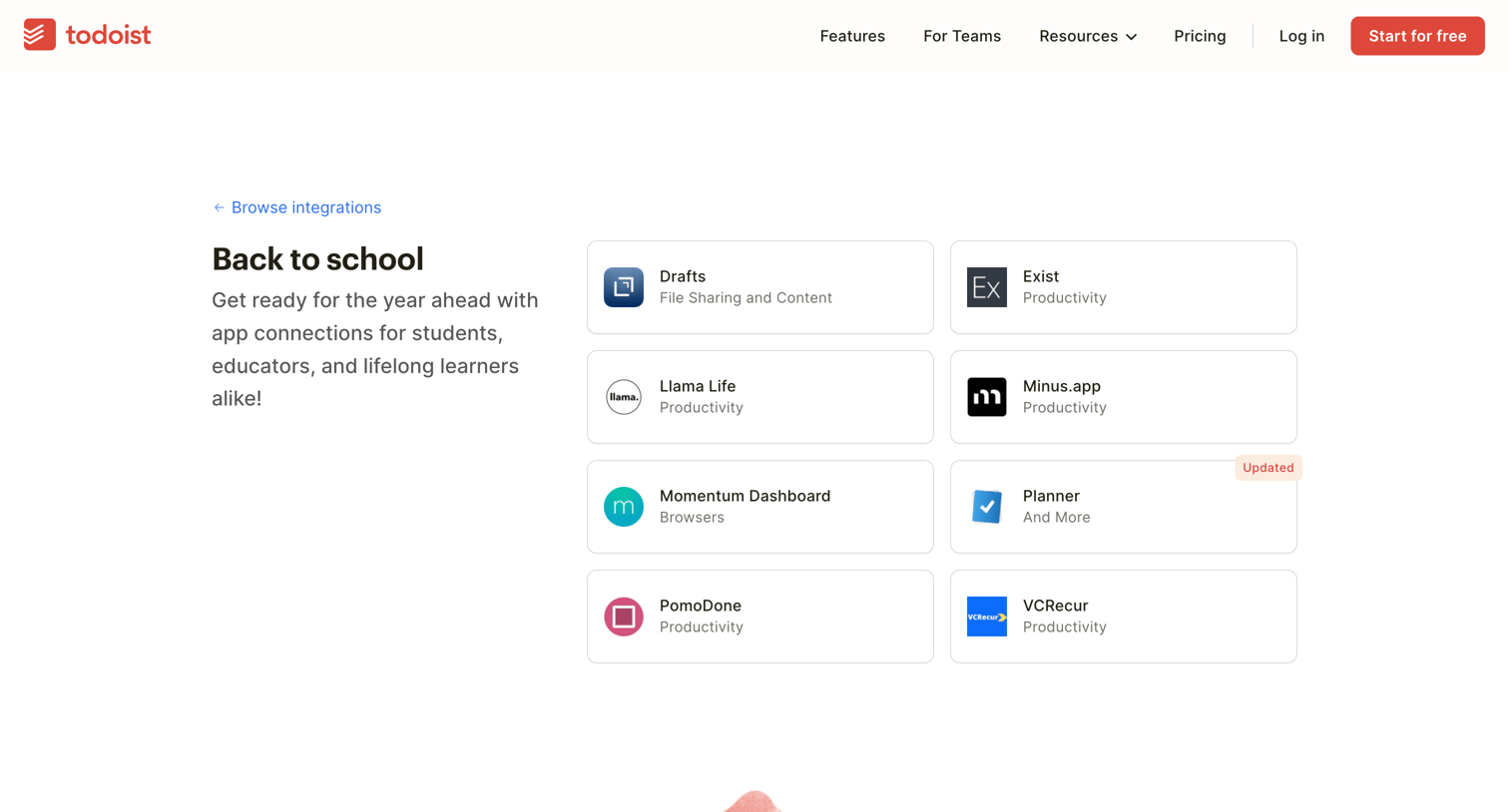
Marketing page showcasing a curated collection of back-to-school app integrations with a prompt to explore project templates.
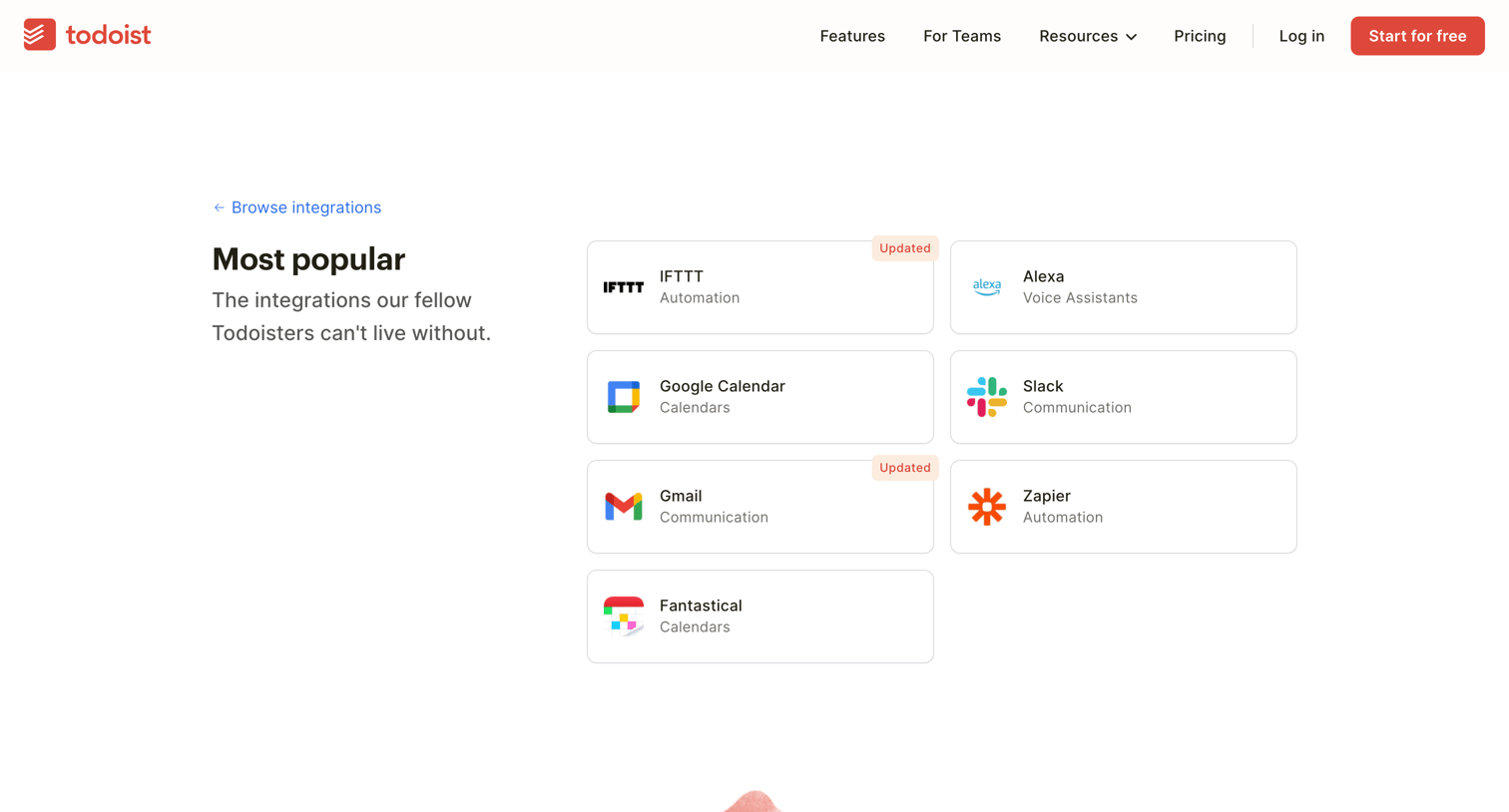
Marketing page showcasing the most popular third-party app integrations available for Todoist, with a prompt to explore project templates.
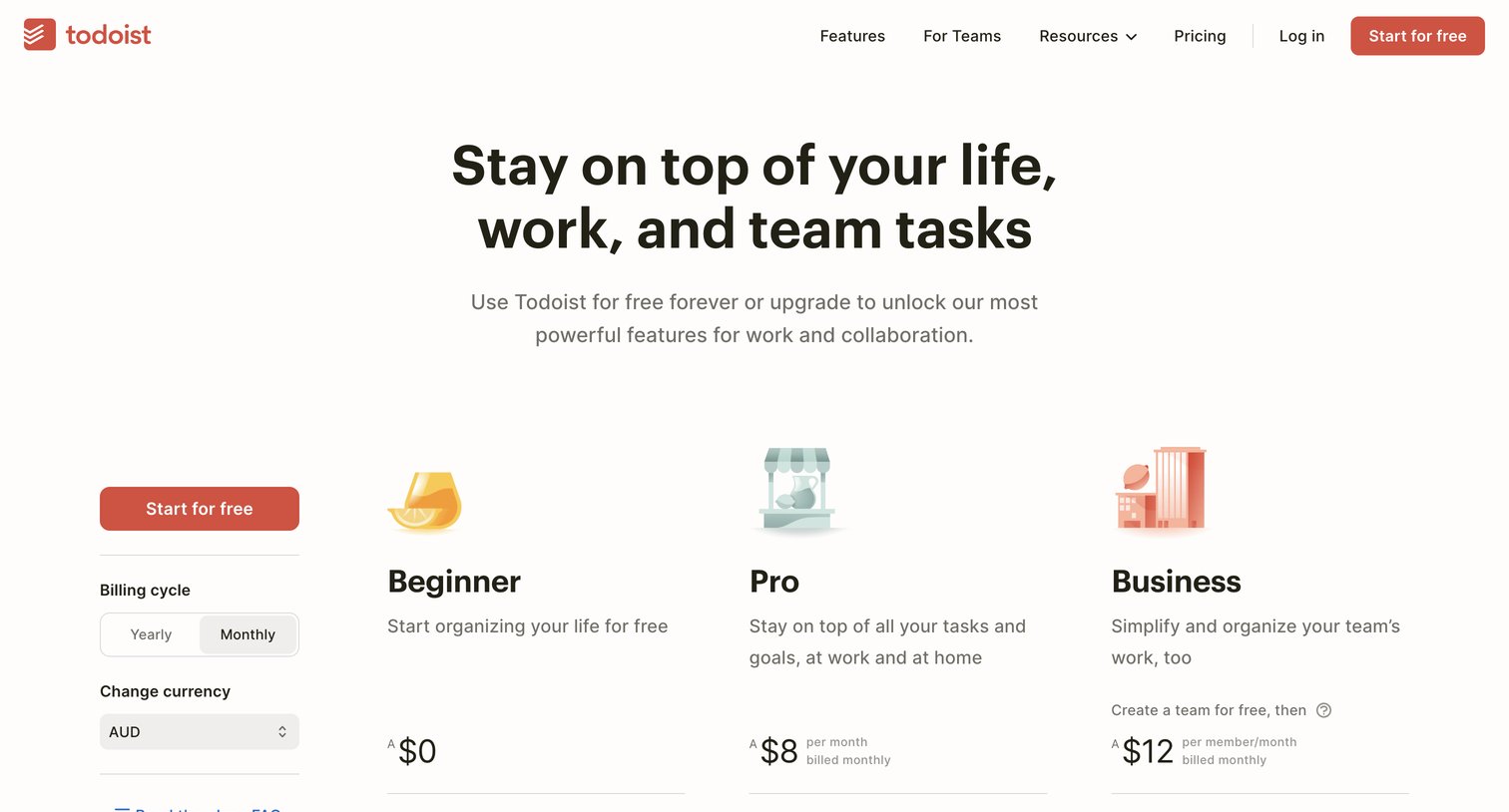
Pricing page where the user can toggle between yearly and monthly billing, select their currency, and compare Beginner, Pro, and Business plans across a detailed feature matrix.
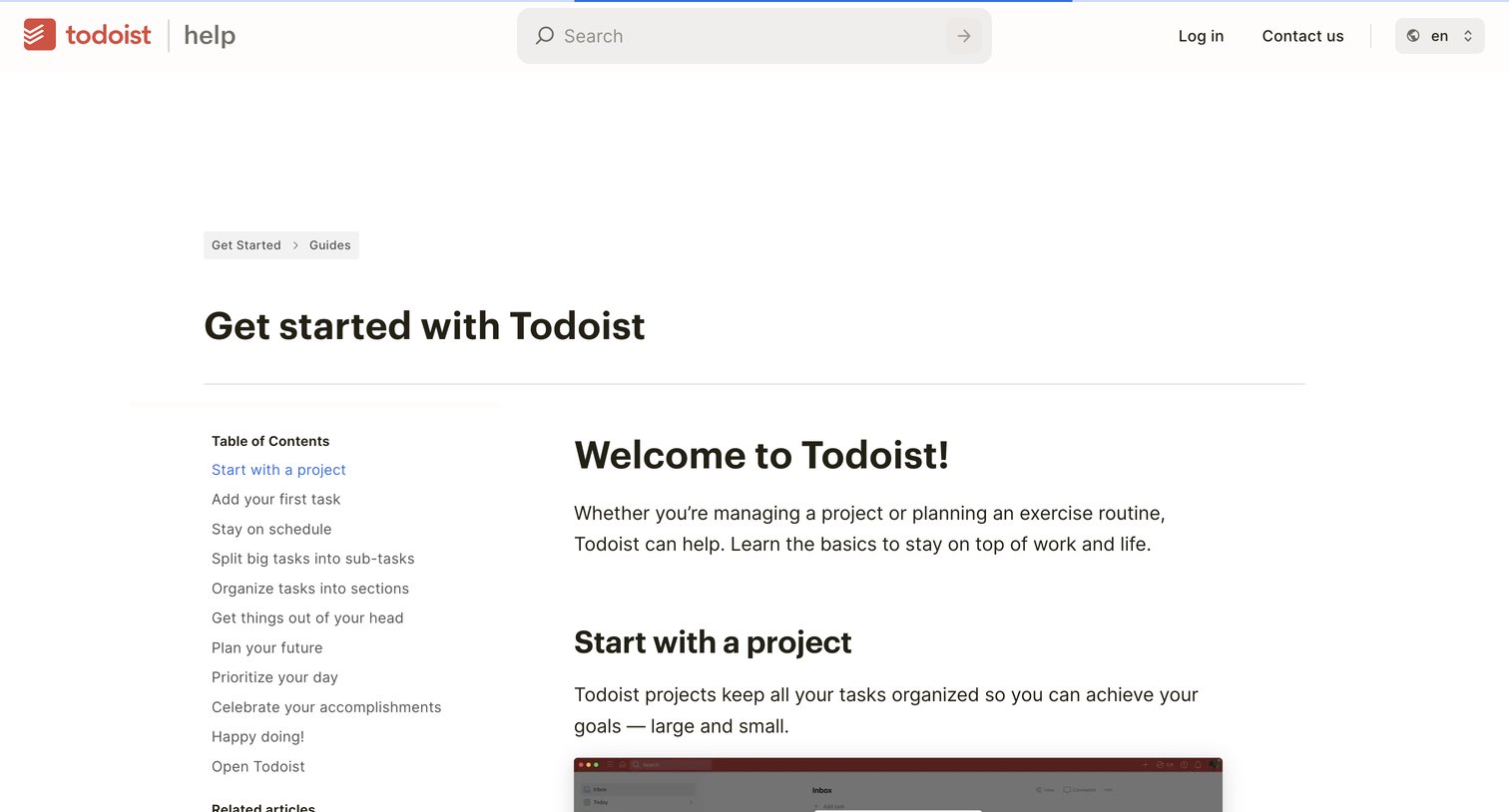
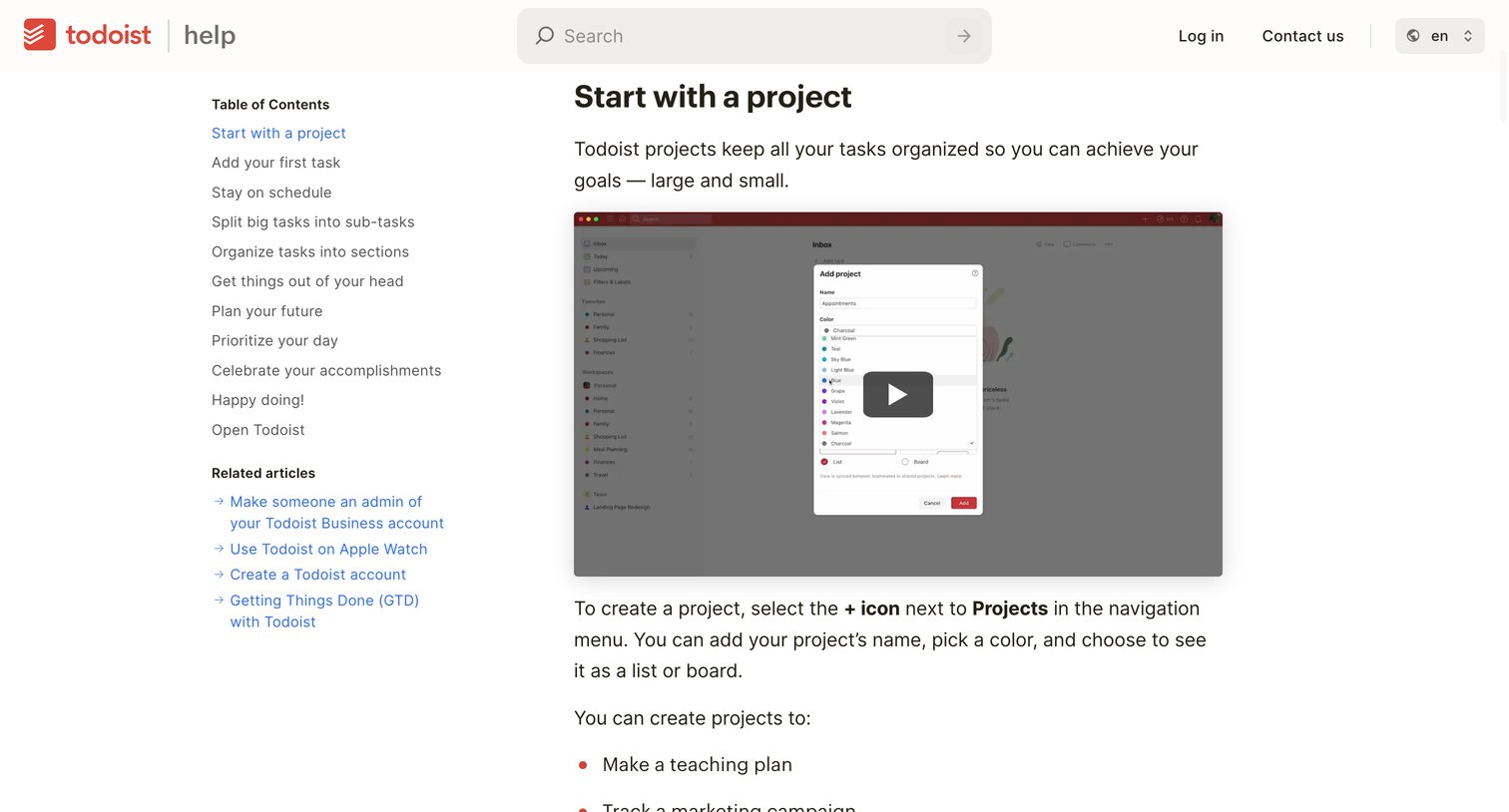
Help center article guiding new users through the basics of the product with embedded video tutorials and a sticky table of contents.
Explore the full SaaS screen library
Upgrade to unlock the full library.
Trusted by the best teams







