Todoist product screens examples
Browse Todoist screen design examples. Preview the interface screenshots and explore related UI patterns. The to do list to organize work & life
Explore the examples
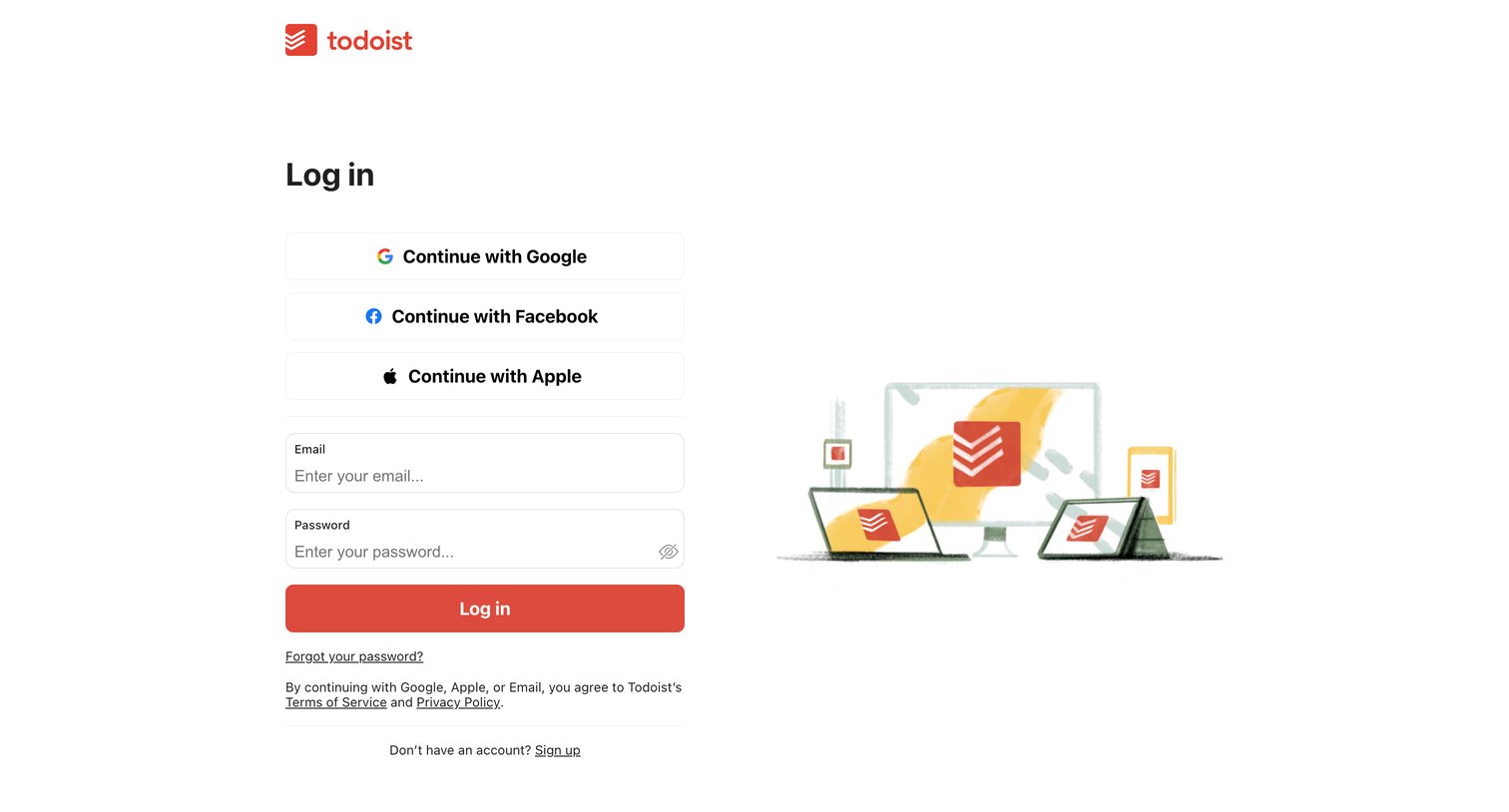
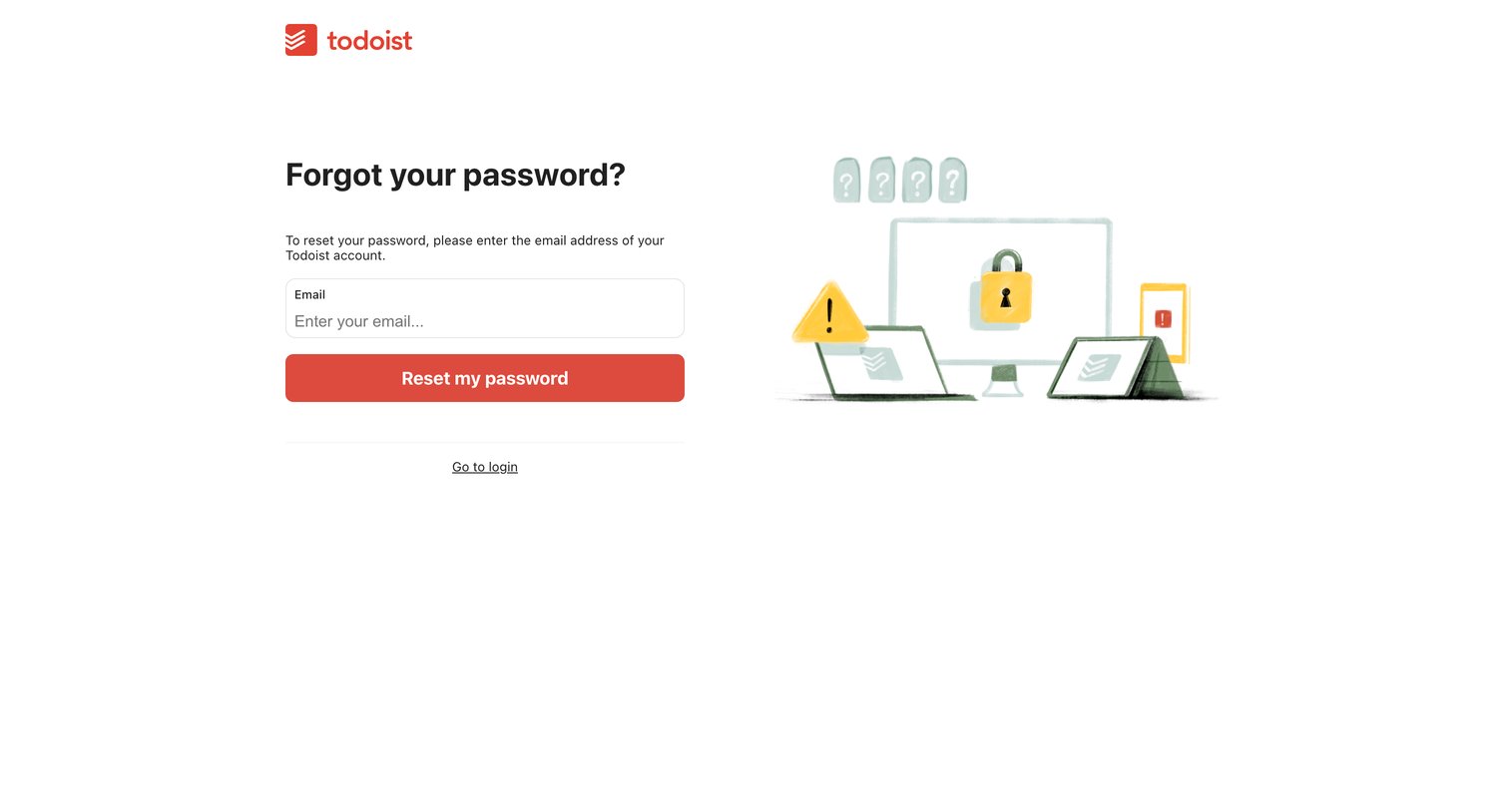

Password recovery screen where the user enters their email address to receive a reset link.
Password recovery screen where the user enters their email address to request a reset link.
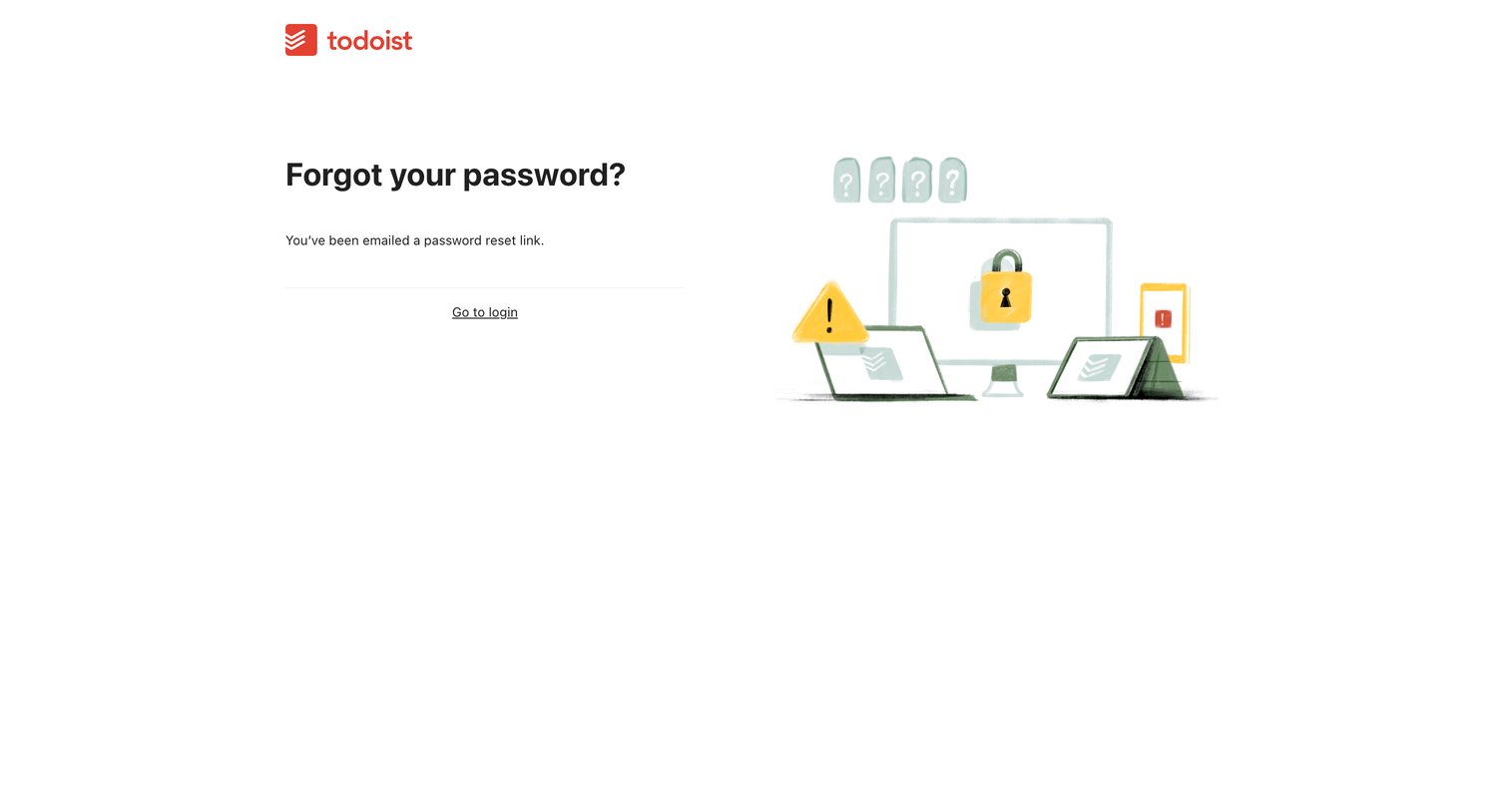
Password recovery screen confirming that a reset link has been emailed to the user, providing a link to return to the login page.
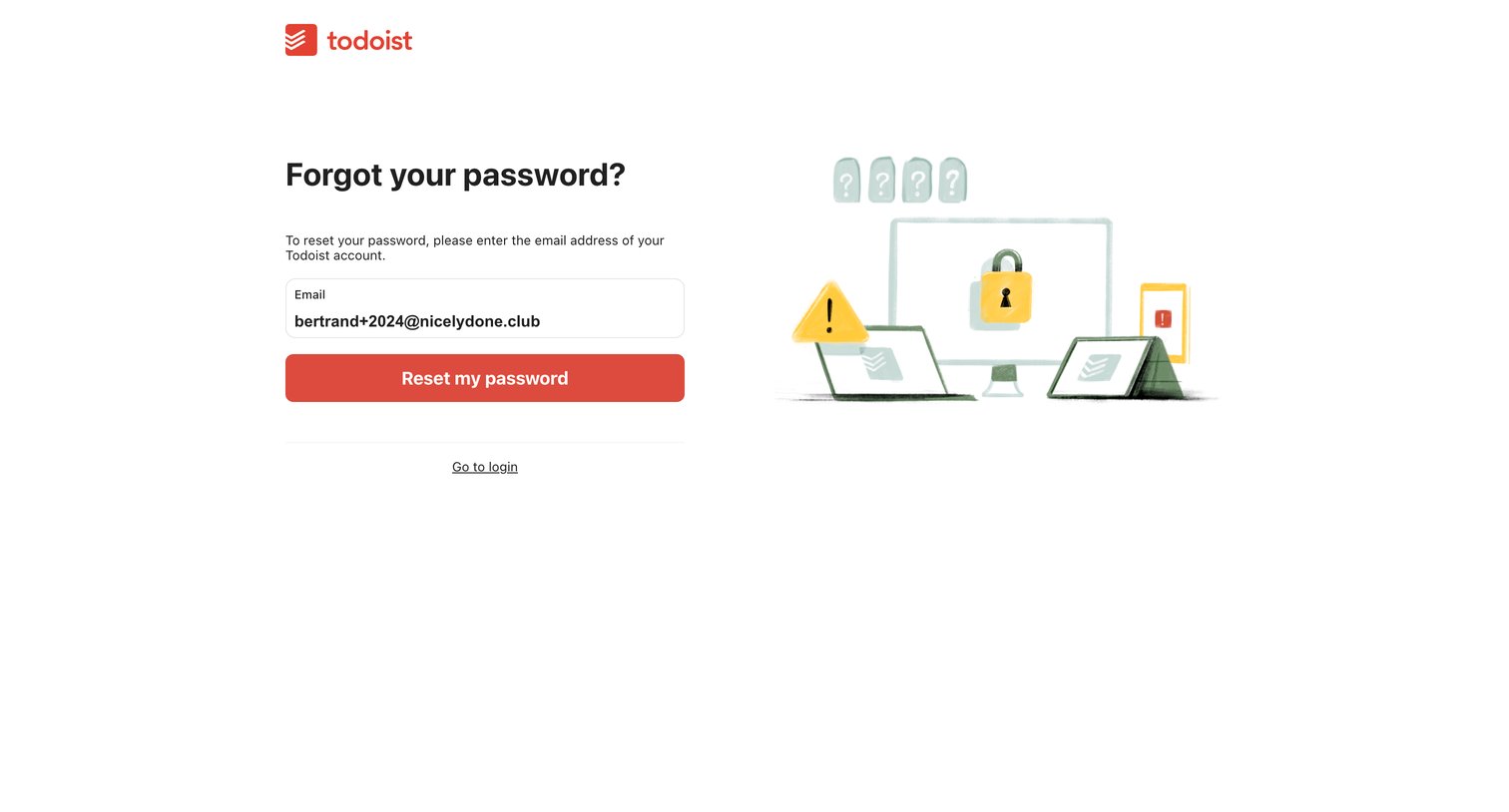
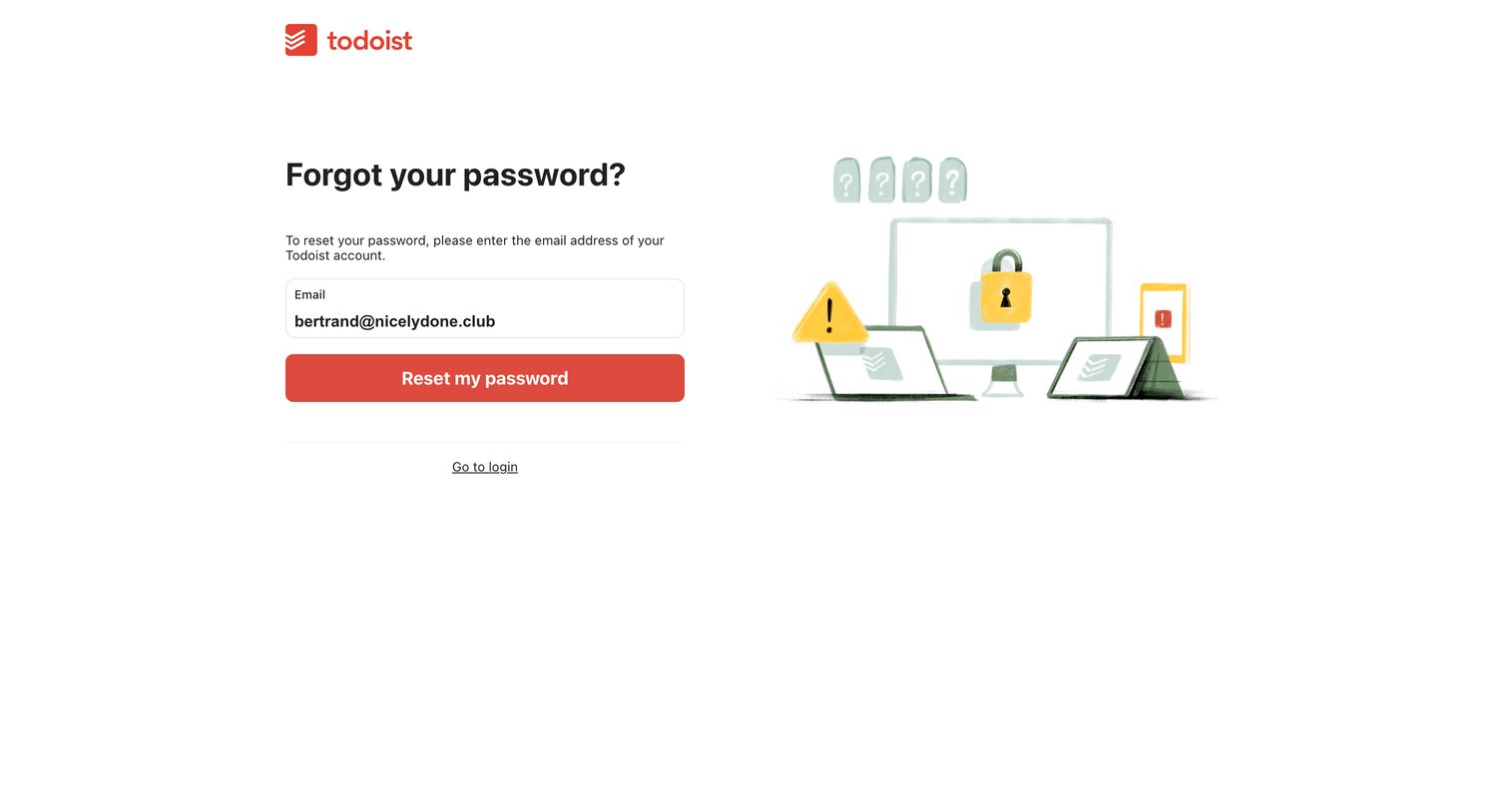
Password recovery screen where the user requests a reset link for their pre-filled email address.
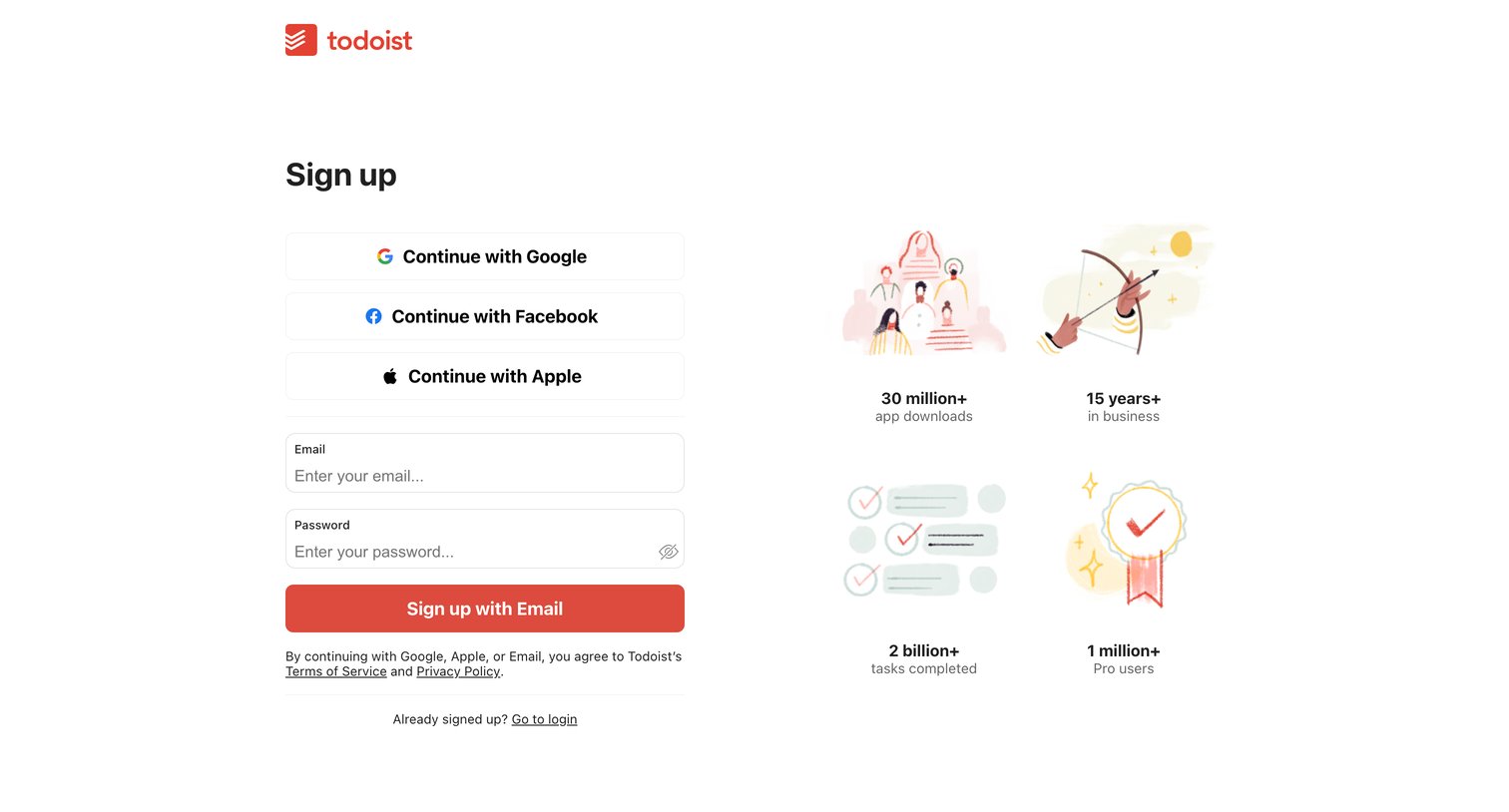
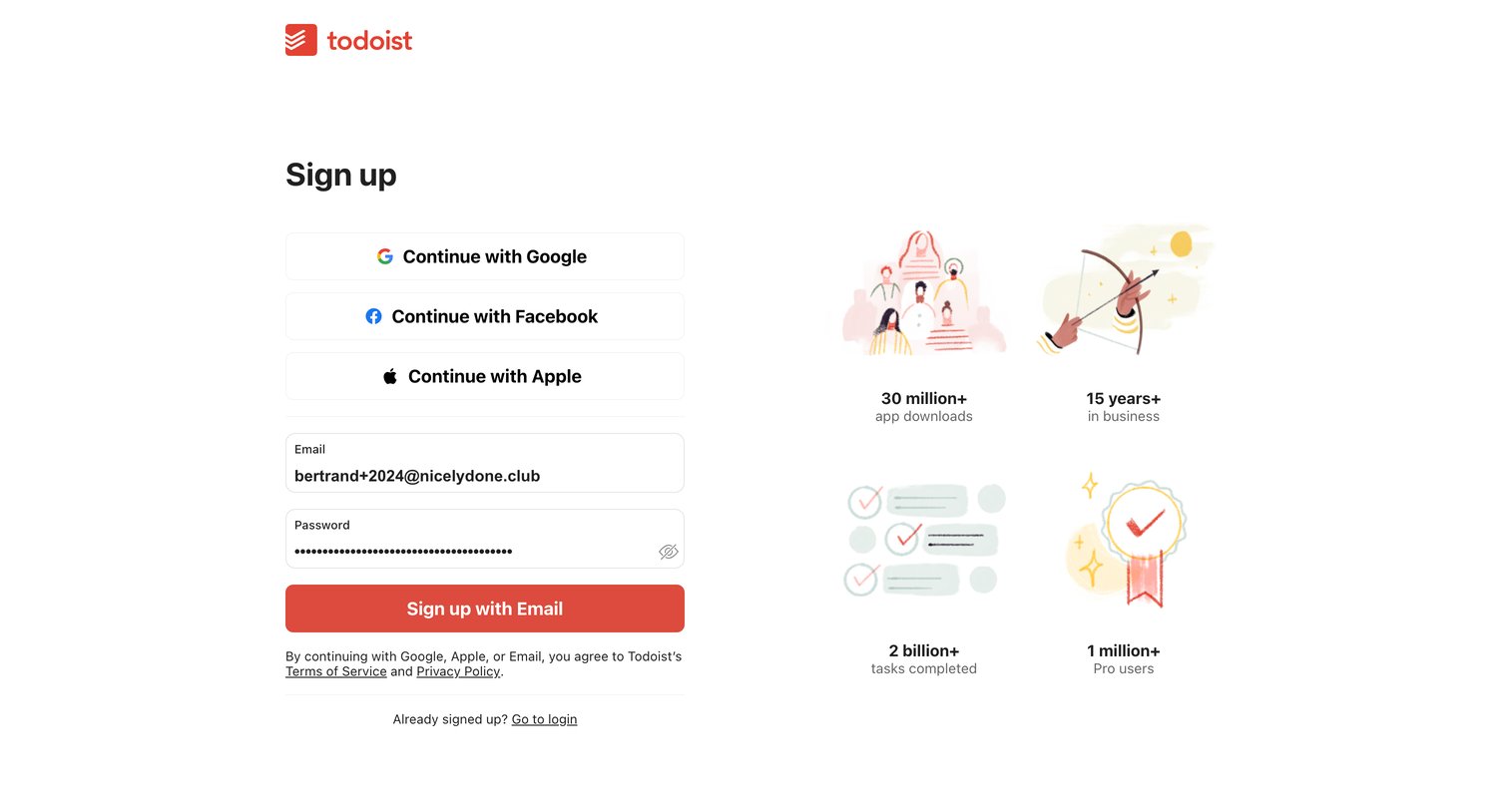
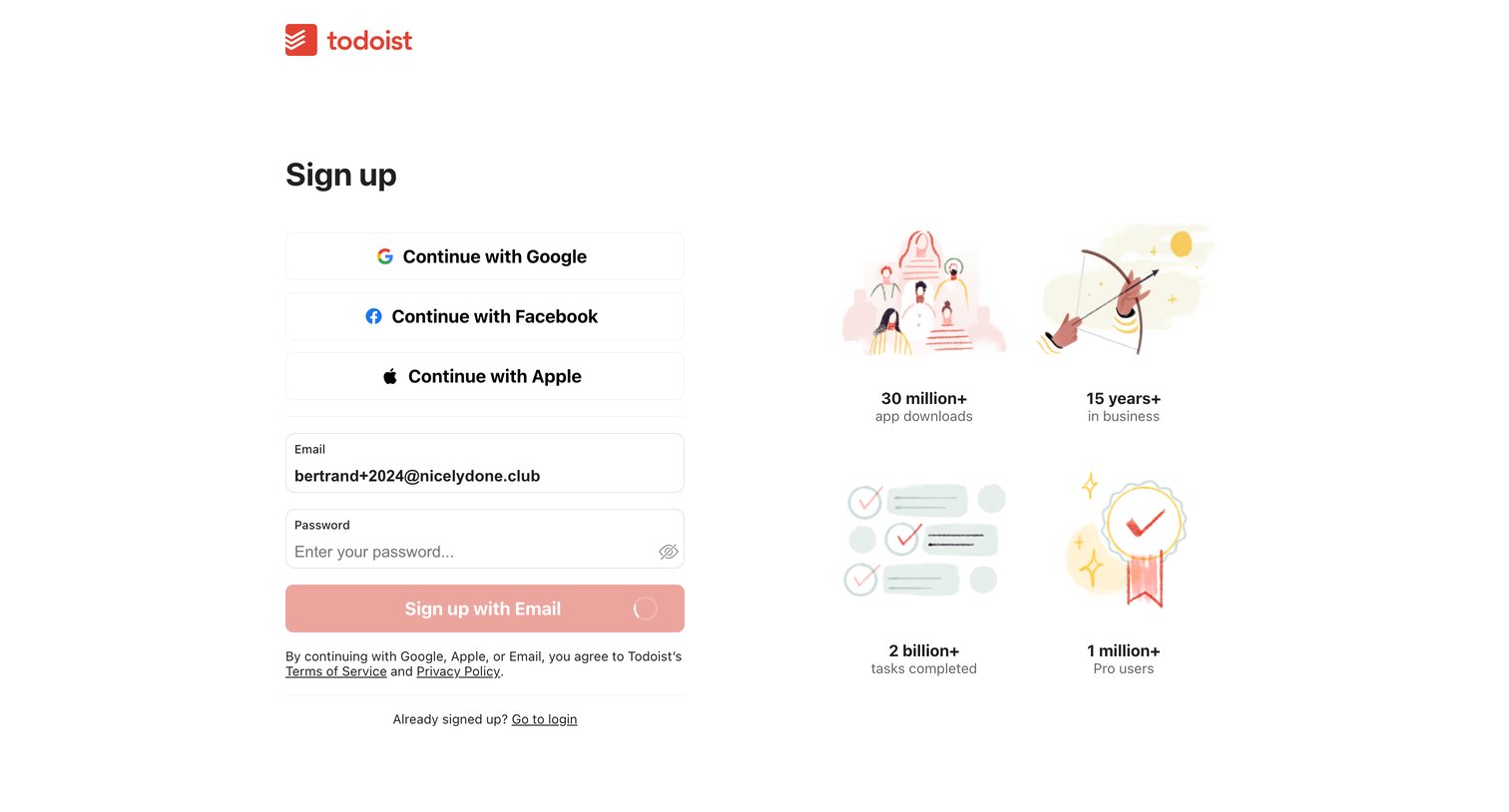
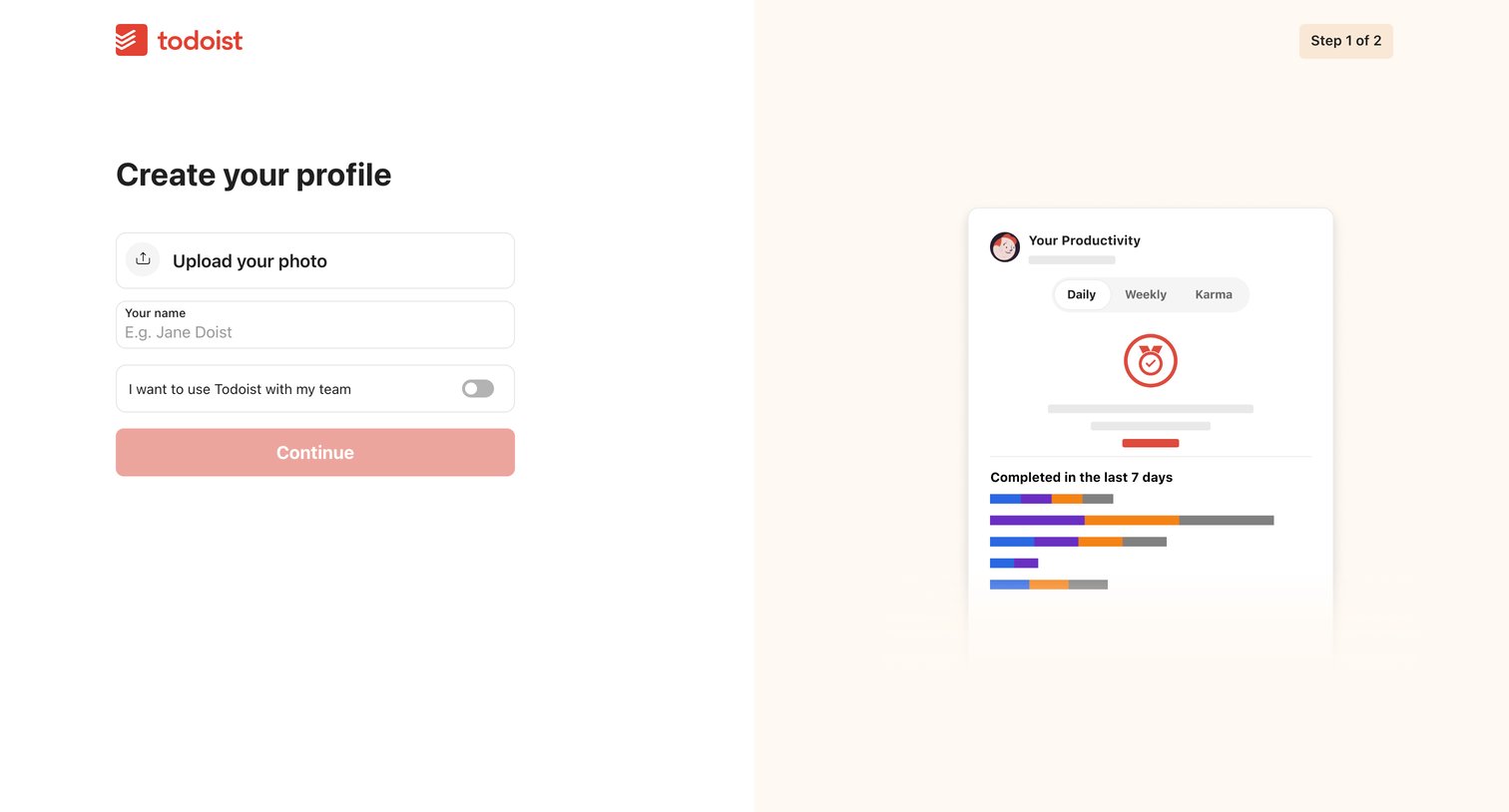
Onboarding step where the user uploads a profile photo, enters their name, and toggles team usage before continuing.
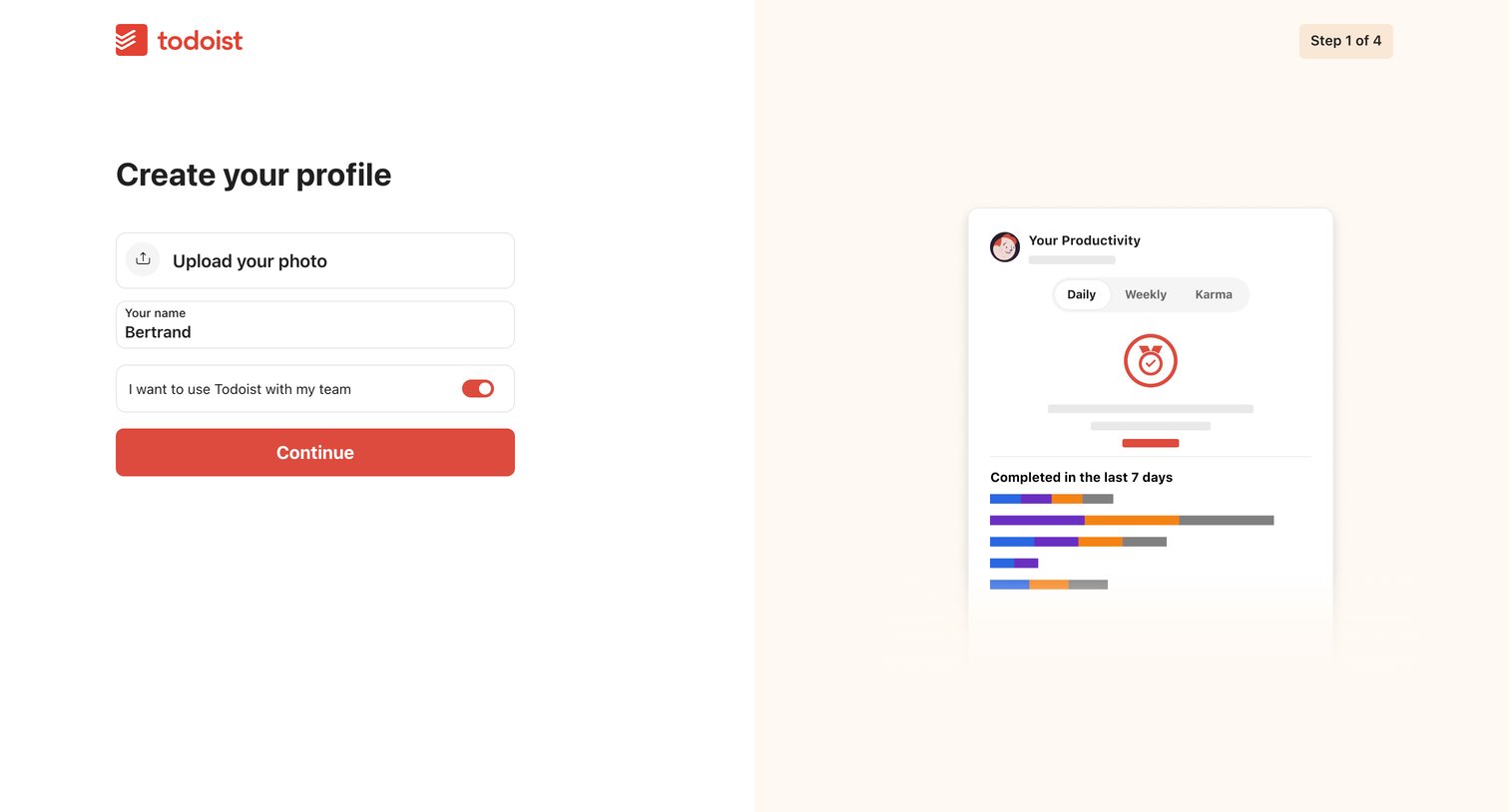
Onboarding step where the user enters their name, uploads a photo, and chooses whether to use the app with a team.
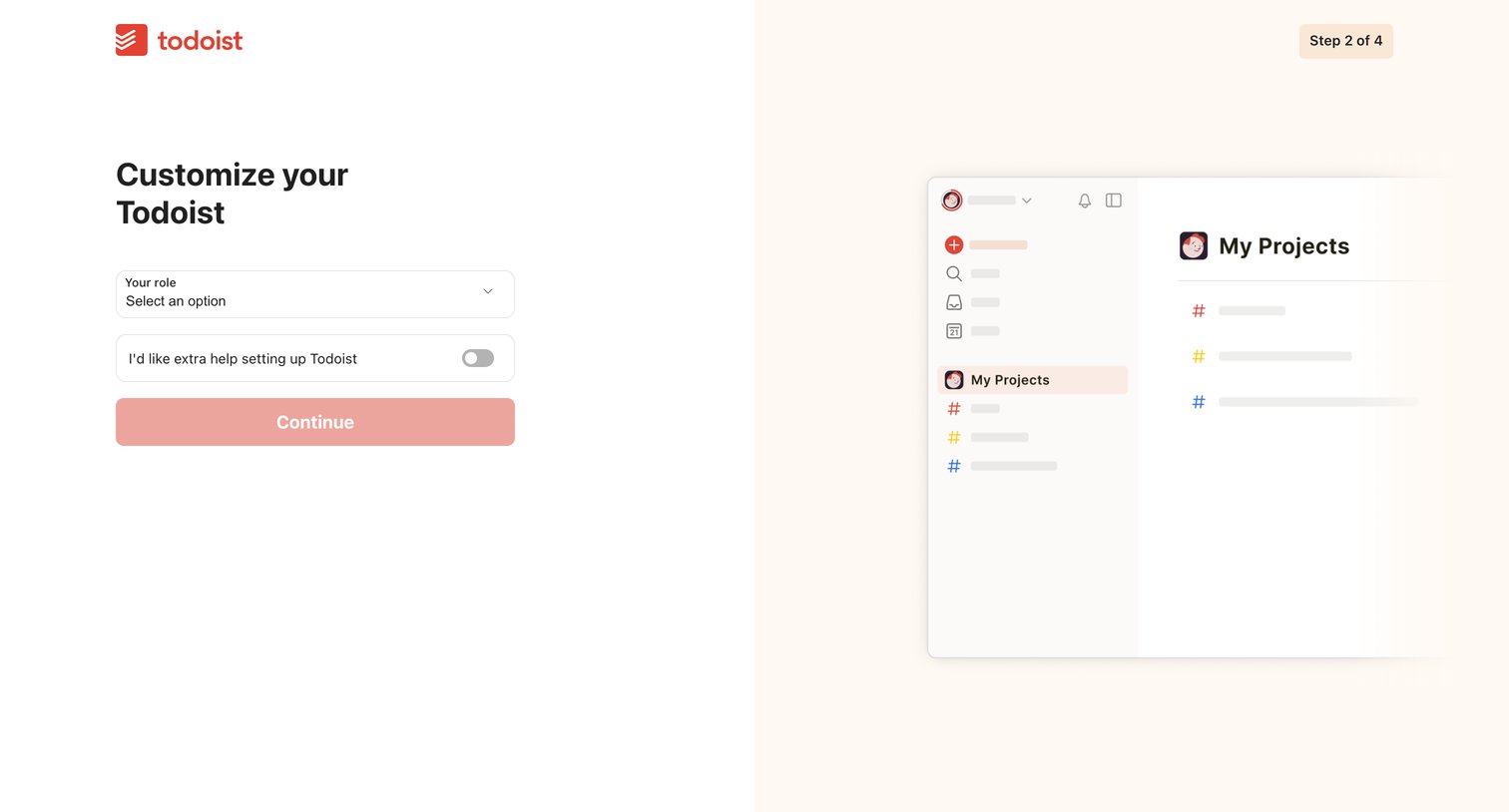
Onboarding step where the user selects their role and opts into extra help while viewing a preview of their workspace.
Explore the full SaaS screen library
Upgrade to unlock the full library.
Trusted by the best teams







