
Timely design examples
Explore Timely UI design examples. Scheduling and time tracking, simultaneously
Product screens
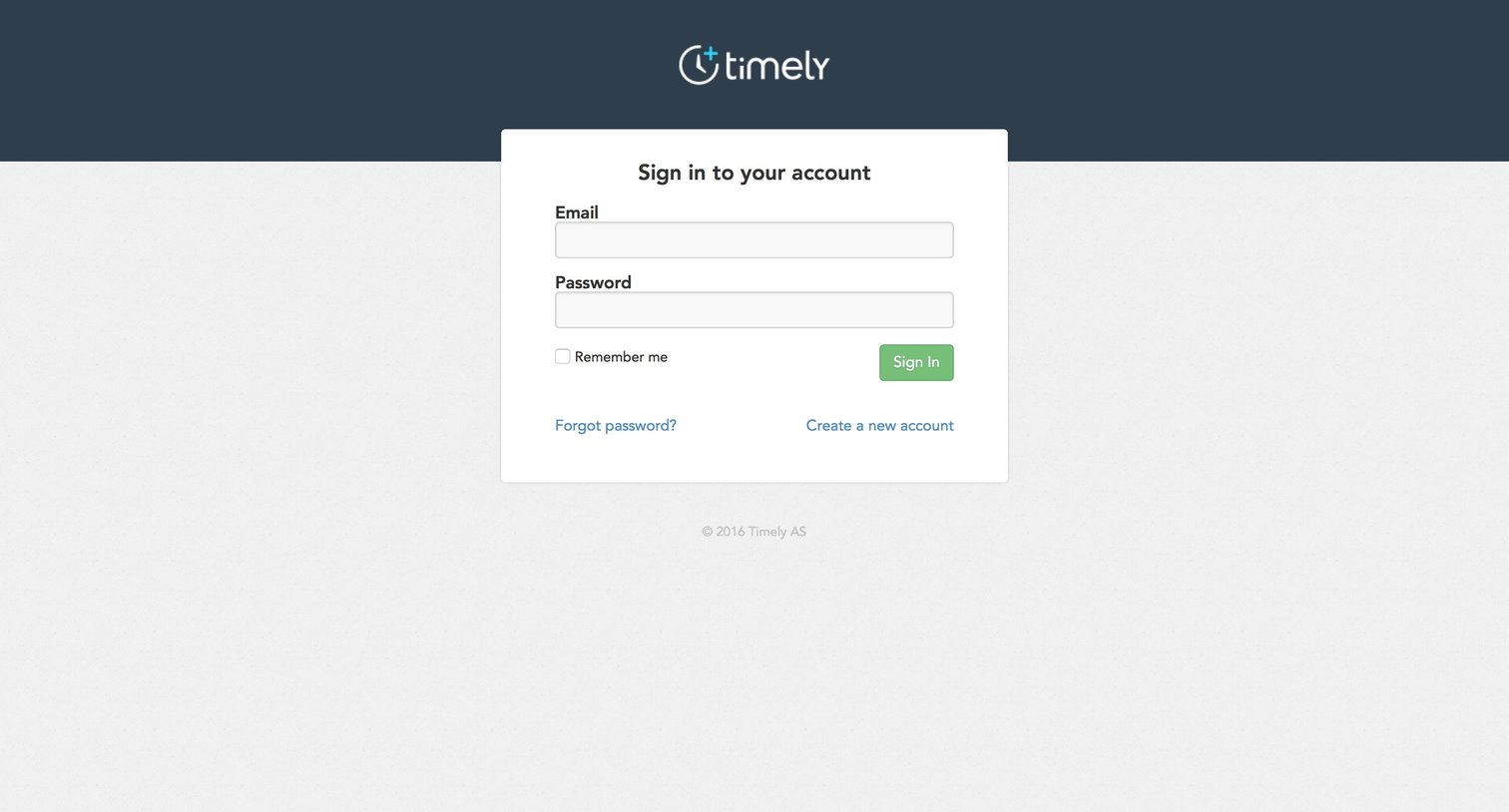
Sign-in screen where the user authenticates with their email and password, with options to recover their password or create a new account.
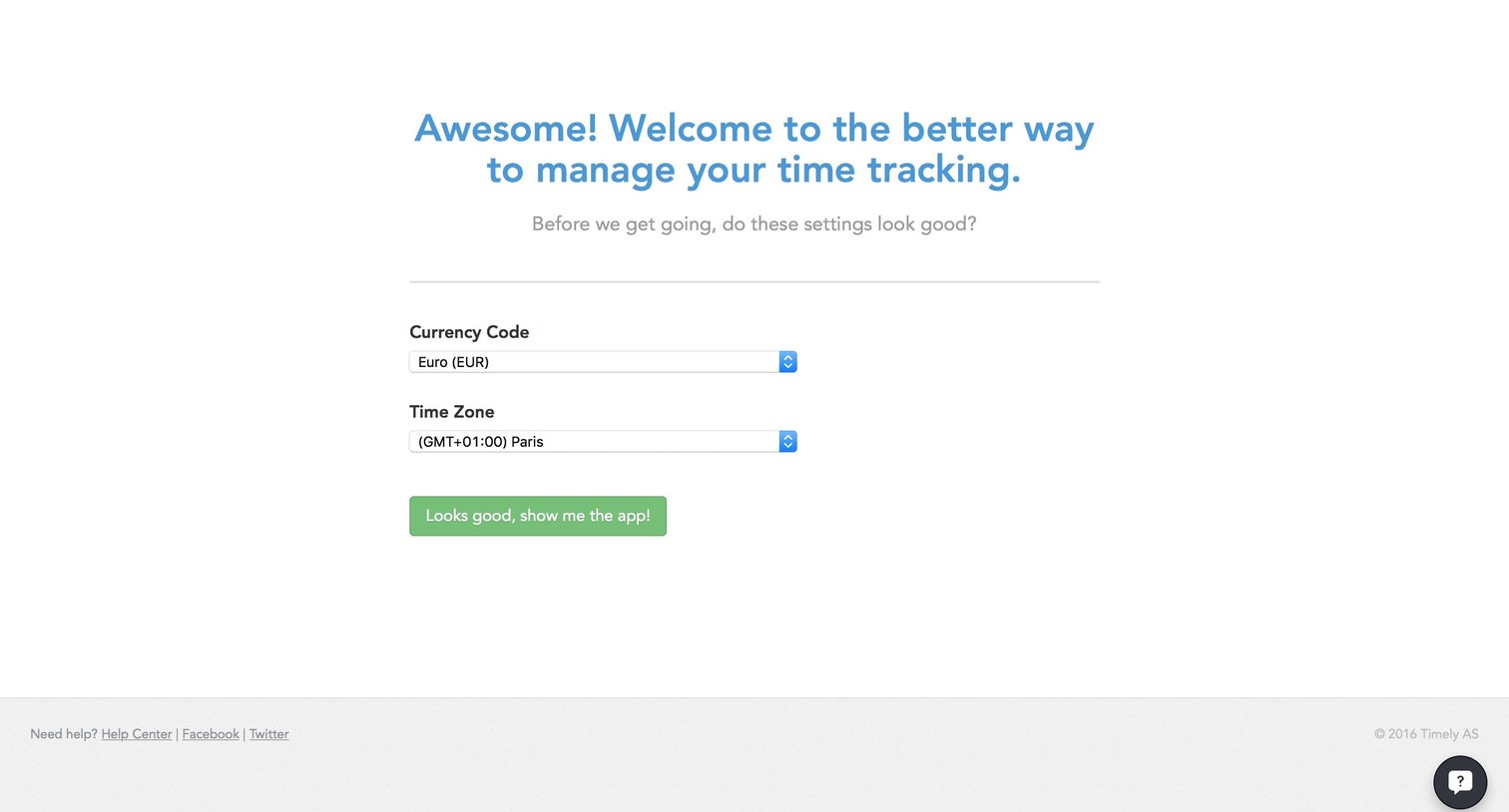
Onboarding step where the user confirms their currency code and time zone before entering the app.
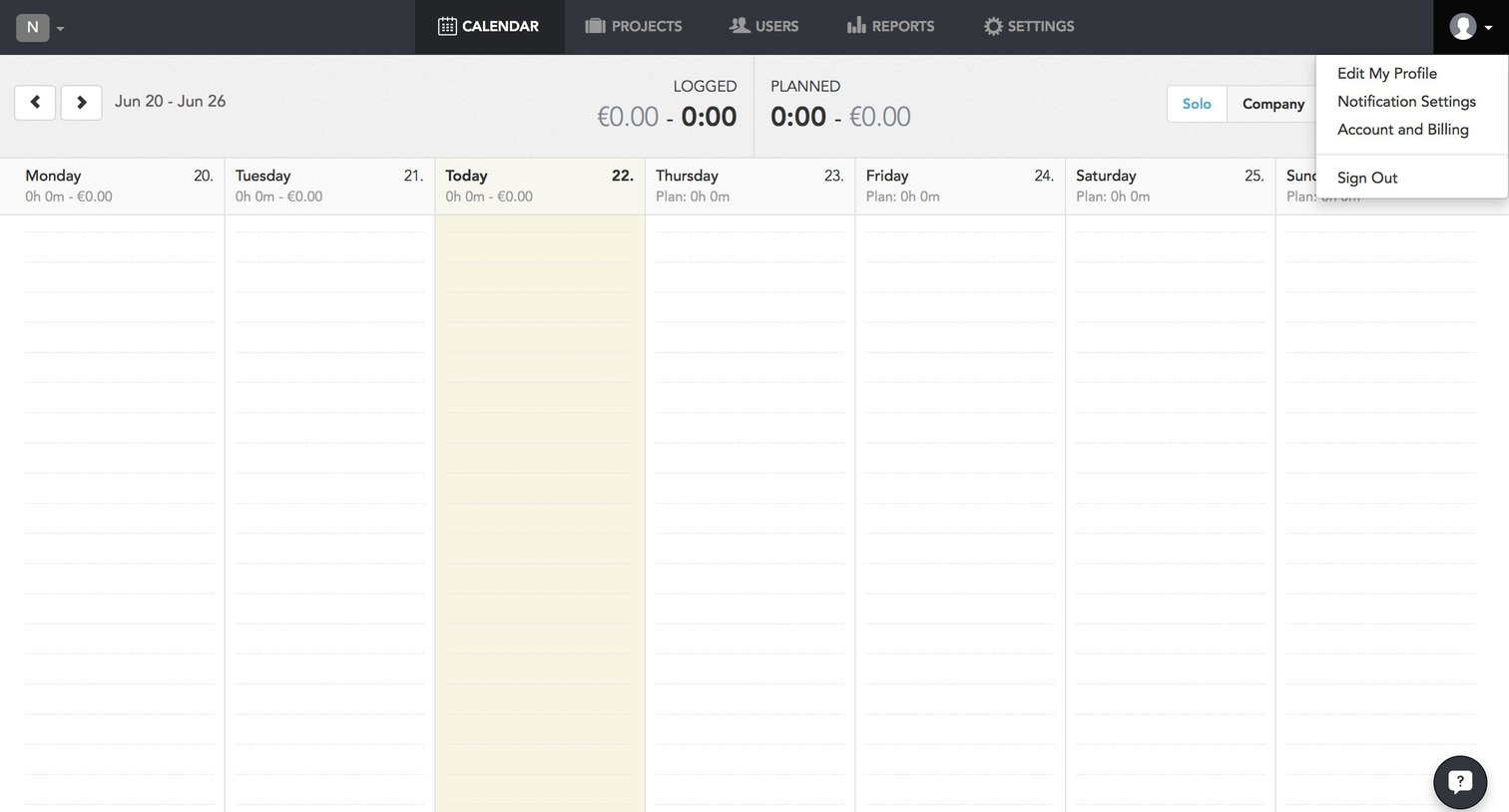
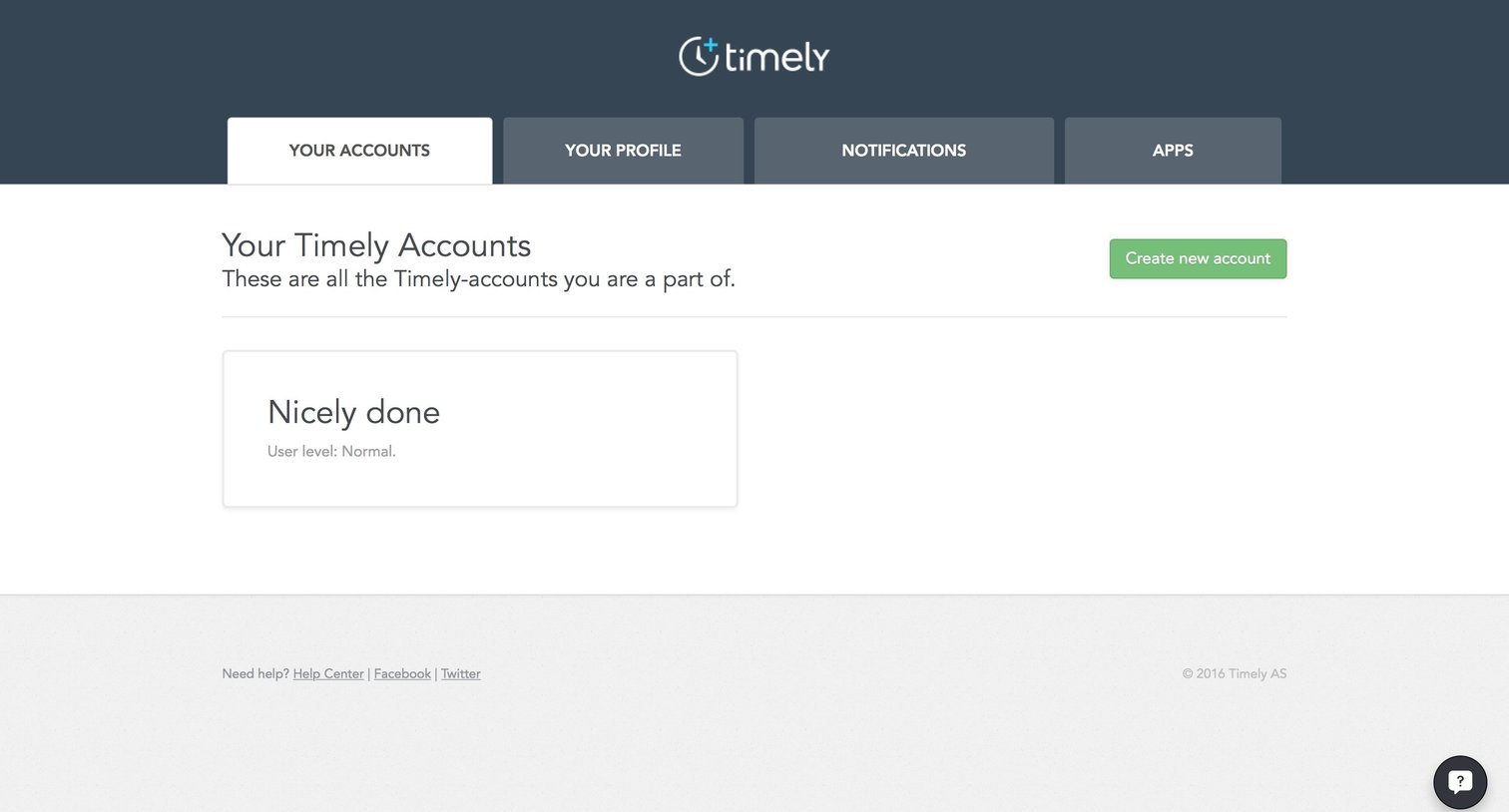
Settings page where the user views the Timely accounts they belong to and can create a new one.
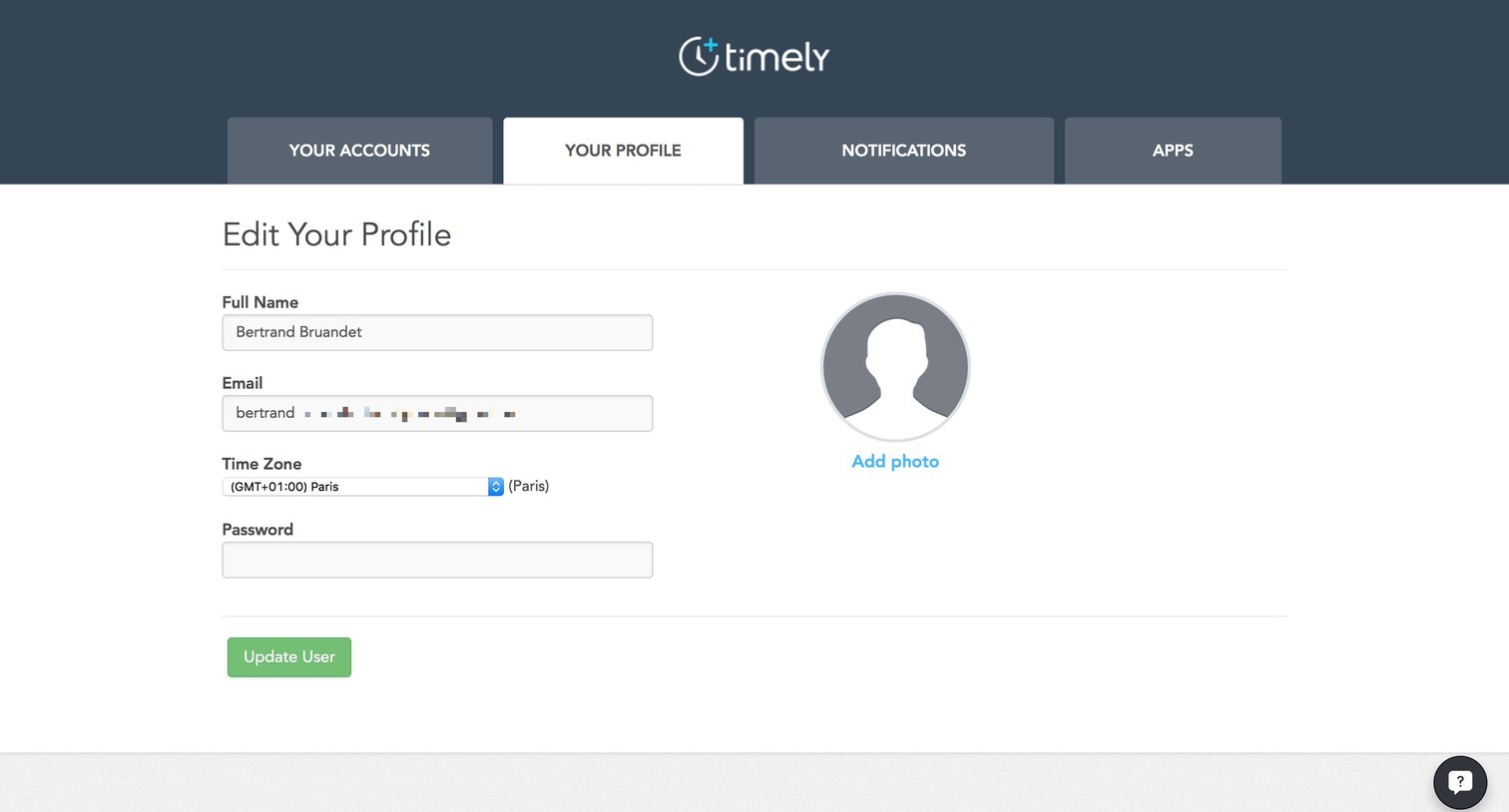
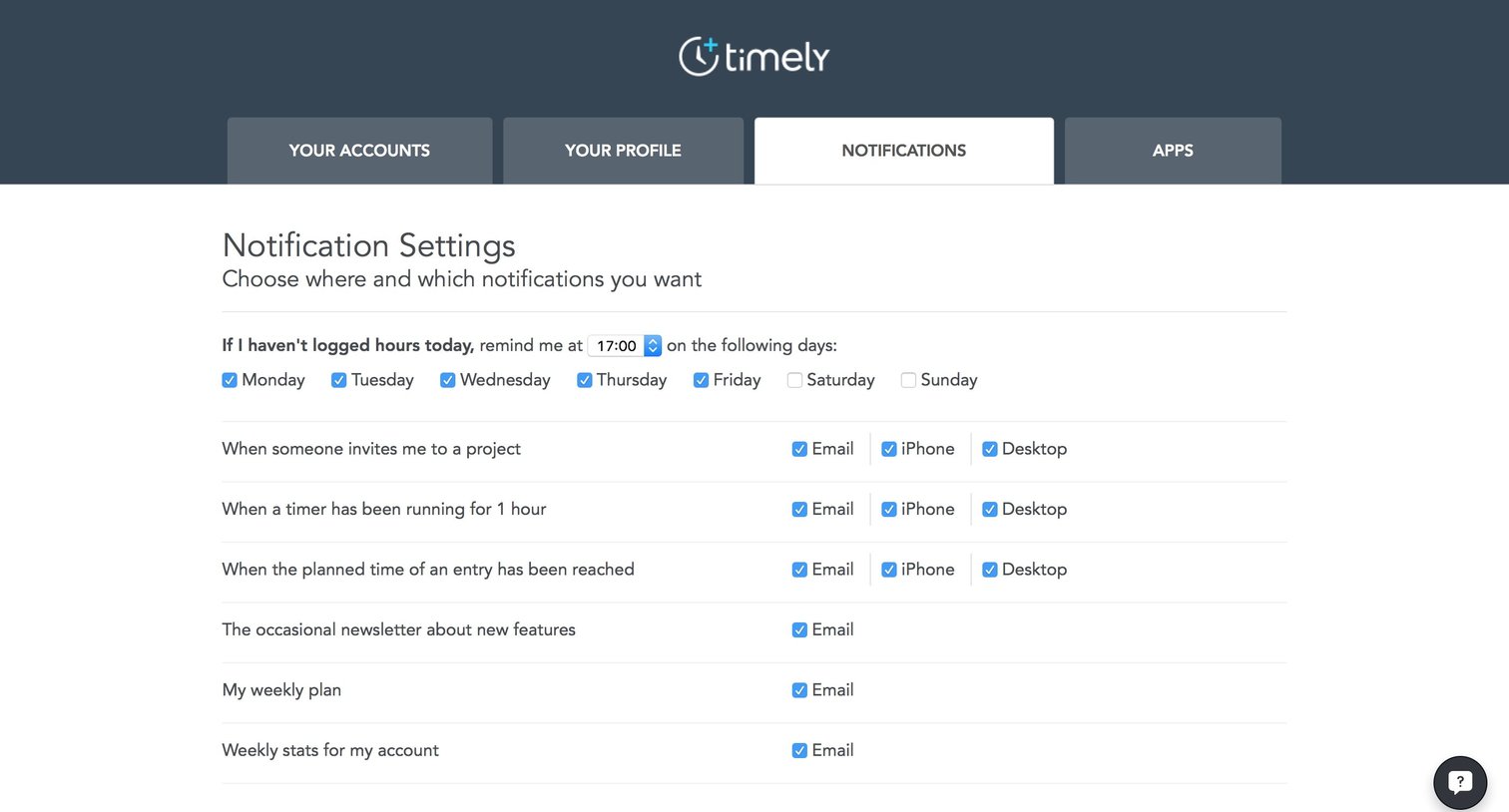
Settings page where the user configures notification preferences for reminders, project invites, timers, and newsletters across email, iPhone, and desktop.
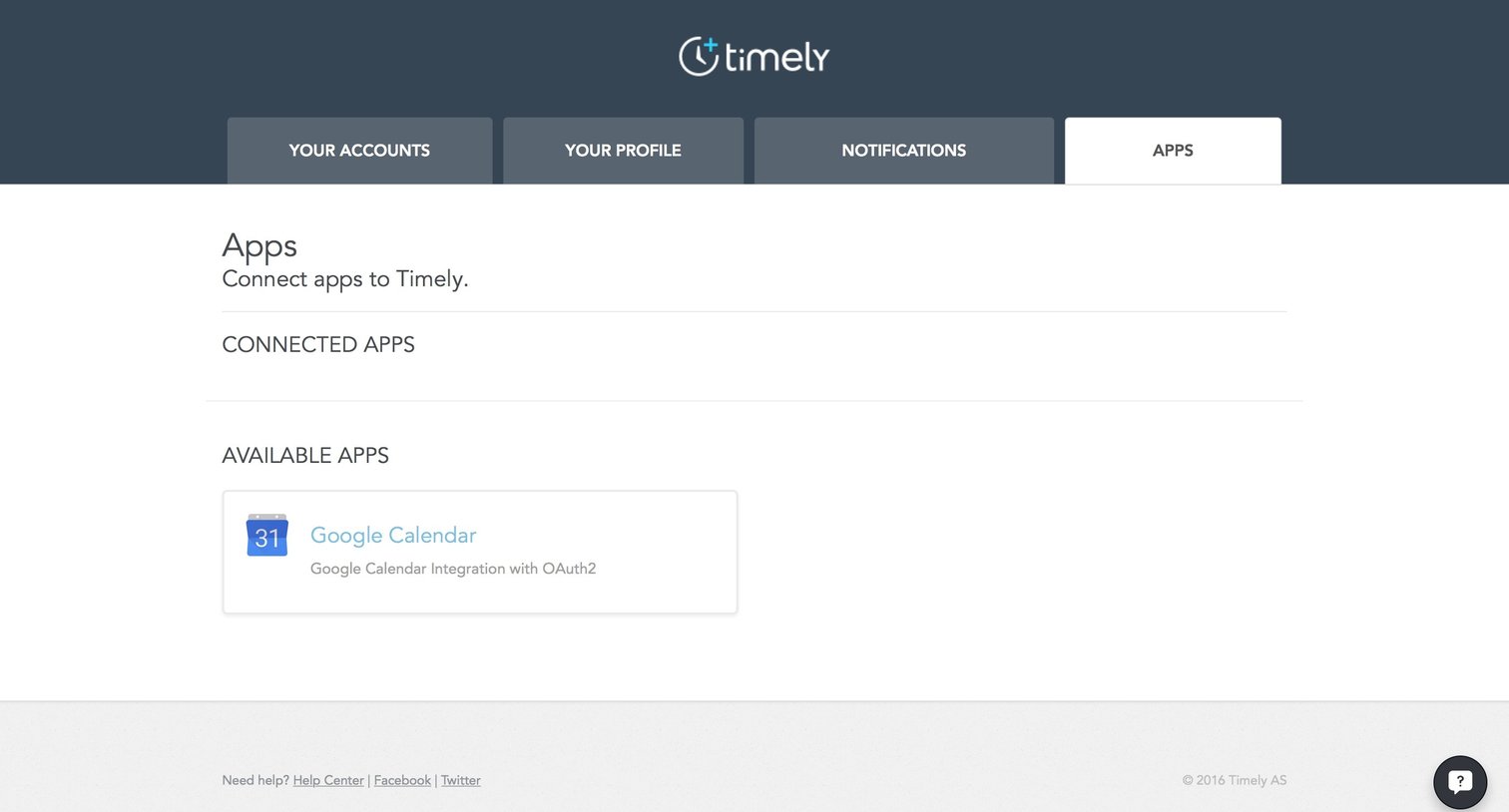
Settings page where the user manages connected apps and can browse available integrations like Google Calendar.
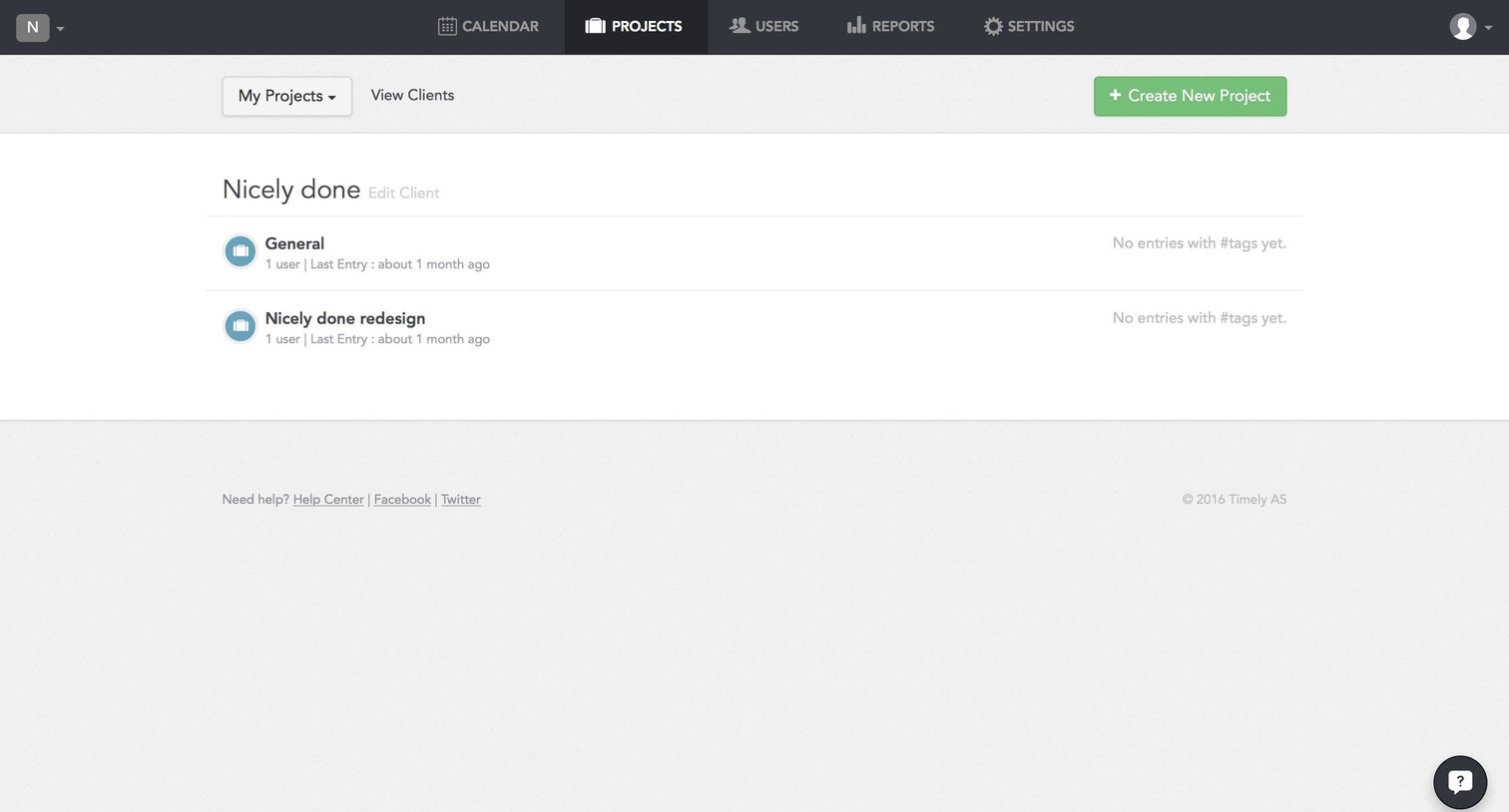
List view showing projects under a specific client with a prominent action to create a new project.
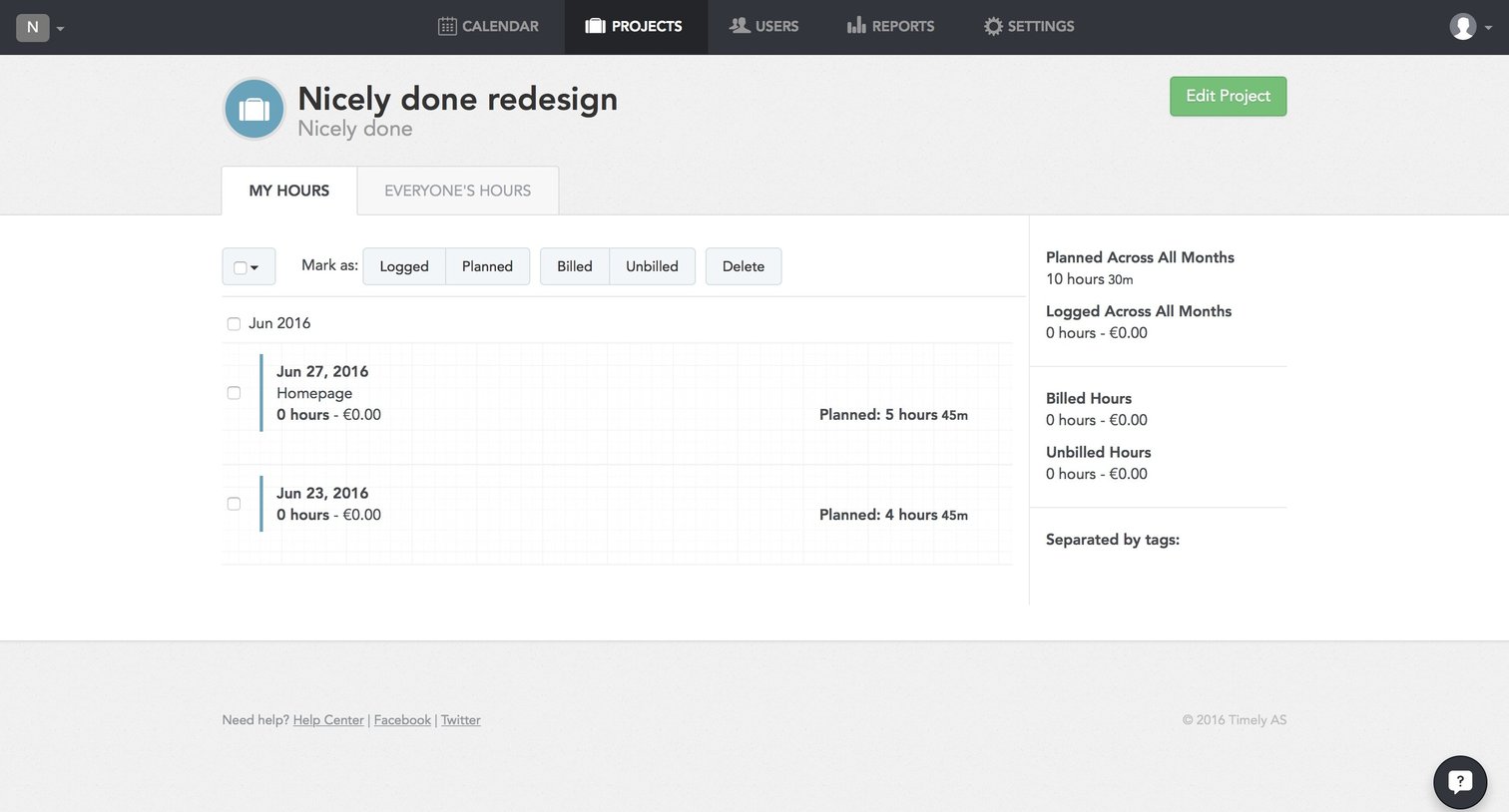
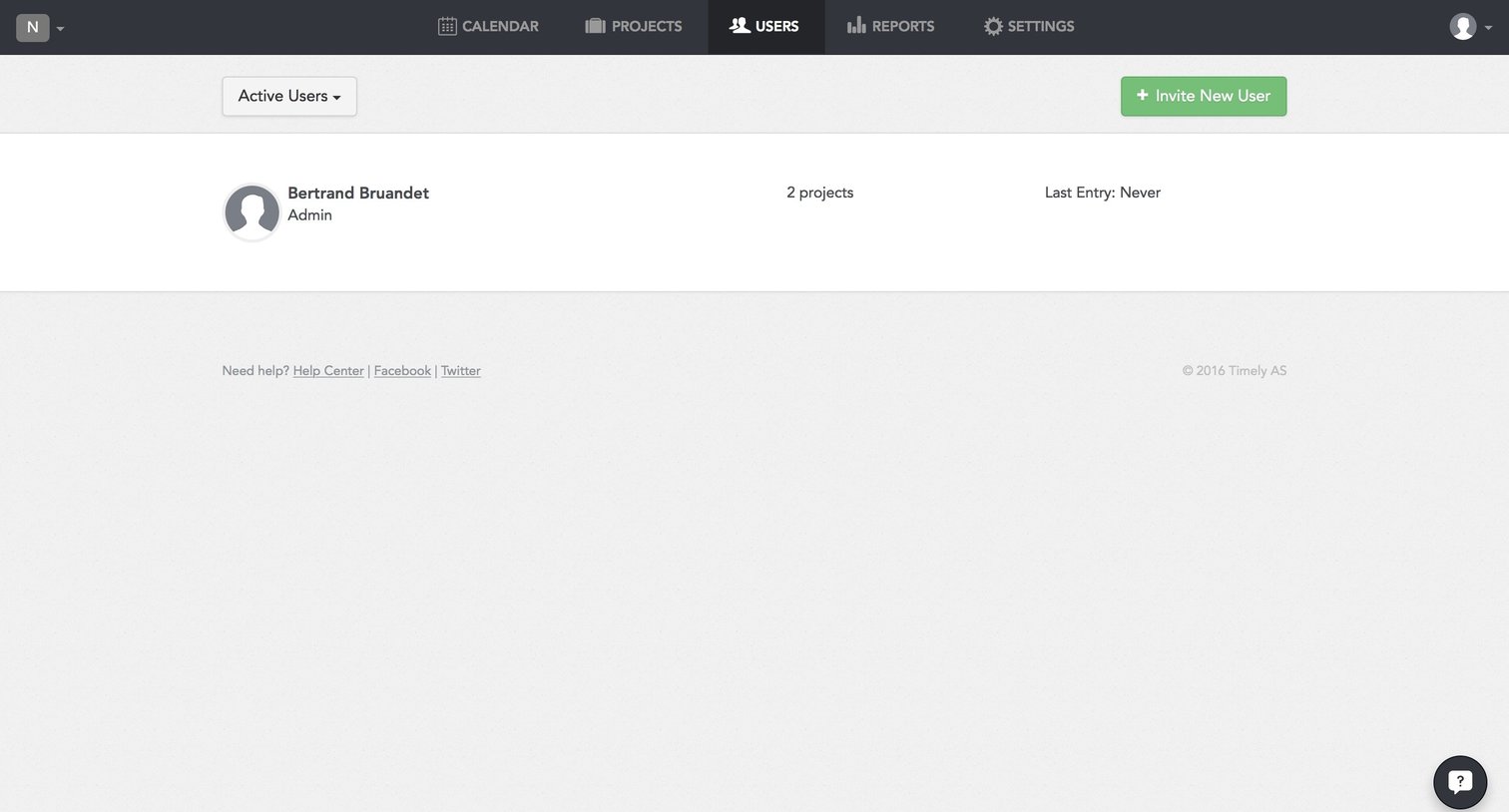
List view where an admin manages team members, showing their roles, project counts, and last entry times, with an option to invite new users.
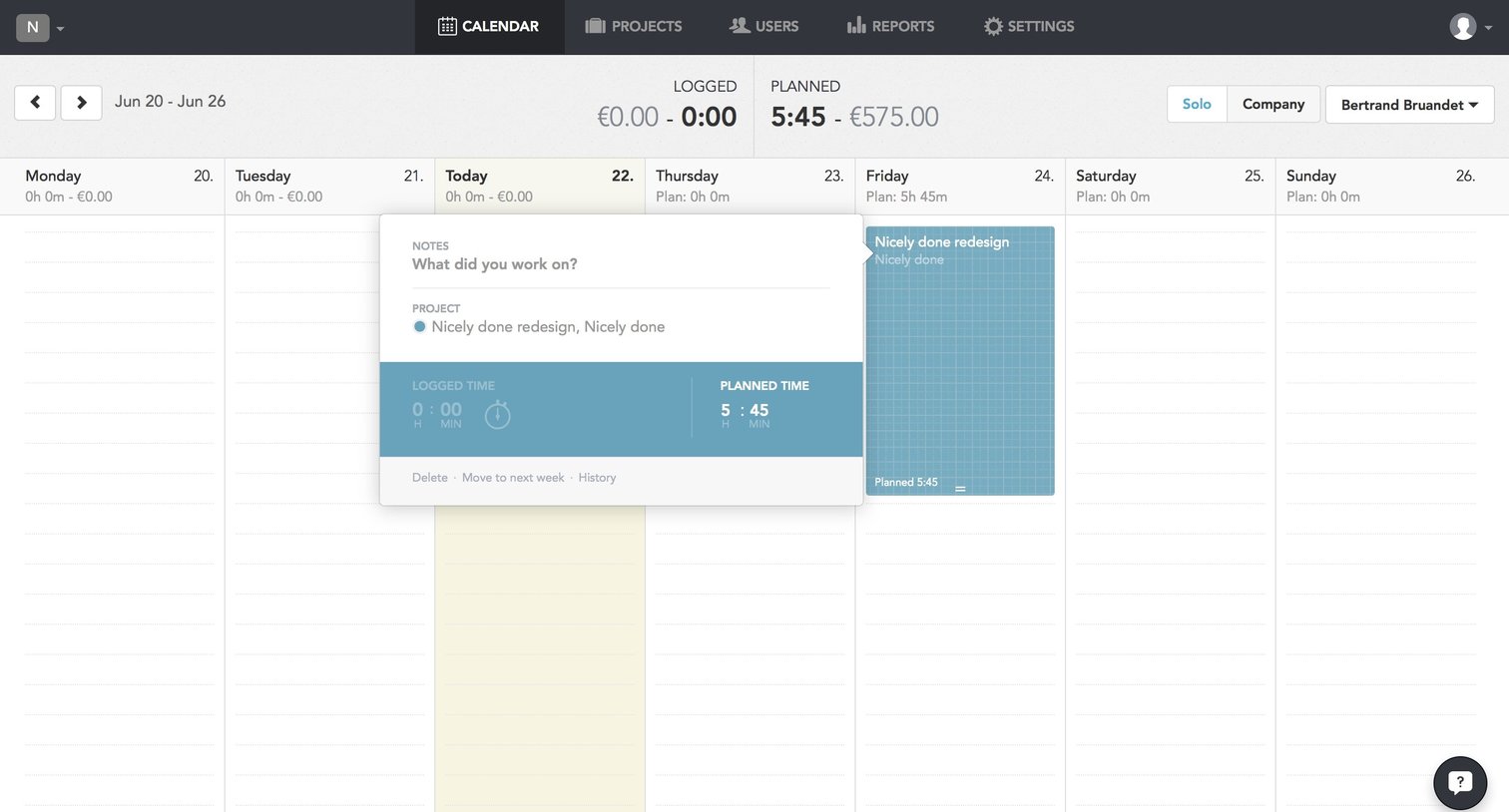
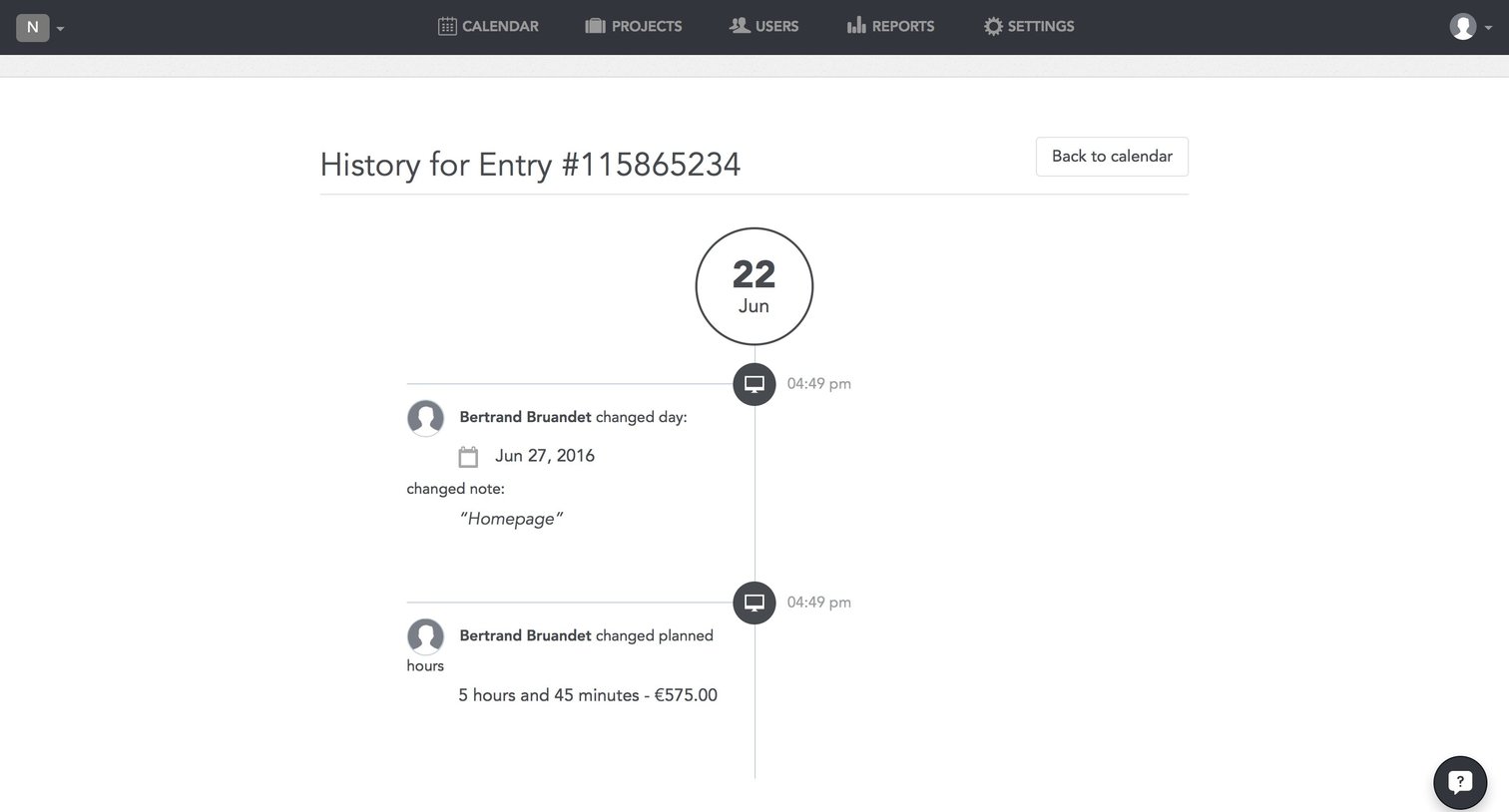
Detail page showing the edit history timeline for a specific calendar entry, including changes to dates, notes, and planned hours.
Browse the full SaaS app library
Explore real SaaS apps with their product screens, marketing screens, flows, and components.
Trusted by the best teams







