
Timely product screens examples
Browse Timely screen design examples. Preview the interface screenshots and explore related UI patterns. Scheduling and time tracking, simultaneously
Explore the examples
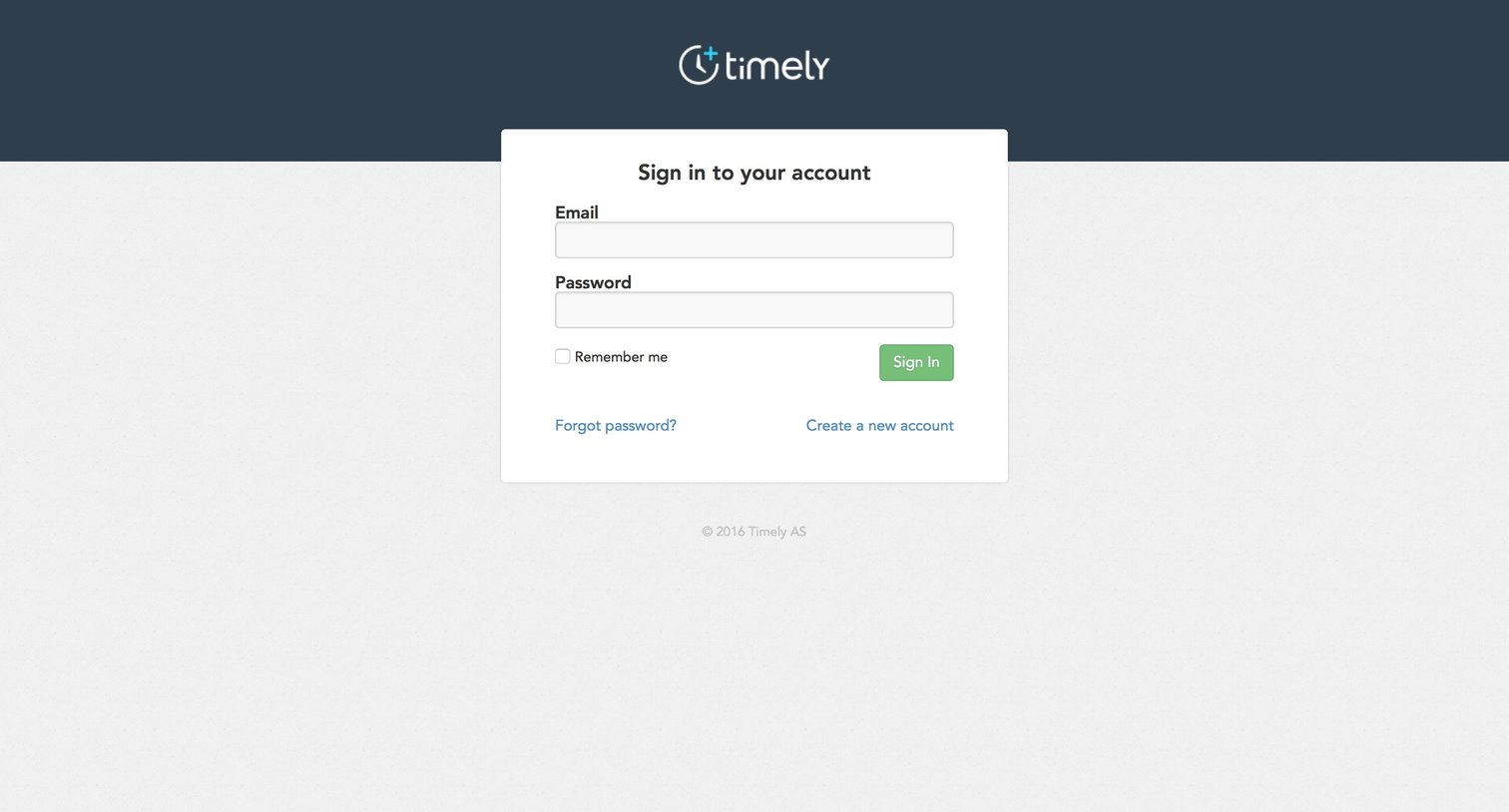
Sign-in screen where the user authenticates with their email and password, with options to recover their password or create a new account.
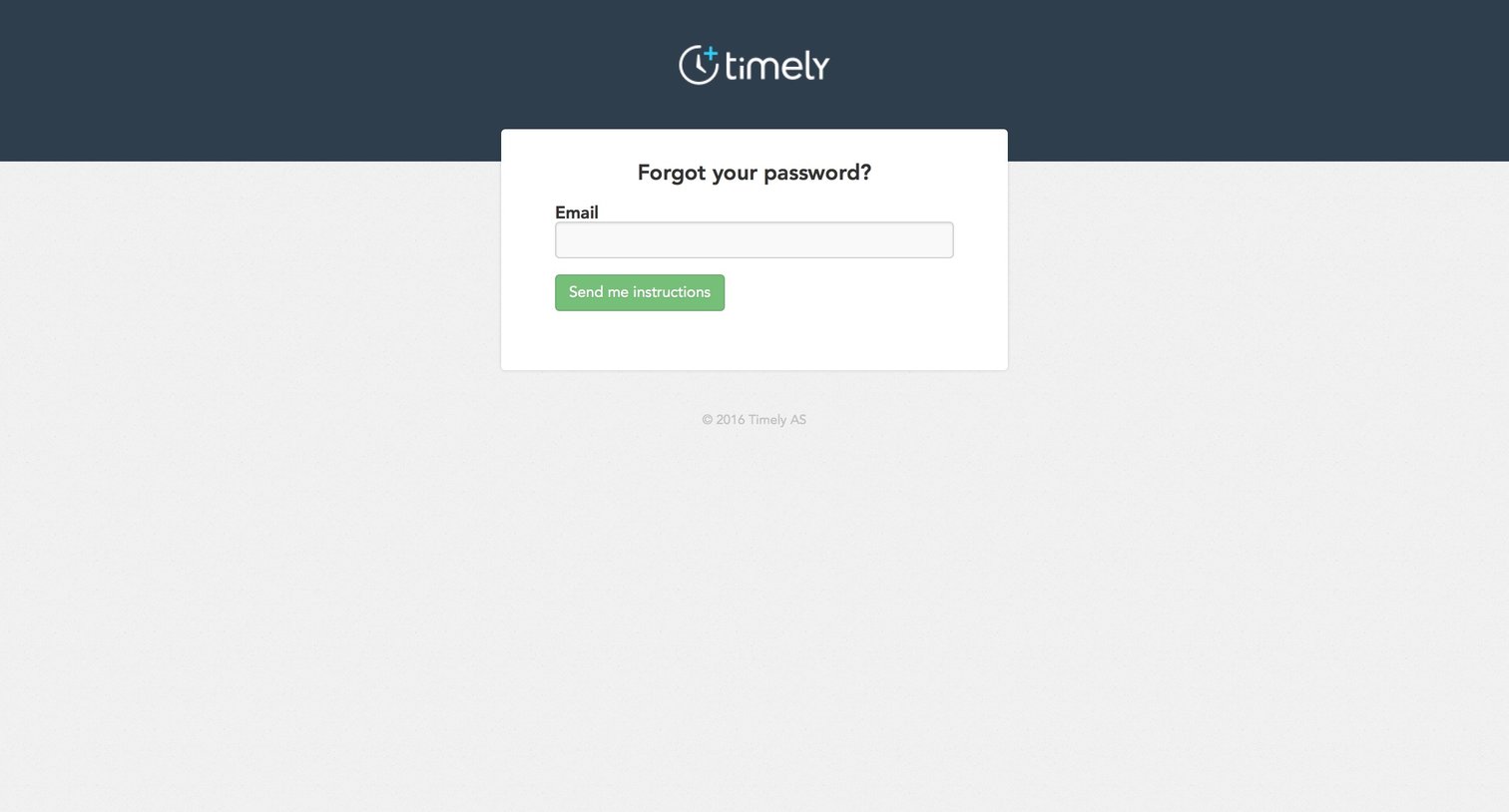
Password recovery screen where the user enters their email address to receive reset instructions.
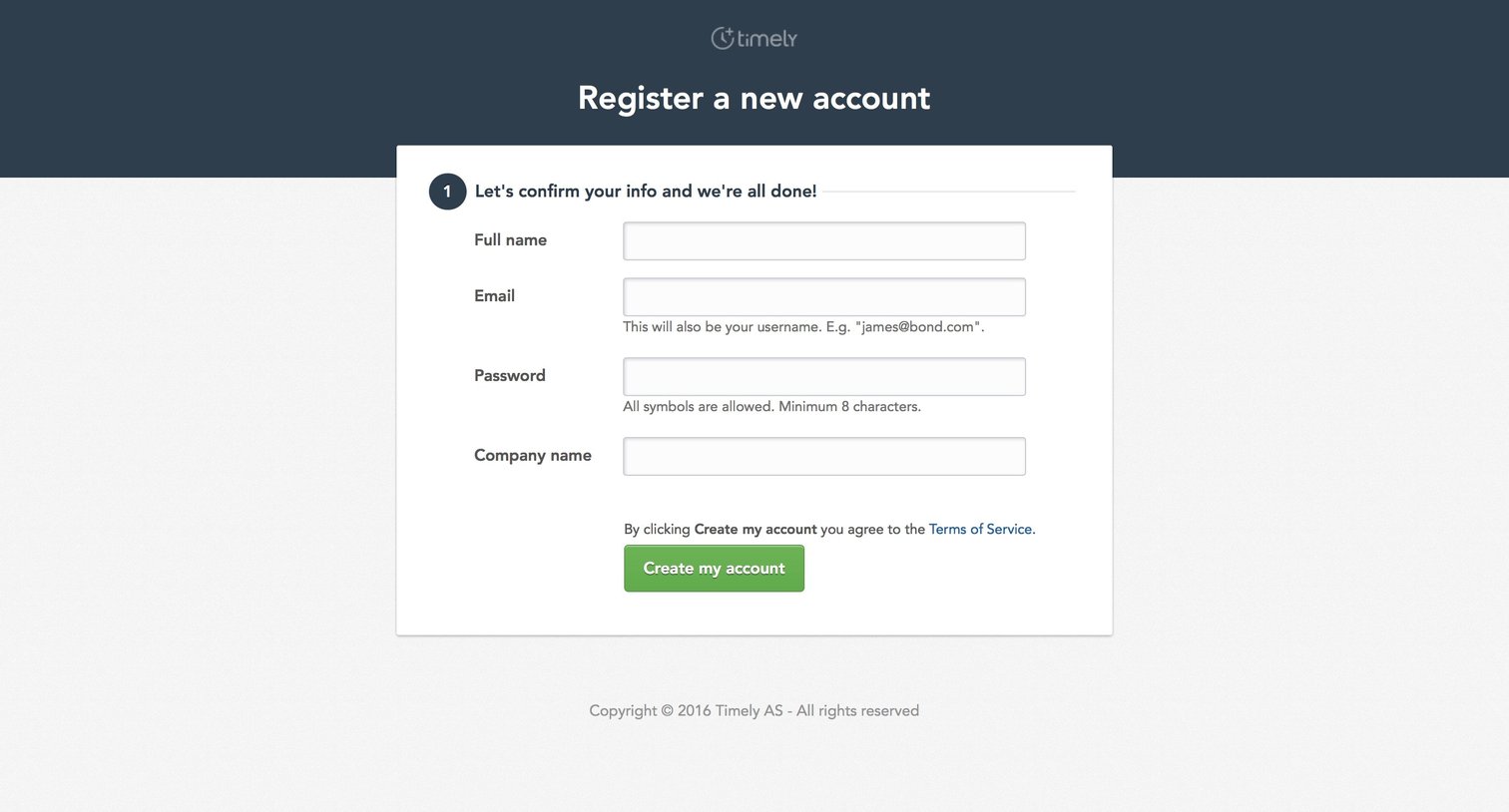
Account creation Onboarding Form Account management
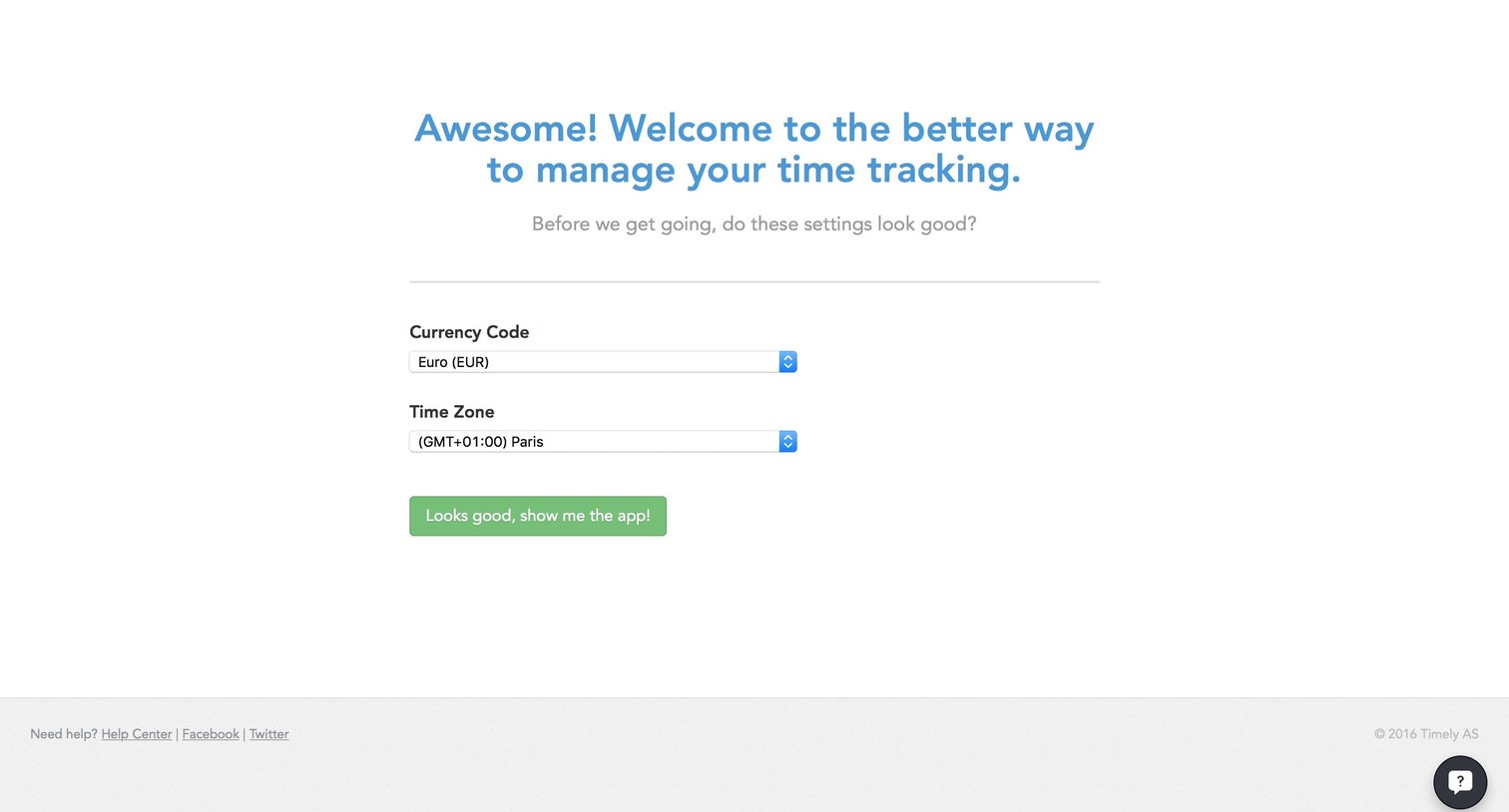
Onboarding step where the user confirms their currency code and time zone before entering the app.
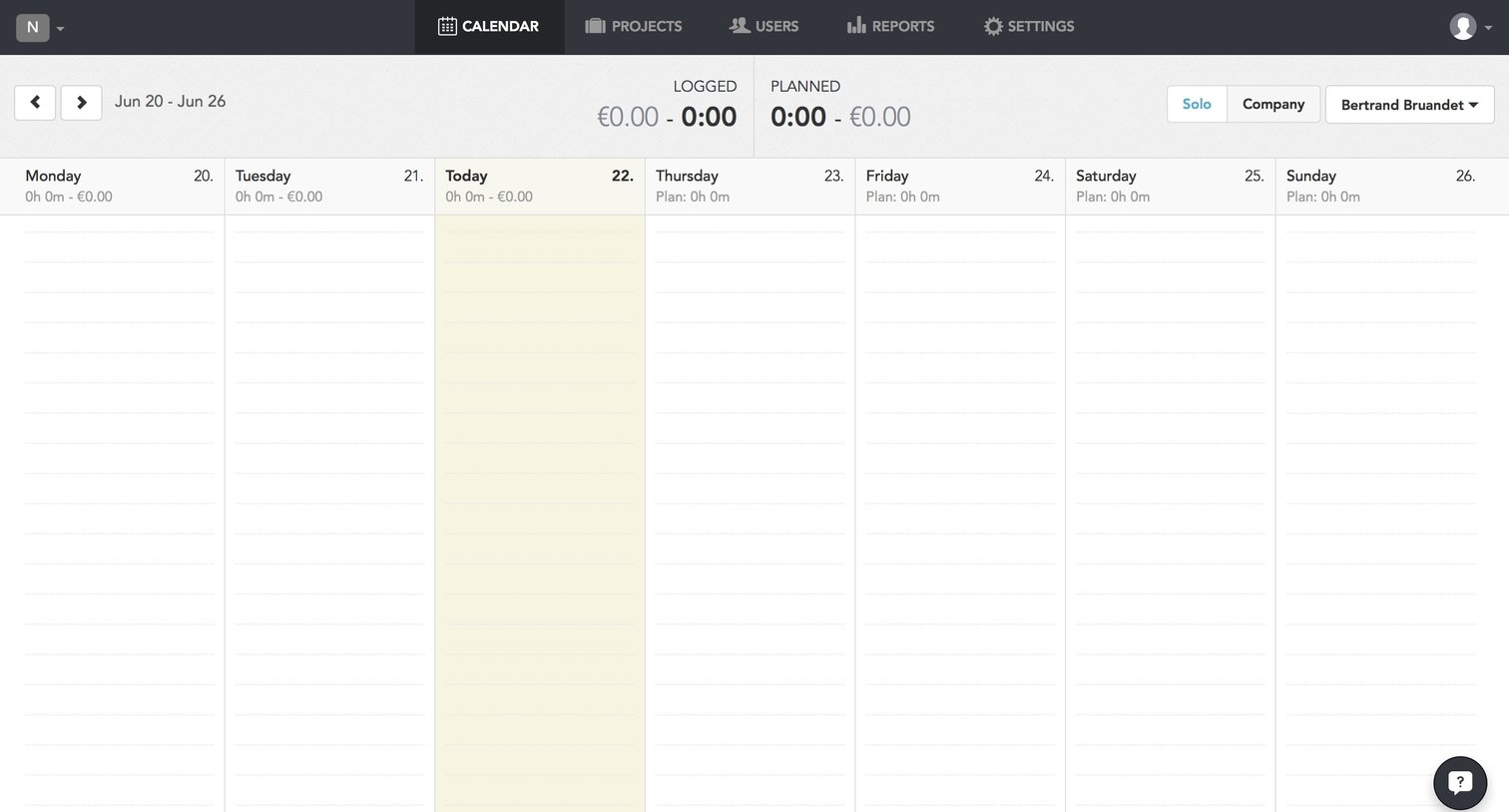
Project management
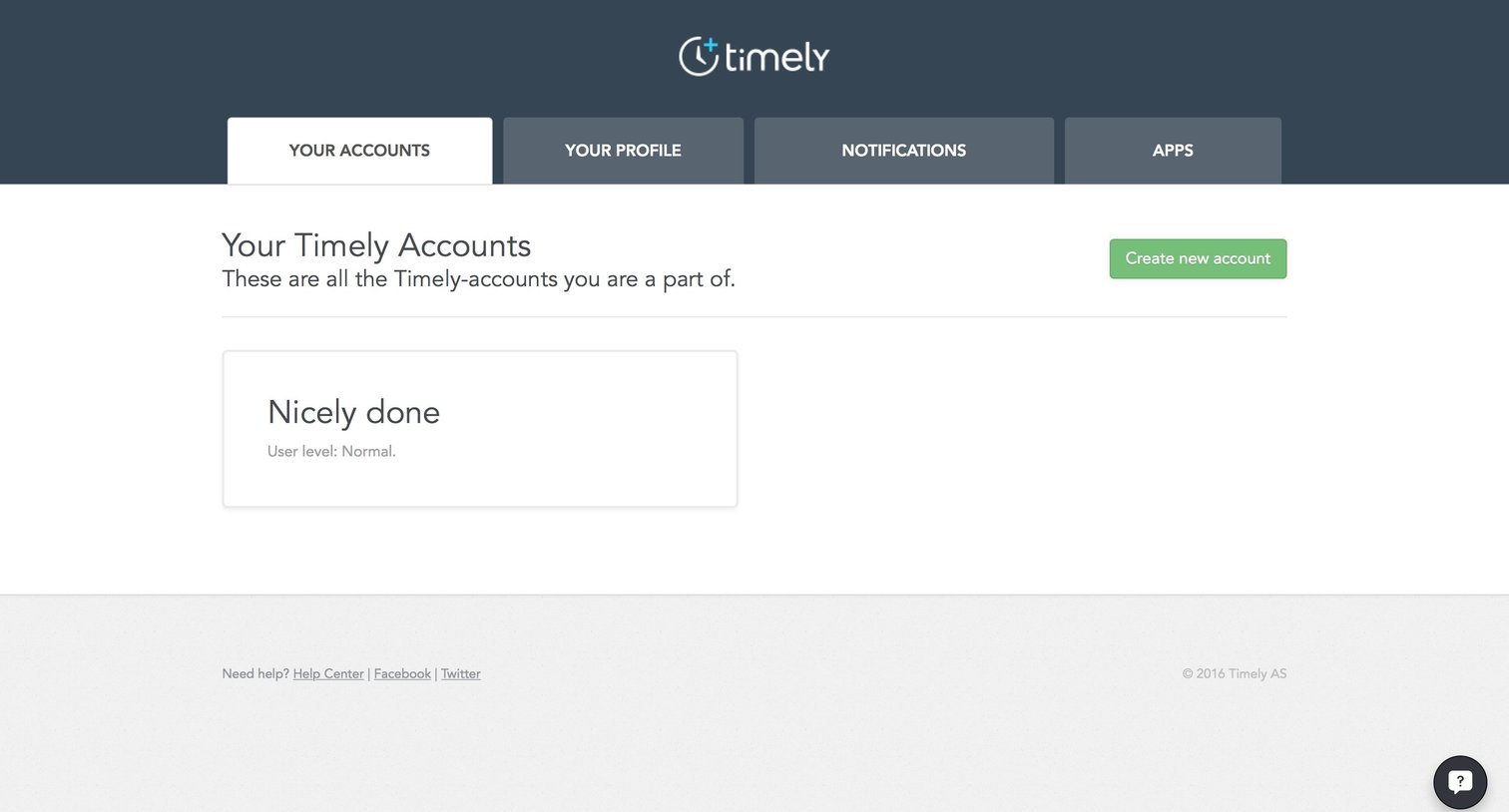
Settings page where the user views the Timely accounts they belong to and can create a new one.
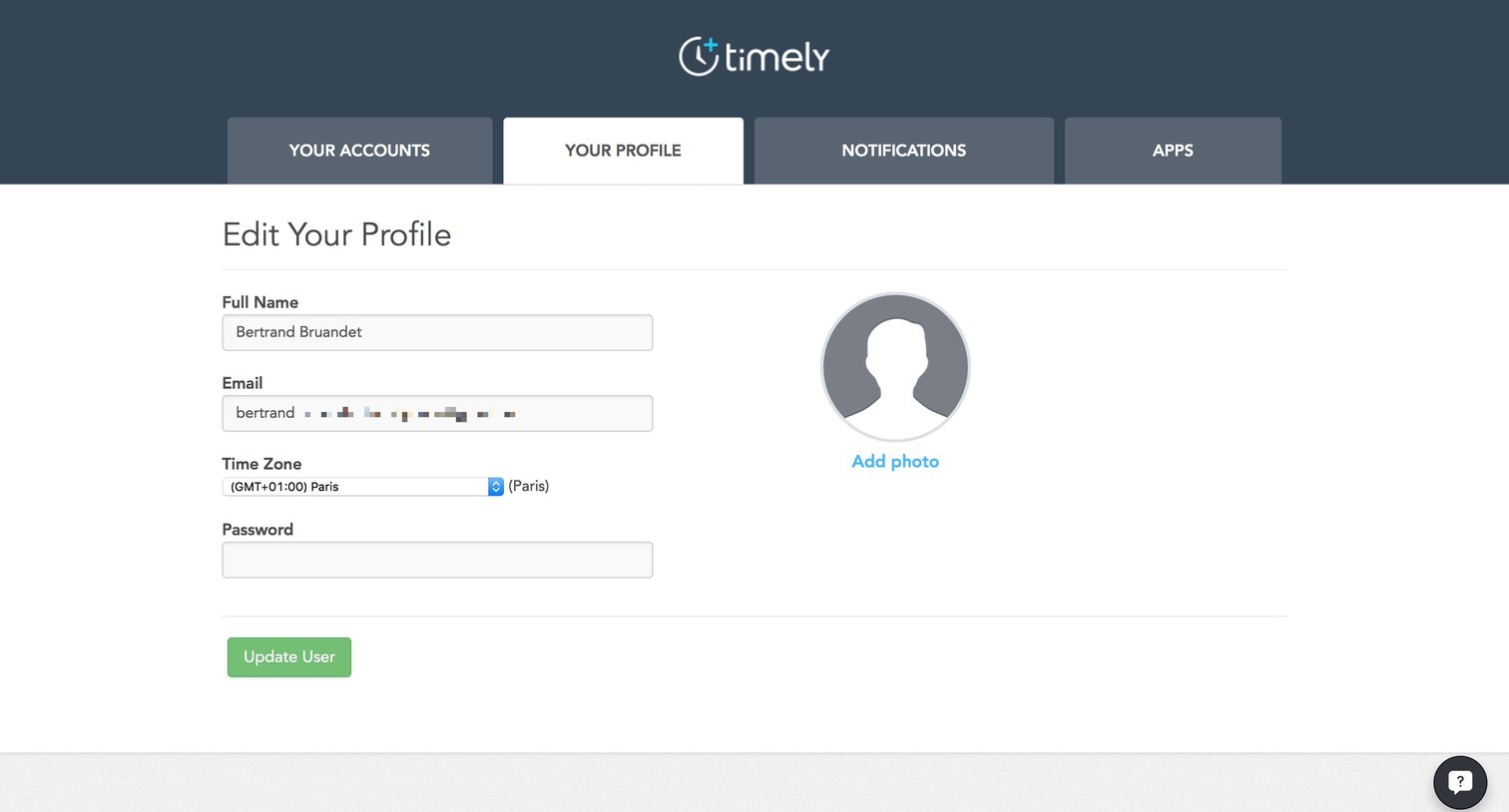
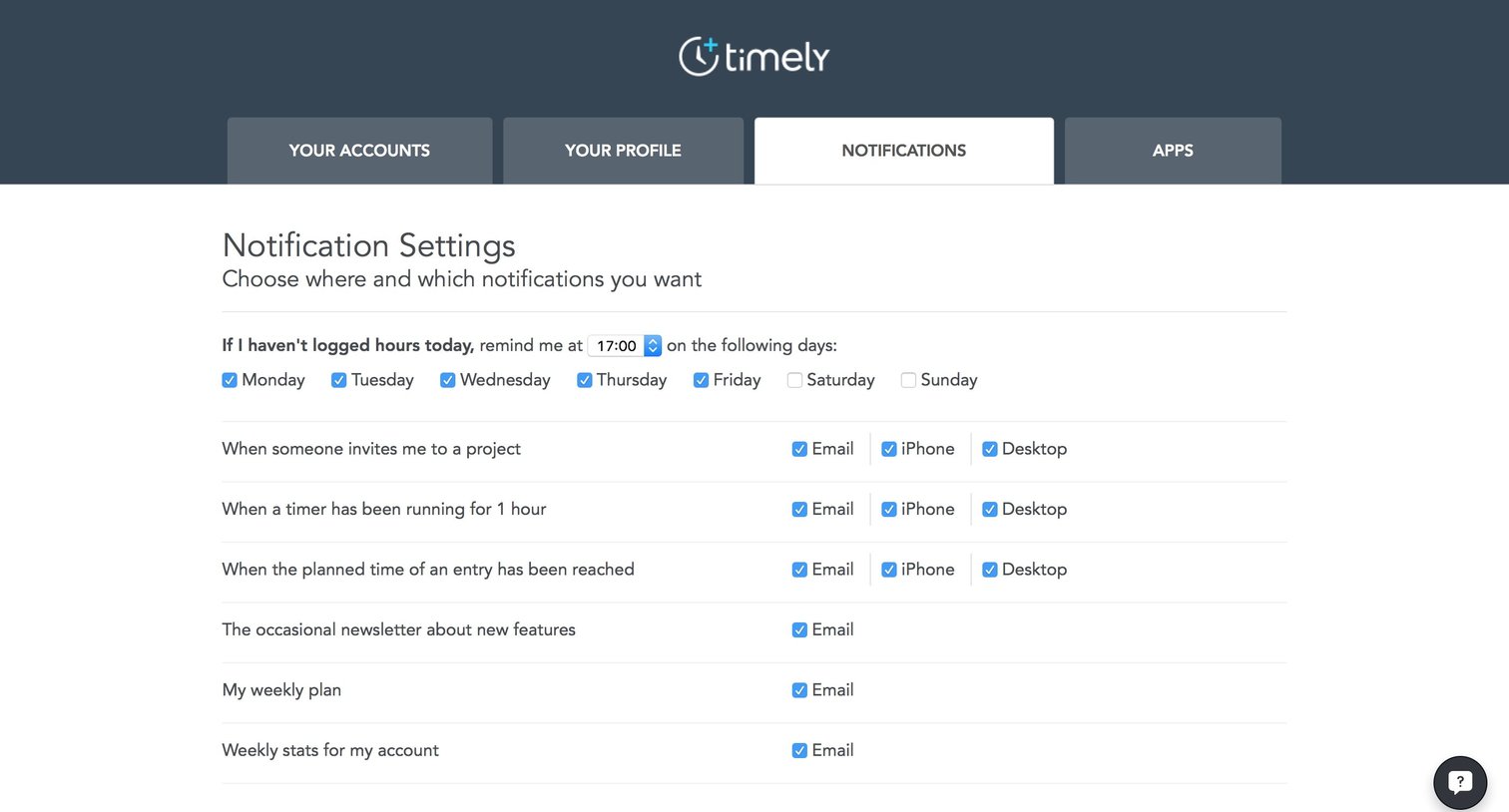
Settings page where the user configures notification preferences for reminders, project invites, timers, and newsletters across email, iPhone, and desktop.
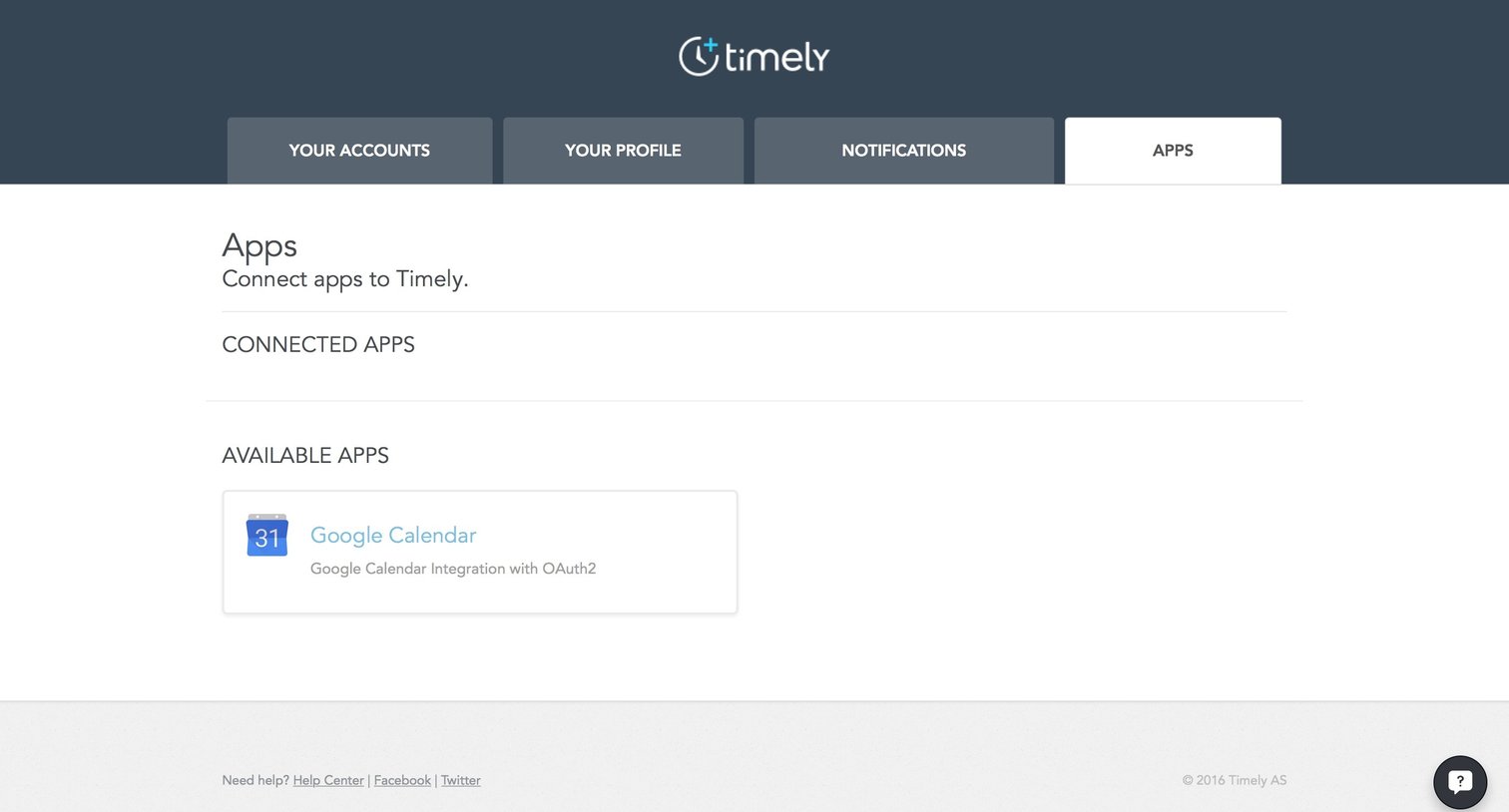
Settings page where the user manages connected apps and can browse available integrations like Google Calendar.
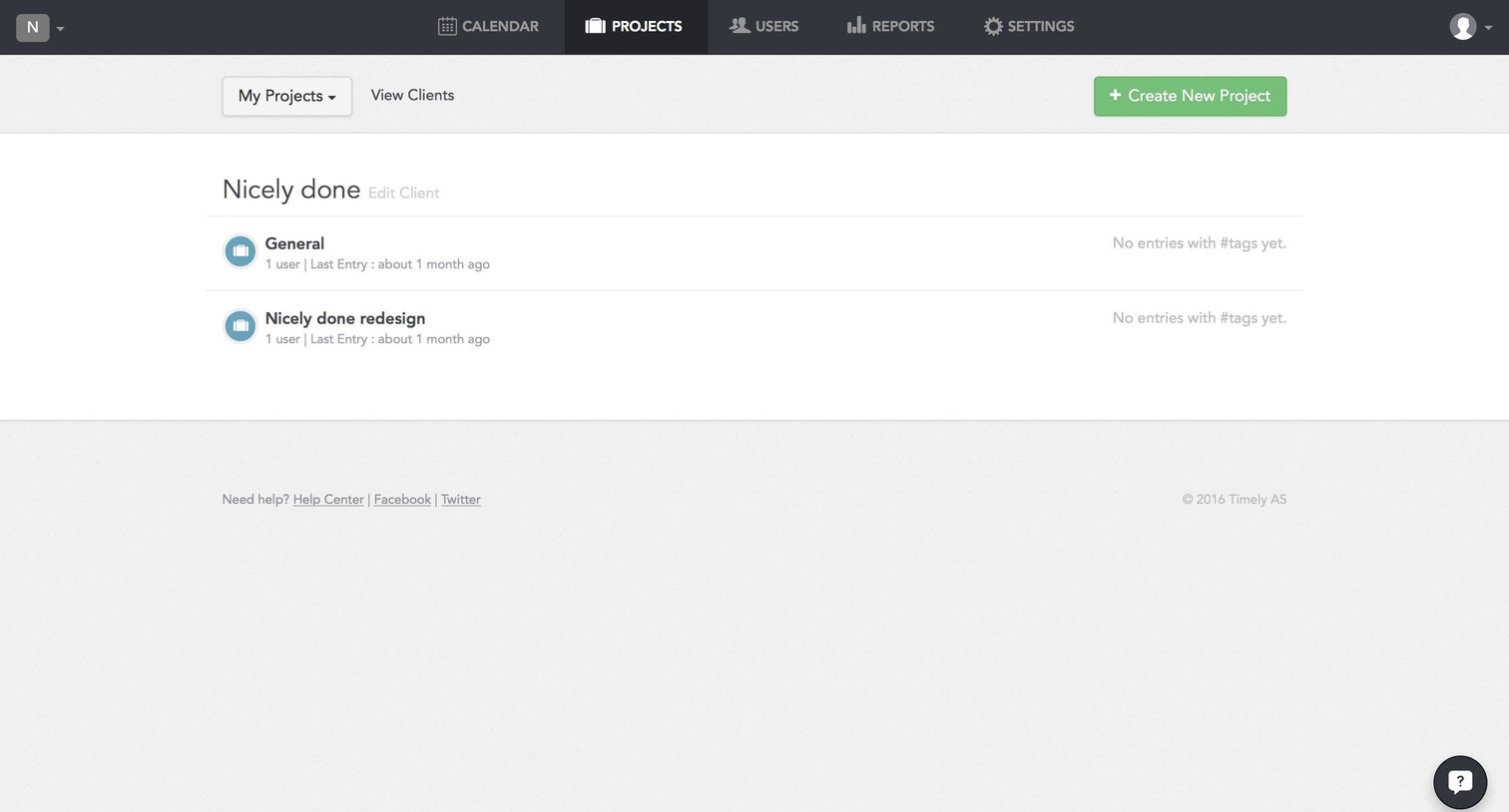
List view showing projects under a specific client with a prominent action to create a new project.
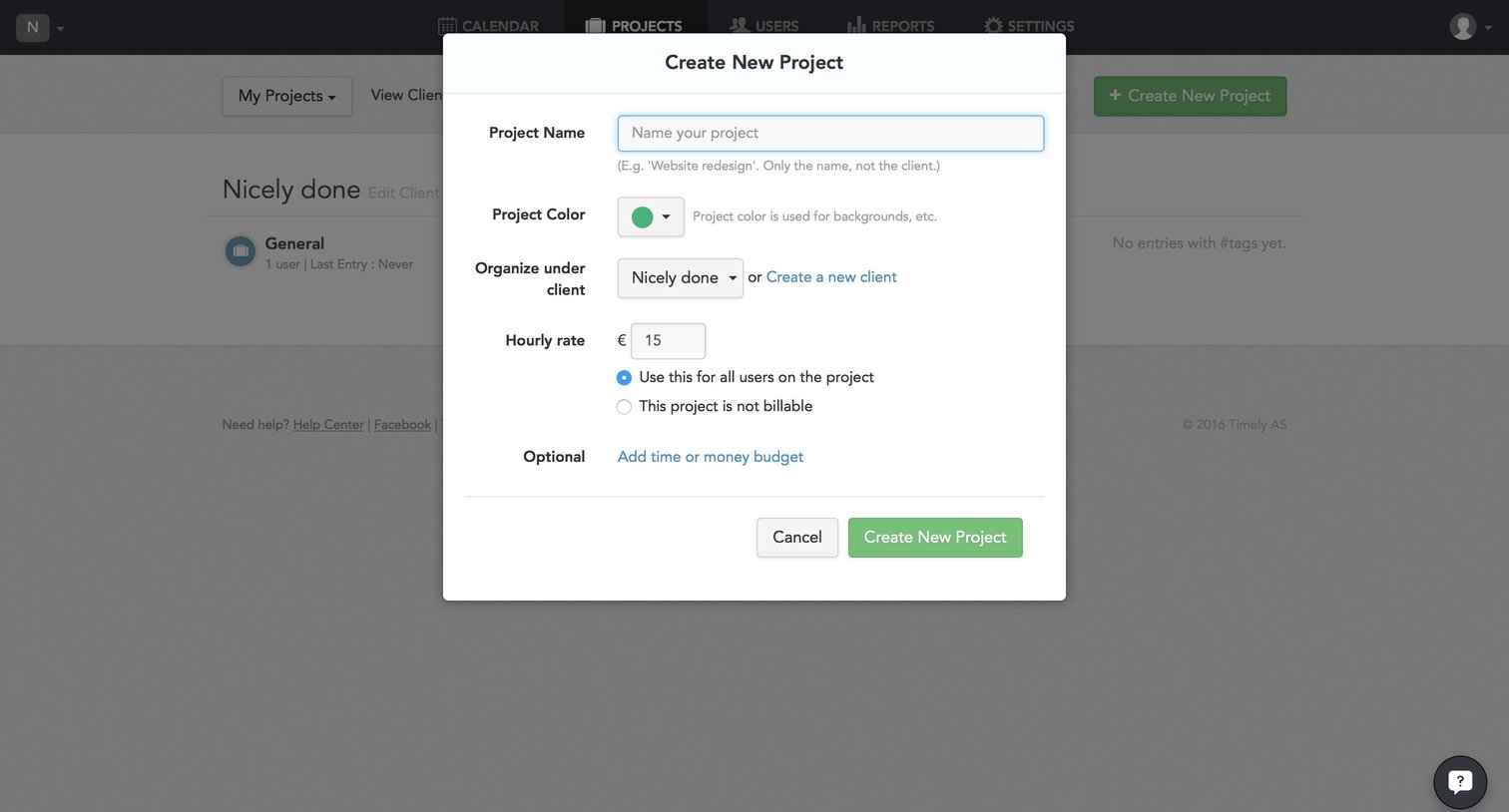
Modal where the user creates a new project by defining its name, color, client organization, and hourly rate.
Explore the full SaaS screen library
Upgrade to unlock the full library.
Trusted by the best teams







