
Marvel design examples
Explore Marvel UI design examples. Design and Prototyping for everyone
Product screens

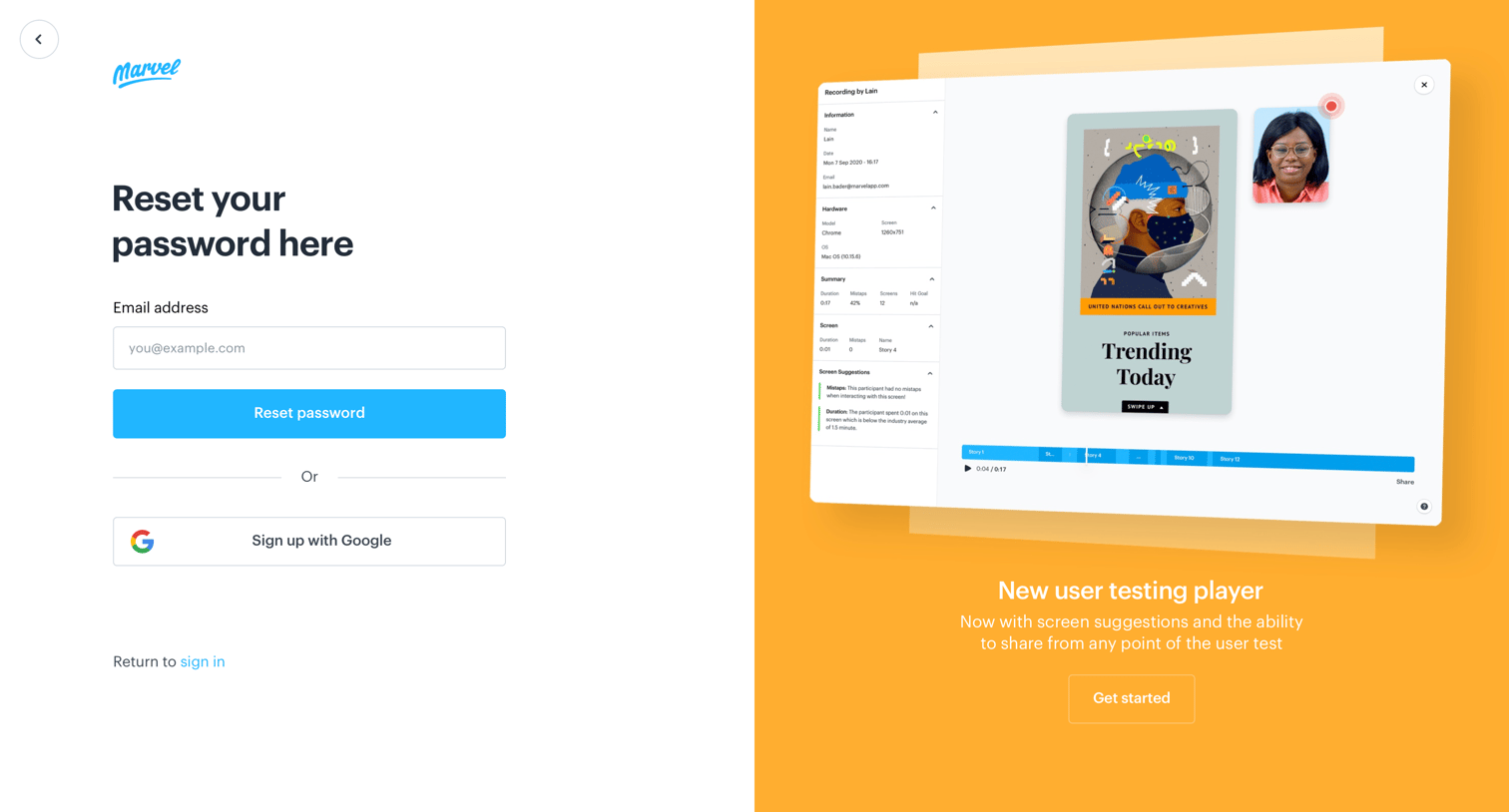
Password recovery screen where the user enters their email address to receive a reset link, accompanied by a promotional panel for a new user testing feature.

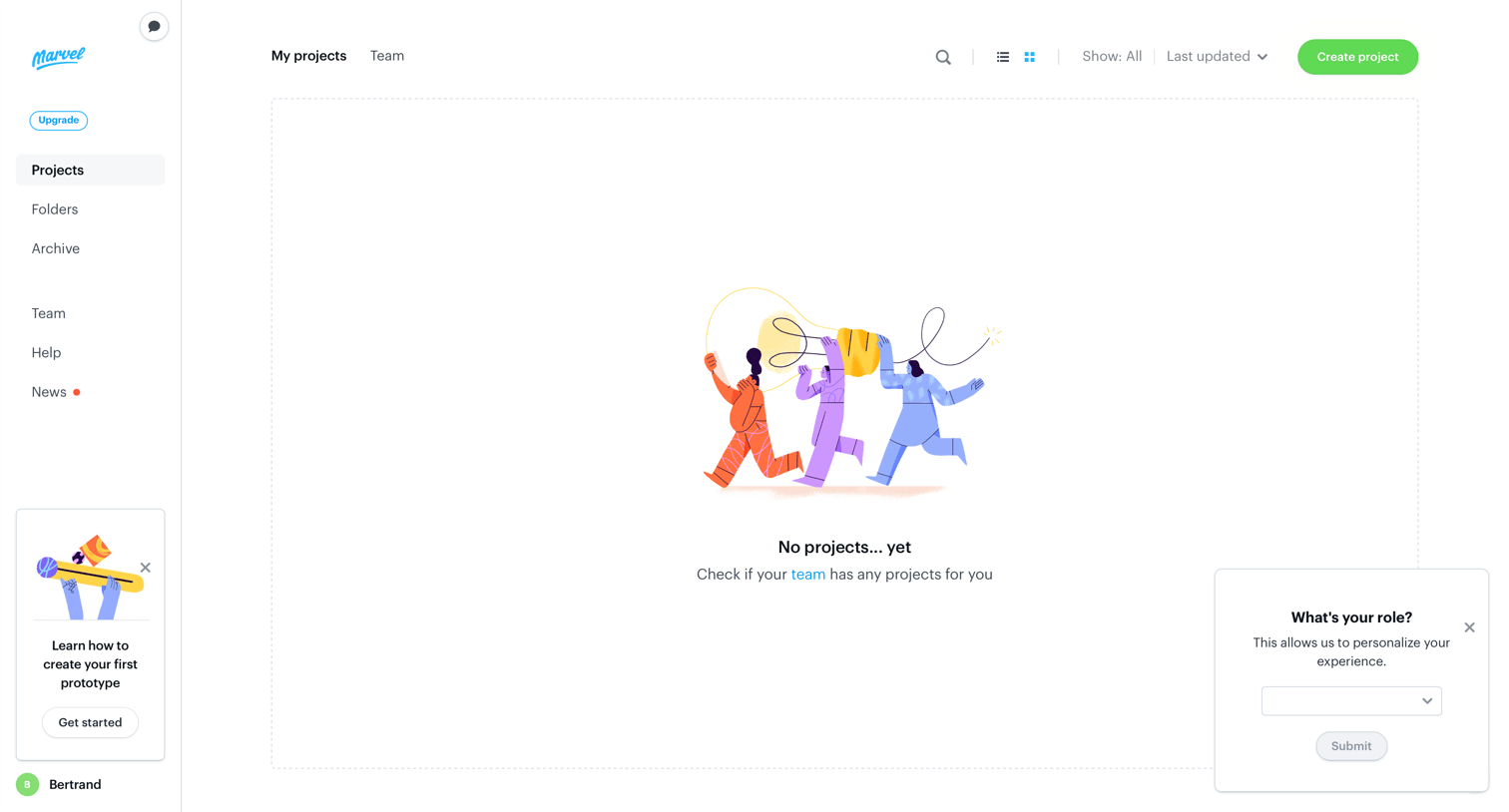
Projects view displaying an empty state with a prompt to check the team for existing work, alongside an onboarding request for the user's role to personalize their experience.
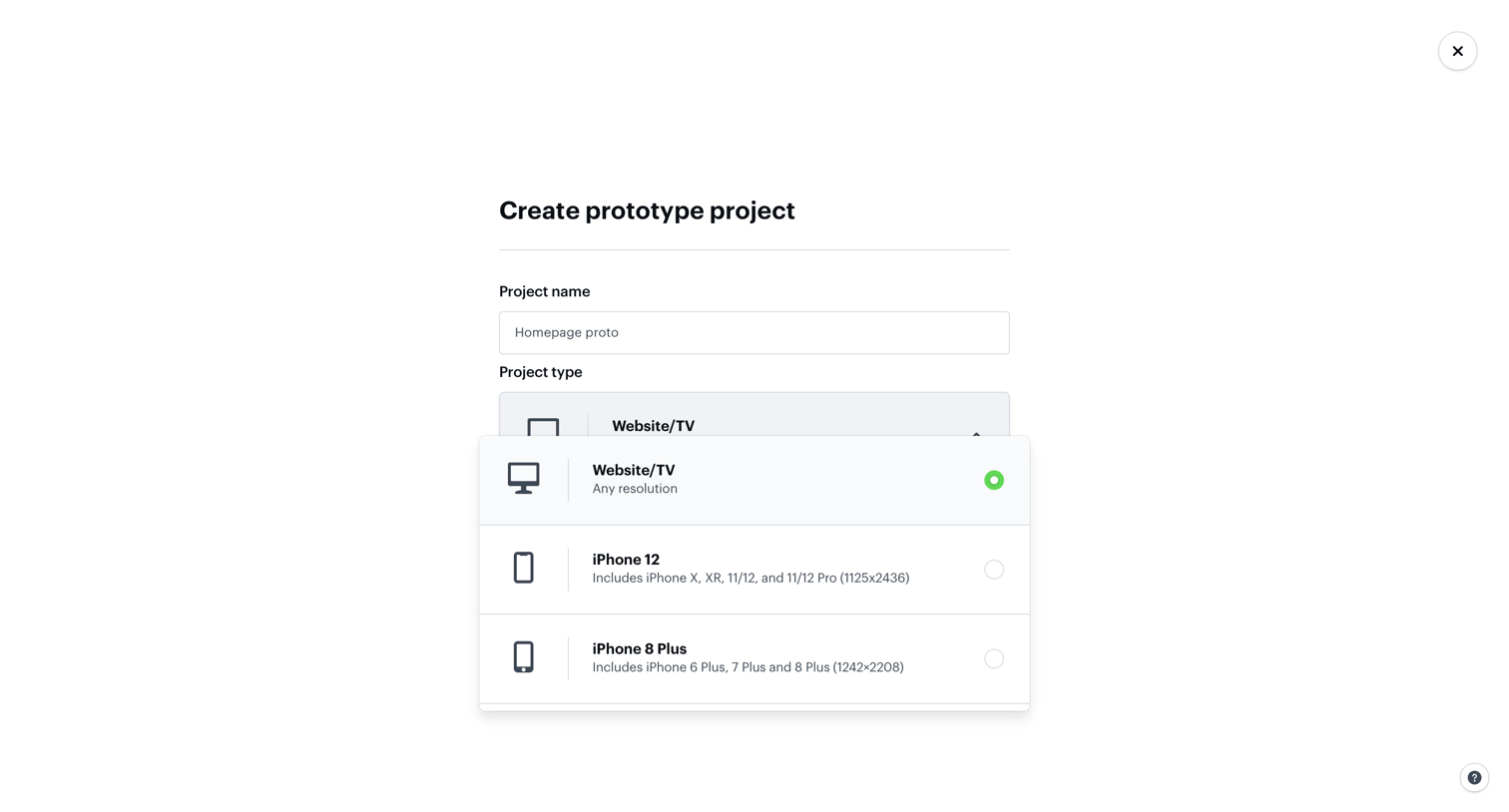
Creation screen where the user names their new prototype project and selects a device resolution type from an open dropdown.

Paywall modal where the user is prompted to upgrade their plan to access invite-only projects, featuring four pricing tiers and a detailed comparison table.
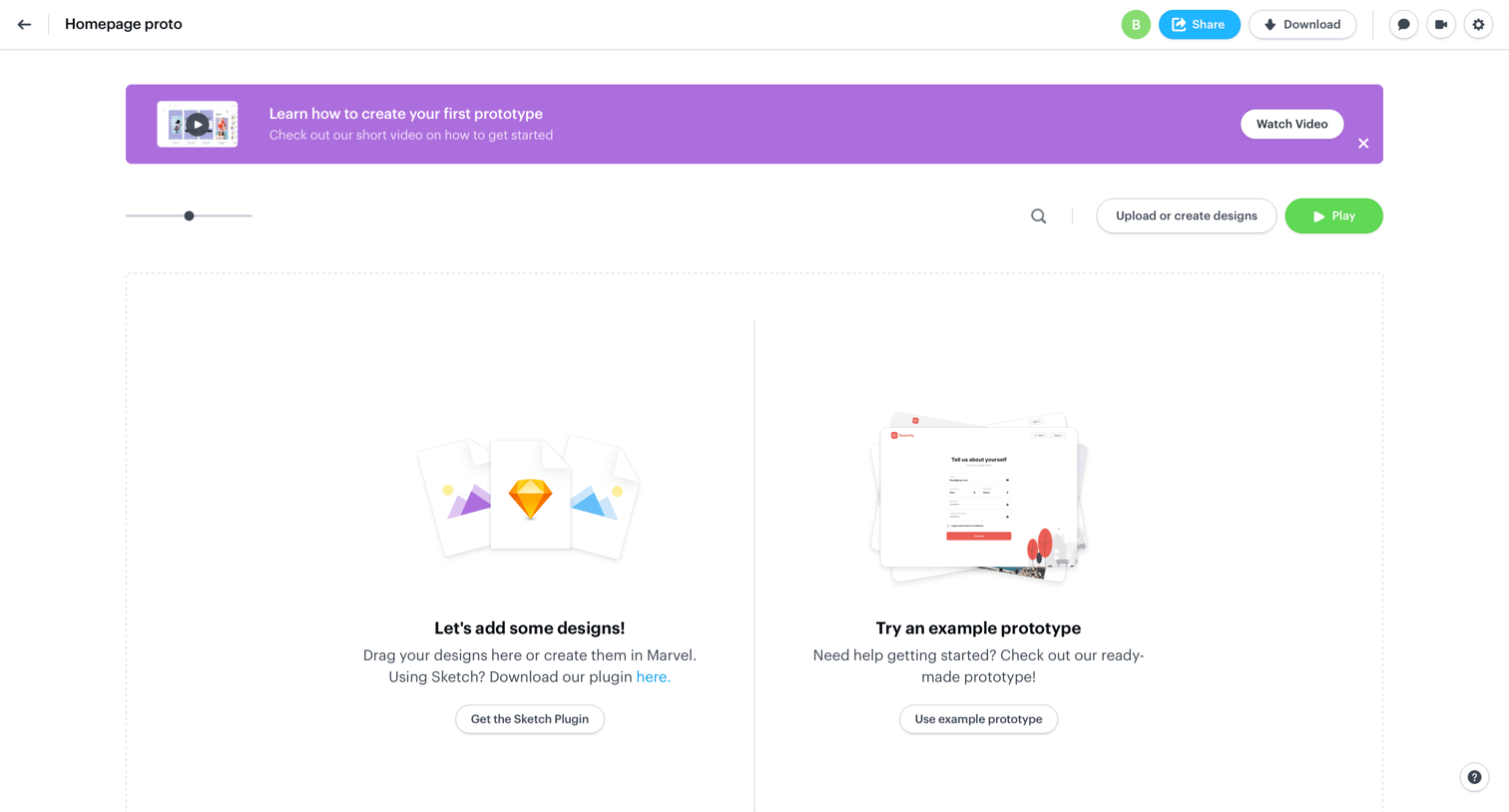
Empty project view prompting the user to upload designs, get a Sketch plugin, or try an example prototype, with a banner offering a tutorial video.
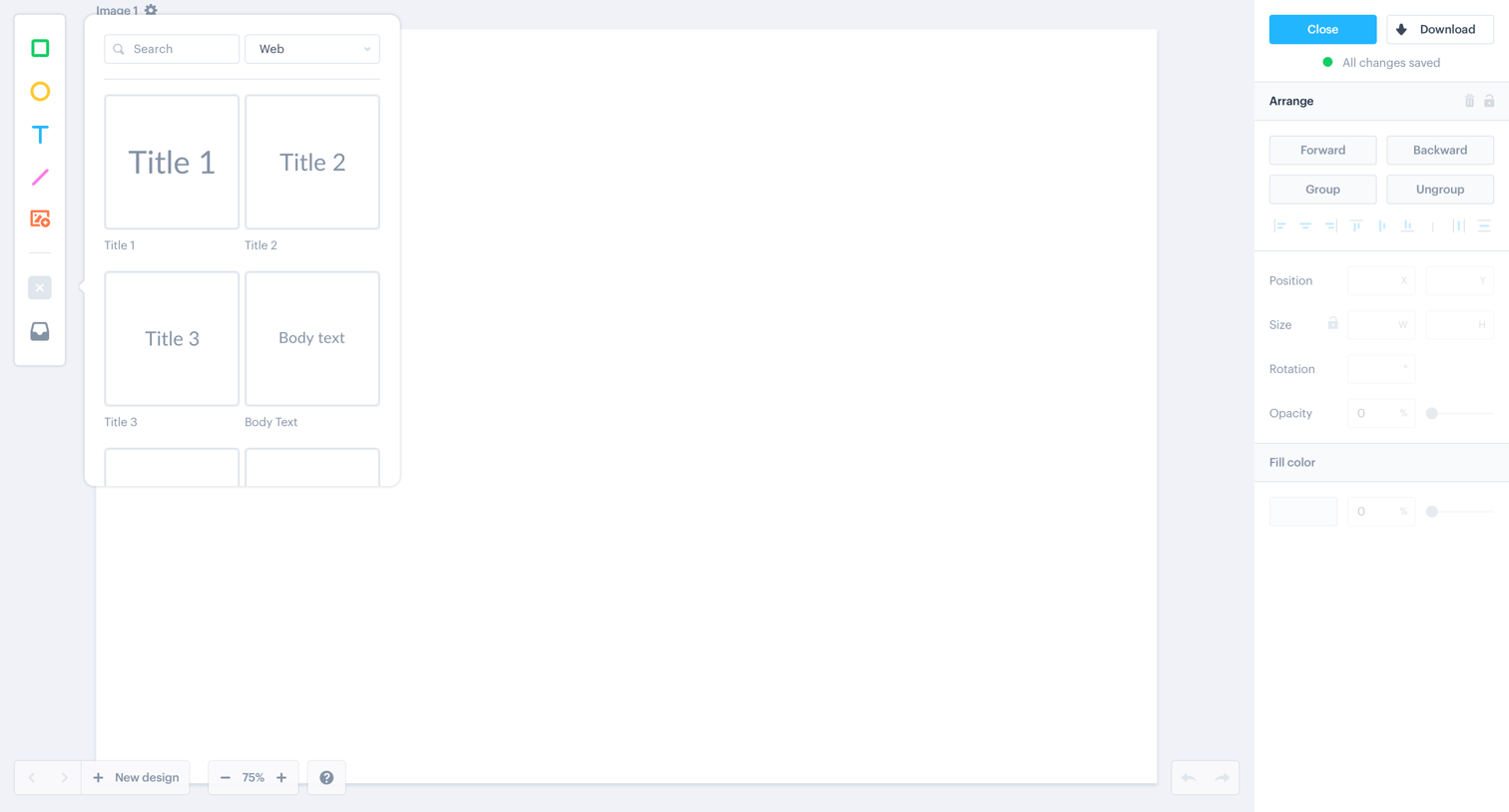
Design editor canvas where the user can drag UI components from a floating library panel and adjust their properties in a right-hand inspector panel.
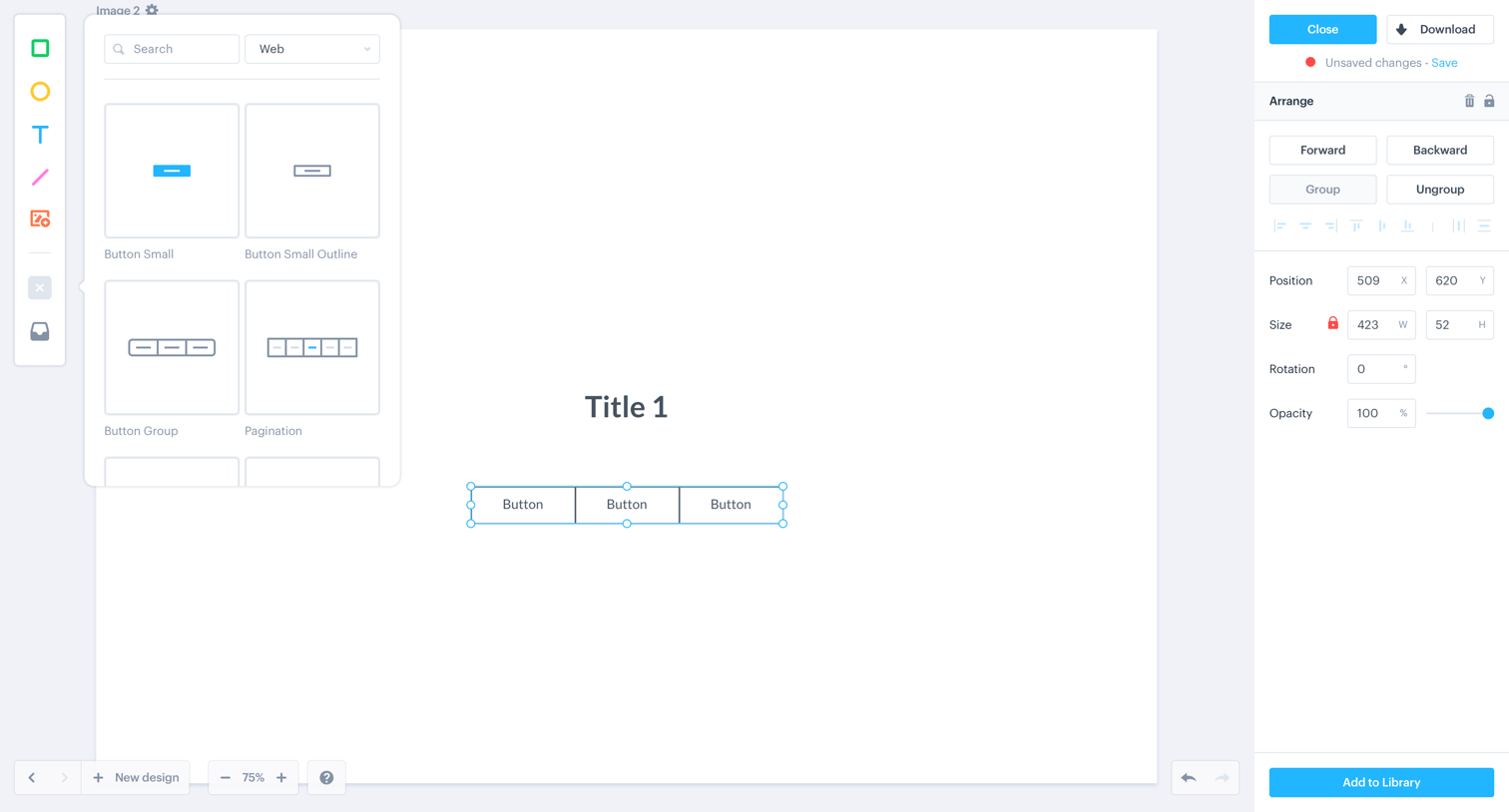
Design editor where the user is manipulating a button group component on the canvas and adjusting its properties in the right inspector panel.
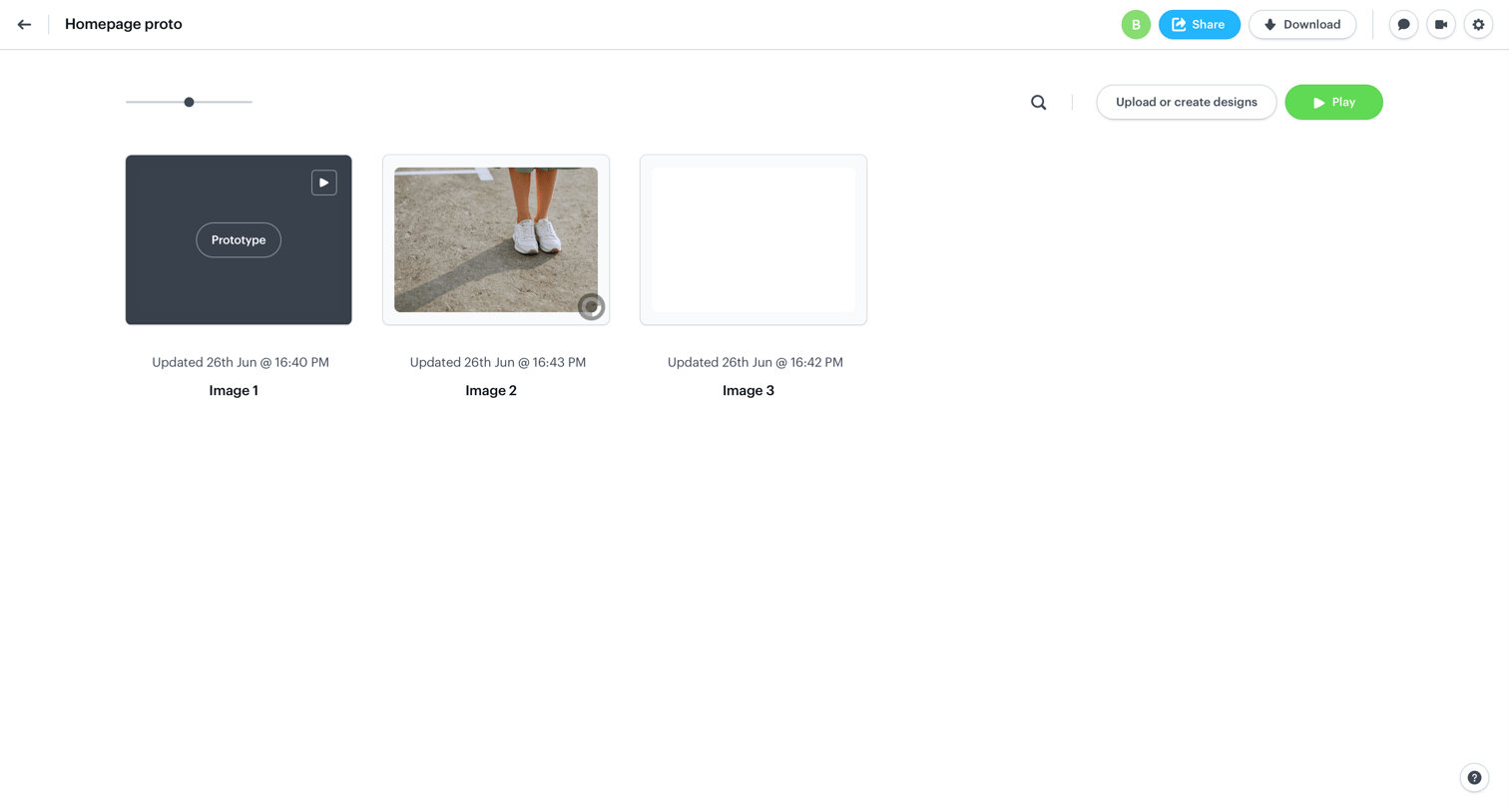
Detail page for a design project where the user can view, upload, share, and play screen prototypes in a grid layout.
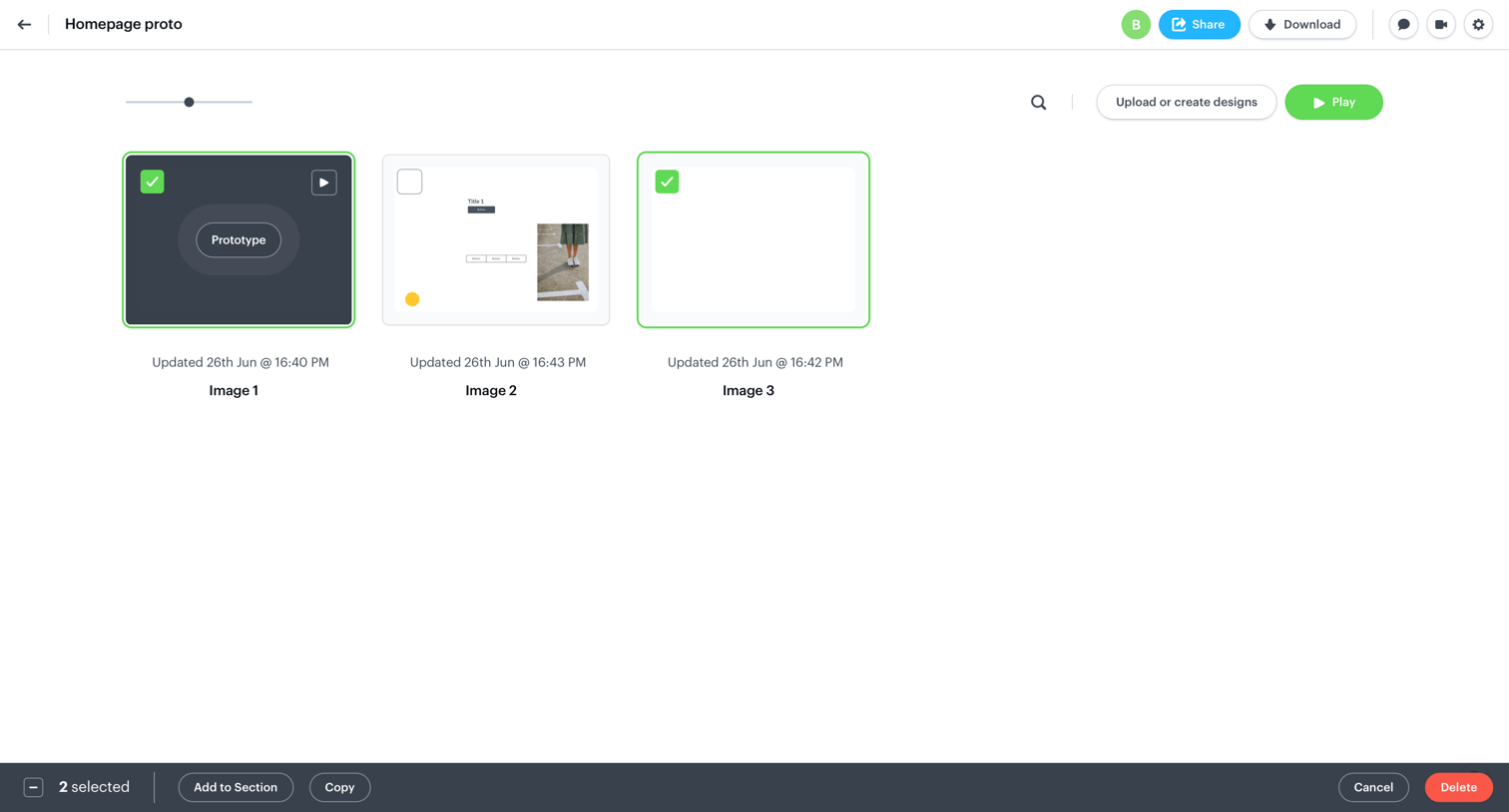
List view of a design project where the user has selected multiple screens to reveal a bulk action toolbar for organizing or deleting.
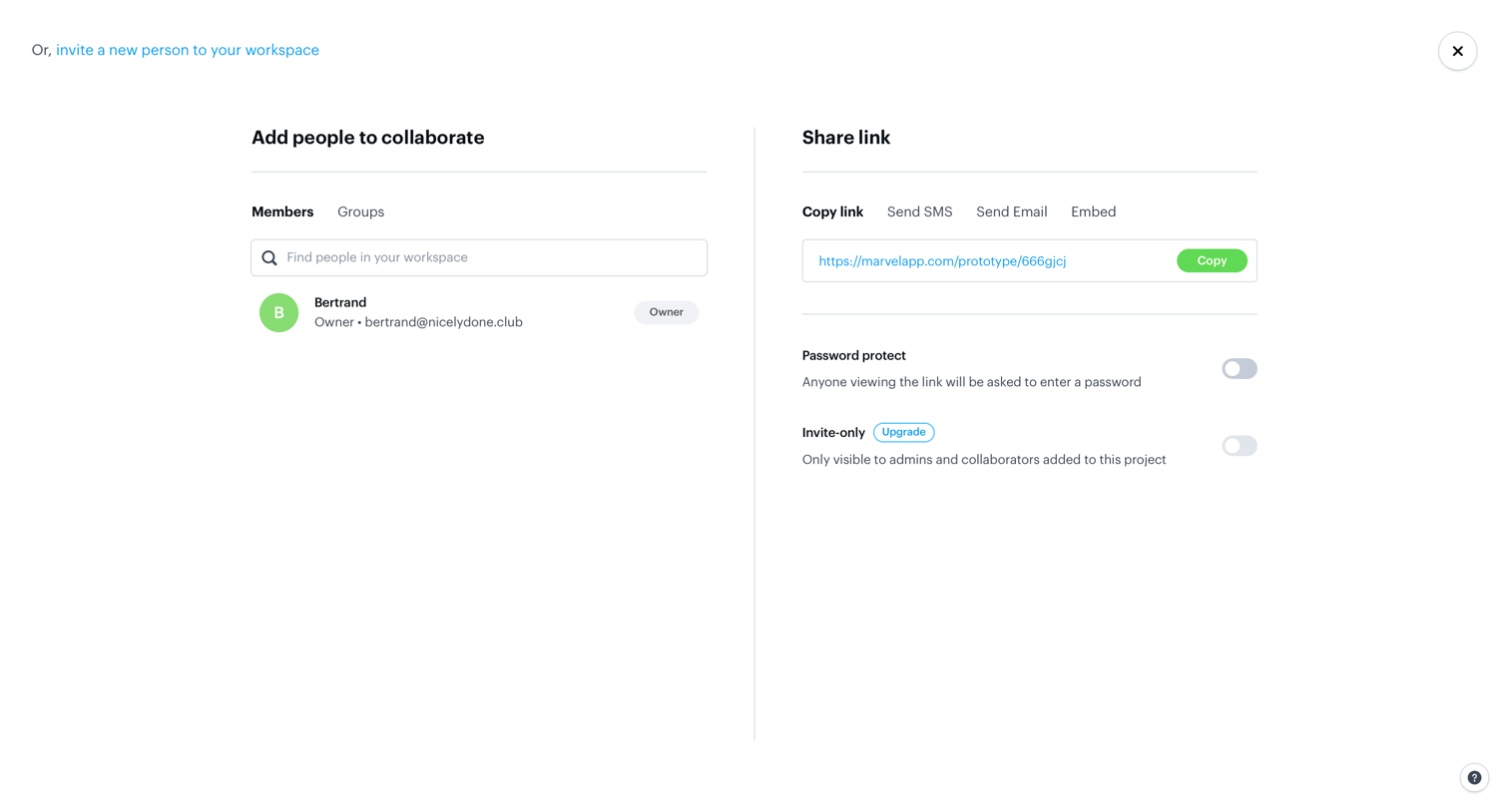
Full-screen overlay where the user can invite workspace members to collaborate or configure link sharing options like password protection and invite-only access.
Browse the full SaaS app library
Explore real SaaS apps with their product screens, marketing screens, flows, and components.
Trusted by the best teams







