
Front design examples
Explore Front UI design examples. Email redesigned for teams
Product screens
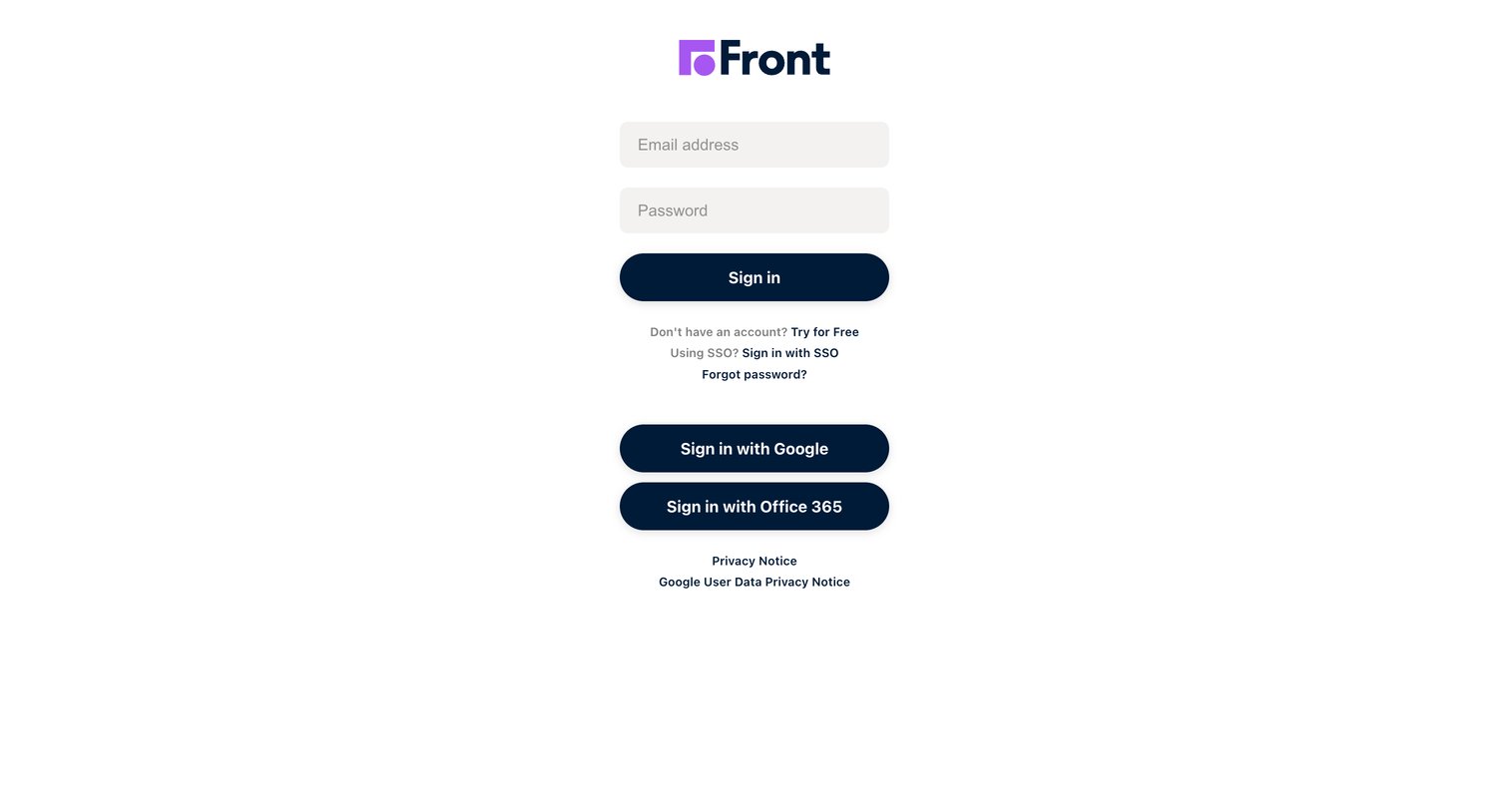
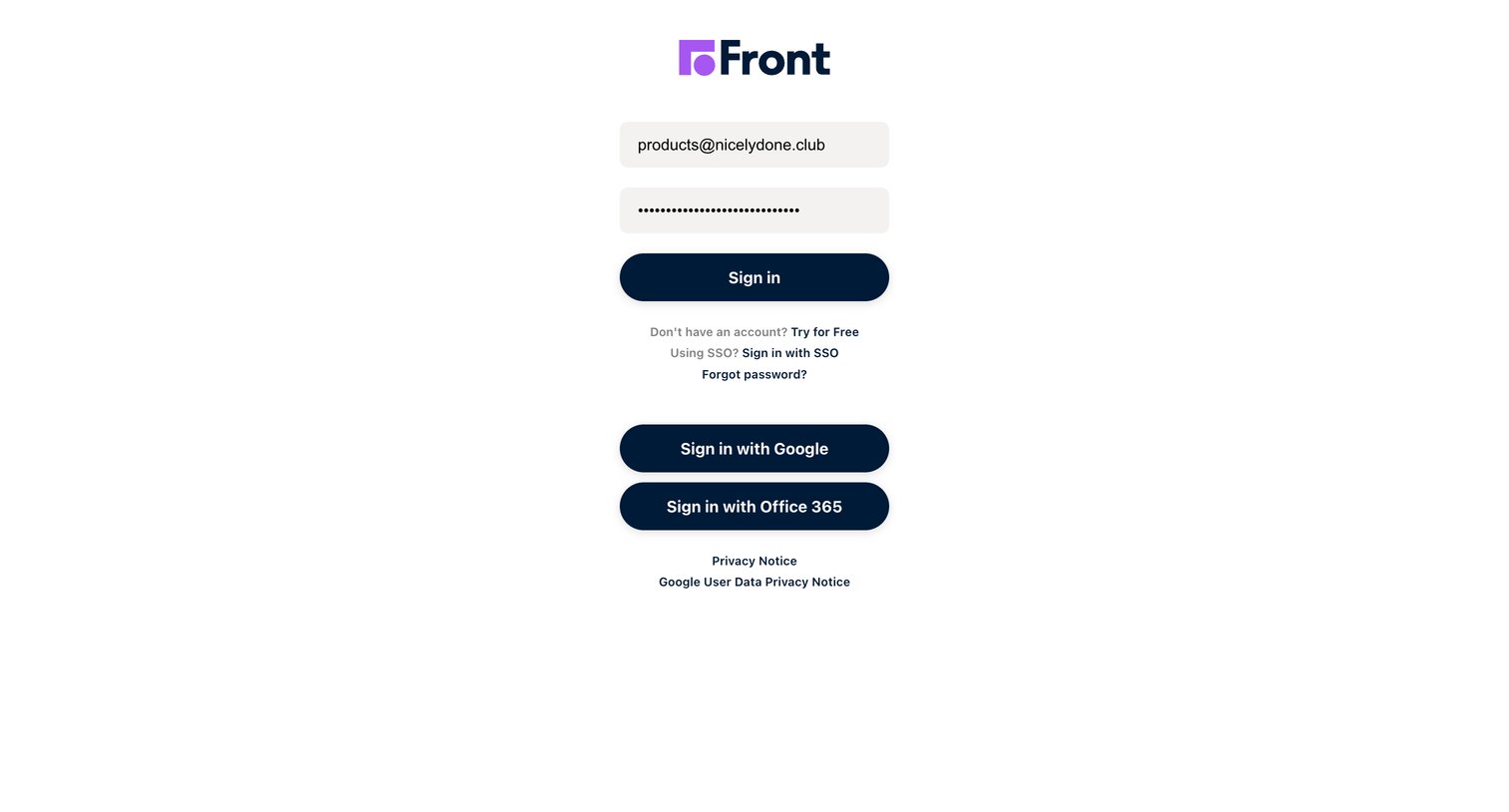
Sign-in screen where the user authenticates with email and password, or via Google and Office 365 SSO.
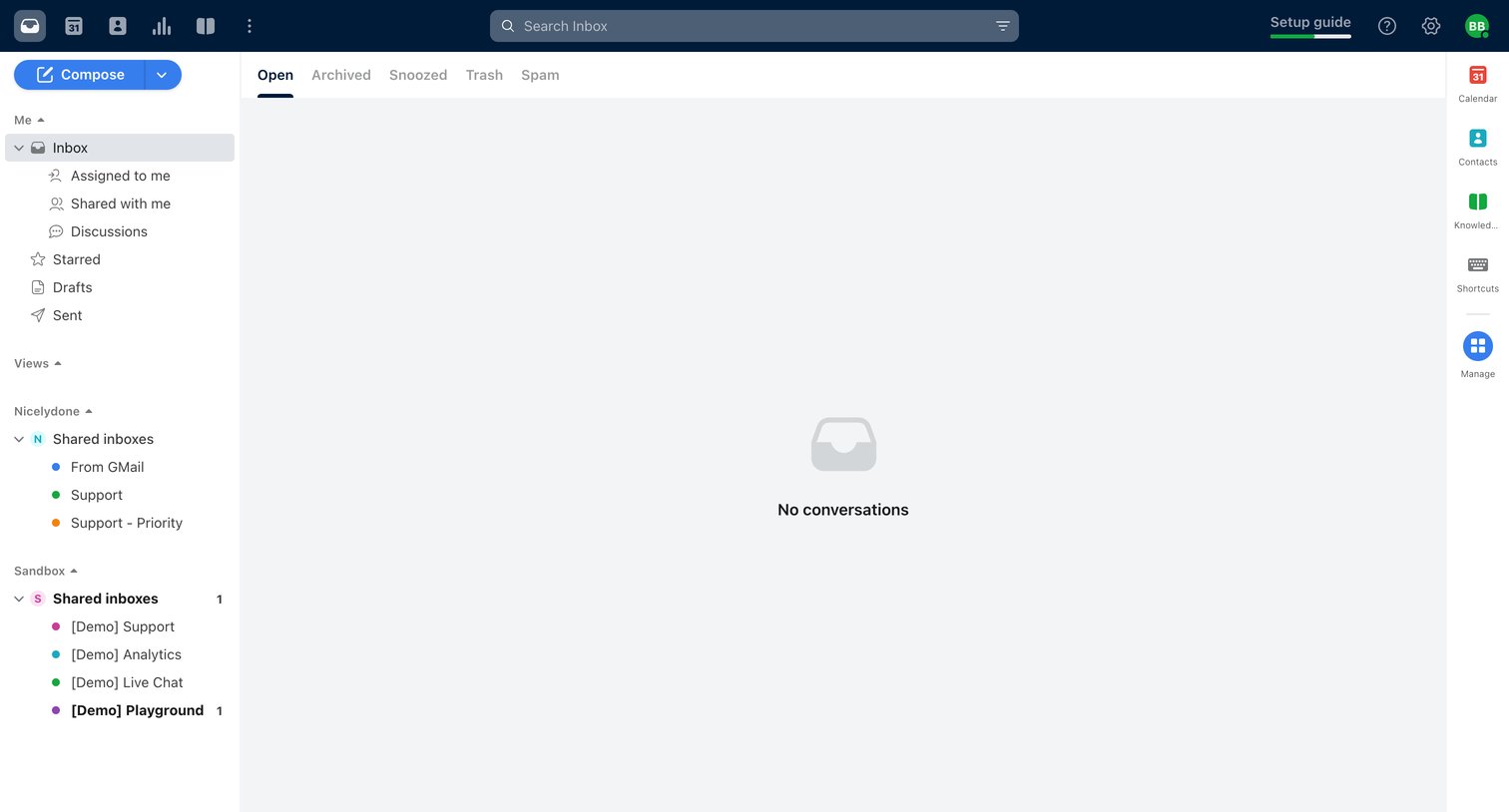
Inbox view where the user sees an empty state for a shared inbox, with options to compose a new message, navigate folders, or upgrade their expiring trial.
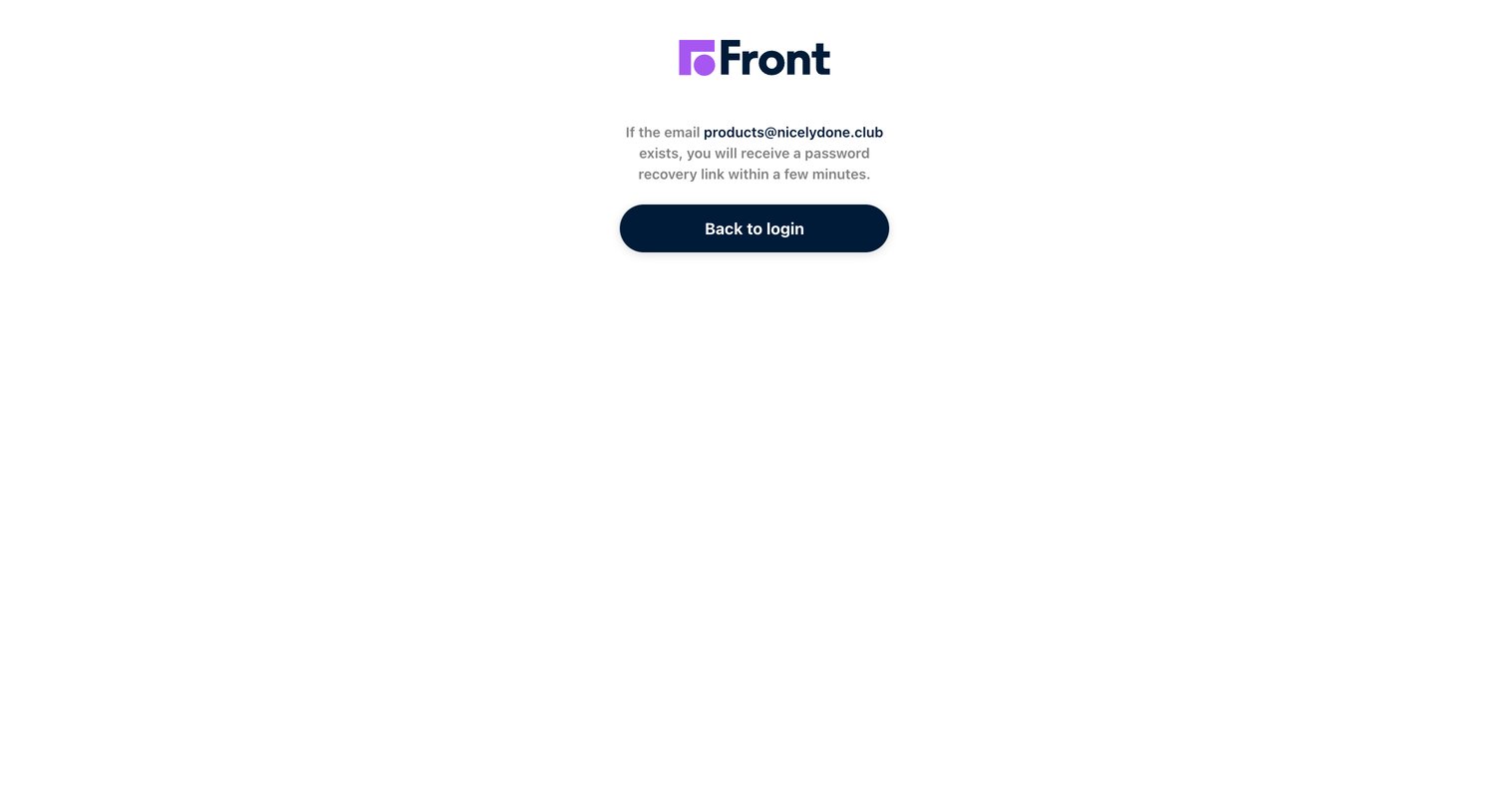
Password recovery success screen confirming that a reset link has been sent to the user's email address, with a prompt to return to the login page.
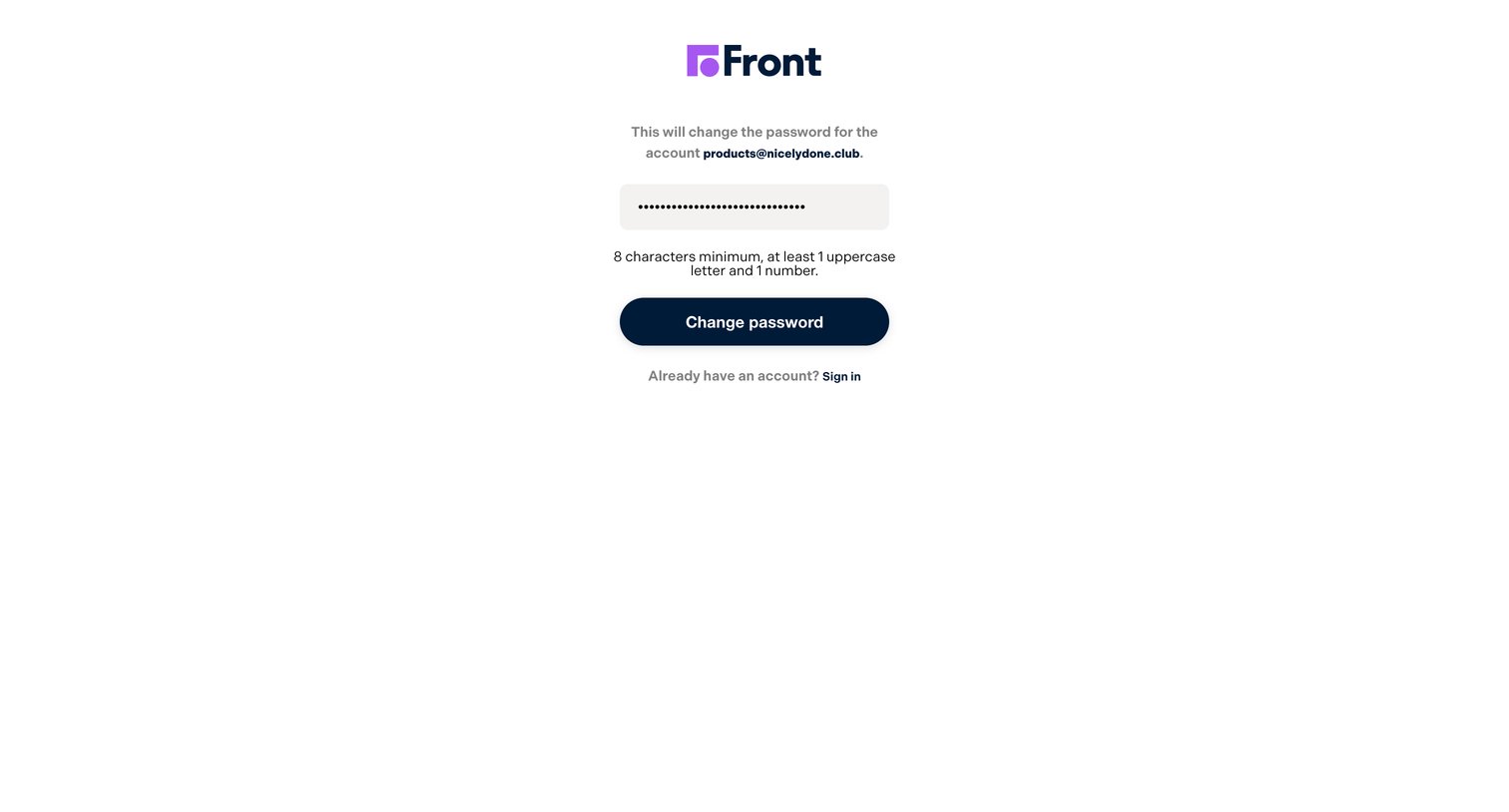
Password recovery screen where the user enters a new password meeting specific character requirements to regain access to their account.
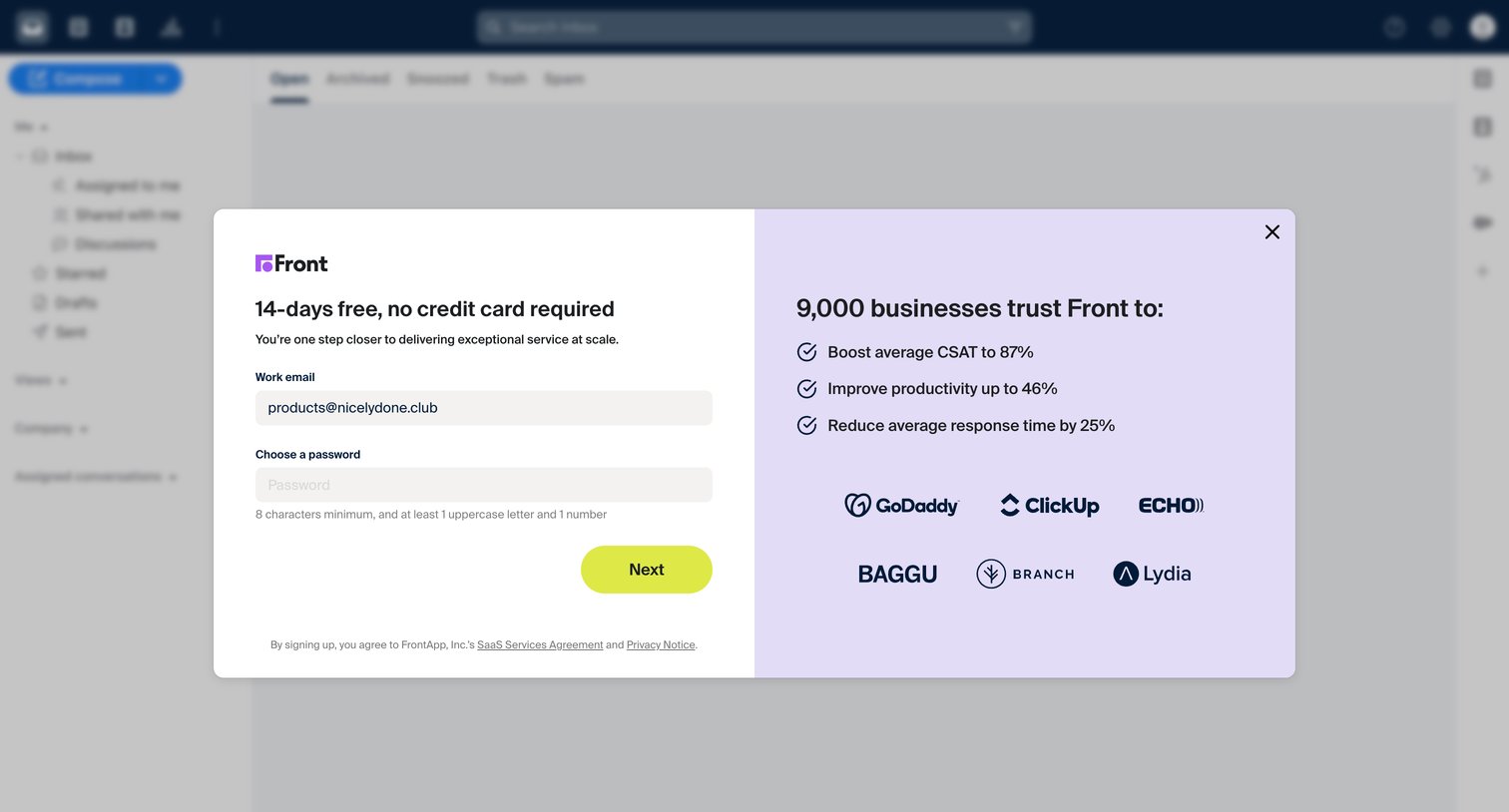
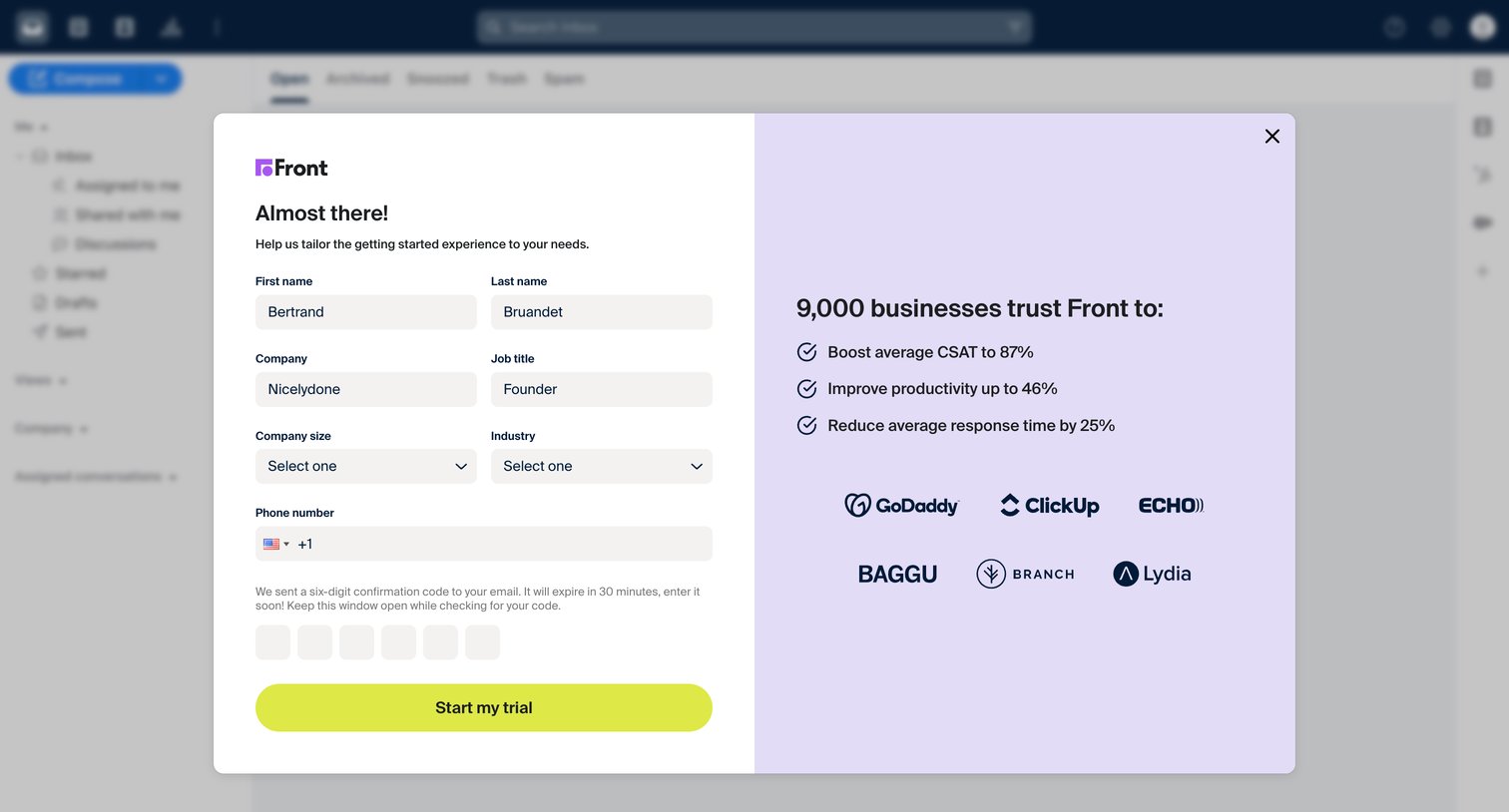
Onboarding modal where the user provides profile and company details, enters a six-digit email confirmation code, and views social proof before starting their trial.
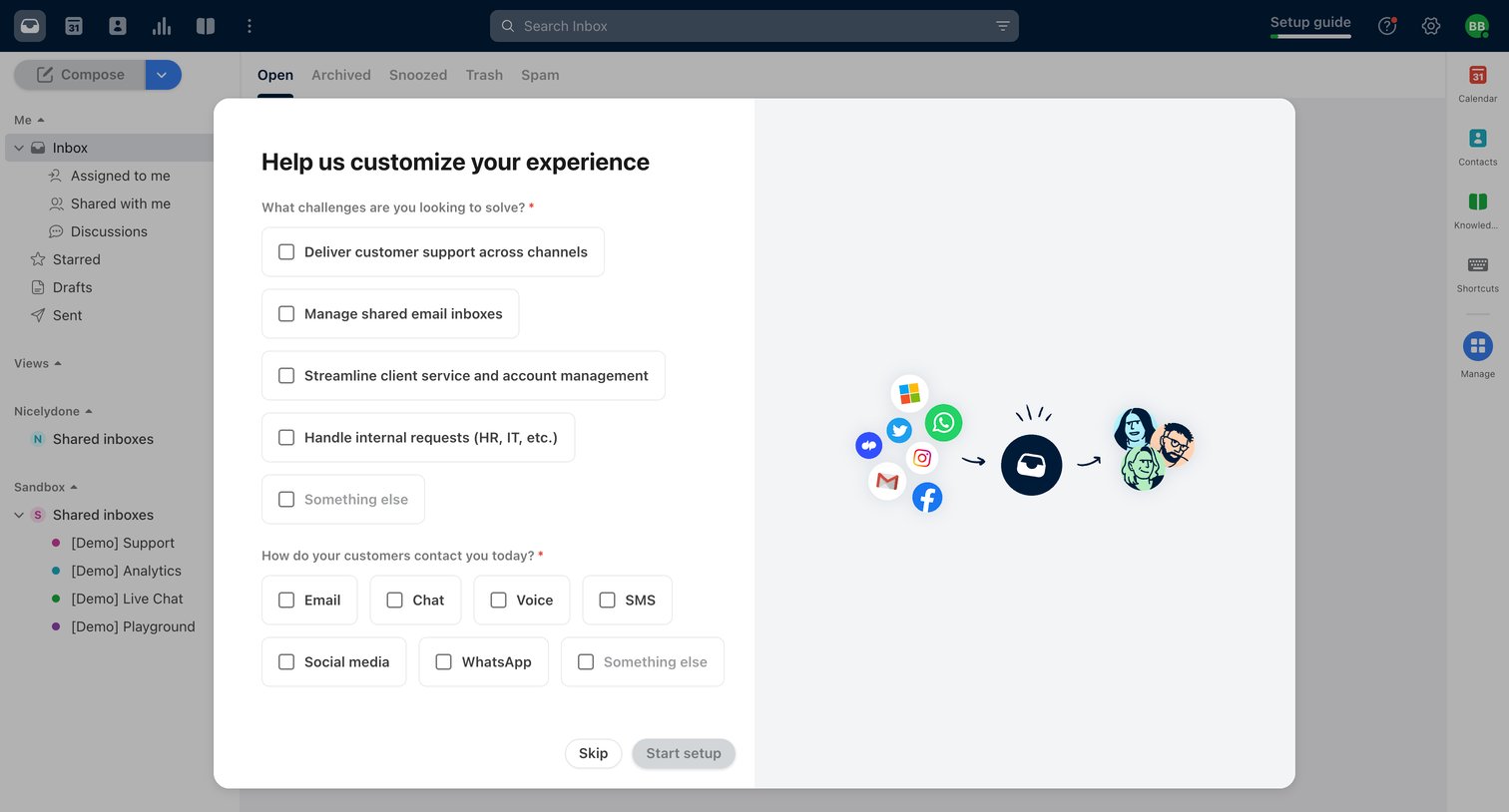
Onboarding modal where the user selects their primary challenges and customer contact channels to customize their workspace.
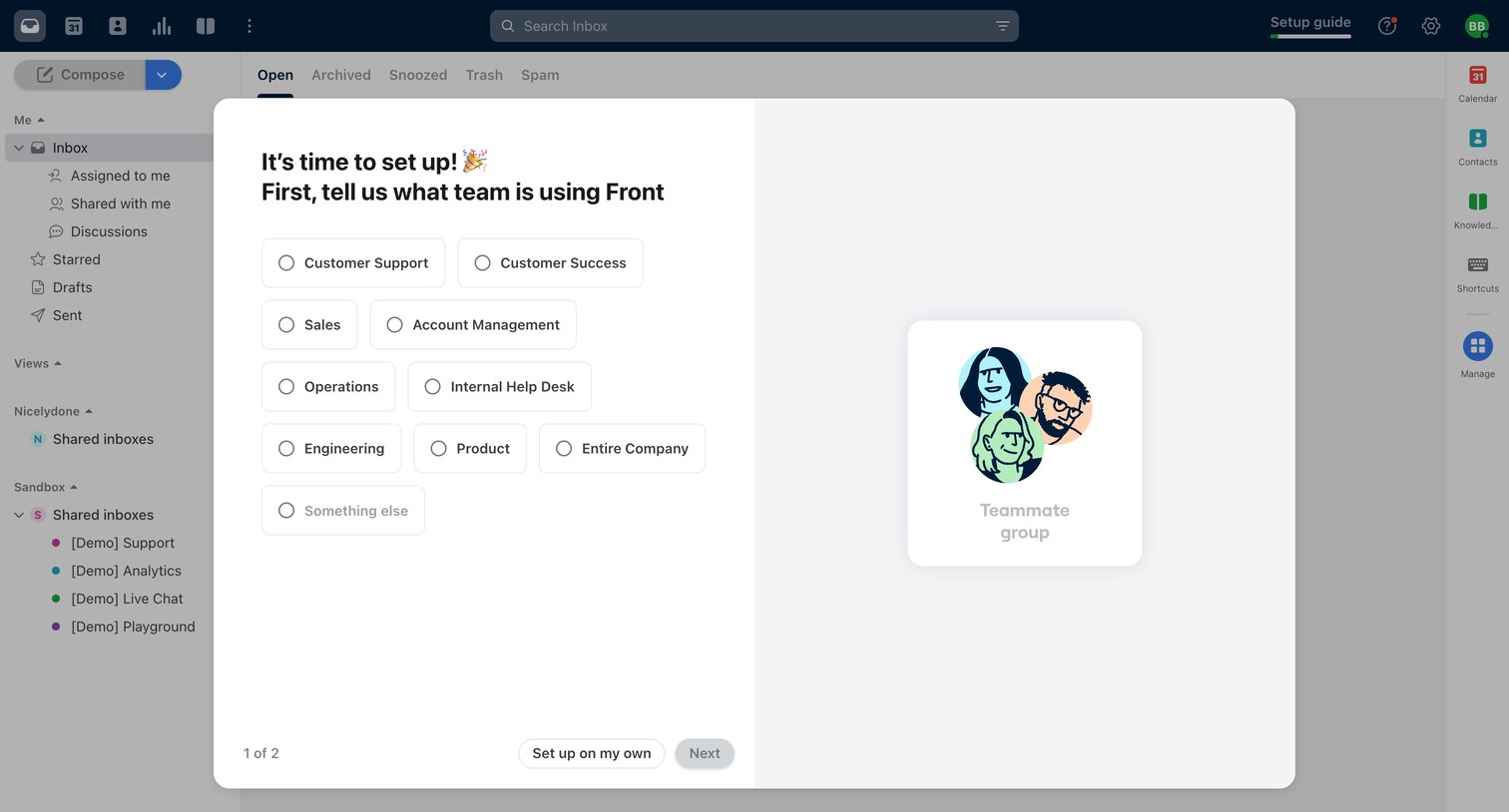
Onboarding modal where the user selects which team, such as Customer Support or Sales, is using the product to tailor their workspace.
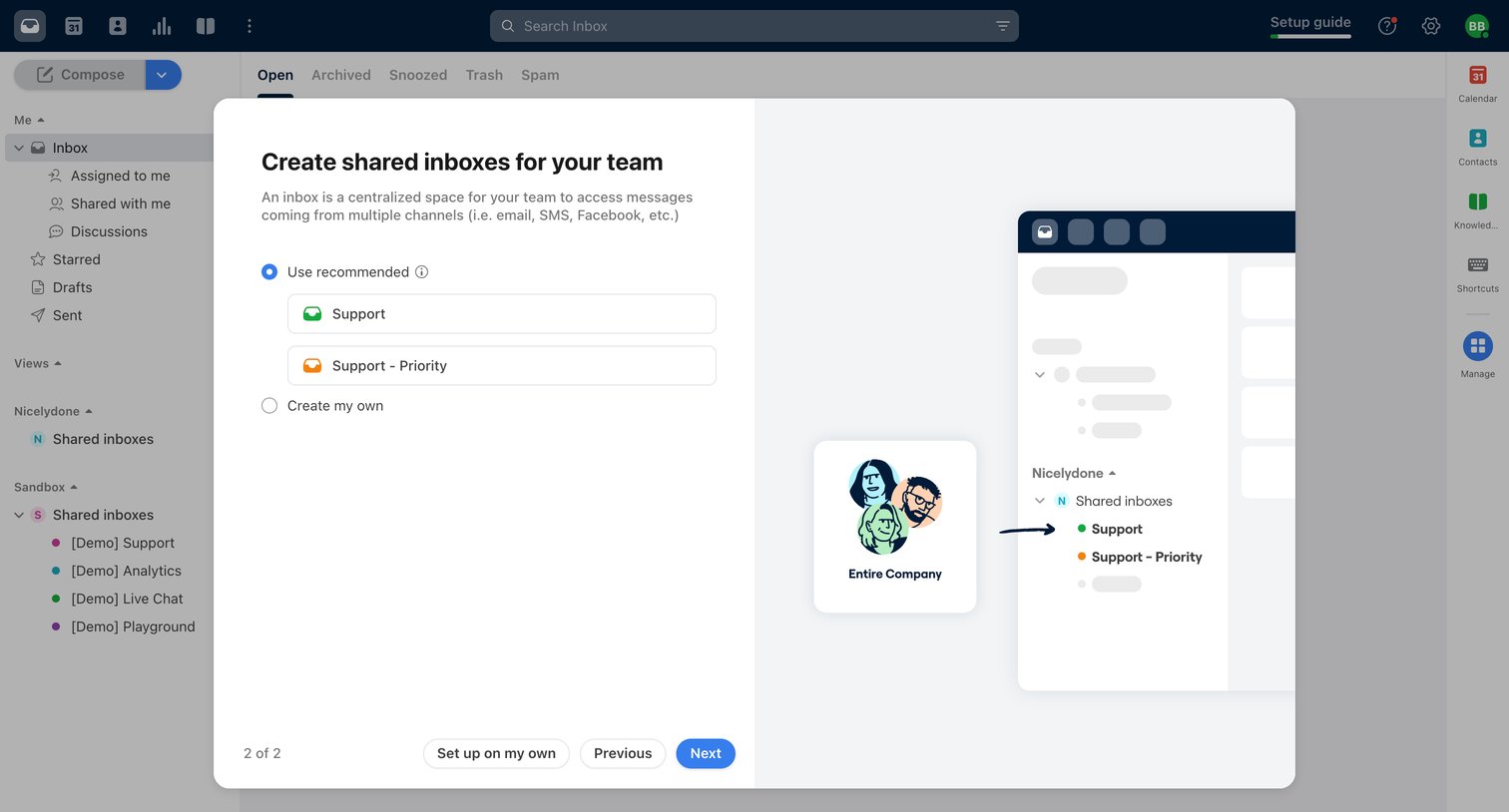
Onboarding step where the user chooses between recommended shared inboxes like Support or creating their own.
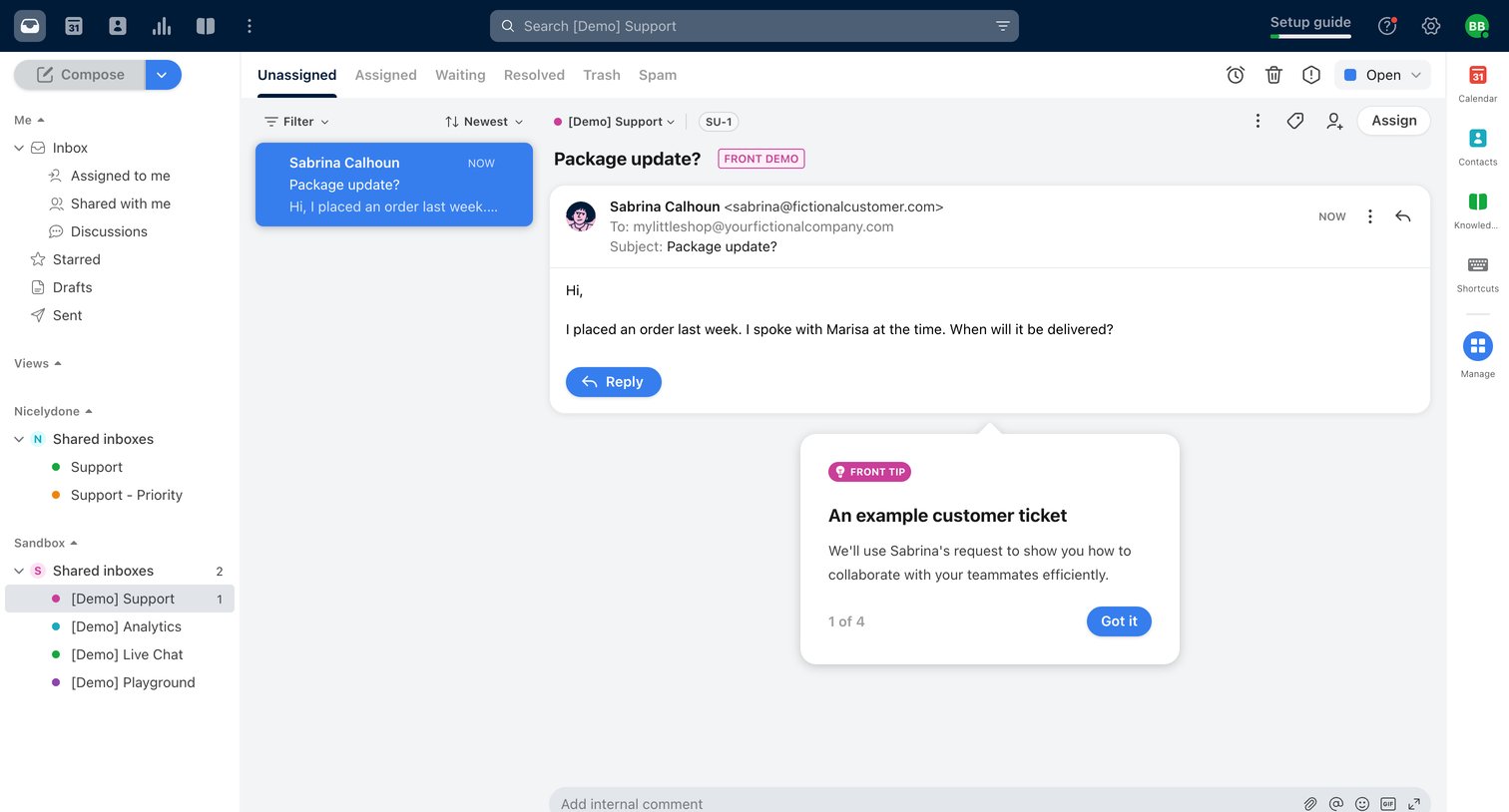
Shared inbox detail view where a user reads a customer support ticket about a package update, with an active onboarding popover explaining the interface.
Browse the full SaaS app library
Explore real SaaS apps with their product screens, marketing screens, flows, and components.
Trusted by the best teams







