Skip to content

Front UI components examples

Browse Front UI component design examples. Preview individual interface elements and explore related component categories. Email redesigned for teams

Explore the examples
Front — Dropdown menu component
Front logo
Front

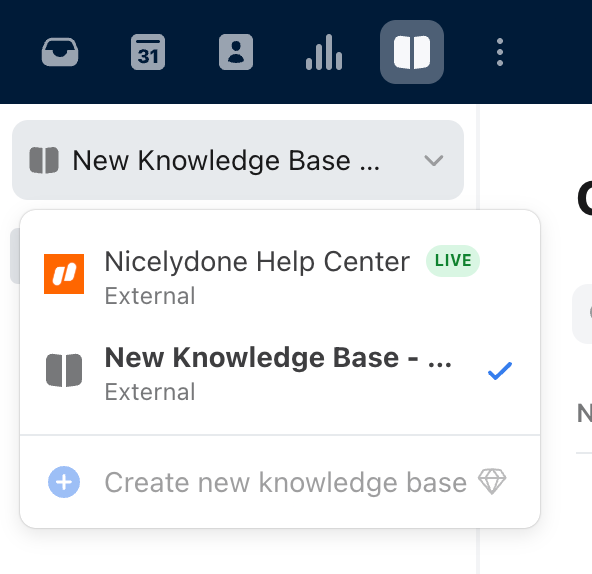
The screenshot shows a dropdown menu with options to select or create a new knowledge base.

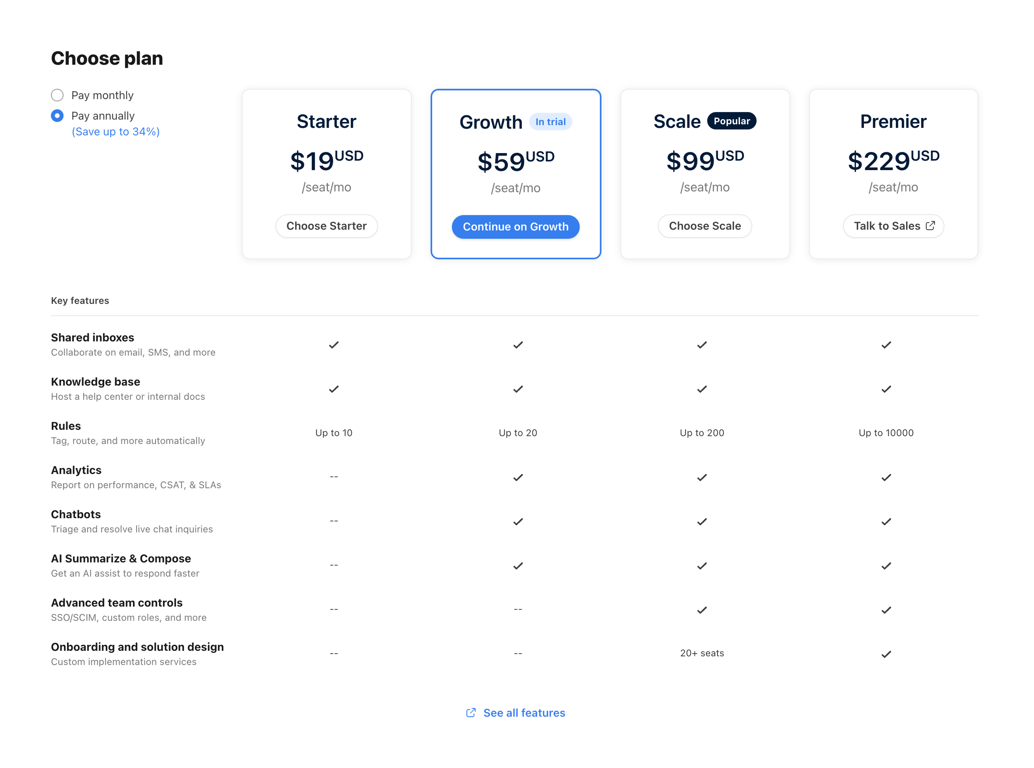
Front — Pricing section component
Front logo
Front

A pricing table with different plans and features.

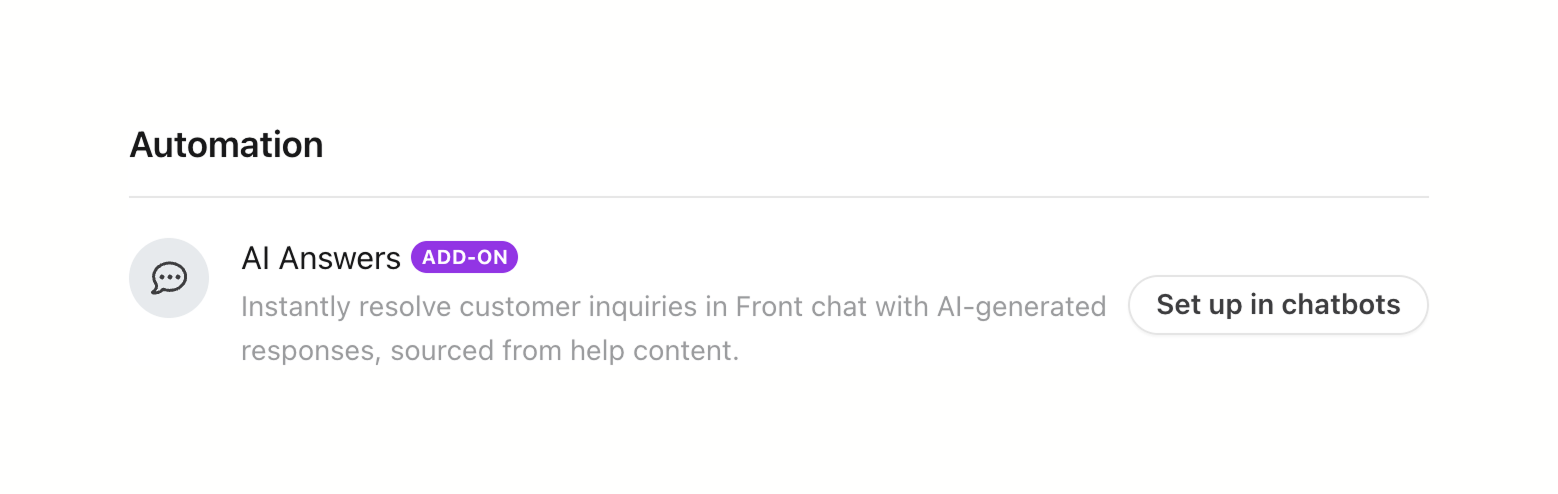
Front — Upgrade your plan component
Front logo
Front

The screenshot displays an automation feature for resolving customer inquiries in front chat using AI-generated responses.

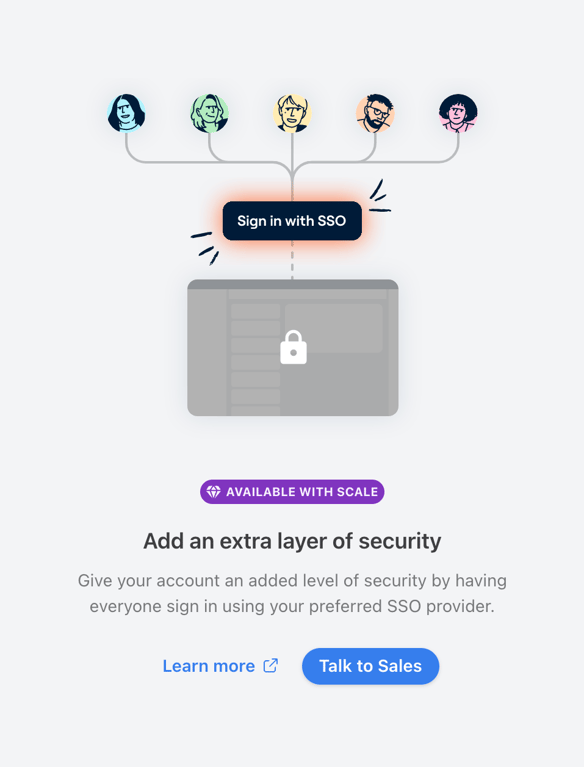
Front — Empty state component
Front logo
Front

The screenshot promotes the use of SSO for added security.

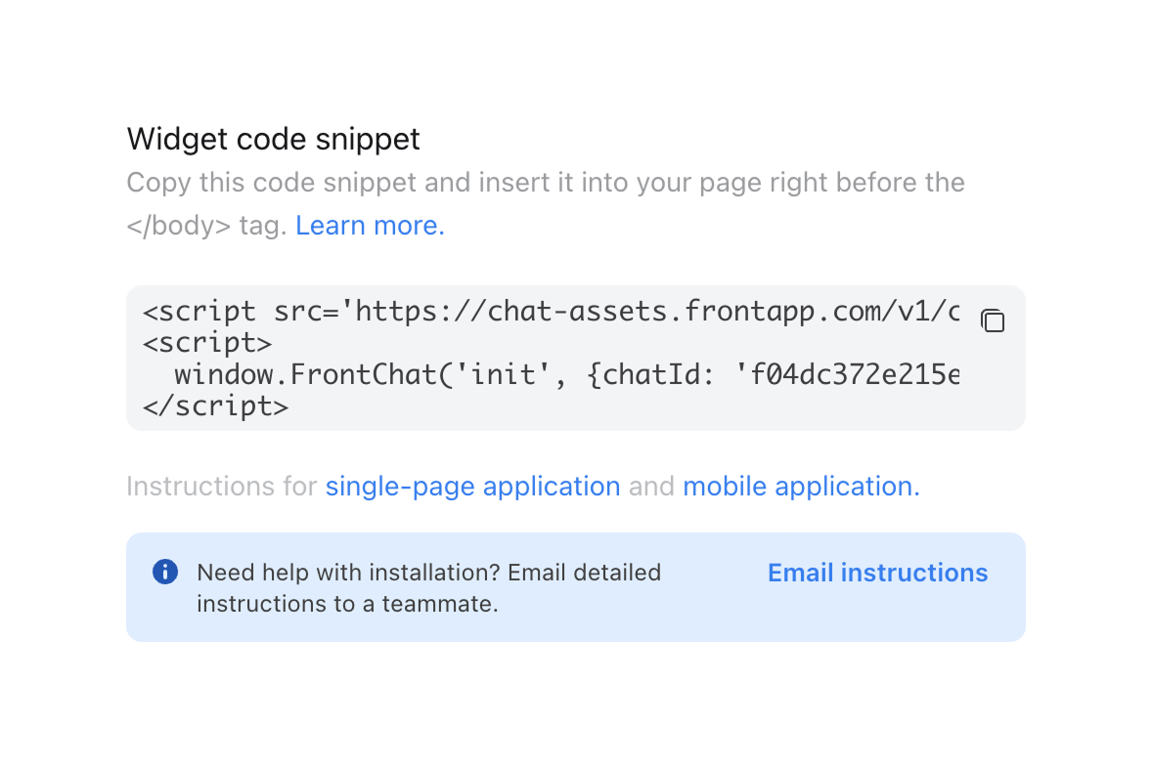
Front — Code block component
Front logo
Front

The screenshot shows a widget code snippet with instructions for installation.

Front — Input number component
Front logo
Front

A notification setting with a toggle and a number input.

Front — Message component
Front logo
Front

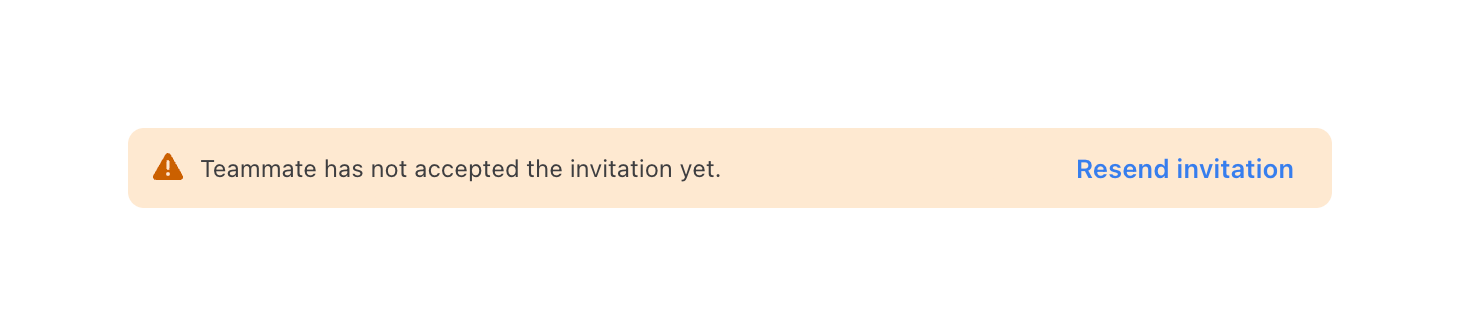
A notification alert indicating that a teammate has not accepted an invitation, with an option to resend the invitation.

Front — Message component
Front logo
Front

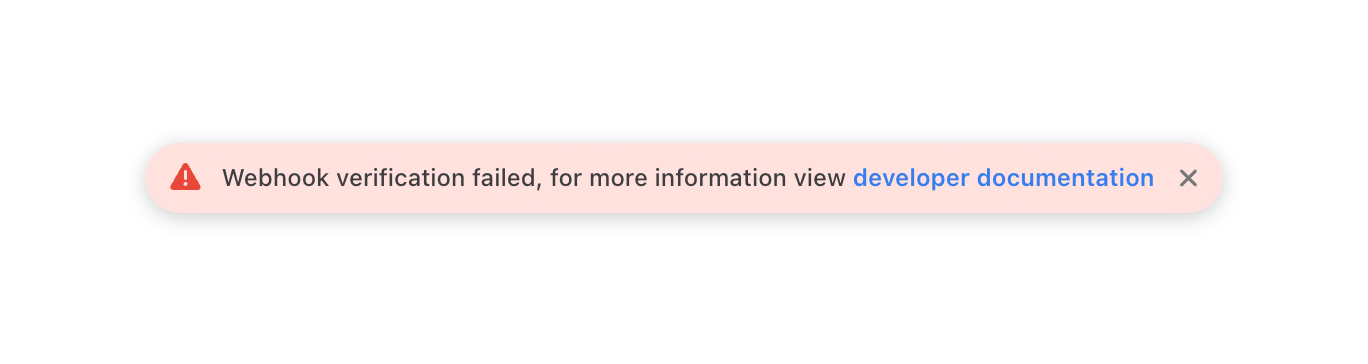
The screenshot shows an alert message indicating a webhook verification failure.

Front — Tooltip component
Front logo
Front

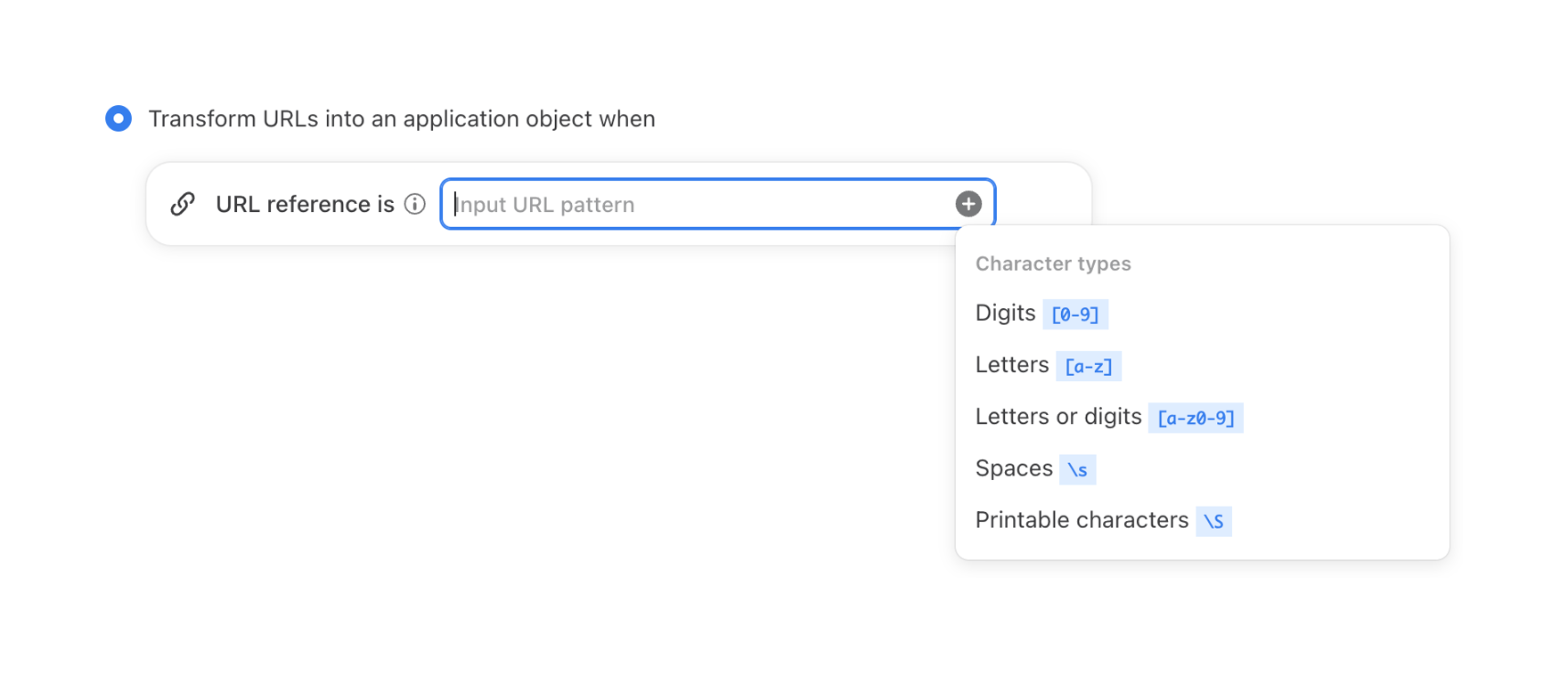
The screenshot shows a UI for transforming URLs into an application object, with an input field for URL patterns and a popover displaying character types.

Front — Dropdown menu component
Front logo
Front

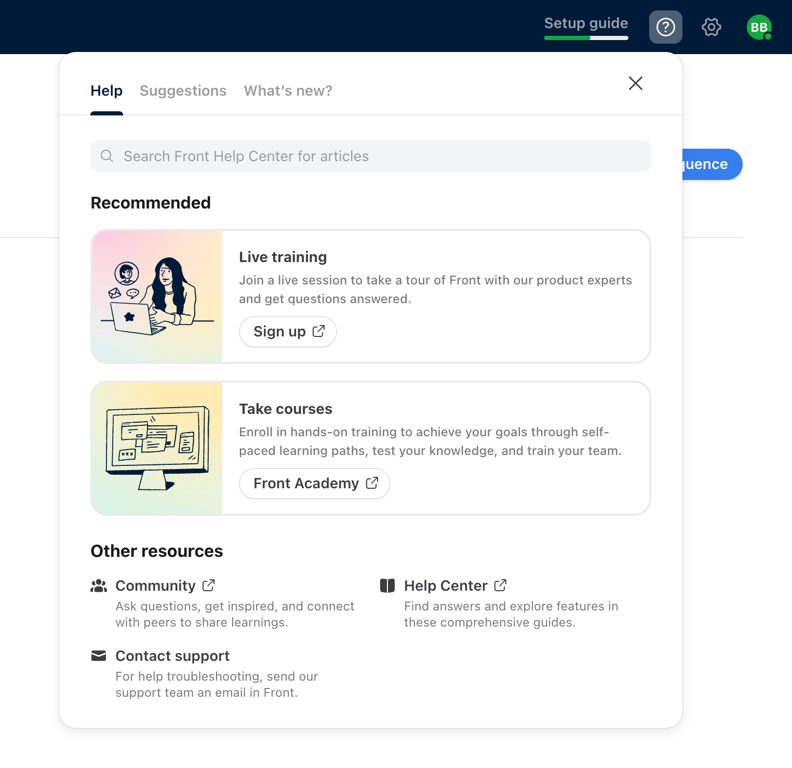
A help modal with recommended resources and other support options.

Front — Checkbox & radio component
Front logo
Front

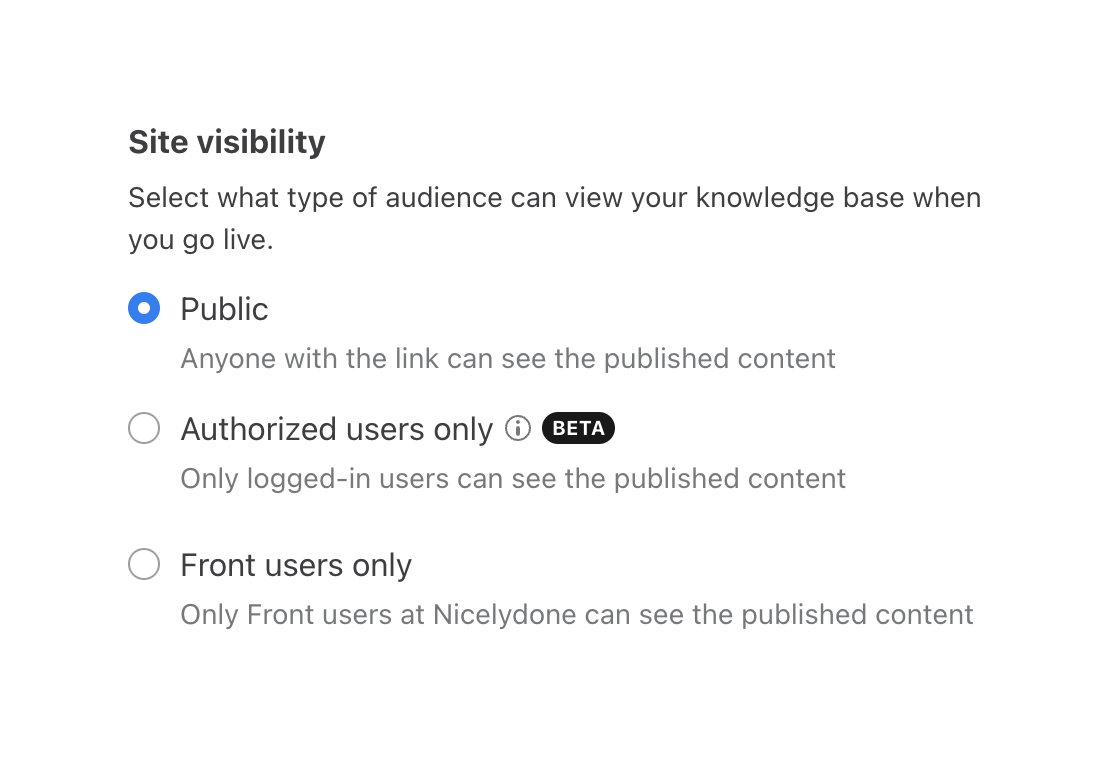
The screenshot shows a modal for setting site visibility with radio buttons.

Browse the full component library

Browse the full UI component library.

Trusted by the best teams