
Current design examples
Explore Current UI design examples. All your team’s work in one place
Product screens
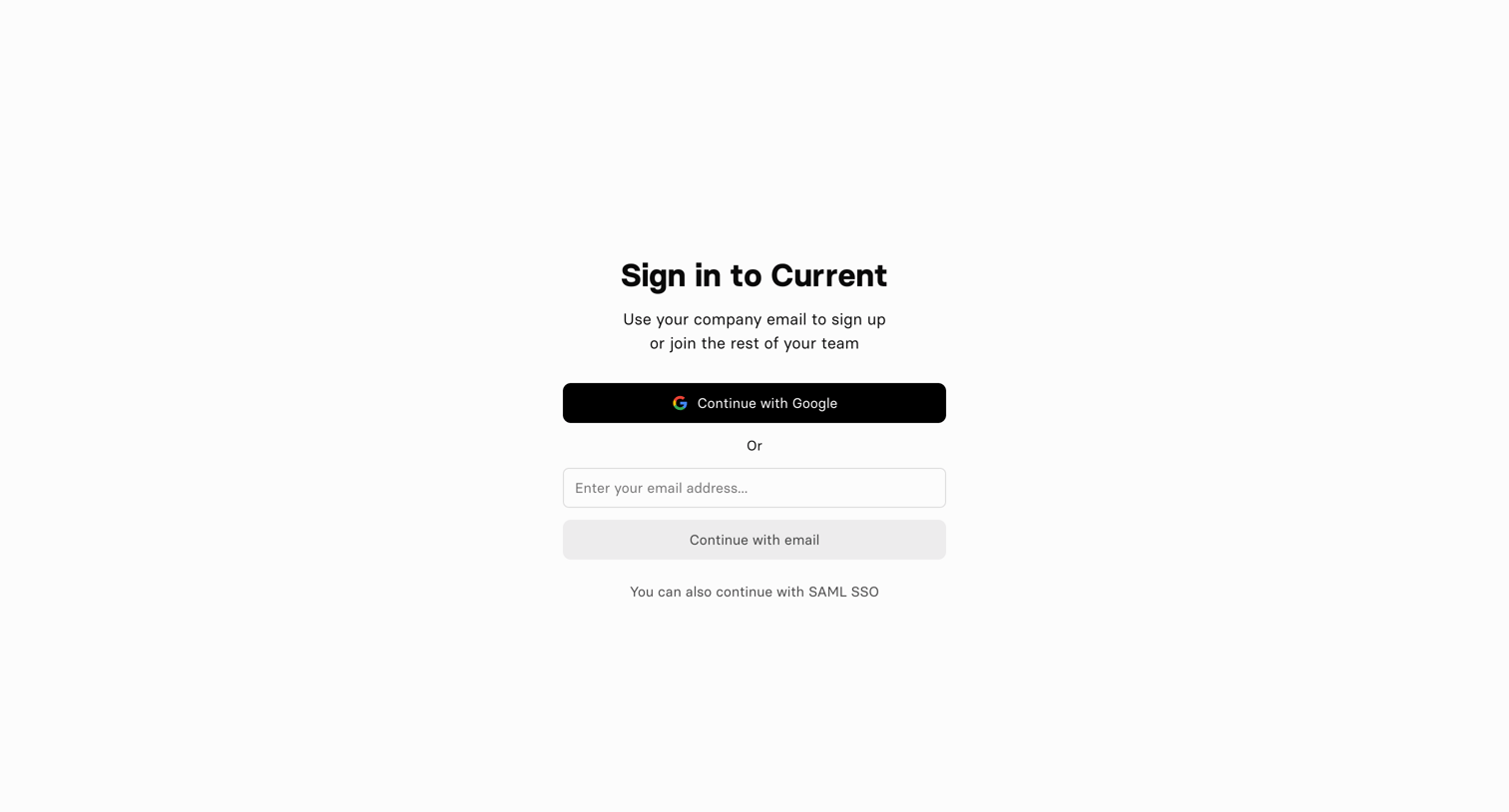
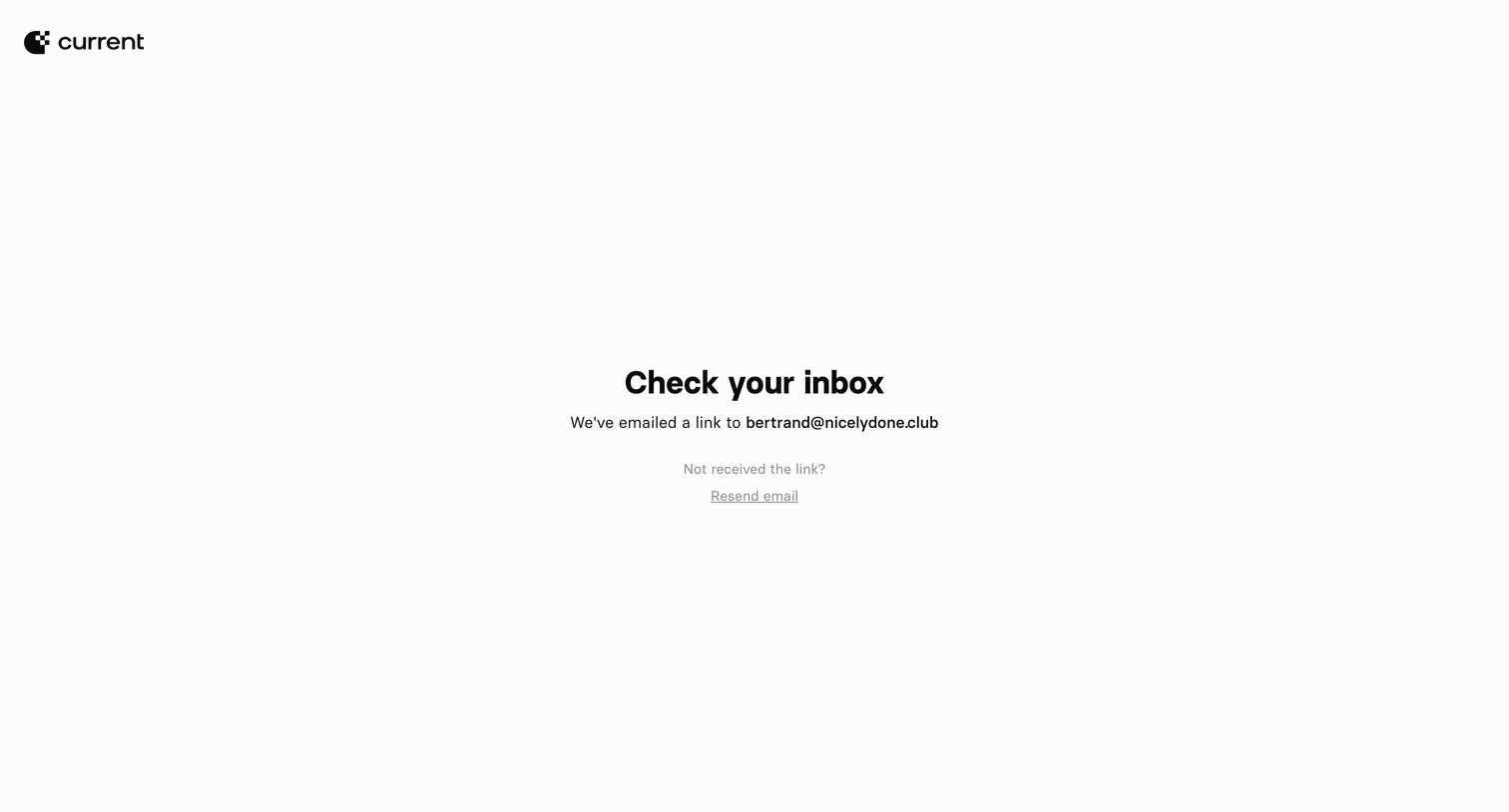
Verification screen where the user is instructed to check their inbox for a magic link sent to their email address.
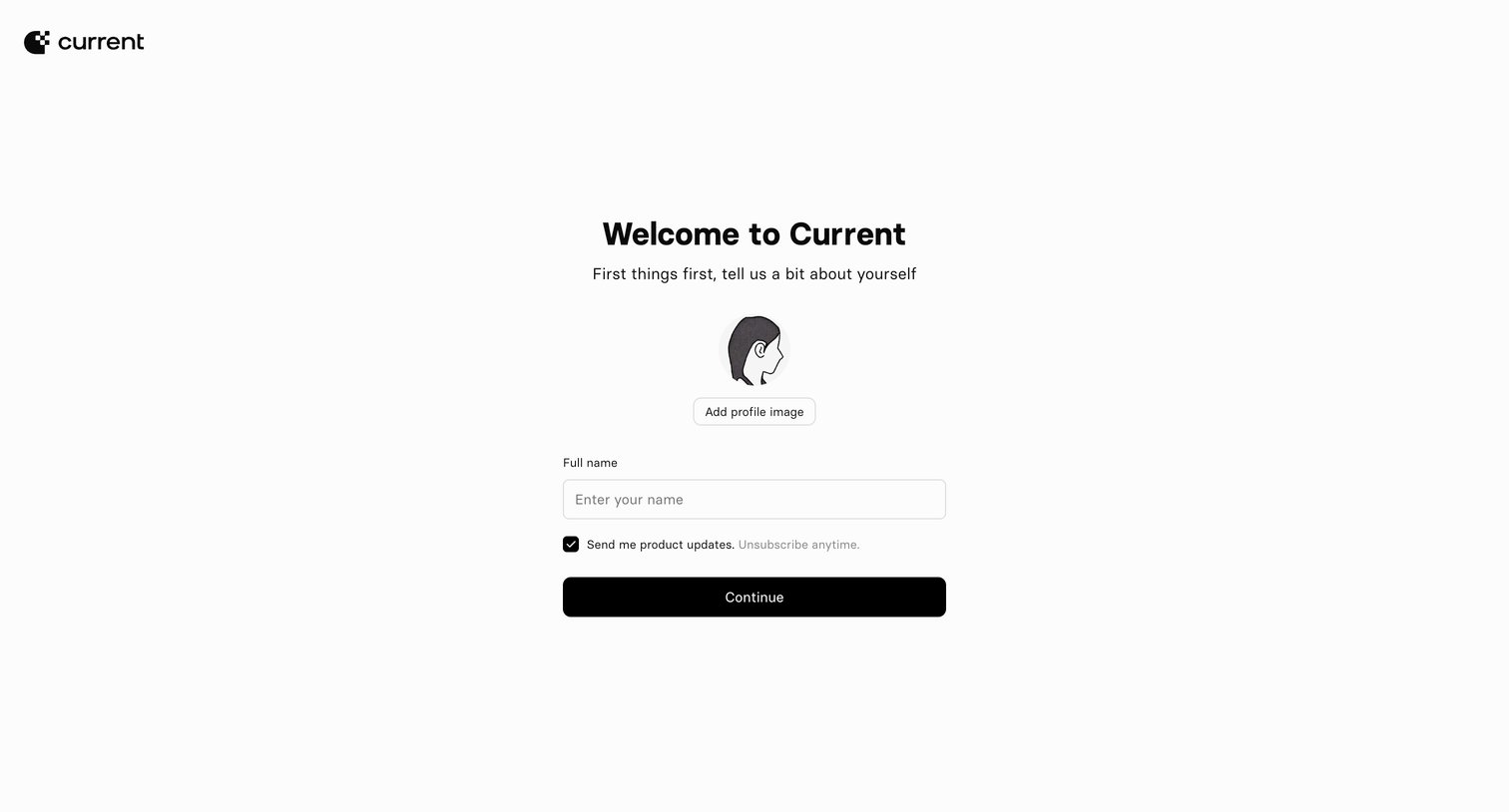
Onboarding step where the user provides their full name, uploads a profile image, and opts into product updates before continuing.
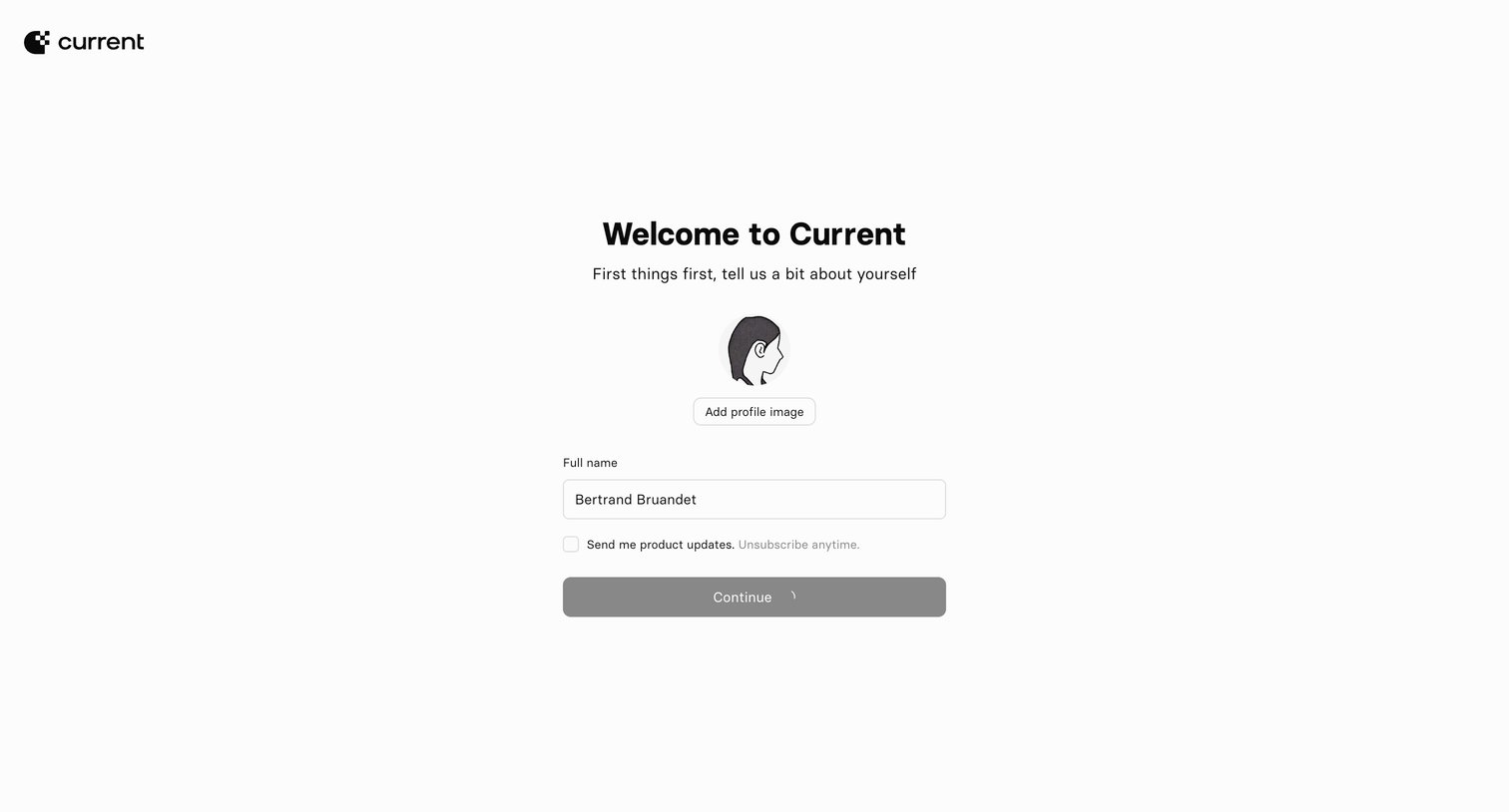
Onboarding step where the user sets their profile image, confirms their full name, and opts into product updates.
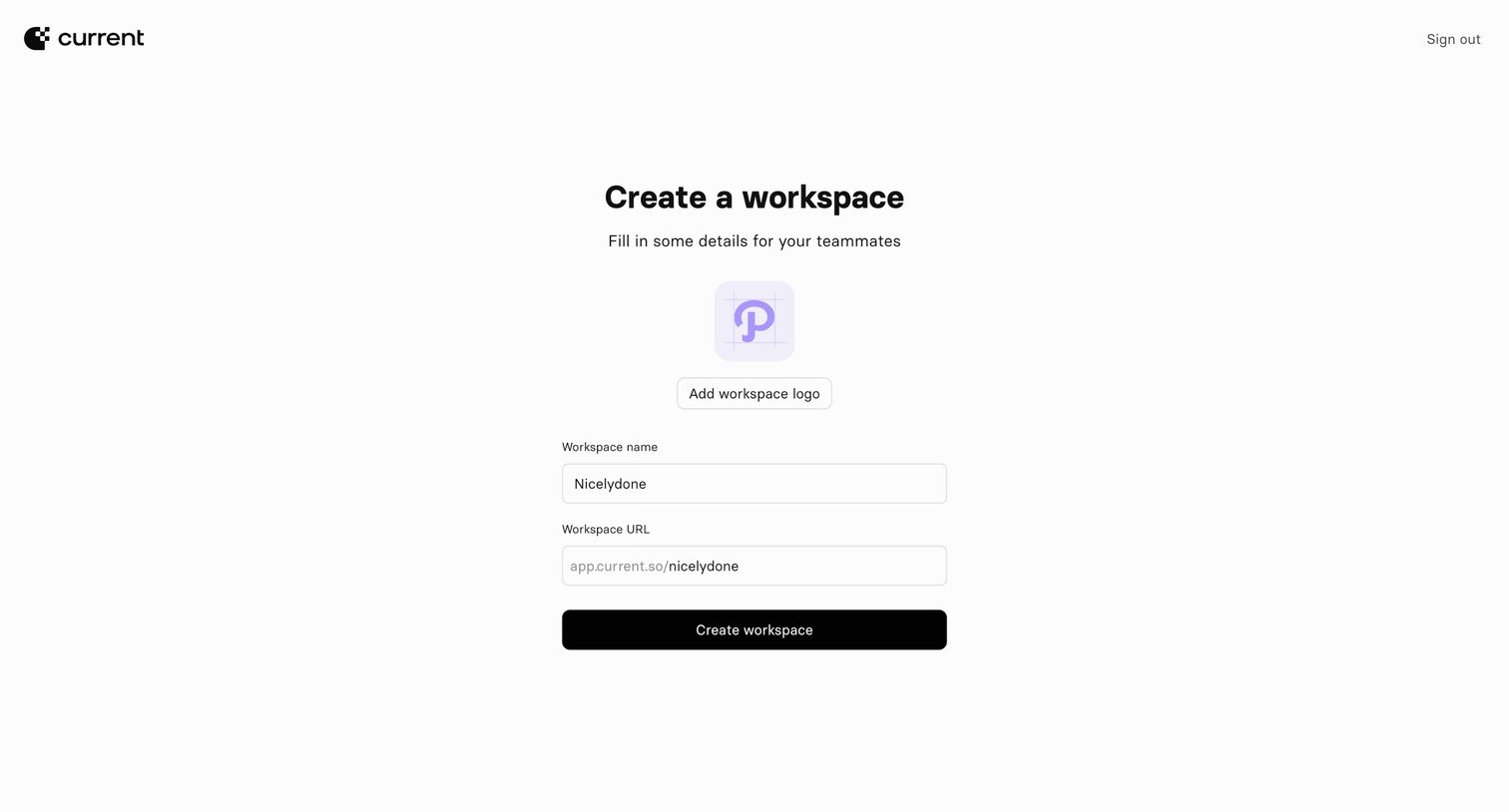
Onboarding step where the user names their workspace, sets a custom URL, and can upload a workspace logo.
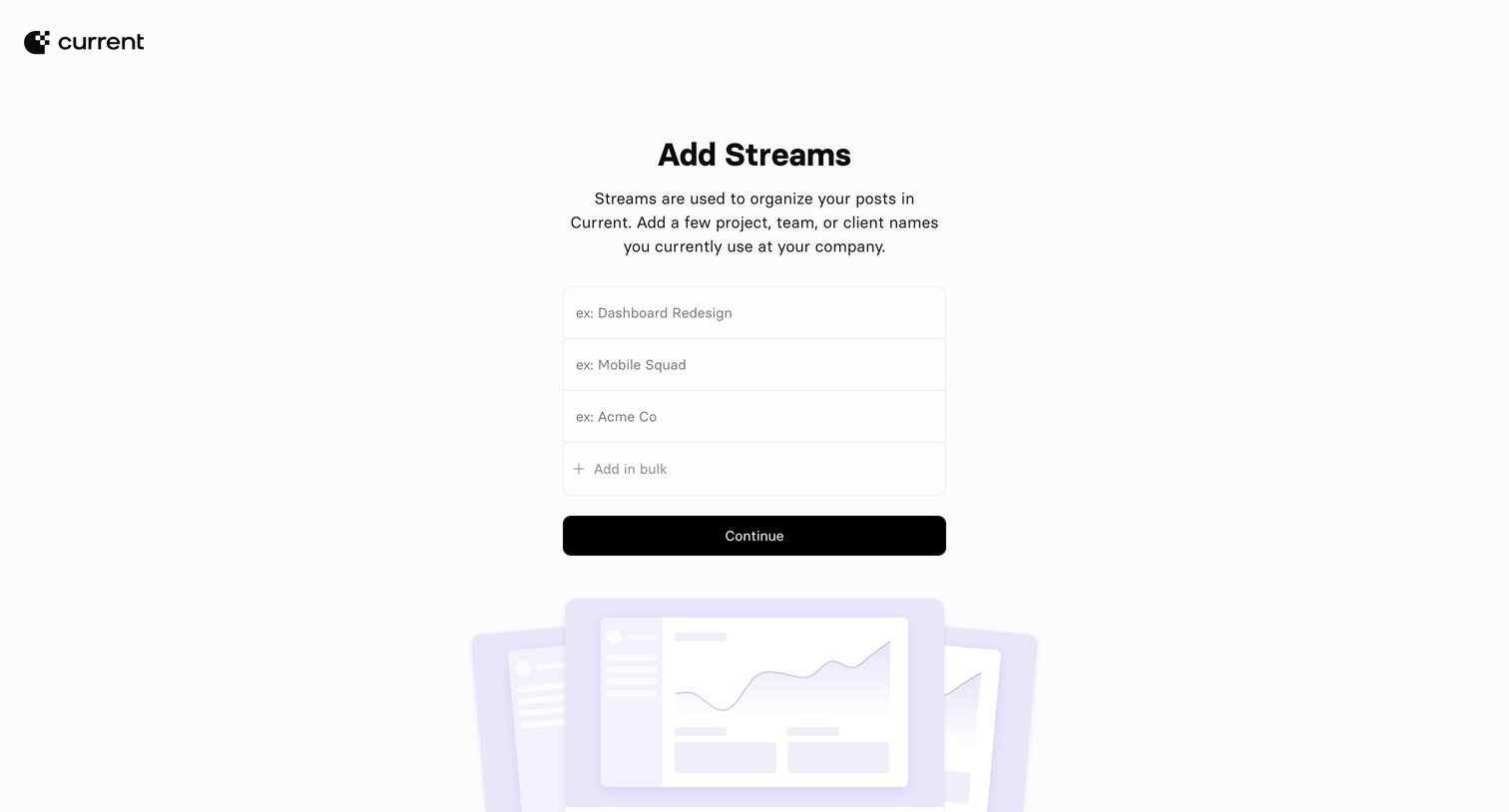
Onboarding step where the user creates their initial streams by entering project, team, or client names.
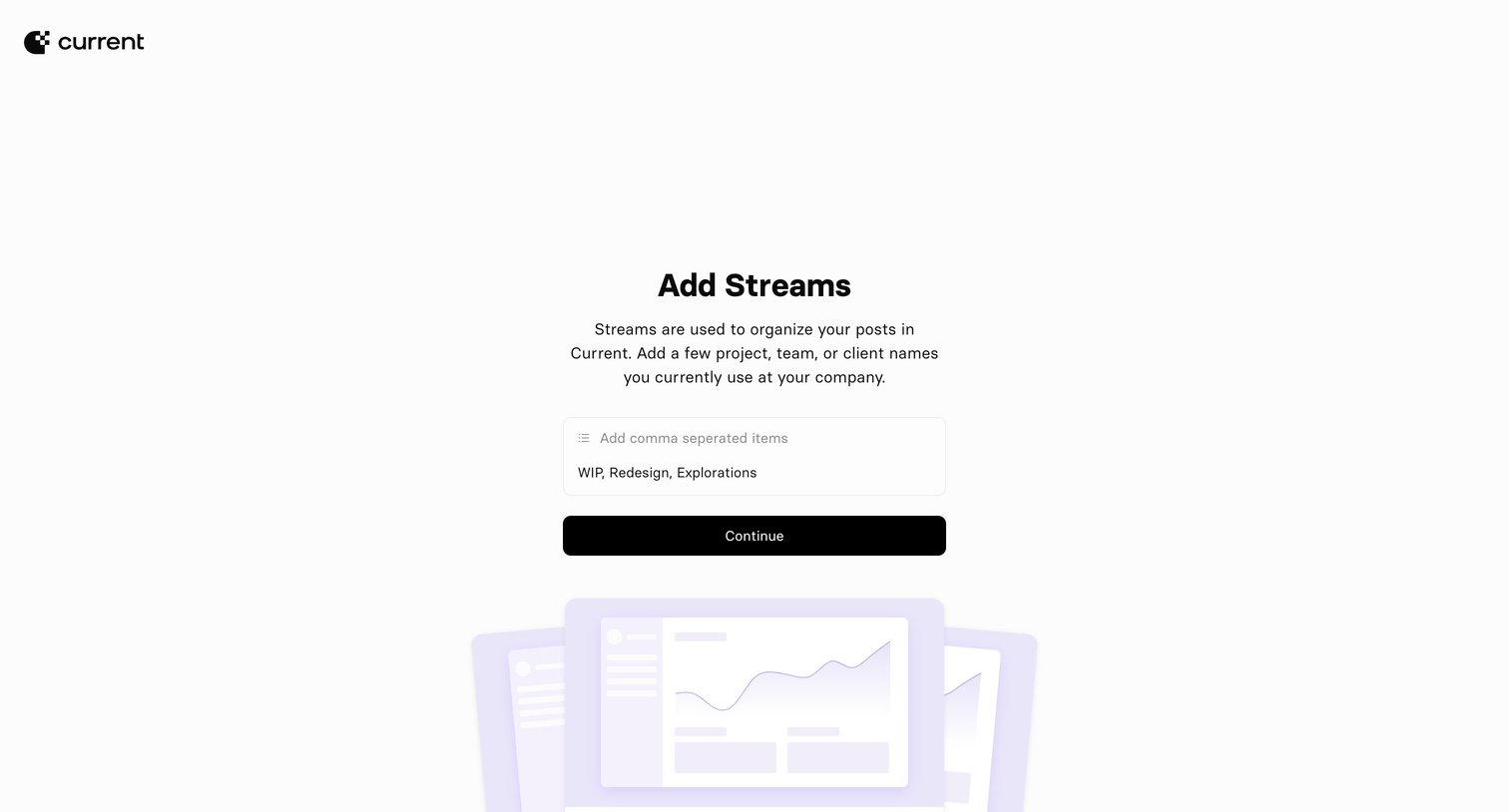
Onboarding step where the user creates their initial streams by entering comma-separated project, team, or client names.
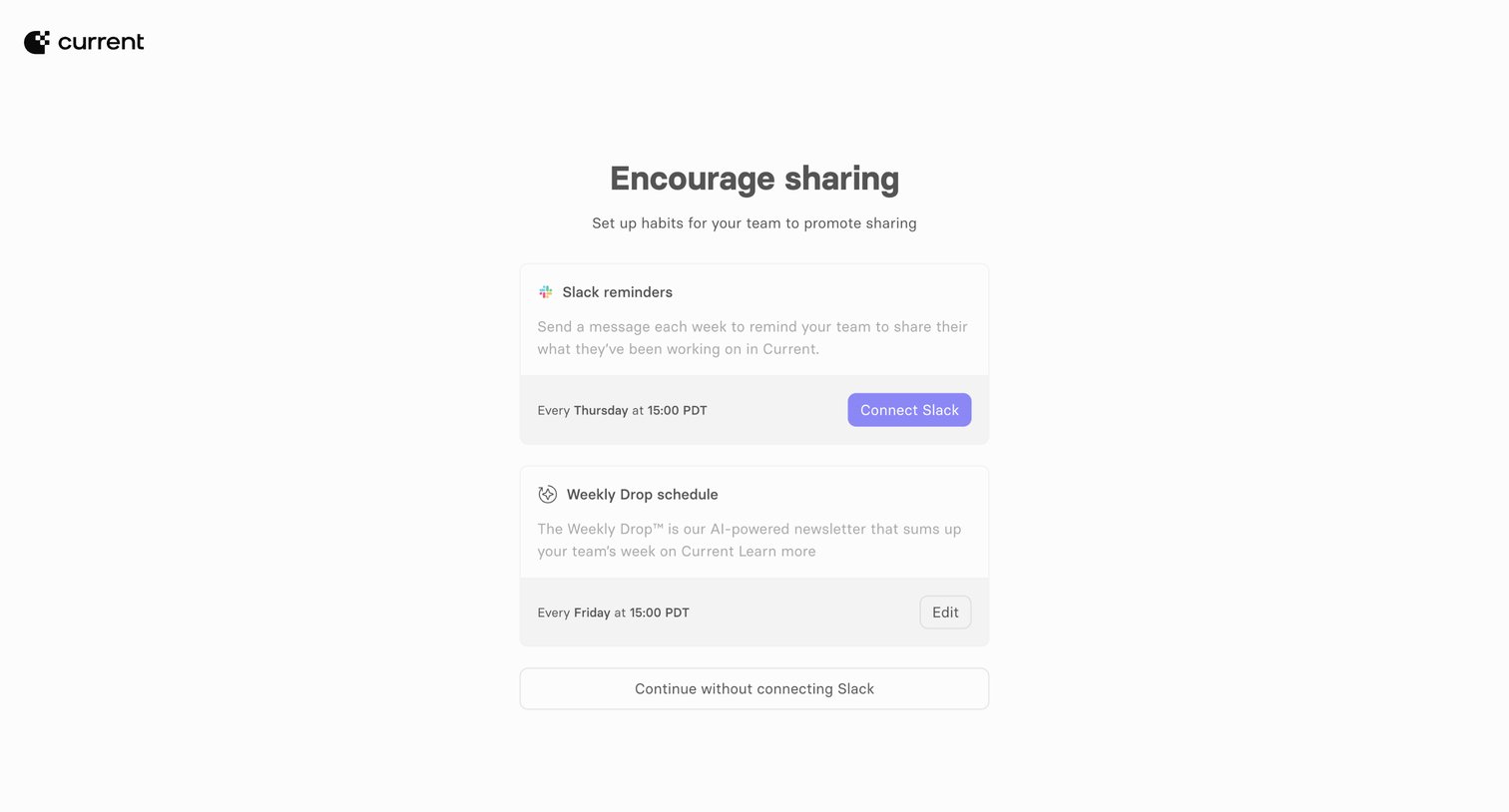
Onboarding step where the user configures Slack reminders and a weekly newsletter schedule to encourage team sharing.
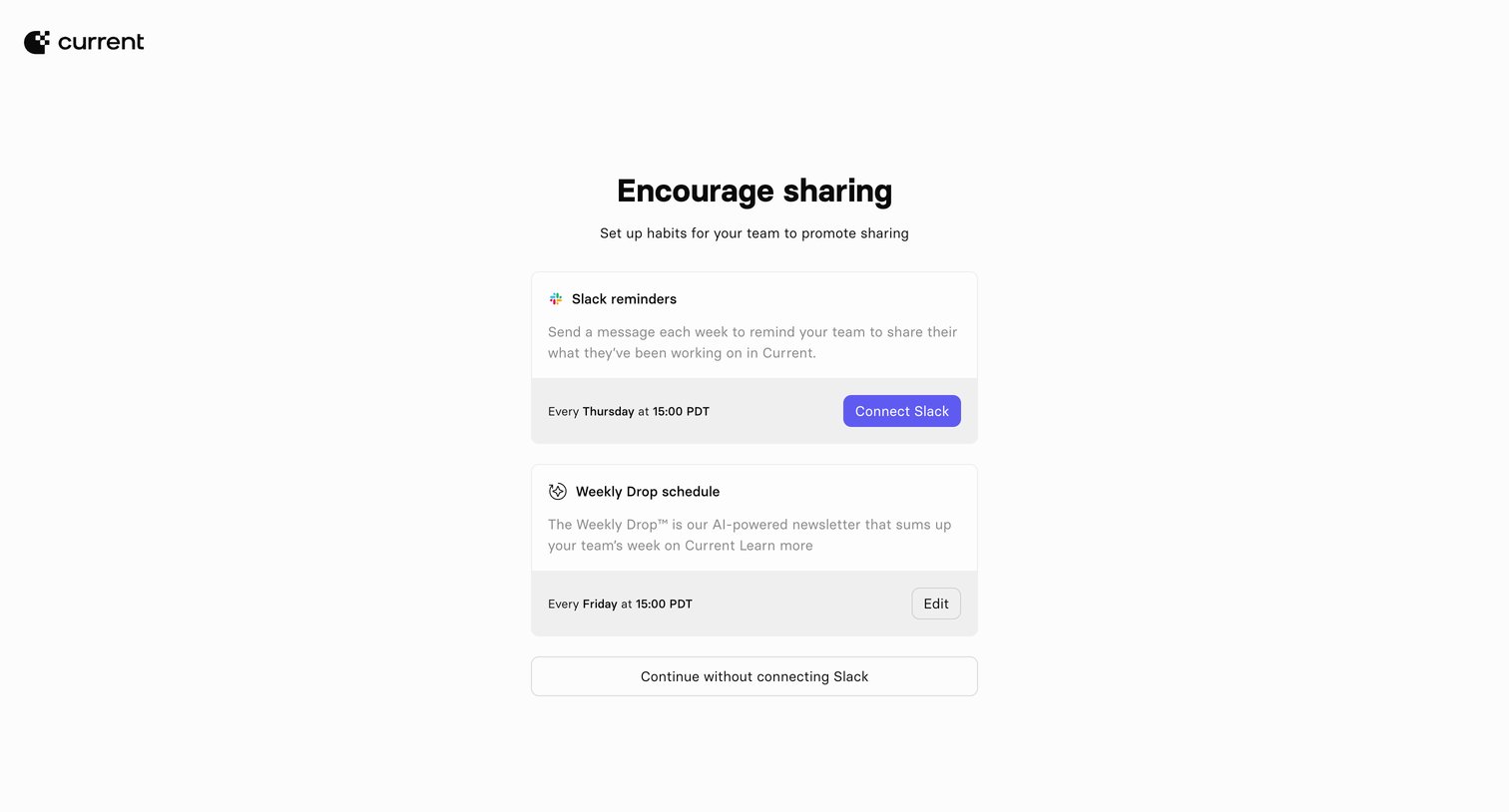
Onboarding step where the user is prompted to connect Slack for team reminders and configure the schedule for an AI-powered weekly newsletter.
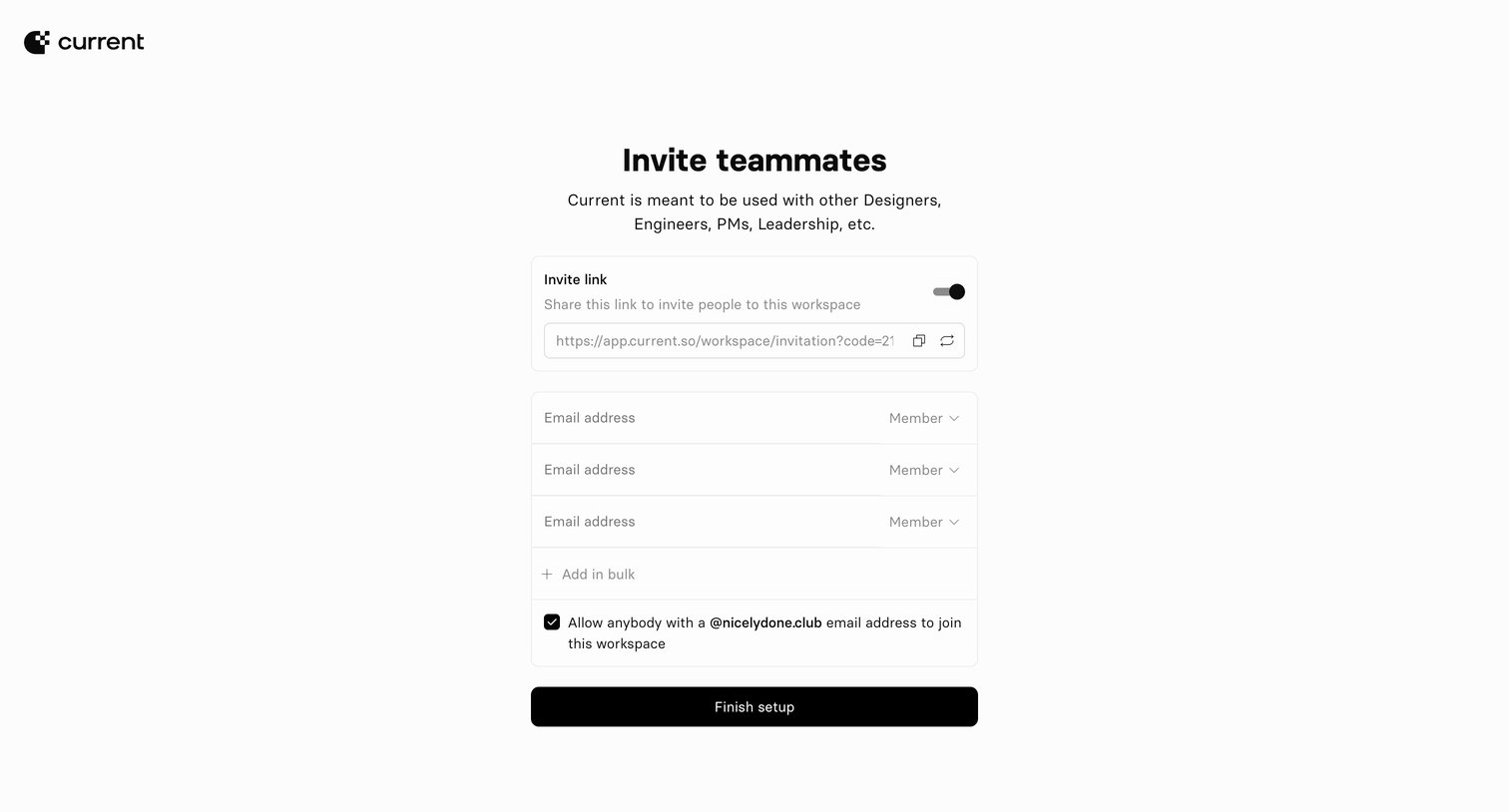
Onboarding step where the user invites teammates by generating a shareable link, entering individual email addresses with roles, or allowing domain-based auto-join.
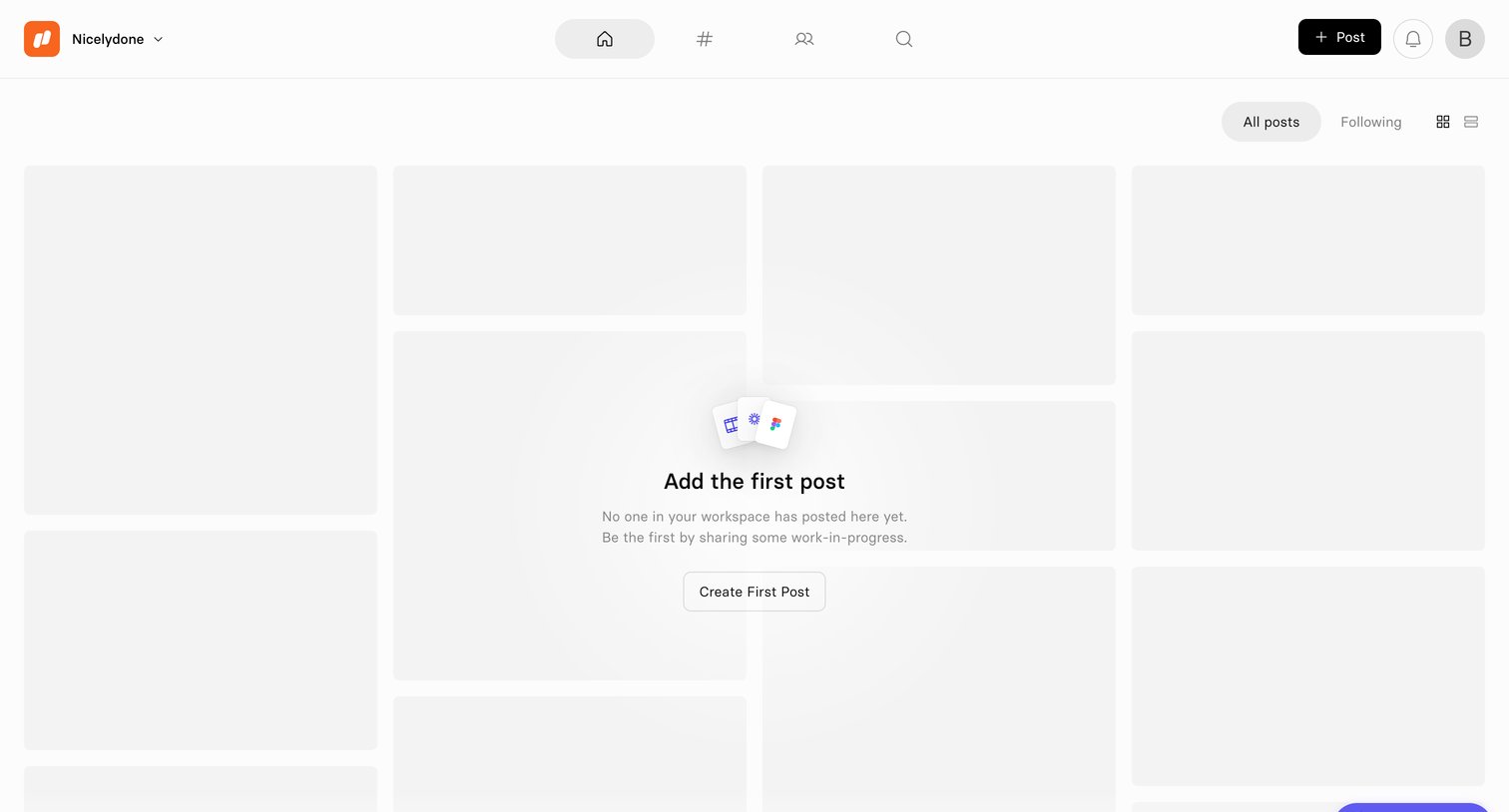
Activity feed where the user is prompted to create their first workspace post within an empty masonry grid.
Browse the full SaaS app library
Explore real SaaS apps with their product screens, marketing screens, flows, and components.
Trusted by the best teams







