Current user flows examples
Explore Current user flow examples. Preview the opening screens and steps for each task. All your team’s work in one place
Preview these flows




This flow guides a user through the process of creating an account, setting up a workspace, and inviting teammates in Current.
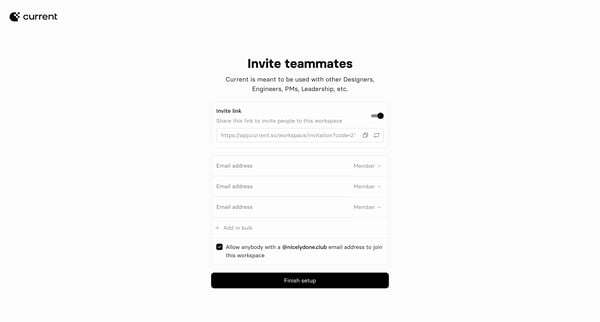
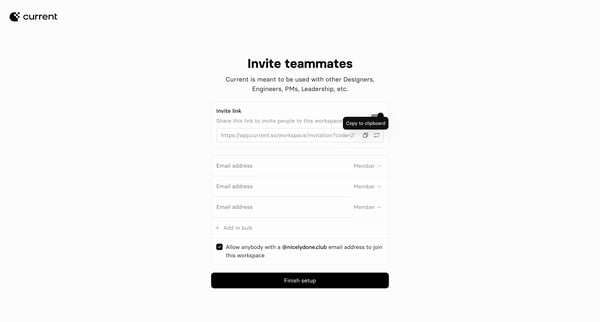
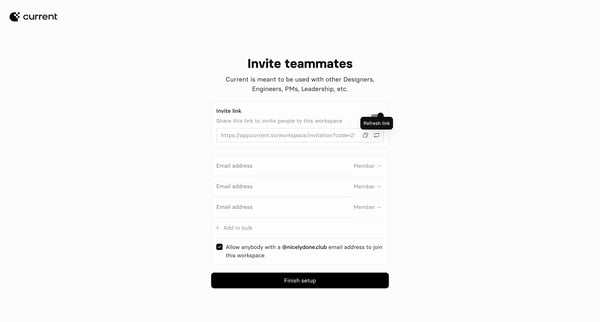
This flow enables the invitation of teammates to a workspace with options for sharing an invitation link, adding email addresses manually or in bulk, and setting member permissions.


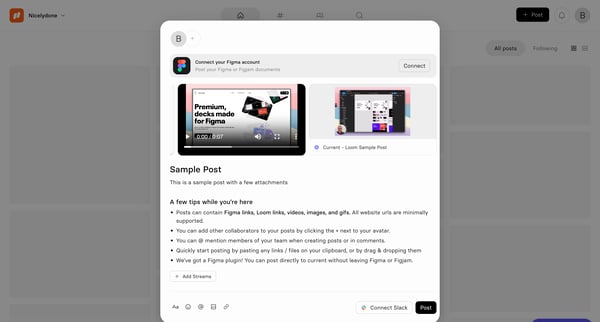
This flow guides a user through the process of creating and posting content within a workspace, including adding attachments like images, videos, and links, selecting Slack channels for shari



This flow guides a user through the process of creating and customizing a presentation deck within a profile environment, enabling the addition of various content types and status updates.
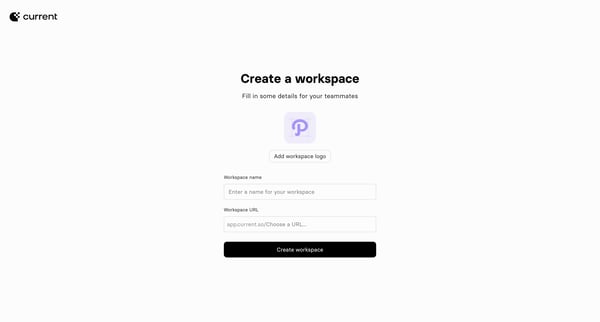
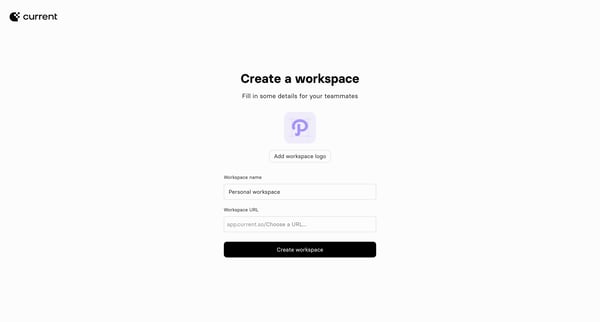
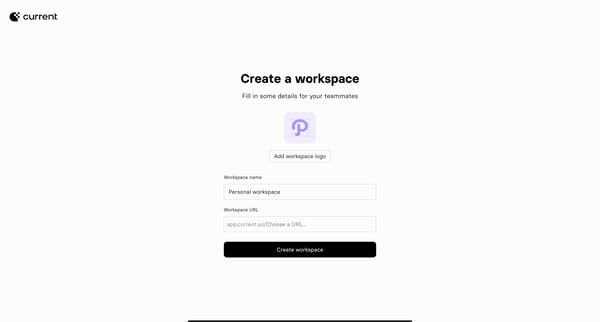
This flow guides users through the process of creating a workspace, from initial setup, adding details, inviting teammates, to getting the workspace ready for its first post.
Explore the full SaaS flow library
Browse the full SaaS flow library.
Trusted by the best teams







