Team Management screen examples
Team Management screen design examples from SaaS apps. See how SaaS apps organize the people in a workspace. Explore how member lists, invitations, and access controls relate to the team and its account settings.
Explore the examples
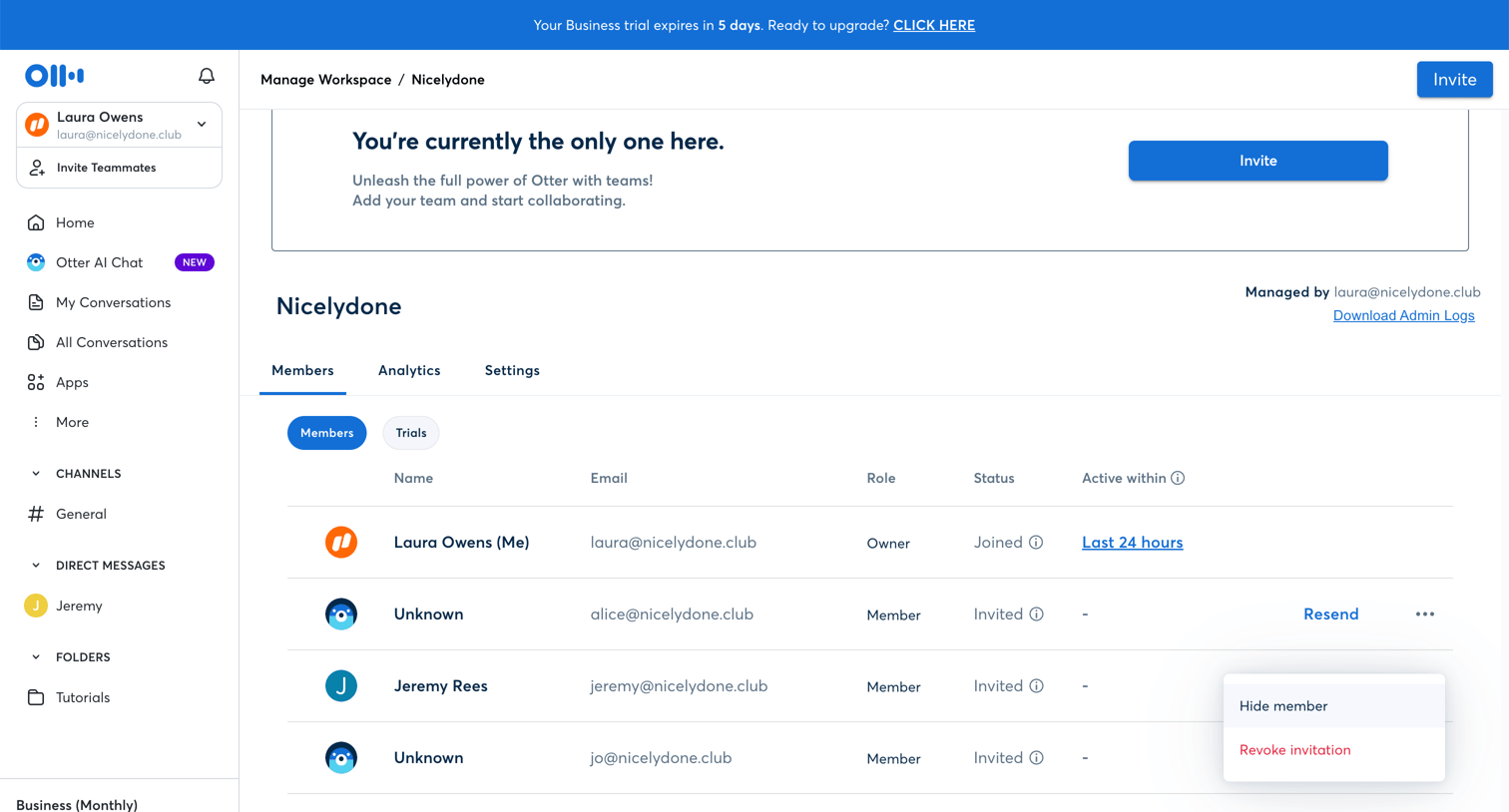

Settings page where the workspace admin views invited team members, resends invitations, and manages active trials.
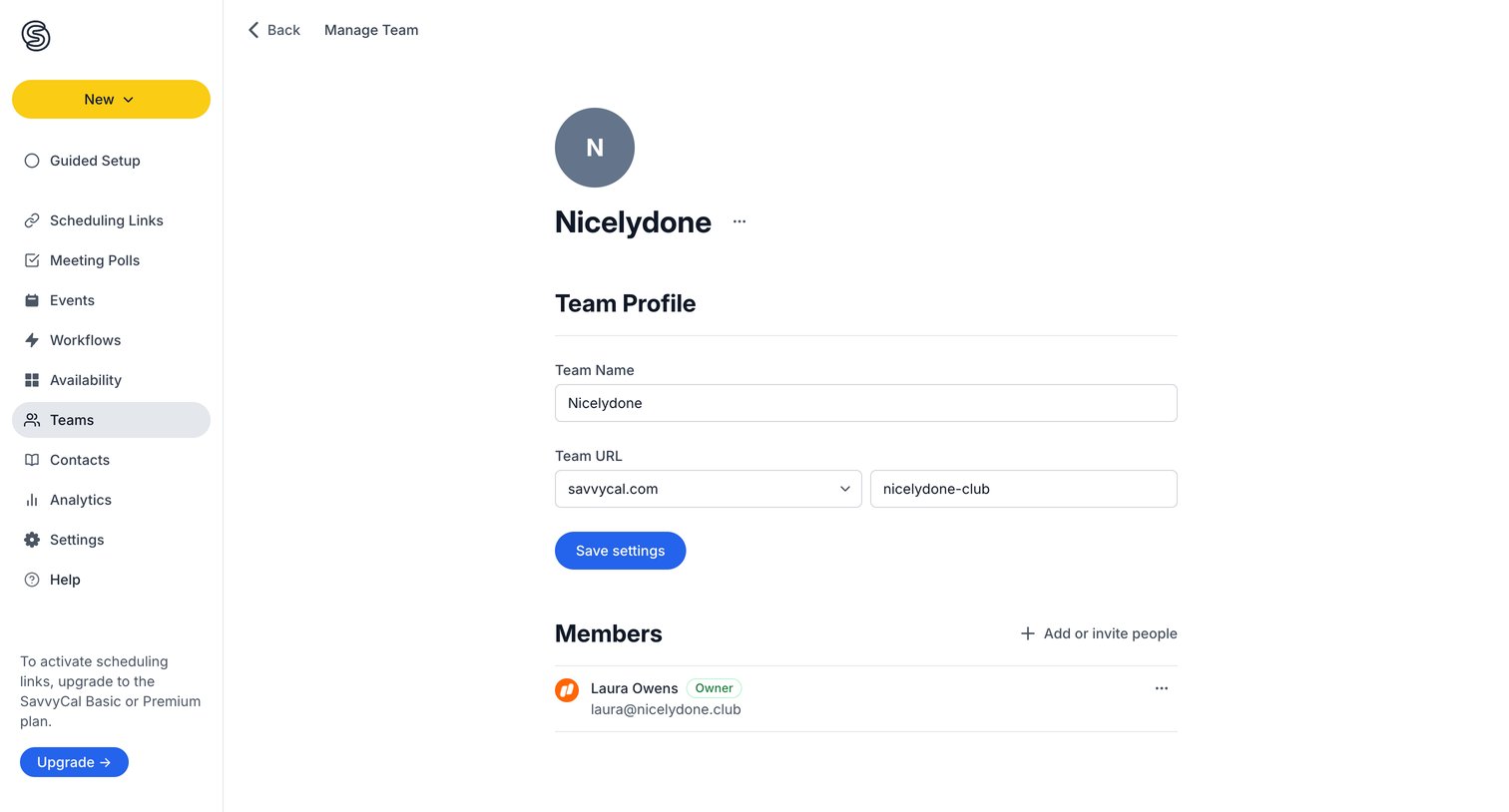

Settings page where the user updates their team profile, custom URL, and manages team members.
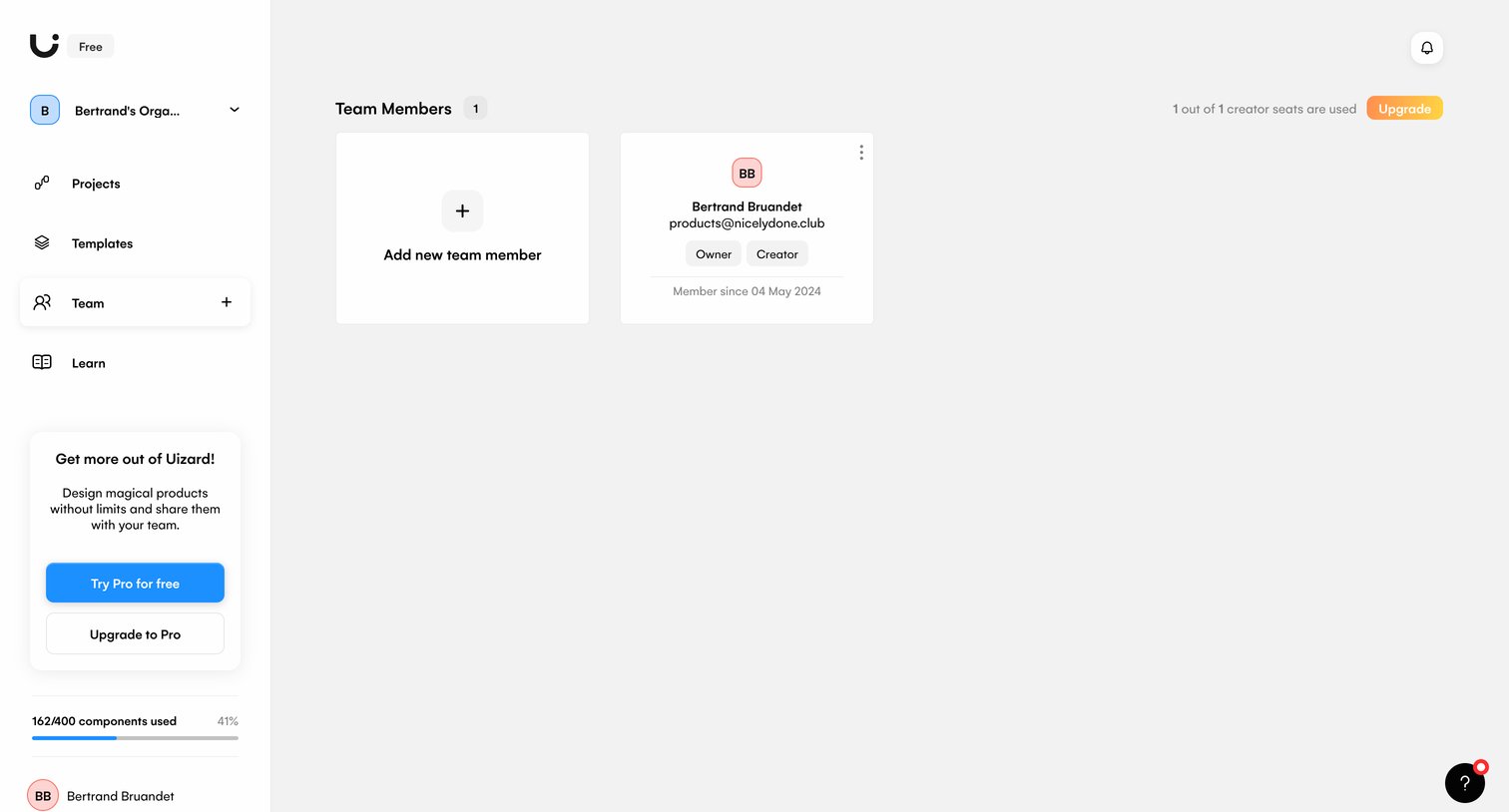

Settings page where the user manages team members, views seat usage, and can invite new teammates or upgrade their plan.
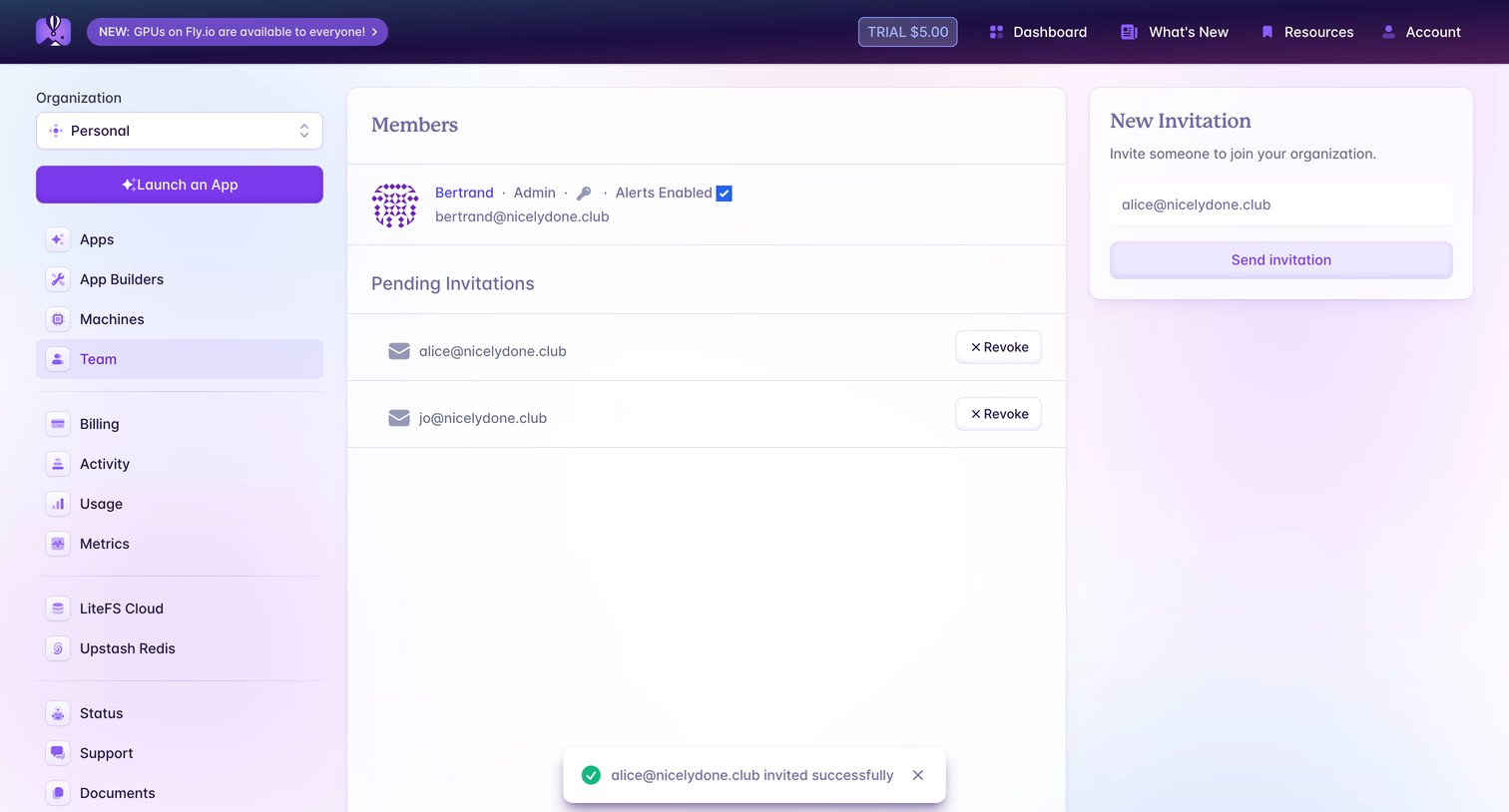

Settings page where the user views existing organization members, manages pending invitations, and invites new teammates via email.
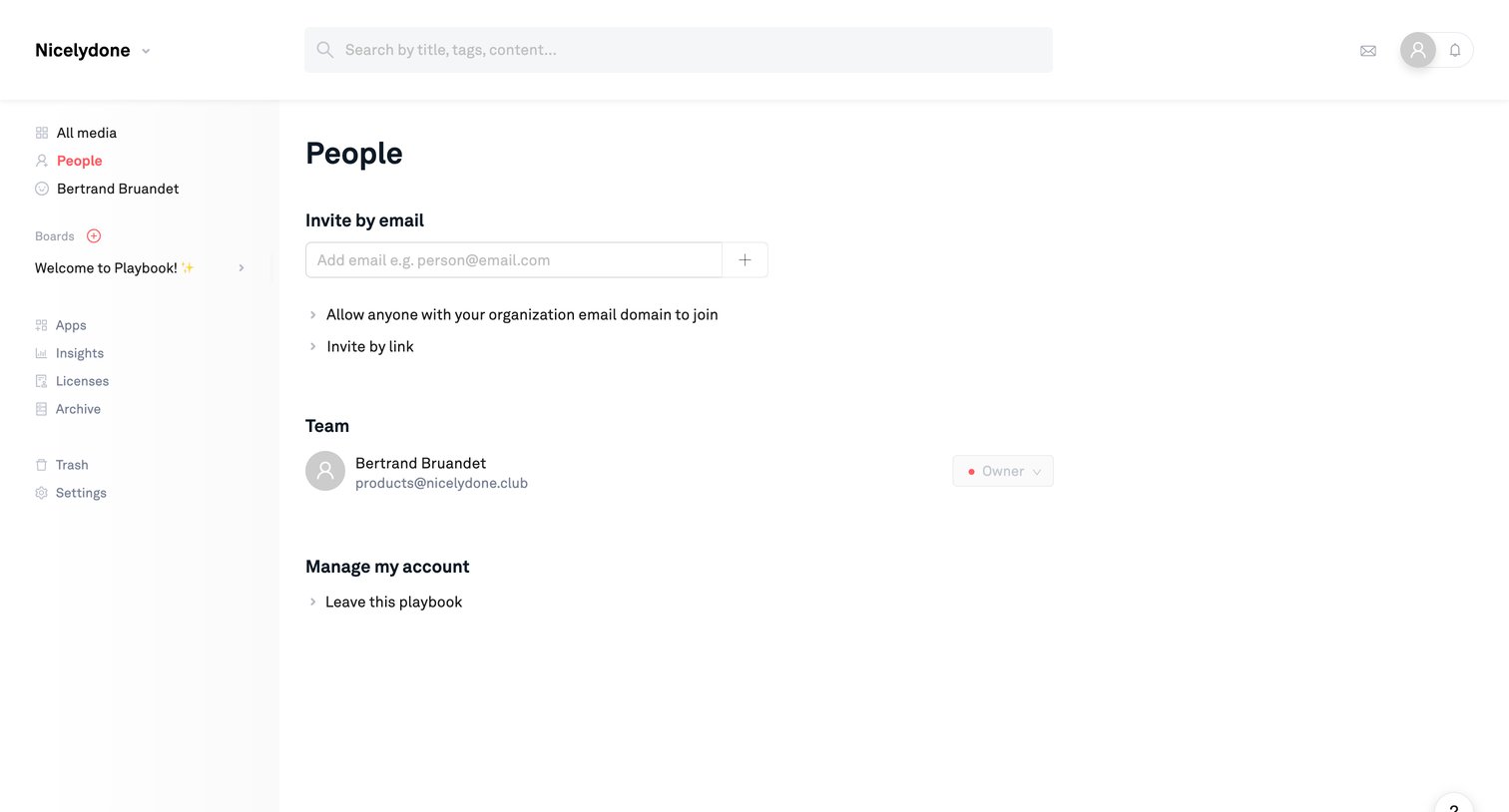

Settings page where the user can invite new members by email, manage existing team roles, and leave the playbook.
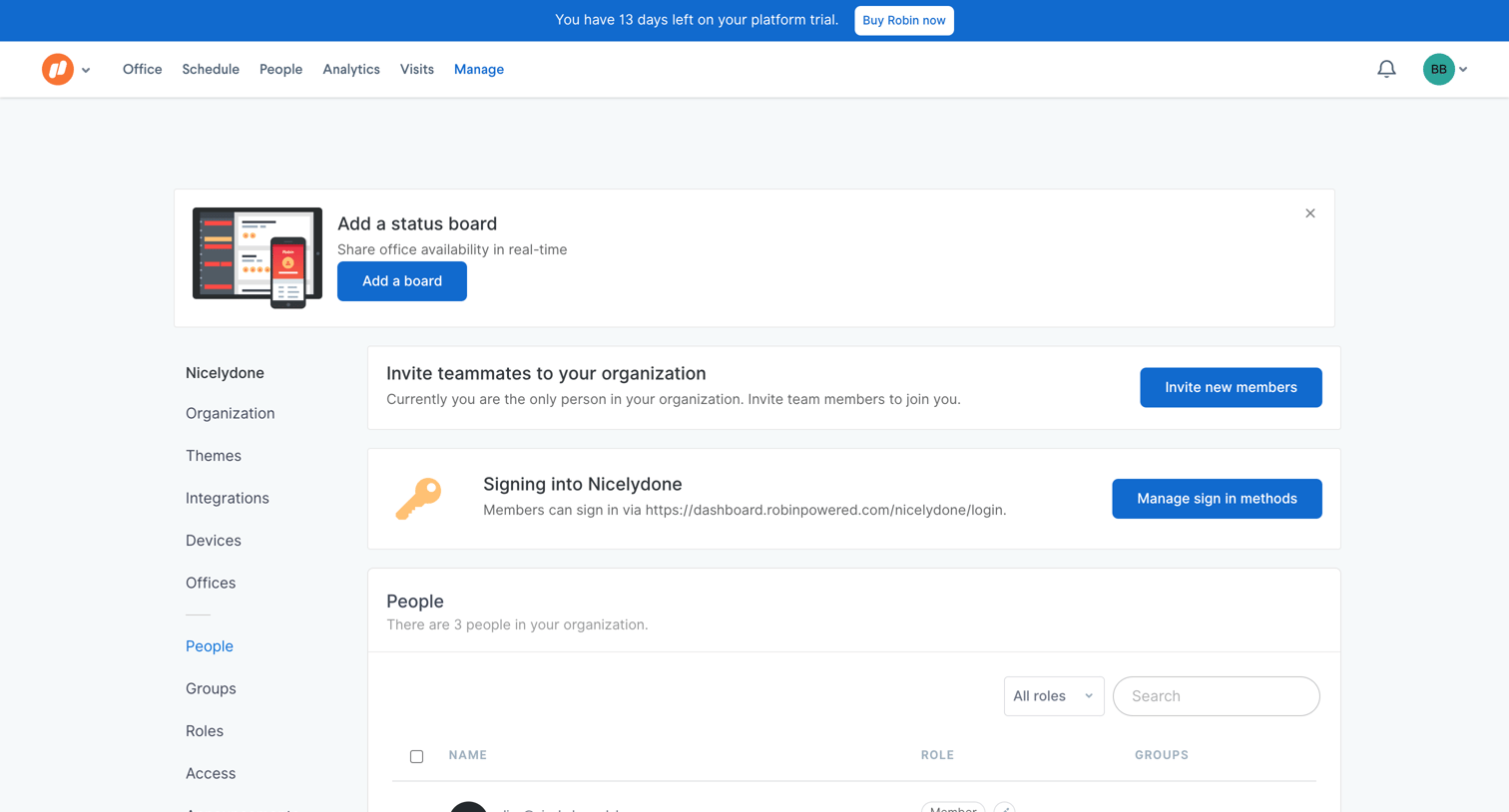

Settings page where an admin views the list of people in the organization, invites new members, and manages sign-in methods.
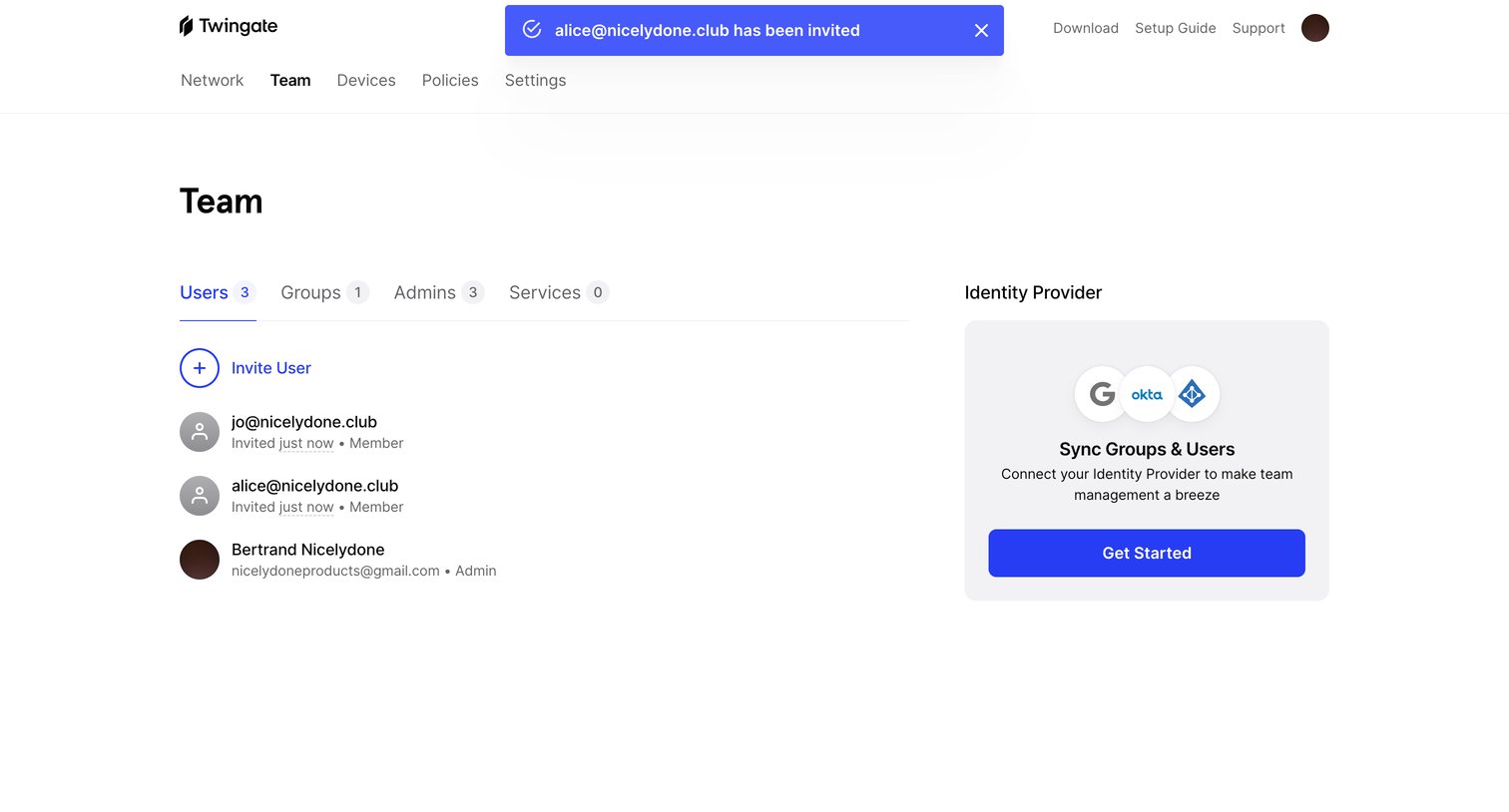

Settings page where the user views the list of invited team members and can connect an identity provider to sync users.
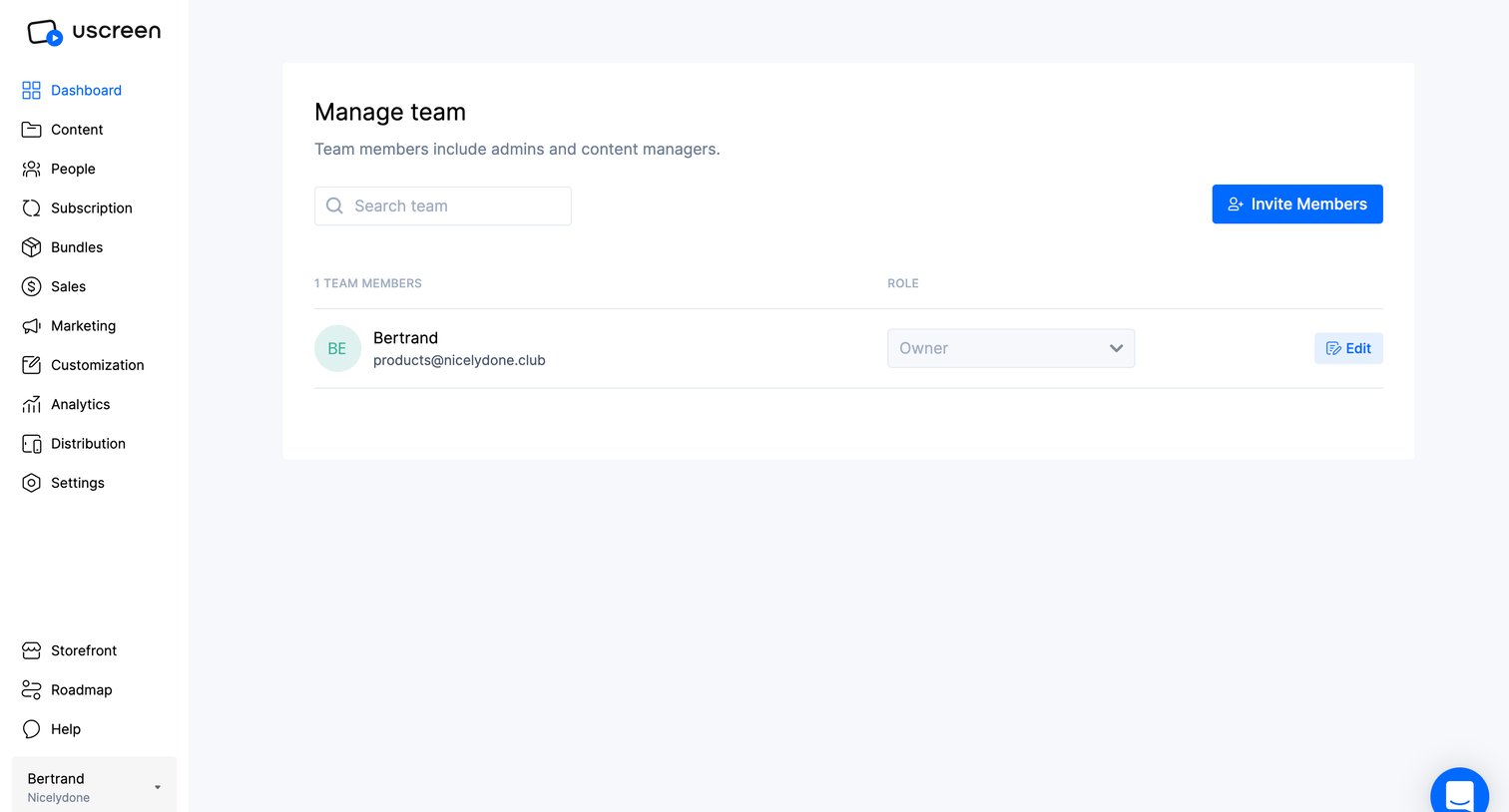

Settings page where the user can search for team members, invite new ones, and change their assigned roles.
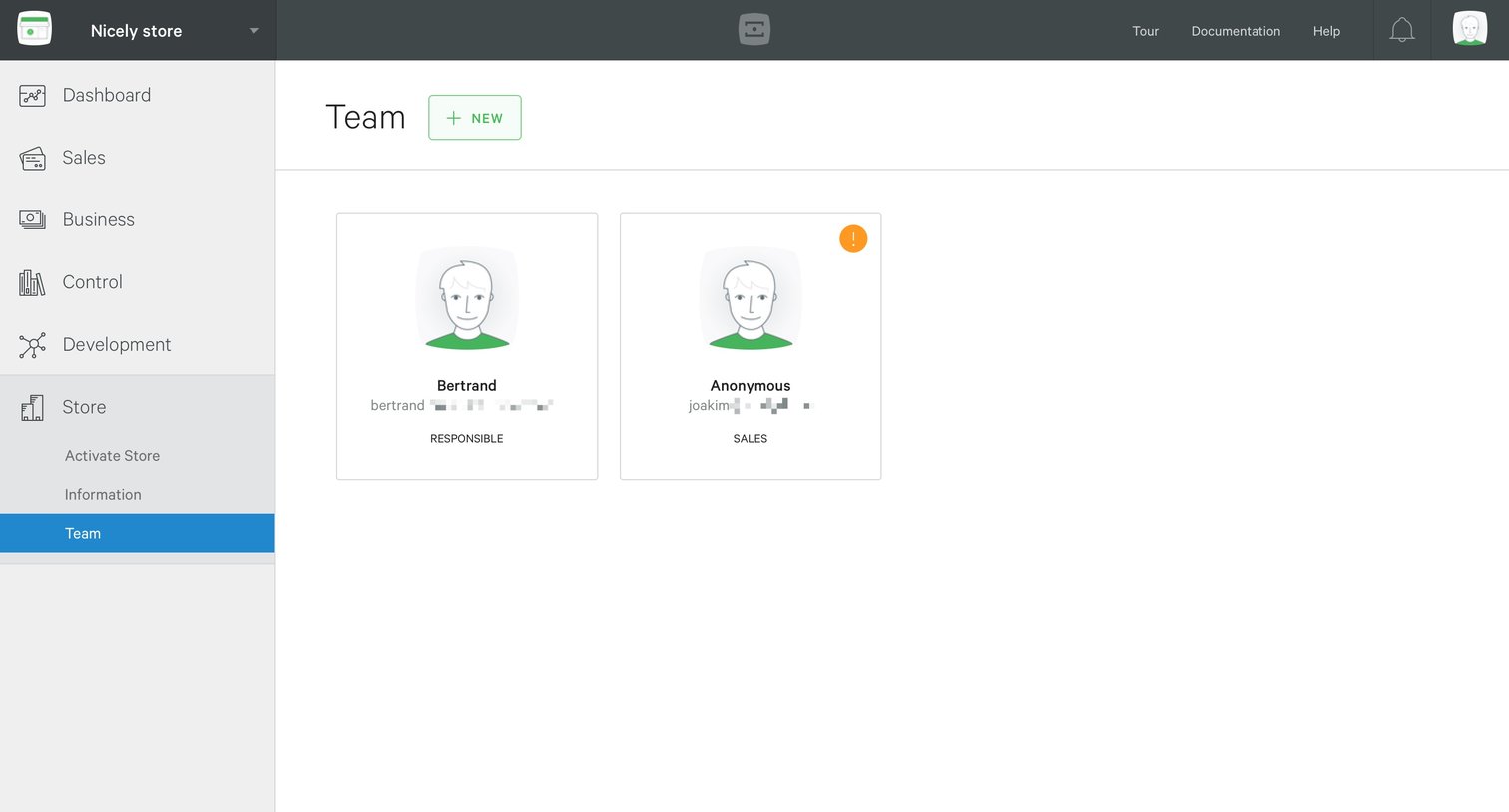

Settings page where the user manages team members, viewing profile cards with assigned roles and an option to add new members.
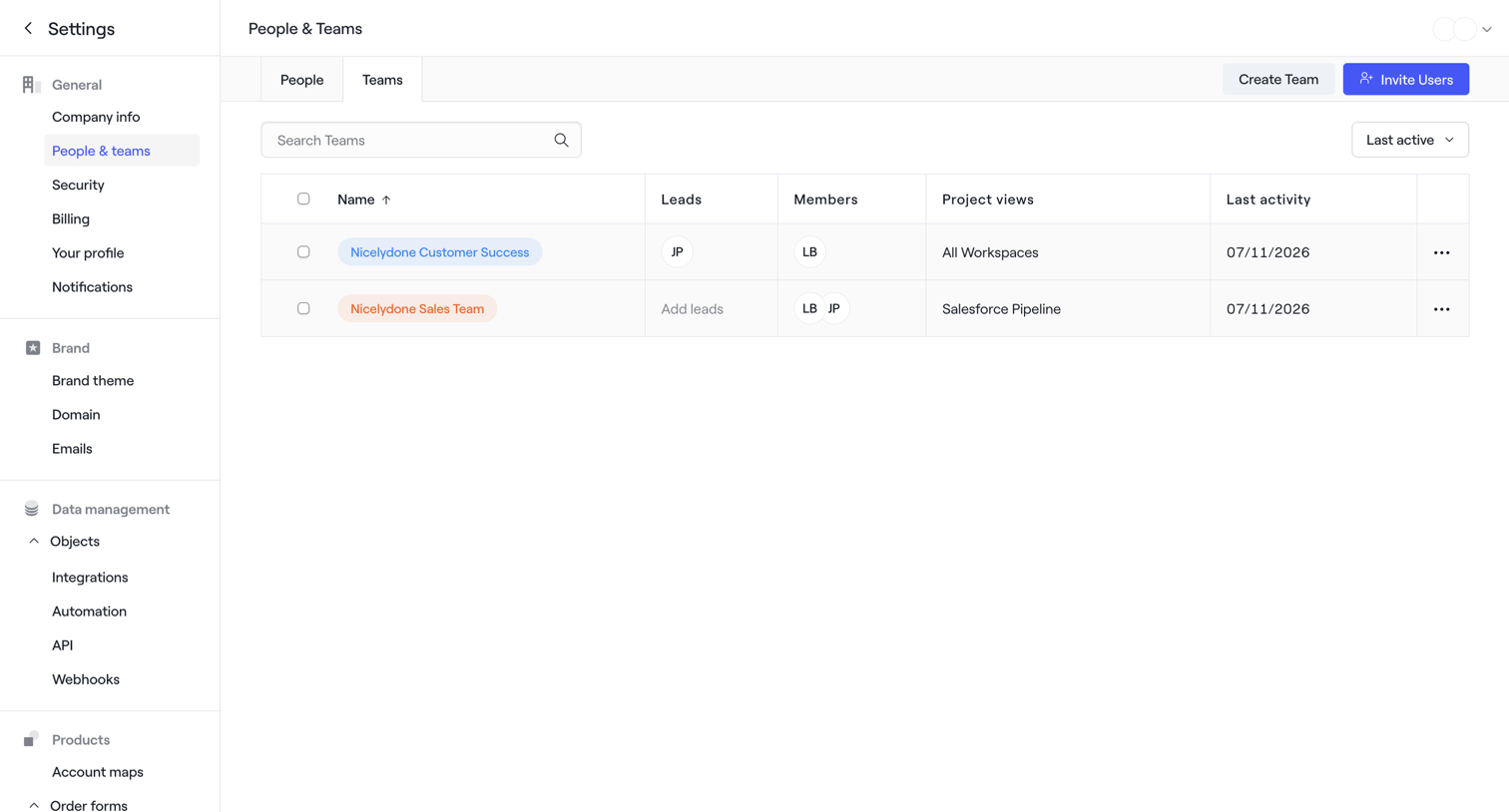

Settings page where the user manages workspace teams, with options to search, sort by last active, create a new team, or invite users.
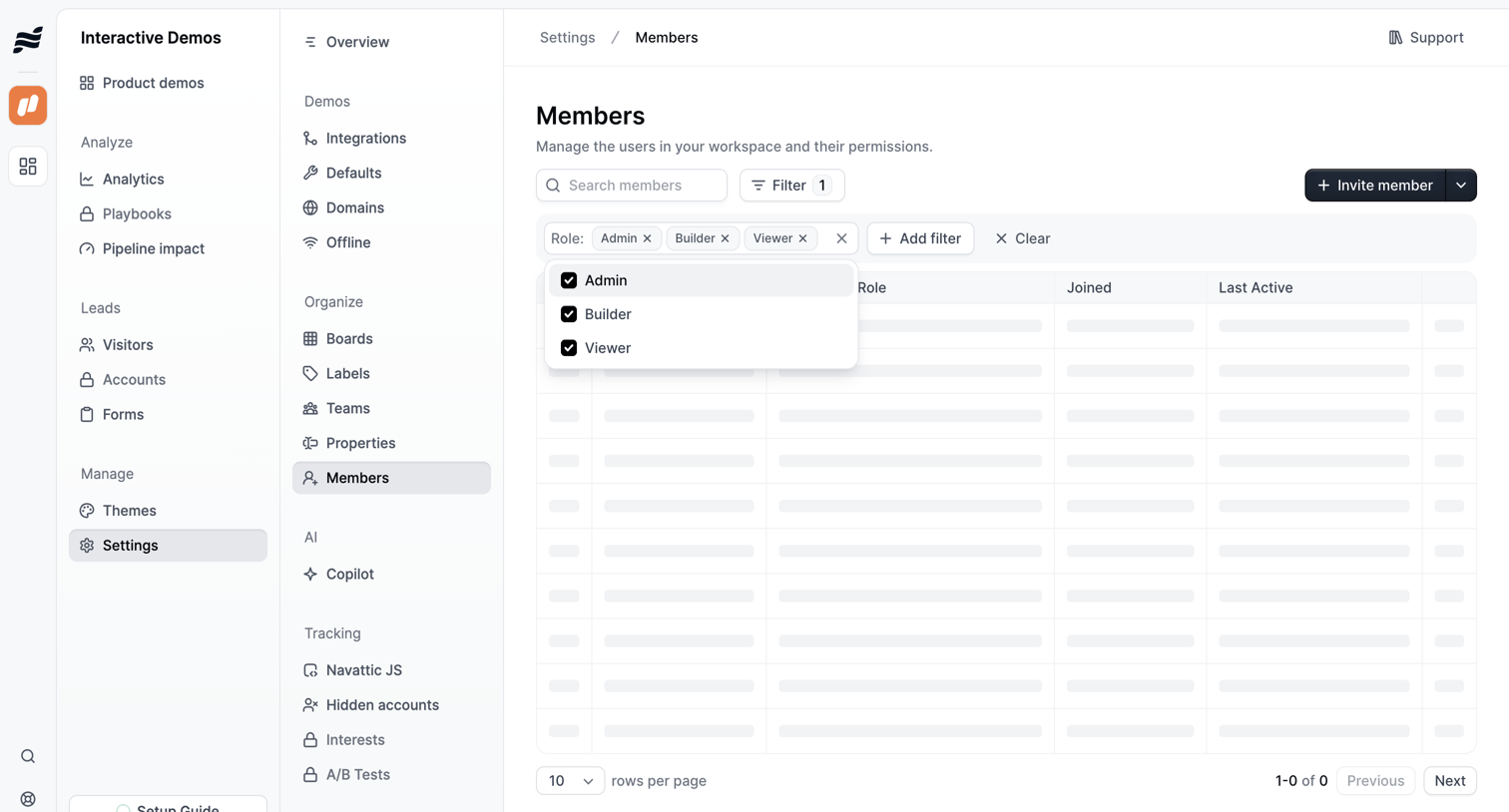

Settings page where the user manages workspace members, currently showing a loading state with an active role filter.
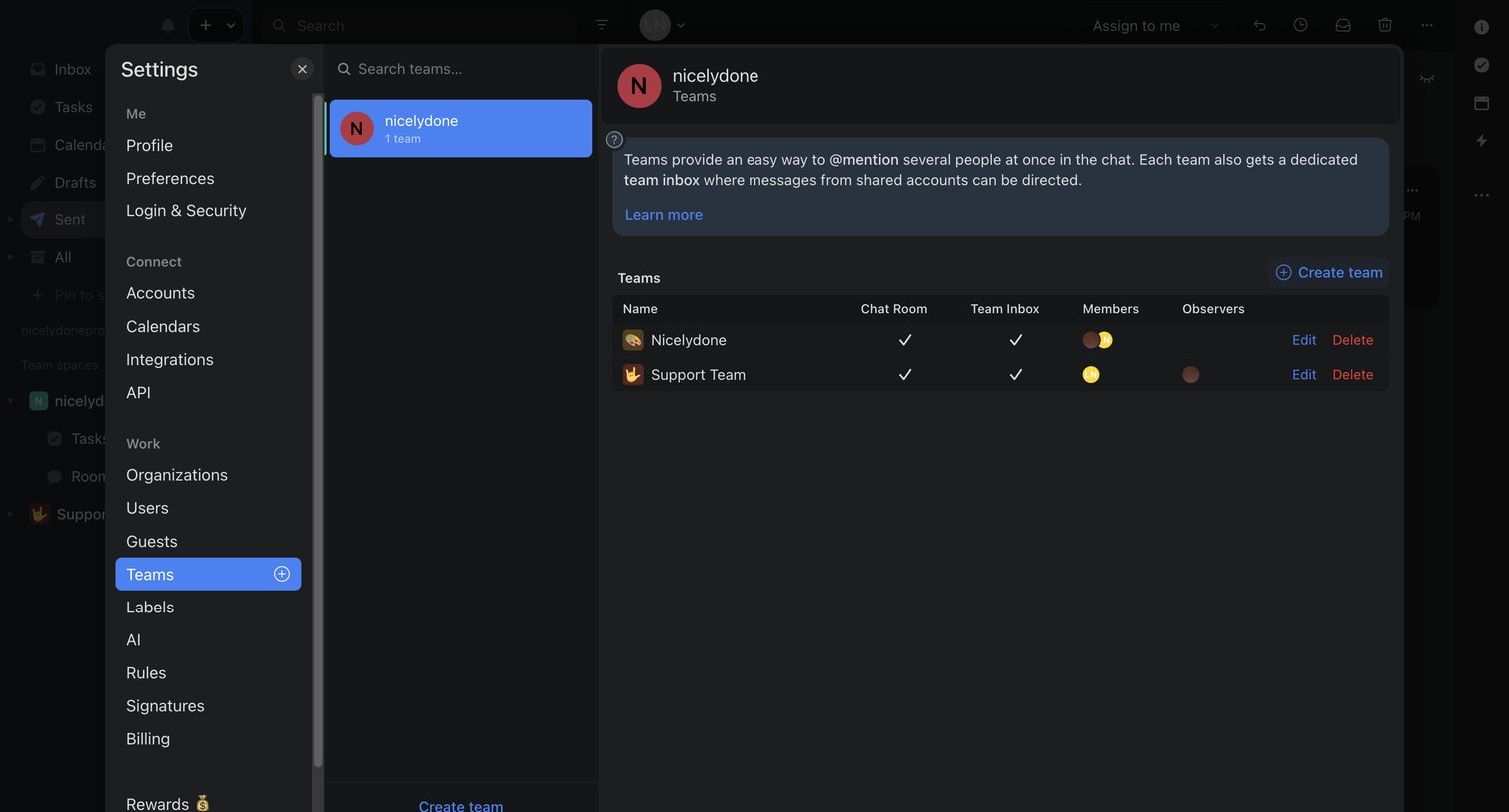

Settings modal where the user manages teams, views team members, and can create new teams.
Explore the full SaaS screen library
Upgrade to unlock the full library.
Trusted by the best teams








About Team Management
See how SaaS apps organize the people in a workspace. Explore how member lists, invitations, and access controls relate to the team and its account settings.