Fly design examples
Explore Fly UI design examples. Deploy app servers close to your users
Product screens
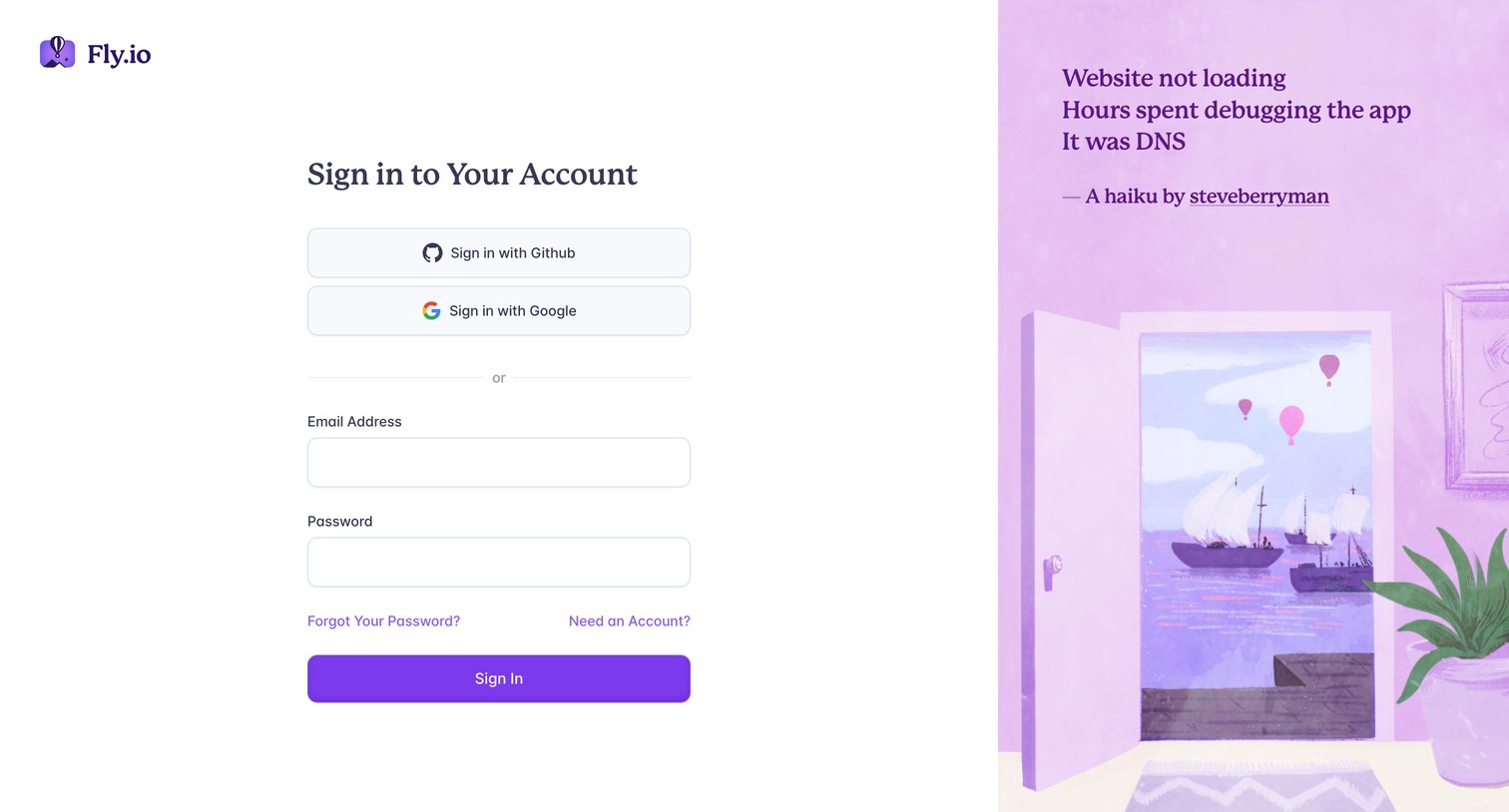
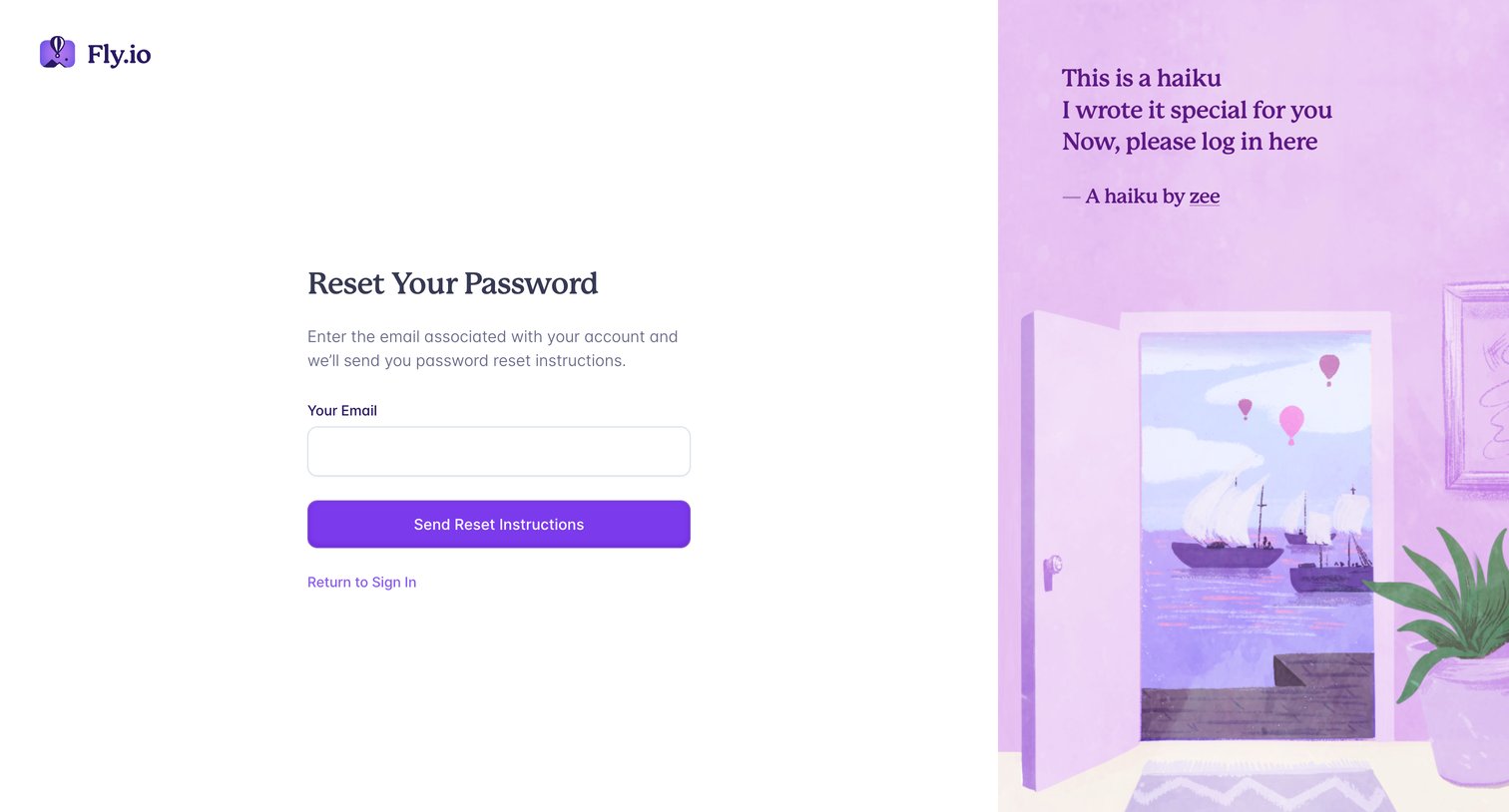

Password recovery screen where the user enters their email address to receive reset instructions.
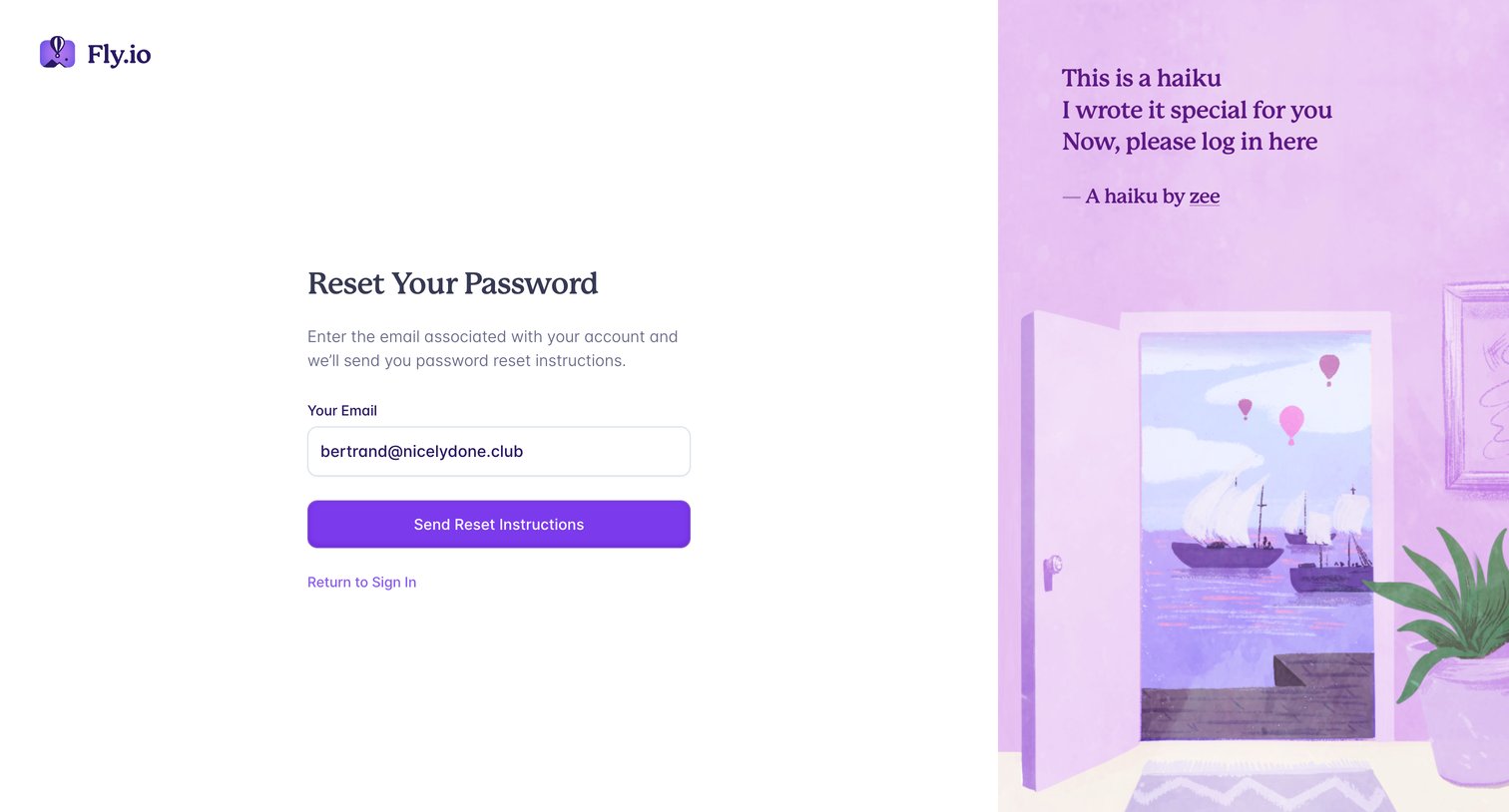
Password recovery screen where the user enters their email address to receive reset instructions, featuring a decorative illustration and haiku on the right.
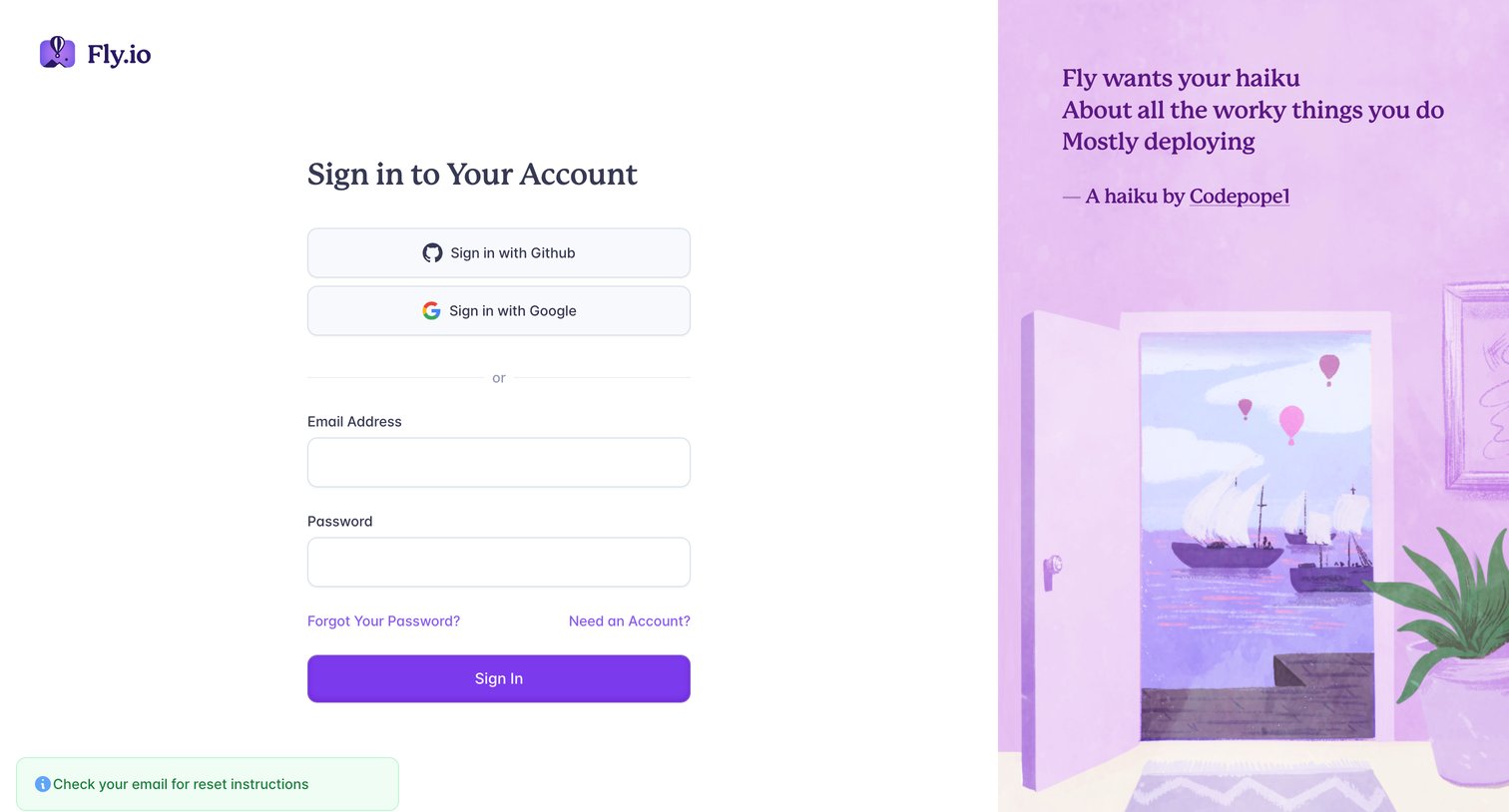
Sign-in screen where the user authenticates with GitHub, Google, or email and password, showing a success message for password reset instructions.
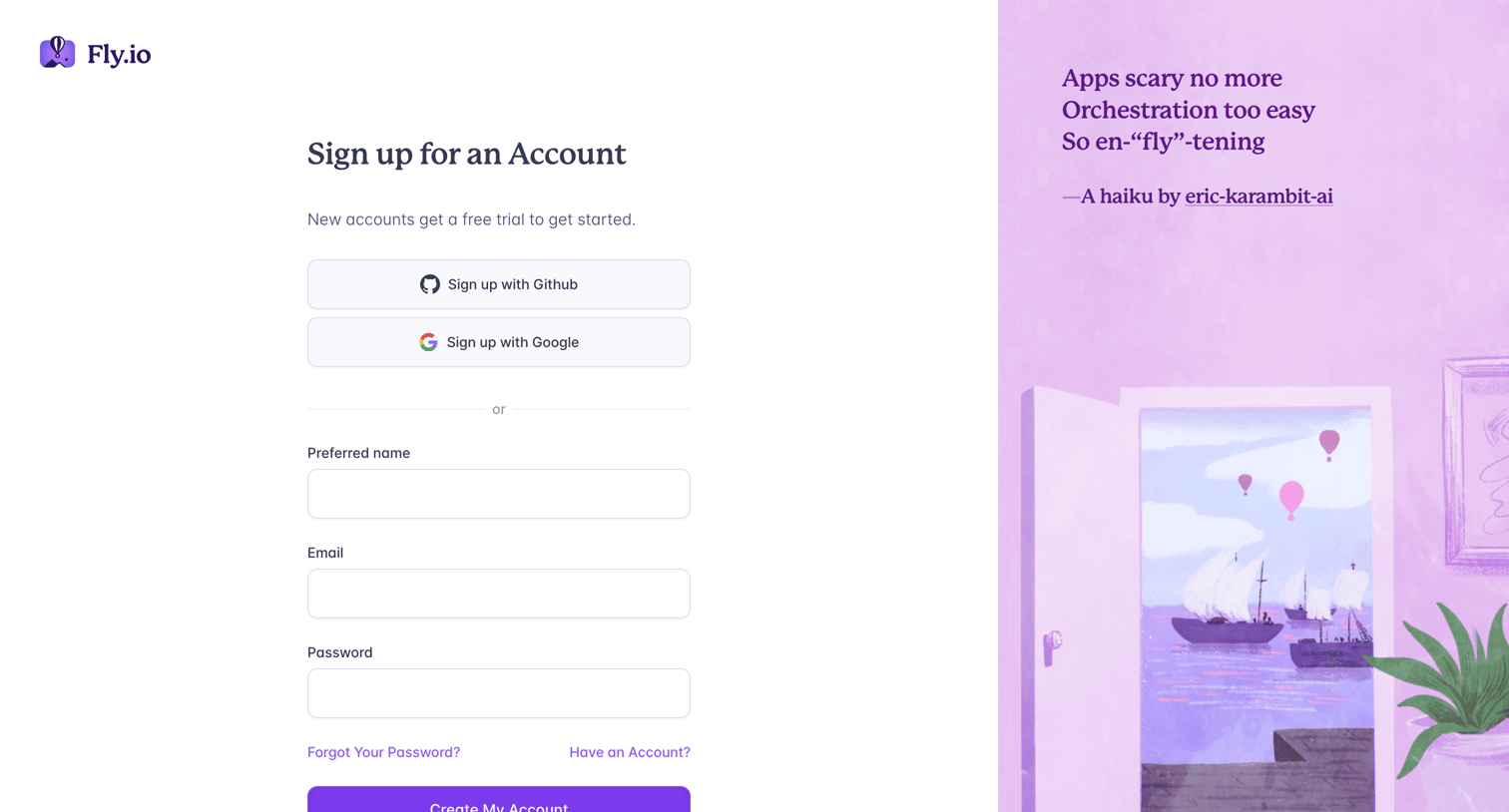
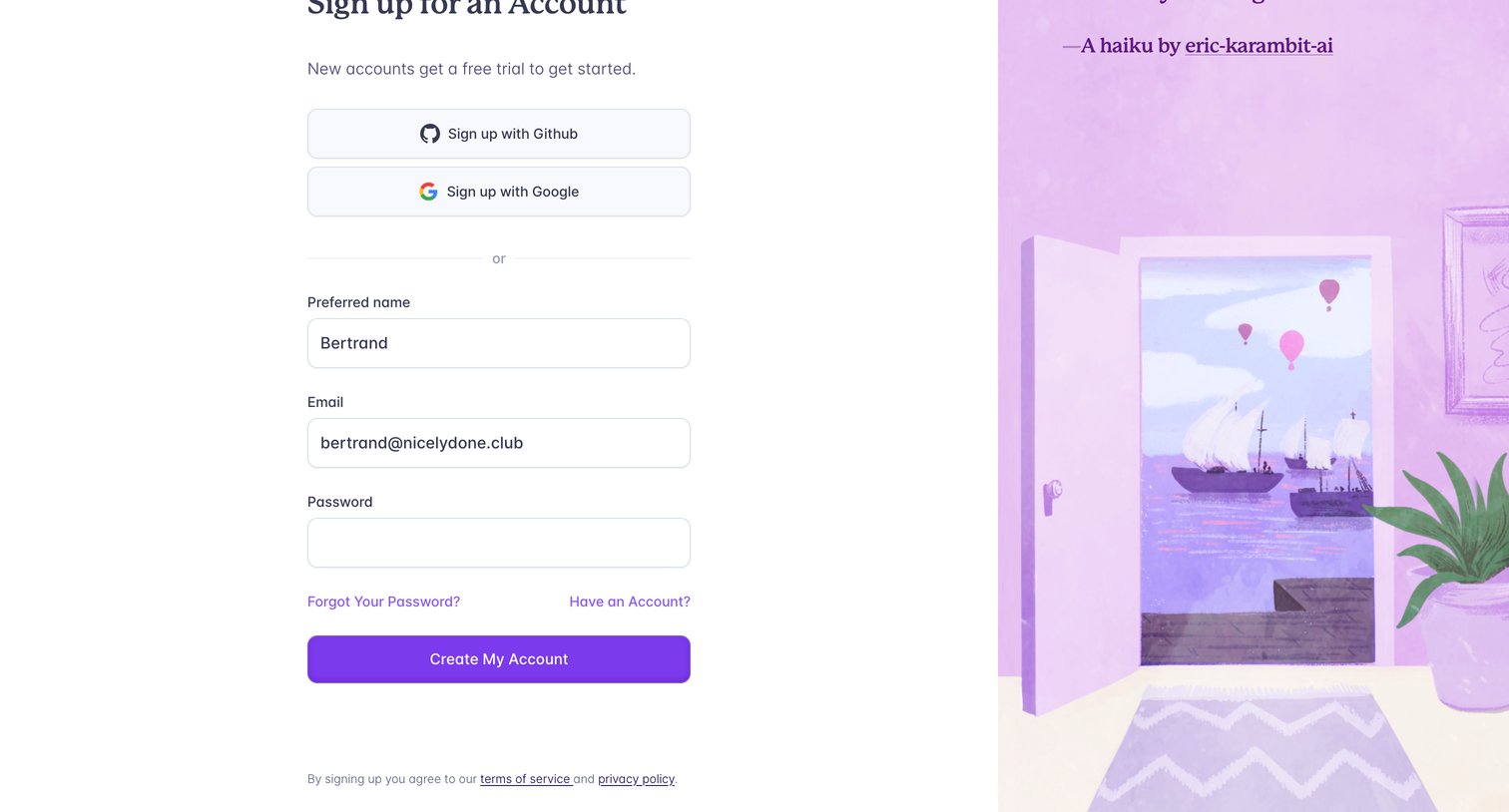
Signup page where the user can create an account using GitHub, Google, or by providing a preferred name, email, and password.
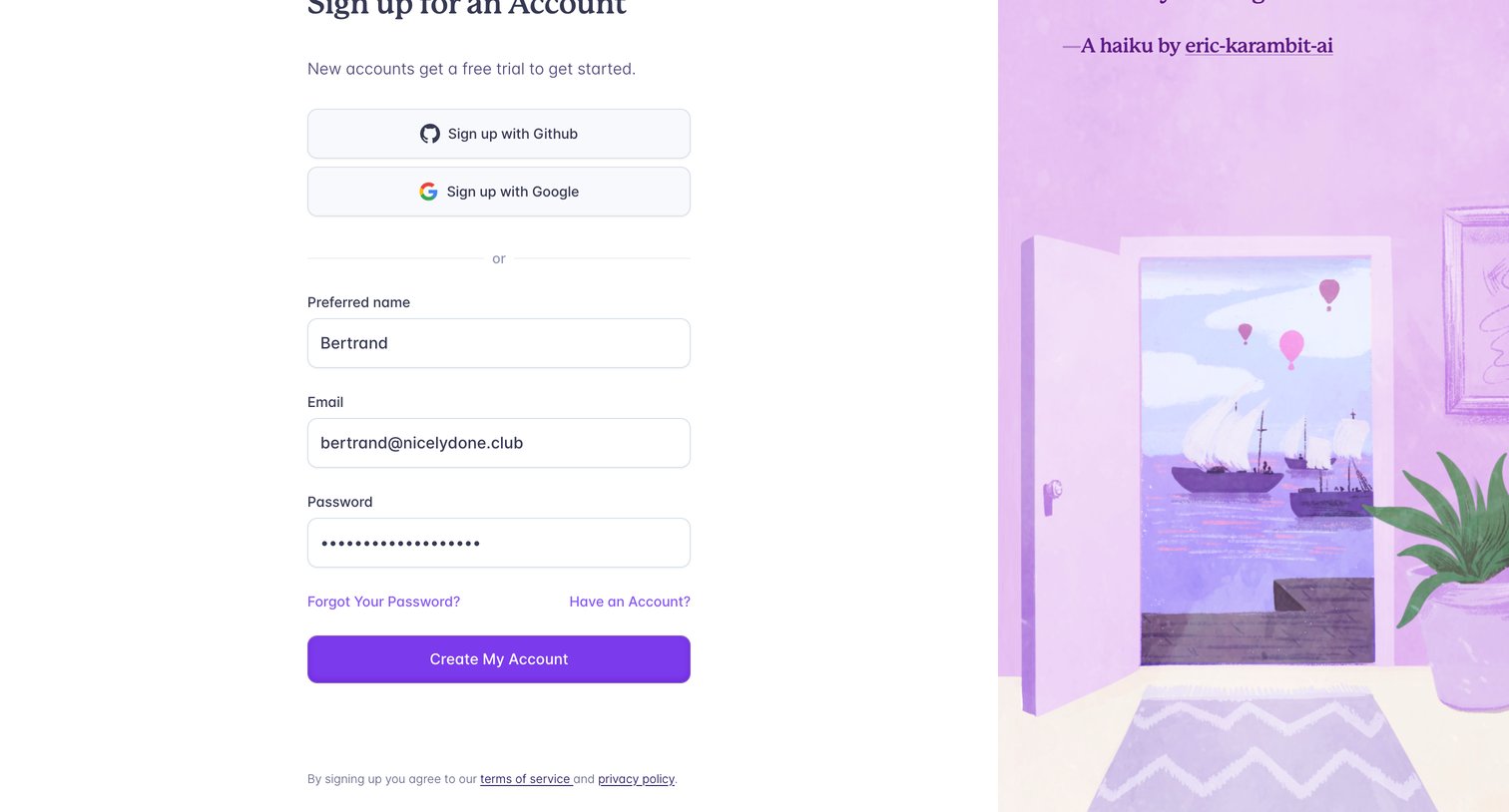
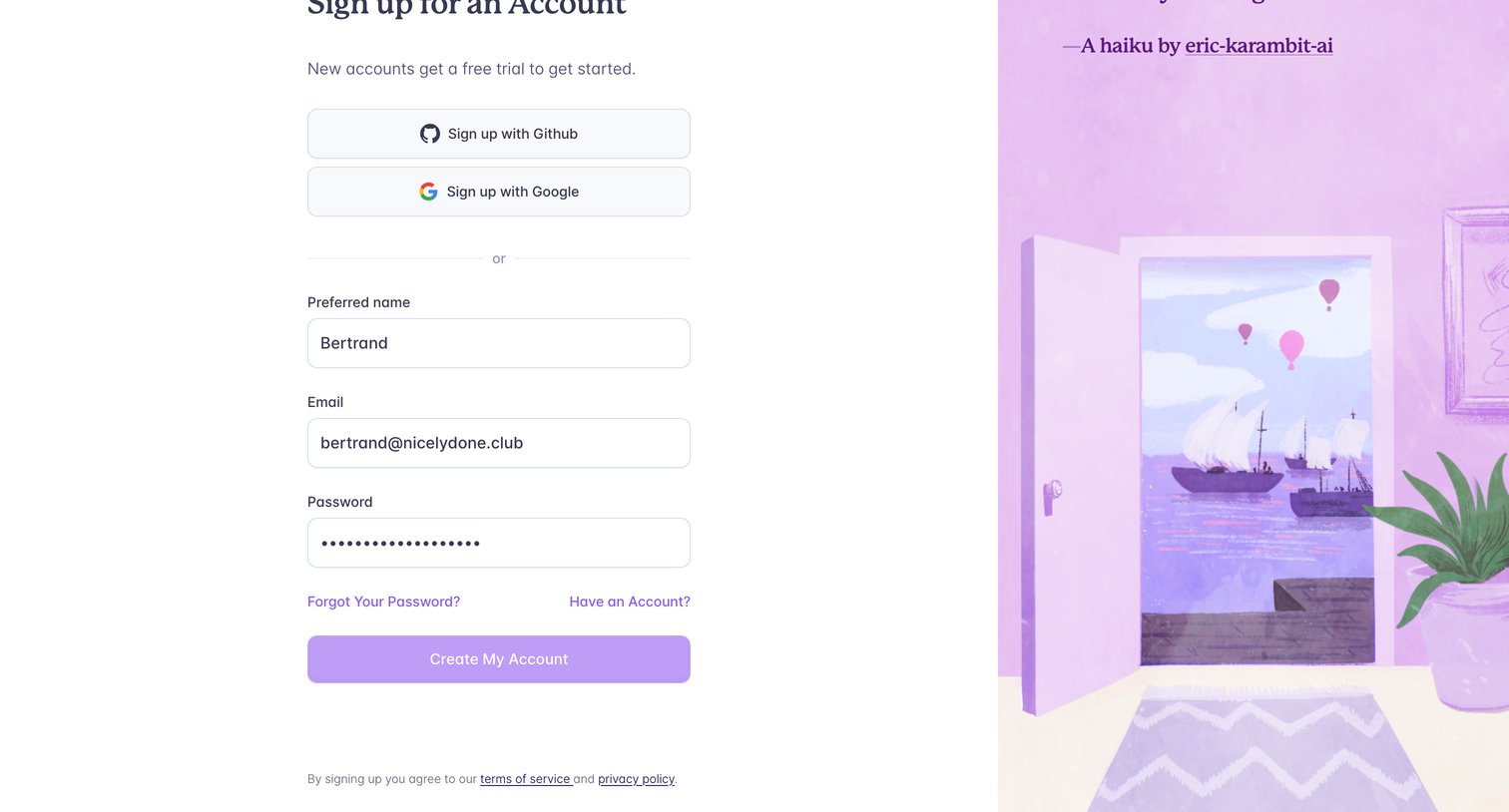
Signup screen where the user can create an account using GitHub, Google, or an email and password.
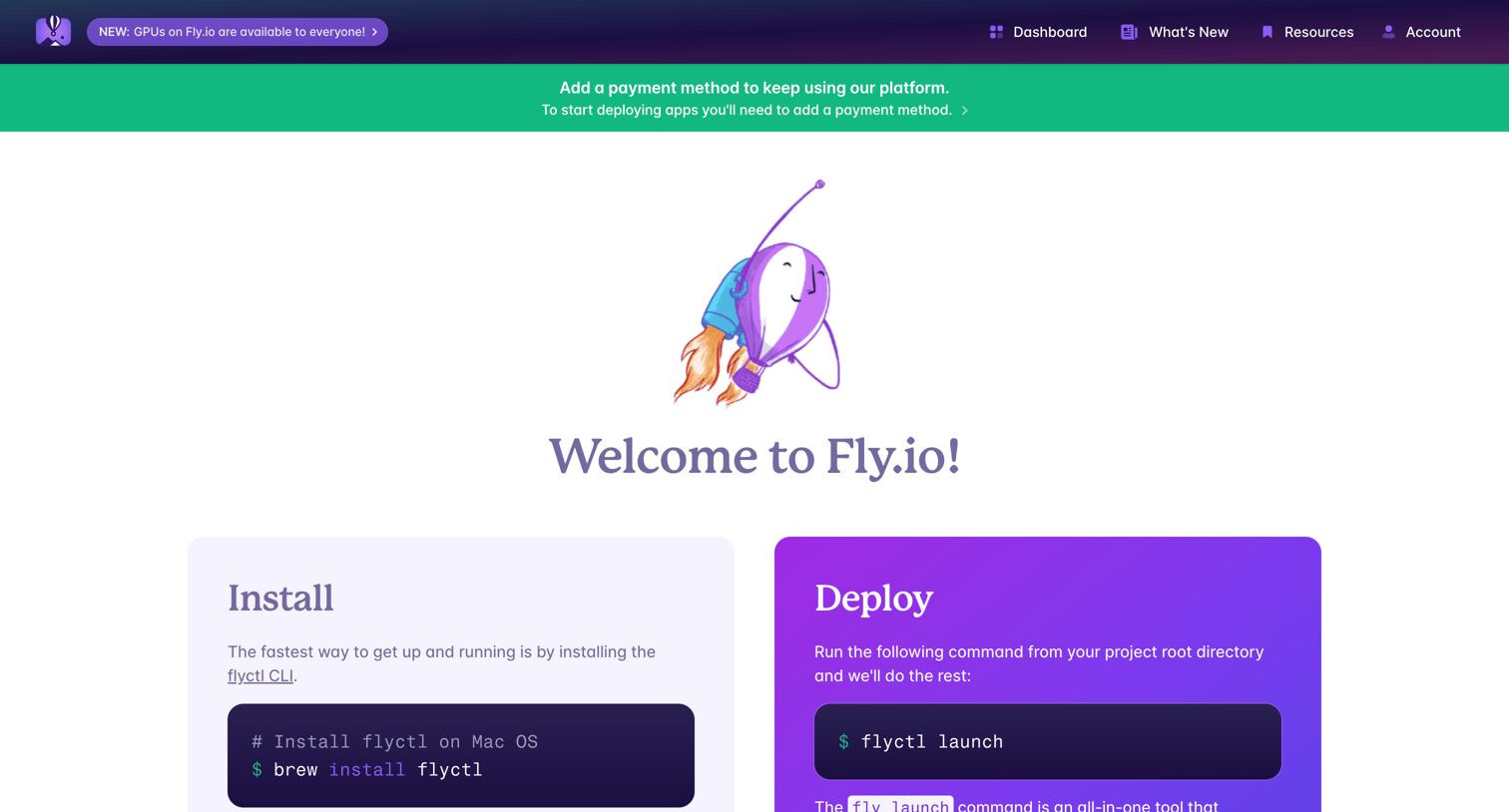
Onboarding welcome screen where the user is guided to install the CLI and deploy their first app, with links to supported frameworks and recent blog posts.
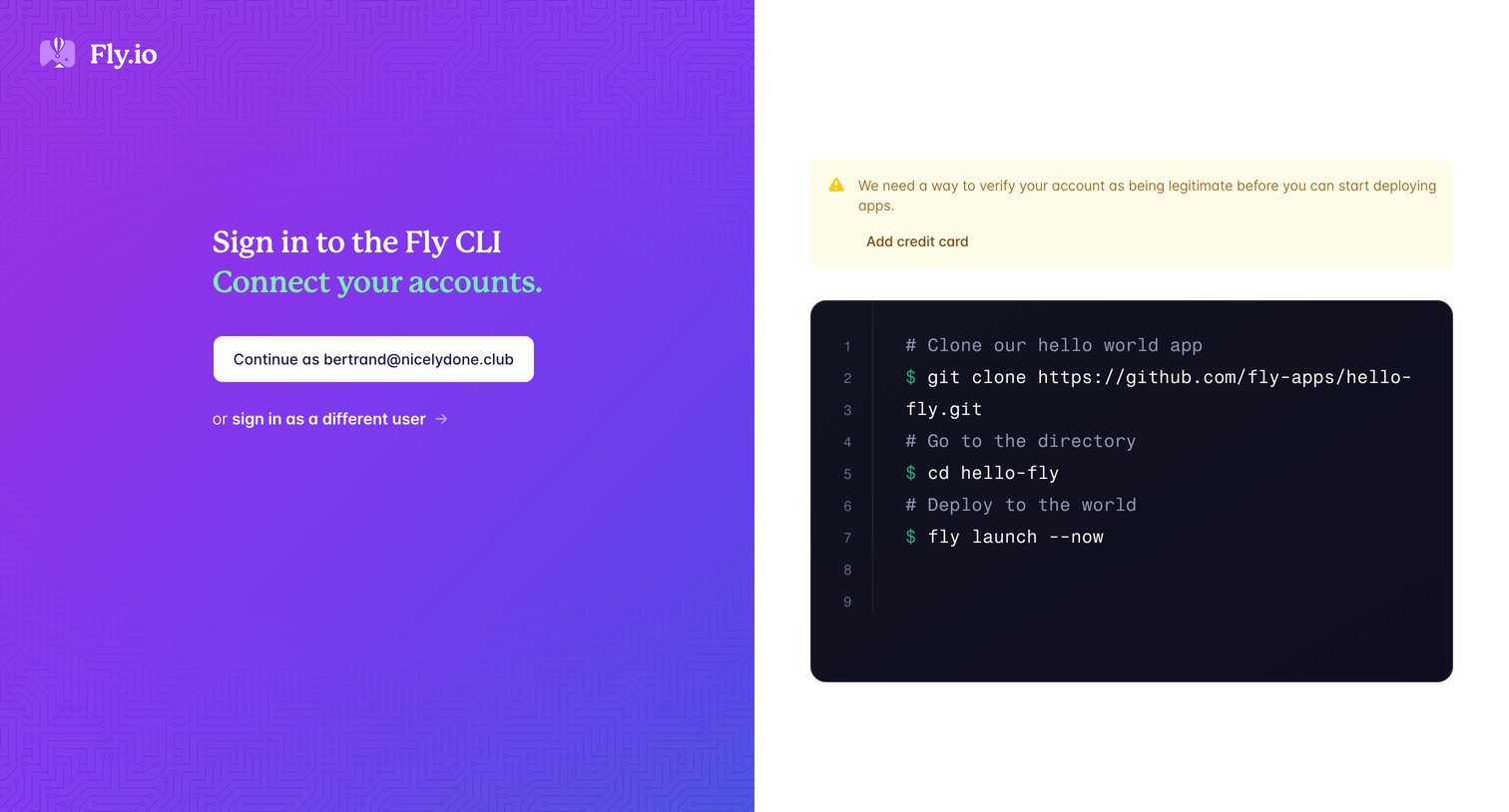
Signin screen where the user authorizes the Fly CLI to connect to their account and sees a prompt to verify their account by adding a credit card.
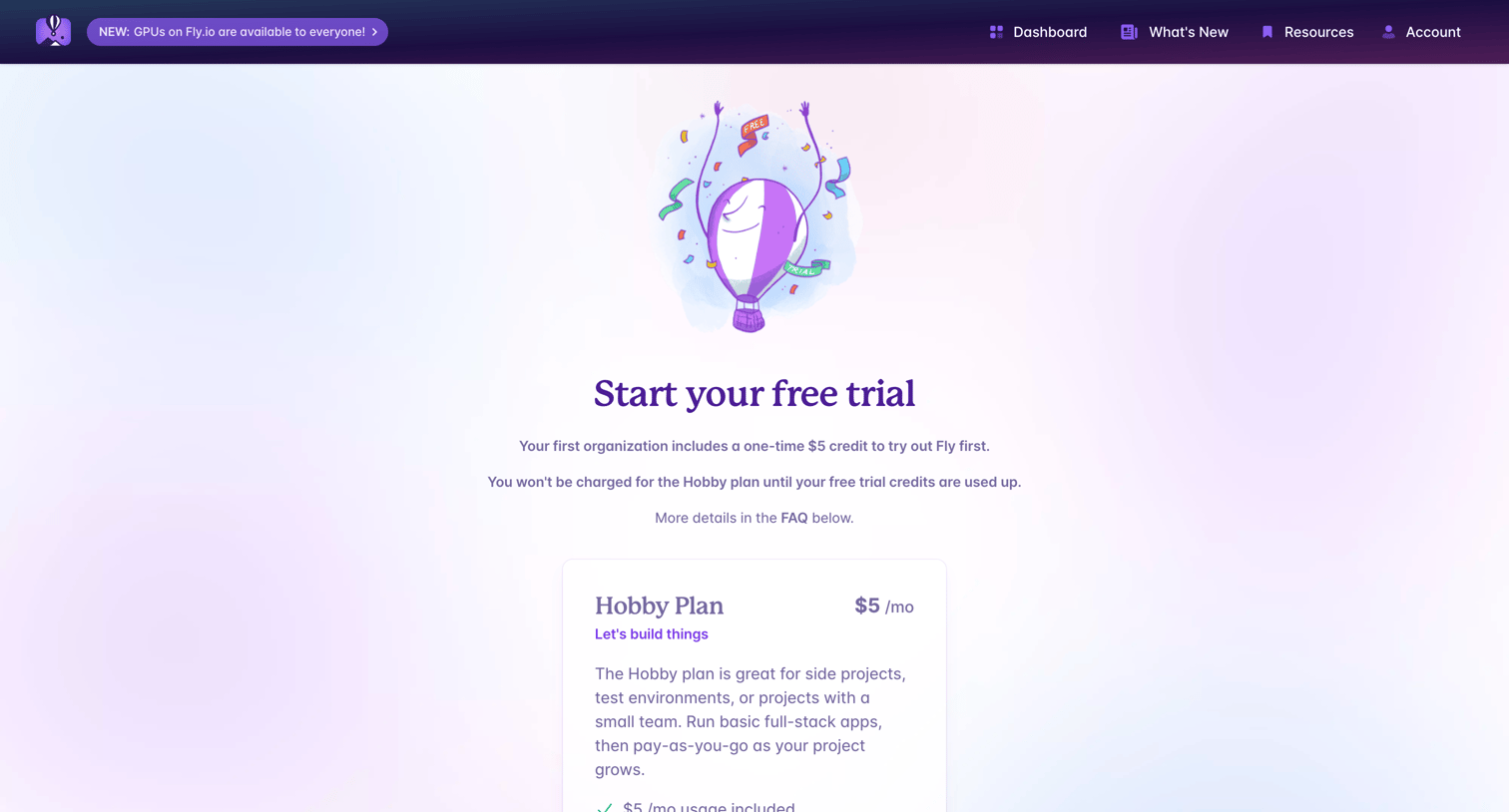
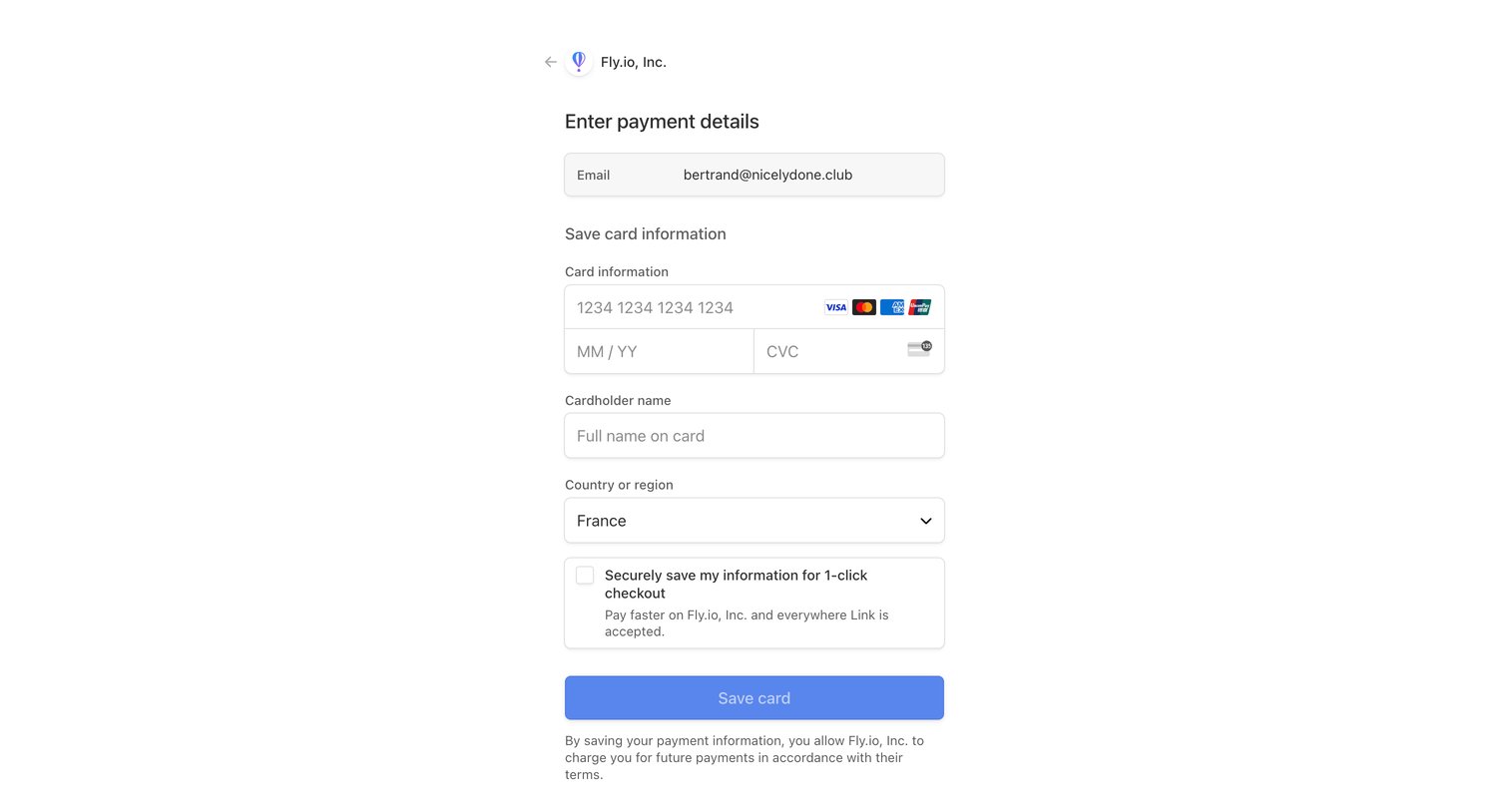
A checkout page where users can enter their payment details to secure their transaction.
Browse the full SaaS app library
Explore real SaaS apps with their product screens, marketing screens, flows, and components.
Trusted by the best teams







