- Examples
- SaaS app design examples
- Fly design examples
- Fly user flows examples

Fly user flows examples
Explore Fly user flow examples. Preview the opening screens and steps for each task. Deploy app servers close to your users
Preview these flows
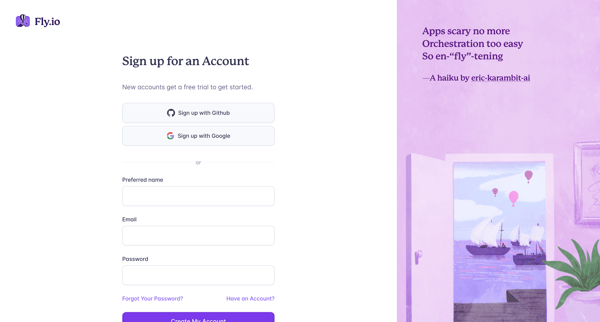
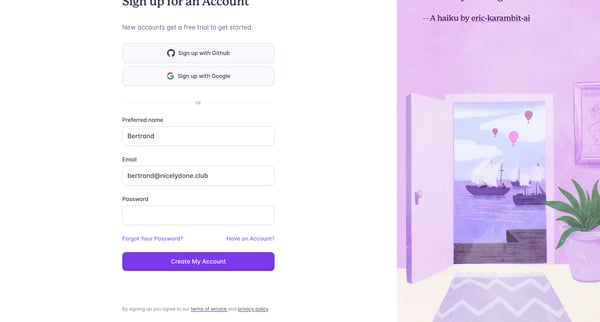
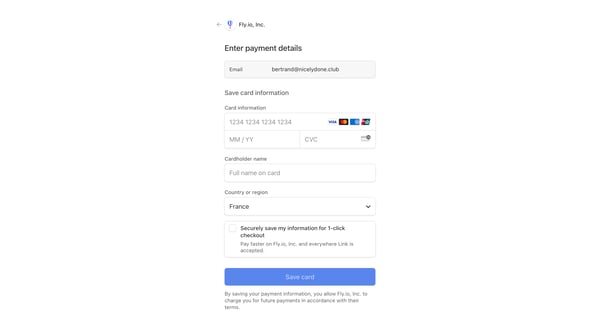
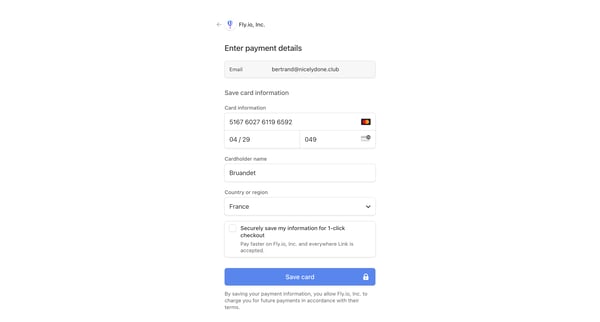
Guides a user through the process of signing up, verifying the account, and adding payment details to start using Fly.io services.
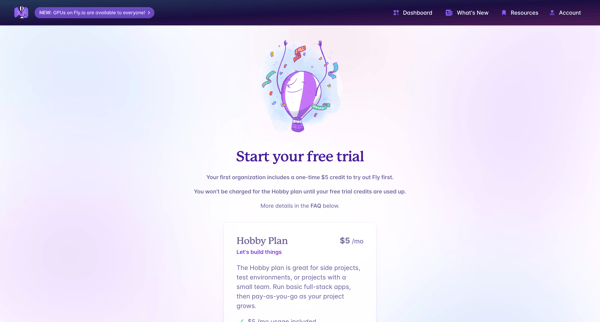
This flow aids users in securely resetting their password on Fly.io by providing their email.
This flow guides a user through the process of resetting their forgotten password on Fly.io.
This flow guides a user through the process of upgrading their plan on Fly.io, allowing them to review plan details, enter payment information, and confirm the subscription.
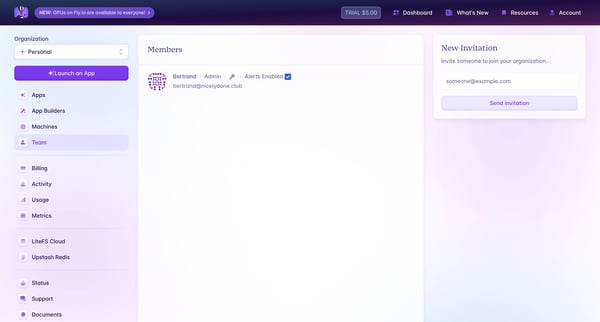
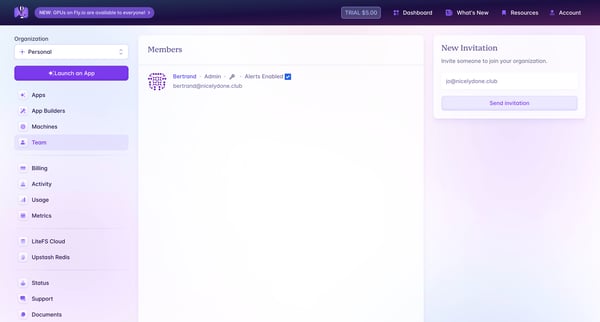
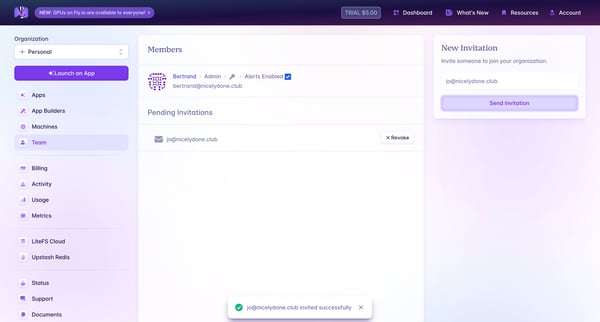
The user flow allows an admin to invite teammates to join their organization on Fly.io through email invitations.
This flow enables a user to invite new team members to their organization through email, and manage pending invitations.
This flow assists users in importing a database file into 'mycluster' on Fly.io platform, guiding them from the initial state to successful completion notification.
This flow outlines the process of deleting an app on Fly, which removes all data associated with the app.
This flow guides the user through the process of deleting their account by ensuring all dependent apps, certificates, and extensions are managed before account deletion.
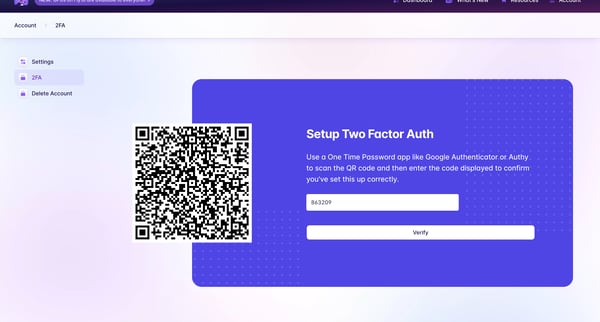
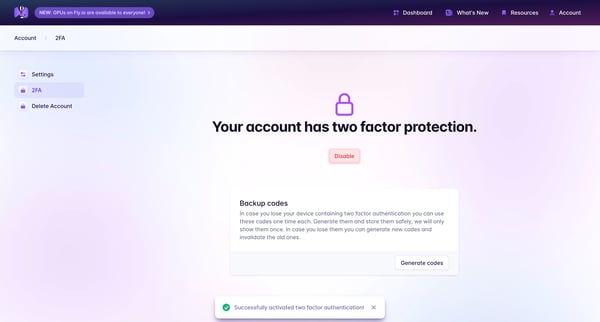
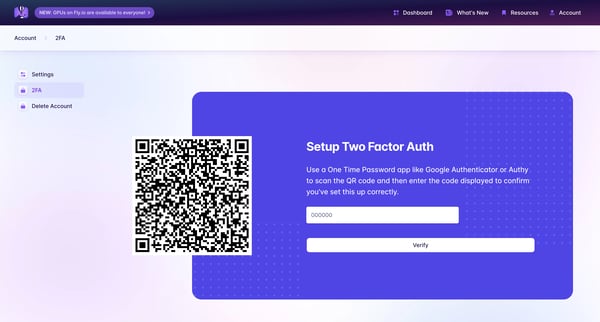
This flow enables users to set up, verify, generate backup codes for, and disable multi-factor authentication for enhanced account security.
Facilitates and confirms the deletion of a user’s organization within the Fly.io platform.
Explore the full SaaS flow library
Browse the full SaaS flow library.