Skip to content

Fly UI components examples

Browse Fly UI component design examples. Preview individual interface elements and explore related component categories. Deploy app servers close to your users

Explore the examples
Fly — Hero section component
Fly logo
Fly

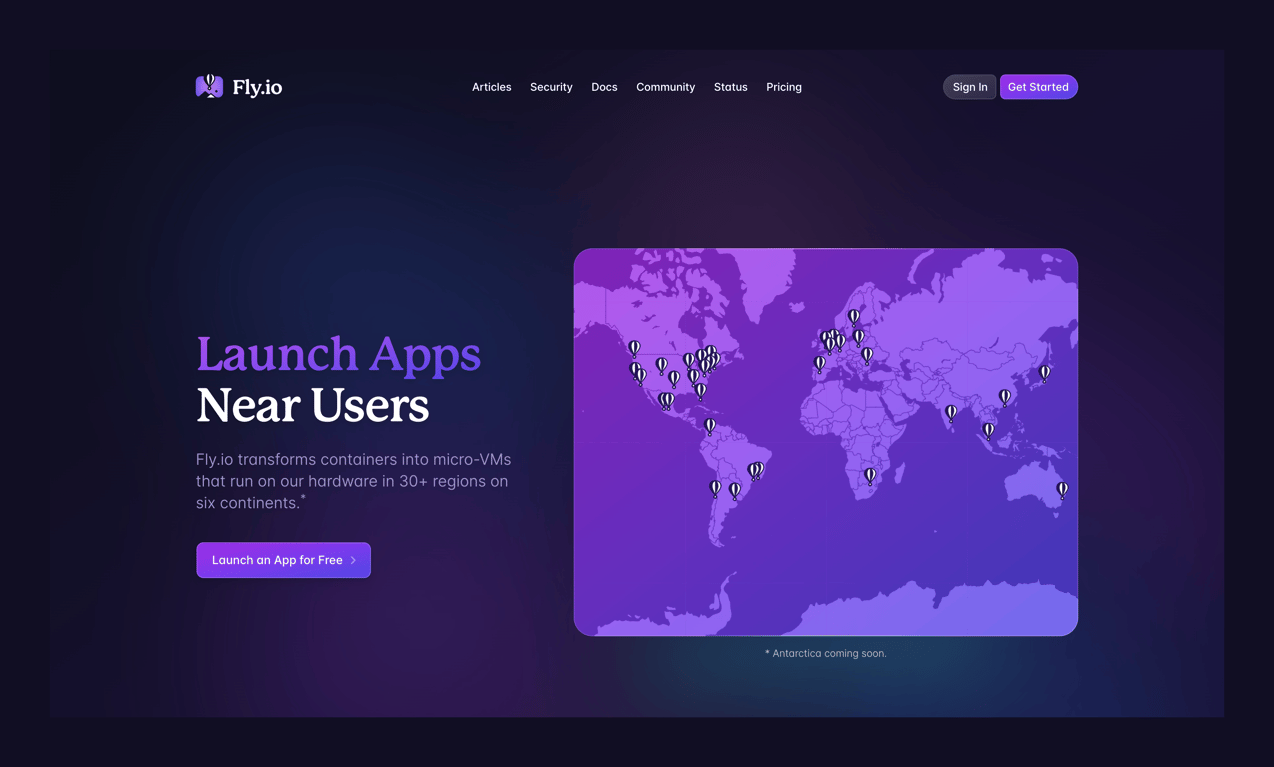
A dark-themed hero section featuring a headline, description, call-to-action button, and a stylized world map with location pins.
Fly — Stepper component
Fly logo
Fly

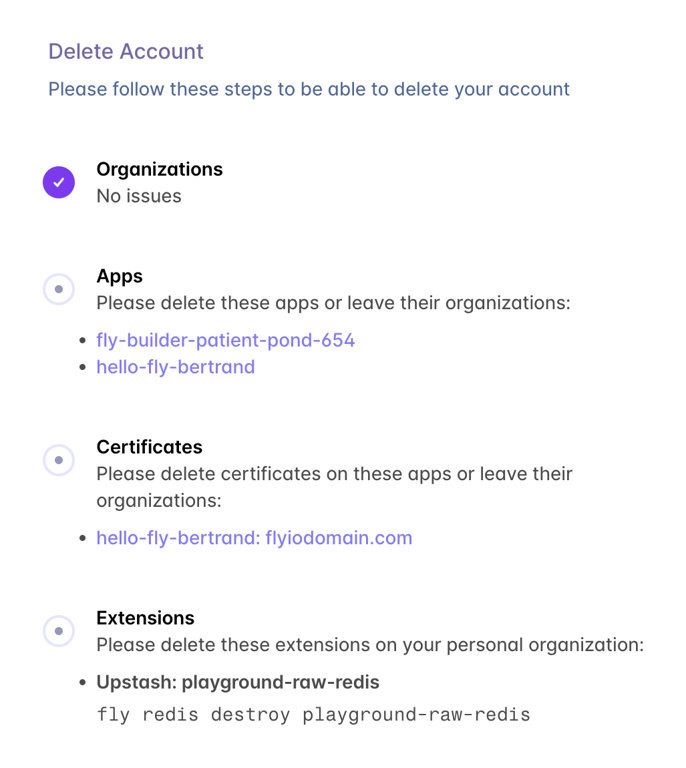
A vertical checklist showing required steps to complete before an account can be deleted. It displays completed steps with a checkmark and pending steps with bulleted lists of specific items to resolve.

Fly — Alert component
Fly logo
Fly

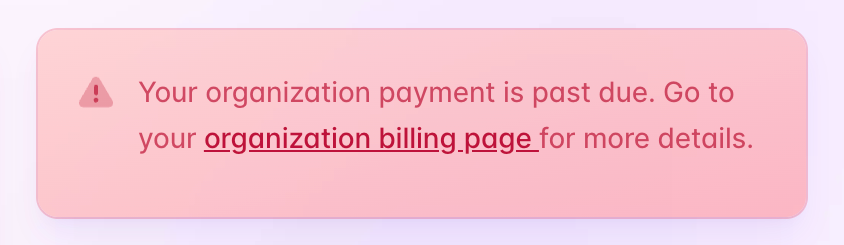
A prominent red alert banner warning the user that their organization payment is past due, with an inline link to the billing page.

Fly — Alert component
Fly logo
Fly

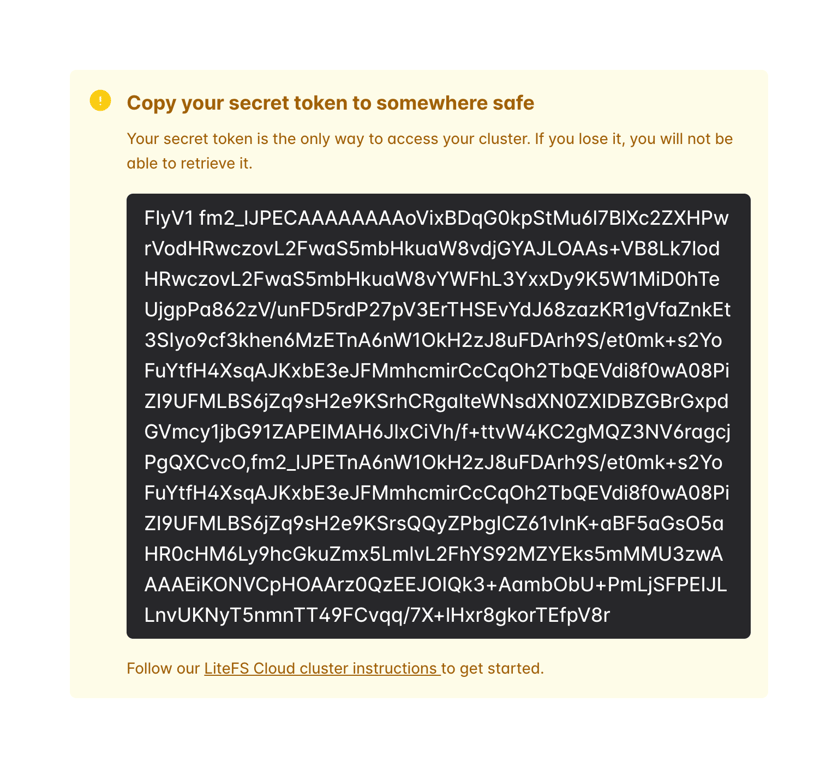
A prominent warning alert displaying a generated secret token that the user must copy. It includes a warning icon, a title, explanatory text, a dark block containing the long token string, and a link to instructions.

Fly — Empty state component
Fly logo
Fly

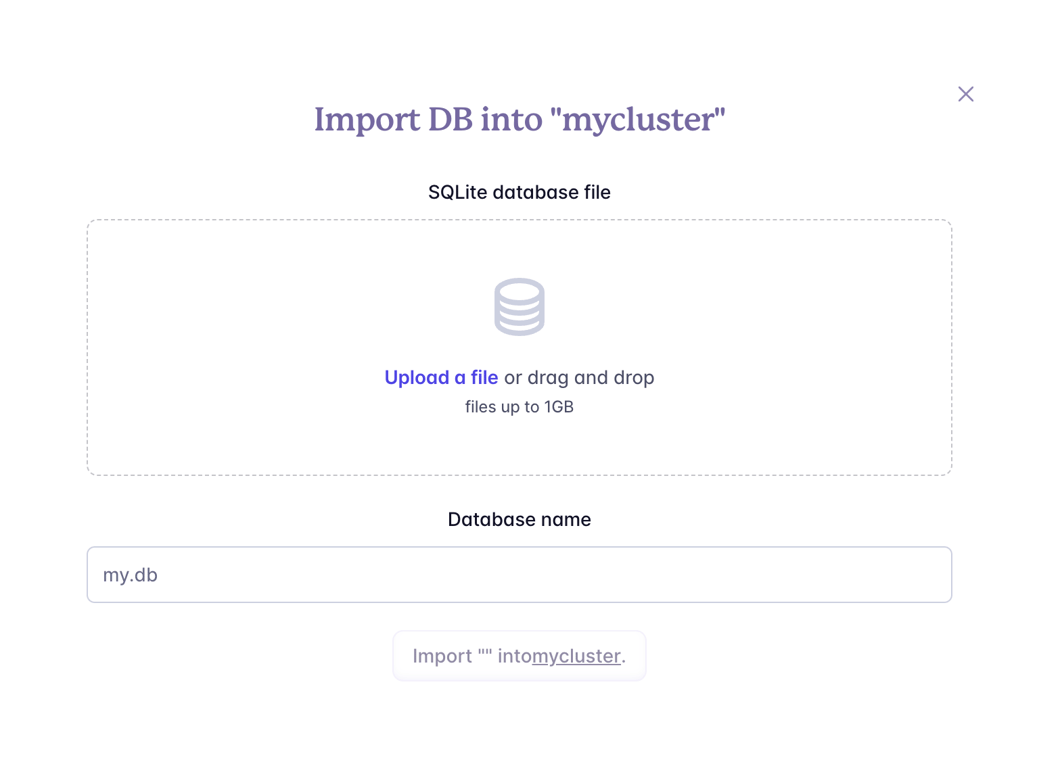
Empty state for clusters

Fly — Table component
Fly logo
Fly

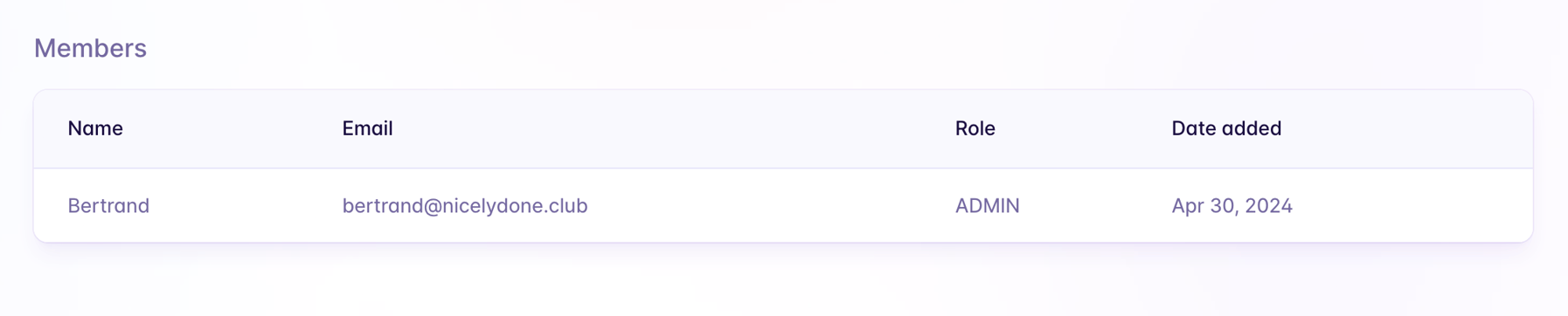
A simple data table displaying organization members with columns for Name, Email, Role, and Date added.

Fly — Datepicker component
Fly logo
Fly

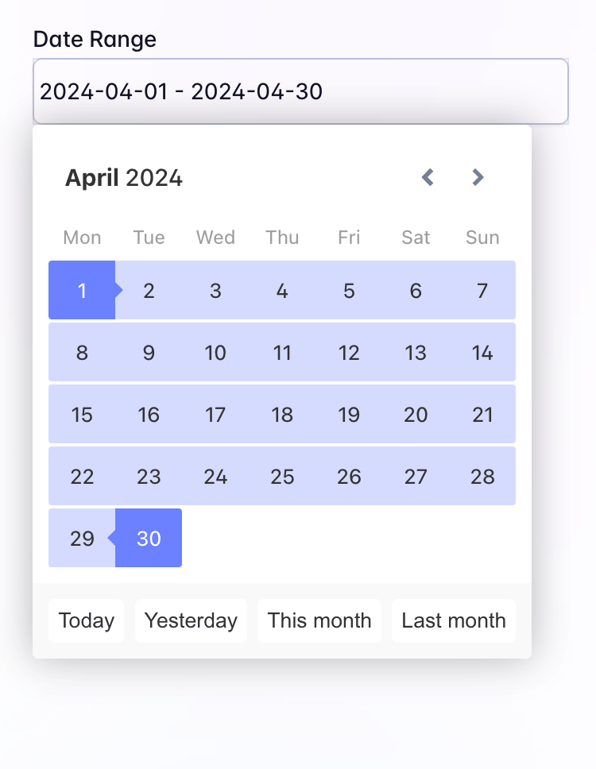
A date range picker component displaying a selected range from April 1 to April 30, 2024. It features a calendar view with the selected range highlighted in light blue, and quick selection buttons for common ranges at the bottom.
Fly — Alert component
Fly logo
Fly

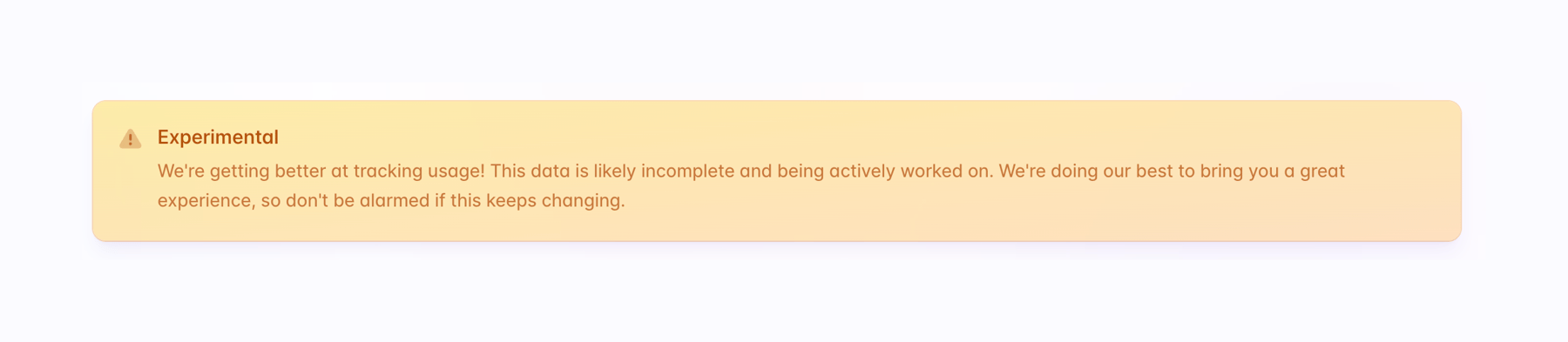
A warning alert banner with an icon, title, and descriptive text indicating that the feature is experimental and data may be incomplete.

Fly — Charts component
Fly logo
Fly

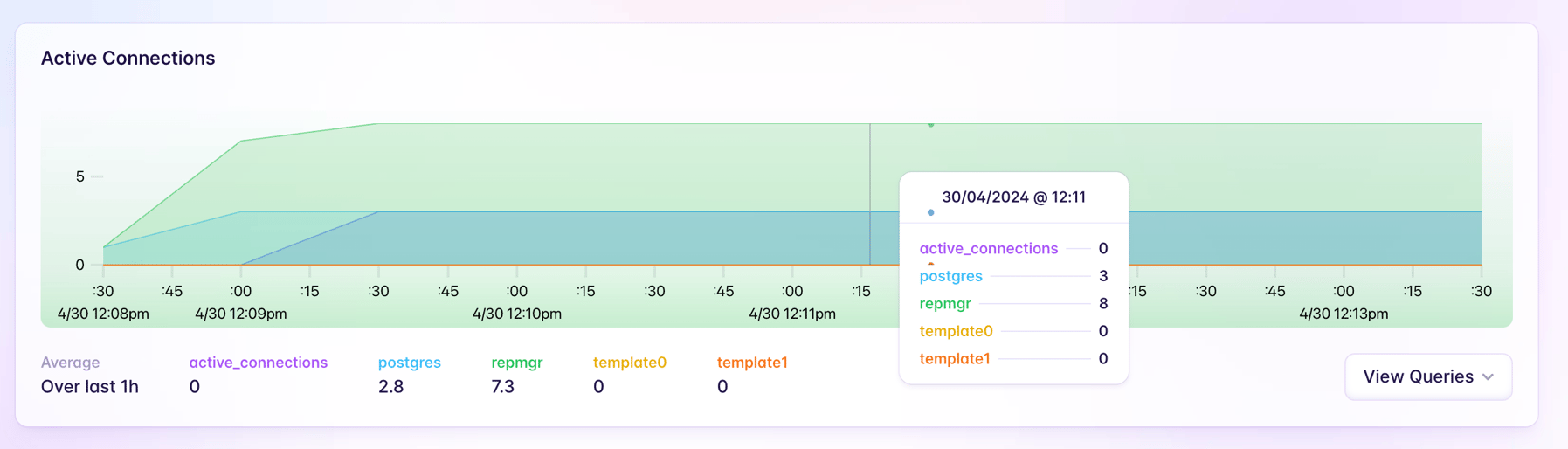
A stacked area chart displaying active connections over time, featuring a hover tooltip that shows detailed metrics for a specific timestamp.

Fly — Timeline & history component
Fly logo
Fly

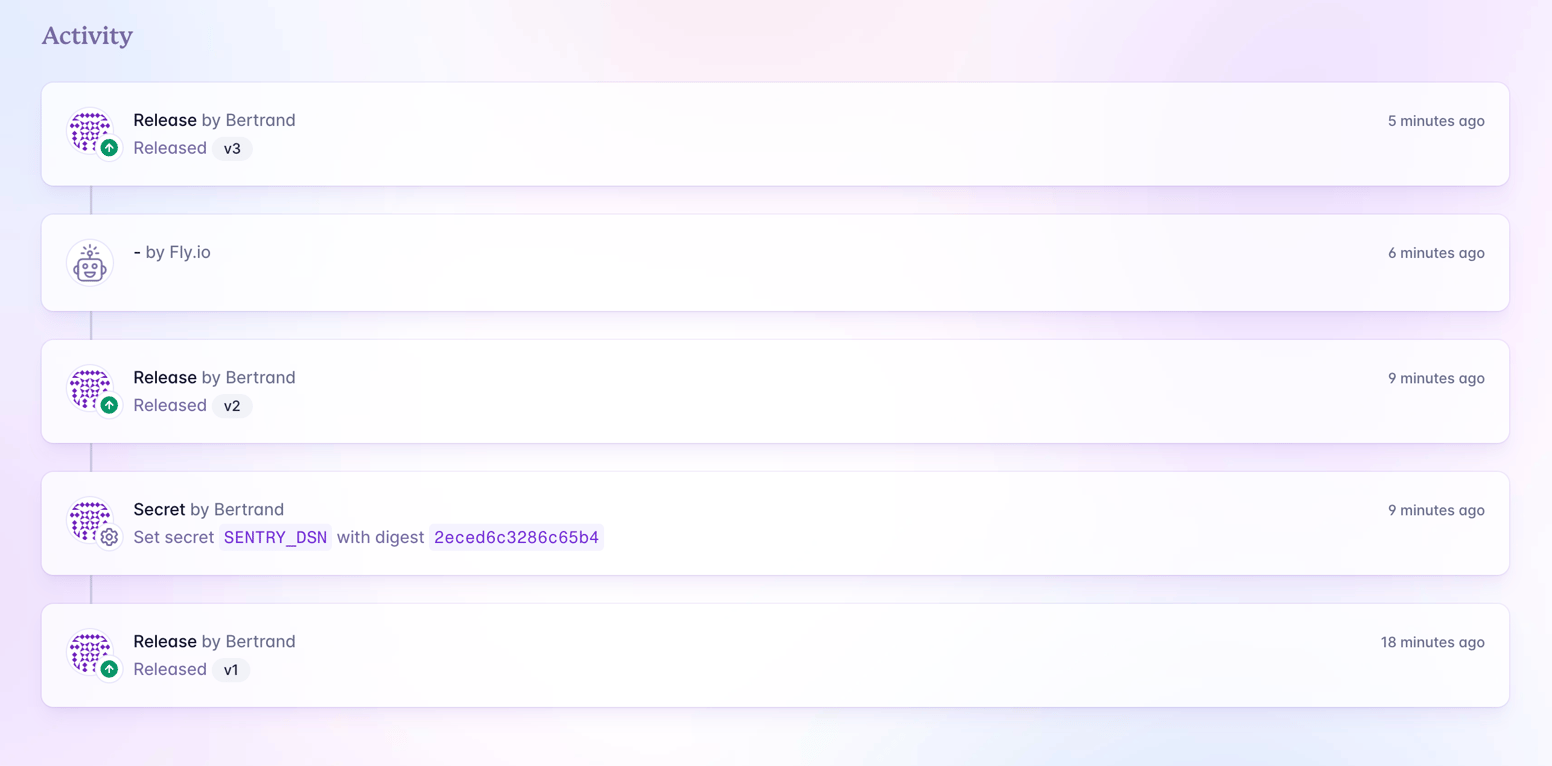
A vertical timeline displaying a chronological list of application events, such as releases and secret updates, with avatars, timestamps, and status badges.
Fly — Tooltip component
Fly logo
Fly

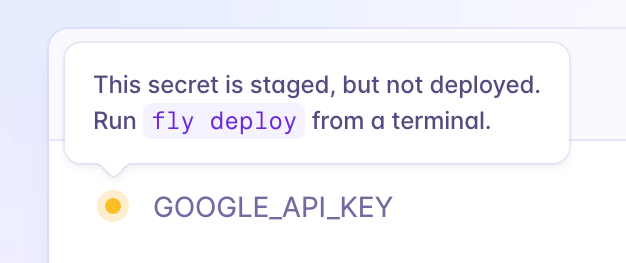
A tooltip explaining that a secret is staged but not deployed, with instructions to run a command.

Browse the full component library

Browse the full UI component library.

Trusted by the best teams