Mango design examples
Explore Mango UI design examples. The first simple, frictionless online and mobile payment solution in Latin America
Product screens

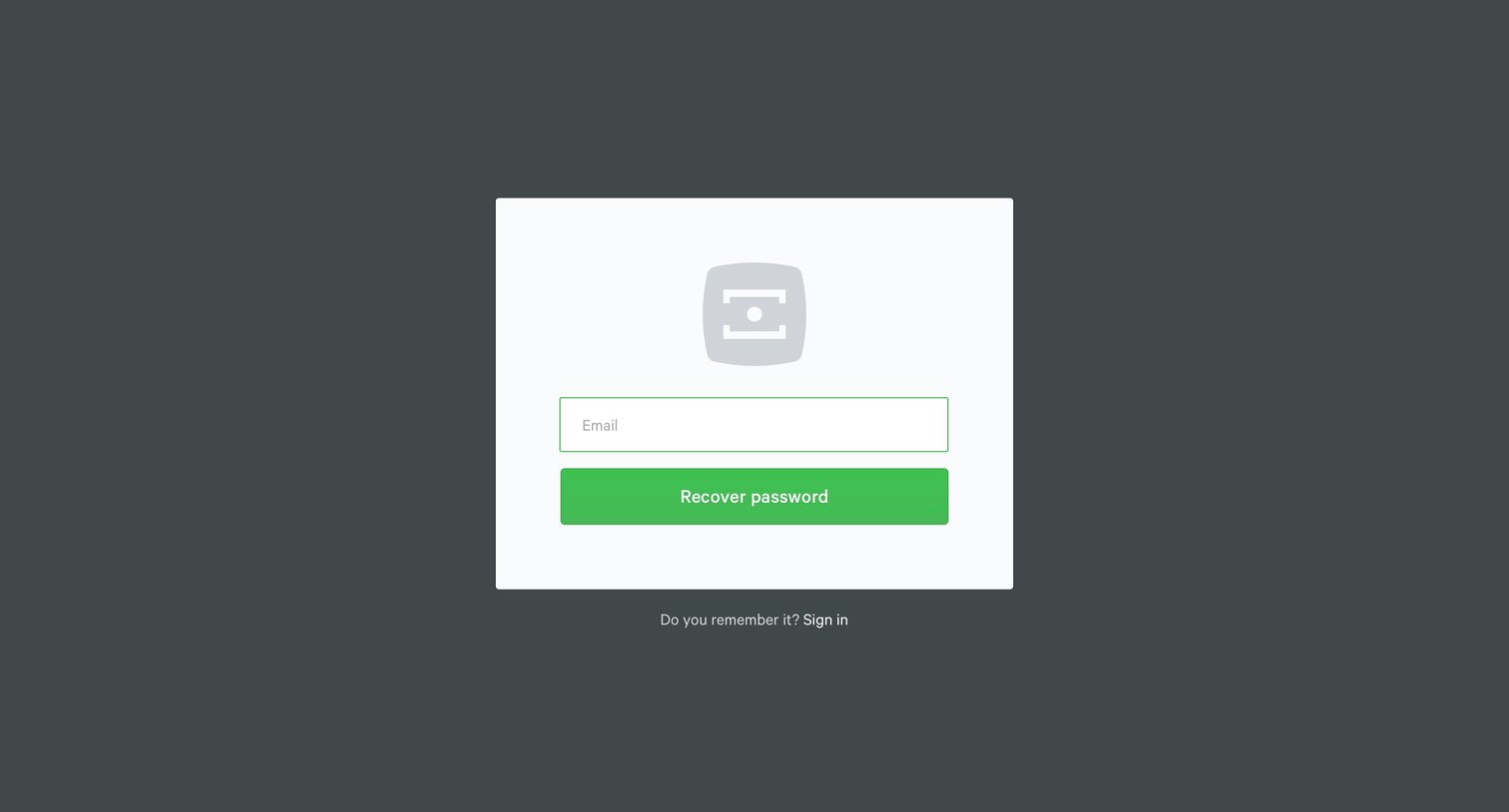

Password recovery screen where the user enters their email address to request a reset link, with a secondary option to return to the sign-in page.

Authentication Account creation Onboarding File upload Form

Verification screen where the user is prompted to check their email to activate their new Mango account, featuring a direct link to Gmail.

Onboarding step where the user is welcomed to Mango with a city illustration and a prompt to start.
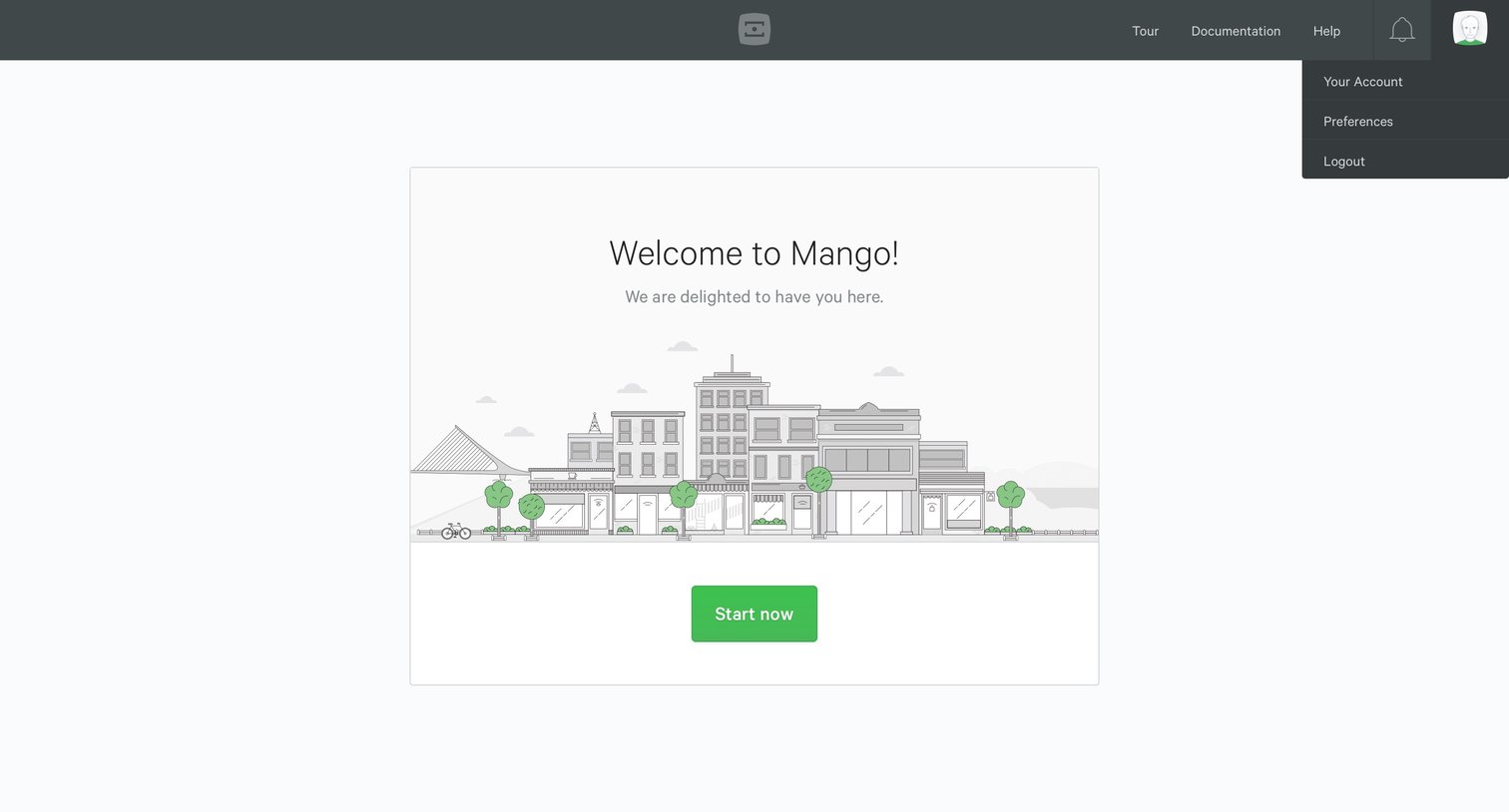
Onboarding screen where the user is welcomed to Mango with a cityscape illustration and prompted to start using the application.
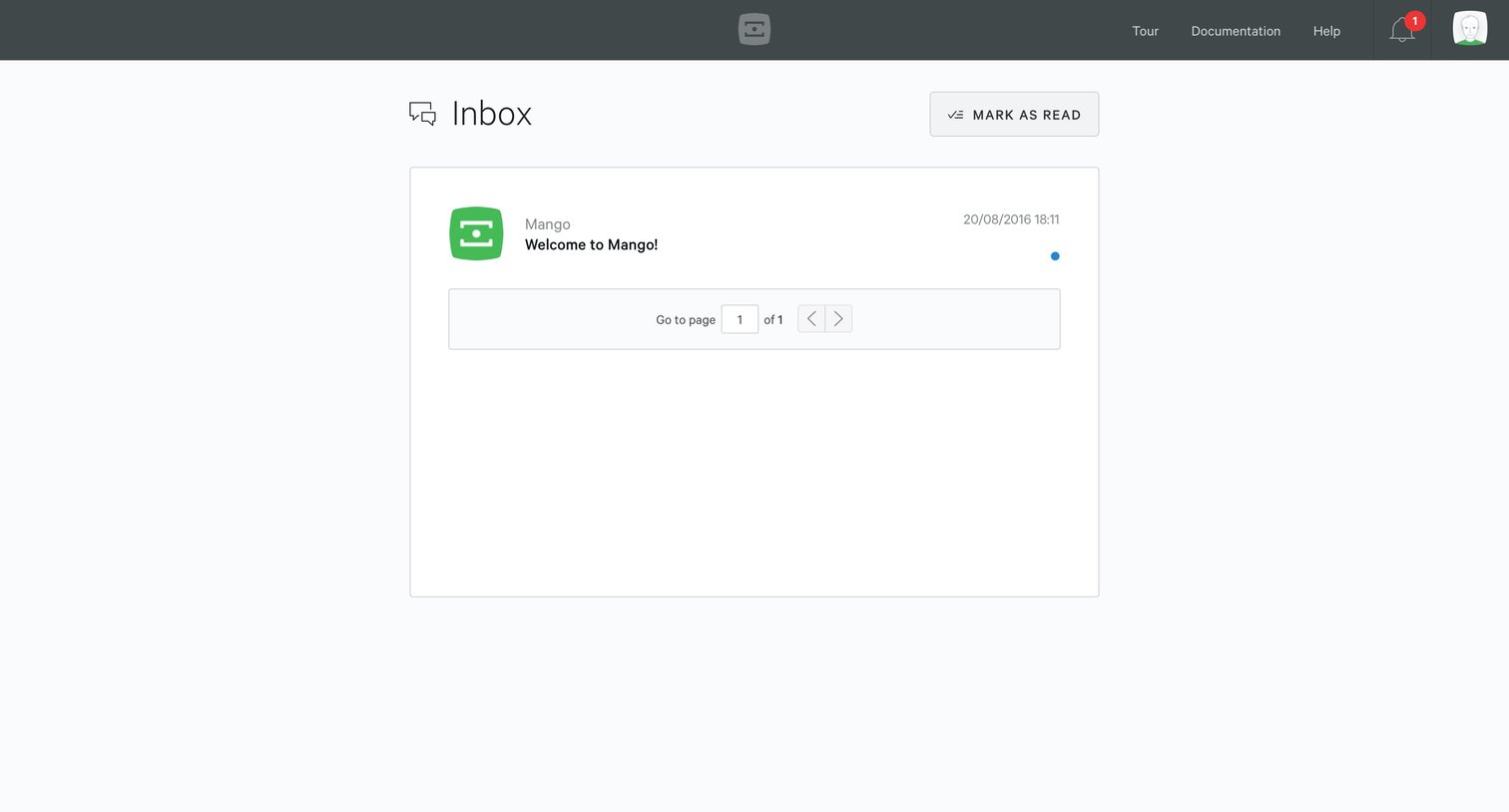
Onboarding
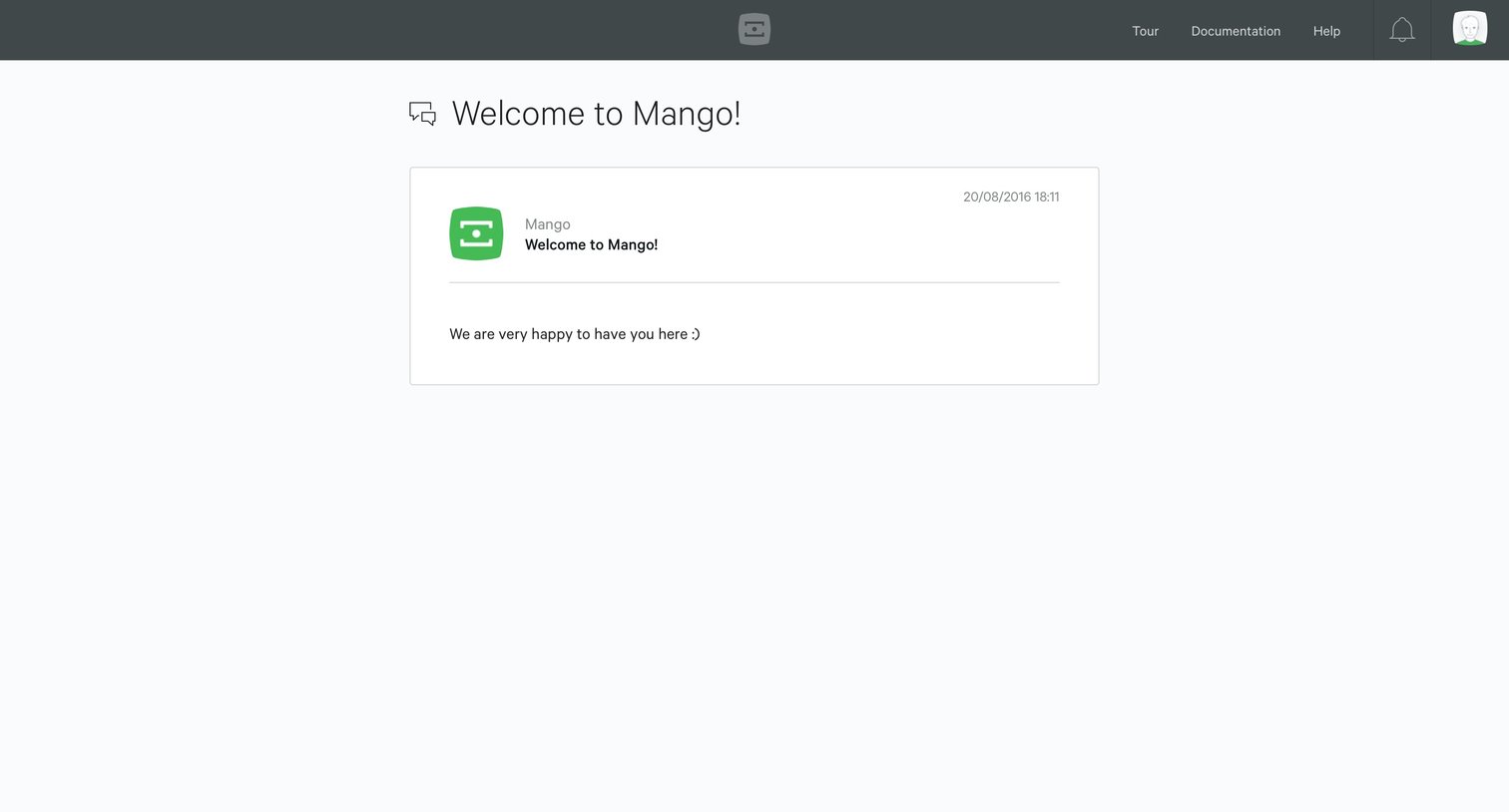
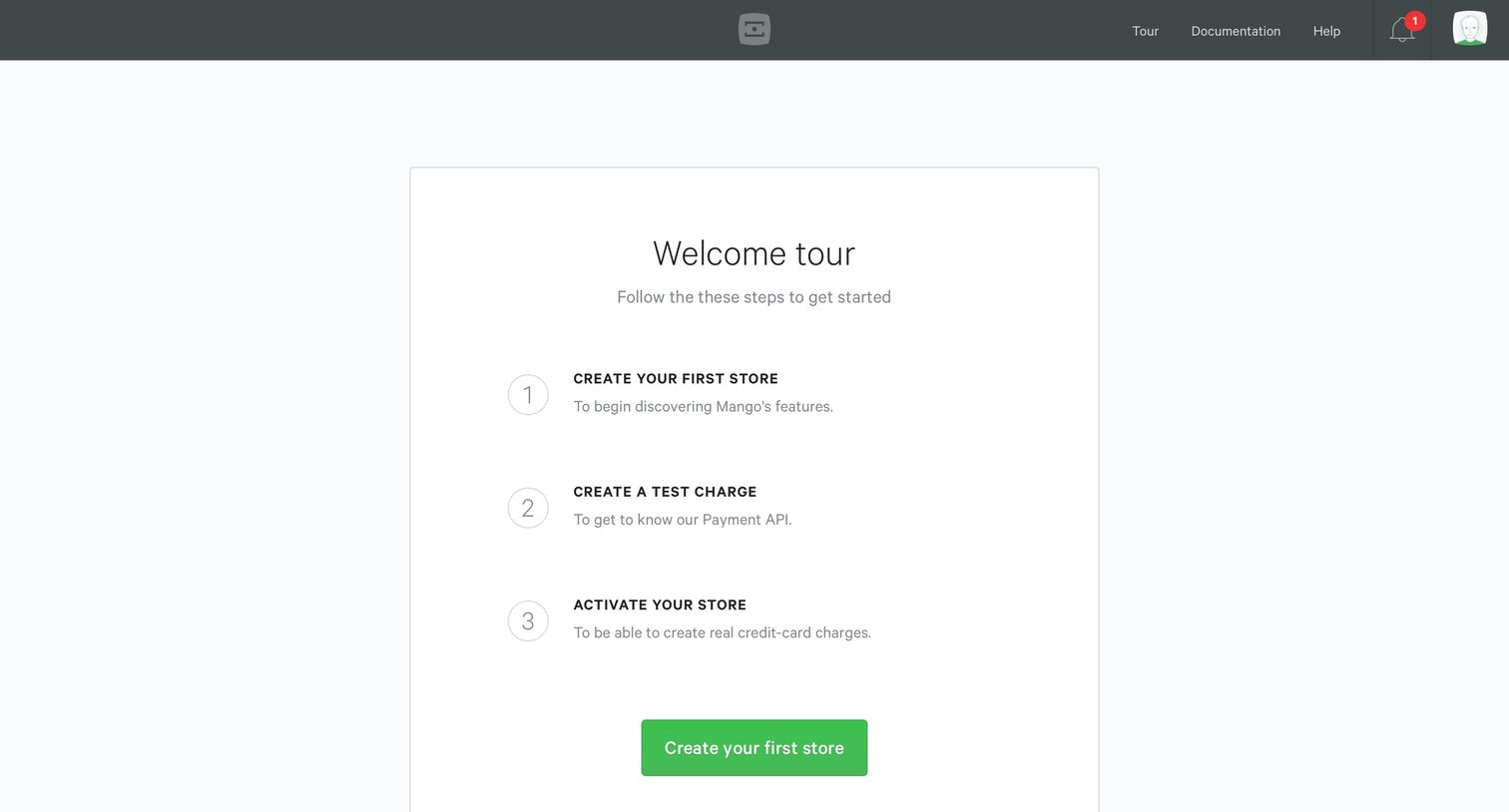
Onboarding screen where the user follows a three-step welcome tour to create their first store, create a test charge, and activate their store.
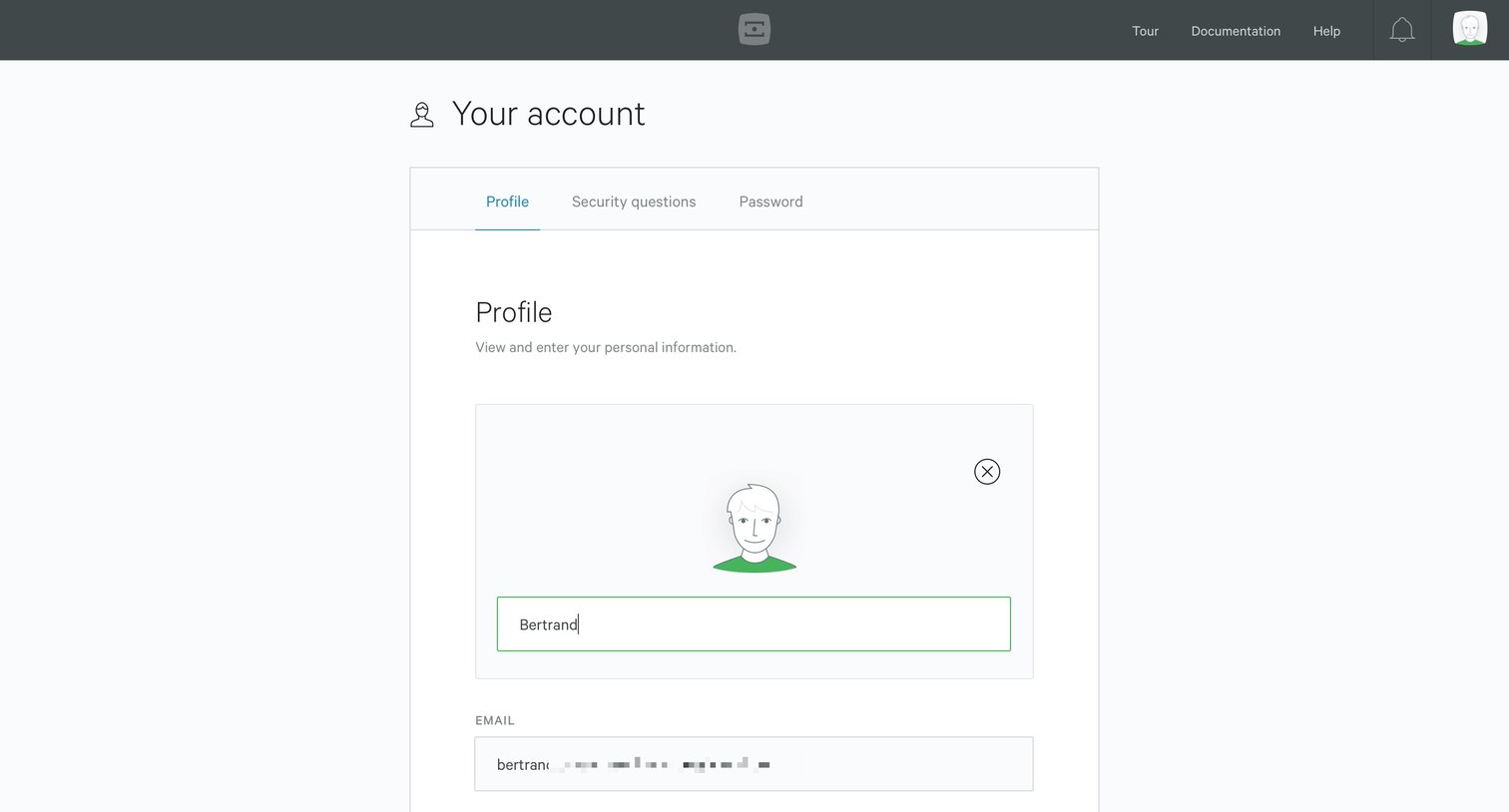
Settings page where the user updates their personal profile information, including name, email, phone number, nationality, ID type, and bio.
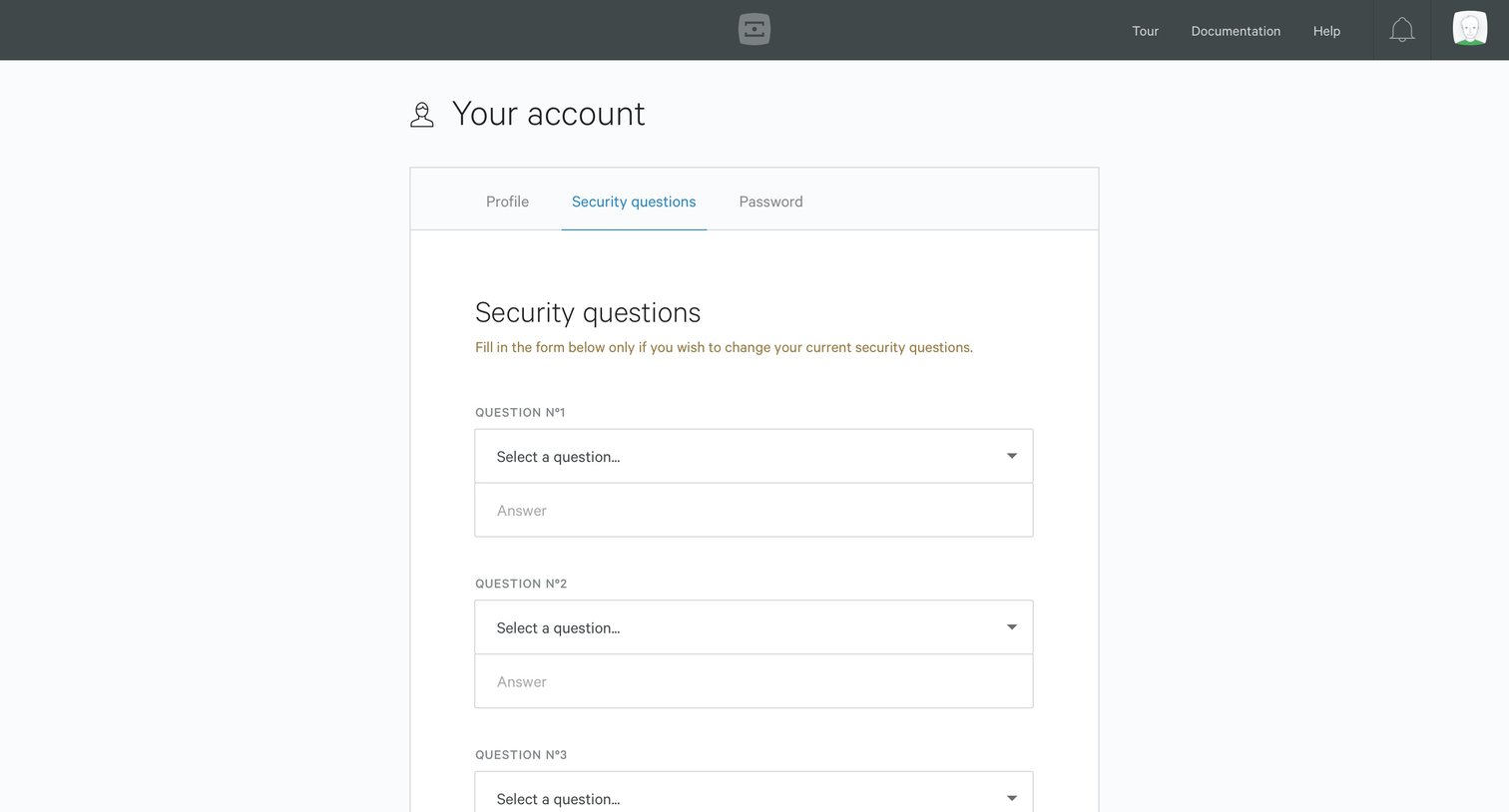
Settings Form Account settings
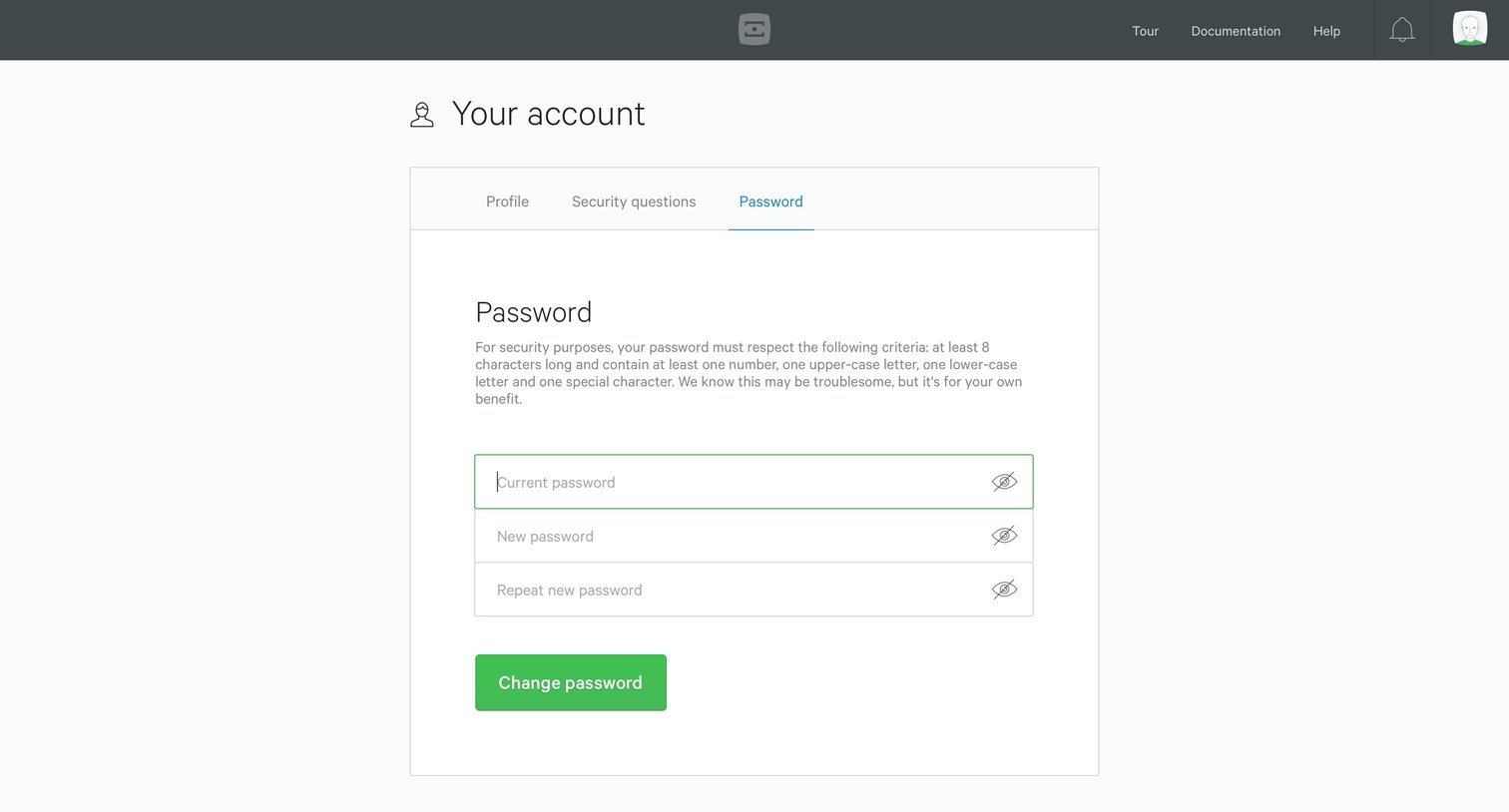
Browse the full SaaS app library
Explore real SaaS apps with their product screens, marketing screens, flows, and components.
Trusted by the best teams







