Workflow automation screen examples
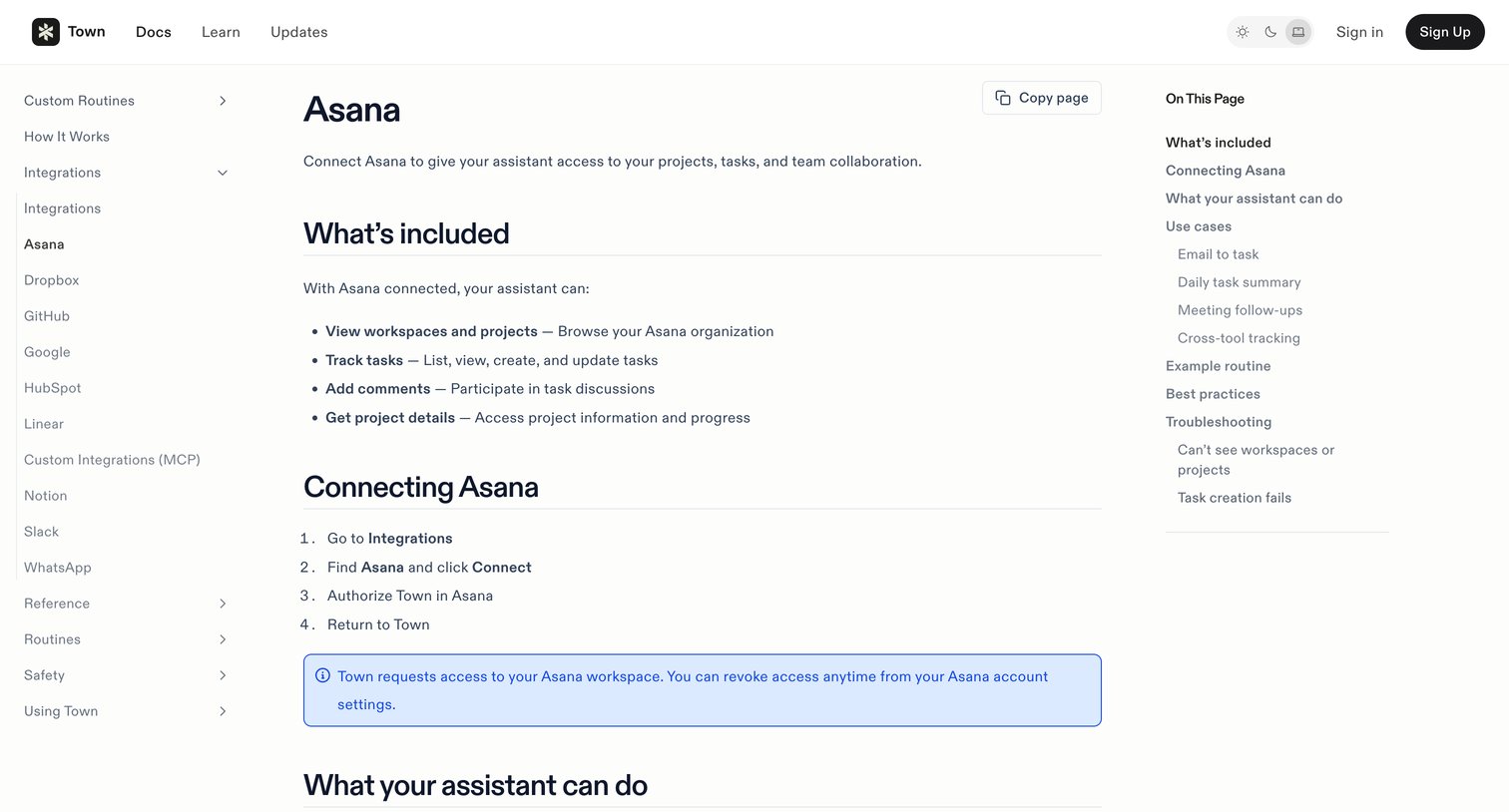
Workflow automation screen design examples from SaaS apps. Browse examples from Bud, Magnific, Zaro.
Explore the examples
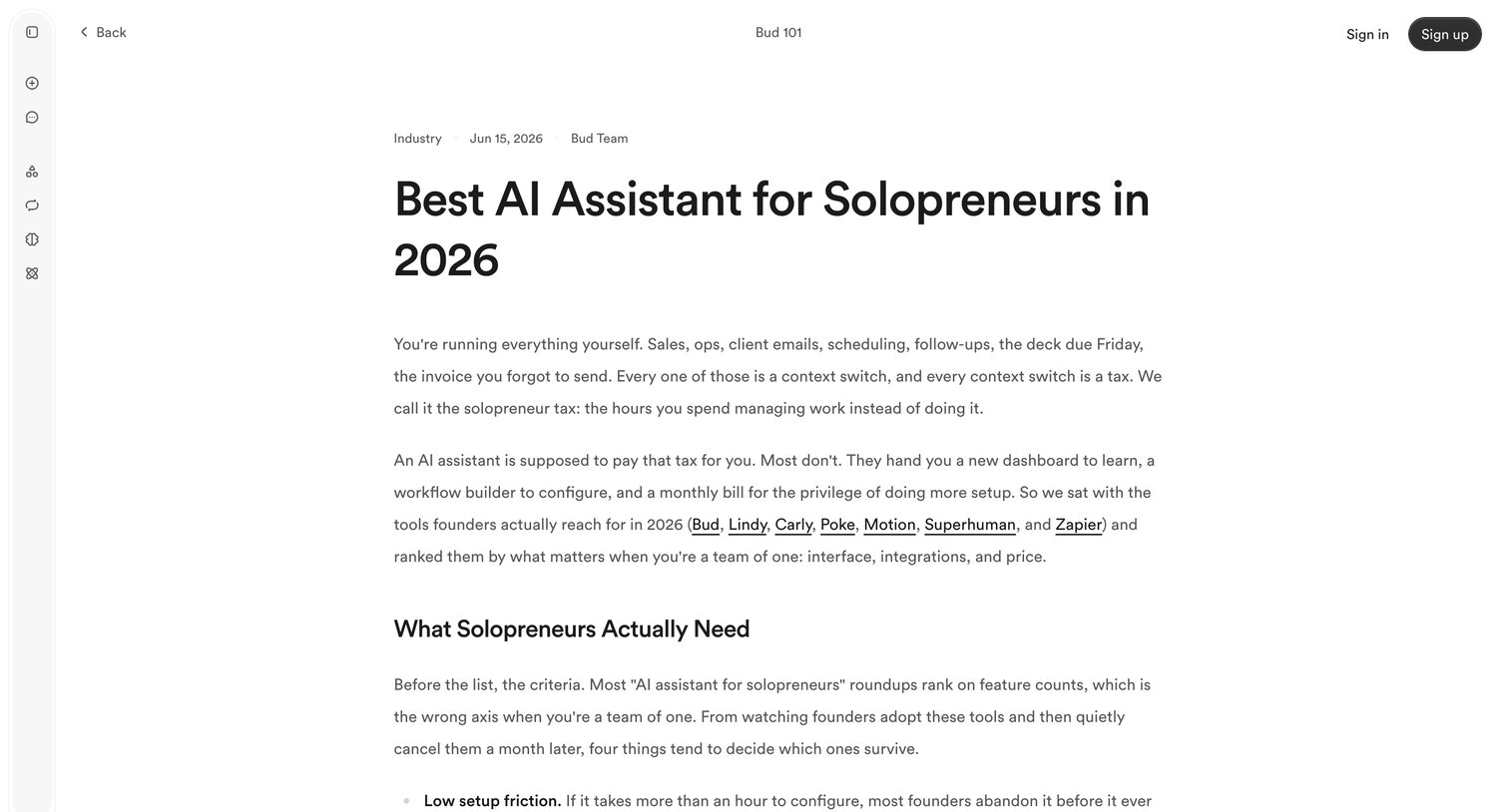

Blog post comparing Bud to other AI assistants like Lindy, Carly, Poke, Motion, Superhuman, and Zapier, featuring a side-by-side comparison table and FAQ.
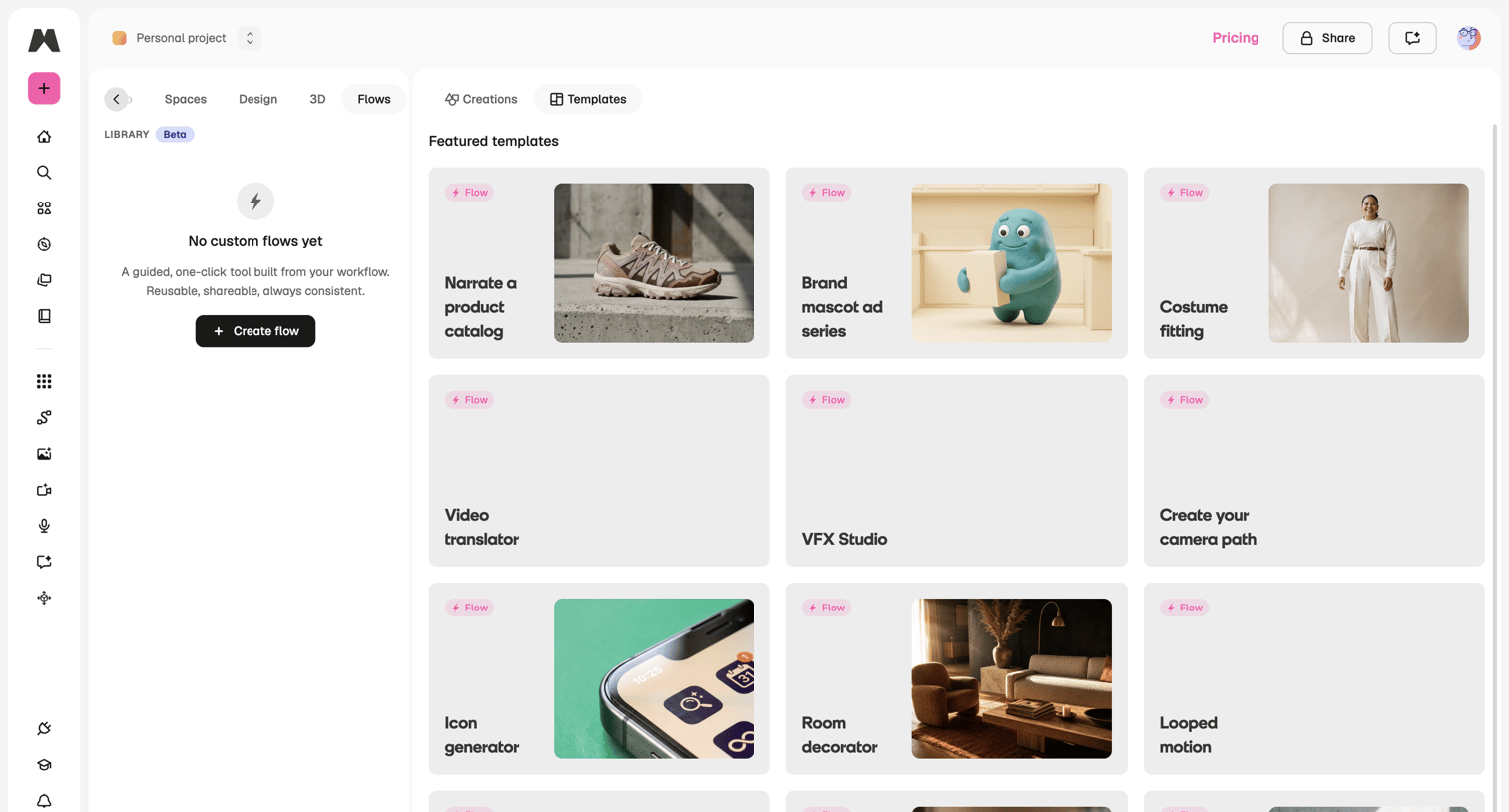

Dashboard where the user can browse featured flow templates or create a new custom flow from their empty library.
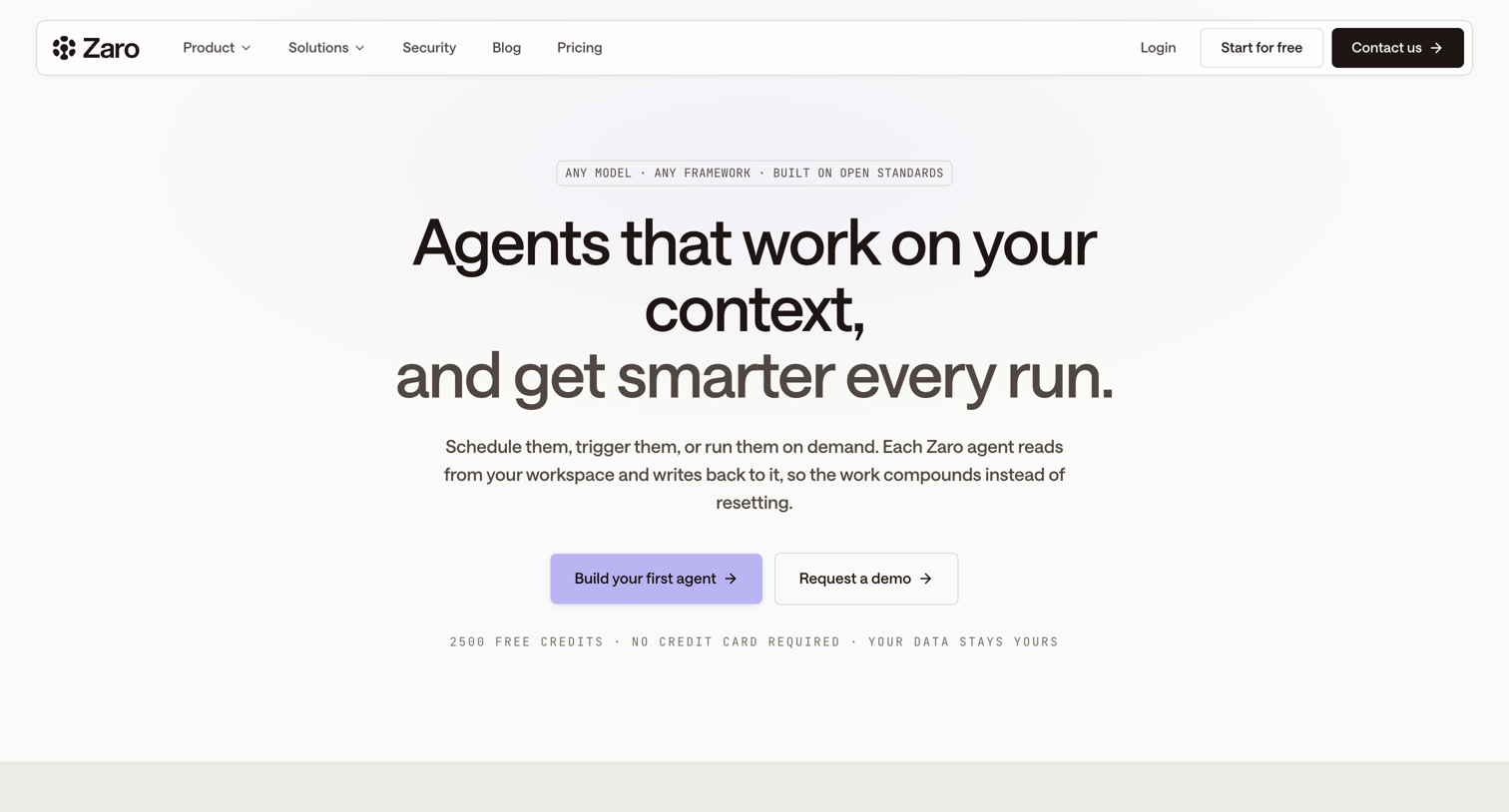

Product page detailing how AI agents work on user context, featuring open architecture, and showcasing various automation use cases across teams.
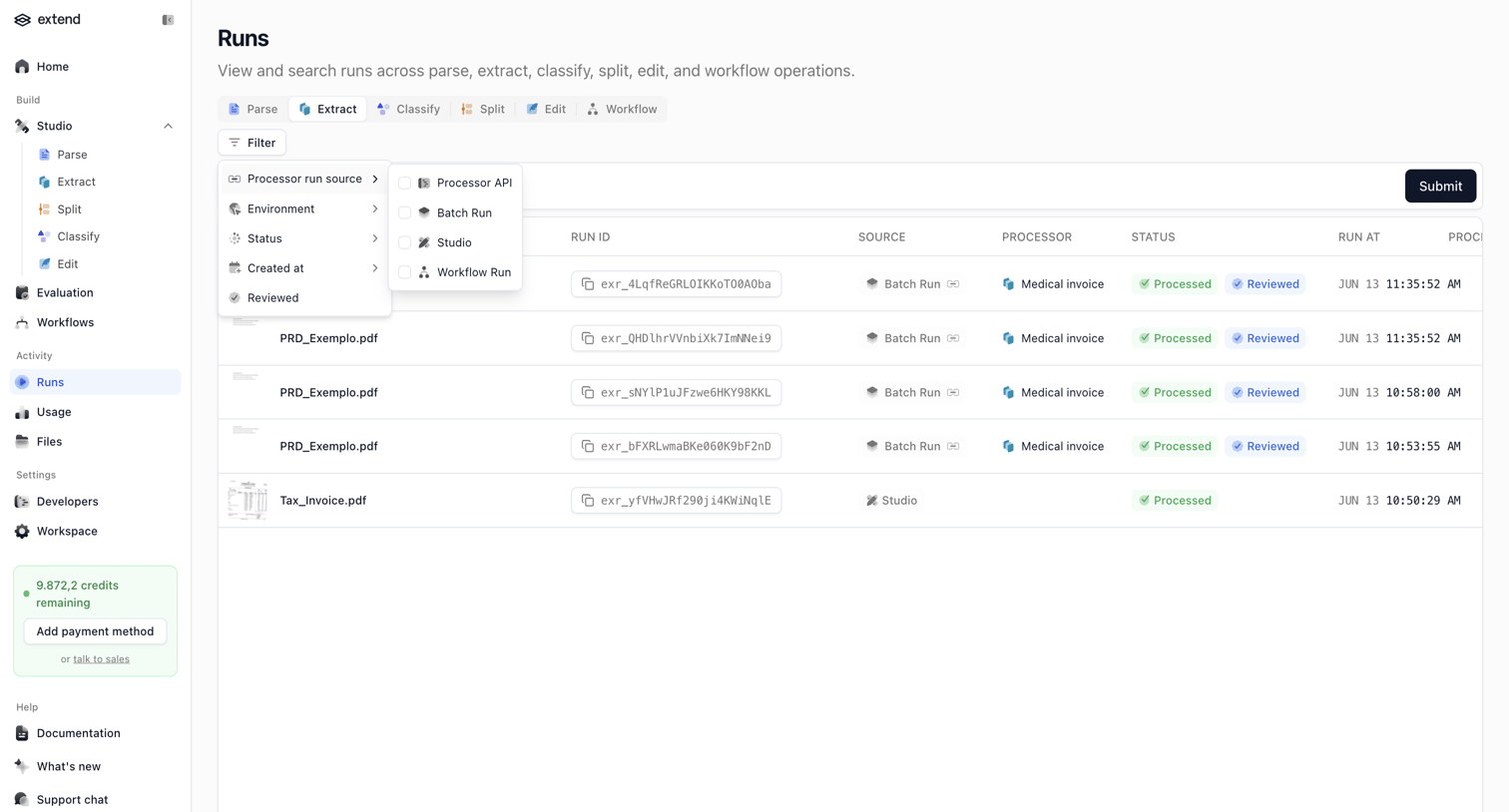

List view where the user monitors document processing runs and filters them by source, environment, and status.
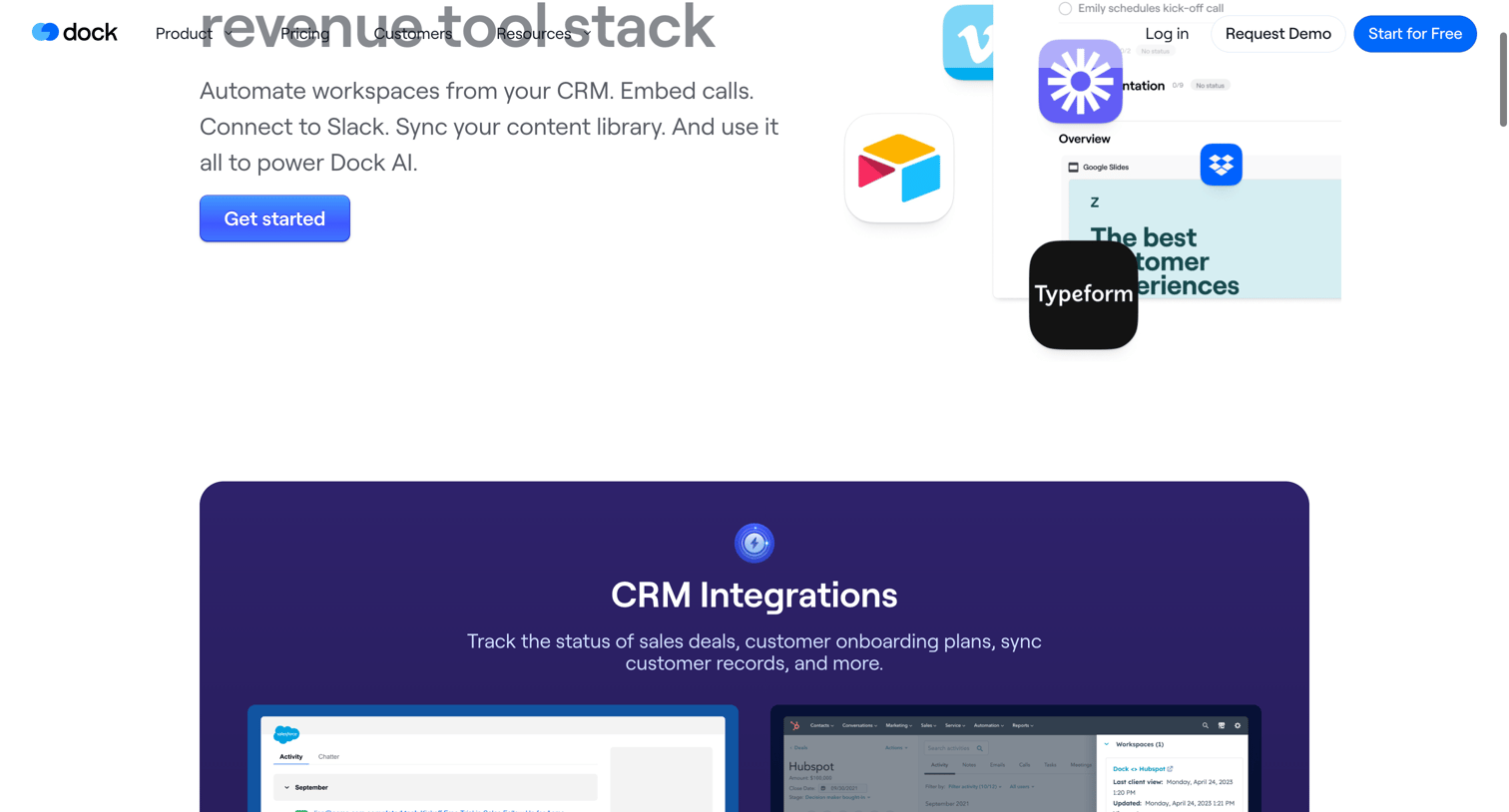

Feature page detailing the platform's third-party integrations, categorized by CRM, video calls, notifications, content management, and embeddable apps.
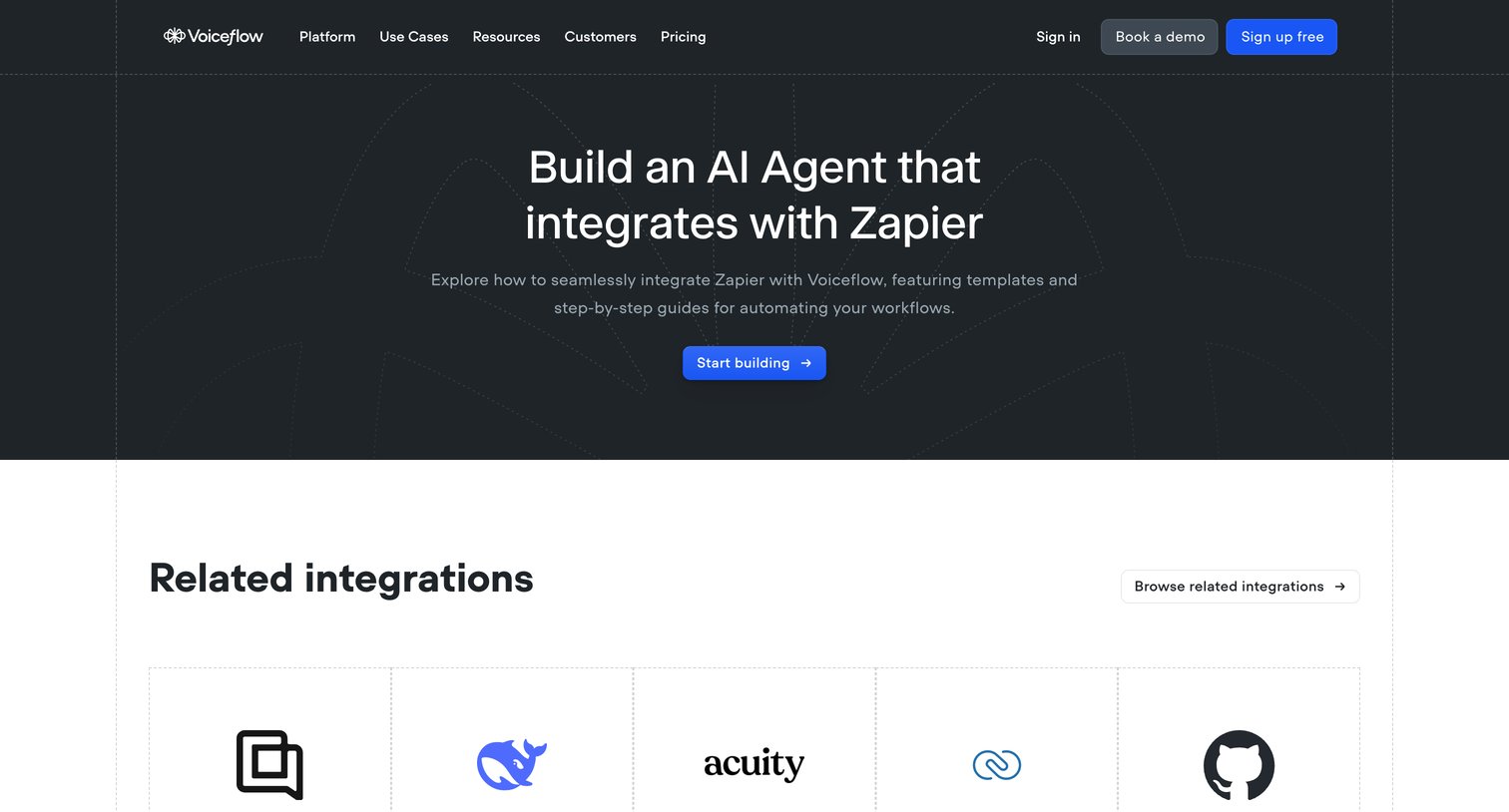

Integration feature page detailing how Zapier connects with Voiceflow, including a directory of related apps, frequently asked questions, and a primary call to action to start building.


Case study article detailing how an audio engineer uses an AI receptionist to manage calls, qualify leads, and protect deep work.
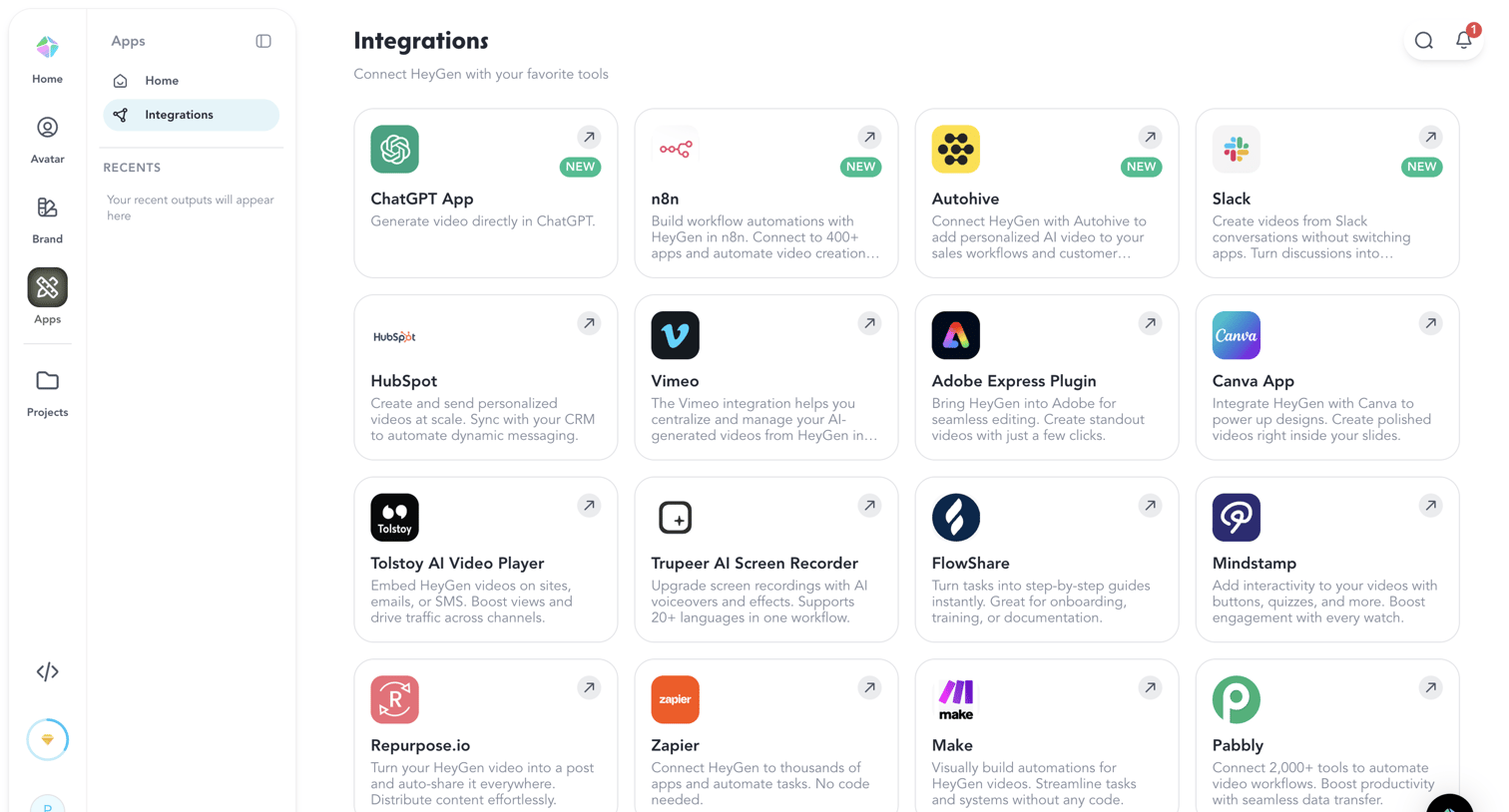

List view where the user browses and selects third-party apps like ChatGPT, Slack, and Canva to connect to their workspace.
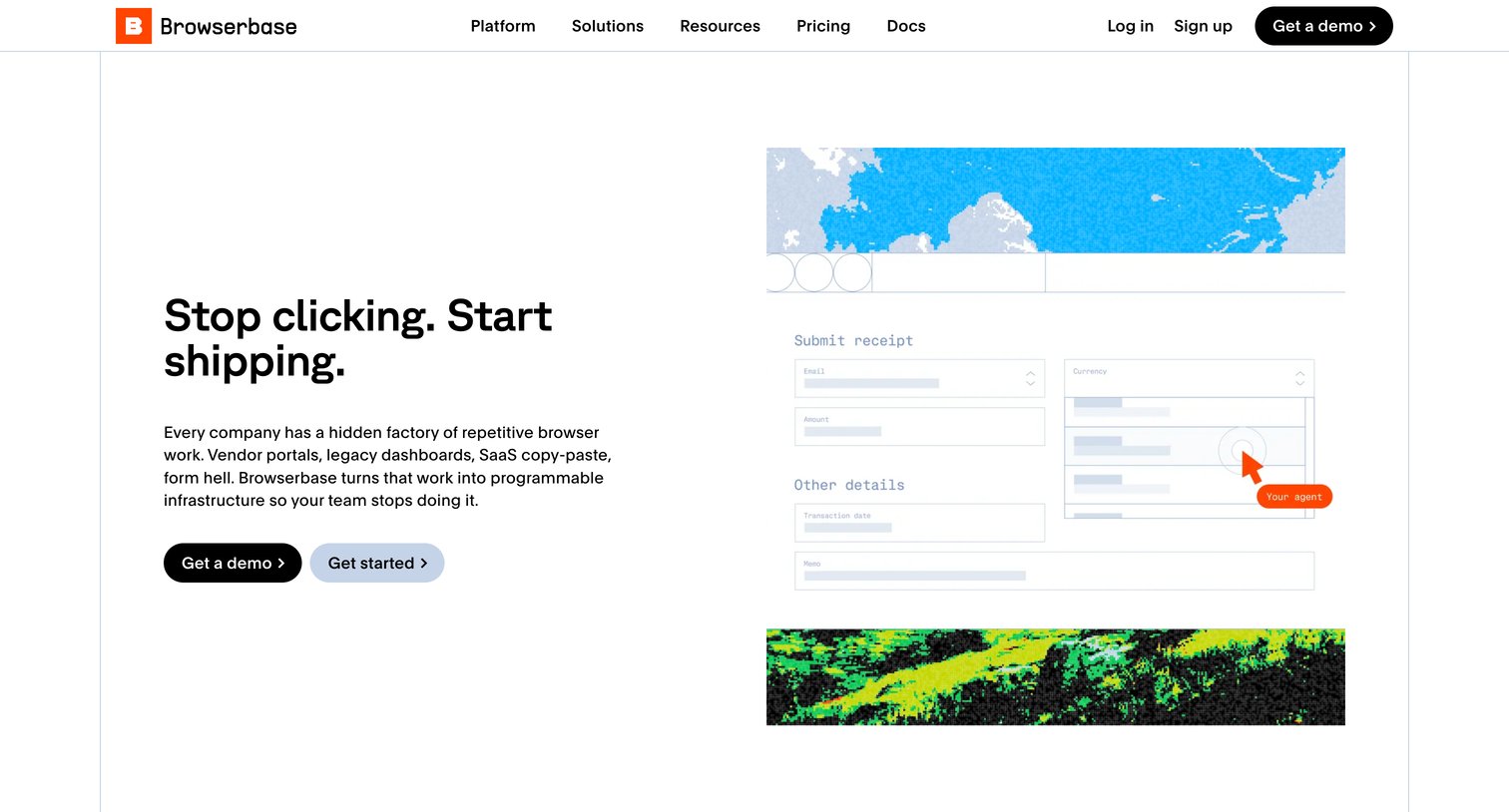

Marketing page detailing the workflow automation use case, featuring product benefits, a customer testimonial from Numeral, and calls to action to get a demo or start for free.

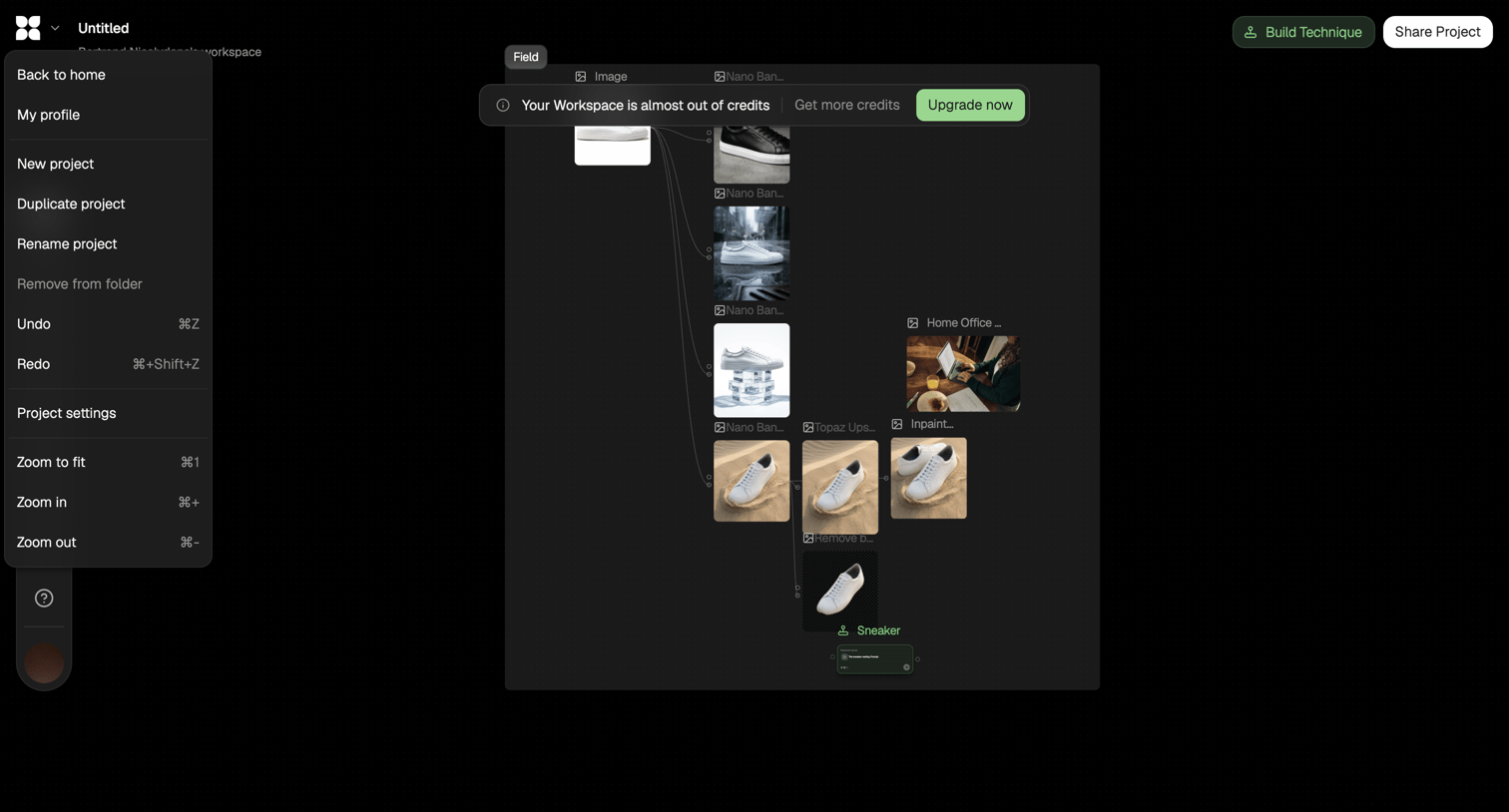

Workflow editor where the user connects image processing nodes to generate and modify sneaker images, showing an open project menu and a low-credits warning banner.
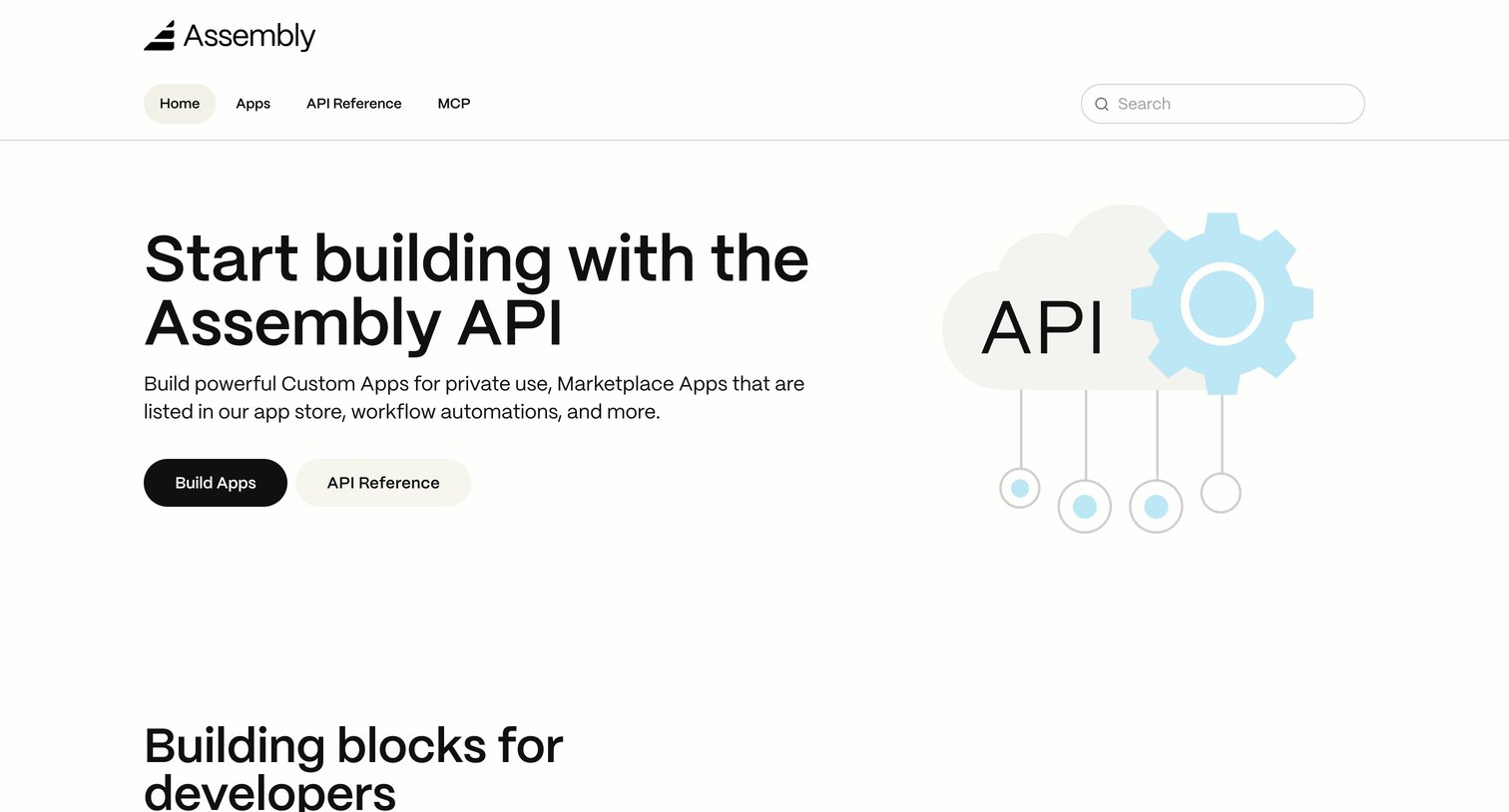

Developer documentation landing page where the user can jump to building apps or reading the API reference.
Explore the full SaaS screen library
Upgrade to unlock the full library.
Trusted by the best teams







