Version history screen examples
Version history screen design examples from SaaS apps. Browse examples from Bloom, Voiceflow, Town.
Explore the examples
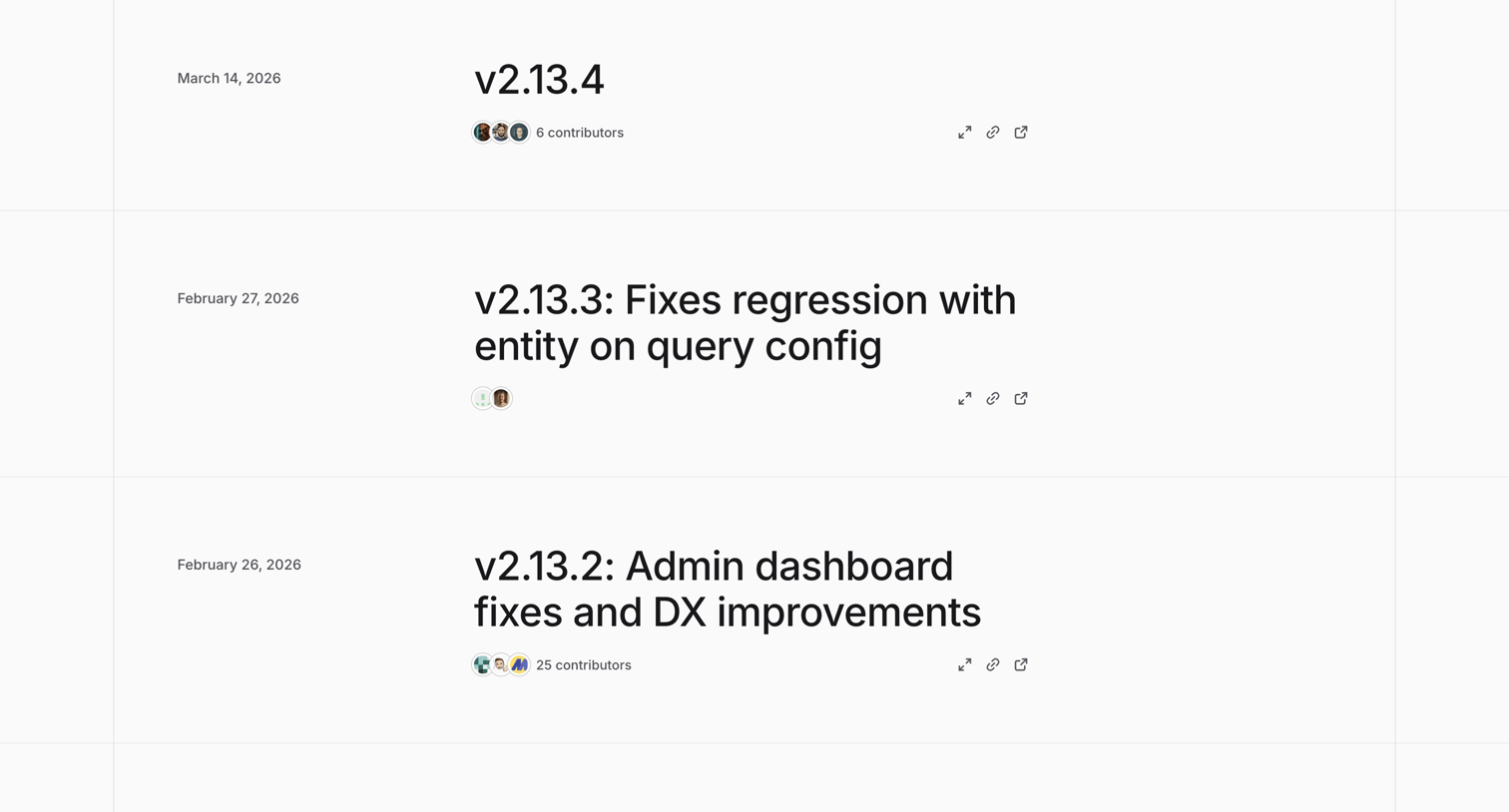

Changelog page where the user browses recent product updates, fixes, and version releases alongside contributor counts.
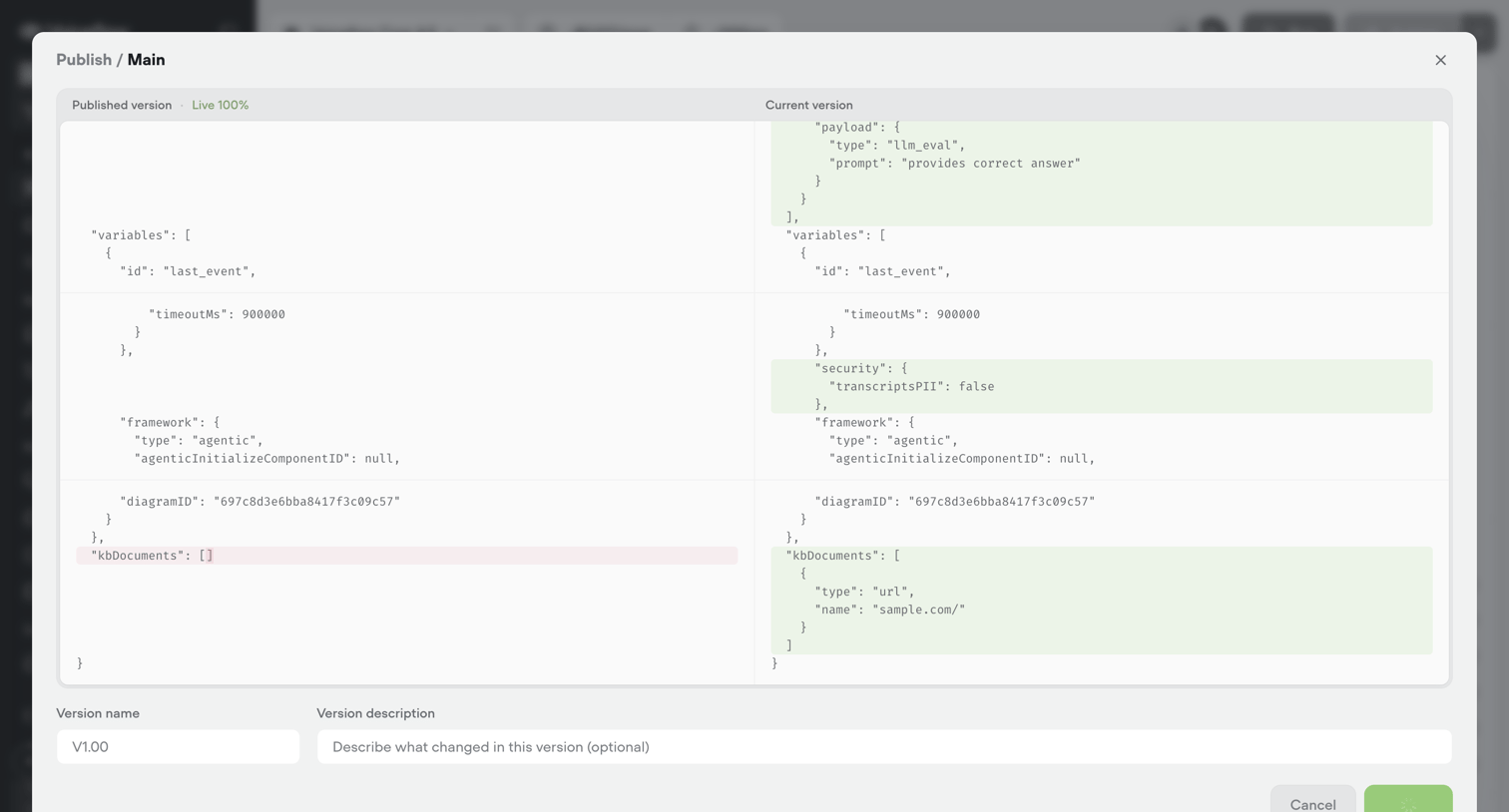

Modal where the user reviews a JSON diff between the published and current versions of an agent configuration before publishing a new release.
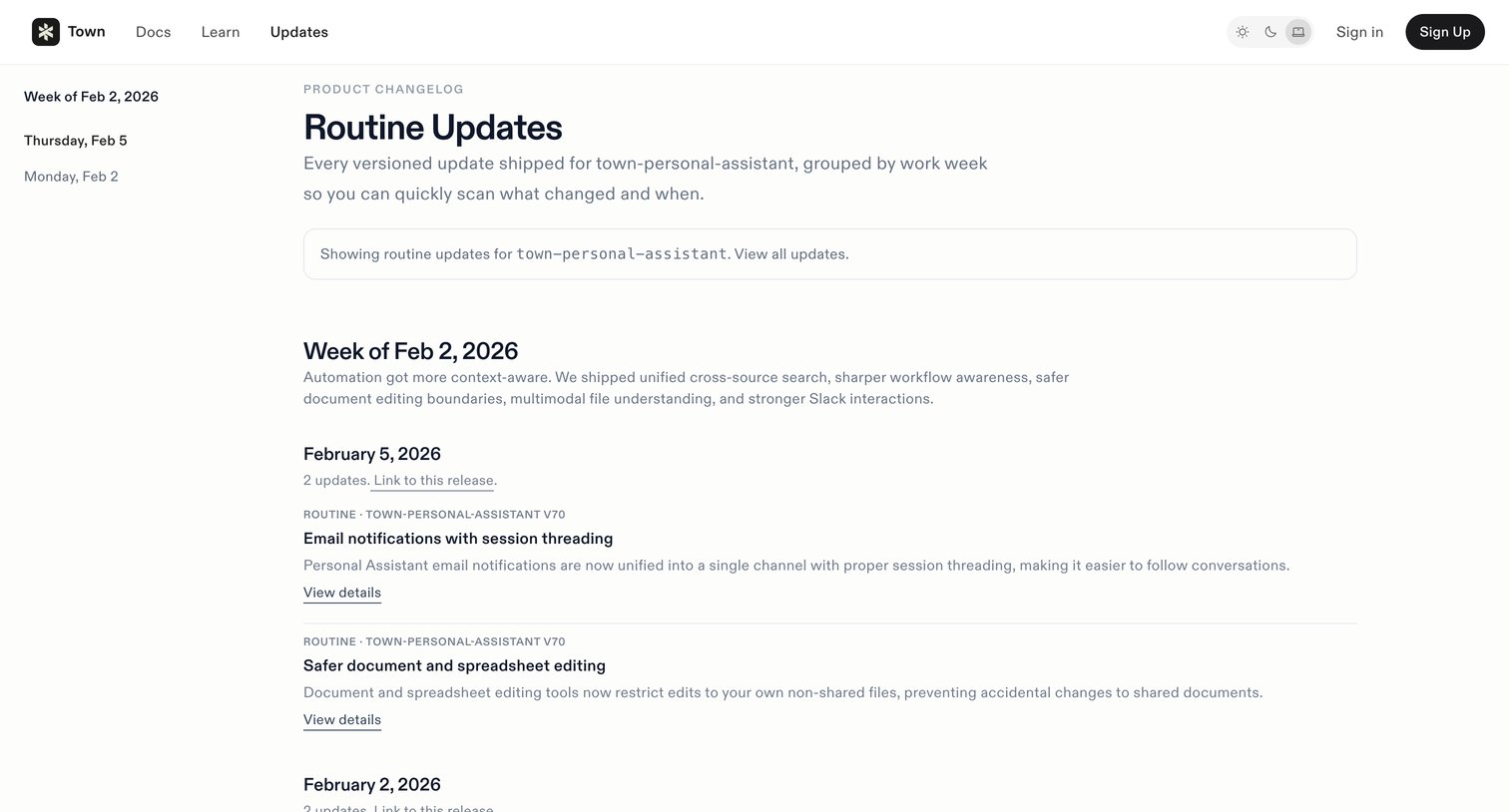

Changelog page where the user views routine updates for the town-personal-assistant workflow grouped by date.
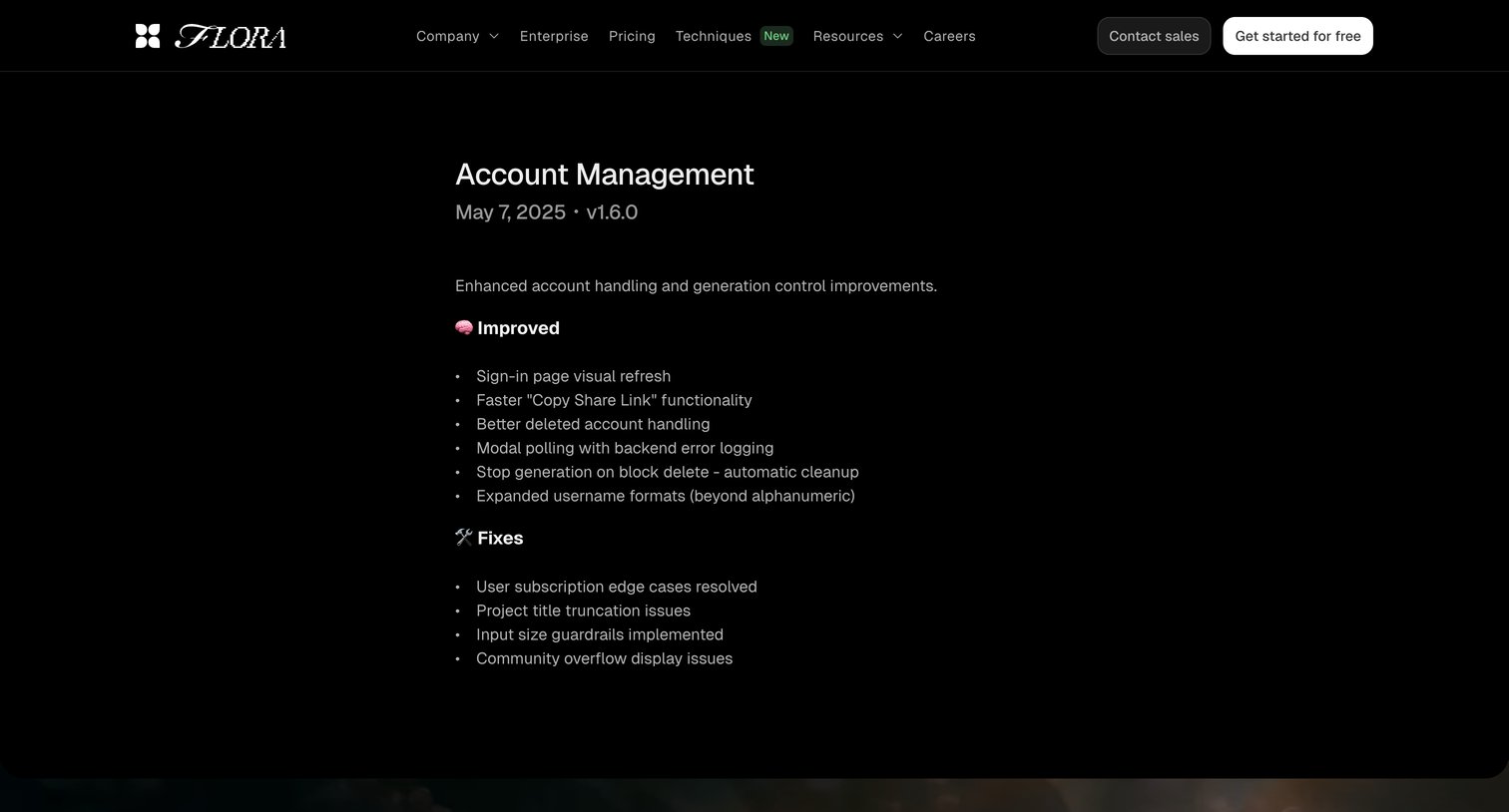

Changelog entry detailing account management improvements and bug fixes for version 1.6.0.
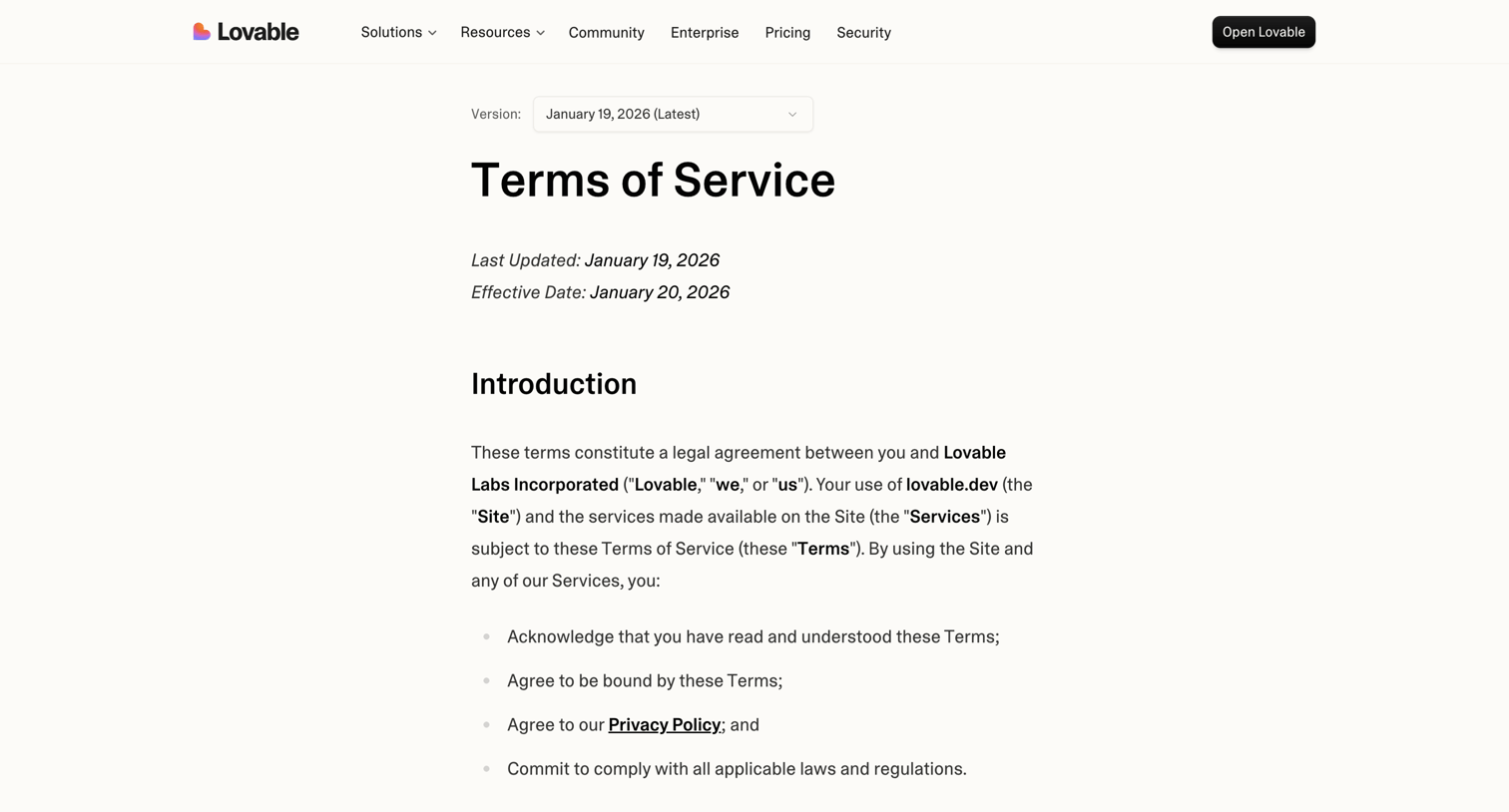

Legal page where the user can read the terms of service and select past versions from a dropdown.


Changelog page where users can read about the latest product updates, bug fixes, and new features, organized chronologically with a sidebar for quick navigation.
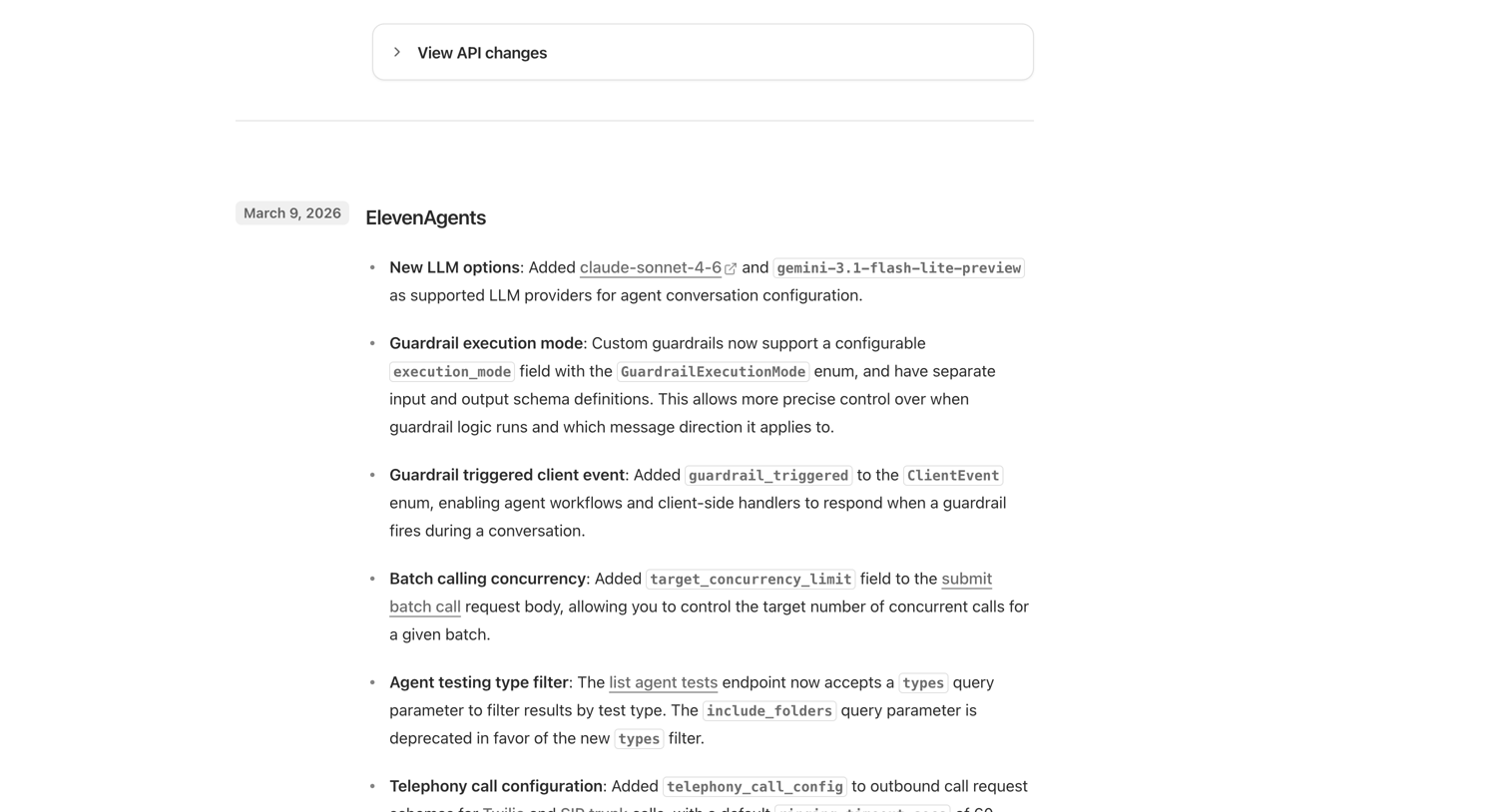

Changelog page detailing recent updates across ElevenAgents, Studio, Mobile, and SDKs, organized by product area with a date marker.
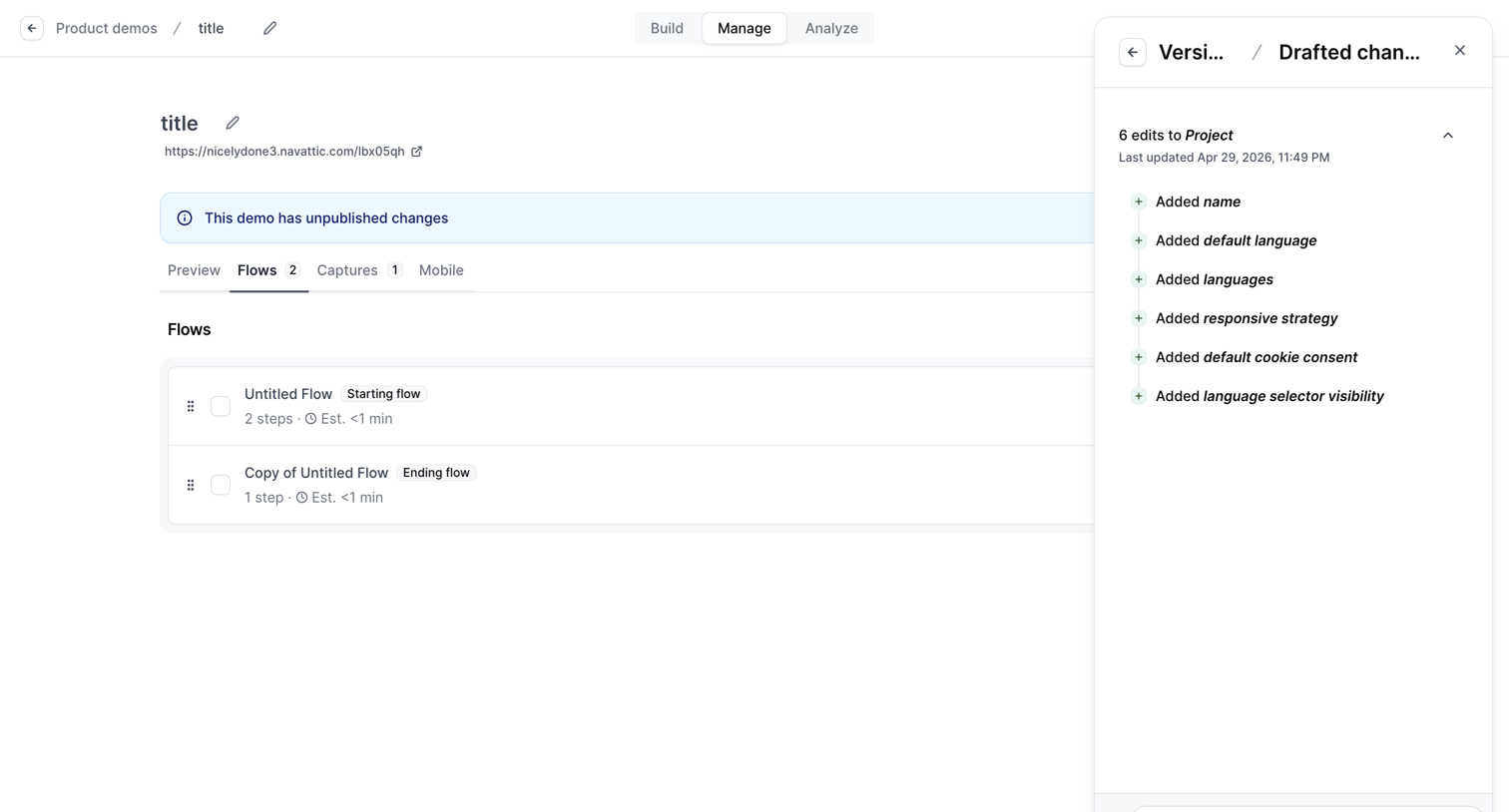



Changelog page listing weekly product updates, infrastructure improvements, and new documentation releases with contributor avatars.


Marketing page listing chronological release notes, new features, improvements, and bug fixes for the product.
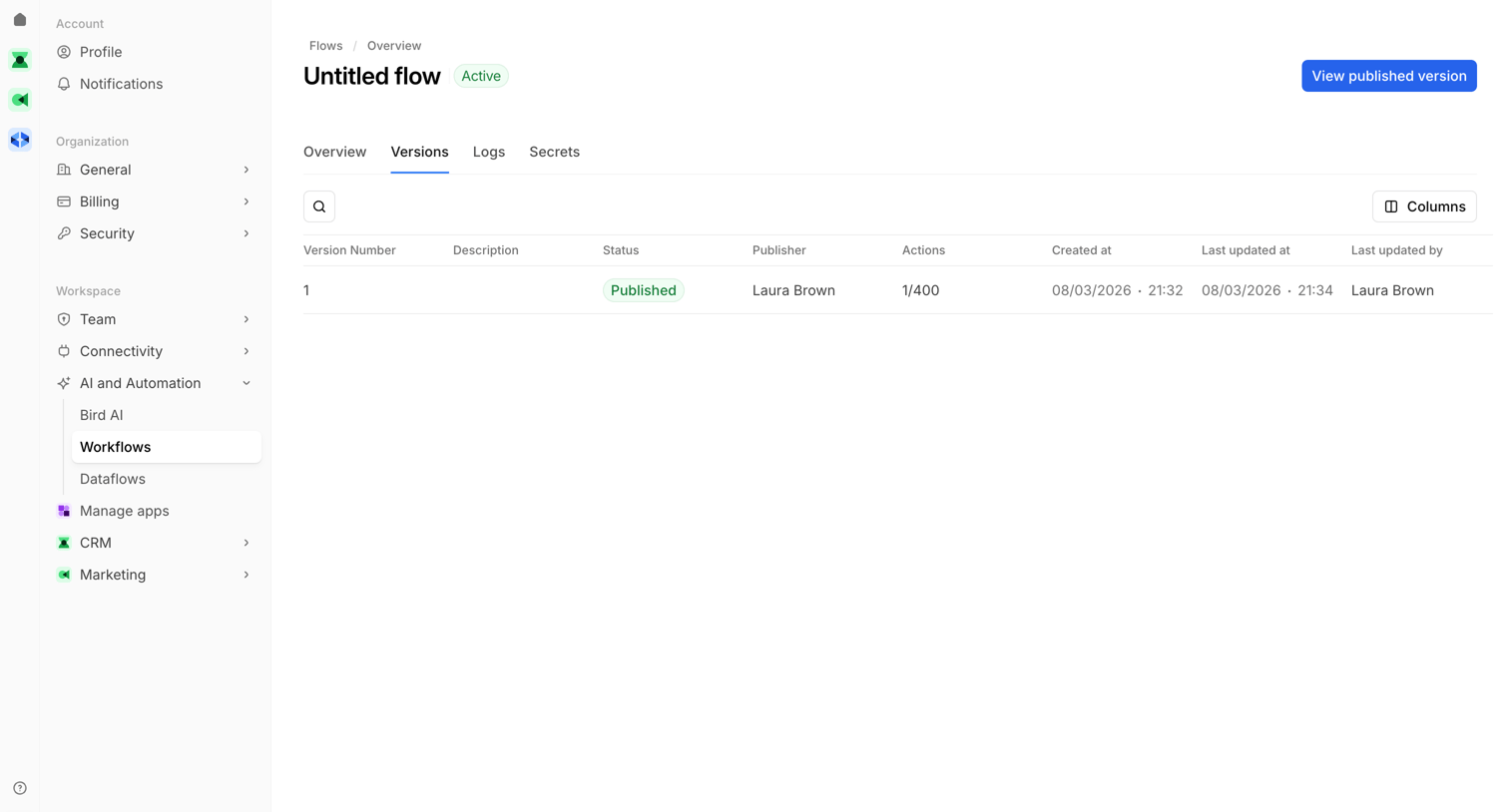

Detail page where the user views the version history of a specific workflow, including publication status, publisher, and timestamps.
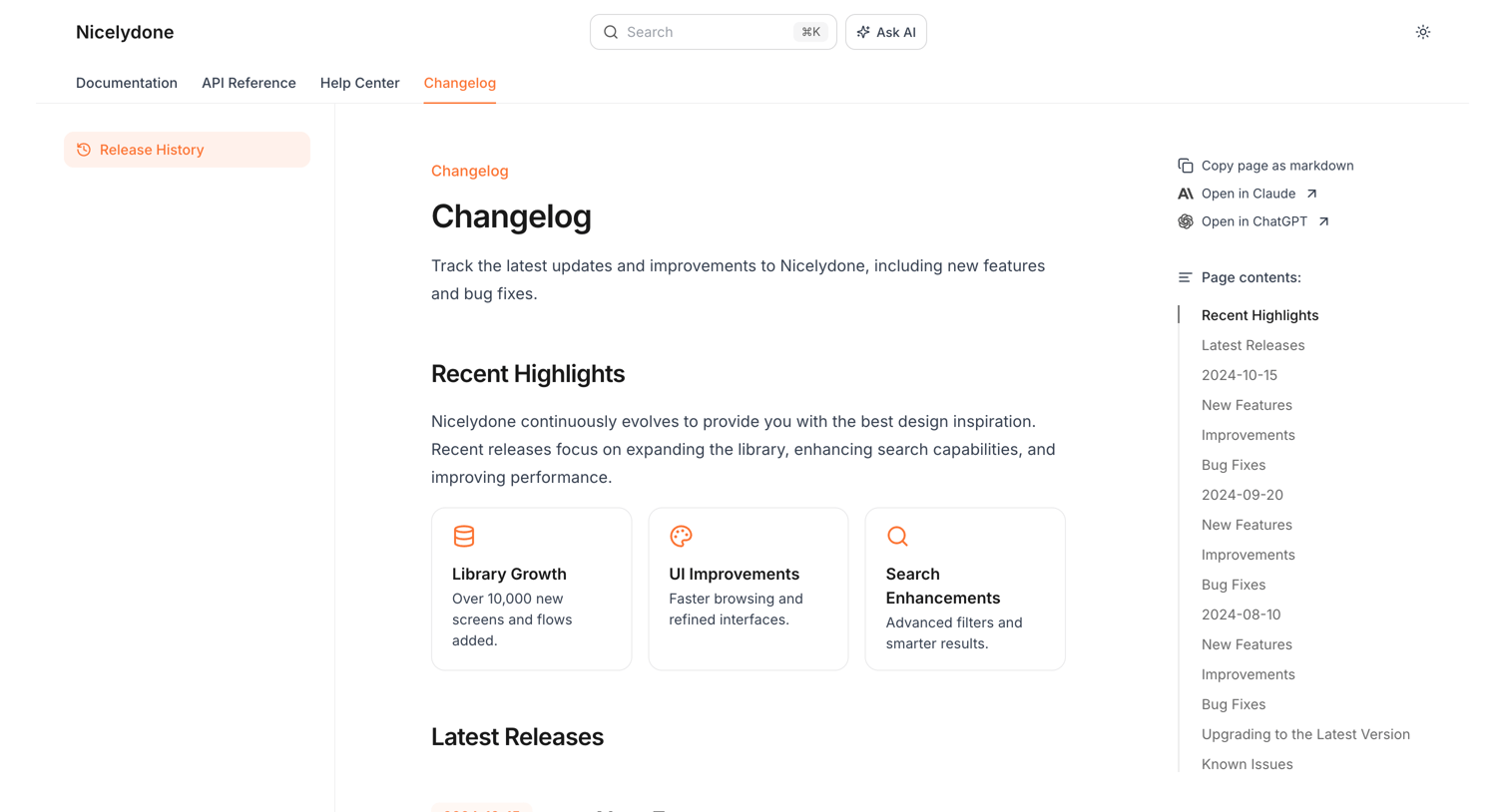

Changelog page where the user reads about recent product updates, new features, improvements, and bug fixes across different release versions.
Explore the full SaaS screen library
Upgrade to unlock the full library.
Trusted by the best teams







