User role screen examples
User role screen design examples from SaaS apps. Browse examples from Dock, Maze, Kinsta.
Explore the examples
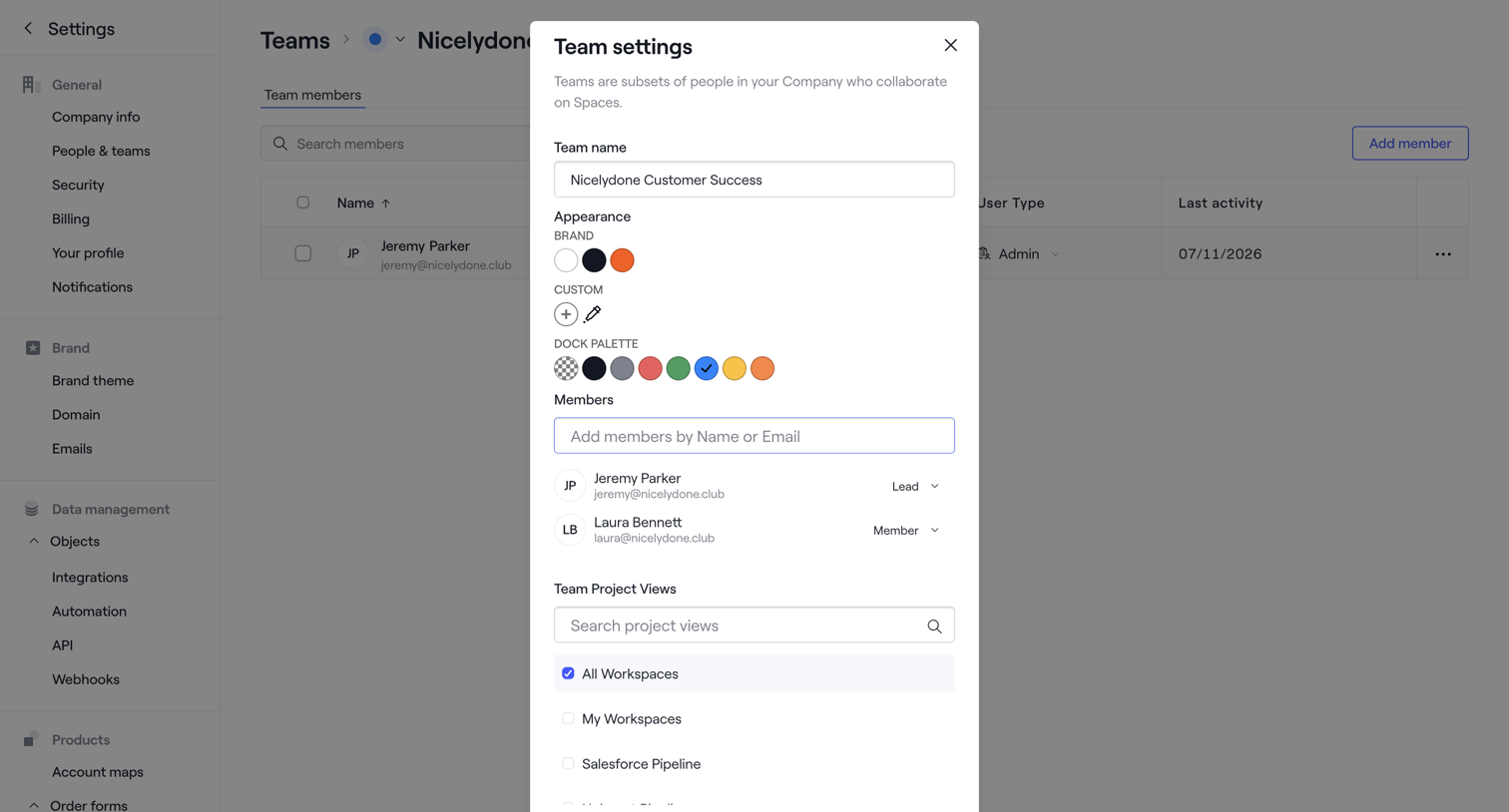

Settings modal where the user configures a team's name, appearance palette, member roles, and project view access.
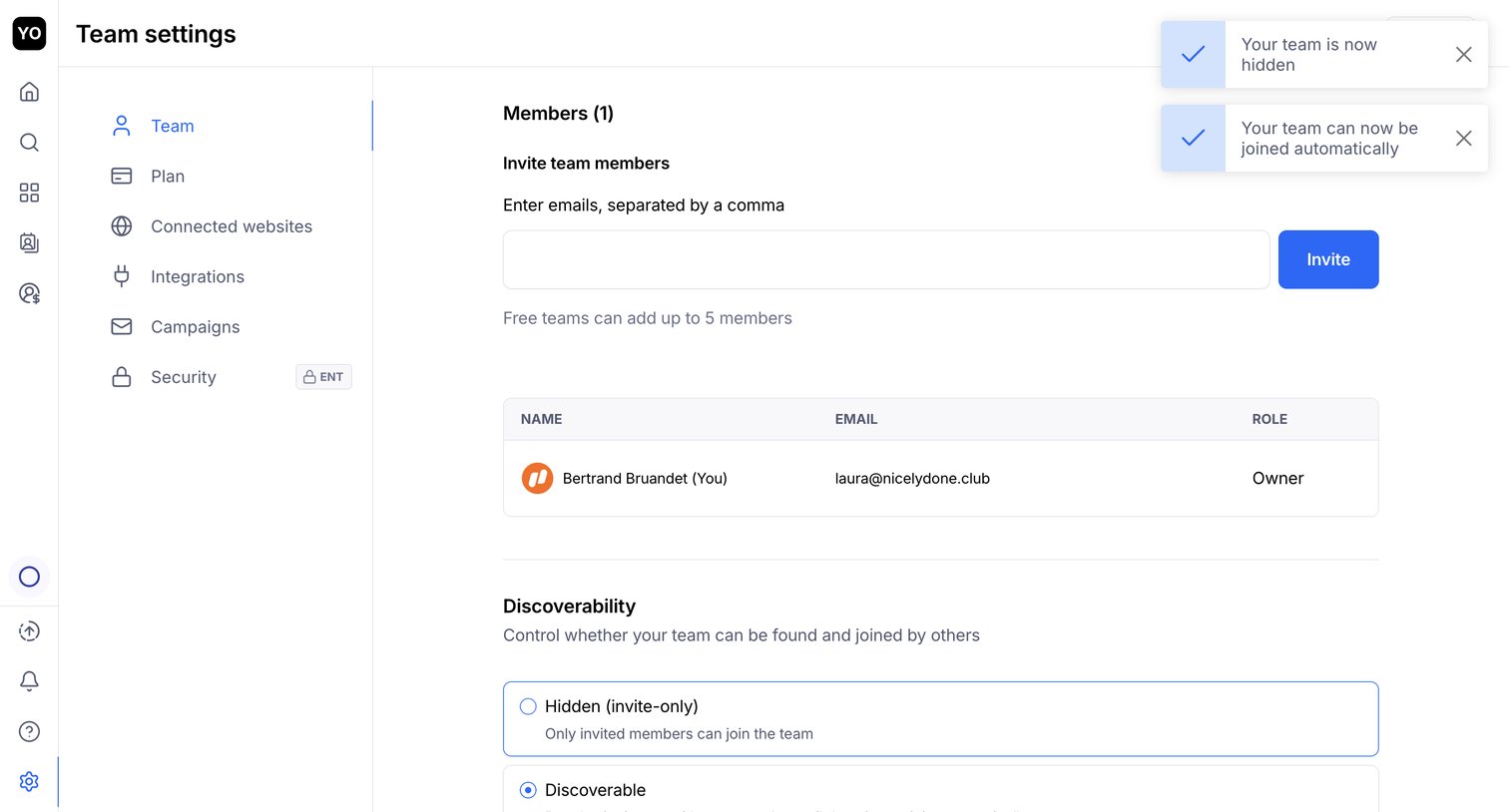

Settings page where the user invites new team members by email, views the current member list, and configures team discoverability.
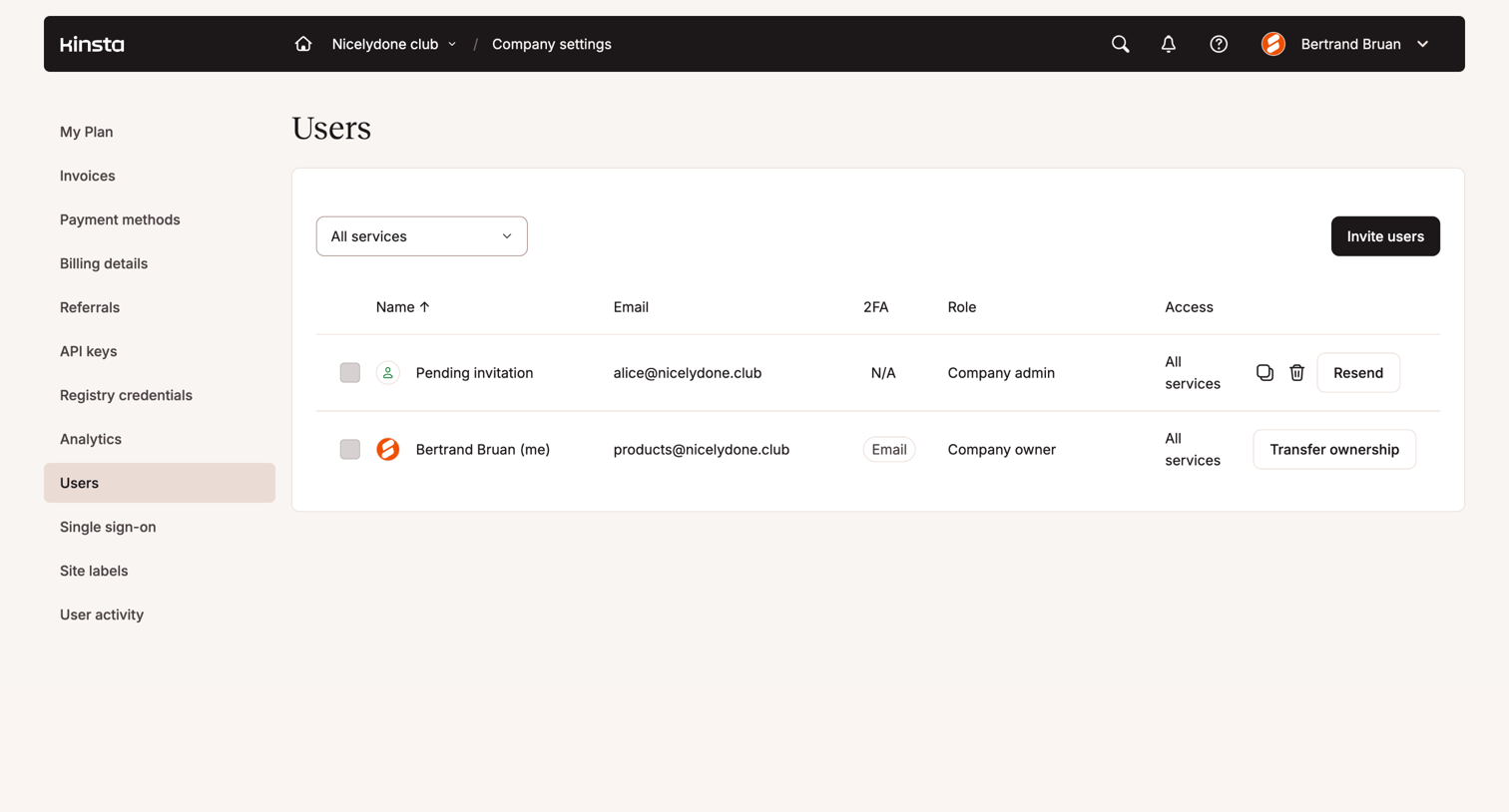

Settings page where the user manages company members, viewing roles, access levels, and pending invitations.
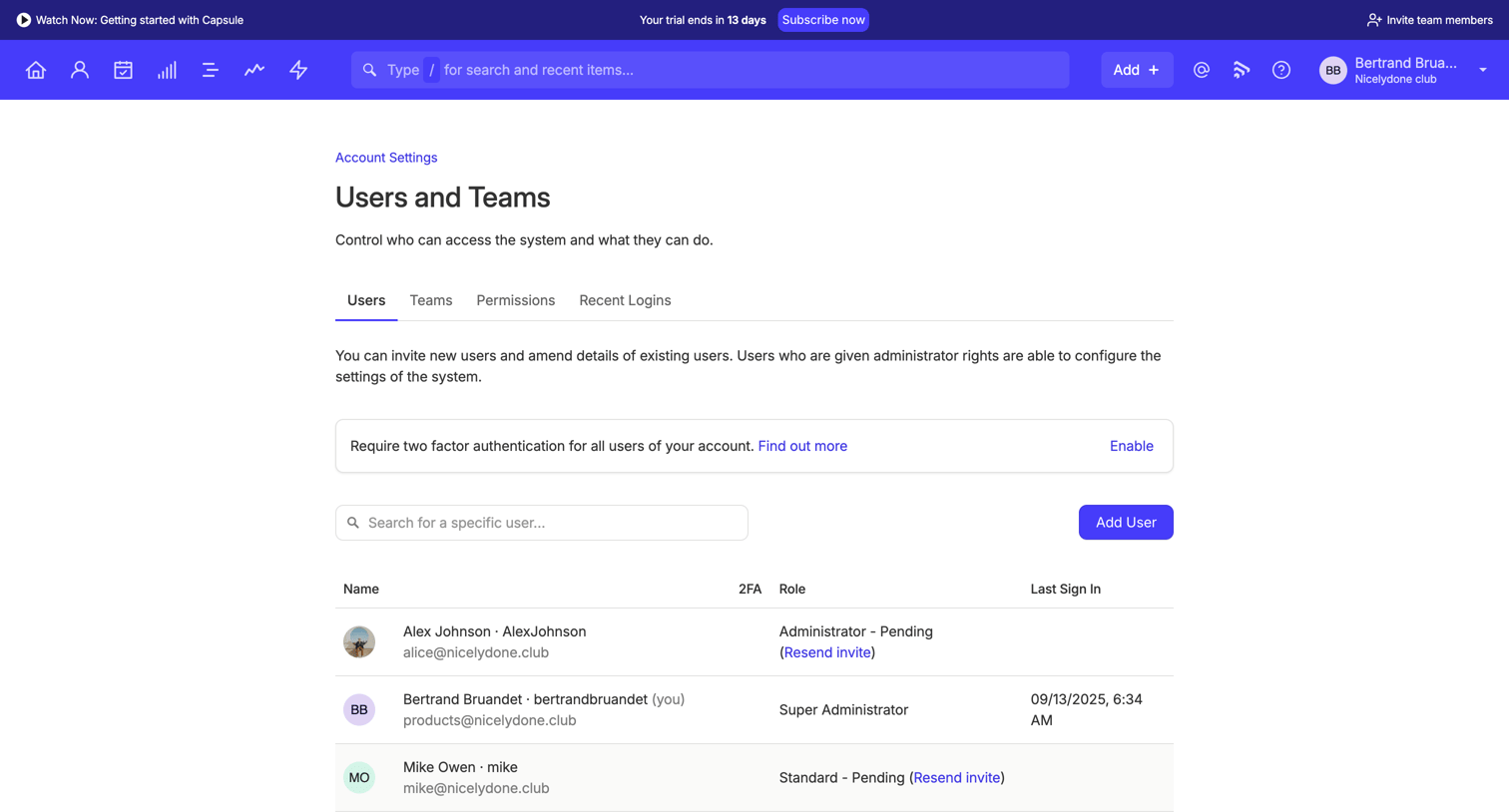

Settings page where the user manages team members, permissions, and two-factor authentication requirements for their account.
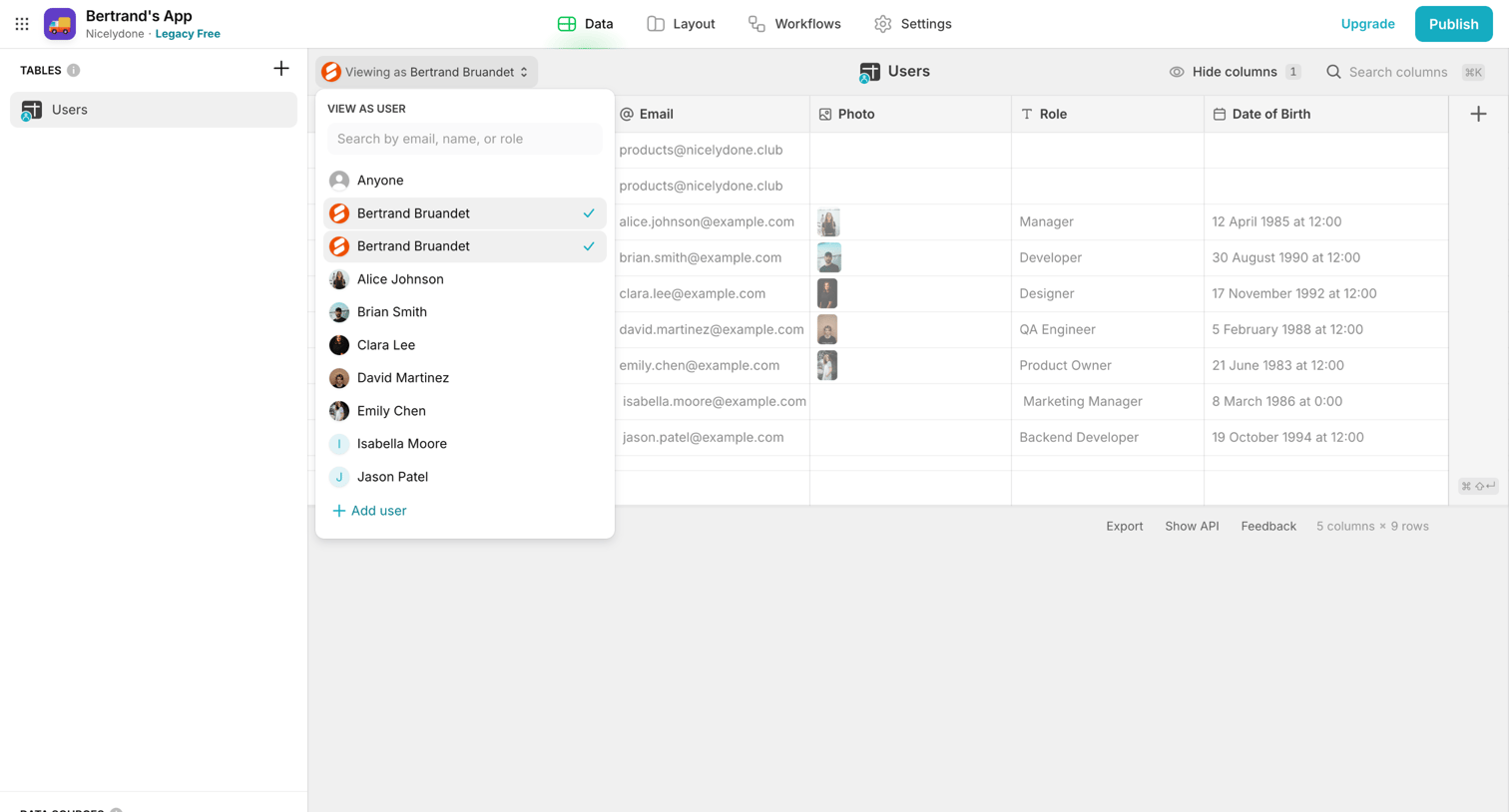

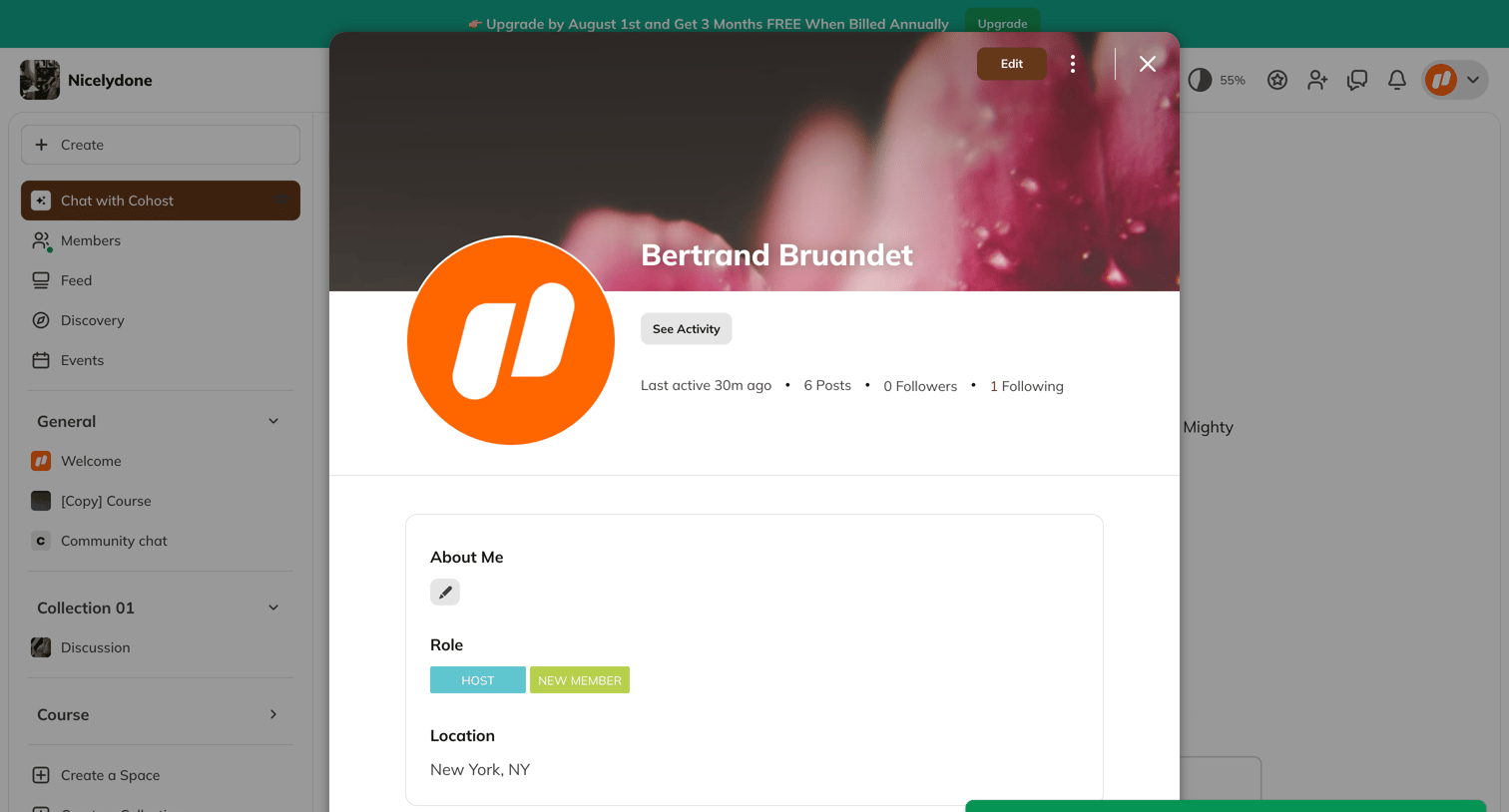

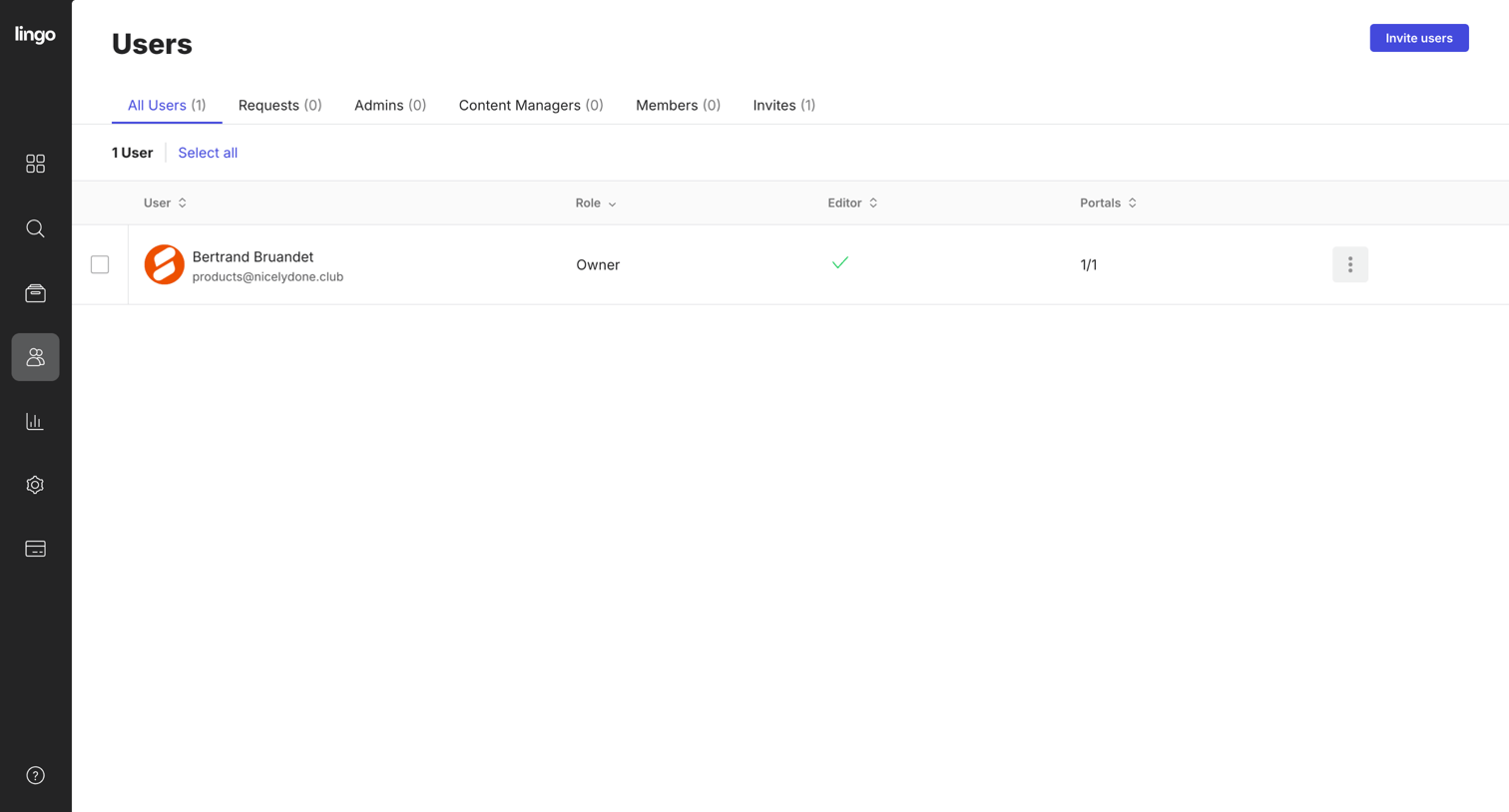

Settings page where the user manages team members, their roles, and editor permissions across different portals.
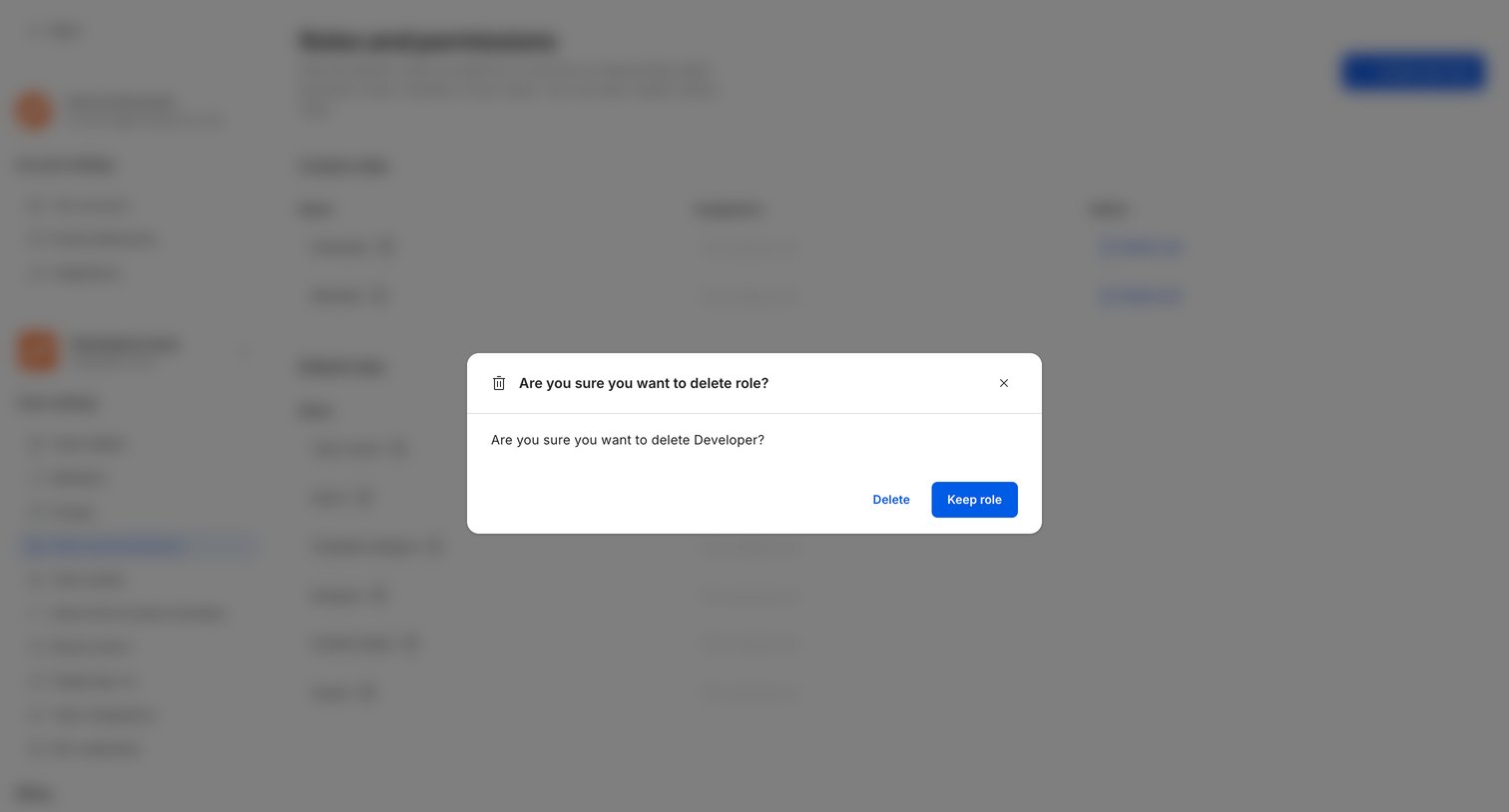

Settings page where the user confirms the deletion of a custom role named Developer.
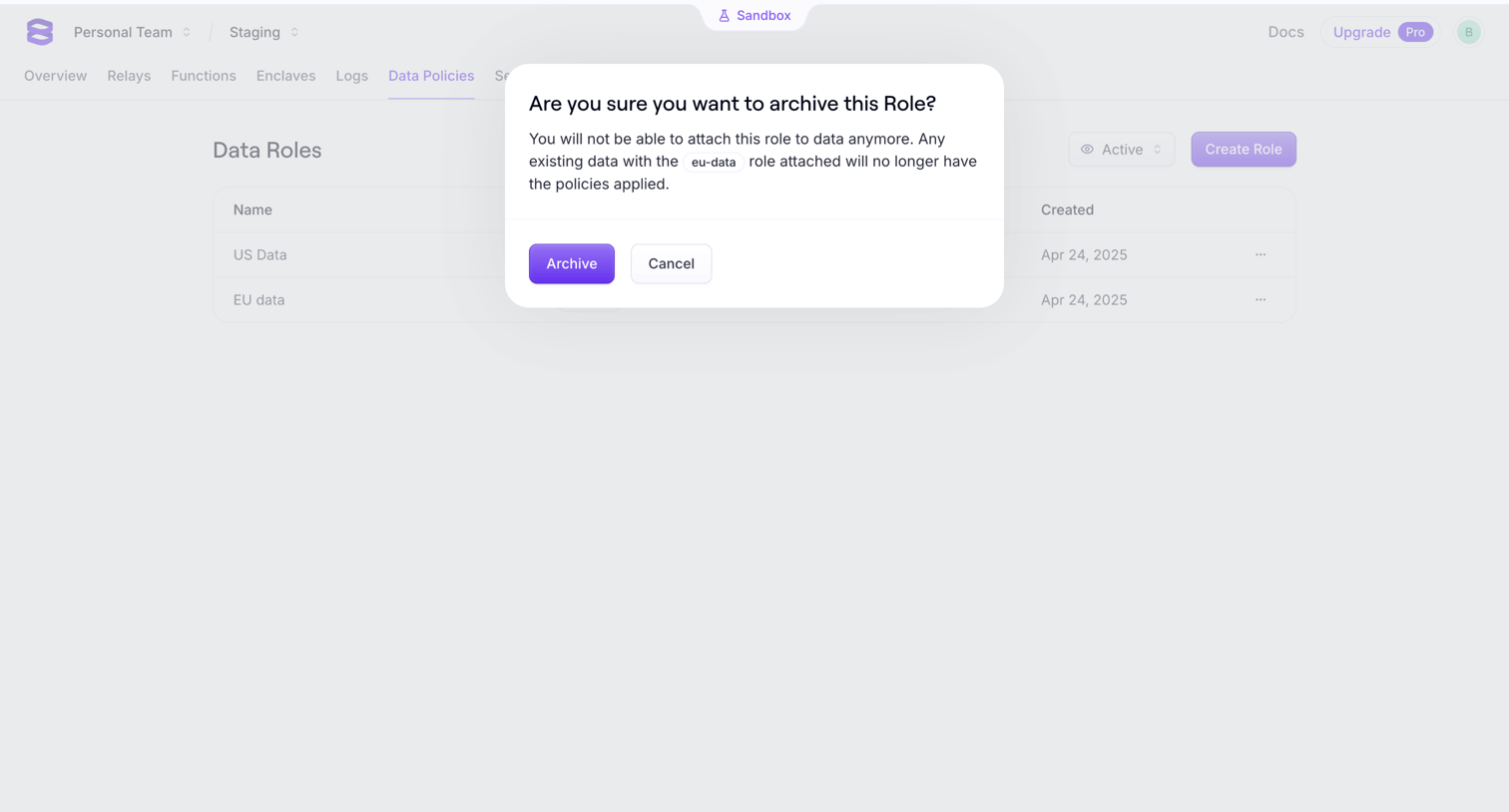

Data policies list where an alert dialog prompts the user to confirm archiving a data role, warning that attached data will lose policy application.
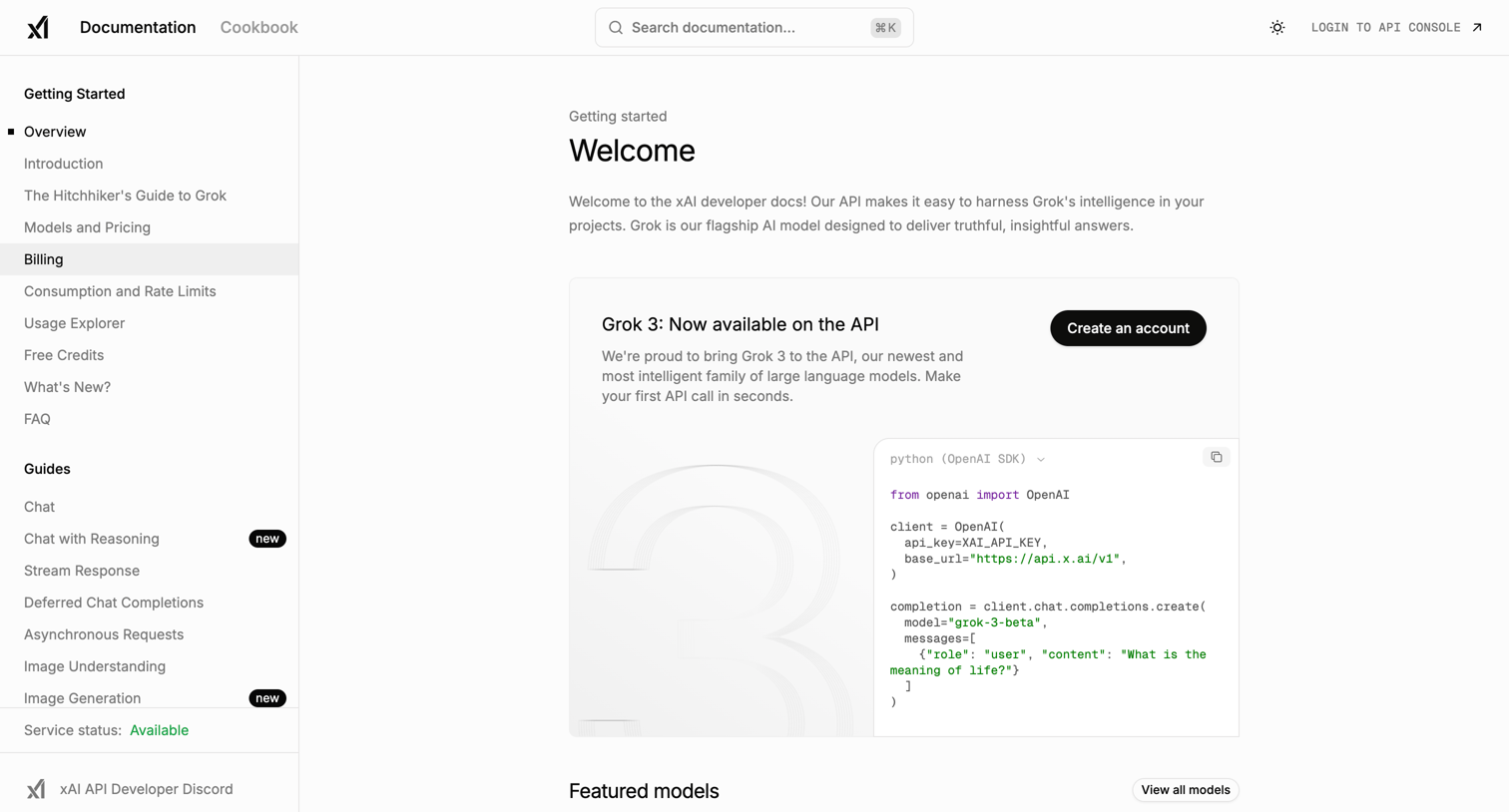

Developer documentation home page welcoming users to the xAI API with a quickstart code snippet and a prompt to create an account.
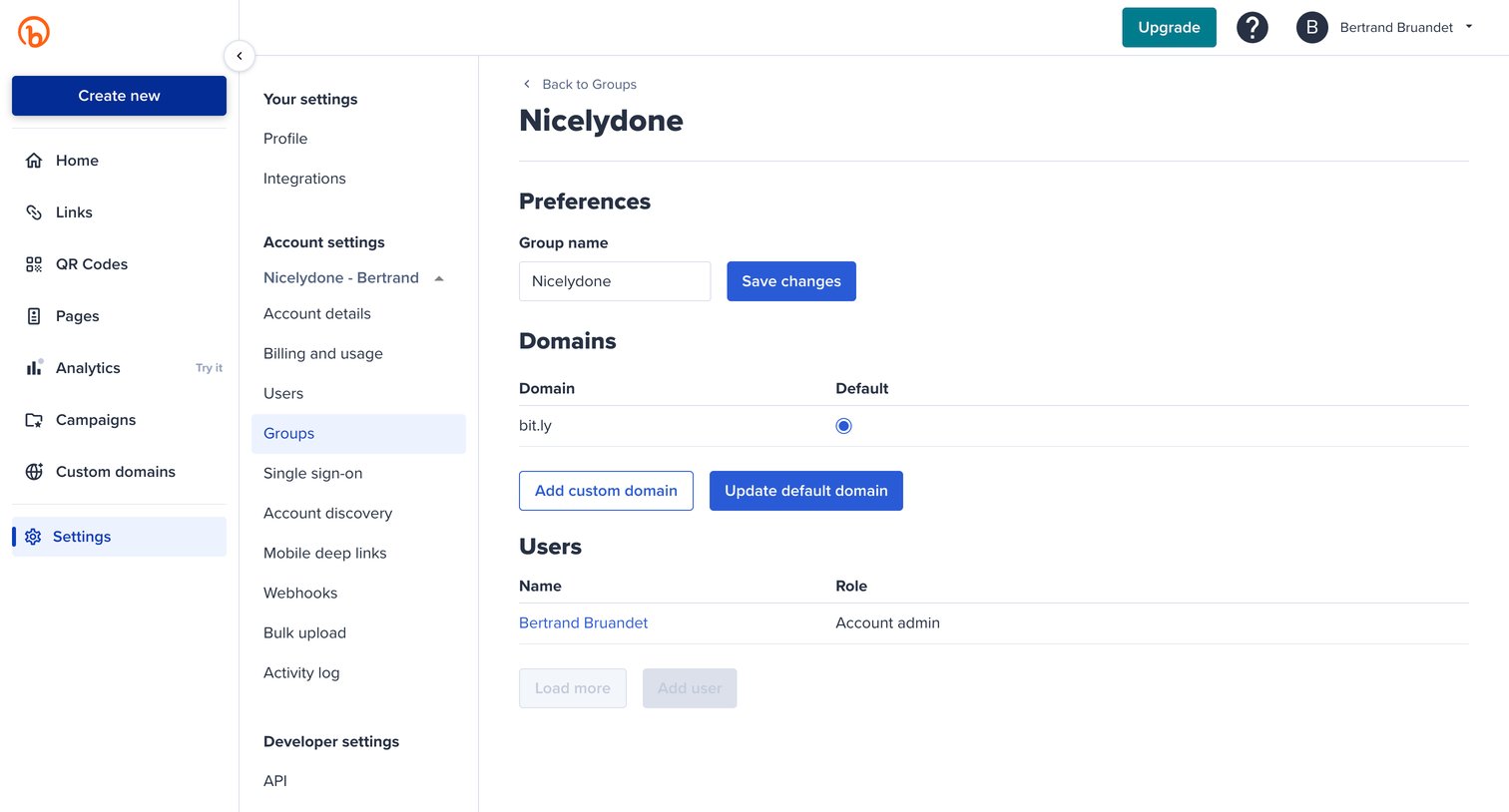

Settings page where the user configures group preferences, manages custom domains, and views assigned users for a specific group.
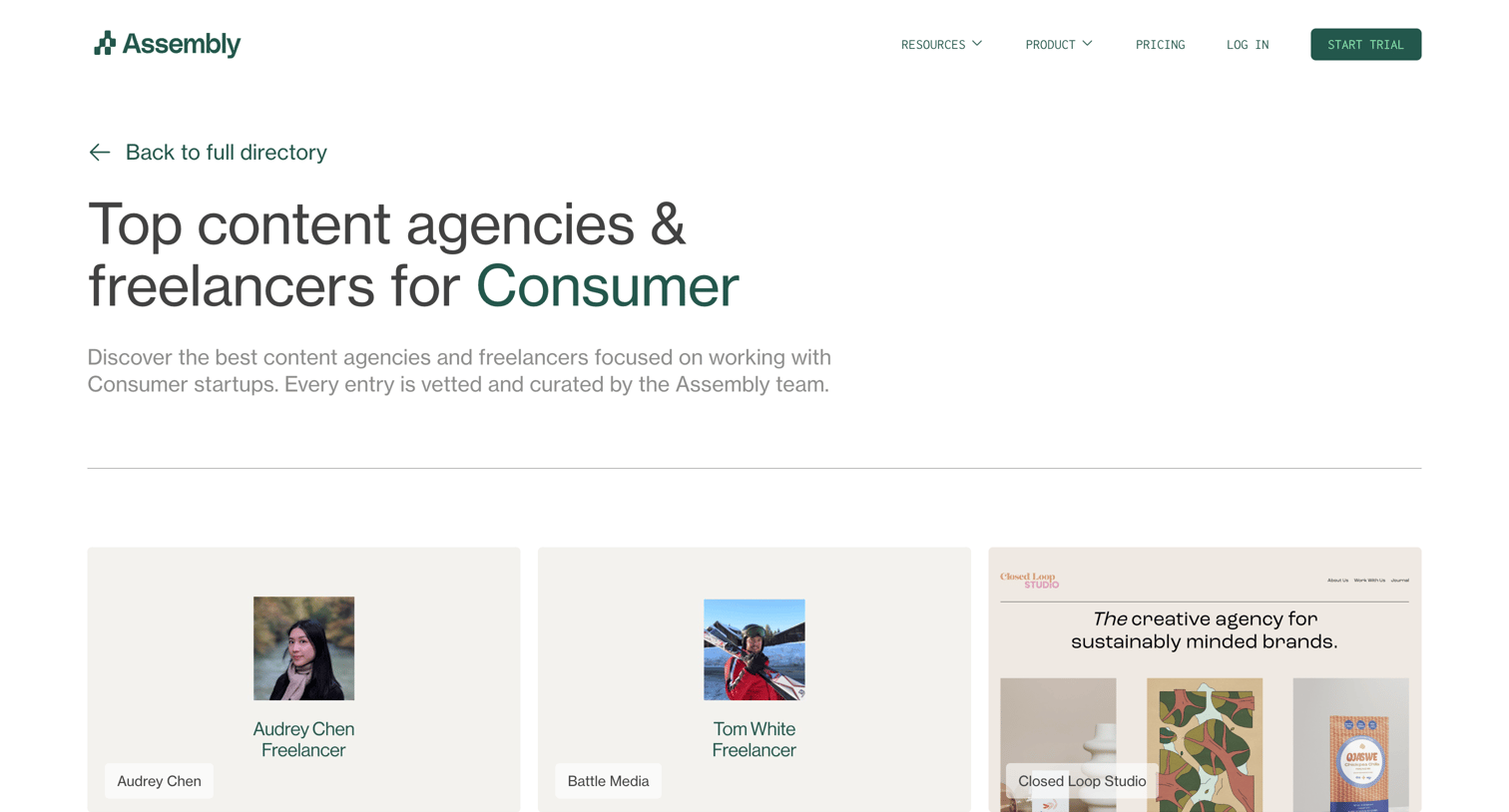

Directory page listing vetted content agencies and freelancers for the Consumer industry, featuring a grid of profiles and a matching service prompt.
Explore the full SaaS screen library
Upgrade to unlock the full library.
Trusted by the best teams







