User data screen examples
User data screen design examples from SaaS apps. Browse examples from Dock, Beside, Flora.
Explore the examples
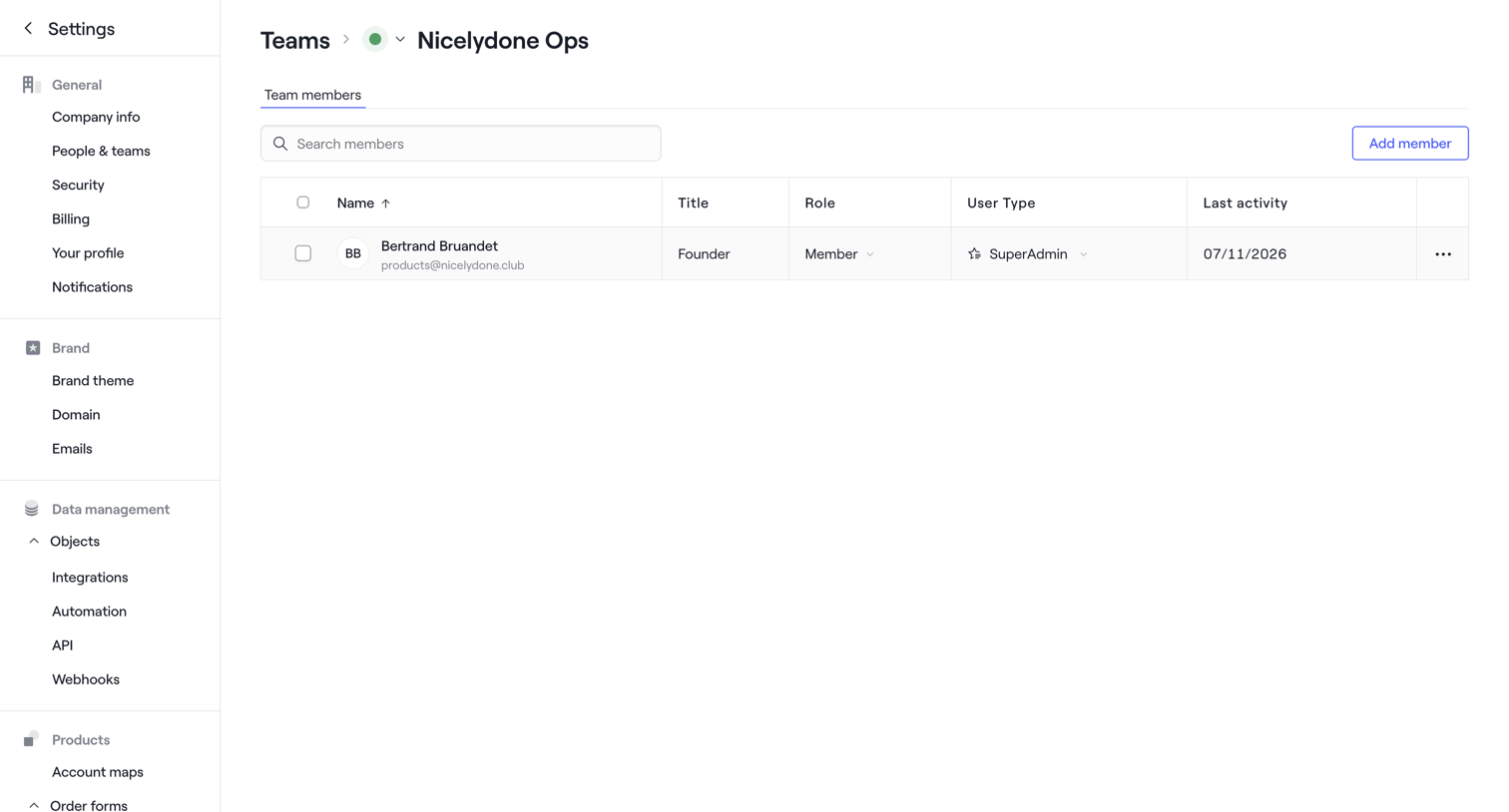

Settings page where the user manages members of the Nicelydone Ops team, displaying a data table with roles and user types.
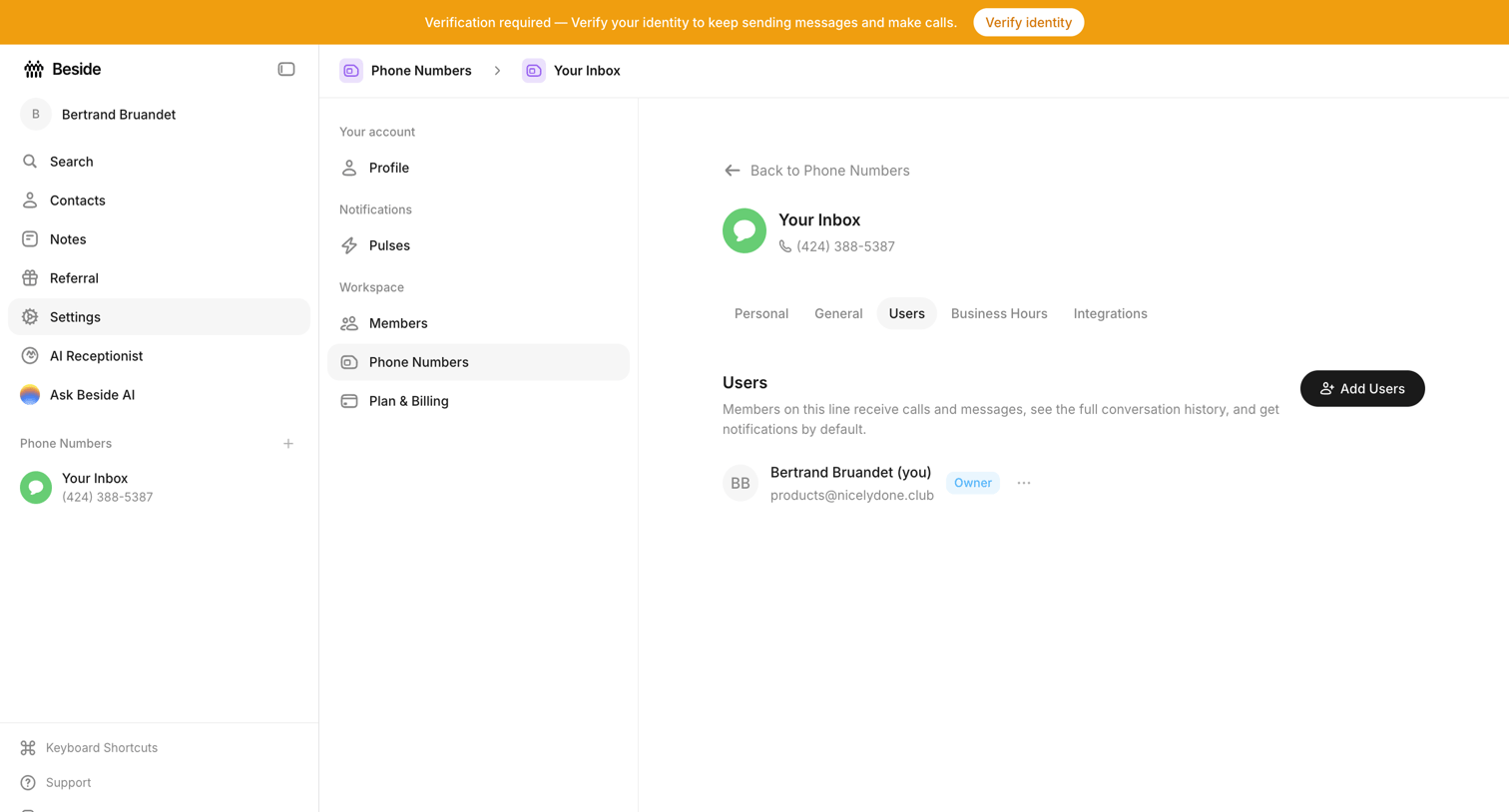

Settings page where the user manages which team members have access to a specific phone number inbox.
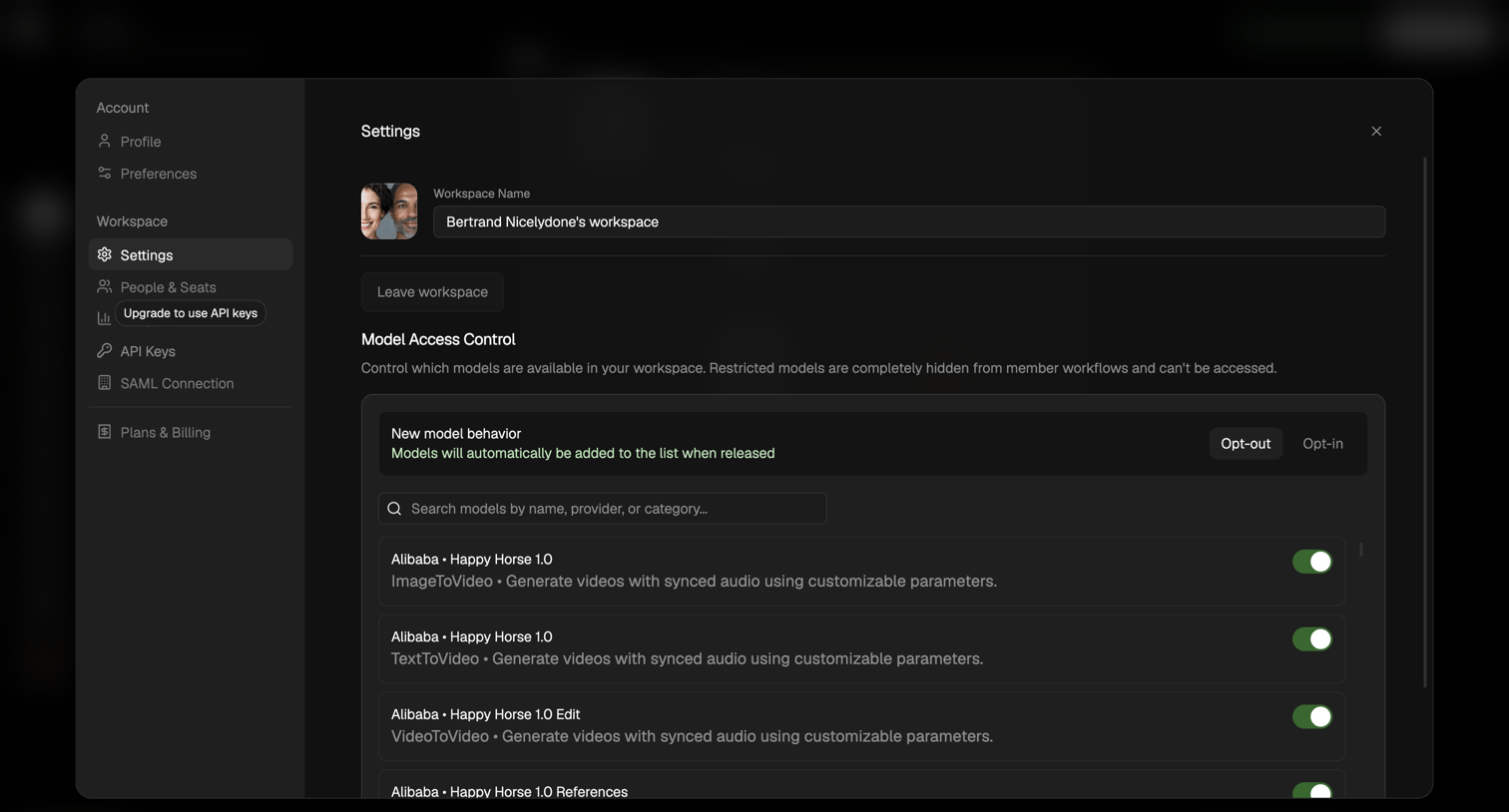

Workspace settings modal where the user configures access control for AI models by toggling specific models on or off and setting default behavior for new models.
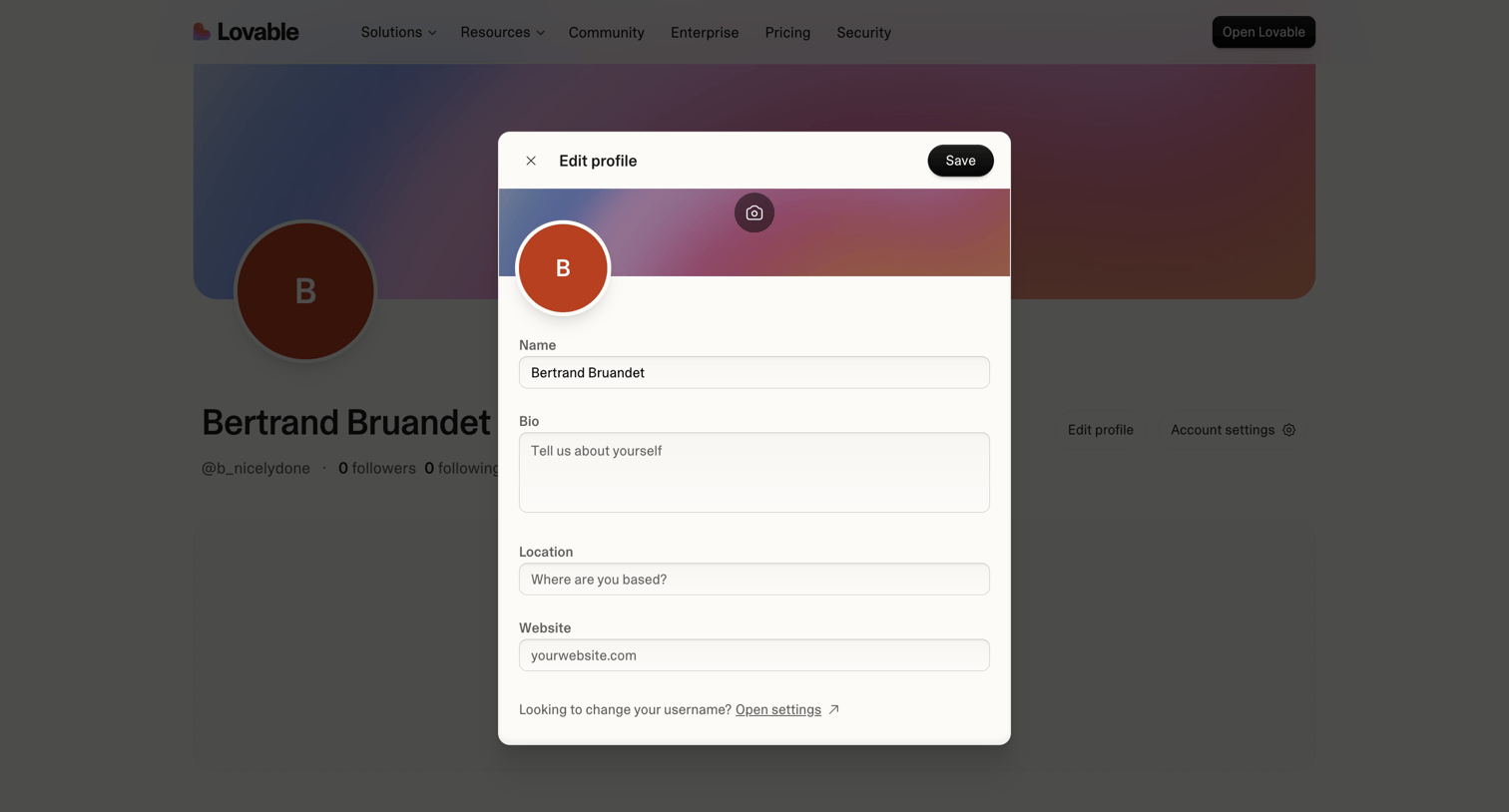

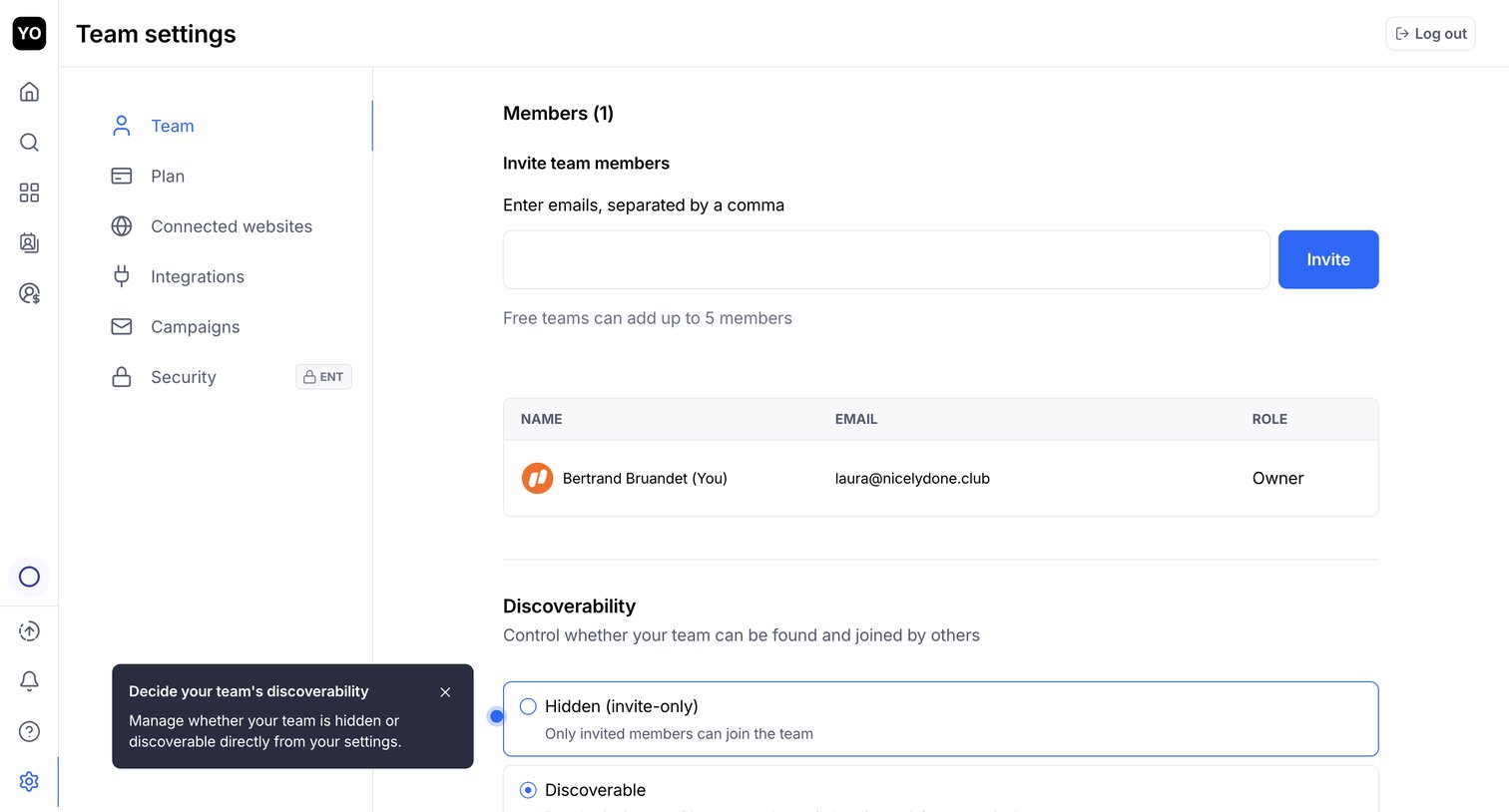

Settings page where the user invites new team members by email, manages existing members in a list, and configures team discoverability options.
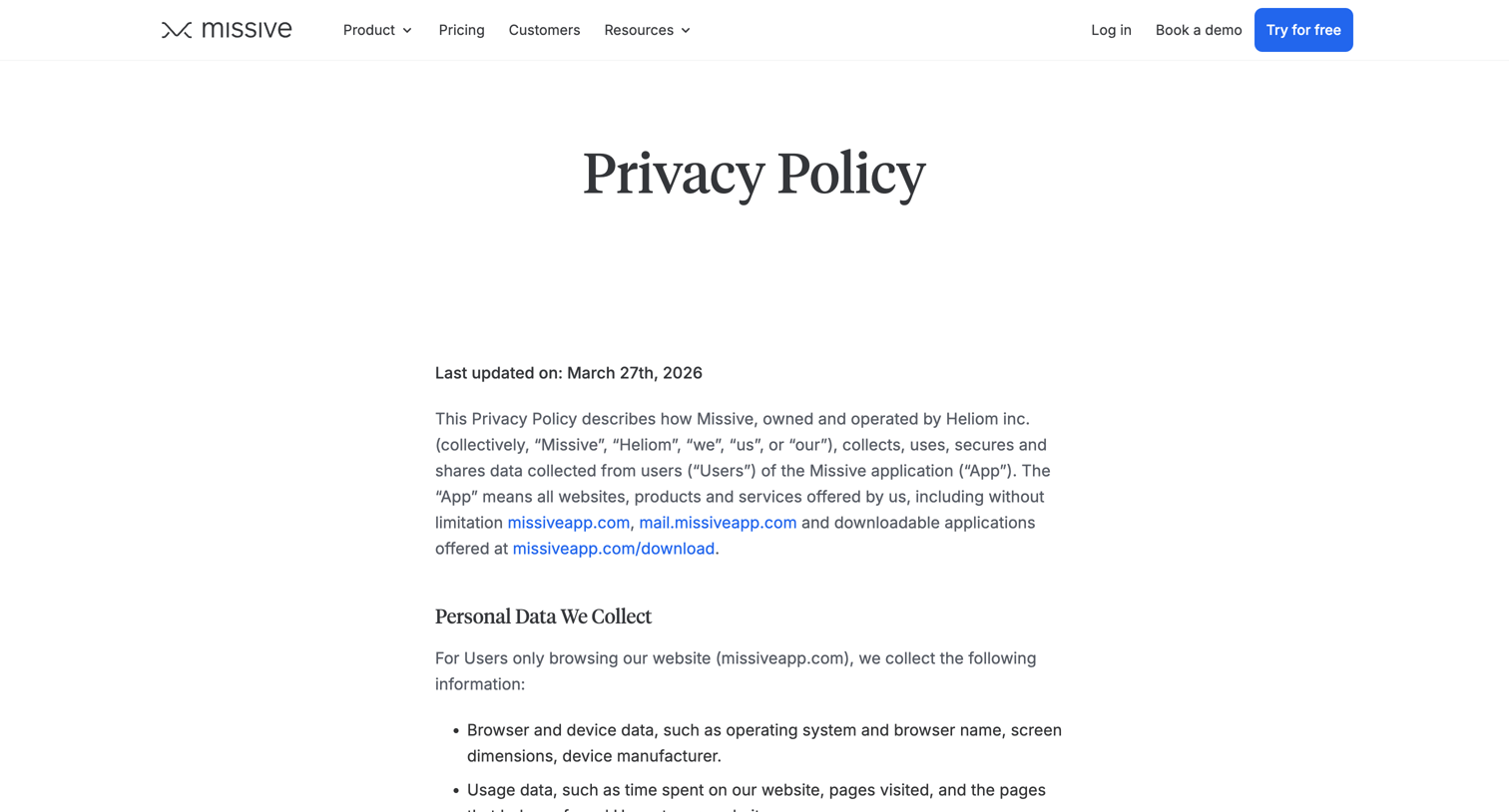

Privacy policy page detailing how the application collects, uses, and shares personal data, including sections on cookies, GDPR, and user rights.
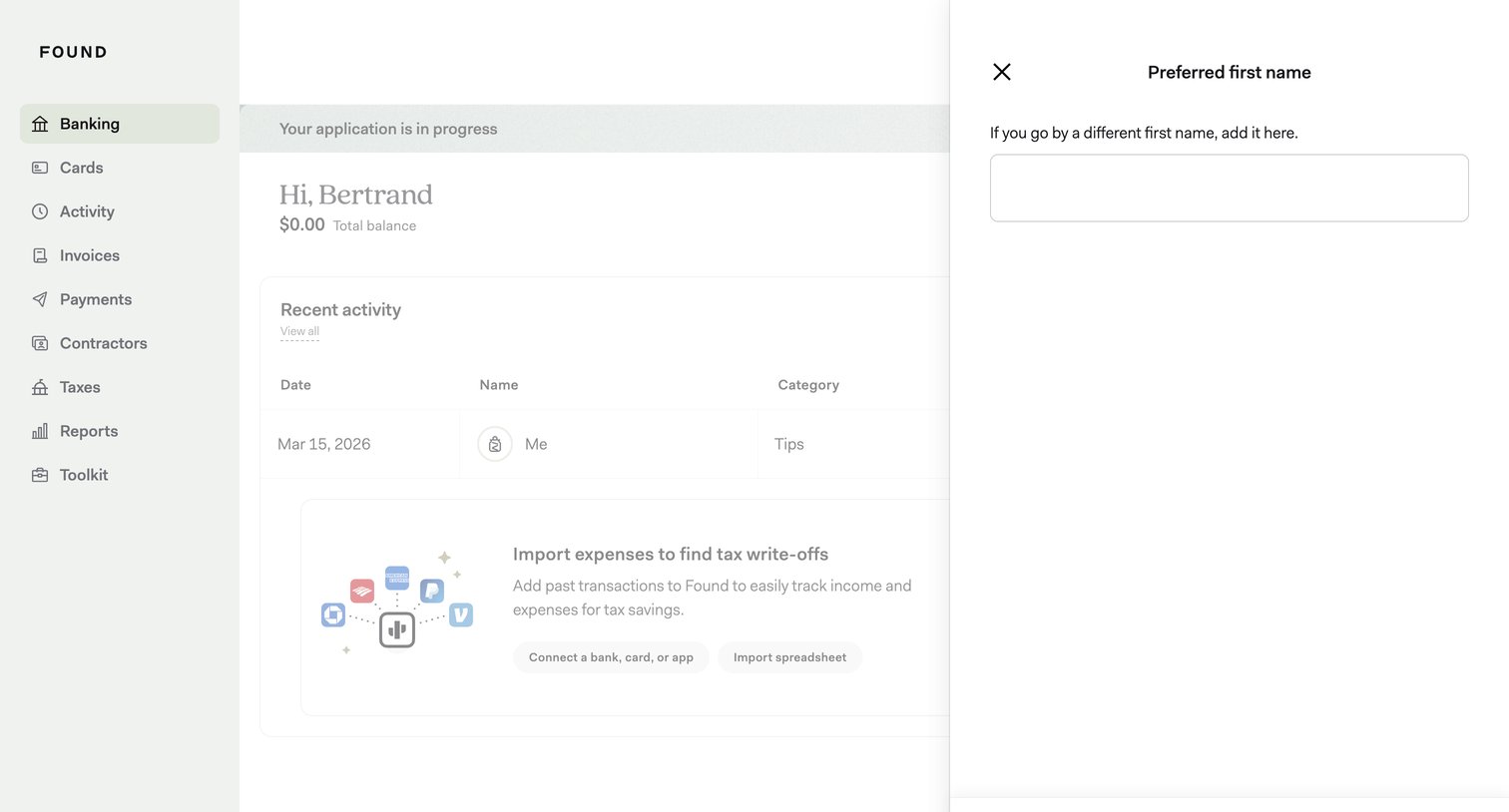

Dashboard with a side drawer open where the user can update their preferred first name.
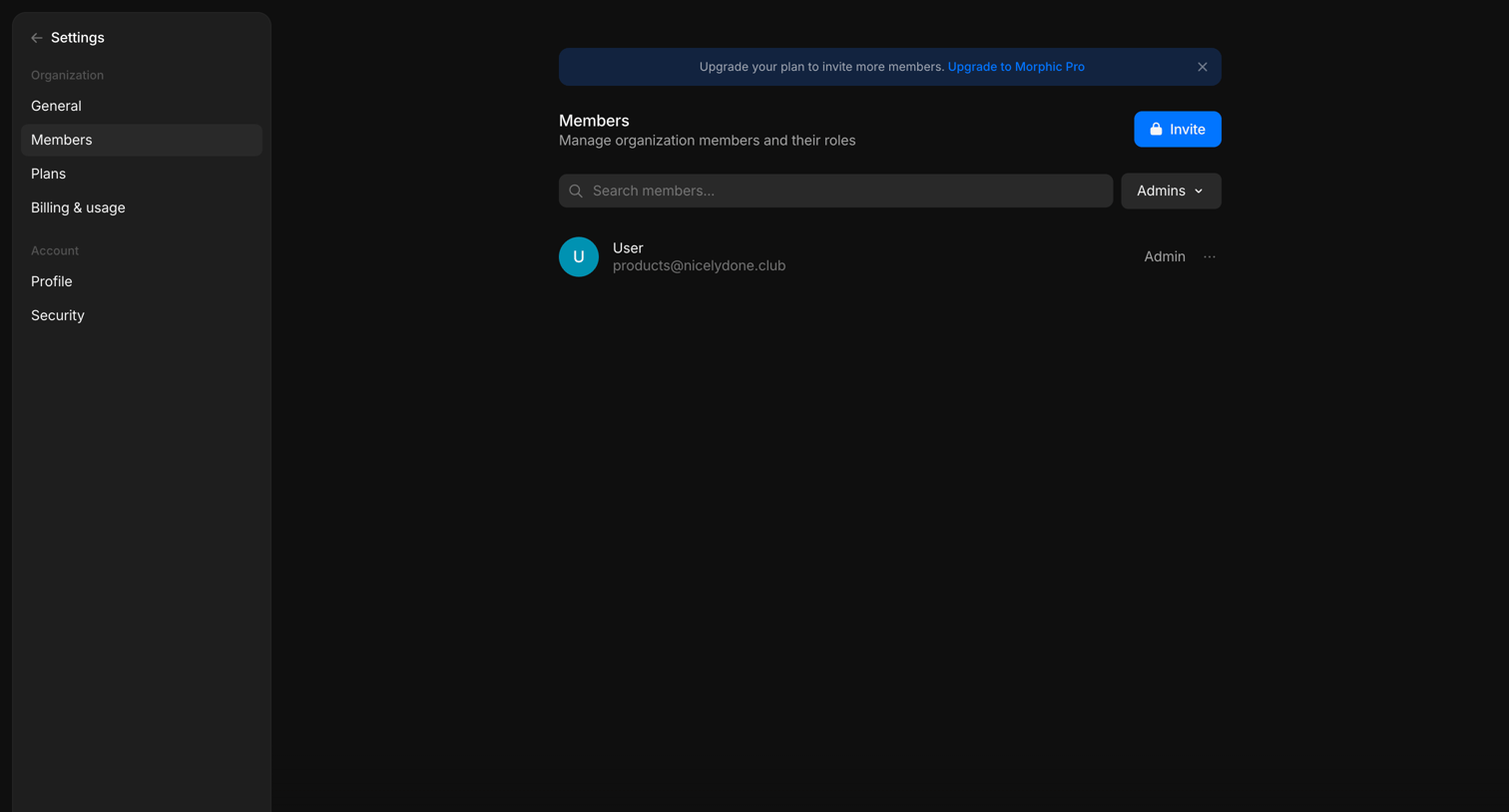

Settings page where the user manages organization members and their roles, featuring a banner prompting an upgrade to unlock more invites.
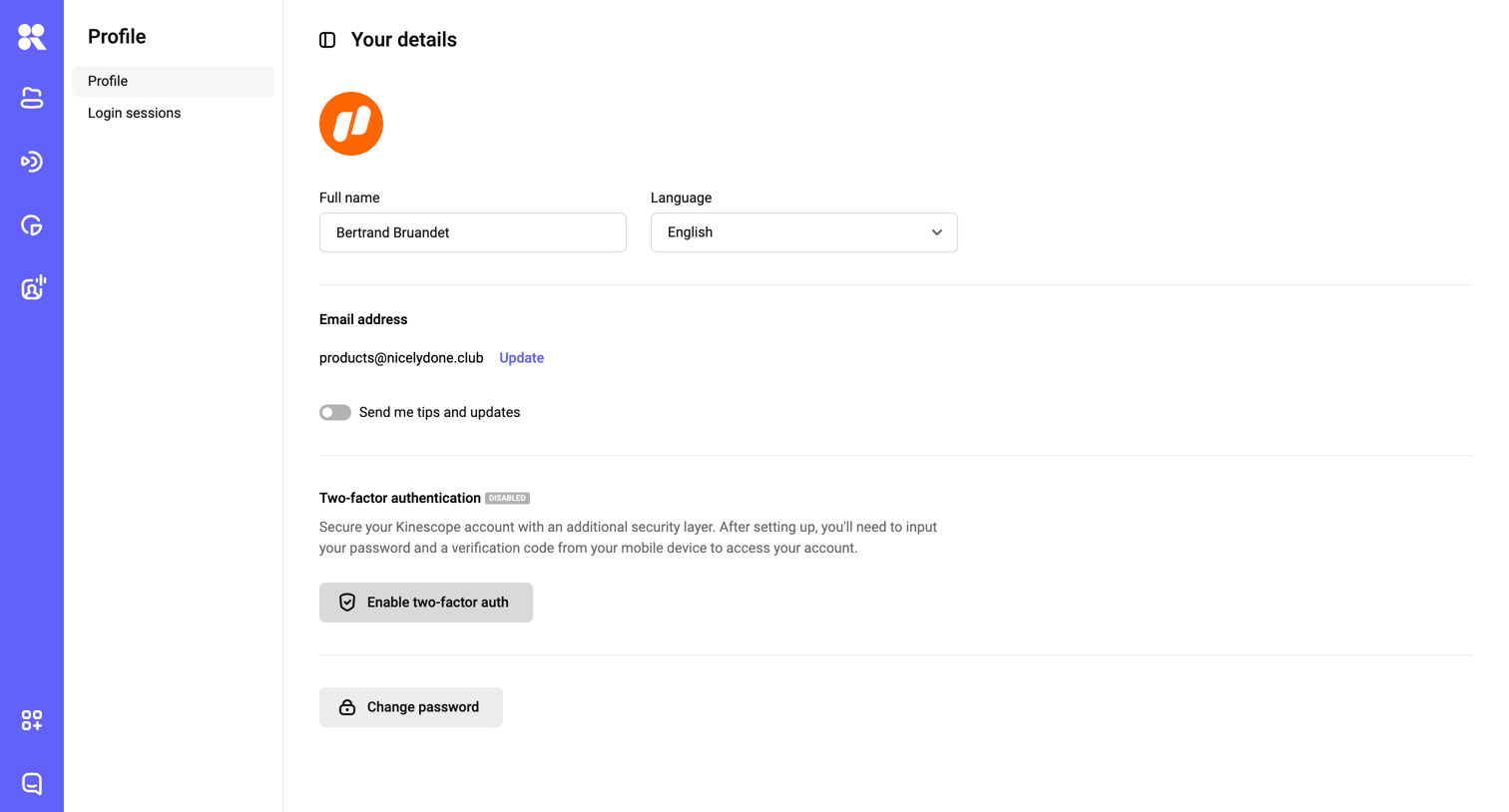

Settings page where the user manages their personal profile details, language preference, email address, and security options like two-factor authentication and password.
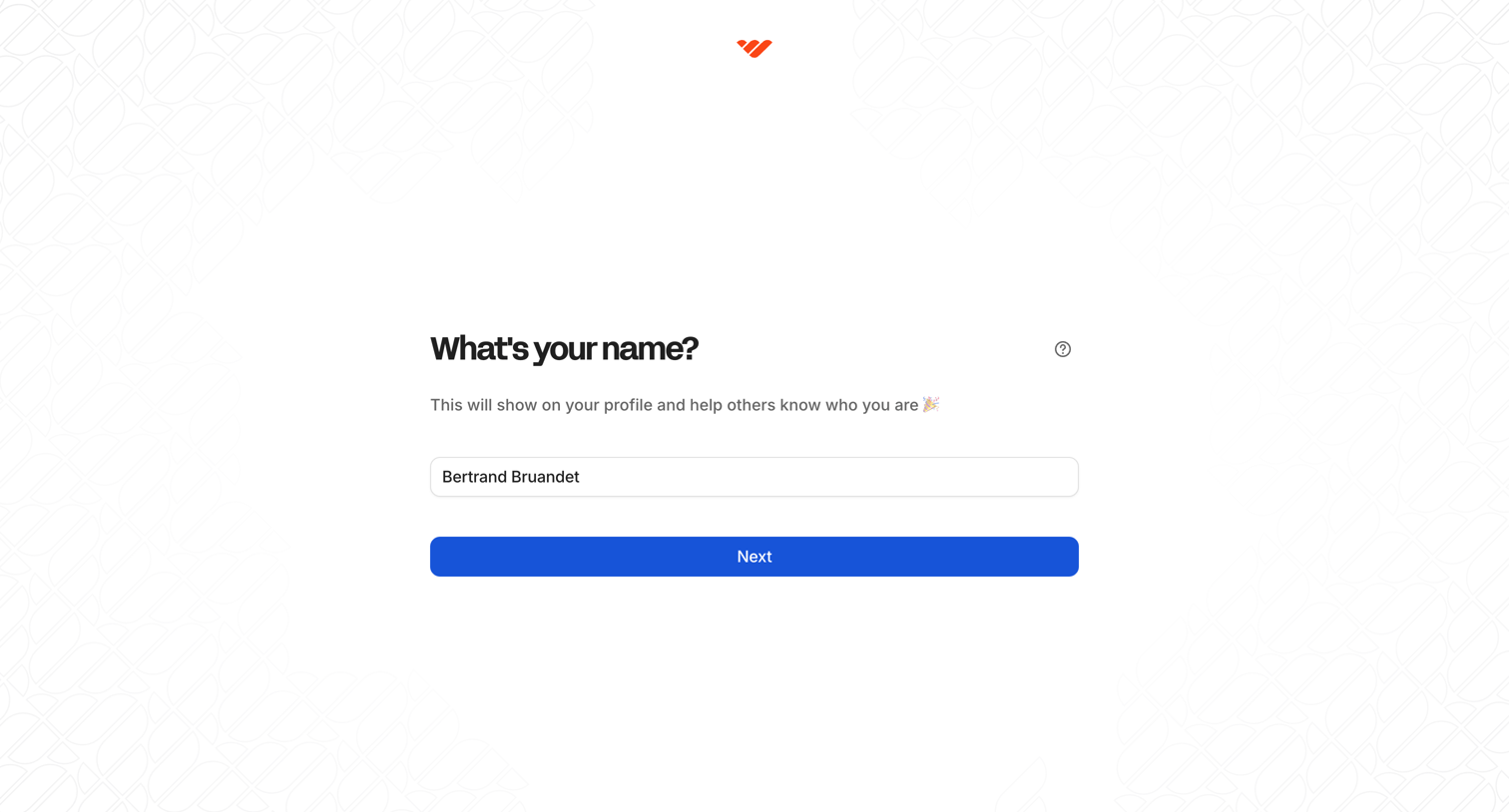

Onboarding step where the user enters their display name to be shown on their public profile.

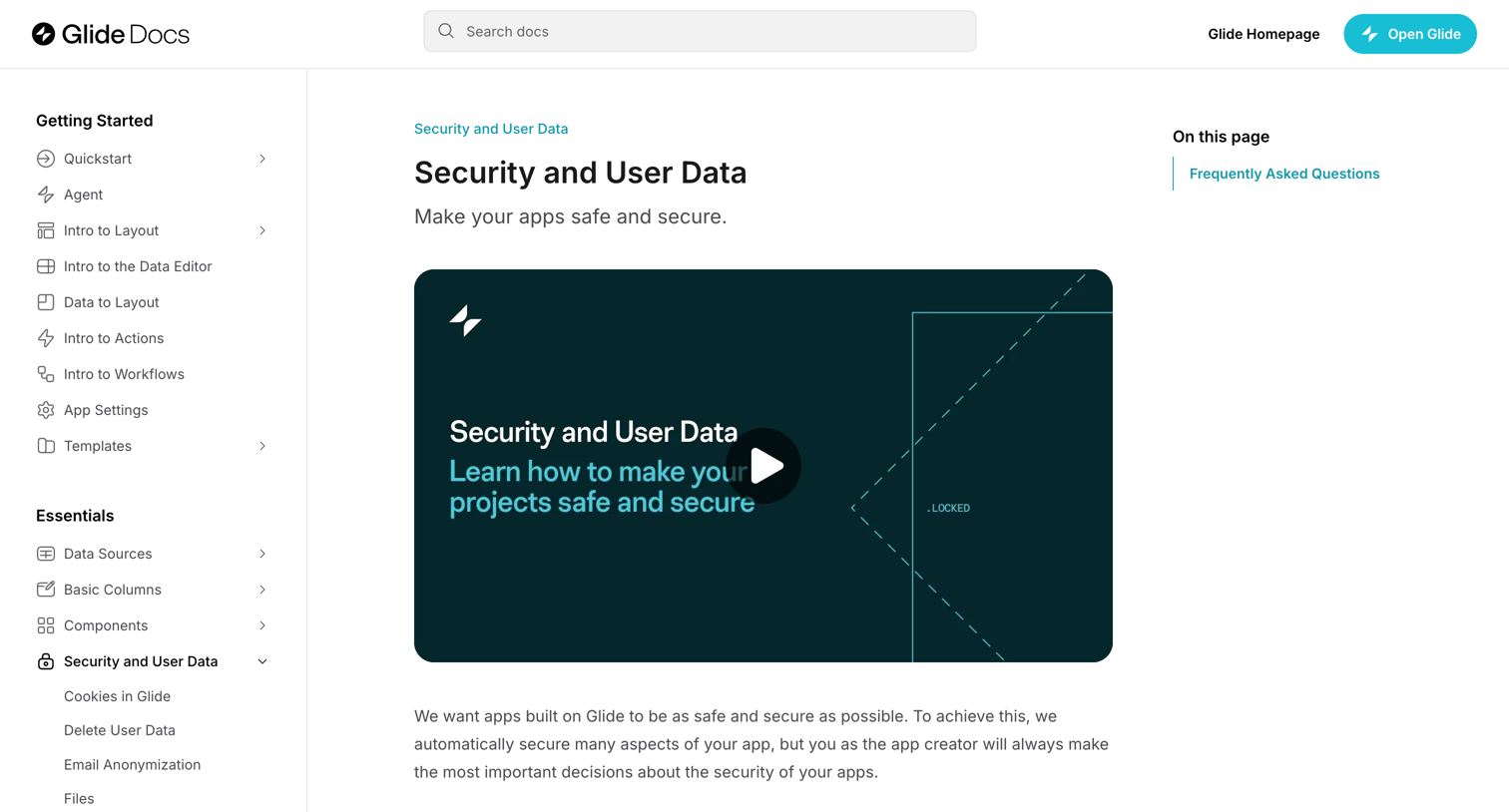

Documentation article explaining how to make Glide apps safe and secure, featuring a video tutorial, best practices, and an FAQ section.
Explore the full SaaS screen library
Upgrade to unlock the full library.
Trusted by the best teams







