Skip to content

Template customization screen examples

Template customization screen design examples from SaaS apps. Browse examples from Mailchimp, Slite, Outseta.

Explore the examples
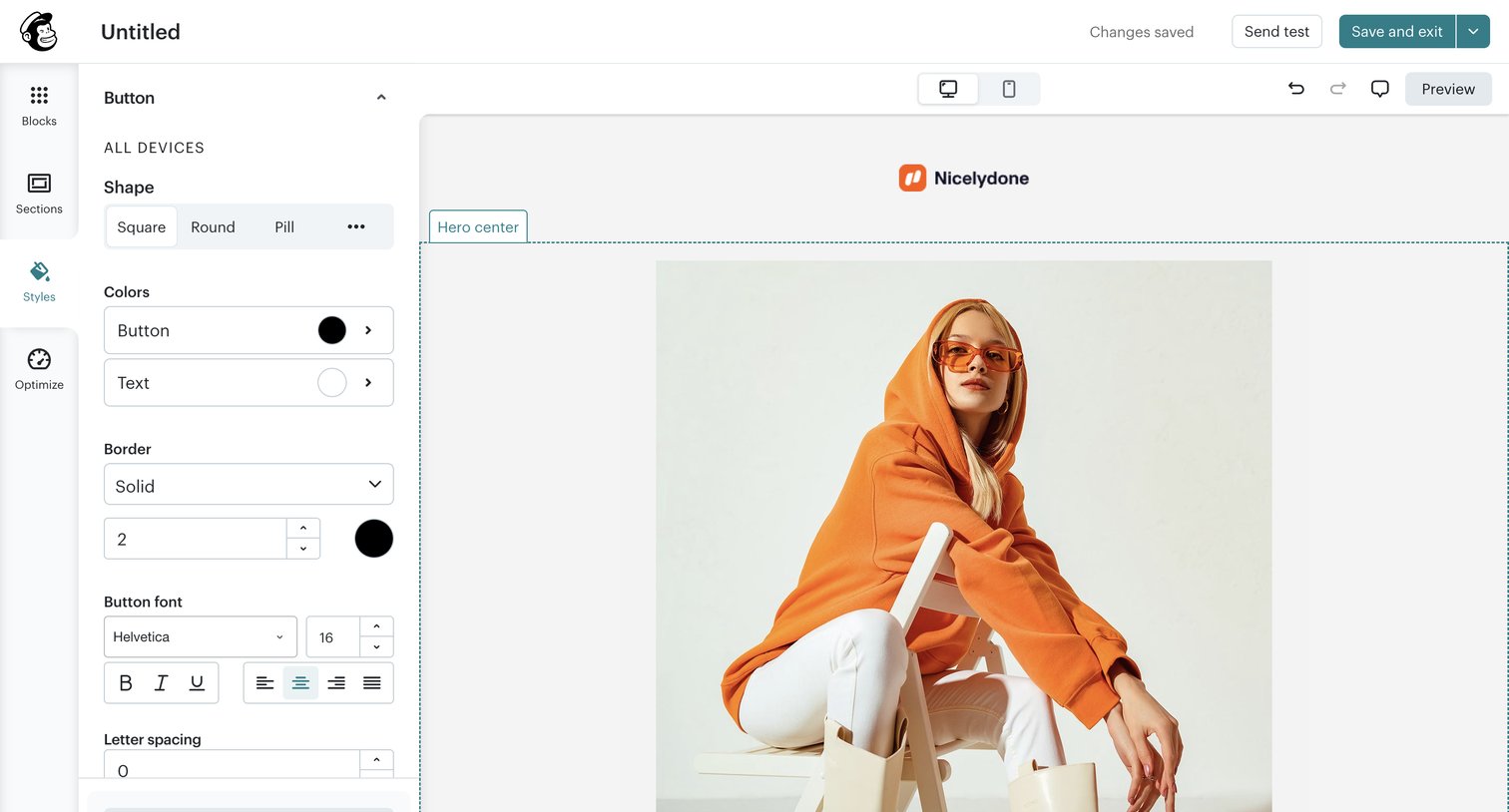
Mailchimp - Campaign Builder - Untitled | Mailchimp screen
Mailchimp logo
Mailchimp

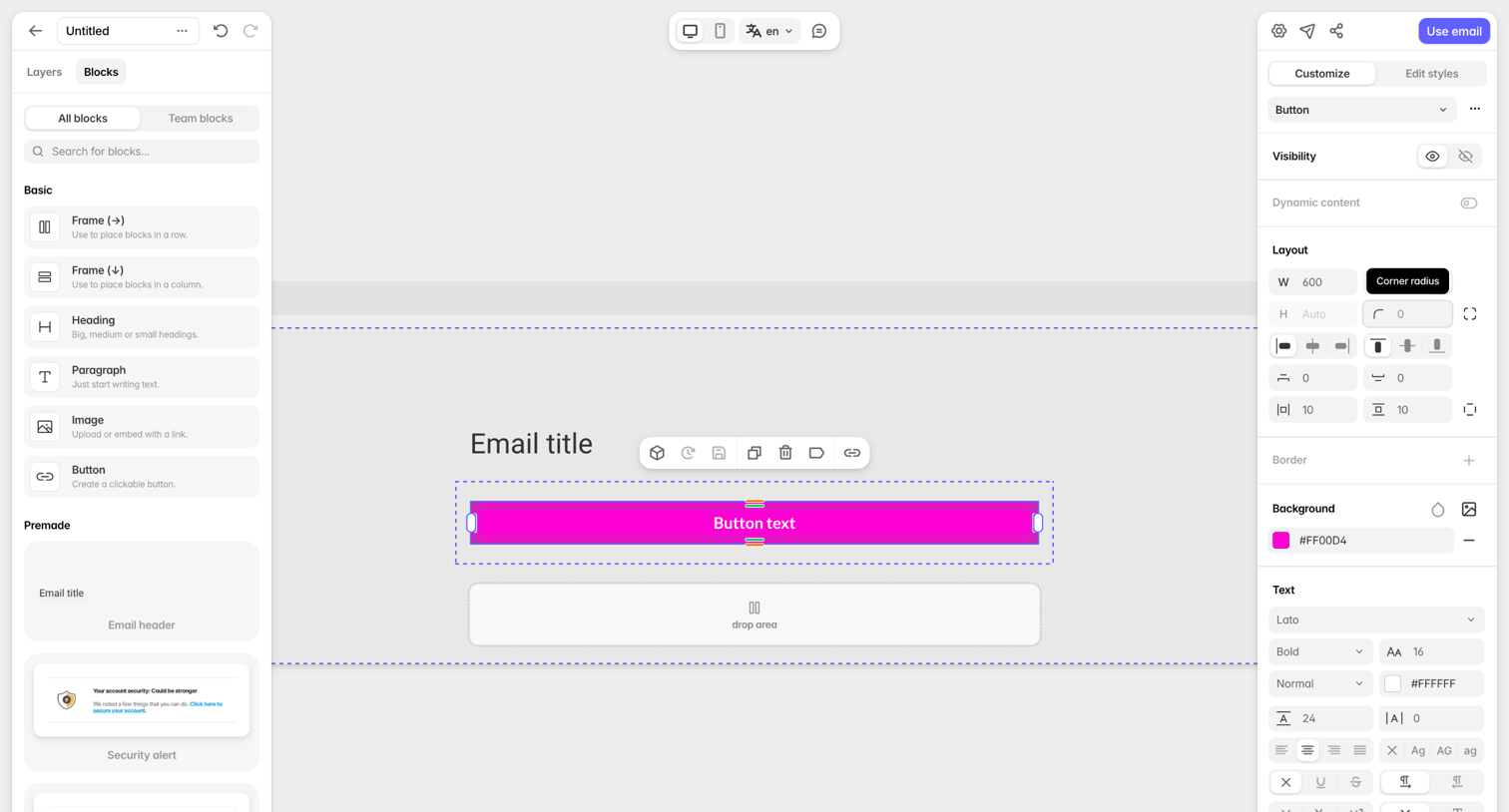
Design editor where the user configures the shape, colors, and typography of a button block within an email campaign.
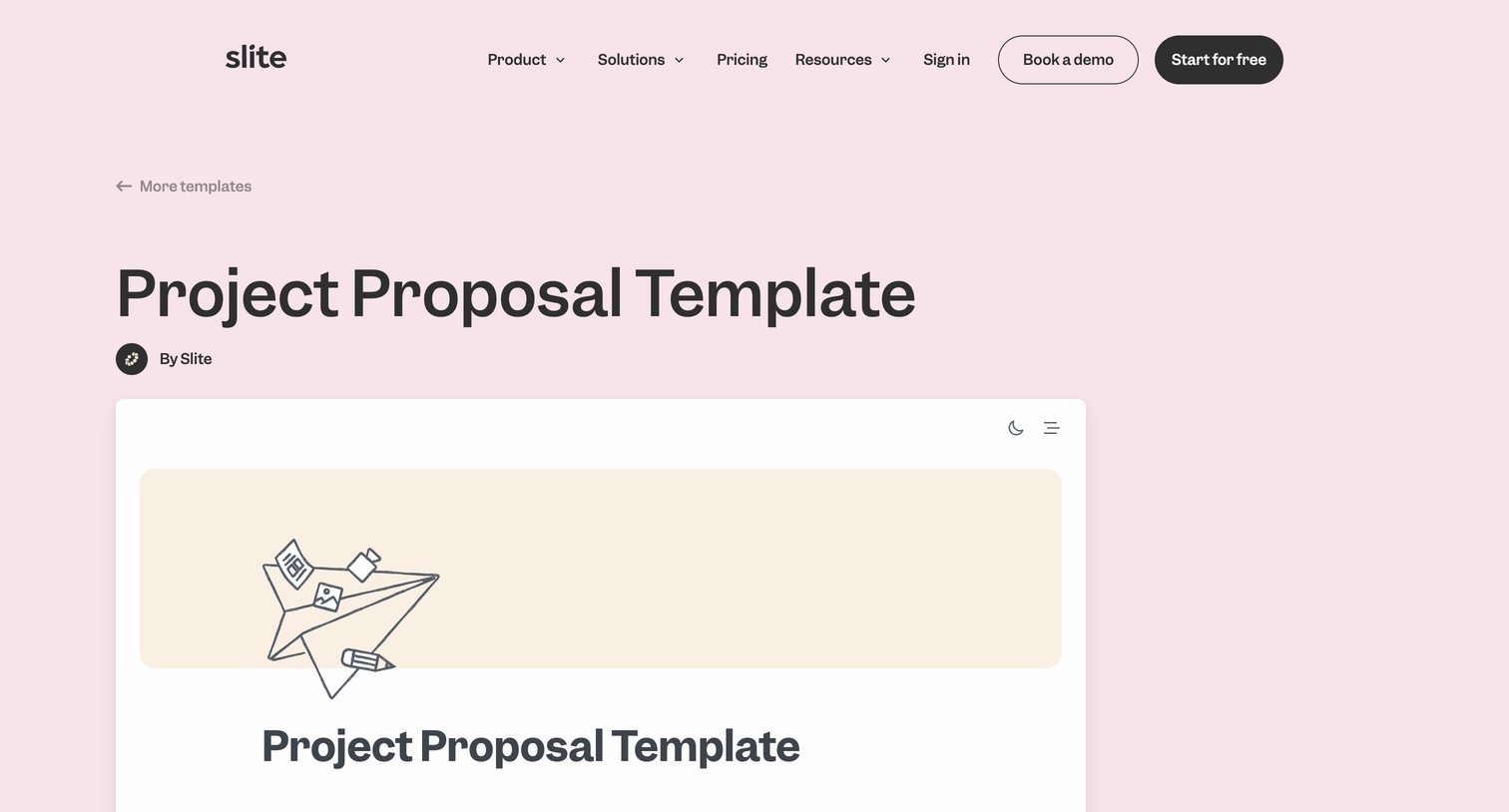

Slite - Free Project Proposal Template  Slite.com screen
Slite logo
Slite

Guide explaining how to use a project proposal template, detailing sections like mission, budget, and methodology with embedded examples.
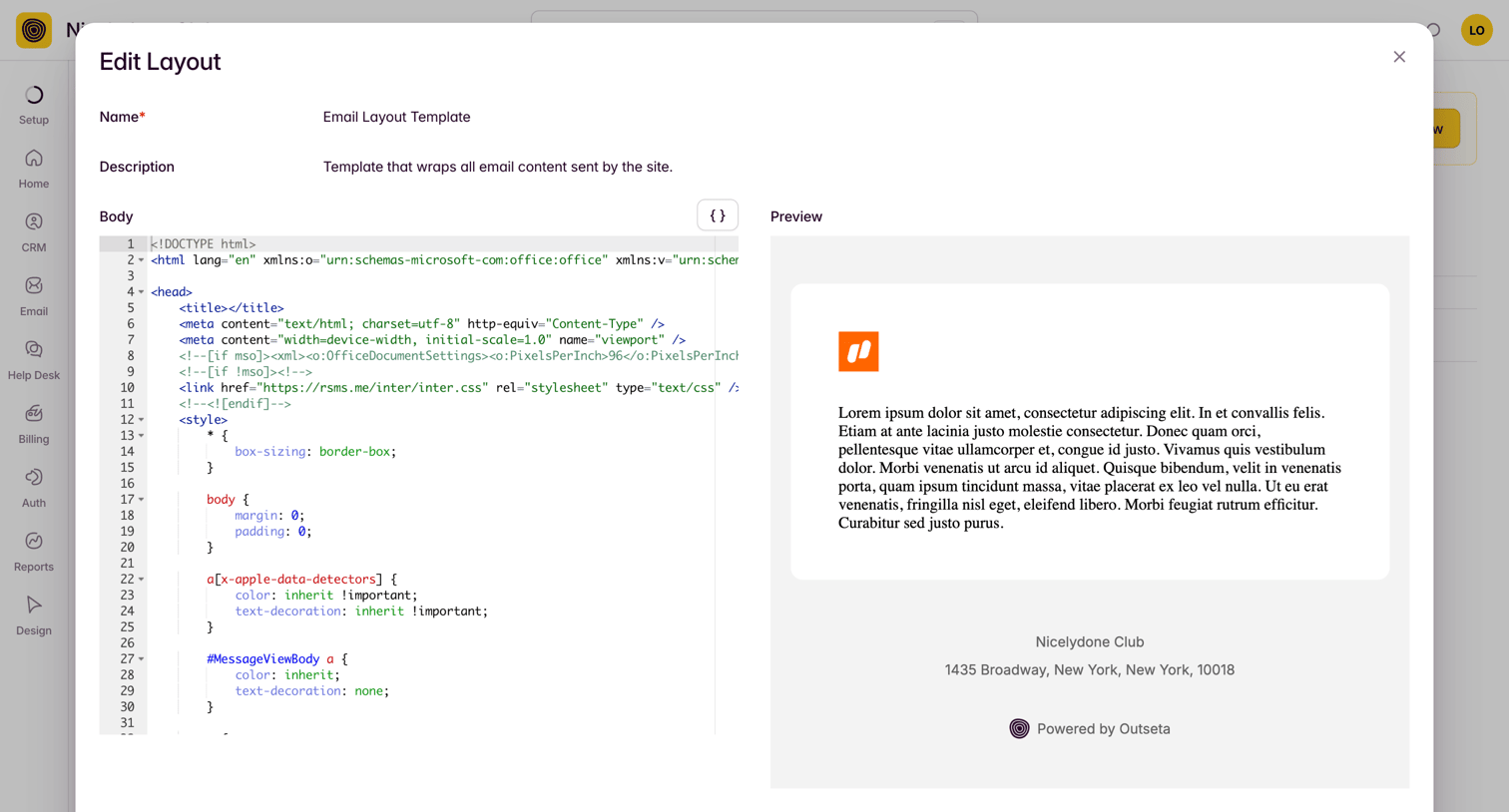

Outseta - Edit Template: Email Layout Template screen
Outseta logo
Outseta

Code editor modal where the user modifies an email layout template using raw HTML and CSS alongside a live preview pane.
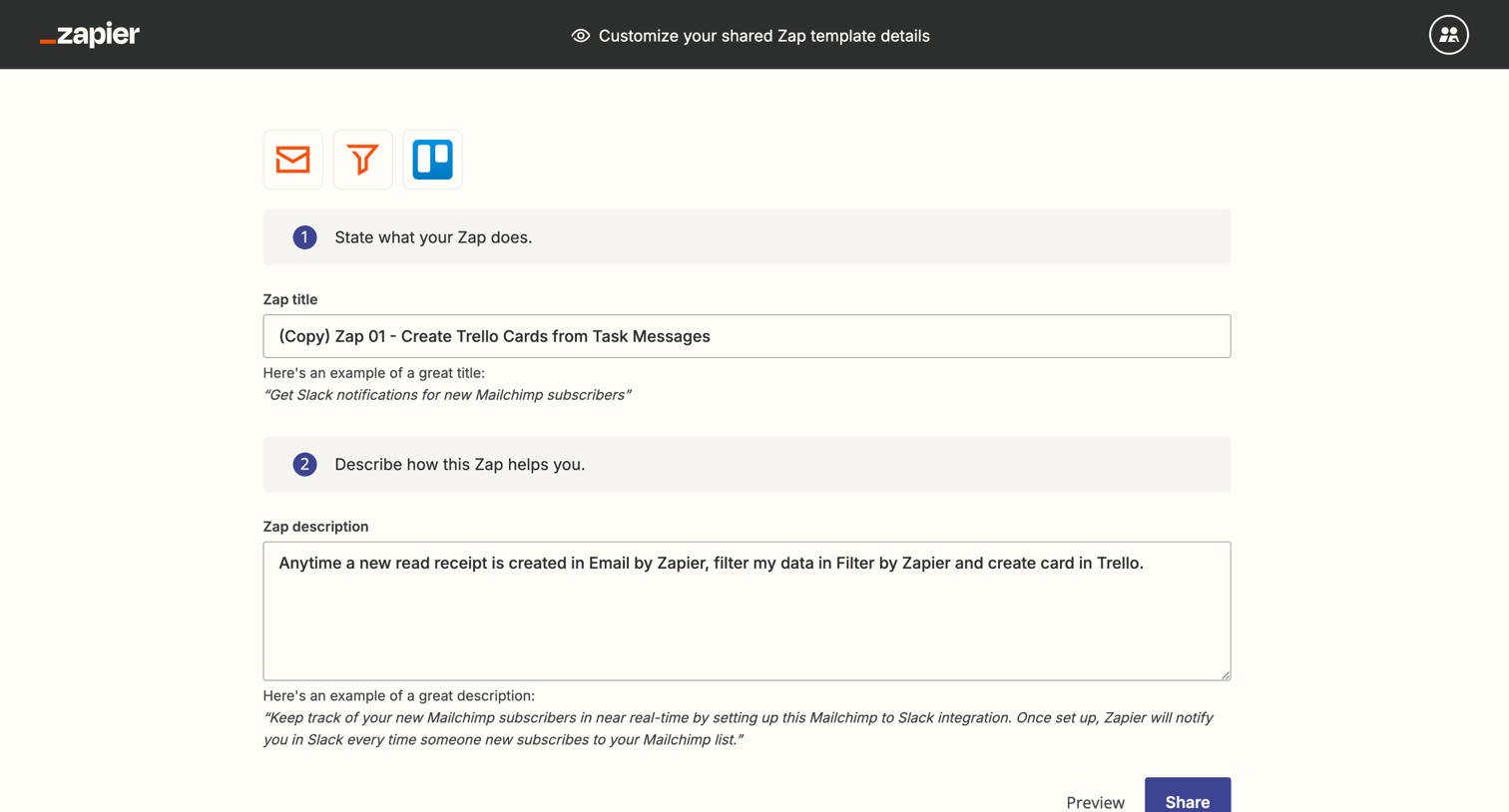

Zapier - Shared Zap | Zapier screen
Zapier logo
Zapier

Detail page where the user customizes the title and description of an integration template before sharing it.

Mangomint - Mangomint App screen
Mangomint logo
Mangomint

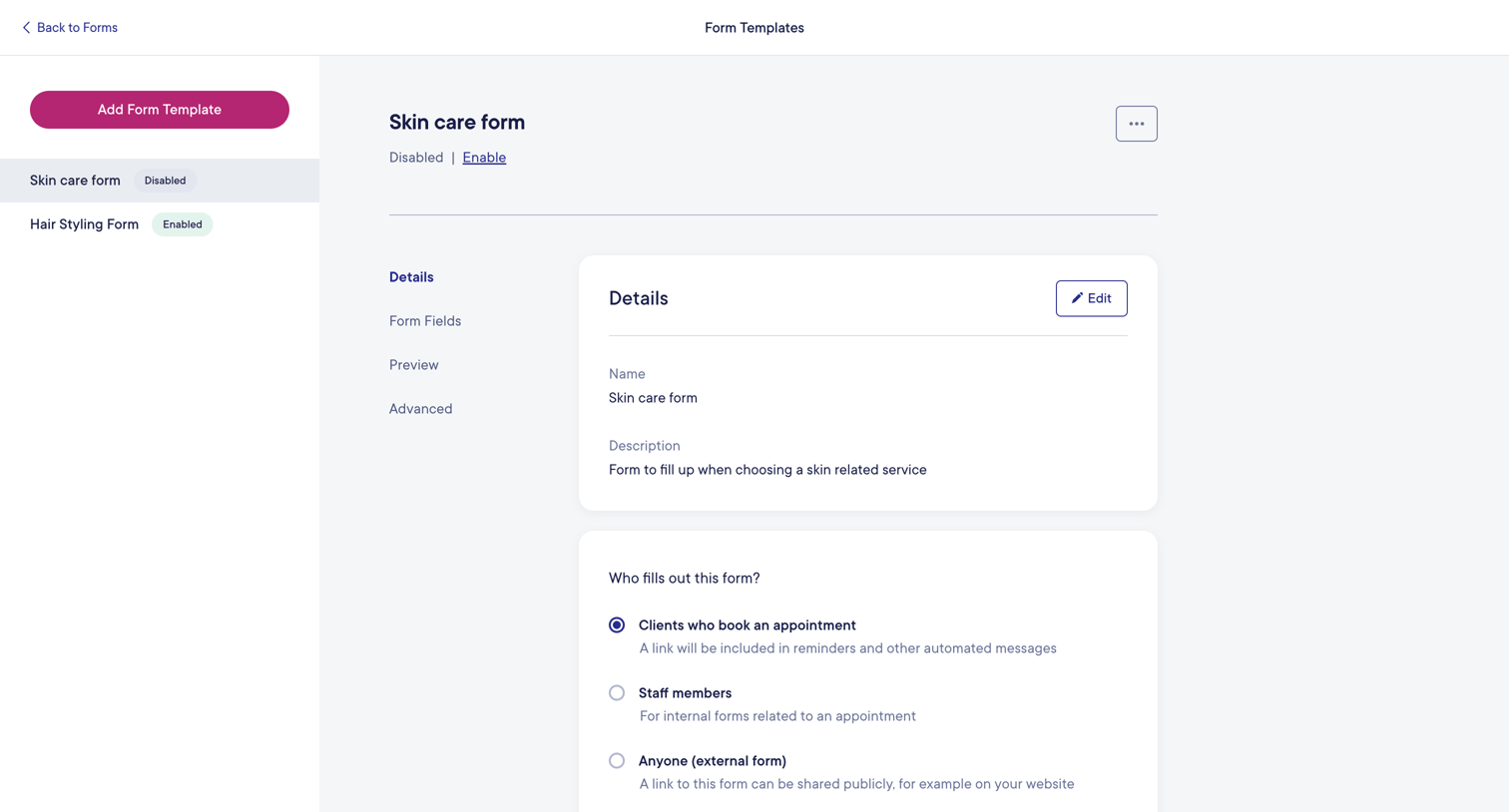
Settings page where the user configures rules for a specific form template, including who fills it out, frequency, and review requirements.

Tabular - Editor — Tabular screen
Tabular logo
Tabular

Design editor where the user configures the layout, background, and text styles of a button block within an email template.
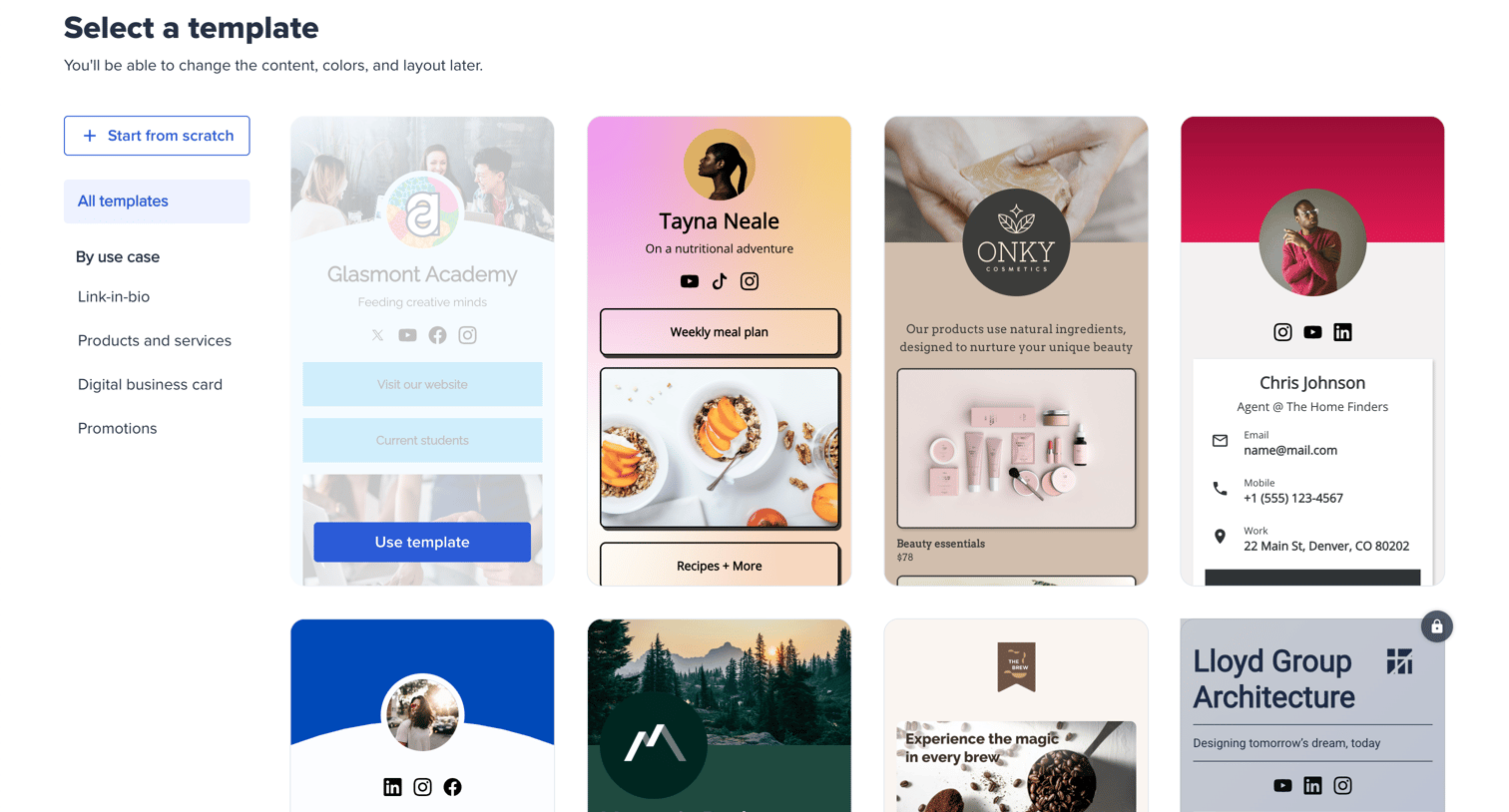
Bitly - Bitly | QR Codes screen
Bitly logo
Bitly

Onboarding step where the user selects a starting template for their link-in-bio page from a categorized grid.

Reflect screen
Reflect logo
Reflect

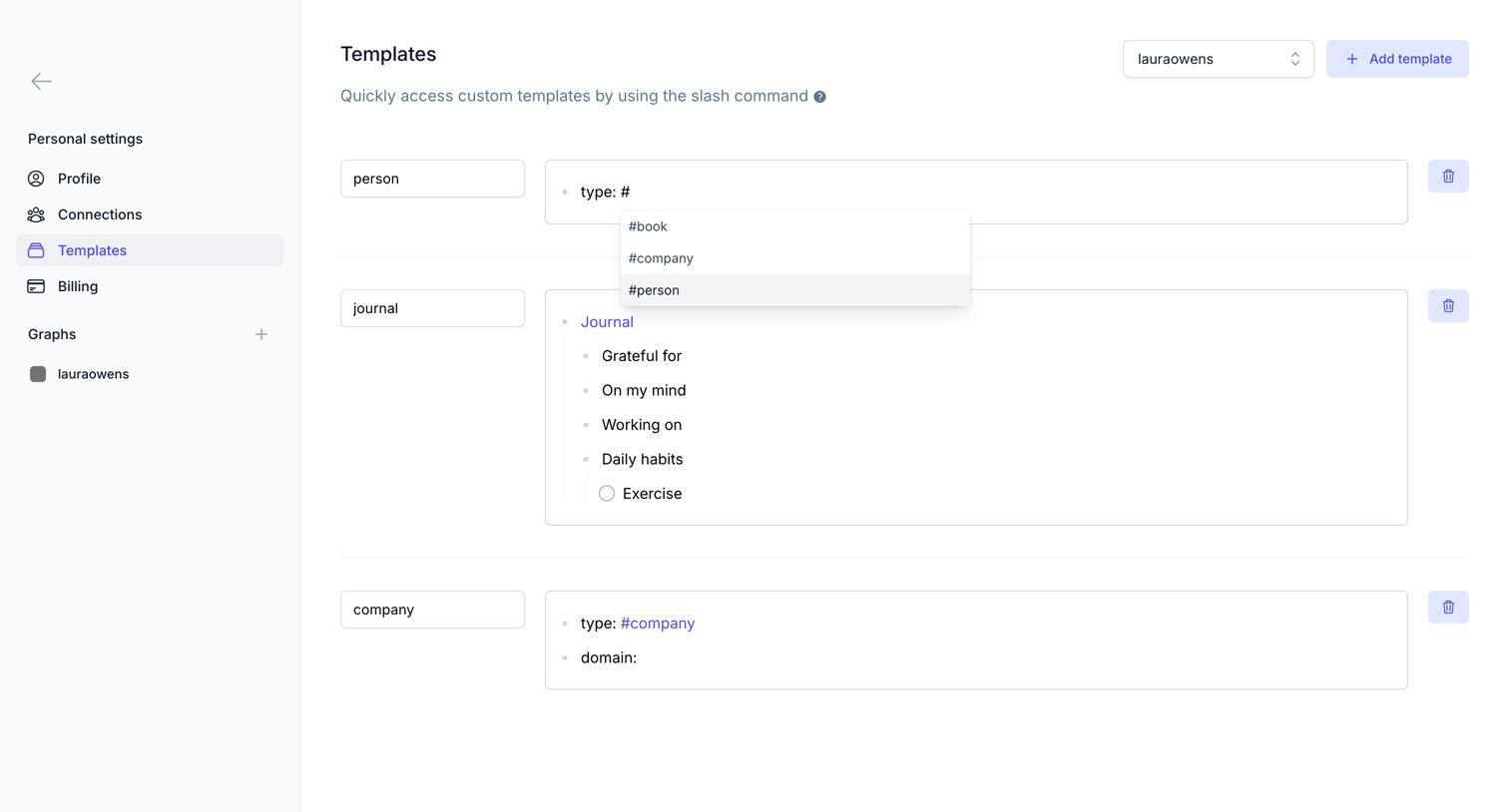
Settings page where the user manages custom slash-command templates for their workspace, with an active tag autocomplete dropdown visible in one of the editors.

Flodesk - Simple link in bio | Flodesk screen
Flodesk logo
Flodesk

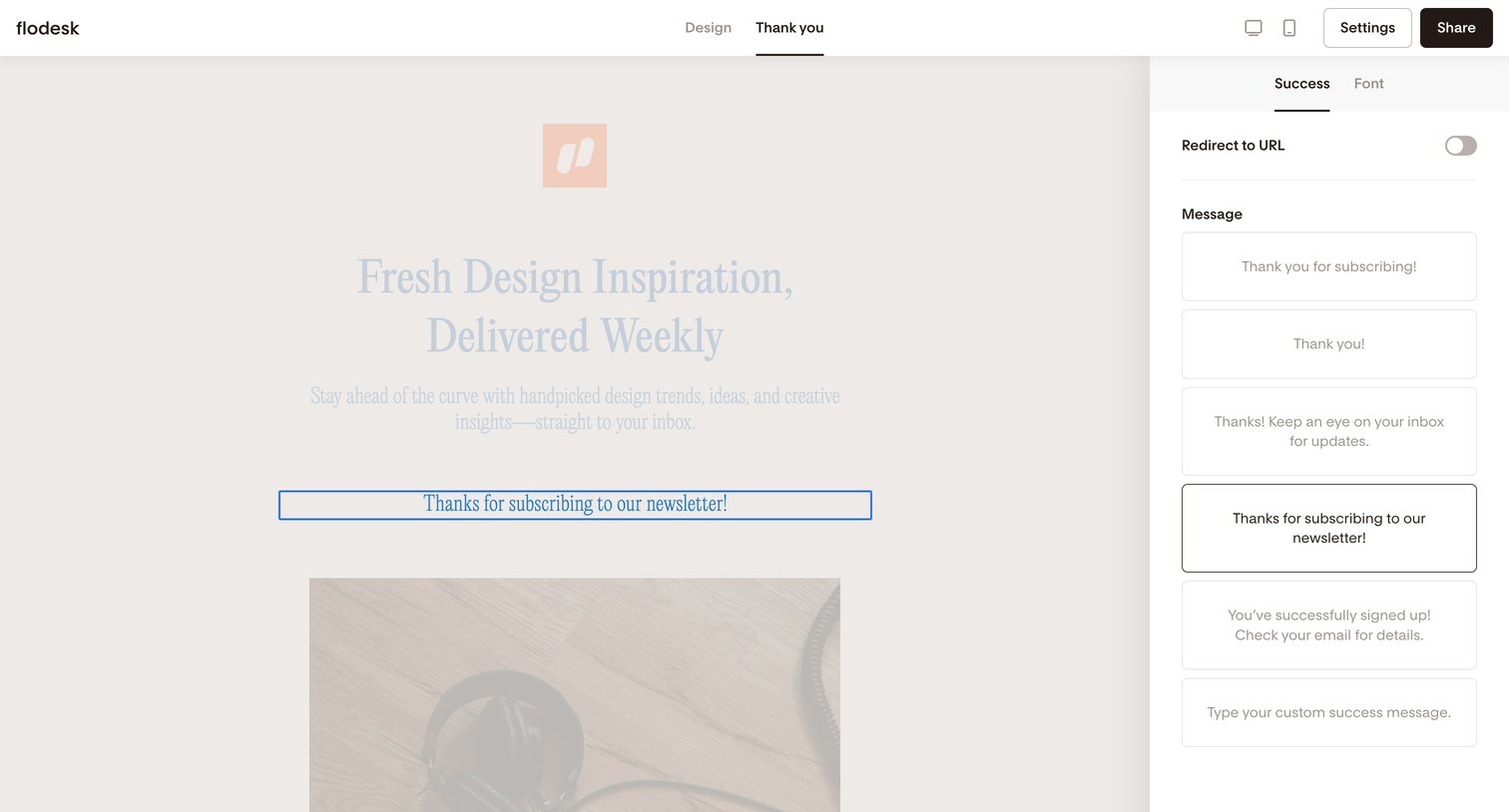
Design editor where the user configures the success message and redirect behavior for a newsletter subscription form.
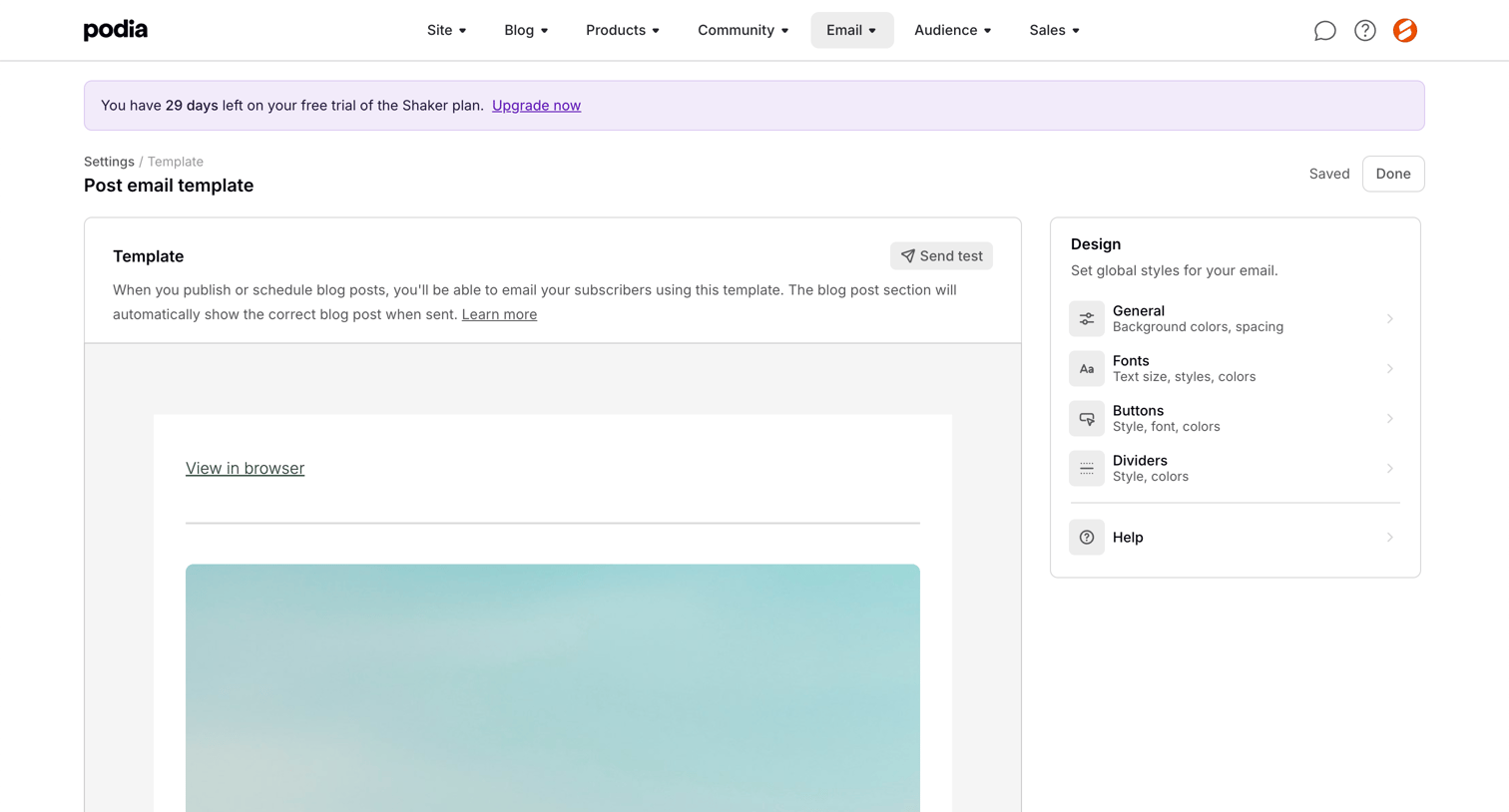

Podia - Podia Post email template screen
Podia logo
Podia

Design editor where the user customizes global styles for a post email template via an inspector panel alongside a live preview.
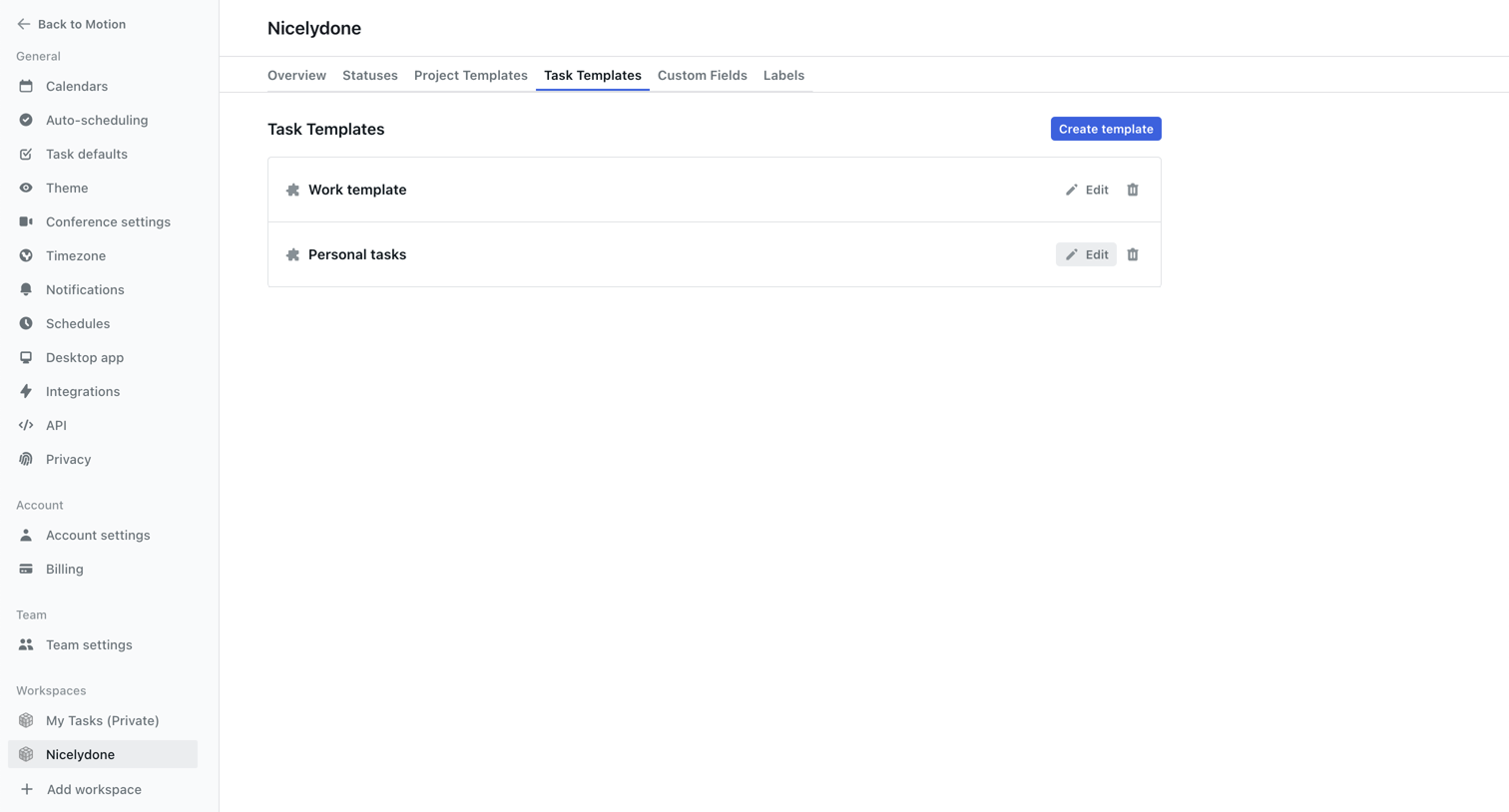

Motion screen
Motion logo
Motion

Settings page where the user manages task templates for a specific workspace, allowing them to create, edit, or delete existing templates.

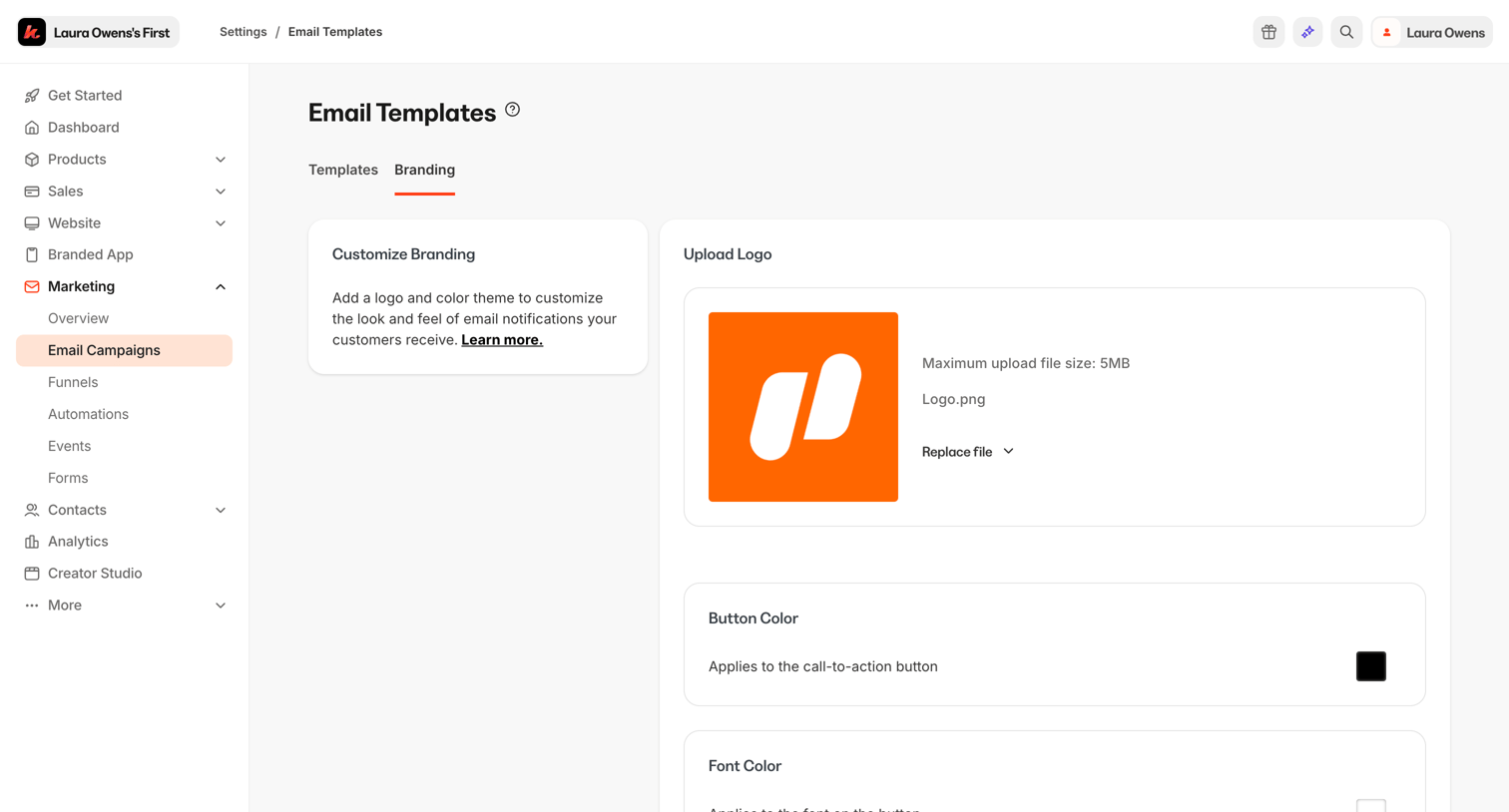
Kajabi - Kajabi - adminsites2148600208email_template_branding_settingsedit screen
Kajabi logo
Kajabi

Settings page where the user customizes the logo, button color, and font color for their email templates.

Explore the full SaaS screen library

Upgrade to unlock the full library.

Trusted by the best teams