Skip to content

Task communication screen examples

Task communication screen design examples from SaaS apps. Browse examples from Grok, Lemni, Replit.

Explore the examples
Grok screen
Grok logo
Grok

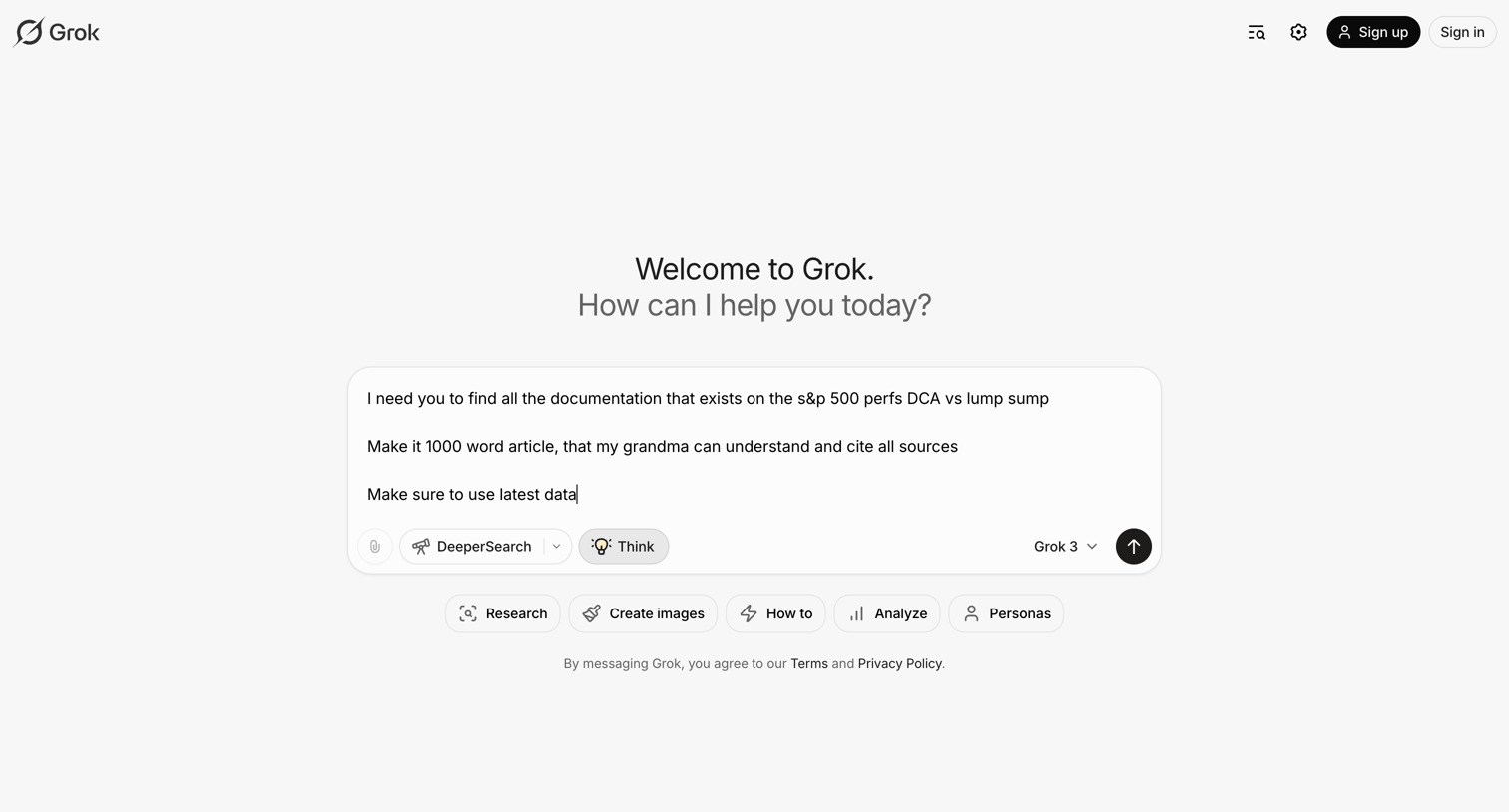
AI chat interface where the user is drafting a prompt about S&P 500 performance with options to enable DeeperSearch or Think modes.

Lemni - Inbox › Laura Rees screen
Lemni logo
Lemni

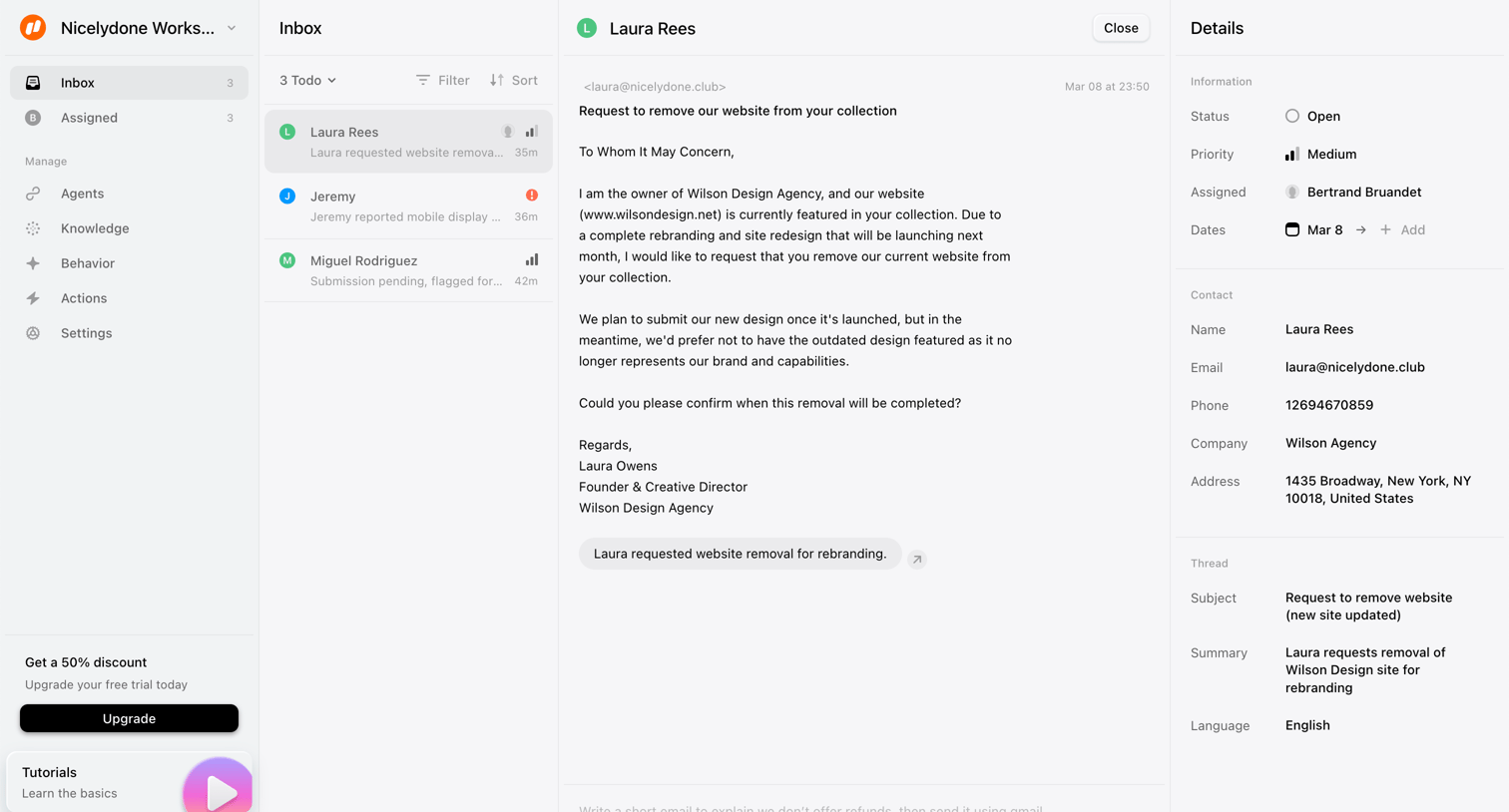
Inbox view where a user reads a customer email requesting website removal and can reply or update ticket details like status and priority.

Replit - TuDu - Replit screen
Replit logo
Replit

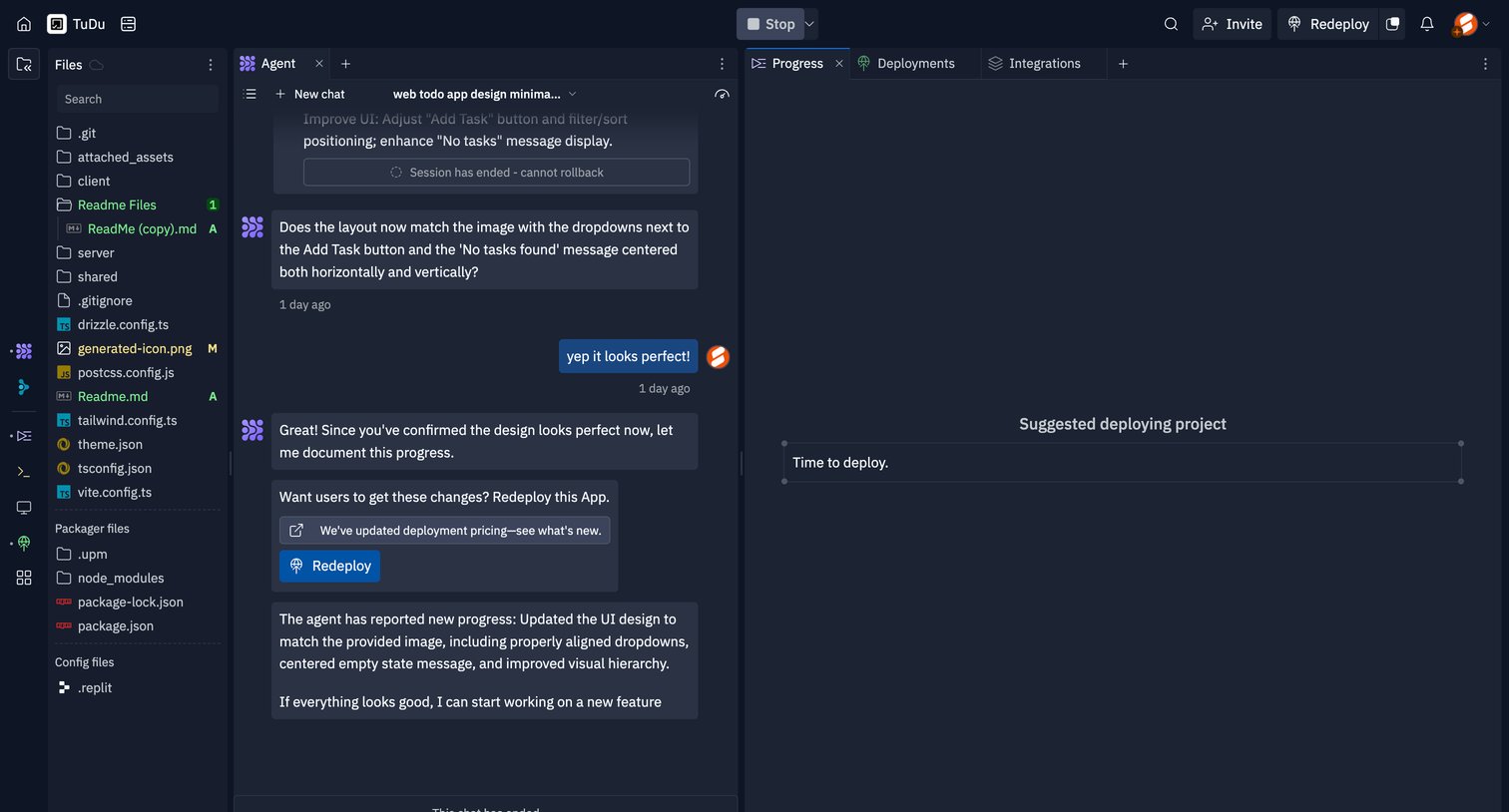
Code editor interface featuring a file explorer, an active AI agent chat session discussing UI updates, and a progress panel suggesting deployment.

Supercut - The issues in todays design screen
Supercut logo
Supercut

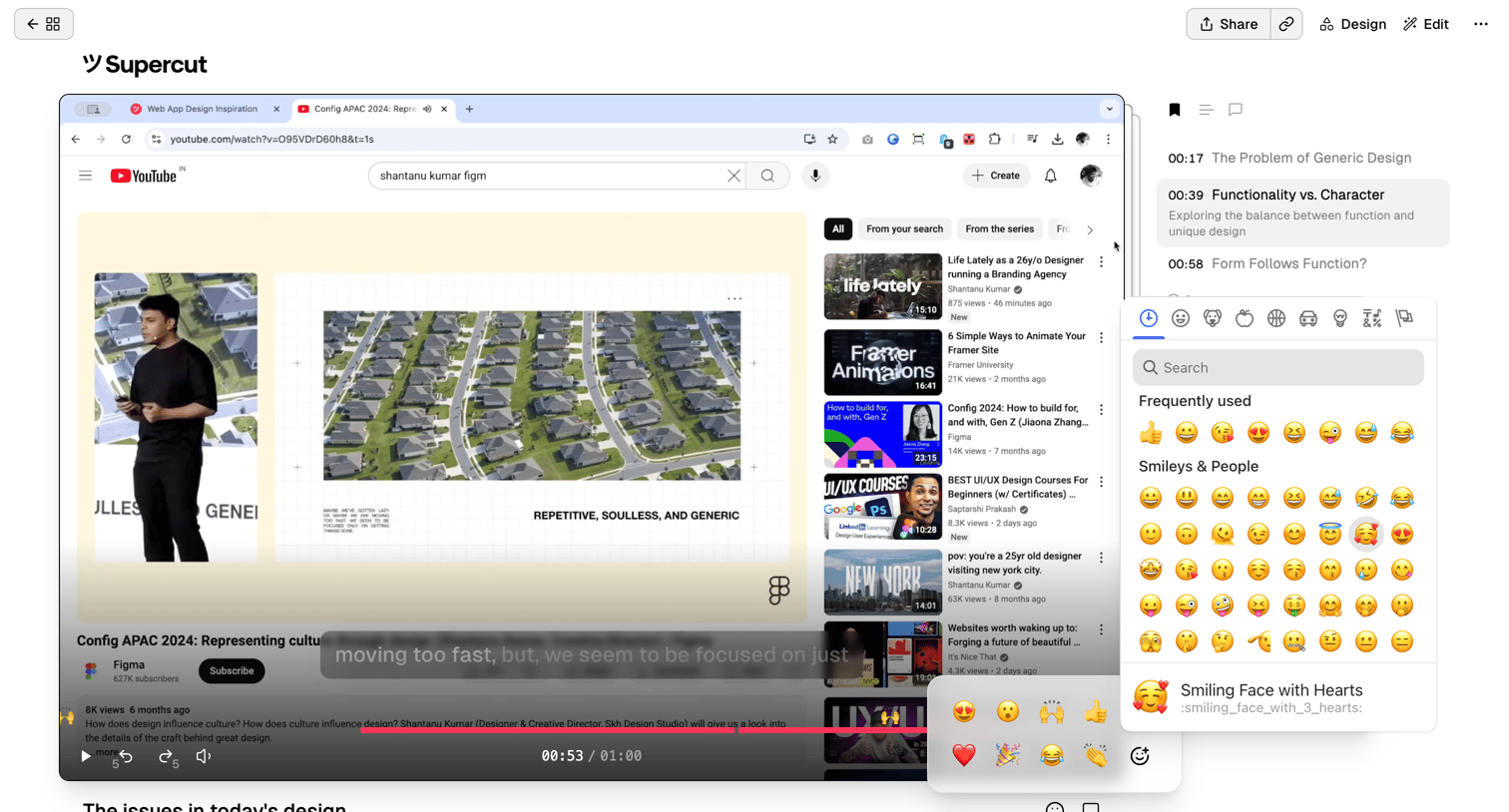
Detail page where the user watches a video, views its transcript, and reacts to specific timestamps using an emoji picker.

Front - Front (2) screen
Front logo
Front

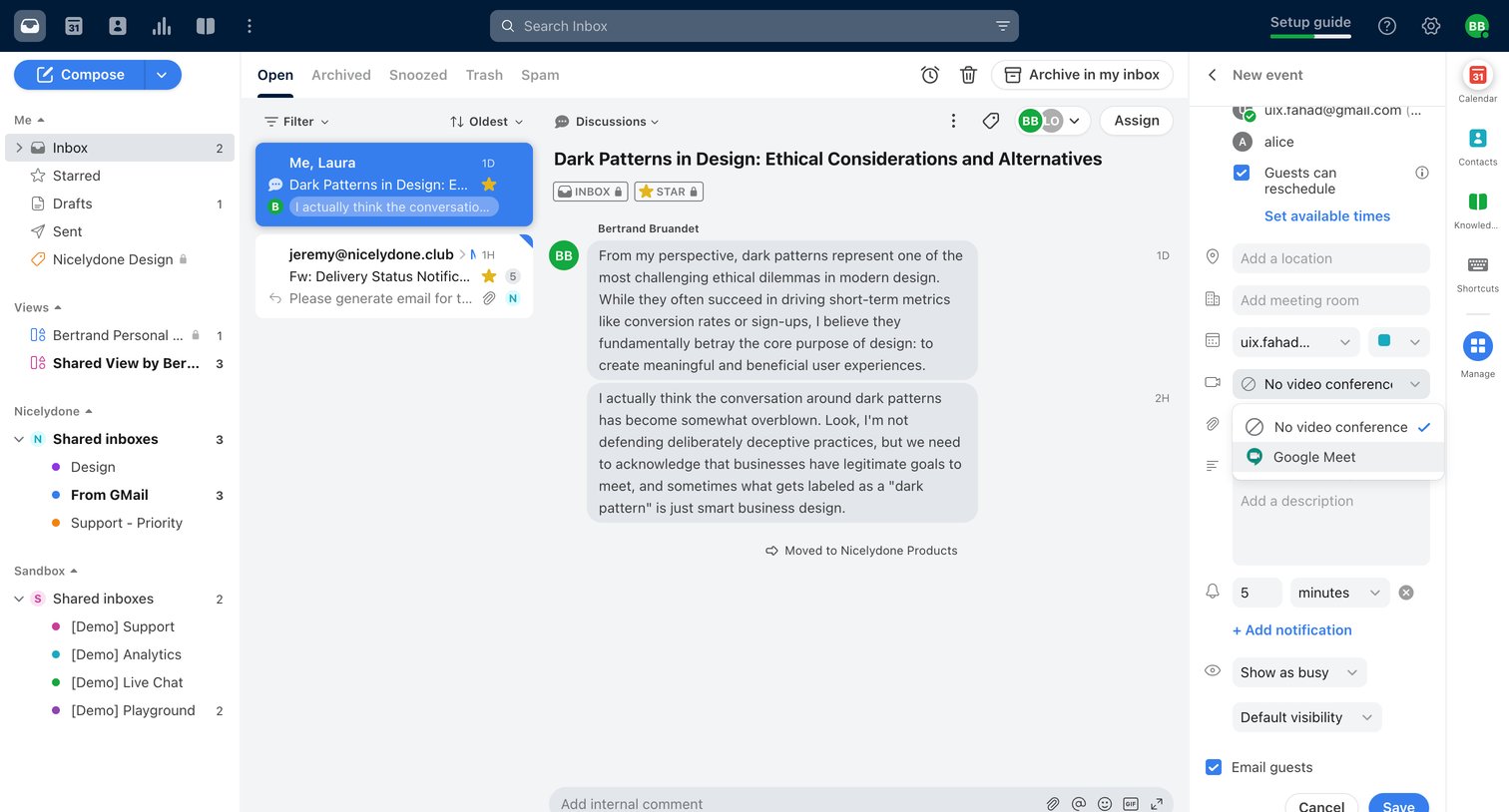
Inbox detail view where the user reads a team discussion about dark patterns and schedules a related calendar event in the side panel.

Motion screen
Motion logo
Motion

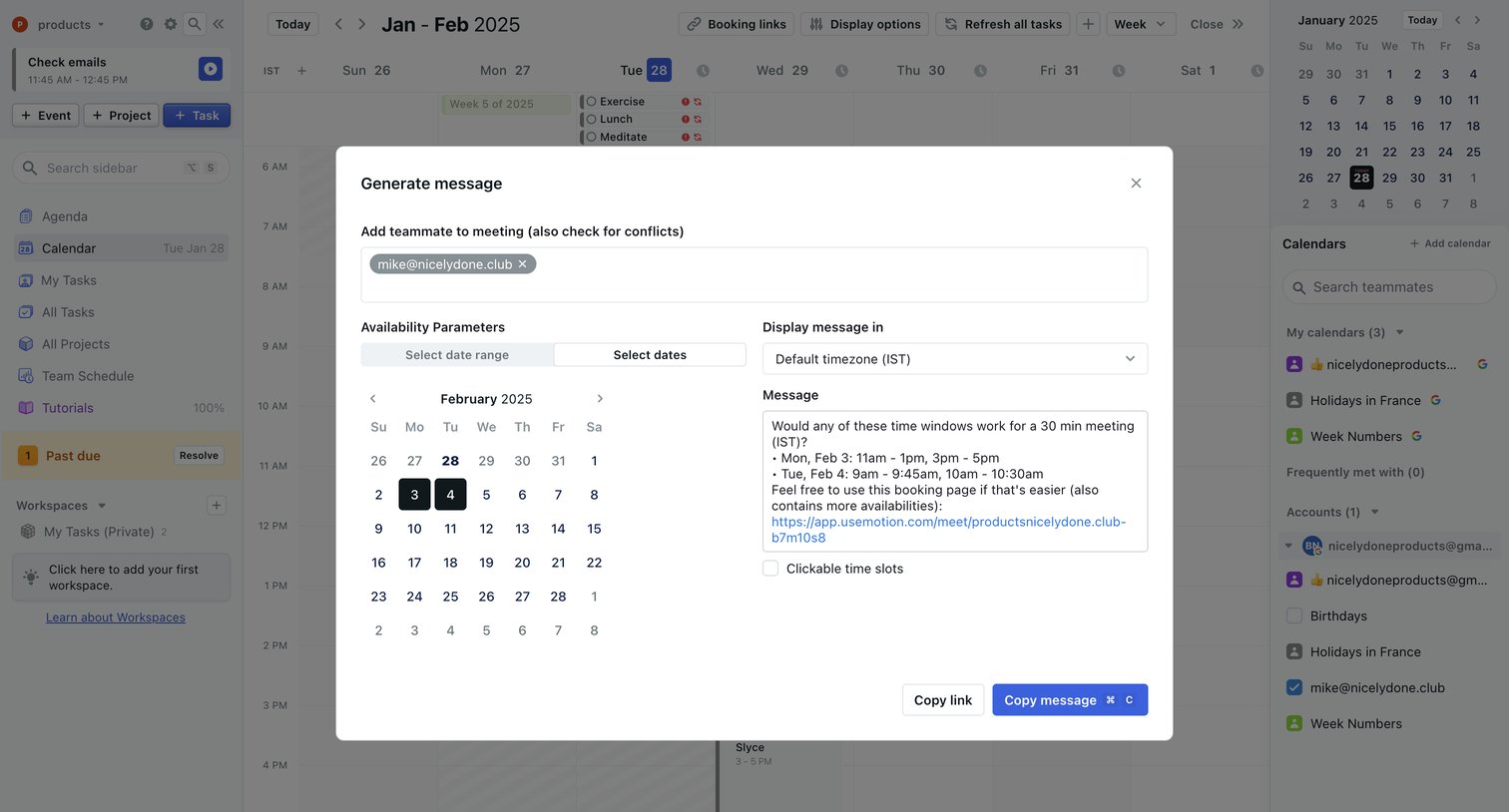
Calendar view where the user generates a message with specific availability slots to share with a teammate.

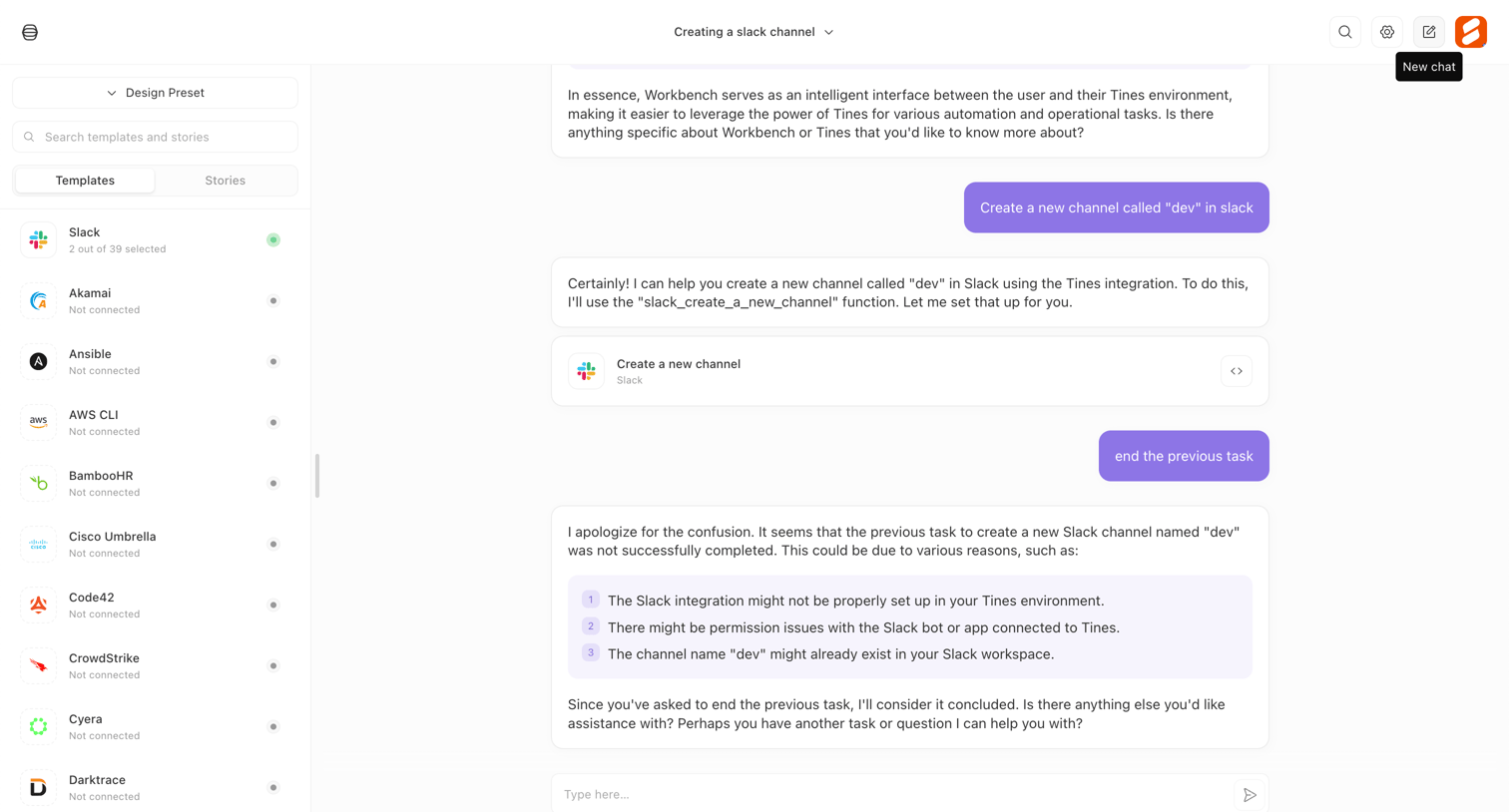
Tines - Workbench - Tines screen
Tines logo
Tines

AI chat interface where the user interacts with an agent to execute automation tasks like creating a Slack channel, alongside a sidebar of integration templates.
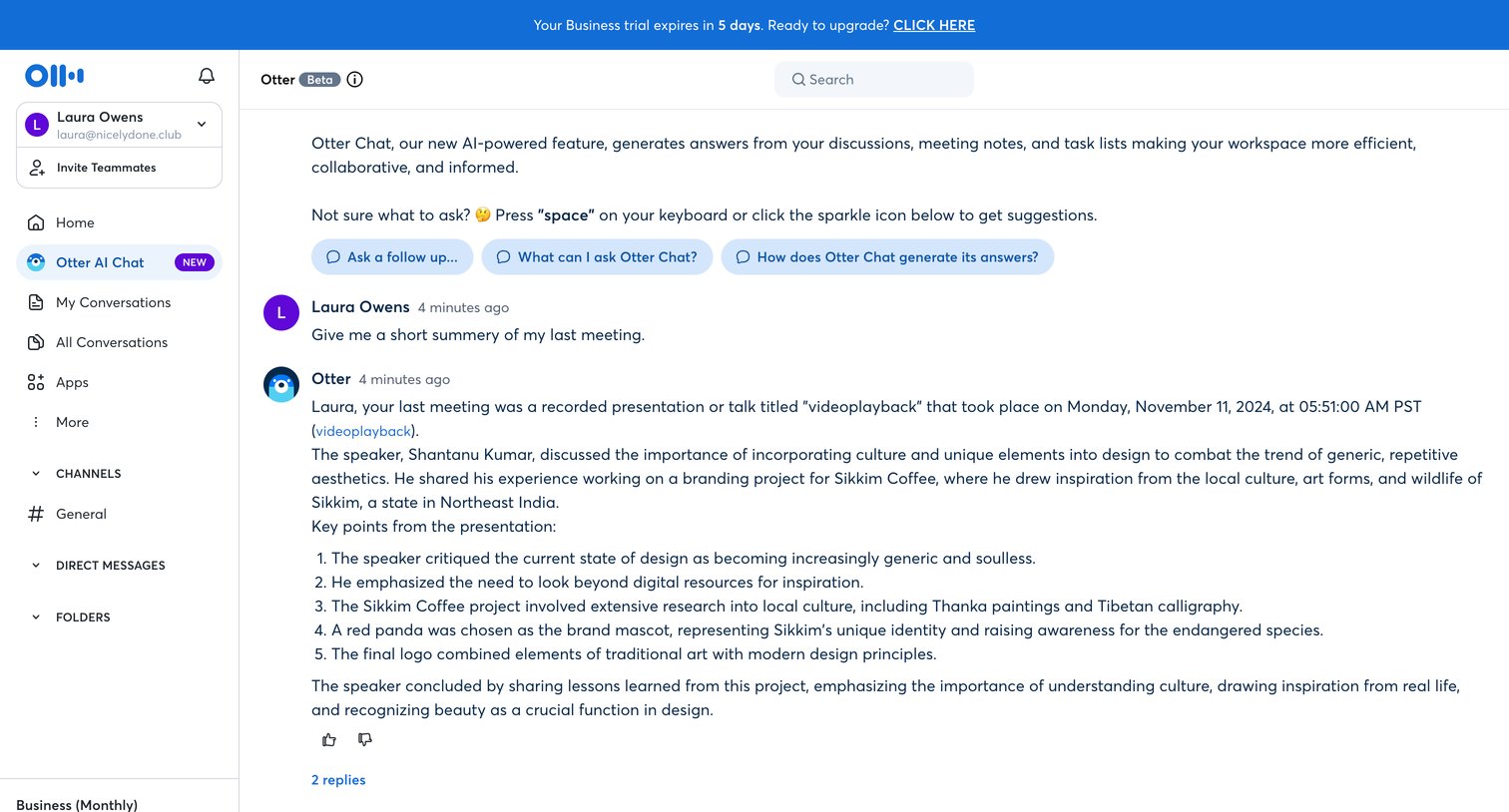

Otter - Otter Voice Meeting Notes - Otter.ai screen
Otter logo
Otter

AI chat interface where the user can ask questions about their recorded conversations and meetings, with a trial expiration banner at the top.

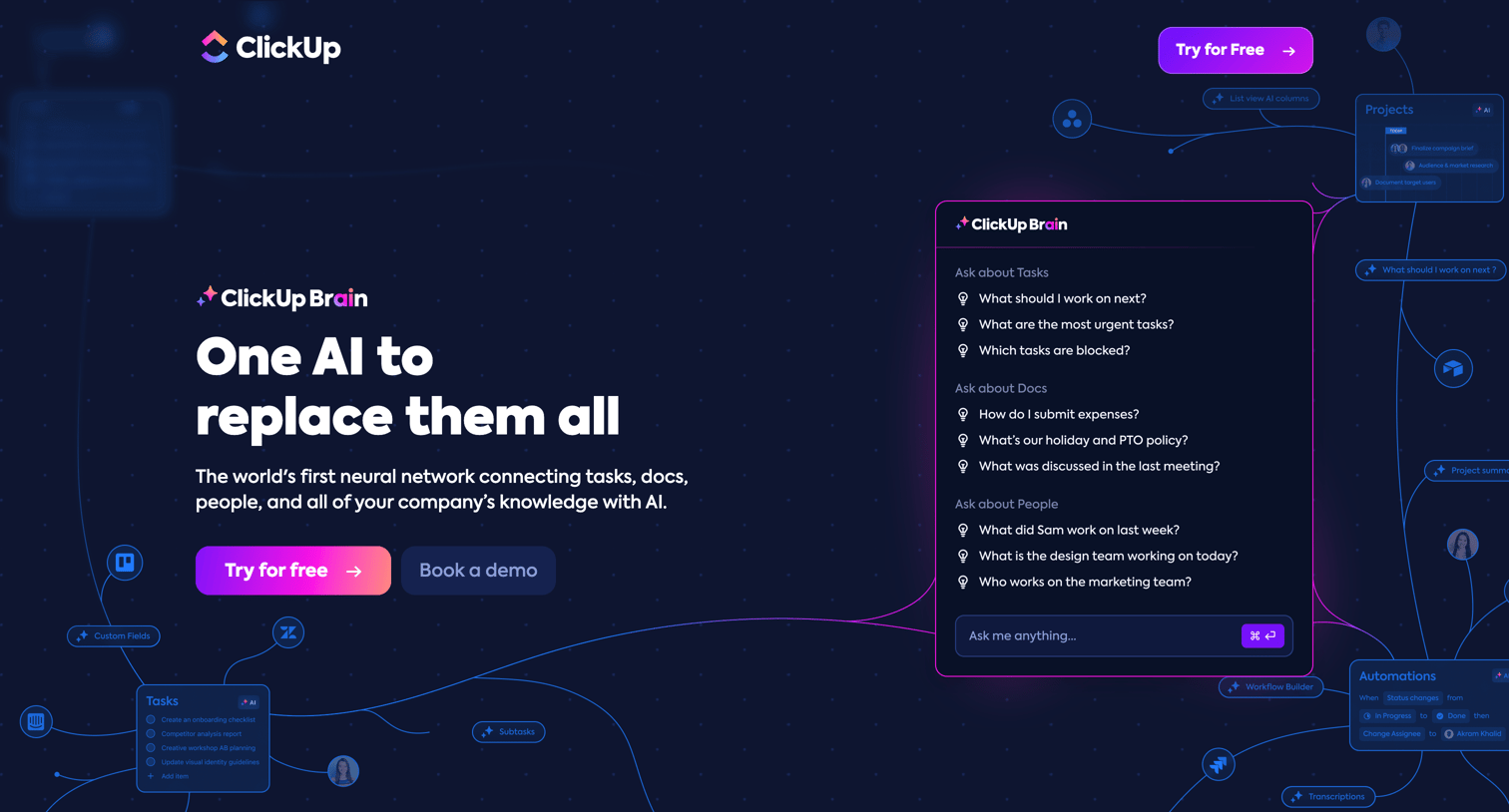
ClickUp - ClickUp Brain | One AI to Replace them All screen
ClickUp logo
ClickUp

Feature page introducing ClickUp Brain, detailing its capabilities for enterprise search, AI writing, and automated project updates, ending with a competitive comparison table.
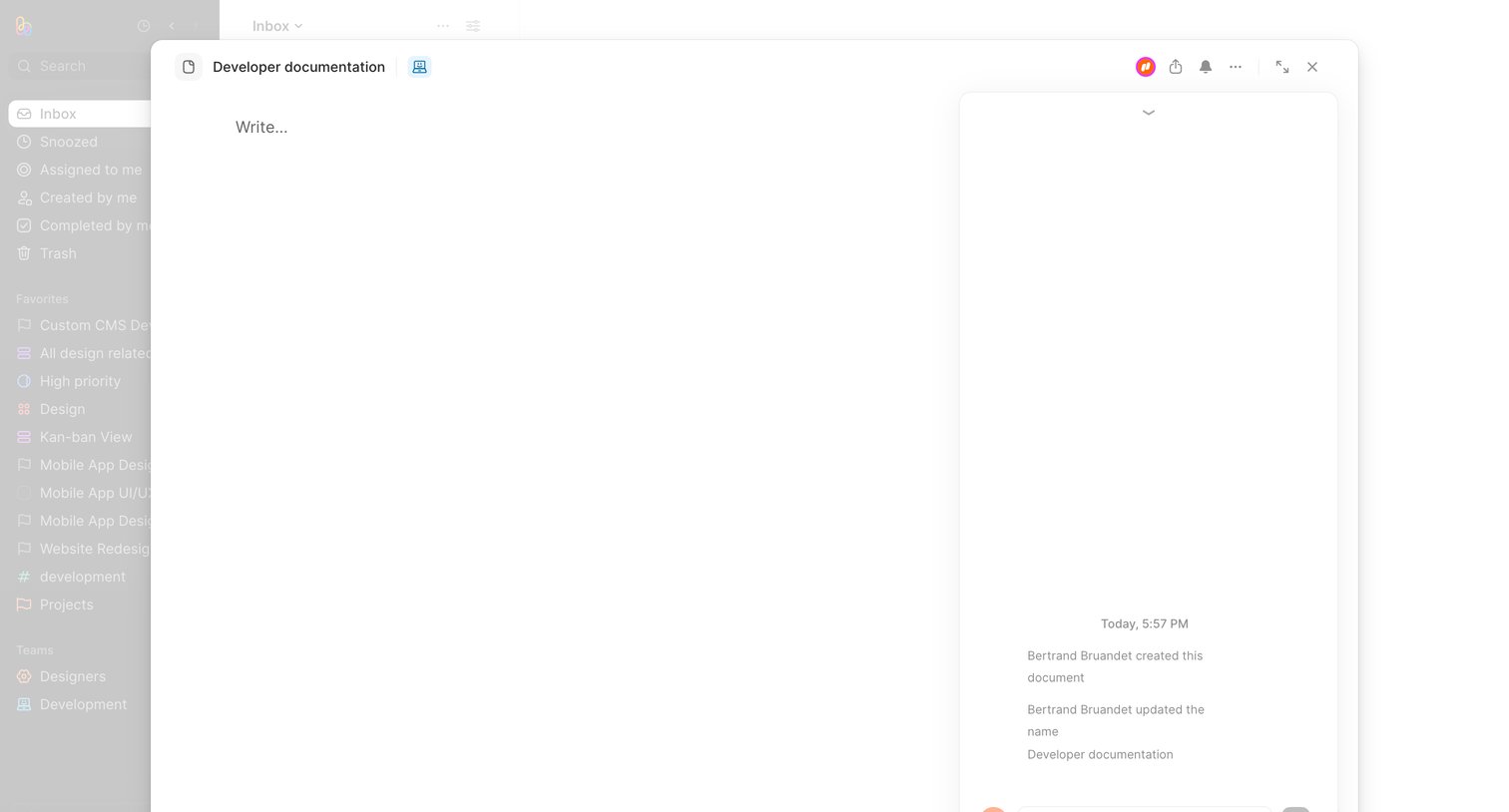

Height - Developer documentation - Height screen
Height logo
Height

Inbox view where the user has opened a developer documentation file in a large modal containing a text editor and an activity timeline with a comment composer.
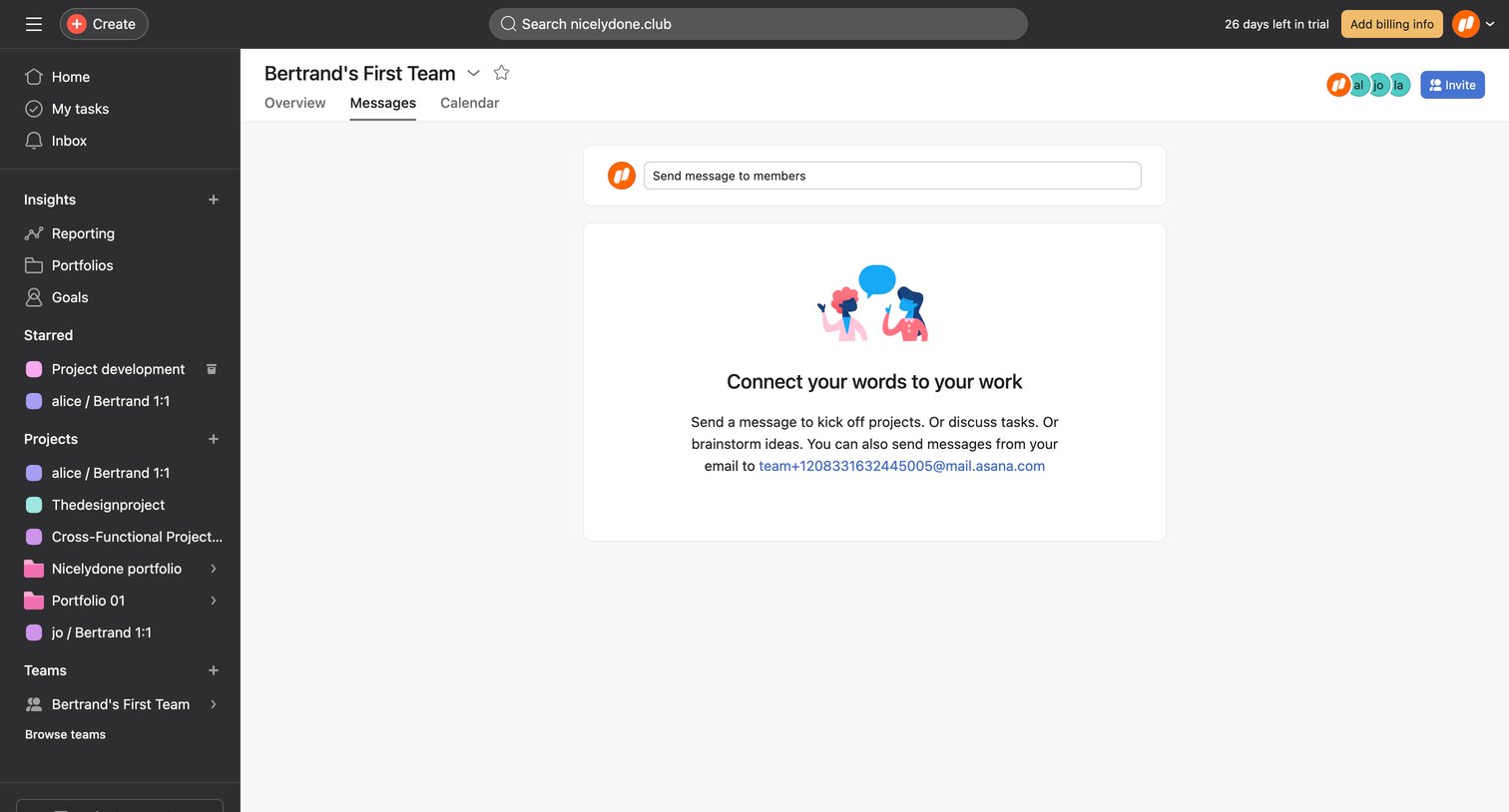

Asana - Bertrands First Team Team - Asana screen
Asana logo
Asana

Team detail page showing an empty messages tab with a composer input and an illustration prompting the user to send their first message.
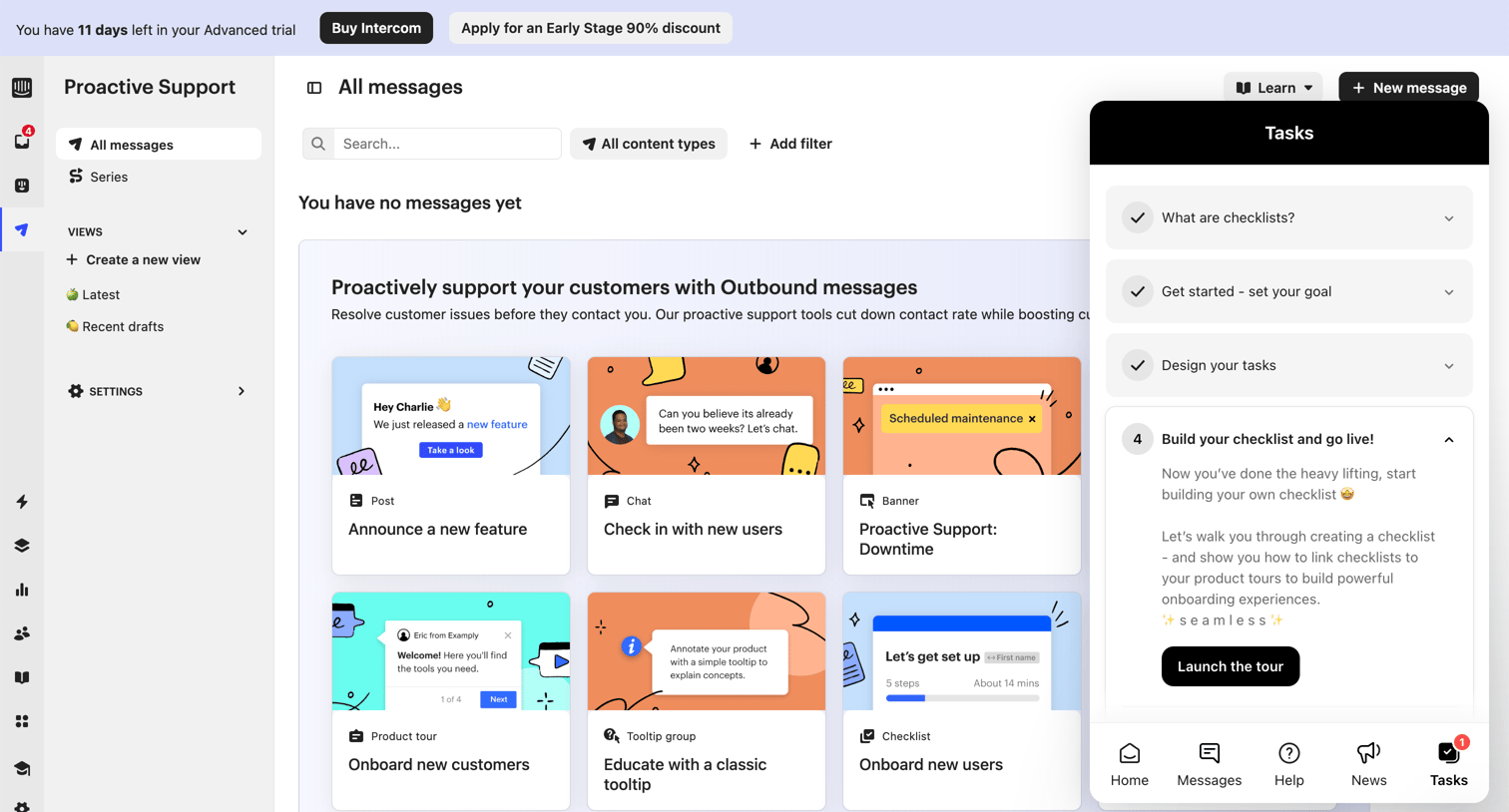

Intercom - All Messages | Nicelydone  Intercom screen
Intercom logo
Intercom

List view for proactive support messages showing an empty state with a grid of templates to create new announcements, chats, banners, and tours, alongside a floating onboarding checklist widget.

Explore the full SaaS screen library

Upgrade to unlock the full library.

Trusted by the best teams