Subscription plans screen examples
Subscription plans screen design examples from SaaS apps. Browse examples from Bud, Polar, Magnific.
Explore the examples
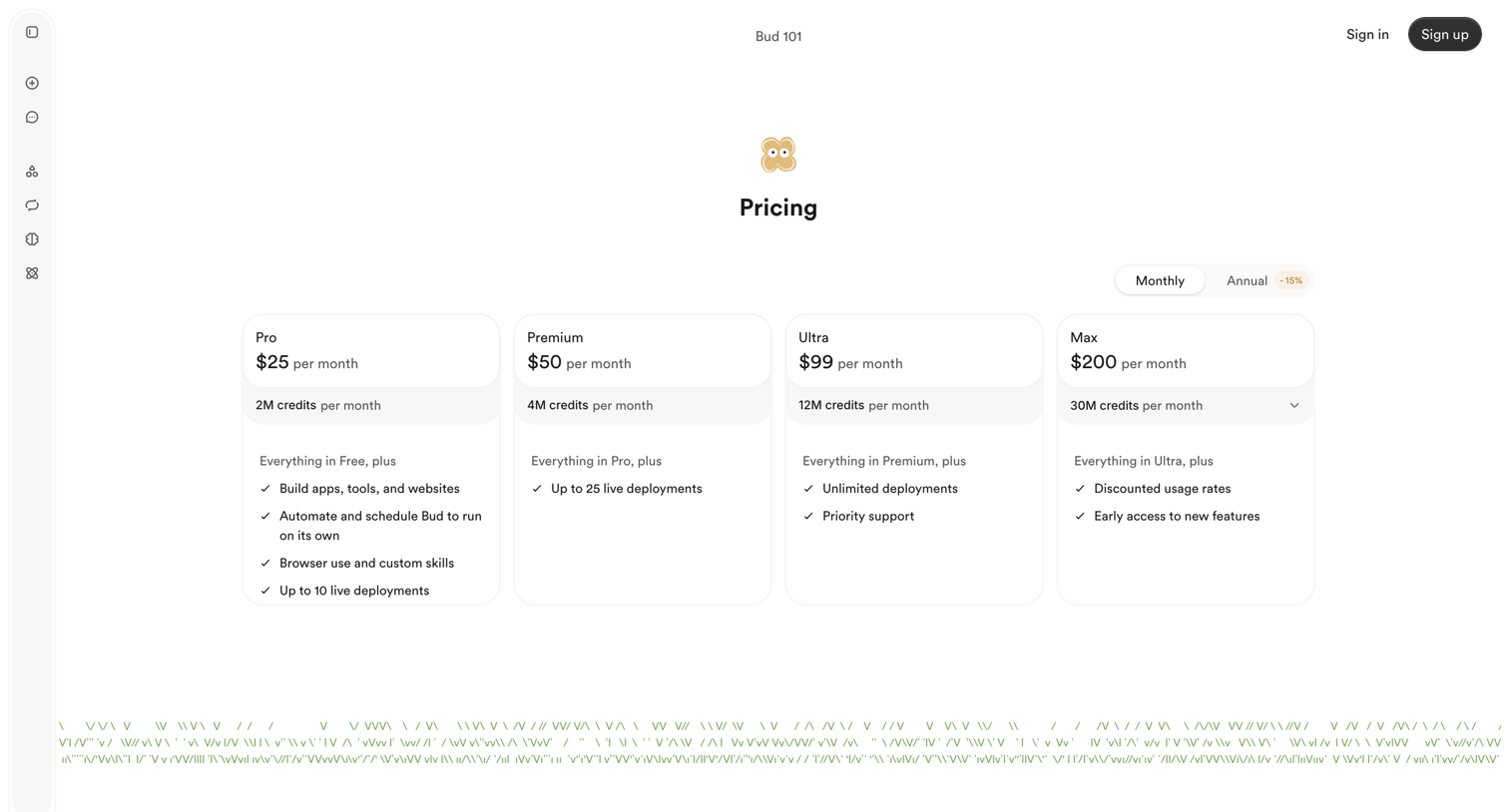

Pricing page where the user selects between Monthly and Annual billing for Pro, Premium, Ultra, or Max subscription tiers.
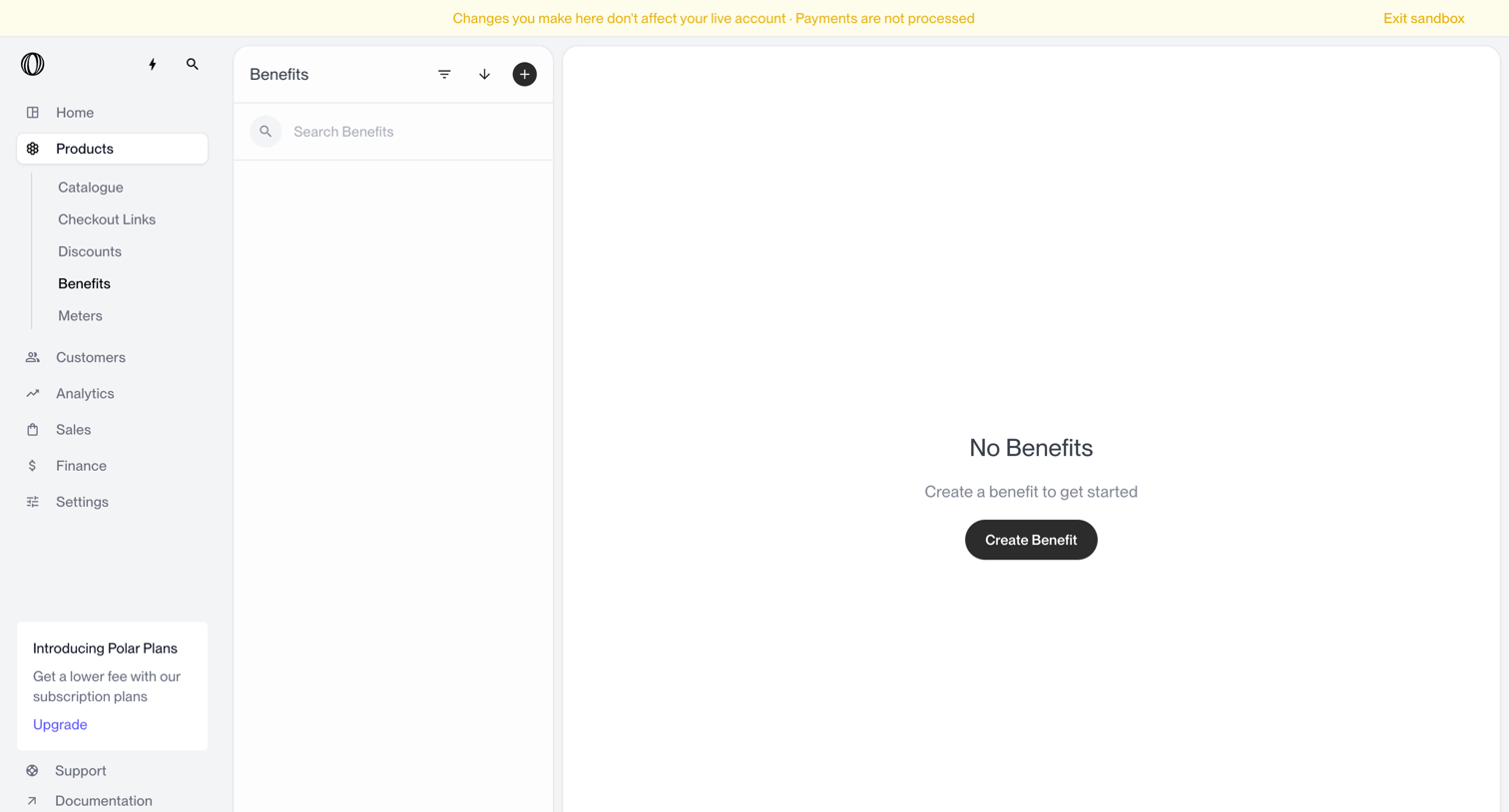

List view for product benefits showing an empty state with a prompt to create the first benefit, alongside a sandbox warning banner and an upgrade nudge.
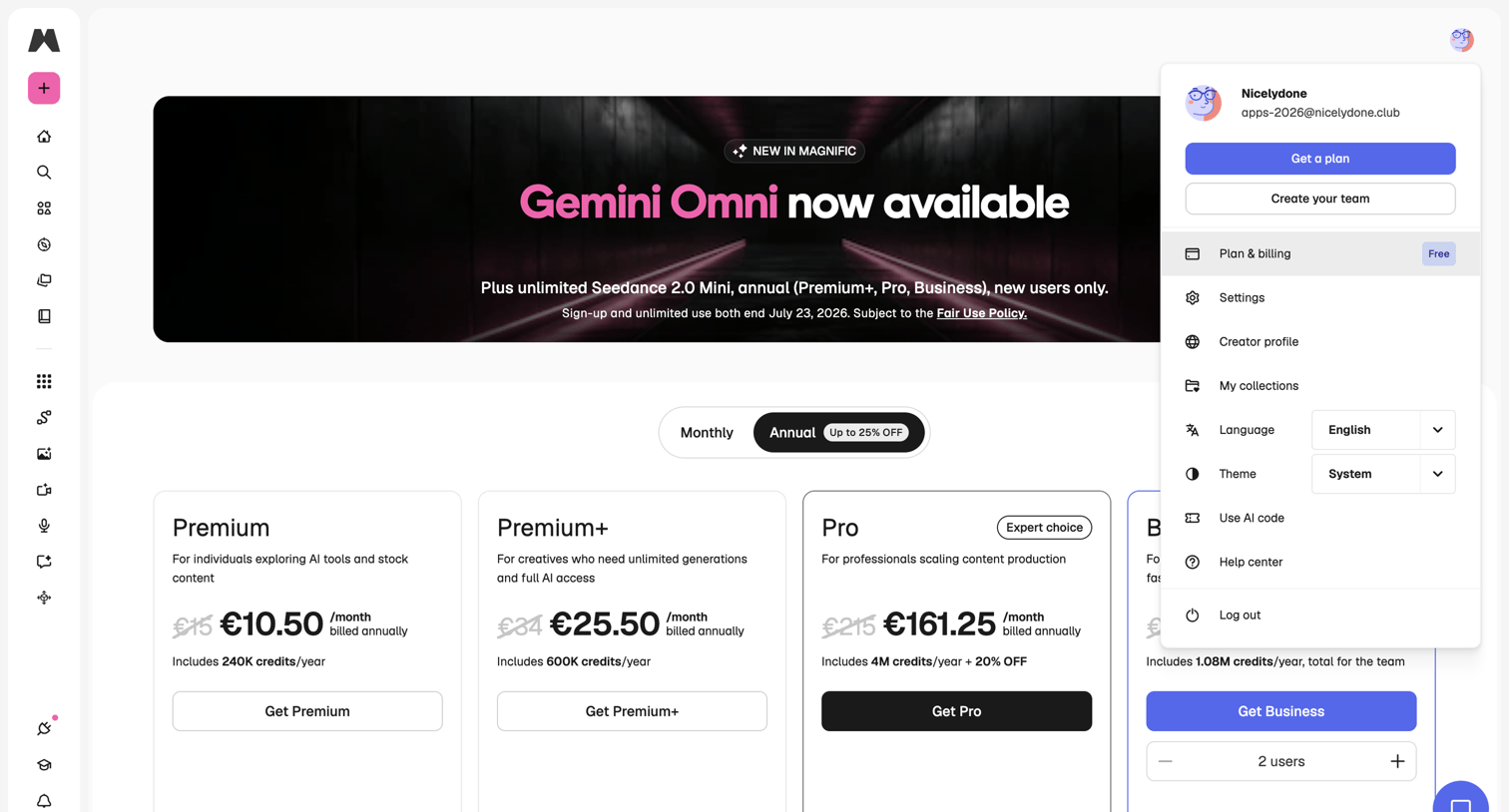

In-app pricing page where the user can toggle between monthly and annual billing for Premium, Pro, and Business tiers, with the user profile dropdown menu open.
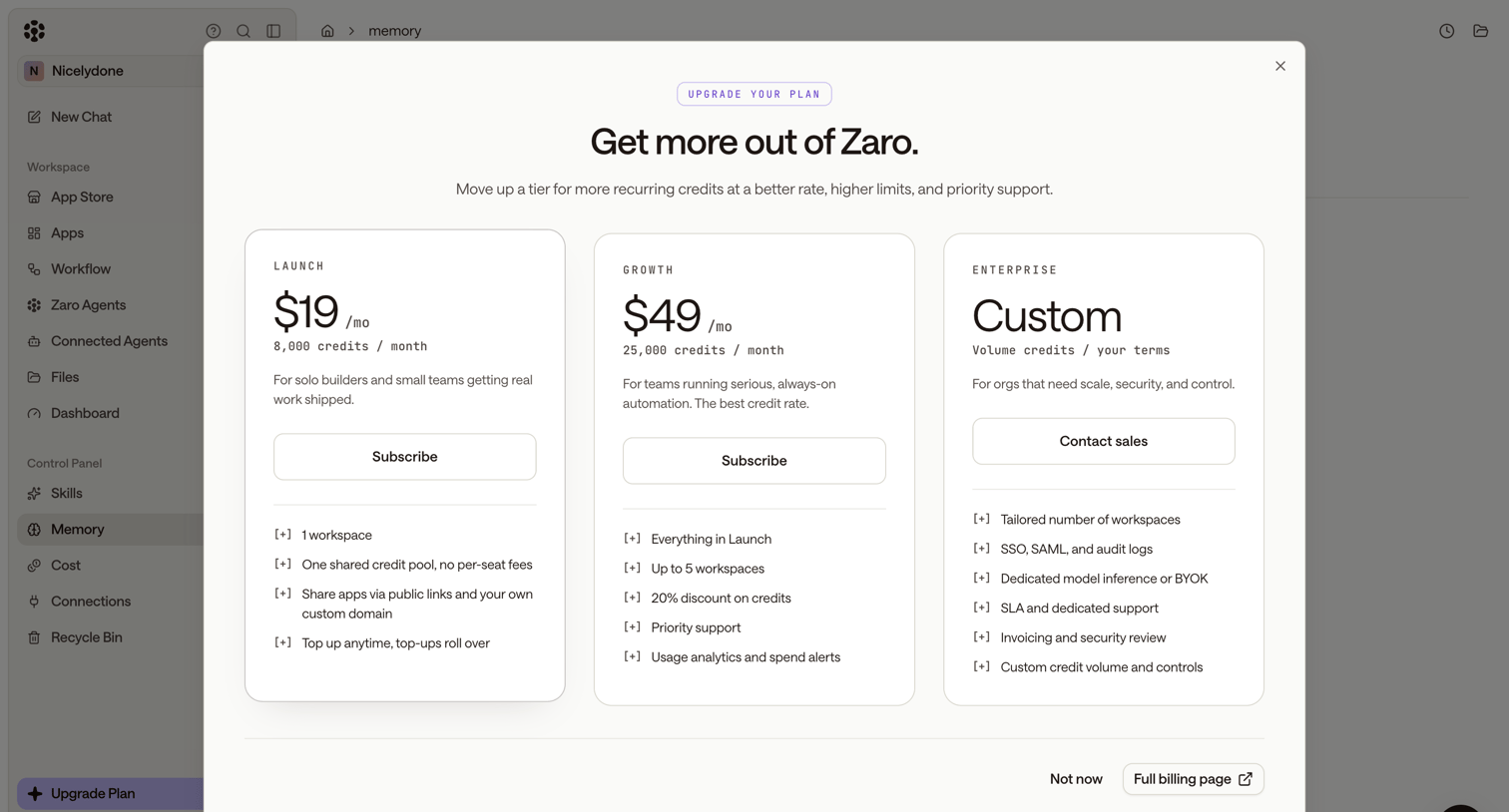

Paywall modal where the user can upgrade their subscription by choosing between Launch, Growth, and Enterprise tiers.
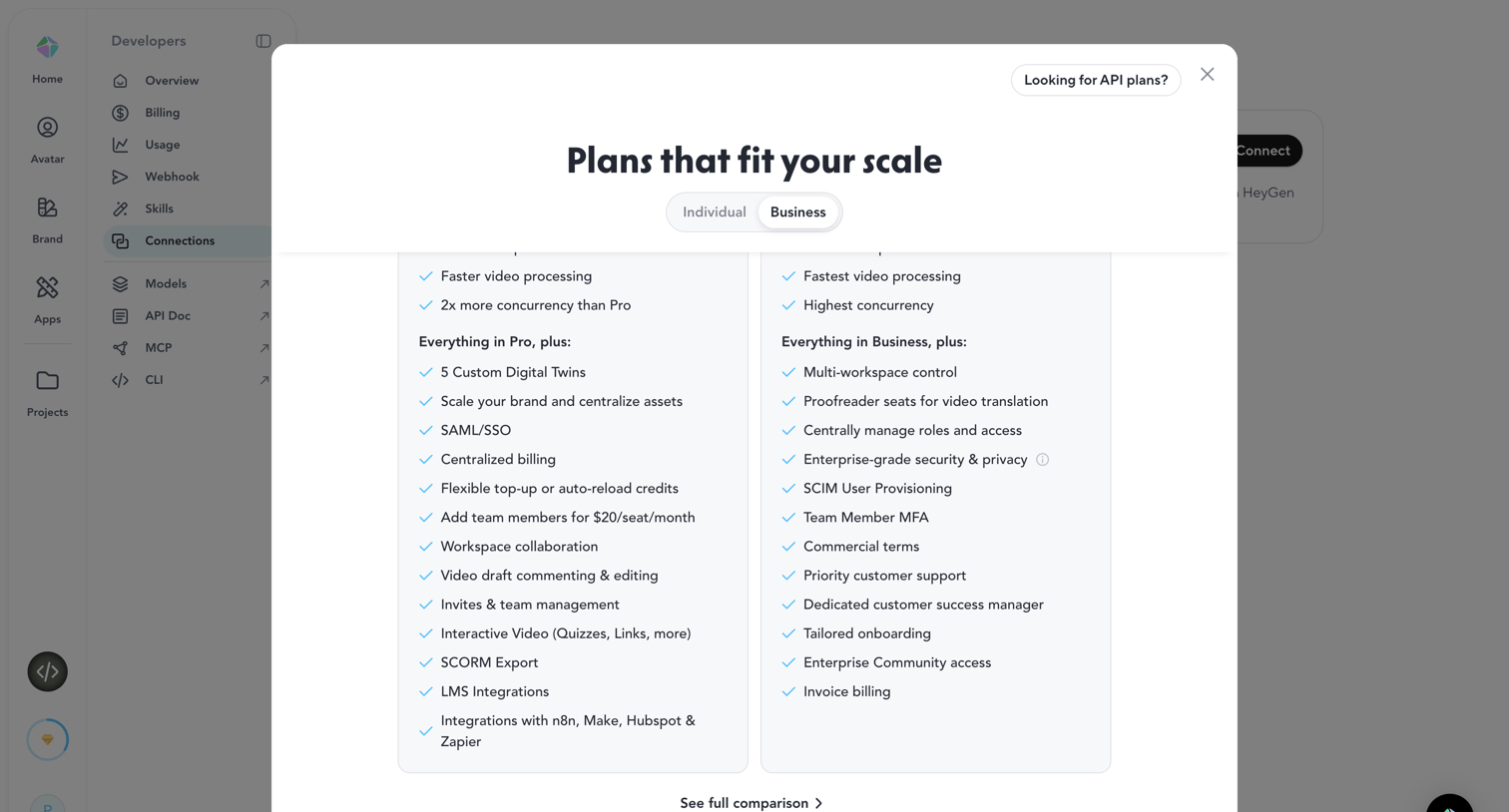

Paywall modal comparing Individual and Business plan features to prompt an upgrade.
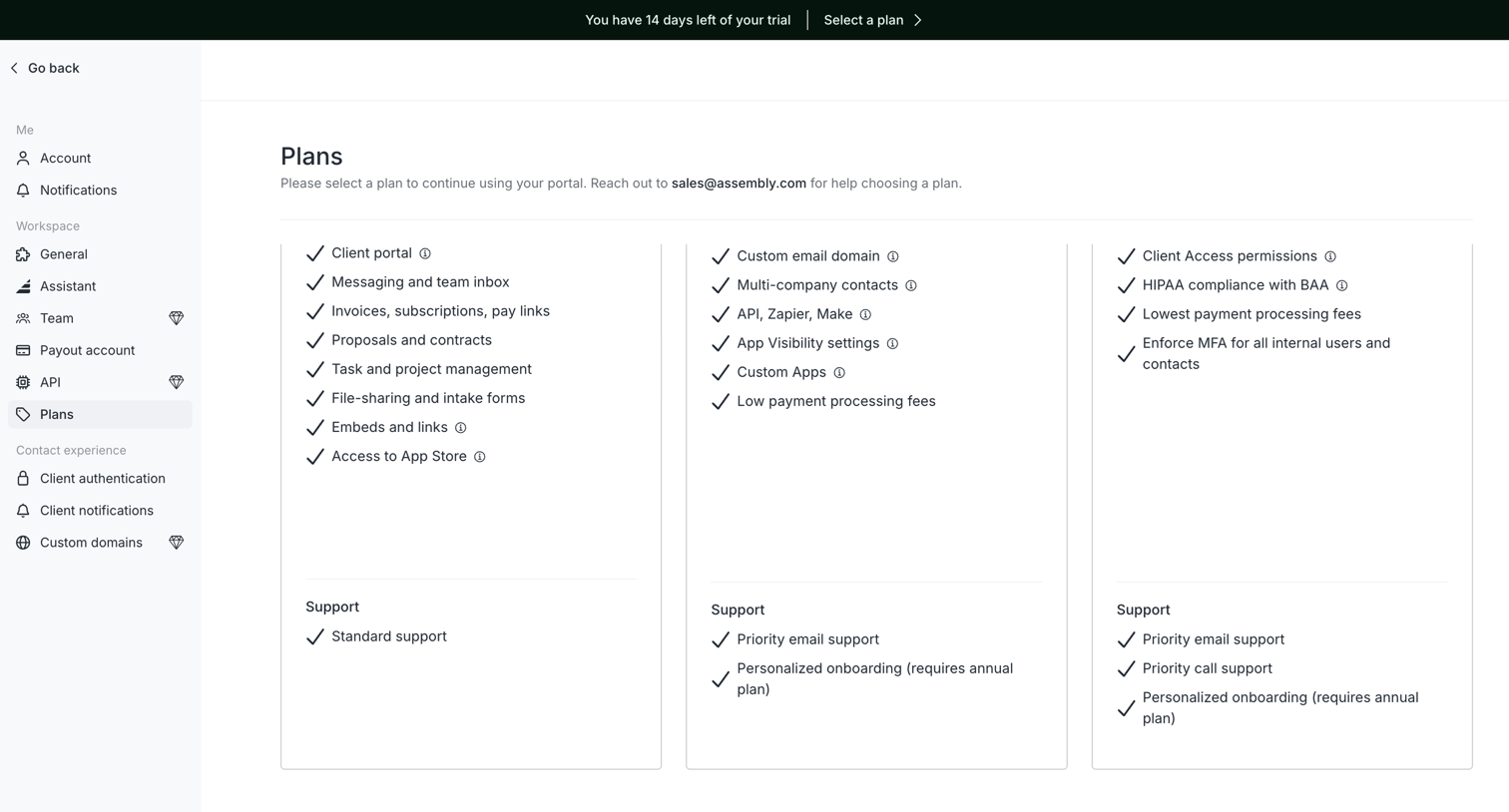

Settings page where the user views available subscription plans and their included features.
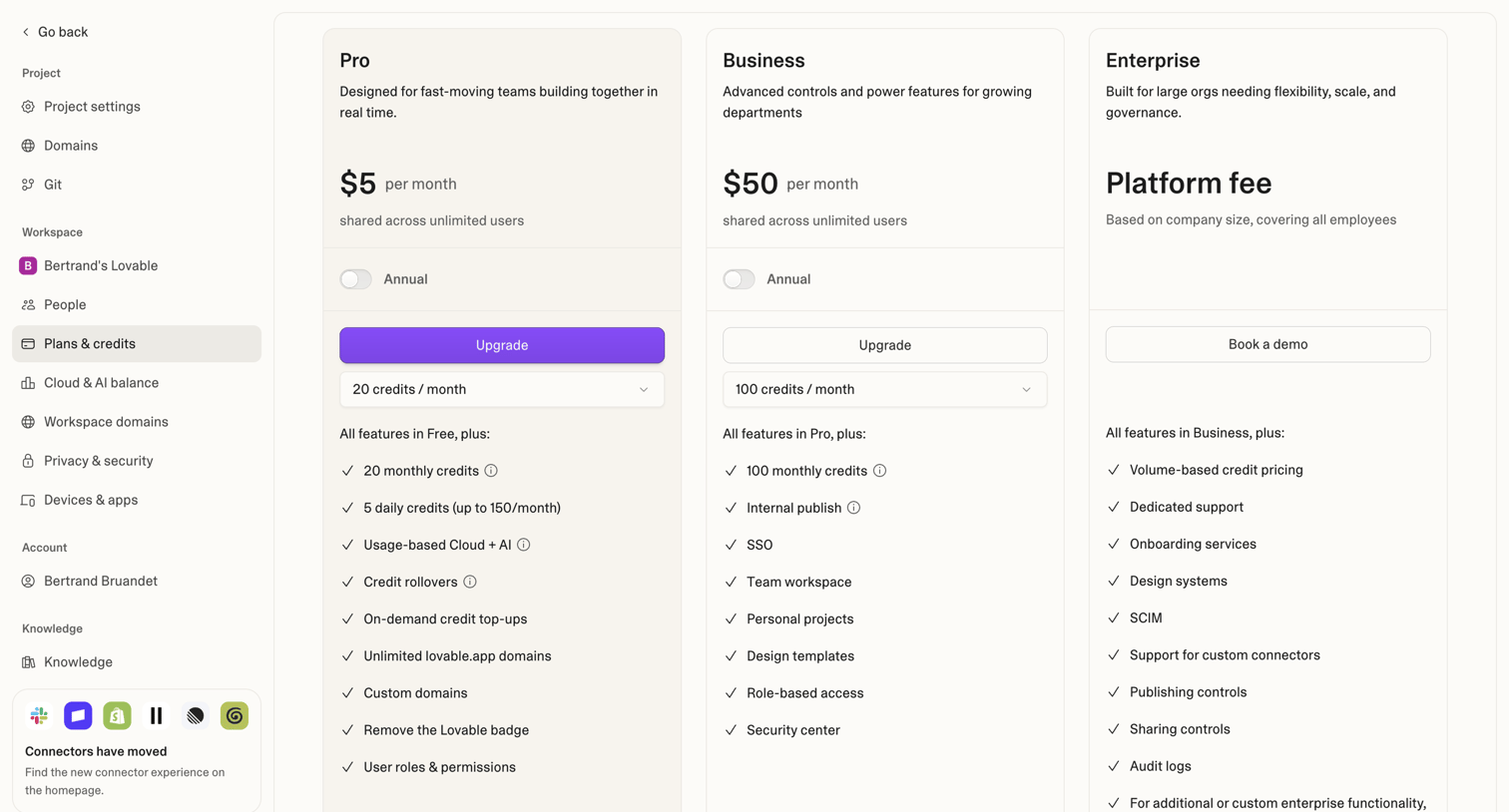

Settings page where the user views and upgrades their workspace subscription plan between Pro, Business, and Enterprise tiers.
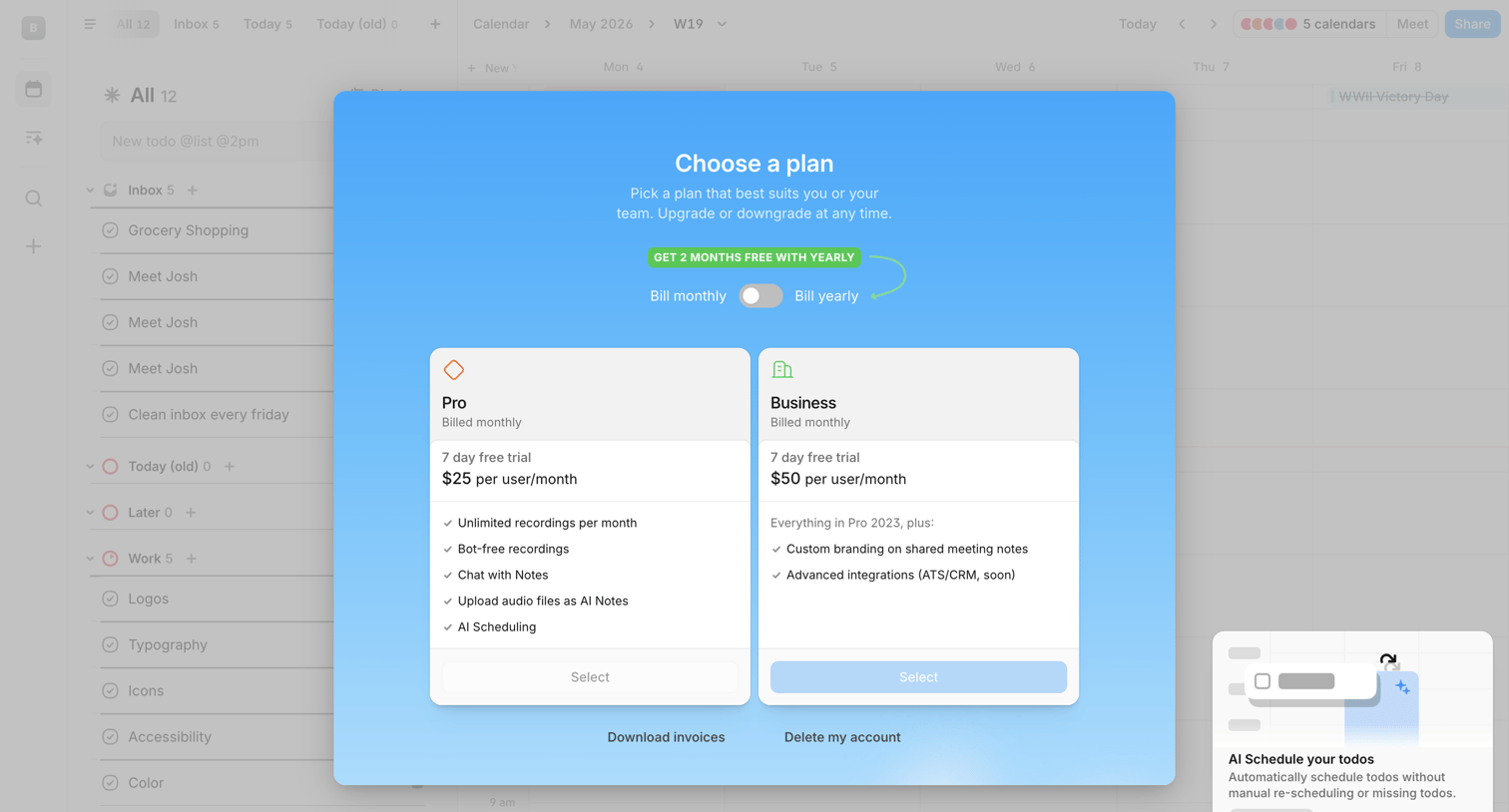

Paywall modal where the user selects between Pro and Business subscription plans with a monthly or yearly billing toggle.
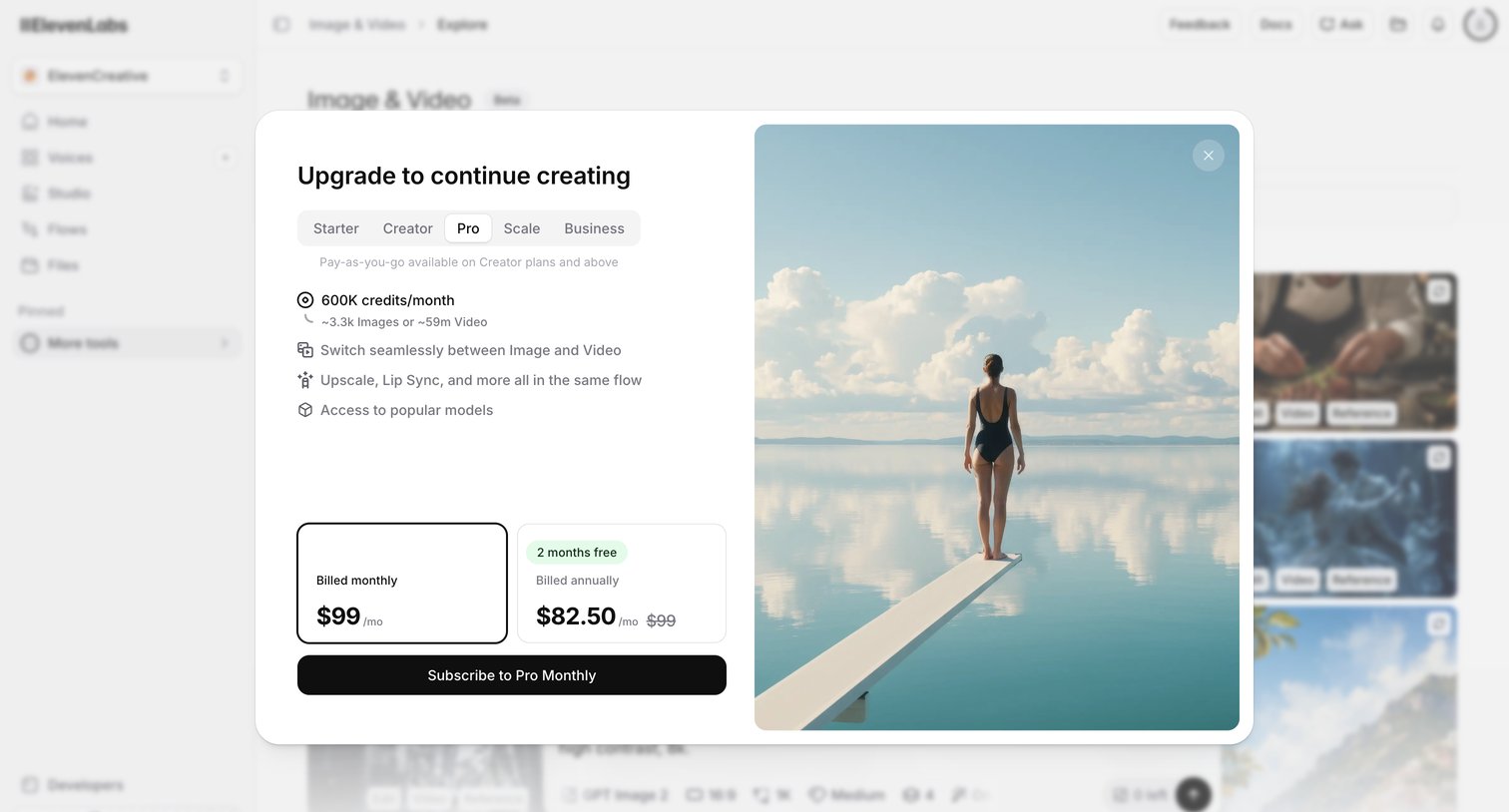

Paywall modal where the user must select a subscription plan, such as Pro or Creator, and choose between monthly or annual billing to continue generating content.
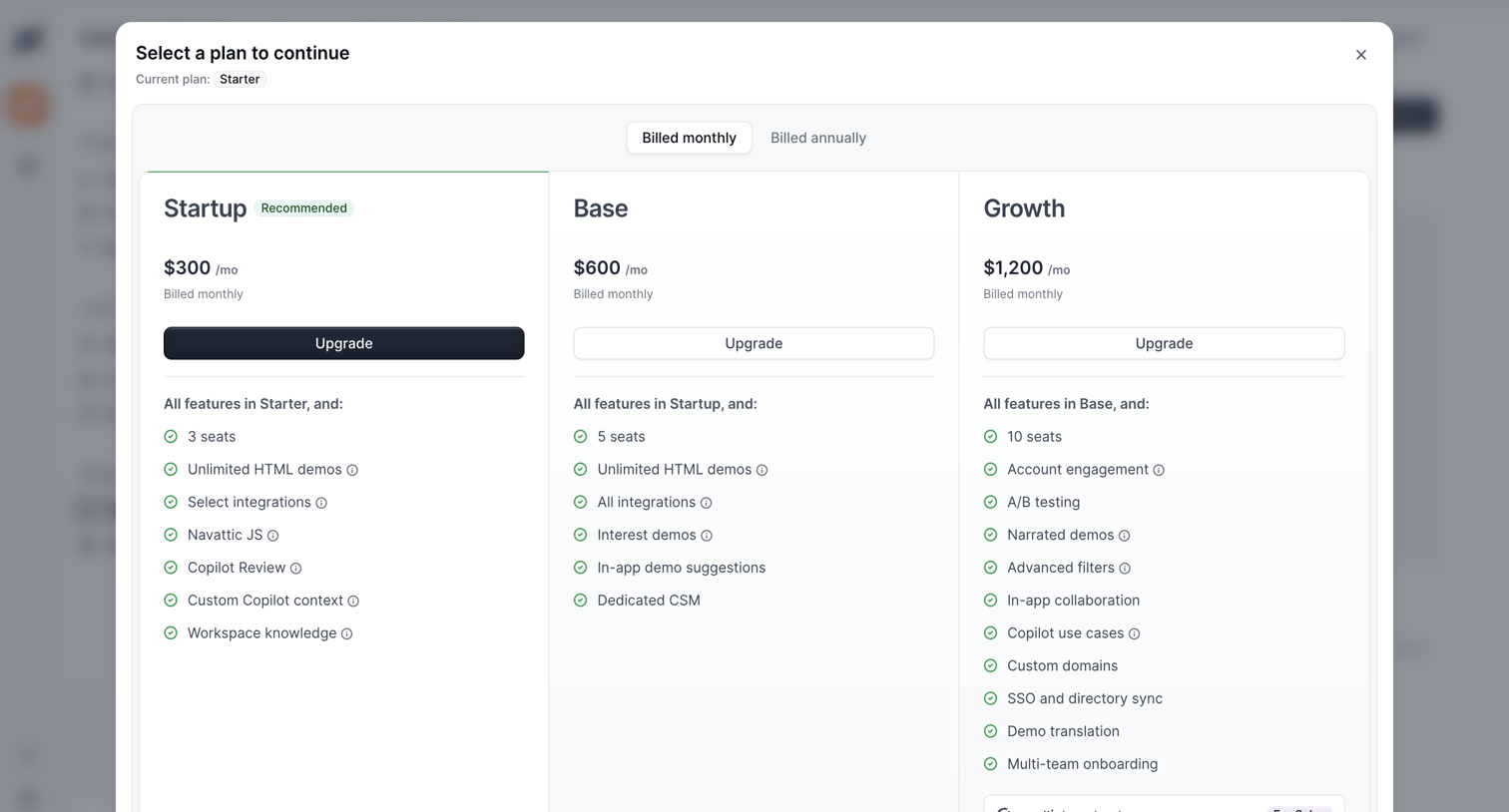

Modal overlay where the user selects a subscription plan to continue, choosing between Startup, Base, and Growth tiers with monthly or annual billing.
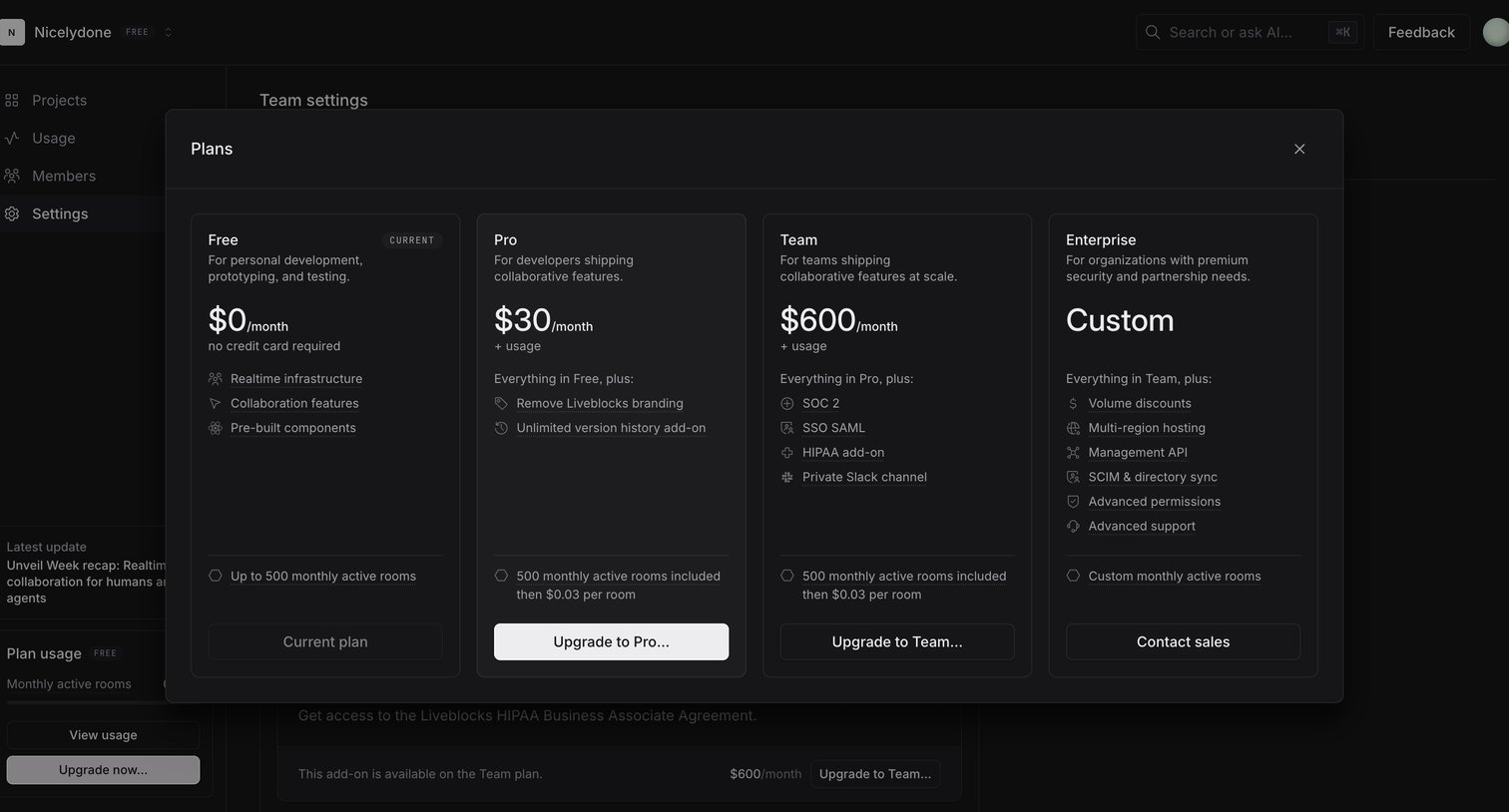

Settings page where the user views a modal comparing Free, Pro, Team, and Enterprise plans to upgrade their workspace.
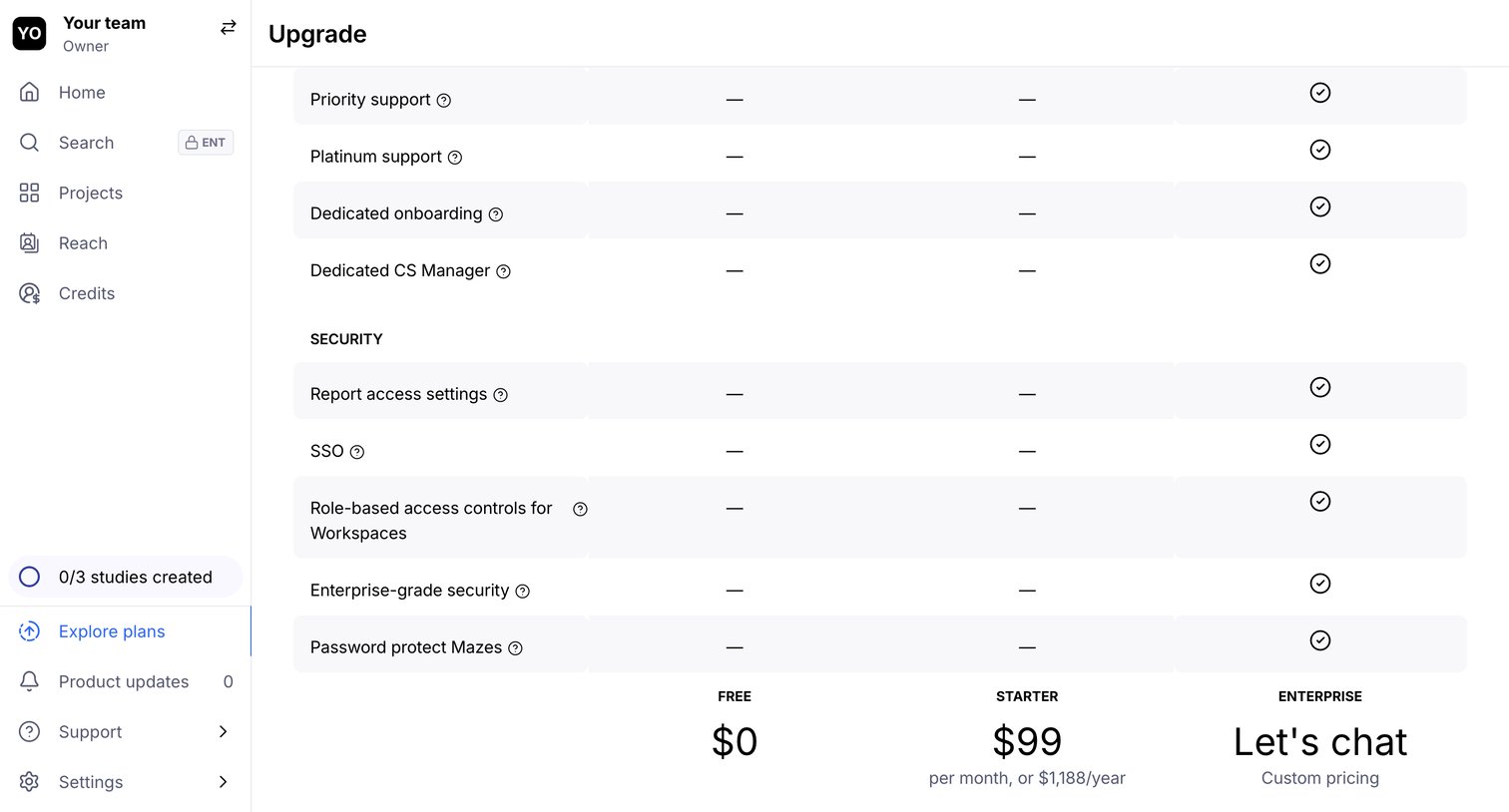

In-app paywall where the user compares features across Free, Starter, and Enterprise plans to upgrade their workspace.
Explore the full SaaS screen library
Upgrade to unlock the full library.
Trusted by the best teams







