Subscription management screen examples
Subscription management screen design examples from SaaS apps. Explore how apps organize ongoing plan access and billing choices. Look at how the current subscription, renewal information, and change controls fit together.
Explore the examples
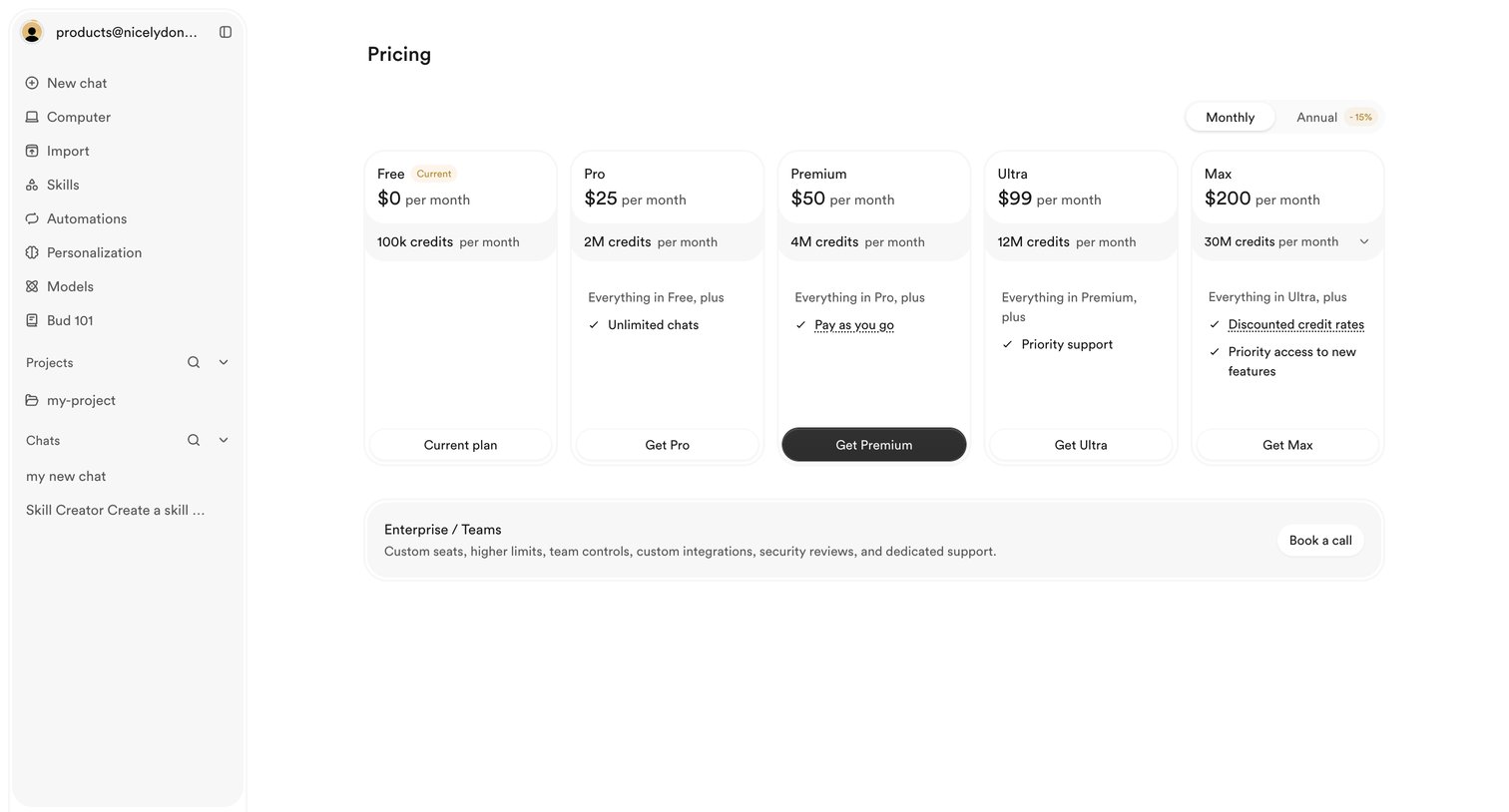

Settings page where the user views their current free plan and can upgrade to Pro, Premium, Ultra, or Max tiers based on monthly credit needs.
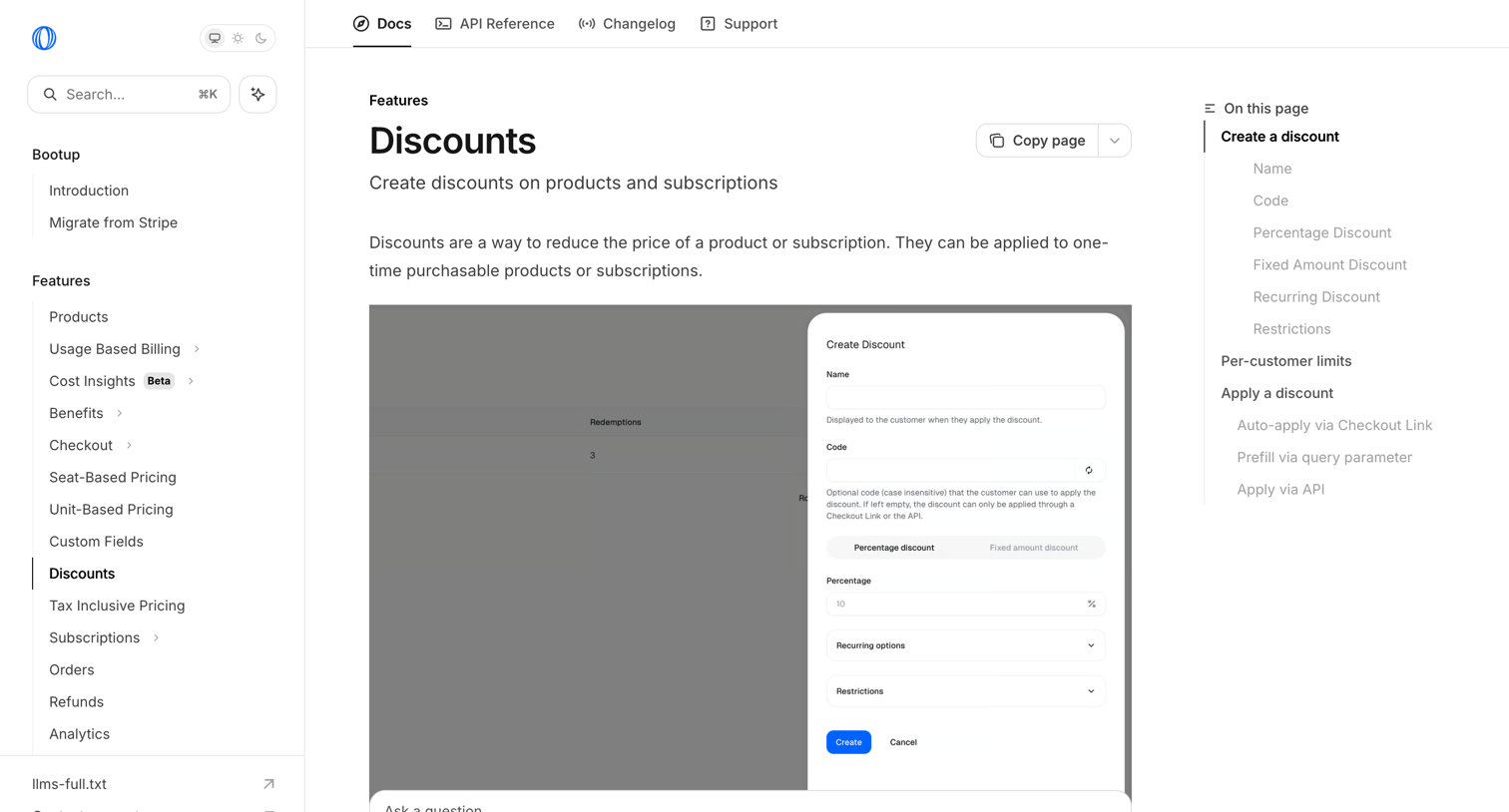

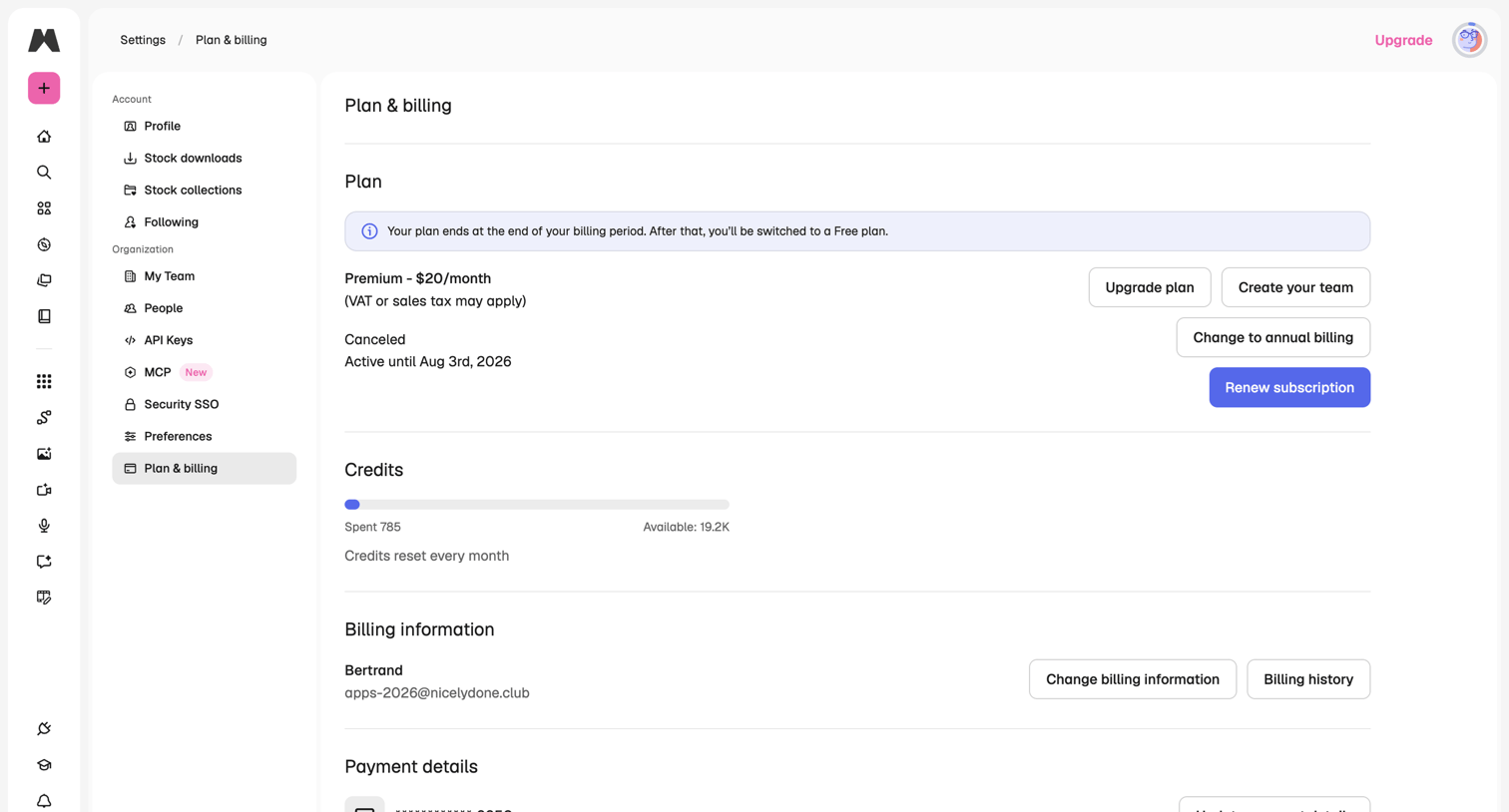

Settings page where the user manages their subscription plan, views credit usage, and updates billing and payment information.
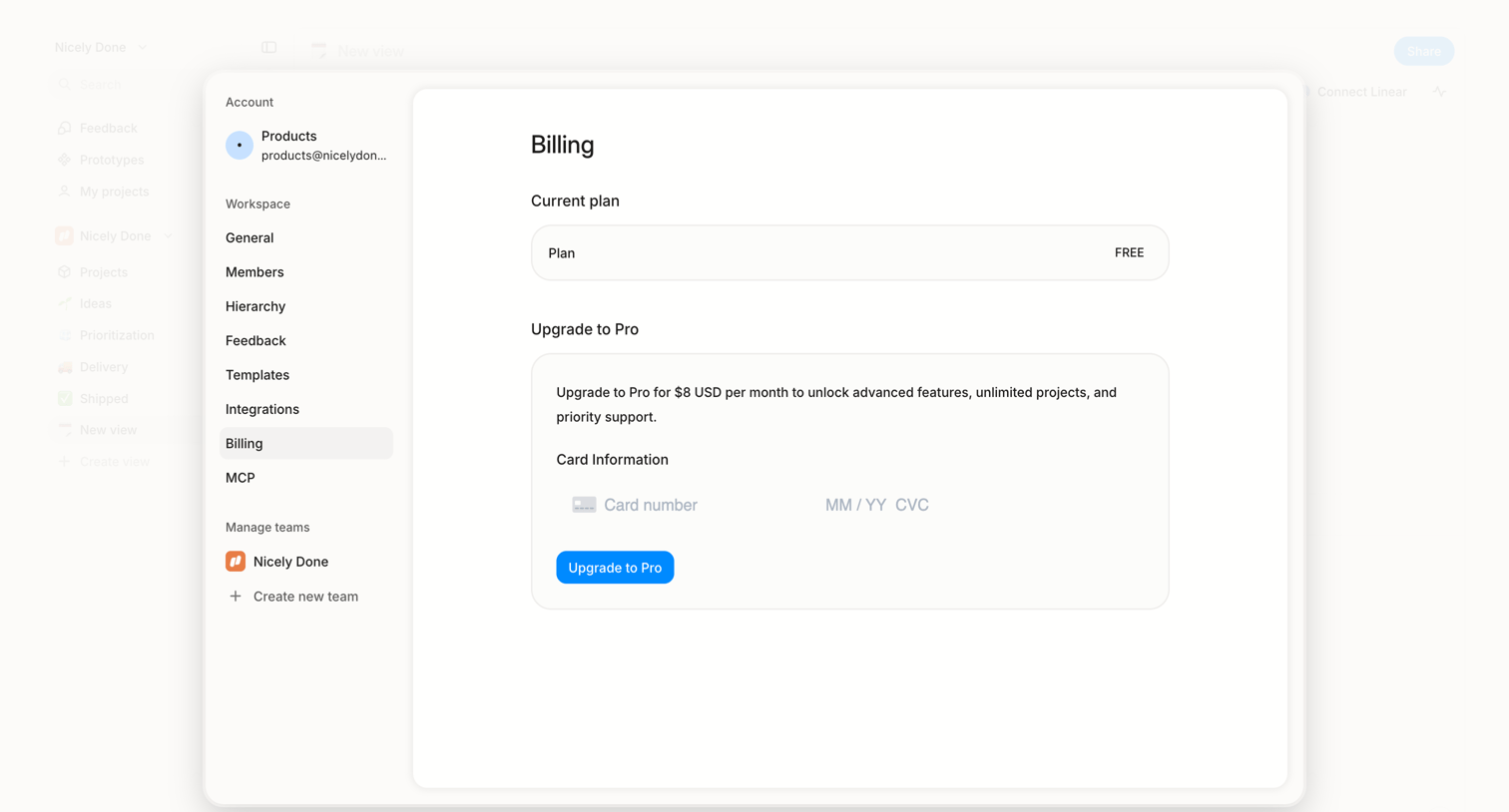

Settings view where the user checks their current free plan and can upgrade to a Pro tier by providing credit card details.
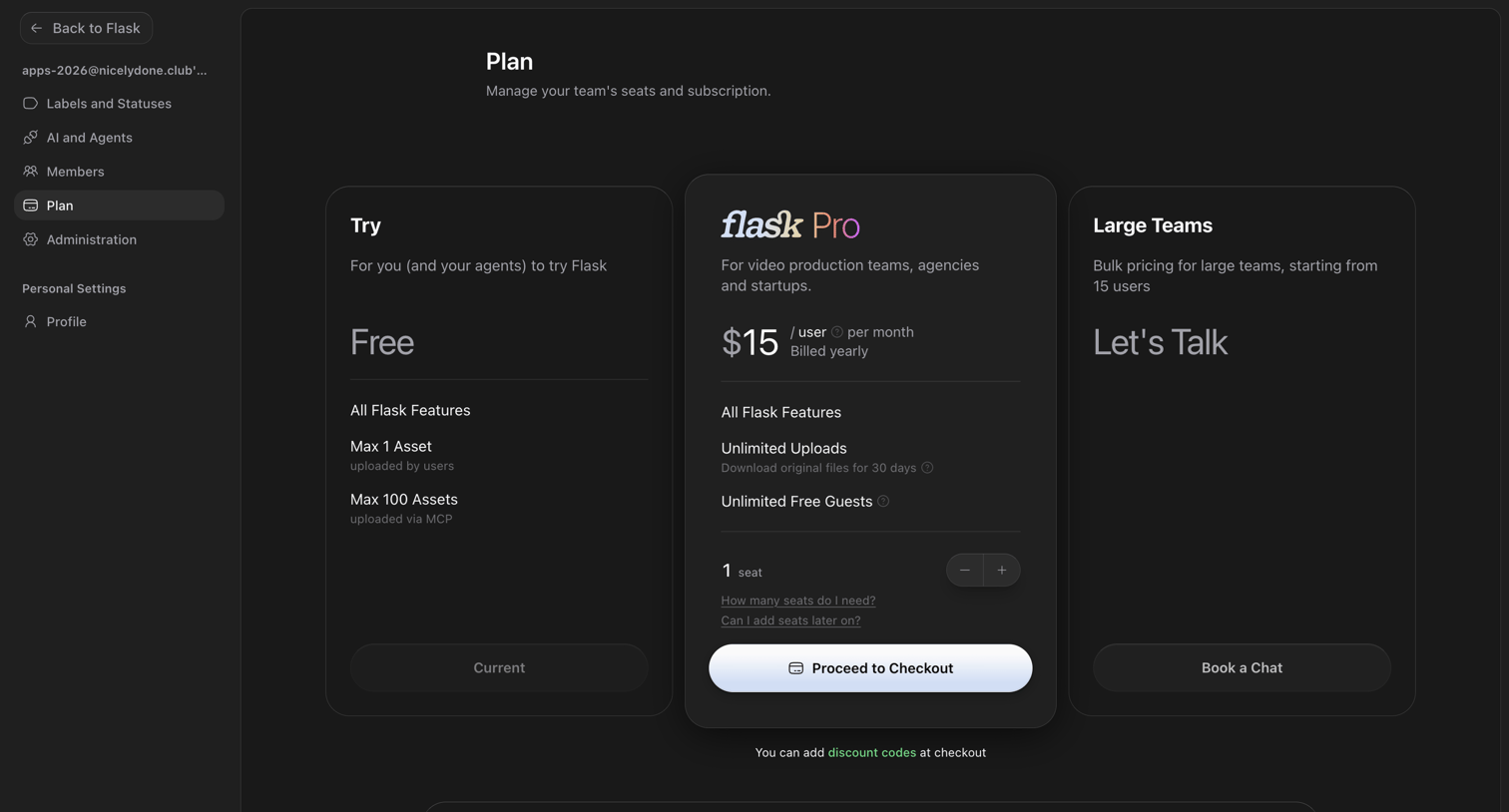

Settings page where the user manages their team's seats and subscription plan, choosing between Free, Pro, and Large Teams tiers.
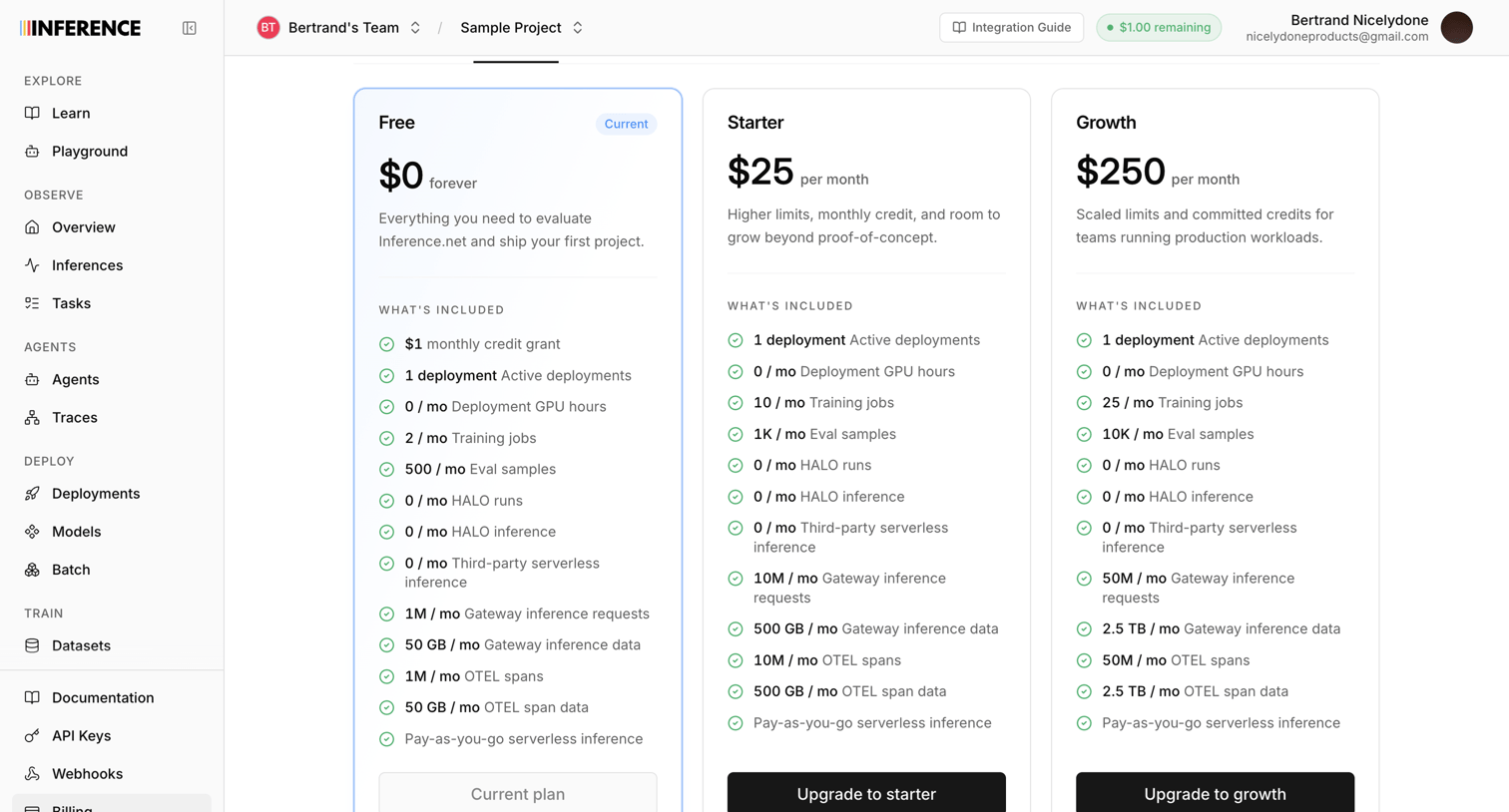

Settings page where the user views their current Free plan and can upgrade to Starter or Growth tiers for higher limits and credits.
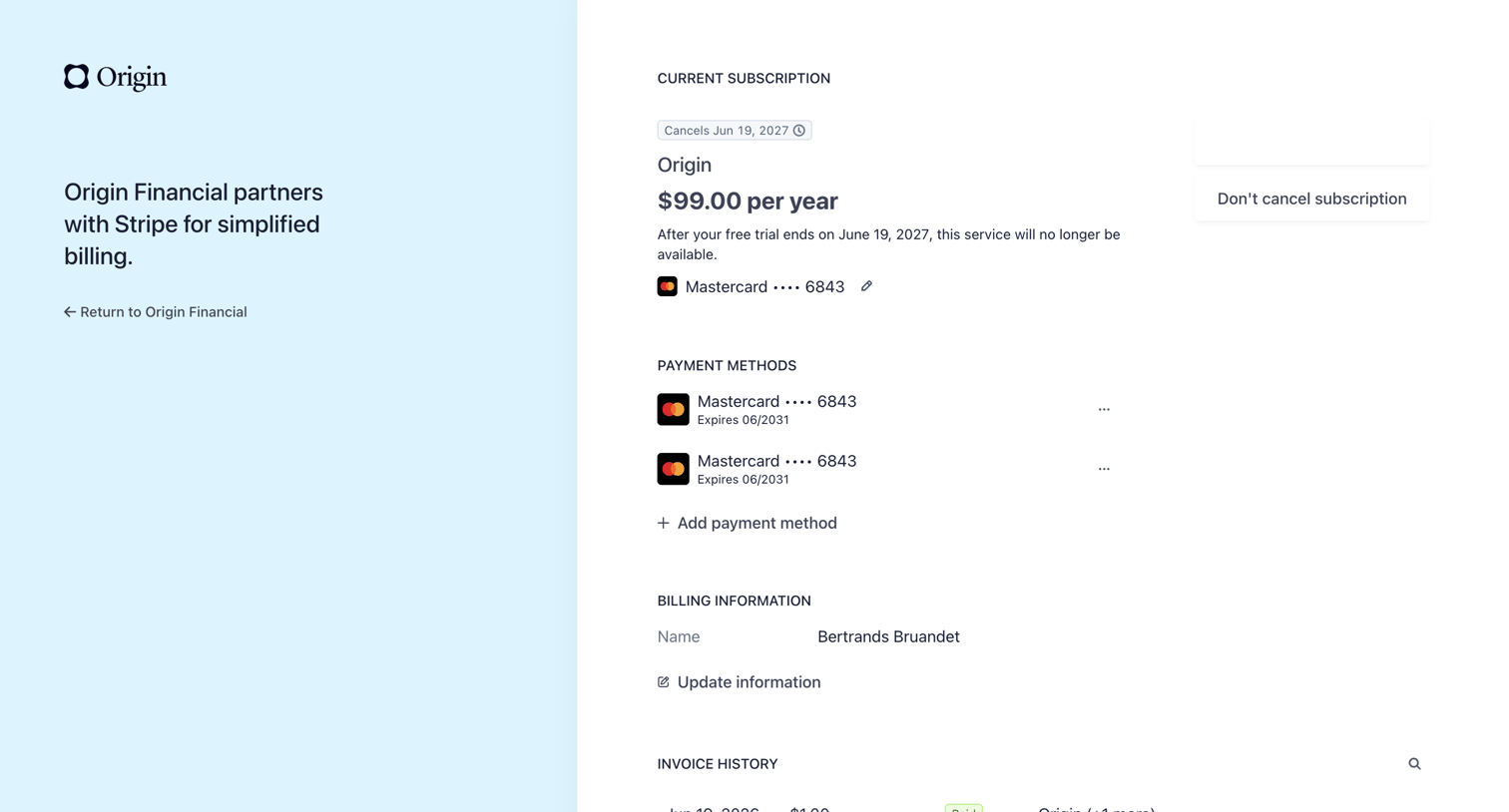

Billing settings page where the user manages their subscription, payment methods, and views invoice history via a Stripe-hosted portal.
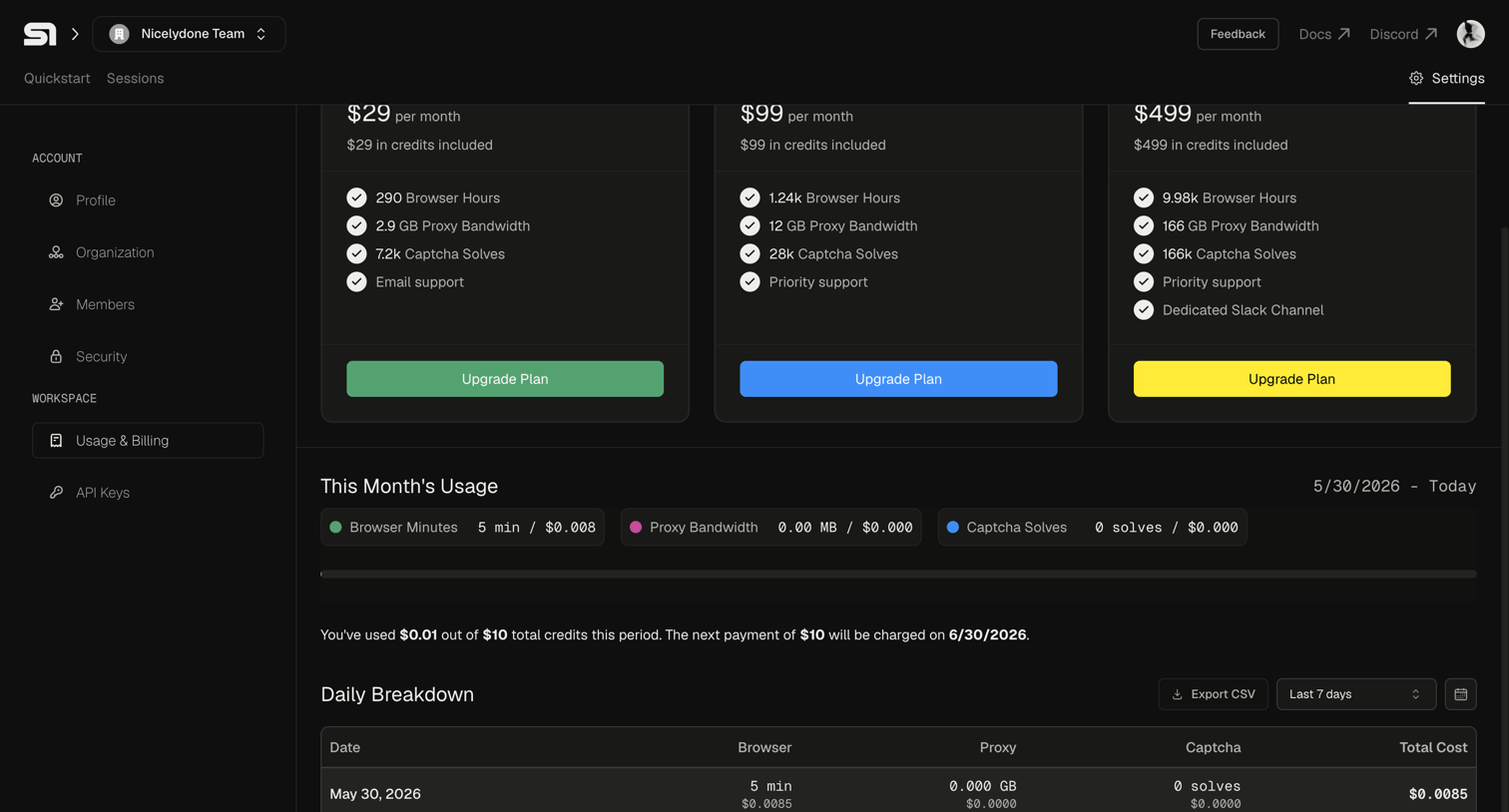

Settings page where the user views their current month's usage, daily breakdown, and available subscription plans to upgrade.
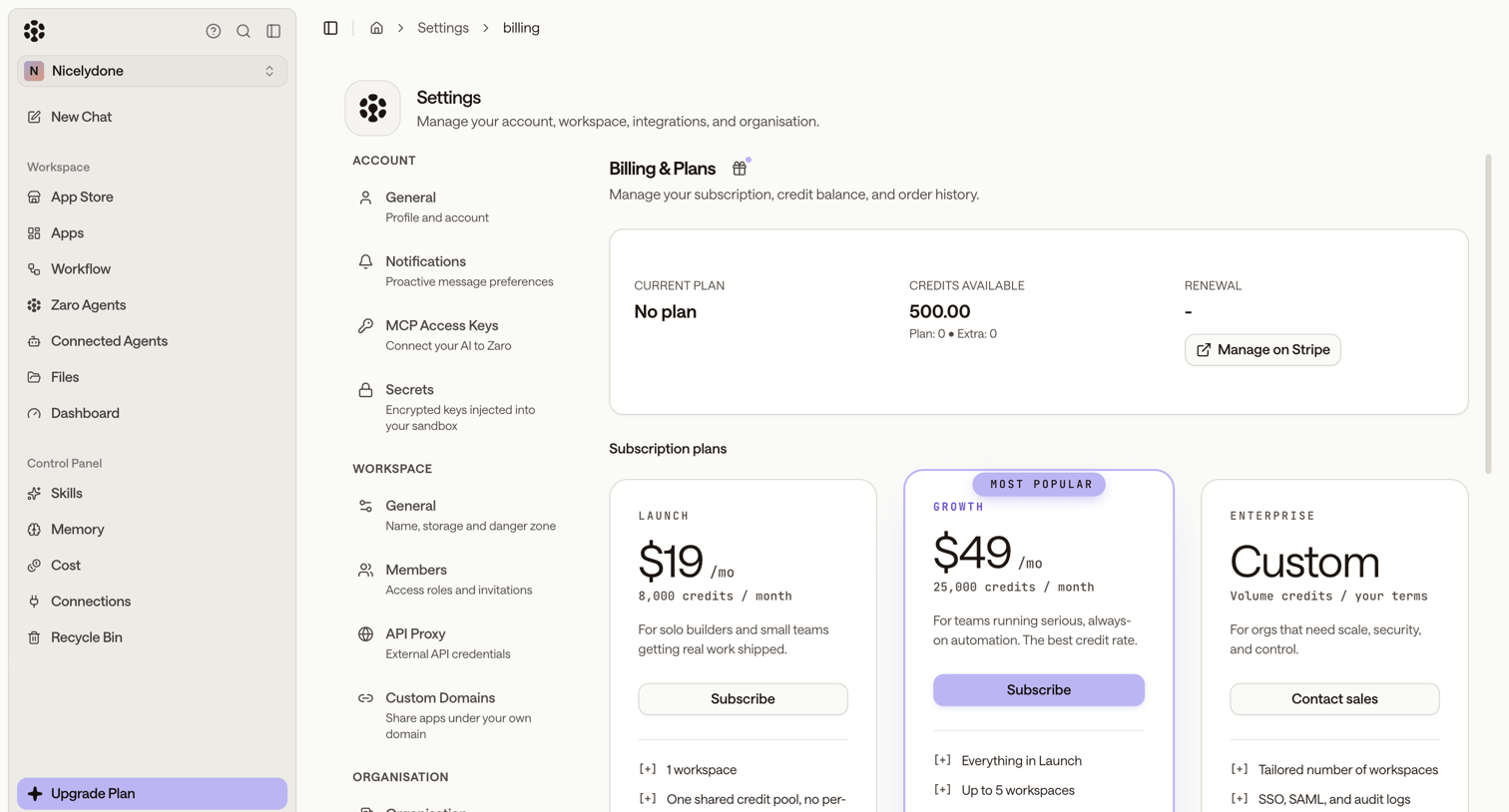

Settings page where the user manages their subscription plan, views available credits, and can upgrade to Launch, Growth, or Enterprise tiers.


Settings page where the user views their current free plan status and is prompted to upgrade their subscription.
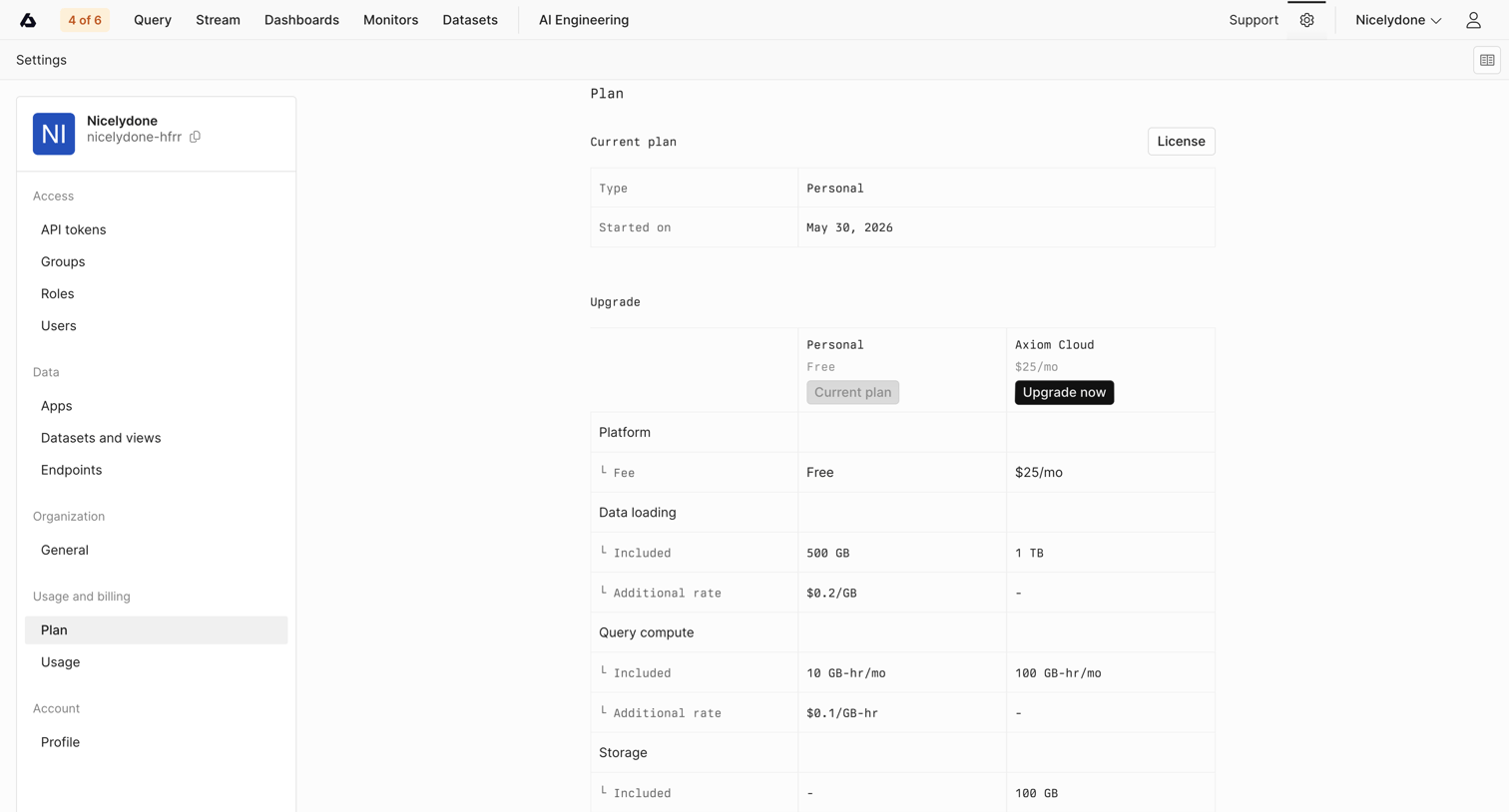

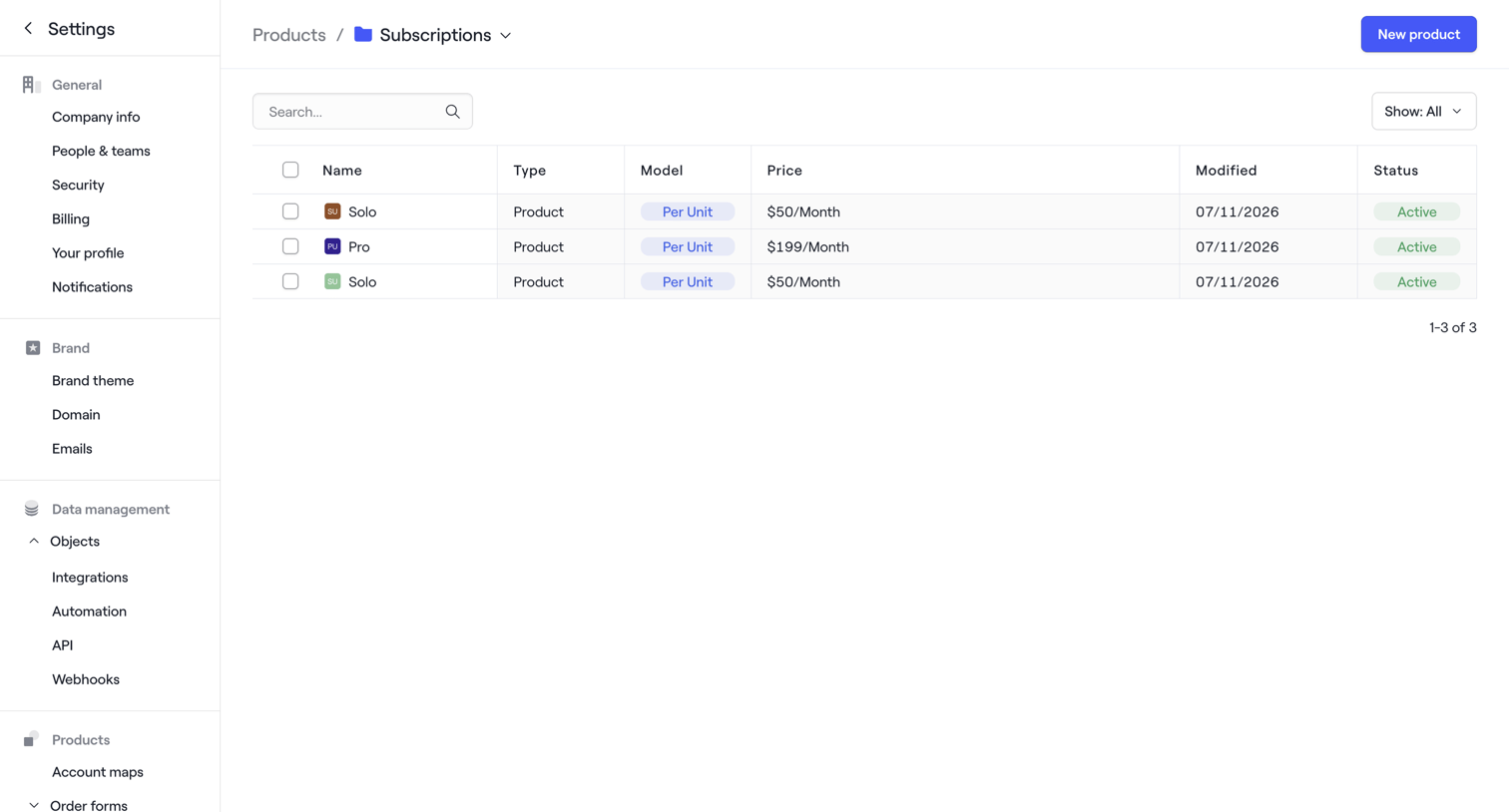

Settings page where the user manages product subscriptions, viewing a data table of active plans like Solo and Pro.
Explore the full SaaS screen library
Upgrade to unlock the full library.
Trusted by the best teams








About Subscription management
Explore how apps organize ongoing plan access and billing choices. Look at how the current subscription, renewal information, and change controls fit together.