SSO settings screen examples
SSO settings screen design examples from SaaS apps. Browse examples from Magnific, Dovetail, Okta.
Explore the examples
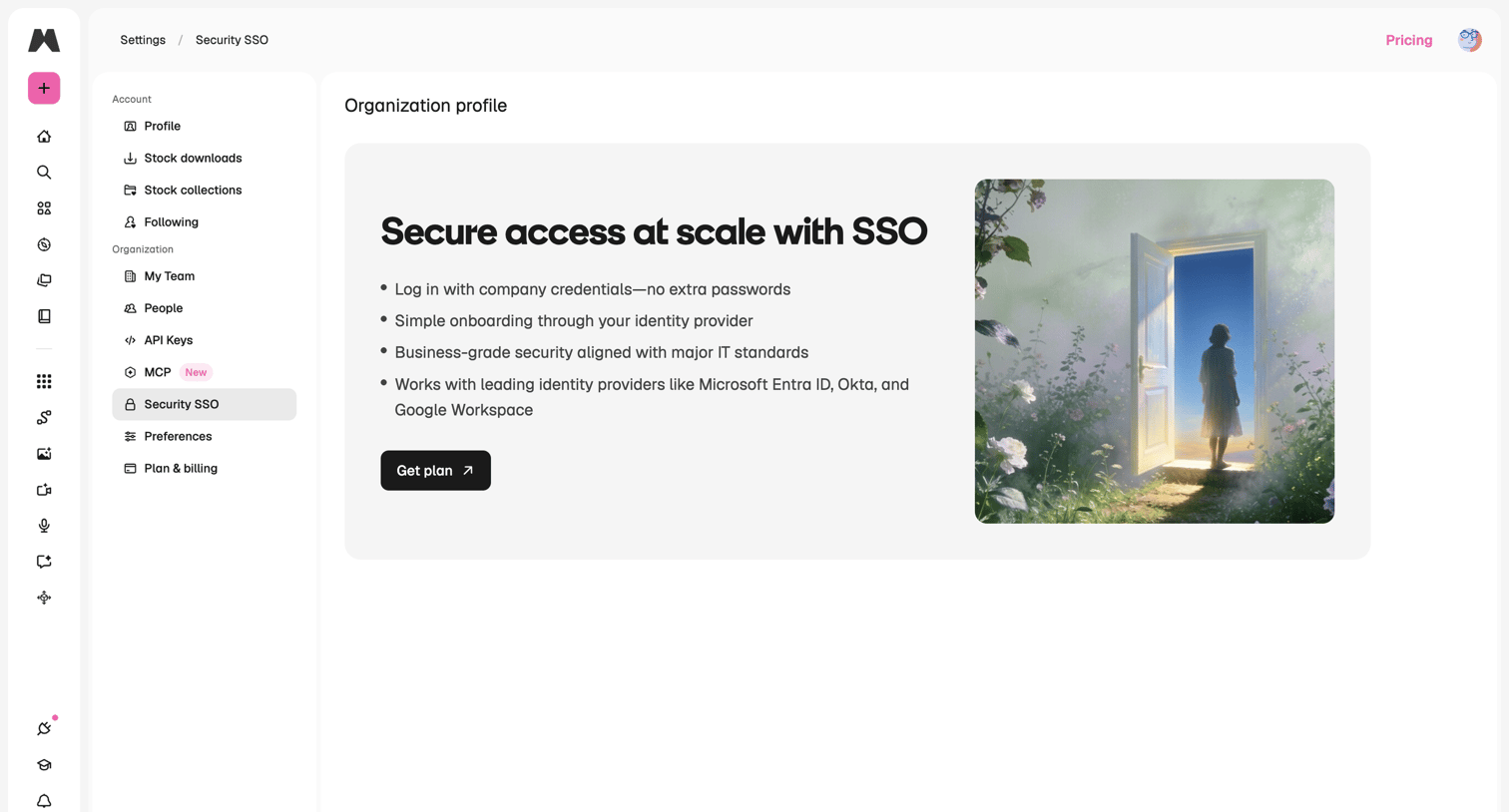

Settings page where the user is prompted to upgrade their plan to enable Single Sign-On (SSO) for their organization.
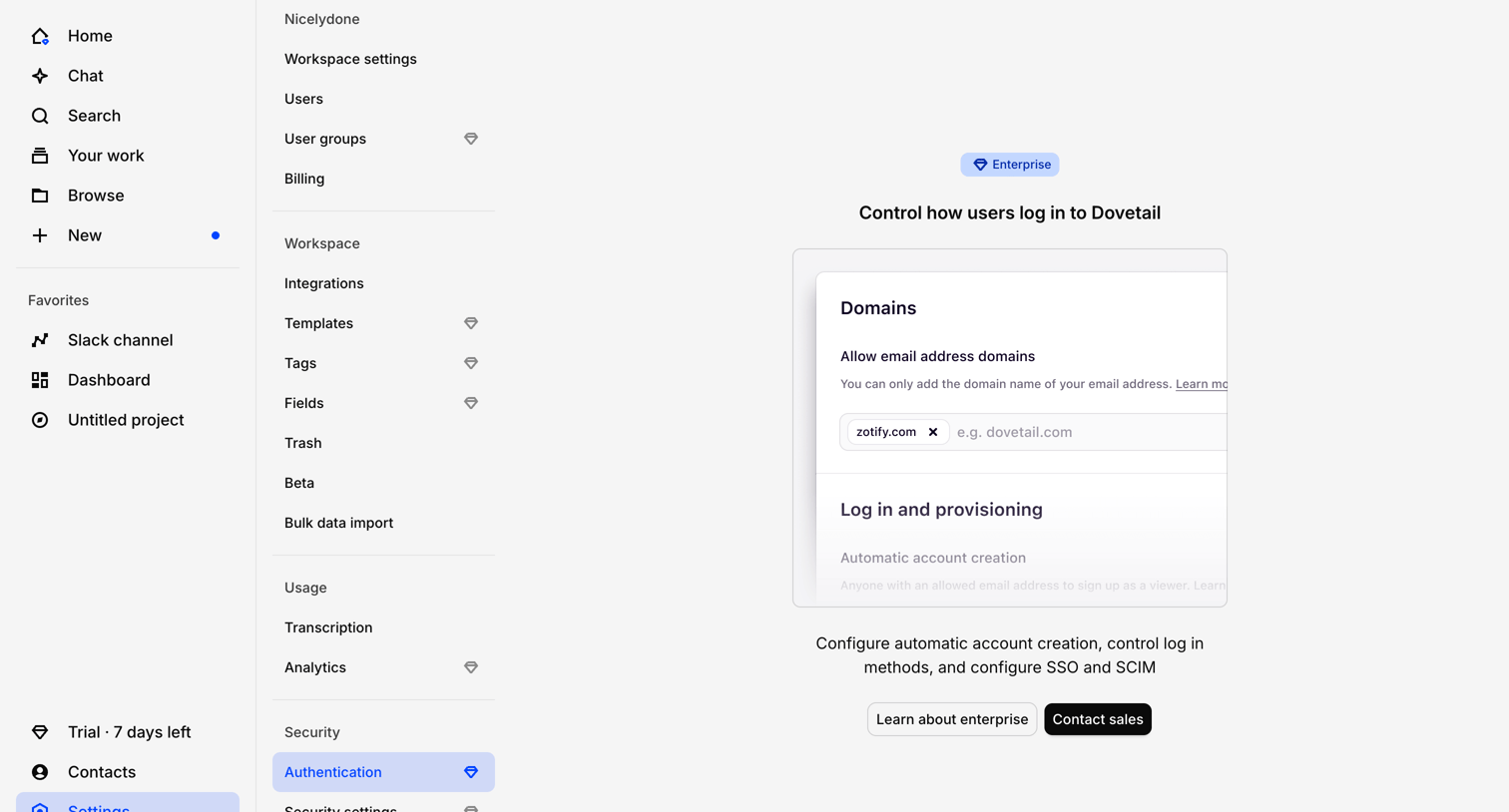

Settings page where the workspace authentication configuration is locked behind an enterprise plan upgrade prompt.
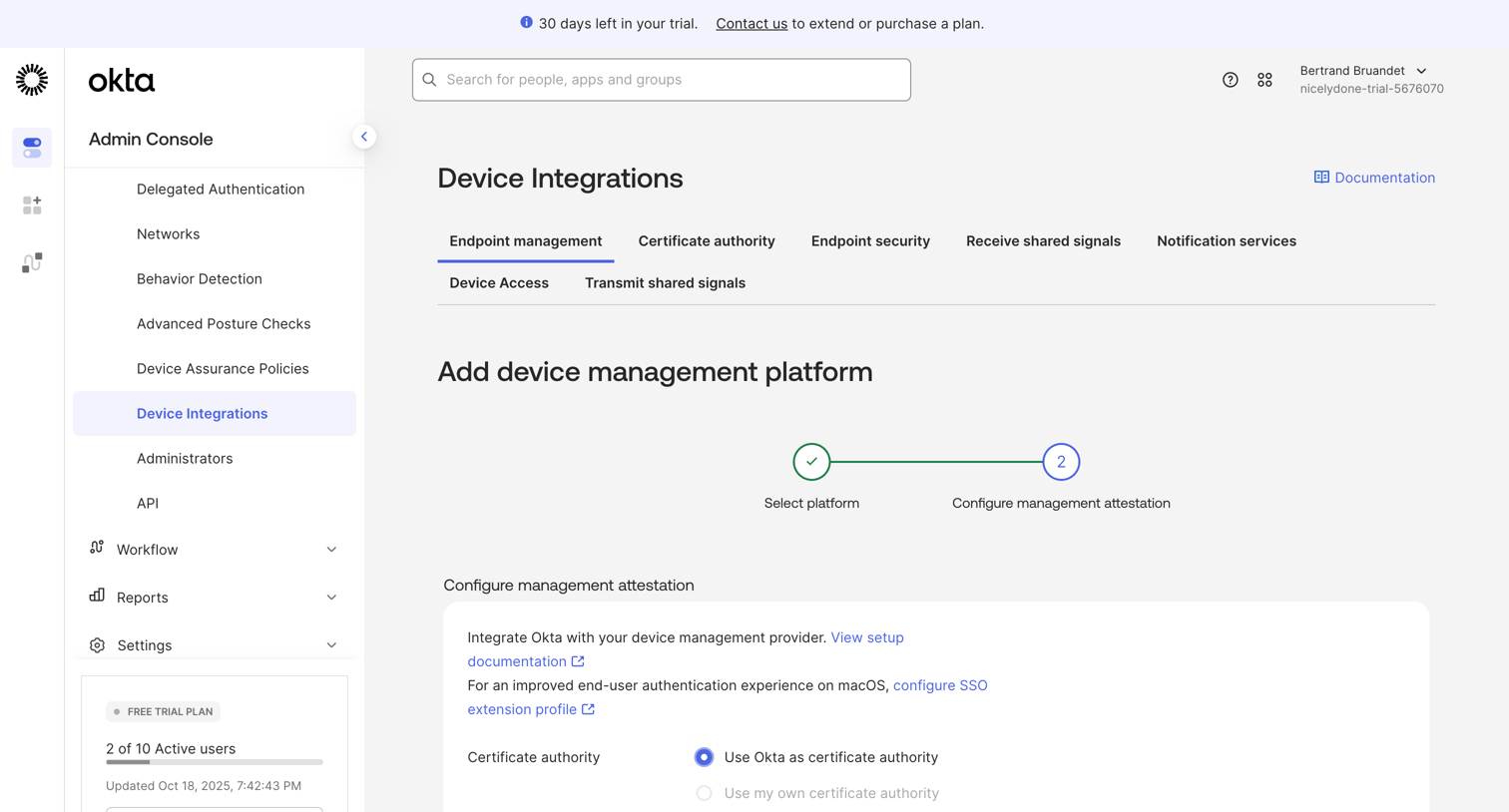

Settings page where an admin configures a device management platform integration, currently on the attestation step selecting certificate authority options.
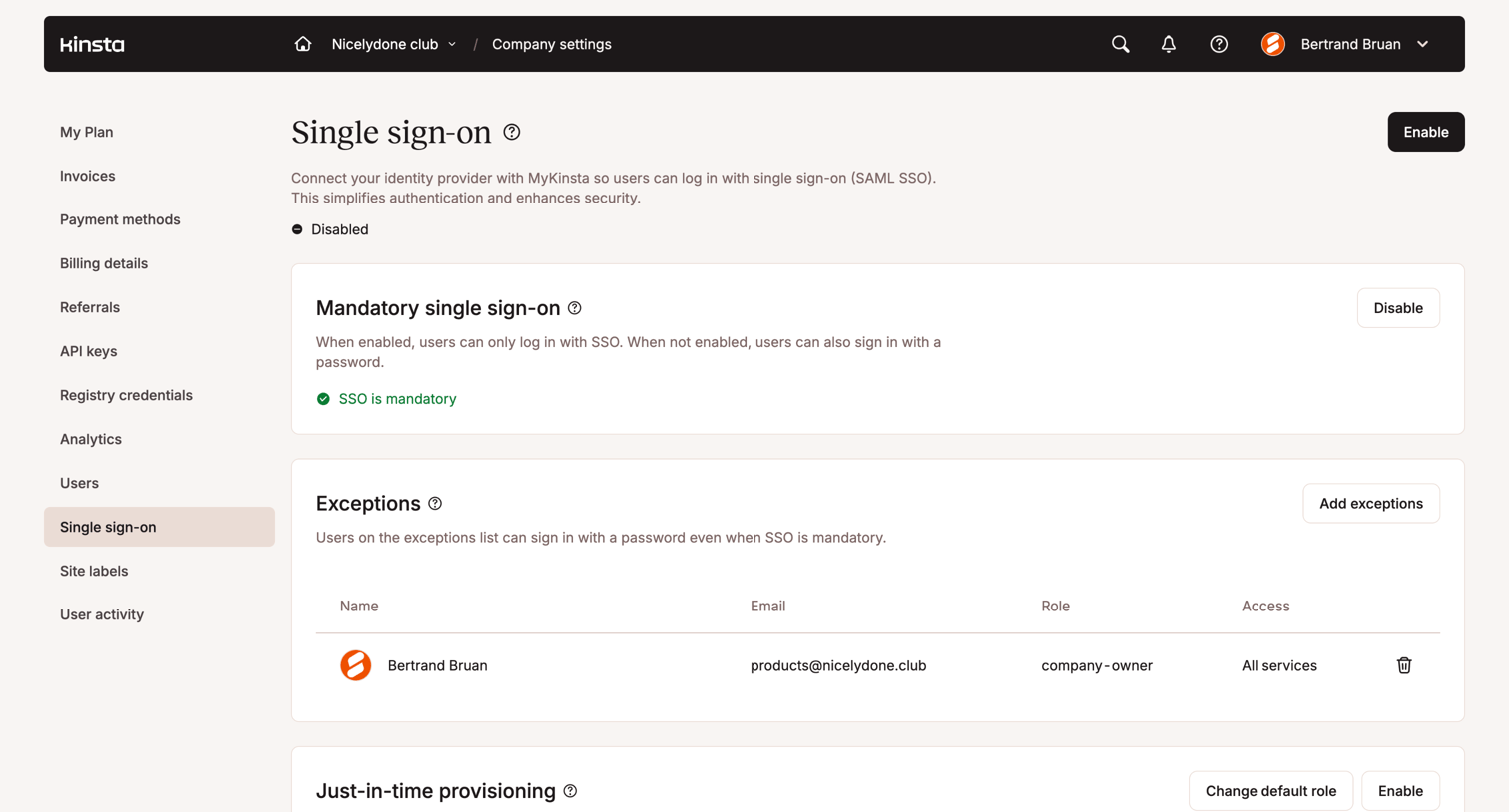

Settings page where the user configures single sign-on (SSO), manages mandatory SSO enforcement, and handles user exceptions and just-in-time provisioning.
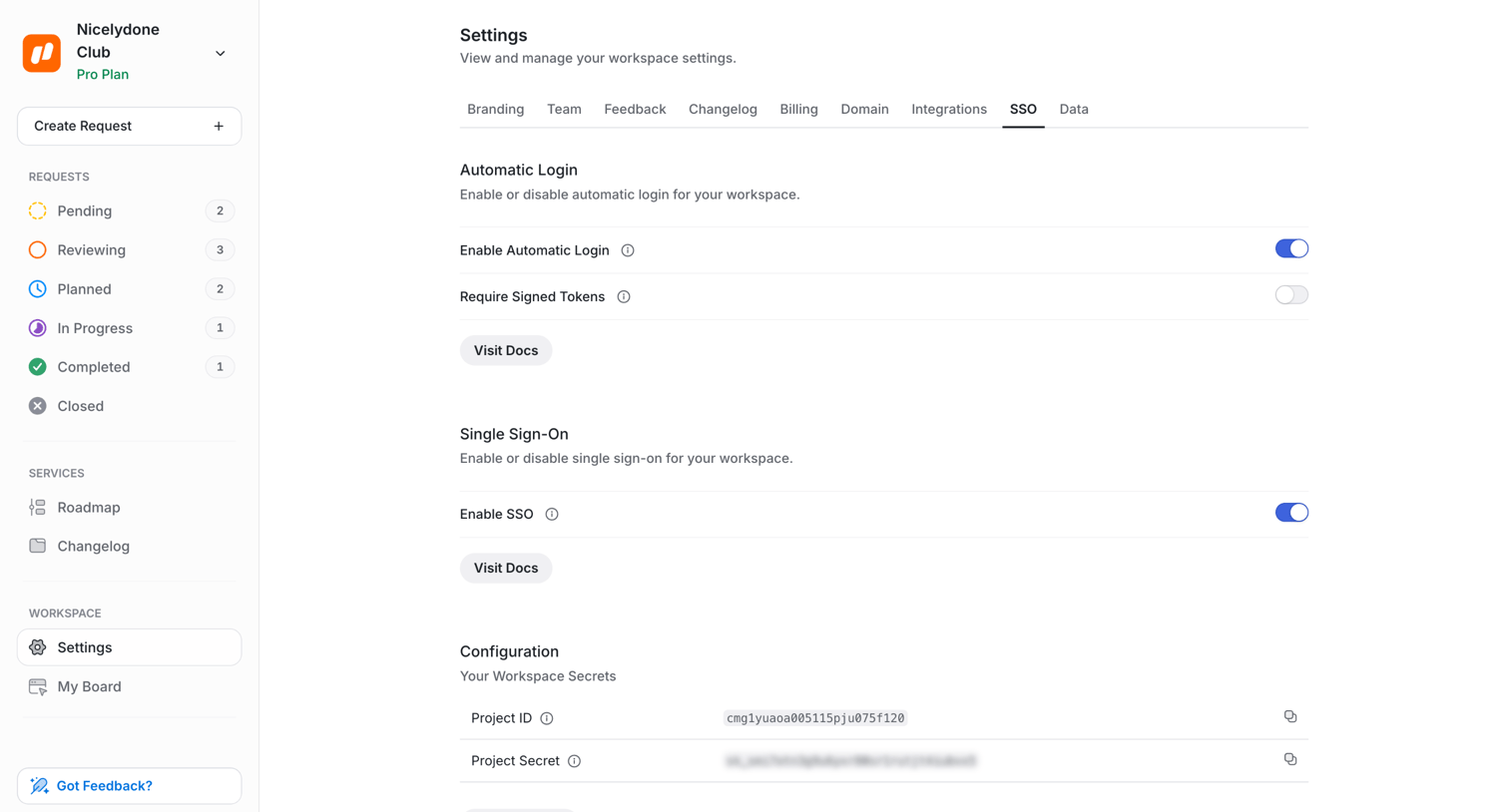

Settings page where the user configures automatic login, single sign-on, and manages workspace secrets like Project ID and Project Secret.
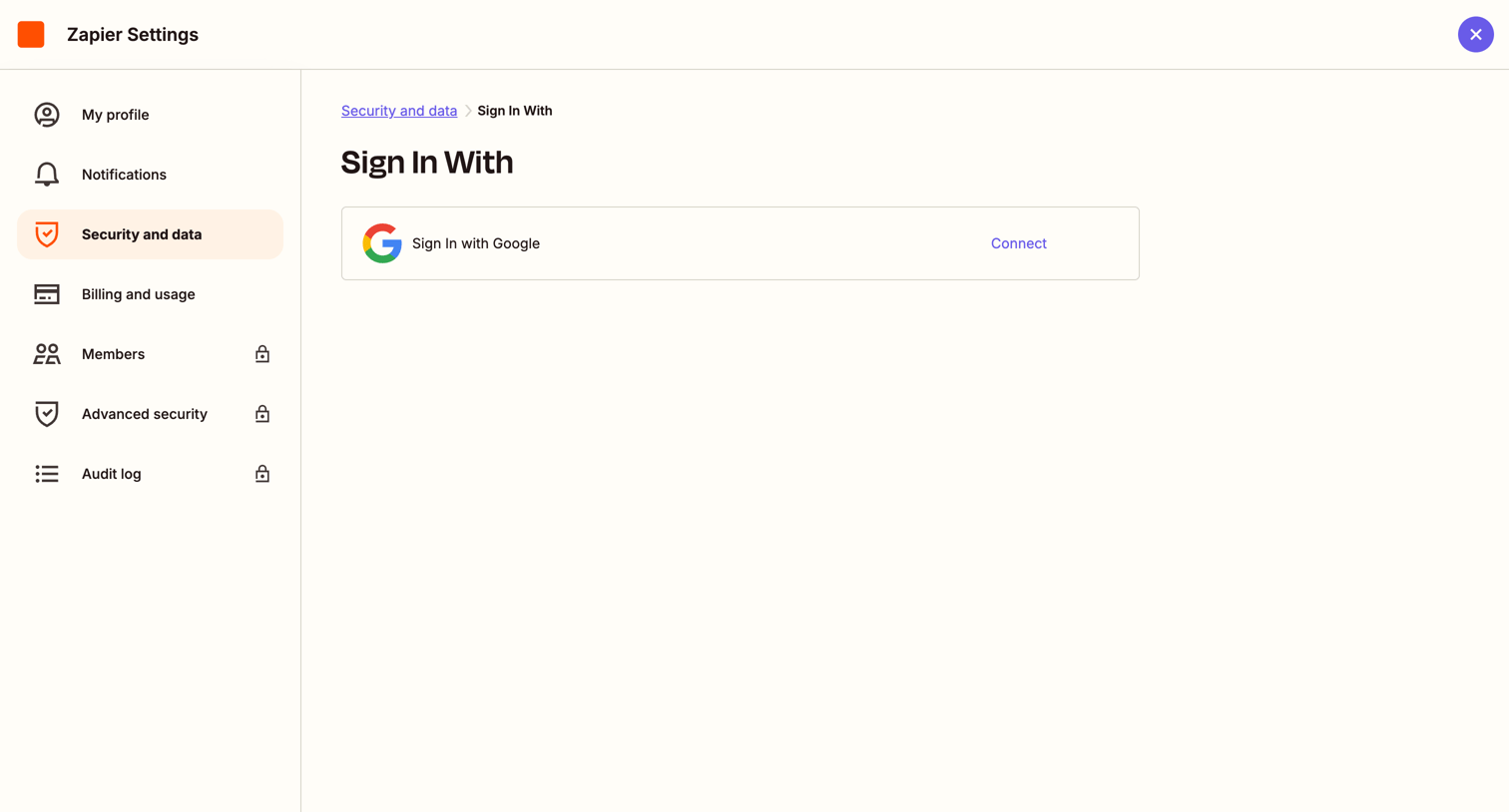

Settings page where the user can connect their Google account to enable single sign-on.
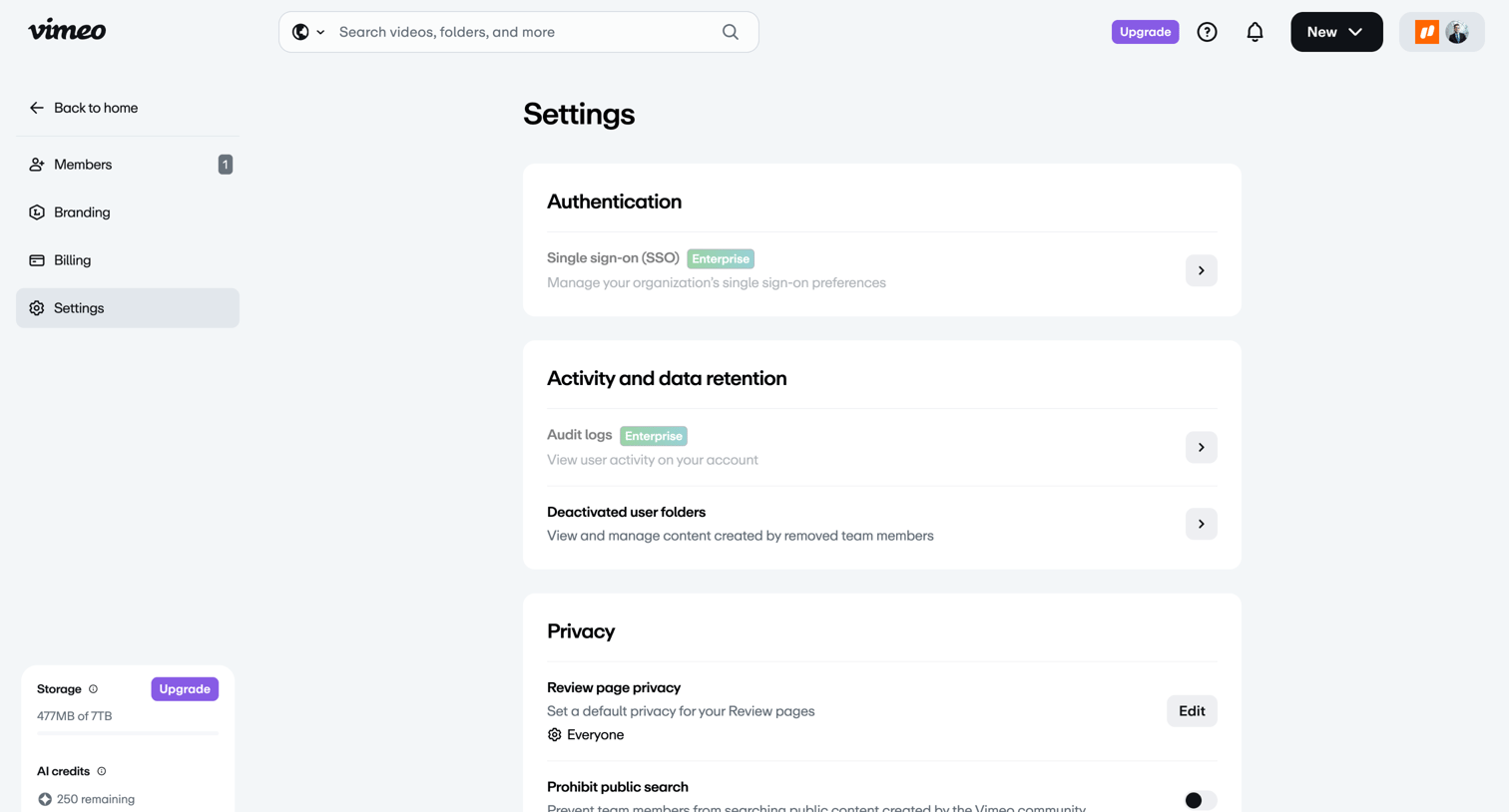

Settings page where the user configures team authentication, activity retention, and privacy controls like default review page visibility.
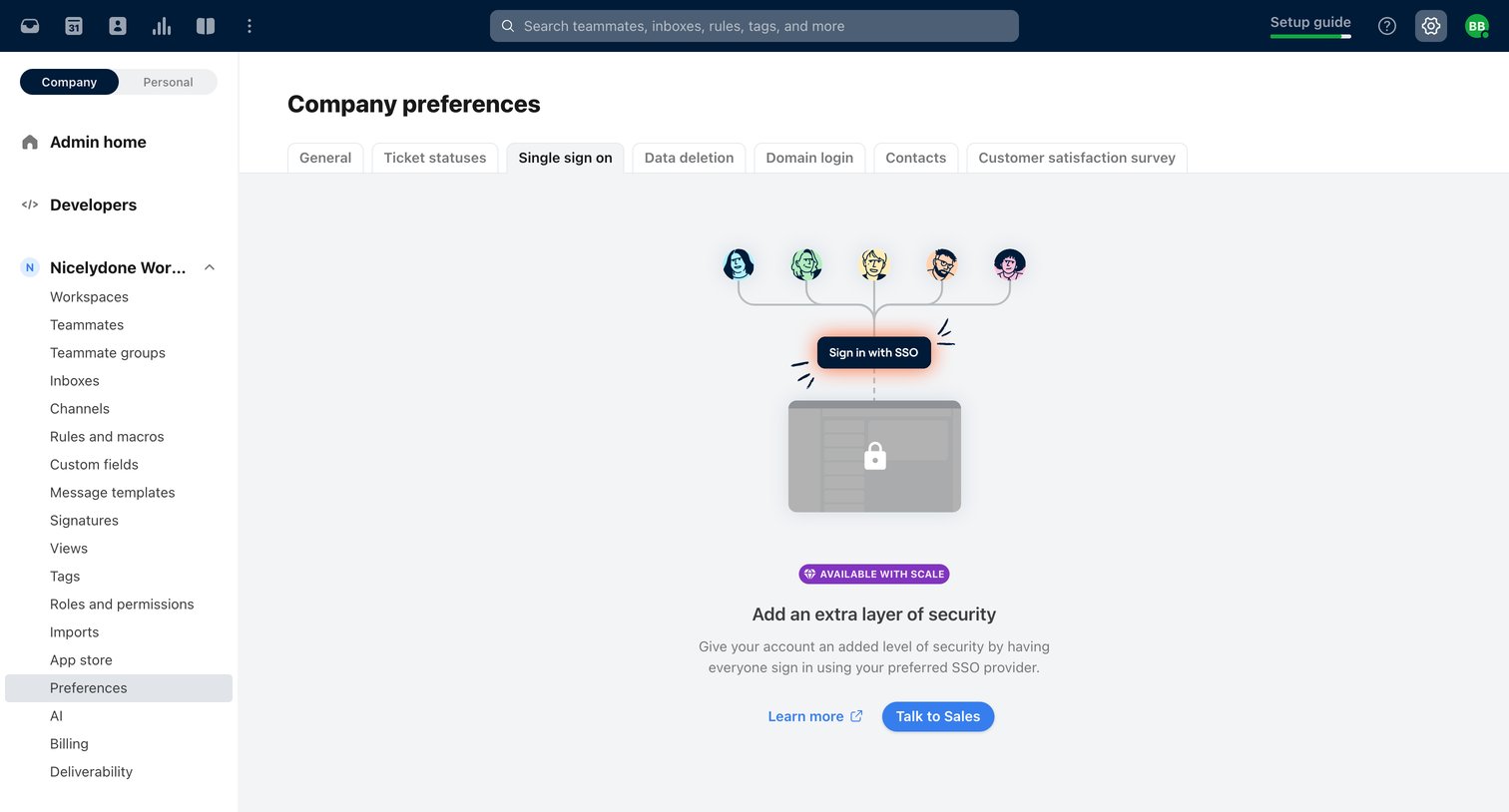

Settings page where the user is prompted to upgrade to the Scale plan to enable Single Sign-On (SSO) for their company.
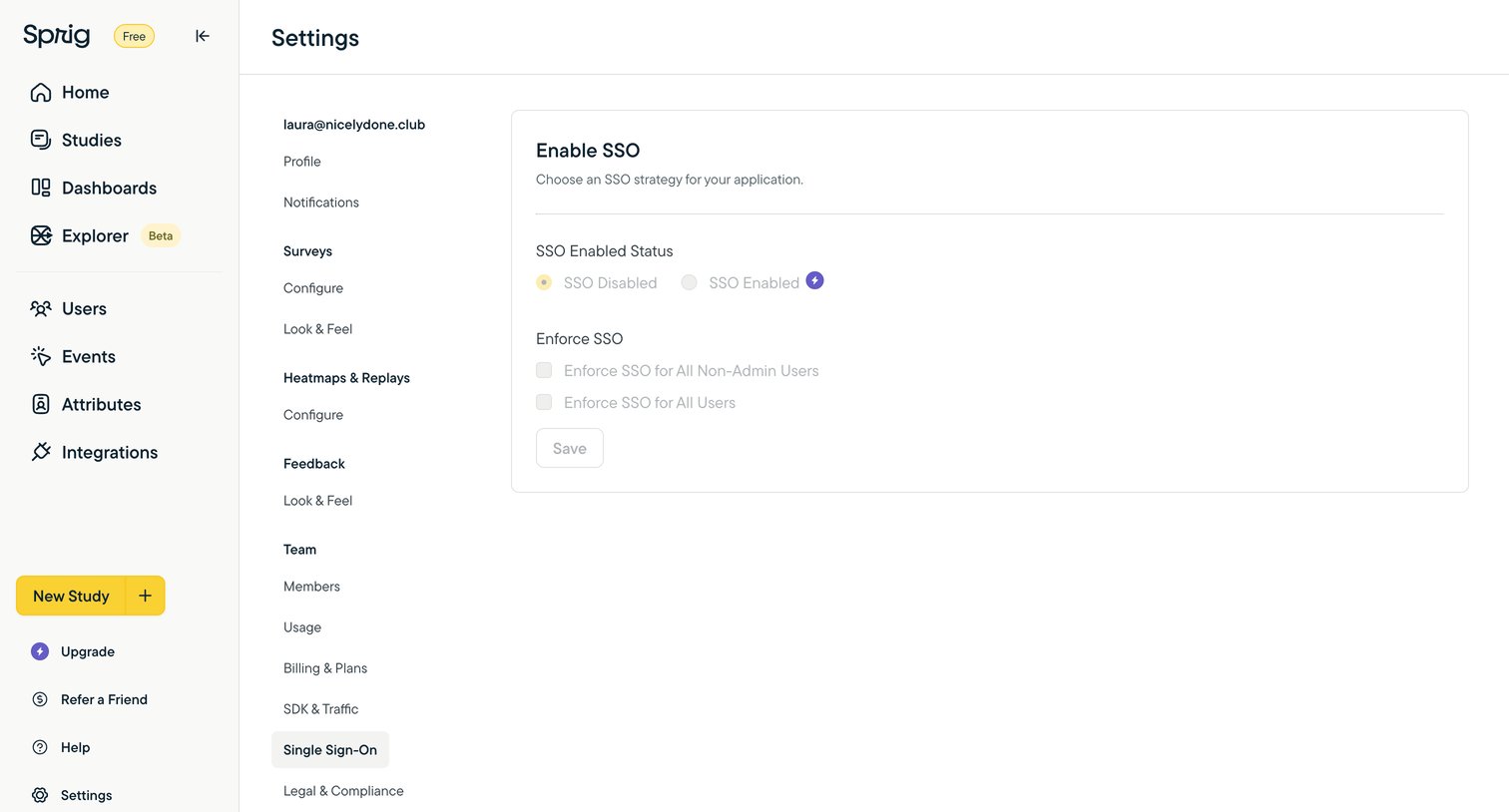

Settings page where the user configures Single Sign-On (SSO) strategies and enforcement rules for their workspace.
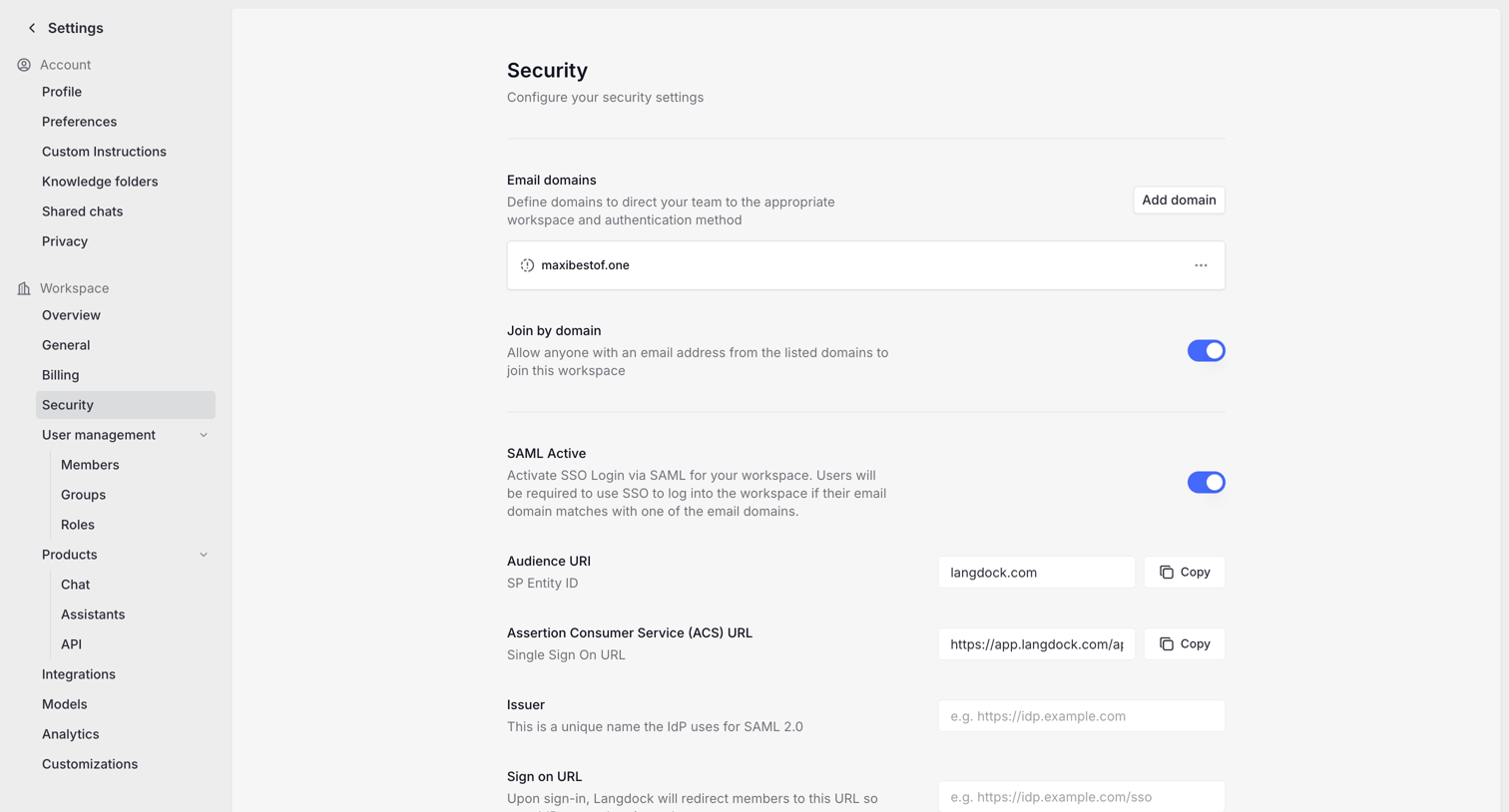

Settings page where the user configures SAML SSO, SCIM provisioning, and email domains for workspace security.
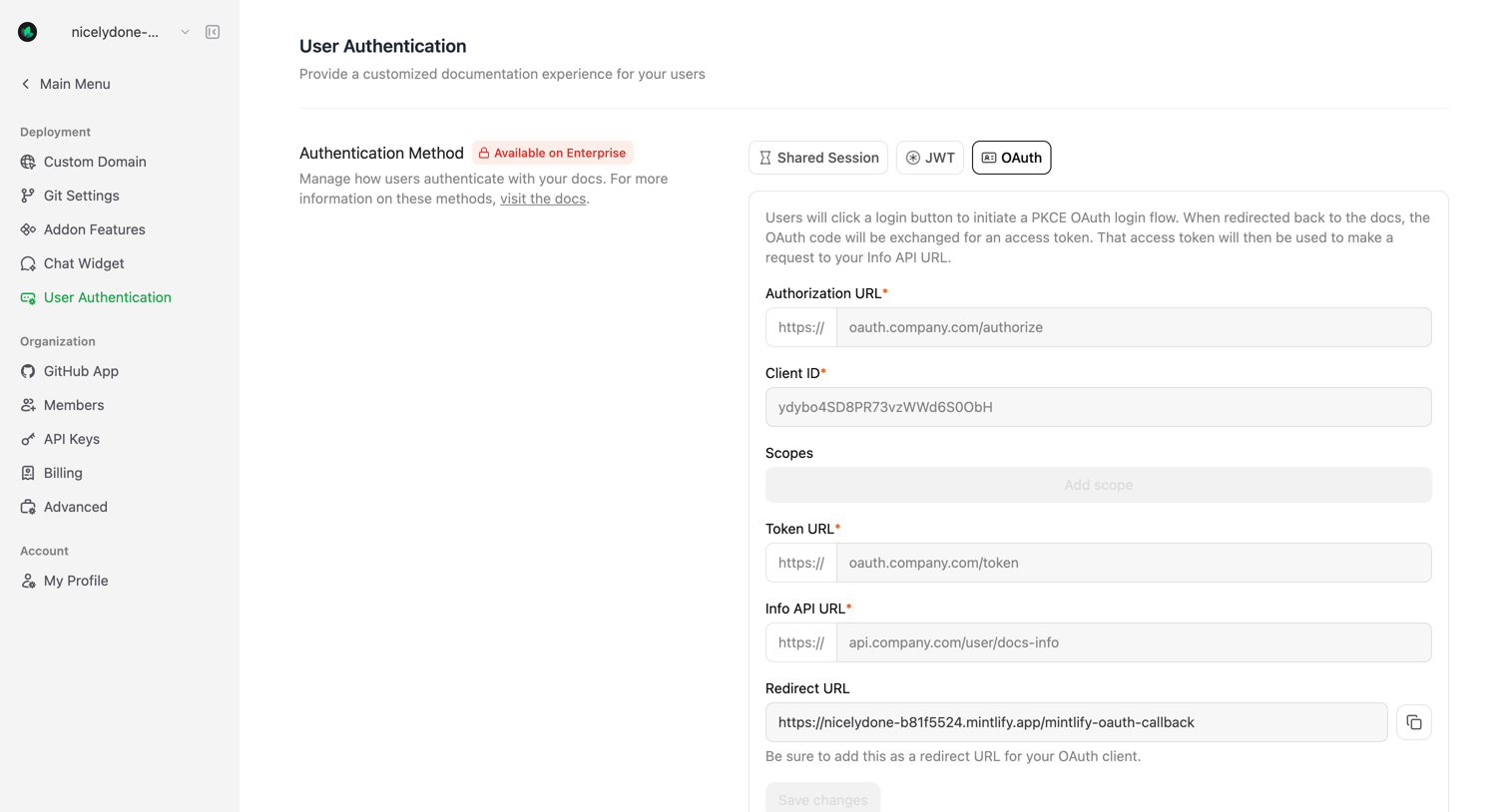

Settings page where the user configures OAuth authentication for their documentation, including authorization URL, client ID, and scopes.
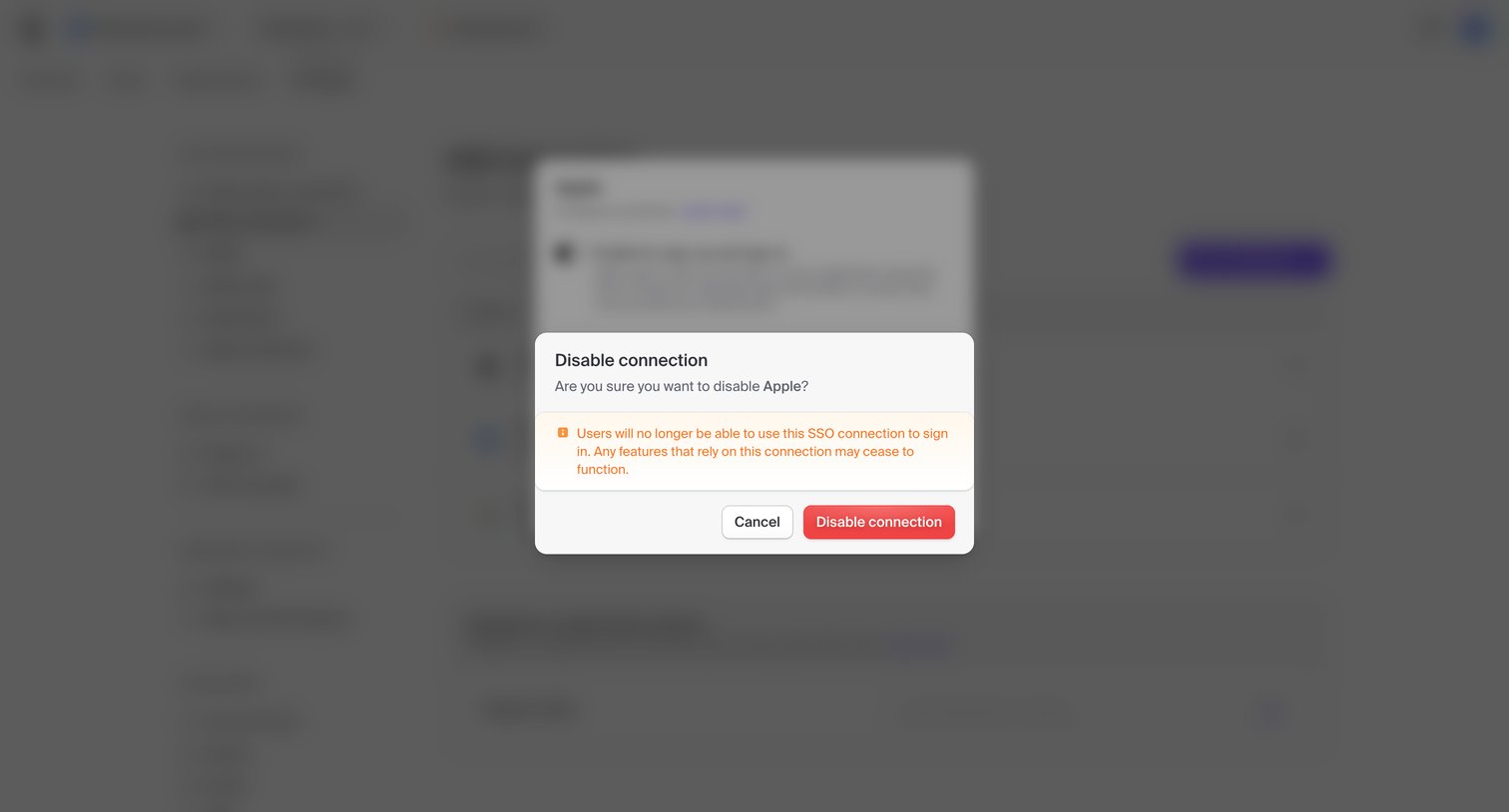

Settings page where the user is prompted to confirm disabling the Apple SSO connection, featuring a warning about loss of user access.
Explore the full SaaS screen library
Upgrade to unlock the full library.
Trusted by the best teams







