SaaS onboarding screen examples
SaaS onboarding screen design examples from SaaS apps. Browse examples from Polar, Latitude.sh, Origin Financial.
Explore the examples
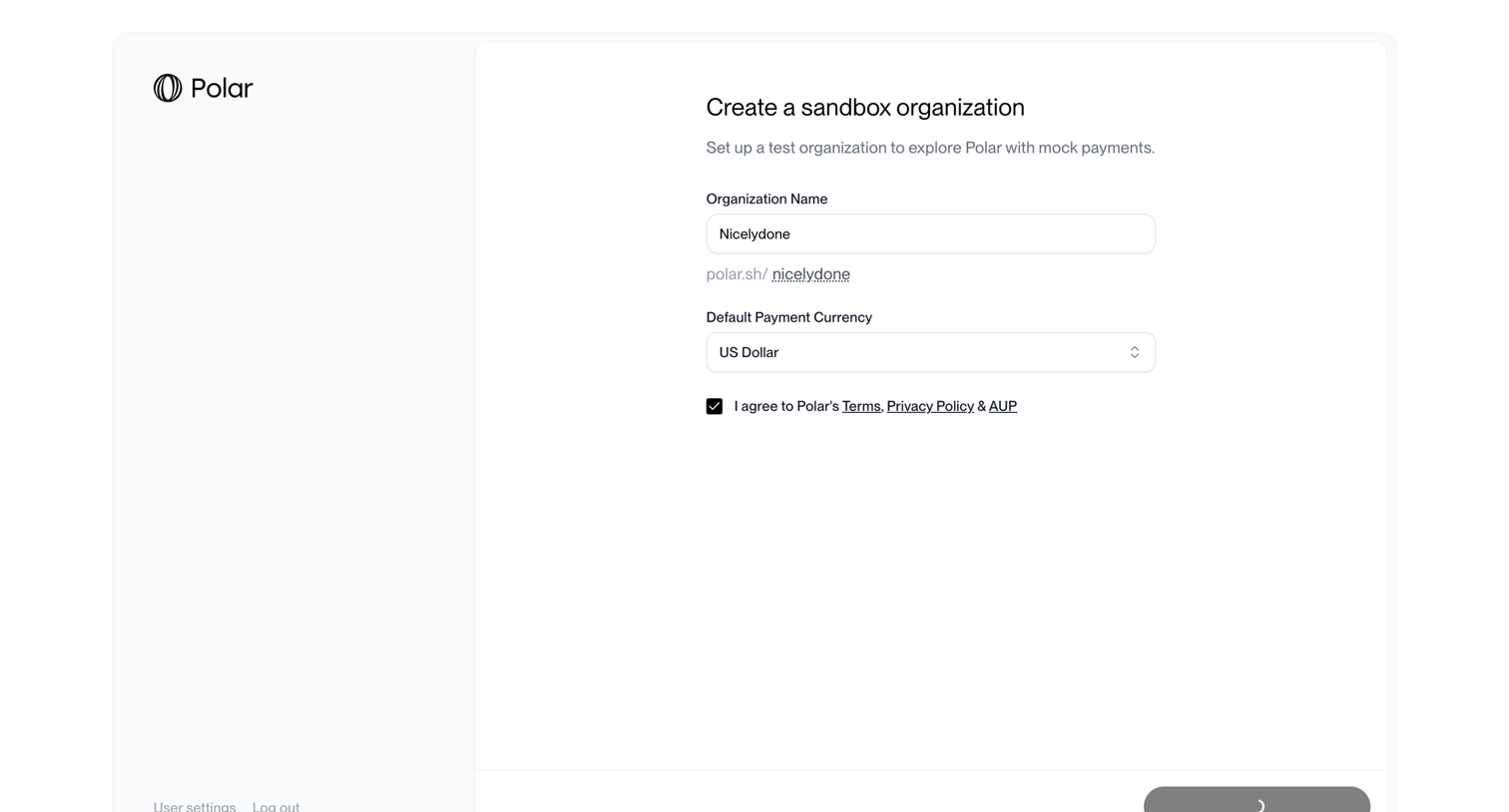

Onboarding step where the user names their sandbox organization, selects a default currency, and agrees to the terms to create a test environment.
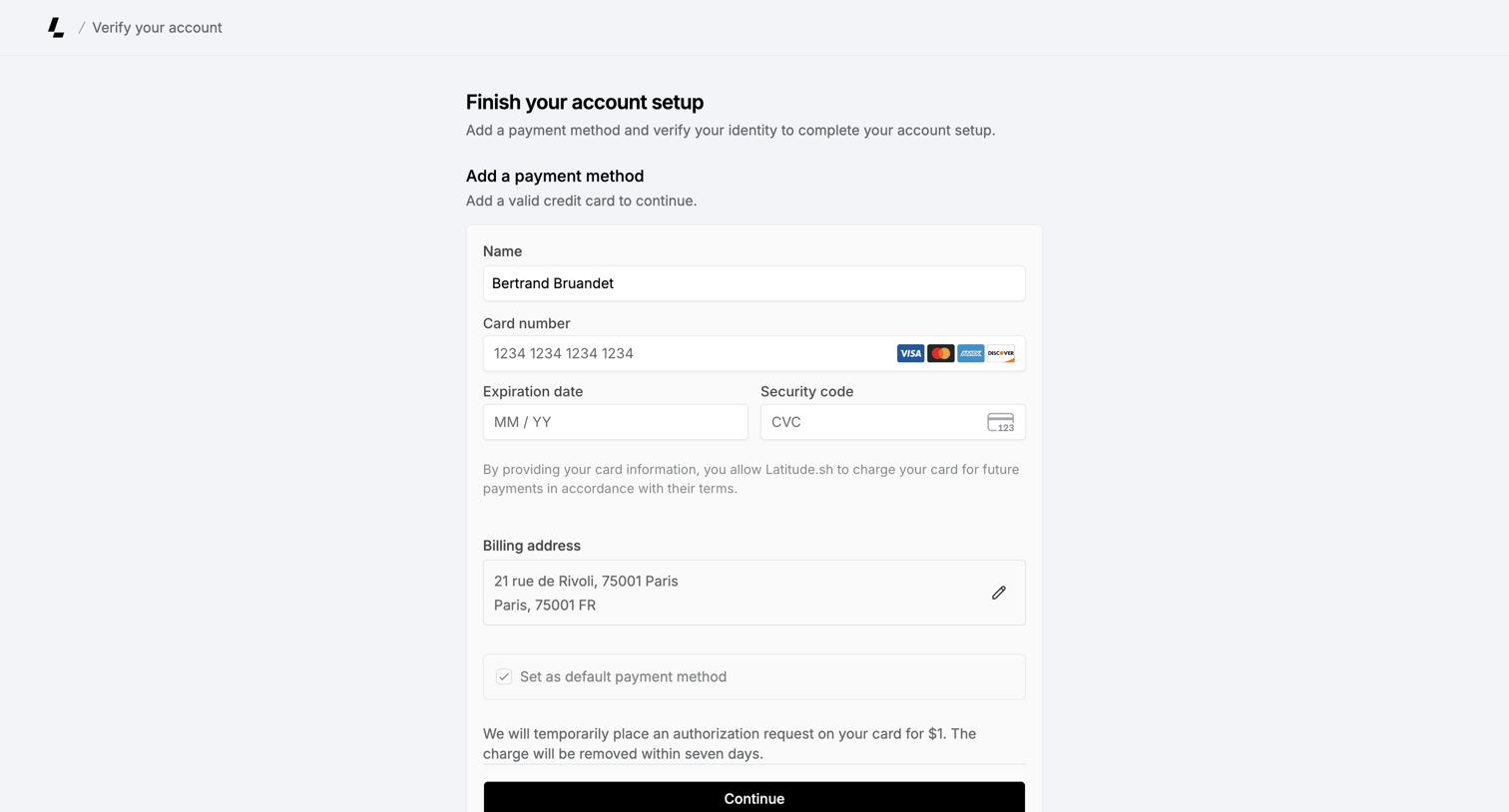

Onboarding step where the user adds a credit card and billing address to verify their identity and finish account setup.
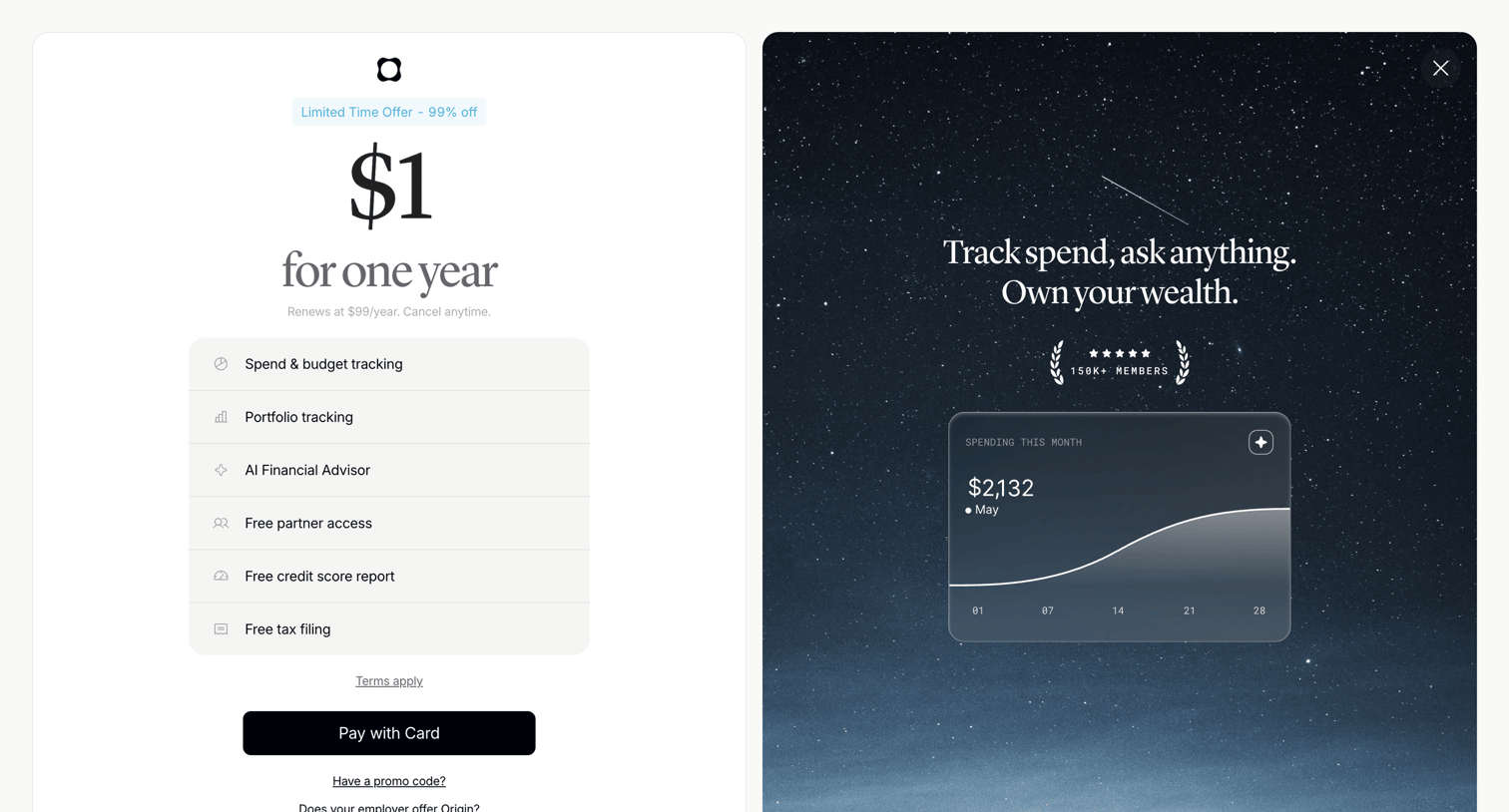

Paywall screen offering a discounted one-year trial with a feature list on the left and social proof alongside a product preview on the right.
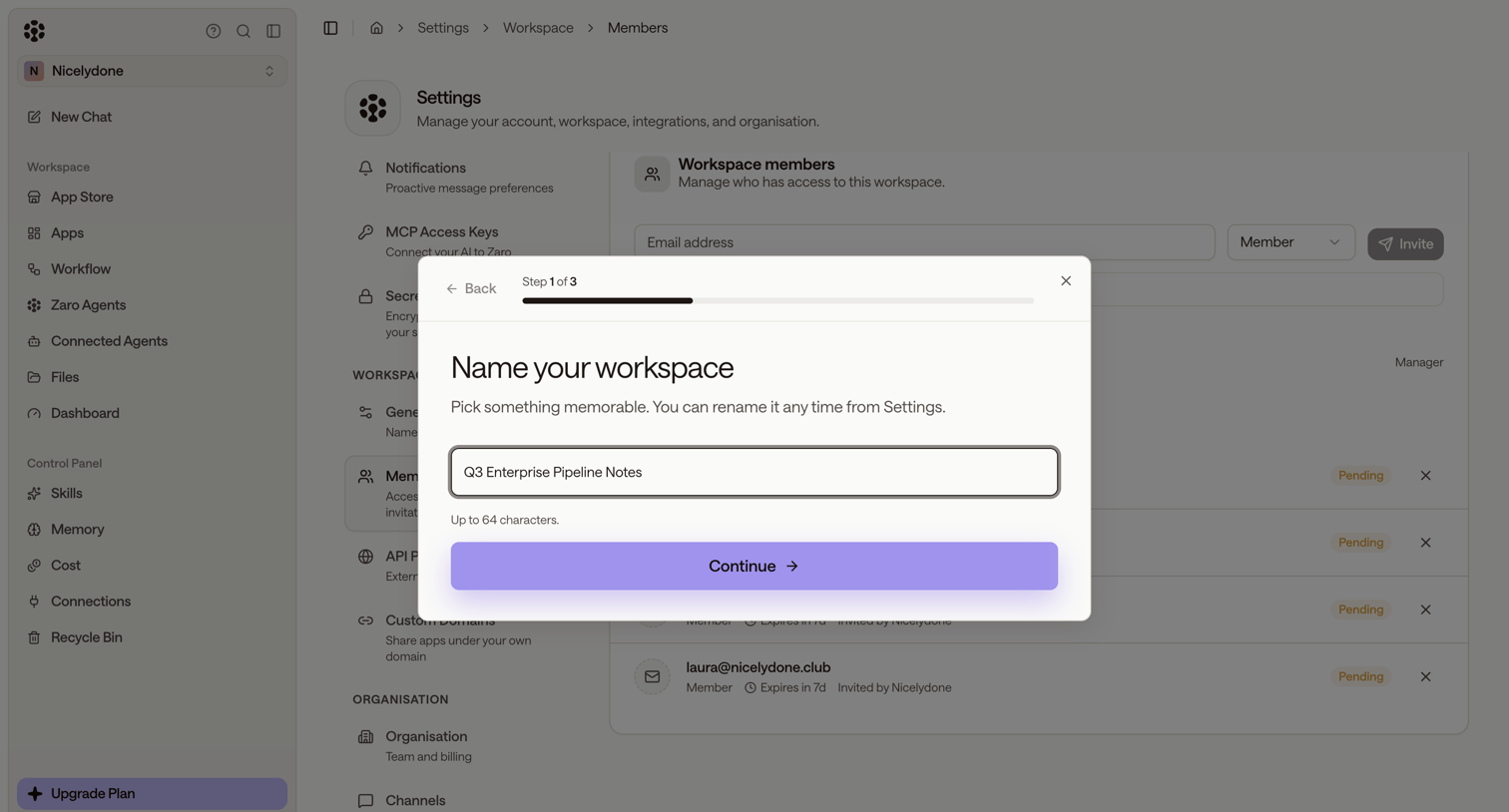

Onboarding step where the user names their workspace, displayed over a settings page for managing workspace members and pending invitations.
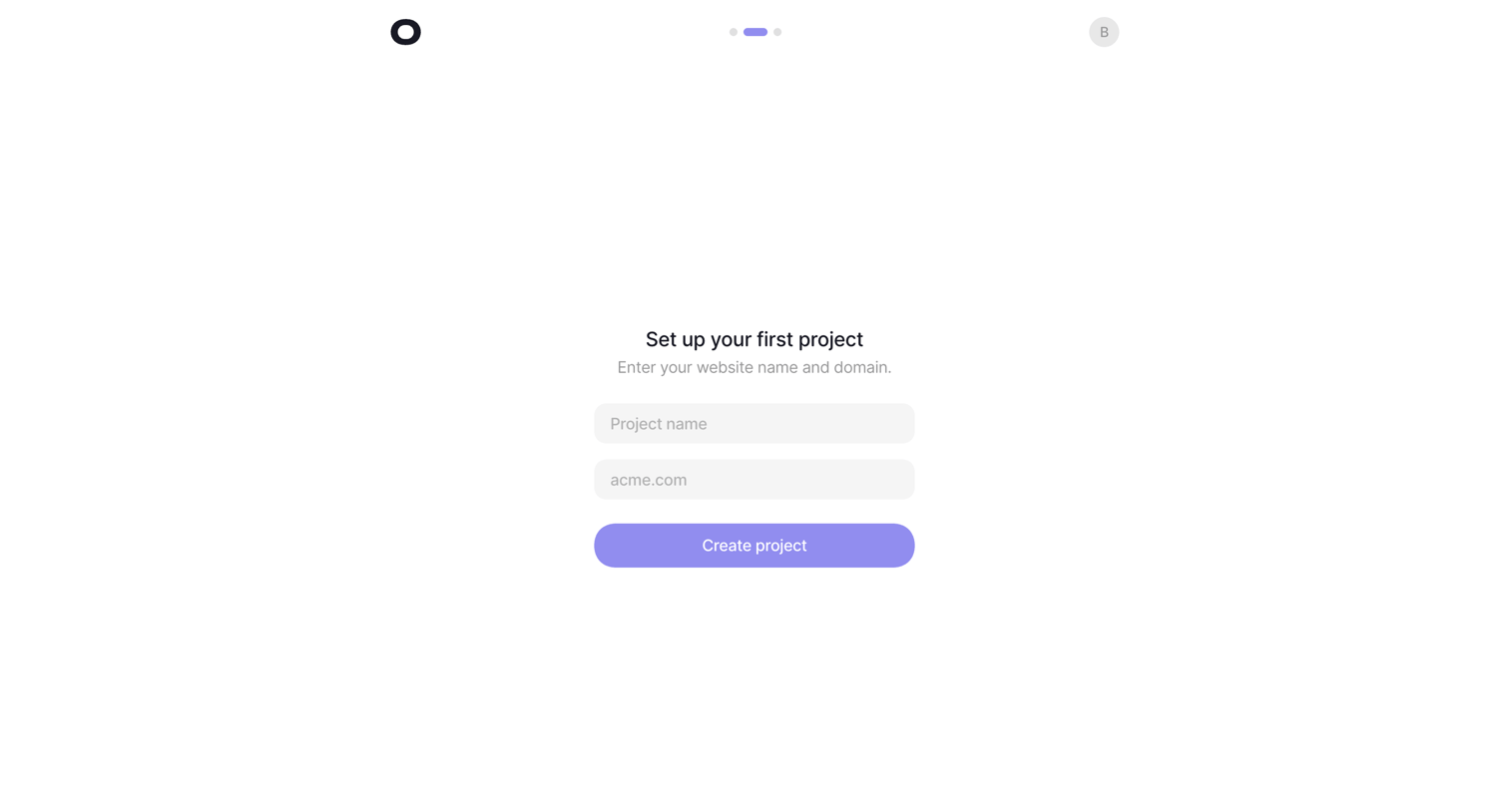

Onboarding step where the user names their first project and provides a website domain to complete setup.
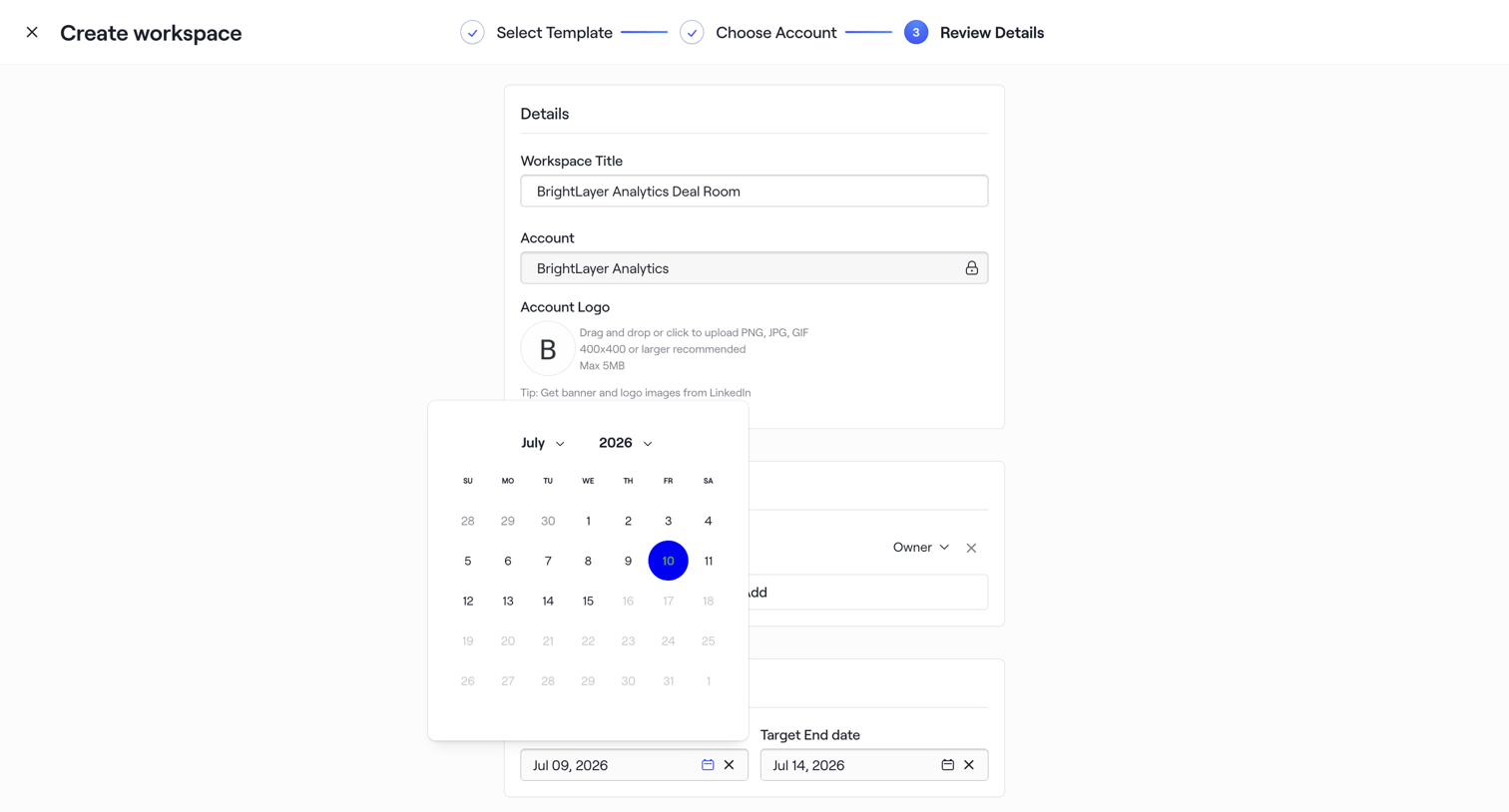

Wizard step where the user reviews details like workspace title, account, logo, and target dates before creating a new workspace.
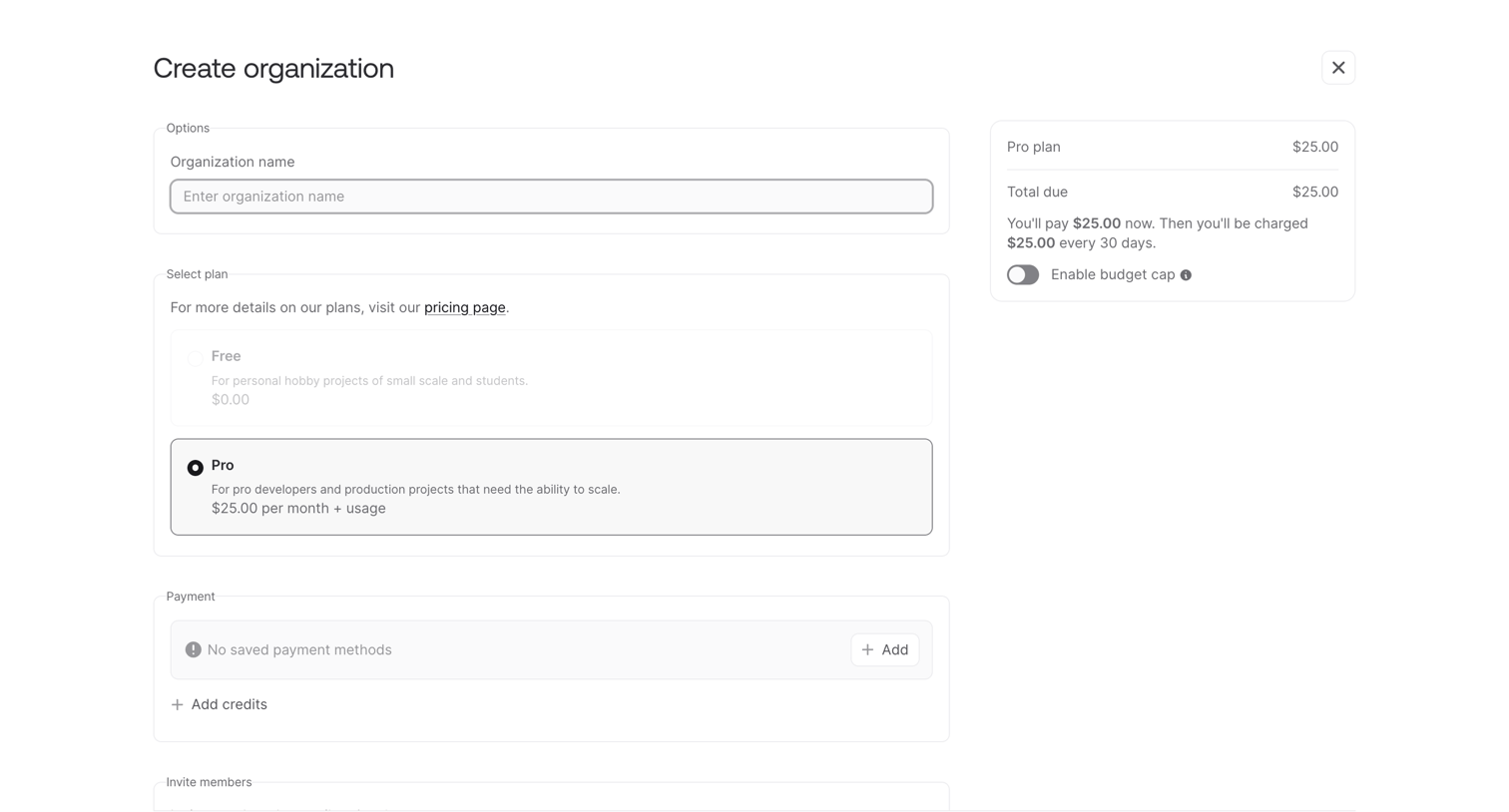

Creation page where the user names their new organization, selects between a free or pro plan, and reviews their initial payment summary.
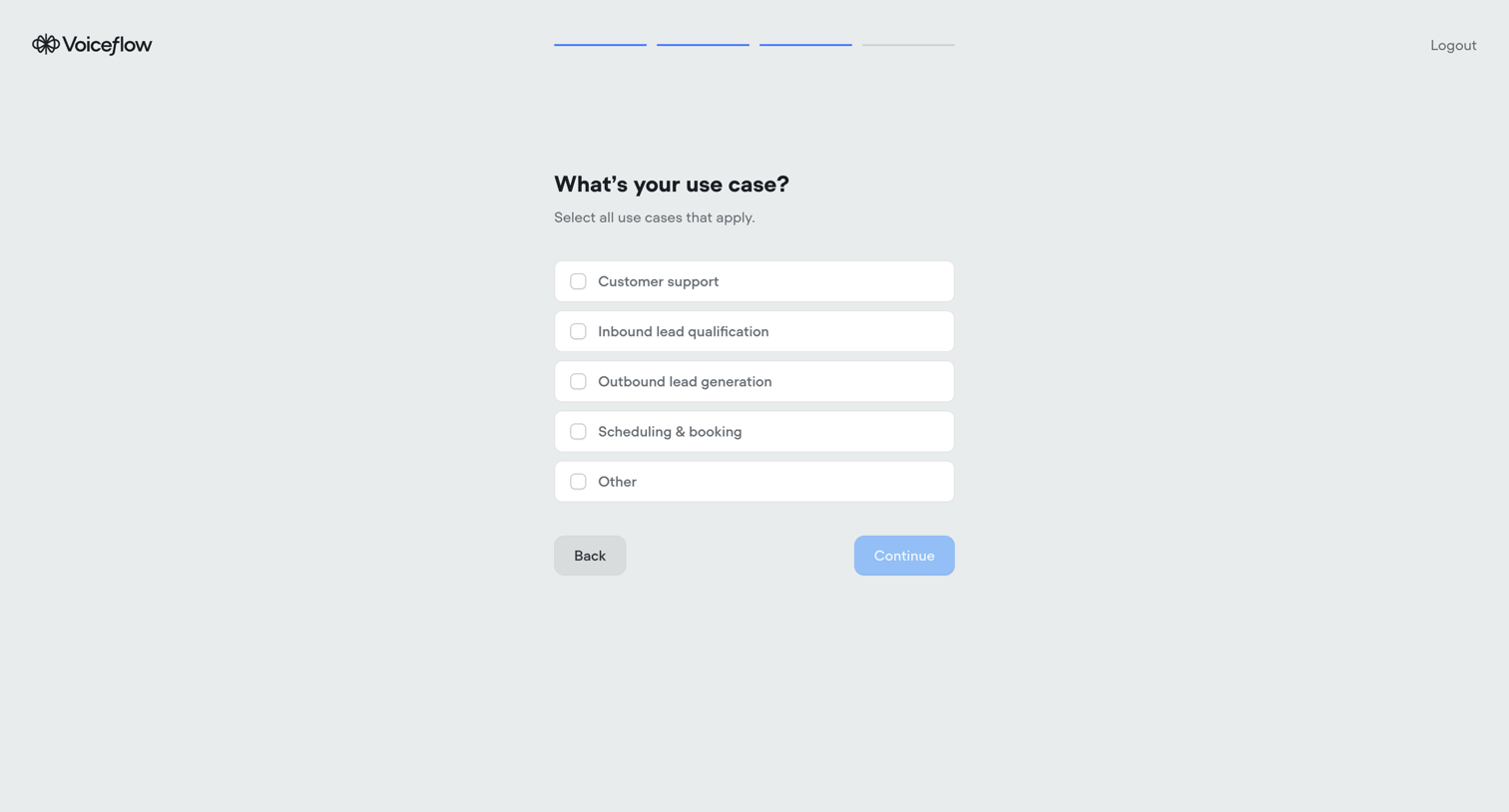

Onboarding step where the user selects their primary use cases from a list of options like customer support and lead generation.
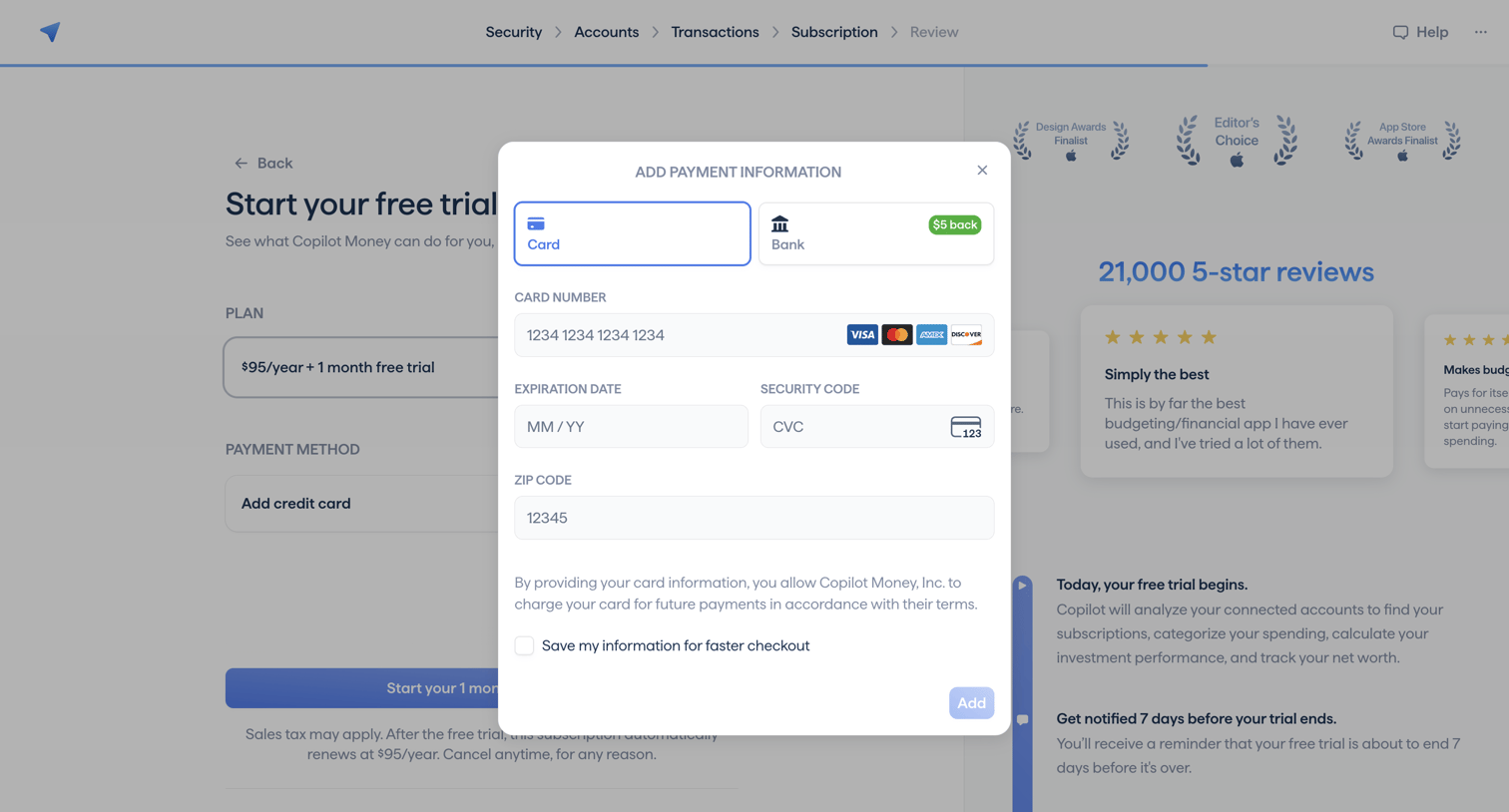

Onboarding step where the user enters their credit card details to activate a free trial, with social proof and a trial timeline visible in the background.
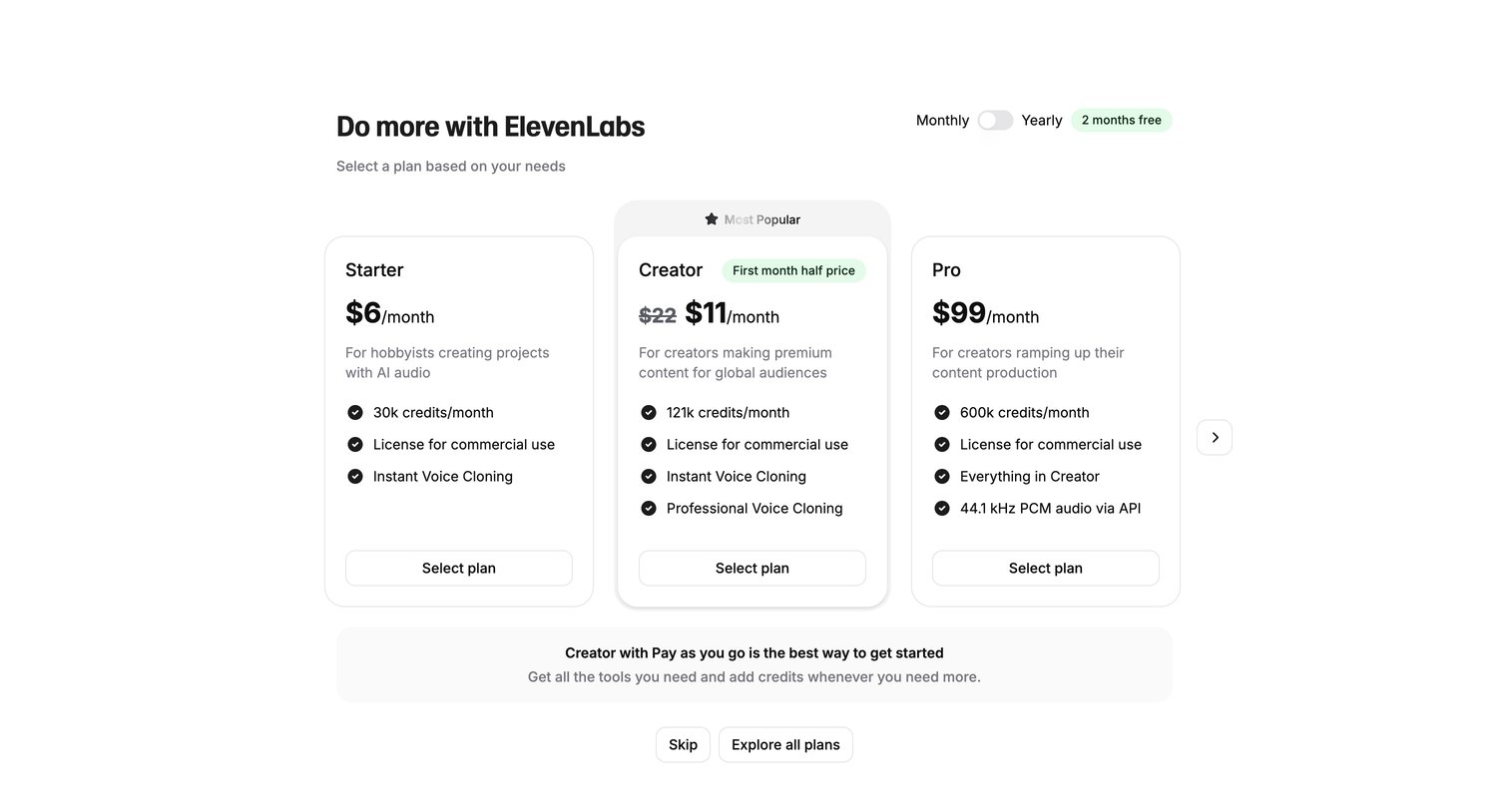

Onboarding step where the user selects a subscription plan between Starter, Creator, and Pro tiers, toggles between monthly and yearly billing, or chooses to skip.
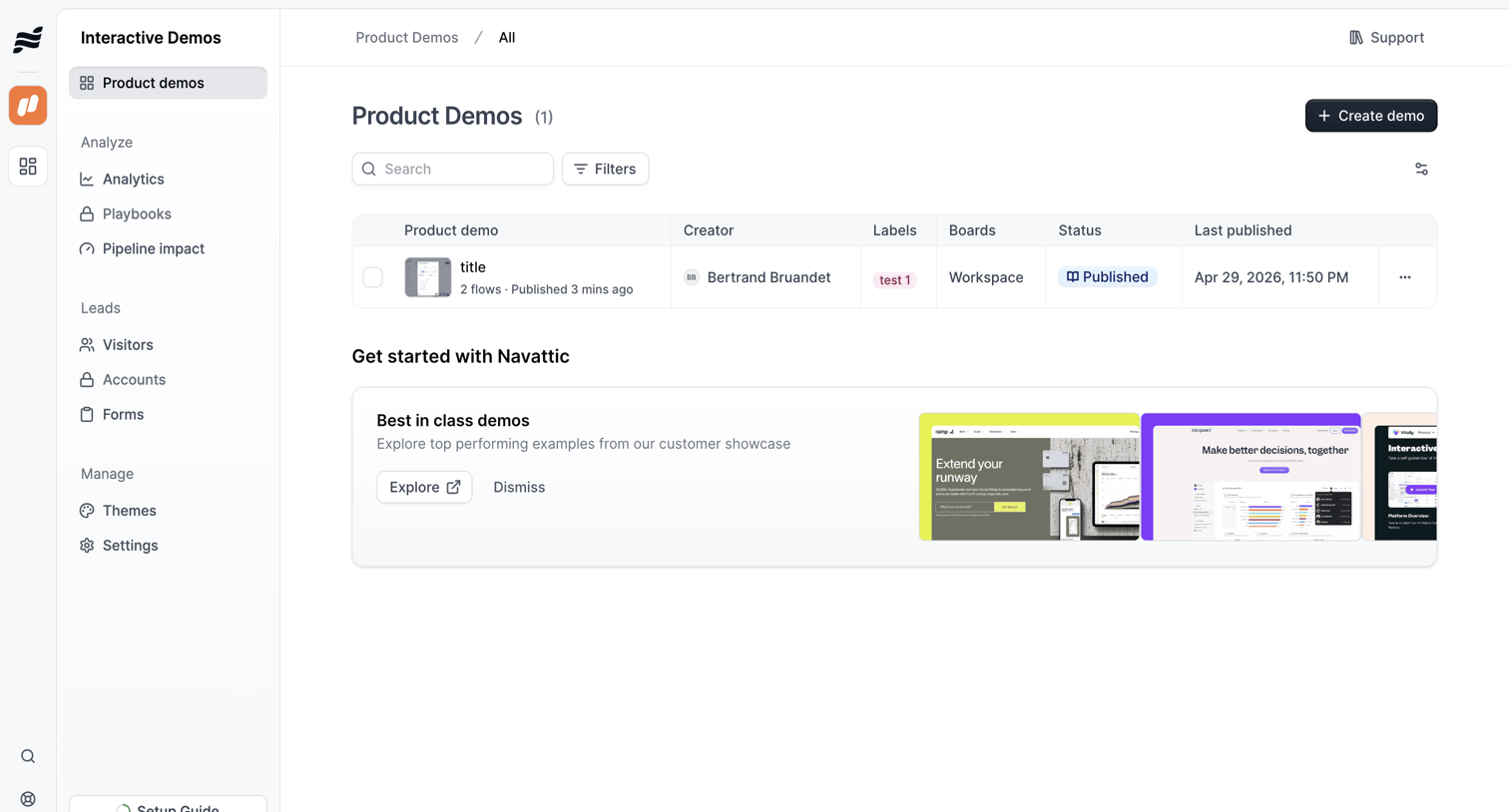

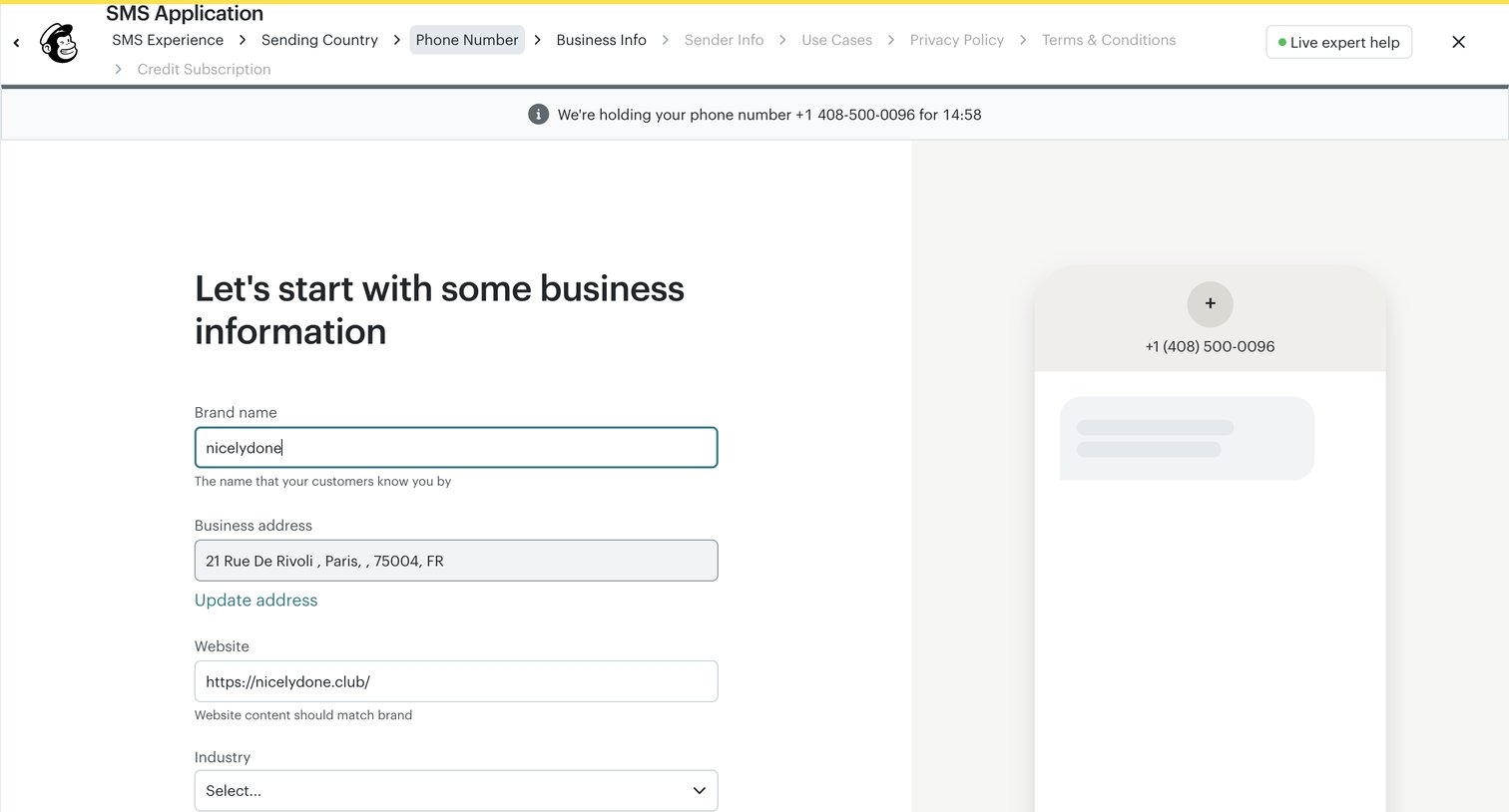

Onboarding step where the user provides their brand name, business address, website, and industry for an SMS application.
Explore the full SaaS screen library
Upgrade to unlock the full library.
Trusted by the best teams







