Rule engine screen examples
Rule engine screen design examples from SaaS apps. Browse examples from Lithic, Chatwoot, Attio.
Explore the examples
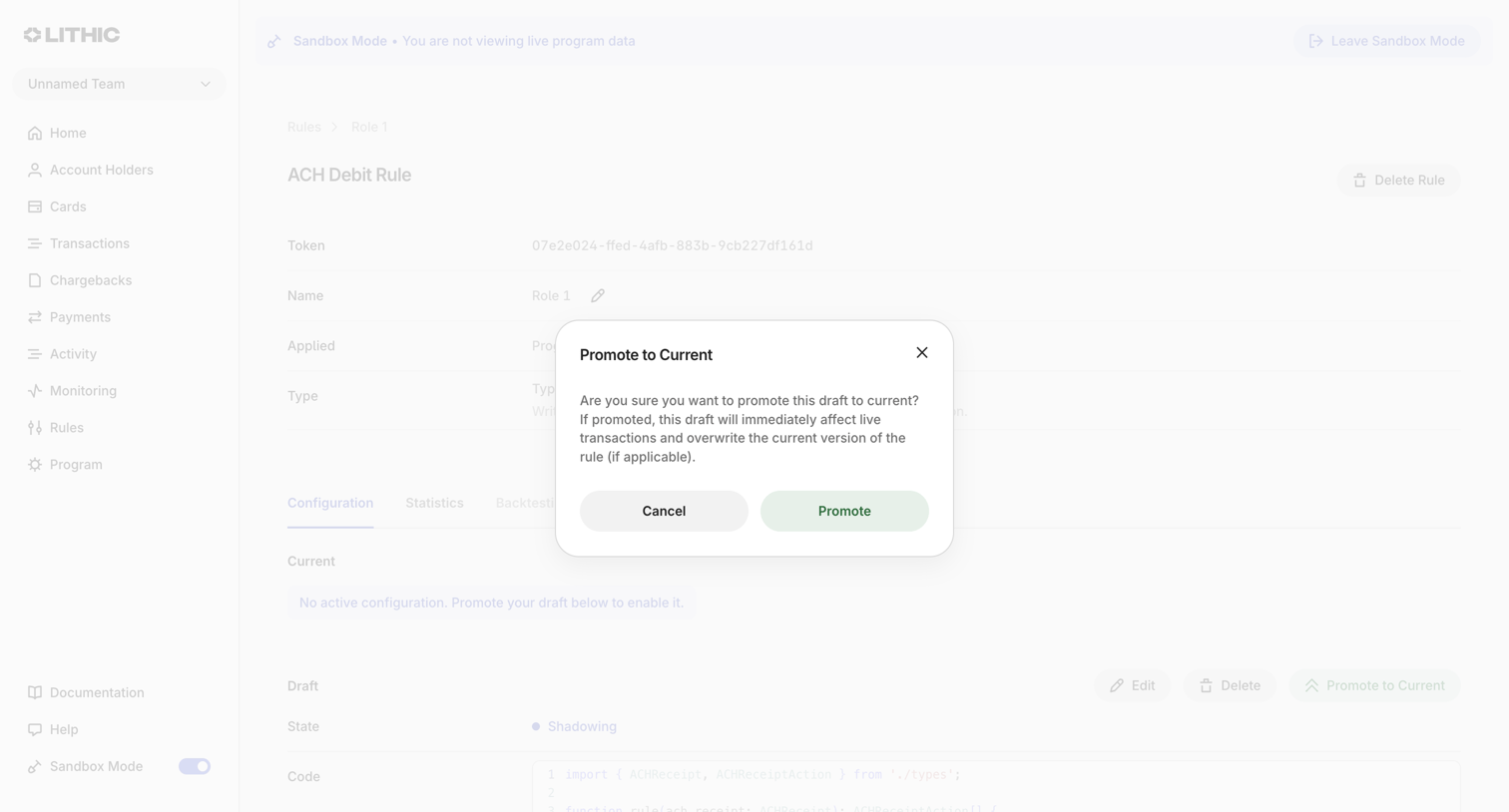

Detail page for an ACH Debit rule where the user is prompted to confirm promoting a draft code version to the live current state.
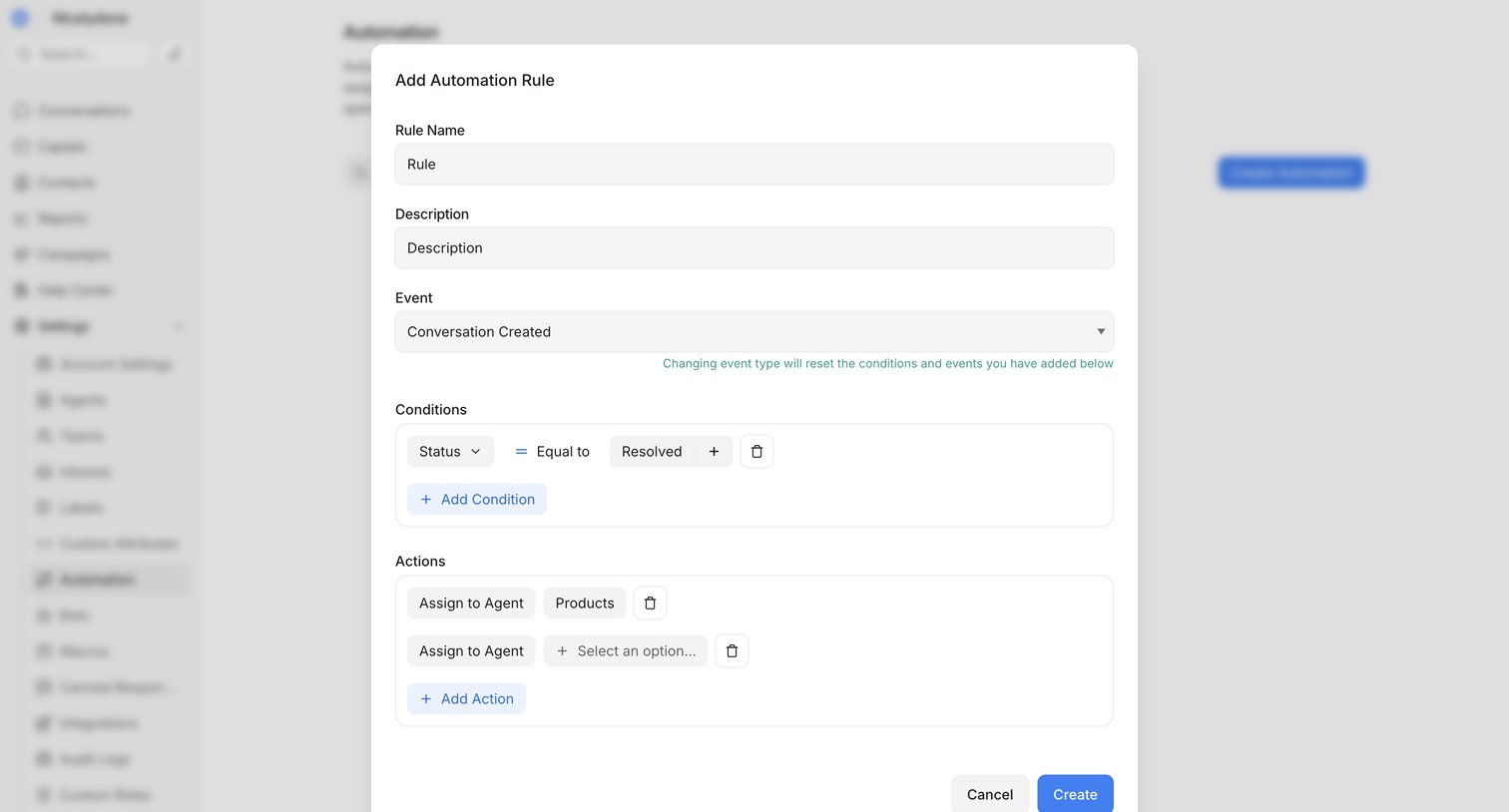

Settings page where the user configures a new automation rule with specific conditions and actions via a modal.
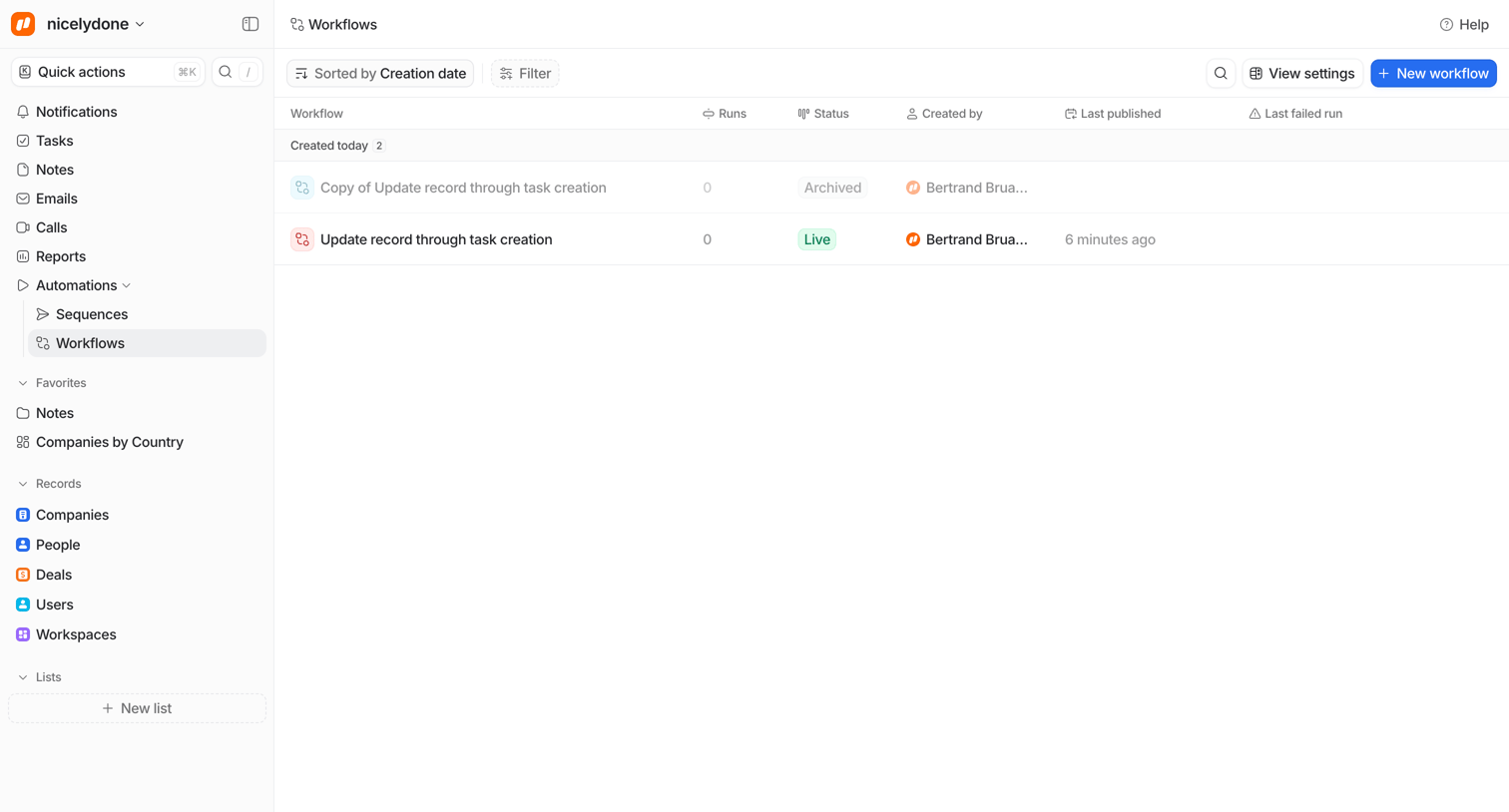

List view where the user manages automation workflows, displaying run counts, live status, and creation details with an option to build a new one.
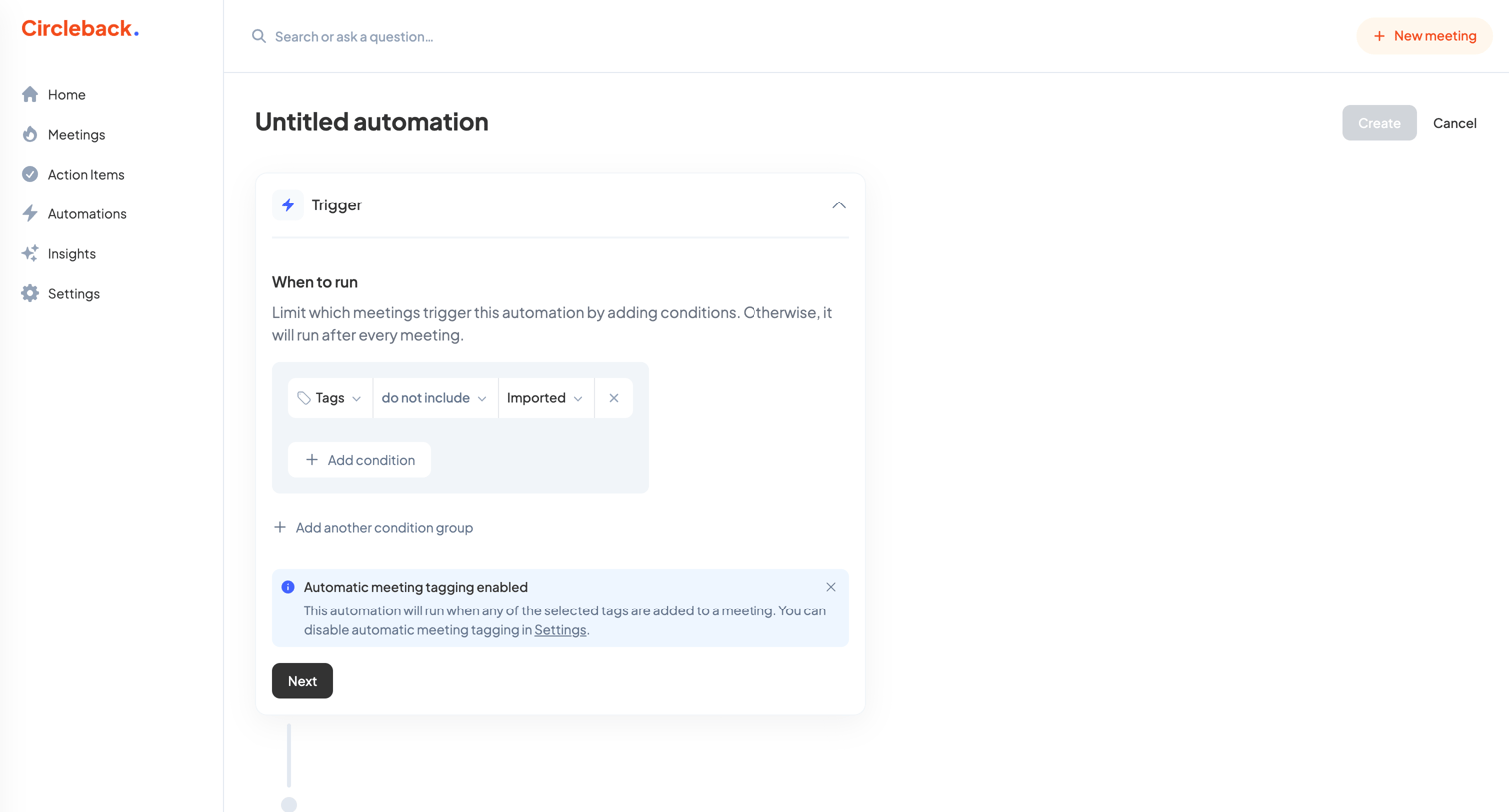

Creation page where the user builds a new automation by configuring trigger conditions based on meeting tags.
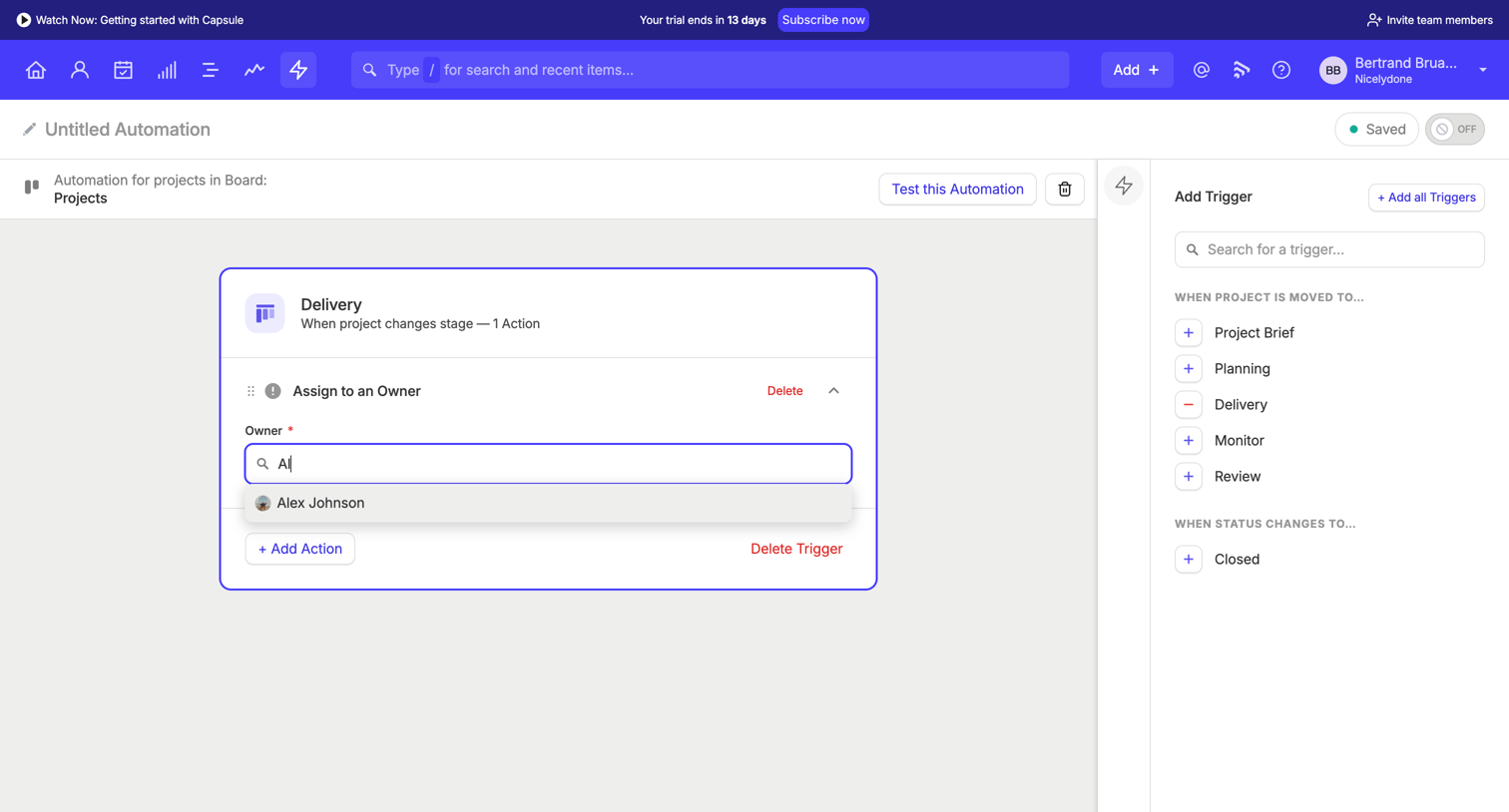

Design editor where the user configures an automation workflow by adding triggers and actions, currently using a combobox to assign an owner to a project delivery stage.
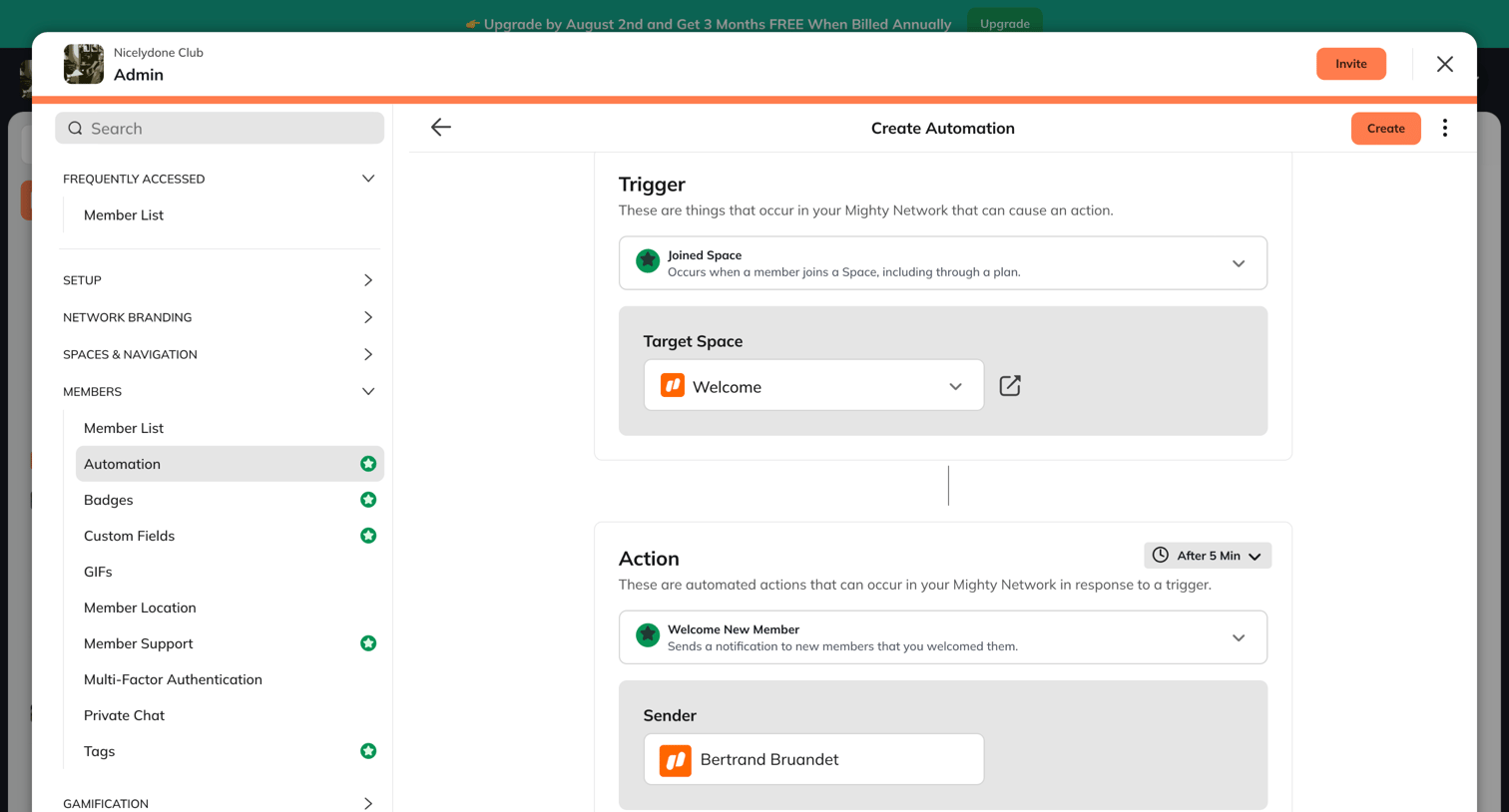

Create screen where the user configures a new automation by defining a trigger event, a target space, and a corresponding action with a time delay.
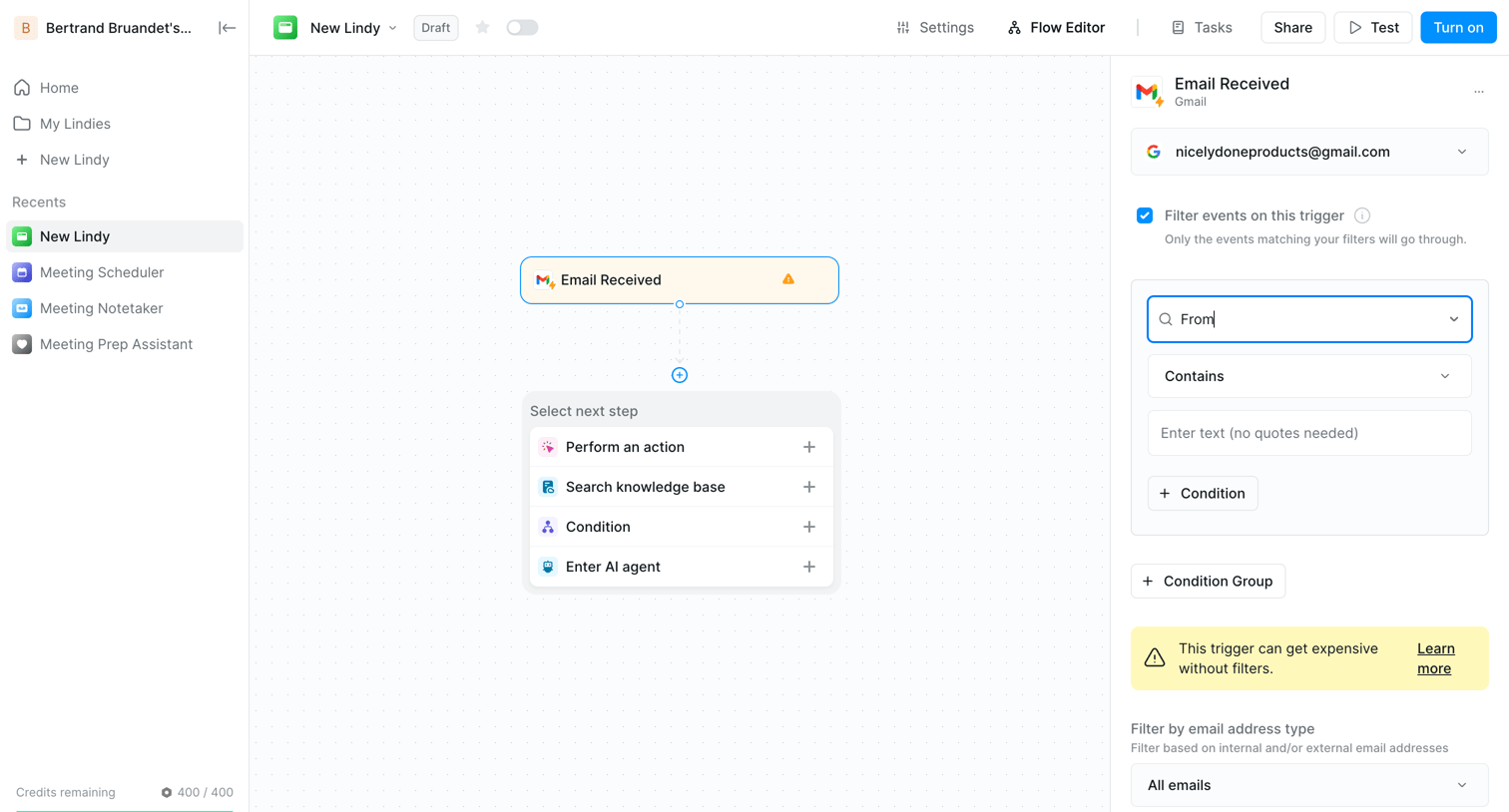

Workflow editor where the user configures an email-received trigger with specific sender conditions before adding the next automation step.
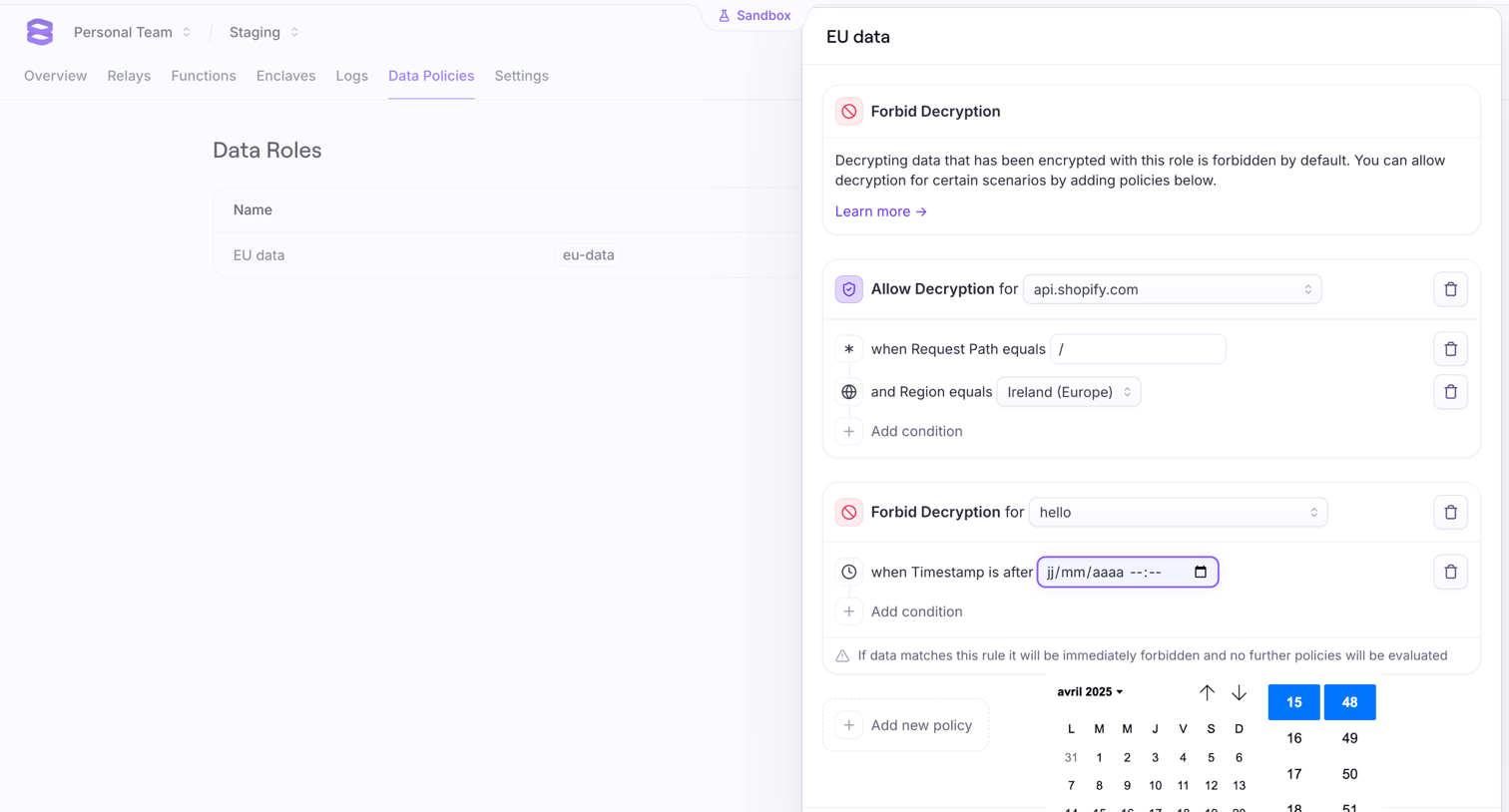

Settings detail page where the user configures decryption rules and conditions for a specific data role.
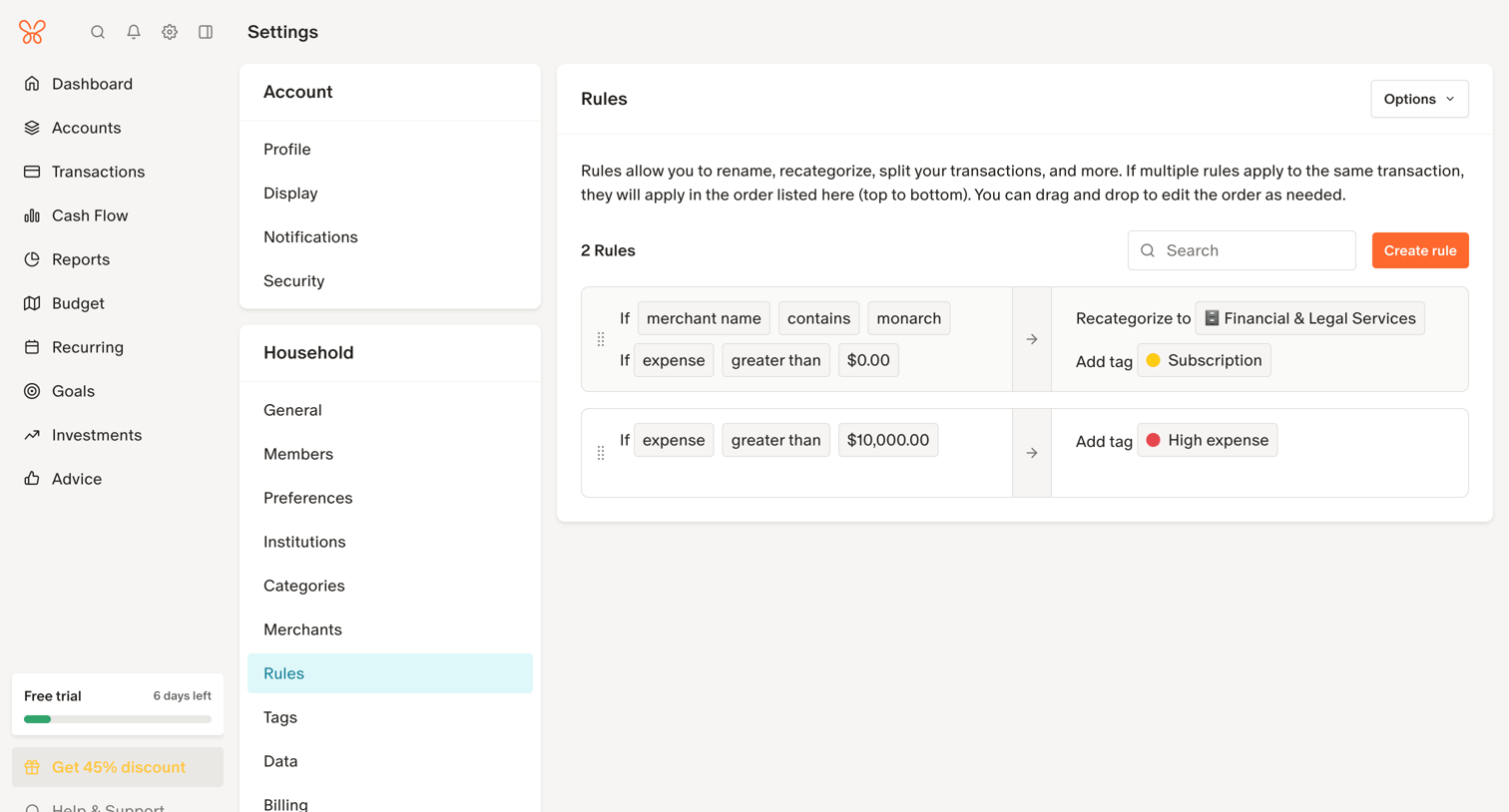

Settings page where the user manages rules to automatically recategorize and tag transactions based on merchant name or expense amount.
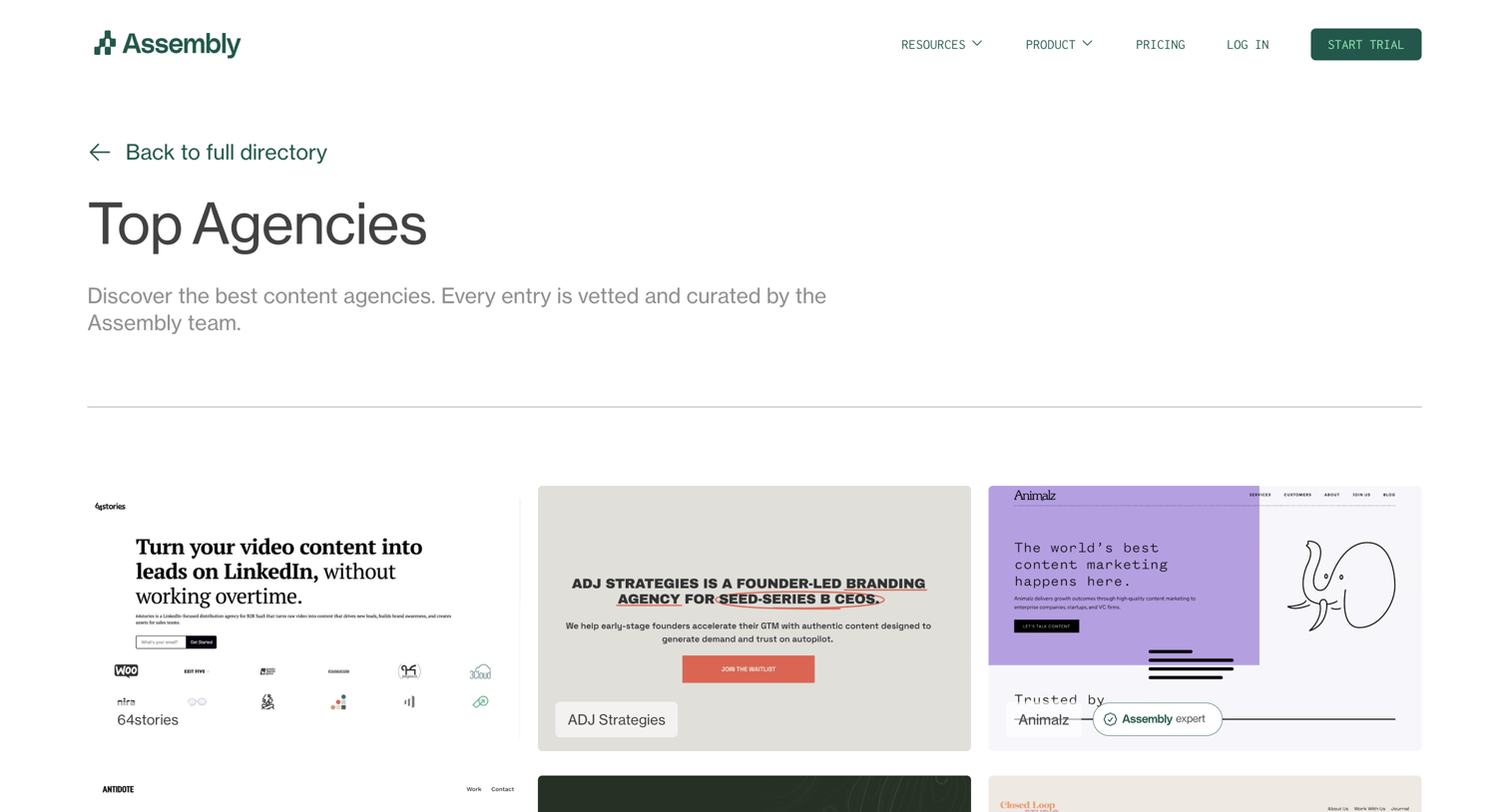

Partner directory page where the user browses a curated list of top content agencies, some marked as vetted experts, with an option to request a custom match.
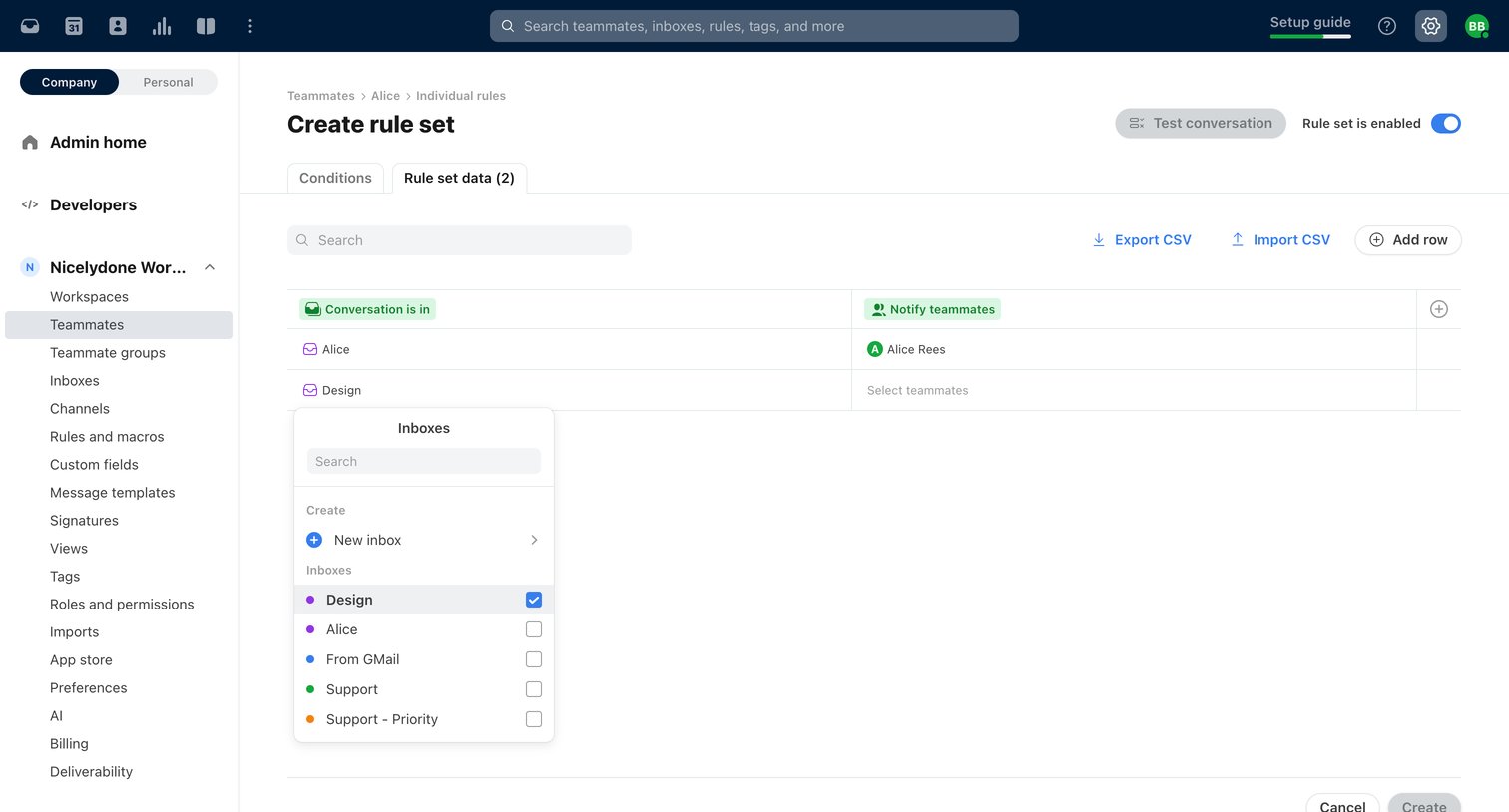

Settings page where the user configures a new automation rule set for a specific teammate, using a data table to define conditions like inboxes and actions.
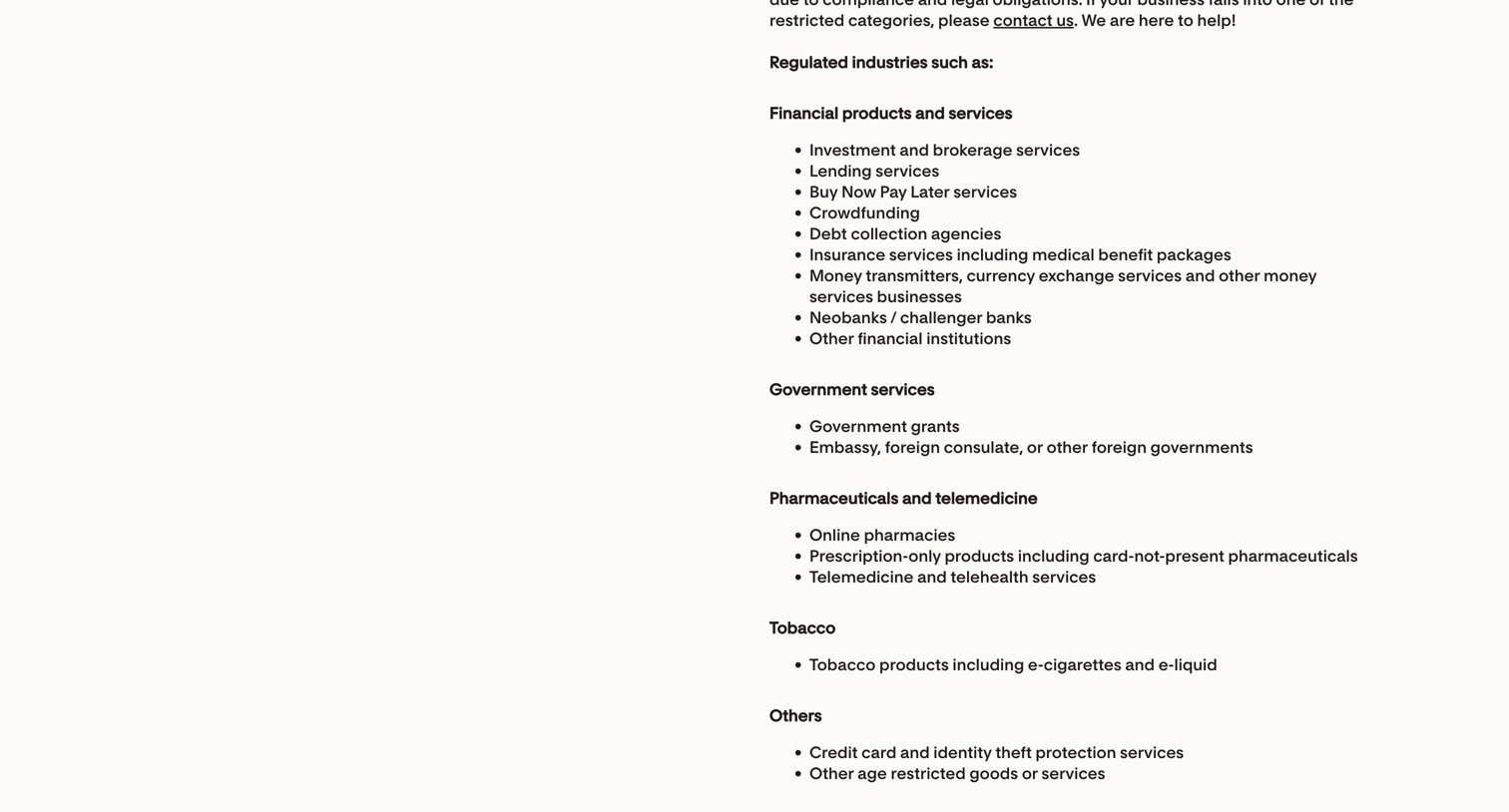

Legal terms and conditions page detailing the affiliate program agreement, including eligibility, payment terms, and licenses.
Explore the full SaaS screen library
Upgrade to unlock the full library.
Trusted by the best teams







