Project organization screen examples
Project organization screen design examples from SaaS apps. Browse examples from Dock, Flora, Lovable.
Explore the examples
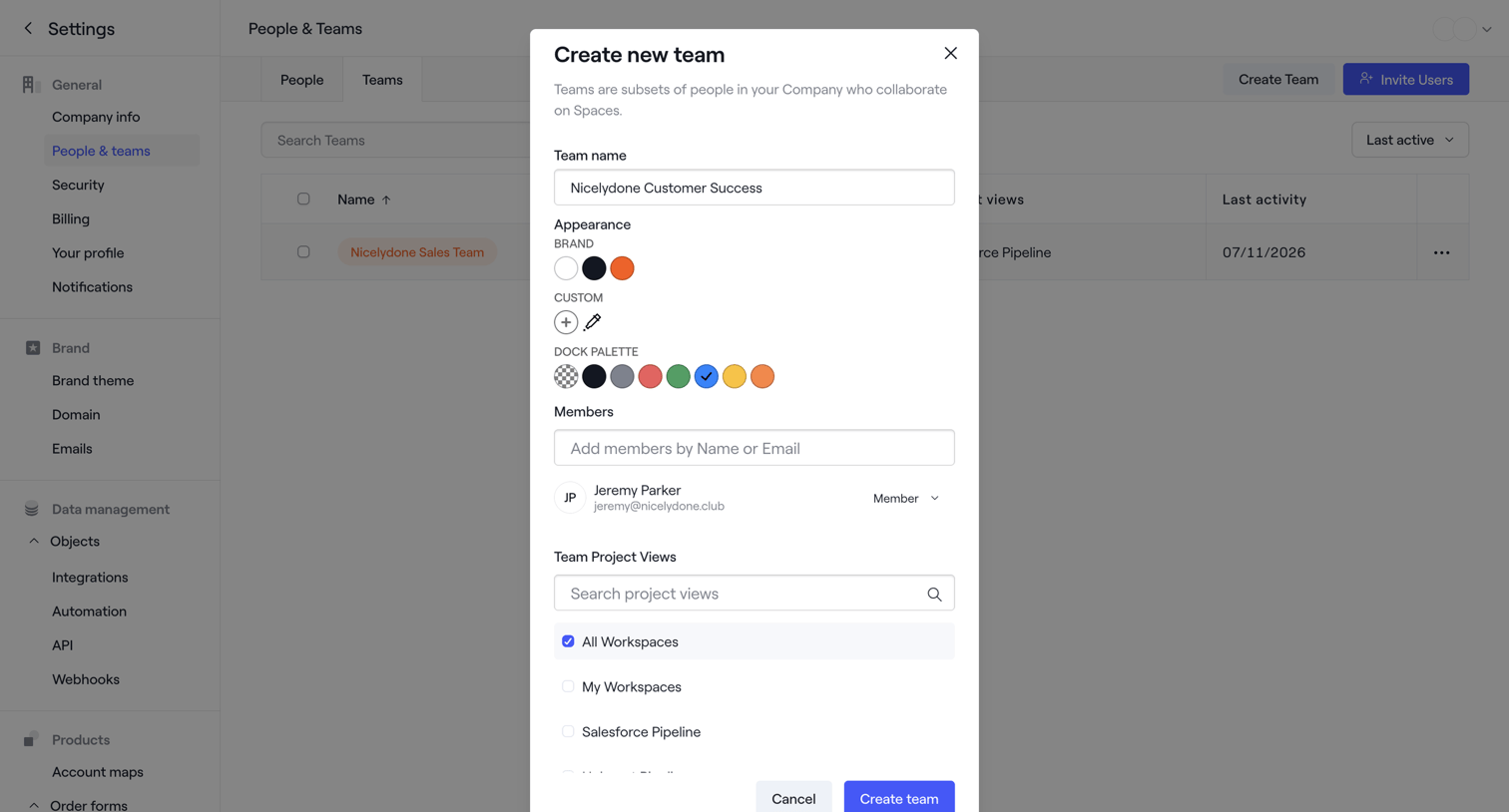

Settings page where the user configures a new team by setting its name, appearance palette, members, and project views via a modal.
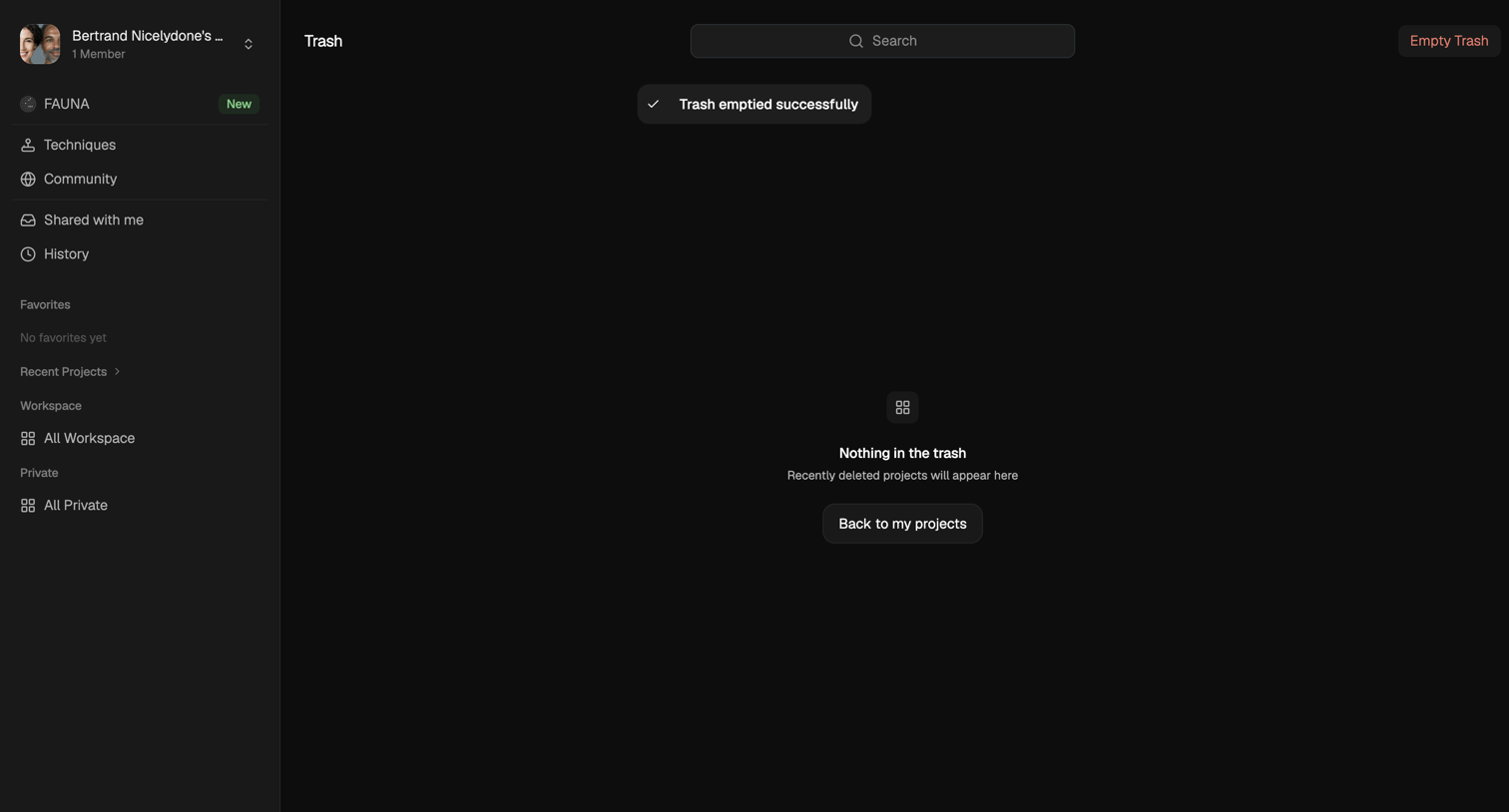

Trash page showing an empty state and a success toast after the user emptied all deleted projects.
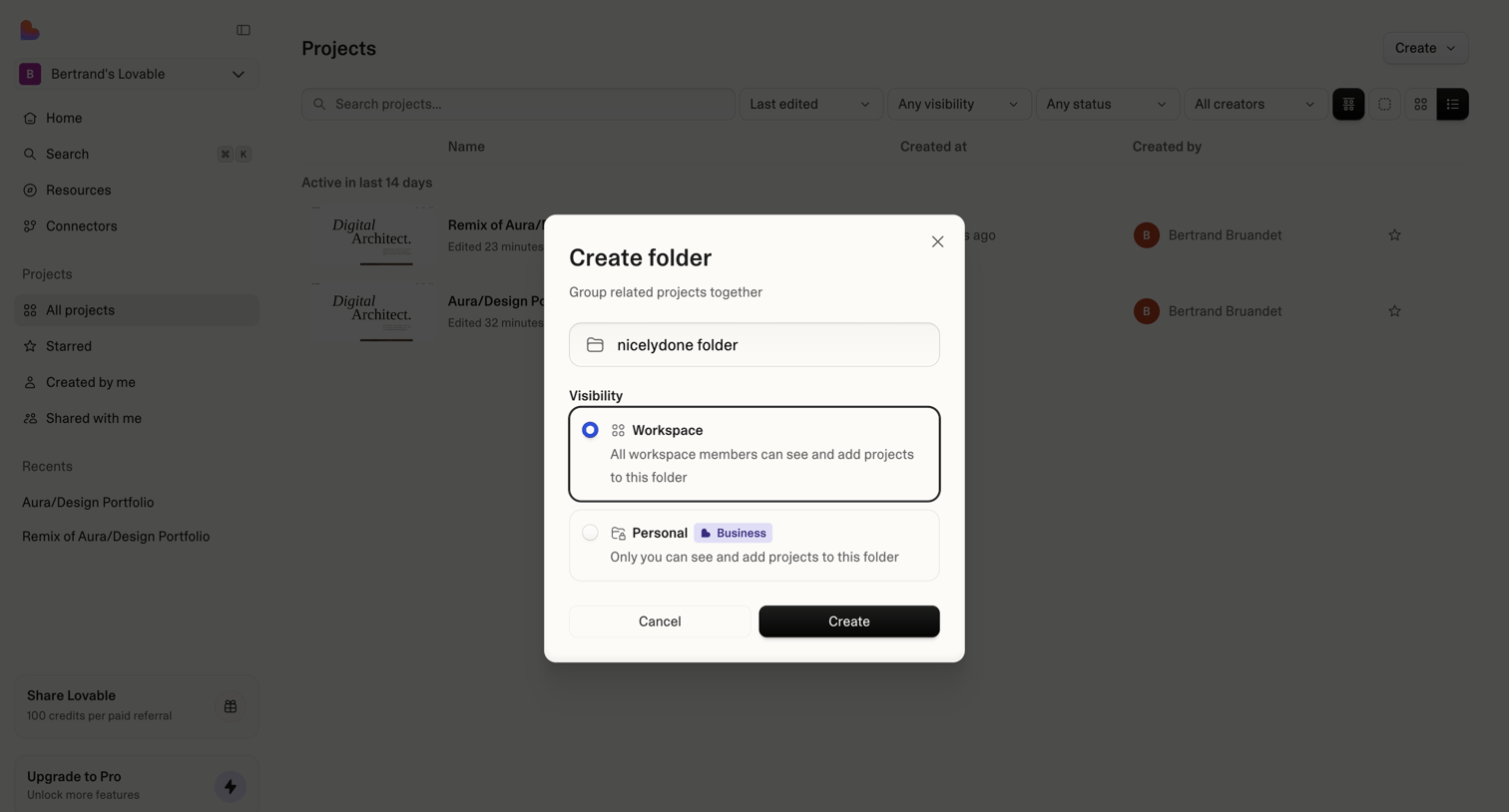

List view of projects where a modal is open for the user to create a new folder and set its visibility to either the entire workspace or personal access.

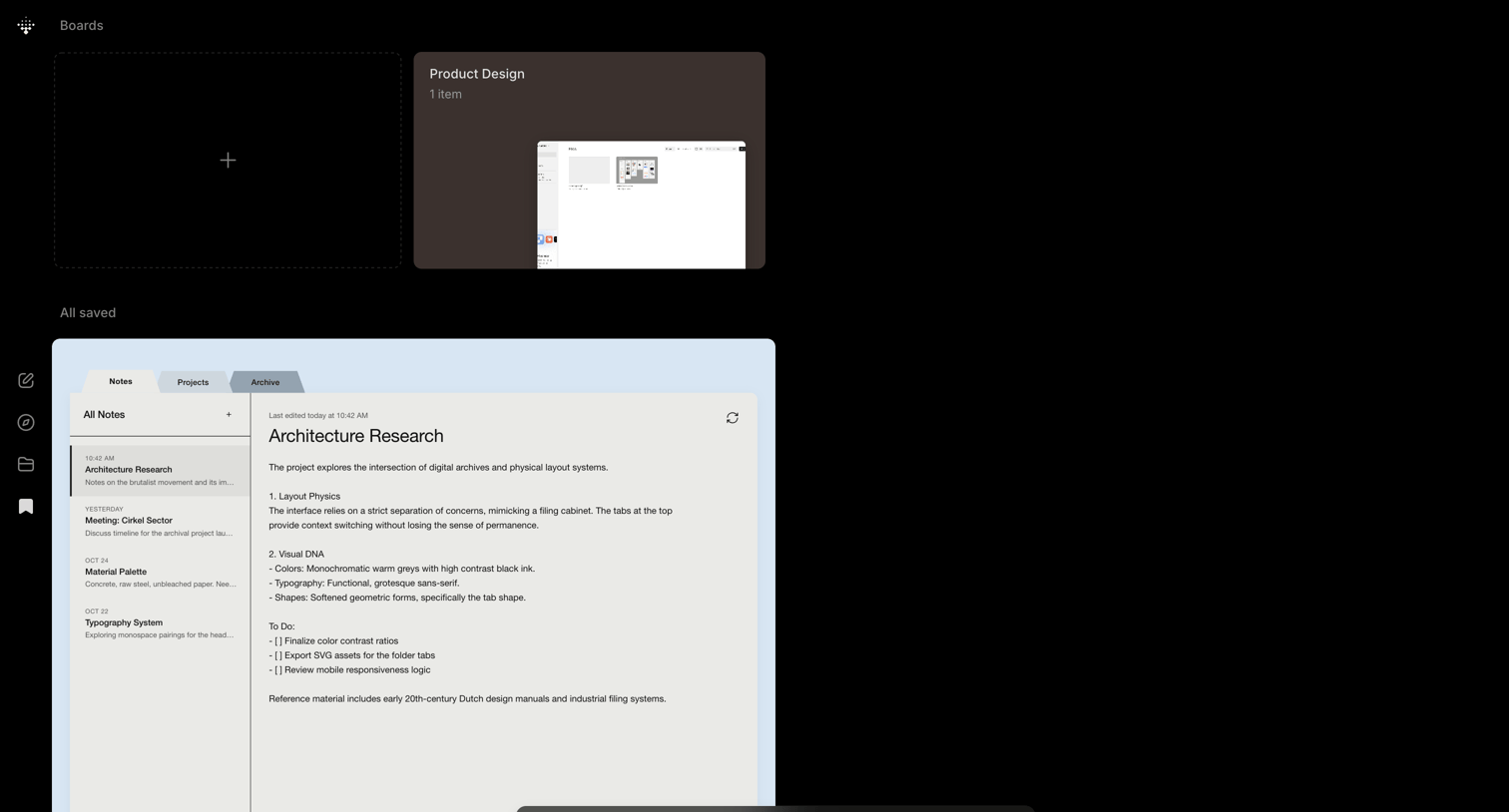

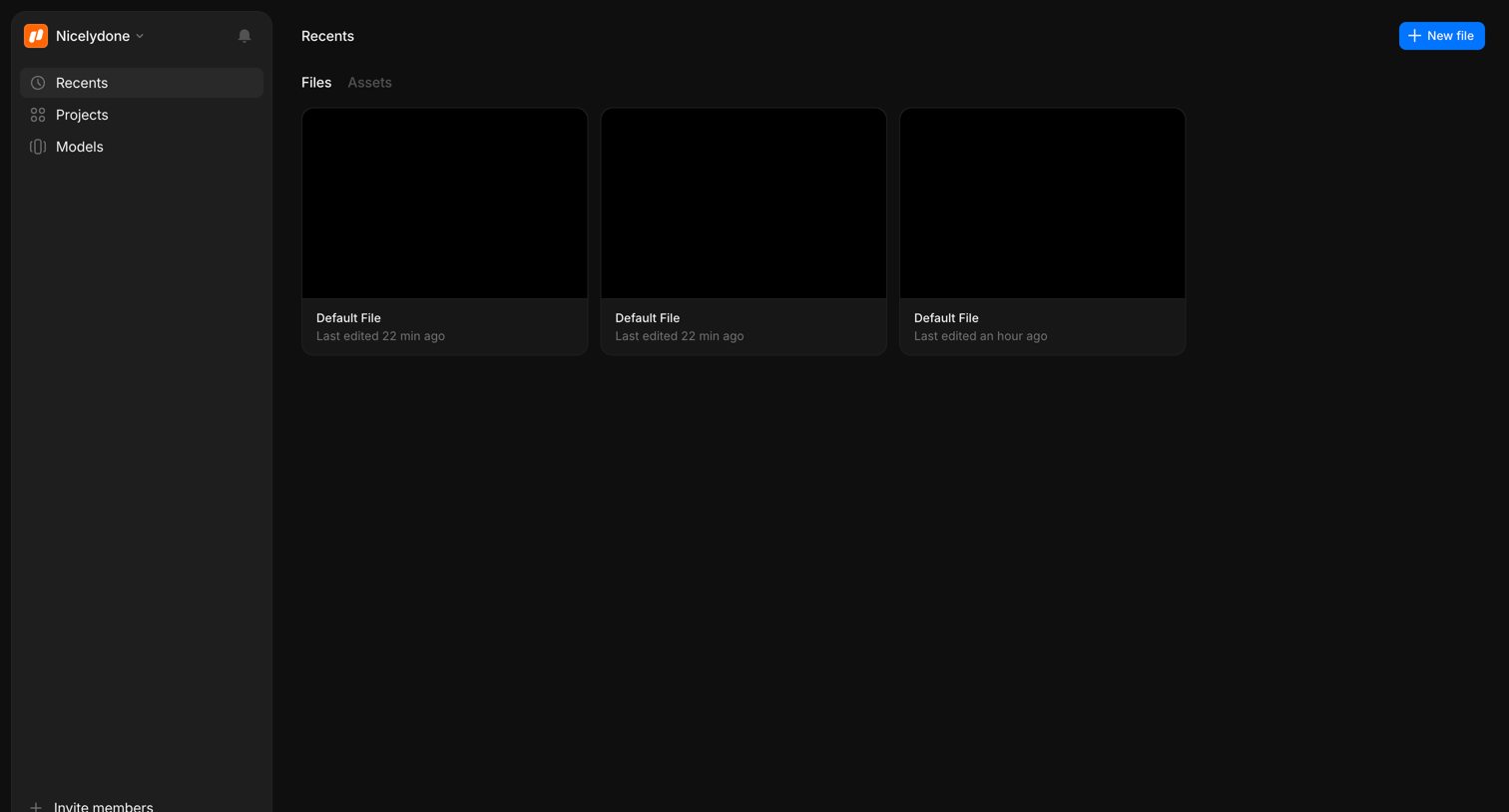

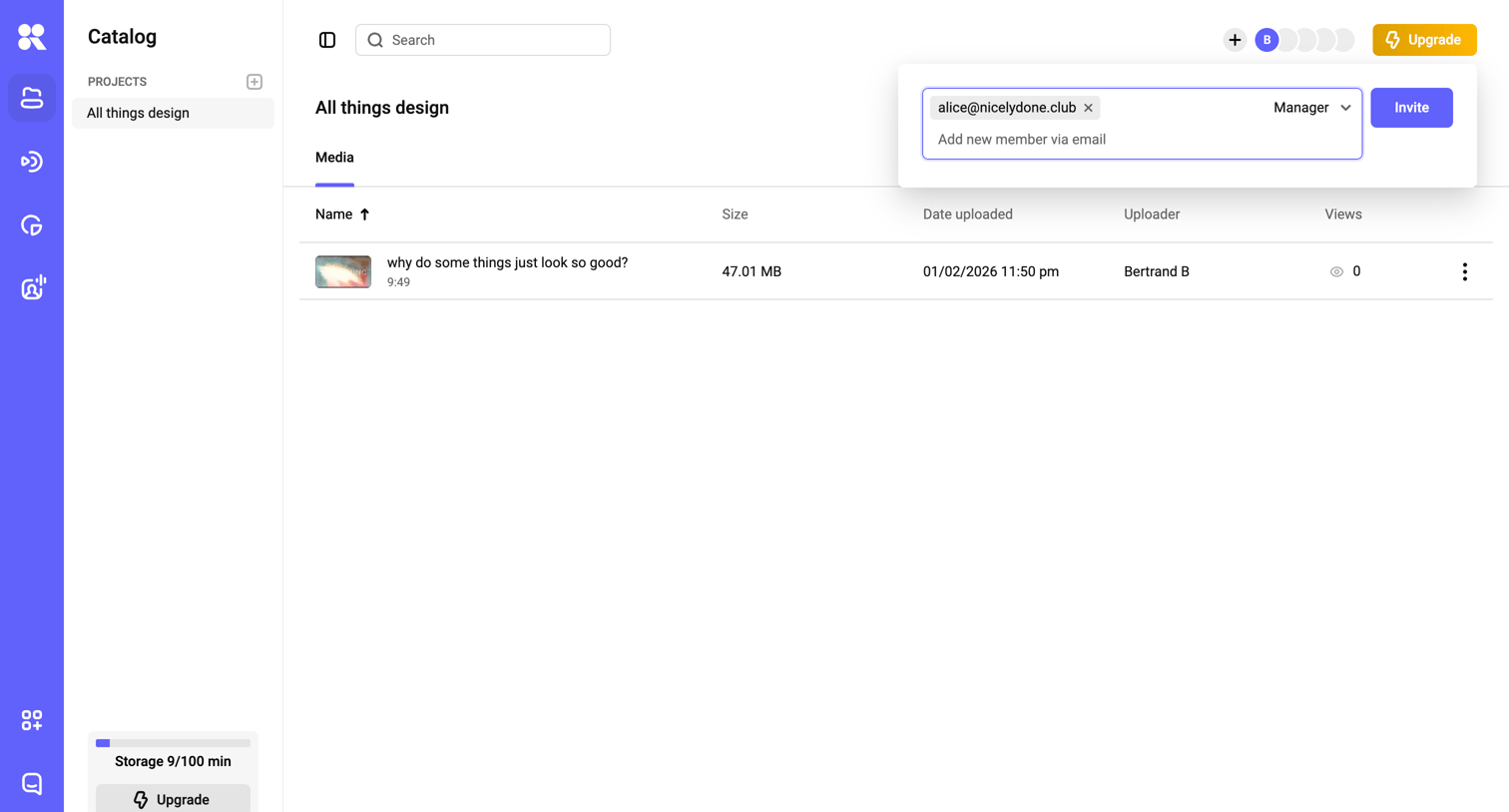

List view where the user manages media files within a specific design project and is currently inviting a new manager via email.
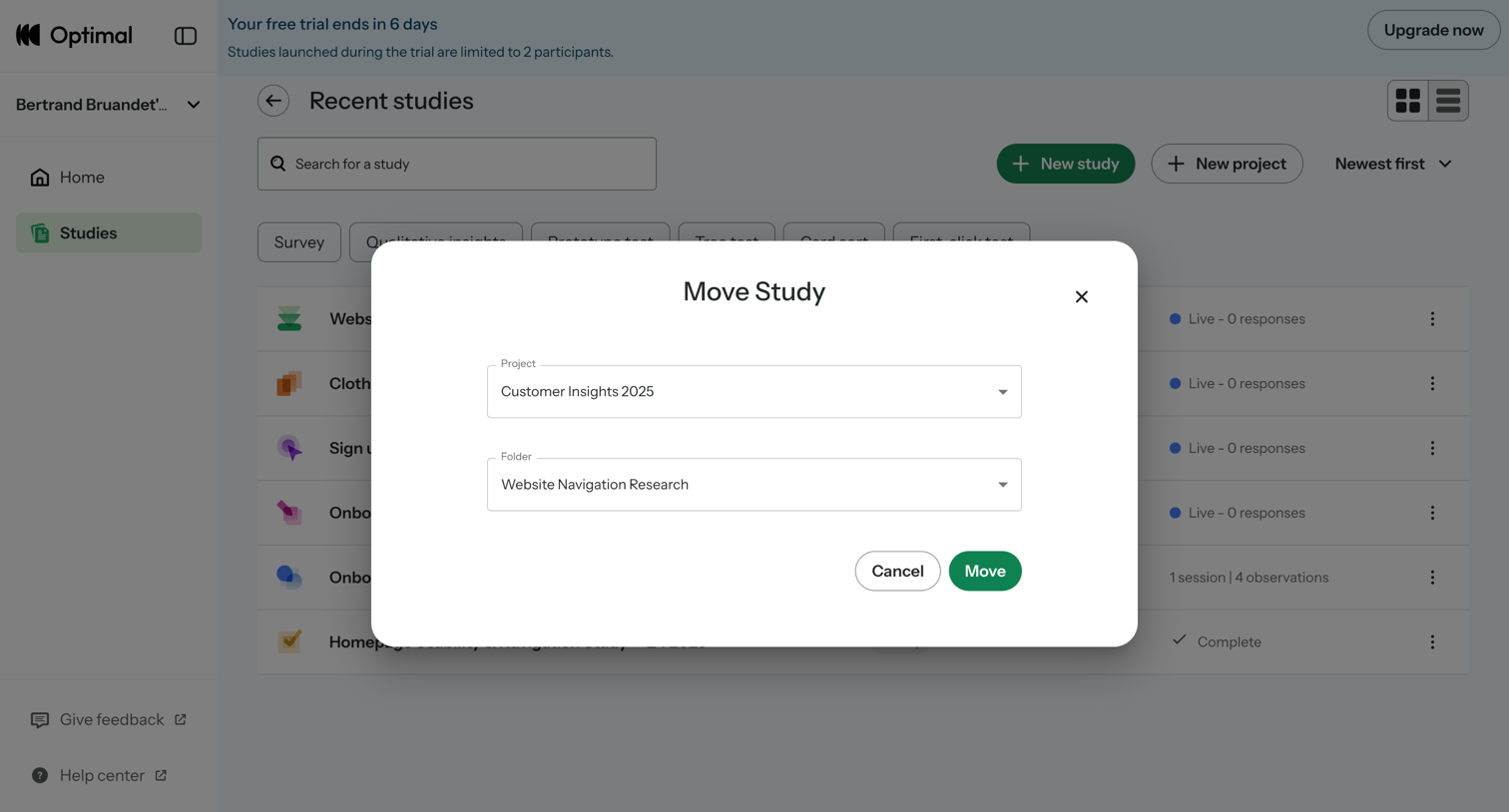

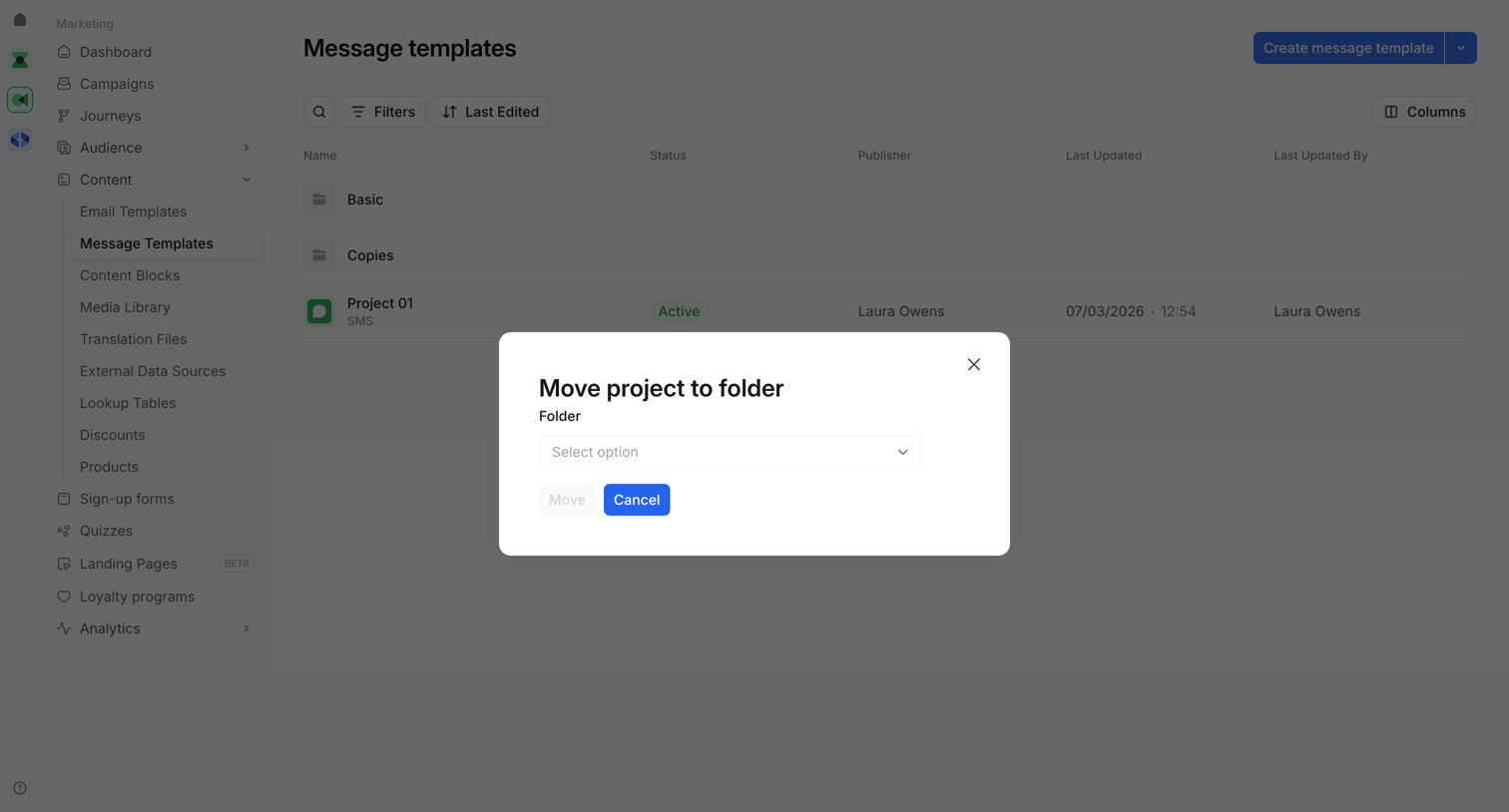
List view where the user moves a research study to a different project and folder via a modal dialog.
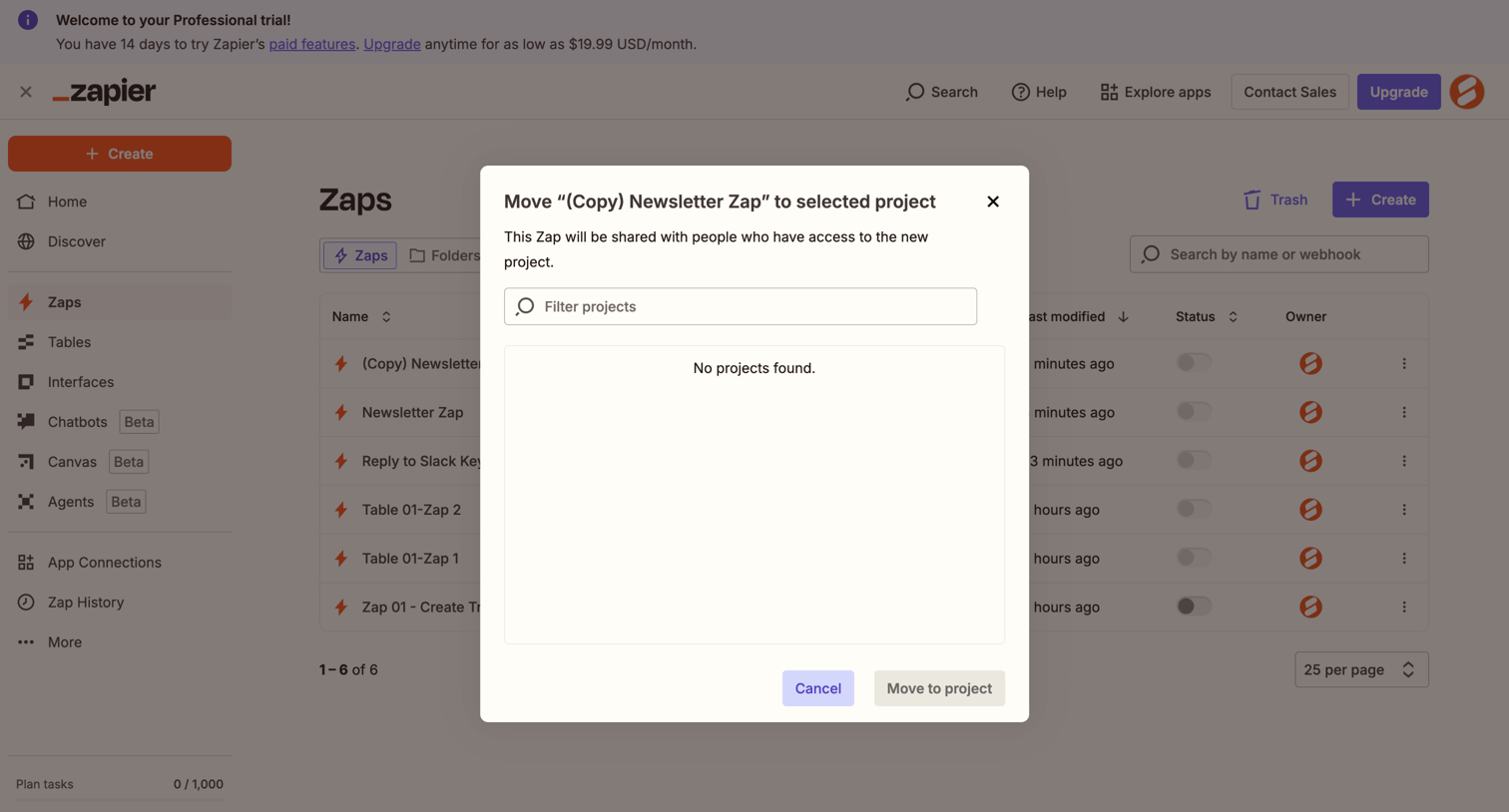

List view of automations where a modal prompts the user to move a specific Zap to a project, displaying an empty state when no projects match the filter.
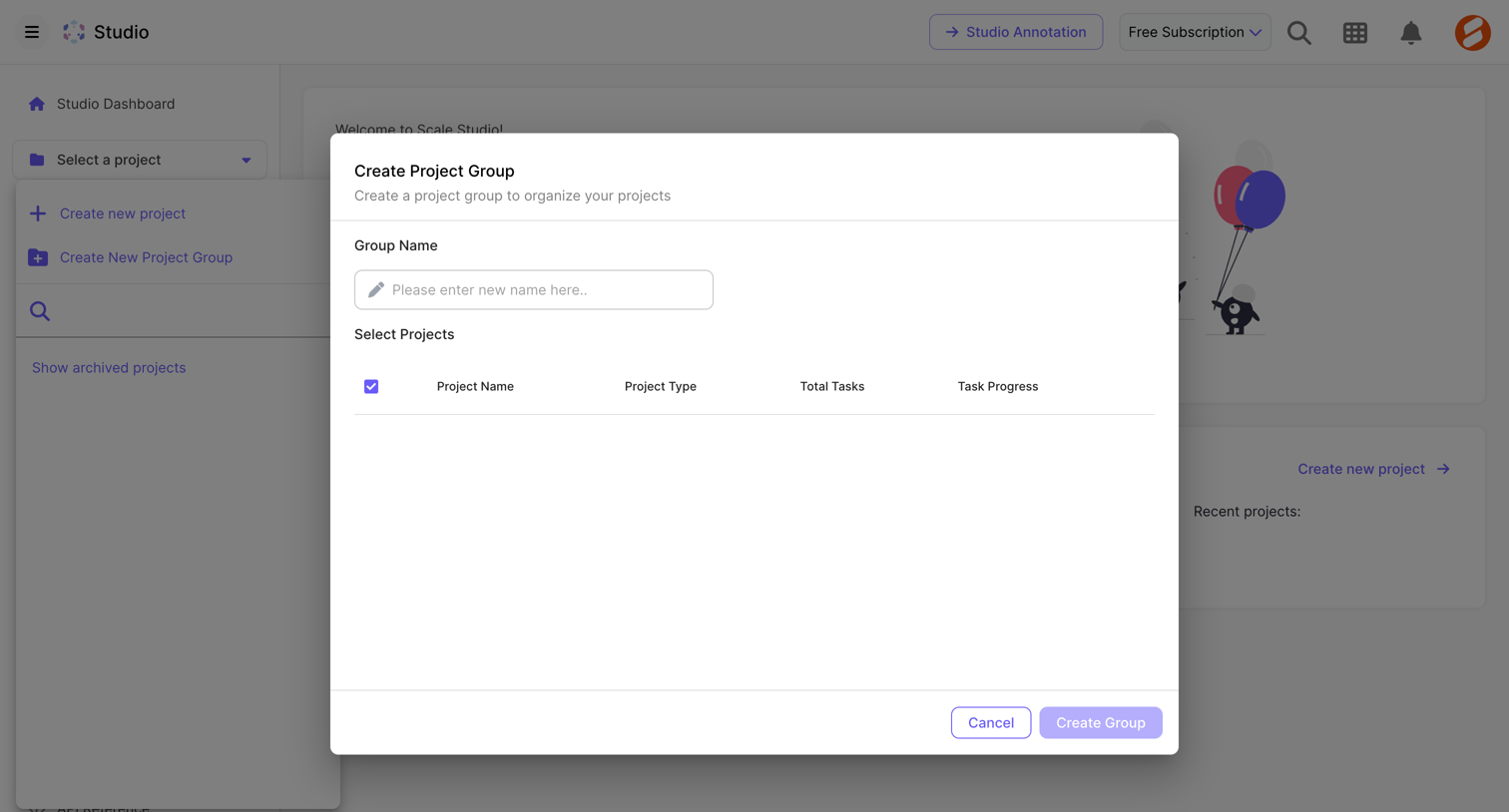

Creation modal where the user names a new project group and selects existing projects to include in it via a data table.
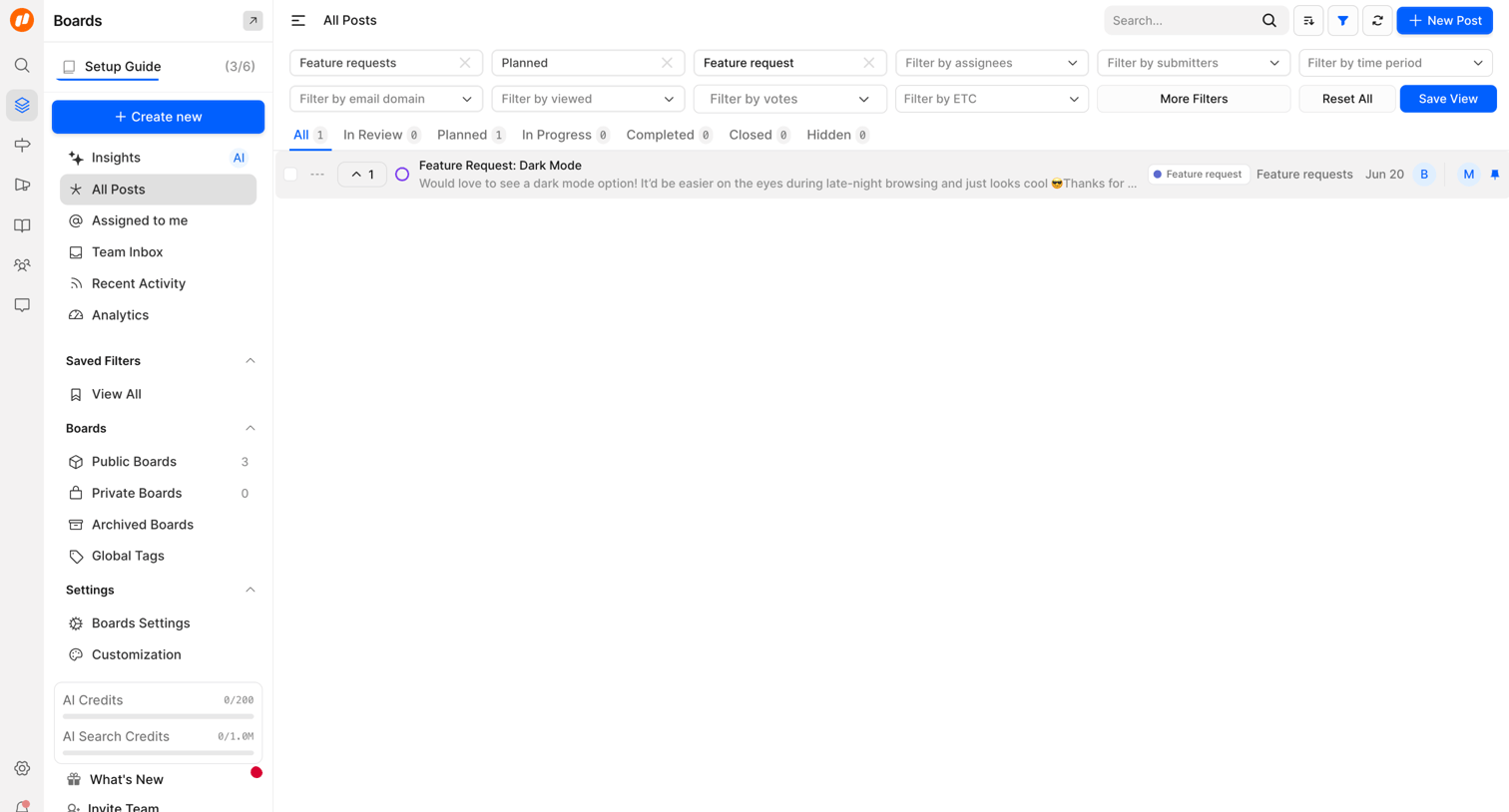

List view where the user filters and manages a backlog of feature requests using multiple dropdown criteria.
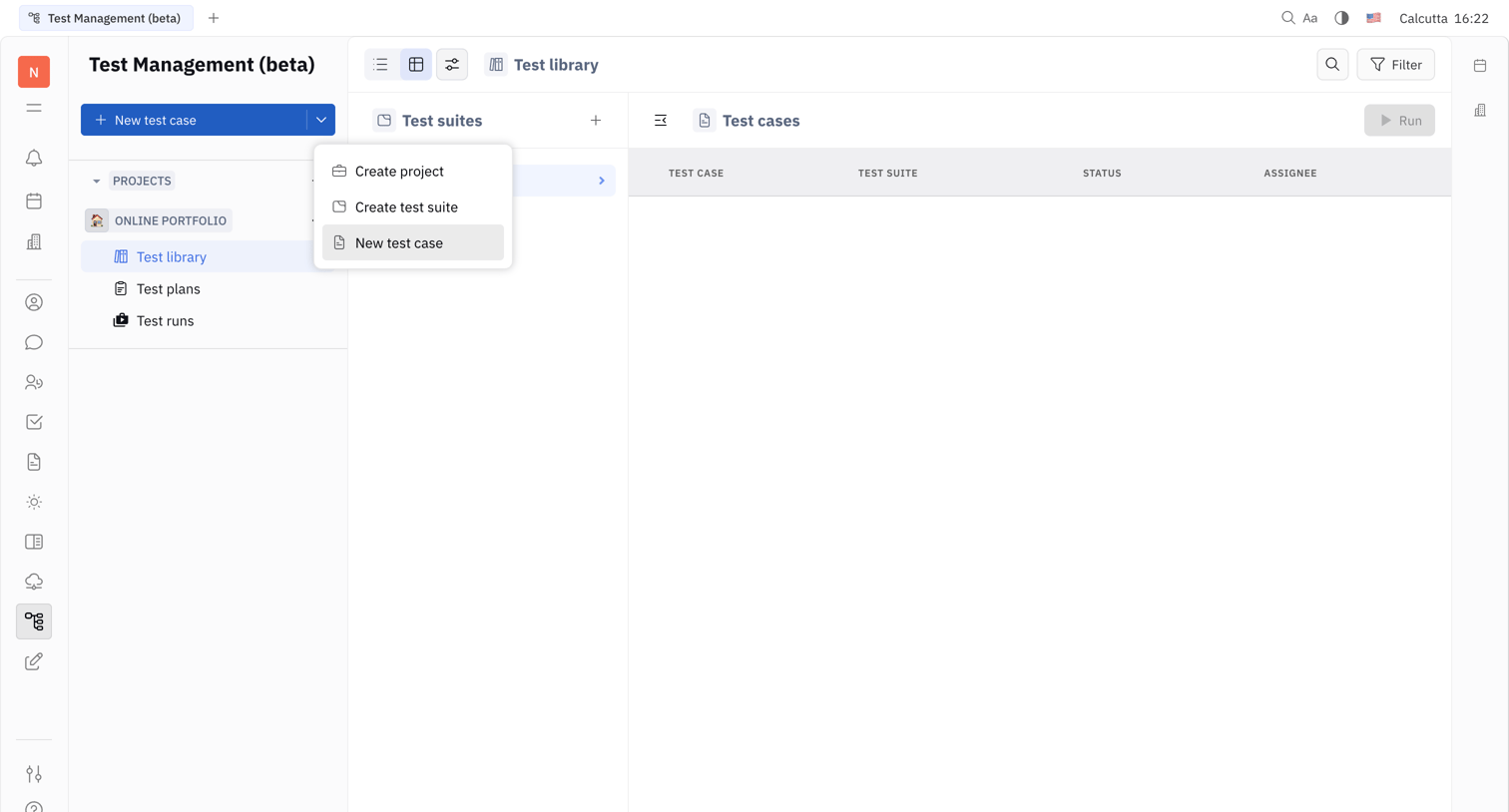

Test management library where the user views and organizes test cases, currently showing an empty state with a dropdown menu open to create a new project, suite, or case.
Explore the full SaaS screen library
Upgrade to unlock the full library.
Trusted by the best teams







