Payroll integration screen examples
Payroll integration screen design examples from SaaS apps. Browse examples from Found, Mangomint, Expensify.
Explore the examples
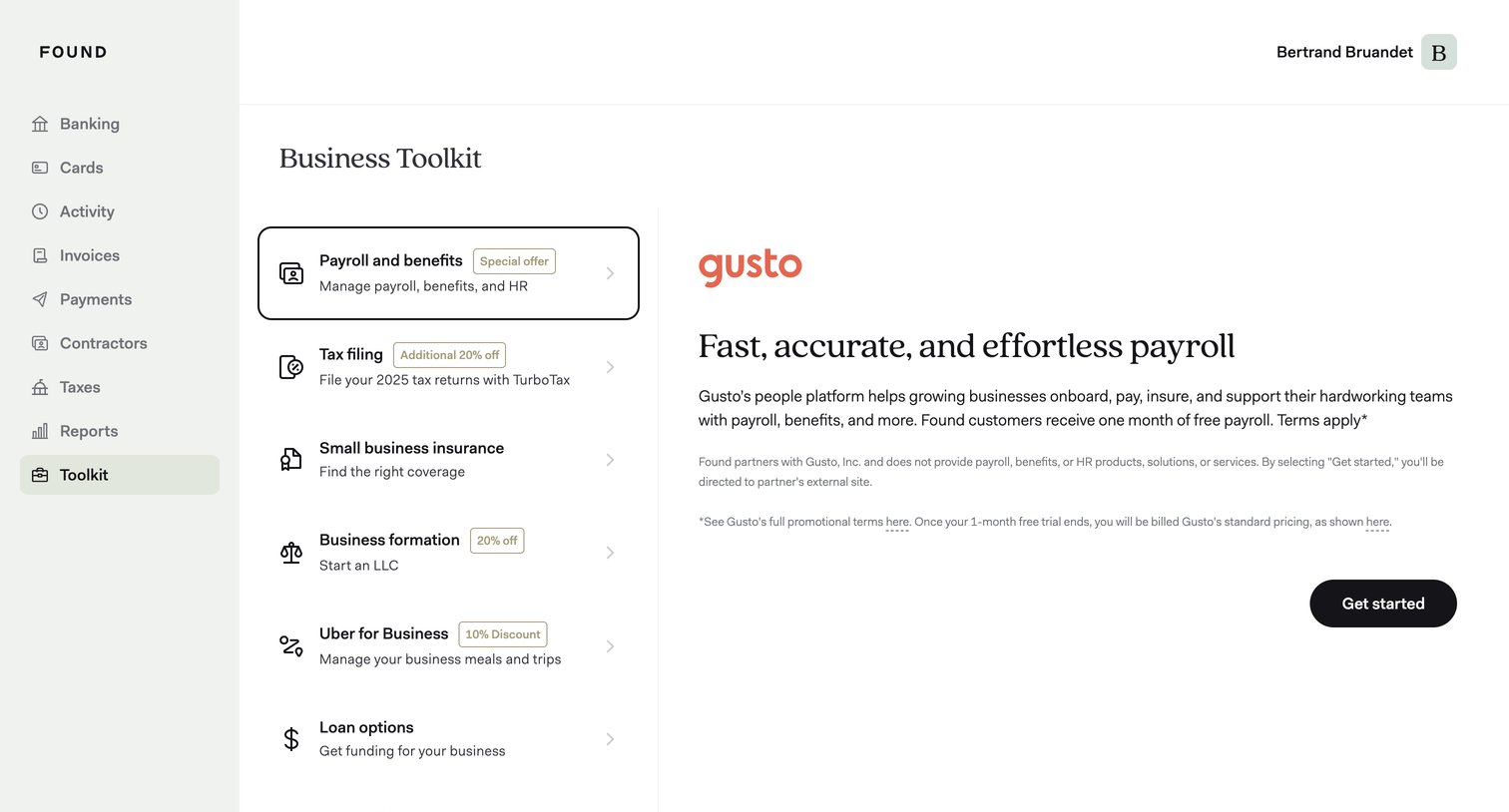

Detail page where the user views a partner offer for Gusto payroll services, including a one-month free trial, within their business toolkit.
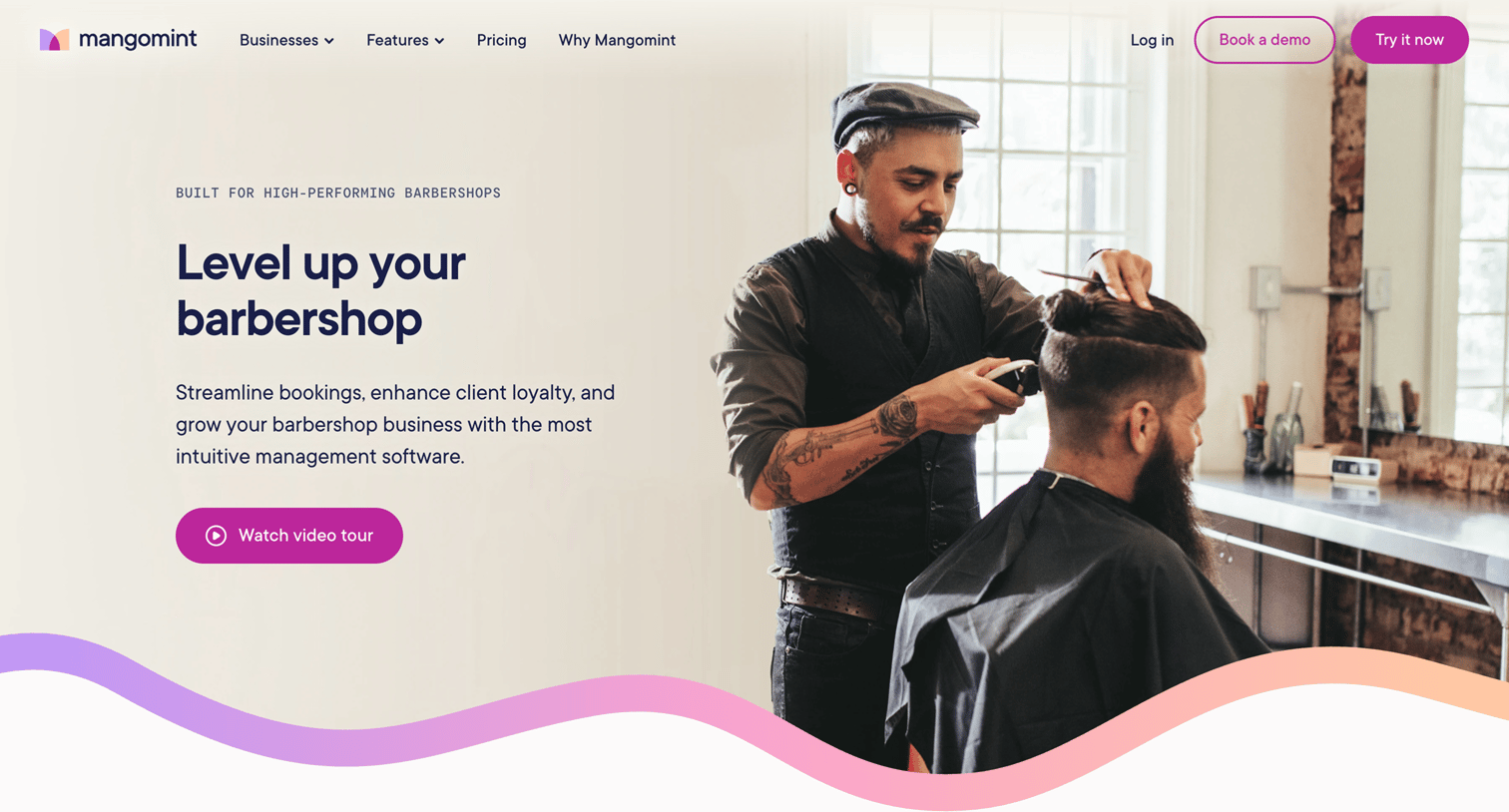

Marketing use case page for barbershops highlighting platform capabilities like online booking, payroll, and payments, concluding with a prompt to start a trial or book a demo.
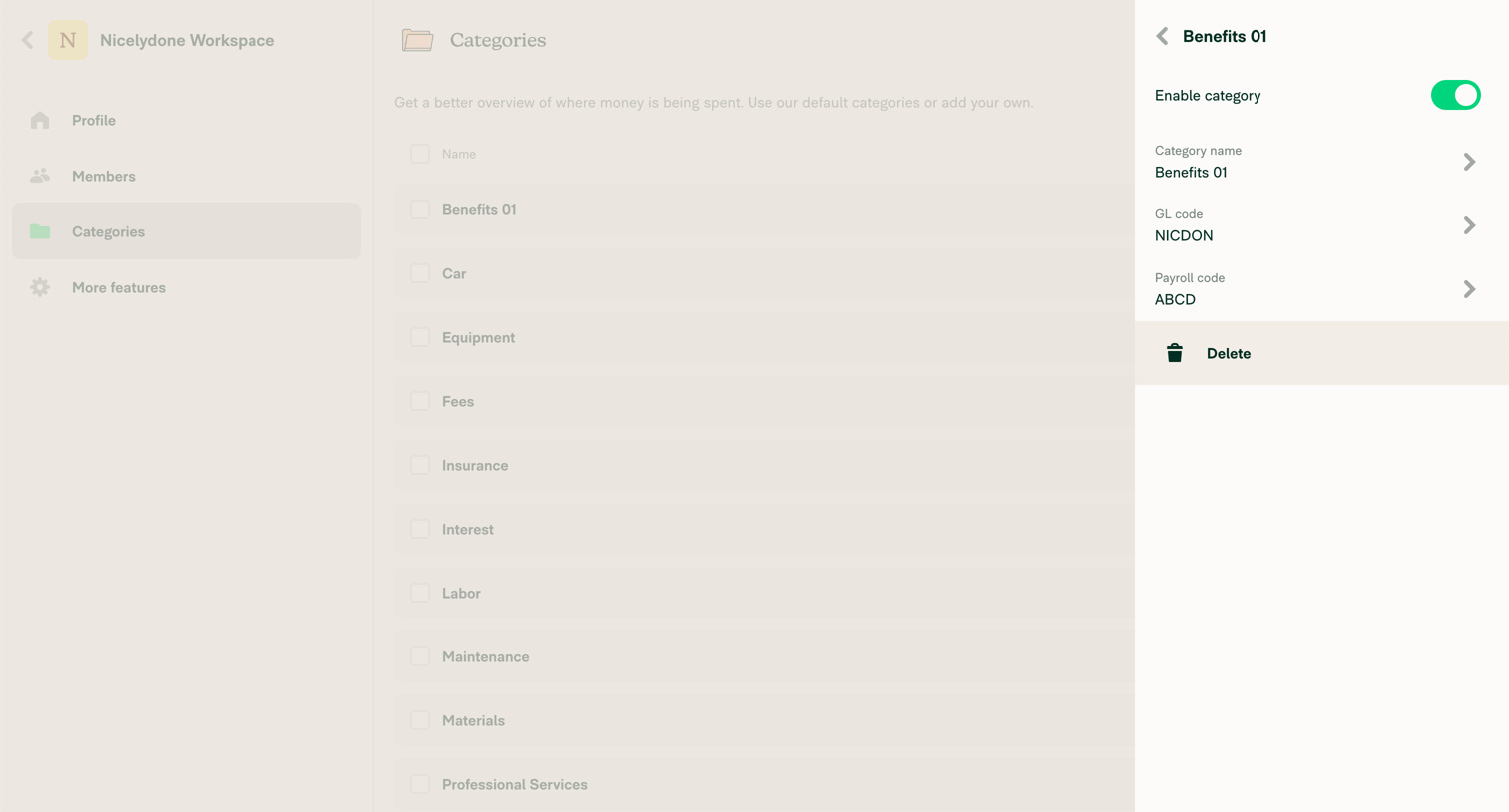

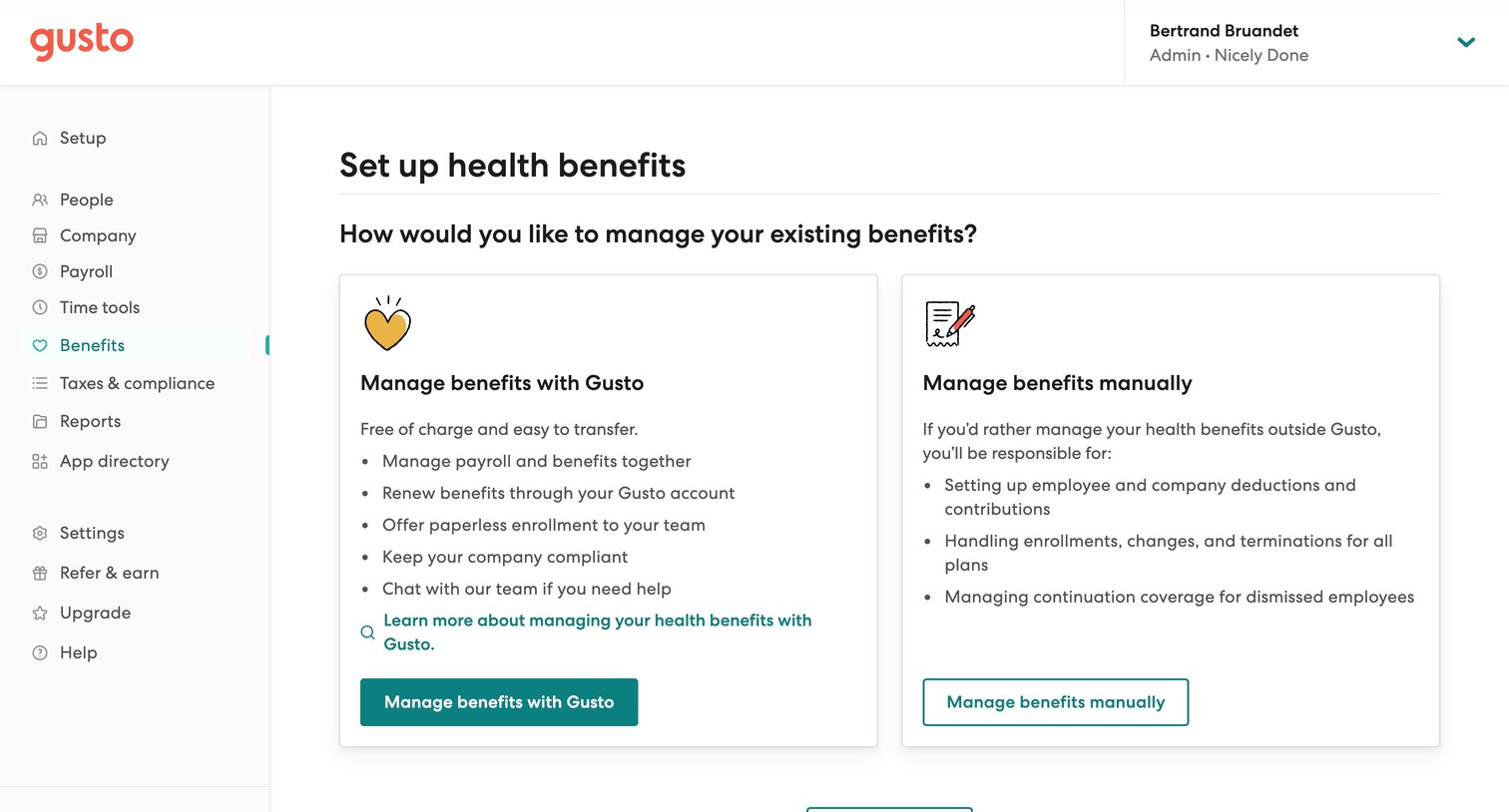

Onboarding step where the user chooses whether to manage their existing health benefits with Gusto or manually via two distinct option cards.
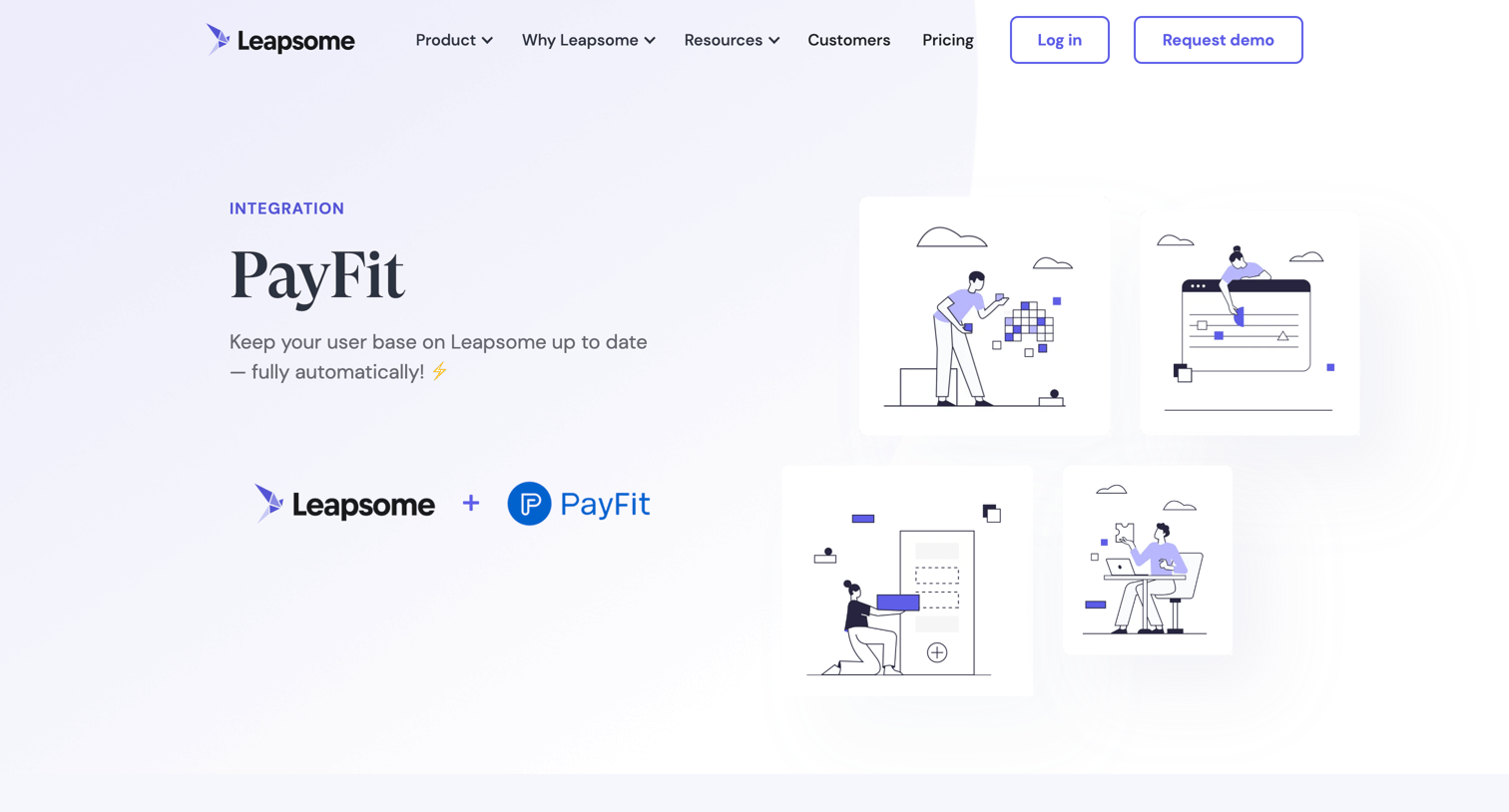

Feature page detailing the PayFit integration with Leapsome, highlighting automated user data syncing and offering a demo request form.
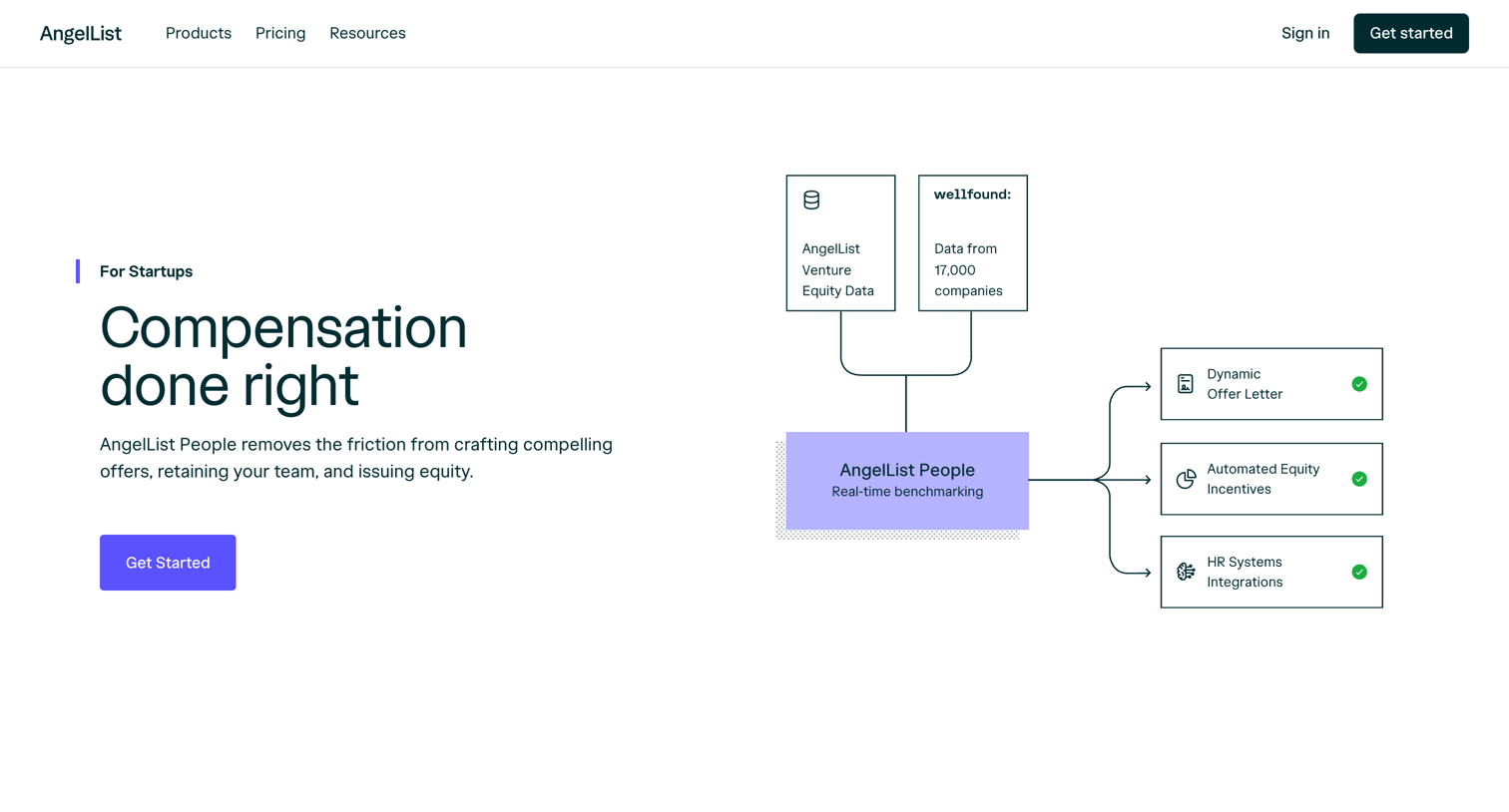

Product page for a startup compensation tool detailing features like market benchmarking, automated offers, and leveling, alongside tiered pricing and integration partners.
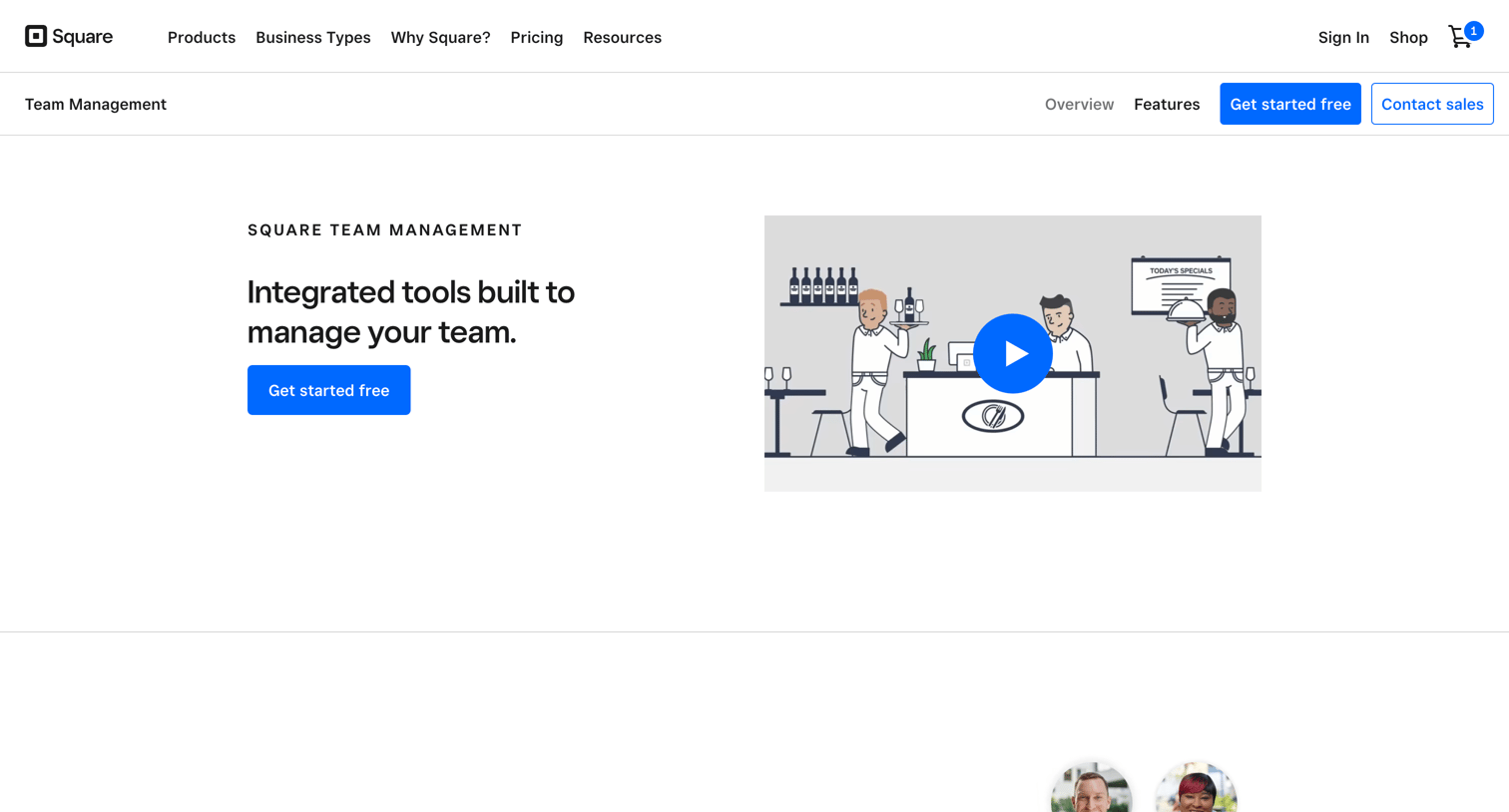

Feature page detailing tools for scheduling, permissions, time tracking, and payroll integration for team management.
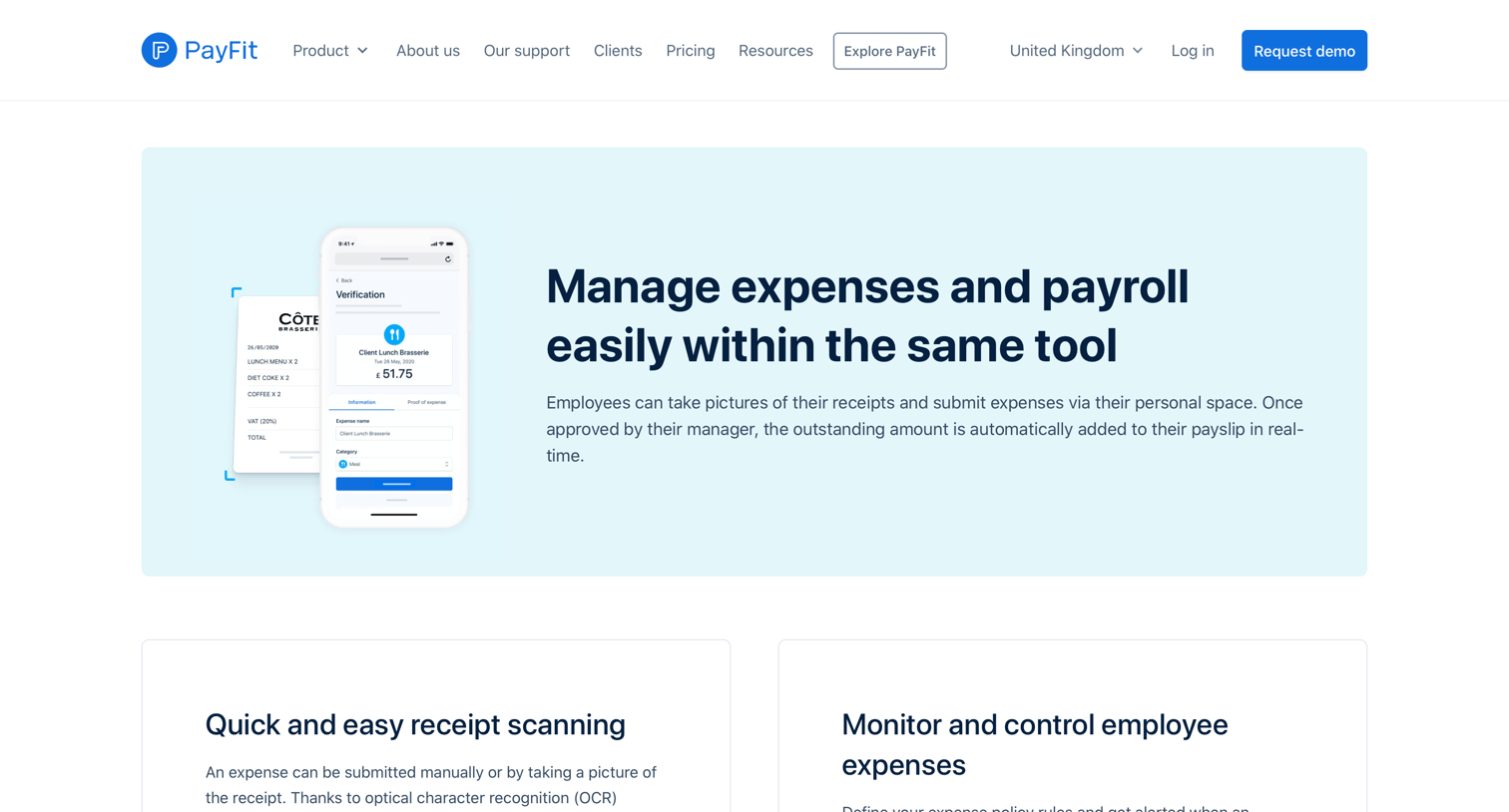

Marketing feature page explaining how the product handles employee expenses and receipt scanning, ending with a prompt to book a demo.
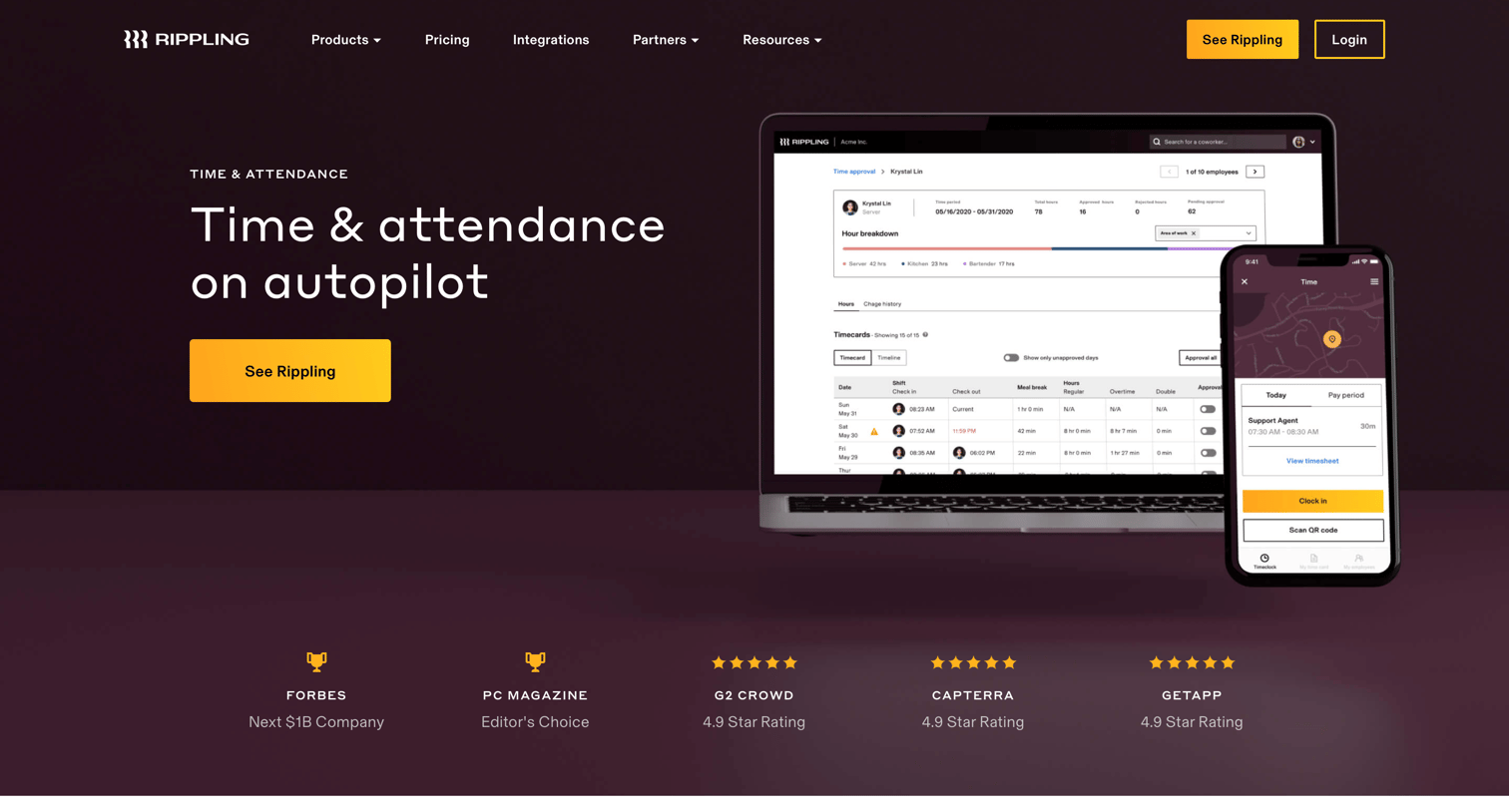

Feature page where Rippling showcases its time and attendance product, highlighting automated workflows, compliance rules, and job code reporting.
Explore the full SaaS screen library
Upgrade to unlock the full library.
Trusted by the best teams







