Modal dialog screen examples
Modal dialog screen design examples from SaaS apps. Explore how interfaces present a focused task above the current page. Look at how modal headings, content, and close or completion actions define the…
Explore the examples
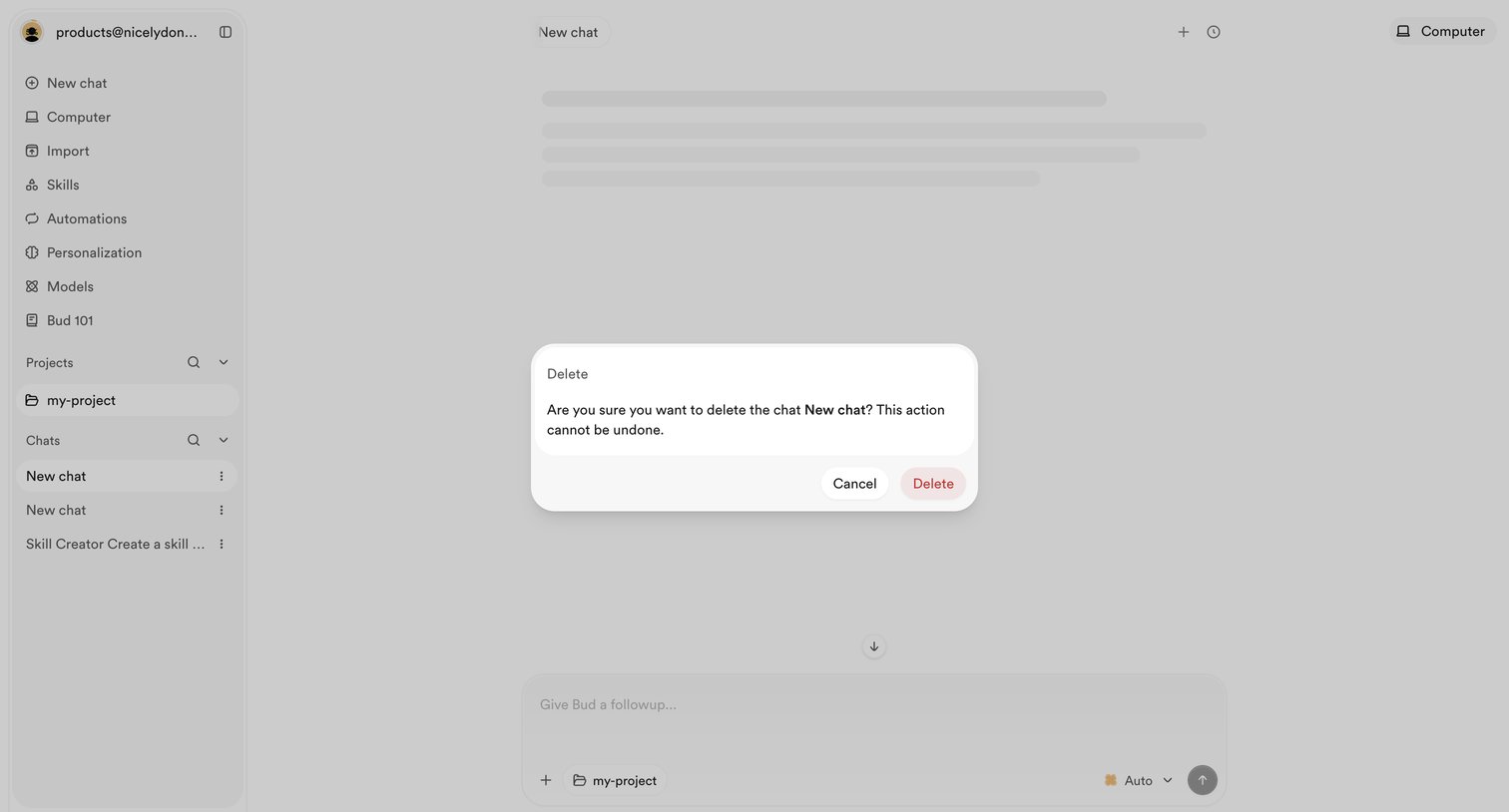

AI chat interface with a modal prompting the user to confirm the deletion of a specific chat.
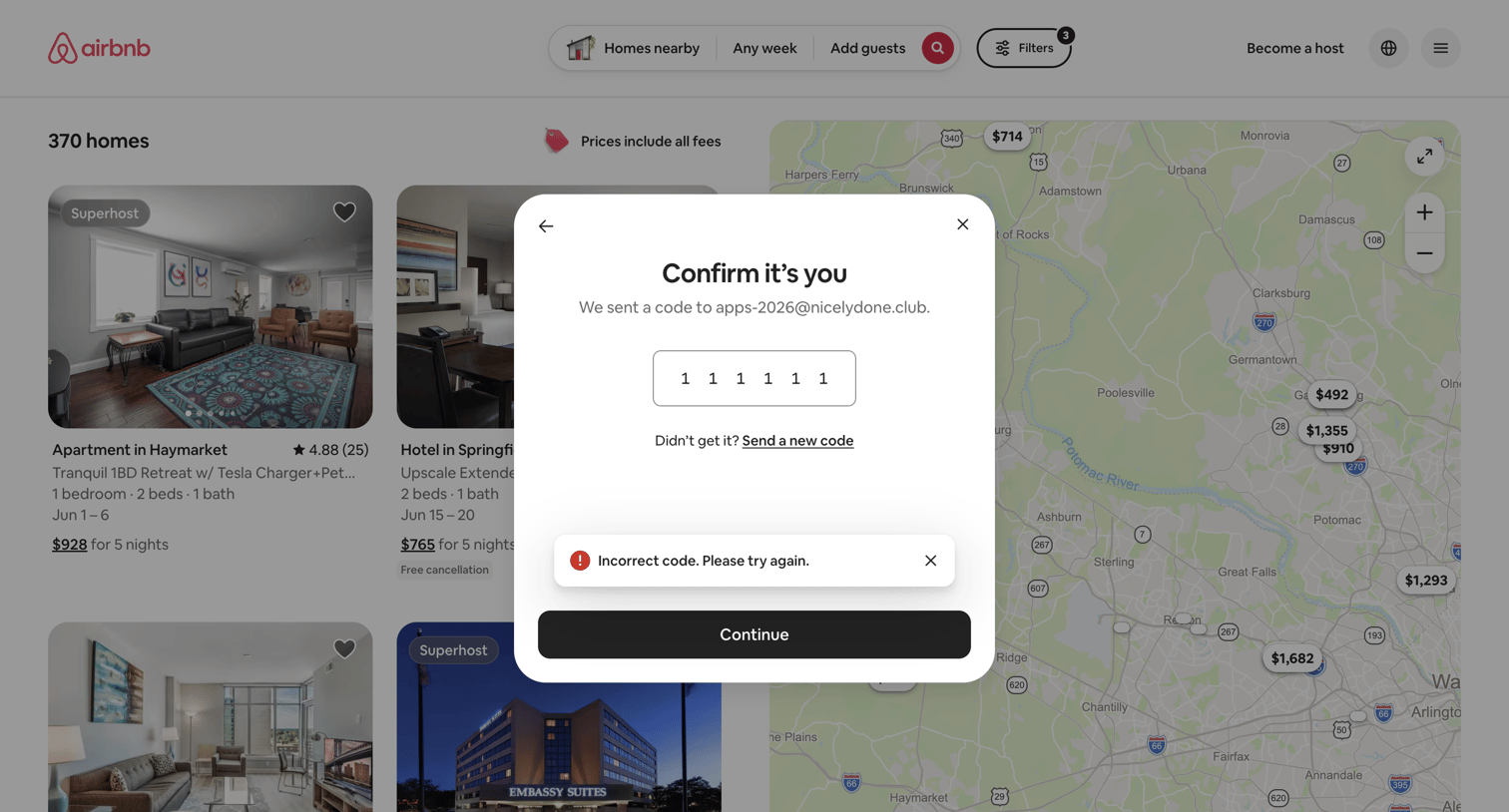

Verification modal where the user must enter a 6-digit code sent to their email to confirm their identity, currently showing an incorrect code error.
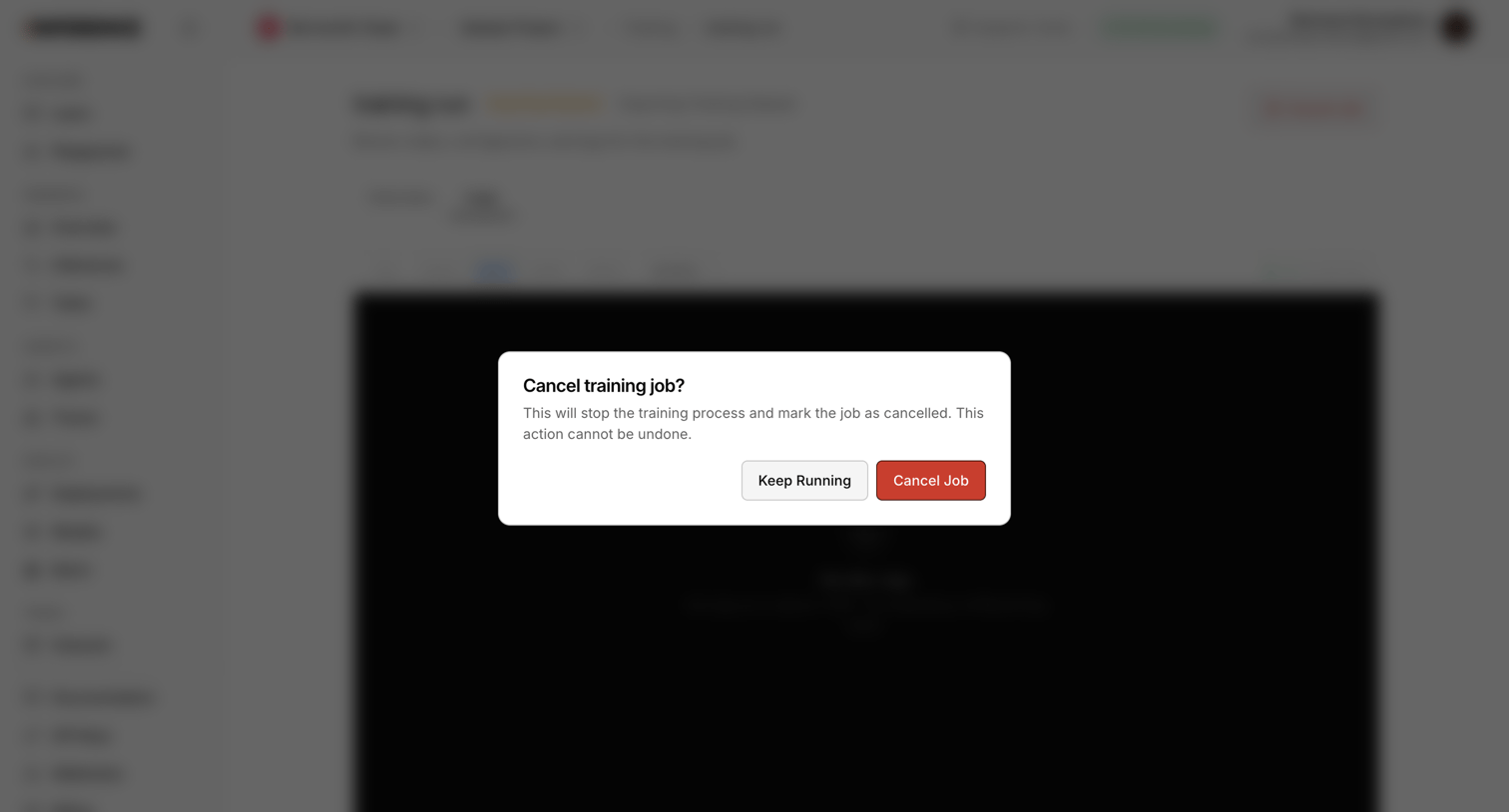

Detail page for a training job where the user is prompted to confirm cancelling the active process via a destructive modal.
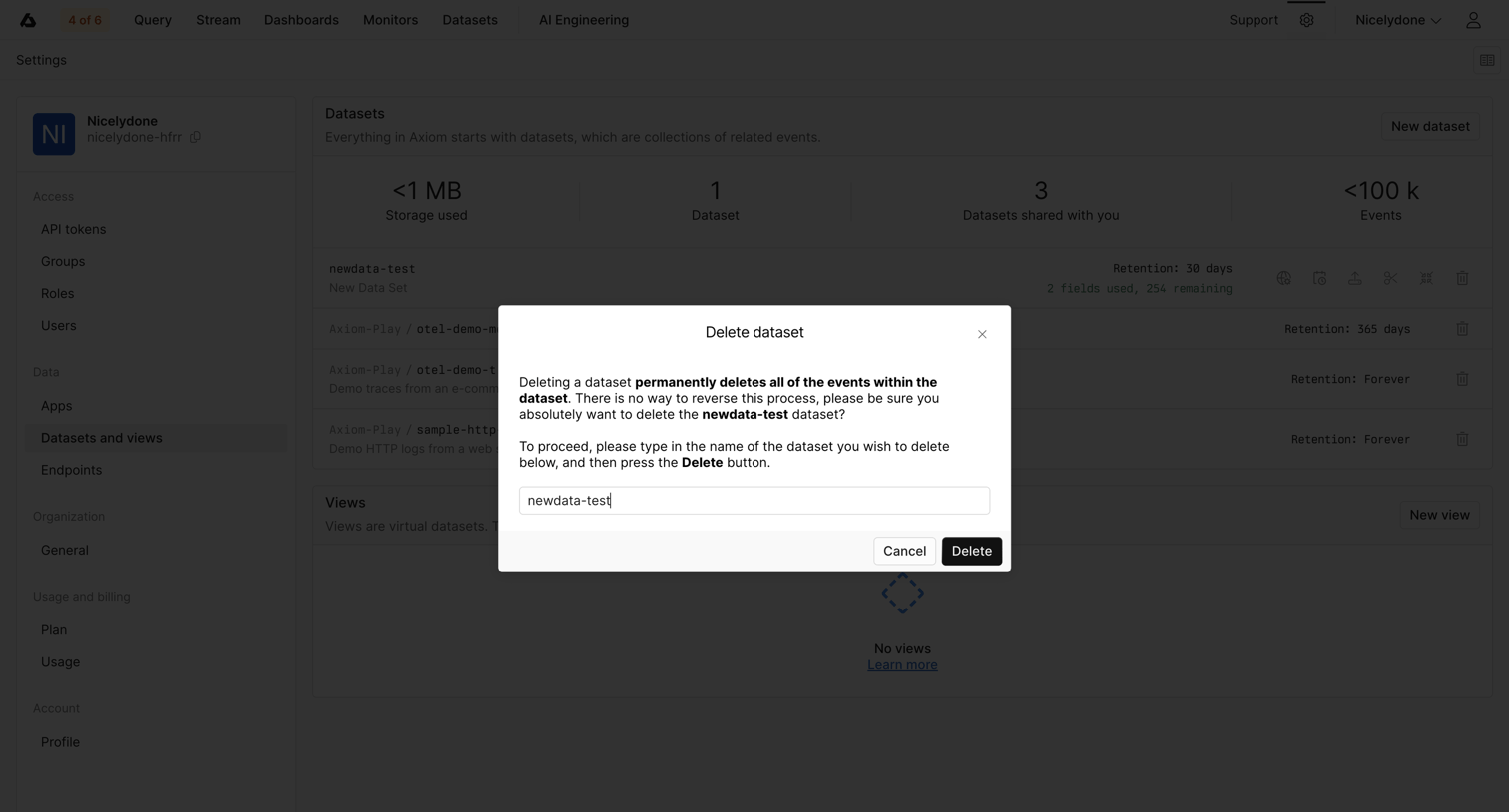

Settings page where the user confirms the permanent deletion of a dataset by typing its exact name into an alert dialog.
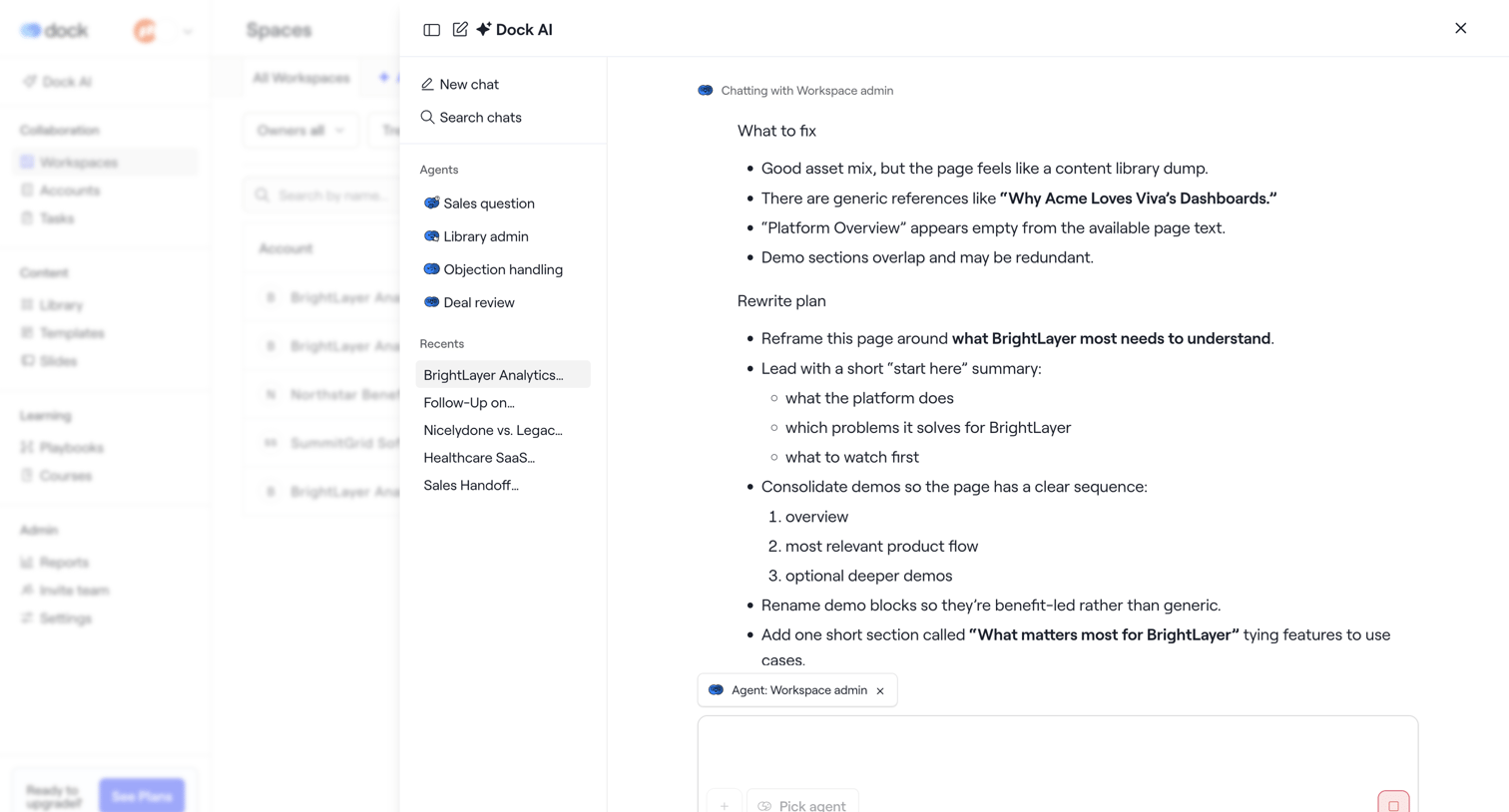

AI assistant drawer where the user chats with a workspace admin agent to review a rewrite plan for a BrightLayer page.
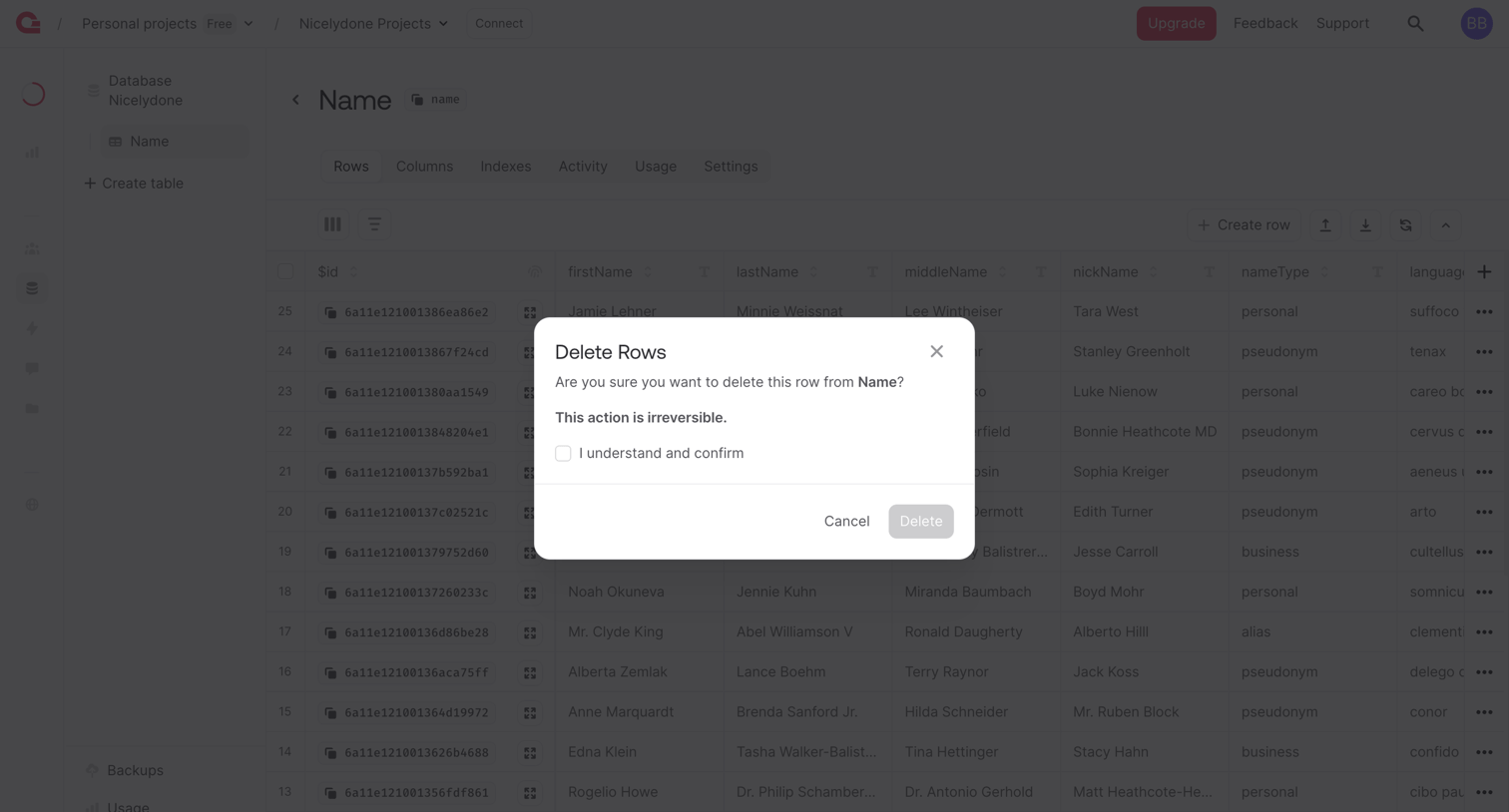

List view of a database table where an alert dialog requires the user to check a confirmation box before permanently deleting selected rows.
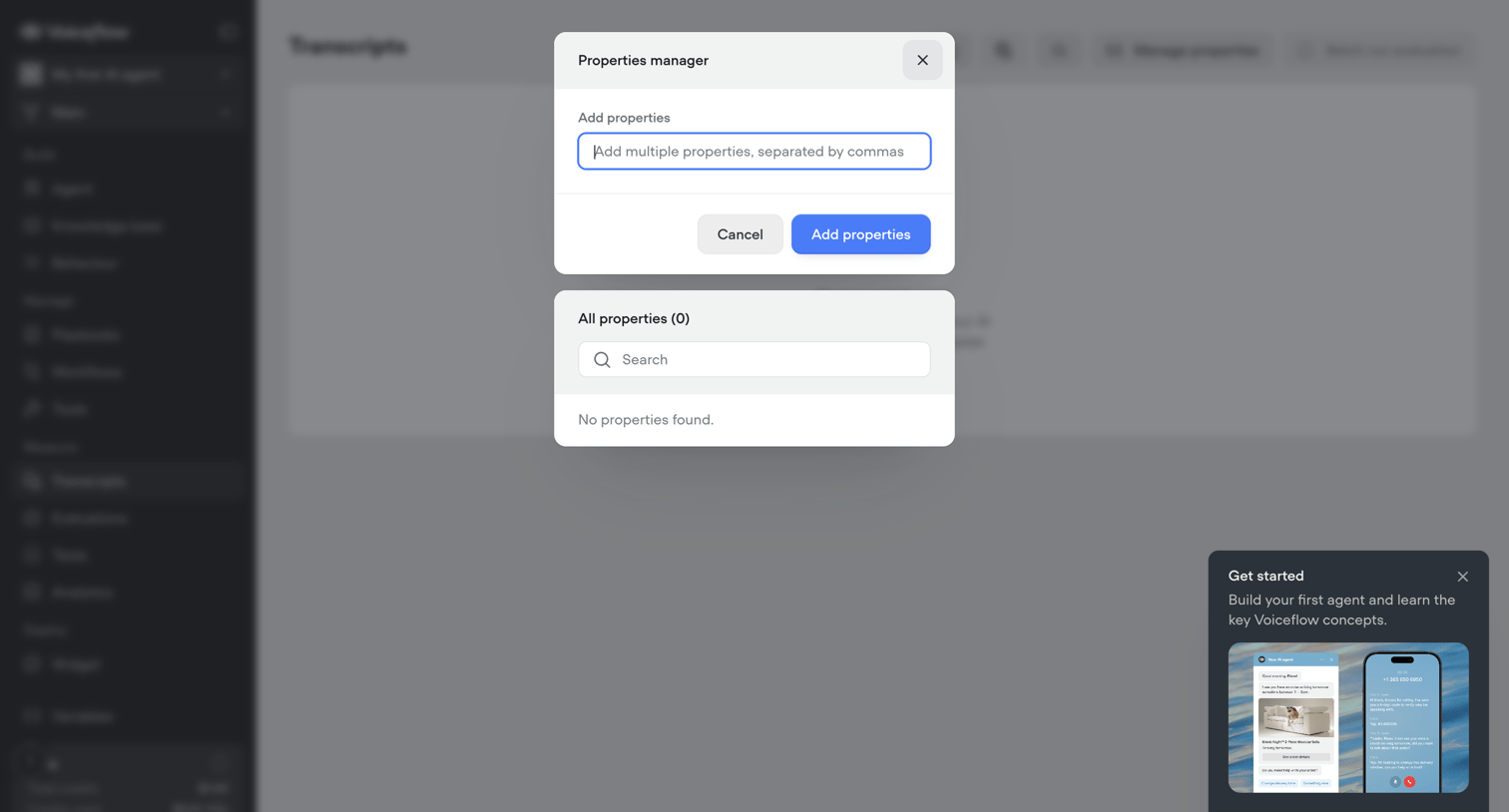

List view for transcripts where the user manages custom properties via a modal overlay and is prompted to start an onboarding tour.
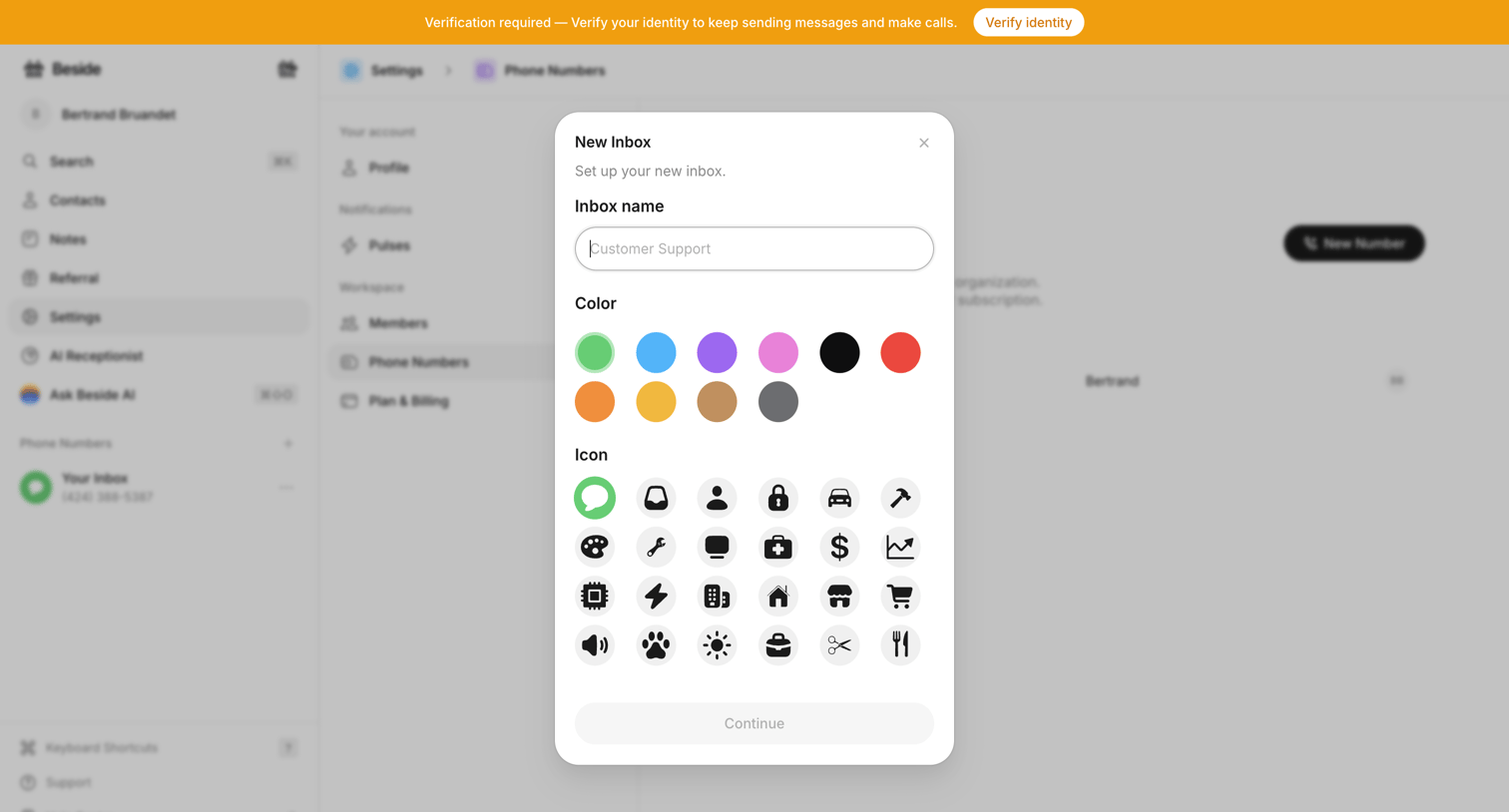

Settings page where the user creates a new inbox by providing a name, color, and icon via a modal, while a top banner prompts for identity verification.
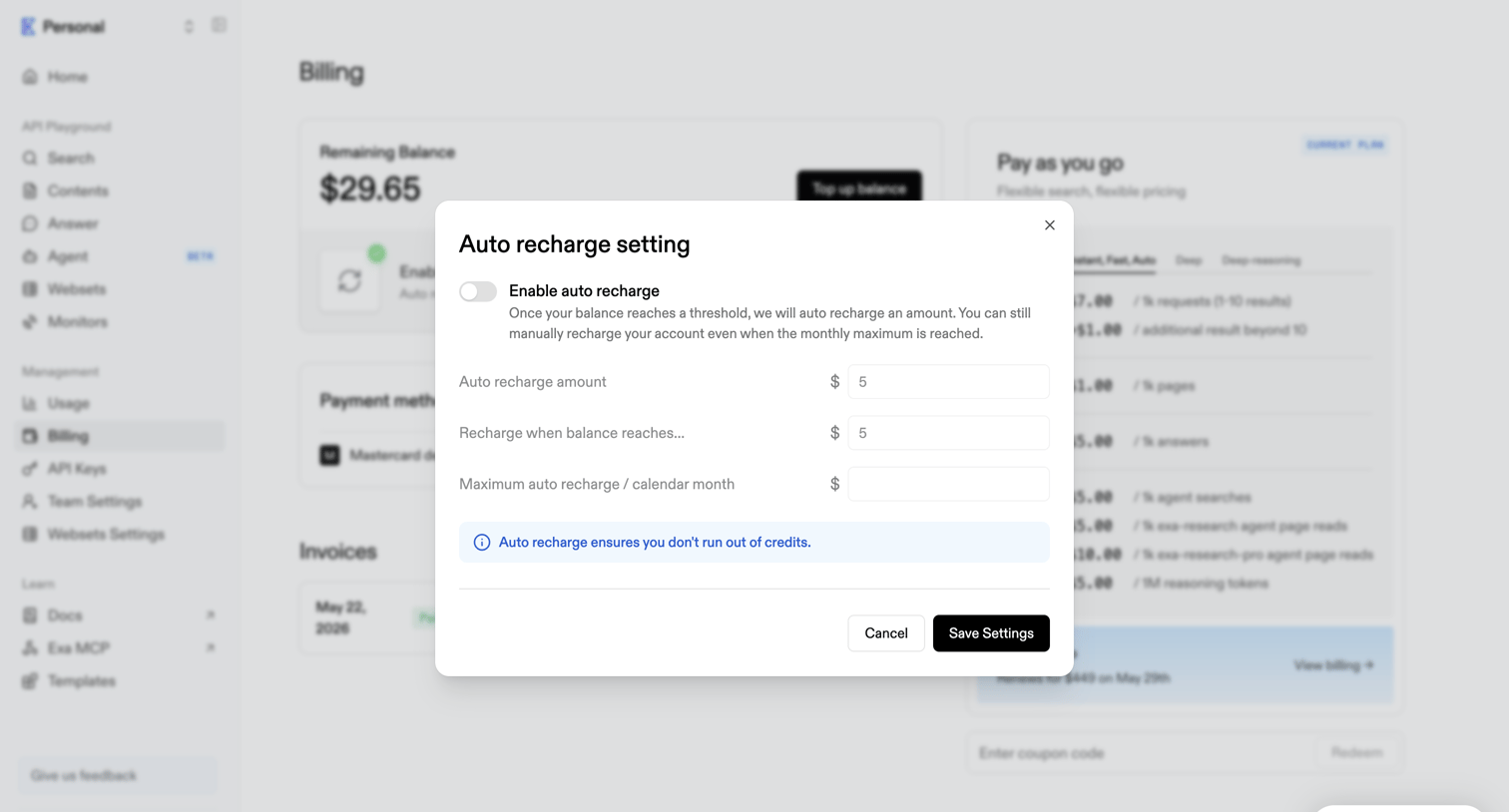

Billing settings page where the user configures an auto-recharge amount and threshold to prevent running out of credits.
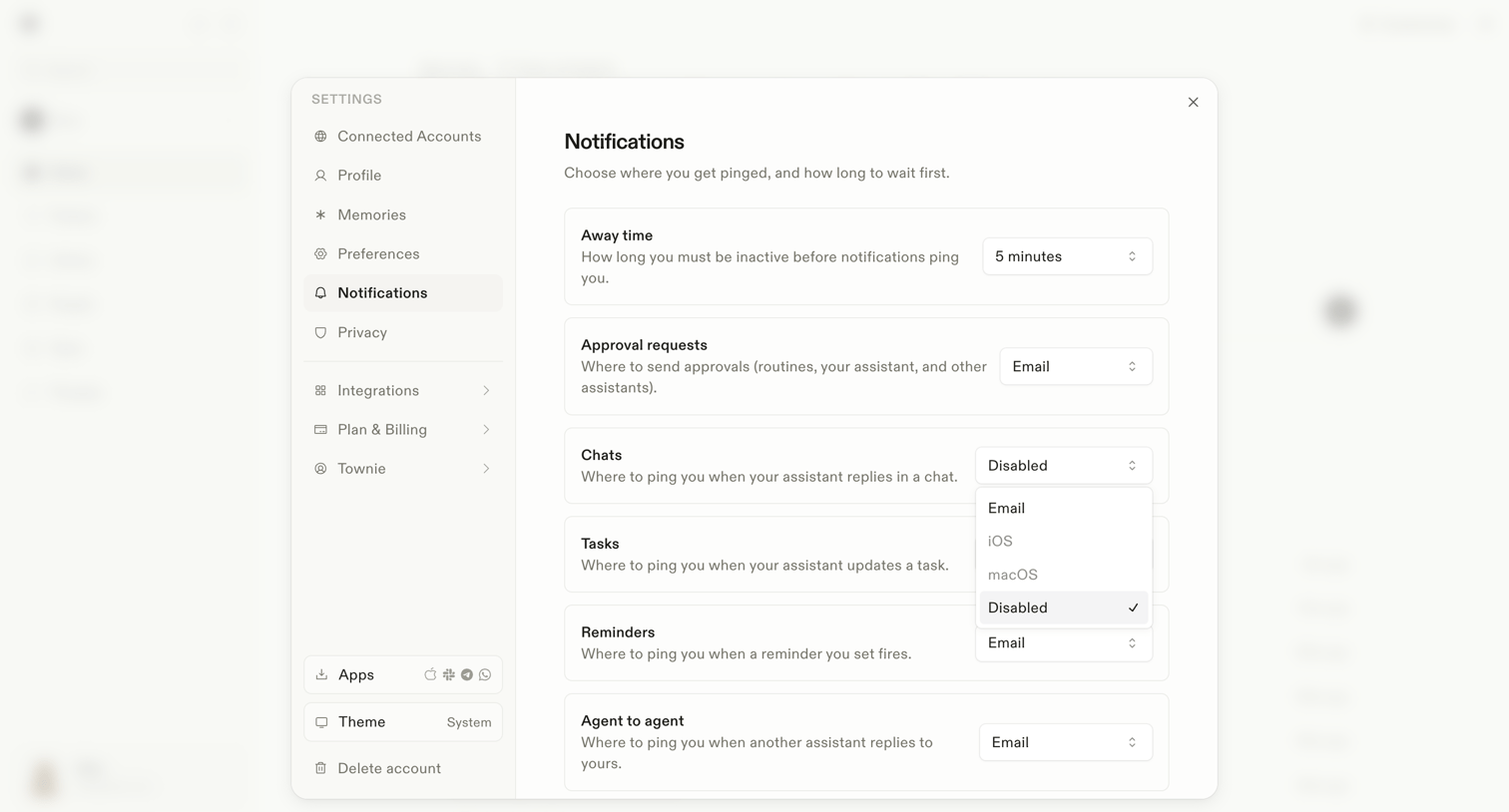

Settings modal where the user configures notification delivery channels for away time, approval requests, chats, tasks, reminders, and agent-to-agent interactions.
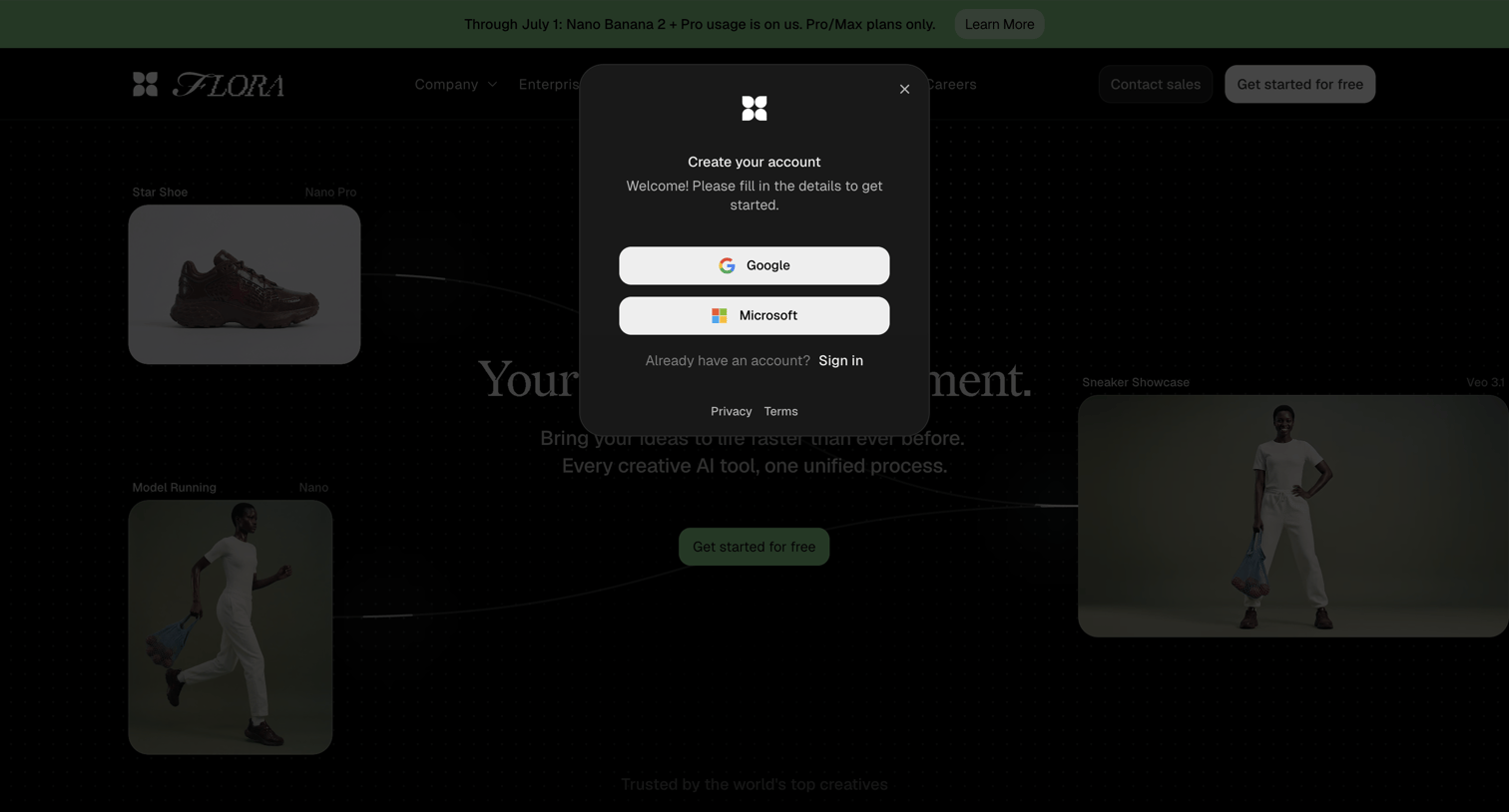

Signup modal where the user can create an account using Google or Microsoft single sign-on, overlaying a marketing landing page.
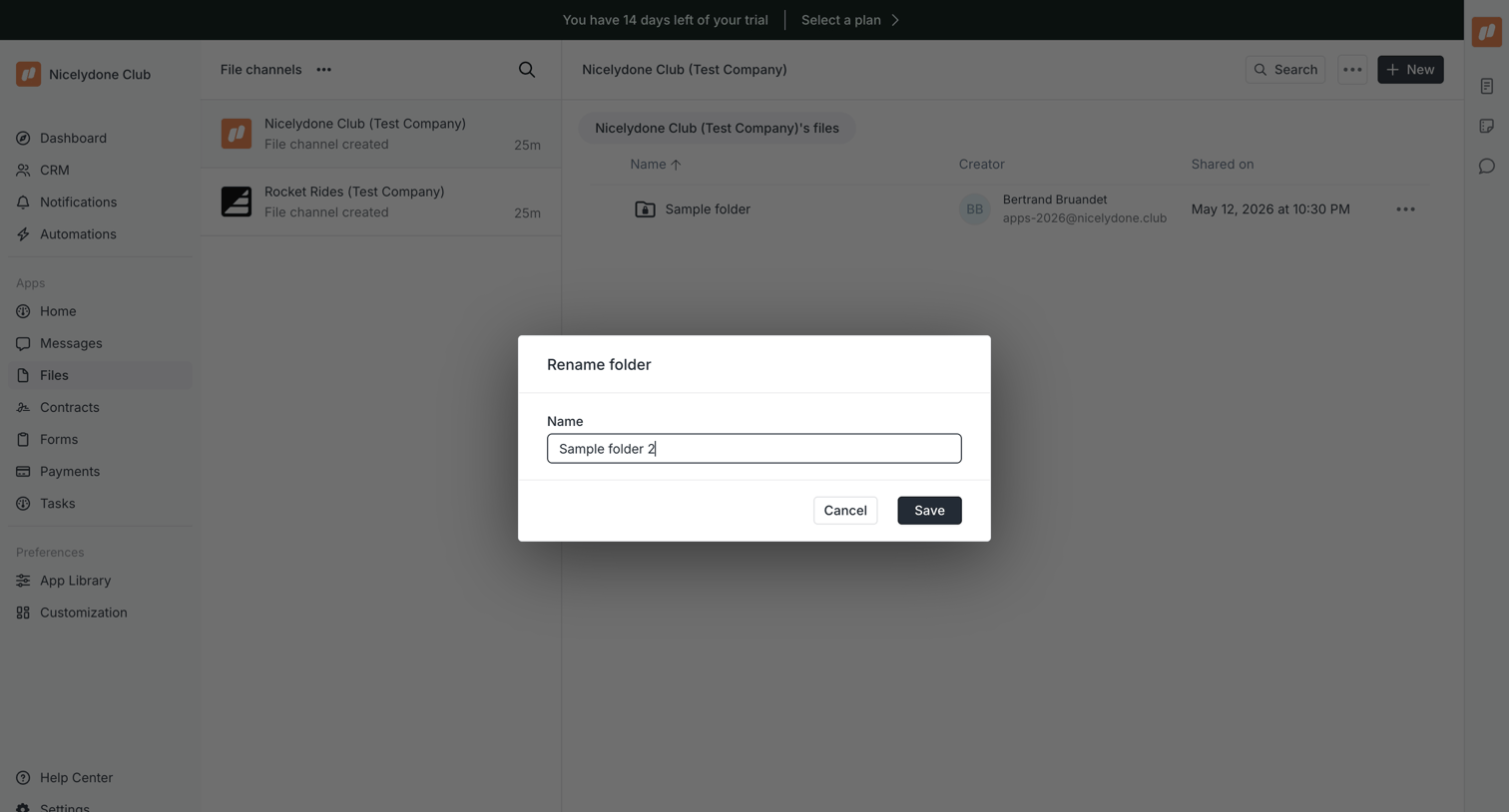

Detail page for a file channel where the user is renaming a specific folder via a modal overlay.
Explore the full SaaS screen library
Upgrade to unlock the full library.
Trusted by the best teams








About Modal dialog
Explore how interfaces present a focused task above the current page. Look at how modal headings, content, and close or completion actions define the temporary workspace.