List management screen examples
List management screen design examples from SaaS apps. Explore how interfaces arrange items in a sequence of rows. Look at how repeated labels, supporting details, and actions establish a consistent structure…
Explore the examples
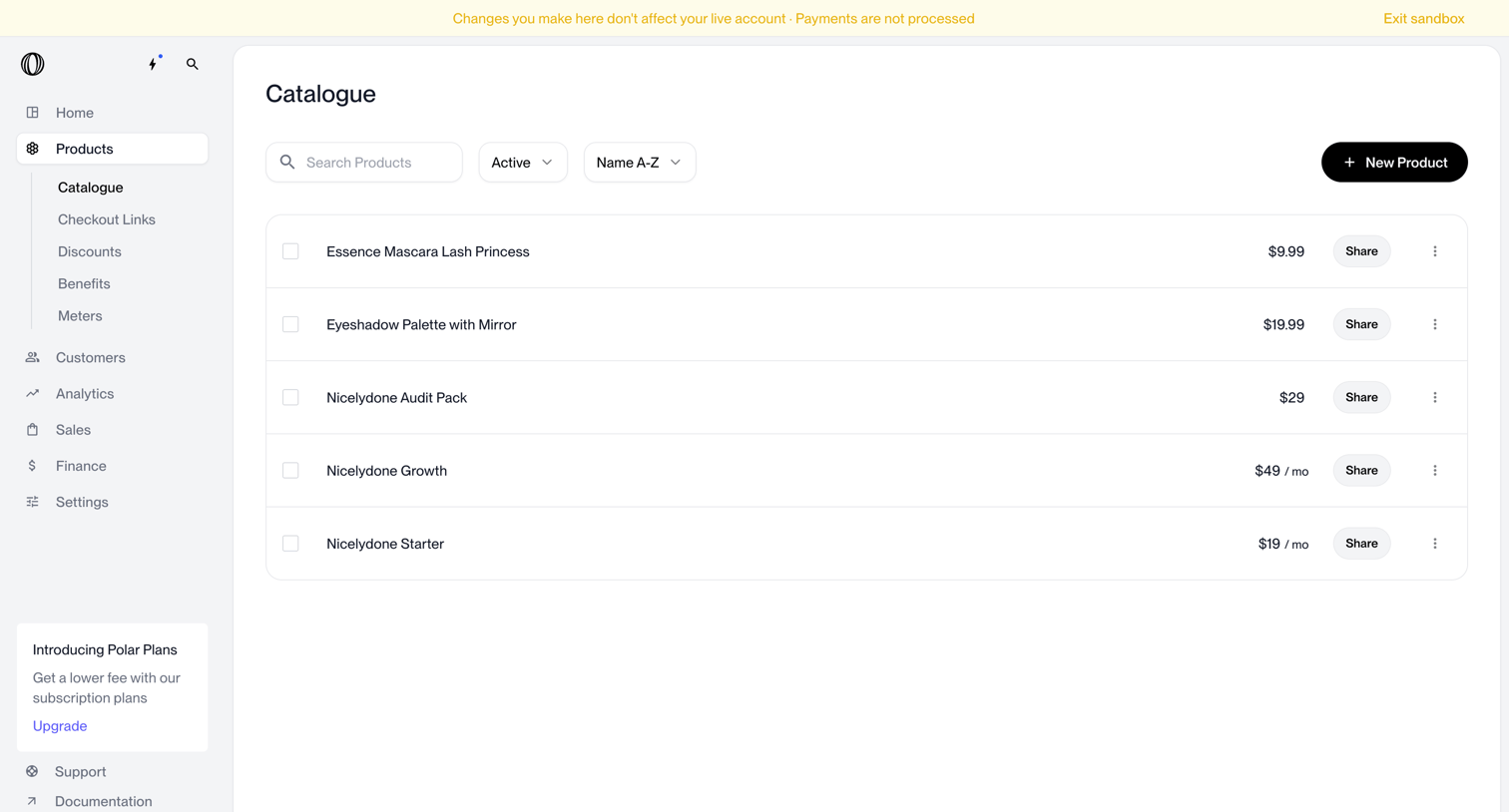

List view where the user manages their product catalogue, with options to search, filter, share, and create new products.
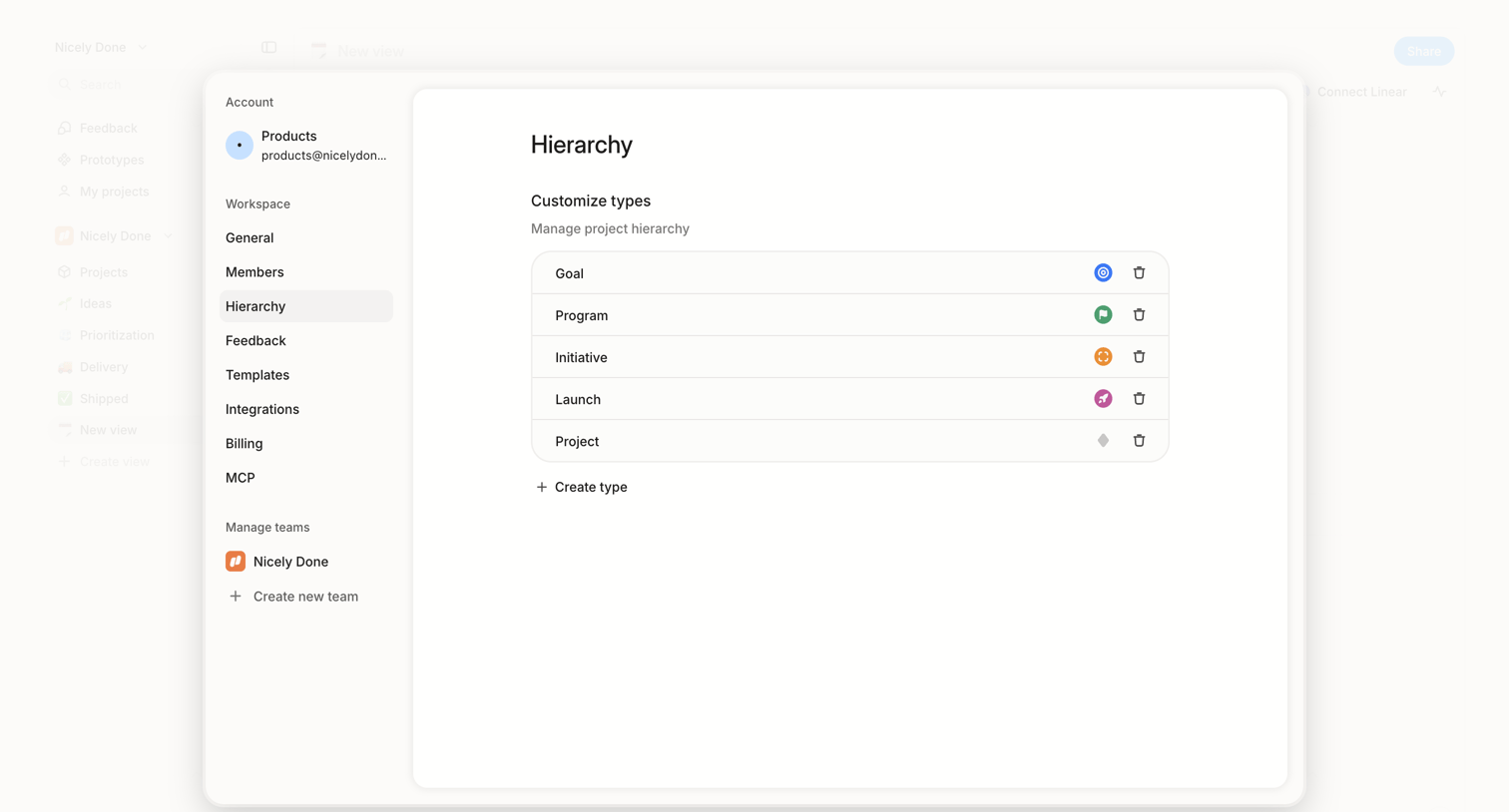

Settings modal where the user configures custom project hierarchy types like Goal, Program, and Initiative.
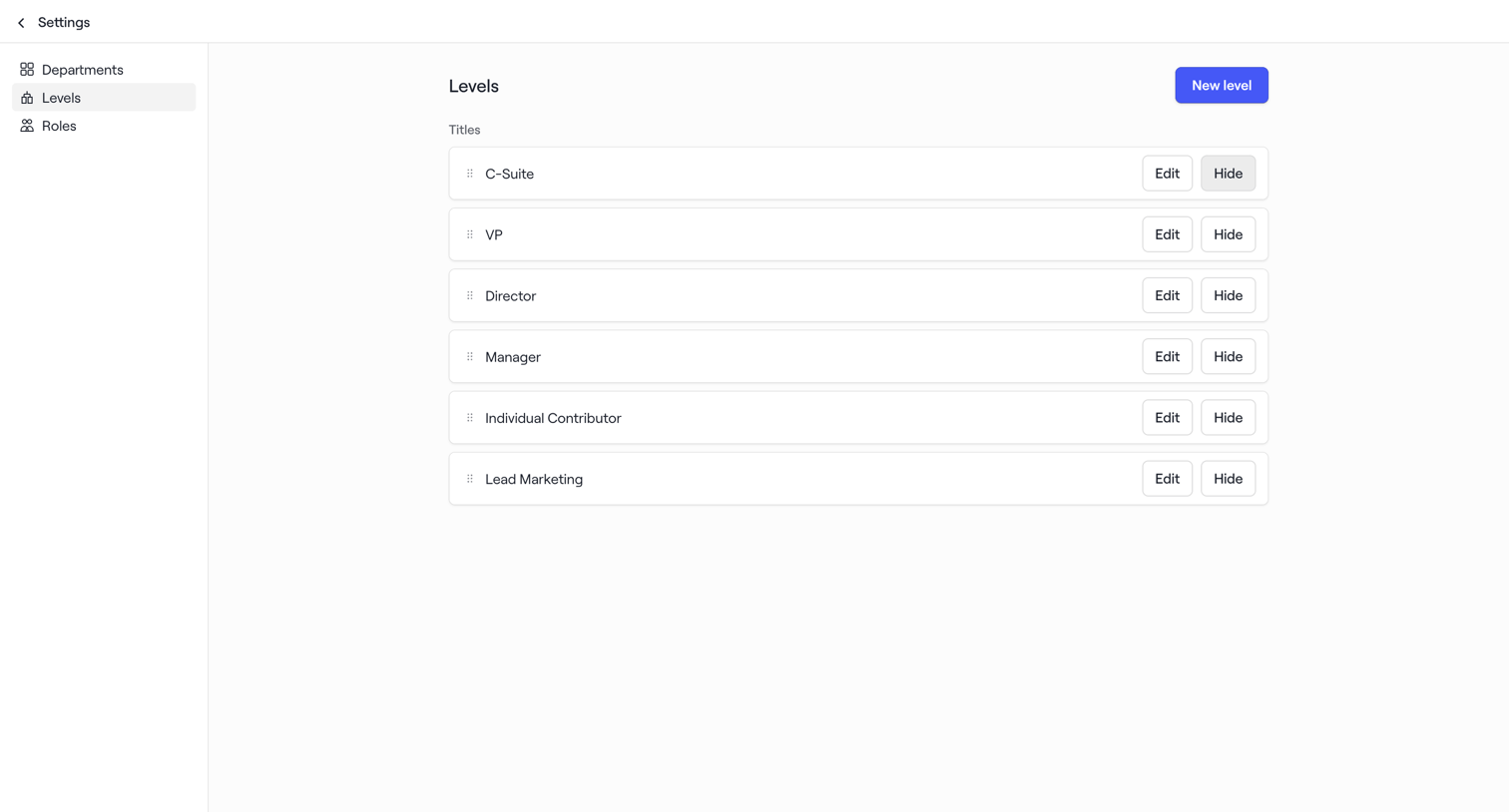

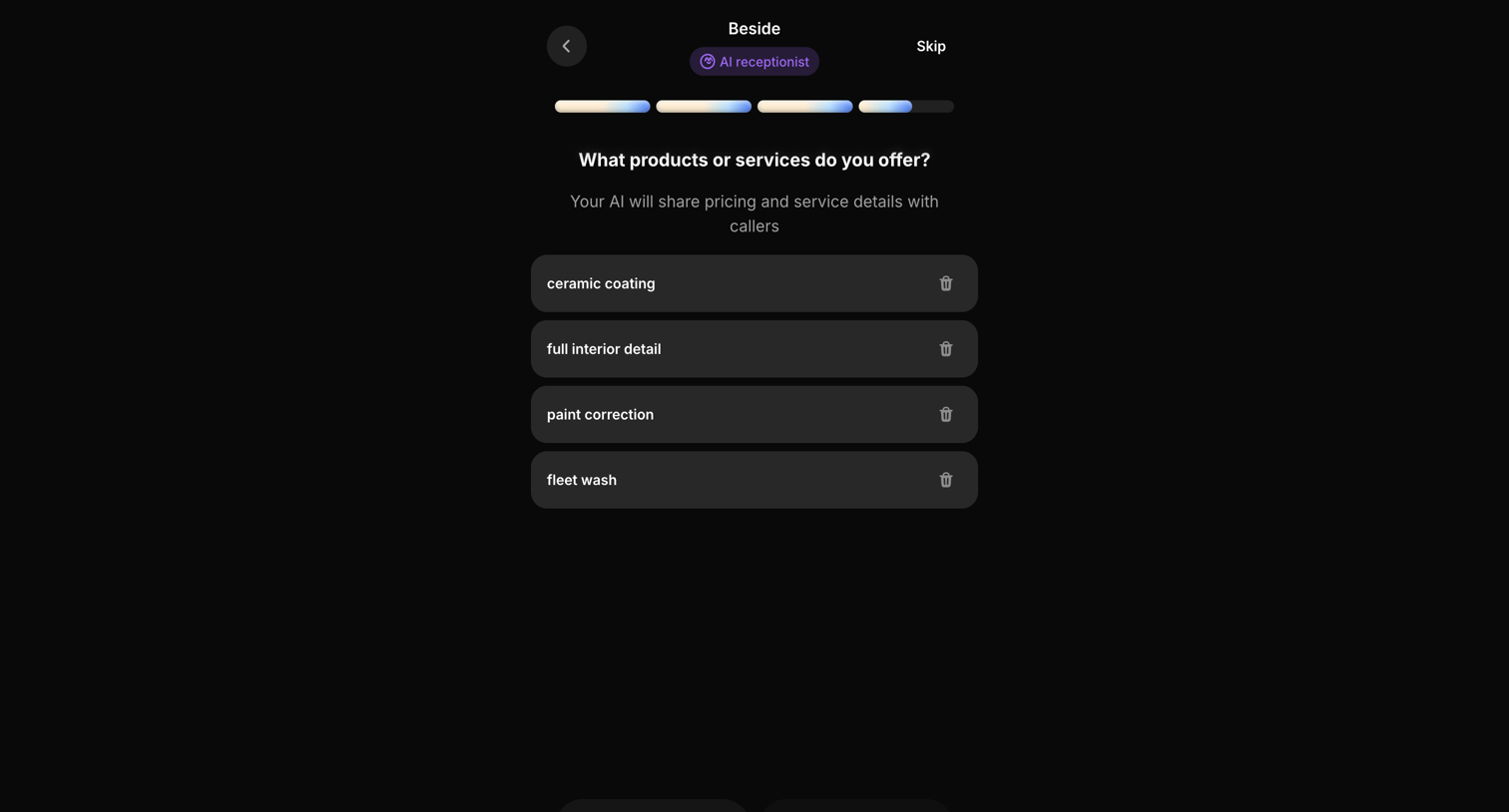

Onboarding step where the user defines the products or services their AI receptionist will offer, such as ceramic coating and fleet wash.
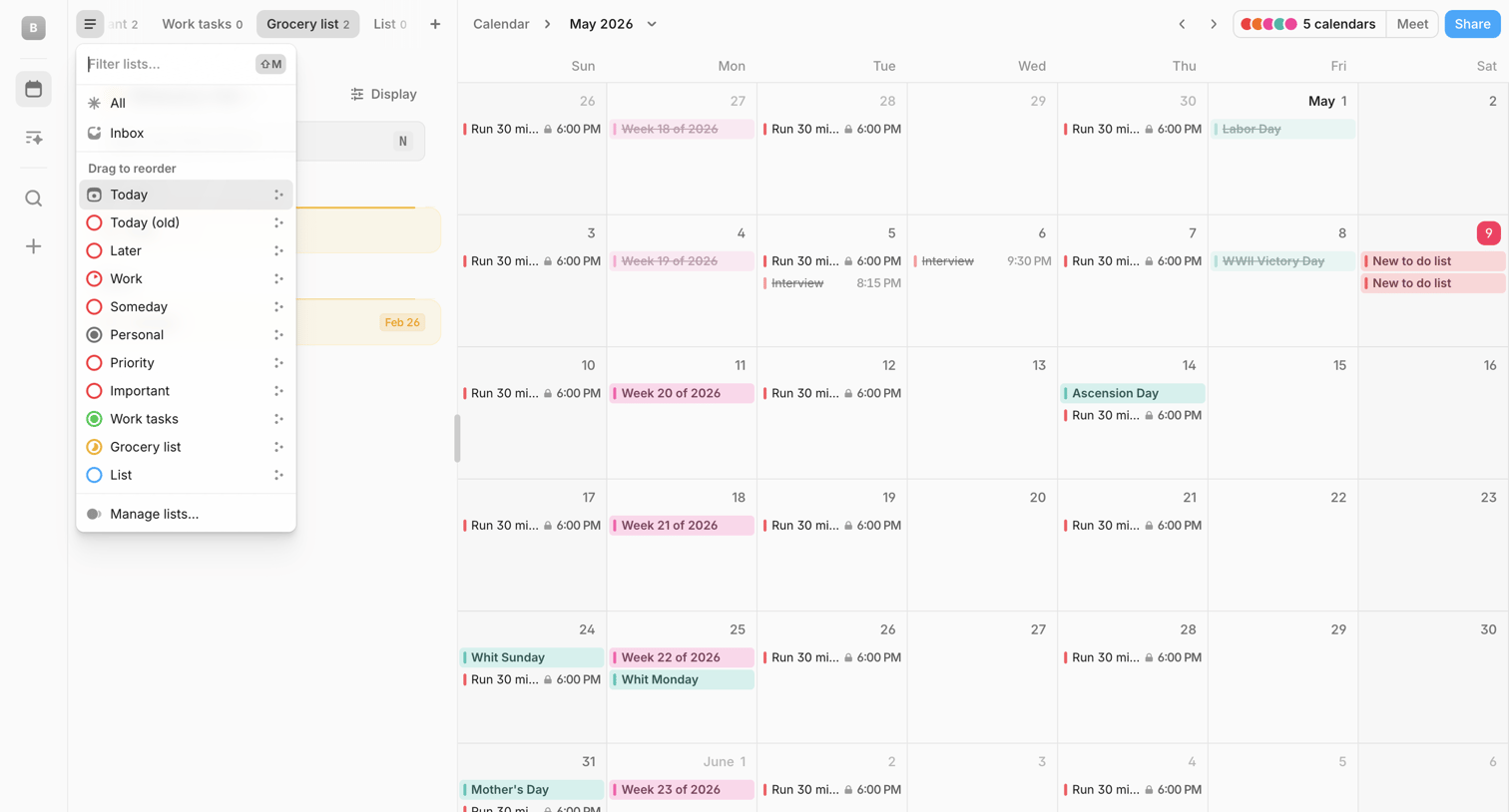

Calendar application showing a monthly view with a floating AI command bar and an open combobox for filtering and reordering task lists.
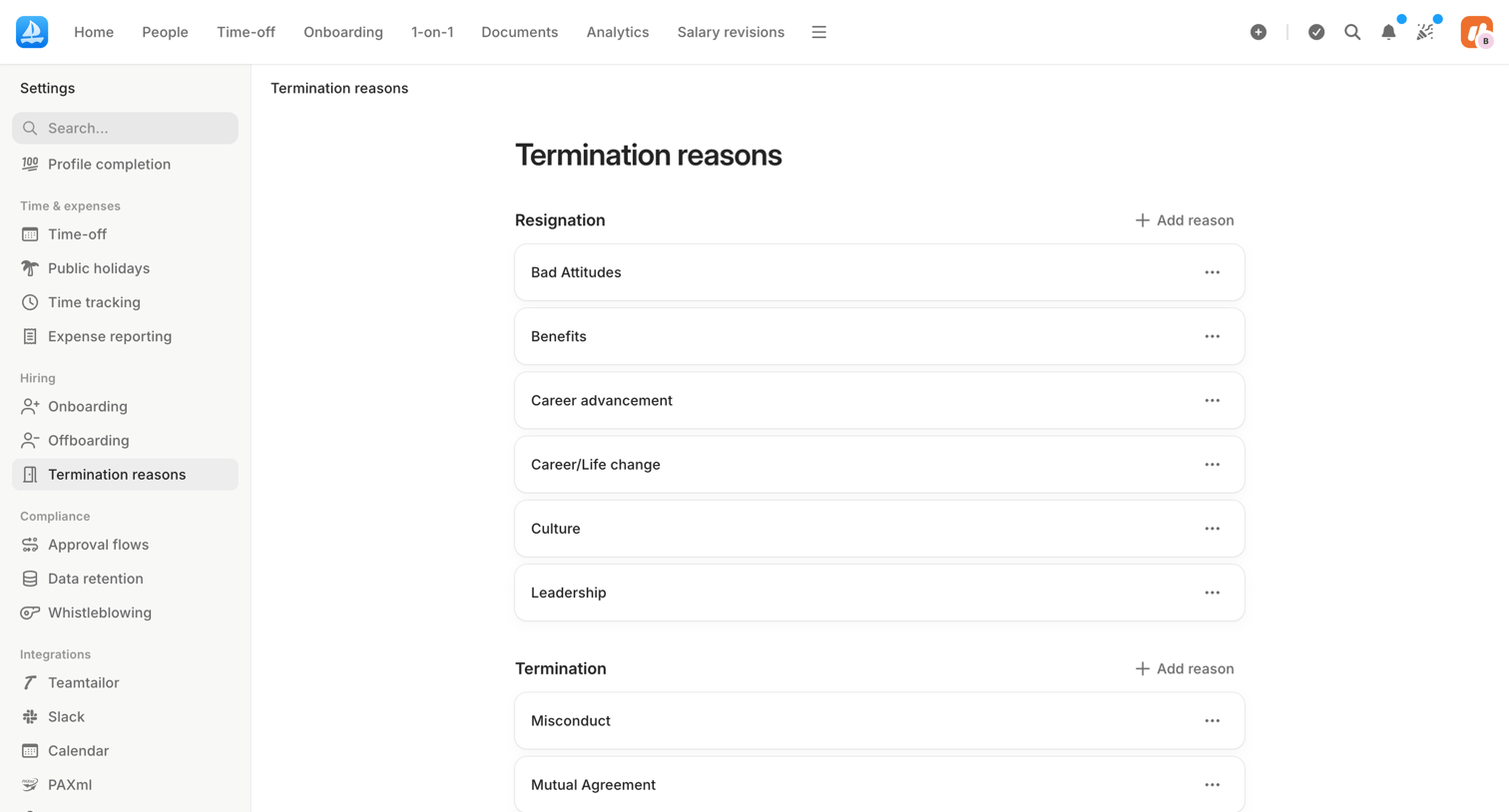

Settings page where the user manages lists of reasons for resignation and termination.
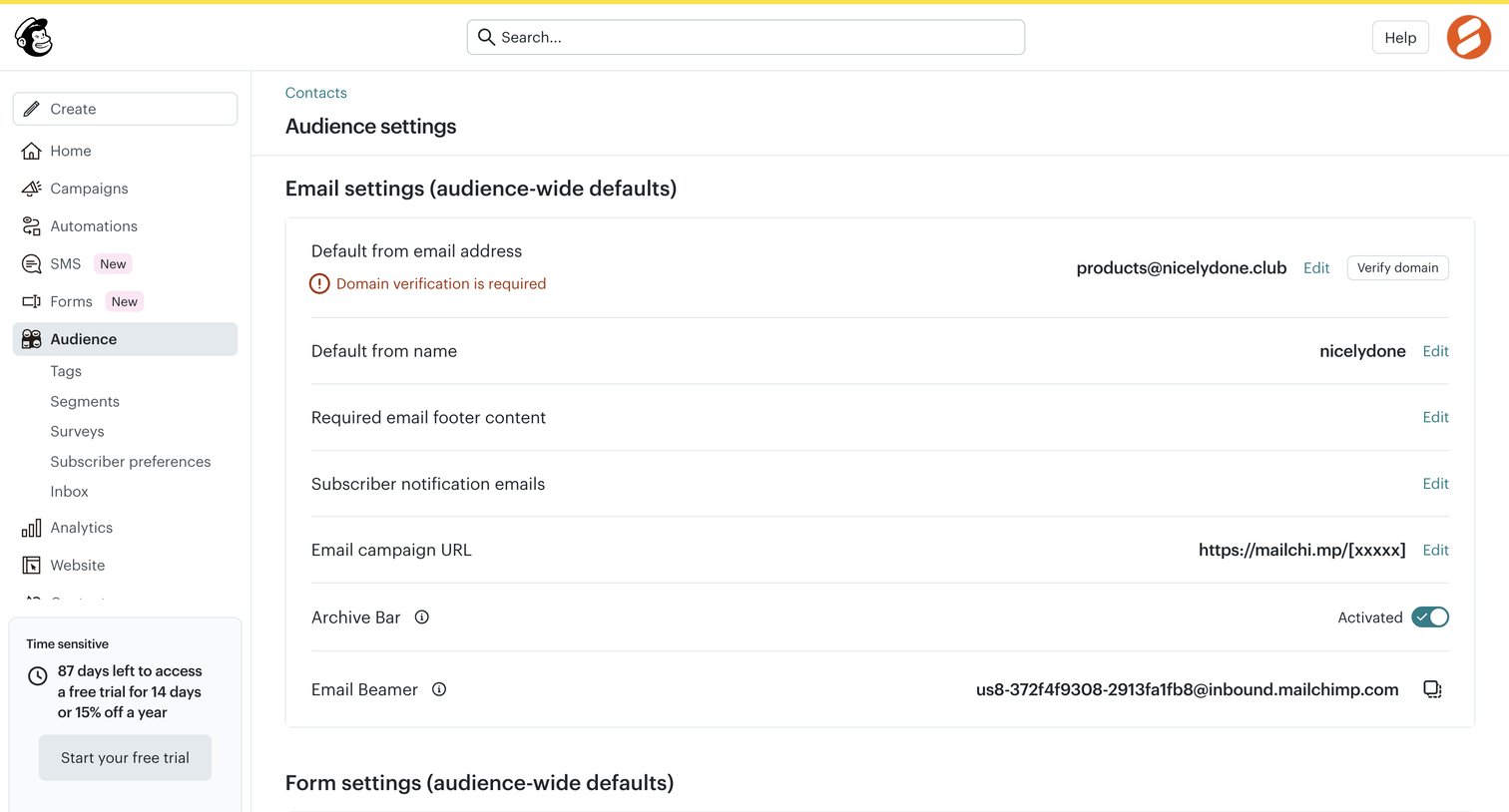

Settings page where the user configures audience-wide email defaults like the from address, required footer content, and opt-in settings.

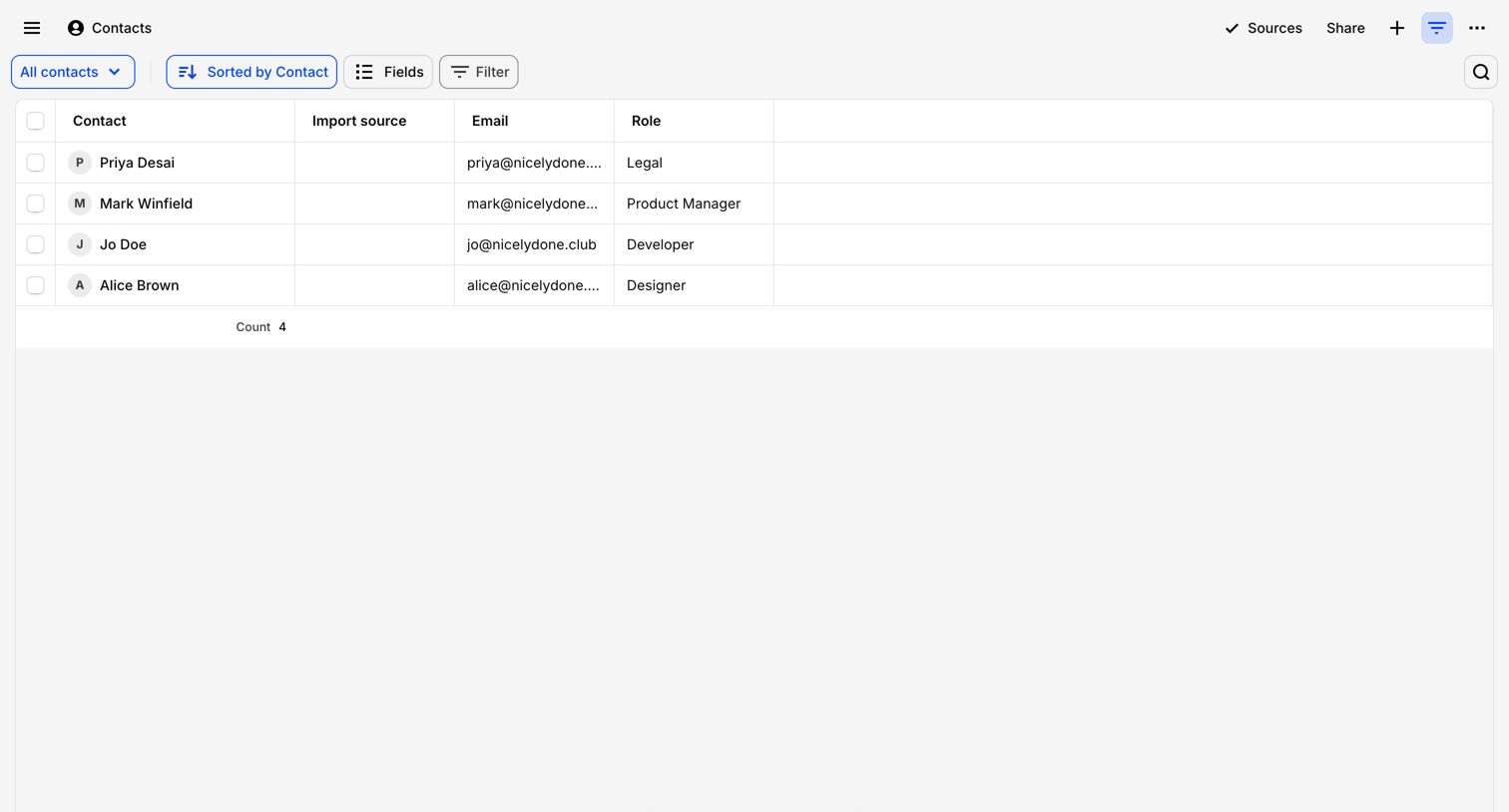

List view where the user browses their contacts directory, with options to sort, filter, and initiate an AI chat with the data.
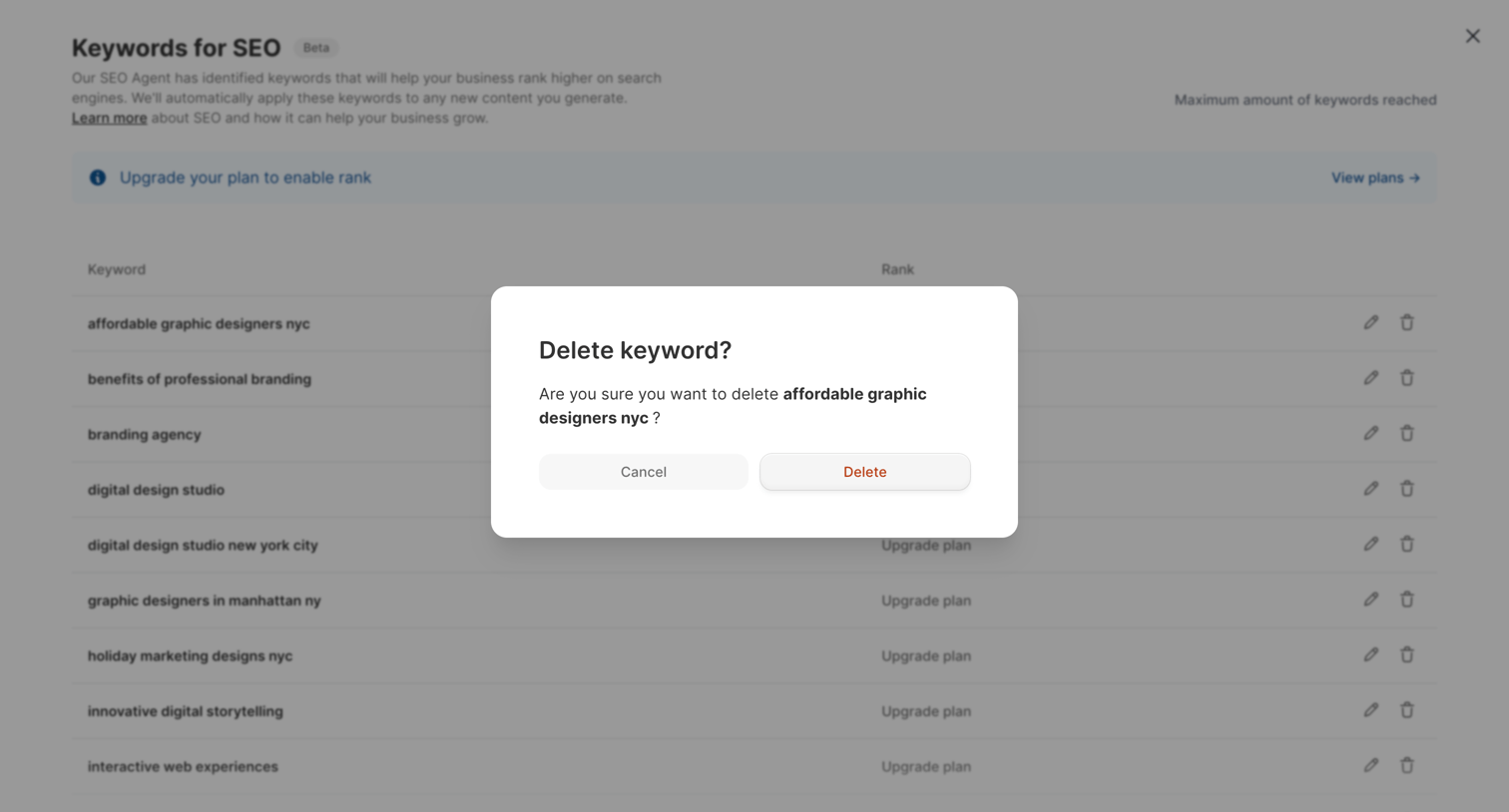

List view of SEO keywords with an active confirmation modal asking the user to confirm the deletion of a specific keyword.
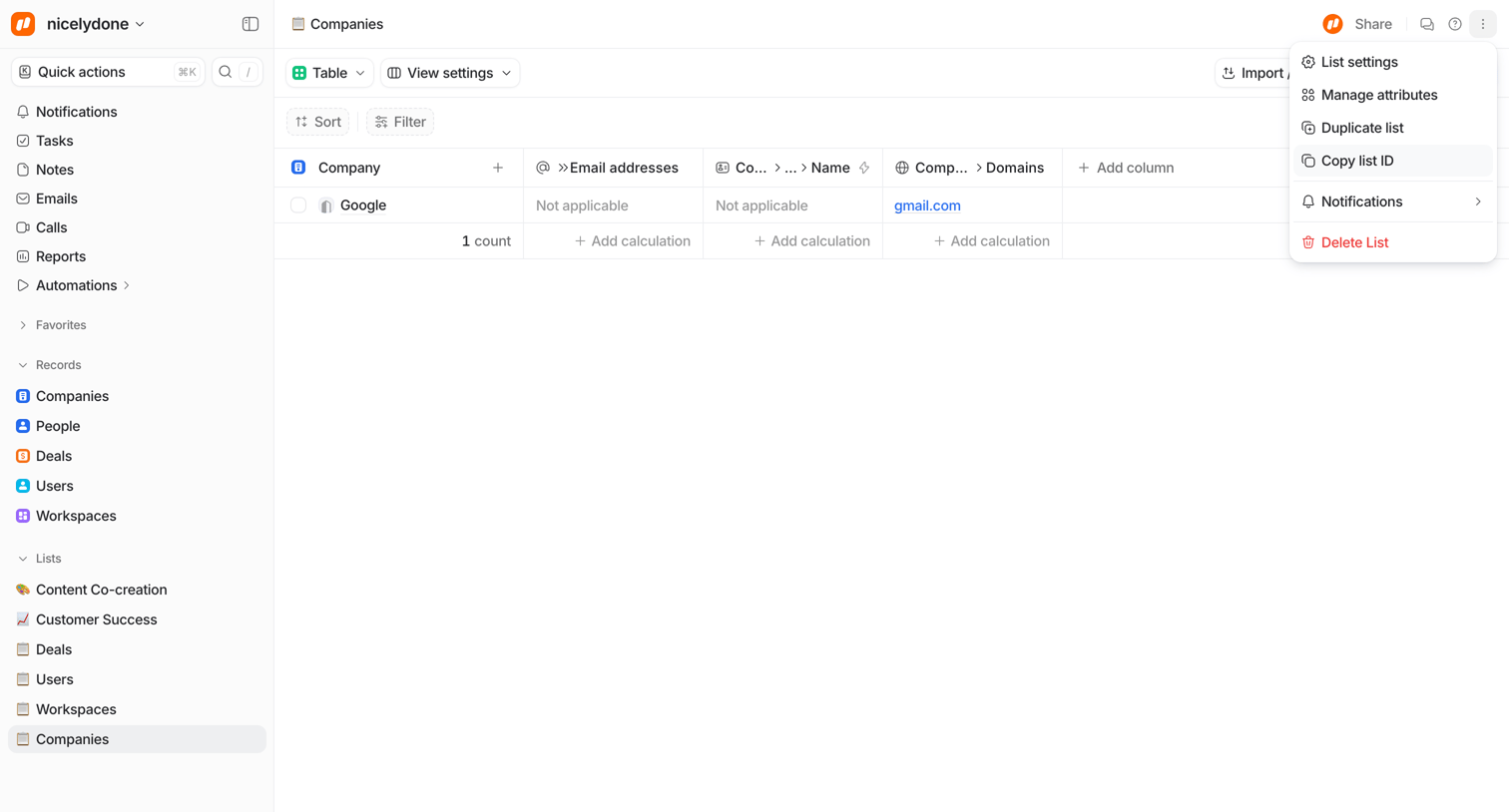

Data table where the user views and manages a list of companies, with an open dropdown menu showing list settings and actions.
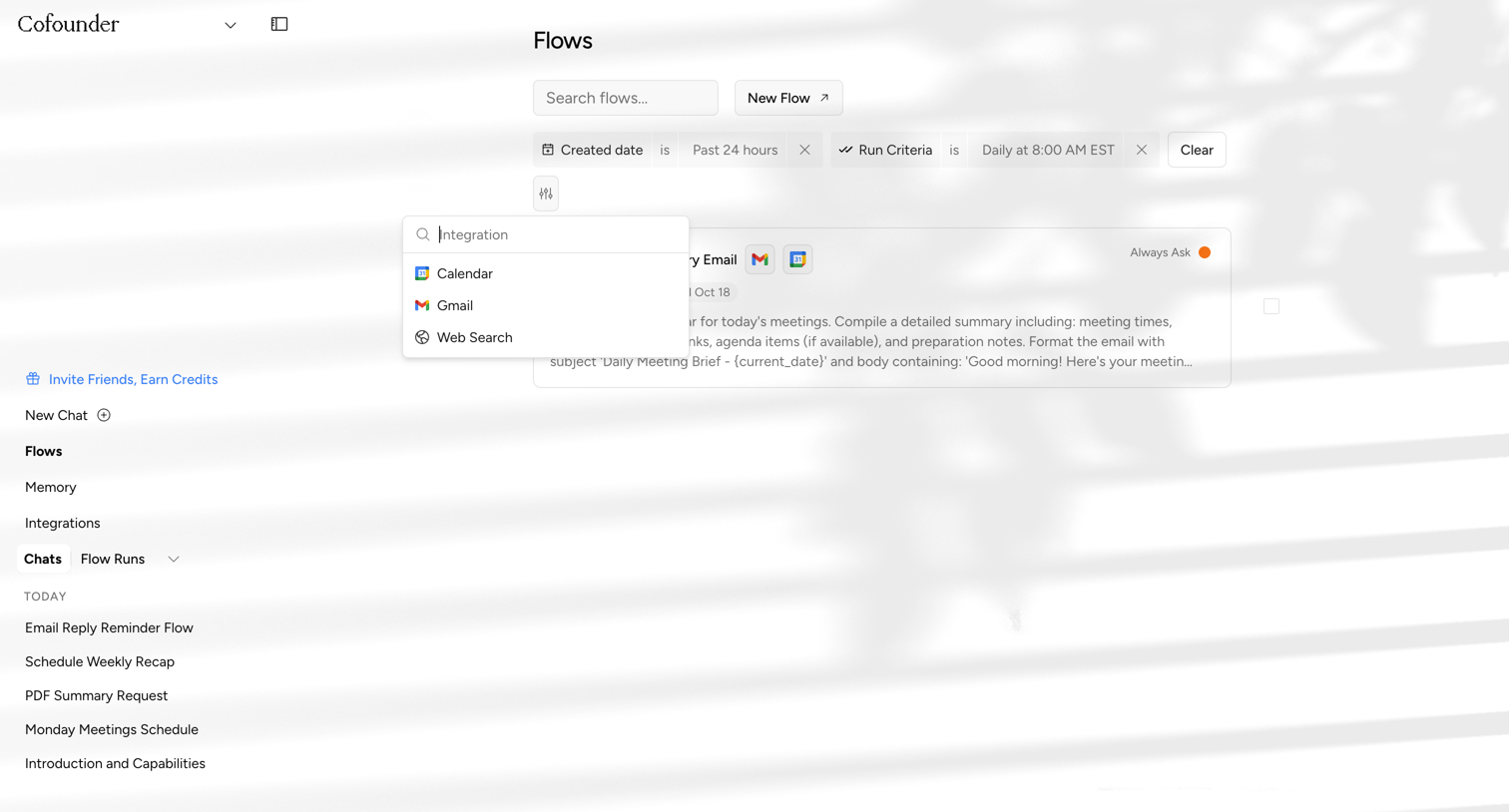

List view where the user manages automated workflows, featuring search, date and criteria filters, and an open combobox to select integrations.
Explore the full SaaS screen library
Upgrade to unlock the full library.
Trusted by the best teams








About List management
Explore how interfaces arrange items in a sequence of rows. Look at how repeated labels, supporting details, and actions establish a consistent structure down the list.