Junk screen examples
Junk screen design examples from SaaS apps. Browse examples from Notion Mail, Reflect, Otter.
Explore the examples
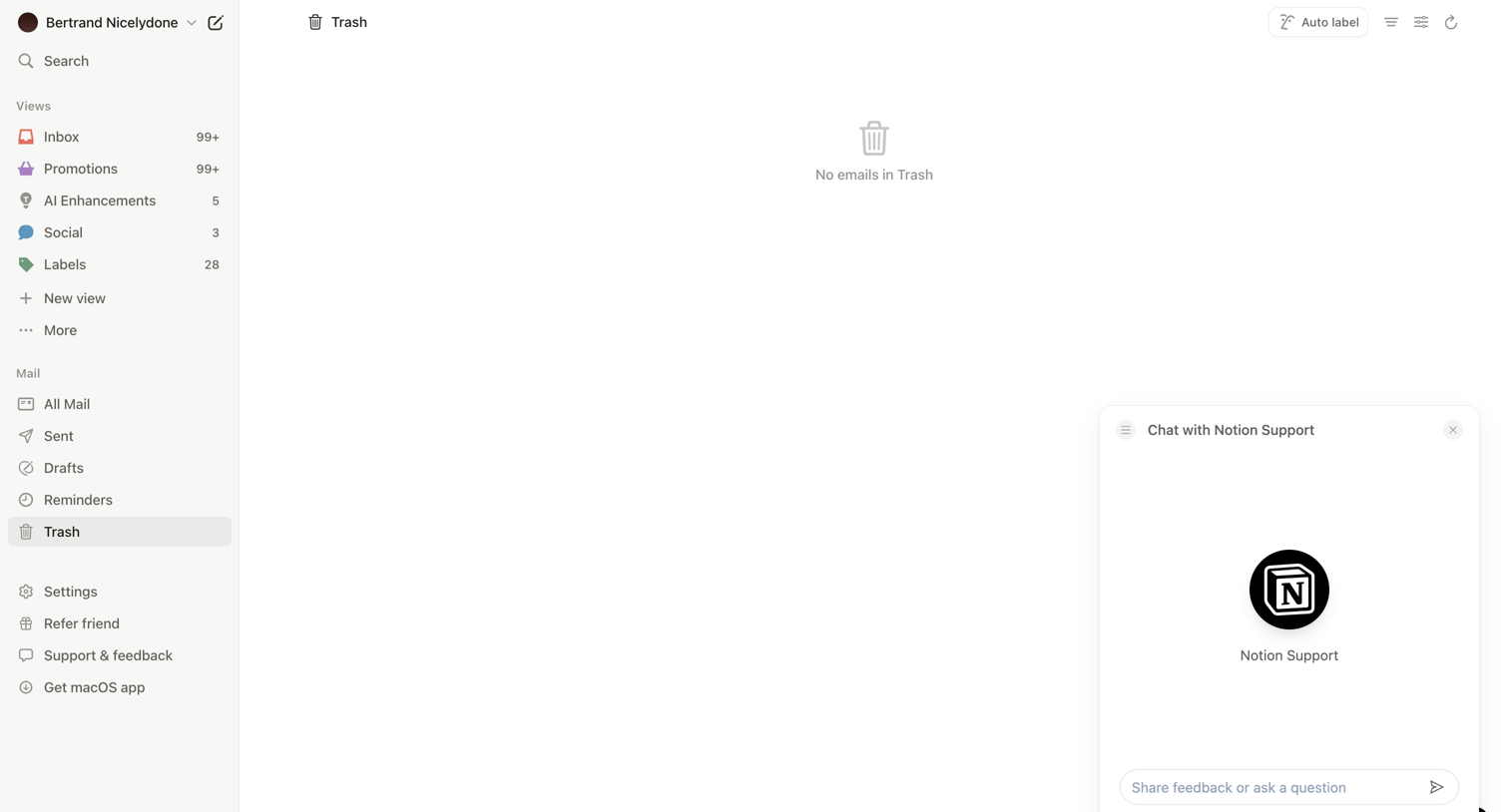

Email client inbox showing an empty trash folder with a support chat widget open for user assistance.
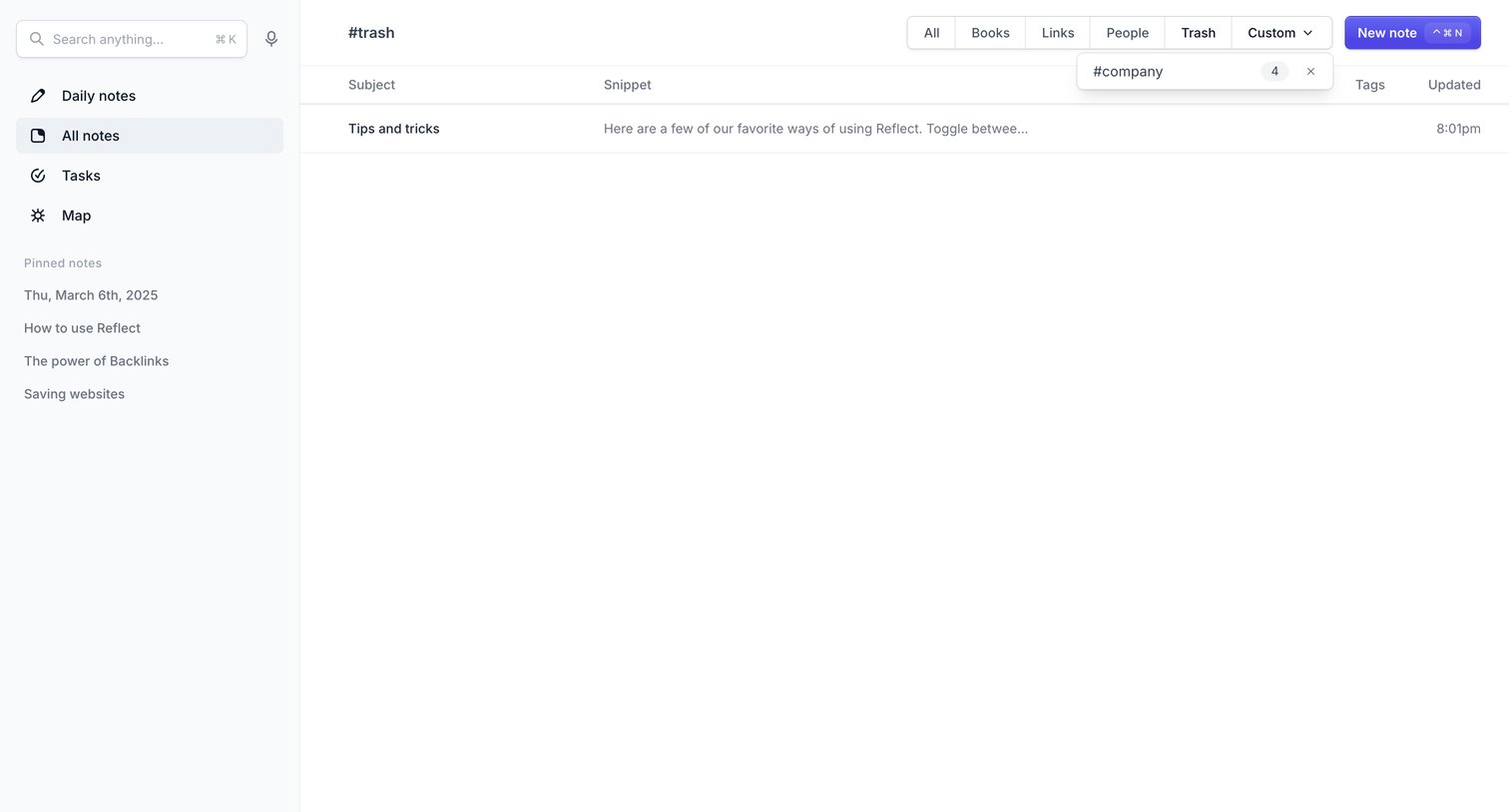

List view where the user browses deleted notes in the trash, with a custom filter dropdown open.
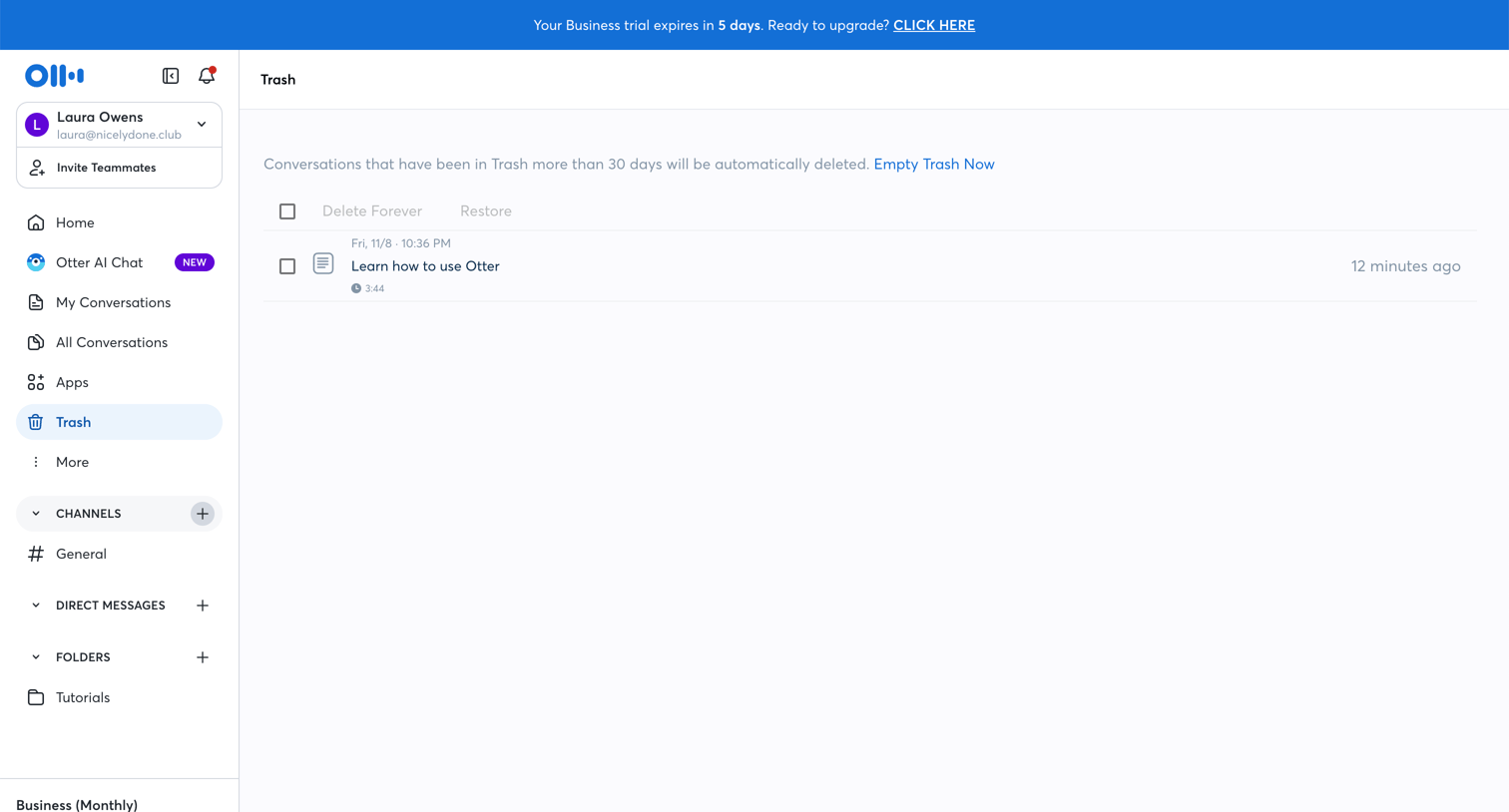

List view showing deleted conversations in the trash with options to restore them or delete them permanently.
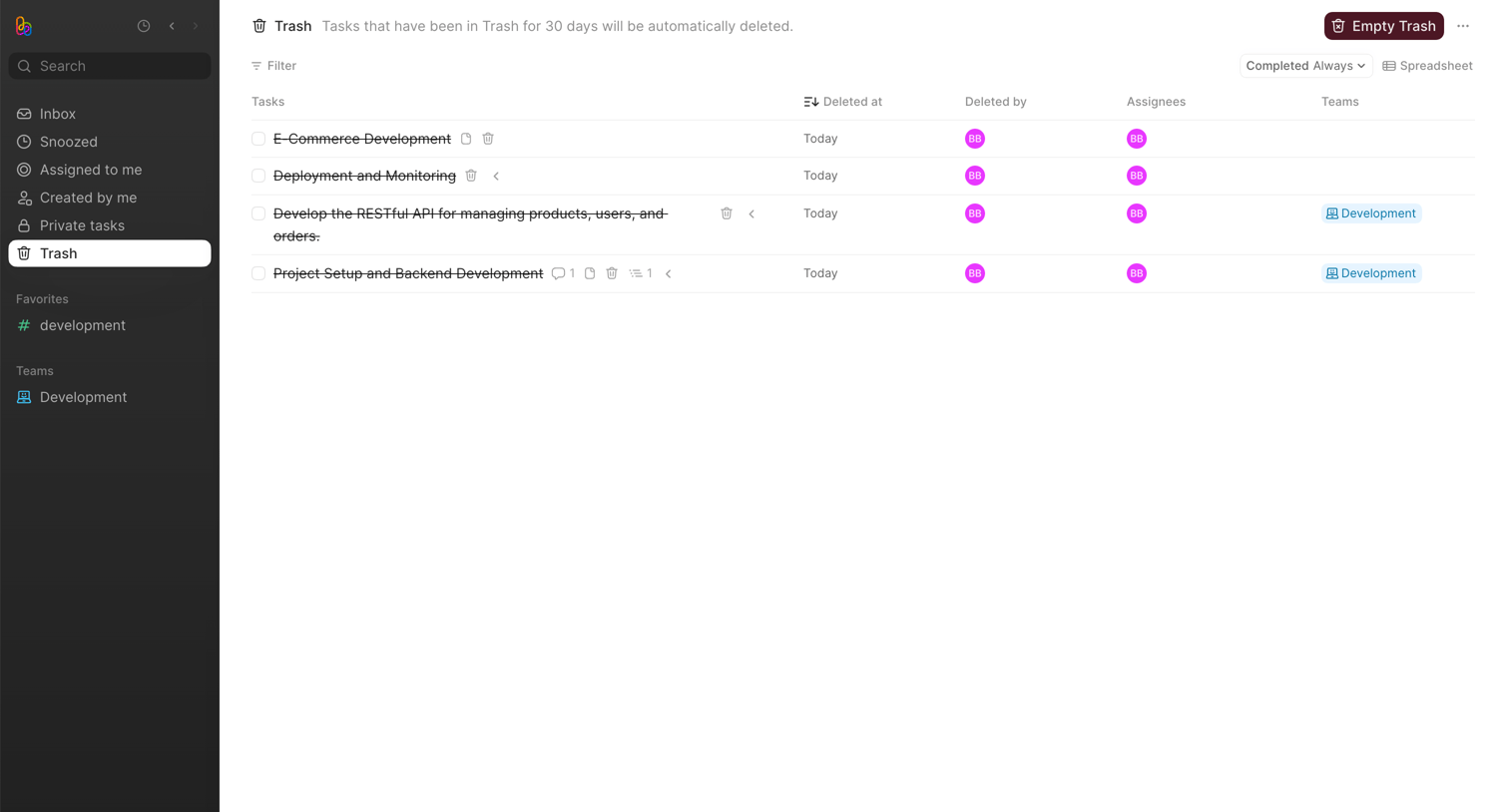

List view where the user can review deleted tasks, see who deleted them, and permanently empty the trash.
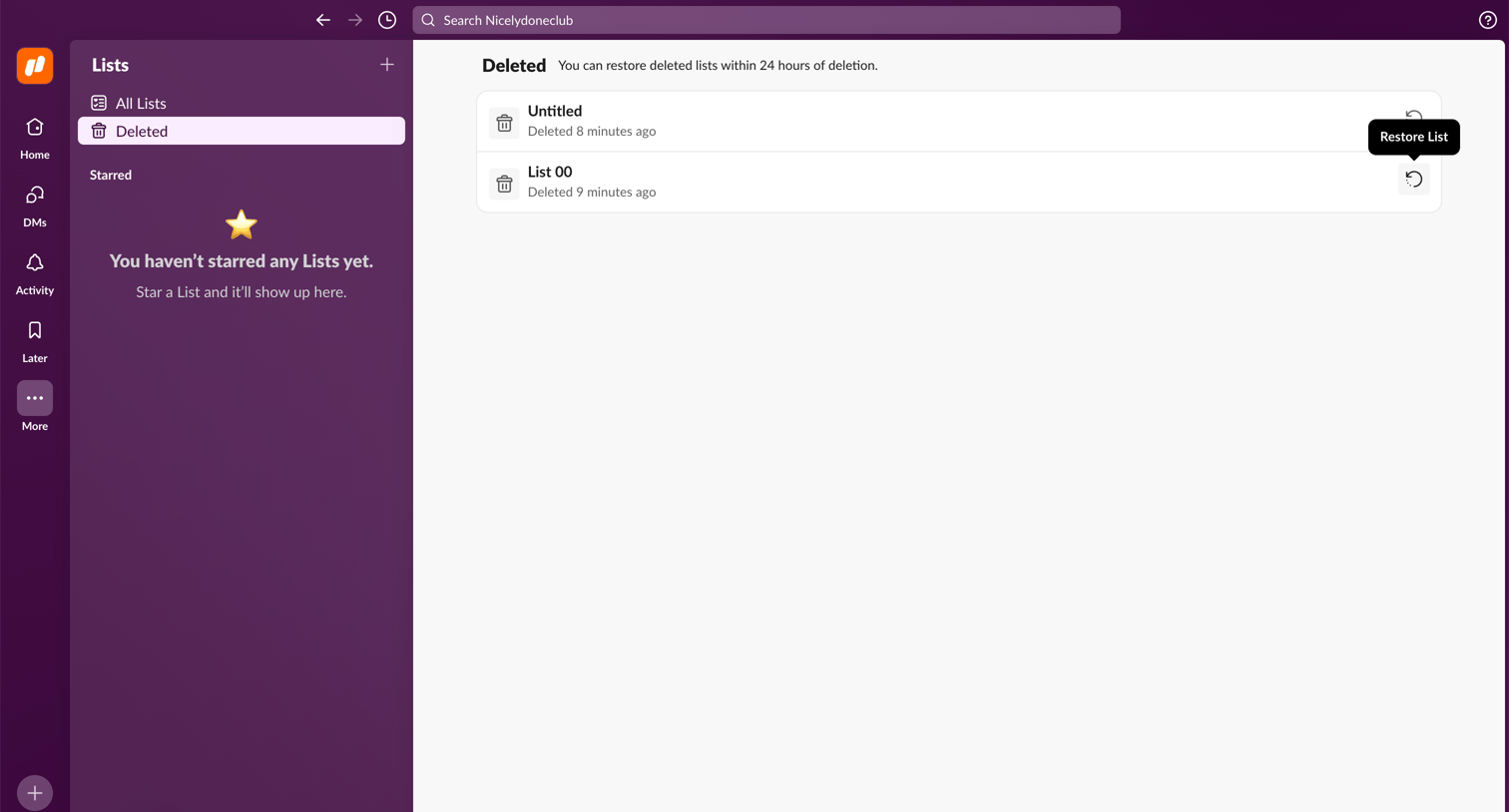

List view where the user browses recently deleted lists and can restore them within a 24-hour window.
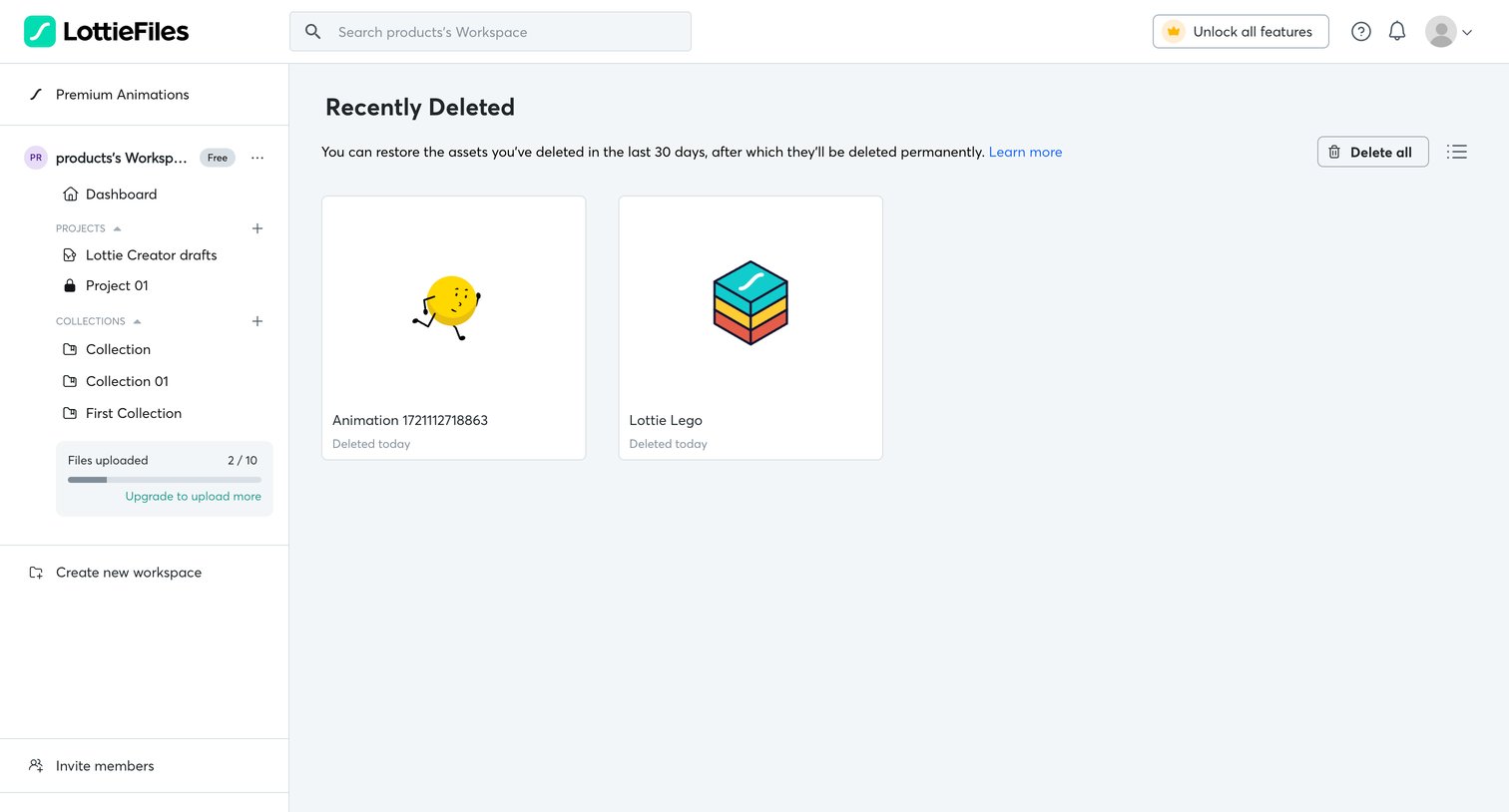

List view where the user can manage and permanently delete or restore recently deleted animation assets.
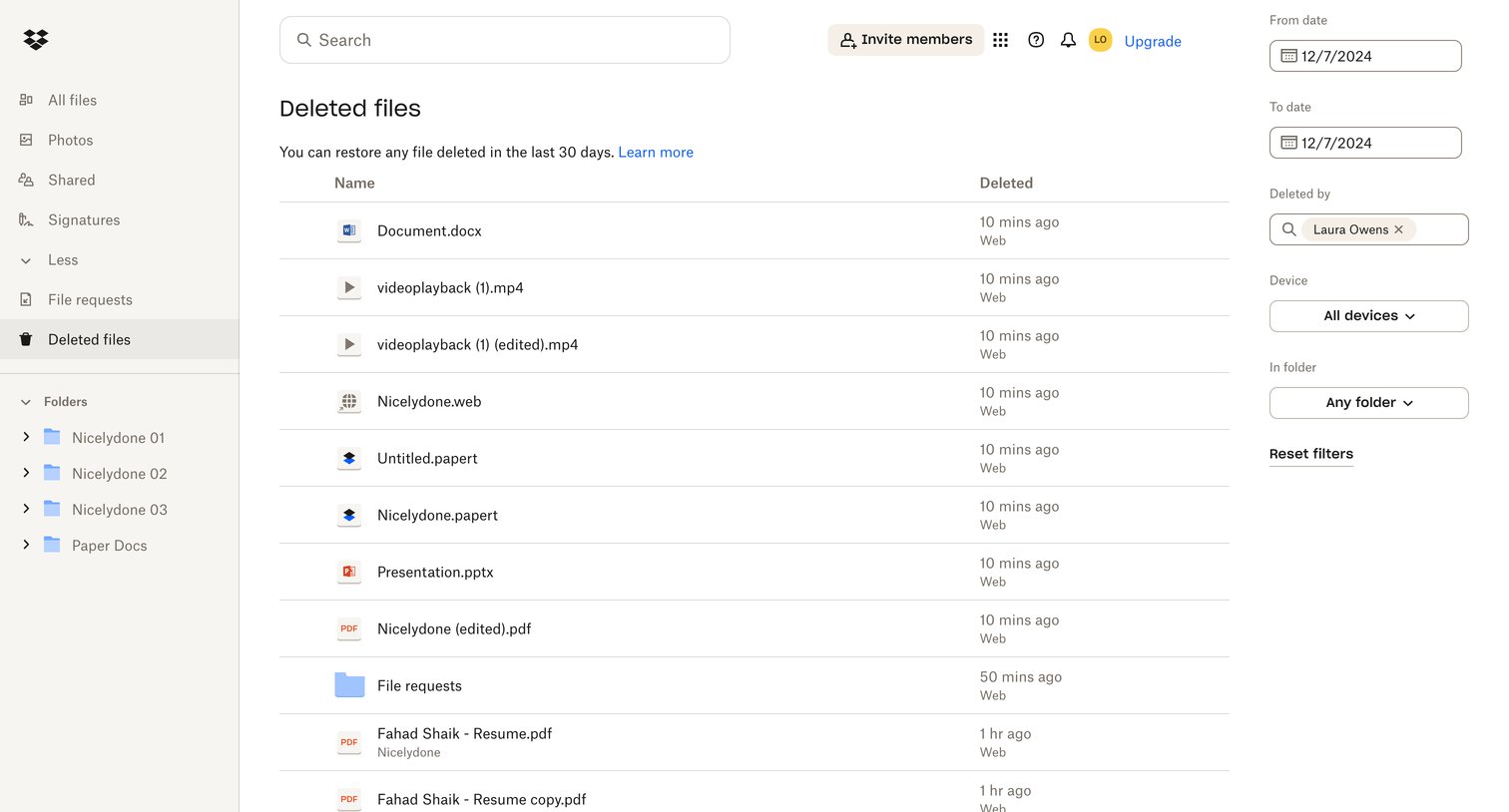

List view where the user browses and filters recently deleted files by date, user, and device to find items to restore.
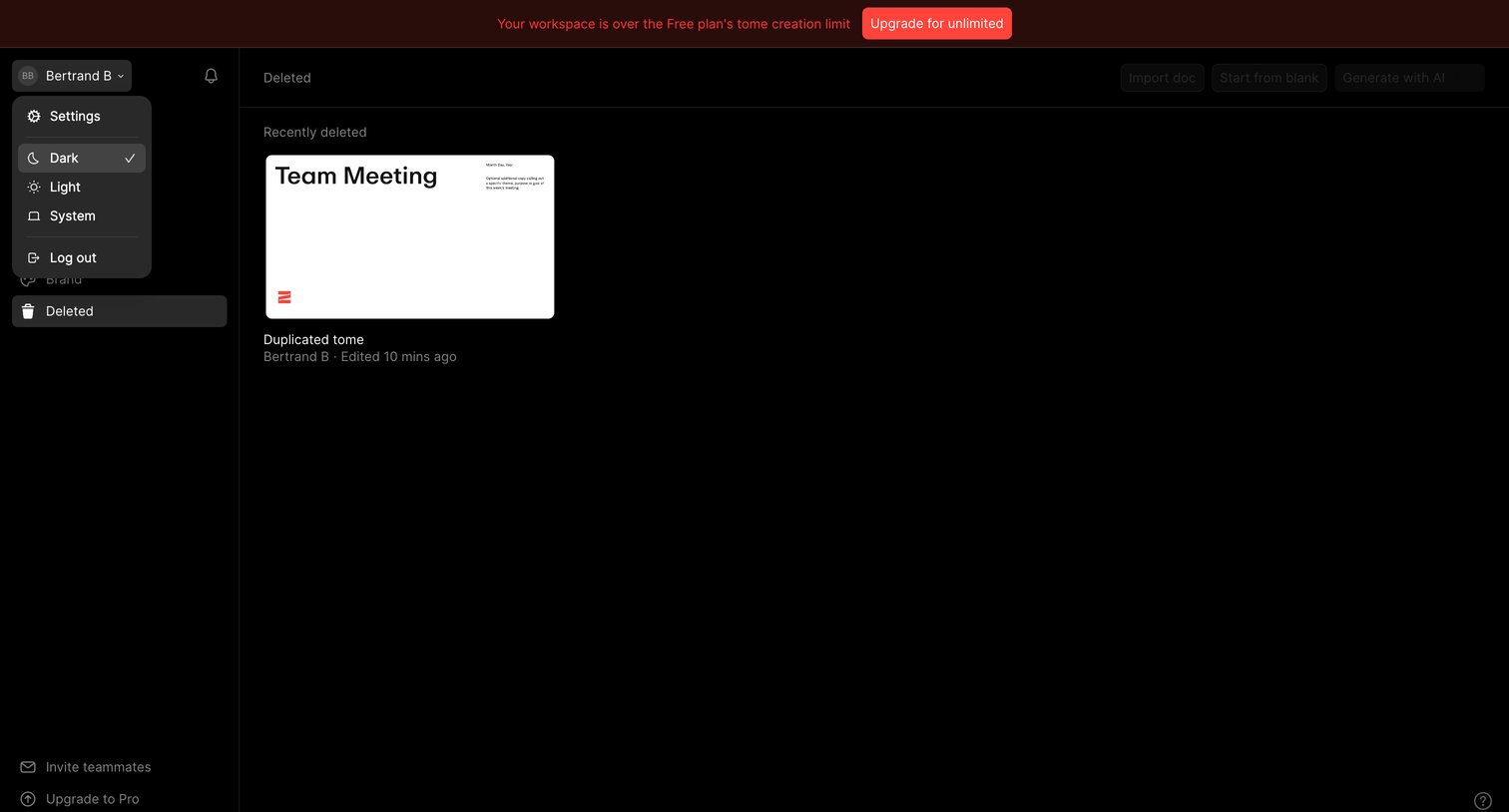

List view showing recently deleted presentations with a top banner indicating the workspace has exceeded its free plan creation limit.
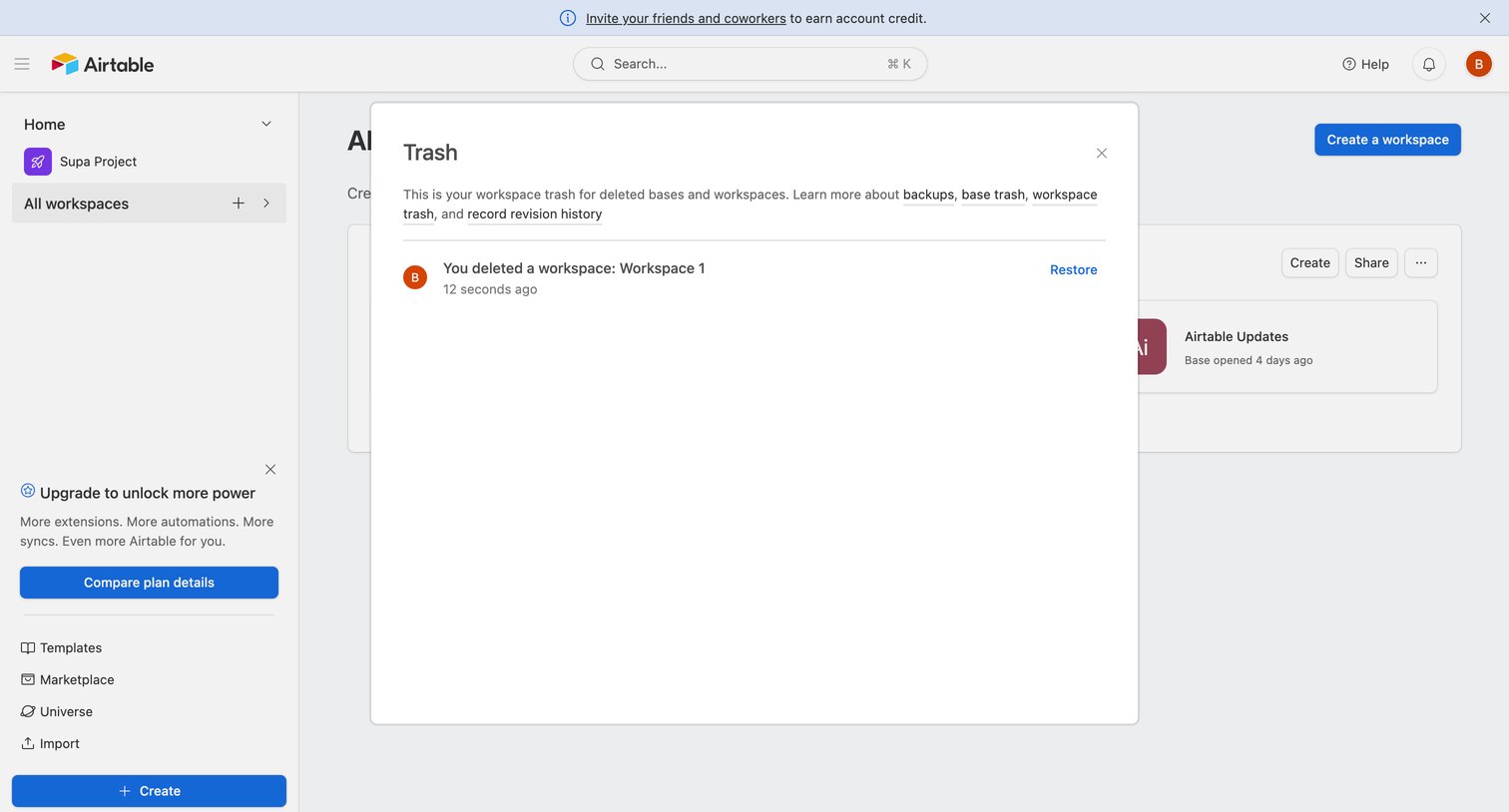

Home screen with the trash modal open where the user can view and restore deleted workspaces and bases.
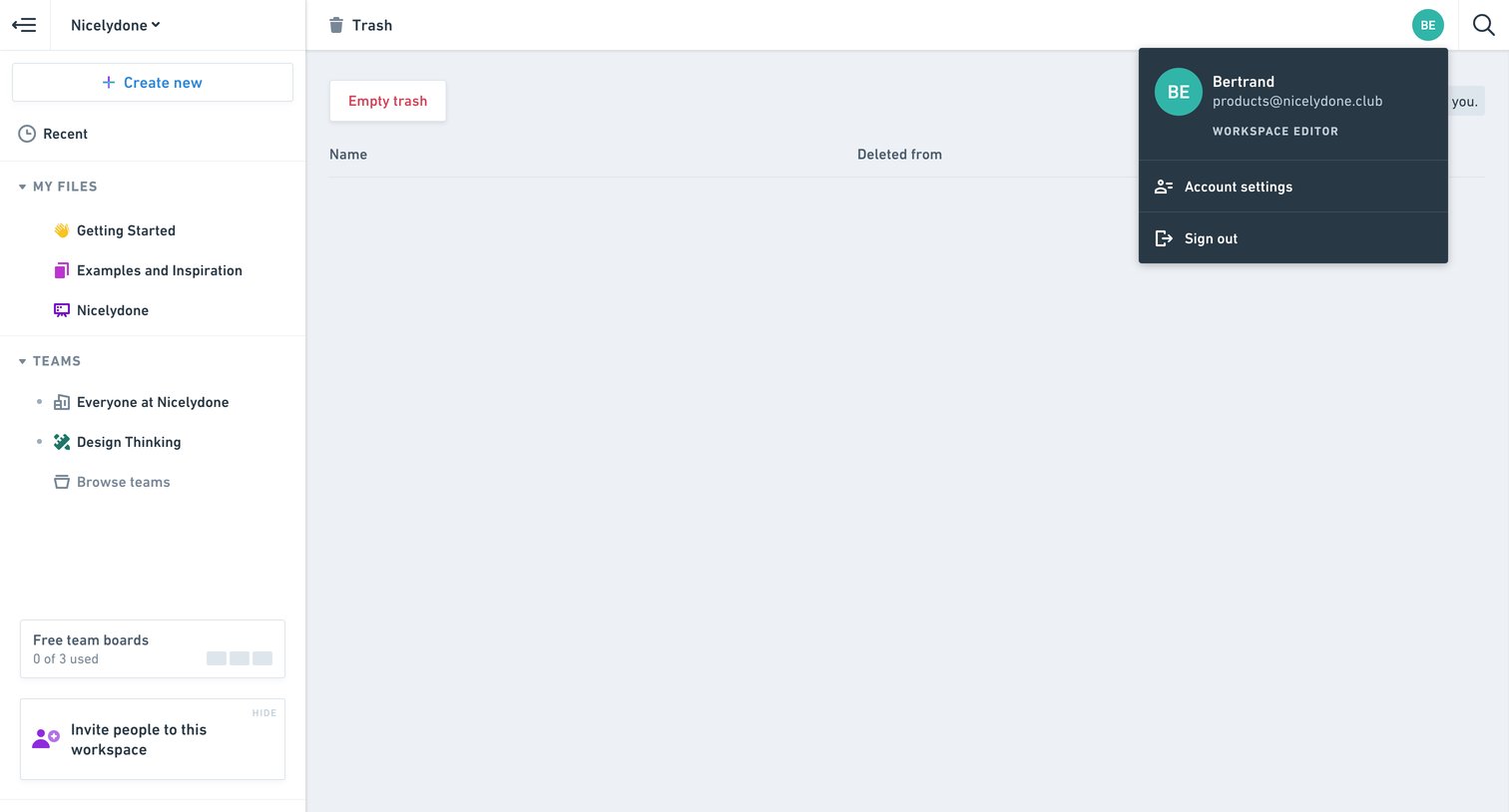

List view showing an empty trash folder with an open user account menu and a prompt to empty the trash.
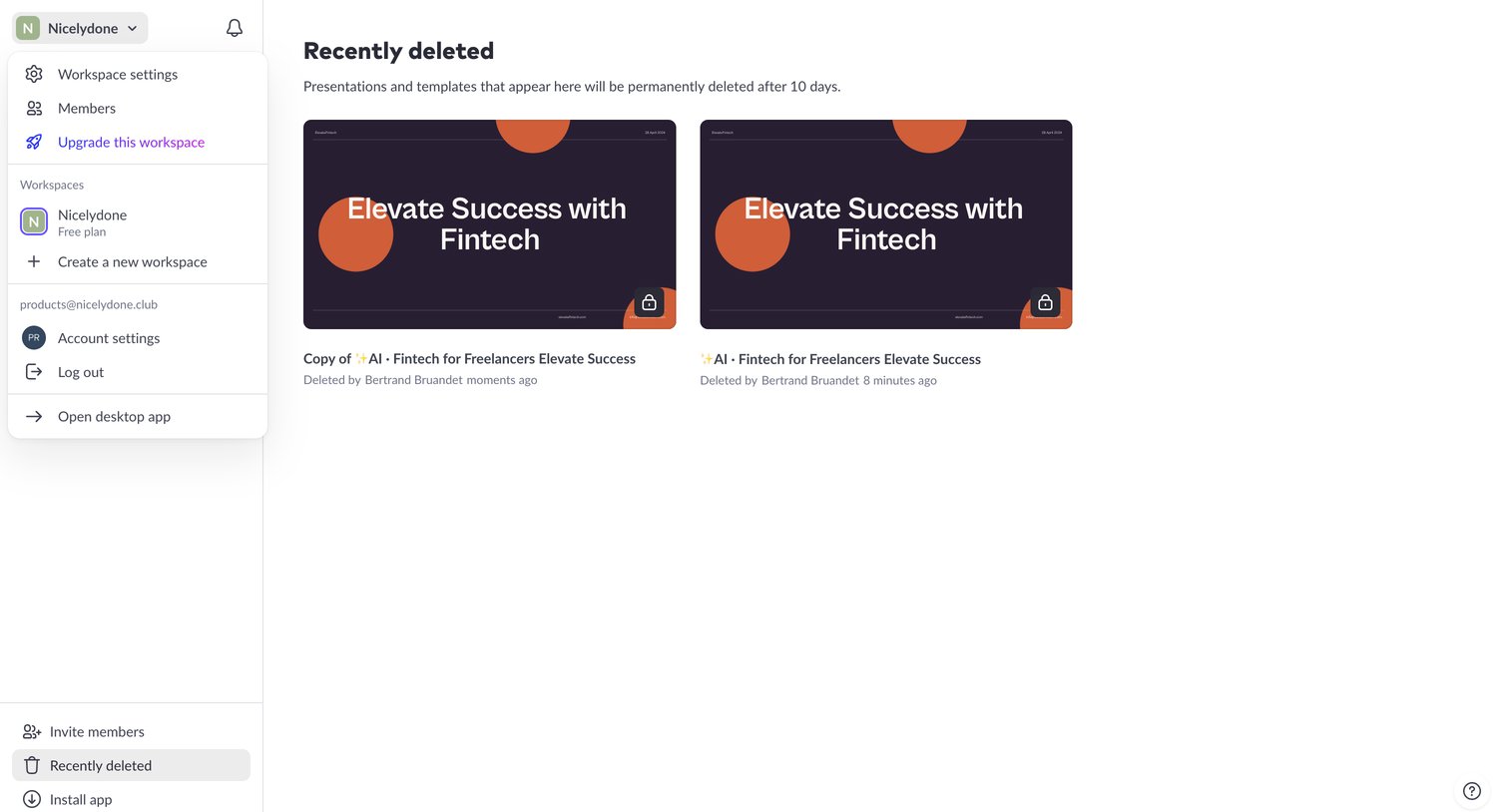

List view where the user can browse recently deleted presentations and templates before they are permanently removed after 10 days.
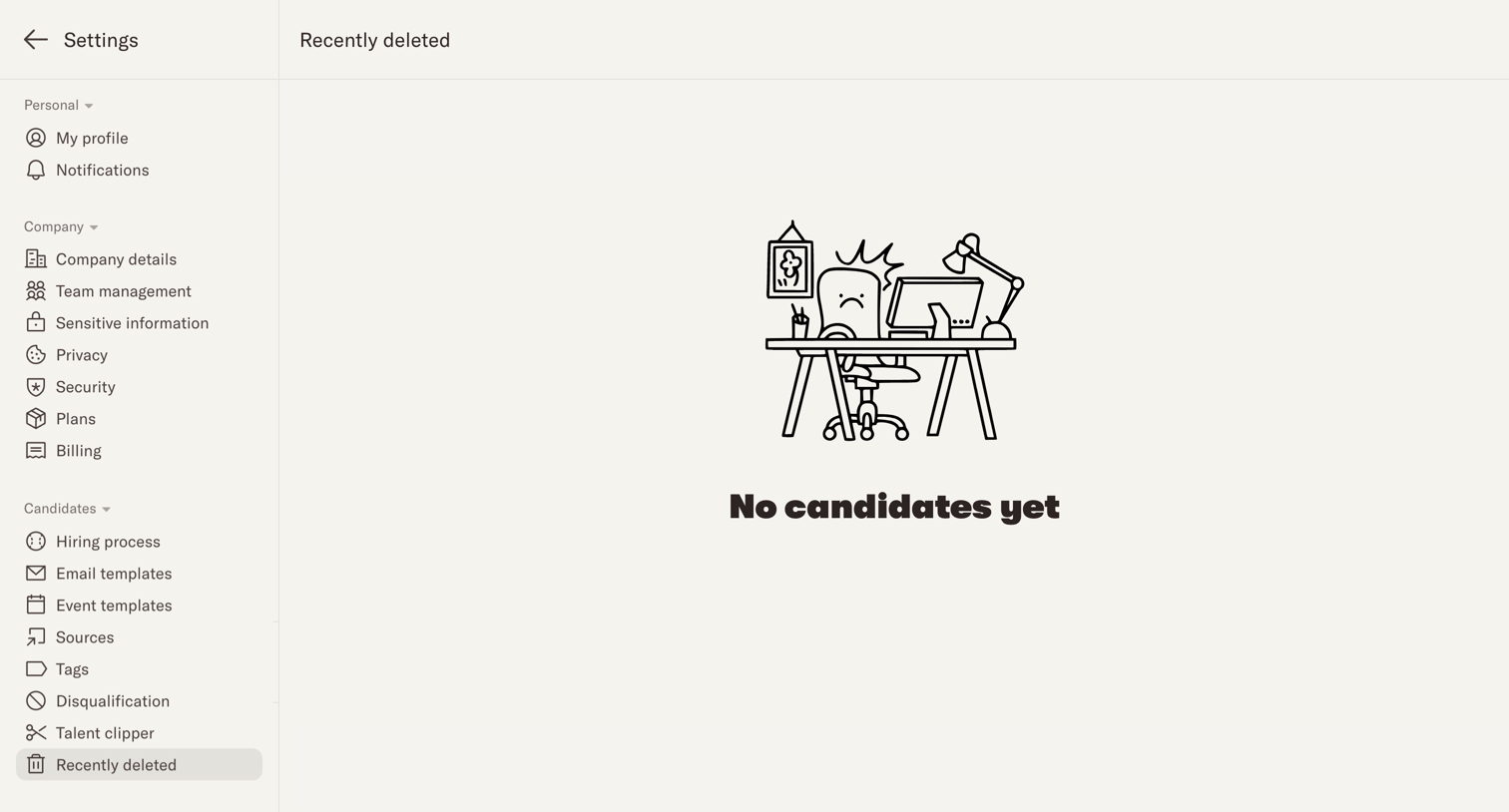

Settings page showing an empty state for the recently deleted candidates trash view.
Explore the full SaaS screen library
Upgrade to unlock the full library.
Trusted by the best teams







