Homerun design examples
Explore Homerun UI design examples. Creative hiring for teams
Product screens
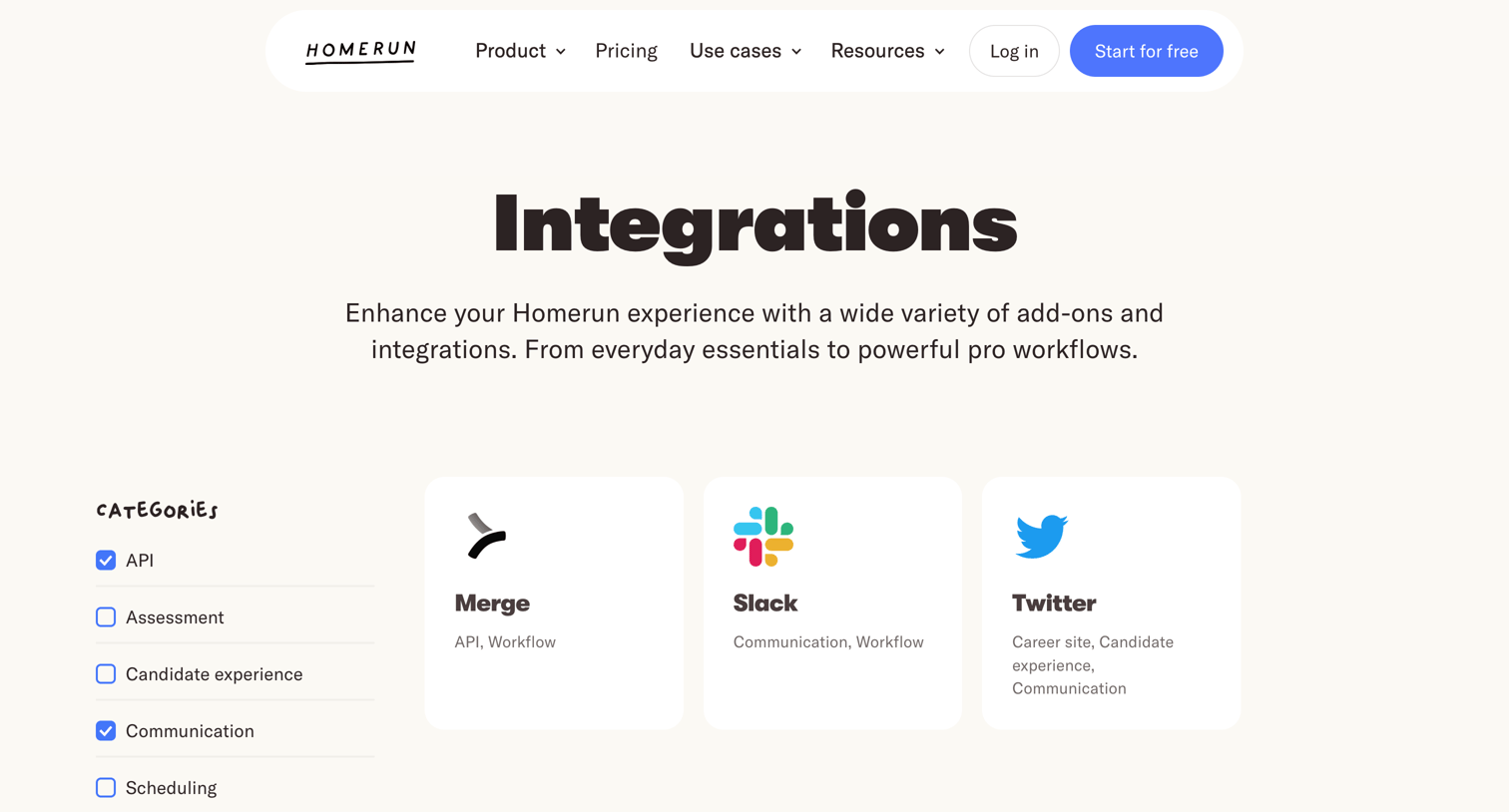

Feature page where the user browses and filters available integrations like Slack and Twitter by category.
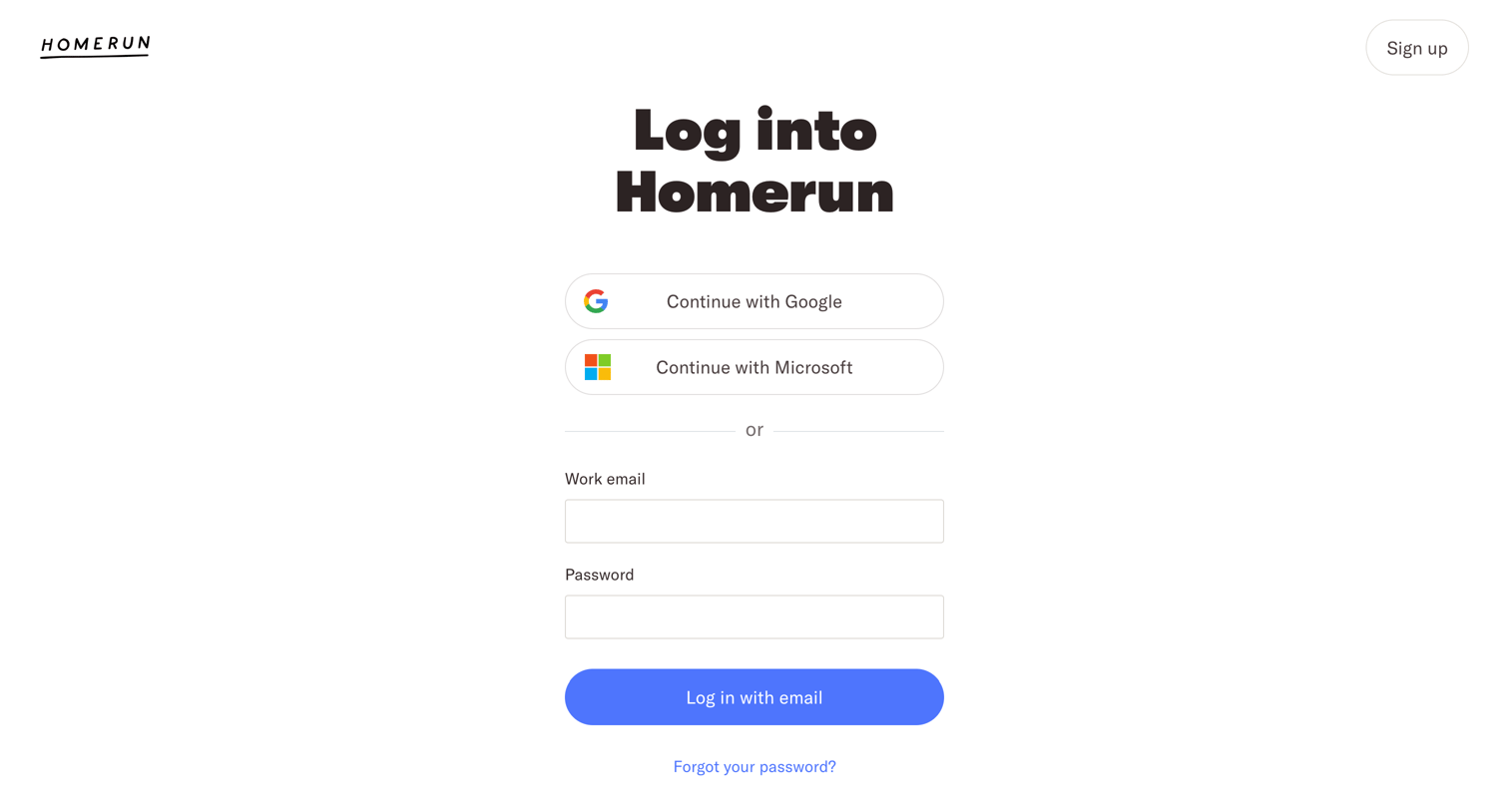
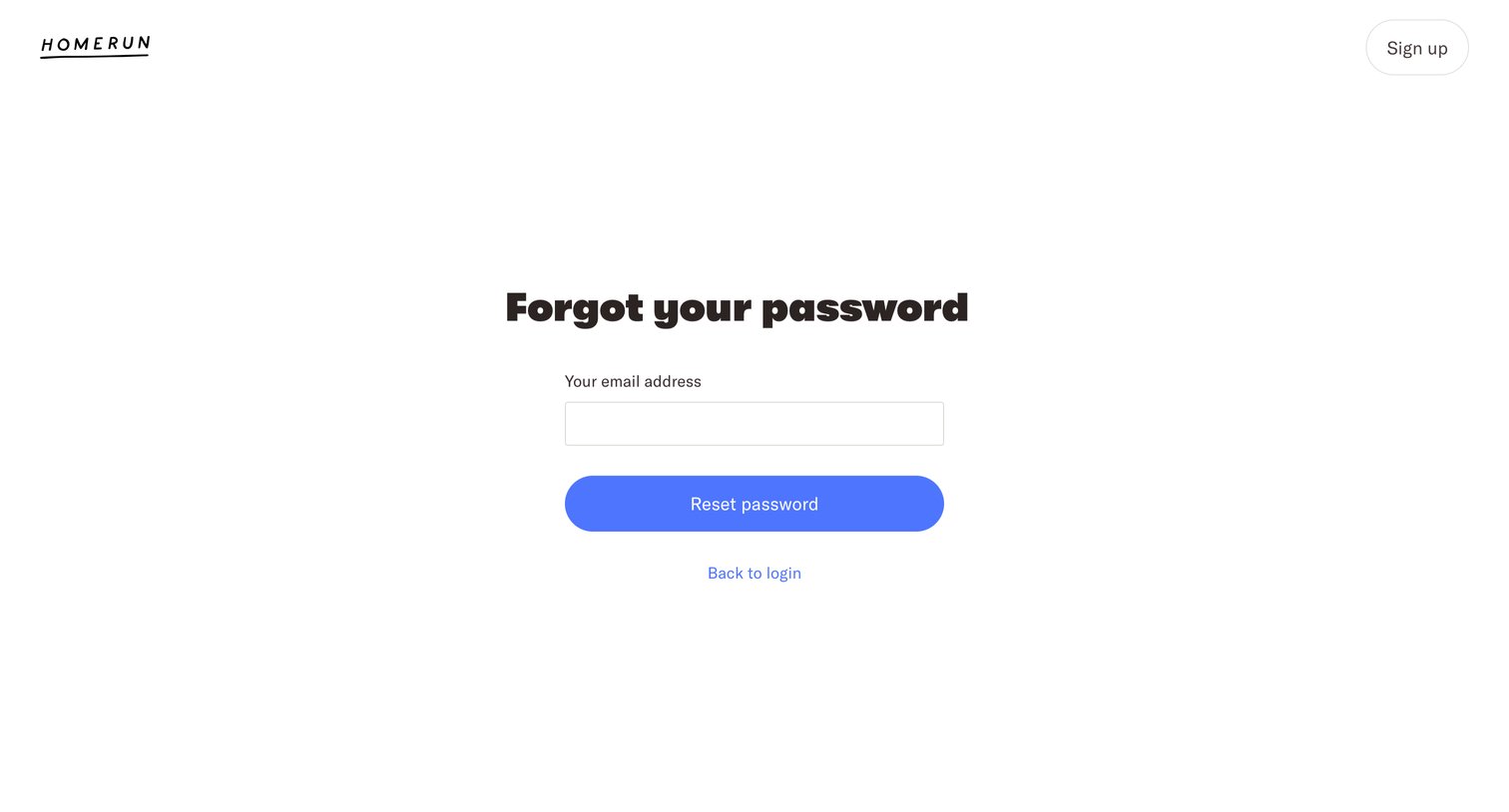
Password recovery screen where the user enters their email address to receive a reset link.
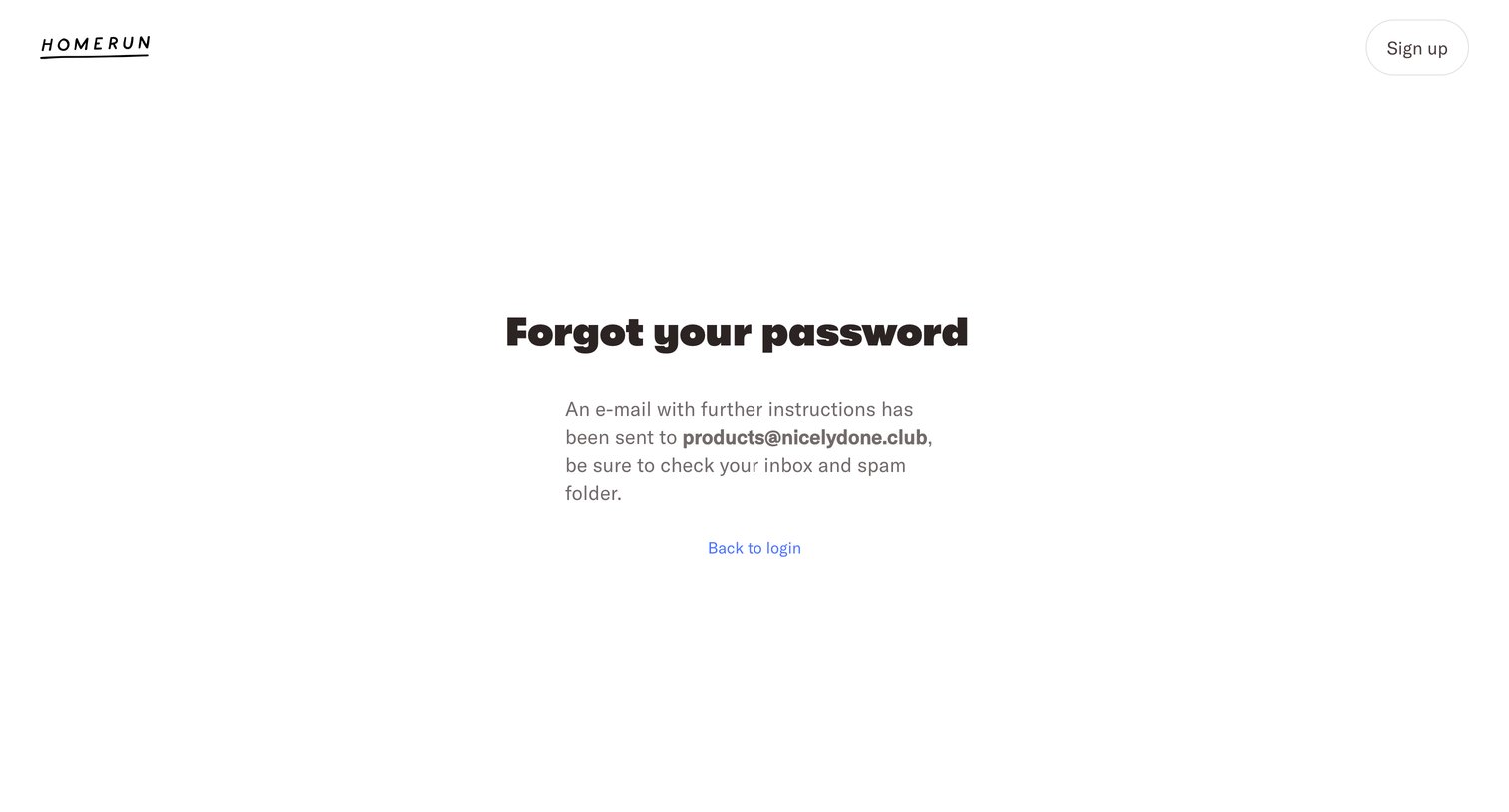
Password recovery screen confirming that reset instructions have been sent to the user's email address, with a prompt to return to login.
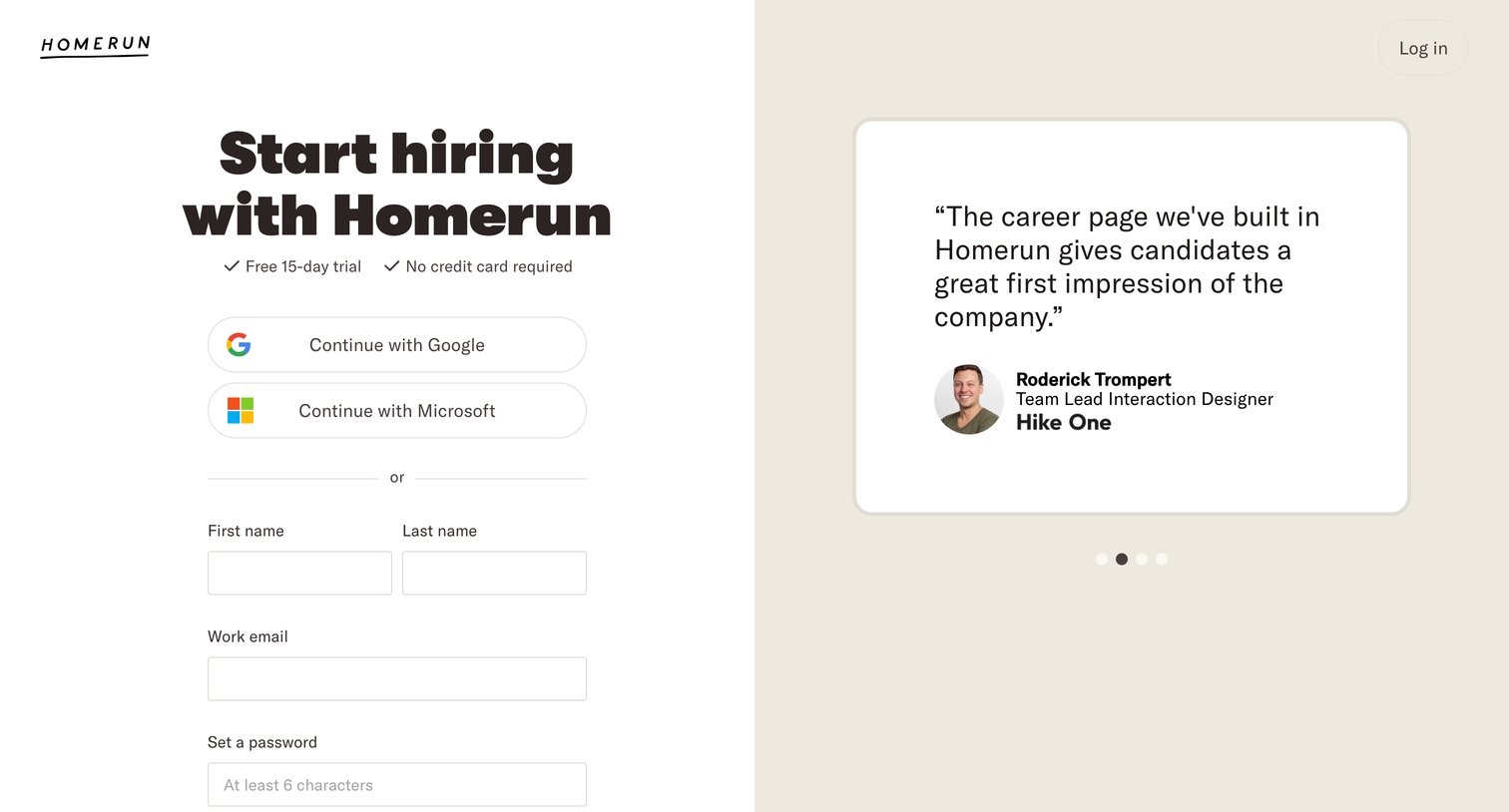
Signup page where the user can create an account using Google, Microsoft, or email, alongside a customer testimonial.
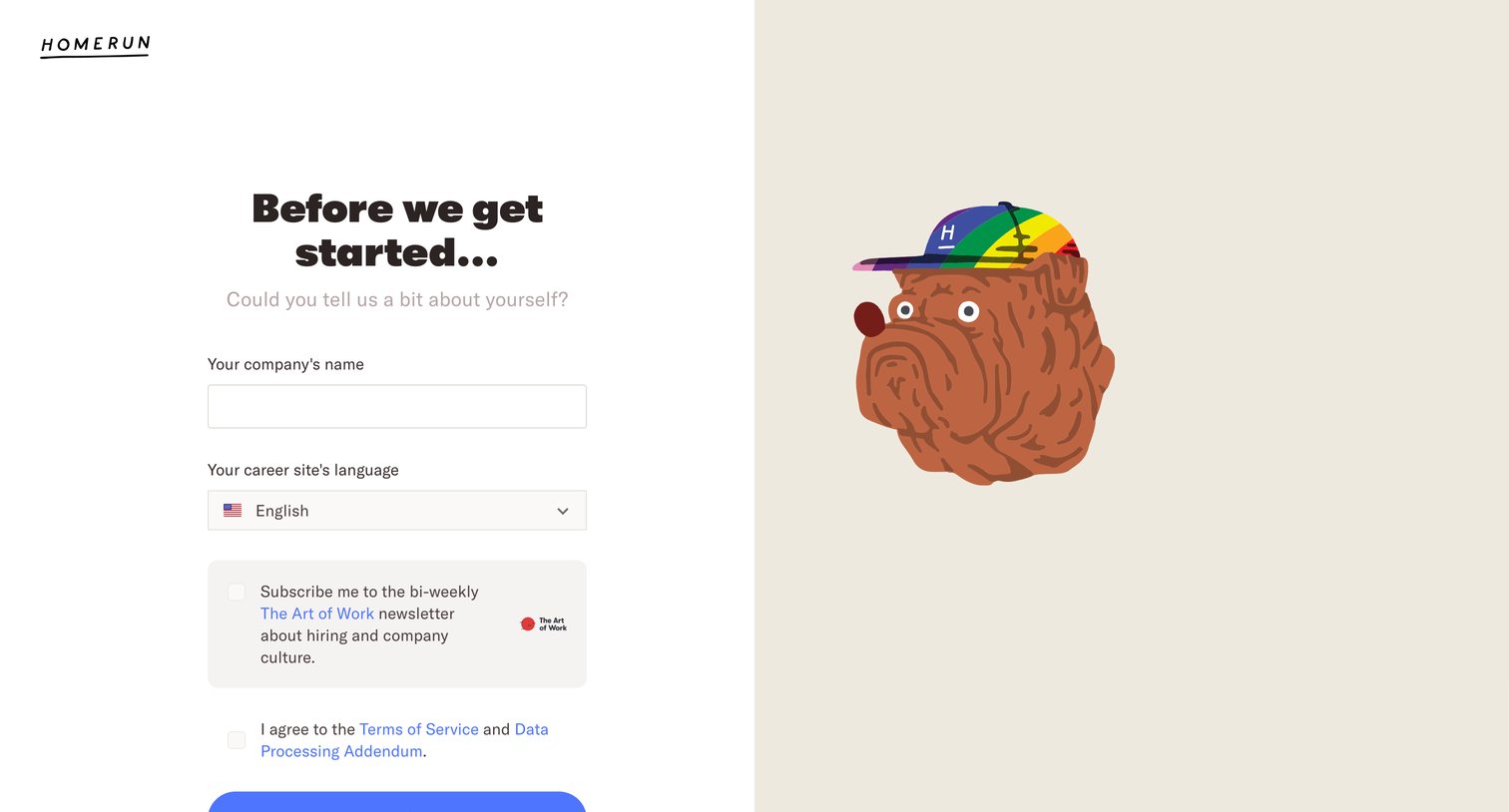
Onboarding step where the user names their company, selects a career site language, and opts into a newsletter before starting a free trial.
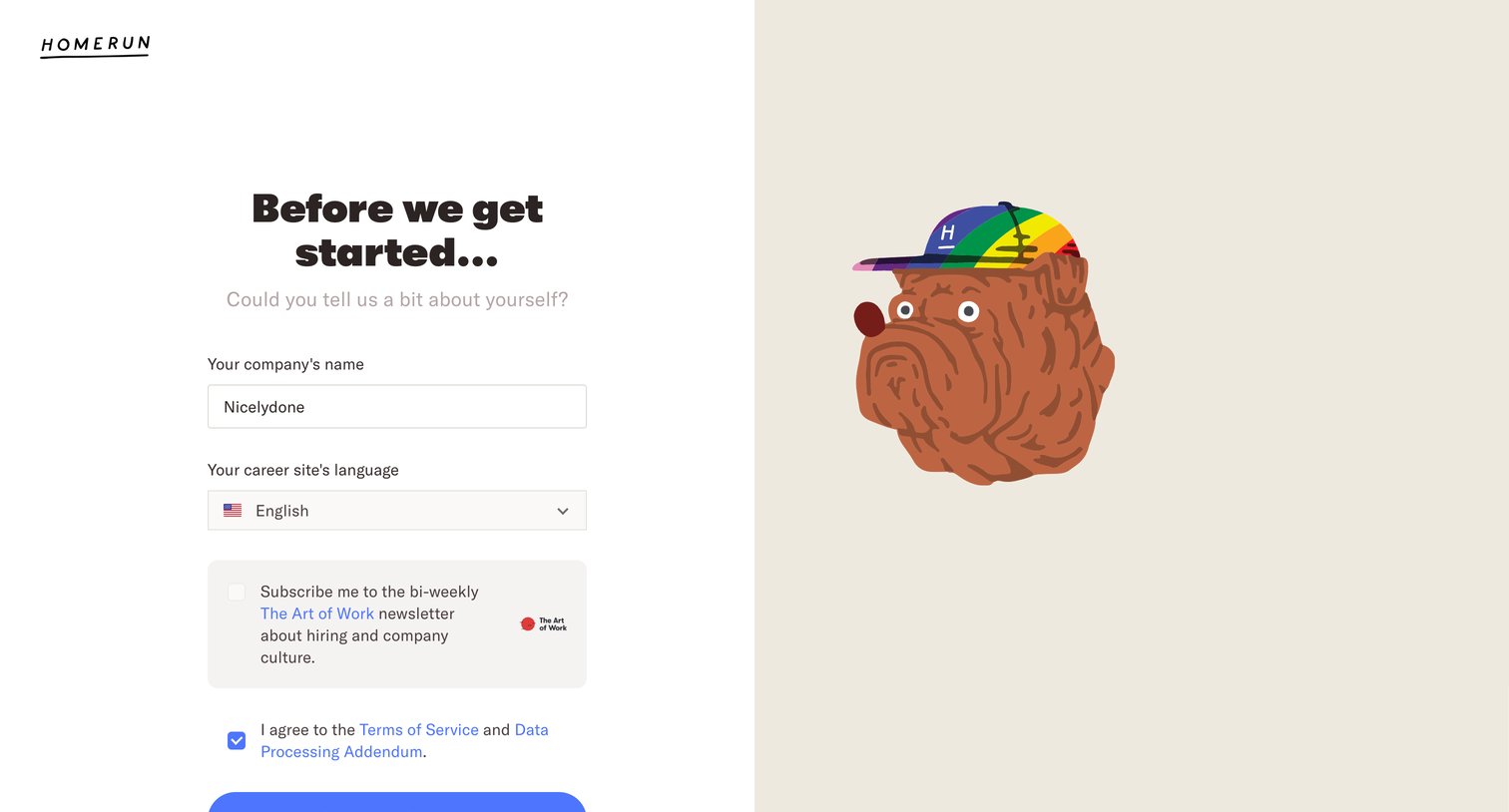
Onboarding step where the user names their company, selects a language, and agrees to terms to start a free trial.
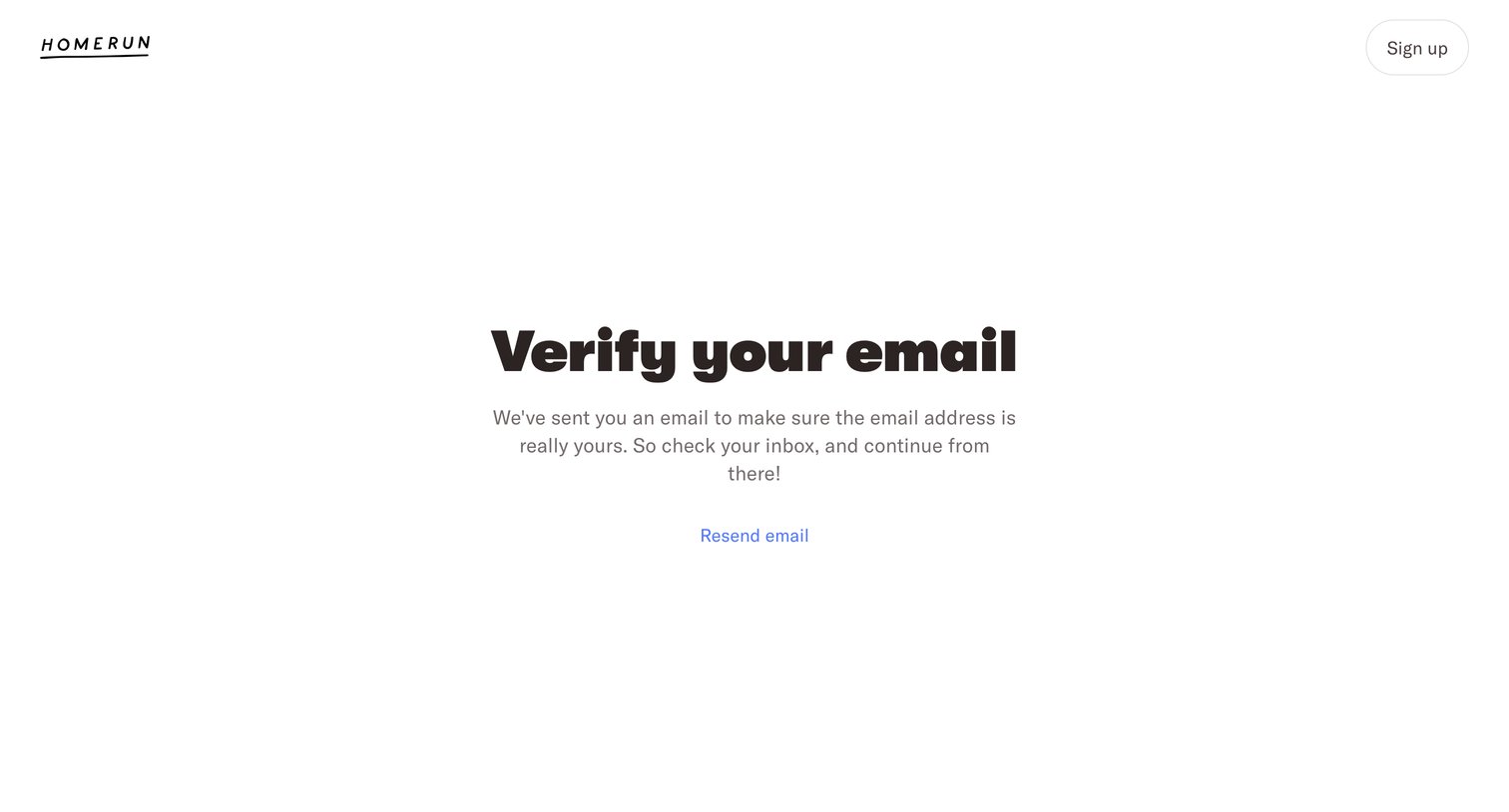
Verification screen instructing the user to check their inbox for a confirmation link, with an option to resend the email.
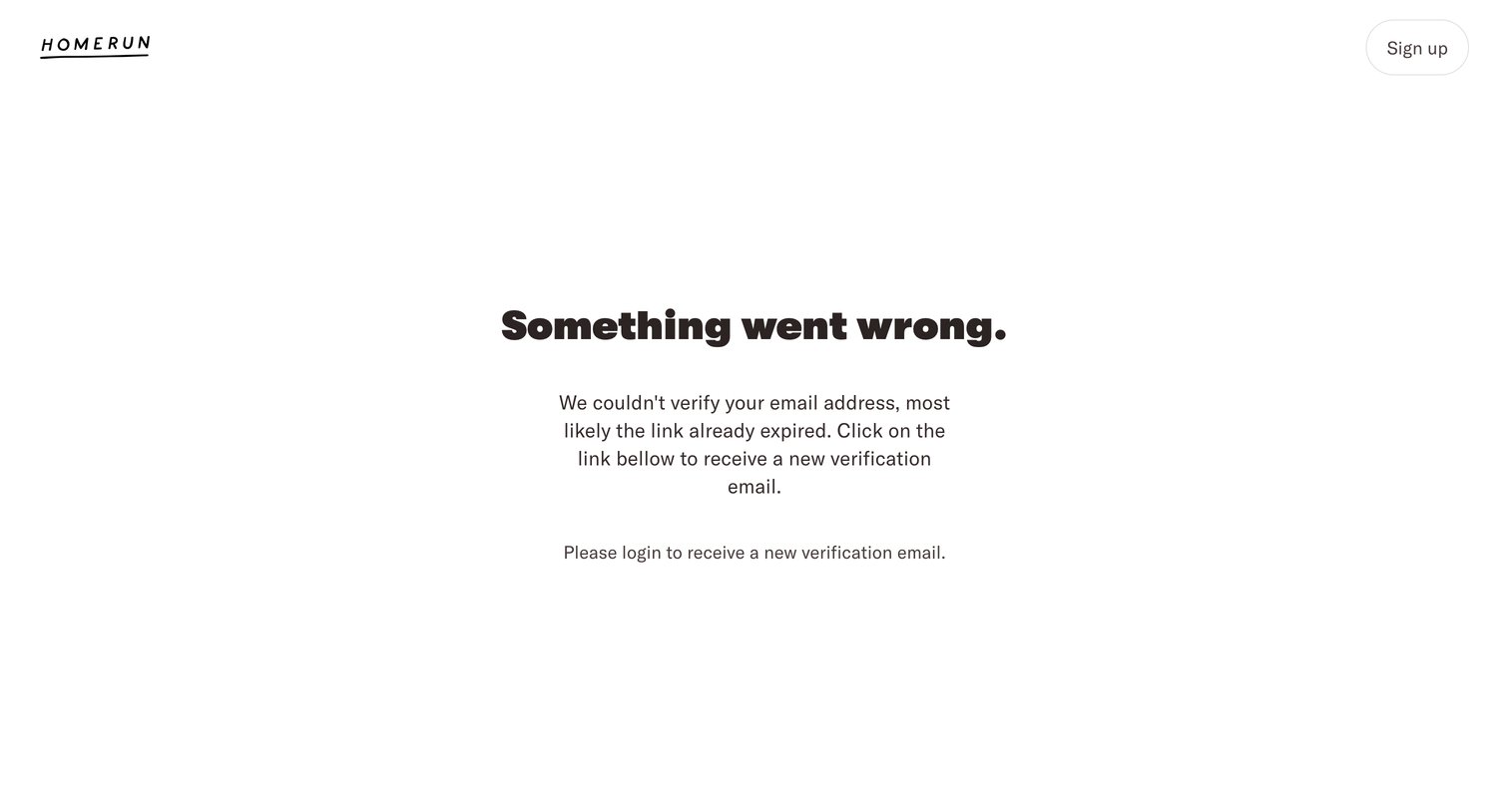
Error screen where the user is informed that their email verification link has expired and is prompted to log in to request a new one.
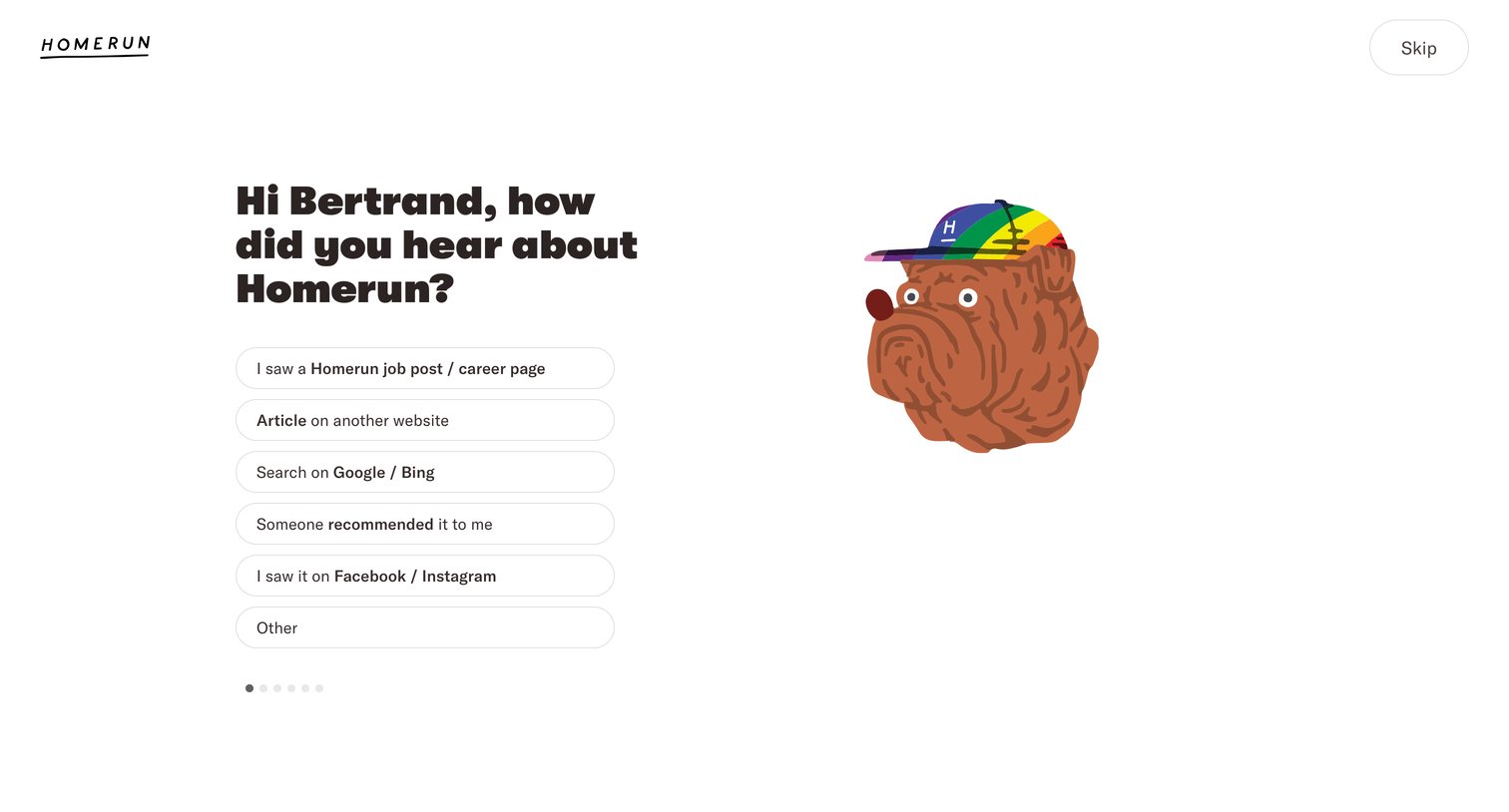
Onboarding step where the user selects how they heard about the product from a list of options to complete their profile setup.
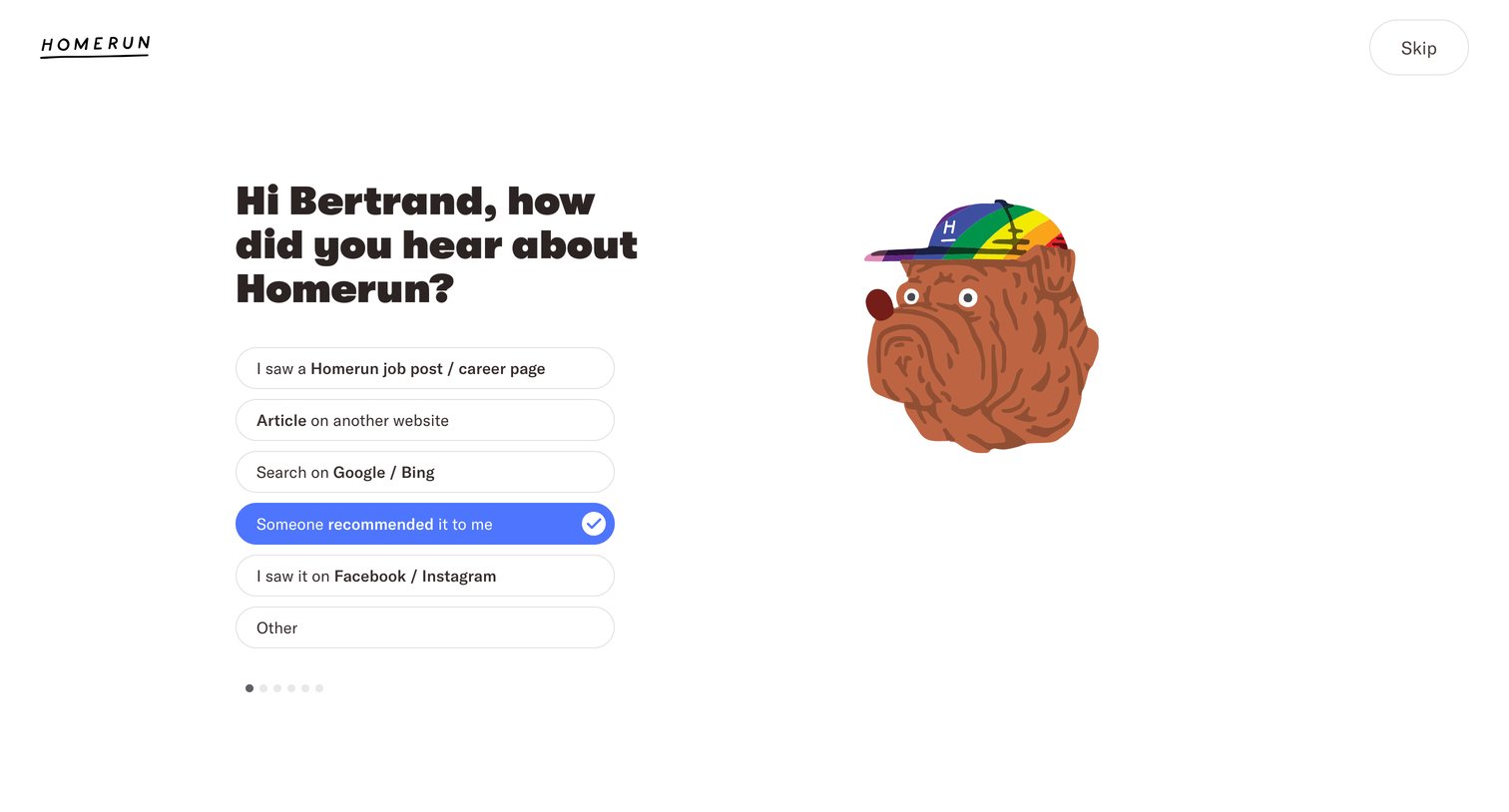
Onboarding step where the user selects how they heard about the product from a list of options to complete their profile.
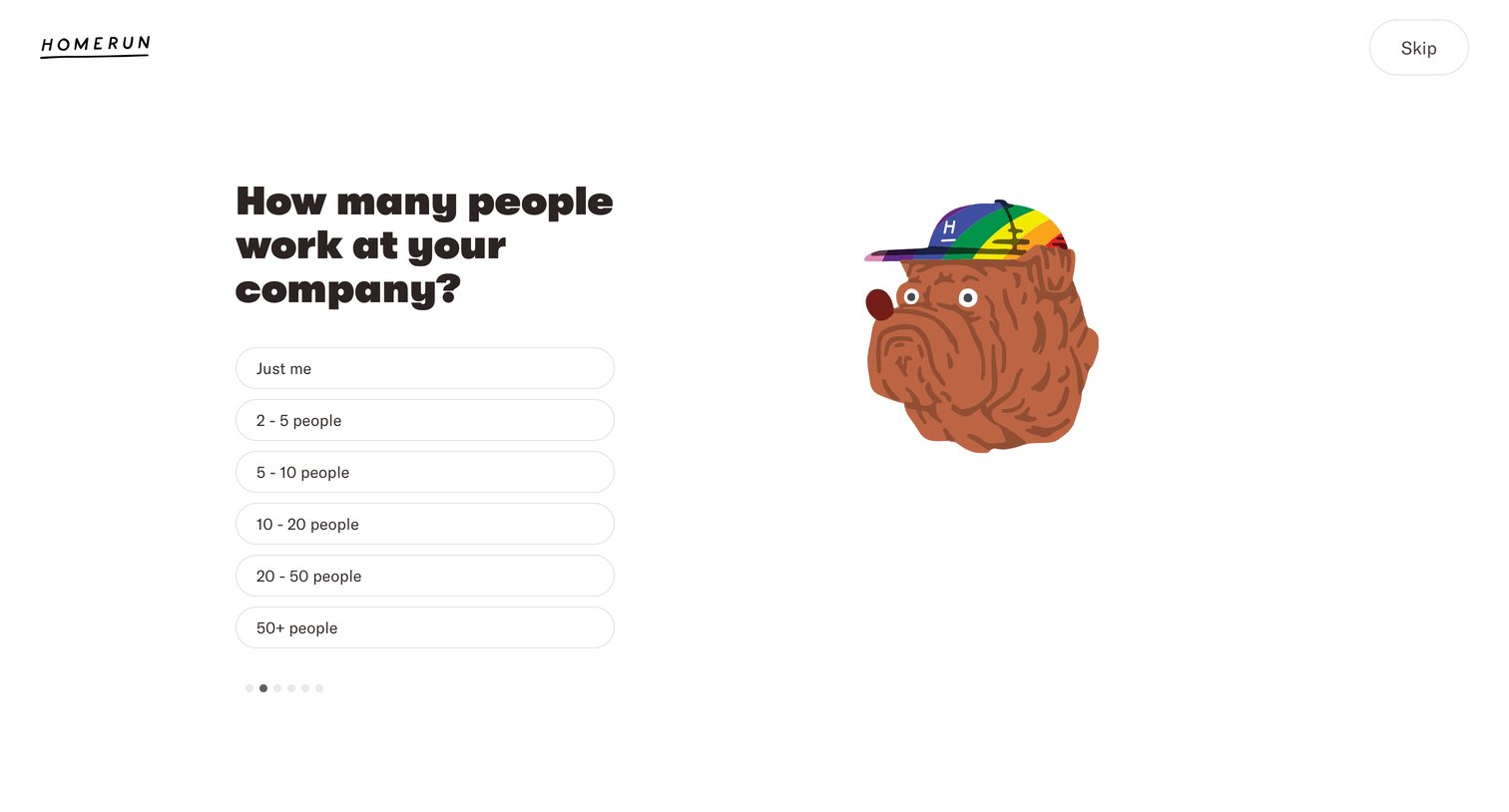
Onboarding step where the user selects their company size from a list of pill-shaped options.
Browse the full SaaS app library
Explore real SaaS apps with their product screens, marketing screens, flows, and components.
Trusted by the best teams







