Homerun UI components examples
Browse Homerun UI component design examples. Preview individual interface elements and explore related component categories. Creative hiring for teams
Explore the examples
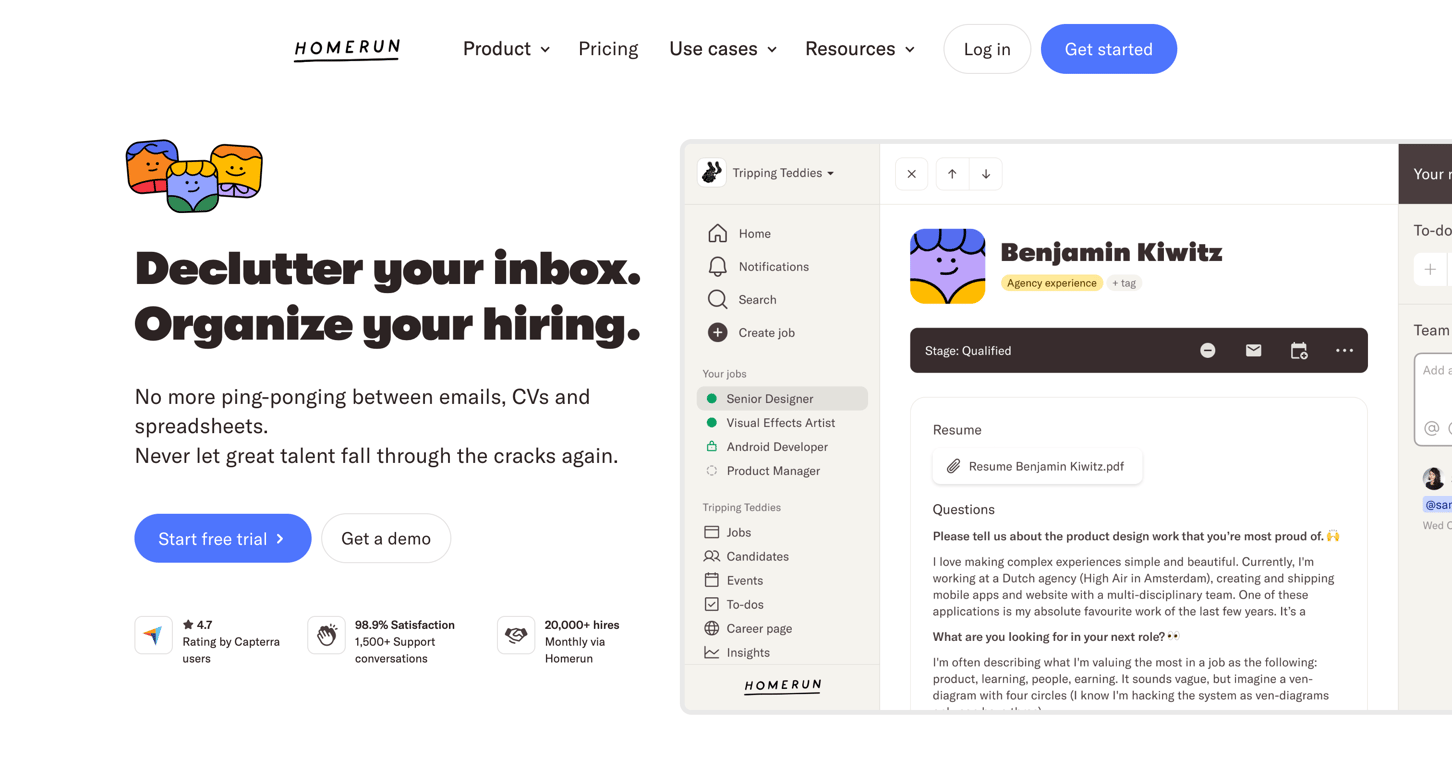

A hero section featuring a headline, subheadline, call-to-action buttons, social proof metrics, and an interactive product mockup.
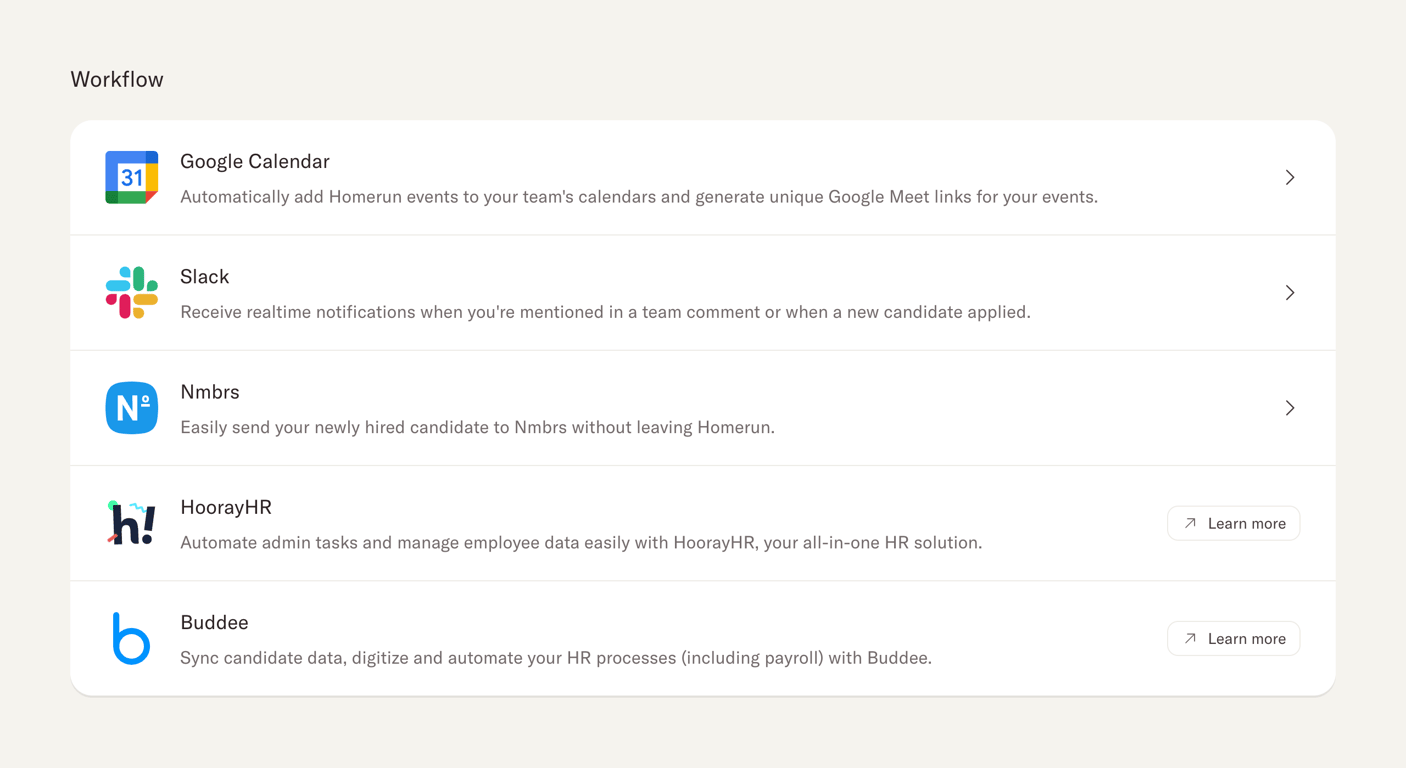
A vertical list of third-party workflow integrations, each displaying a logo, name, description, and an action to connect or learn more.

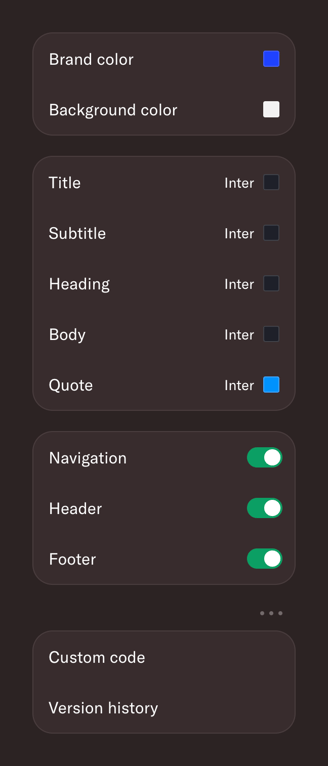
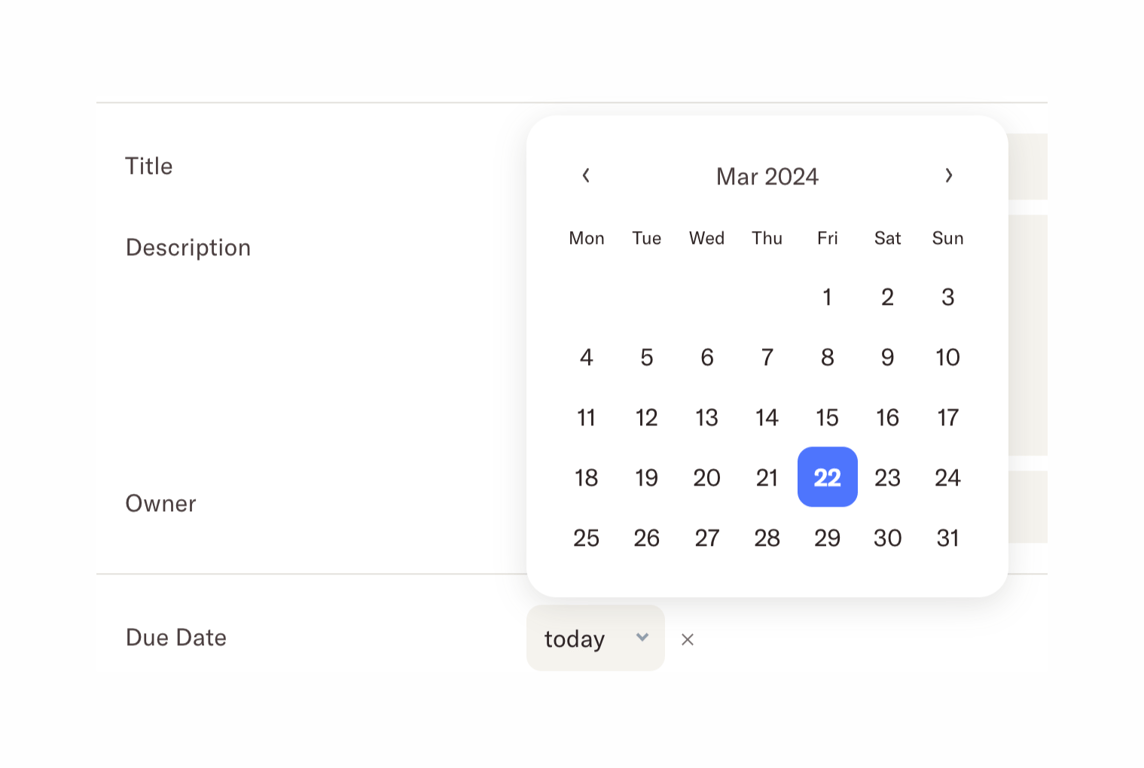
A date picker popover displayed over a form. It shows a calendar for March 2024 with the 22nd selected.
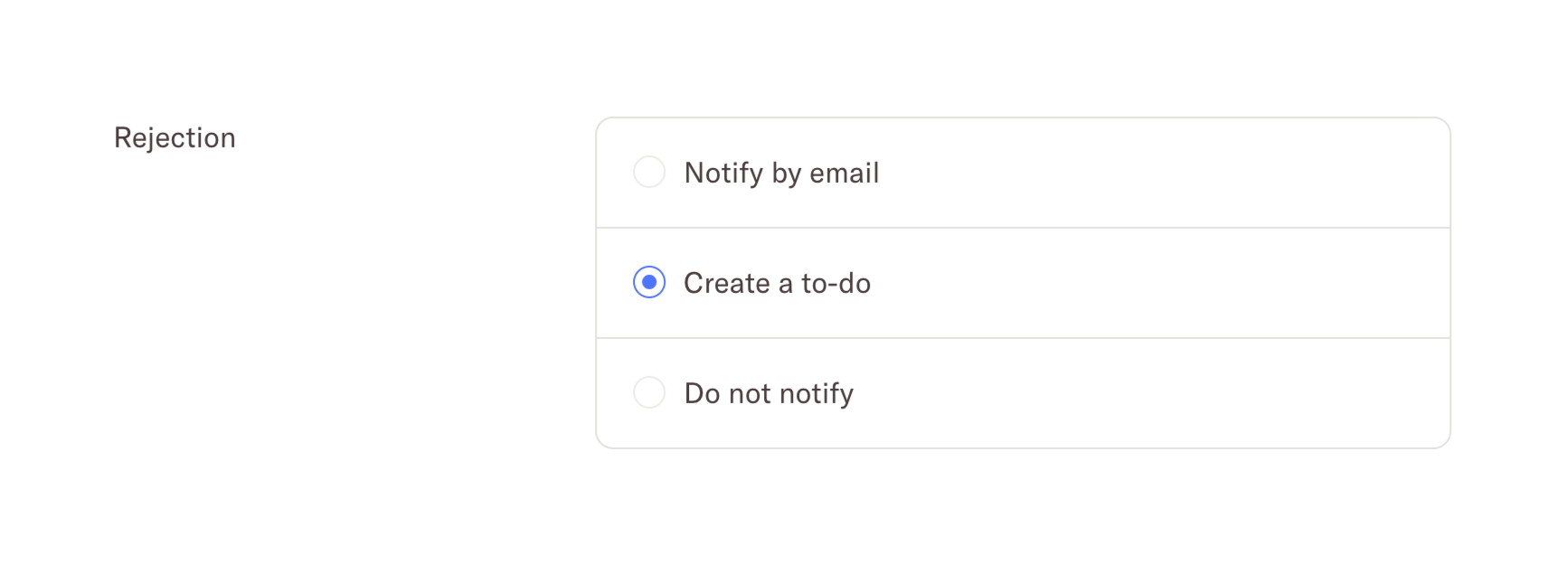
A radio group allowing the user to select an action to take upon rejecting a candidate, such as notifying by email, creating a to-do, or not notifying.
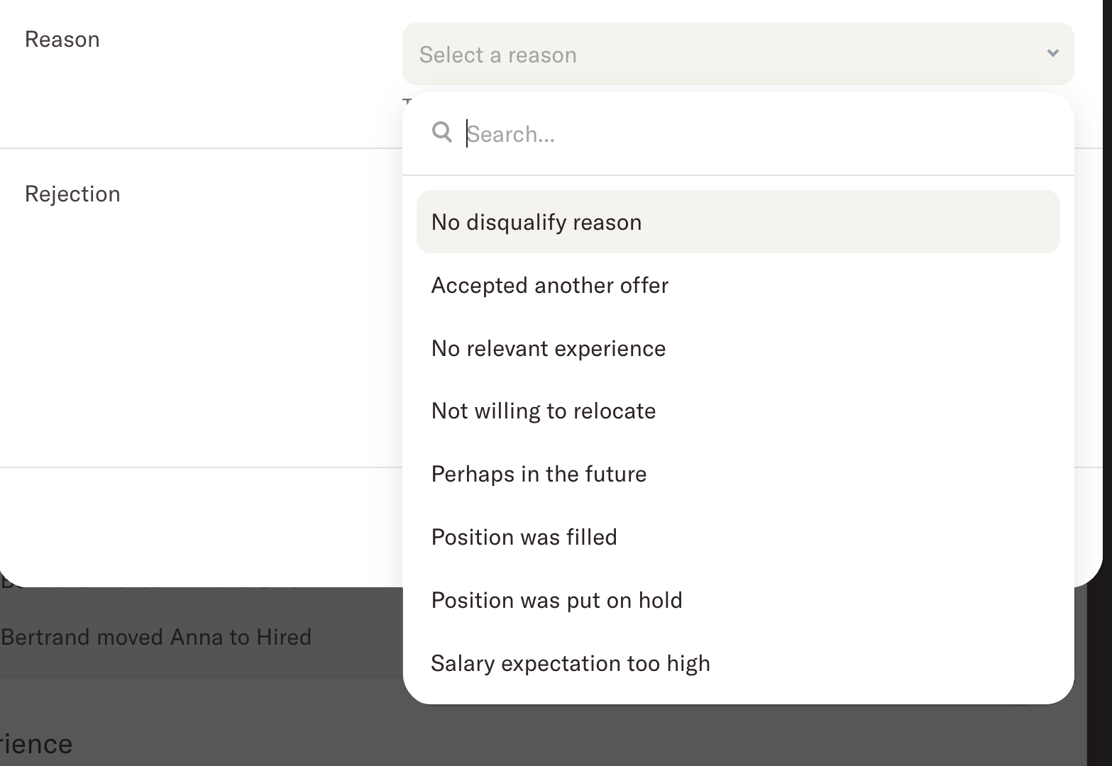
An open combobox dropdown menu showing a search input and a list of selectable reasons.
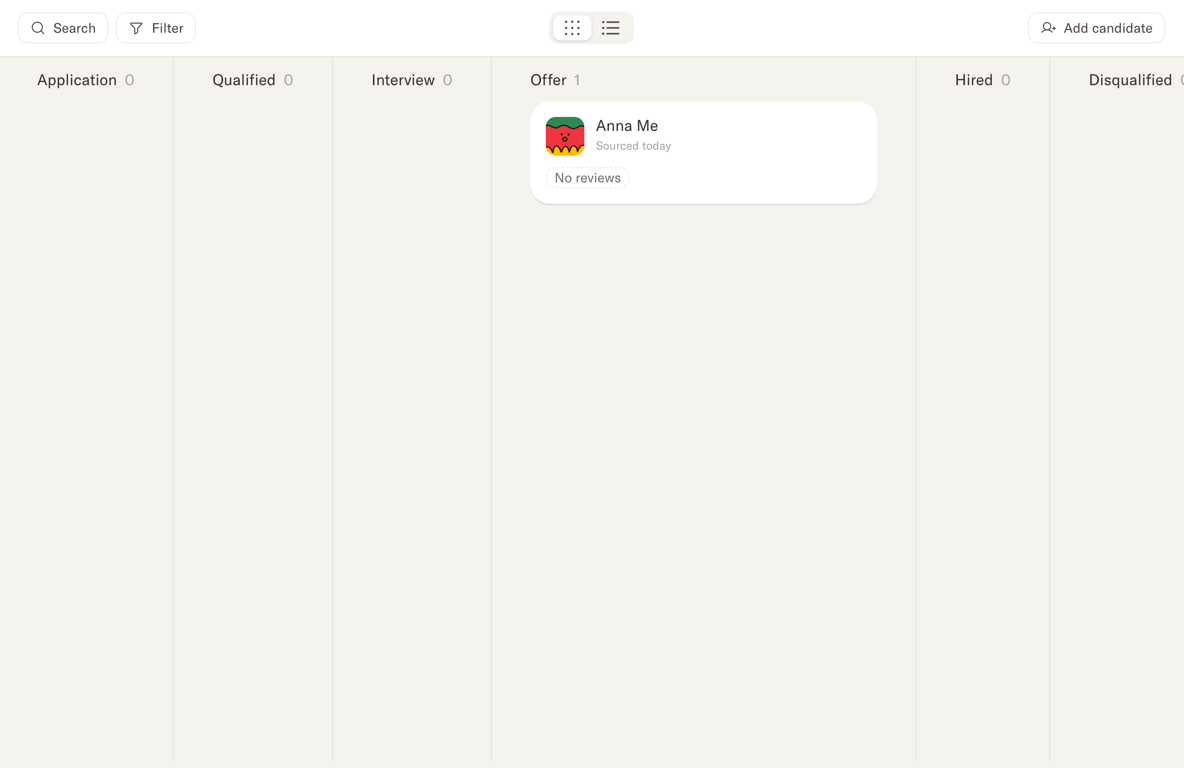

A top navigation bar displaying job details, a segmented control for different views, and action buttons.
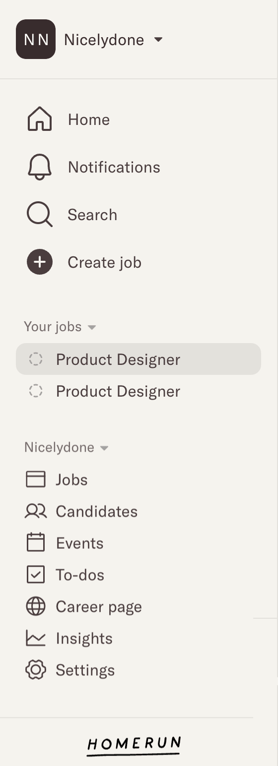
A vertical sidebar navigation menu featuring a workspace switcher, primary navigation links, a collapsible 'Your jobs' section, and a secondary navigation list for workspace settings and features.
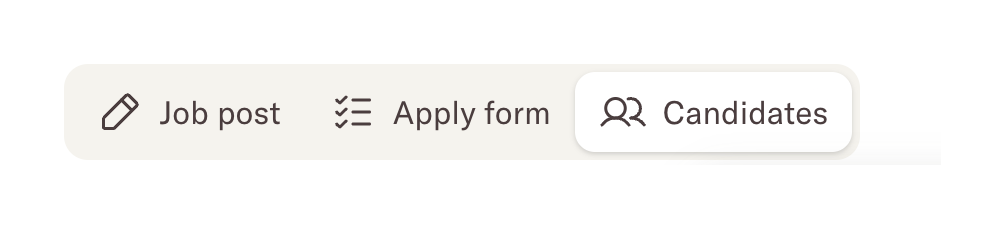
A horizontal segmented control with three options: Job post, Apply form, and Candidates. The 'Candidates' option is currently selected, indicated by a white background and drop shadow.
Browse the full component library
Browse the full UI component library.
Trusted by the best teams







