Finance screen examples
Finance screen design examples from SaaS apps. Browse examples from Found, Whop, Cake.
Explore the examples
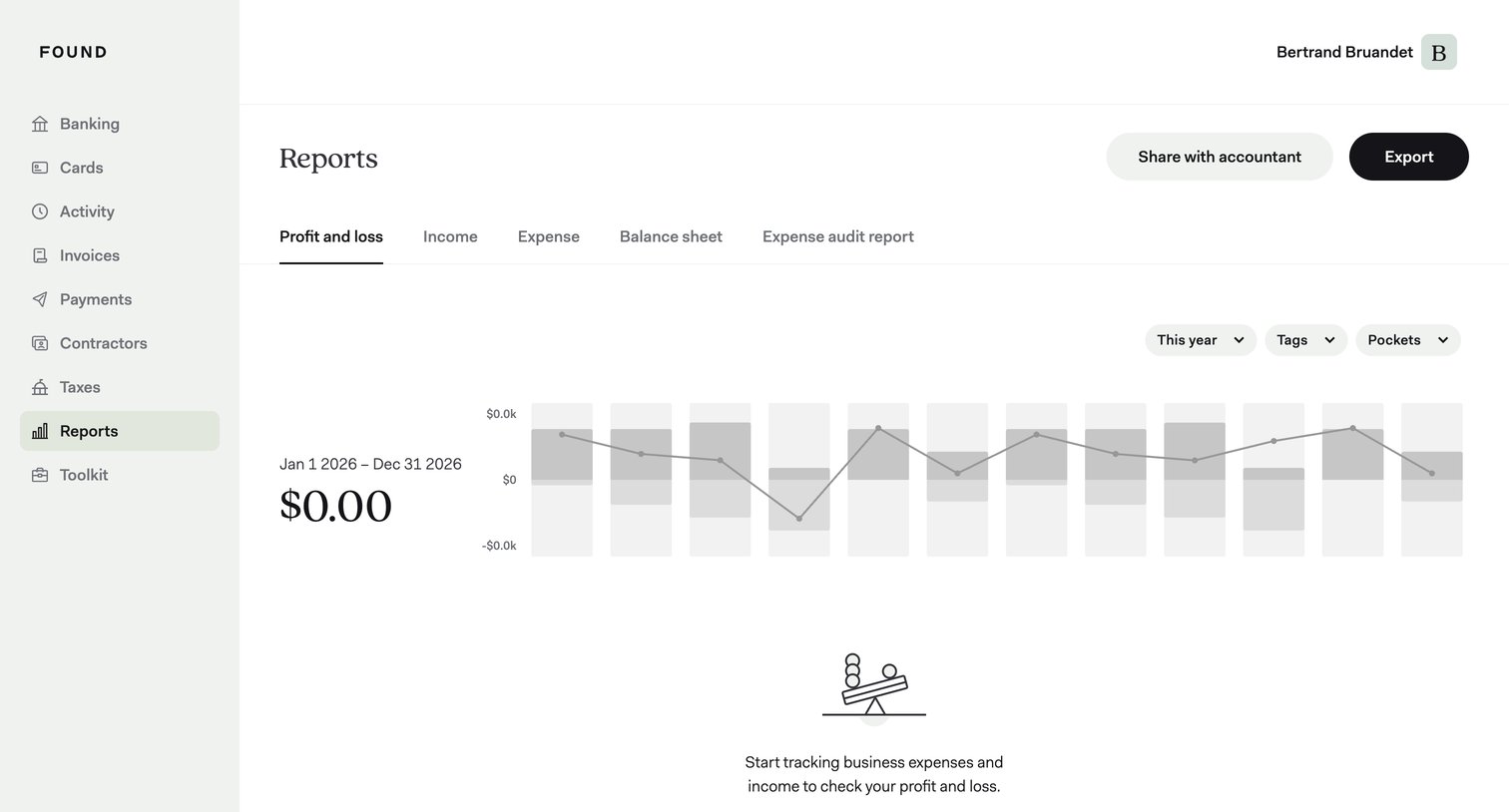

Analytics dashboard showing an empty profit and loss report with a prompt to start tracking expenses, alongside filters for year, tags, and pockets.
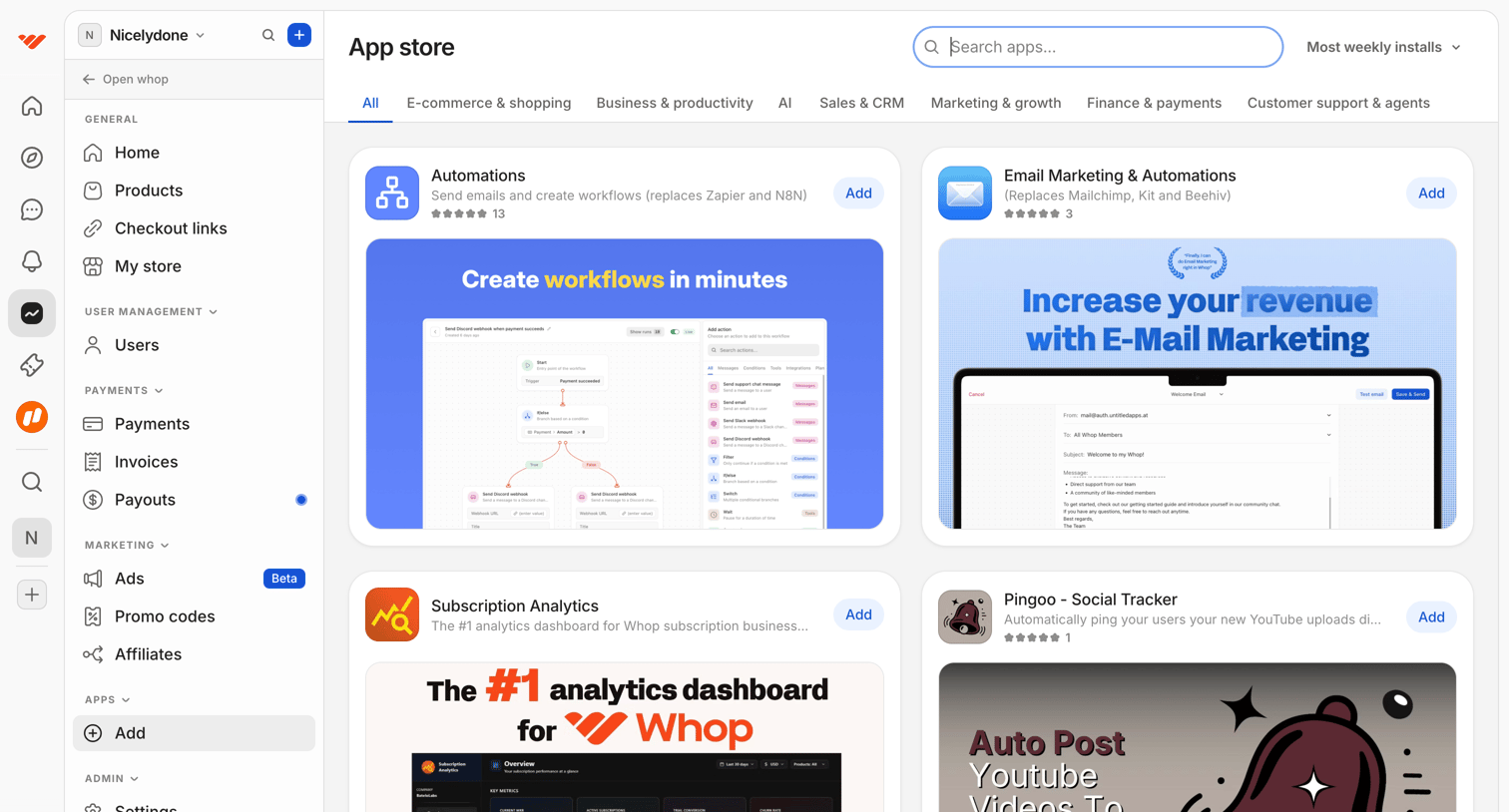

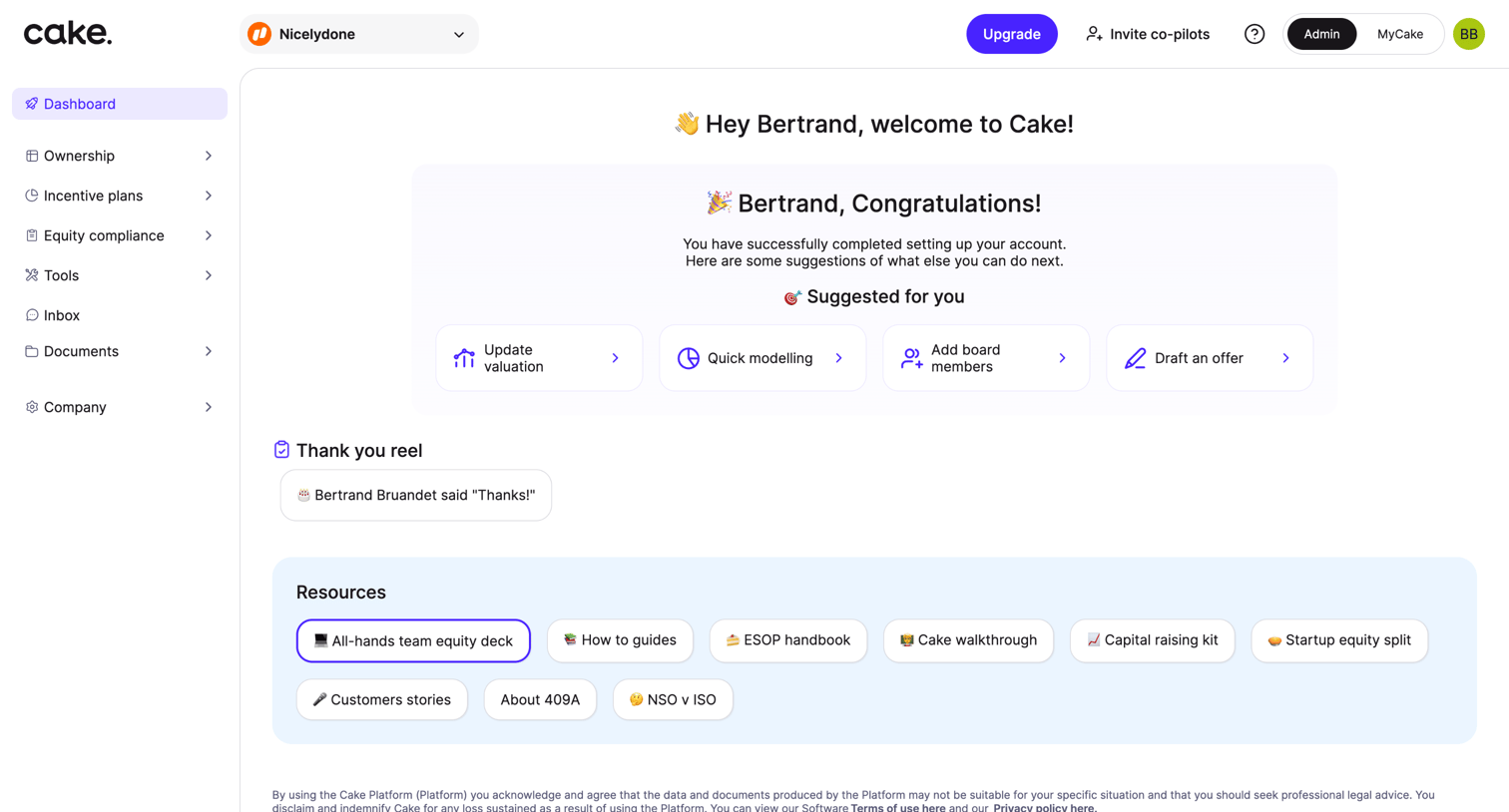

Dashboard welcoming the user to Cake with a success message for account setup, suggested next actions like updating valuation, and a list of helpful resources.
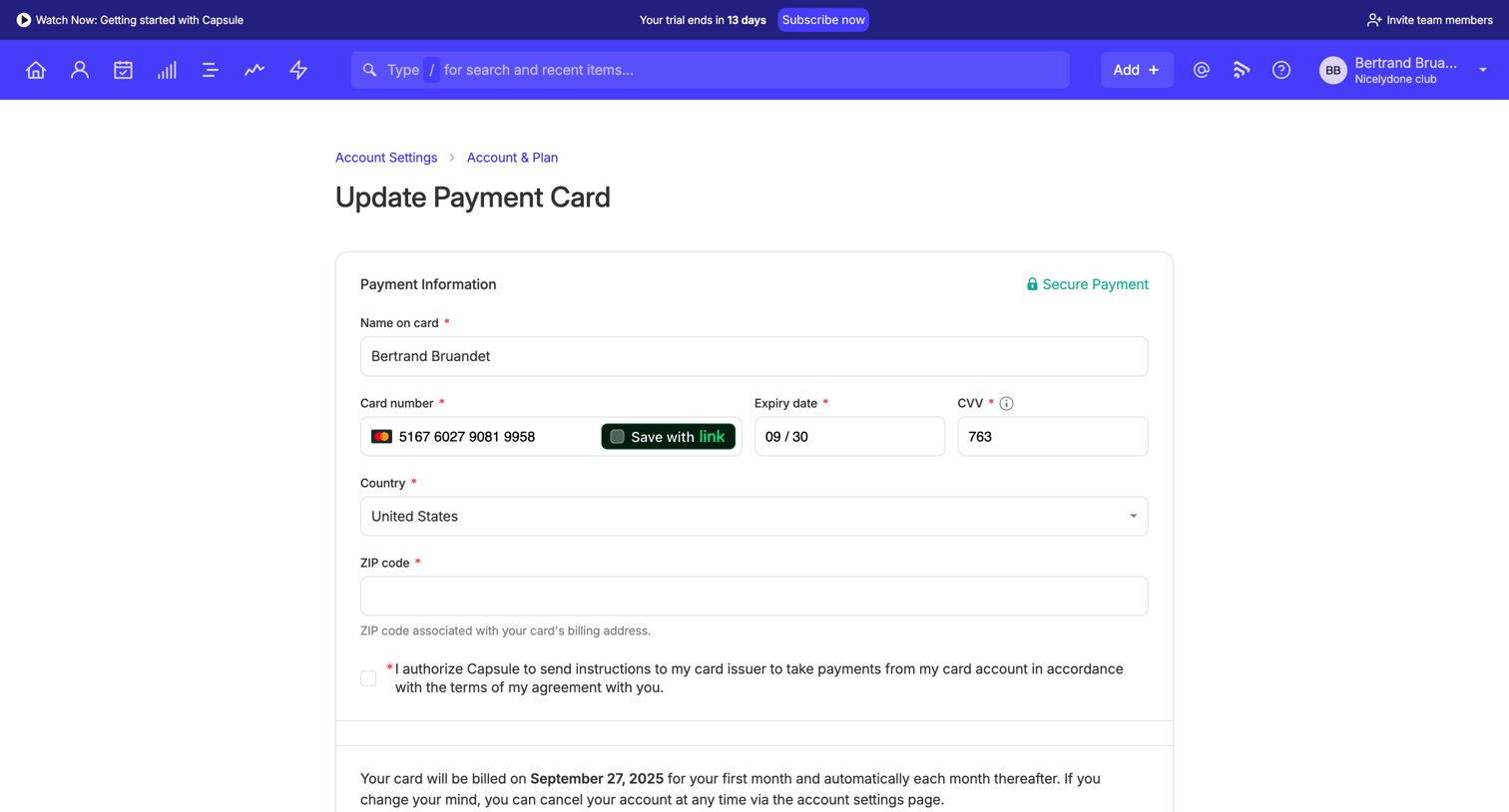

Settings page where the user updates their payment card details for their subscription billing.
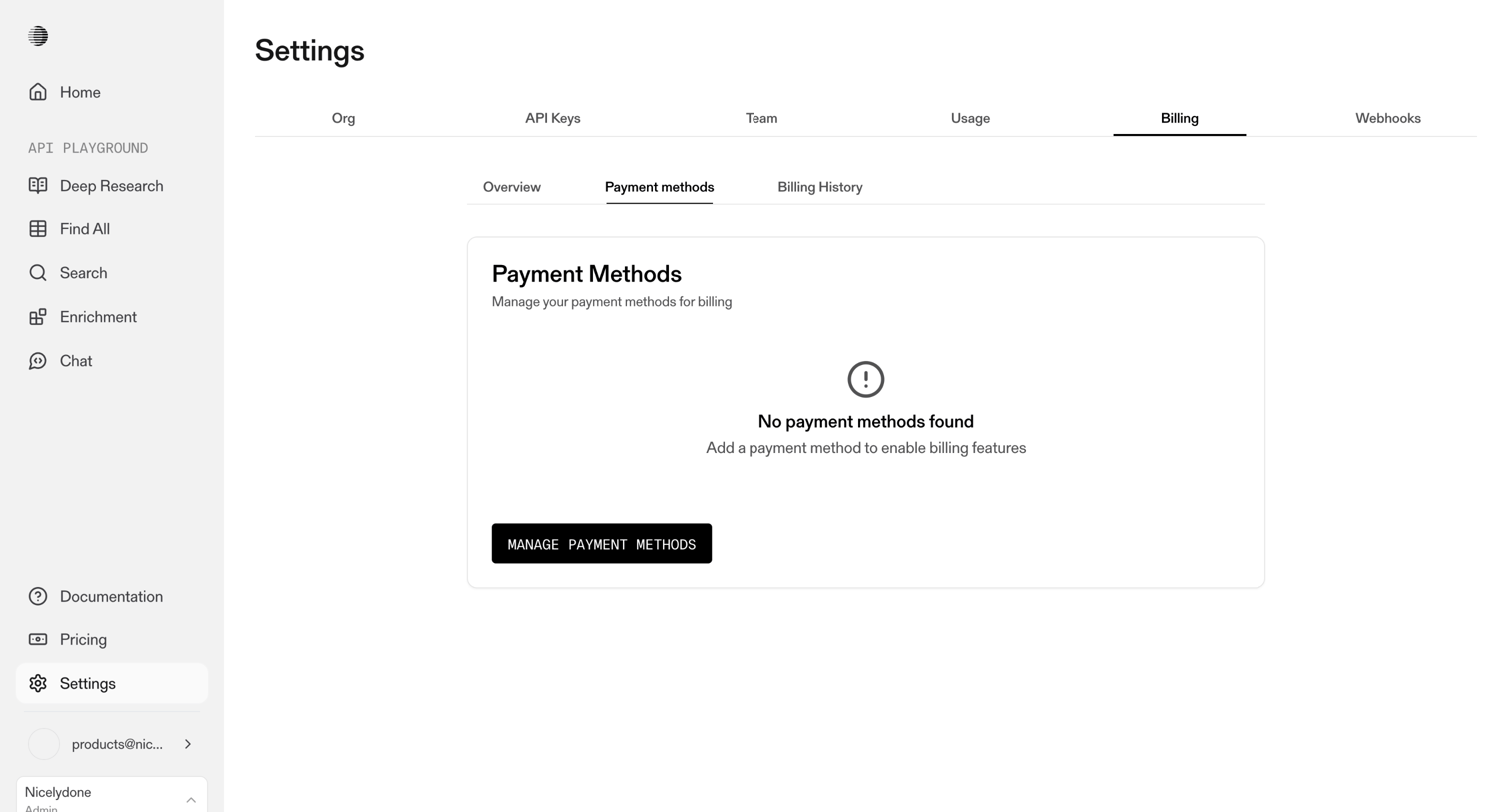

Settings page where the user manages their payment methods for billing, currently showing an empty state with a prompt to add one.
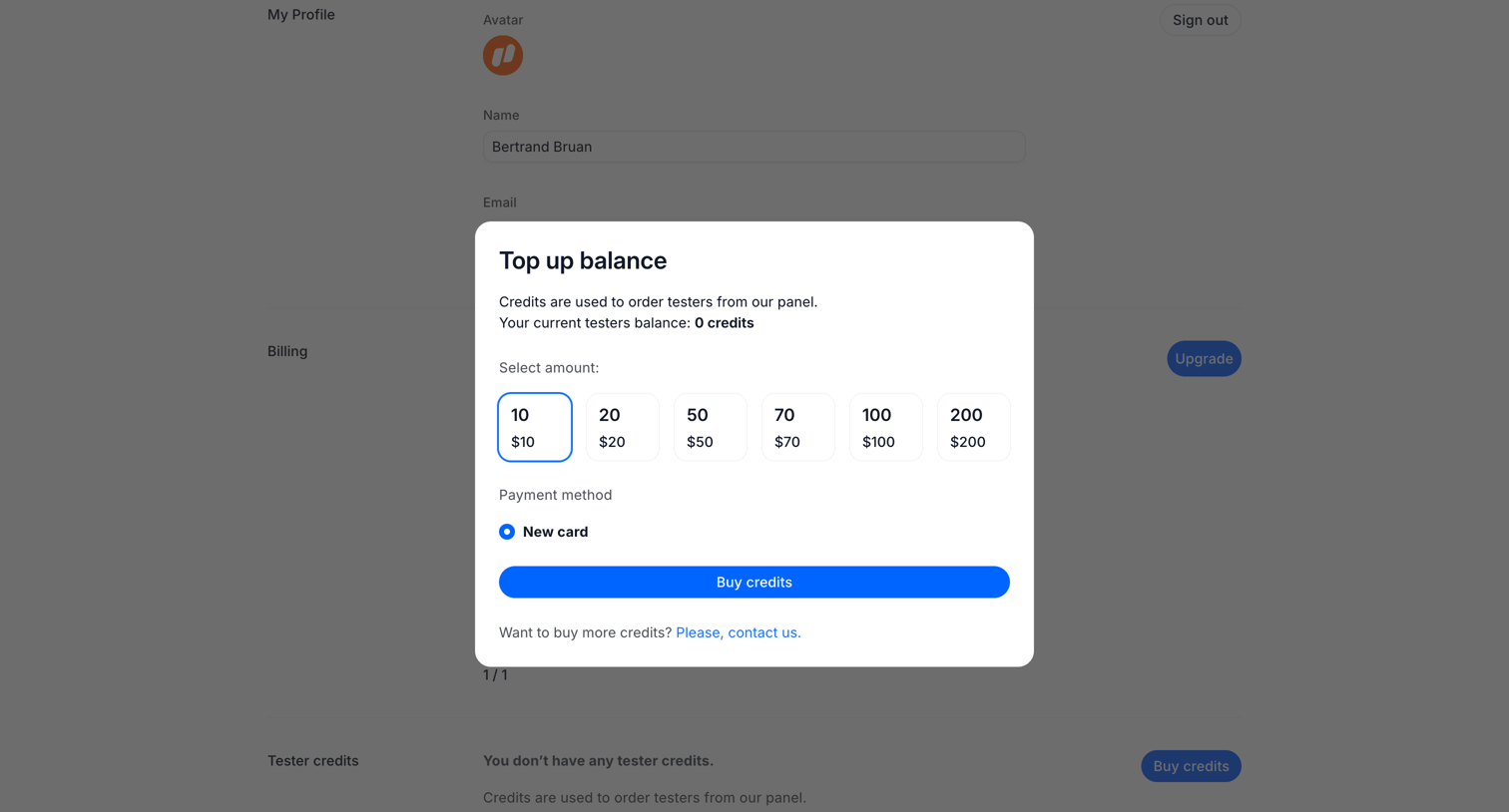

Settings page where the user tops up their tester credits balance by selecting a predefined amount and a payment method within a modal.
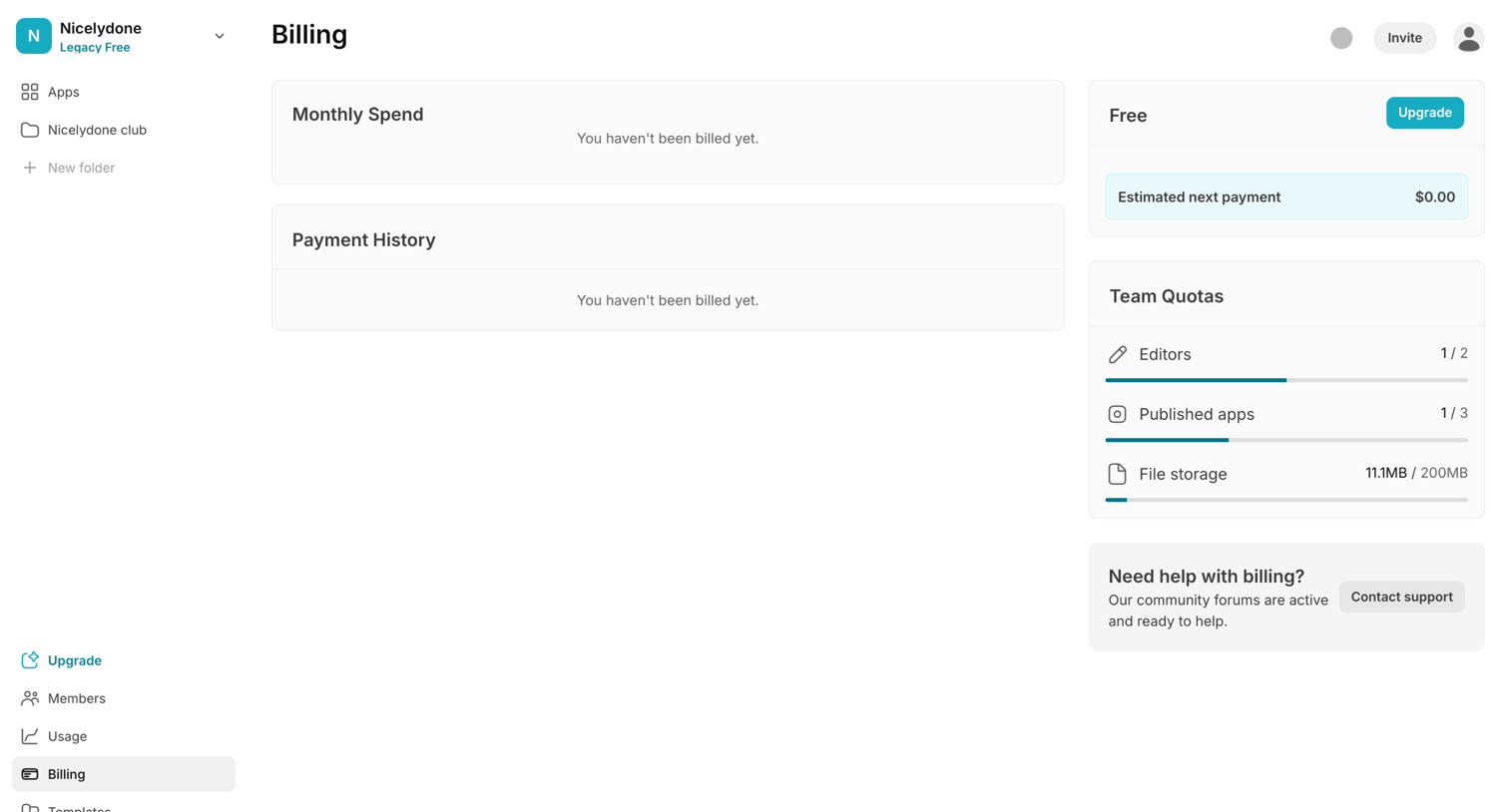

Billing settings page where the user can view their current free plan, monitor team quotas for editors and storage, and upgrade their account.
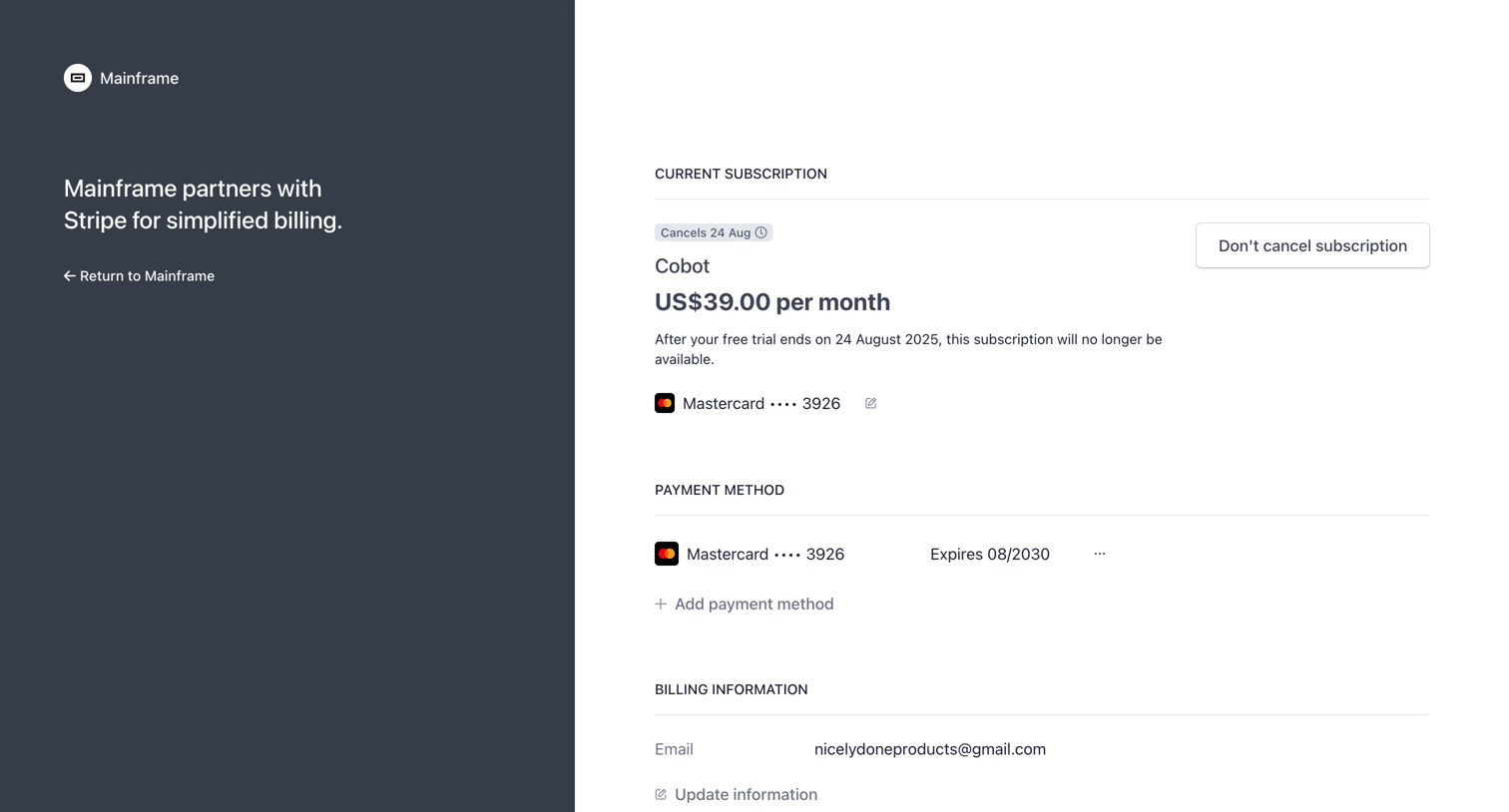

Billing settings page hosted by Stripe where the user can view their canceled Cobot subscription, manage payment methods, and update billing information.
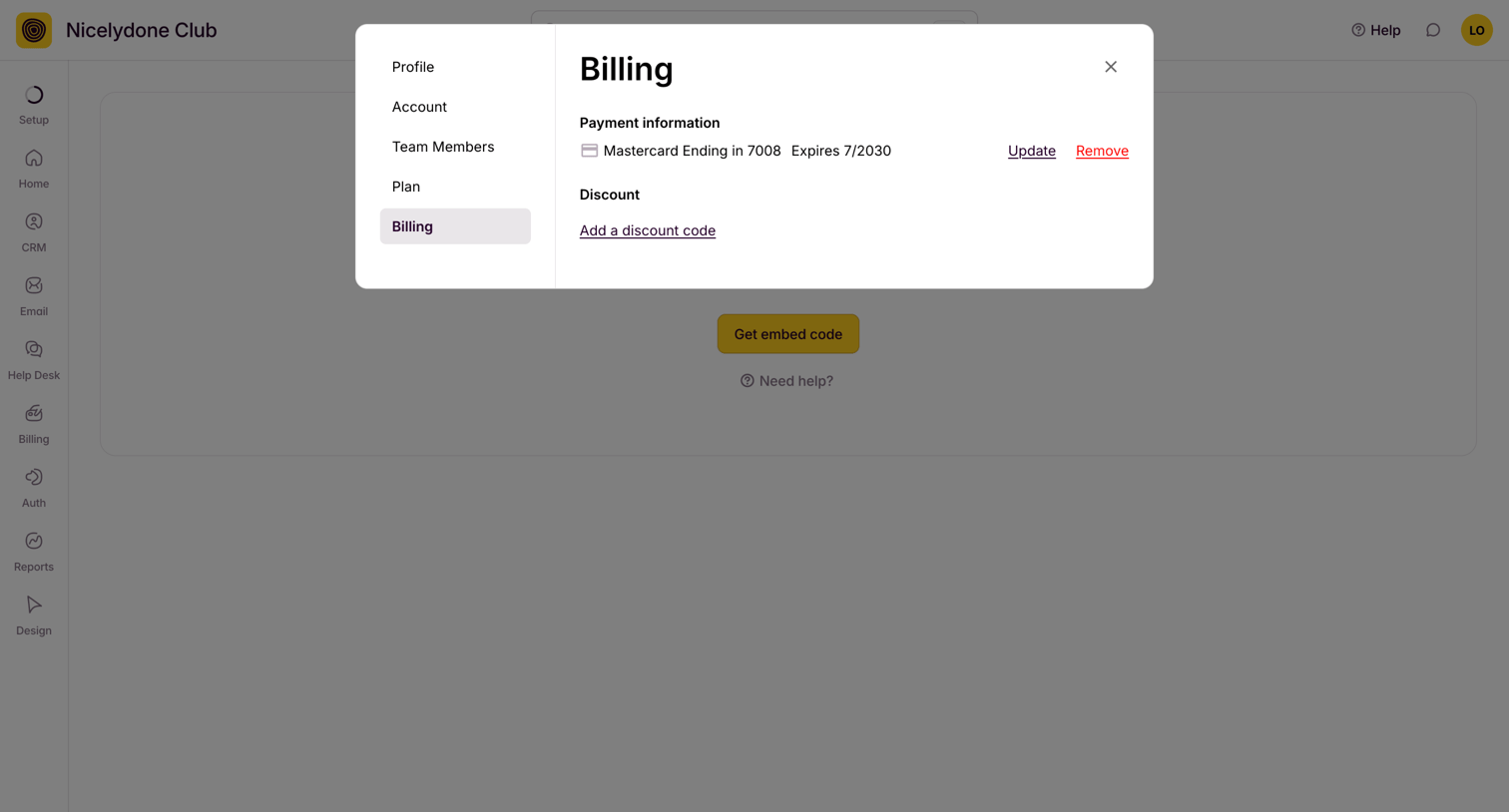

Settings modal where the user manages their payment information and discount codes.
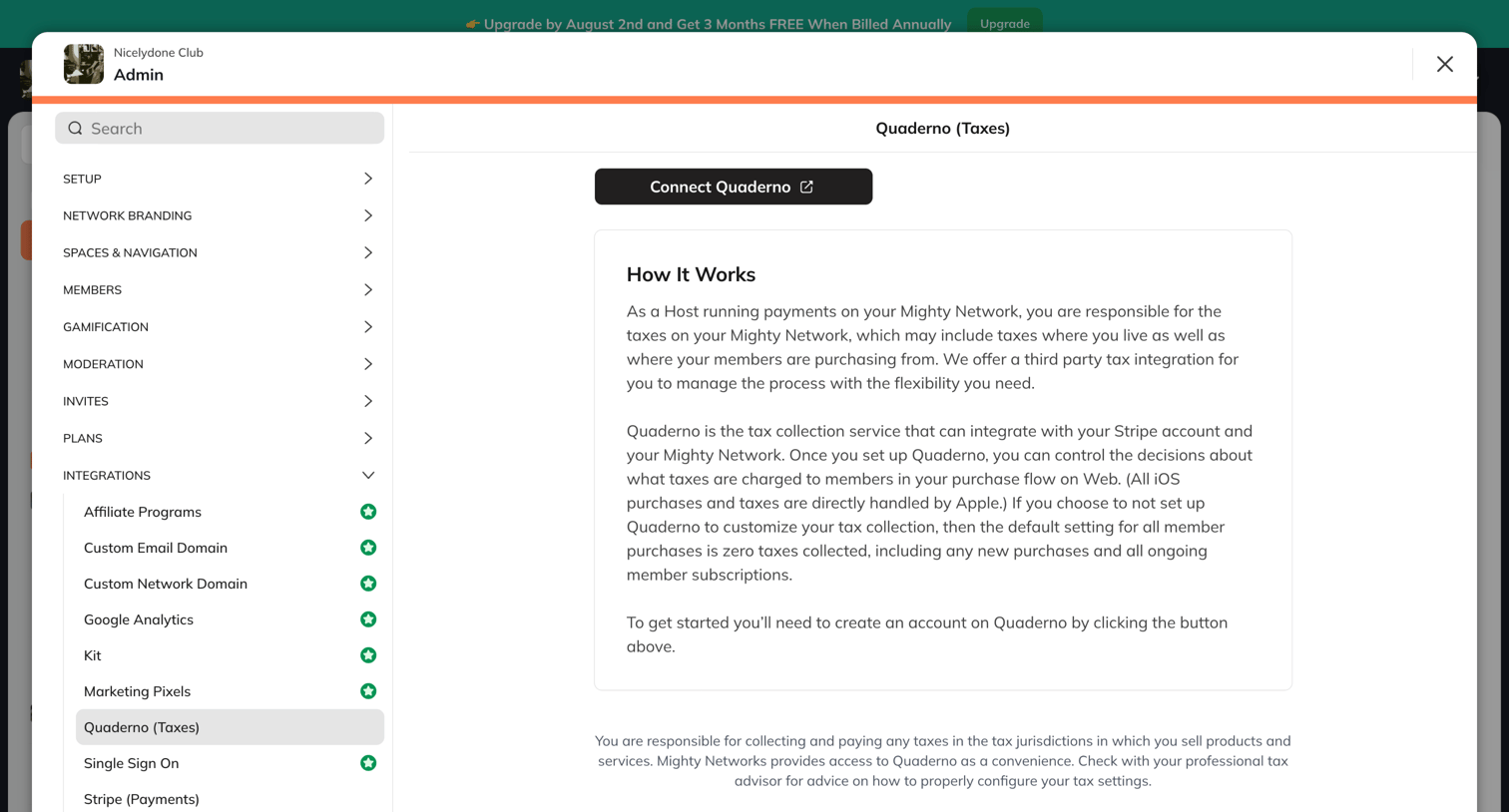

Settings modal where the user can connect the Quaderno tax integration and read an explanation of how it works.
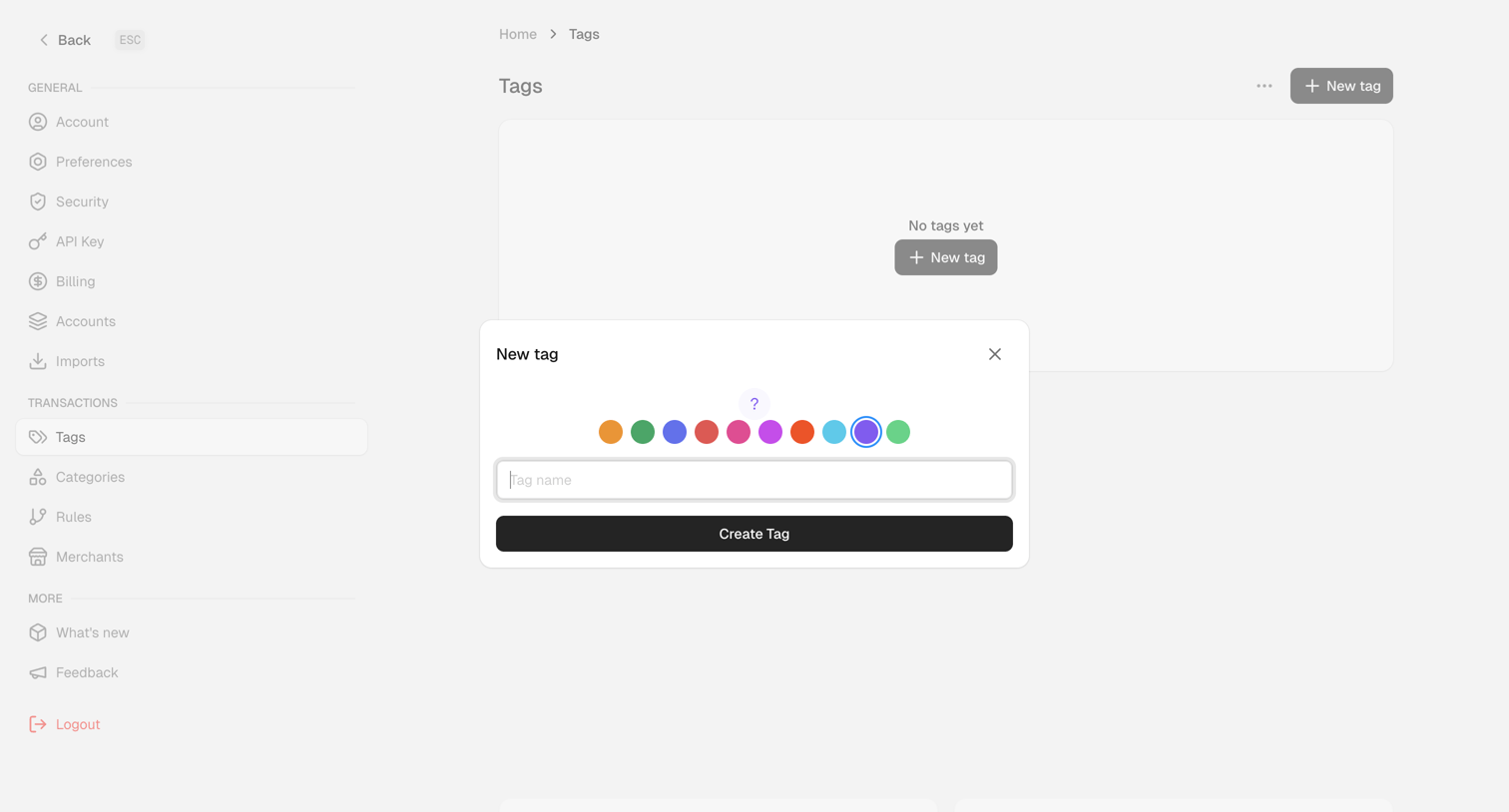

Settings page where the user creates a new transaction tag by selecting a color and entering a name in a modal.
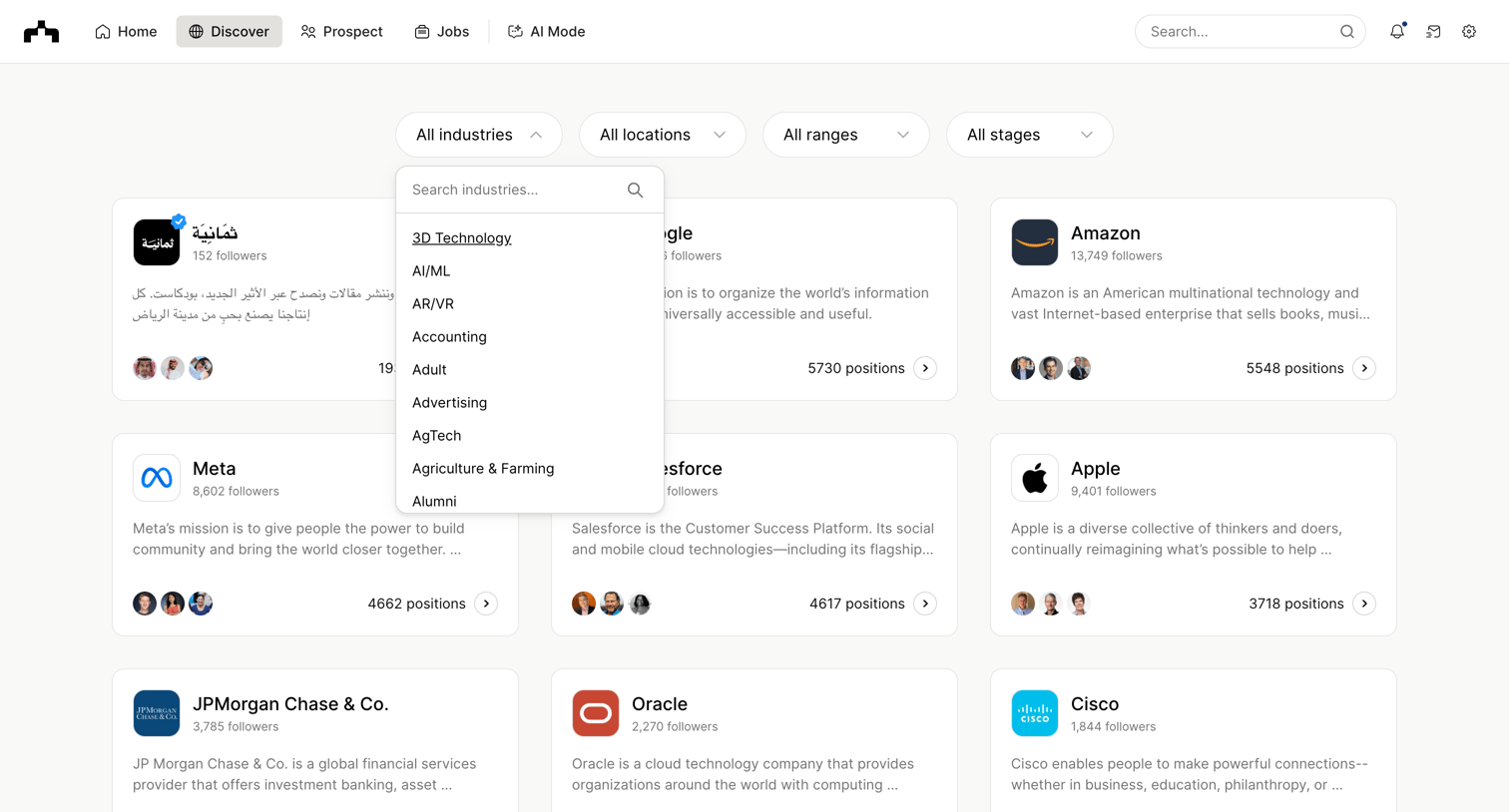

Directory page where the user browses and filters a grid of company profiles by industry, location, size, and stage.
Explore the full SaaS screen library
Upgrade to unlock the full library.
Trusted by the best teams







