File upload modal screen examples
File upload modal screen design examples from SaaS apps. Browse examples from Riverside, Extend, Dock.
Explore the examples
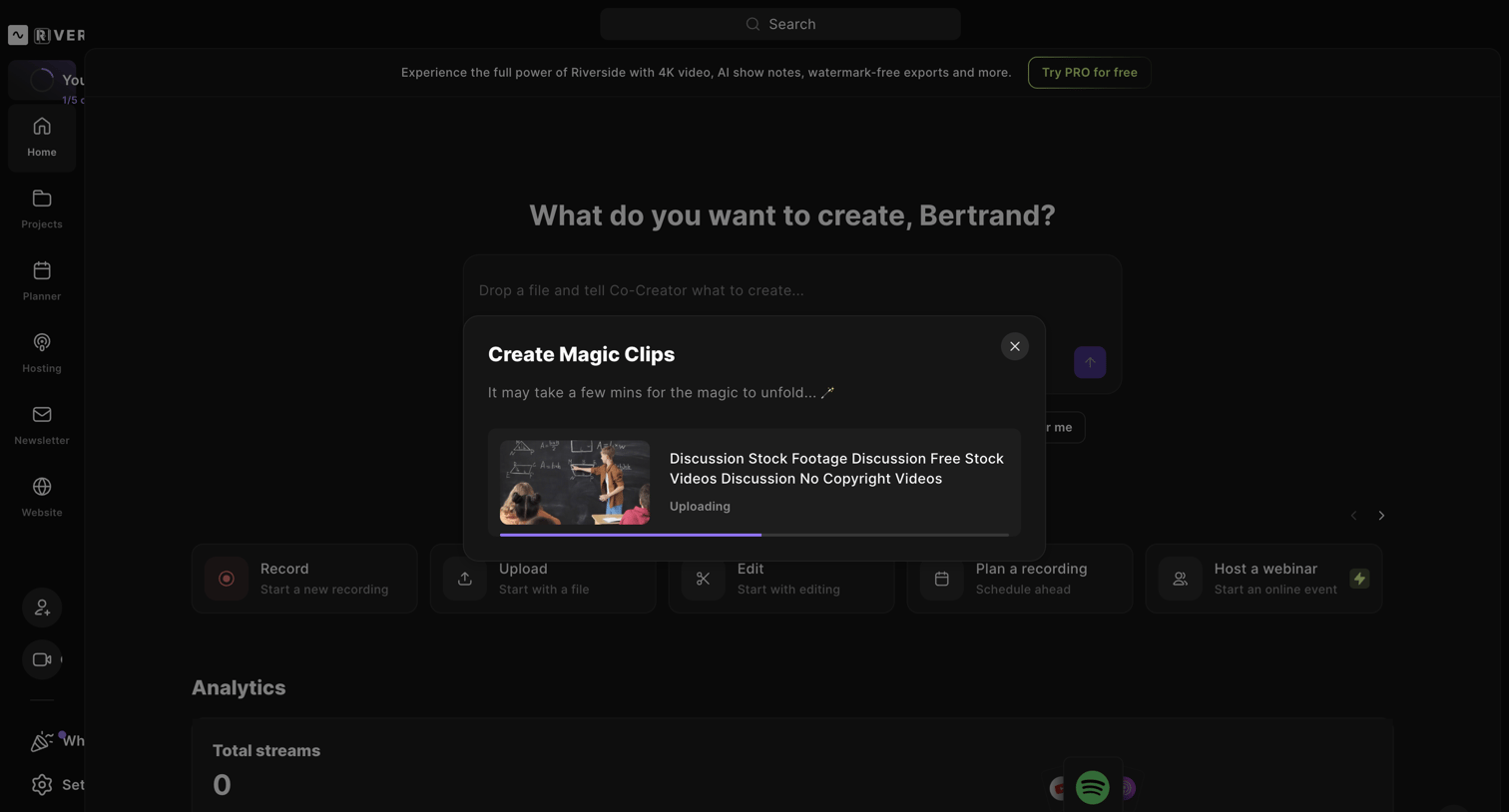

Home dashboard where the user is uploading a video file via a modal to generate AI magic clips, with creation shortcuts and analytics visible in the background.
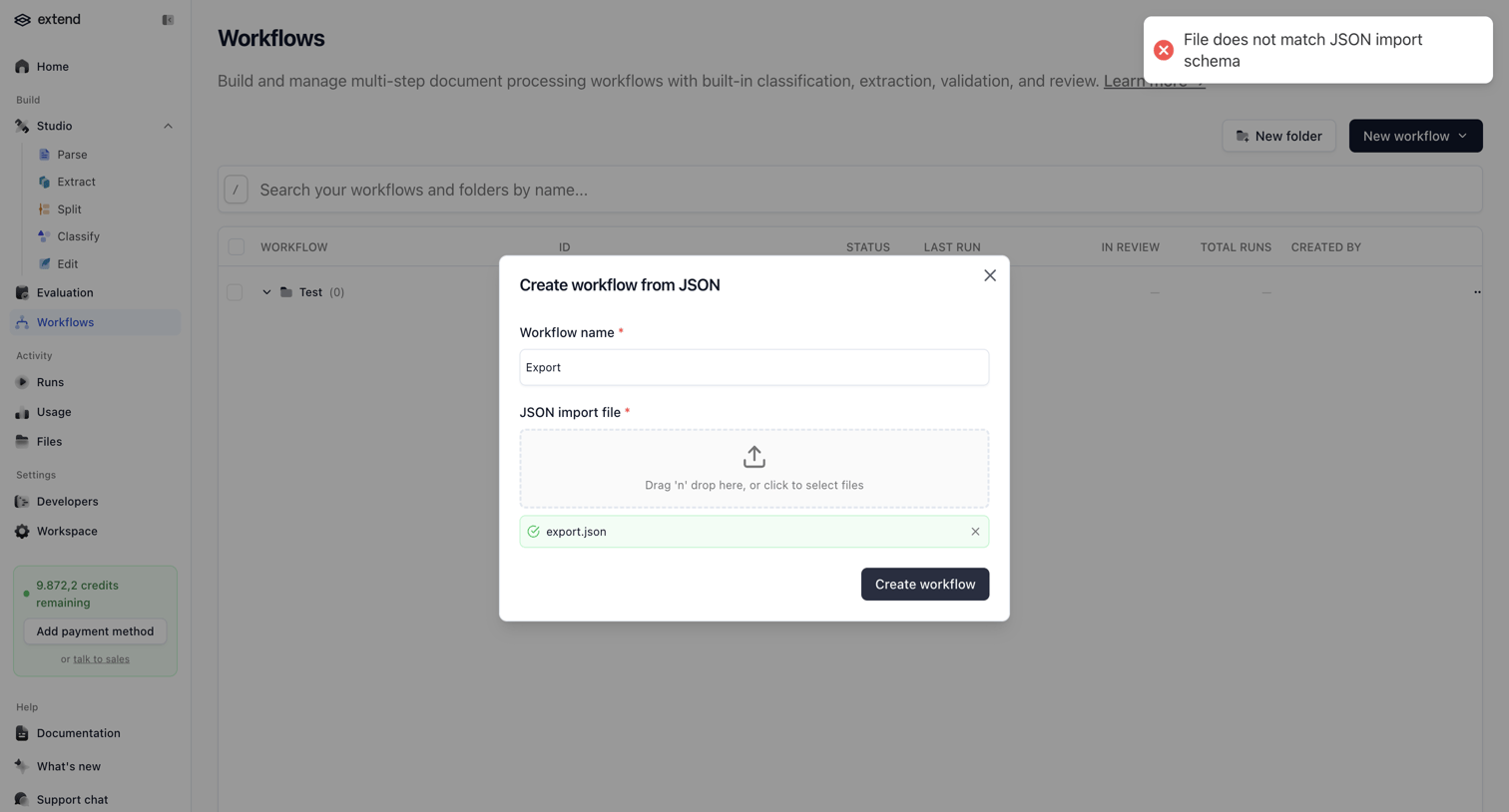

Creation modal where the user attempts to import a new workflow from a JSON file but encounters a schema validation error.
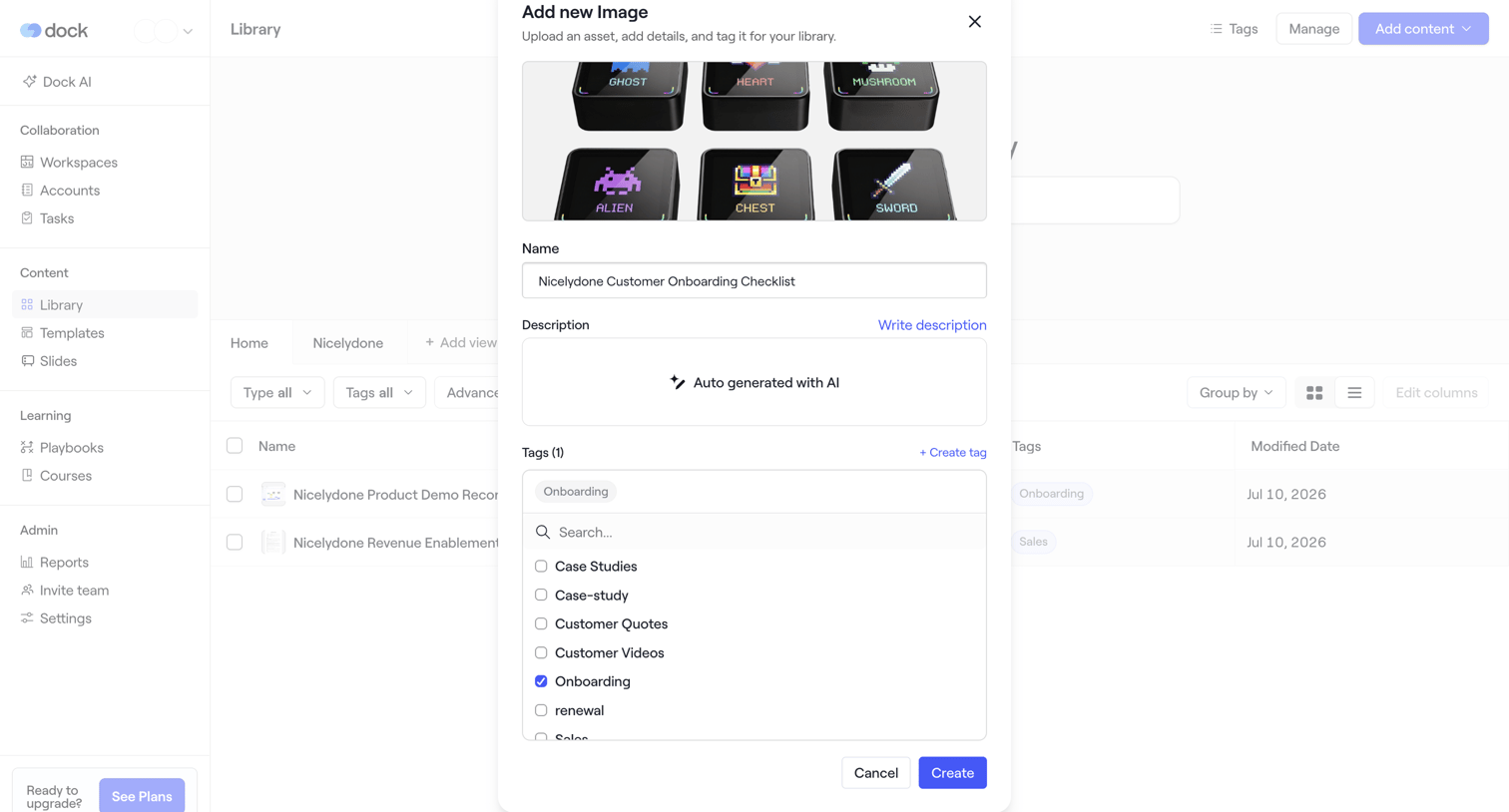

Create page where the user uploads a new image asset, names it, and assigns tags like onboarding or case studies via a searchable combobox.
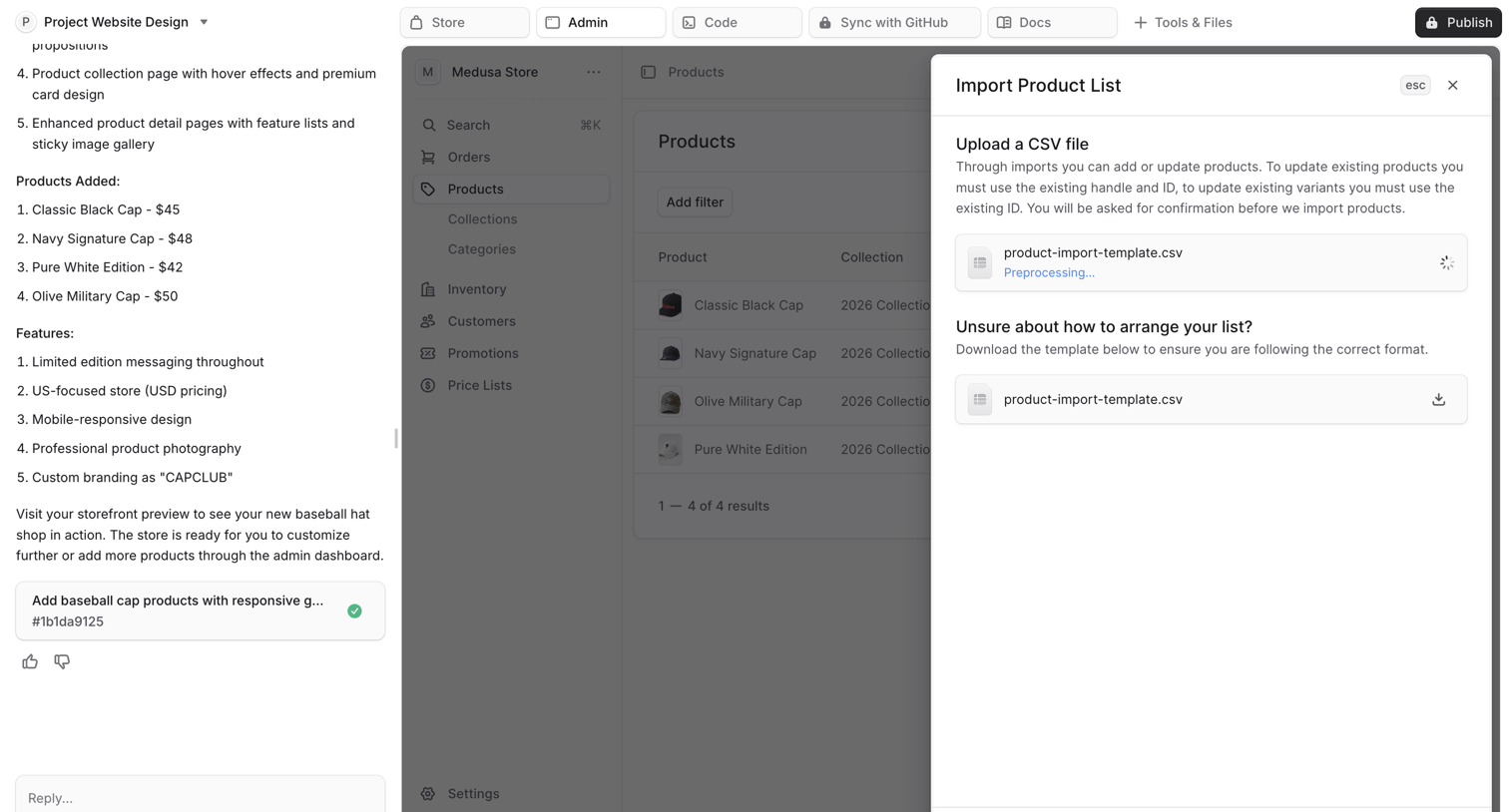

AI chat interface where the user is building an ecommerce store and has opened a modal to import a product list via CSV.
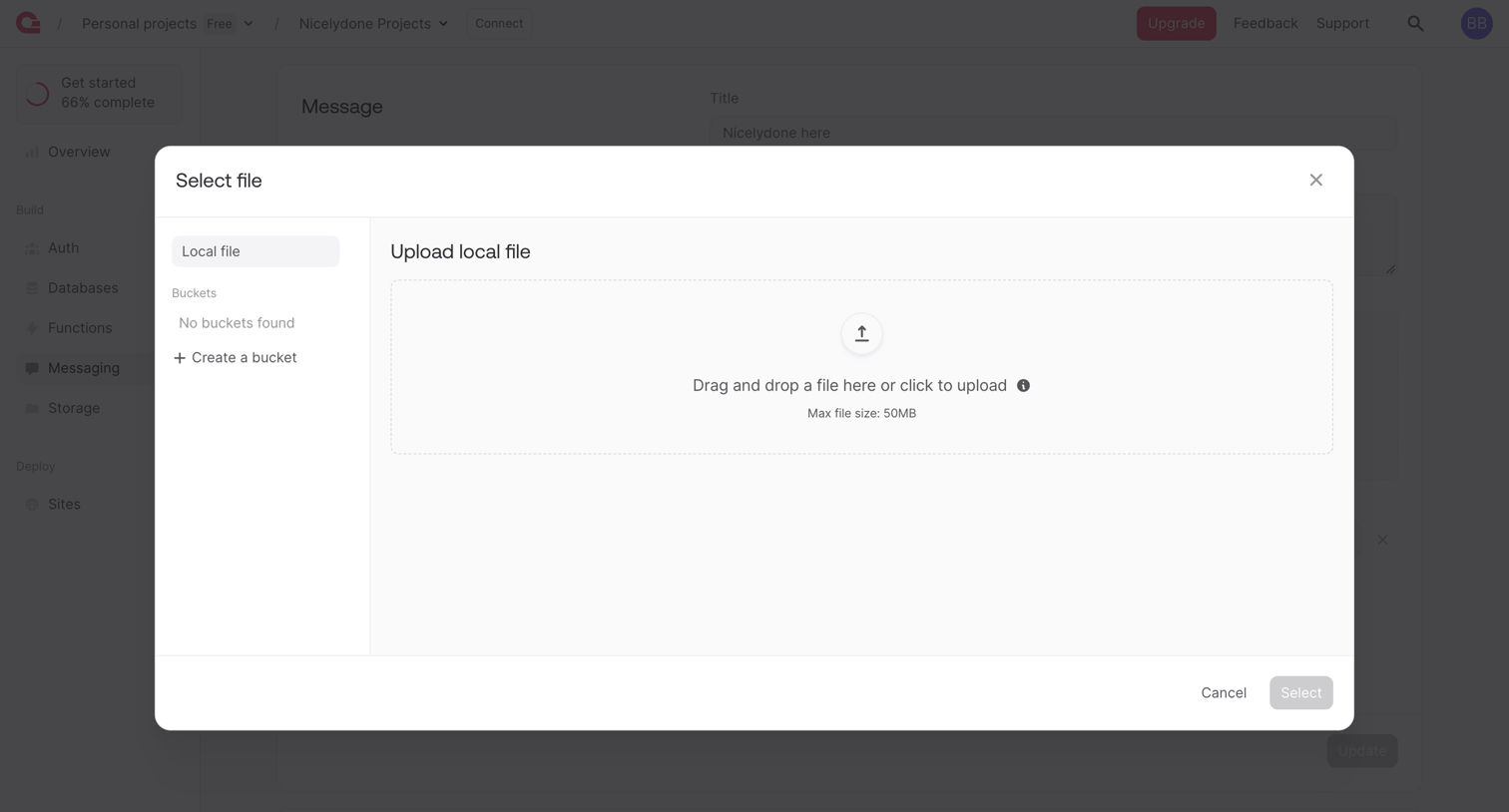

Detail page where the user uploads a local file or selects from a storage bucket to attach to a message.
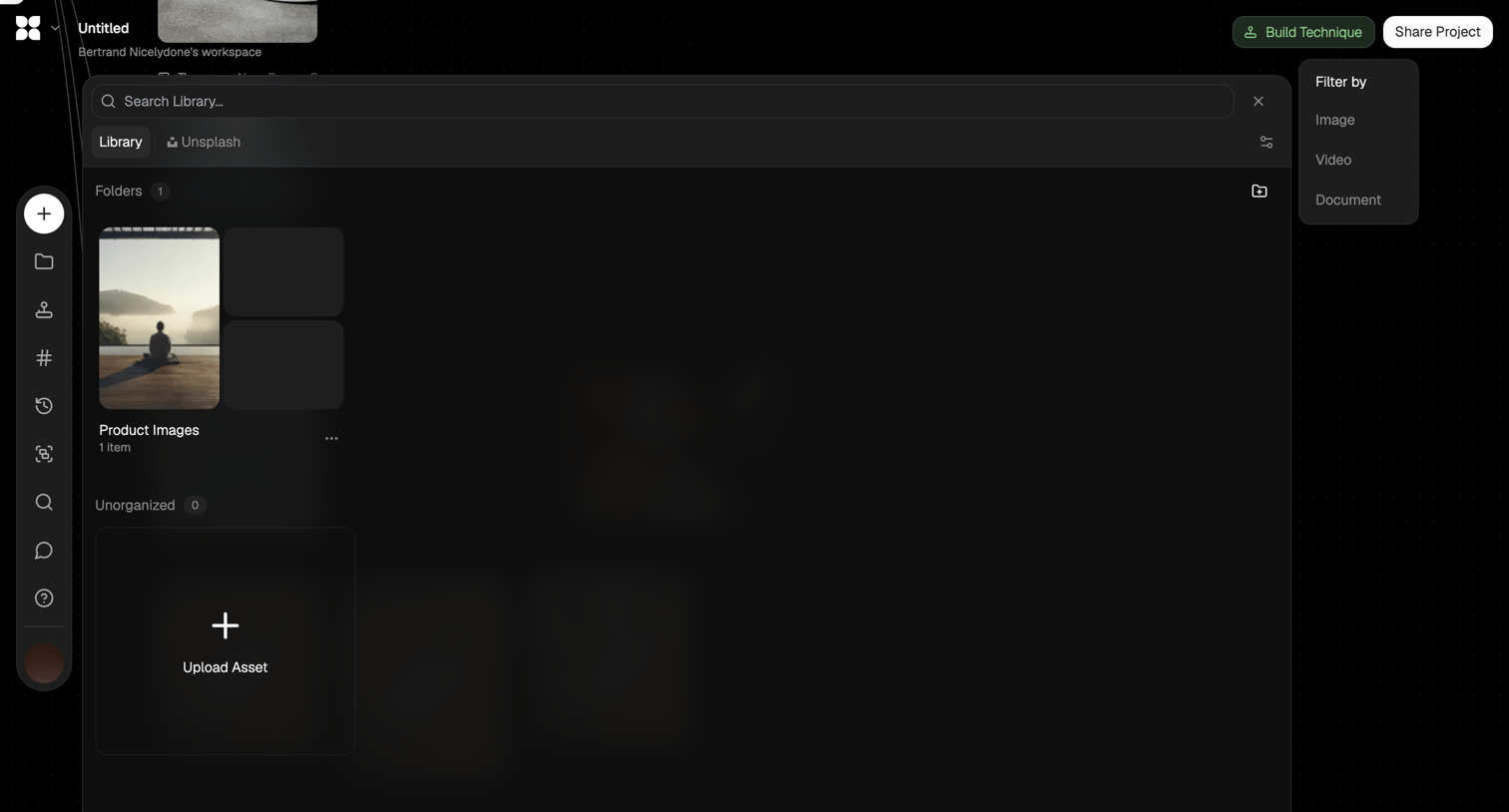

Design editor where the user searches, filters, and uploads media assets via a large library modal.
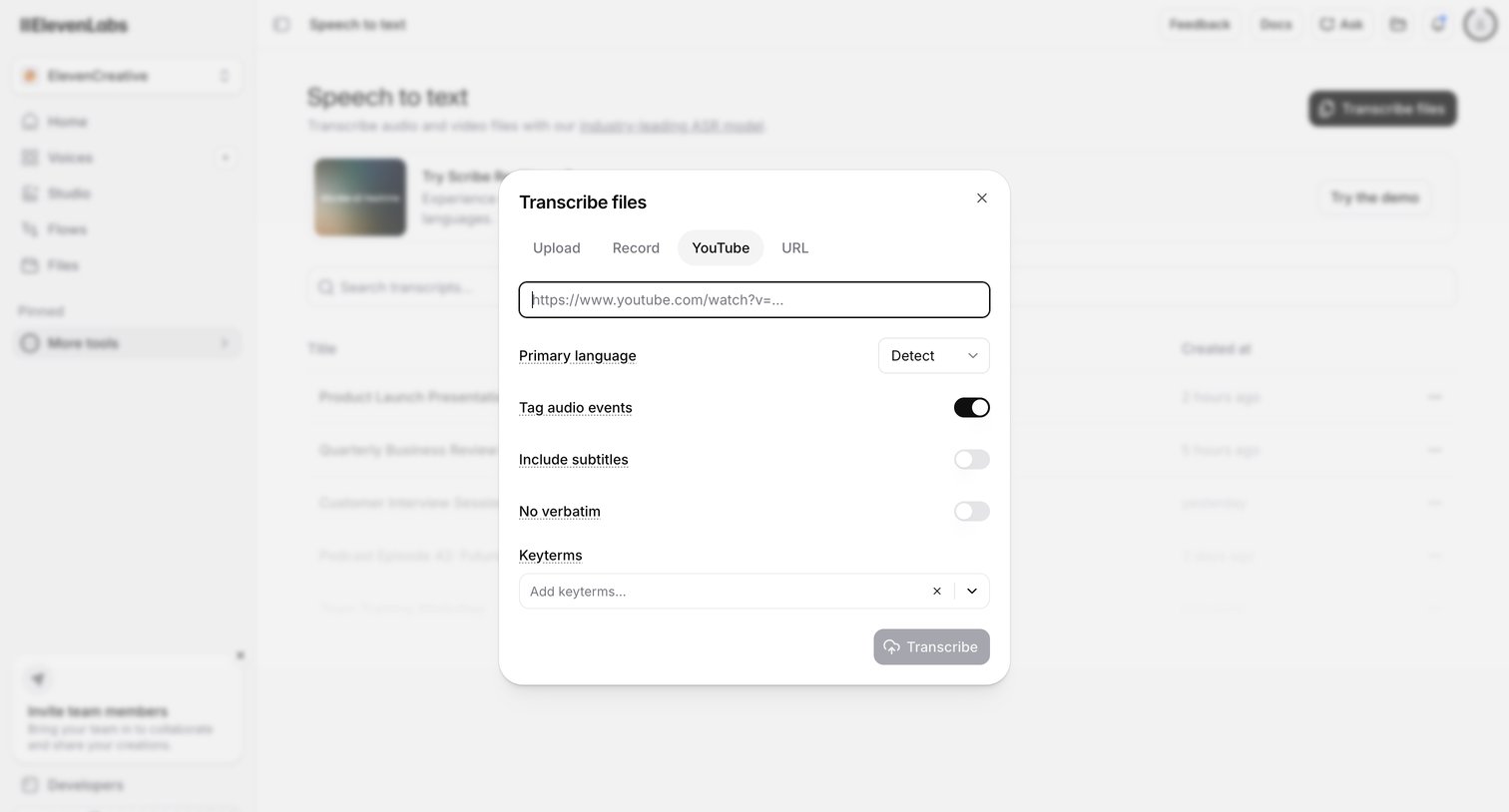

Modal overlay where the user configures a new transcription task by providing a YouTube URL, selecting the language, and toggling options for audio events and subtitles.
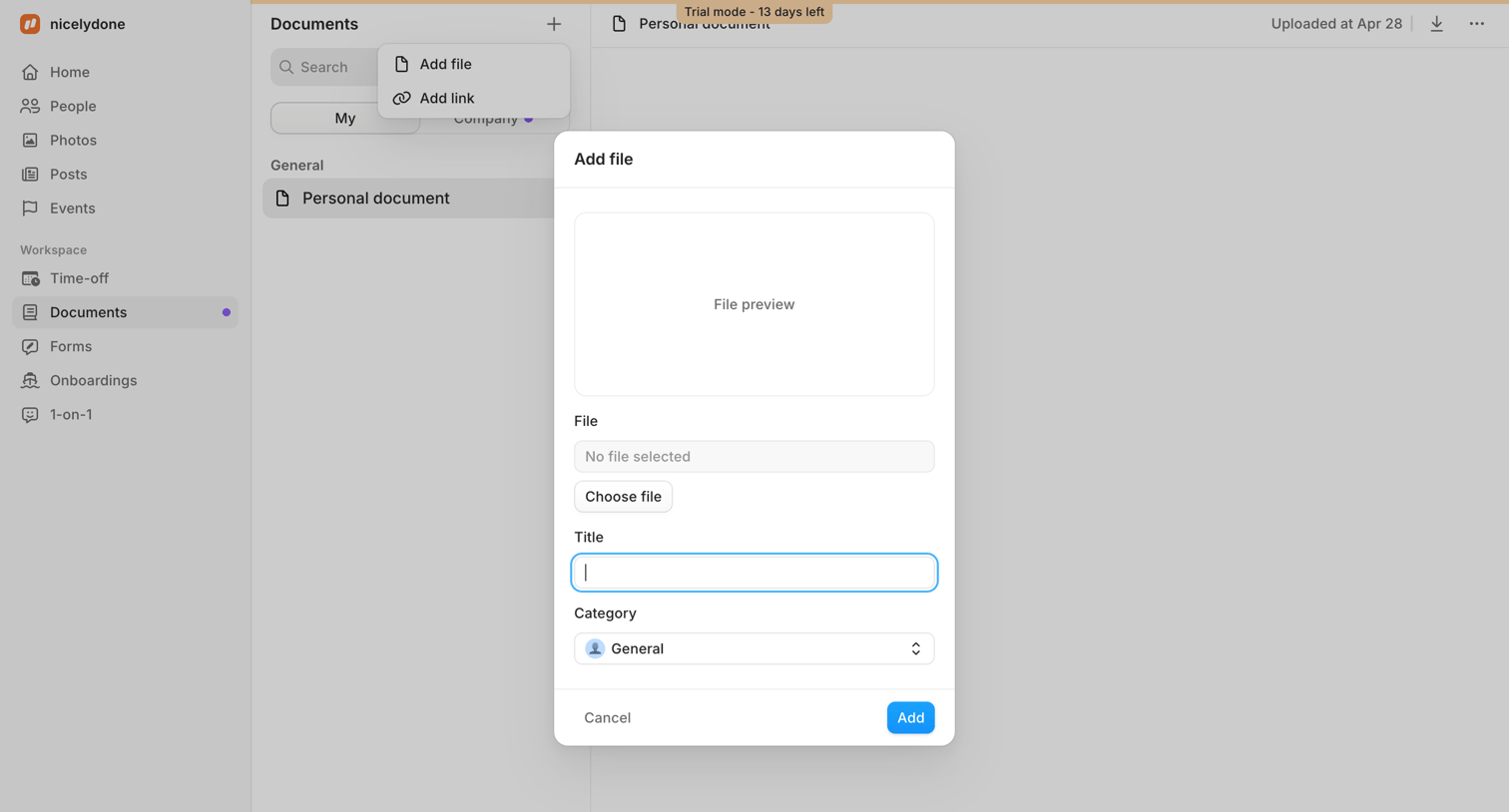

Detail page where the user is uploading a new personal document via a modal form, specifying its title and category.
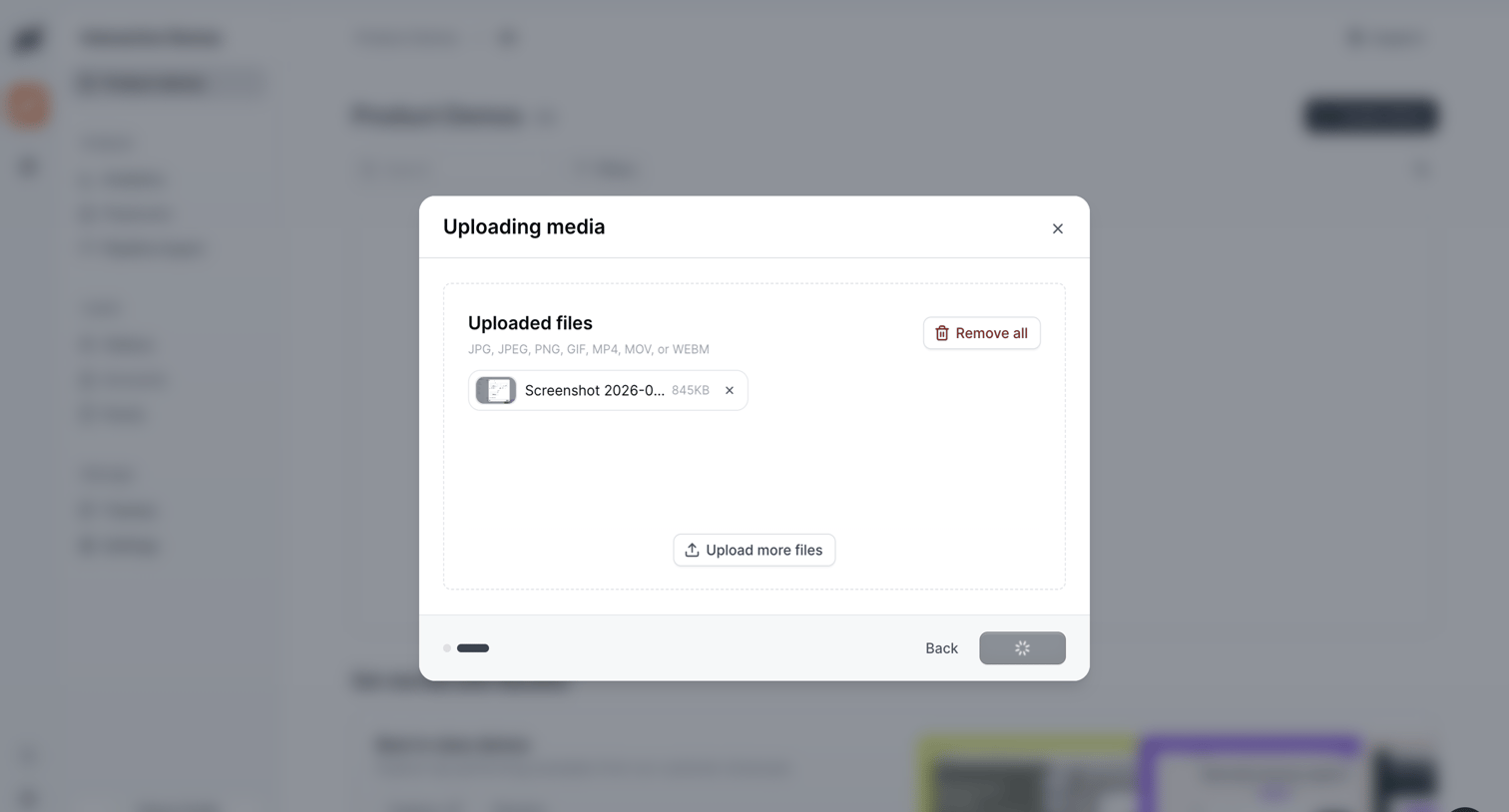

Creation wizard step where the user manages uploaded media files for a product demo before proceeding to the next step.
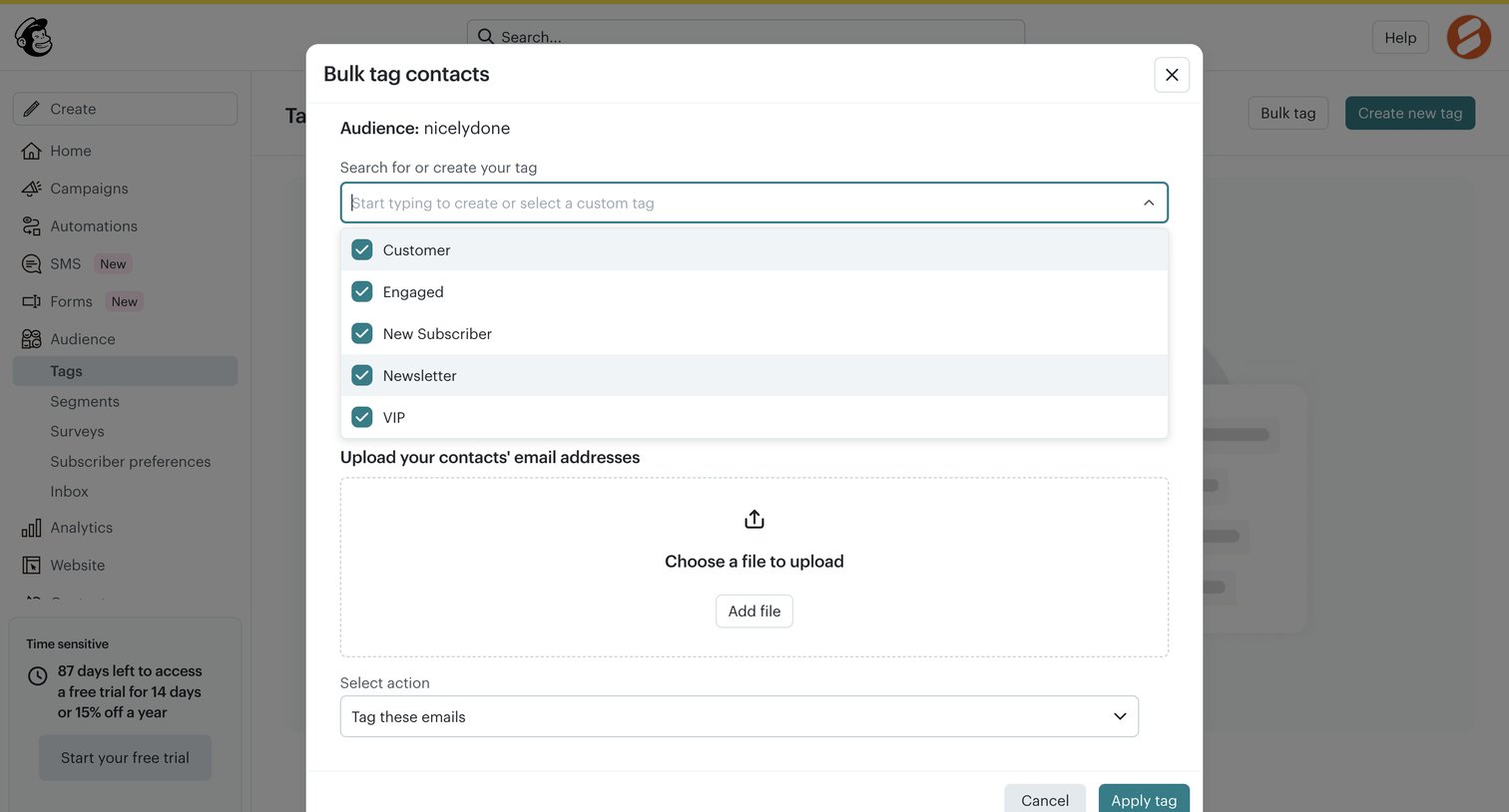

Modal where the user can bulk tag contacts by selecting or creating a tag and uploading a file of email addresses.
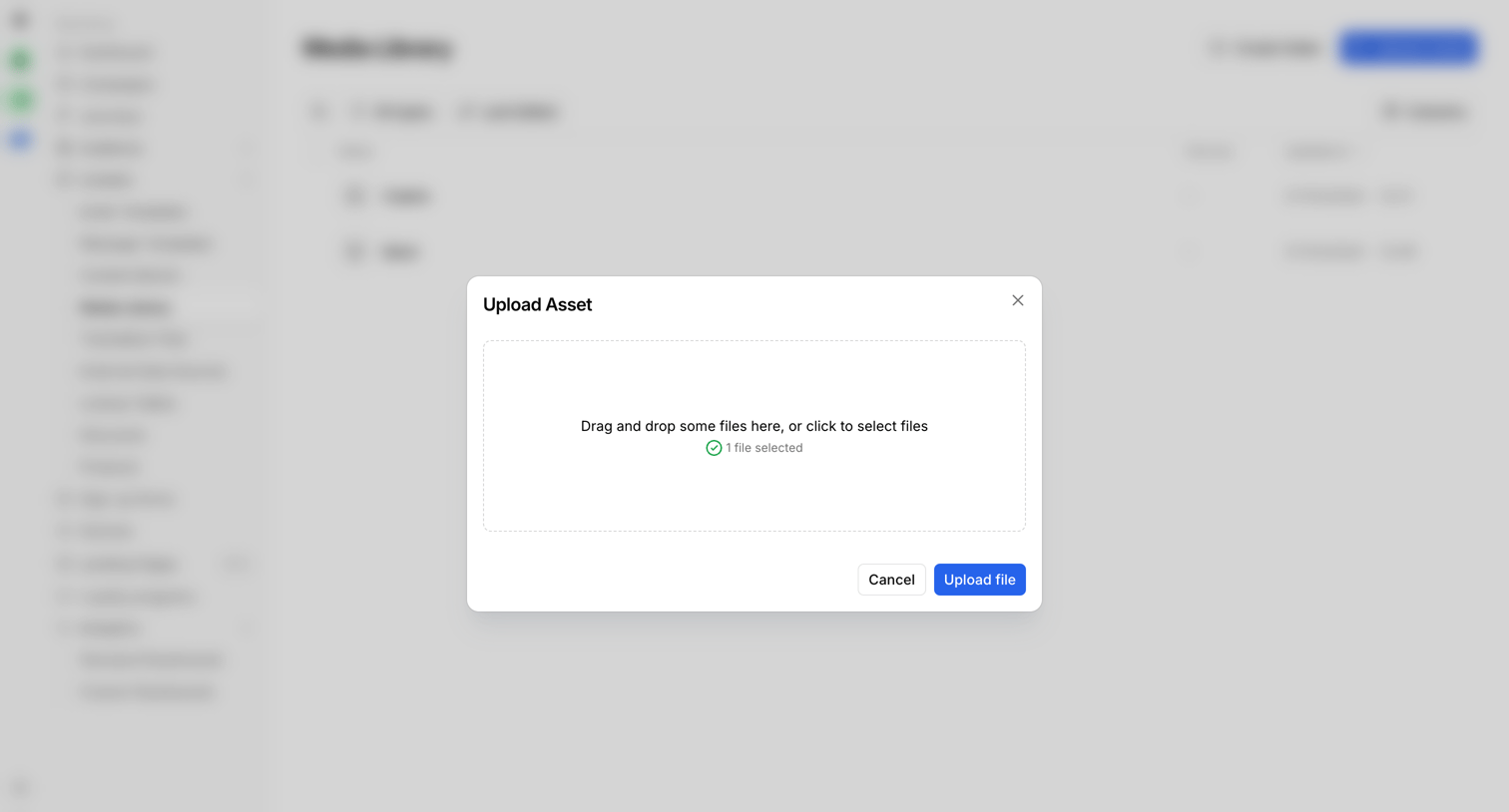

Media library where the user is uploading a new asset via a drag-and-drop modal.
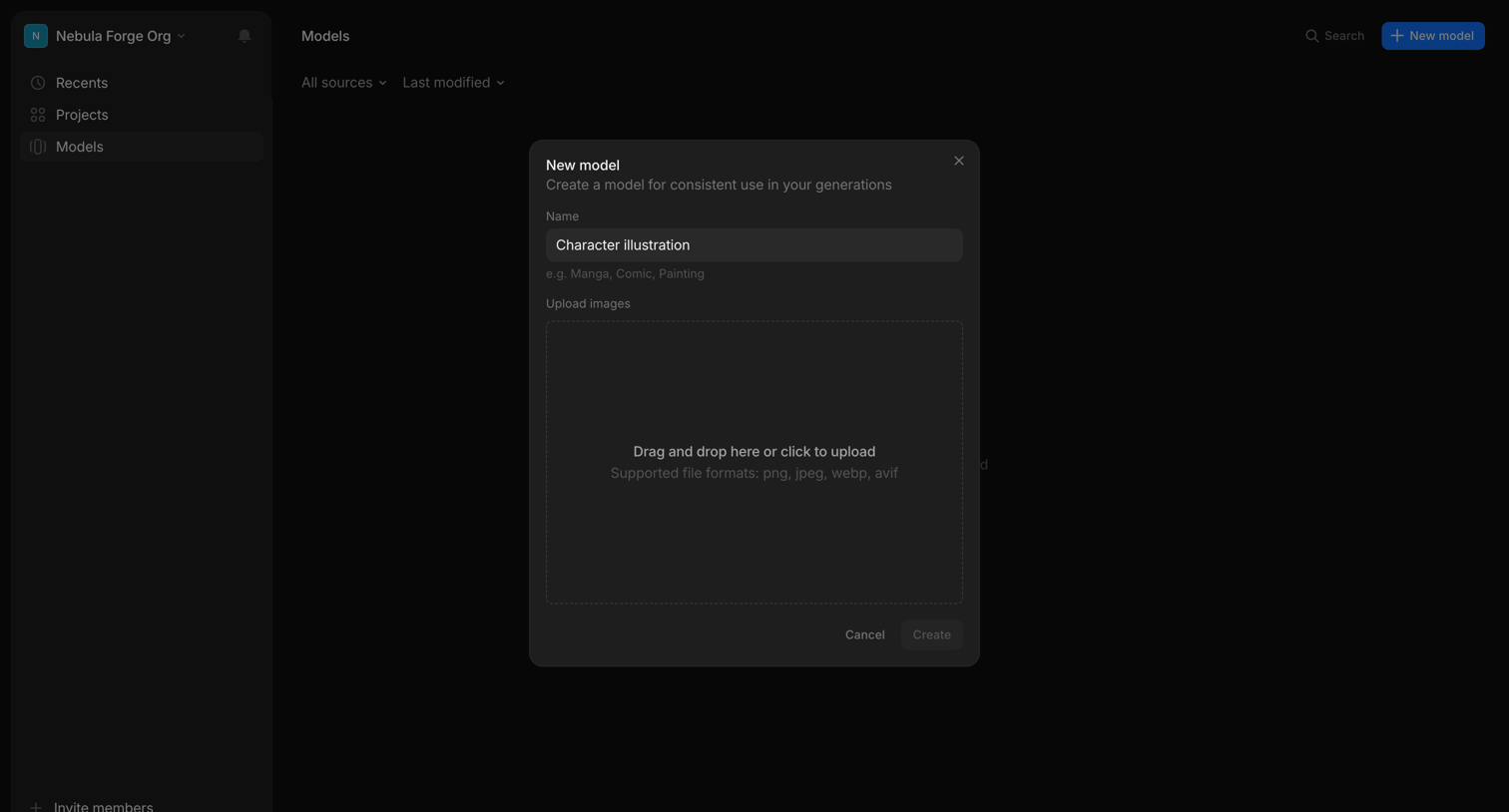

List view where the user opens a modal to create a new custom model by naming it and uploading reference images.
Explore the full SaaS screen library
Upgrade to unlock the full library.
Trusted by the best teams







